Blog posts with a pulse.
Opinionated comparisons, source-to-social workflows, and tactical essays for creators who want proof, polish, and speed in the same tab.
Evidence first
Brand aware
Workflow obsessed
Anti-slop writing
Reusable assets
What Is Content Atomization? Stop Reposting, Start Multiplying
Content atomization is how one strong source becomes a week of social assets. Here is the source-first workflow that keeps every post useful, visual, and credible.
Latest guides
Comparisons worth reading
Clear comparisons for creators who care about source quality, speed, and how the final asset actually looks.
What Is Content Atomization? Stop Reposting, Start Multiplying
Content atomization is how one strong source becomes a week of social assets. Here is the source-first workflow that keeps every post useful, visual, and credible.

ChatGPT Images 2.0 vs Highlightly: Pretty Pictures or Publishable Proof?
ChatGPT Images can help make visuals. Highlightly helps create the finished social asset: sourced idea, polished layout, brand system, caption, screenshot, carousel, and export.
Best Canva Alternative for Source-Backed Social Graphics
Canva is excellent once you know what you are designing. Highlightly solves the same social asset problem with more upstream intelligence: extraction, templates, captions, attribution, brand controls, and exports.

Best NotebookLM Alternative for Research-to-Social Publishing
NotebookLM is a strong research assistant with citations, Audio Overviews, Video Overviews, mind maps, and study artifacts. Highlightly adds the publishing layer: extract, package, brand, caption, and export.
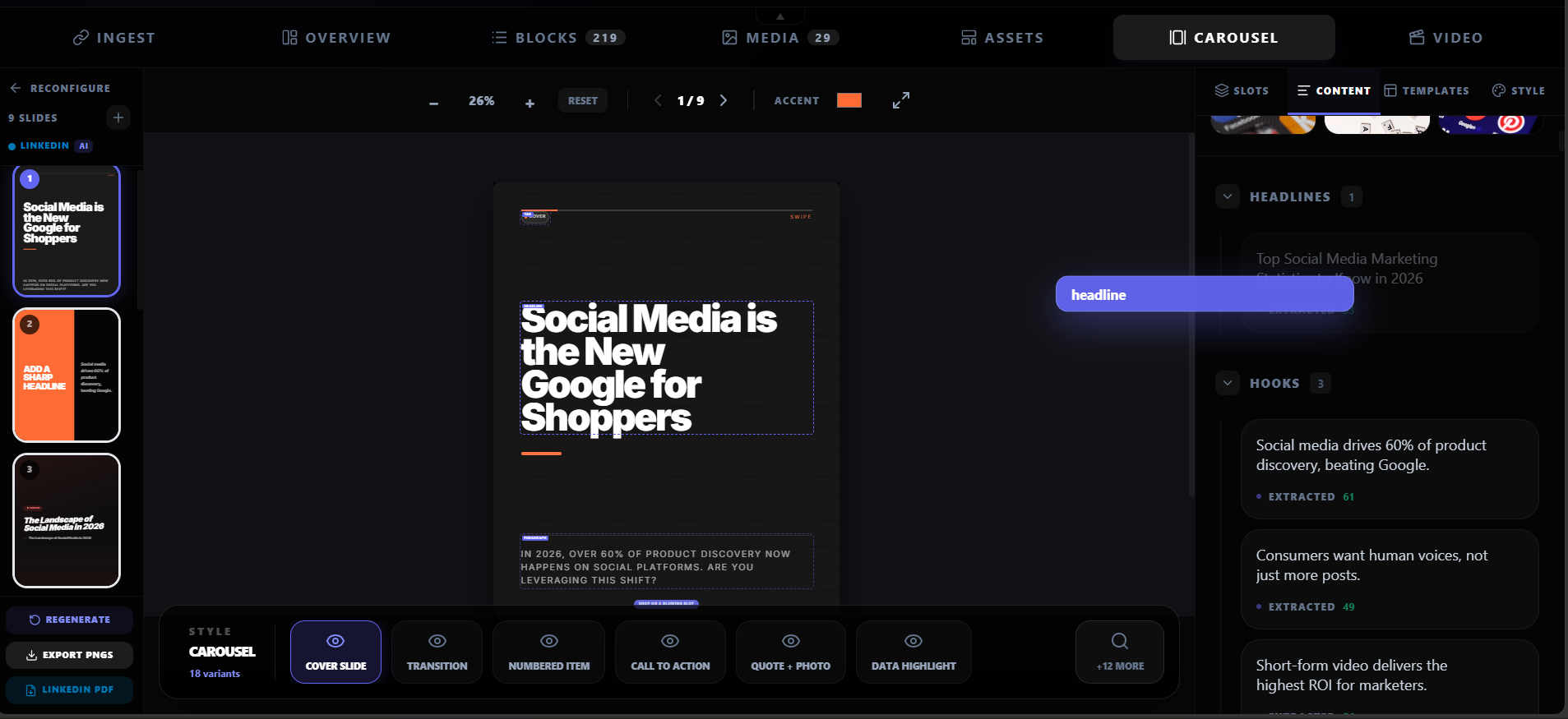
How to Turn a Blog Post into a LinkedIn Carousel
A good LinkedIn carousel is not a blog post chopped into slides. It is a selected argument, packaged one idea at a time.

Best ContentDrips Alternative for Source-First AI Carousels
If you are comparing ContentDrips and Highlightly, the question is not whether Highlightly can generate carousels. It can. The bigger question is whether the same source should also become proof cards, screenshots, captions, polished variants, and export-ready branded assets.

Nano Banana vs Highlightly: Image Model or Source-To-Social Workflow?
Nano Banana is strong when the job is image creation. Highlightly solves the publishing version of that job: create a visual asset, connect it to real material, package it for platforms, and export it on-brand.
Claude Design vs Highlightly: Prompted Prototypes or Publishable Social Assets?
Claude is excellent for open-ended artifacts. Highlightly solves the recurring social asset job better: create the post, keep the proof, apply the brand, generate captions, and export platform-ready graphics.
How to Repurpose a Blog Post into 10 Social Media Assets
Turn one blog post into 10 social media assets with this source-backed repurposing workflow. Quote cards, stat graphics, carousels, captions, and more.
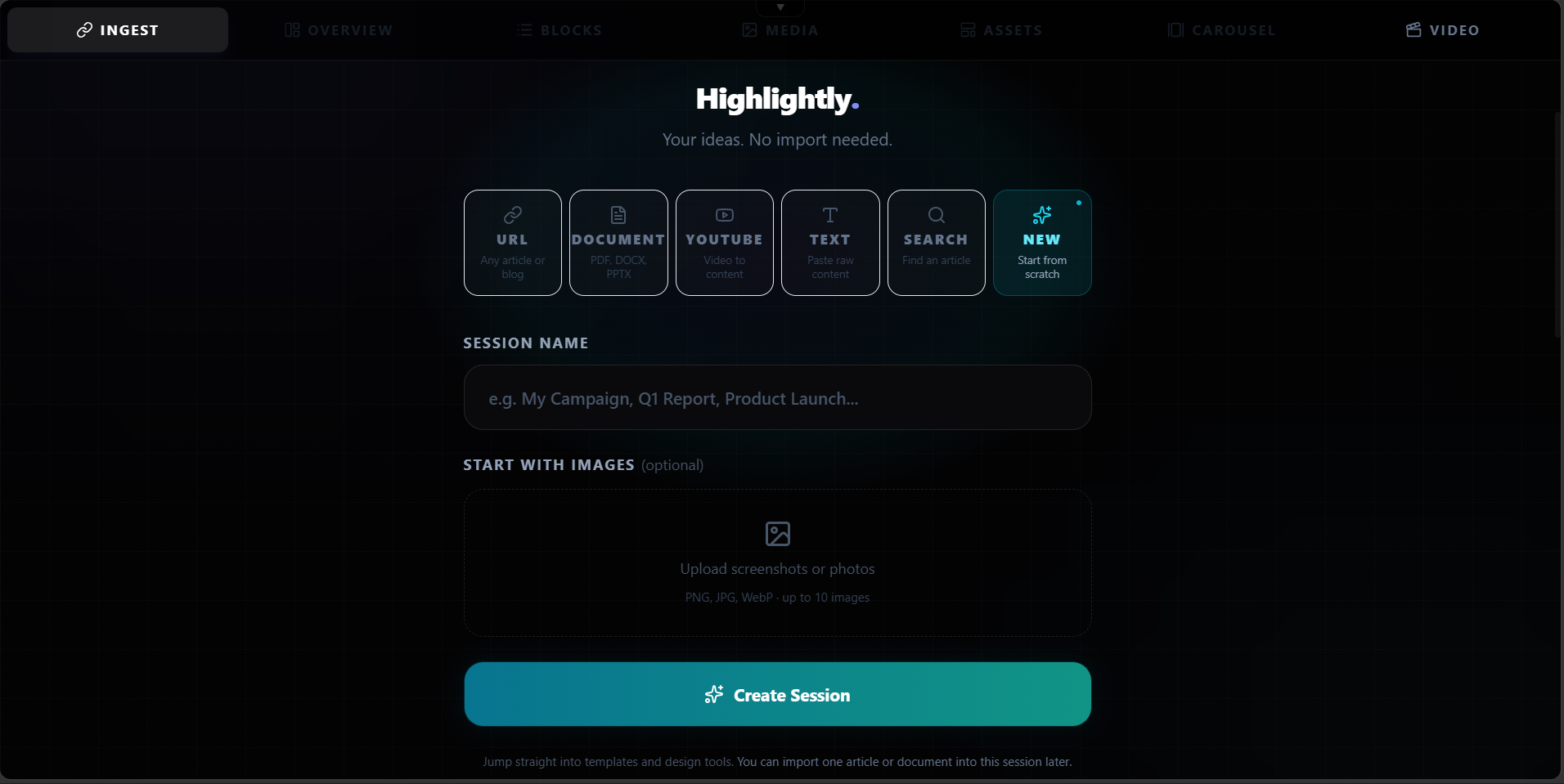
Content Repurposing Strategy for Small Teams: Do More with Less
A practical content repurposing strategy for small teams. Turn one source into a week of social assets across every platform without burning out.
How to Create LinkedIn Carousels That Get Engagement
LinkedIn carousels get 2-3x more reach than text posts. Here is how to create carousels that actually stop the scroll with real data and source-backed content.

Social Media Image Sizes 2026: The Complete Guide for Every Platform
The complete 2026 guide to social media image sizes for every major platform. Dimensions, aspect ratios, and a resize-once workflow for LinkedIn, Instagram, X, Facebook, YouTube, Pinterest, and TikTok.
LinkedIn Carousel Size Guide: Dimensions, Formats, and Best Practices for 2026
The complete LinkedIn carousel size guide for 2026. Exact dimensions, file formats, slide limits, PDF vs image comparison, and design best practices.

Instagram Carousel Size Guide: Dimensions for Feed, Stories, and Reels Covers in 2026
The complete Instagram carousel size guide for 2026. Dimensions for feed carousels, Stories, and Reels covers, plus best practices for swipeable content.
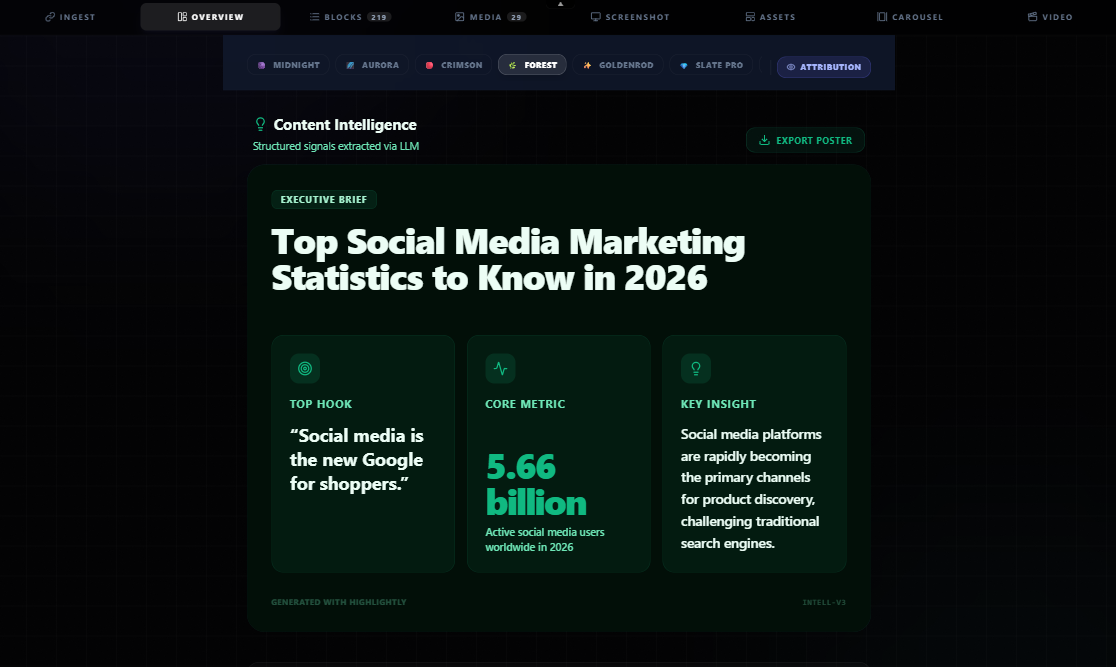
How to Create a Month of LinkedIn Posts from 4 Articles
The 4-article batch strategy for LinkedIn content: each article yields 7-8 assets, giving you a full month of posts. Includes a sample content calendar.
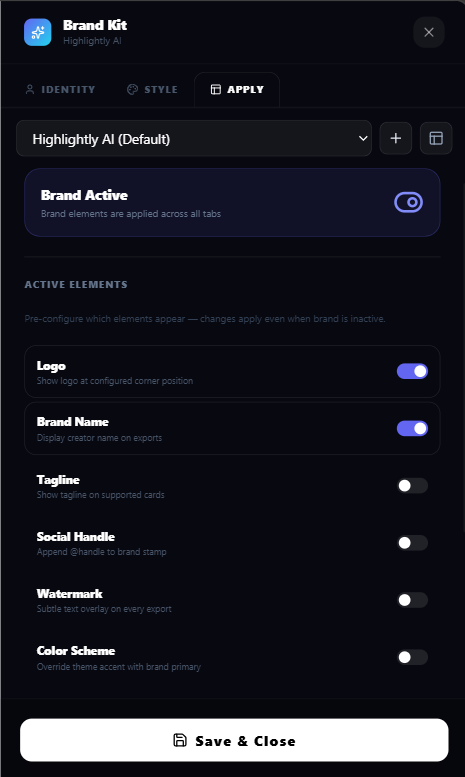
How to Preserve Attribution in Social Media Graphics
How to preserve attribution in social media graphics: watermarks, source labels, handle overlays, and citation best practices that keep your posts credible.
The Human-in-the-Loop Content Workflow: Why AI-Generated Content Needs Human Review
The human-in-the-loop content workflow: why AI-generated content needs human review, and the extract-review-edit-publish process that keeps quality high.
Prompt-First vs Source-First AI: The Difference Matters for Social Content
Prompt-first AI is fast, but source-first AI keeps proof, context, and attribution attached. Here is the better workflow for credible social content.
Canva AI Is Becoming a Creative Operating System. That Still Leaves a Source Problem.
Canva AI can help teams design faster, but source-backed social content still needs extraction, context, attribution, and human review before design begins.
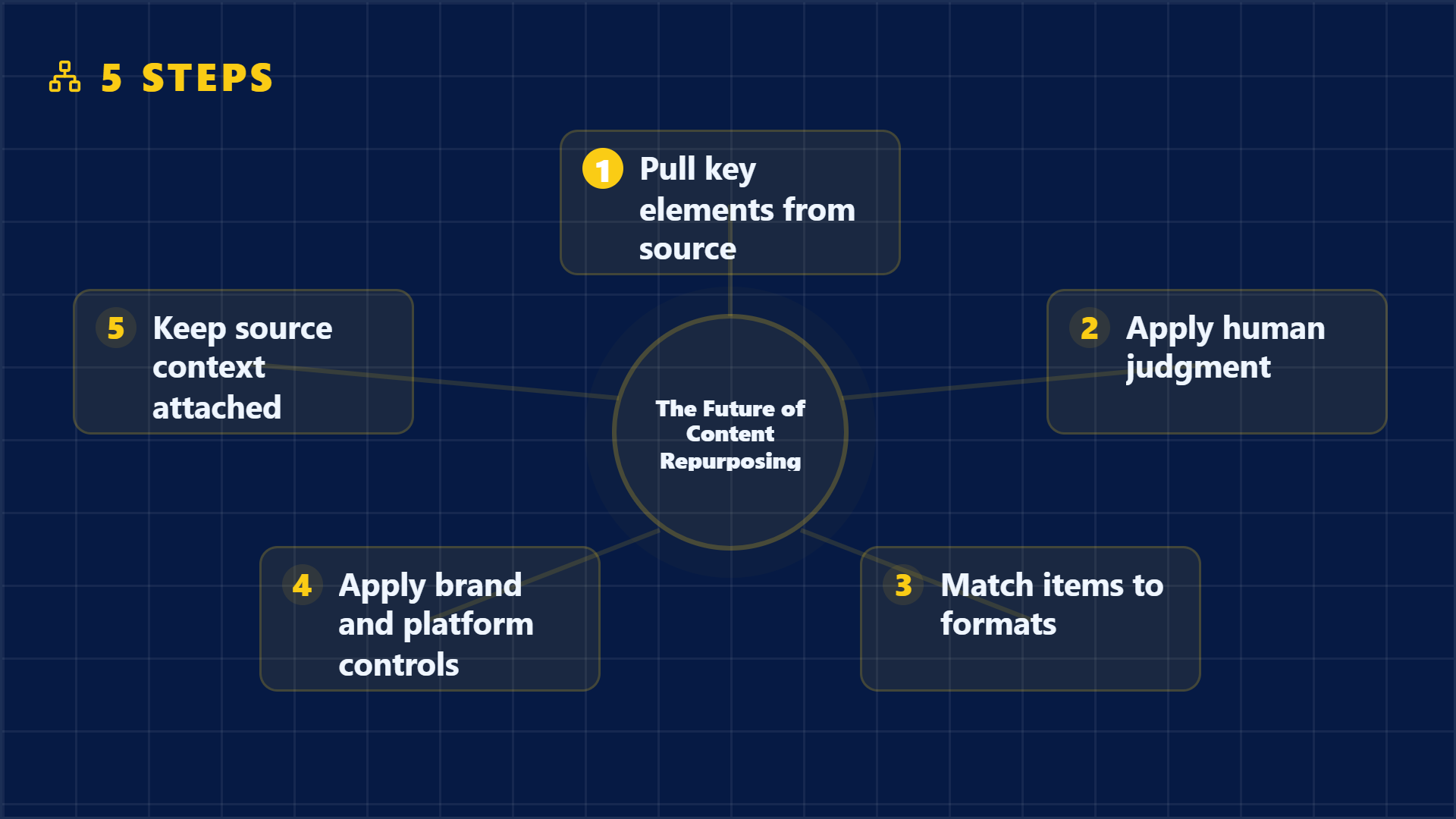
The Future of Content Repurposing Is Source-First, Not Prompt-First
The future of content repurposing is source-first: extract proof from real material, map it to the right format, then design assets people can trust.
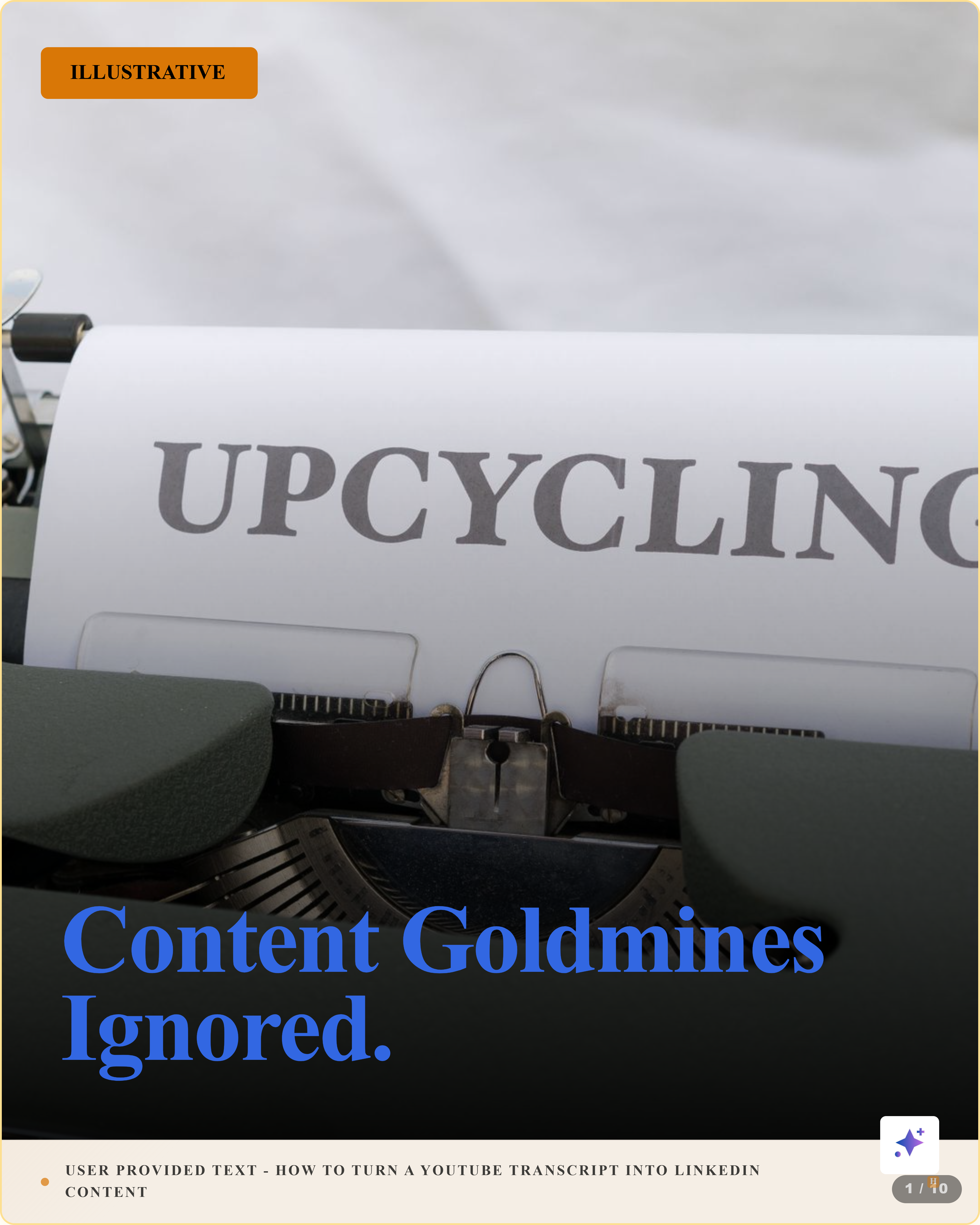
How to Turn a YouTube Transcript into LinkedIn Content
Turn a YouTube transcript into LinkedIn content by extracting quotes, key moments, stats, and frameworks, then packaging them as sourced posts and visuals.
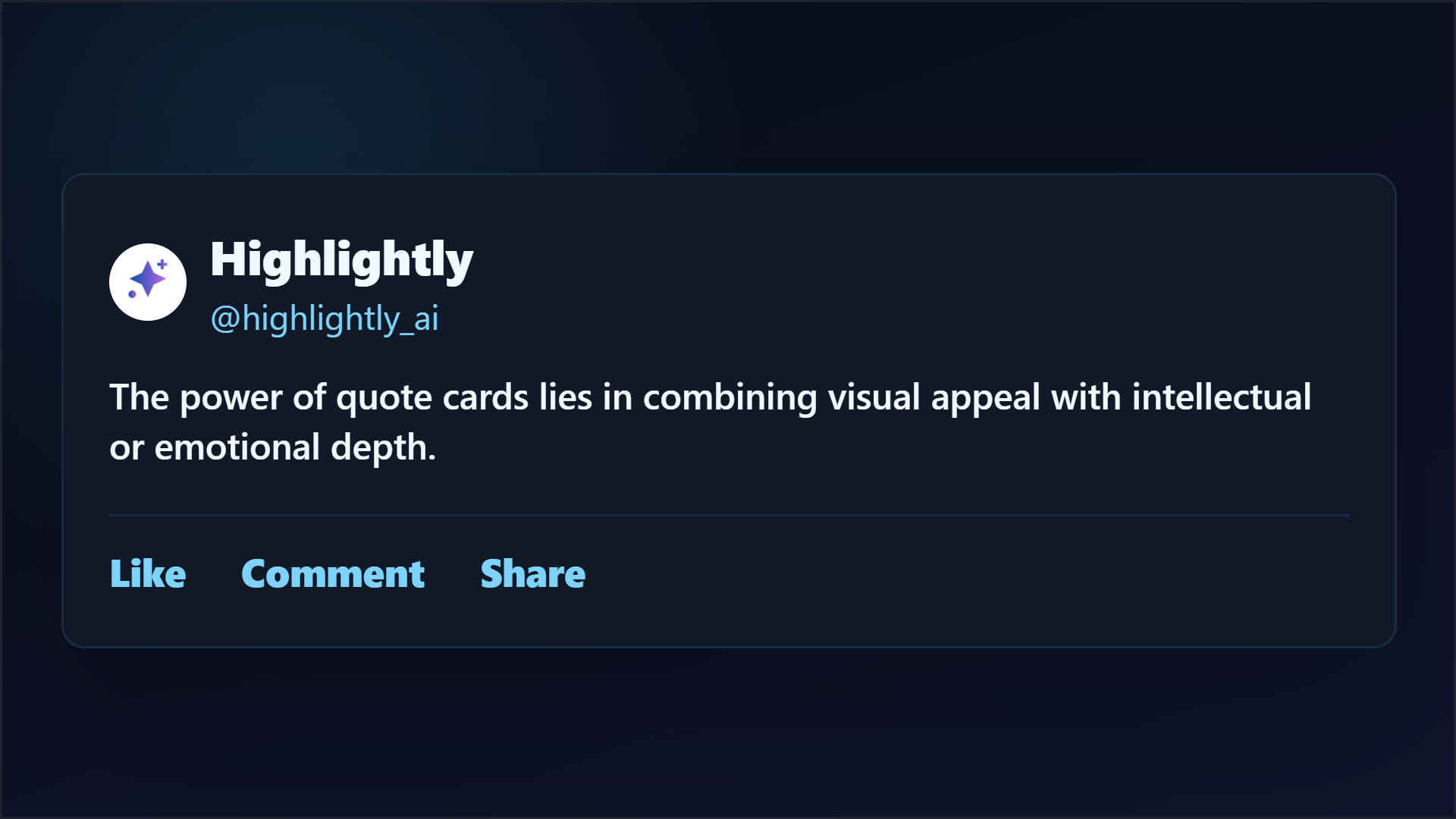
How to Create Quote Cards from Articles
Learn how to create quote cards from articles: choose the right quote, preserve context, design for readability, add attribution, and export platform-ready graphics.
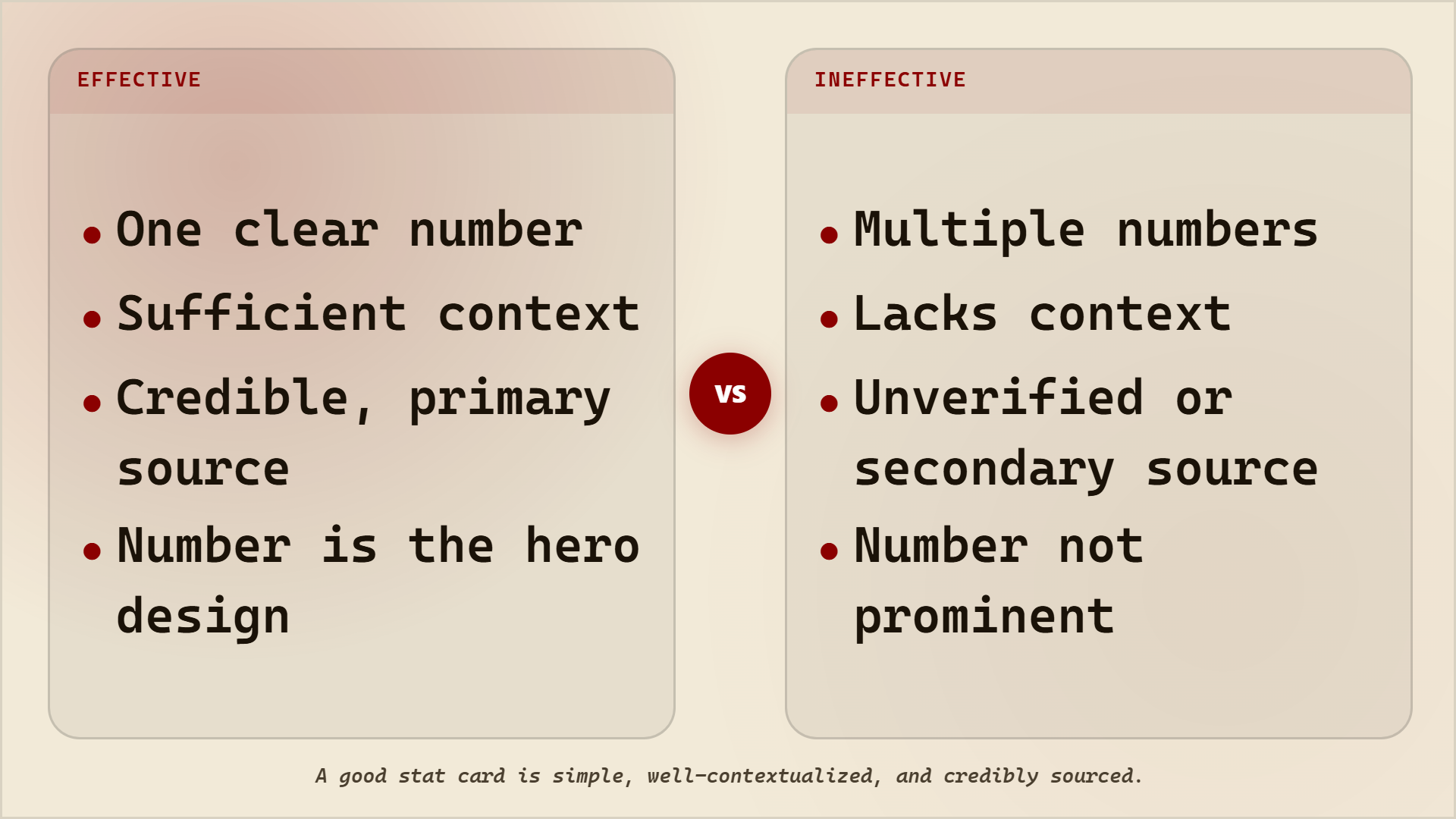
How to Create Stat Cards from Reports
Create stat cards from reports by extracting one clear statistic, preserving context, citing the source, and designing the number for fast social reading.
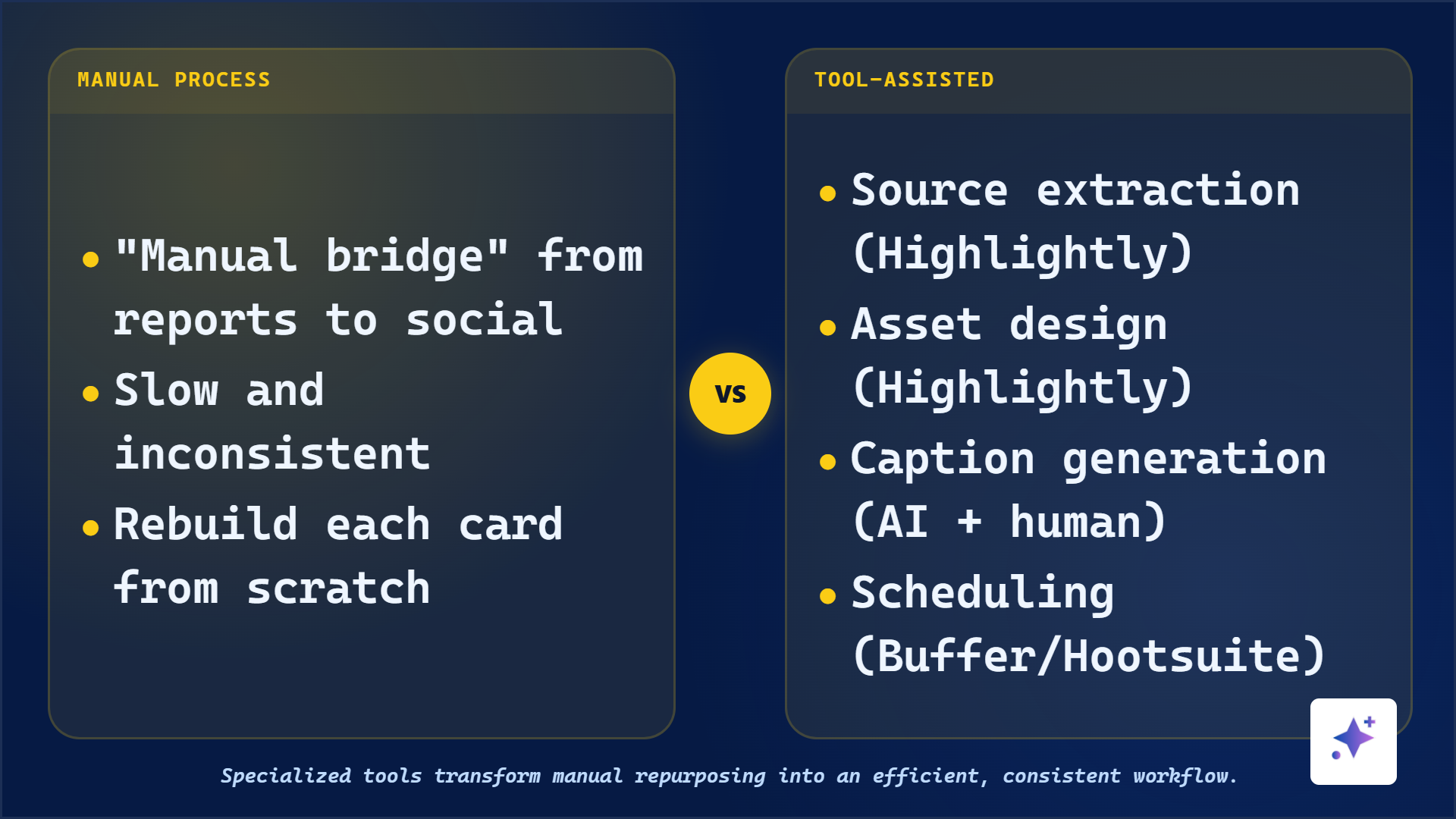
Content Repurposing Workflow for B2B Teams
Build a repeatable B2B content repurposing workflow that turns existing sources into LinkedIn posts, quote cards, stat cards, carousels, and captions.
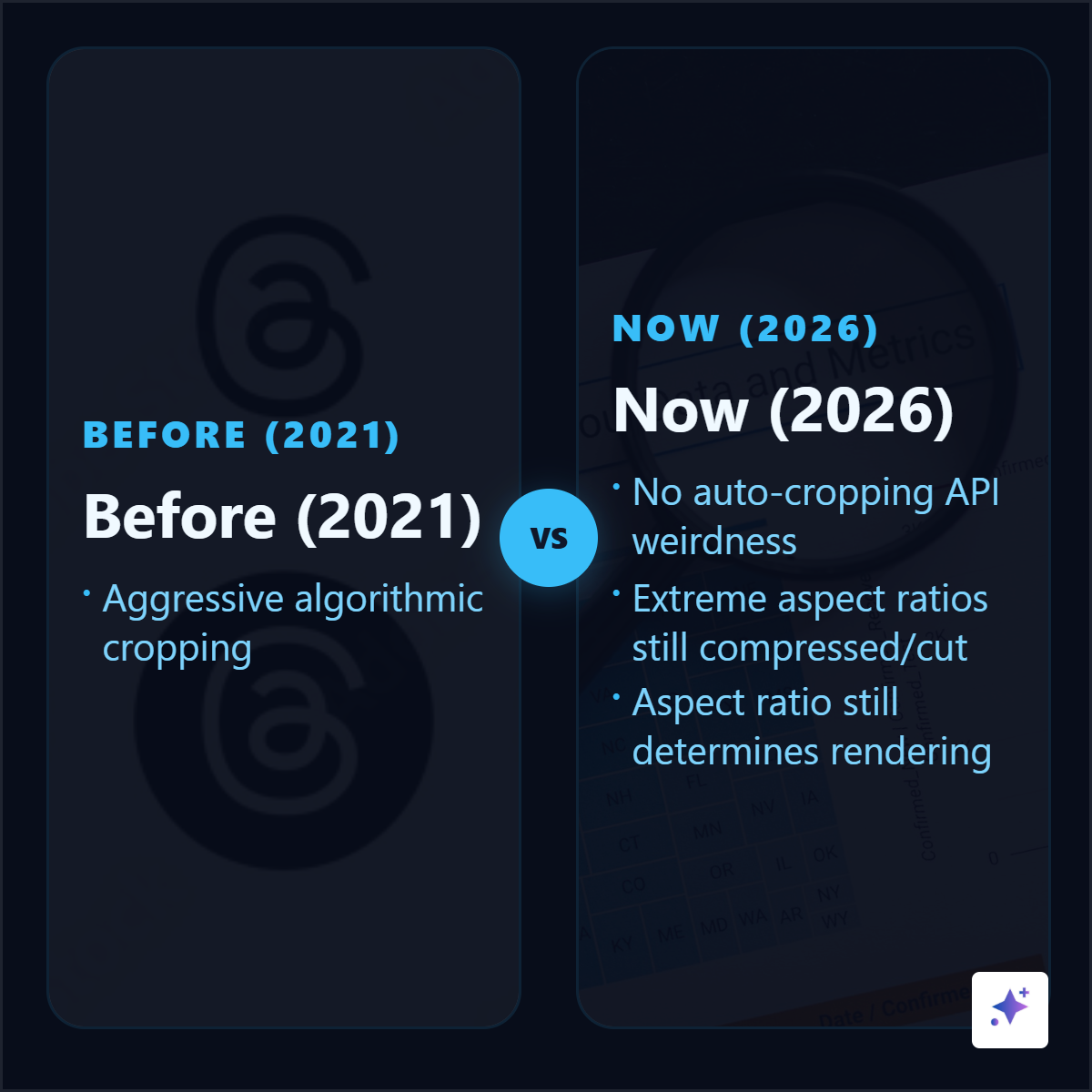
X/Twitter Image Size Guide 2026
Use this X/Twitter image size guide for 2026 to choose square, landscape, portrait, header, profile, ad, and link preview sizes without losing readability.
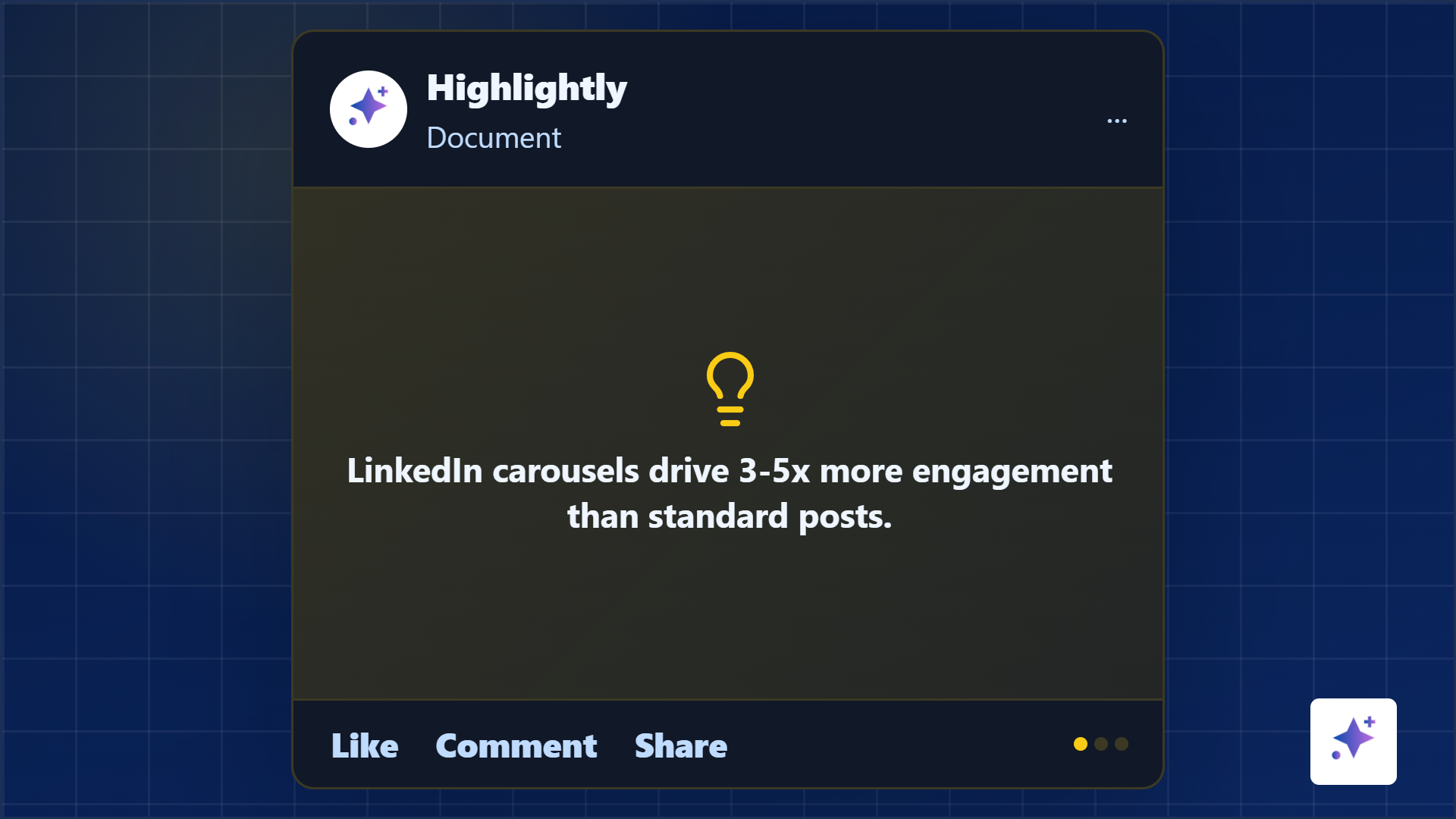
LinkedIn Document Post Guide: Format, Upload, and Optimize Carousels
Learn how to create LinkedIn document posts and carousels with the right file format, slide dimensions, structure, source attribution, and upload workflow.
How Many Slides Should a LinkedIn Carousel Have?
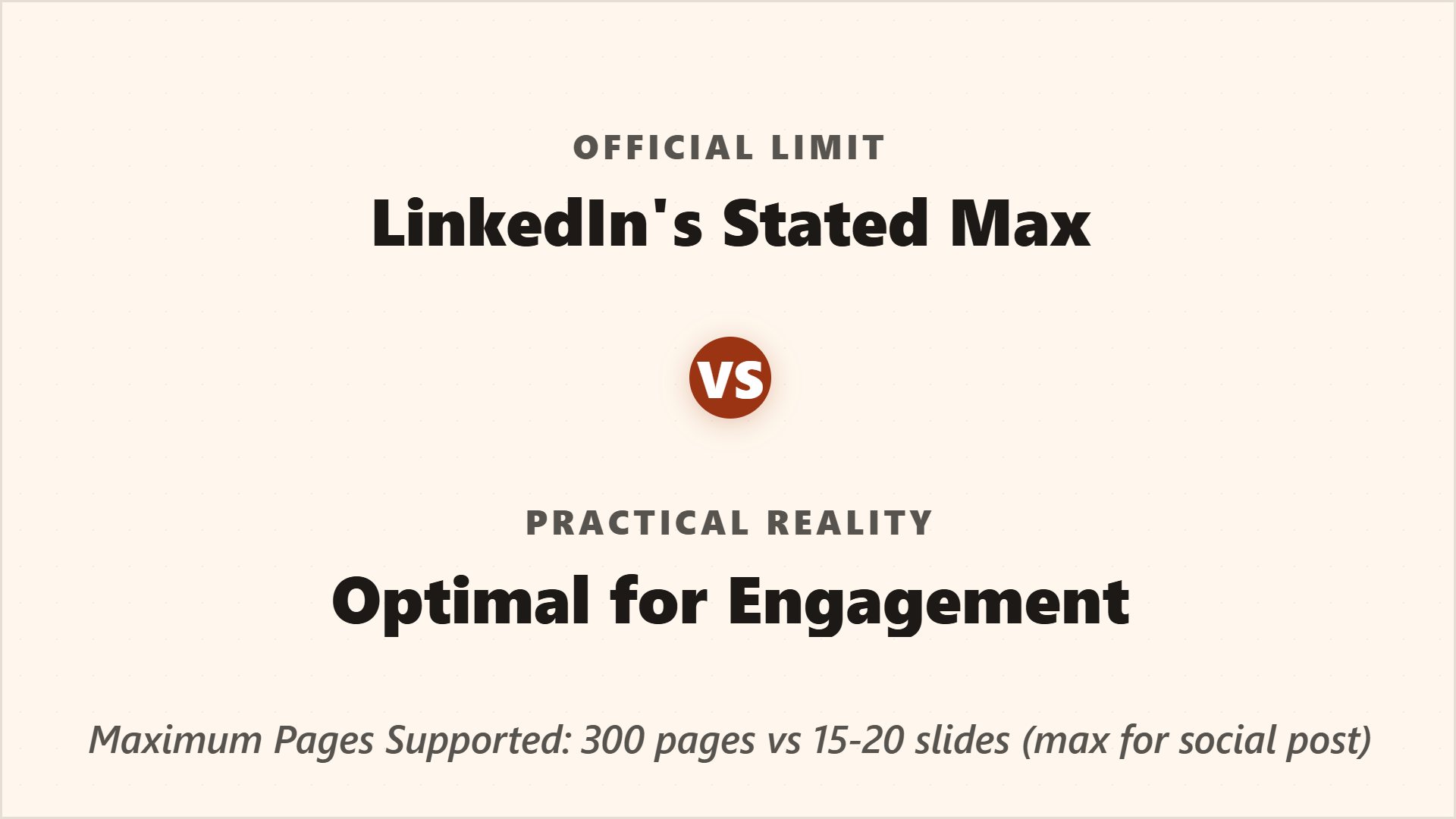
Most LinkedIn carousels work best at 5-10 slides. Learn when to use 5, 7, 9, or more slides and how to structure each carousel for completion.
How to Format a LinkedIn Post for Readability
Format LinkedIn posts for readability by optimizing the first two lines, visual hook, paragraph rhythm, captions, hashtags, and mobile preview.

How to Make Instagram Carousel Posts from Blog Content
Turn blog content into Instagram carousel posts with the right angle, slide structure, dimensions, caption strategy, and source-backed visual workflow.
How to Turn Screenshots into Social Graphics
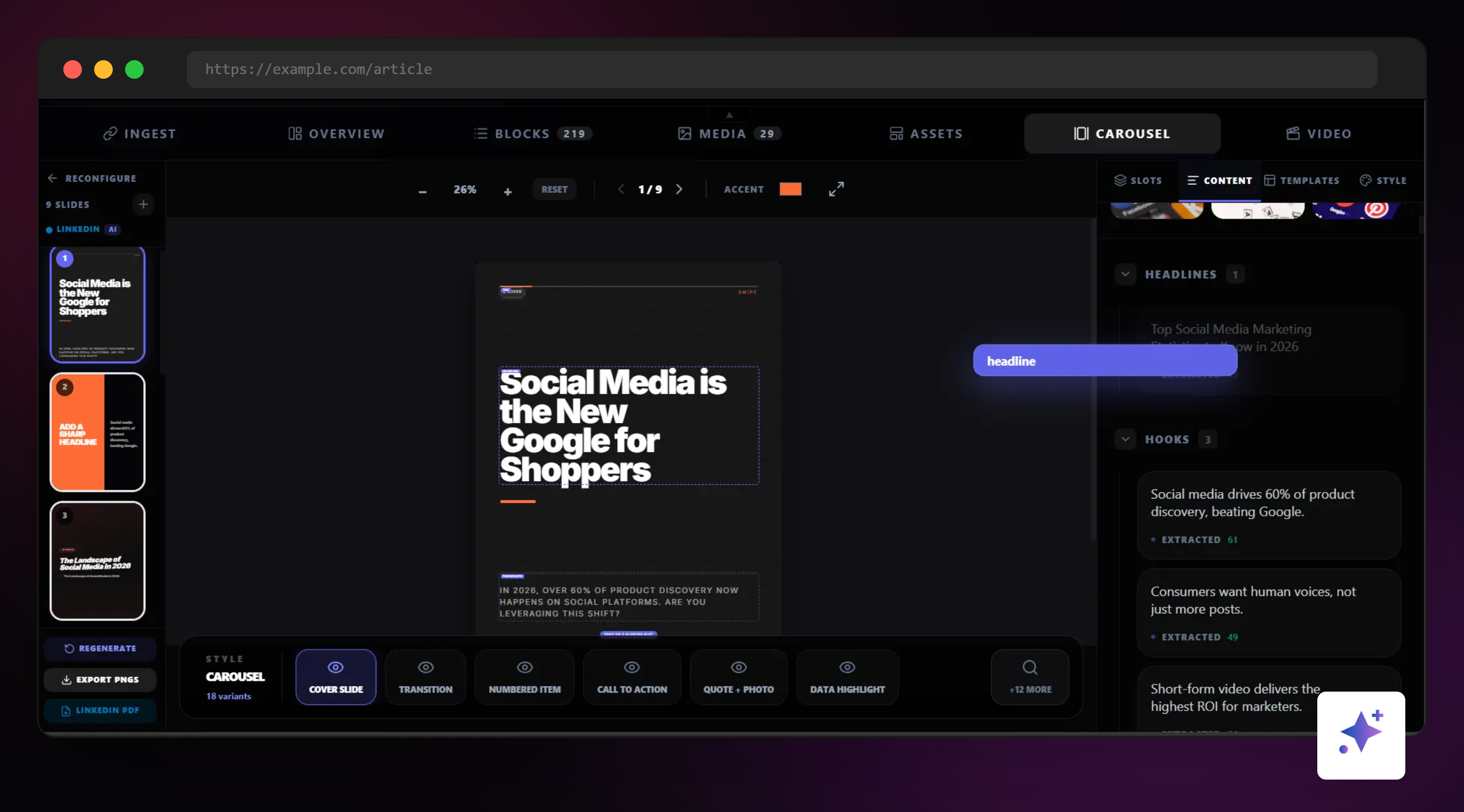
Turn screenshots into polished social graphics with better cropping, annotation, mockups, brand frames, source attribution, privacy checks, and platform-ready exports.
How to Build a LinkedIn Content Strategy for B2B Teams
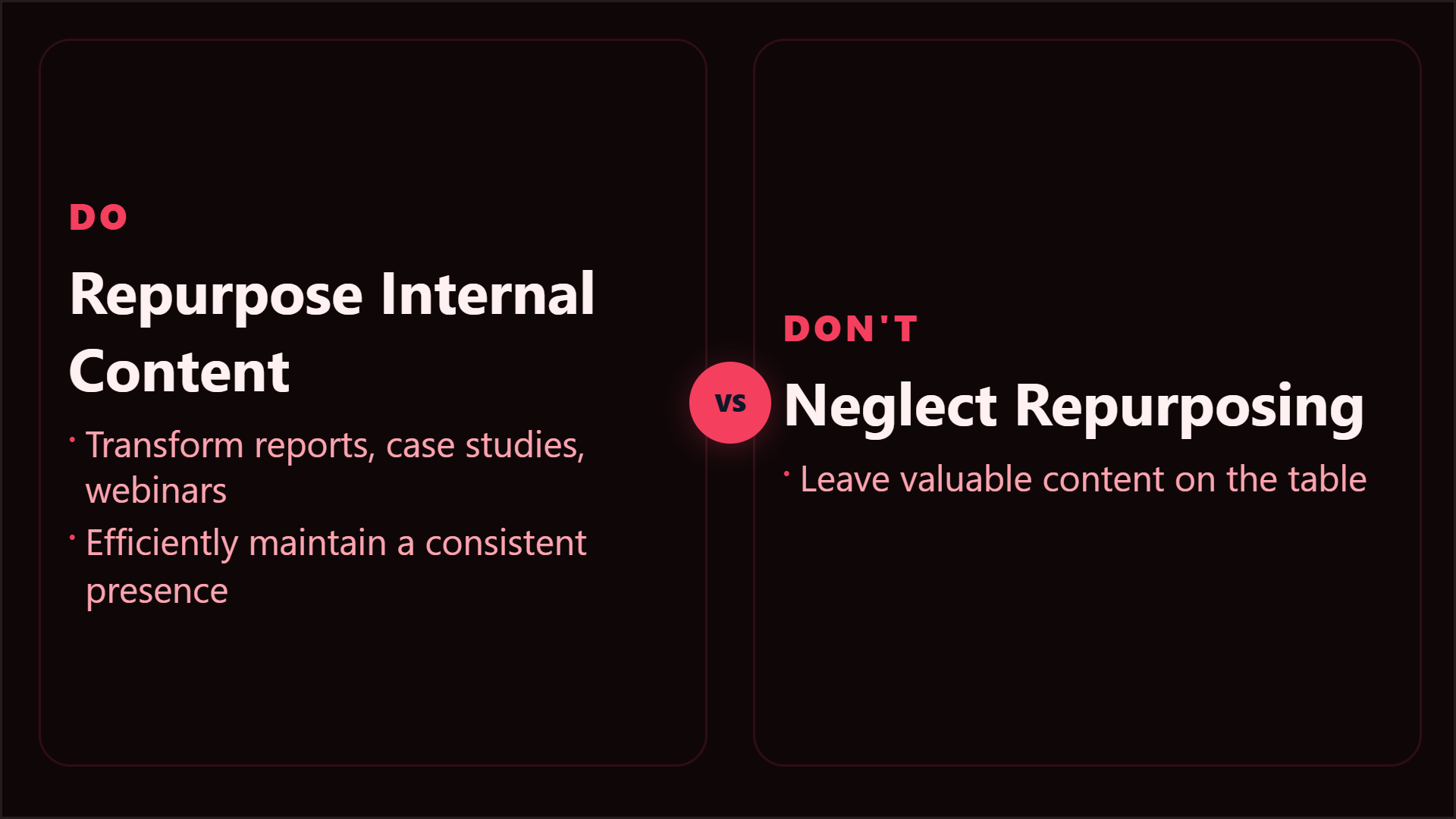
Build a LinkedIn content strategy for your B2B team. Learn post types, content pillars, publishing cadence, format selection, and how to turn reports, case studies, and webinars into a consistent LinkedIn content engine.
LinkedIn for Founders: How to Build in Public and Grow Your Reach
LinkedIn is the most underutilized growth channel for founders. Learn how to build in public - share your journey, insights, and learnings - to attract customers, investors, and talent while building a personal brand that compounds.
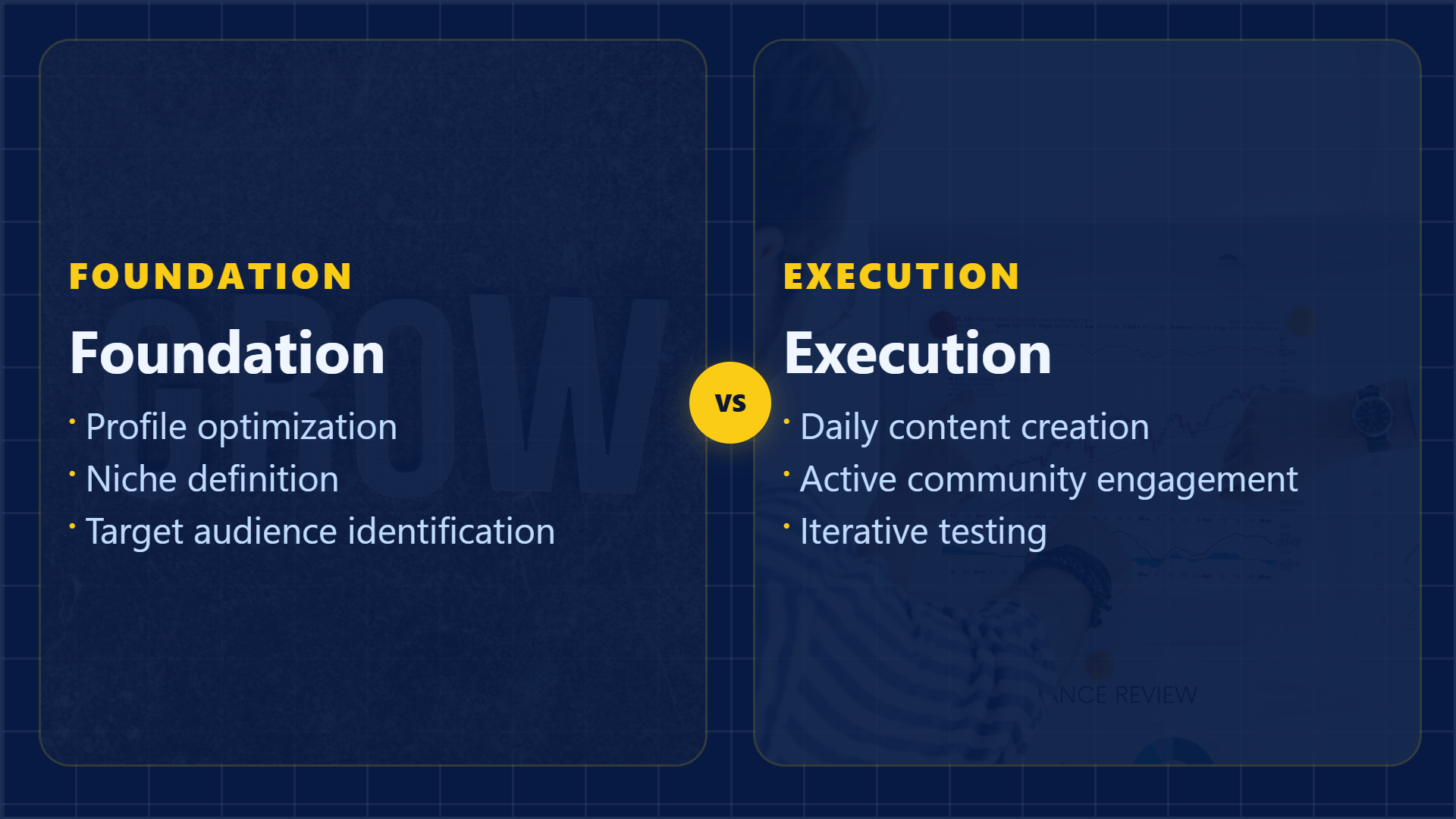
How to Grow as a Content Creator on LinkedIn (2026)
LinkedIn creator growth in 2026: content strategy, post formats, engagement tactics, algorithm insights, and the consistency system that turns a LinkedIn presence into an audience and income source.
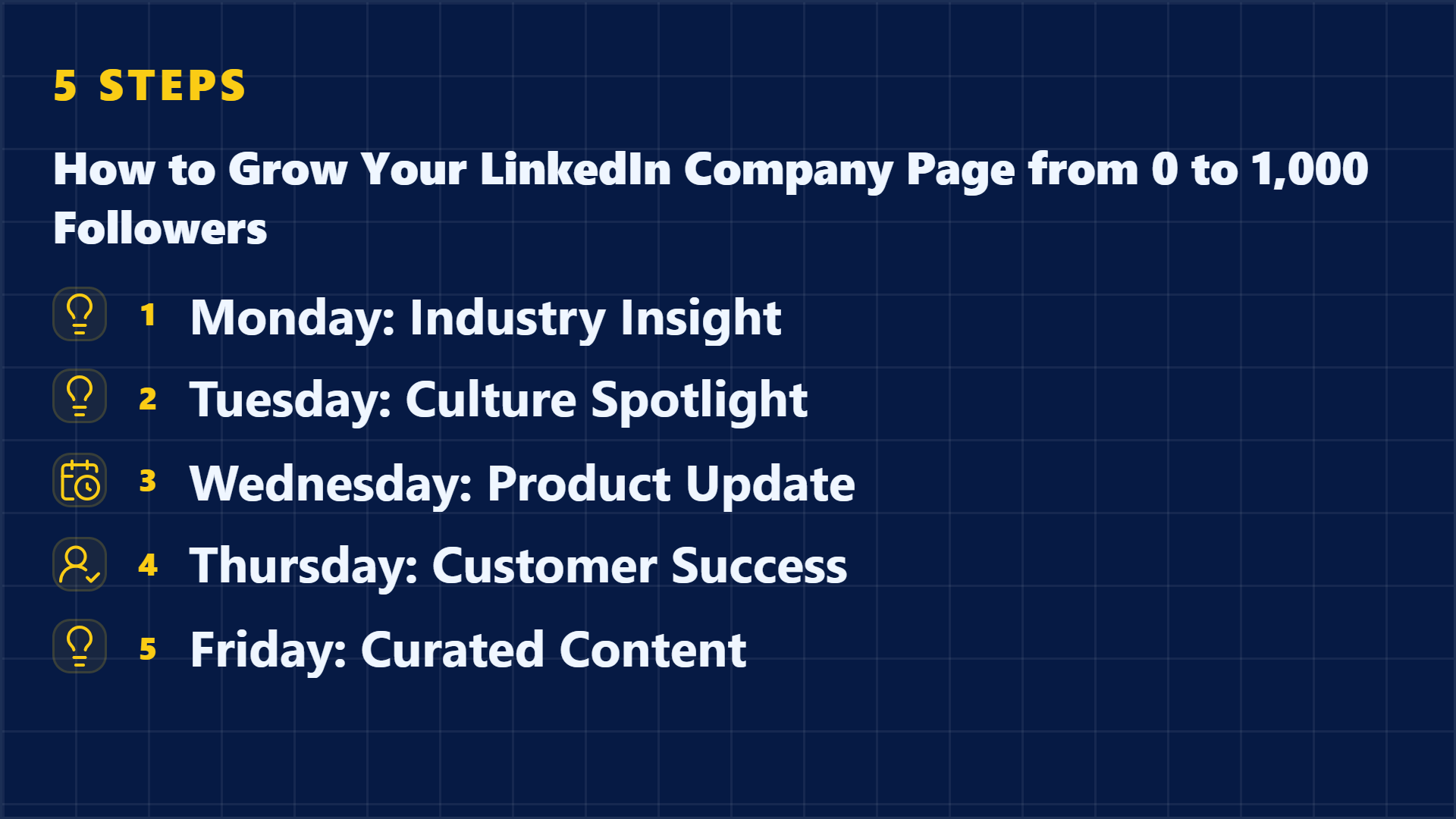
How to Grow Your LinkedIn Company Page from 0 to 1,000 Followers
Growing a LinkedIn company page is harder than growing a personal profile, but it's essential for brand presence. Learn the content strategy, employee advocacy system, and growth tactics to reach your first 1,000 company page followers.

LinkedIn Thought Leadership: How to Create Posts That Get Shared
LinkedIn thought leadership strategy: Learn how to write posts that demonstrate expertise, earn trust, and get shared. Frameworks, examples, and the content principles that separate true thought leadership from generic LinkedIn advice.
LinkedIn Content Strategy to Attract Leads and Inbound Interest
Build a LinkedIn content strategy that generates inbound leads. Learn which content types attract buyers, how to structure posts for conversion, and the lead-nurture system that turns LinkedIn engagement into sales conversations.
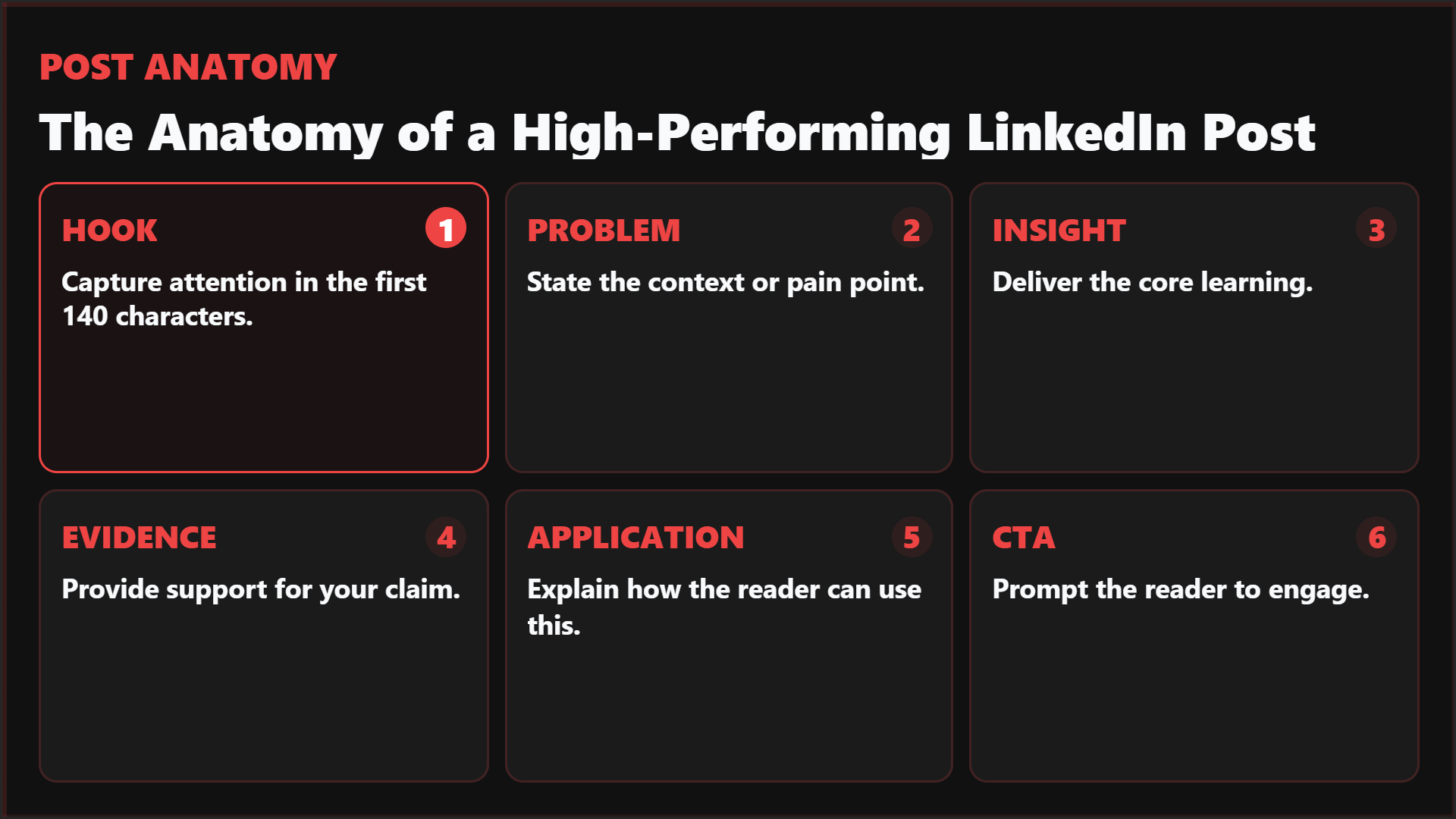
The Anatomy of a High-Performing LinkedIn Post: Research-Backed
Research-backed breakdown of what makes LinkedIn posts perform: hooks that earn the click, structures that keep people reading, formatting that makes content scannable, and the psychological triggers that drive saves and shares.
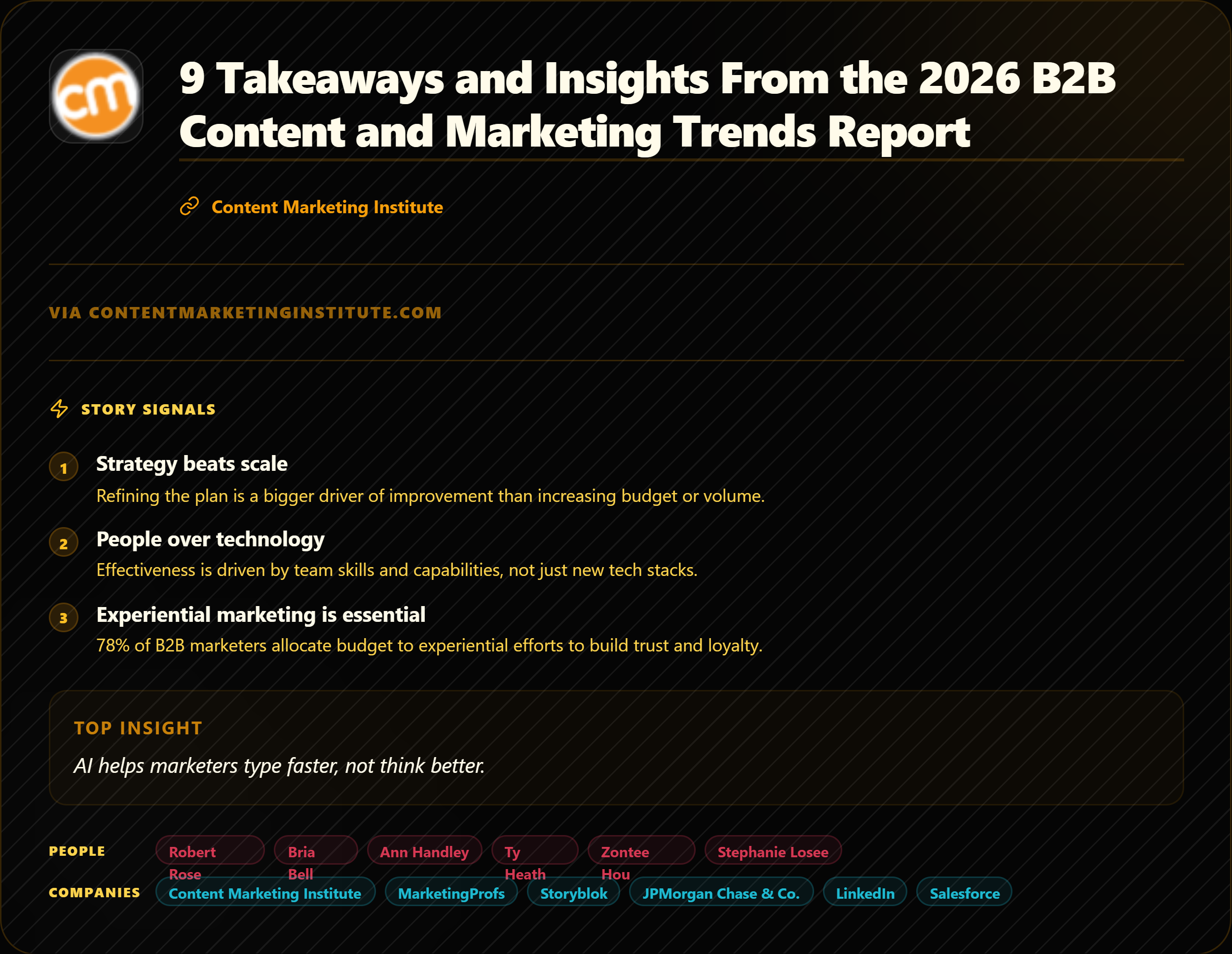
How to Turn One Report Into a Week of Social Posts
A practical seven-day workflow for turning one report into source-backed posts, quote cards, stat graphics, screenshots, and a recap carousel without repeating the same idea.
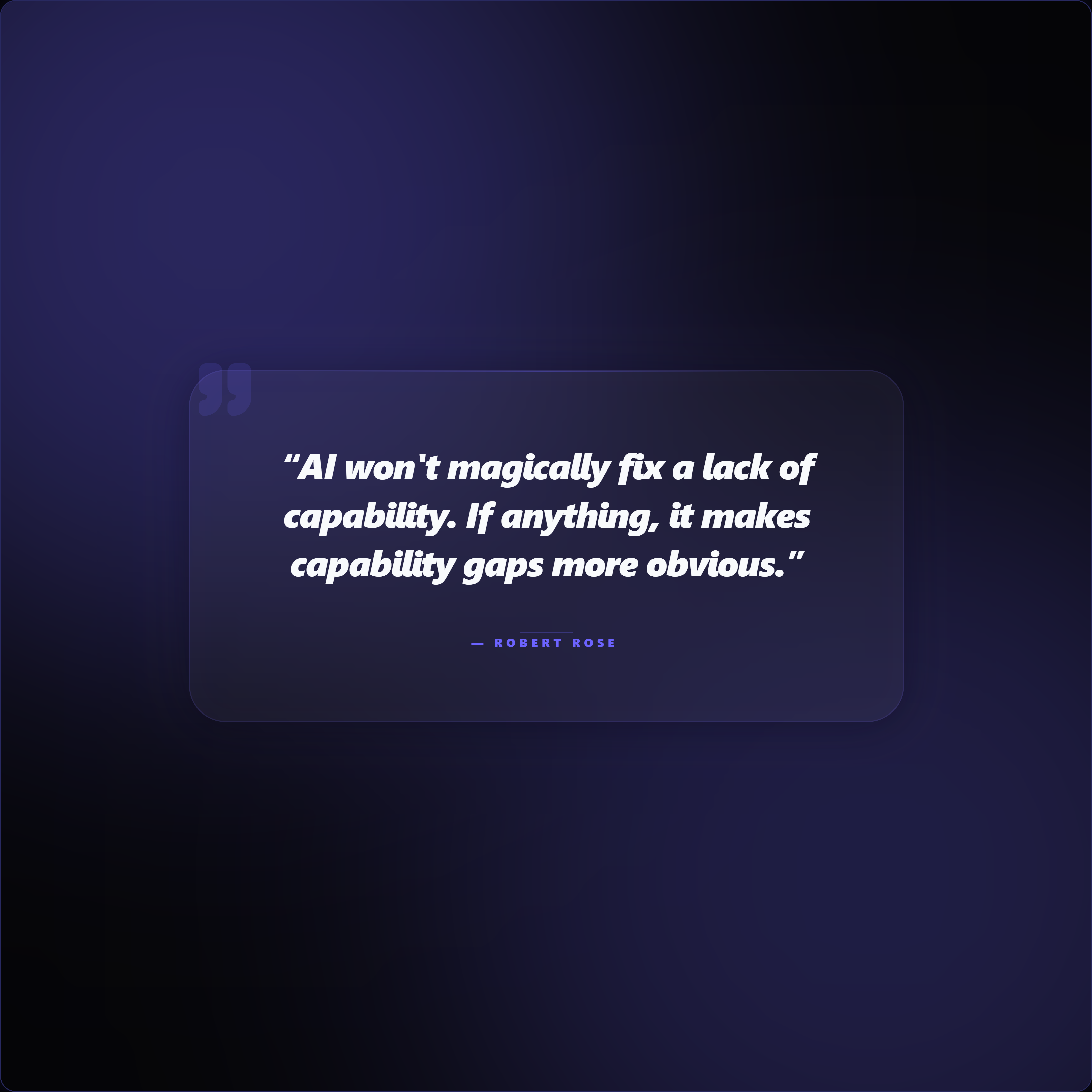
Why You Shouldn't Rely on ChatGPT for Social Media Content Creation
ChatGPT can make a blank prompt look productive. Here is why source-first workflows create more specific, credible, and useful social content.

AI-Generated vs AI-Assisted Content: What Judgment Changes
The important distinction is not whether AI touched the work. It is whether a human supplied the material, chose the angle, and approved the final claim.
AI Should Not Replace Your Taste. It Should Protect Your Time.
Your most valuable creative contribution is not resizing a graphic. It is knowing which sentence matters, which claim is fair, and what your audience should remember.
AI Slop Is Unsupported Confidence at Scale. Source-Backed Content Is the Way Out.
The answer to AI slop is not less technology. It is a better chain from source capture to extraction, judgment, production, and attribution.
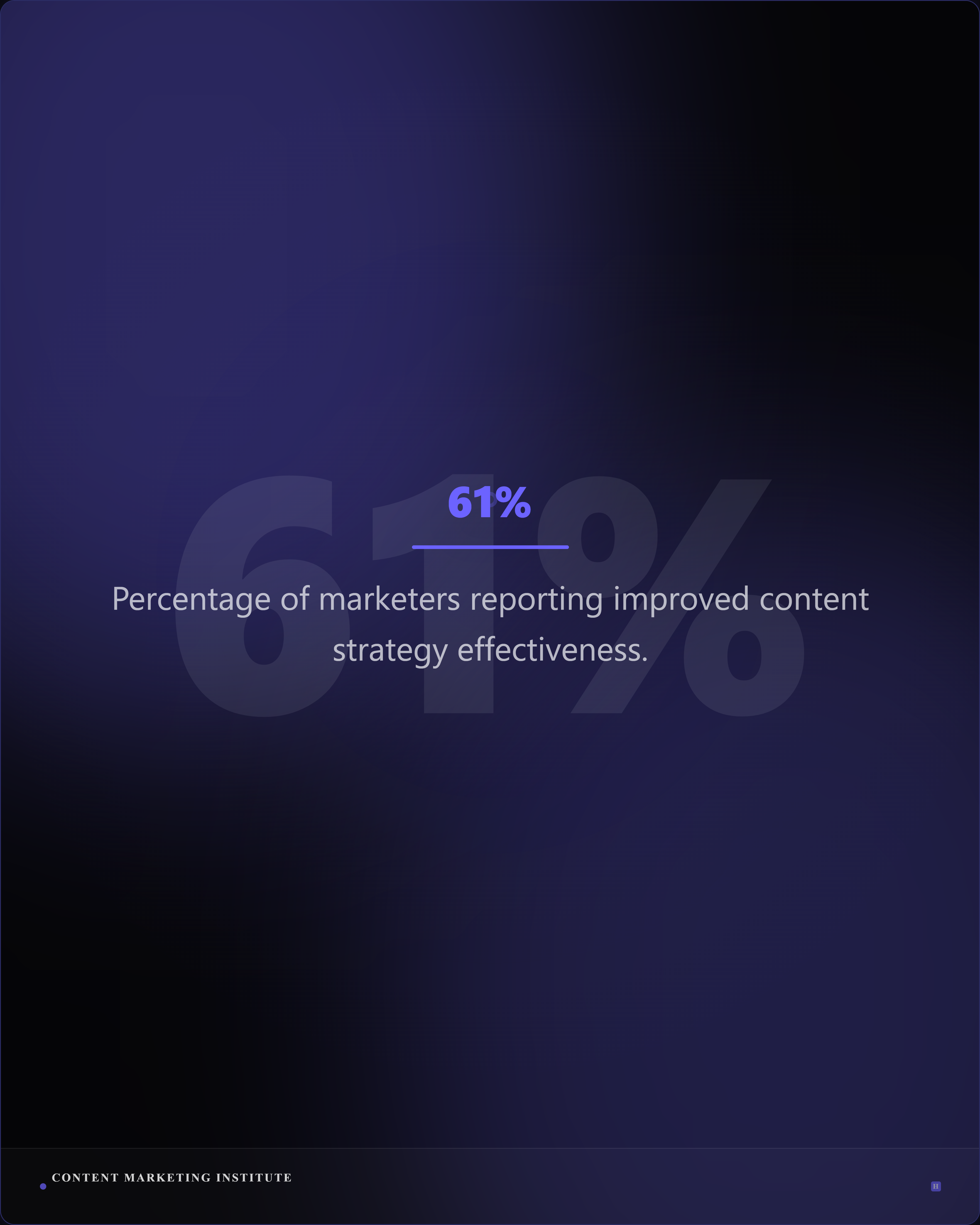
Receipts, Not Reach: Why Proof Assets Travel
Reach is visible, but proof compounds. Learn how quote cards, stat graphics, charts, and annotated screenshots make social ideas inspectable.
The Trust Layer Missing From Most AI Content Tools
As synthetic content becomes easier to produce, content tools need to make the origin, context, and review status of a claim easier to understand.
Copywriters Are Using AI for the Wrong Job. Here Is What Works.
The copywriter's advantage is not avoiding AI. It is bringing better material into the workflow and keeping the angle, voice, and claims human-owned.
The Anti-Slop Content Stack for the AI Era
Anti-slop is not anti-AI. It is a five-layer content workflow that keeps source material, human judgment, production, and provenance connected.
How to Get Better Content From AI: Start With Better Inputs
Ban the clichés if you want, but do not stop there. Better AI content starts with a report, article, transcript, customer story, or document that has something real to say.

How to Turn a Research Paper into Social Media Posts
Turn a research paper into accurate social posts, quote cards, stat graphics, and carousels without losing context, caveats, or attribution.
How to Turn a Podcast Transcript into Social Media Content
A practical workflow for turning podcast, webinar, and interview transcripts into quote cards, carousels, captions, and source-linked posts.

How to Turn a Case Study into Social Media Content
A source-first workflow for converting case studies into proof cards, quote graphics, carousels, and captions with the important context intact.
AI Content Governance Checklist for Marketing Teams
Use this AI content governance checklist to review source fidelity, claims, attribution, brand controls, approvals, and publishing readiness.
AI Overviews and AI Mode for Content Marketers
What content marketers should focus on as Google search adds AI-powered answers: crawlability, original value, clear answers, and useful supporting media.
How to Turn an Article into an X Thread
A practical article-to-X workflow for choosing one angle, sequencing evidence, writing concise posts, and linking back to the full source.
How to Turn a Press Release into Social Media Content
A source-first workflow for converting press releases into announcement cards, spokesperson quotes, timelines, proof graphics, and platform captions.
How to Build a Content Atomization Matrix
Build a content atomization matrix that maps source evidence to audience jobs, formats, platforms, owners, and review gates.

Best Predis.ai Alternative for Source-Backed Social Assets
A practical Predis.ai alternative comparison for teams choosing between prompt-led ad creative and source-first AI social assets.
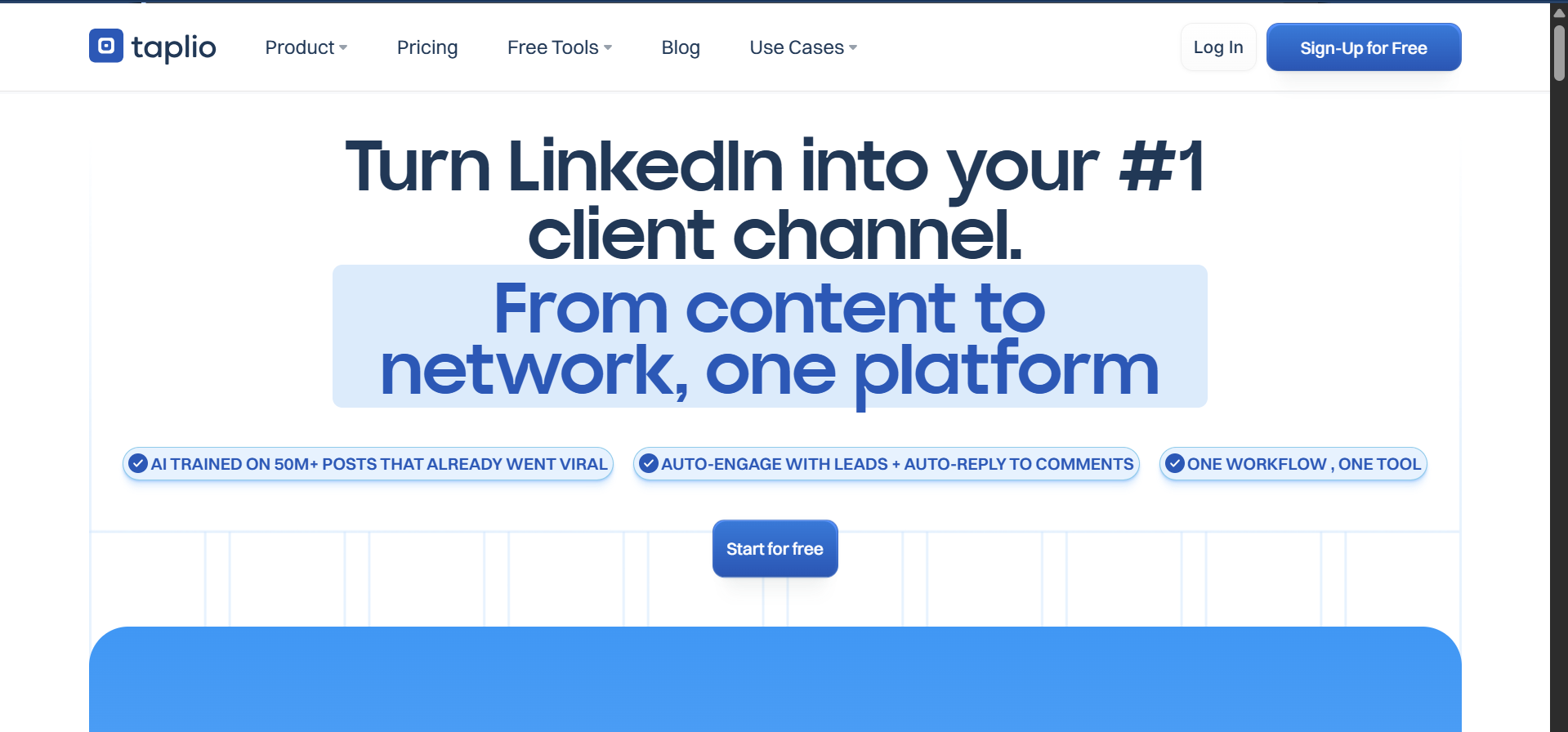
Best Taplio Alternative for Source-Backed LinkedIn Content
A Taplio alternative comparison for LinkedIn creators who want source-backed quote cards, stat graphics, carousels, and captions.
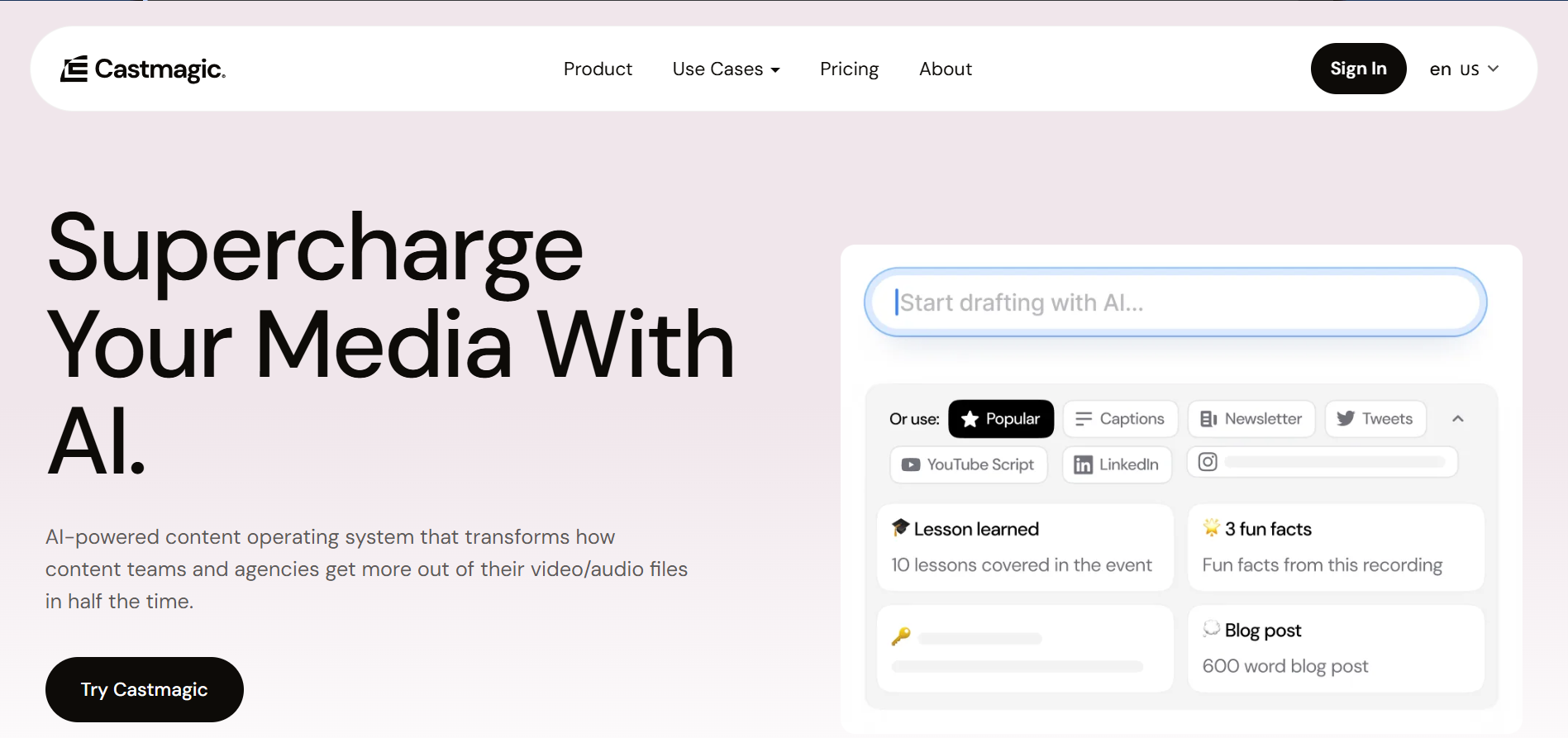
Best Castmagic Alternative for Turning Sources Into Social Assets
A Castmagic alternative comparison for turning source material into quote cards, stat graphics, carousels, captions, and branded exports.
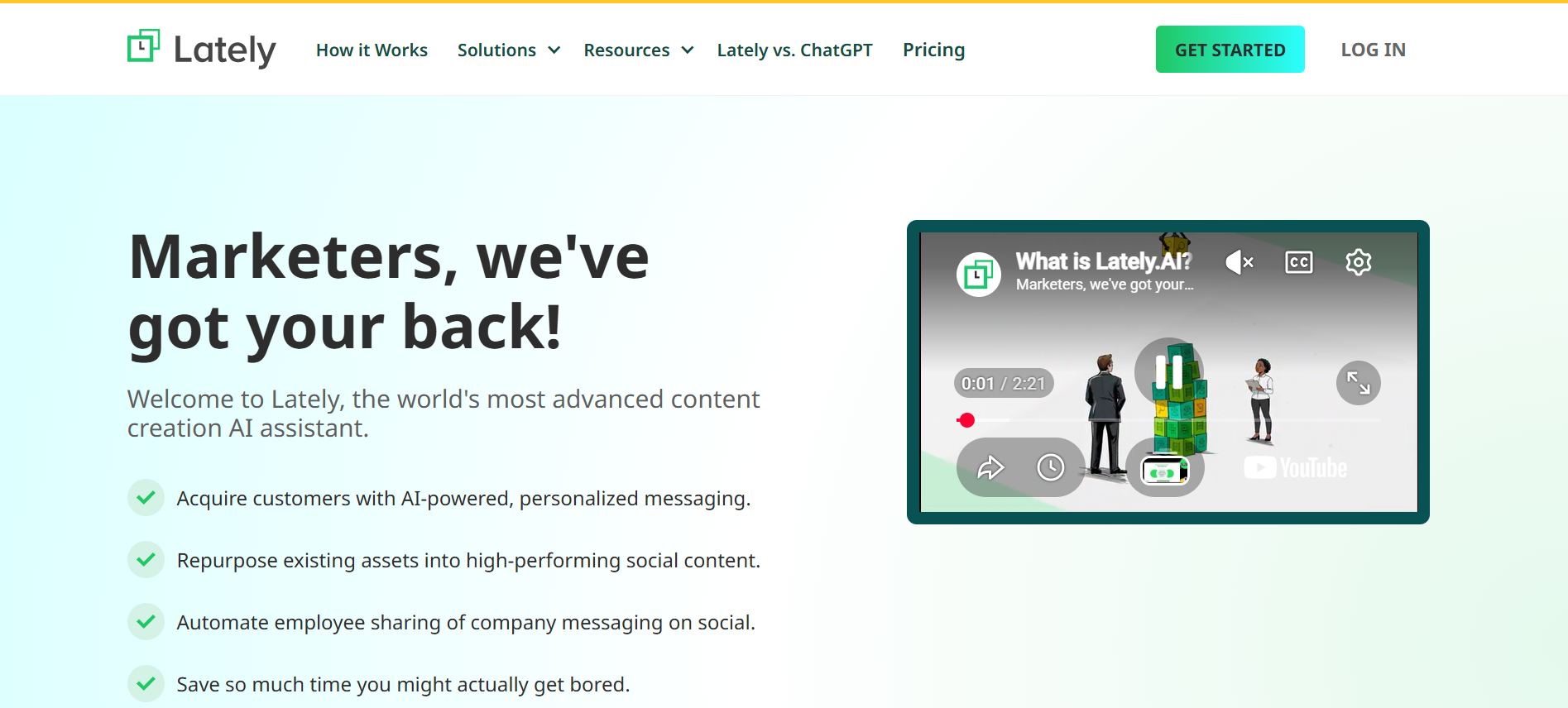
Best Lately.ai Alternative for Source-Backed Social Assets
A Lately.ai alternative comparison for source-backed extraction, branded assets, captions, and social publishing workflows.
Best Repurpose.io Alternative for Creating Assets Before Distribution
A Repurpose.io alternative comparison for teams that need asset creation before channel redistribution.
Best Opus Clip Alternative for Text-Based Social Assets
An Opus Clip alternative comparison for teams that need quote cards, stat graphics, screenshots, carousels, and captions from source material.
Best Typefully Alternative for Source-Backed Social Posts
A Typefully alternative comparison for creators who need source-backed social assets alongside better writing workflows.
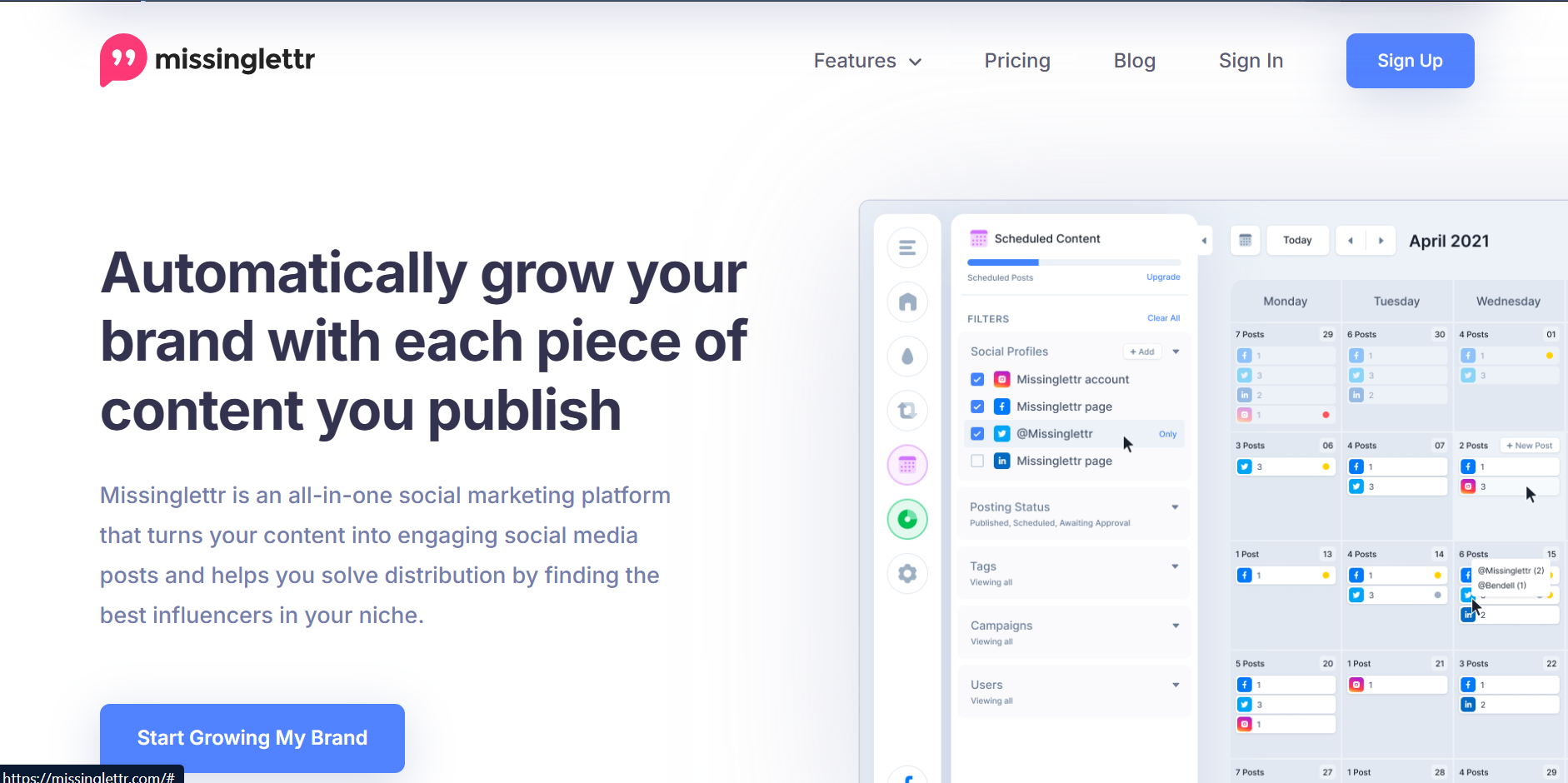
Best Missinglettr Alternative for Blog-to-Social Assets
A Missinglettr alternative comparison for blog-to-social teams that want better extraction, attribution, and visual assets.
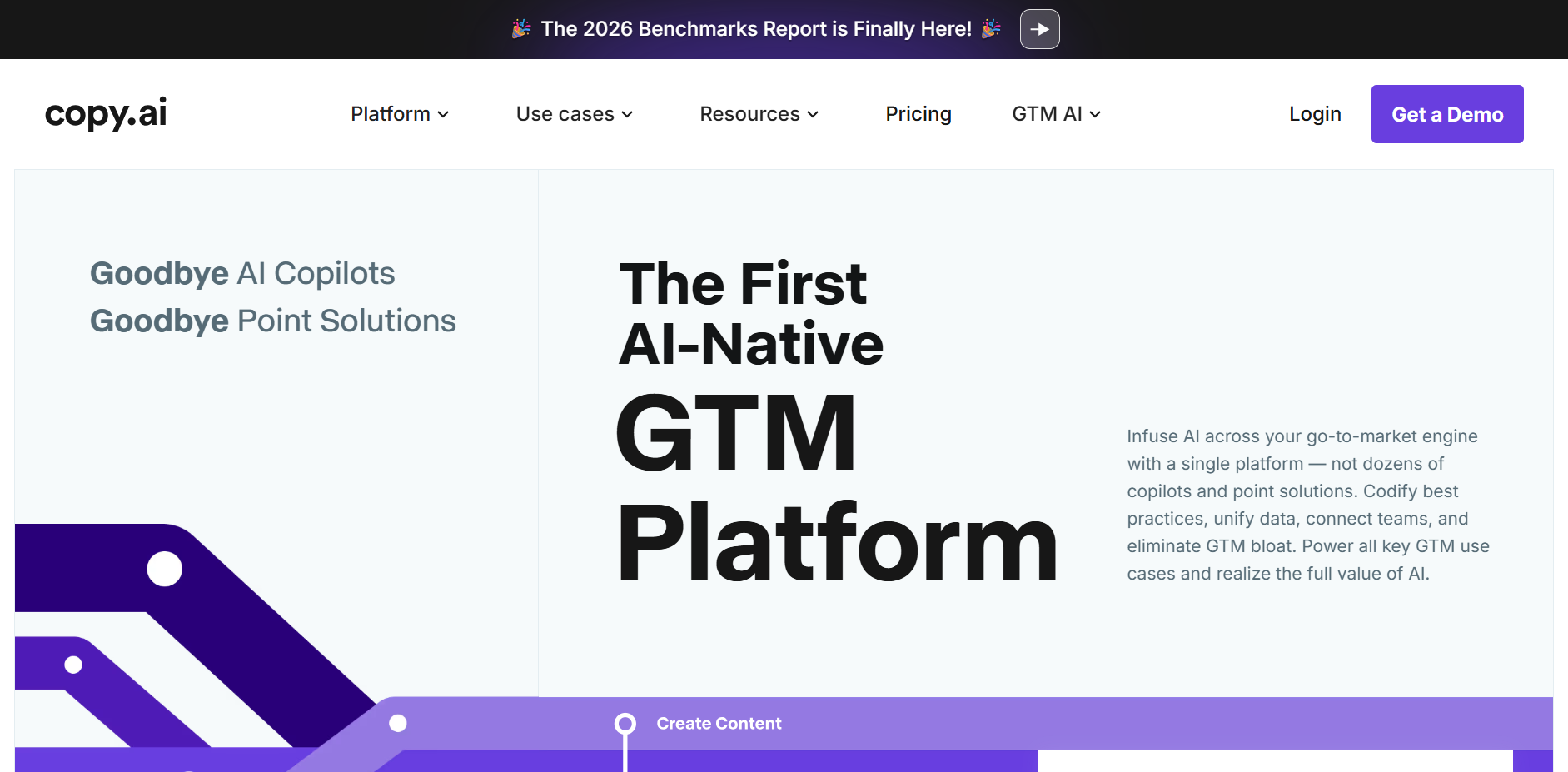
Best Copy.ai Alternative for Source-Backed Social Content
A Copy.ai alternative comparison for teams moving from generic AI copy to source-backed quote cards, stat graphics, captions, and exports.
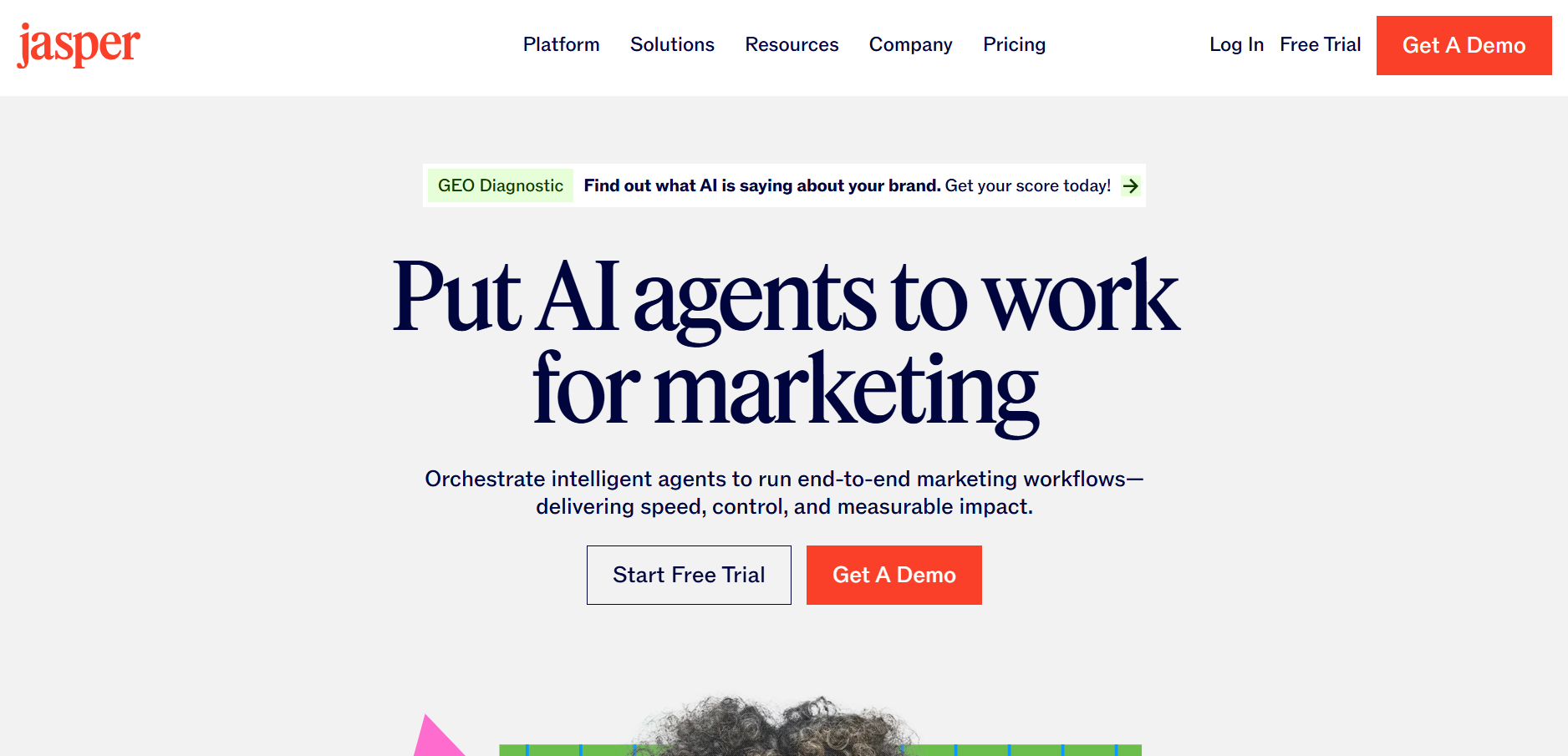
Best Jasper AI Alternative for Source-Backed Social Assets
A Jasper AI alternative comparison for source-backed social assets, attribution, brand kit controls, captions, and exports.
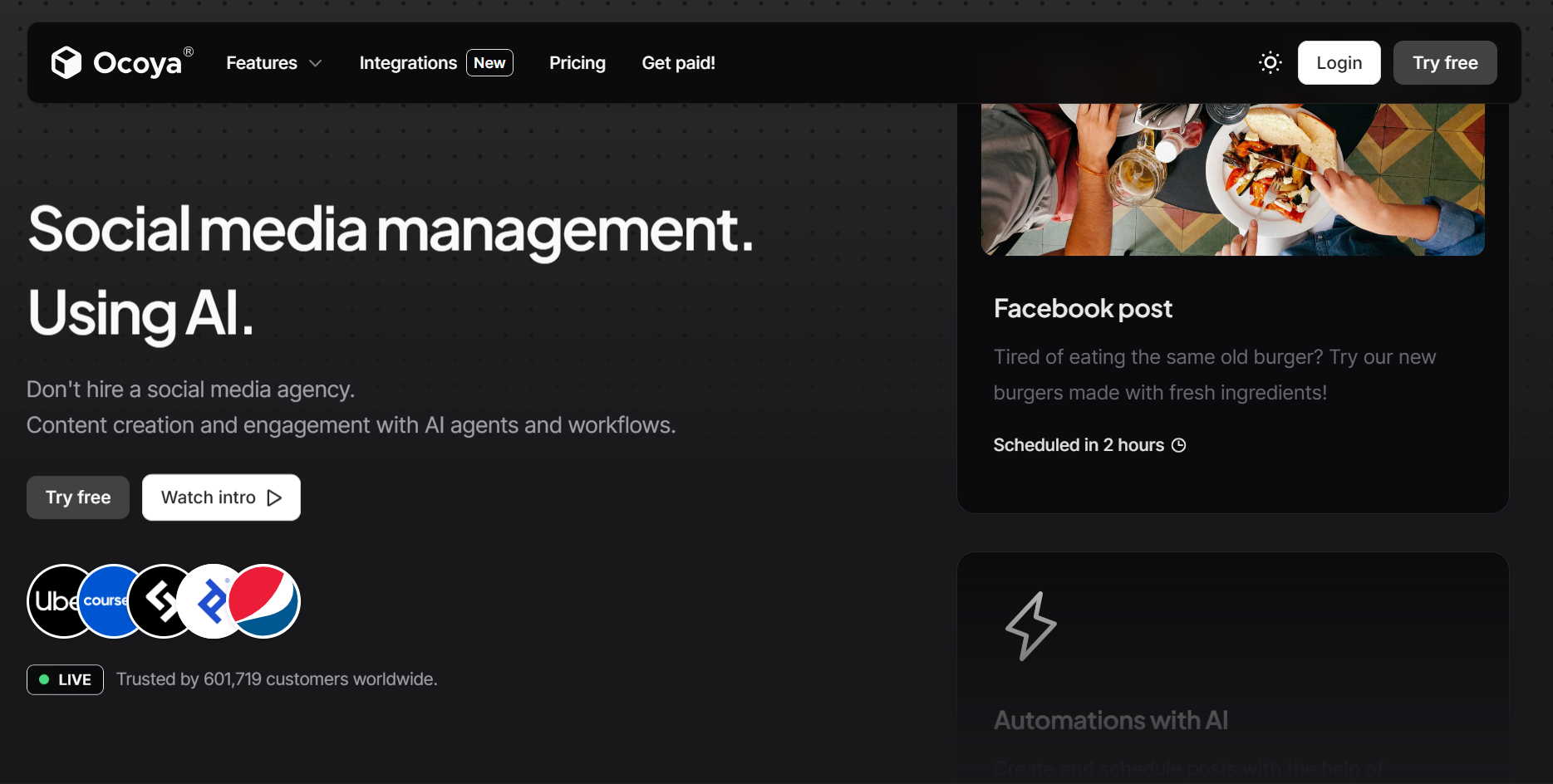
Best Ocoya Alternative for Source-Backed Social Assets
An Ocoya alternative comparison for source-backed asset creation, captions, brand controls, attribution, and social exports.
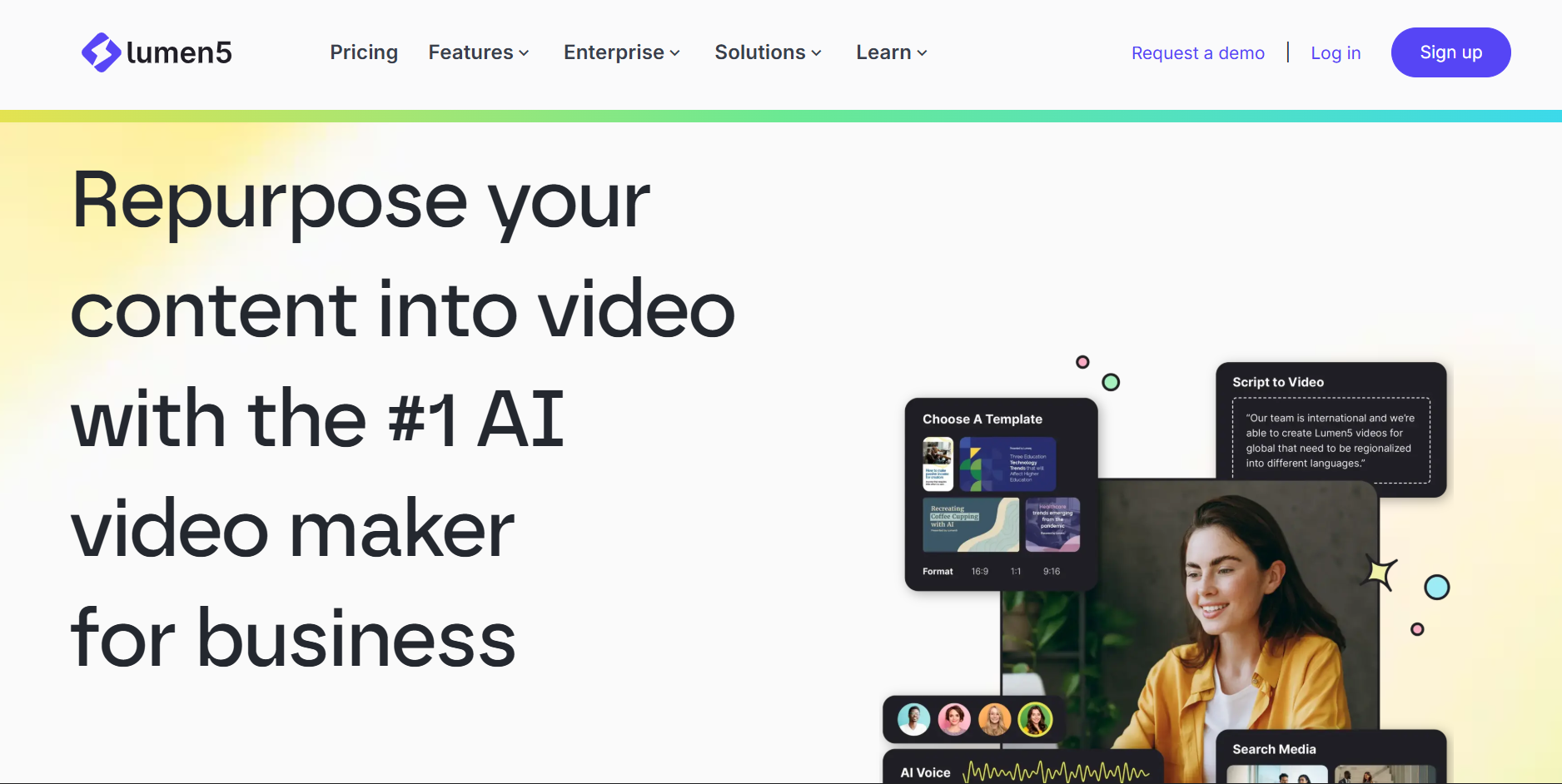
Best Lumen5 Alternative for Text-Based Social Assets
A Lumen5 alternative comparison for teams deciding between AI video creation and source-backed visual social assets.
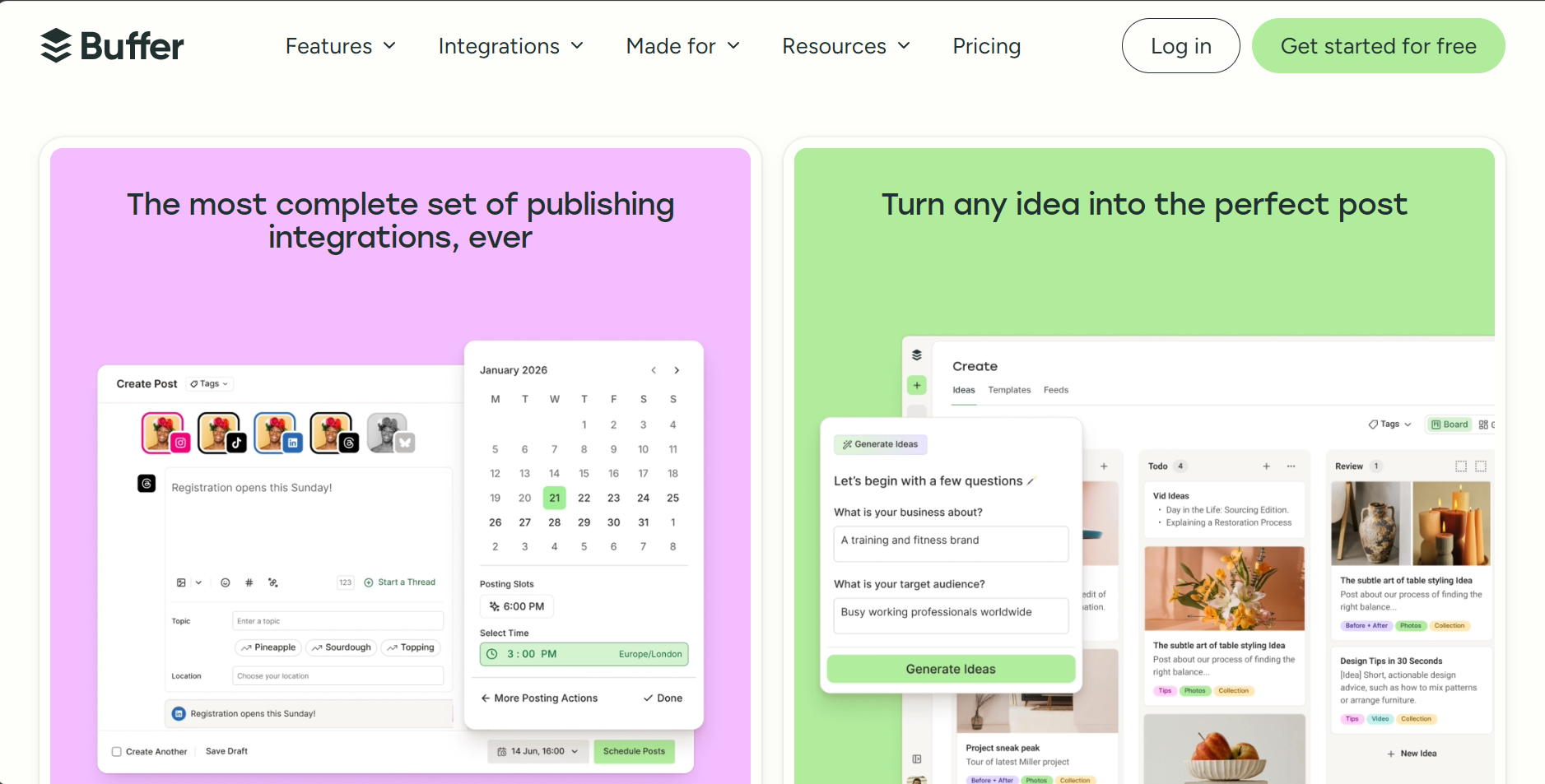
Best Buffer Alternative for Source-Backed Social Content
A Buffer alternative comparison for teams choosing between scheduling generic posts and creating source-backed social assets.
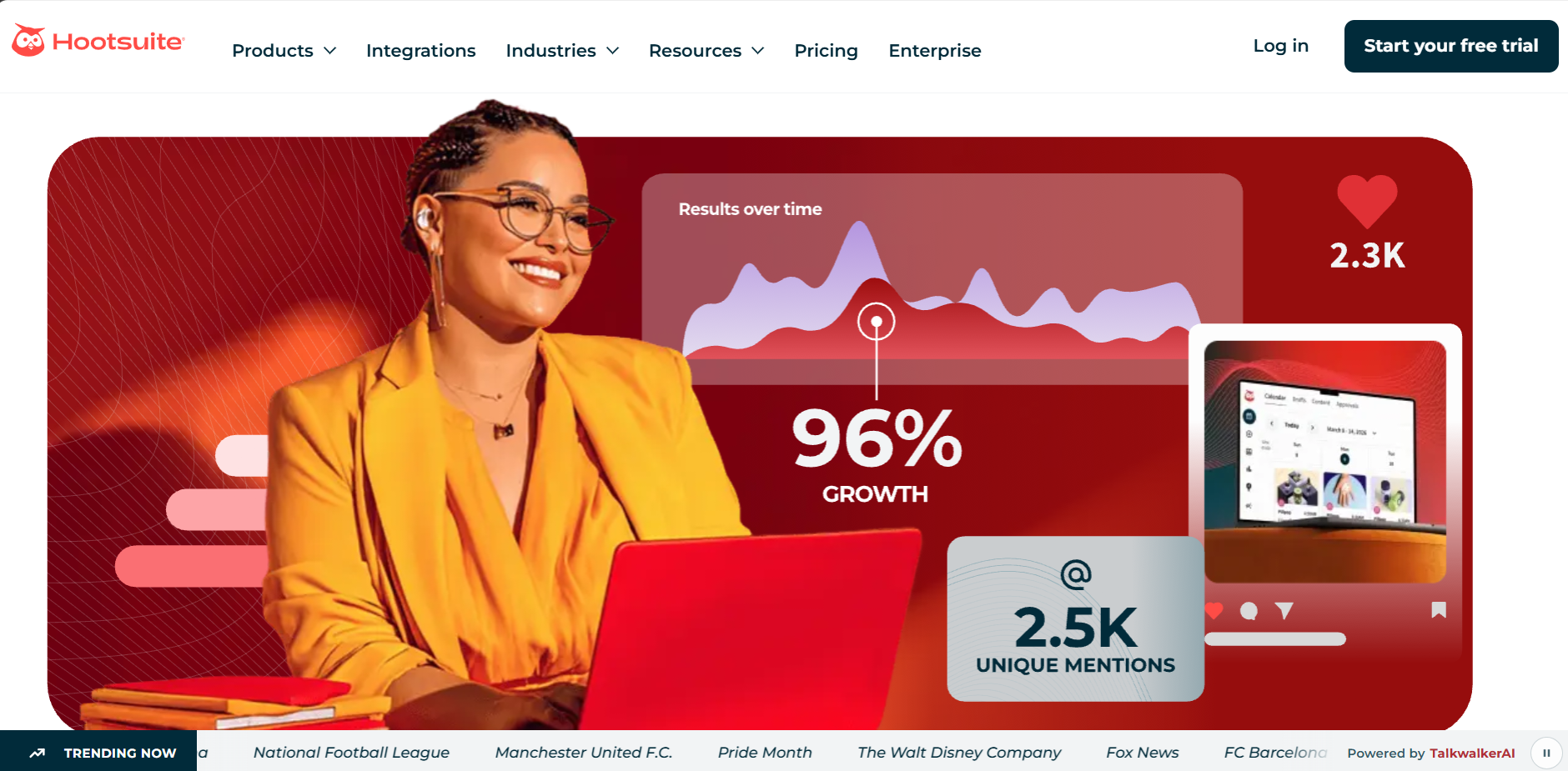
Best Hootsuite Alternative for Source-Backed Content Creation
A Hootsuite alternative comparison for teams that need source-backed content creation, not just social media management.
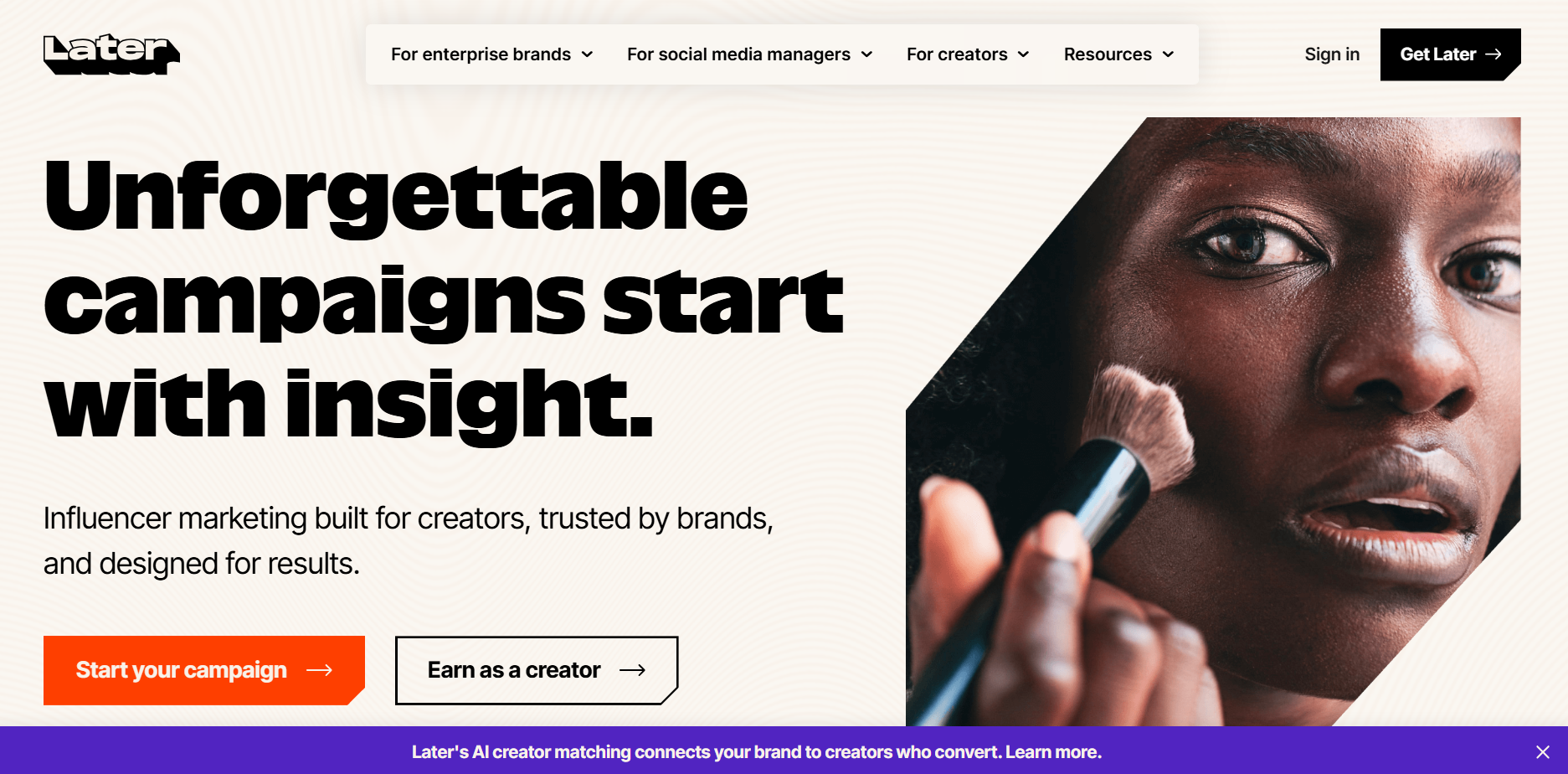
Best Later Alternative for Source-Backed Visual Content
A Later alternative comparison for creators who need source-backed visual content, not just visual planning.
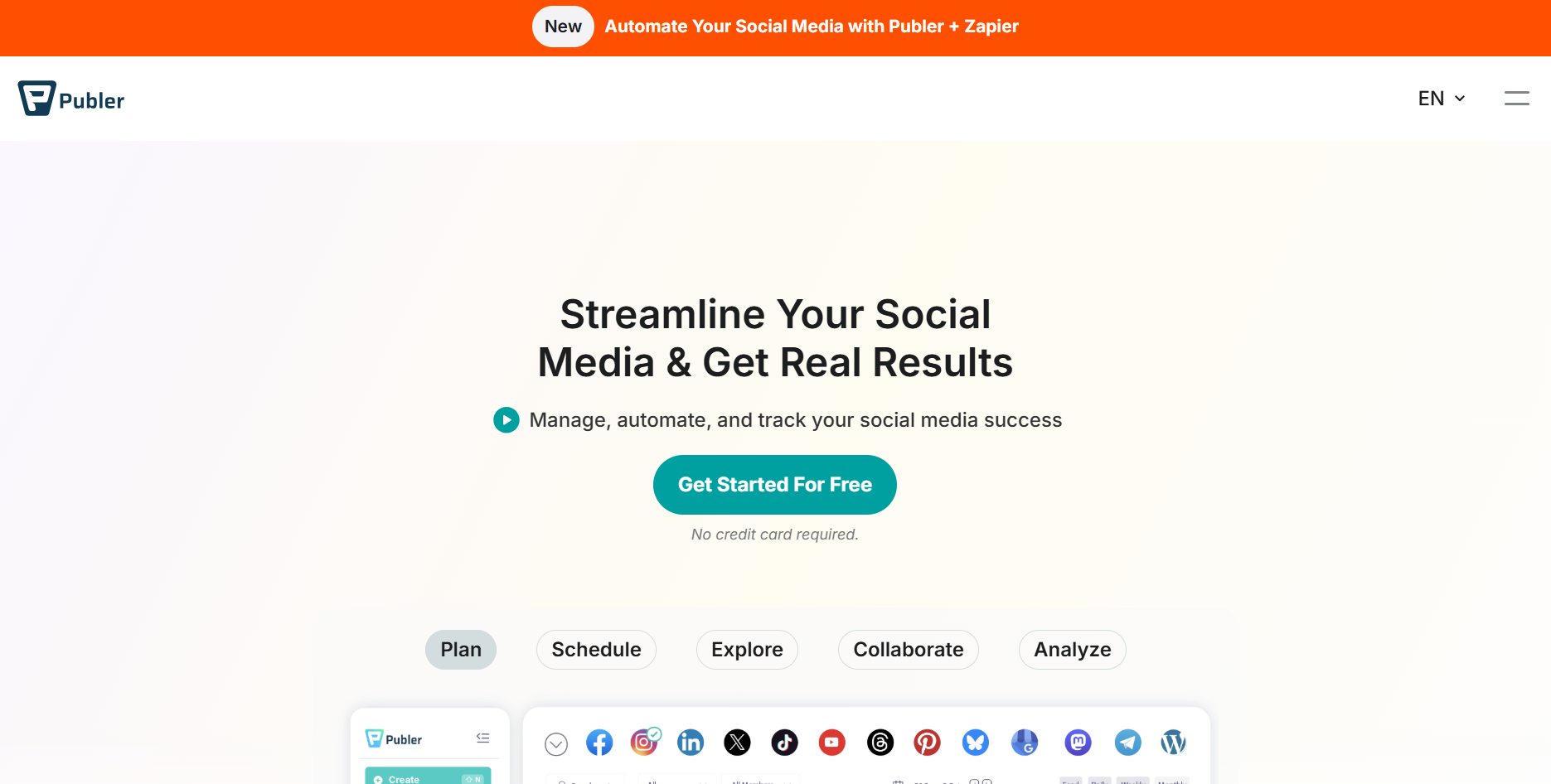
Best Publer Alternative for Source-Backed Social Posts
A Publer alternative comparison for teams choosing between AI prompt posts and source-backed social assets.
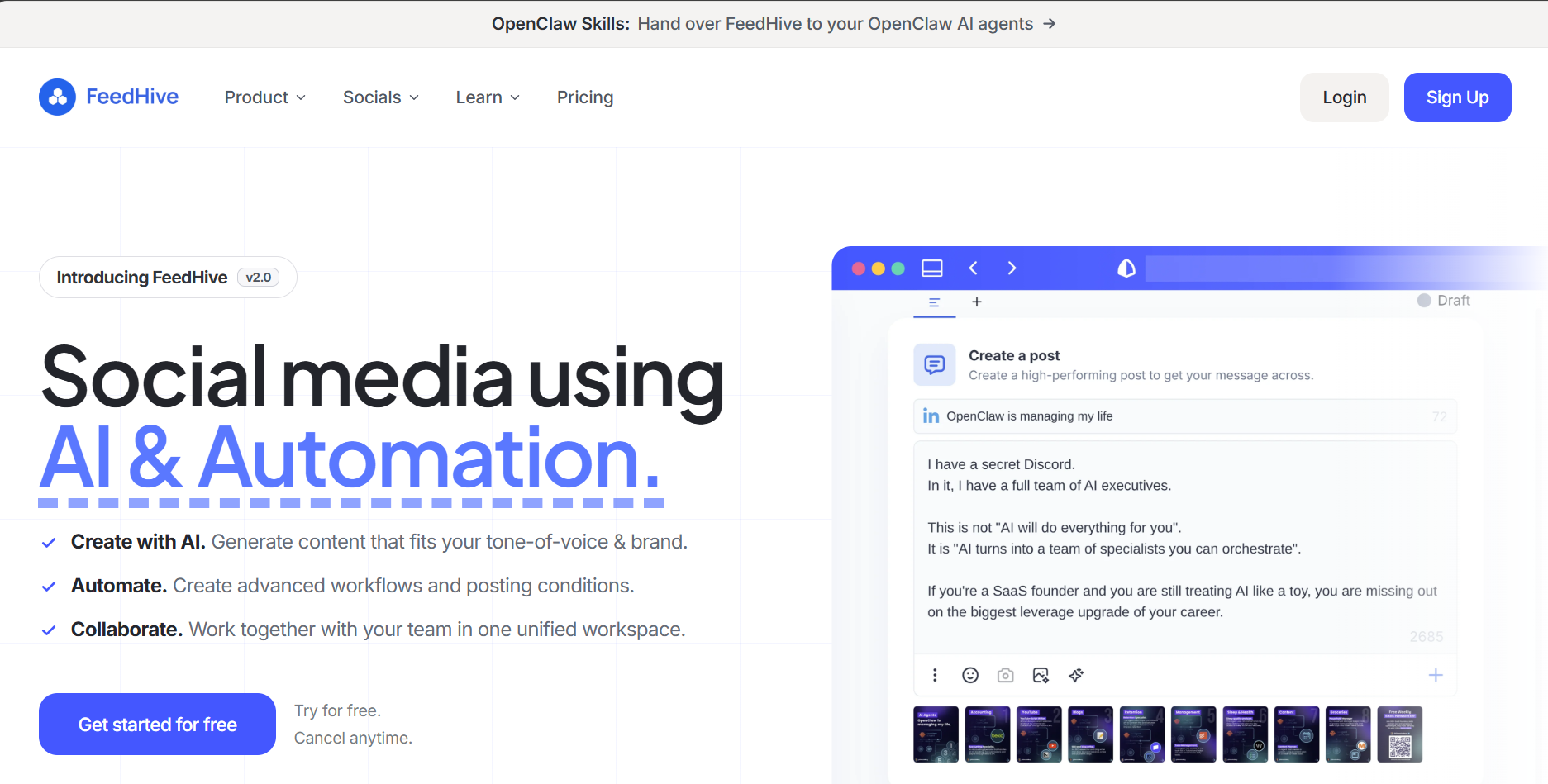
Best FeedHive Alternative for Evidence-Backed Social Content
A FeedHive alternative comparison for teams that need source-backed content, not just AI writing assistance.
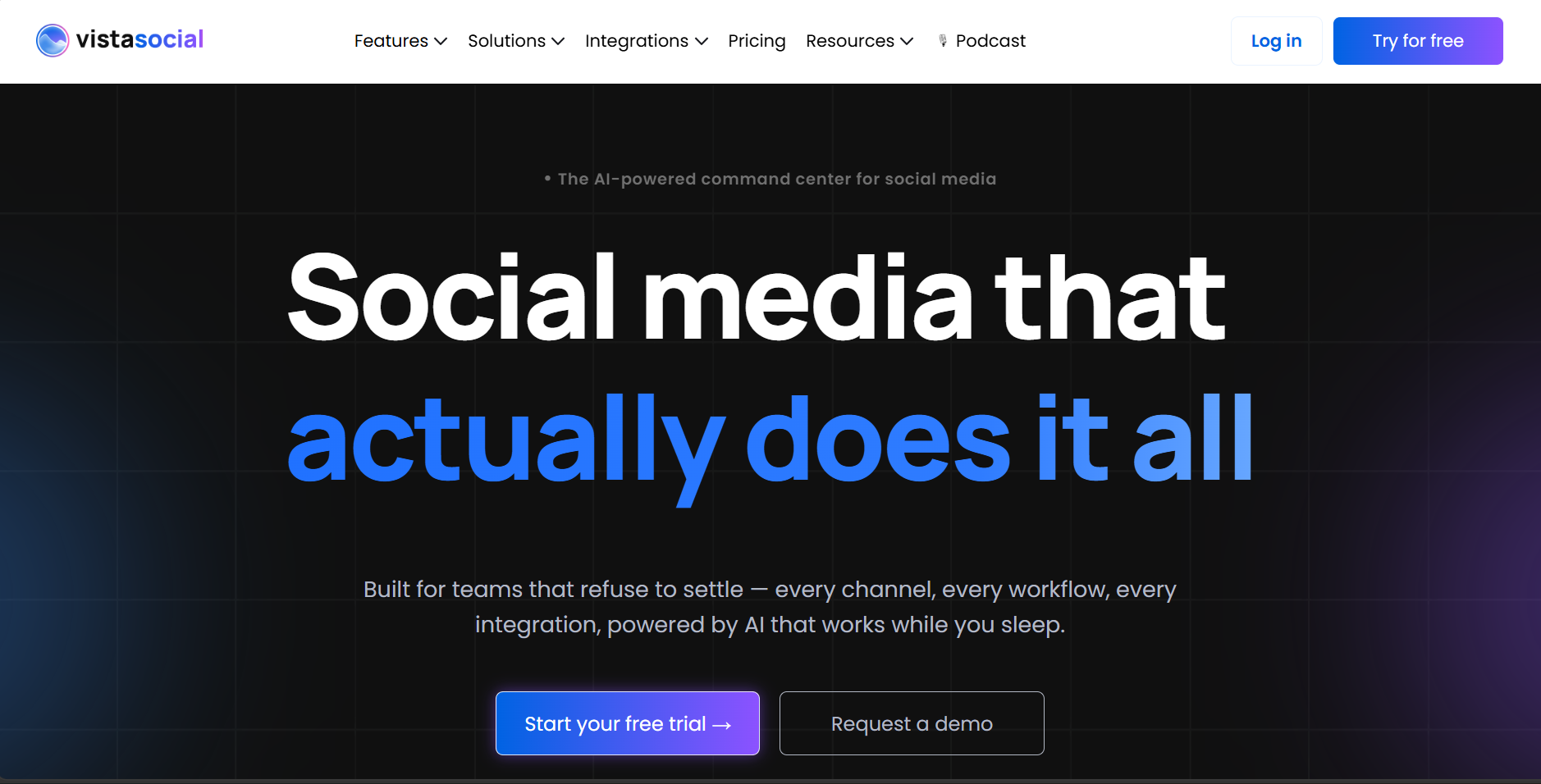
Best Vista Social Alternative for Source-Backed Social Assets
A Vista Social alternative comparison for teams that need source-backed content creation, not just all-in-one management.
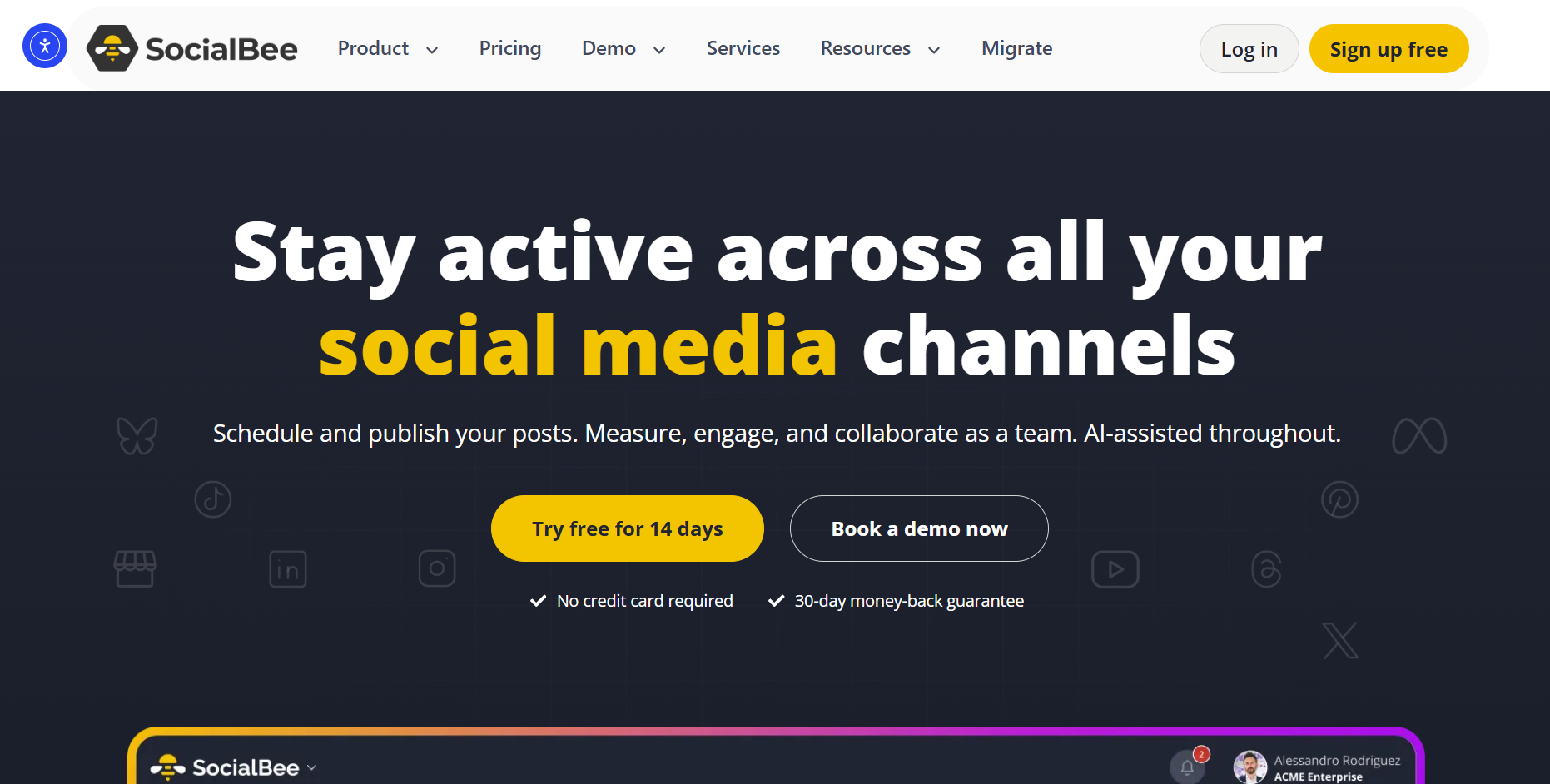
Best SocialBee Alternative for Fresh Source-Backed Content
A SocialBee alternative comparison for teams that need fresh source-backed content, not just content recycling.
Turn good sources into better posts.
Highlightly helps you pull real quotes, stats, and ideas from source material, then shape them into polished social assets.