 Highlightly Team
NotebookLM is a serious product. Google describes it as an AI-powered research assistant that helps users refine and organize ideas, upload many source types, chat with notebooks using citations, and transform sources into artifacts like study guides, briefings, Audio Overviews, Video Overviews, and mind maps. If your job is to understand a body of material, NotebookLM is one of the clearest tools in the category.
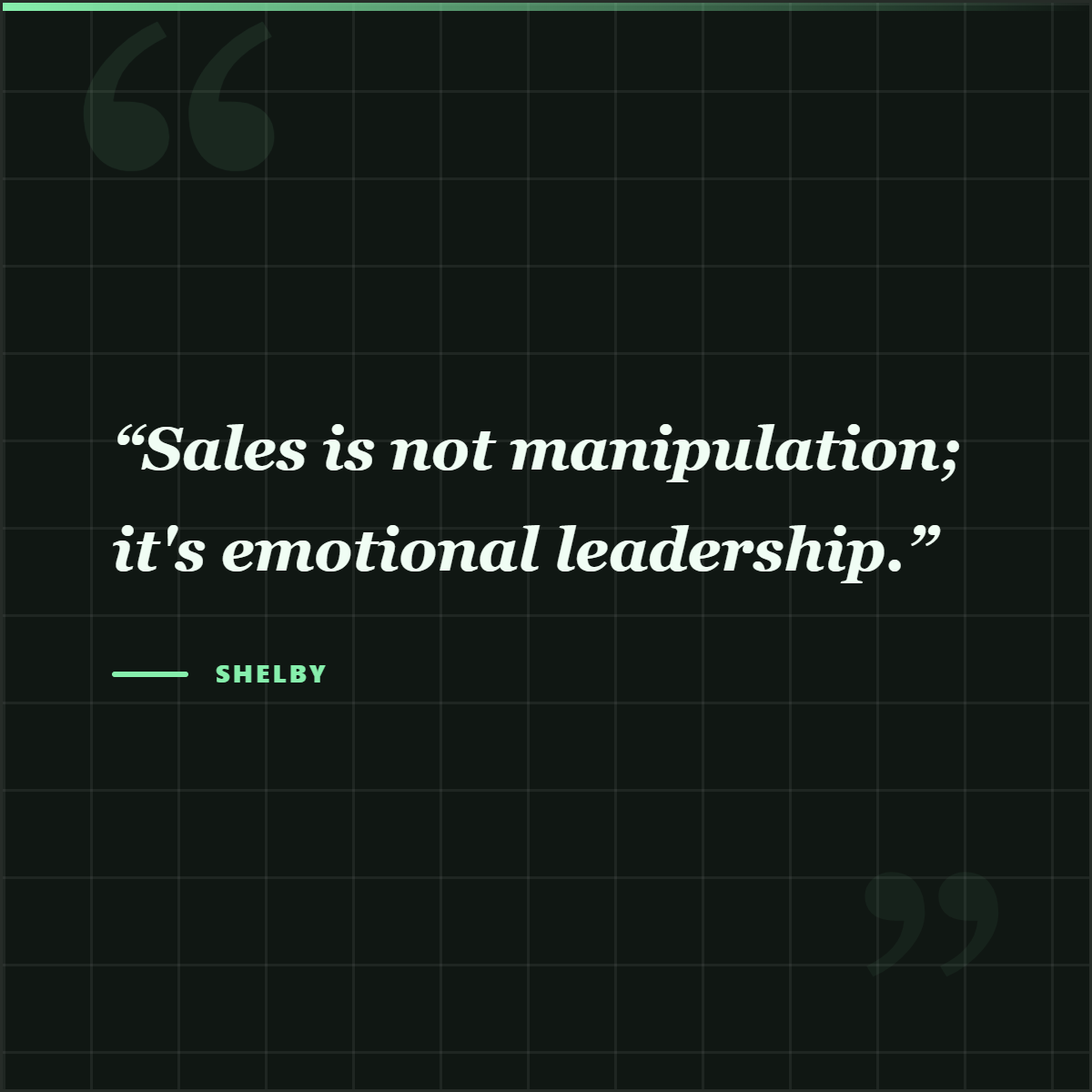
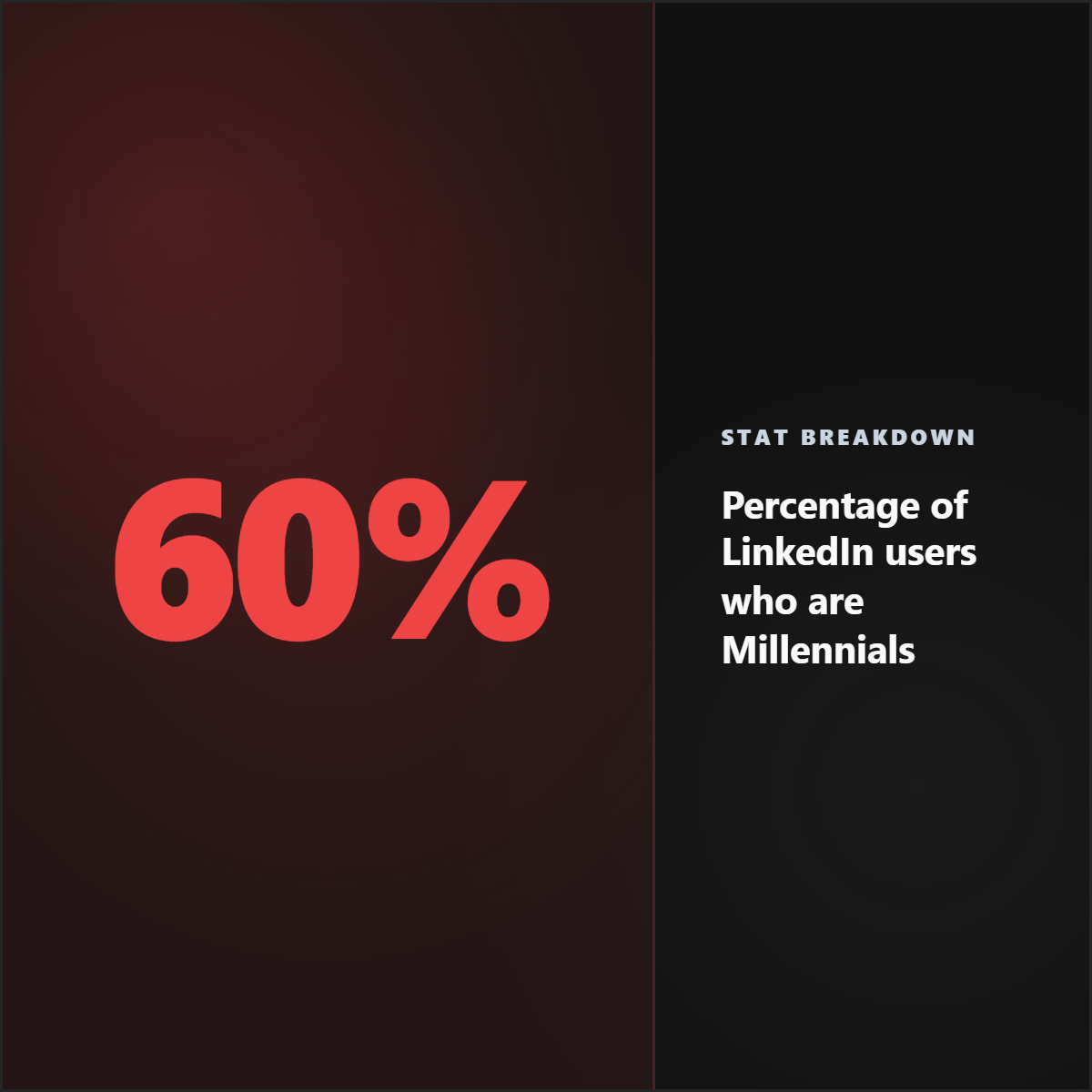
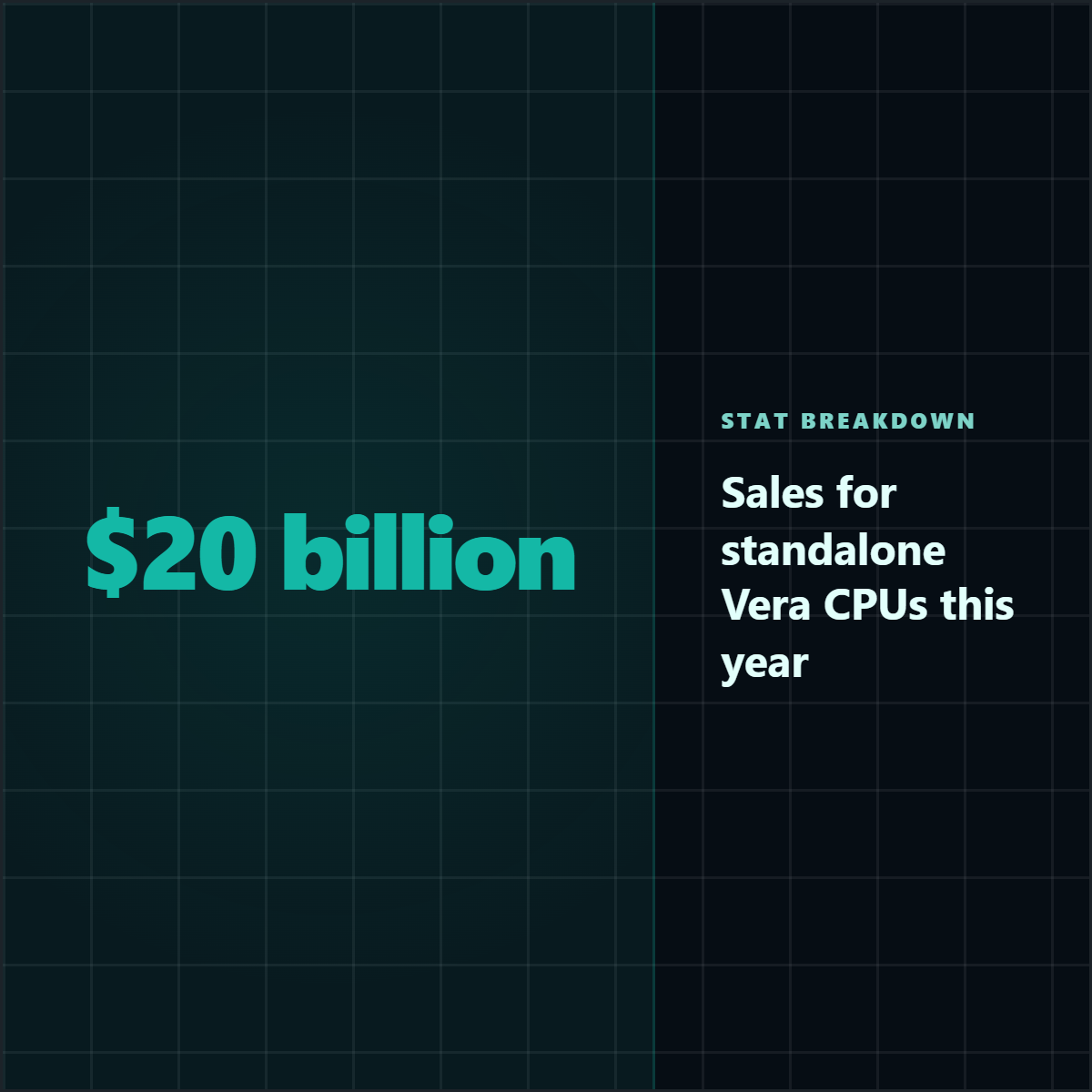
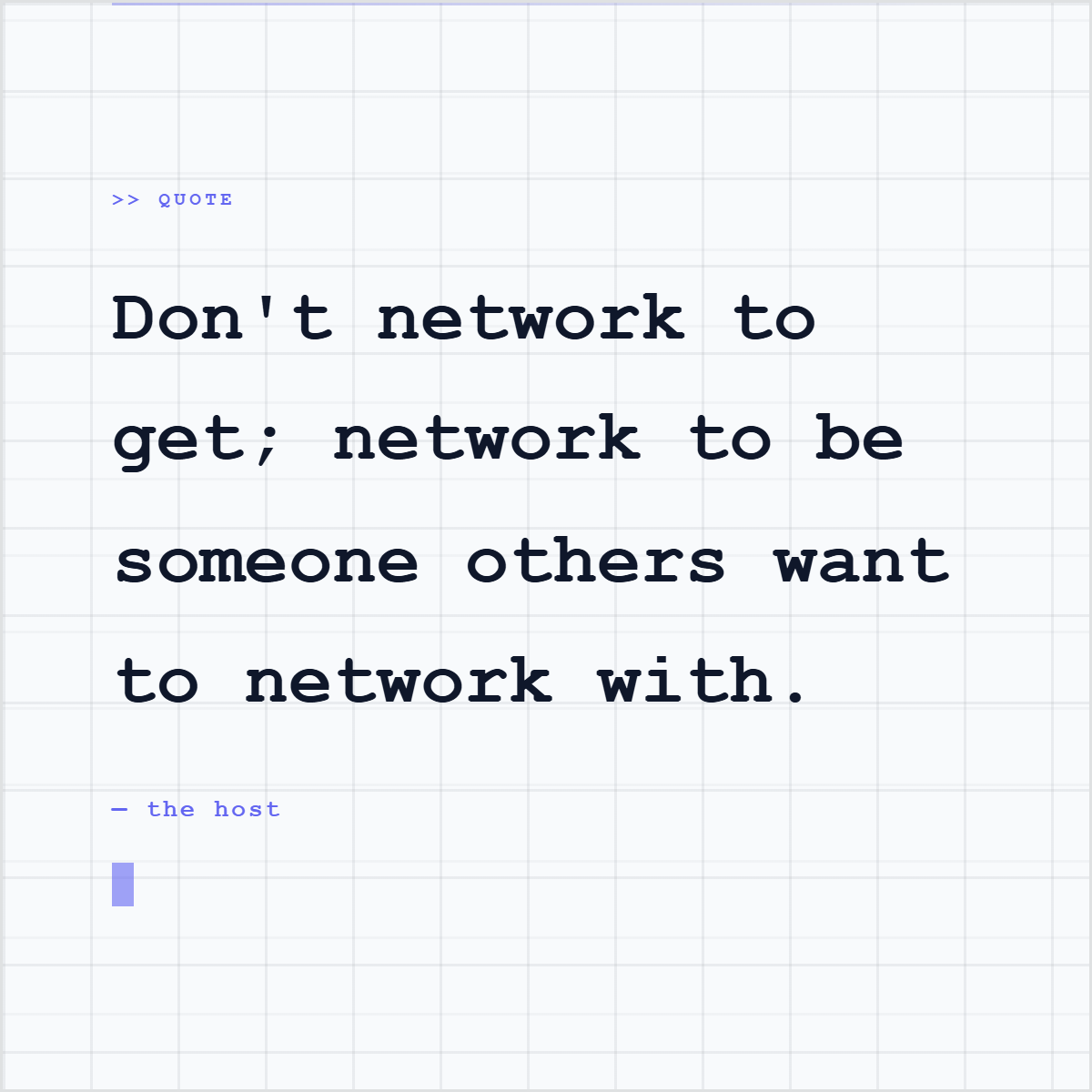
That is exactly why this comparison should not drift into a soft both-tools answer. NotebookLM is where a team studies sources. Highlightly is where a team ships from them. Once the marketing team needs three quote cards, two stat graphics, a LinkedIn carousel, a source screenshot, and platform captions by the end of the day, a research notebook is no longer enough.
The simple split
NotebookLM answers: what does this source mean? Highlightly answers: what can we publish from this source?
NotebookLM supports sources such as PDFs, websites, YouTube URLs, audio files, Google Docs, Google Slides, pasted text, Microsoft Word files, Markdown, images, and more. It can turn those sources into learning and research artifacts. Audio Overviews create AI-hosted summaries. Video Overviews create narrated slide-style summaries. Mind maps visually organize ideas. These are excellent ways to learn, brief, and explore.
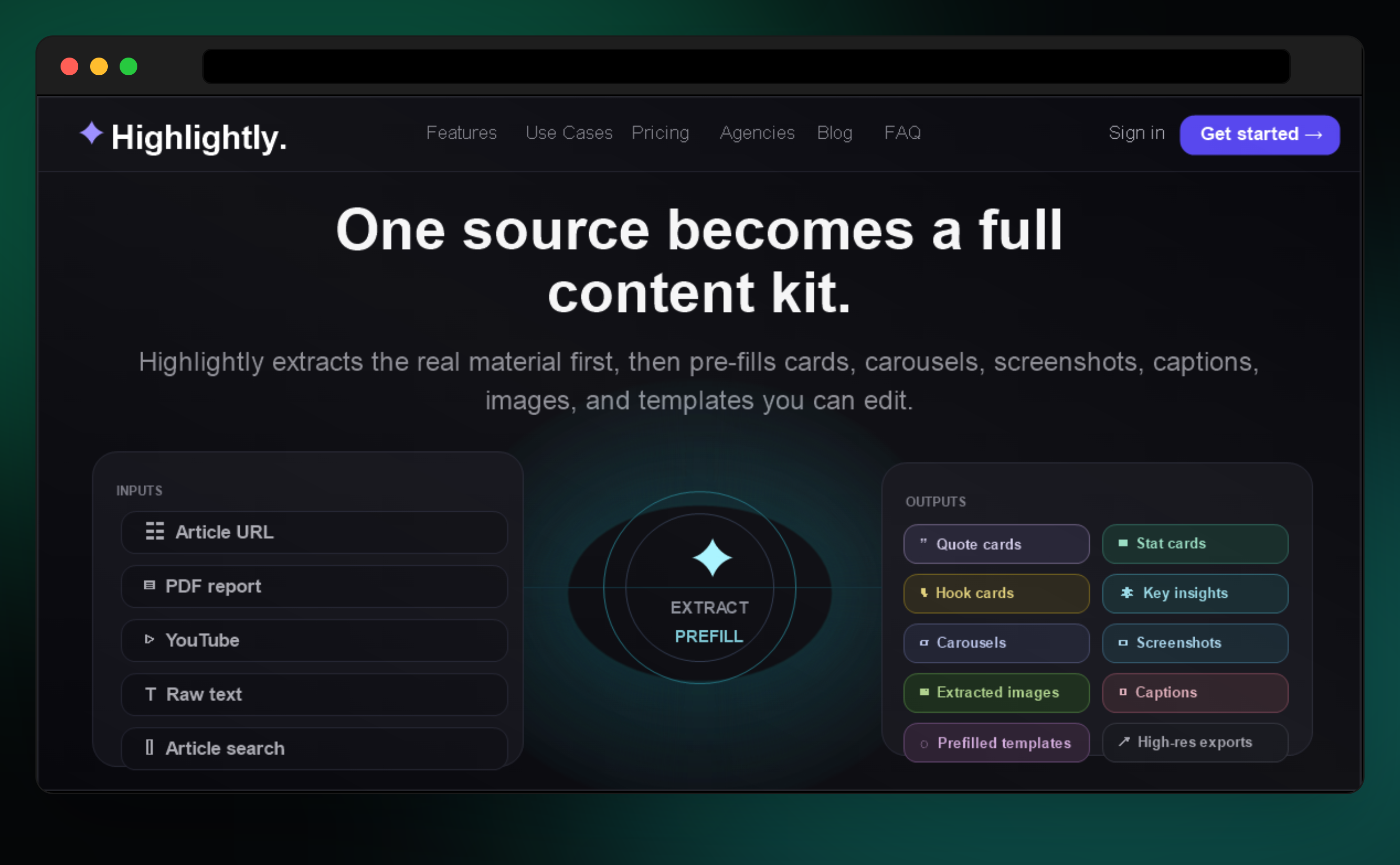
Highlightly starts with a similar respect for source material, but it moves toward the asset. Instead of stopping at a summary or a chat answer, it extracts publishable units: hooks, quotes, statistics, facts, key points, comparisons, entities, captions, screenshots, and carousel-ready sequences. Then it gives those units templates, brand controls, ratios, and export paths.
NotebookLM vs Highlightly: the real comparison
Where NotebookLM belongs
NotebookLM is useful for research; Highlightly turns that research into assets.
Use NotebookLM when you need
- A grounded chat experience over many sources.
- Inline citations while asking questions.
- Study guides, briefings, FAQs, mind maps, quizzes, or learning artifacts.
- Audio or video summaries that help a team absorb material.
- A place to organize a source library before deciding what to create.
Where Highlightly turns research into output
Highlightly is the publishing layer that turns research into assets.
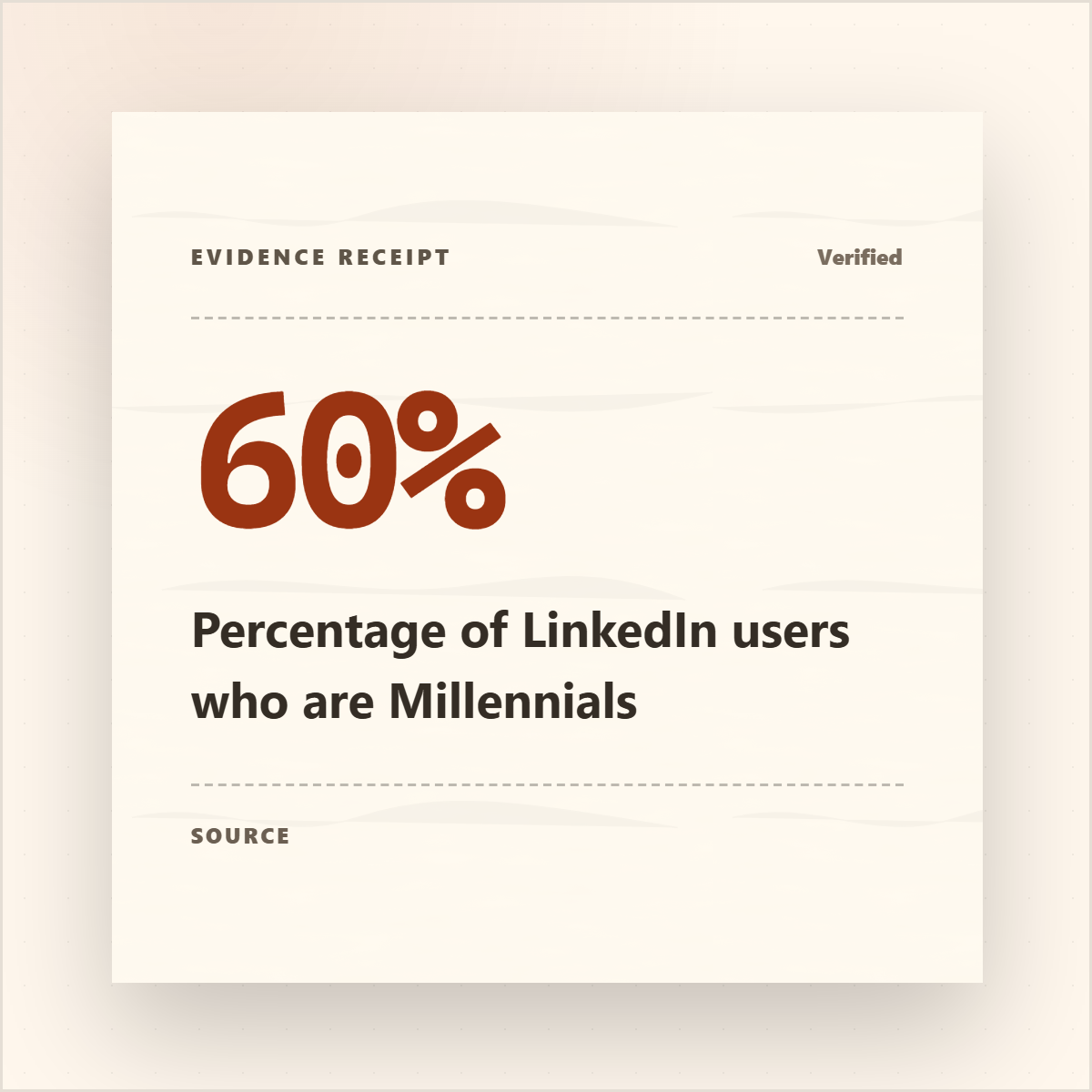
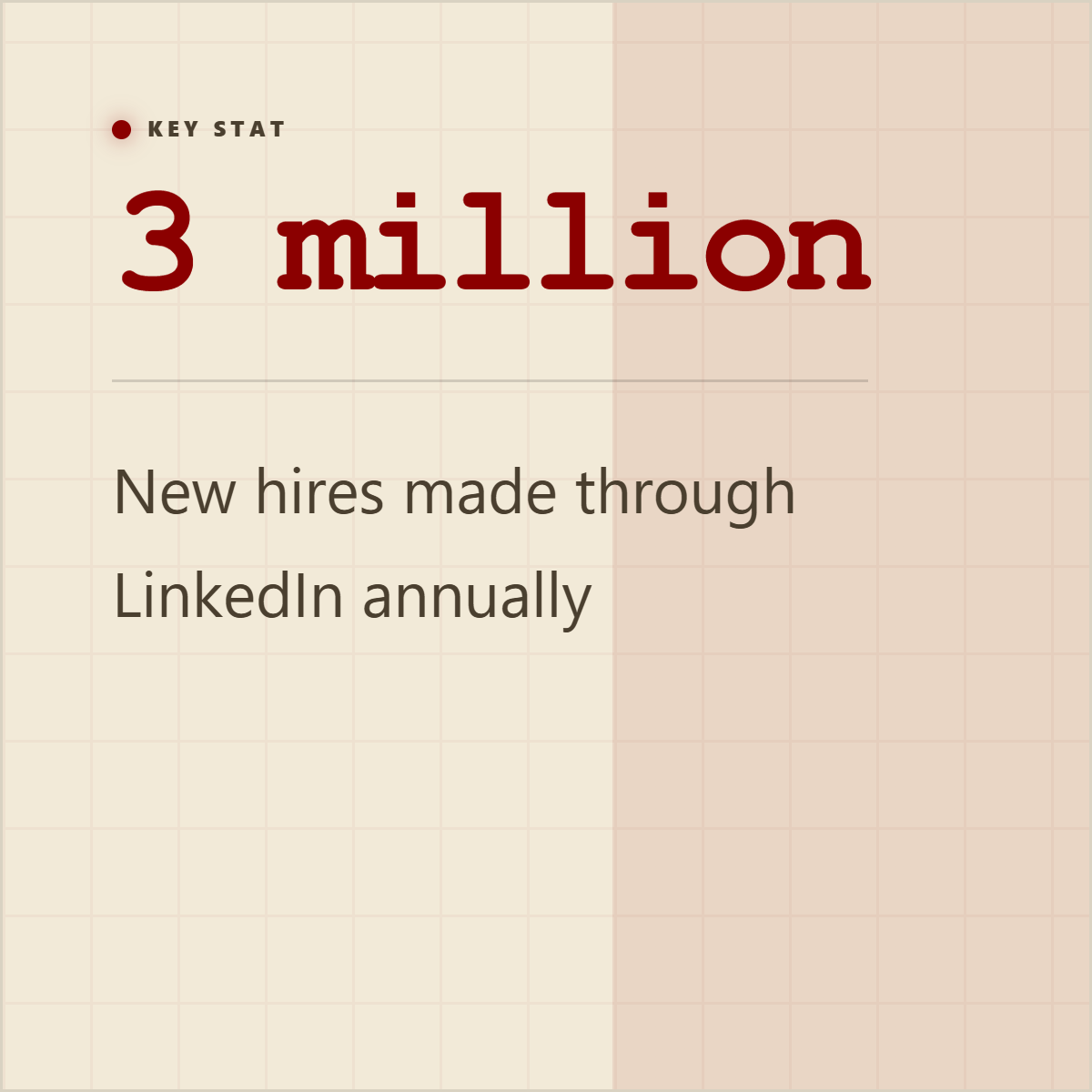
For content teams, understanding is not the last mile. Publishing is. A report may be valuable, but the audience will not read all 40 pages. They might read a stat card. They might save a carousel. They might react to a quote from the CEO. They might trust a source screenshot with visible attribution. Highlightly is built for that packaging layer.
Research desk vs publishing desk
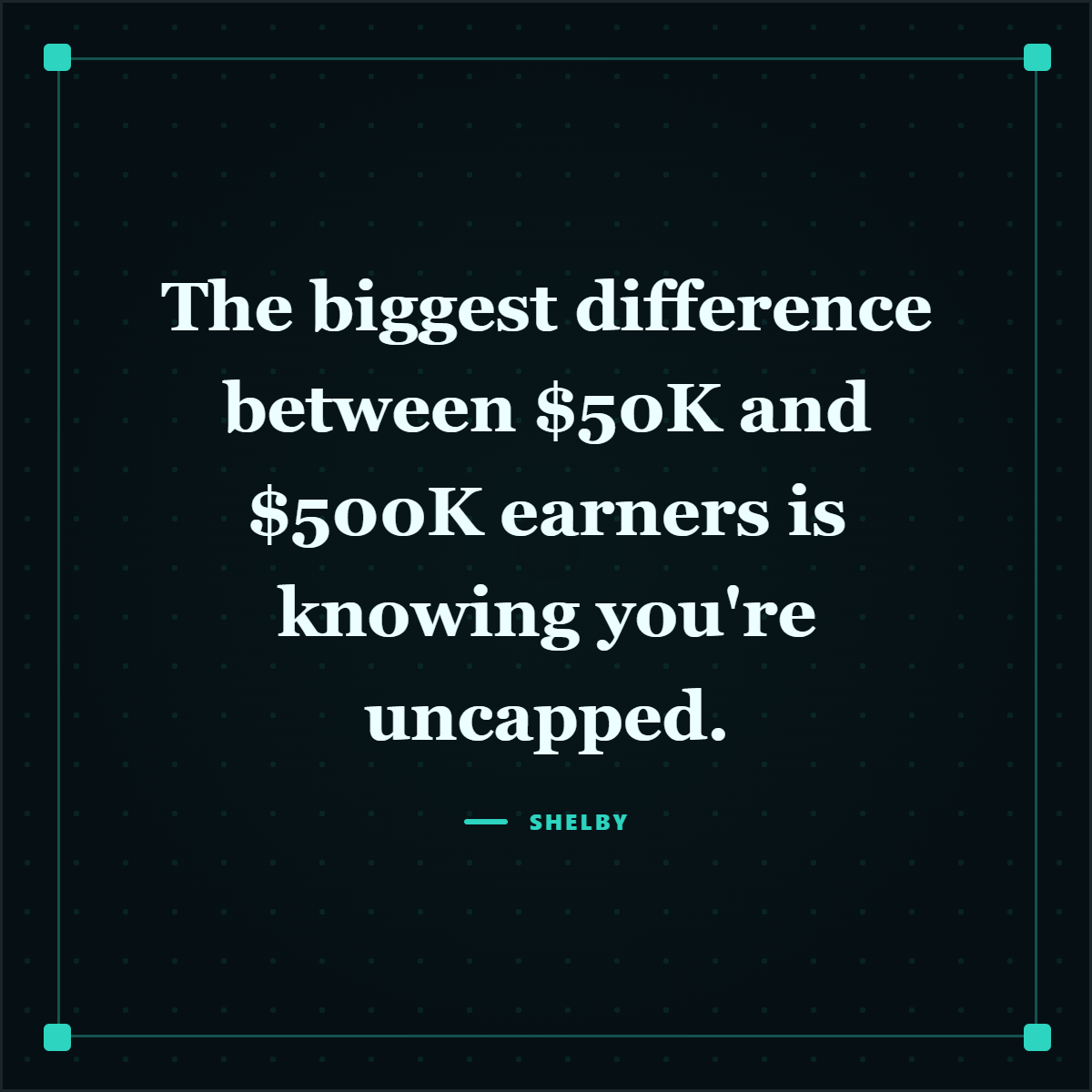
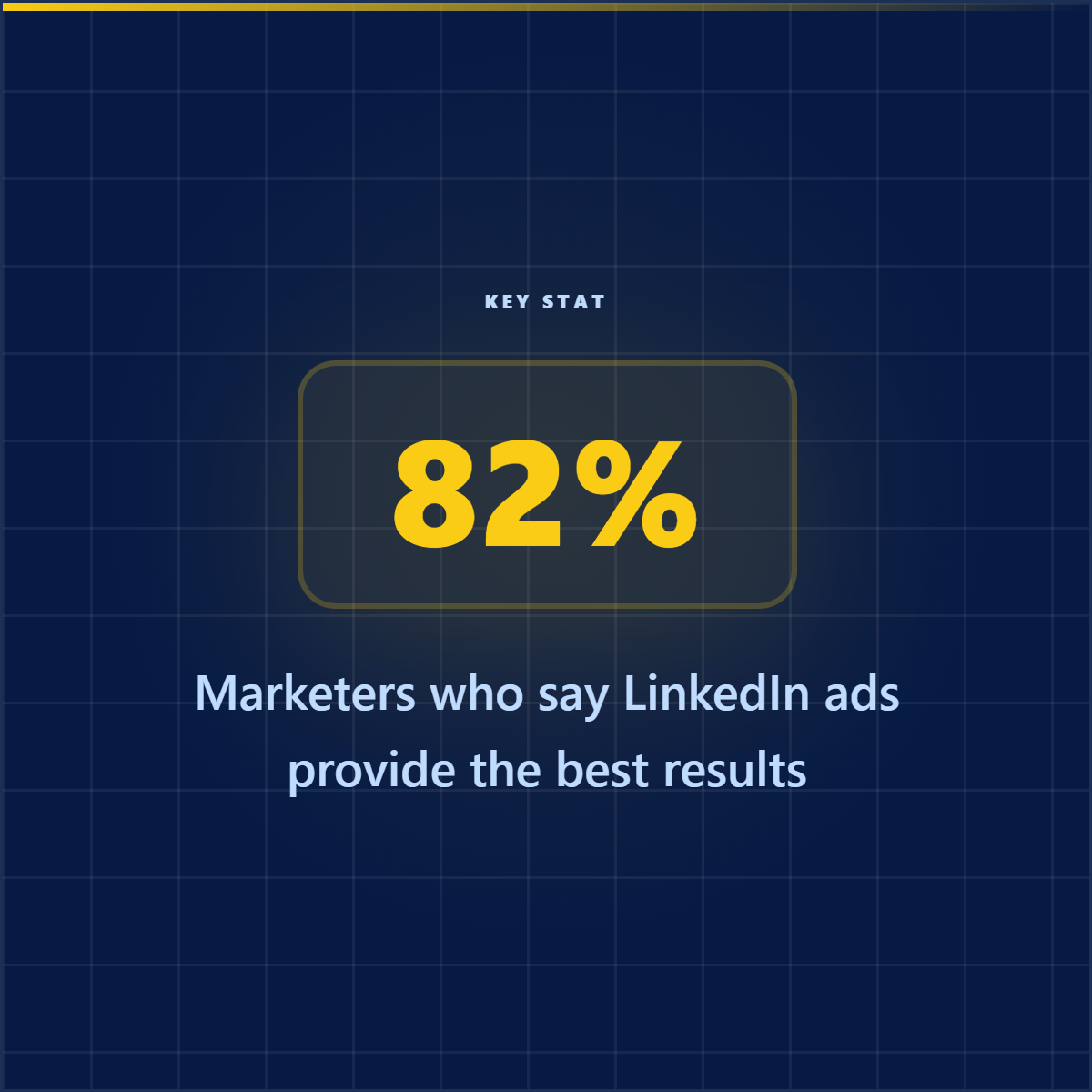
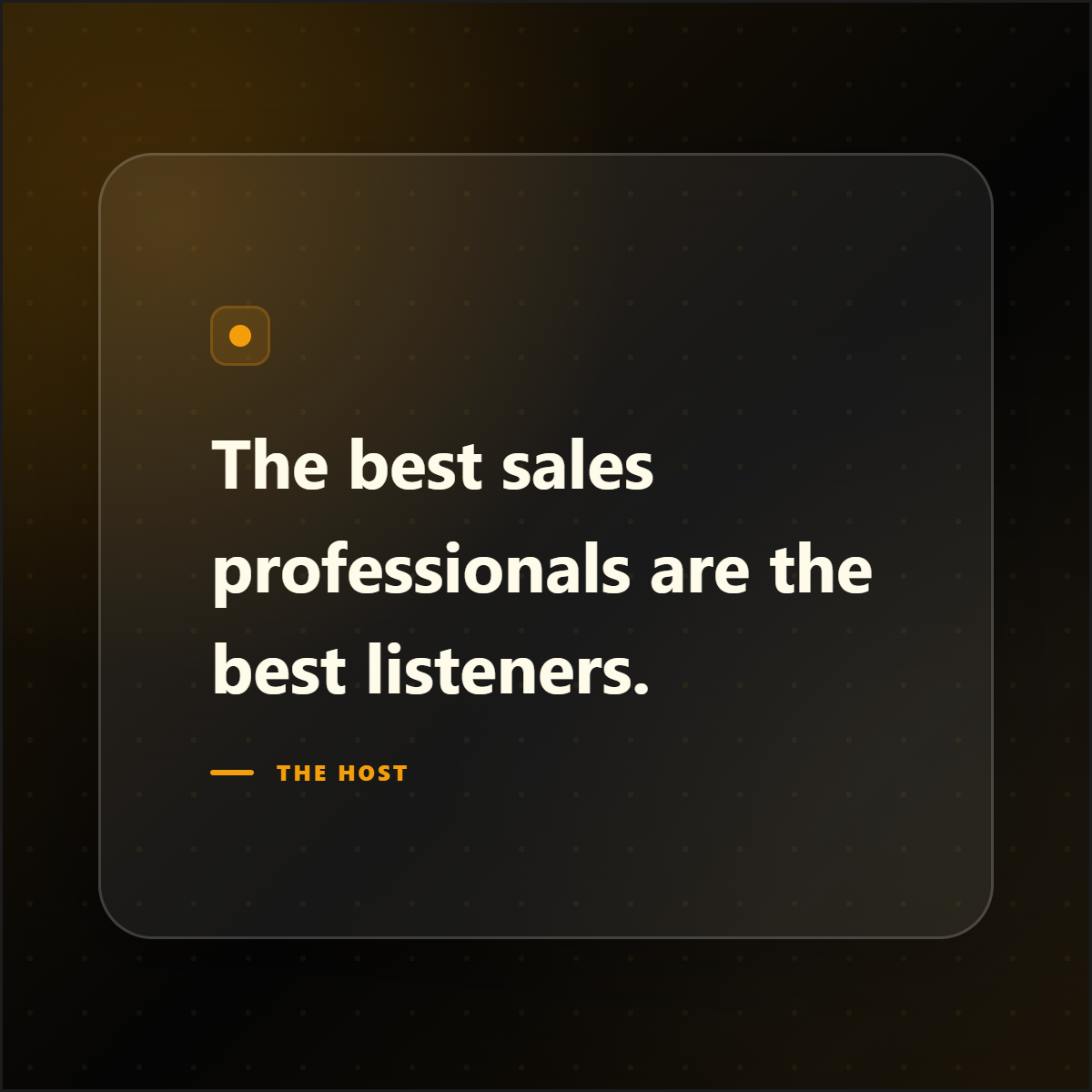
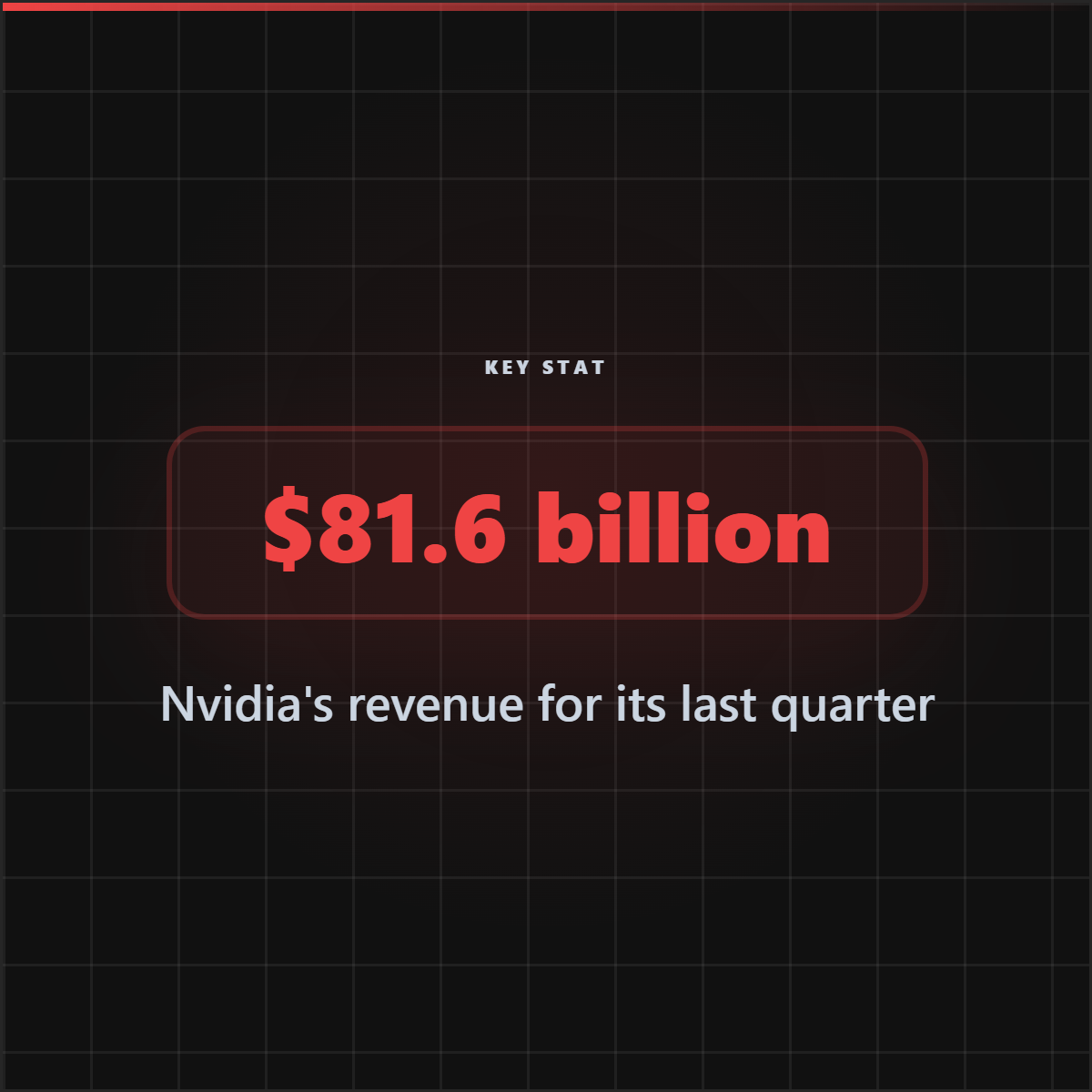
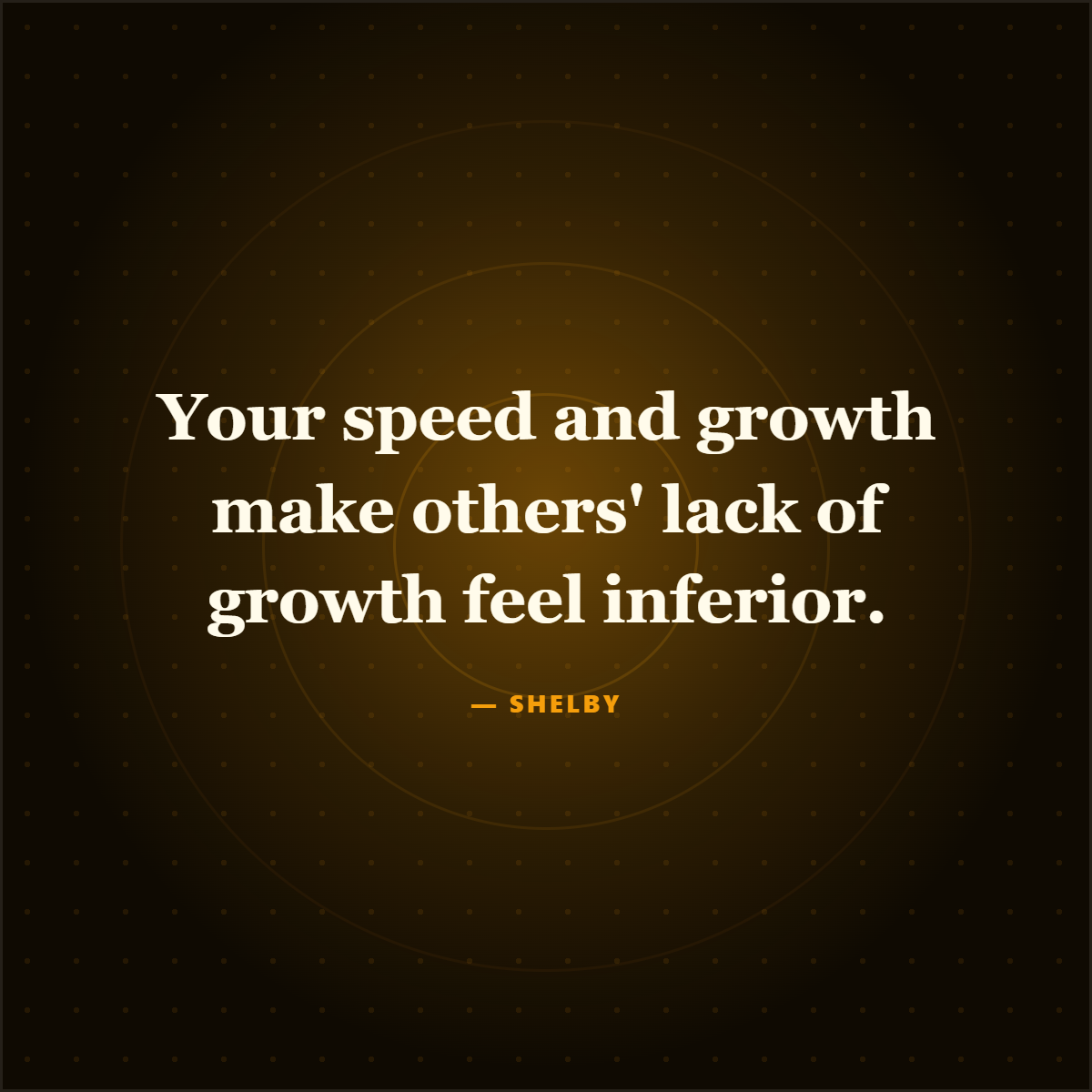
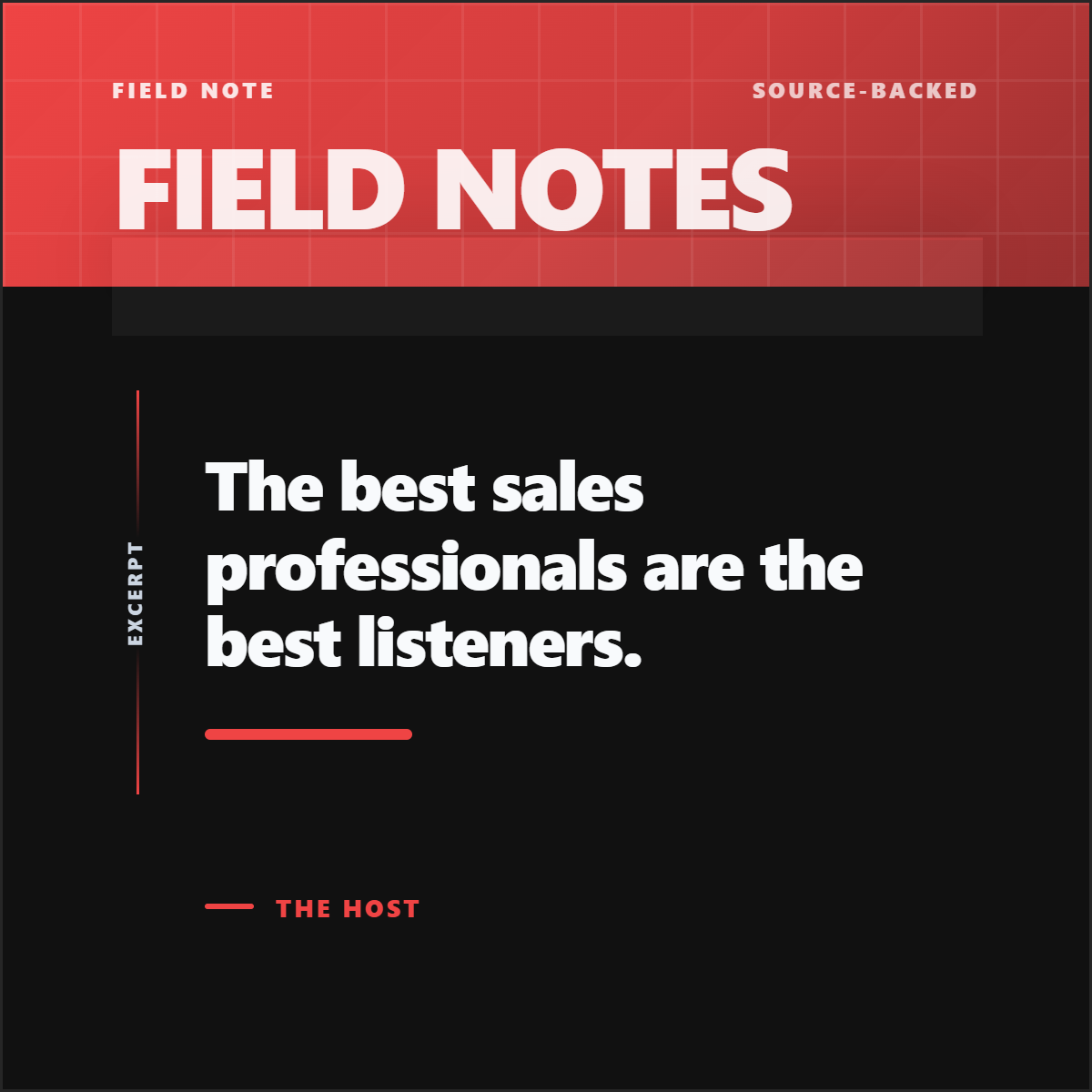
NotebookLM is useful for understanding and organizing source material. Highlightly is built for turning that material into quote cards, stat graphics, carousels, screenshots, and captions.
Who should care
- Writers: turn research notes into clear public-facing claims, quotes, and takeaways.
- Marketers: move from internal understanding to campaign assets, captions, and branded exports.
- Video editors: convert research into narration hooks, on-screen stats, screenshots, and chapter cards.
- Brands: keep public-facing research content consistent, attributed, and visually recognizable.
- Creators: publish the best parts of dense material without sending the audience into a research notebook.
Verdict: research tools do not ship the post.
NotebookLM is excellent for understanding a research library. But understanding is not the finish line for a content team. Highlightly solves the publishing version of the same problem: which points should become public assets, what format should they take, how should they be attributed, and how do they ship as a carousel, quote card, stat graphic, screenshot, caption set, or PNG export?
- NotebookLM is useful for source-grounded research, citations, learning artifacts, and briefings.
- Choose Highlightly when research has to become social graphics, carousels, screenshots, captions, attribution, and exports.
- Do not confuse a cited answer with a publishable asset.
Research to publishing
NotebookLM helps you understand sources. Highlightly helps you ship the assets.
The gap is not note-taking. It is turning source-backed insight into quotes, stats, captions, screenshots, carousels, and export-ready visuals.
Publishing stages
Research becomes useful when it becomes a publishing system.
Frequently asked questions
Research sources