Quote visual
Essay quote card
Turn a precise paragraph into a clean visual teaser.
Highlightly helps writers turn articles, drafts, saved excerpts, and research material into quote cards, thesis visuals, reading notes, and captions without making the work feel generic.
Essay quote
Source-backed and editable
Thesis card
Source-backed and editable
Reading note
Source-backed and editable
Essay companion
Quote -> doorway
Drafts, excerpts, and research notes become tasteful visual entry points.
The writer distribution problem
Writers often have thoughtful material that deserves more than a link preview. Highlightly helps package a thesis, quote, source, or reading note into a visual entry point that points back to the actual work.
Keep the visual quiet enough that the writing still feels like the main event.
Good ideas disappear because the promotion layer feels like a separate craft.
The best paragraph needs a visual doorway without becoming clickbait.
AI-generated promo copy can flatten the writer's voice.
The piece gets fewer entry points than the idea deserves.
Working sequence
Paste an essay section, article URL, reading note, or research excerpt.
Choose a quote, thesis, statistic, or key point that invites readers into the full piece.
Use editorial cards, manuscript-style quotes, and brand typography without overproducing the idea.
Export visuals and captions for newsletters, X, LinkedIn, Medium, or personal sites.
Concrete outputs
Pull quotes, arguments, facts, and hooks from drafts or sources, then turn them into tasteful visuals.
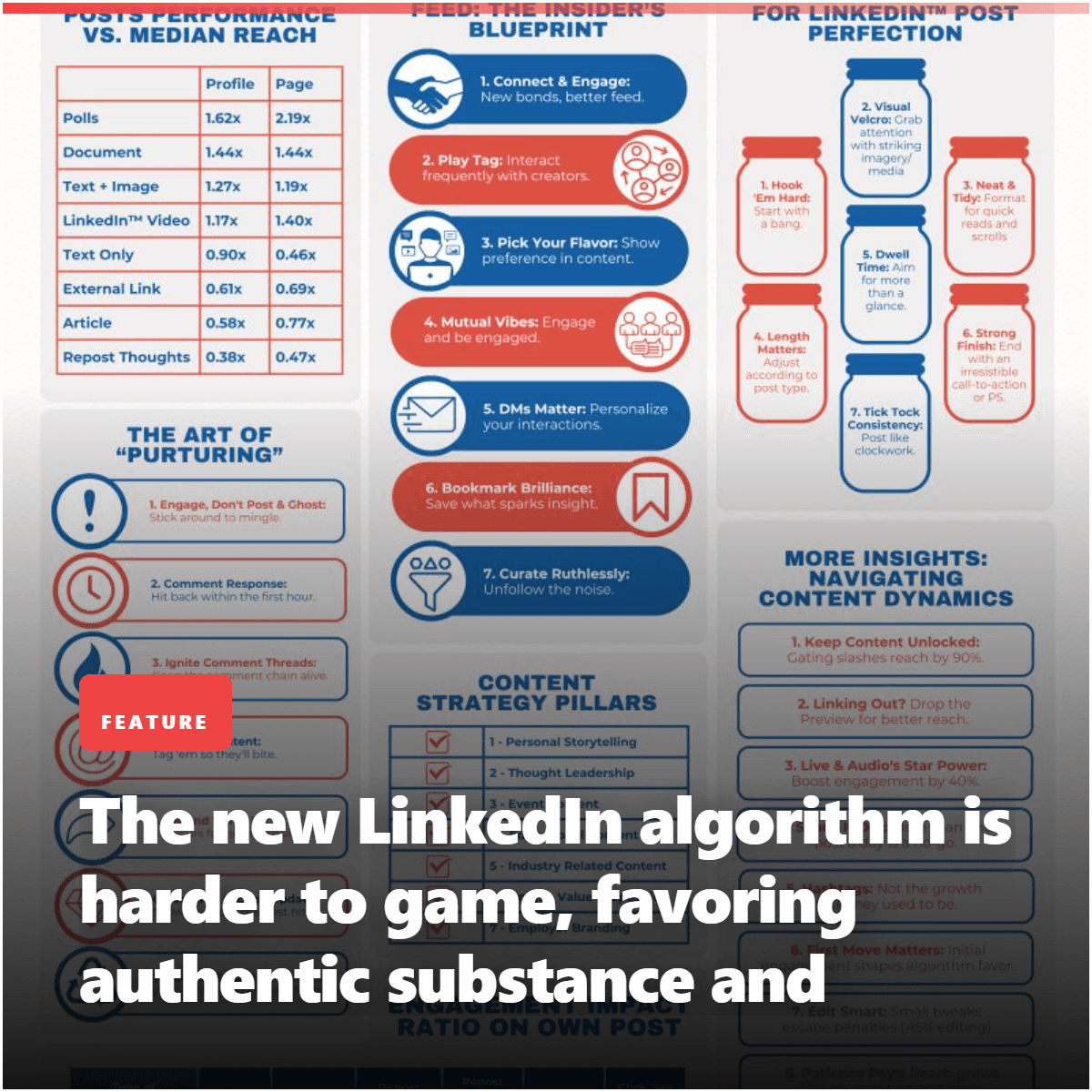
Turn a precise paragraph into a clean visual teaser.
Package the core argument into a shareable card.
Turn a source-backed observation into a cited social visual.
See it in action
Here is an example source, a few extracted signals, and a showcase wall of output directions created from that material.
Example source
This is one source used to demonstrate the kind of outputs Highlightly can create after extraction and review.
Example extracted signals
Statistic
"2% of feeds show organic company content vs 31% for top personal creators."
Finding
50.1% of impression distribution is profile-based — followers, history, topic consistency.
Quote
"AI engines do what B2B buyers have always done: trust people over brands." — Ann Gynn
Key point
55%+ of hidden decision-makers use thought leadership in their vetting process.
Output directions
The showcase below is an example set from one source, not the ceiling. Highlightly can keep producing variations across templates, ratios, brand systems, and editorial angles.
Sample output wall
Preview the first part of the showcase, then expand it if you want to scan the full example set.
Output wall
This is a showcase set, not a limit. Change the format, ratio, brand kit, template, or angle and the same source can branch into many more directions.
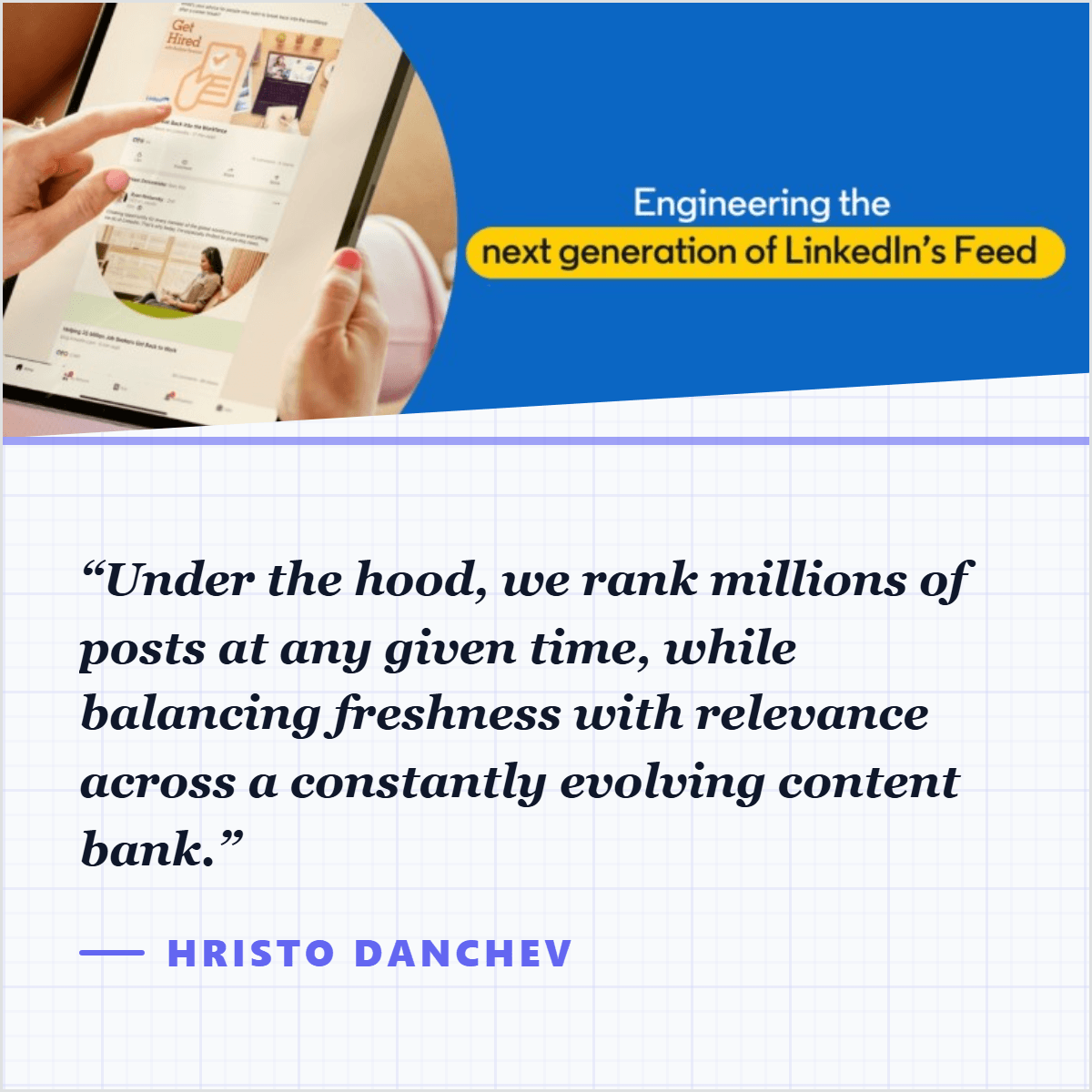
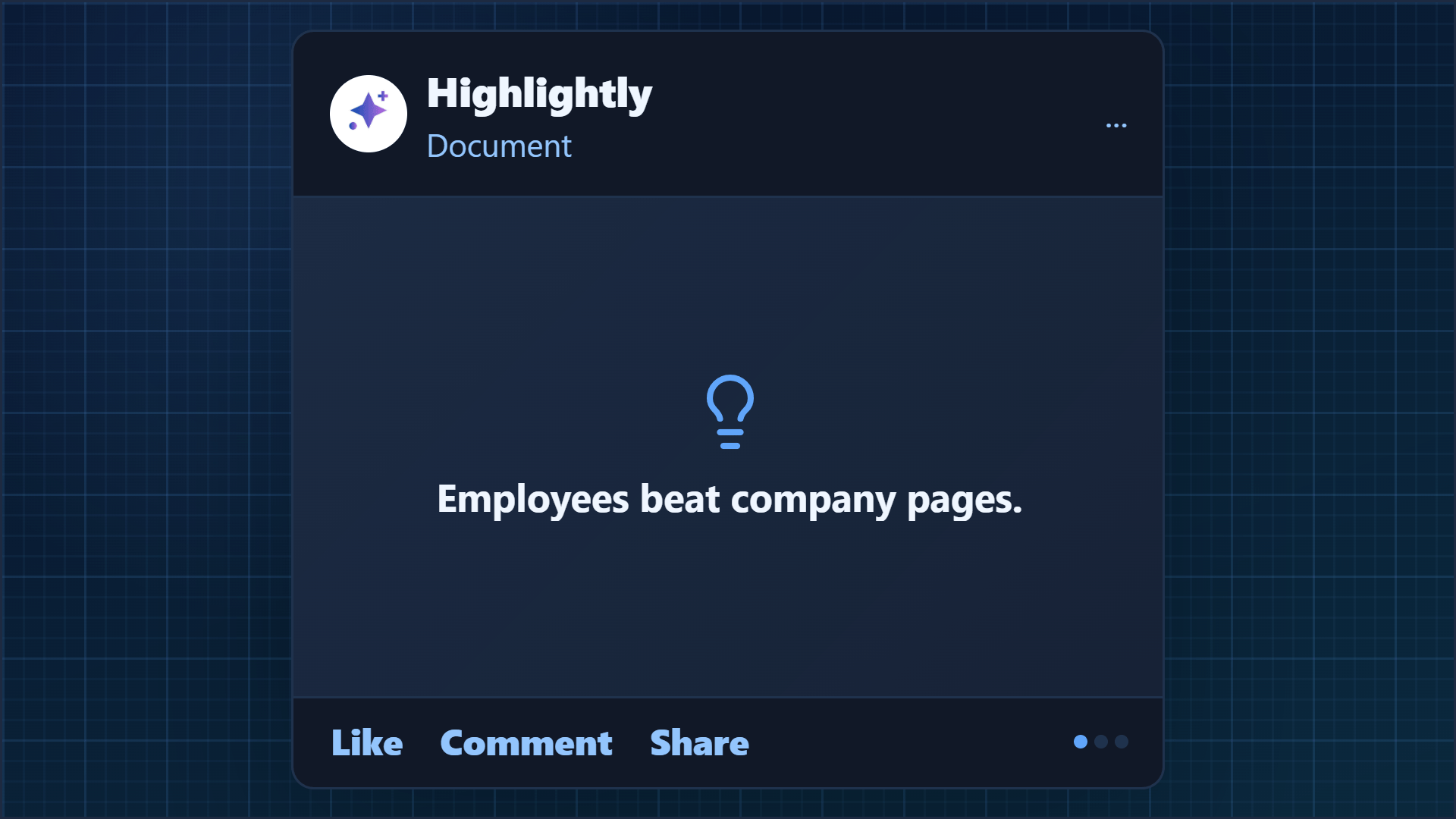
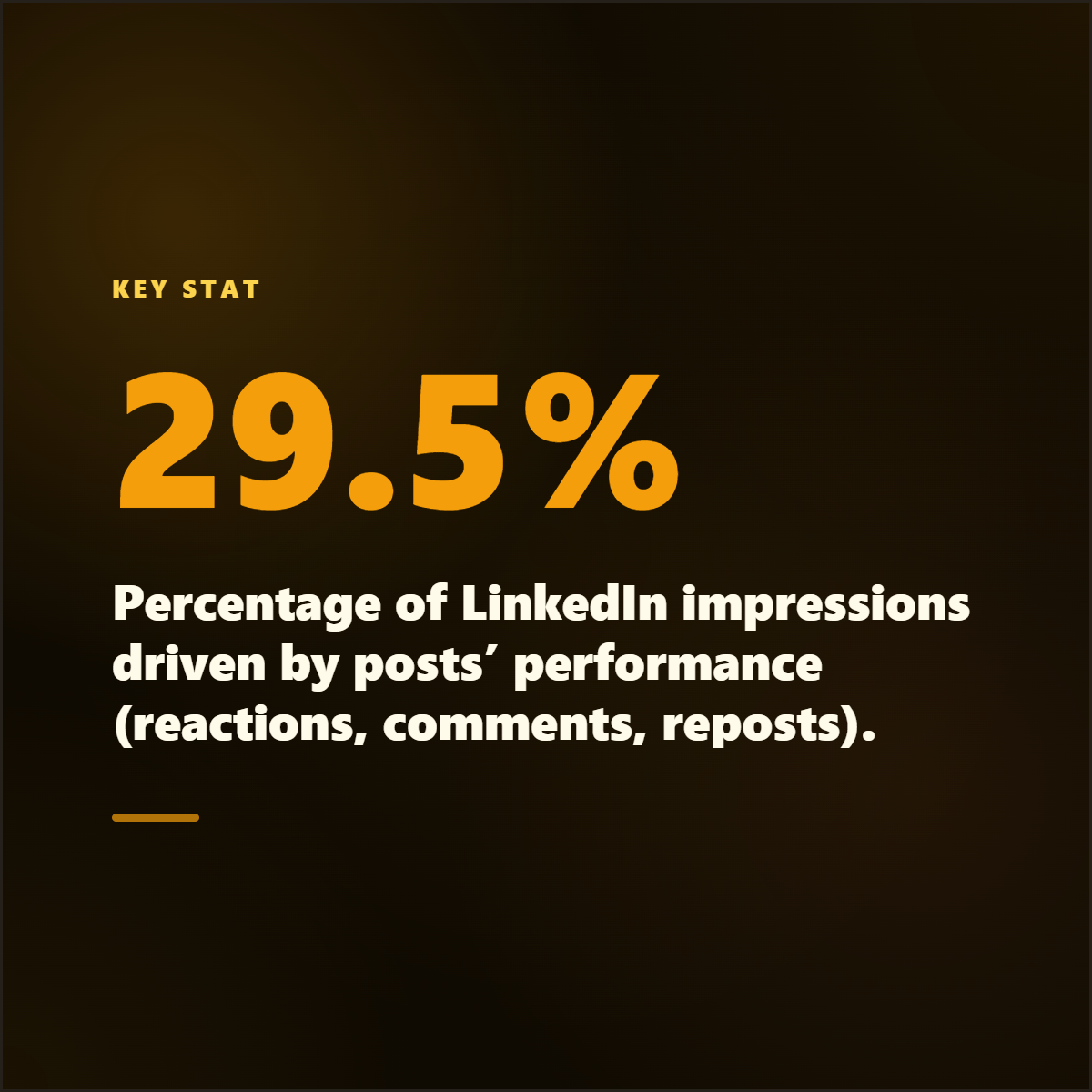
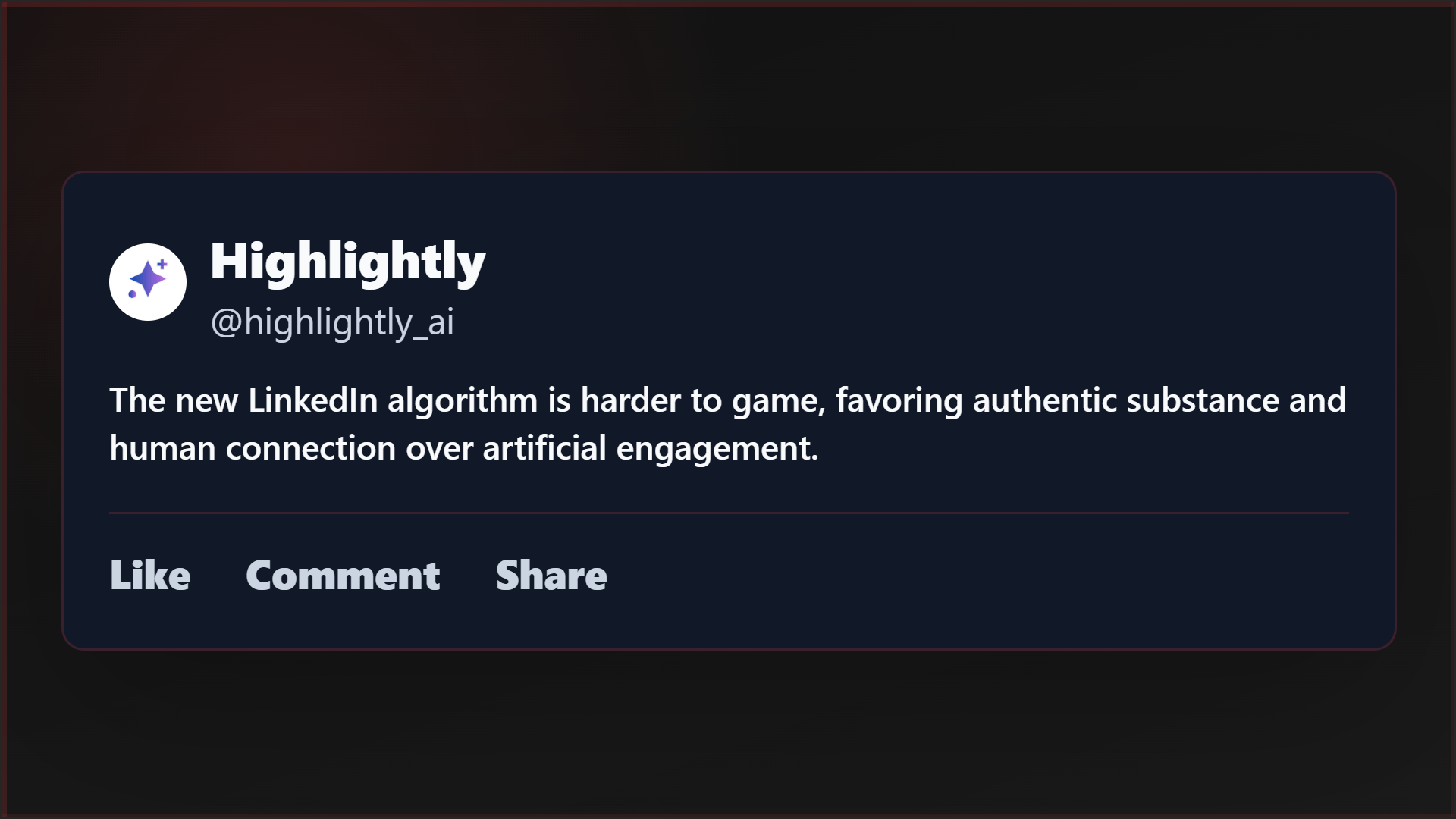
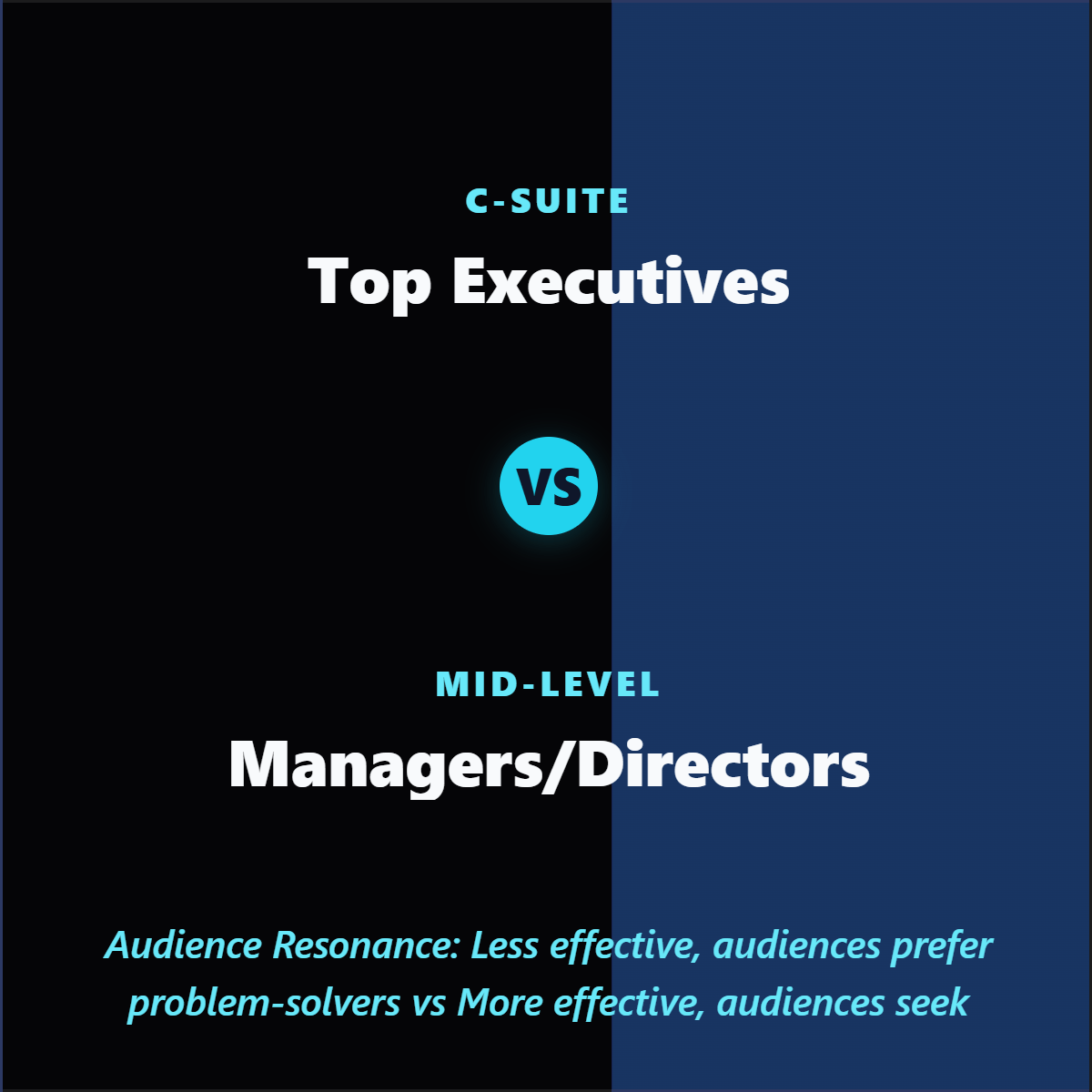
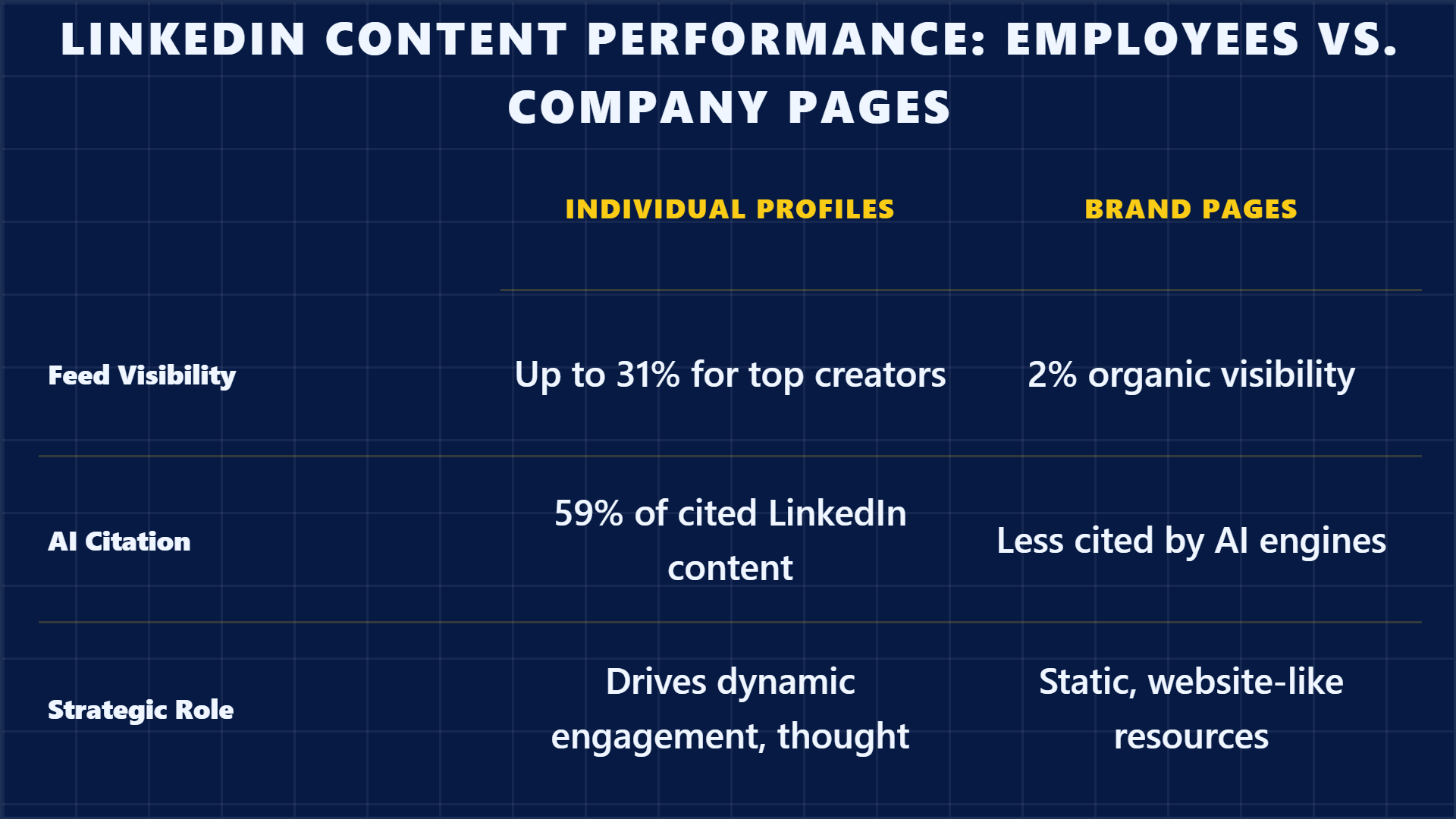
Highlightly extracts and structures source material. You review, edit, and approve before export. The AI does the first pass. You make the final call.
“The goal is not to make more AI content. The goal is to make the useful parts of real sources easier to publish.”— Founder @ Highlightly
See every hook, stat, quote, and claim before it becomes an asset.
Change wording, adjust framing, add your take before export.
Colors, logo, typography, watermark, and social handles.
The final asset reflects your judgment, not just the AI extraction.
What to paste first
The fastest path is not “ask AI for content.” It is: bring a real source, inspect what Highlightly extracts, choose the useful angle, then make the asset your own.
Good when it contains claims, quotes, stats, steps, or a clear argument worth turning into a visual.
Good when it contains claims, quotes, stats, steps, or a clear argument worth turning into a visual.
Good when it contains claims, quotes, stats, steps, or a clear argument worth turning into a visual.
Use the visual to invite reading, not to turn the piece into generic motivational copy.
Before exporting, confirm the extracted quote, statistic, or takeaway still matches the source. Then use the editor, Brand Kit, and captions to make it publishable.
How it compares
Writers need visuals that protect their voice. Highlightly creates restrained, editorial-style assets from the actual text.
| Feature | Highlightly | Canva | Buffer | Manual |
|---|---|---|---|---|
| Source-backed extraction | ||||
| Brand kit application | ||||
| Multi-platform captions | Scheduling only | |||
| Source attribution | ||||
| Batch source ingest | ||||
| Review before export | ||||
| Carousel generation | Manual design | |||
| Quote/stat cards | Manual design |
Source-backed extraction
HL
Canva
Buffer
Manual
Brand kit application
HL
Canva
Buffer
Manual
Multi-platform captions
HL
Canva
Buffer
Manual
Source attribution
HL
Canva
Buffer
Manual
Batch source ingest
HL
Canva
Buffer
Manual
Review before export
HL
Canva
Buffer
Manual
Carousel generation
HL
Canva
Buffer
Manual
Quote/stat cards
HL
Canva
Buffer
Manual
Highlightly works best for writers who want social assets that preserve the texture of the original idea. The goal is not to turn every essay into a slogan; it is to give readers a beautiful reason to enter.
Direct answer
Writers can start from the essay or source material, extract a strong quote or thesis, choose an editorial visual style, and publish a source-backed graphic that points readers back to the full work.
Yes. You choose the material, edit the copy, and apply brand settings before export.
Yes. Pasted text works for drafts, notes, and unpublished excerpts.
Essays with a clear thesis, research-backed arguments, and pieces with quotable paragraphs work well.
Related workflows
For Medium publishing
Medium writers use Highlightly to turn essays into quote cards, thesis visuals, social captions, and promotional graphics.
View workflowFor editorial operators
Extract quotes, stats, hooks, key points, and citations from articles, reports, and PDFs, then turn them into branded newsletter visuals and social posts.
View workflowFor multi-platform creators
Content creators use Highlightly to turn research, articles, transcripts, and notes into source-backed cards, carousels, captions, and story graphics.
View workflowStart with one source
Paste a link, upload a document, or start from text. Review the extracted material, pick a template, and export with attribution intact.