 Highlightly Team
The wrong image size on social media means cropping, stretching, blurry uploads, or awkward cut-off text. Every platform has its own recommended dimensions, and they change more often than most teams track. This guide covers the exact sizes you need for every major platform in 2026.
Start with the largest size. Export platform-specific variants.
Design at 1080x1350 or 1920x1080, then crop or resize for each platform. Never design at the smallest size and try to upscale — you lose quality every time.
The reference table
Social media image sizes by platform: 2026 cheat sheet
Image dimensions for every major platform
Platform breakdown
LinkedIn image sizes explained
LinkedIn is primarily a desktop and mobile feed platform. Feed images display at different widths depending on the device. The safest bets are 1200x627 for landscape, 1080x1080 for square, and 1080x1350 for portrait. Portrait images take up more vertical space in the mobile feed, which means more attention.
LinkedIn size tips
- Feed images: 1200x627 (landscape), 1080x1080 (square), or 1080x1350 (portrait).
- Document carousels: 1080x1080 or 1080x1350 per slide, uploaded as PDF.
- Company page logo: 300x300. Company cover: 1128x191.
- Personal background image: 1584x396.
- Portrait (4:5) images get more feed real estate on mobile than landscape.
Platform breakdown
Instagram image sizes explained
Instagram supports square, portrait, and landscape feed posts, plus 9:16 stories and reels. The 4:5 portrait ratio (1080x1350) is the most engaging for feed posts because it fills more of the screen on mobile.
Instagram size tips
- Feed posts: 1080x1080 (square), 1080x1350 (portrait), or 1080x566 (landscape).
- Stories and Reels: 1080x1920 (9:16).
- Carousel posts: use the same ratio for all slides — either all square or all portrait.
- Profile photo: 320x320 (displays as a circle).
- Avoid posting landscape images on Instagram — they take up the least feed space.
Platform breakdown
X (Twitter) image sizes explained
X uses 16:9 landscape images as the default for in-stream display. The recommended upload size is 1600x900, but 1200x675 works well too. Square images display with bars on the sides in the timeline.
X size tips
- In-stream images: 1200x675 or 1600x900 (16:9).
- Header image: 1500x500 (3:1).
- Profile photo: 400x400.
- X now supports up to 4 images per post — use consistent ratios.
- Landscape images fill the timeline width better than square.
The other platforms
Facebook, YouTube, Pinterest, and TikTok sizes
Facebook feed images work best at 1200x630 (1.91:1). YouTube thumbnails need 1280x720 (16:9). Pinterest favors tall images: 1000x1500 (2:3) for standard pins. TikTok and YouTube Shorts both use 1080x1920 (9:16).
Quick reference for secondary platforms
The workflow
The resize-once export workflow
The most efficient approach is to design once at the largest needed size, then export platform-specific variants. Do not redesign the same asset five times for five platforms. Design once, resize intelligently.
Resize-once workflow
Design at the largest size
Create your asset at 1080x1350 (portrait) or 1920x1080 (landscape). This gives you the most pixels to work with.
Export square
Crop to 1080x1080 for platforms that favor square: Instagram, LinkedIn, Facebook.
Export portrait
Keep the 1080x1350 version for Instagram and LinkedIn feed posts.
Export landscape
Resize to 1200x627 or 1600x900 for X, Facebook link previews, and LinkedIn landscape posts.
Export story
Create a 1080x1920 version for Instagram Stories, Facebook Stories, TikTok, and YouTube Shorts.
Tools that help
How Highlightly handles image sizing
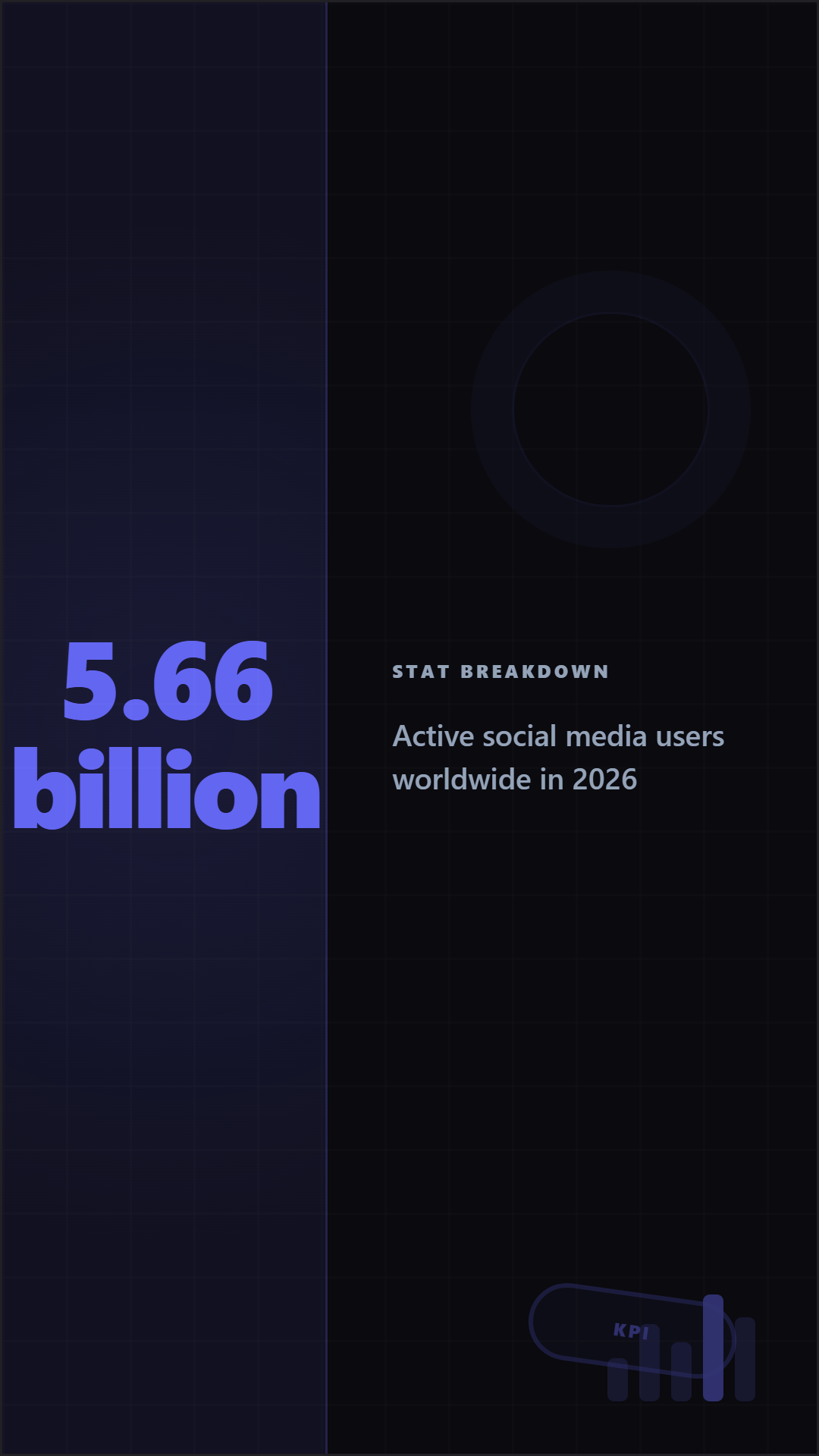
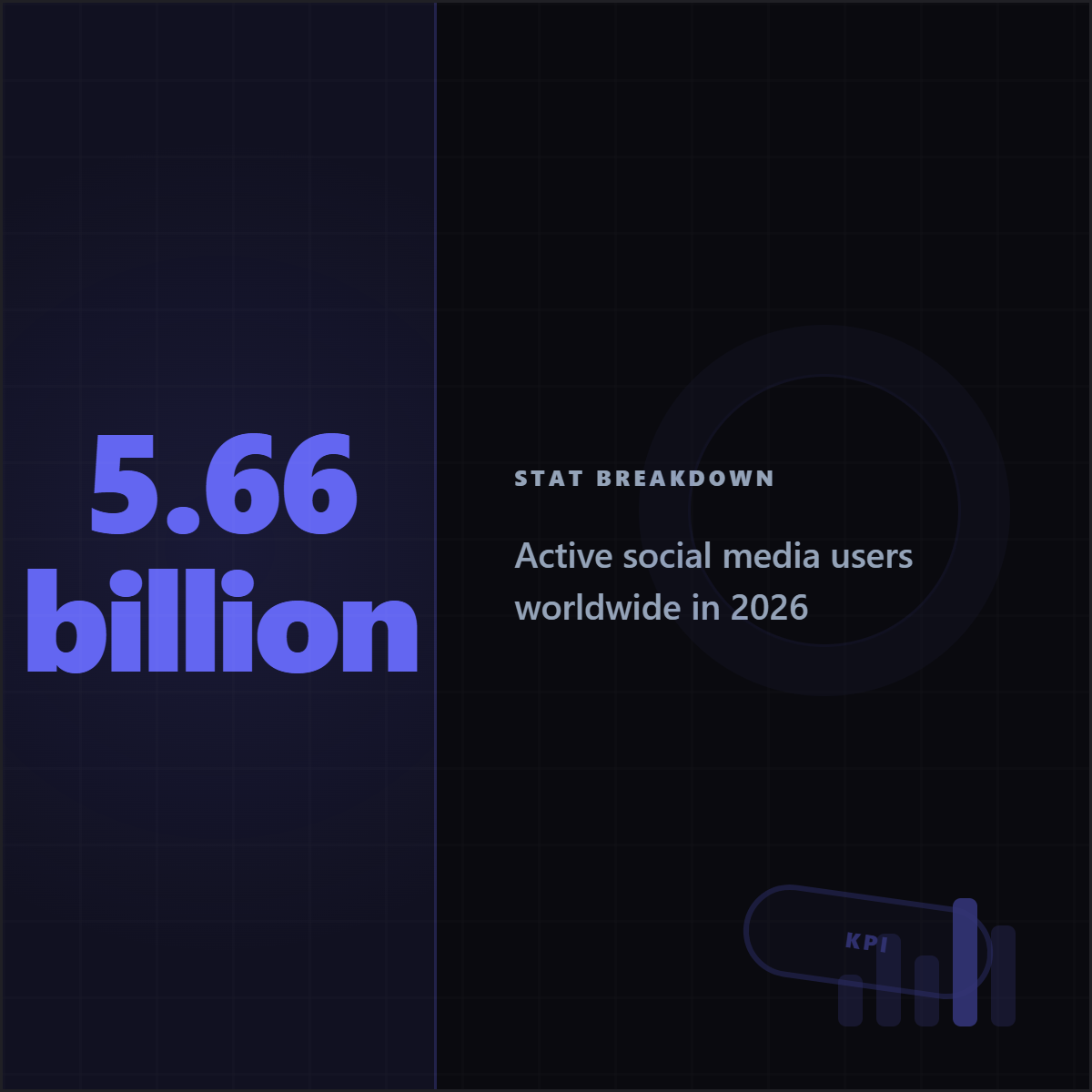
Highlightly supports multiple export ratios from the same design: 1:1 (square), 4:5 (portrait), 16:9 (landscape), and 9:16 (story). You design once, choose the ratio, and export. The brand kit, typography, and layout adjust automatically to each ratio.
Try the image resizer
Design once. Export for every platform.
Create a social media graphic in Highlightly and export it in every size you need: square, portrait, landscape, and story. Brand kit applied to every variant.
Start designingPlatform sizes
Every platform has different image requirements.
The most common aspect ratios are 1:1 (square), 4:5 (portrait feed), 9:16 (stories and reels), and 16:9 (landscape and YouTube). Getting the size right means no cropping, no stretching, and no blurry uploads.
Frequently asked questions
Research sources