Launch graphic
Launch proof card
Turn a feature announcement into a credible visual with the benefit, context, and brand treatment aligned.
Highlightly helps product marketers convert release notes, customer proof, analyst coverage, reports, and positioning docs into source-backed launch graphics, carousels, screenshots, and captions.
Launch card
Source-backed and editable
Analyst stat
Source-backed and editable
Screenshot callout
Source-backed and editable
Launch system
GTM source
Release notes, customer proof, and analyst stats become aligned launch assets.
The GTM content problem
Product marketers sit between product, sales, brand, and demand gen. Highlightly gives them a faster way to turn launch material and source-backed proof into visuals that can support announcements, sales enablement, and campaign distribution.
Keep sales, social, and demand gen working from the same approved story.
Launch windows are short, but every channel needs a slightly different asset.
Customer proof and analyst stats often stay trapped in docs and decks.
Product claims need review before they become public social graphics.
Launch consistency breaks when sales, social, and founder posts use different source material.
Working sequence
Use launch notes, release posts, customer quotes, analyst reports, case studies, or pasted positioning docs. Batch-ingest multiple sources to prep an entire launch campaign at once.
Review extracted hooks, stats, quotes, comparisons, entities, and product claims before choosing what to publish.
Create launch cards, stat graphics, screenshot callouts, carousels, and platform captions from the same source.
Apply brand kit controls and export assets for social, sales decks, newsletters, and internal enablement.
Concrete outputs
Extract claims, customer quotes, report stats, positioning angles, and captions from the sources behind your GTM motion.
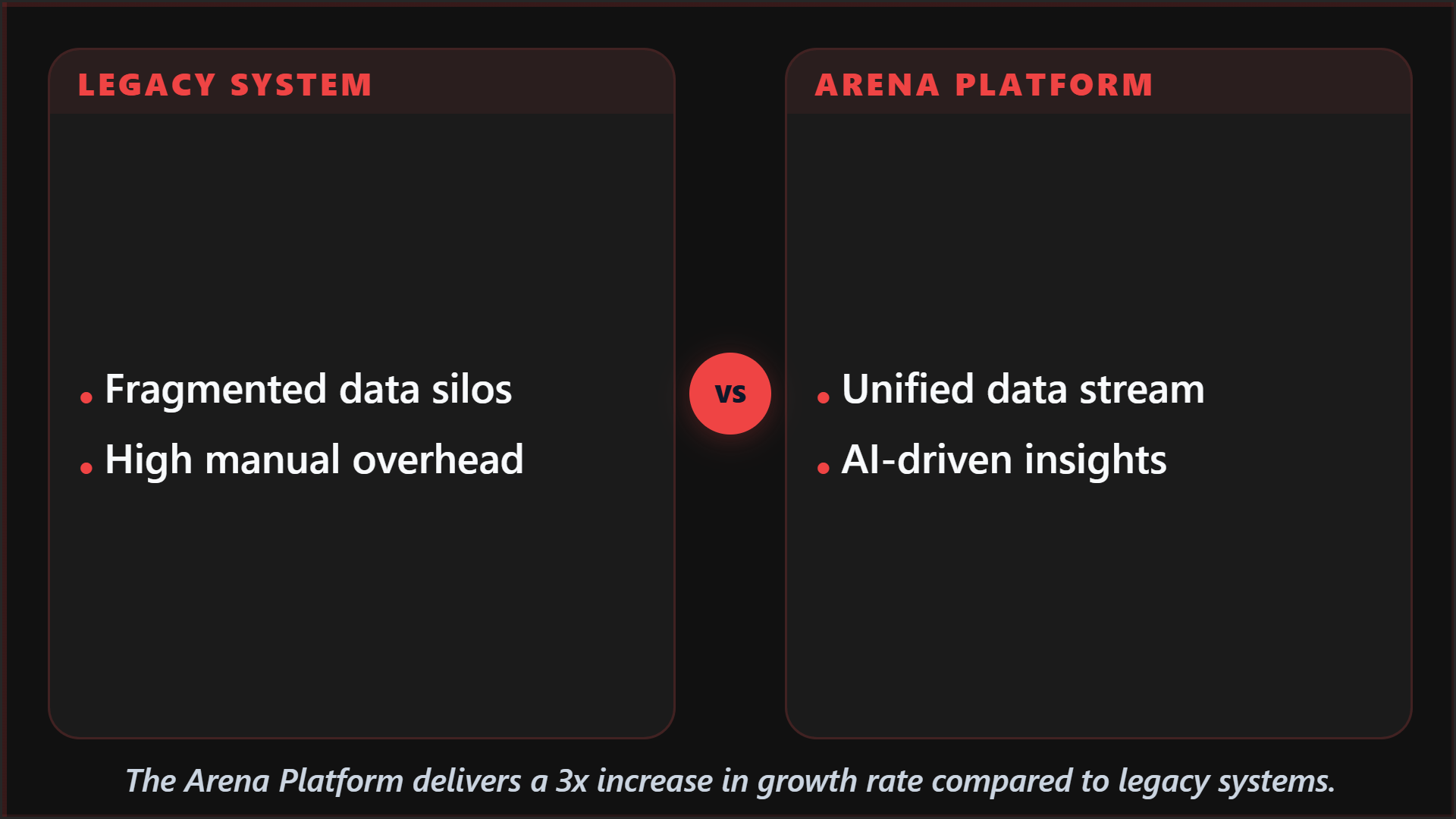
Turn a feature announcement into a credible visual with the benefit, context, and brand treatment aligned.
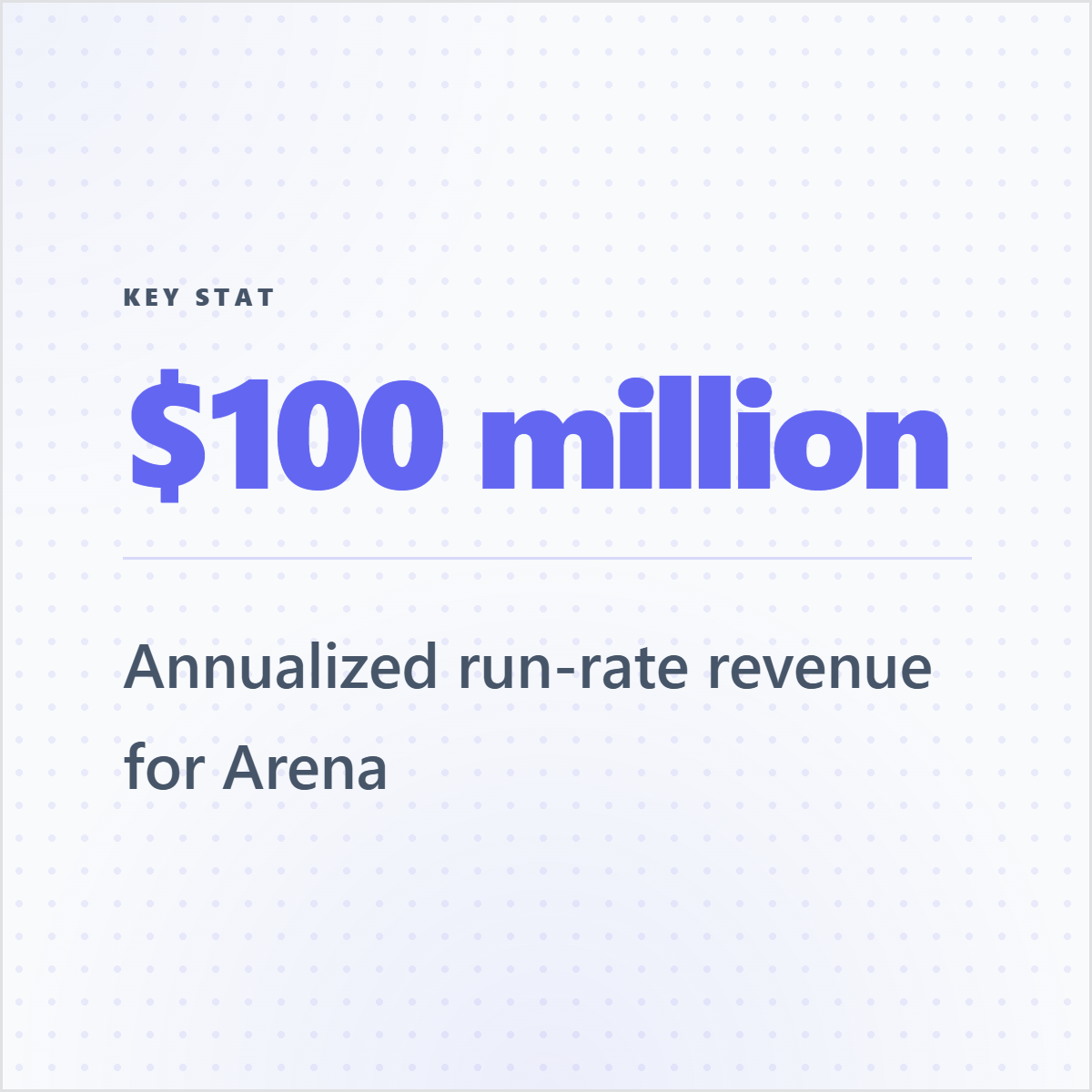
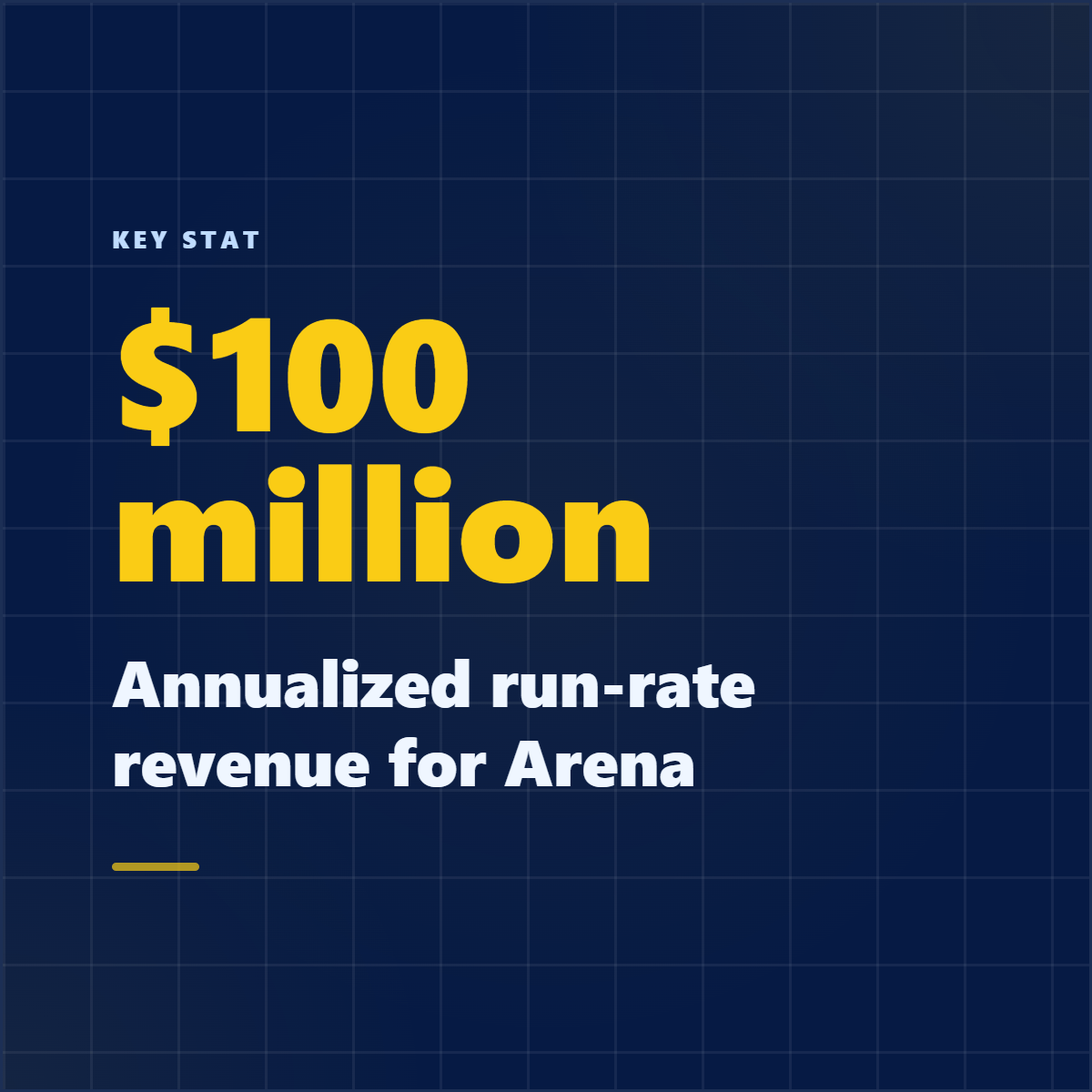
Package a market statistic from a report into a sales- and social-ready visual.
Convert one case study into a short sequence of proof-led social slides.
See it in action
Here is an example source, a few extracted signals, and a showcase wall of output directions created from that material.
Example source
This is one source used to demonstrate the kind of outputs Highlightly can create after extraction and review.
Example extracted signals
Hook
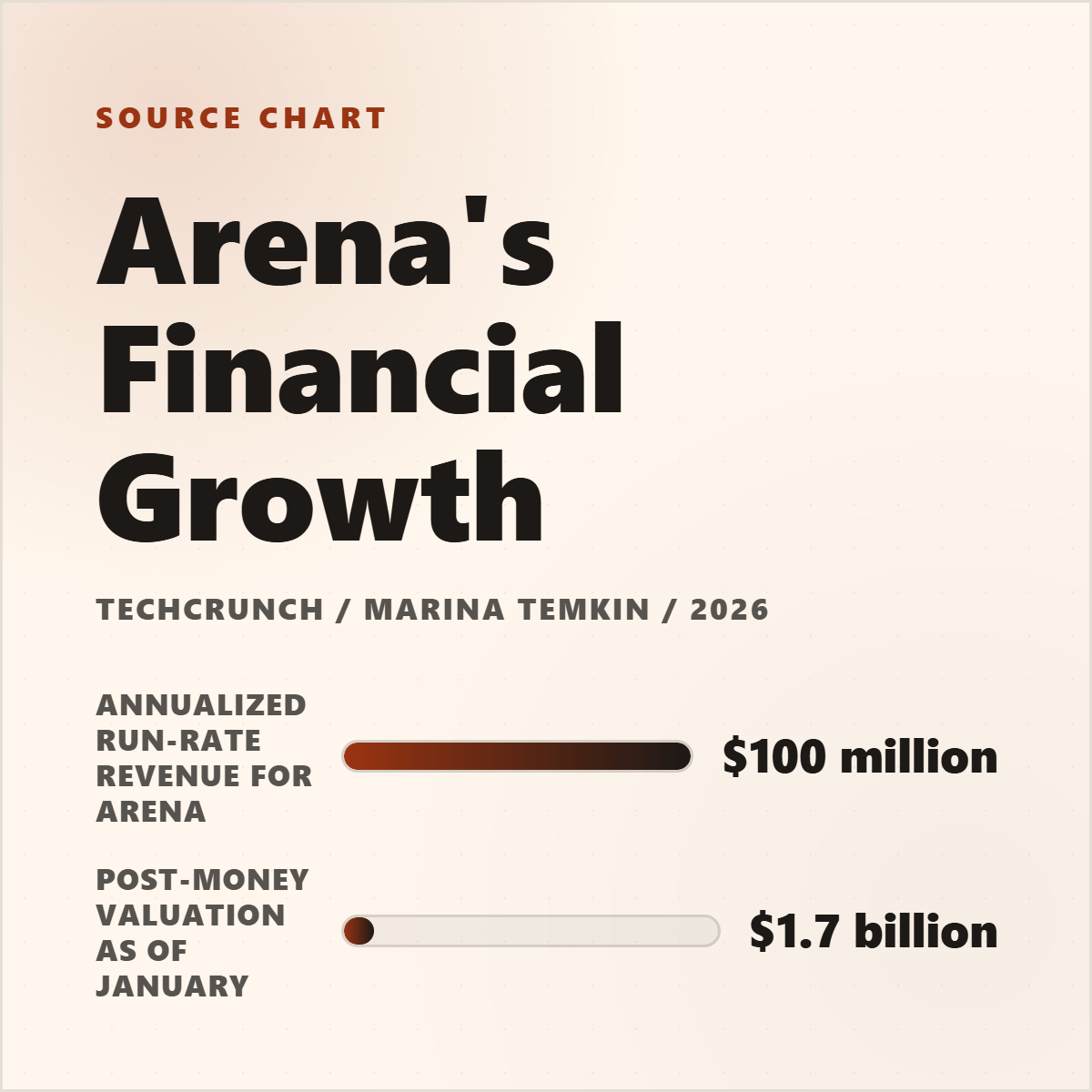
"Arena reached $100M in annualized run-rate revenue just eight months after launching."
Statistic
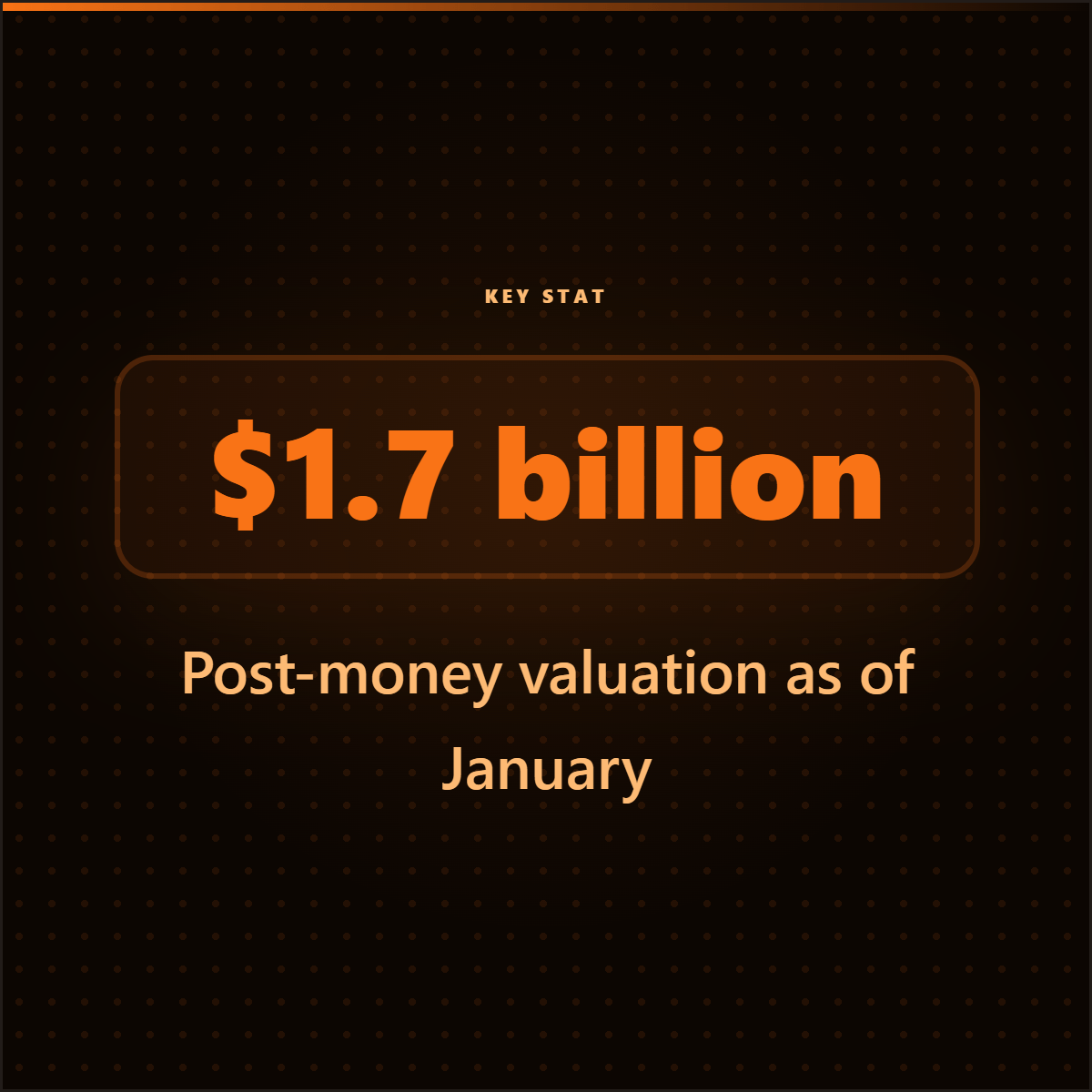
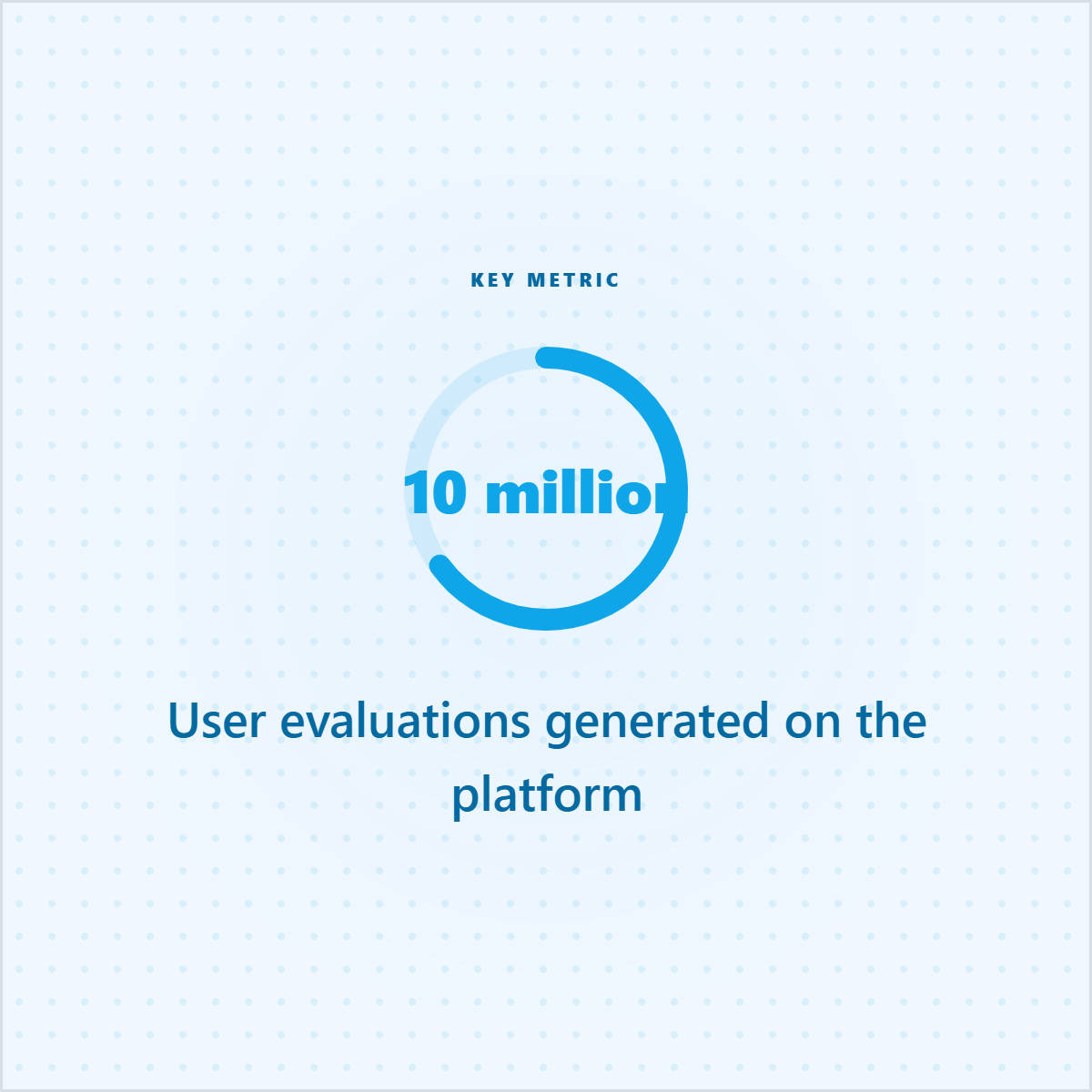
The platform has generated over 10 million user evaluations. $1.7B post-money valuation.
Quote
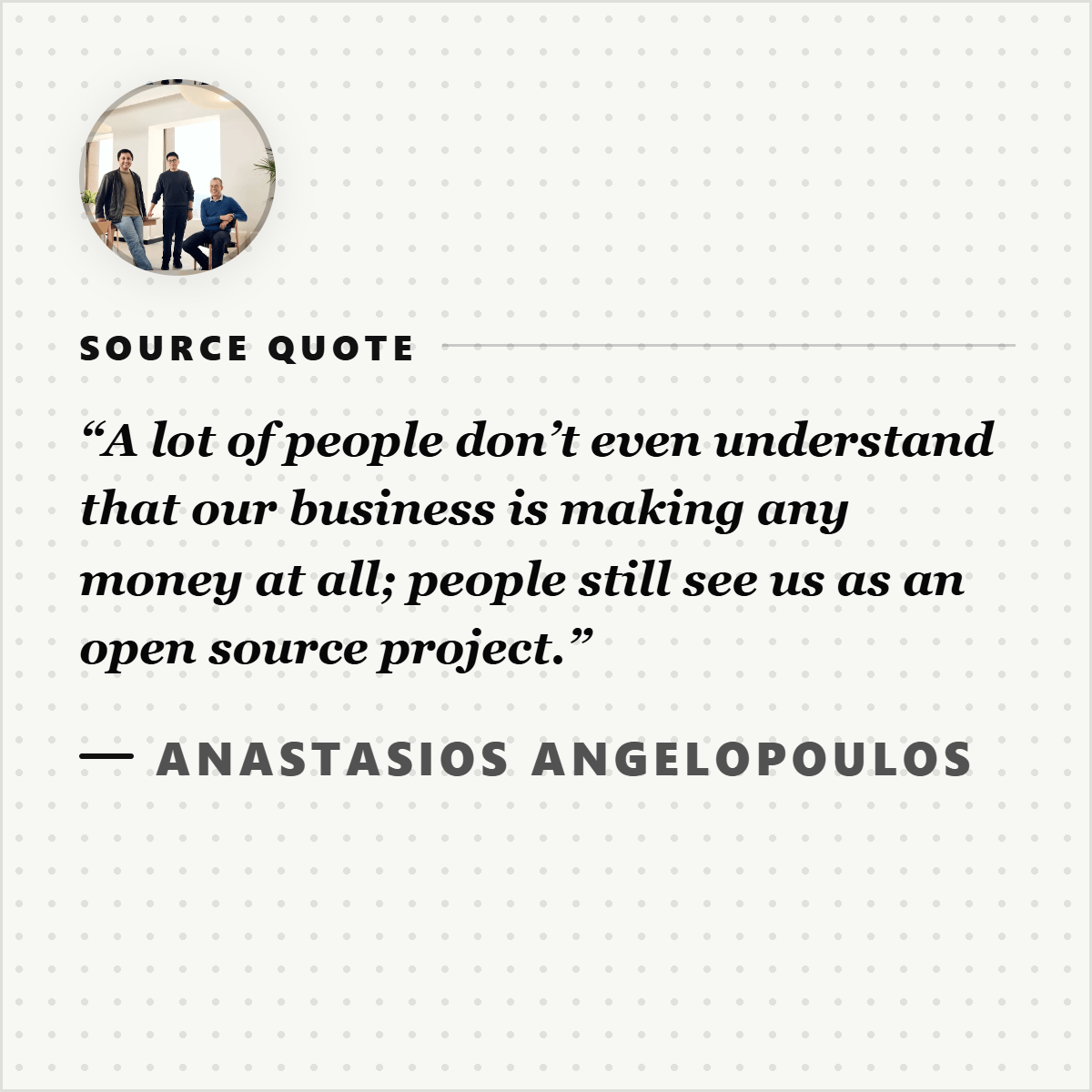
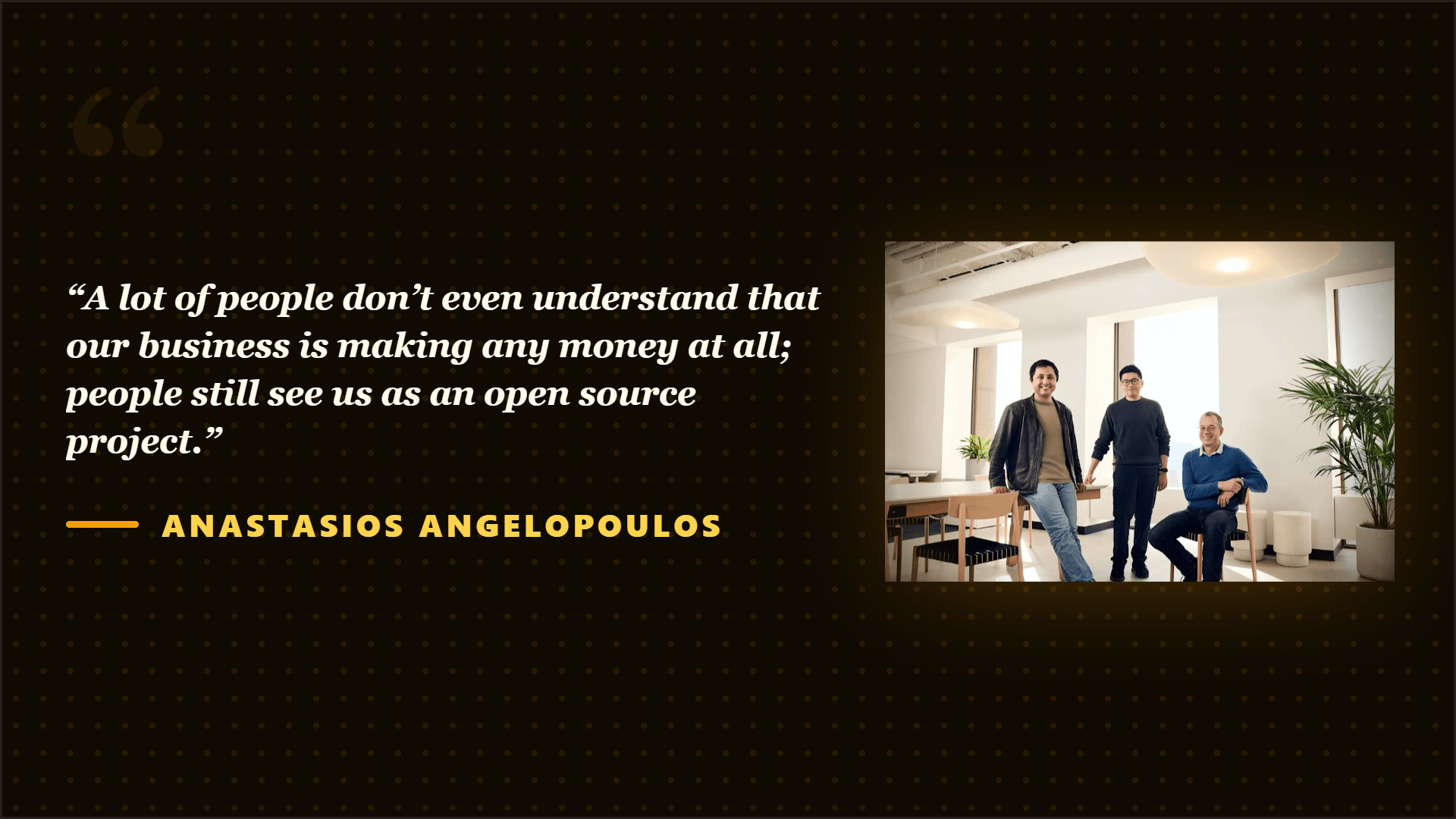
"A lot of people don't even understand that our business is making any money at all."
Key point
Revenue tripled from $30M to $100M ARR in five months.
Output directions
The showcase below is an example set from one source, not the ceiling. Highlightly can keep producing variations across templates, ratios, brand systems, and editorial angles.
Sample output wall
Preview the first part of the showcase, then expand it if you want to scan the full example set.
Output wall
This is a showcase set, not a limit. Change the format, ratio, brand kit, template, or angle and the same source can branch into many more directions.

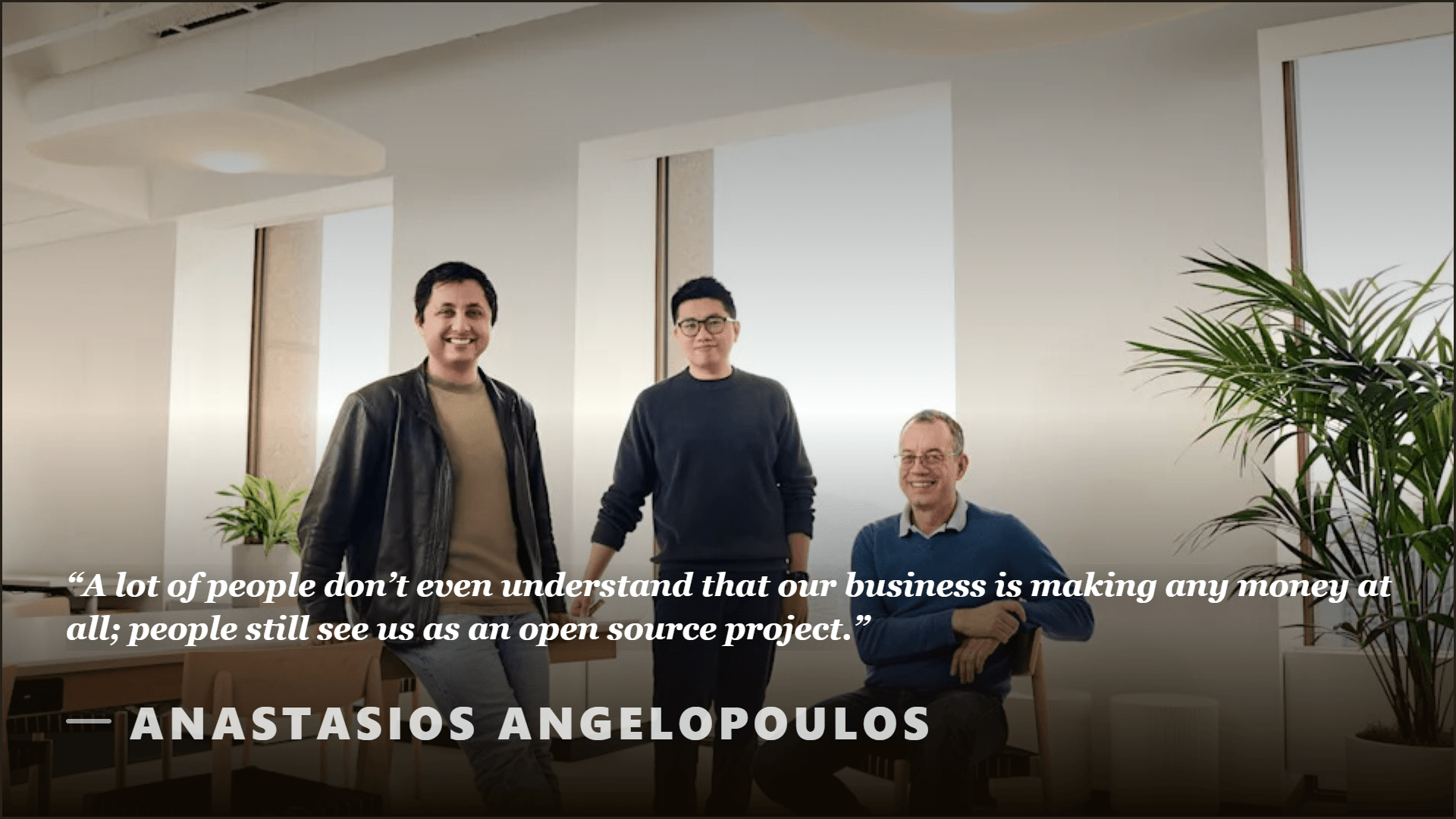


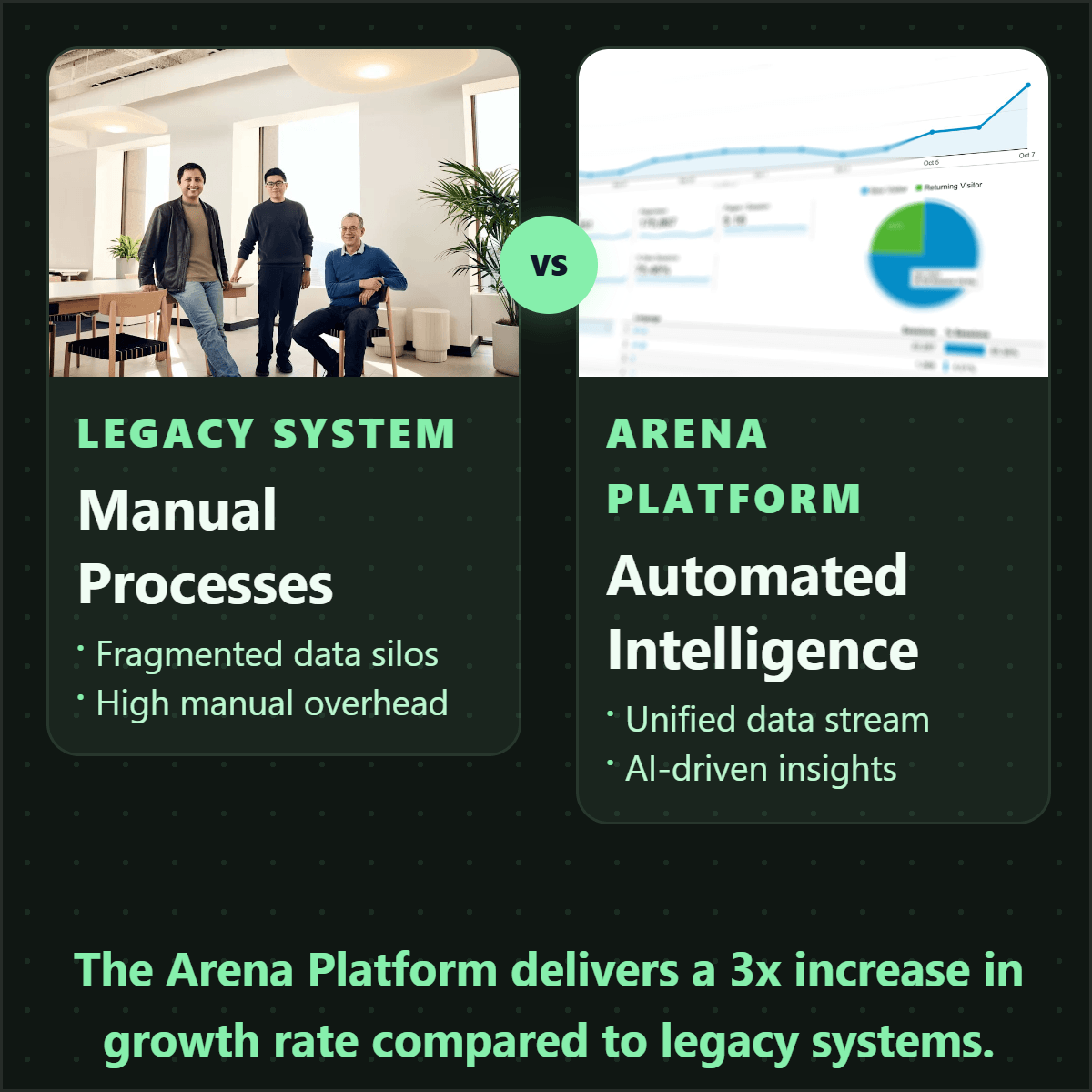
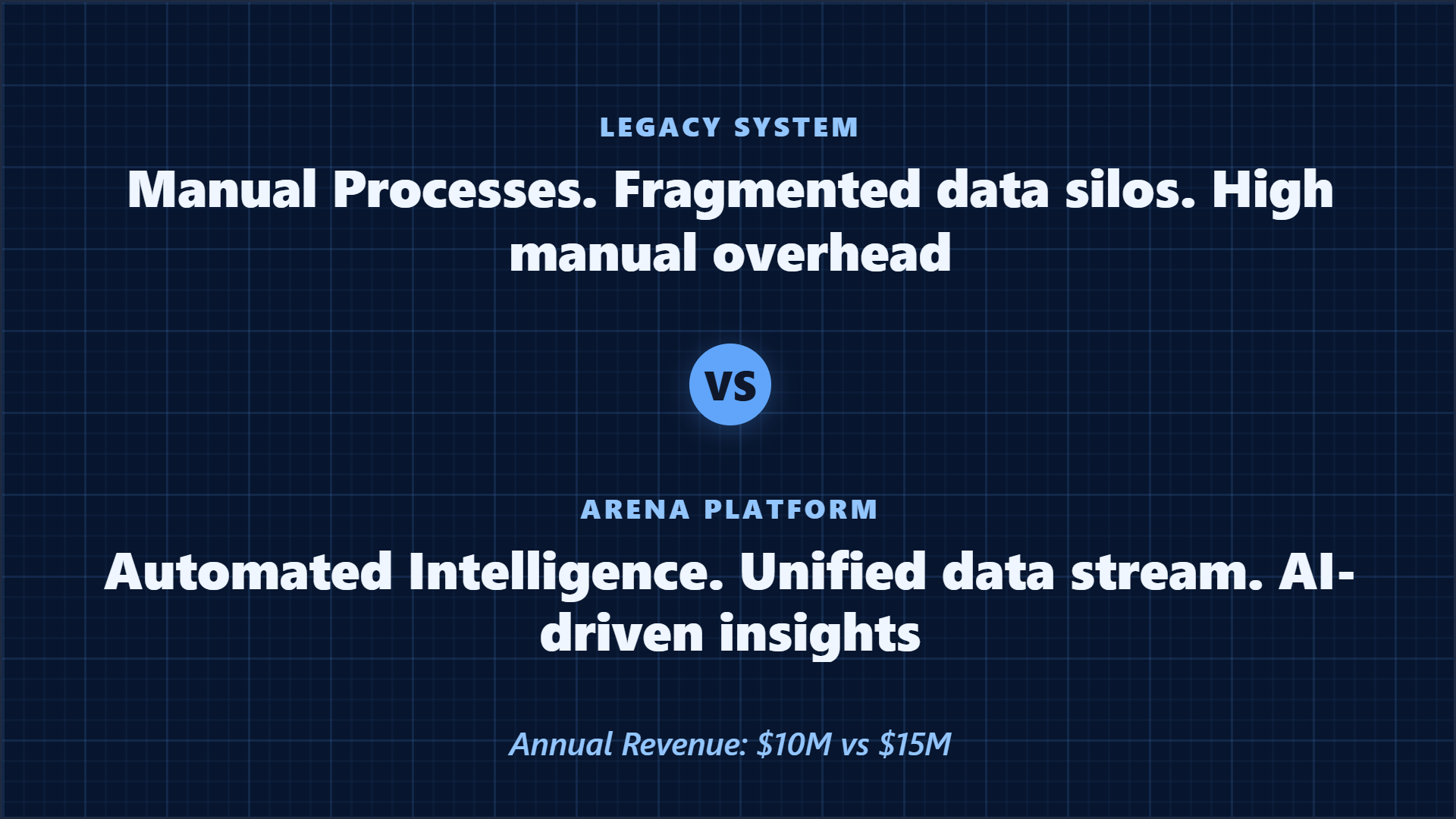
Highlightly extracts and structures source material. You review, edit, and approve before export. The AI does the first pass. You make the final call.
“The goal is not to make more AI content. The goal is to make the useful parts of real sources easier to publish.”— Founder @ Highlightly
See every hook, stat, quote, and claim before it becomes an asset.
Change wording, adjust framing, add your take before export.
Colors, logo, typography, watermark, and social handles.
The final asset reflects your judgment, not just the AI extraction.
What to paste first
The fastest path is not “ask AI for content.” It is: bring a real source, inspect what Highlightly extracts, choose the useful angle, then make the asset your own.
Good when it contains claims, quotes, stats, steps, or a clear argument worth turning into a visual.
Good when it contains claims, quotes, stats, steps, or a clear argument worth turning into a visual.
Good when it contains claims, quotes, stats, steps, or a clear argument worth turning into a visual.
Keep product claims aligned with approved language. Highlightly can package the claim, but the GTM source should govern it.
Before exporting, confirm the extracted quote, statistic, or takeaway still matches the source. Then use the editor, Brand Kit, and captions to make it publishable.
How it compares
Product marketers need launch speed with brand consistency. Highlightly keeps sales, social, and founder posts aligned on the same source.
| Feature | Highlightly | Canva | Buffer | Manual |
|---|---|---|---|---|
| Source-backed extraction | ||||
| Brand kit application | ||||
| Multi-platform captions | Scheduling only | |||
| Source attribution | ||||
| Batch source ingest | ||||
| Review before export | ||||
| Carousel generation | Manual design | |||
| Quote/stat cards | Manual design |
Source-backed extraction
HL
Canva
Buffer
Manual
Brand kit application
HL
Canva
Buffer
Manual
Multi-platform captions
HL
Canva
Buffer
Manual
Source attribution
HL
Canva
Buffer
Manual
Batch source ingest
HL
Canva
Buffer
Manual
Review before export
HL
Canva
Buffer
Manual
Carousel generation
HL
Canva
Buffer
Manual
Quote/stat cards
HL
Canva
Buffer
Manual
Highlightly is useful when the public story needs to stay grounded in approved source material. It helps product marketers move fast while keeping the proof, attribution, and brand system close to every asset.
Direct answer
Product marketers can create stronger launch graphics by starting with approved source material, extracting the best claims, quotes, and statistics, then turning those proof points into branded visuals and captions for each go-to-market channel.
Yes. The extraction review surface shows every claim, stat, and quote before any visual is generated.
Yes. Text paste and document upload work well for release notes, briefs, positioning docs, and approved GTM copy.
Yes. One source can produce assets for multiple channels with consistent brand treatment.
Related workflows
For content teams
Repurpose blogs, PDFs, case studies, reports, and thought leadership into branded social graphics, carousels, stat cards, and captions.
View workflowFor client teams
Agencies use Highlightly to create branded quote cards, stat graphics, carousels, and captions from client articles, PDFs, reports, and pasted text.
View workflowFor startup operators
Create quote cards, stat graphics, launch assets, and LinkedIn carousels from market research, product updates, reports, and articles.
View workflowStart with one source
Paste a link, upload a document, or start from text. Review the extracted material, pick a template, and export with attribution intact.