 Highlightly Team
What separates a LinkedIn post that gets 200 impressions from one that gets 200,000? After analyzing patterns across thousands of high-performing posts, here is the anatomy - hook, structure, formatting, length, and psychology - of LinkedIn posts that actually perform.
The mistake is treating high-performing LinkedIn post anatomy as a posting problem. It is really a source-selection problem: what proof, lesson, quote, screenshot, or customer signal is strong enough to deserve attention?
Post structure
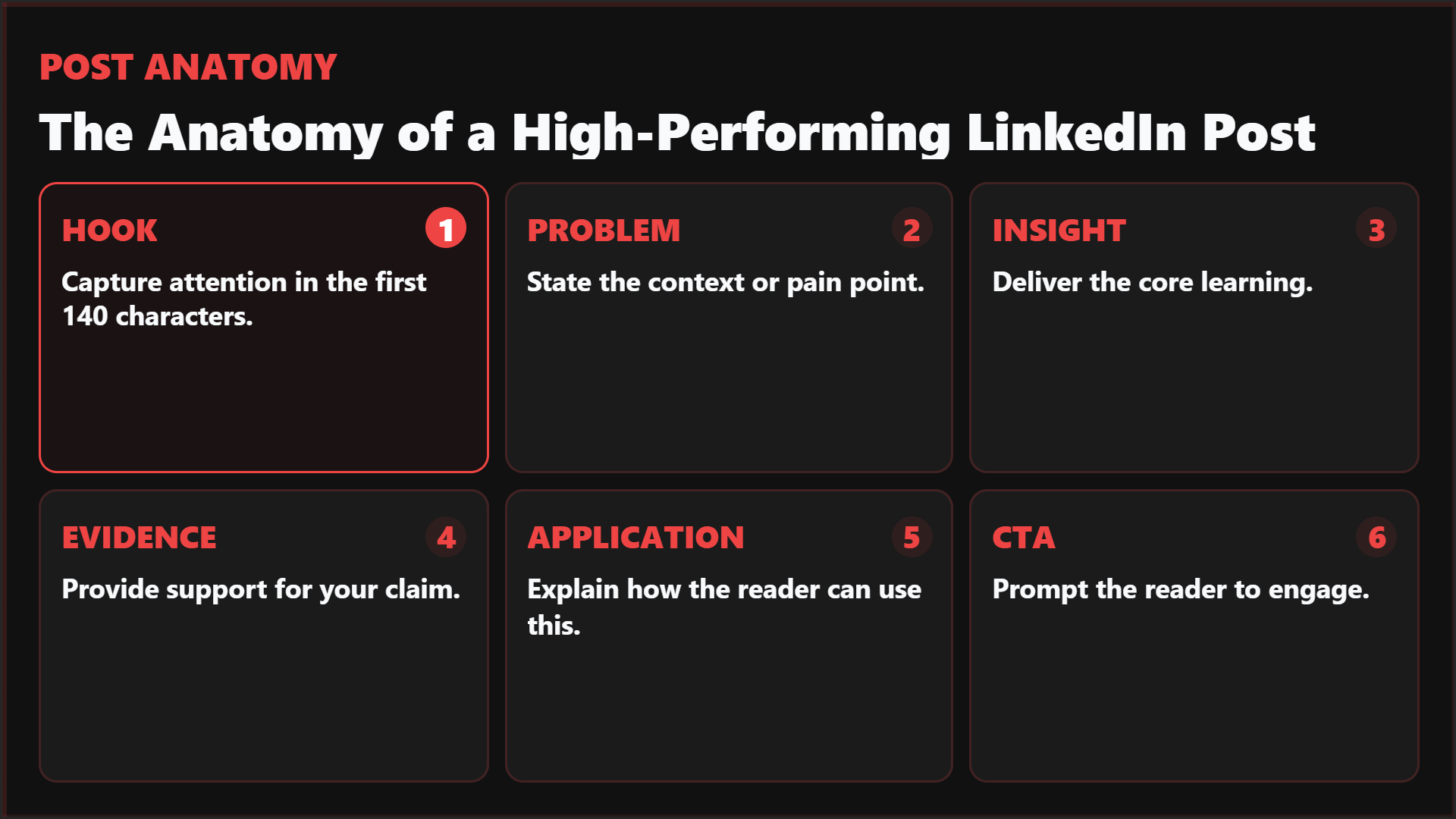
Use the six-part anatomy as the article anchor.
This image is the strongest hero because it visually summarizes the whole article before the details begin.
Do not publish a claim you cannot trace back to a source.
Start with a report, article, webinar, customer story, screenshot, or internal note. Extract the strongest material, keep attribution visible, then design the asset around the evidence.
Workflow
The data: What we observe across high-performing LinkedIn posts
Patterns from creator and platform data: average length of high-performers, most common structural patterns, optimal paragraph length, hook styles that work, formatting patterns. Note what's observational vs confirmed by LinkedIn.
The source-backed workflow
Choose the source
Pick one credible source that already contains the evidence: a report, case study, transcript, product screenshot, customer quote, or expert note.
Extract the atoms
Pull quotes, statistics, key points, screenshots, and objections as separate candidates instead of forcing the whole source into one summary.
Match atom to format
Use stat cards for numbers, quote cards for sharp language, carousels for frameworks, screenshots for proof, and text posts for opinion plus context.
Add the human angle
Explain why the evidence matters for your audience. This is where taste, judgment, and positioning enter the post.
Export and test
Apply your Brand Kit, keep attribution visible, export in the right ratio, and test the caption or hook around the same proof.
Playbook
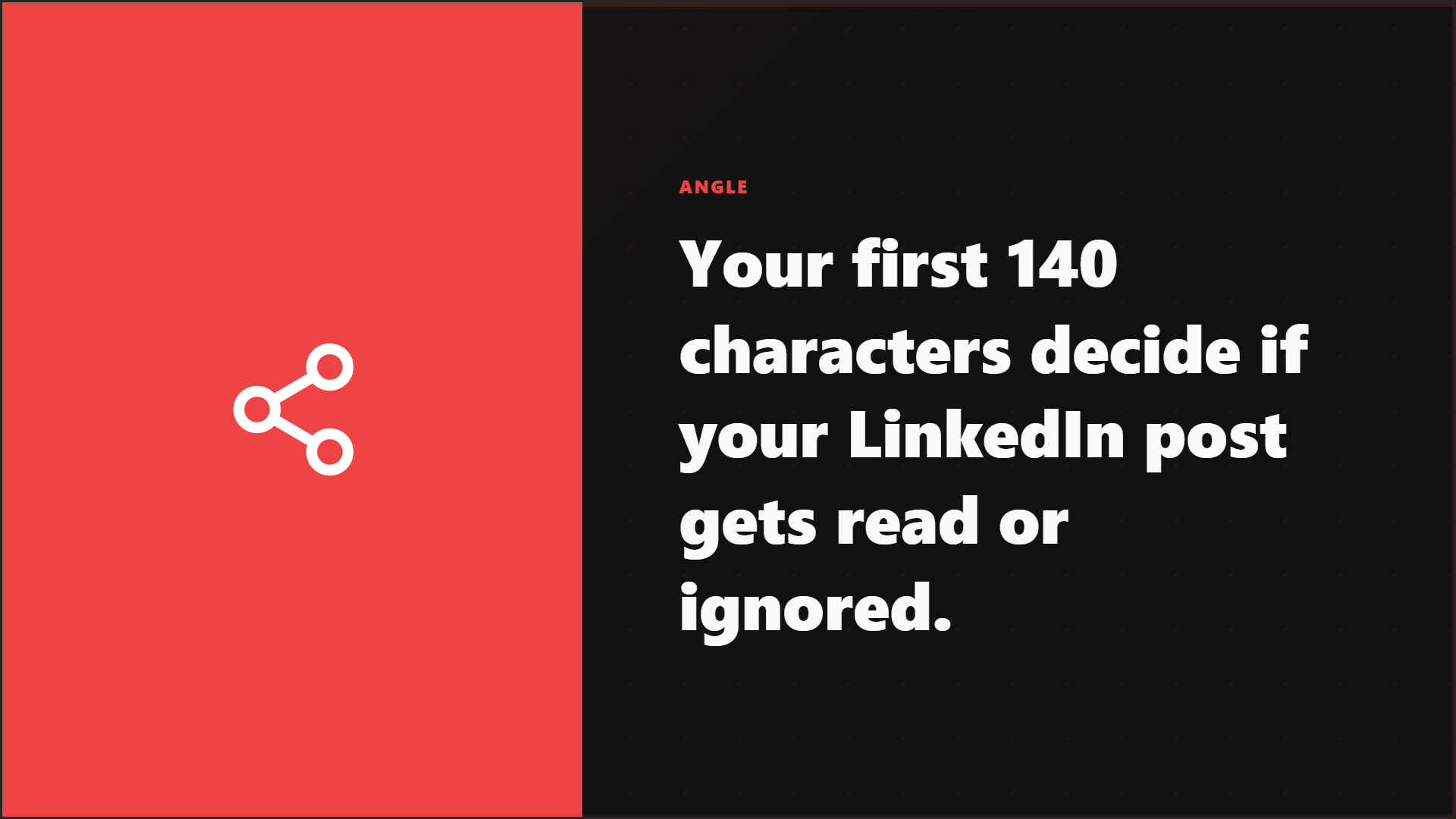
The hook: Why your first two lines determine everything
Hook types that work
- Specific claim: "We increased X by 40% in 3 months."
- Counterintuitive statement: "The best time to post on LinkedIn is when you have something to say, not Tuesday at 9am."
- Pattern observation: "I've reviewed 100 LinkedIn profiles this month. 90% make the same mistake."
- Question: use one only when it is genuinely thought-provoking, not a throwaway "Do you agree?" prompt.
Playbook
The anatomy of post structure
Hook and scanability
Put these examples beside the formatting and hook sections.
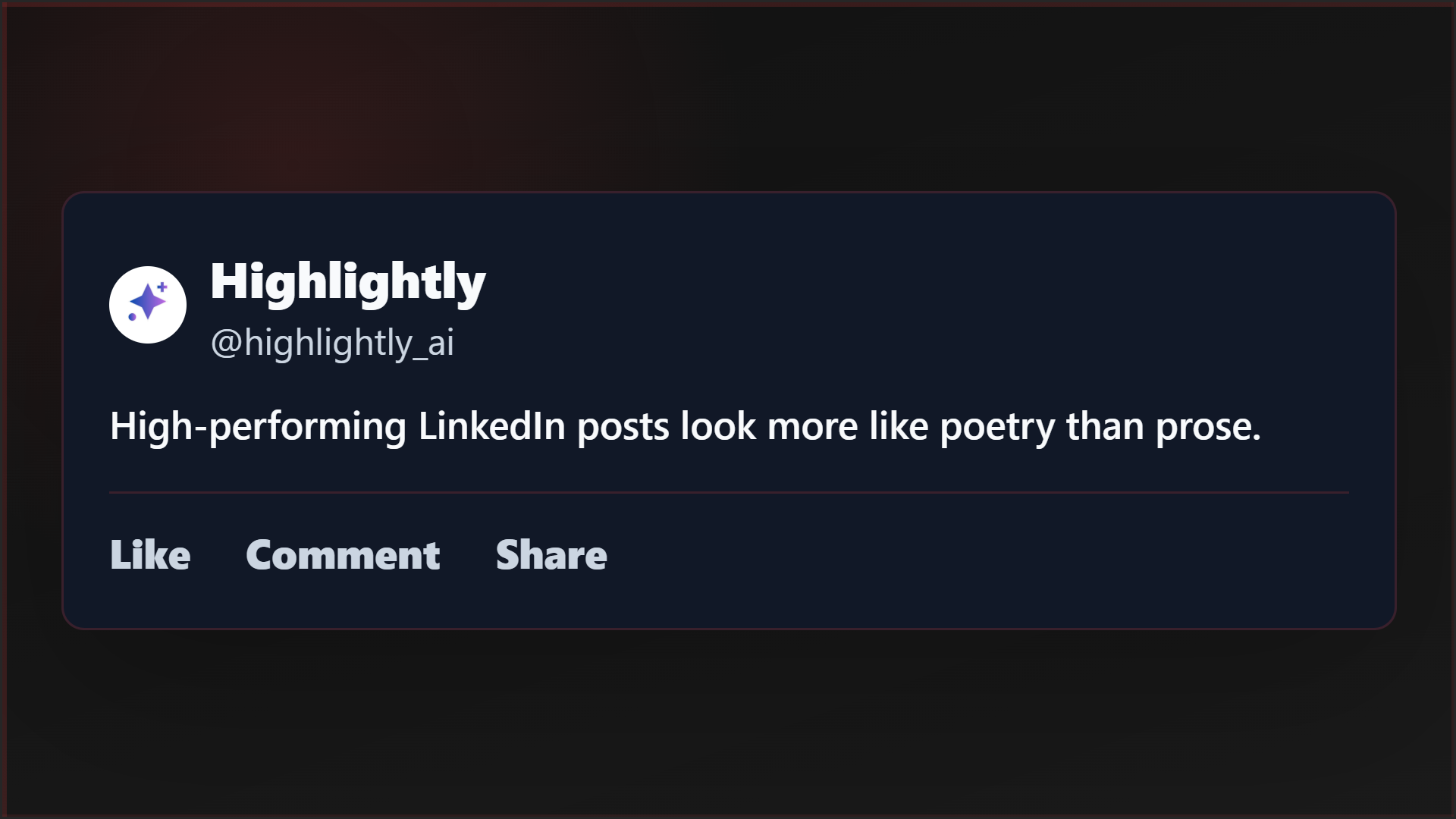
The replica shows how white space works in a post; the hook card makes the first-140-characters point concrete.
A readable LinkedIn post structure
Hook
Use lines 1-2 to make a specific promise, claim, or tension clear.
Problem or context
Use lines 3-6 to explain why the topic matters now.
Insight or learning
Use lines 7-12 to deliver the main idea, framework, or lesson.
Evidence or support
Use lines 13-18 to add proof, examples, data, screenshots, or lived context.
Broader application
Use lines 19-24 to show how readers can apply the idea.
Engagement prompt
Use the final lines to invite a specific reply or next action.
Match the idea to the right LinkedIn format
Playbook
Formatting: The visual rhythm that keeps readers engaged
Formatting rules that improve readability
- Add line breaks every 1-2 sentences.
- Avoid paragraphs longer than 3 lines on mobile.
- Use emojis as visual anchors only when they help scanning.
- Use short section headers when a post is long enough to need them.
- Break numbered or bulleted ideas into individual lines instead of burying them in prose.
Execution
Length: When to go short, when to go long
Match post length to the idea
- Short posts (300-800 characters): quick insights, strong opinions, or personal updates.
- Medium posts (800-1,500 characters): single-point educational content, case studies, or personal stories.
- Long posts (1,500-2,500 characters): frameworks, deep dives, comprehensive guides, or storytelling with a point.
- The rule: say everything the idea needs, then stop. Do not pad to hit a length target.
Generic LinkedIn posting vs source-backed publishing
Execution
Psychological triggers that drive engagement
Why people engage with LinkedIn posts
- Novelty: "I didn't know that" creates saves and shares.
- Utility: "I can use this" creates saves.
- Identity alignment: "This is so me" or "this is not me" creates comments.
- Social proof: visible engagement creates more engagement momentum.
- Curiosity gap: the headline promises something interesting and the post delivers.
- Reciprocity: when someone learns something useful, they are more likely to engage.
Execution
The CTA line: Why your last sentence matters more than you think
End with a CTA that fits the post
- "What's been your experience with [topic]?" invites sharing.
- "Save this for your next [situation]" drives saves.
- "Tag someone who needs to hear this" drives distribution.
- "I wrote more about this [link in comments]" drives traffic.
- Avoid vague CTAs like "Thoughts?", desperate CTAs like "Like and share," or no CTA at all.
CTA example
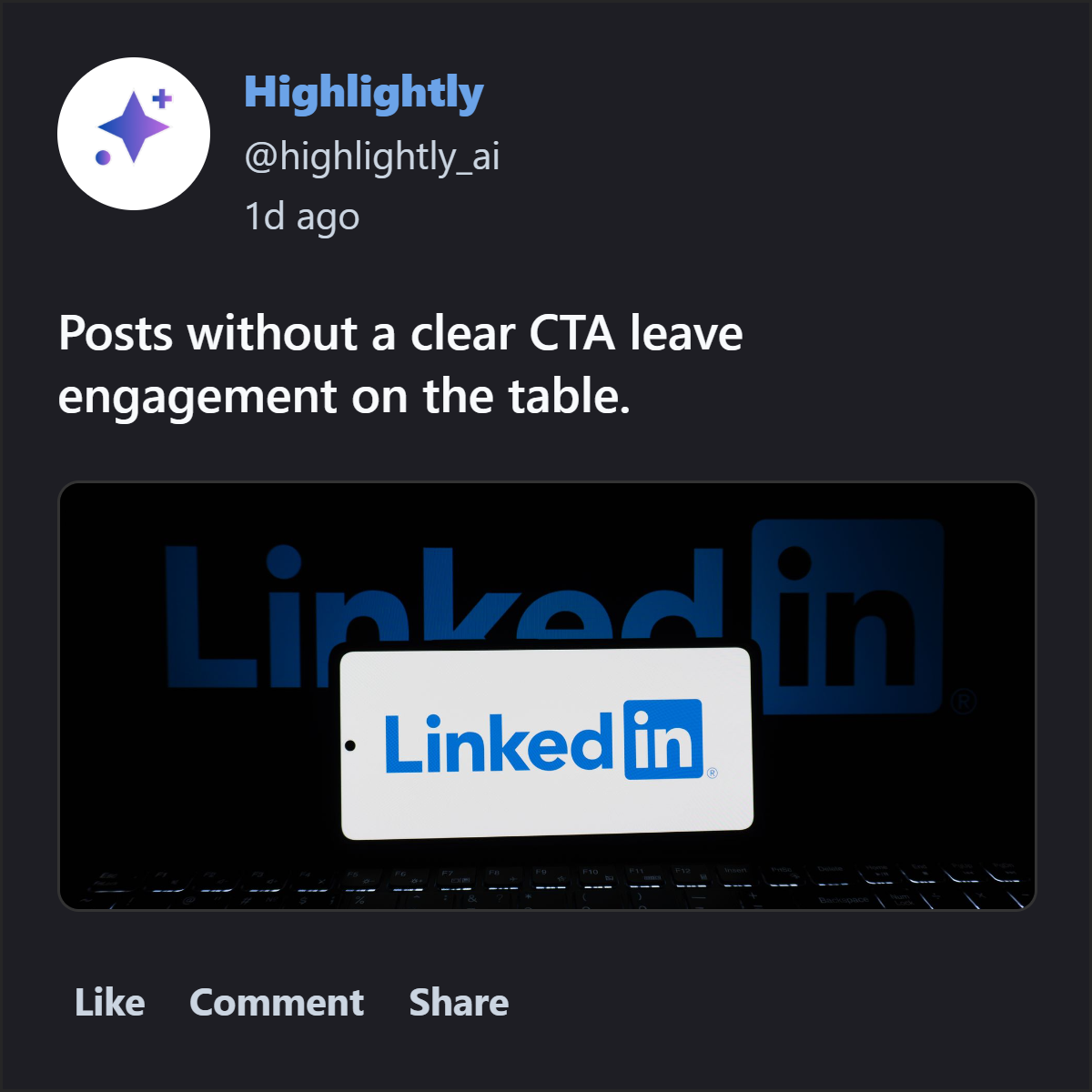
Use the CTA mockup near the closing section.
This square mockup is a good end-of-article example because it reinforces the final conversion lesson: even strong posts need a clear next action.
Highlightly workflow
Turn the source into assets without losing the proof
In Highlightly, the job is not to ask AI for a generic post. Import the source, review the extracted material, choose the quote, statistic, screenshot, or key point that deserves to ship, then apply templates, Brand Kit settings, captions, and export ratios.
Make it real
Build the post around proof, not vibes.
Draft the post, then ask what proof it deserves. If the proof lives in an article, report, or screenshot, make the supporting asset in Highlightly.
Create source-backed graphicsThe best the anatomy of a high-performing linkedin post: research-backed starts before the caption.
Find the strongest source-backed idea first. The format, design, caption, and CTA become easier once the evidence is clear.
- Start from source material.
- Keep attribution and context visible.
- Use the format that makes the idea easiest to understand.
Frequently asked questions
Research sources