 Highlightly Team
The easiest mistake in this comparison is treating every visual as the same kind of work. A surreal campaign image, a product mockup, a founder quote card, a report-backed stat graphic, and a LinkedIn carousel all live under the word content. They do not live in the same workflow.
ChatGPT Images is designed for visual generation and editing. OpenAI's help docs describe creating new images, editing existing images, selecting areas to change, saving outputs, and generating in different aspect ratios. The OpenAI API docs also frame image generation around creating from prompts, editing existing images, and producing variations. That is a powerful creative surface.
But a marketer repurposing a report usually does not start with a blank prompt. They start with source material: an article, a PDF, a transcript, a press release, a research note, or a customer story. Their problem is bigger than what should this look like? It is what can we safely publish, which format should it become, how do we preserve the proof, how do we apply the brand, and how do we ship the right caption and ratio?
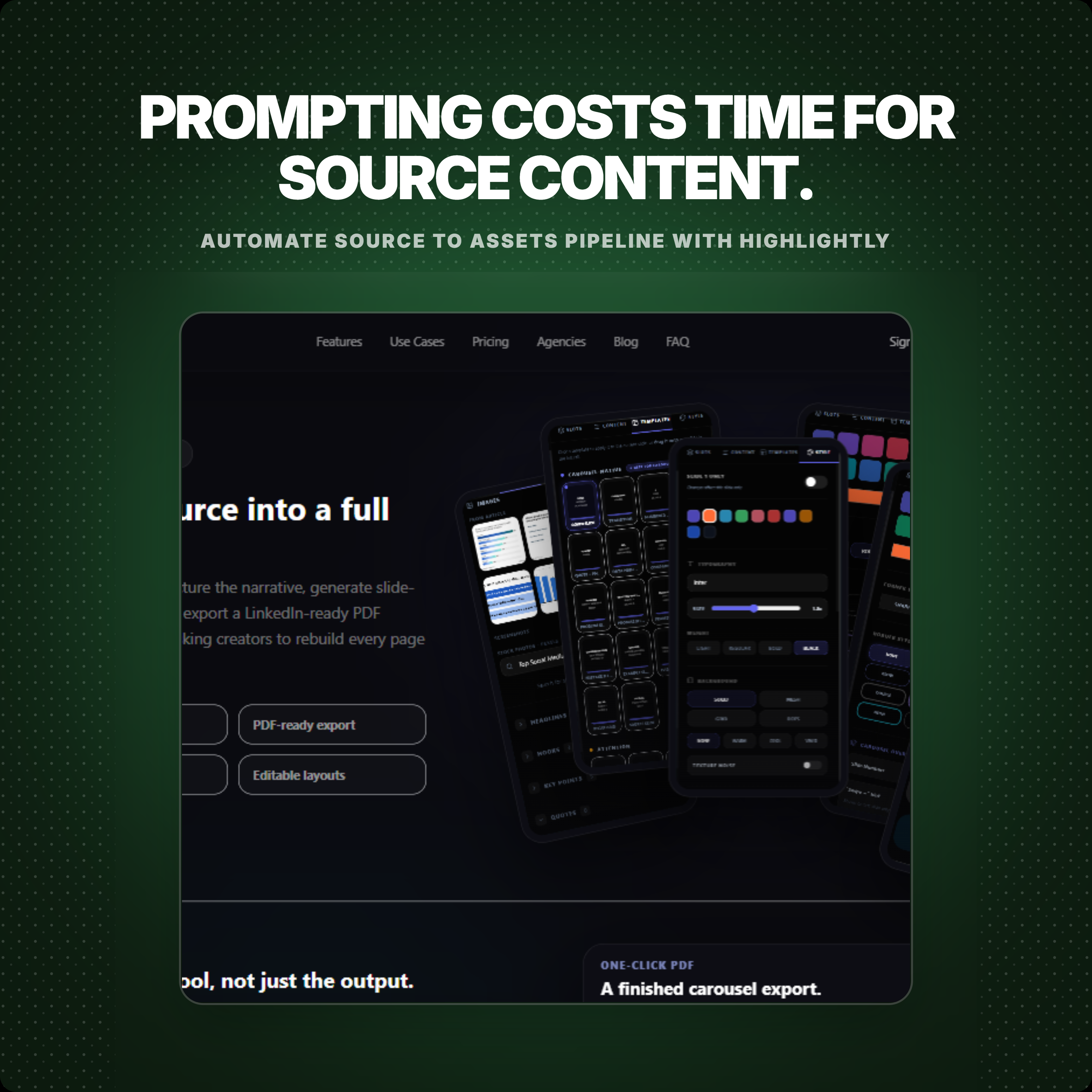
That is where the prompt workflow becomes expensive. Even for one usable image, you often need to write a detailed prompt that explains the subject, style, layout, colors, text treatment, aspect ratio, brand feel, and what not to include. If the output is close but not right, the edit is another prompt. If the theme should change from editorial to bold, or from dark to light, that is another prompt. If the same idea needs a square version, story version, carousel slide, and caption, the work keeps branching.
For creative exploration, that prompt-by-prompt loop can be useful. For repeatable publishing from articles and reports, it becomes a tax: more time, more review cycles, more chances to lose the original evidence, and potentially more paid generation usage before the asset is actually ready to post.
Search intent
If you are comparing these tools, you are probably deciding where the work should start.
ChatGPT Images is useful when there is no source to protect: a campaign concept, an illustration style, a new background, a visual metaphor, or an edit to an existing image. That boundary is the point. Highlightly's promise is source in, verified material out, branded asset ready to publish.
Start with Highlightly when the input is evidence or when the output needs more than a pretty image. Highlightly can turn a URL, PDF, document, pasted article, search result, YouTube link, or transcript into source-backed cards, polished repurposed assets, screenshots, carousels, captions, and export-ready PNGs.
ChatGPT Images vs Highlightly: workflow comparison
Where ChatGPT Images belongs
Use ChatGPT Images for pure visual invention. Use Highlightly when that visual direction needs quotes, stats, captions, brand kit, screenshots, and exports around it.
Strong ChatGPT Images use cases
- Generating a campaign visual from a written concept.
- Editing an uploaded image by describing what should change.
- Trying multiple art directions before a designer commits.
- Creating backgrounds, thumbnails, illustrations, visual metaphors, or product scenes.
- Exploring aspect ratios and visual variants when you are comfortable steering each version through prompts.
Where Highlightly should own the workflow
Use Highlightly when the final post needs idea selection, design, context, captions, and export controls in one place.
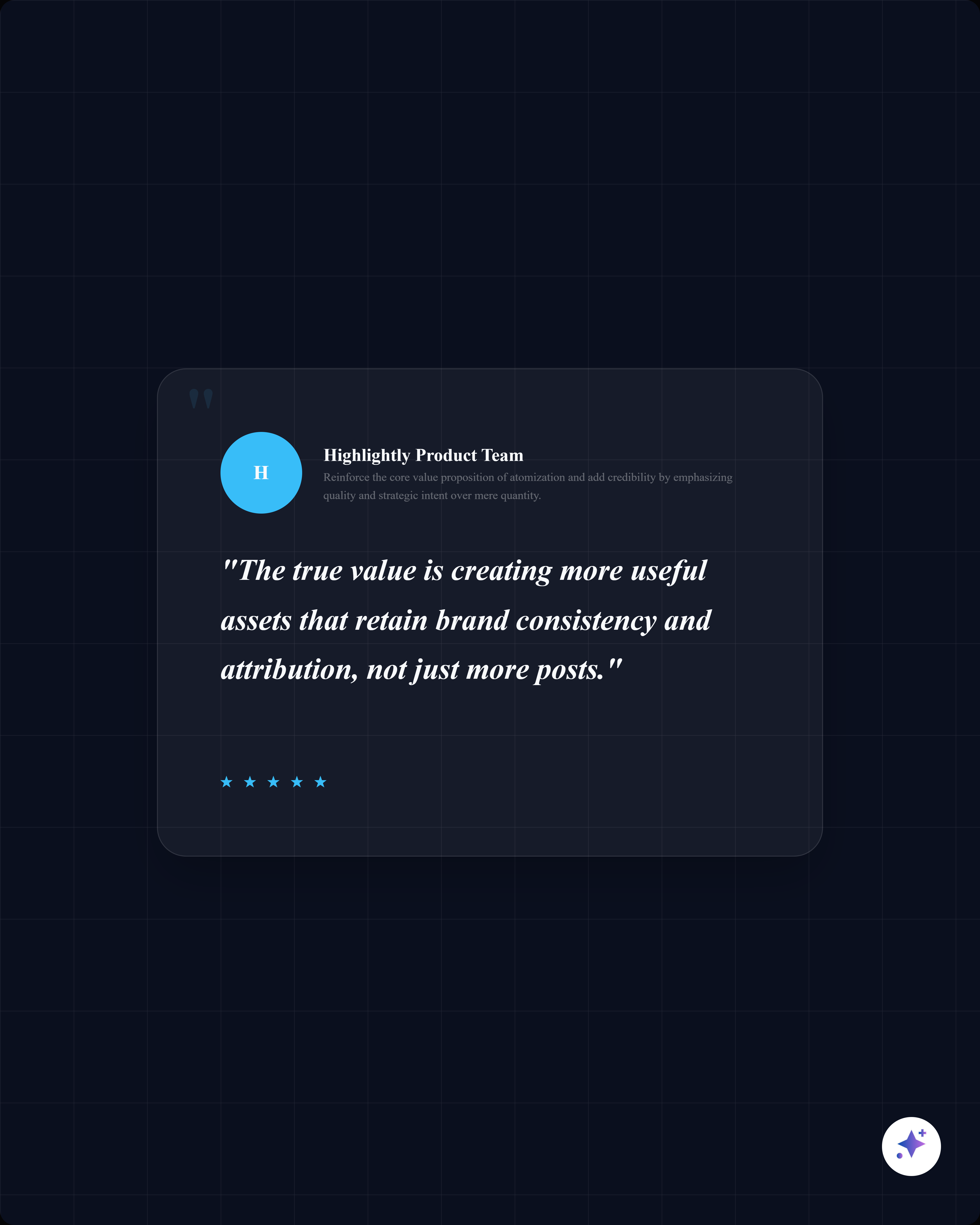
The hard part is not drawing a rectangle. It is finding the sentence worth quoting, the statistic worth visualizing, the key point worth turning into slide two, the screenshot worth showing, and the attribution line that keeps the final post honest. That is the publishing gap Highlightly is built around.
The workflow cost Highlightly removes
- No detailed prompt needed just to get the first asset started.
- No separate prompt loop for every small edit, theme change, ratio change, or brand adjustment.
- No manual hunt for the quote, stat, author, source name, domain, screenshot, and caption after the image looks good.
- No rebuilding the same asset from scratch when you want a quote card, stat card, carousel slide, screenshot, caption set, and alternate ratio from the same input.
Generated visual vs verified card
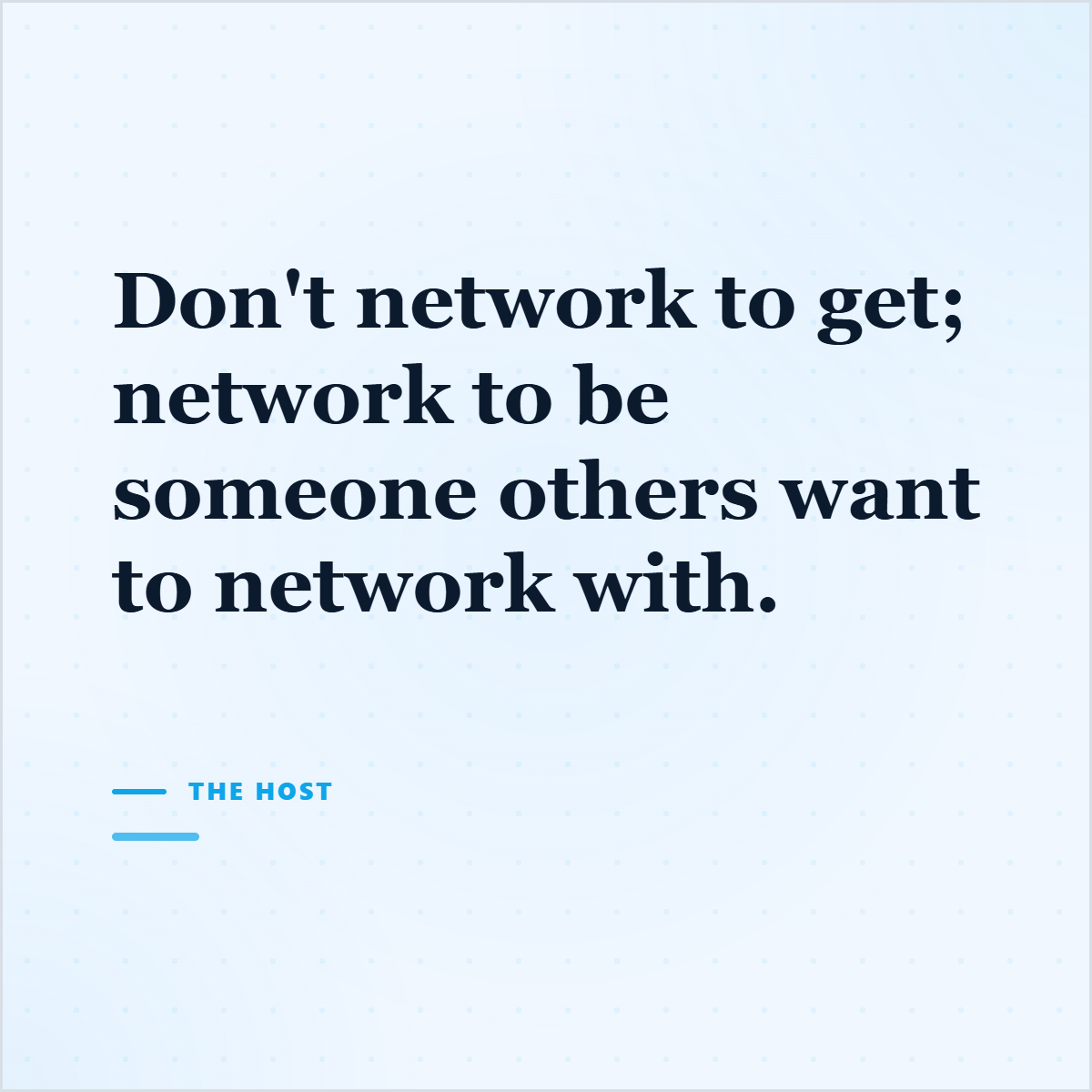
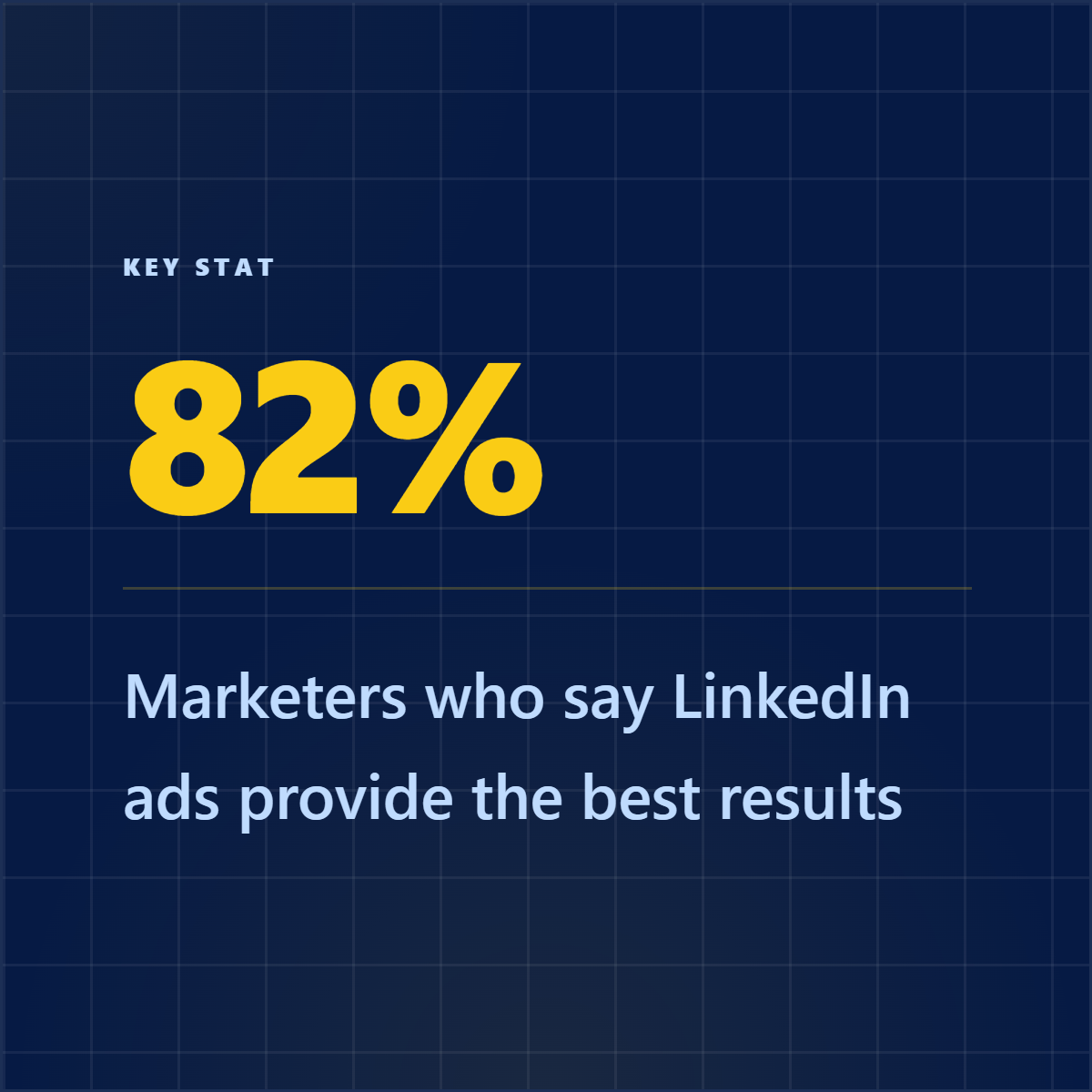
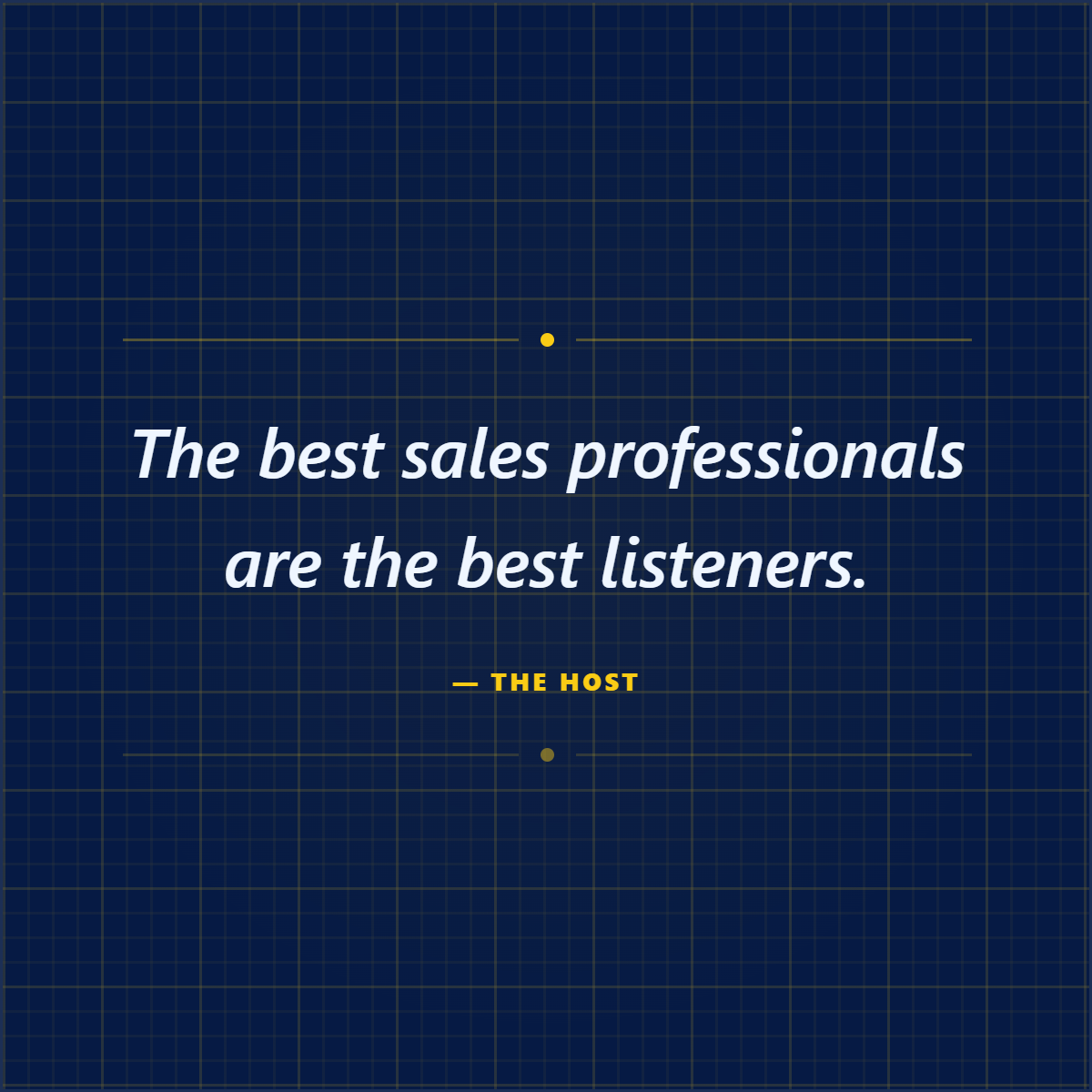
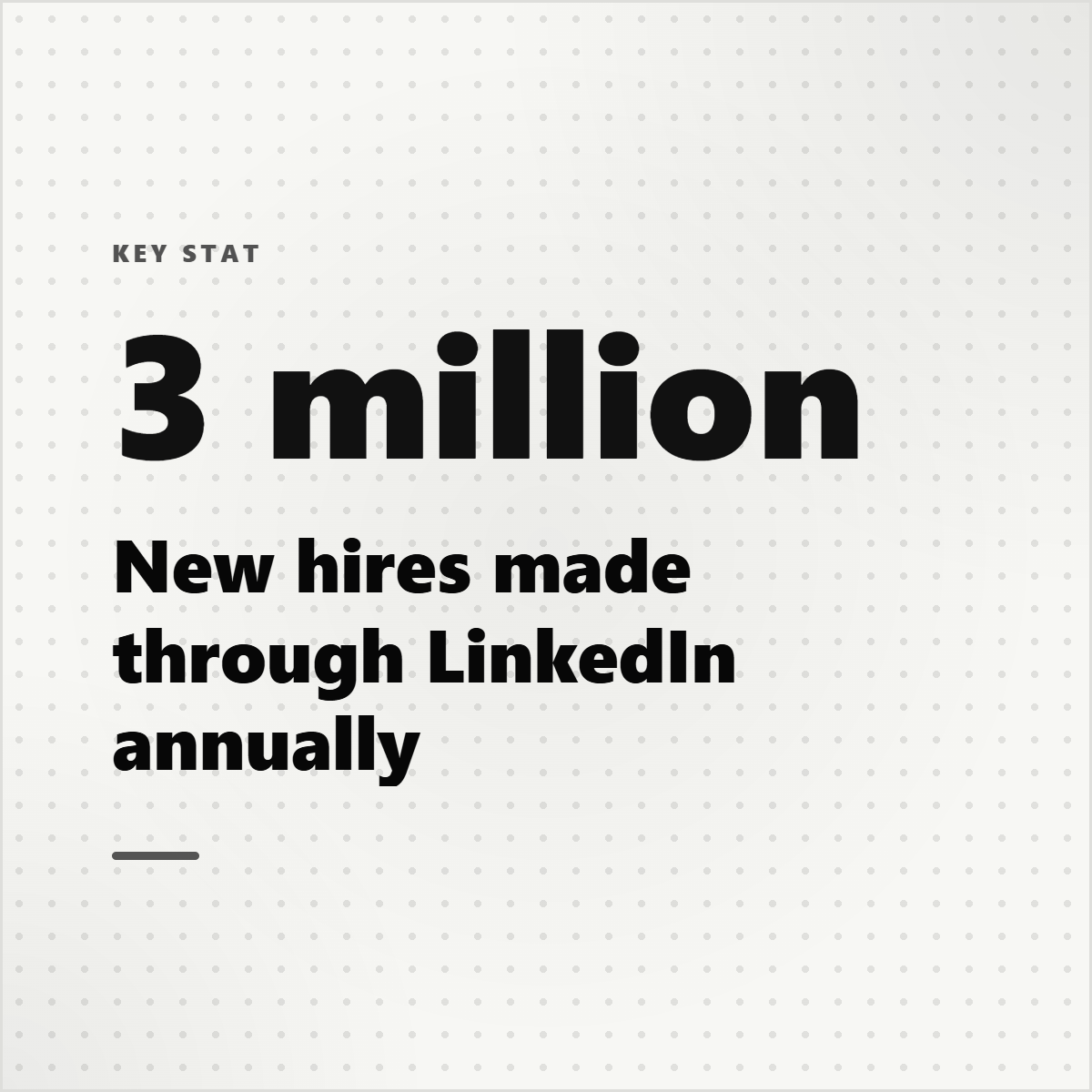
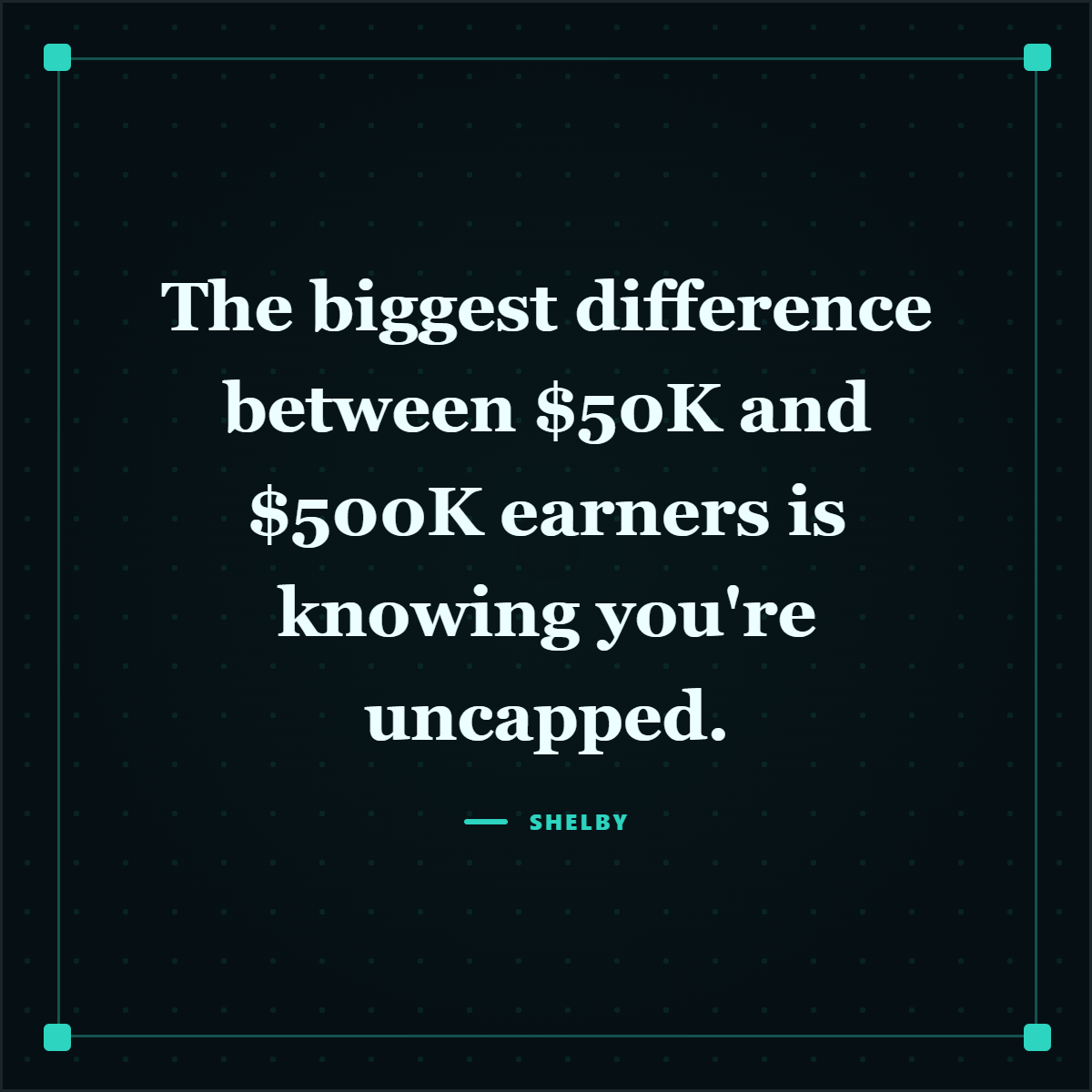
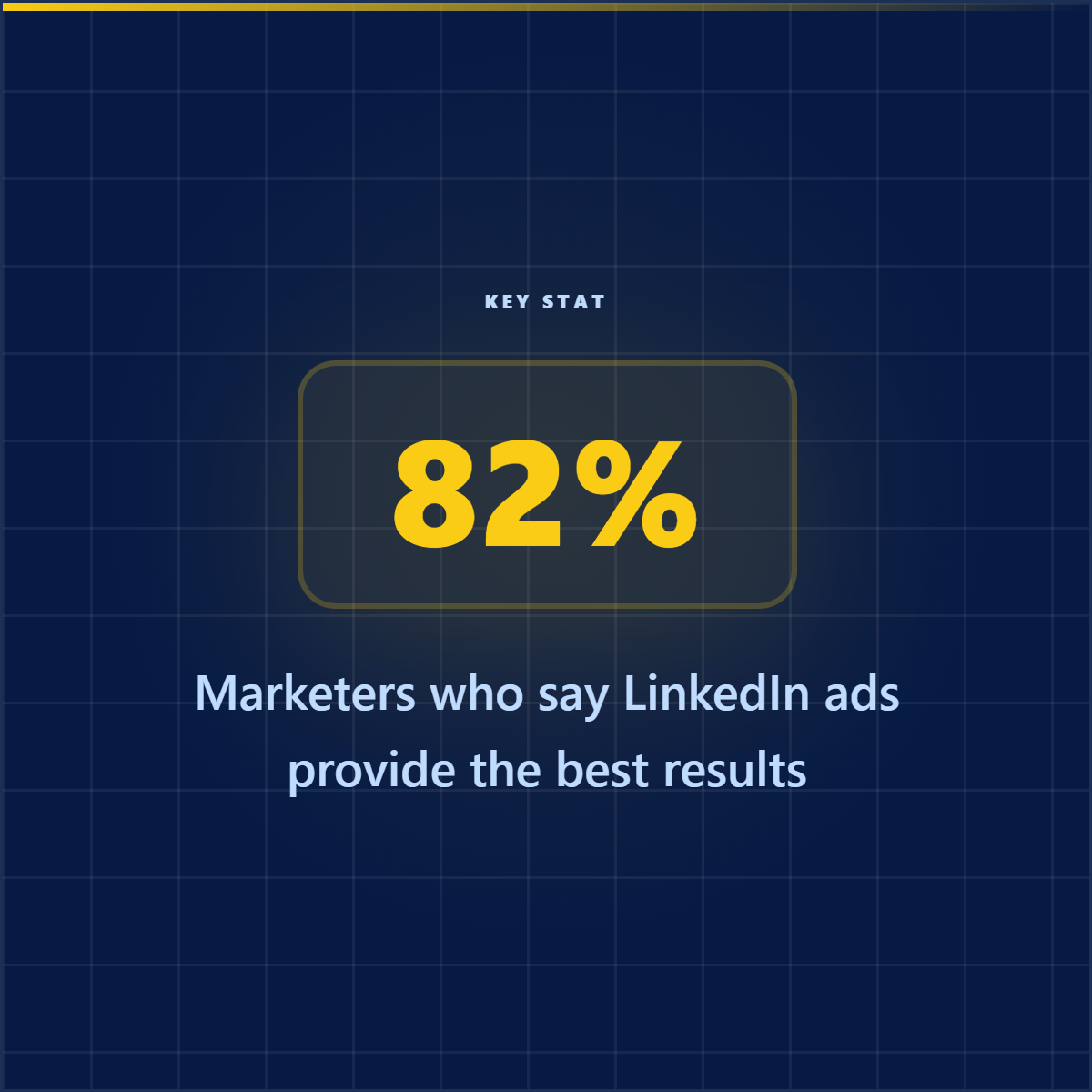
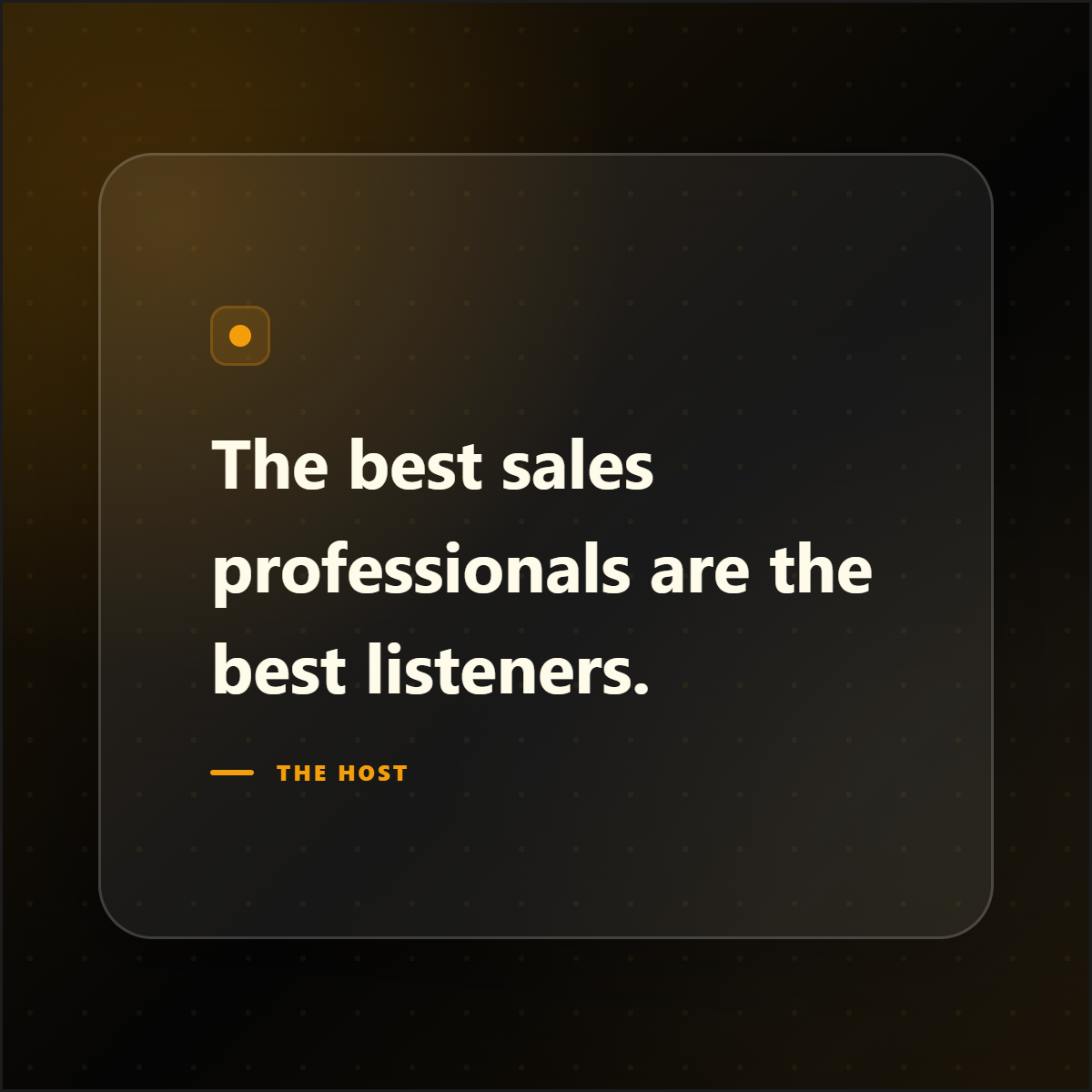
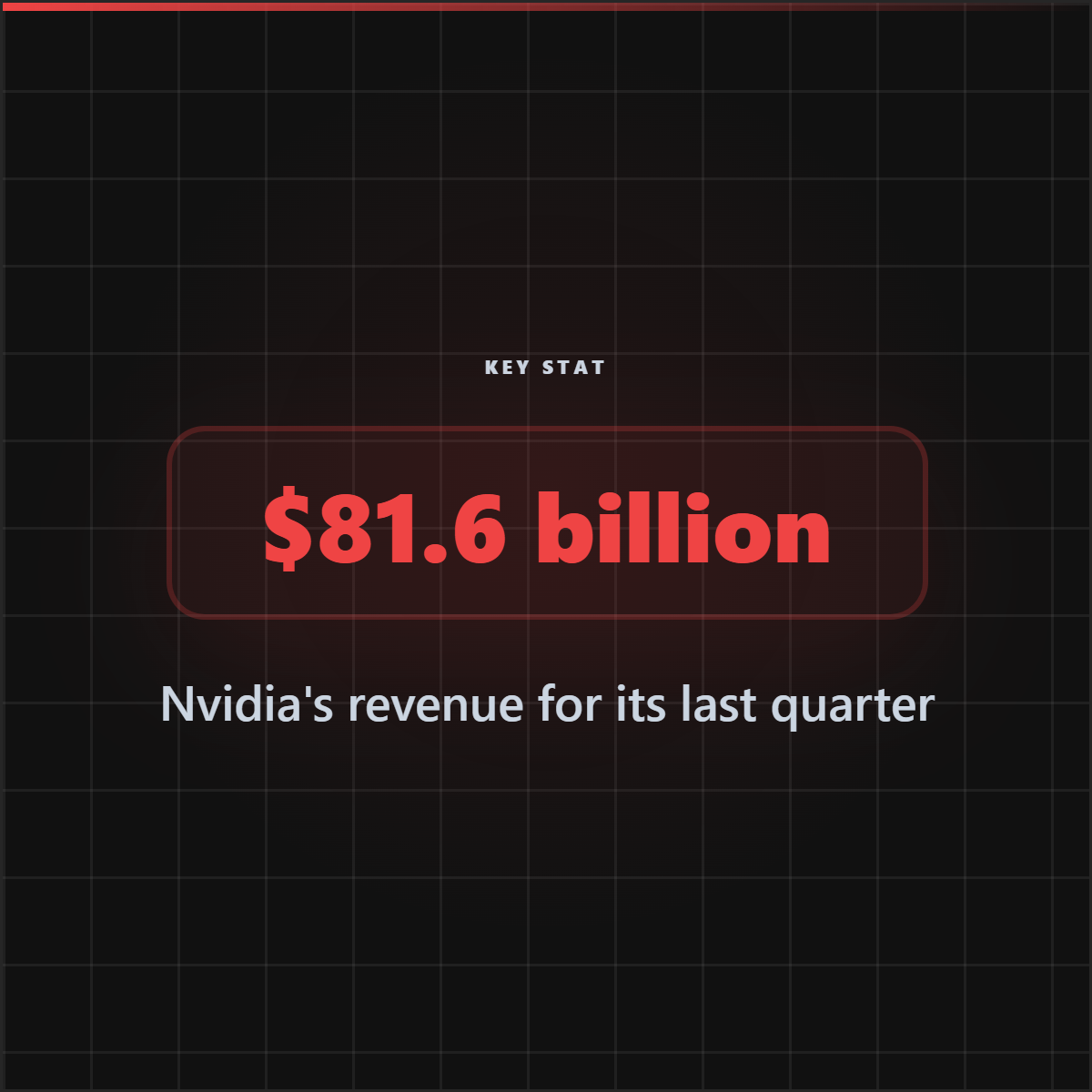
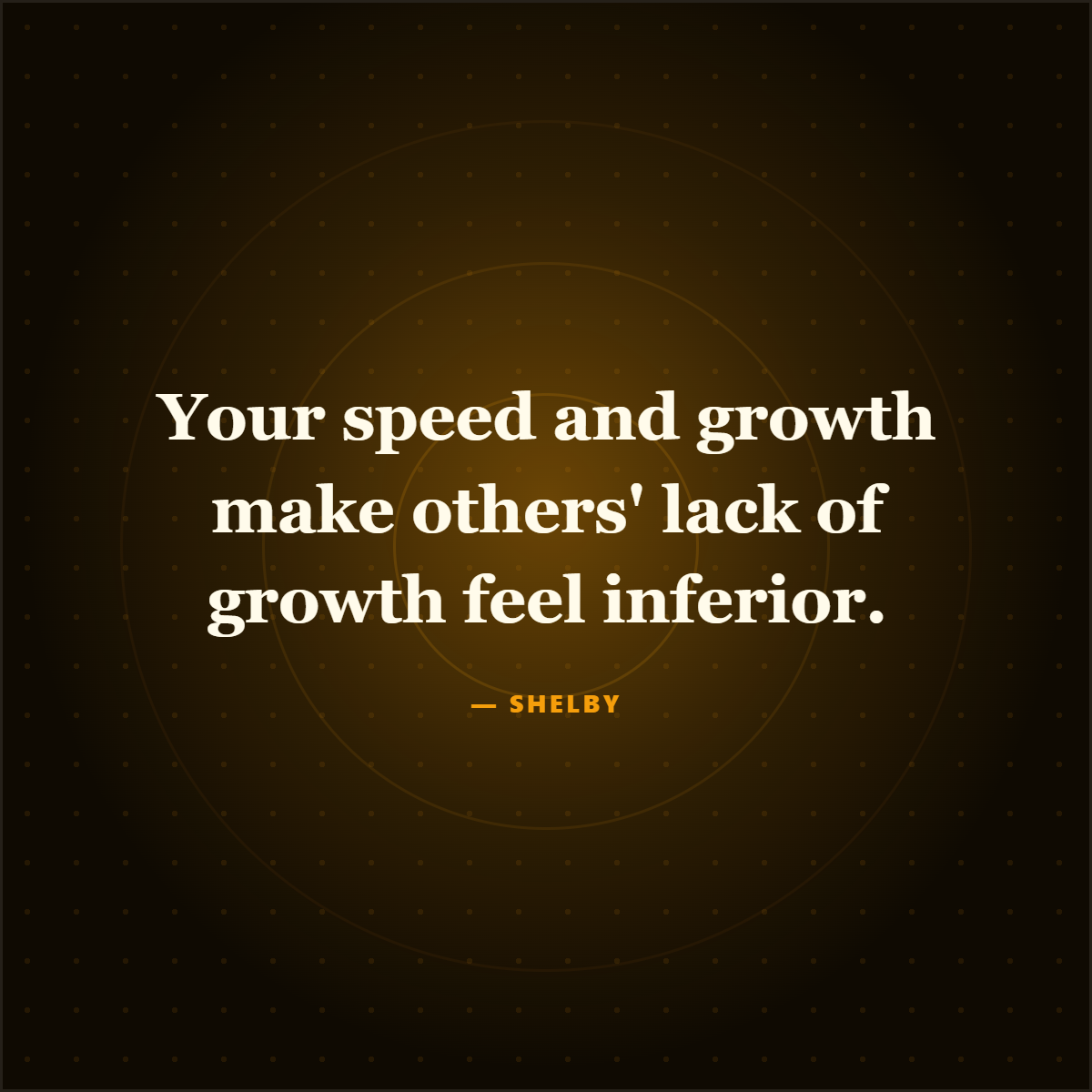
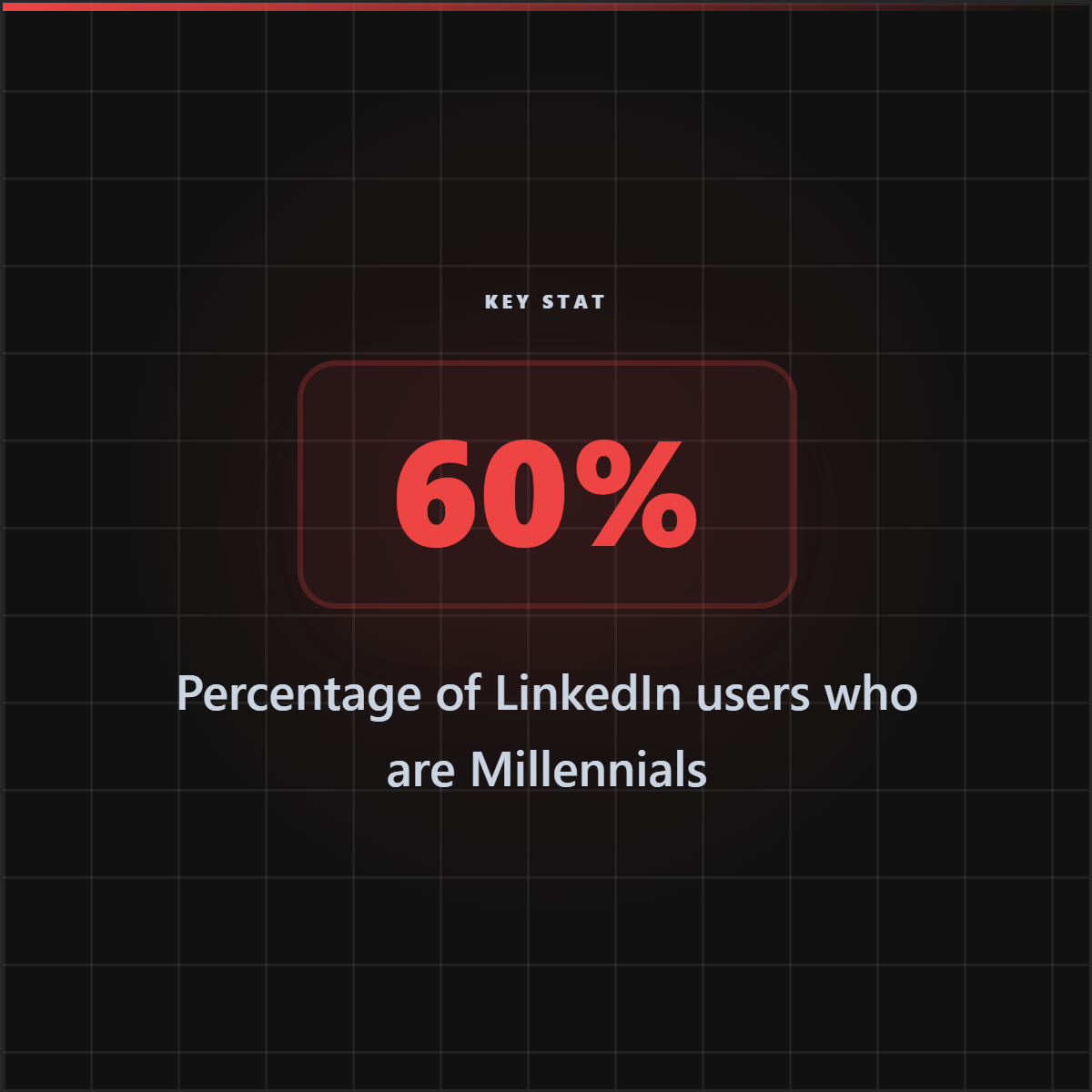
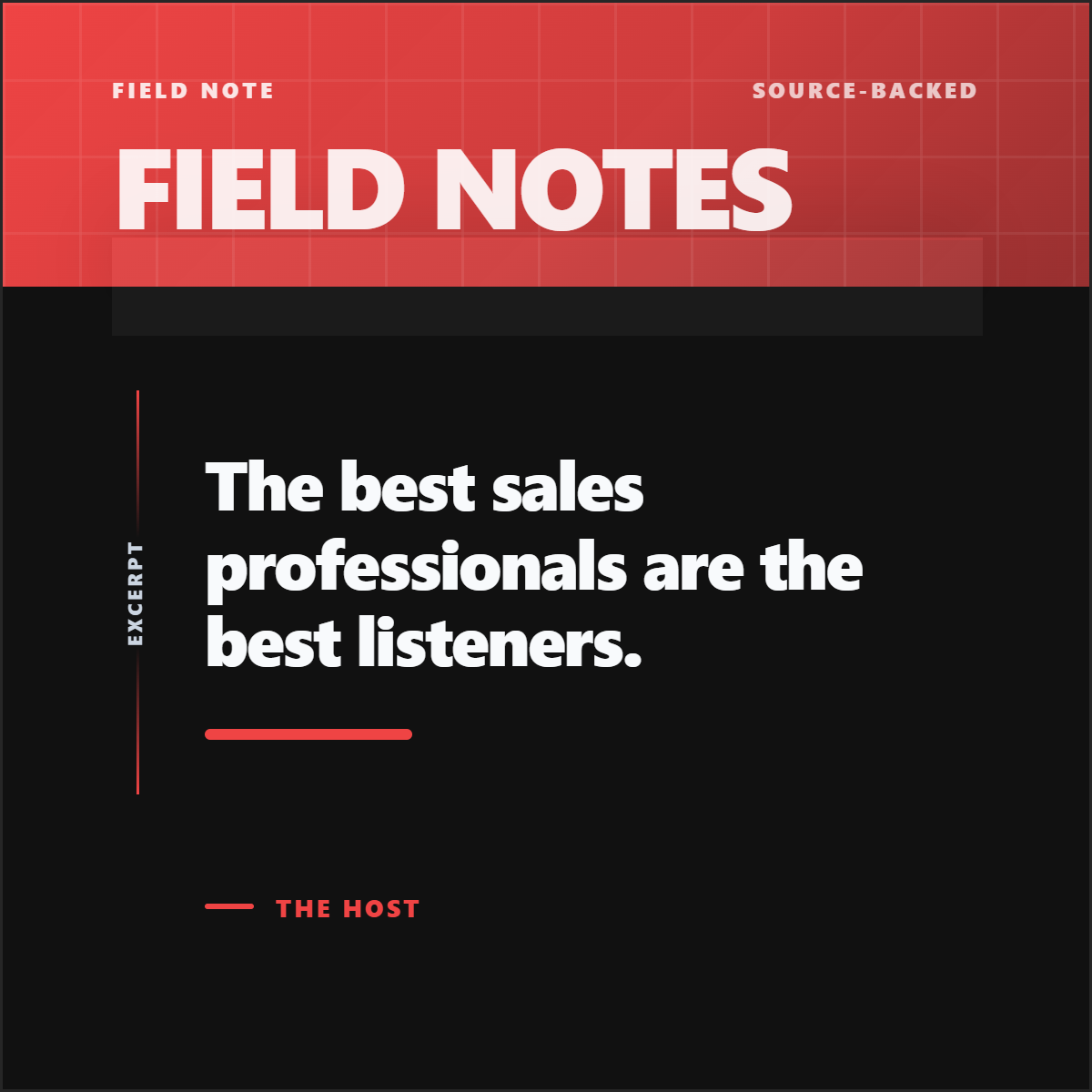
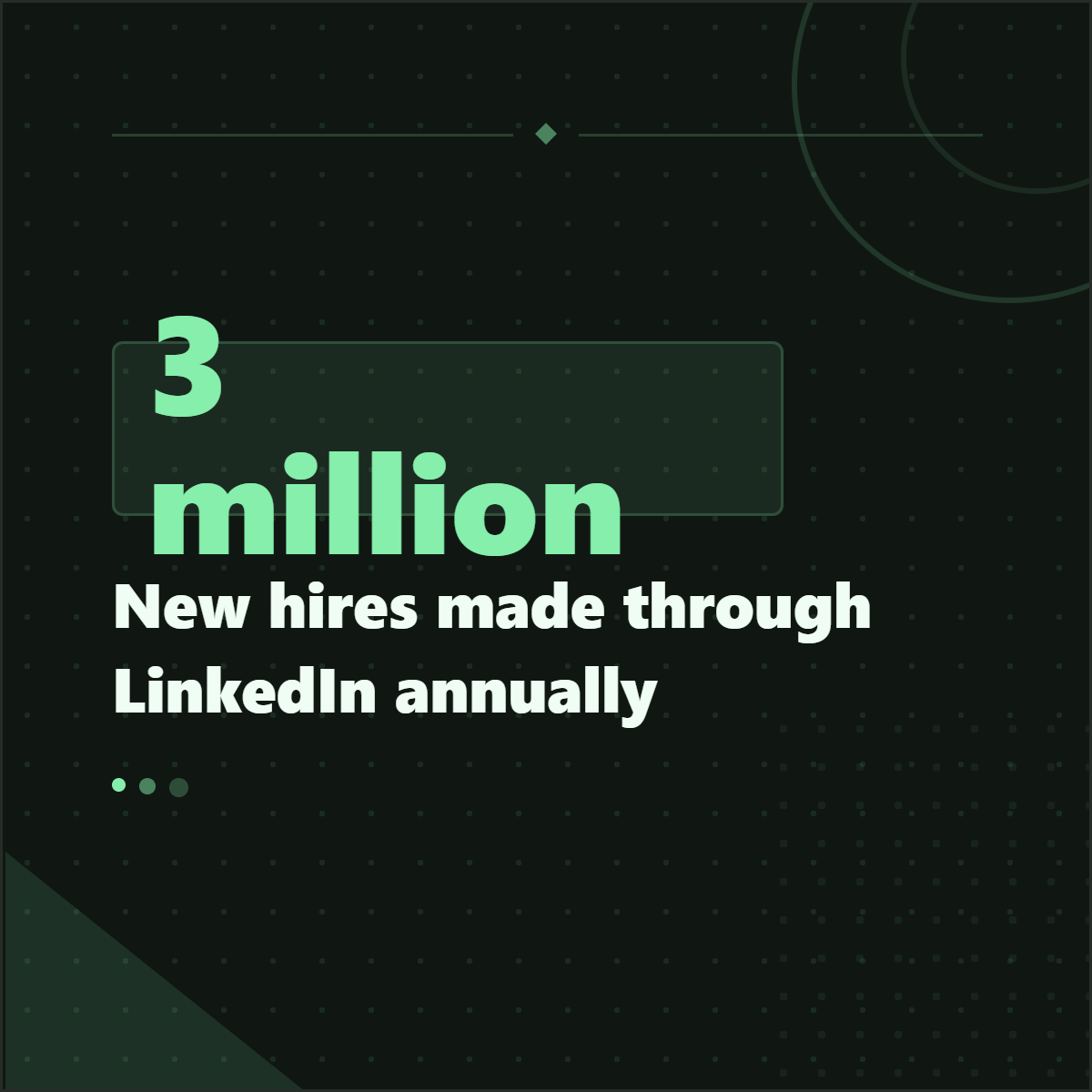
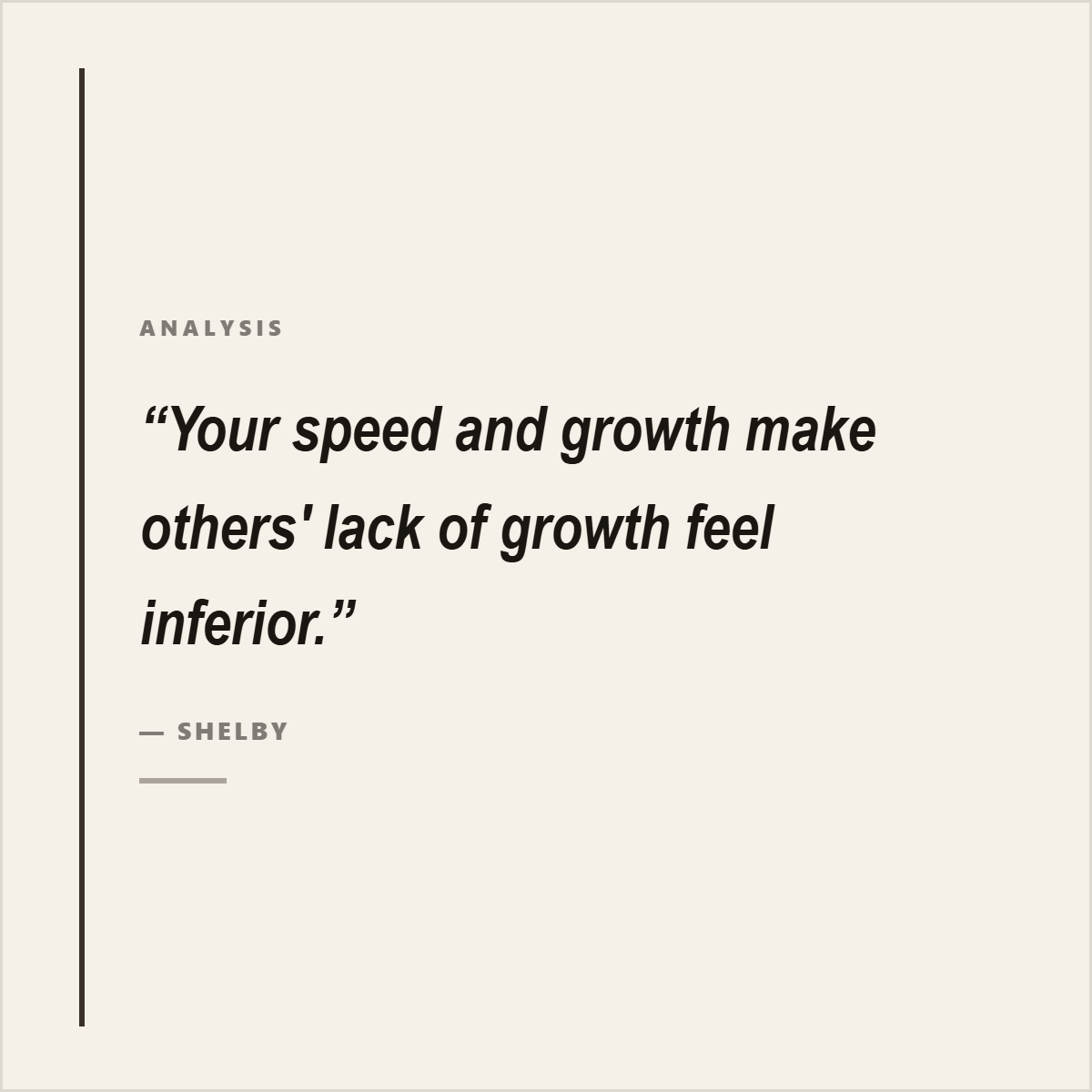
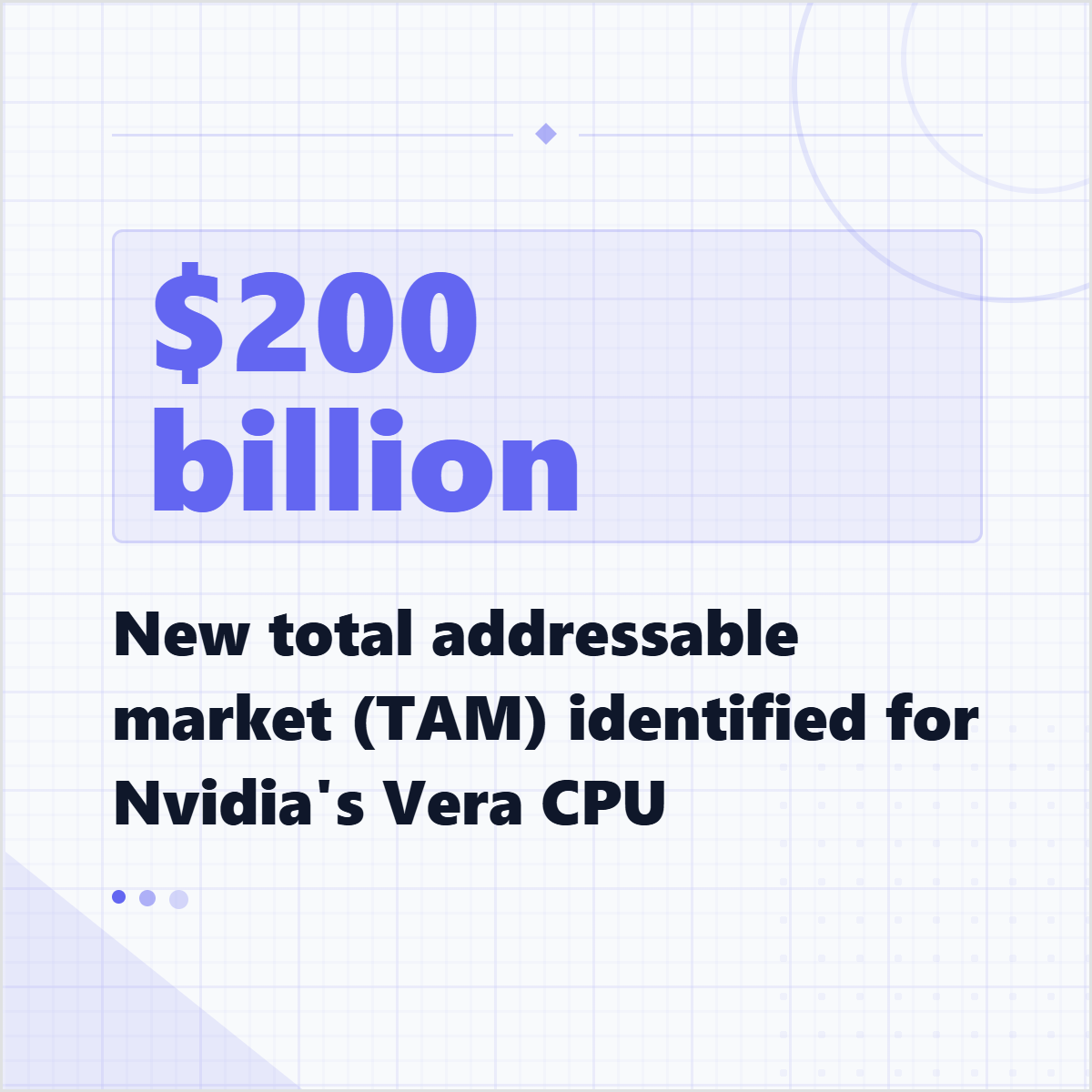
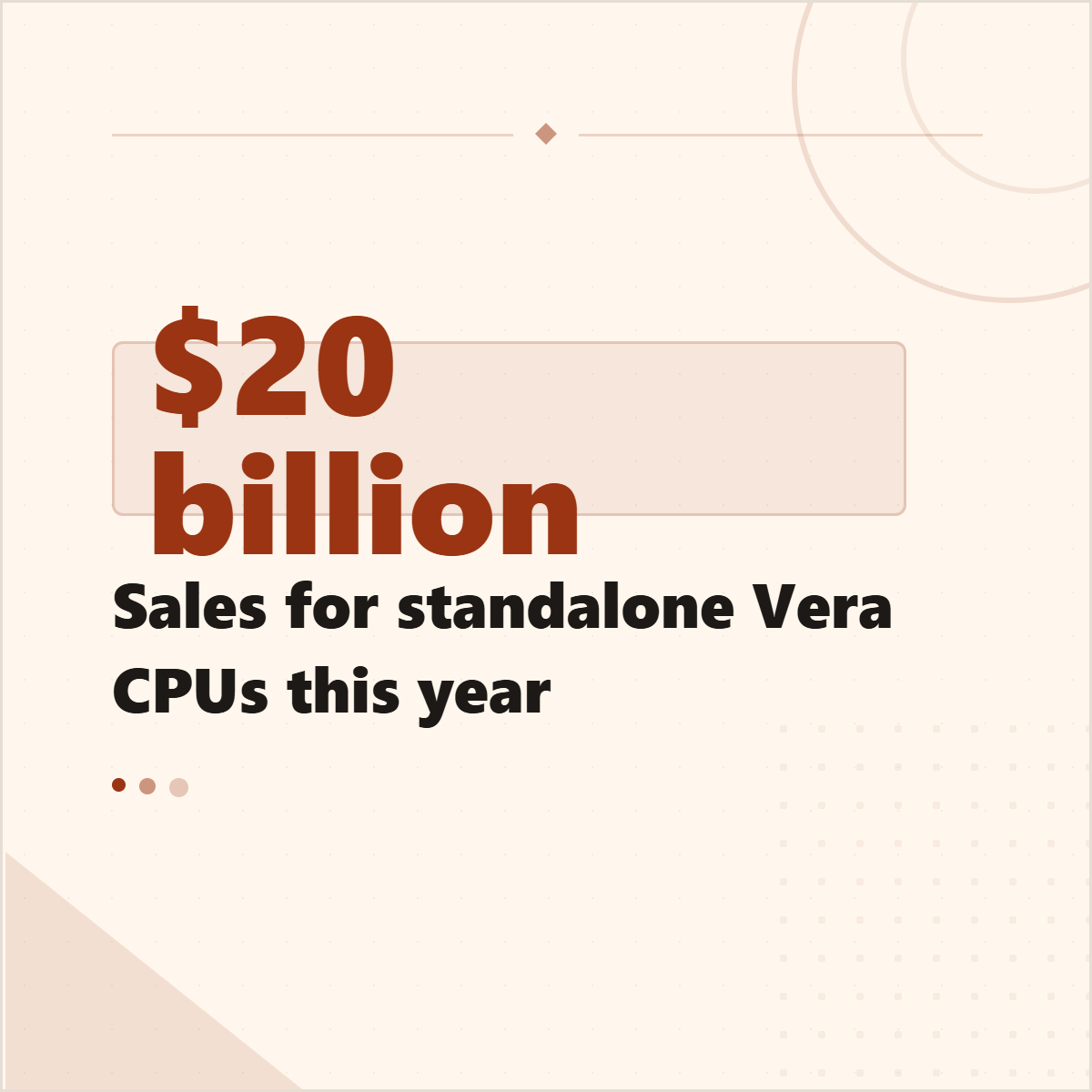
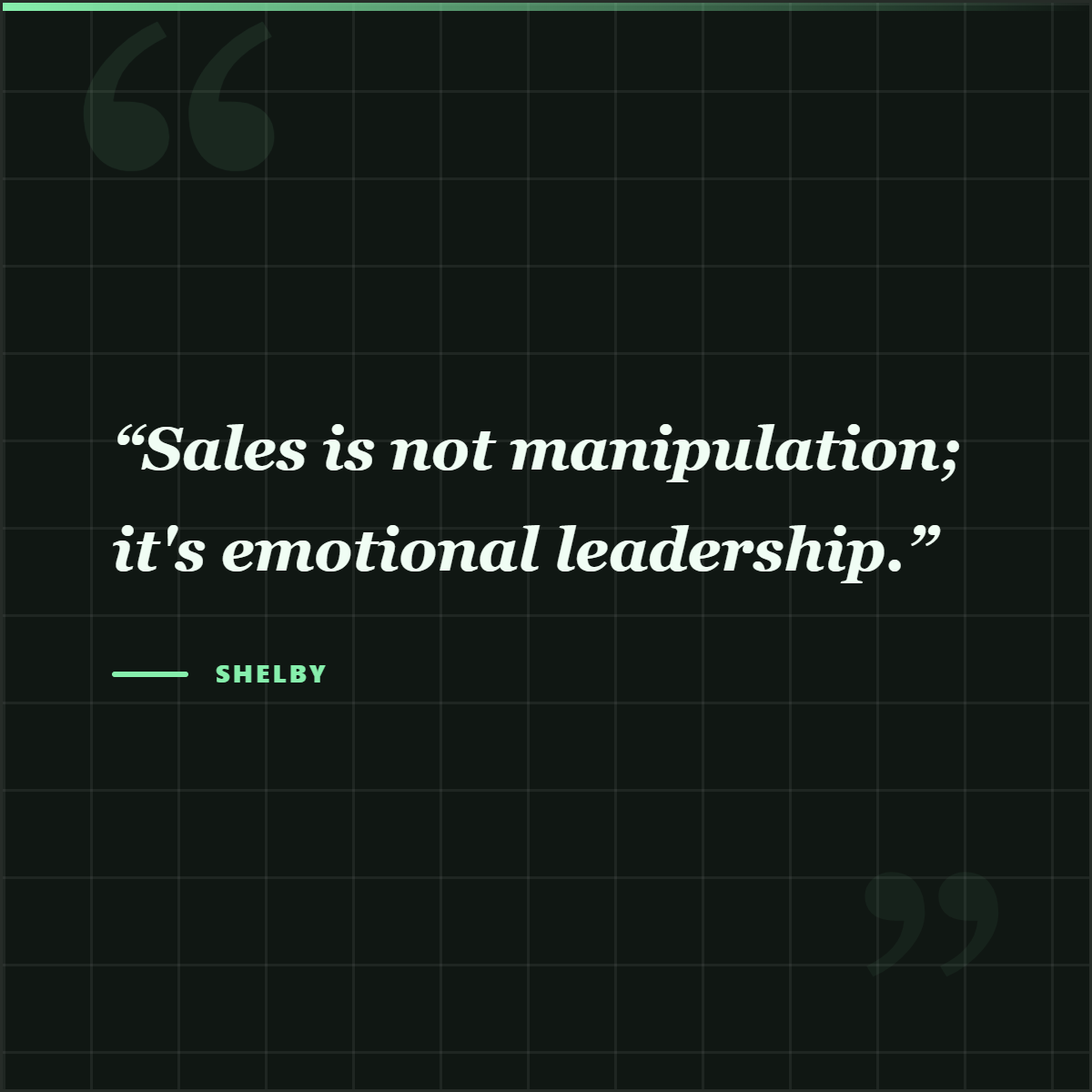
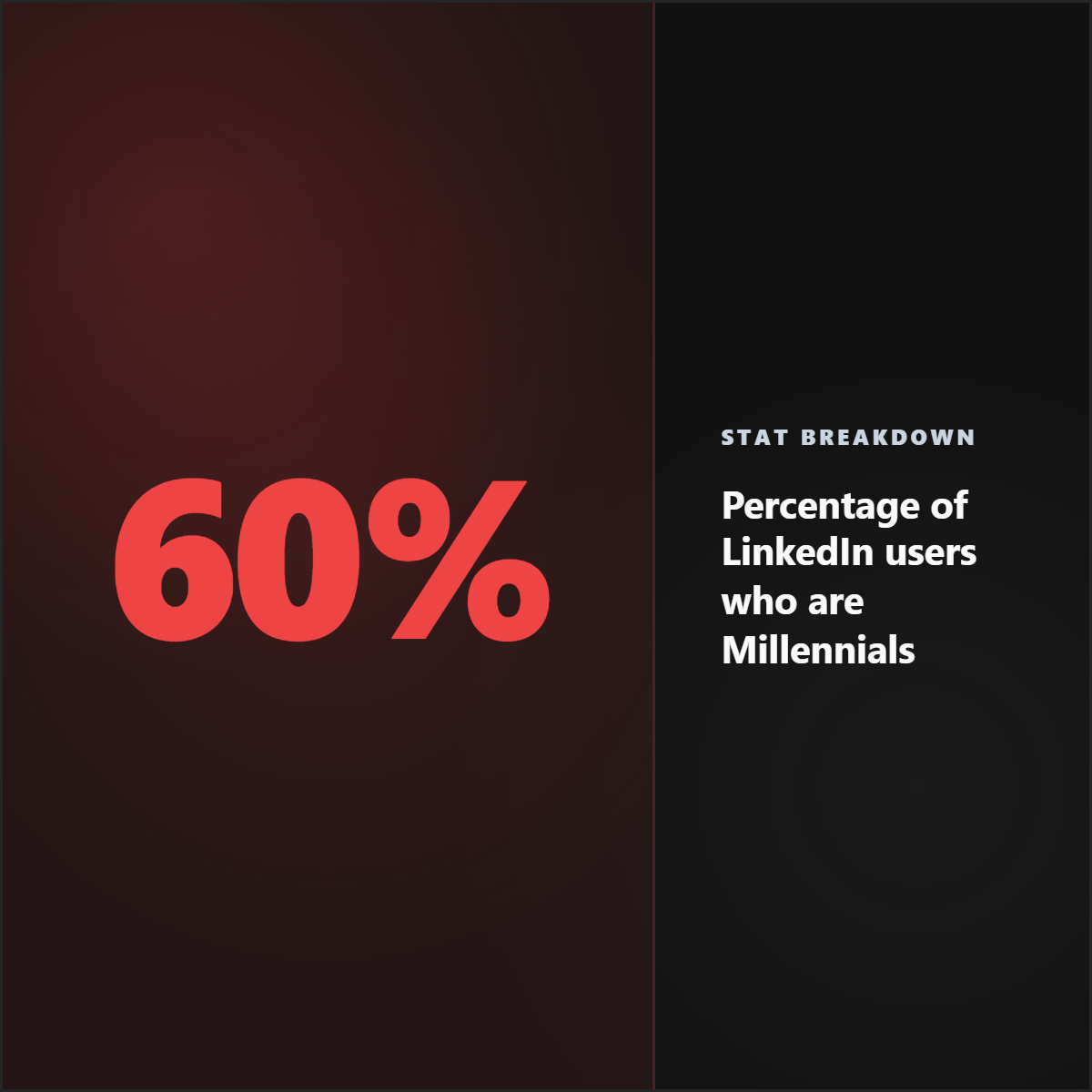
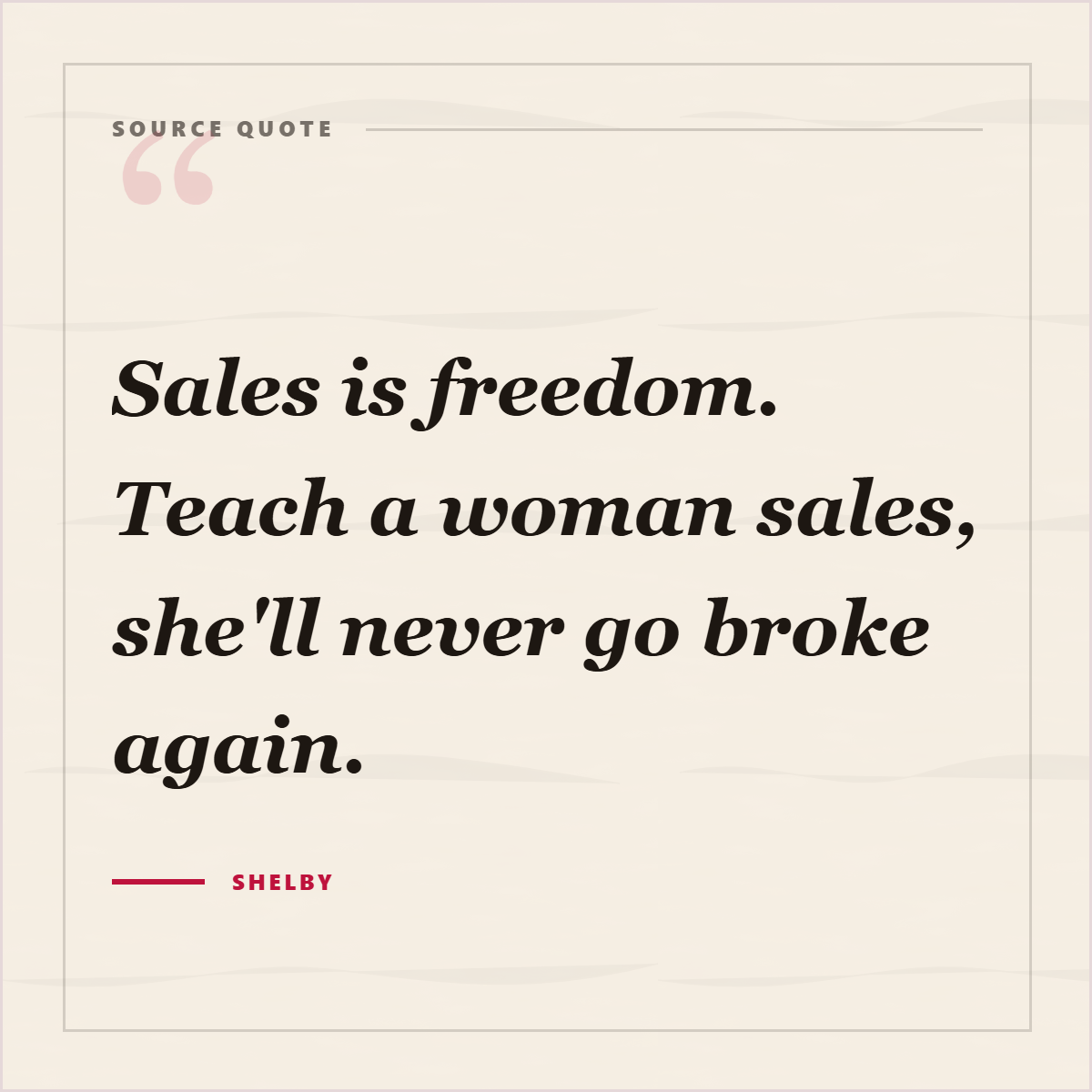
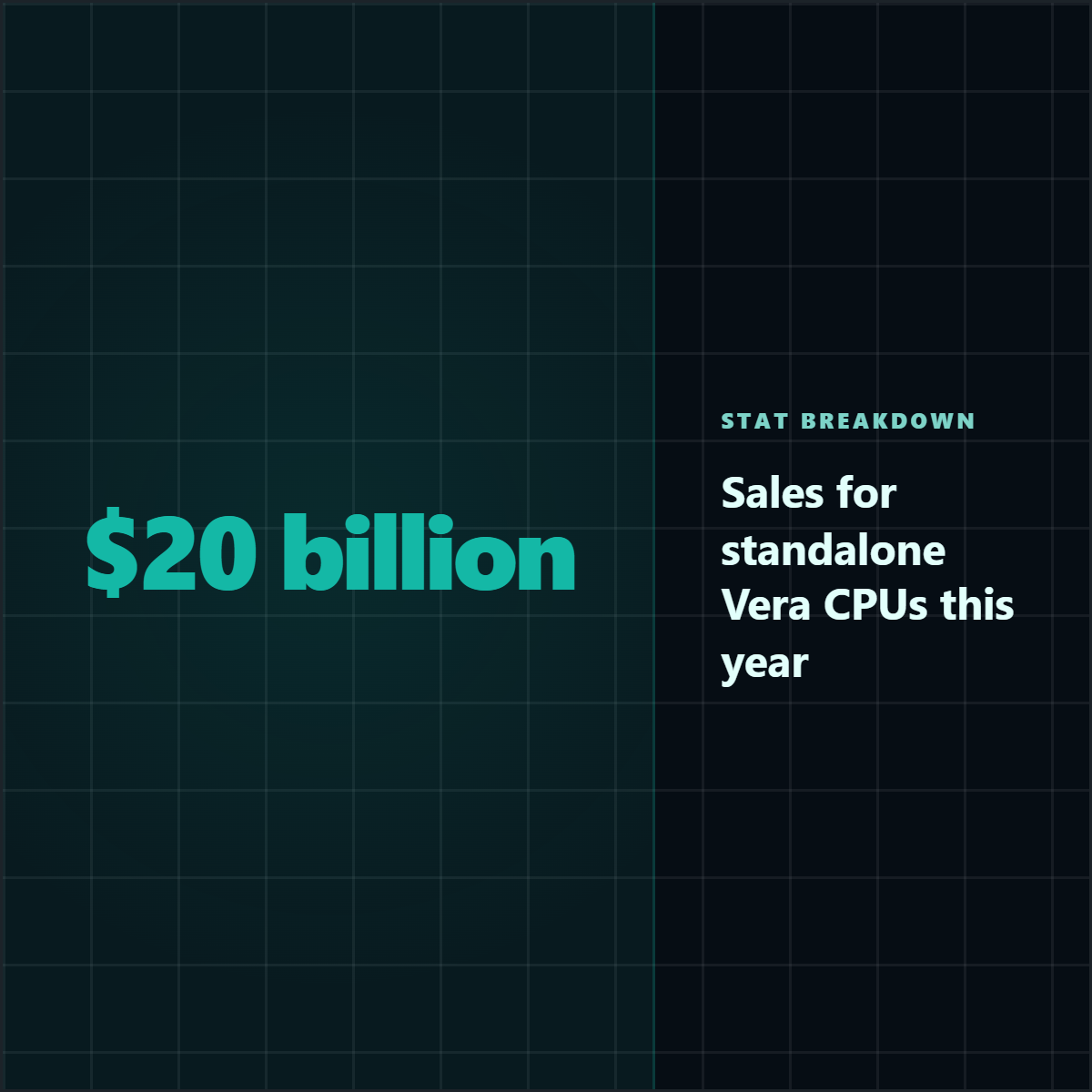
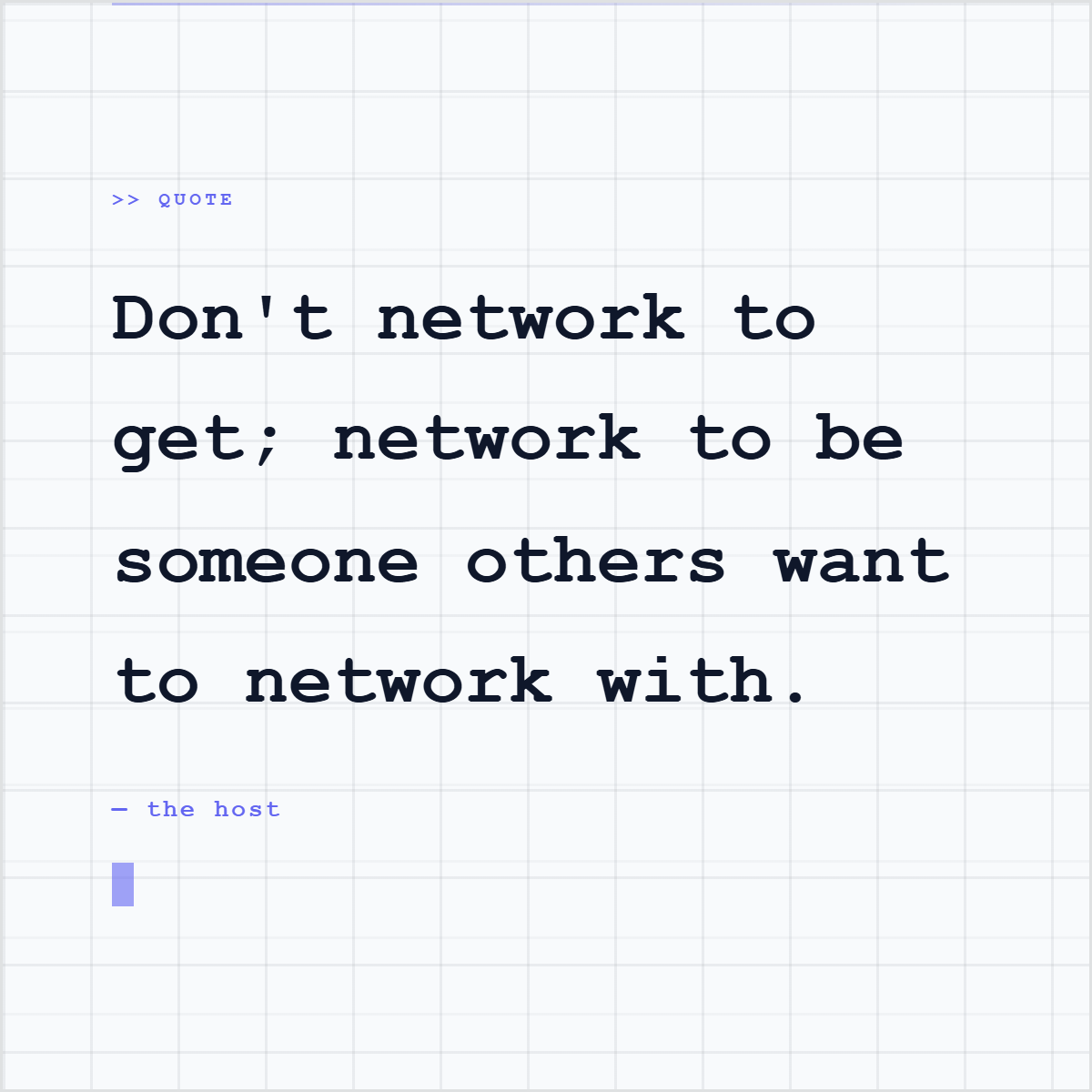
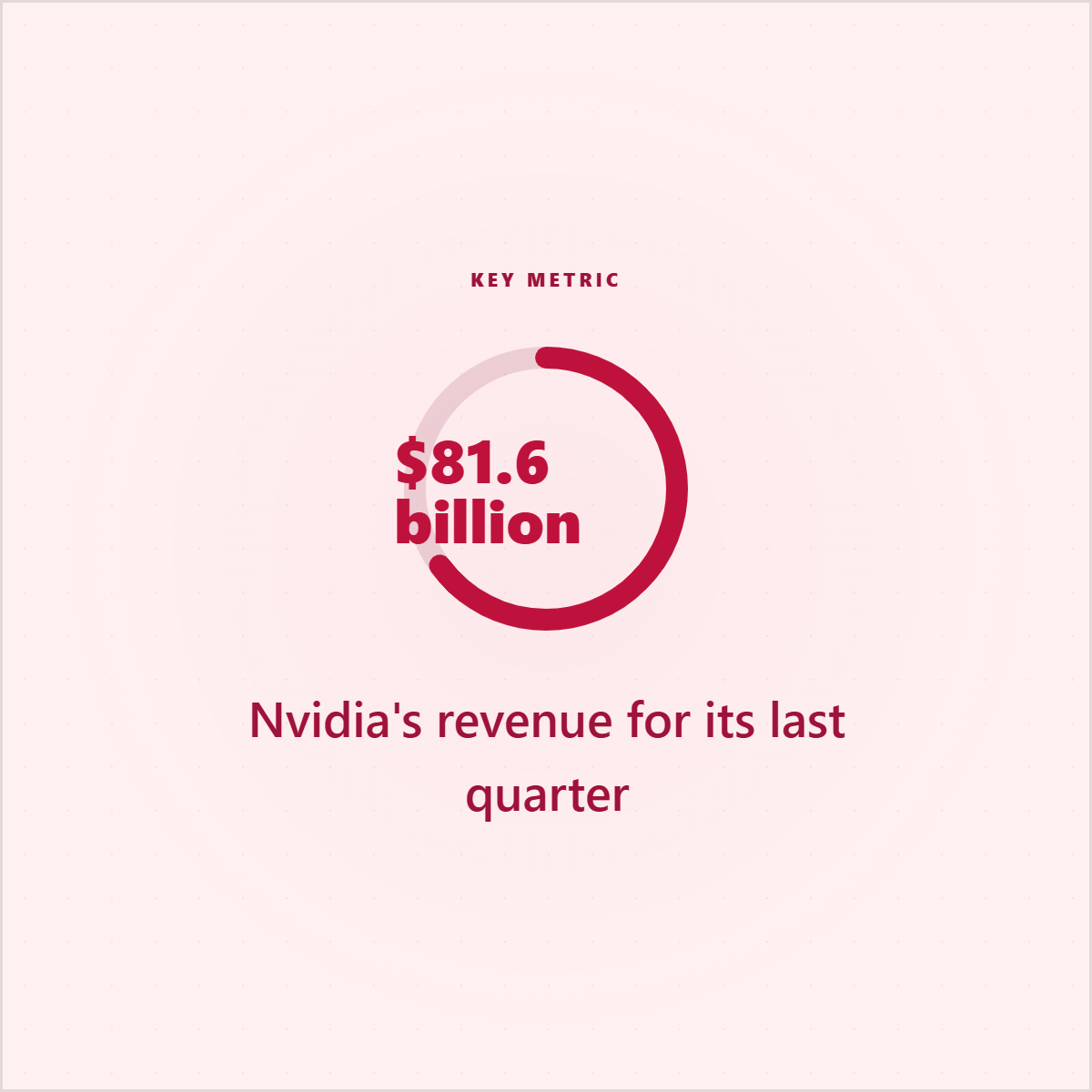
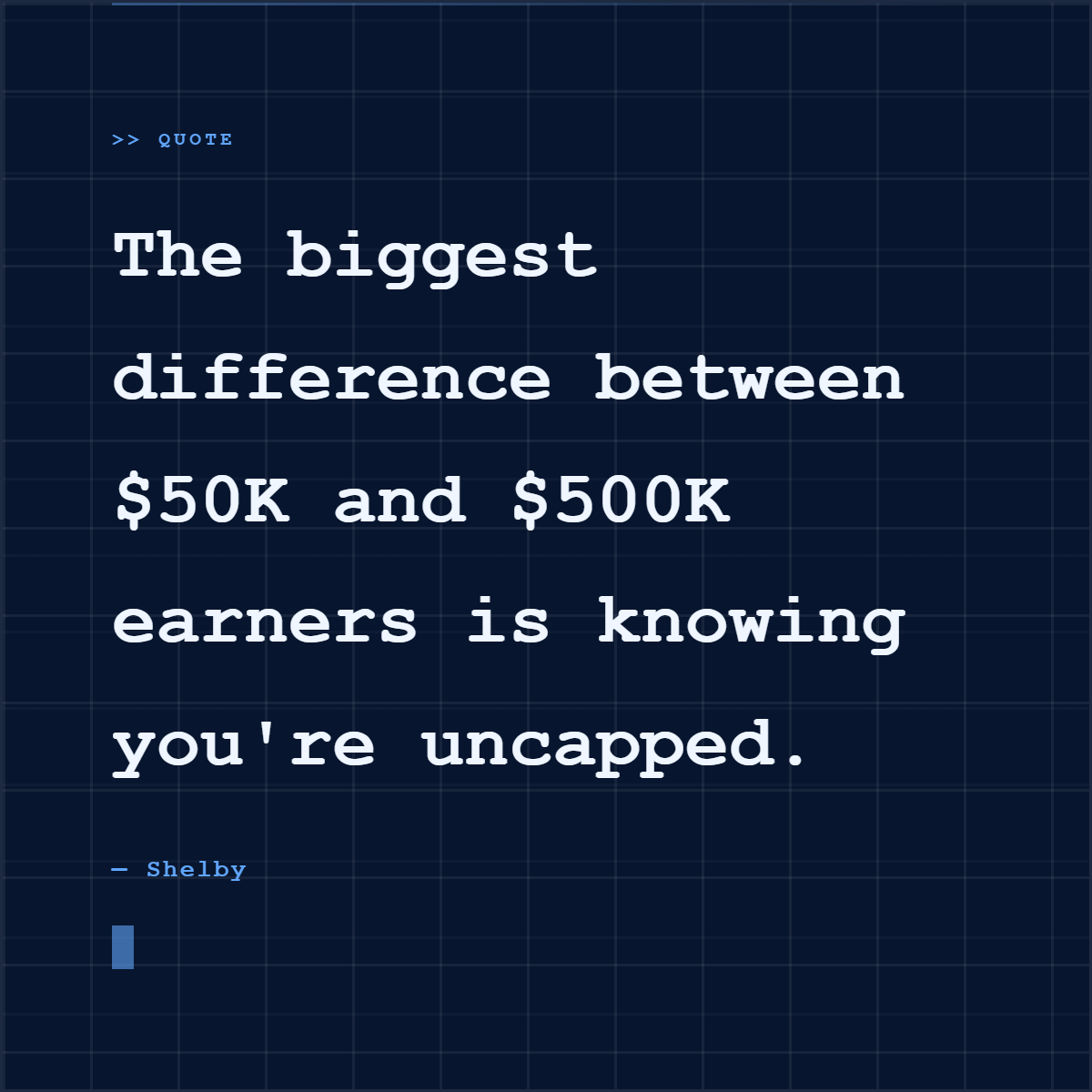
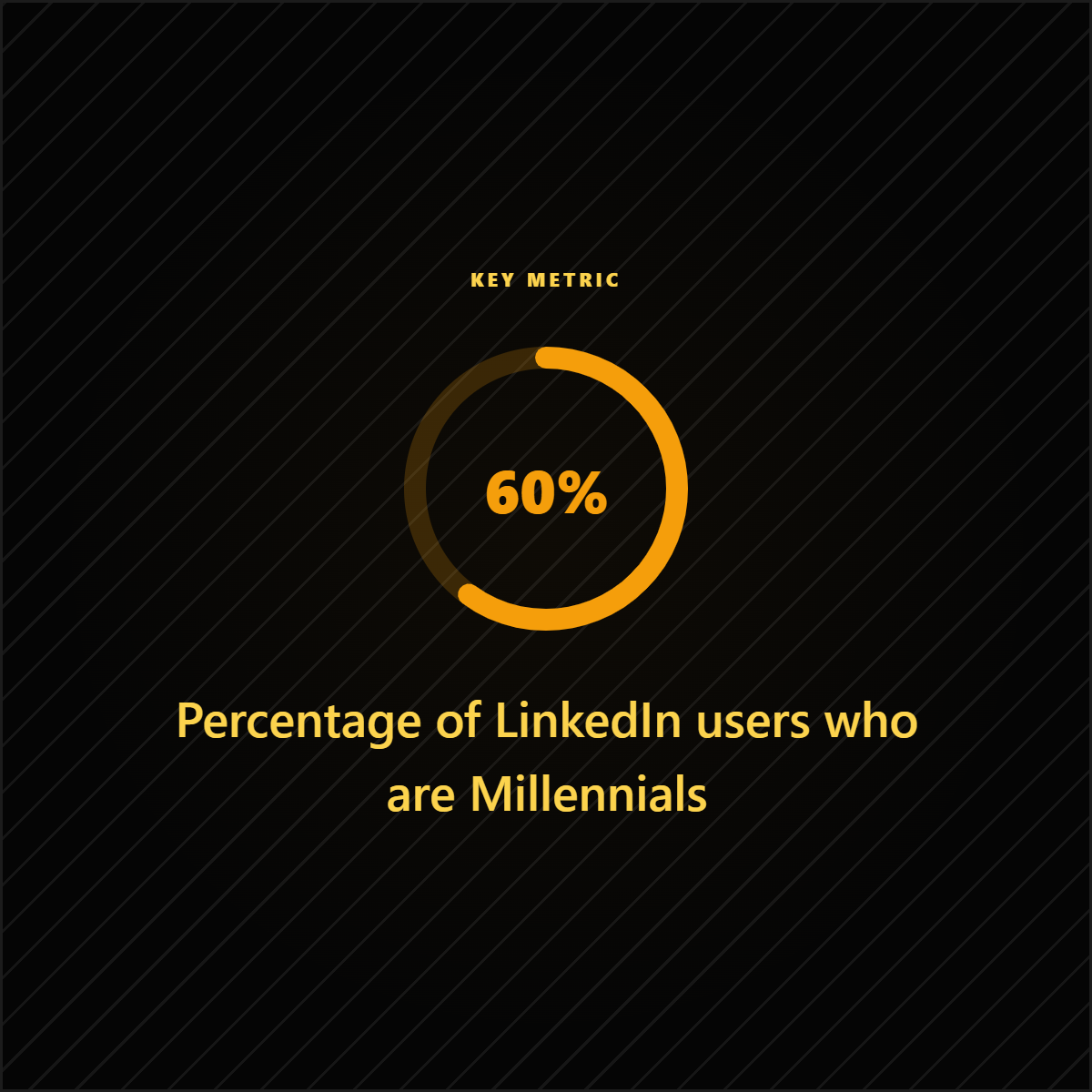
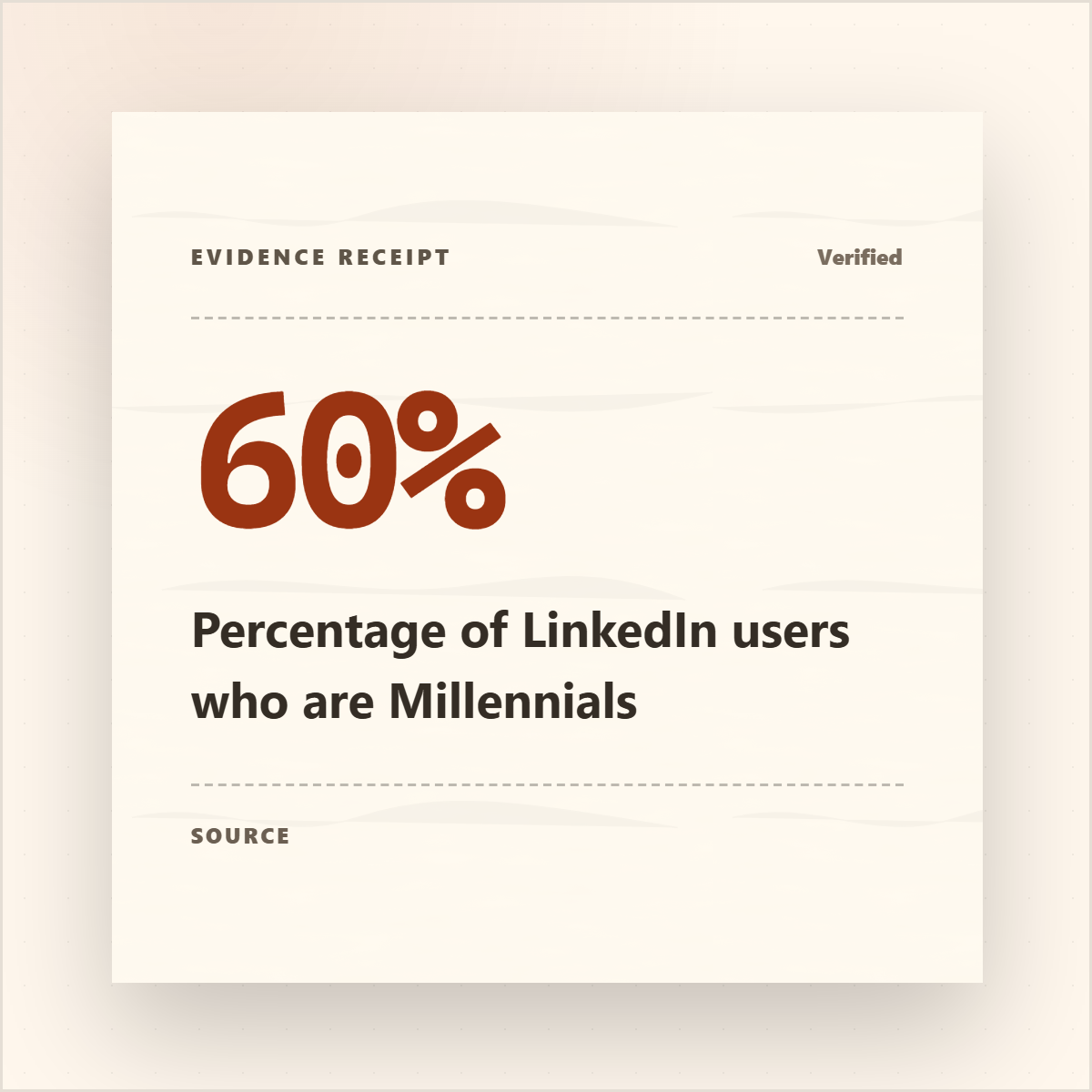
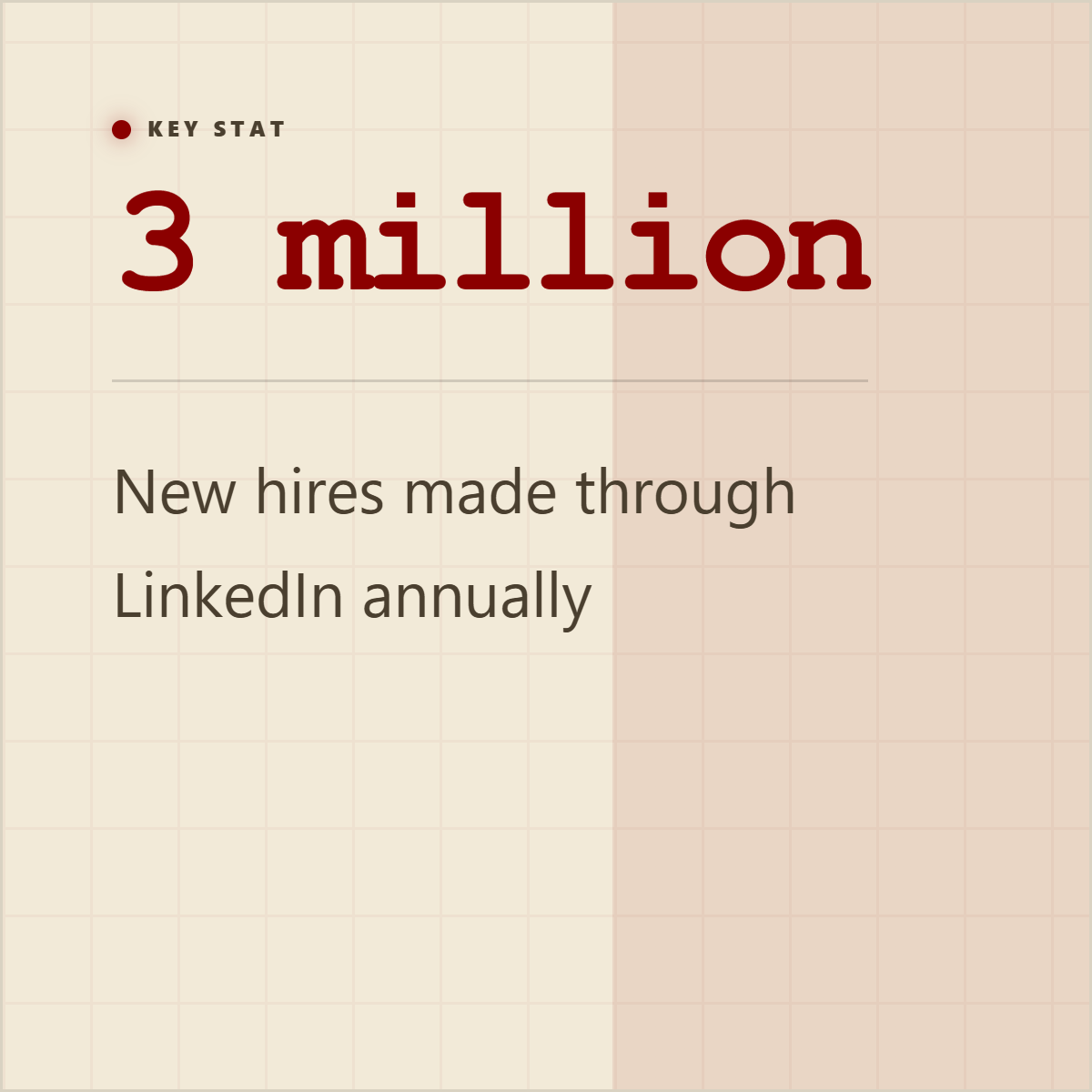
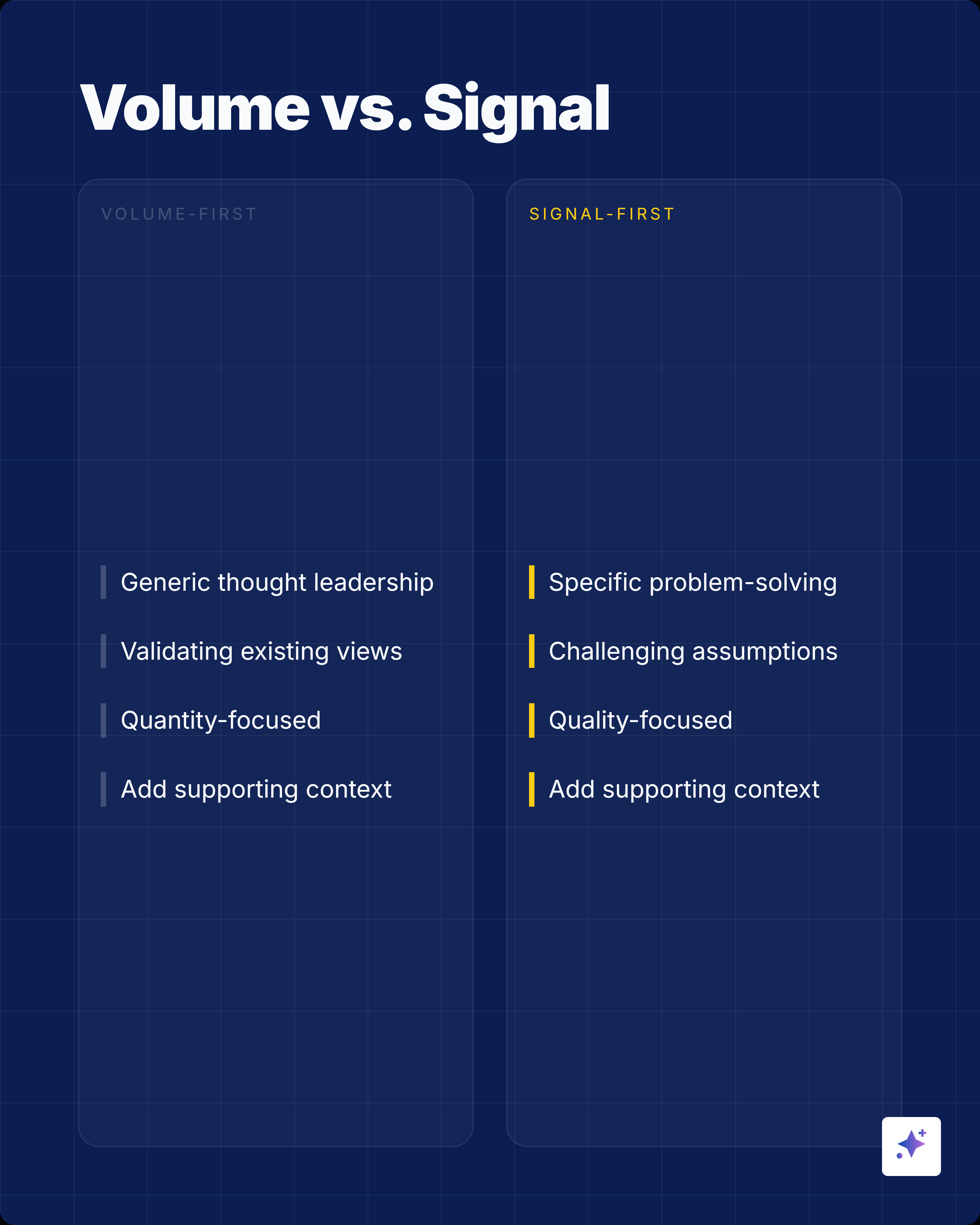
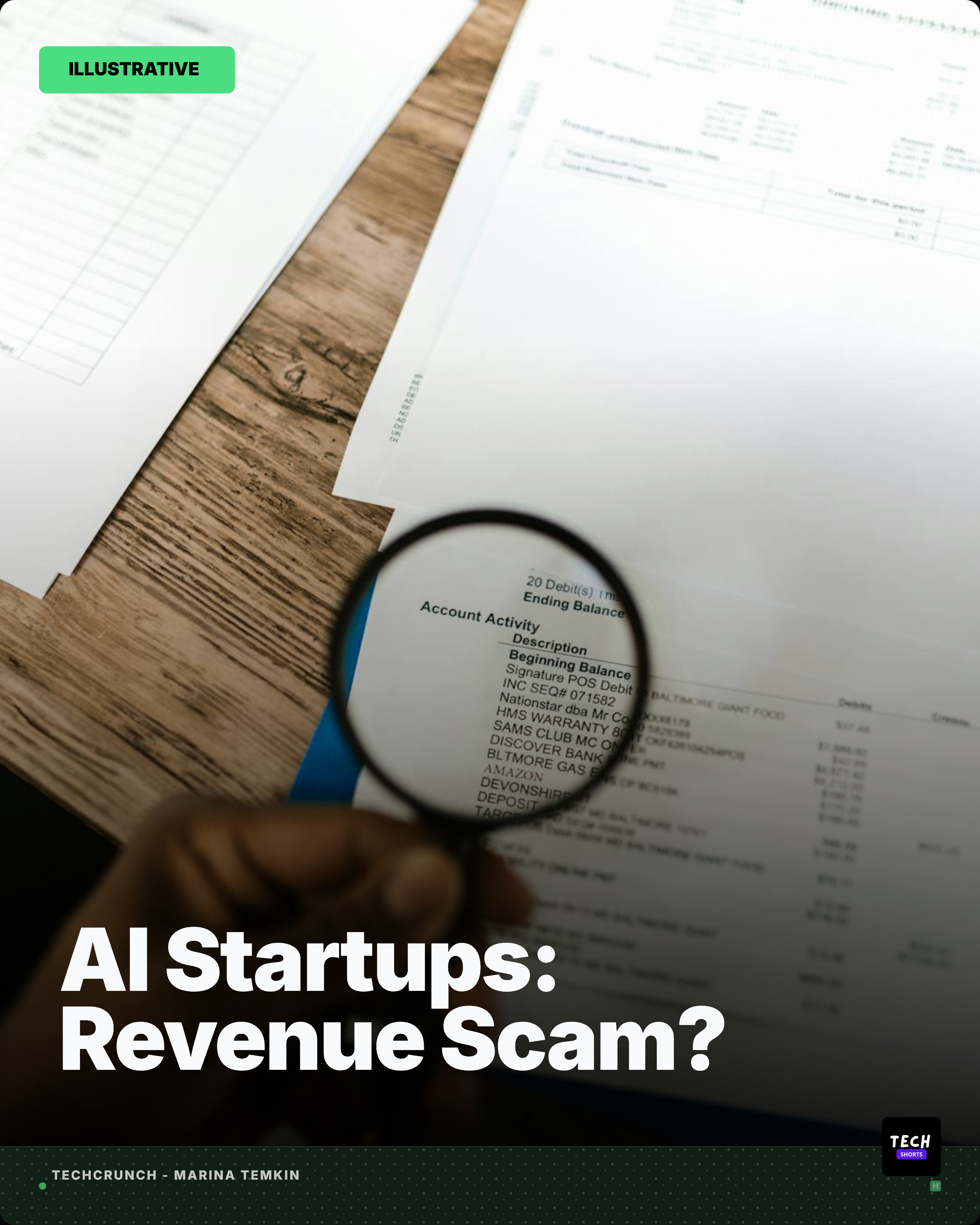
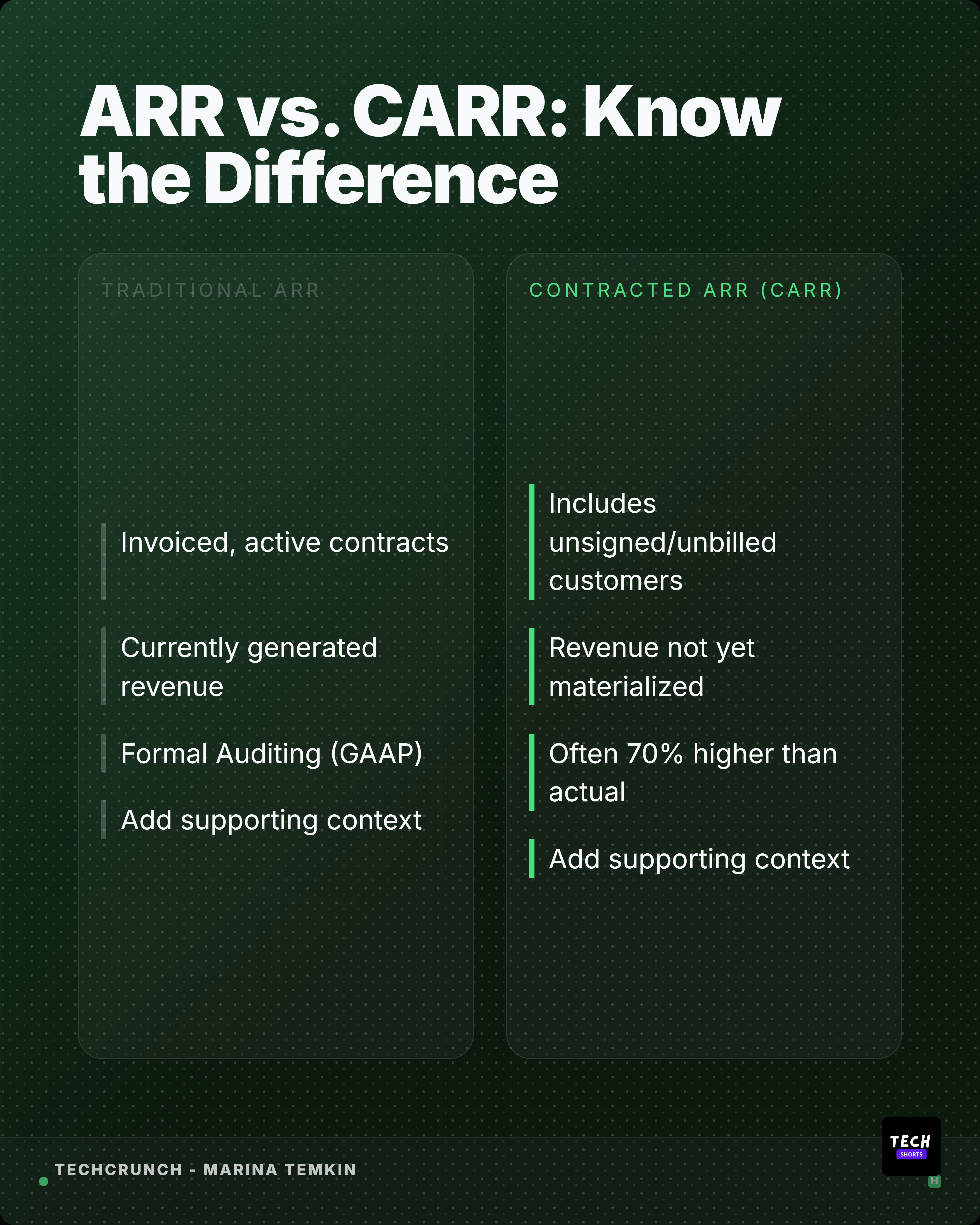
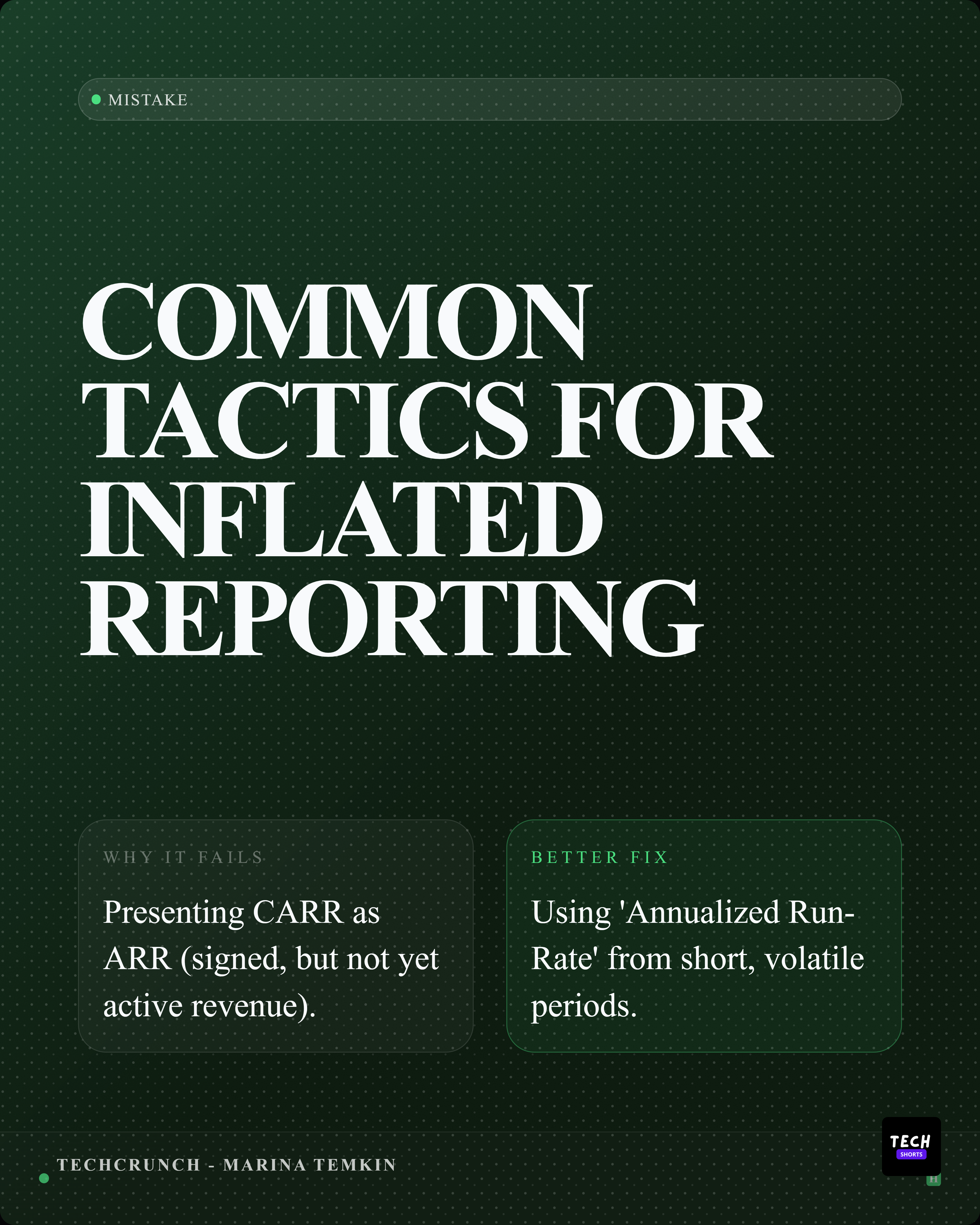
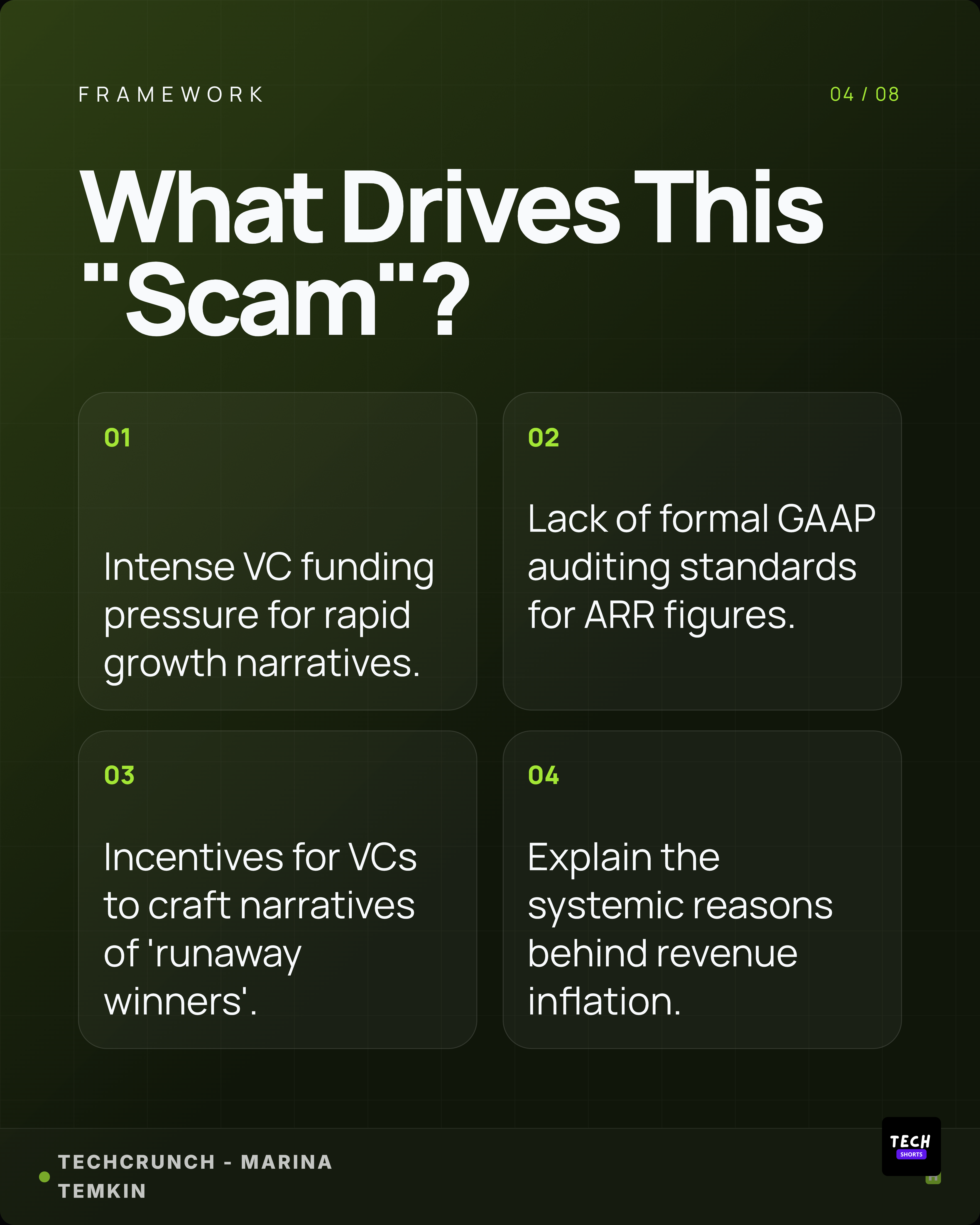
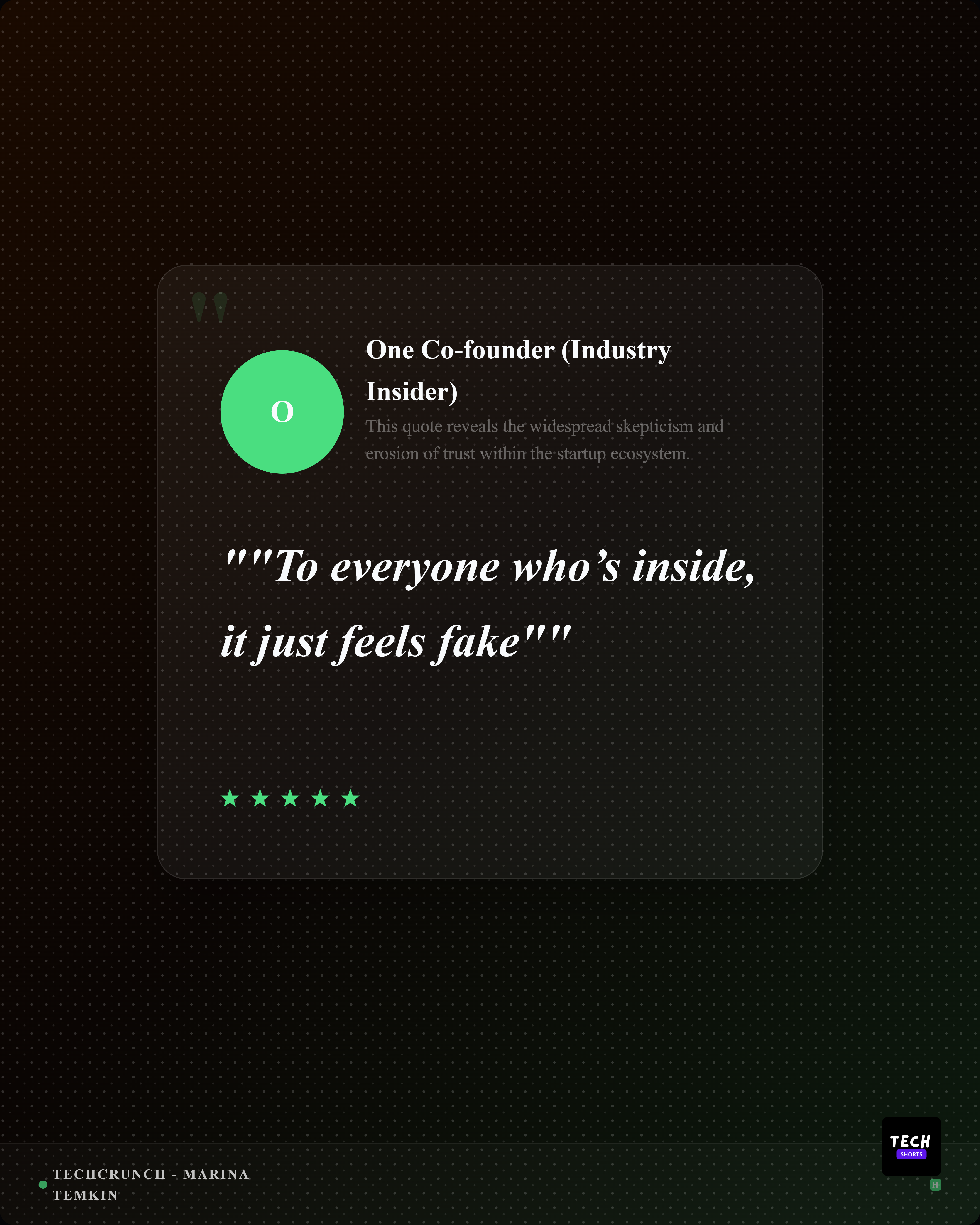
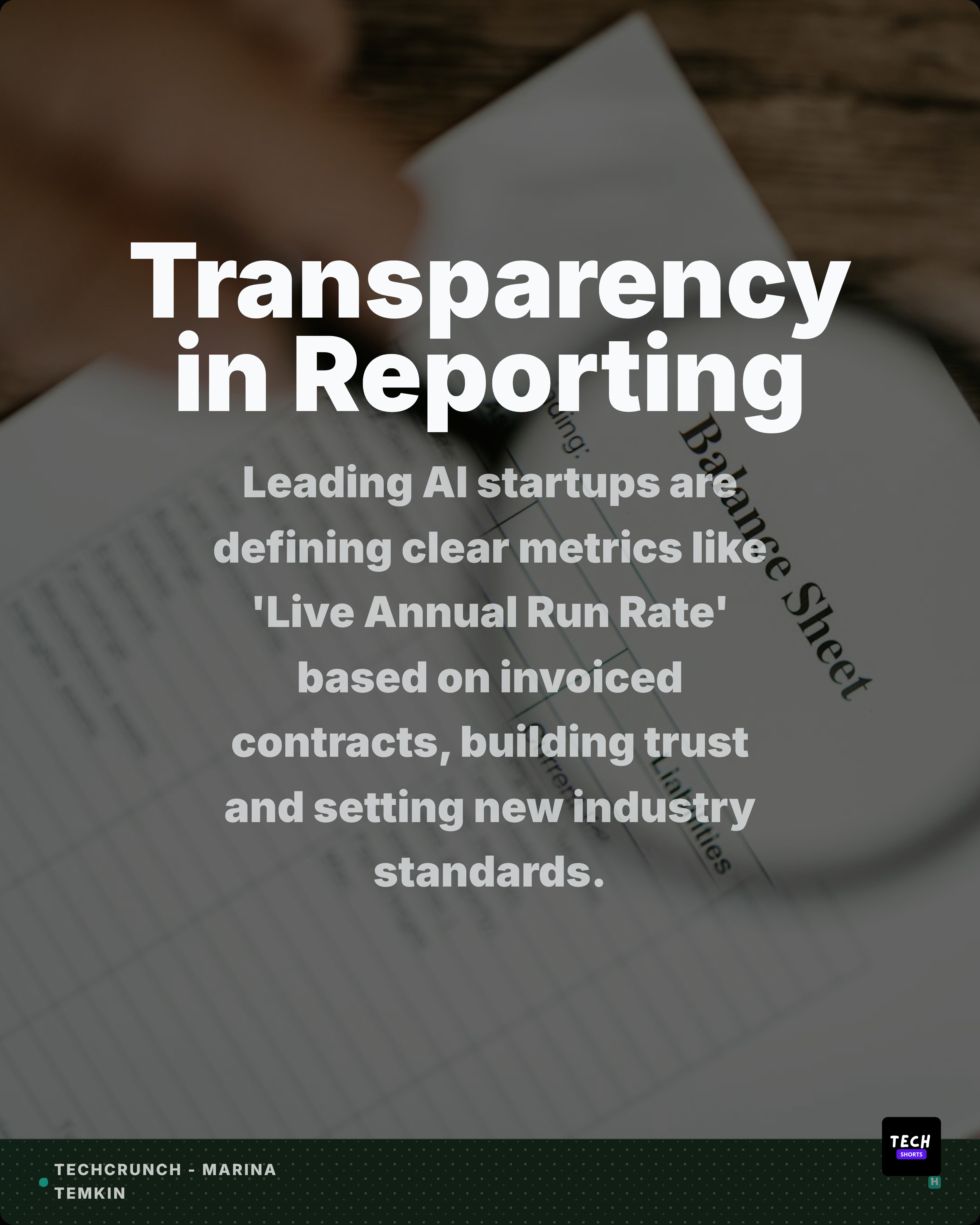
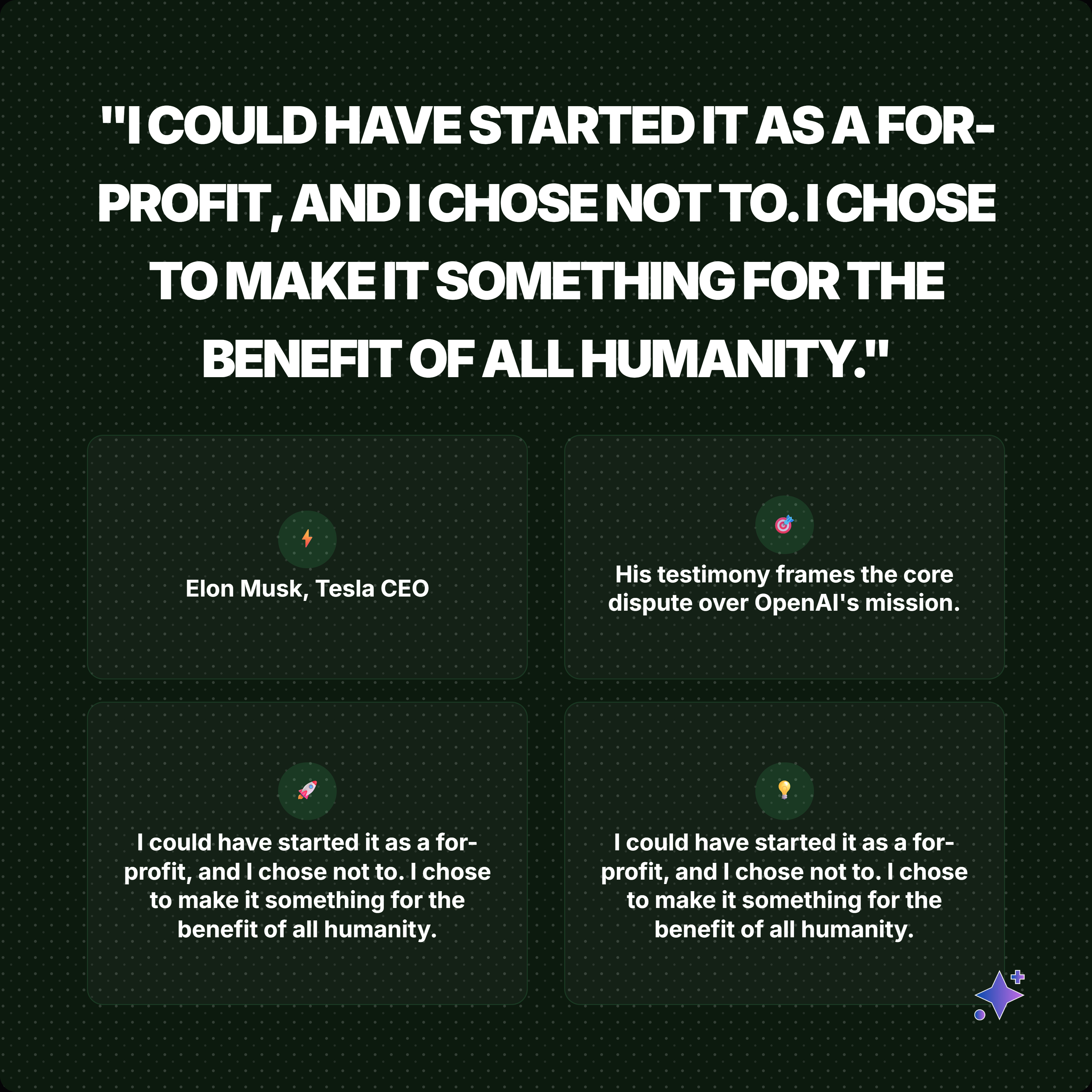
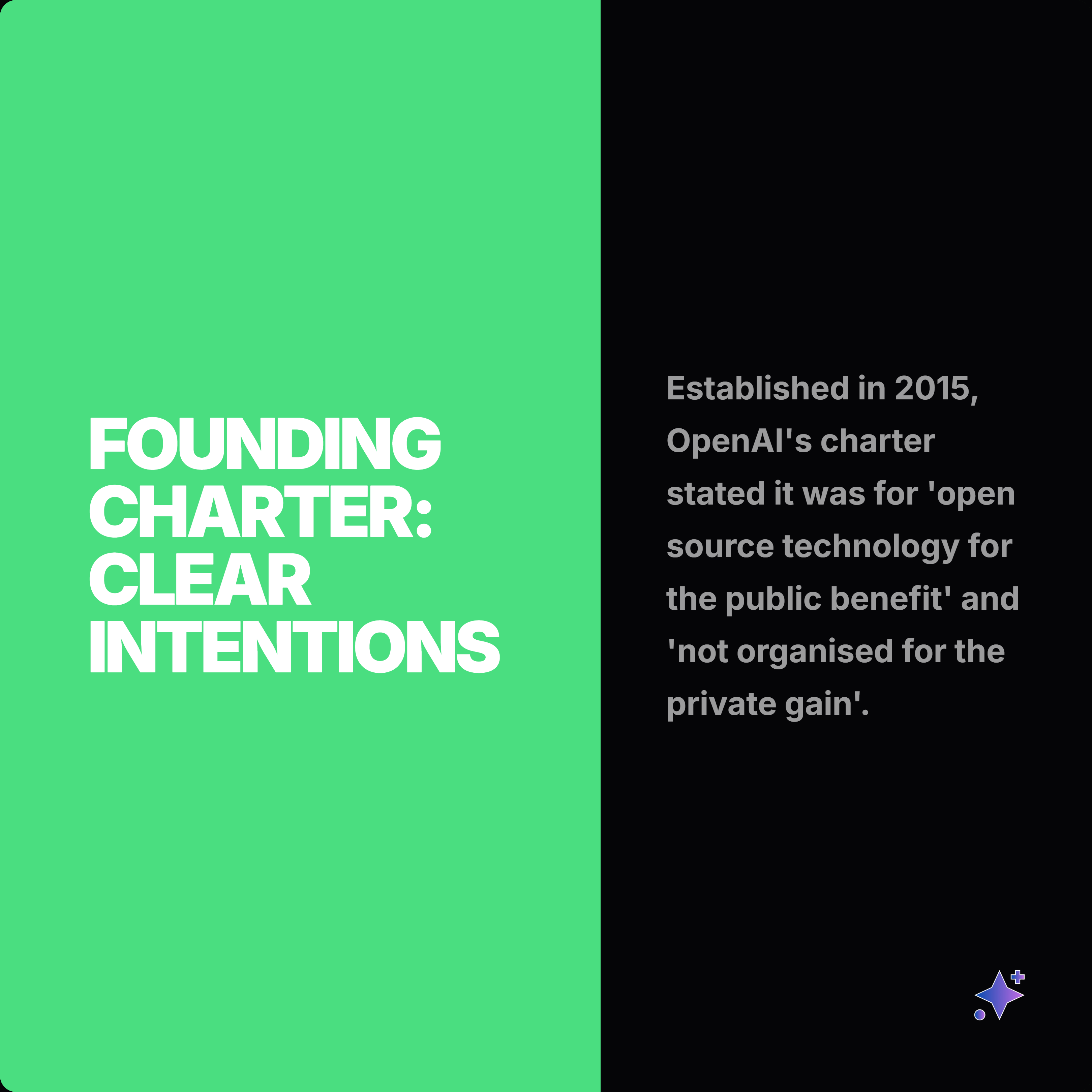
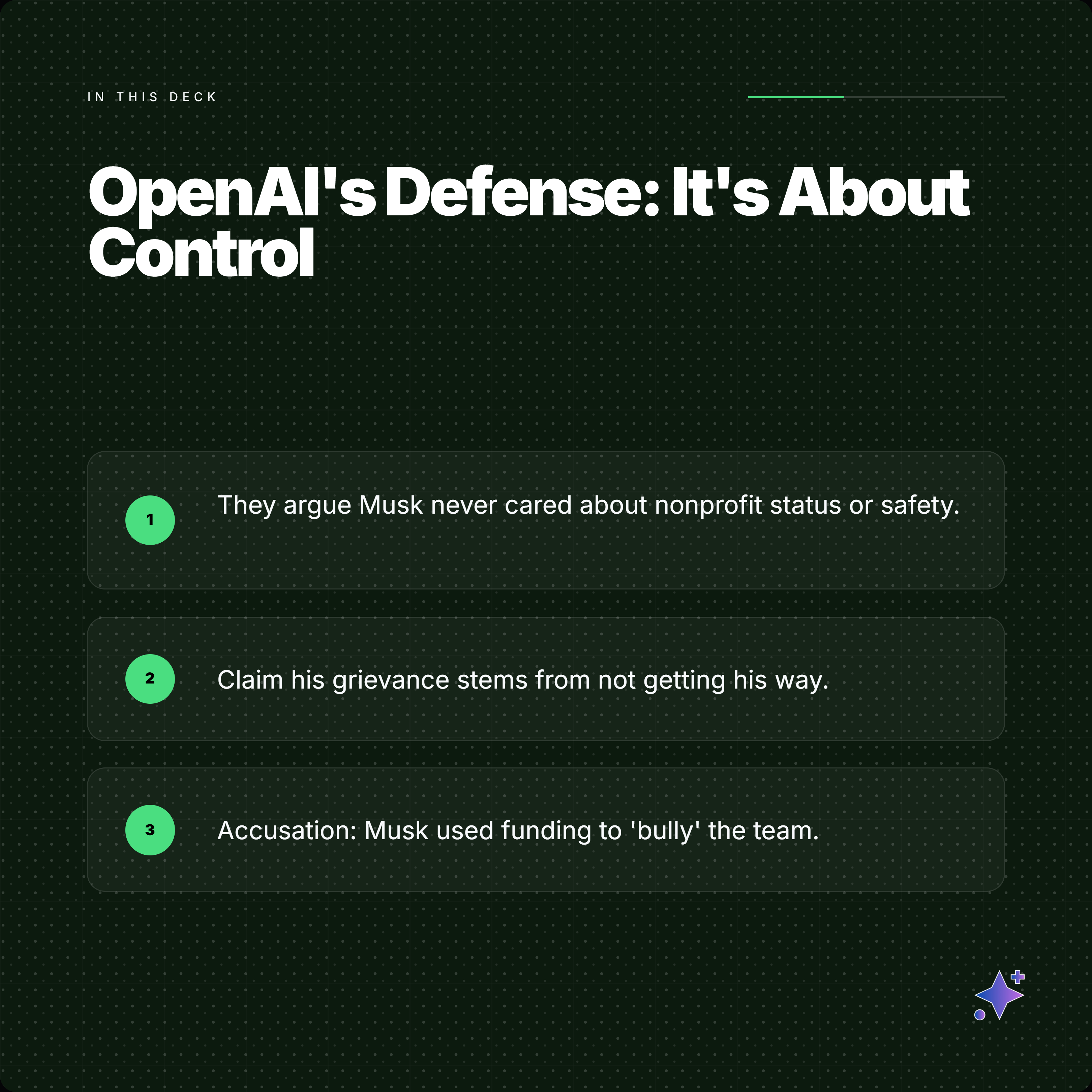
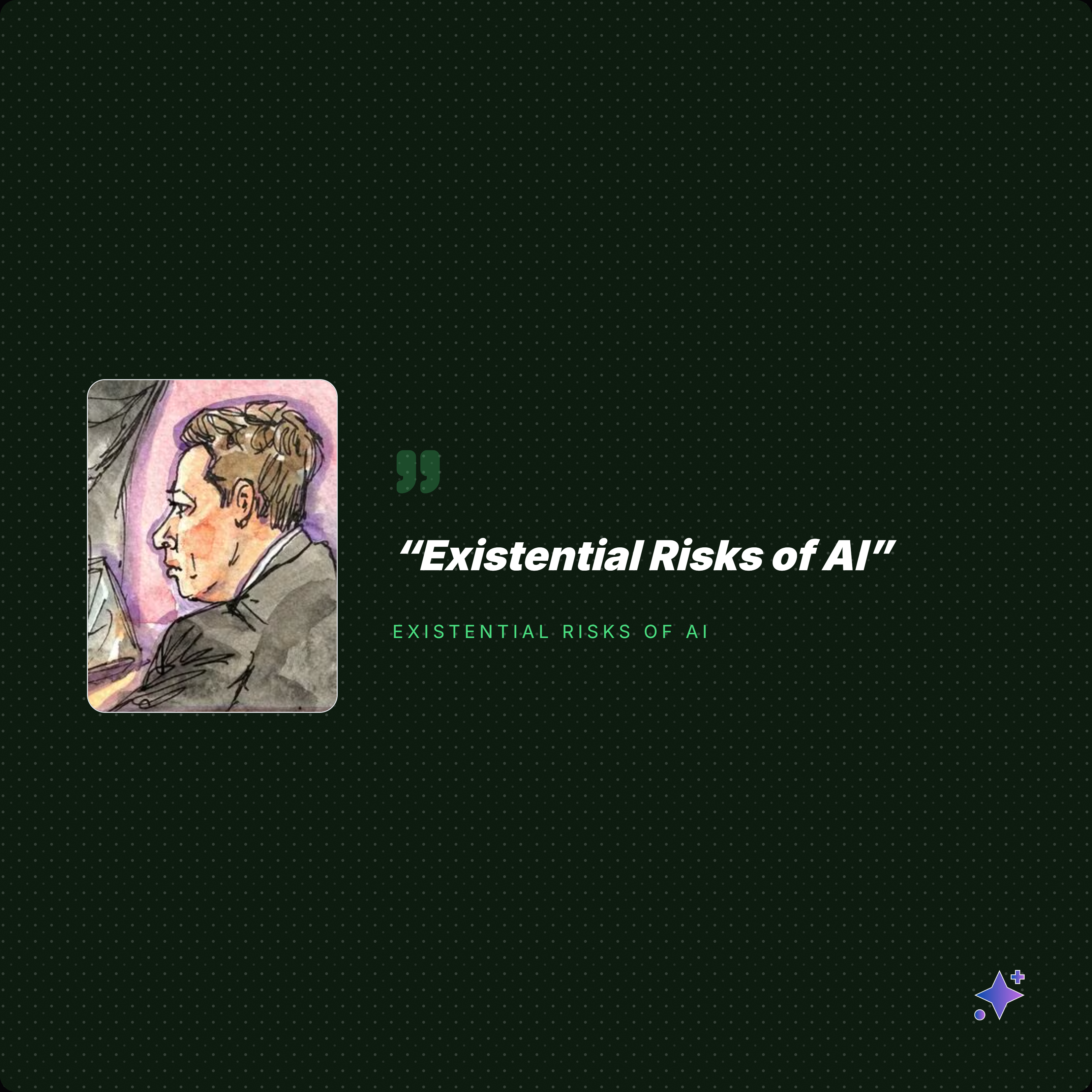
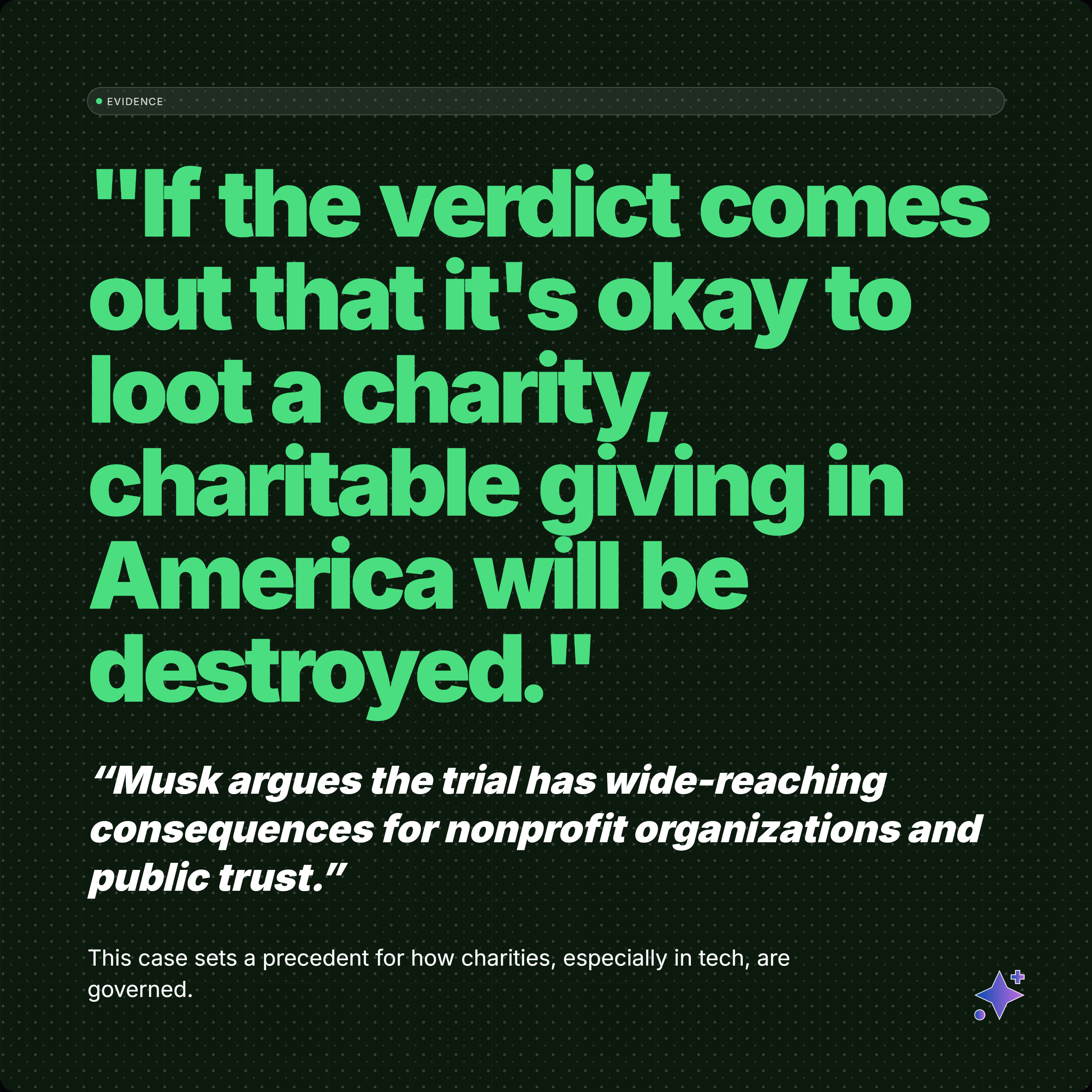
A side-by-side comparison helps clarify the difference: one side creates a visual from a prompt, while the other packages a verified claim with context and attribution.
Who should care
- Writers: turn articles, essays, and reports into quotable angles without losing the original context.
- Marketers: build campaign-ready graphics, captions, and variants without prompting every layout from scratch.
- Video editors: pull hooks, stats, and proof points that can become shorts, overlays, thumbnails, or cutaway cards.
- Brands: keep typography, colors, logos, watermarks, attribution, and export ratios consistent across every asset.
- Creators: move faster than a blank prompt while still posting material that feels specific, sourced, and polished.
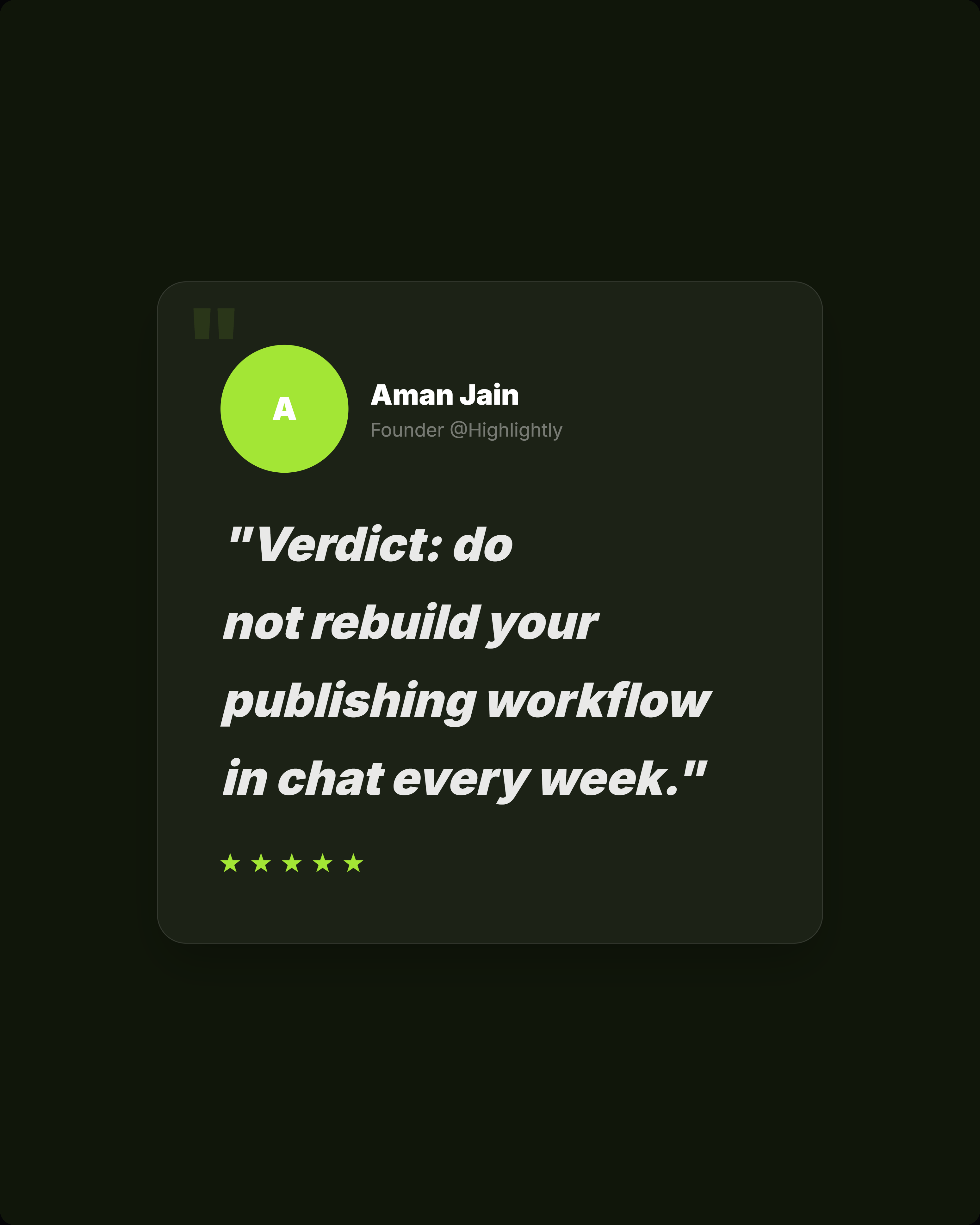
Verdict: do not run a publishing system through a blank prompt.
For Highlightly's audience, the answer is direct: if the asset is built from a report, article, transcript, PDF, or document, start in Highlightly. ChatGPT Images can create visual ingredients, but Highlightly owns the finished publishing system: selecting the claim, shaping the layout, preserving proof, adding attribution, applying brand rules, writing captions, creating variants, and exporting the final asset.
- Use ChatGPT Images for original visuals and decorative edits.
- Choose Highlightly by default for source-backed cards, polished content graphics, screenshots, carousels, captions, brand controls, and PNG exports.
- Add generated visuals only after the asset has a verified claim, clear attribution, and a platform-ready layout.
Prompt loop
The real cost is the repeated prompt work.
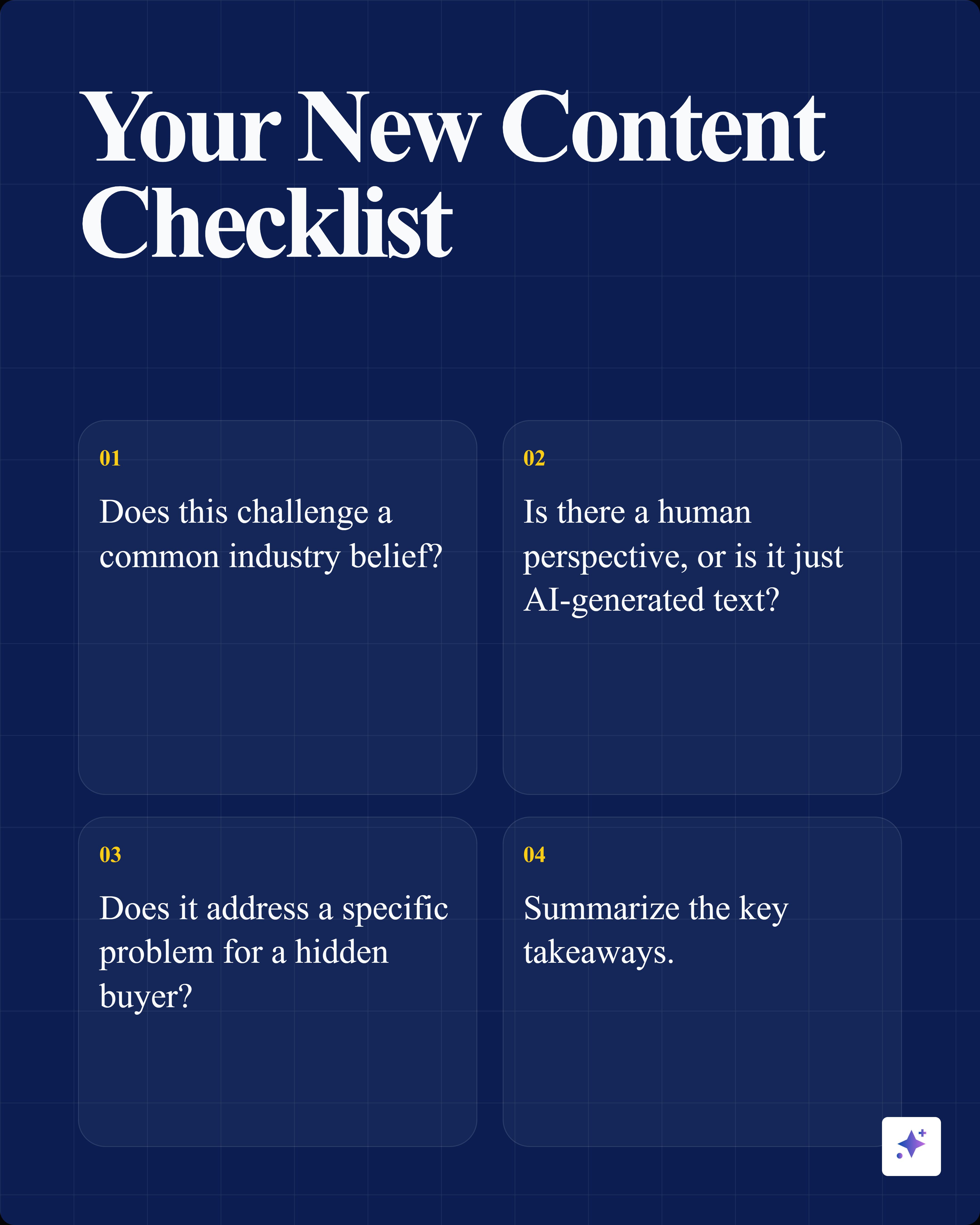
Use image generation for visual ingredients, then move the verified quote, statistic, attribution, caption, and export work into a structured production flow.
Proof examples
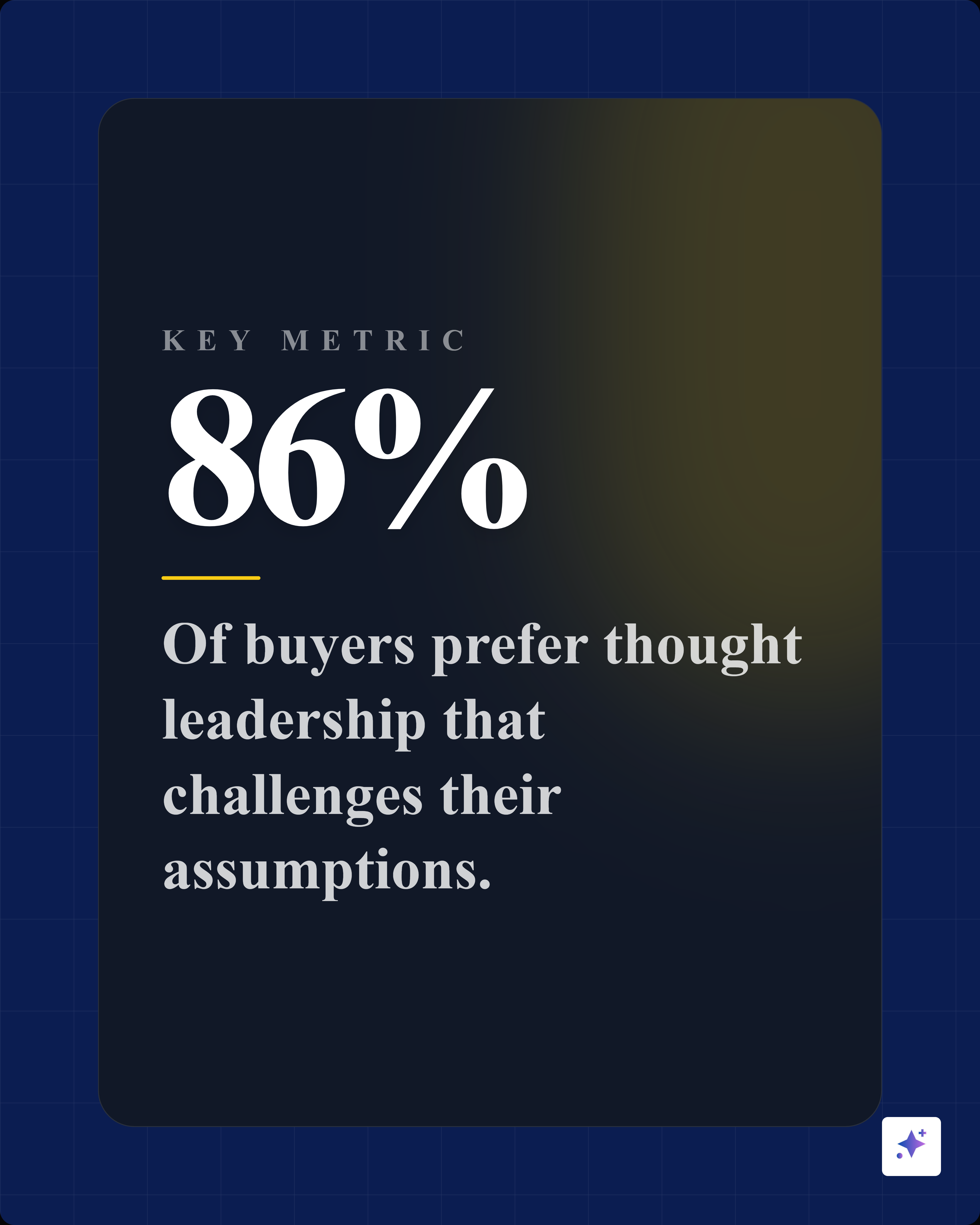
Source-backed visuals outperform pretty-but-detached graphics.
Frequently asked questions
Research sources