 Highlightly Team
A press release is written to make news legible to journalists and stakeholders. Social content has to make the same news legible to someone who sees it between unrelated posts. The repurposing job is translation, not amplification at any cost.
Break the release into news, proof, voice, and action.
The best announcement assets answer four questions: what happened, why should the audience care, who is accountable for the statement, and what should the reader do next?
Build a release inventory
Announcement components
Use a five-step announcement workflow
Announcement formats
Use an editorial card for the news, then a carousel for the details.
The generated editorial treatment gives the announcement a clear visual home without hiding its source or scope.
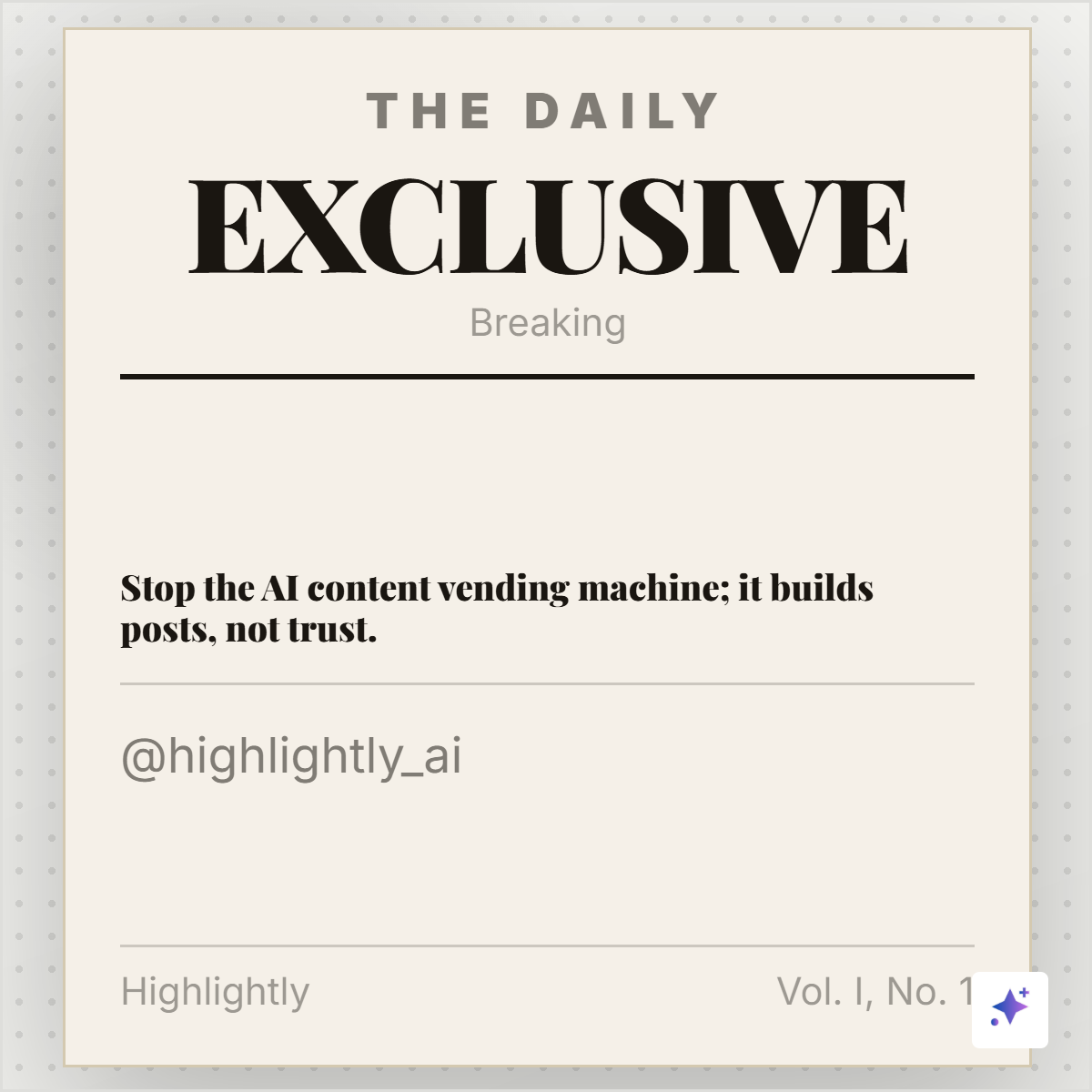
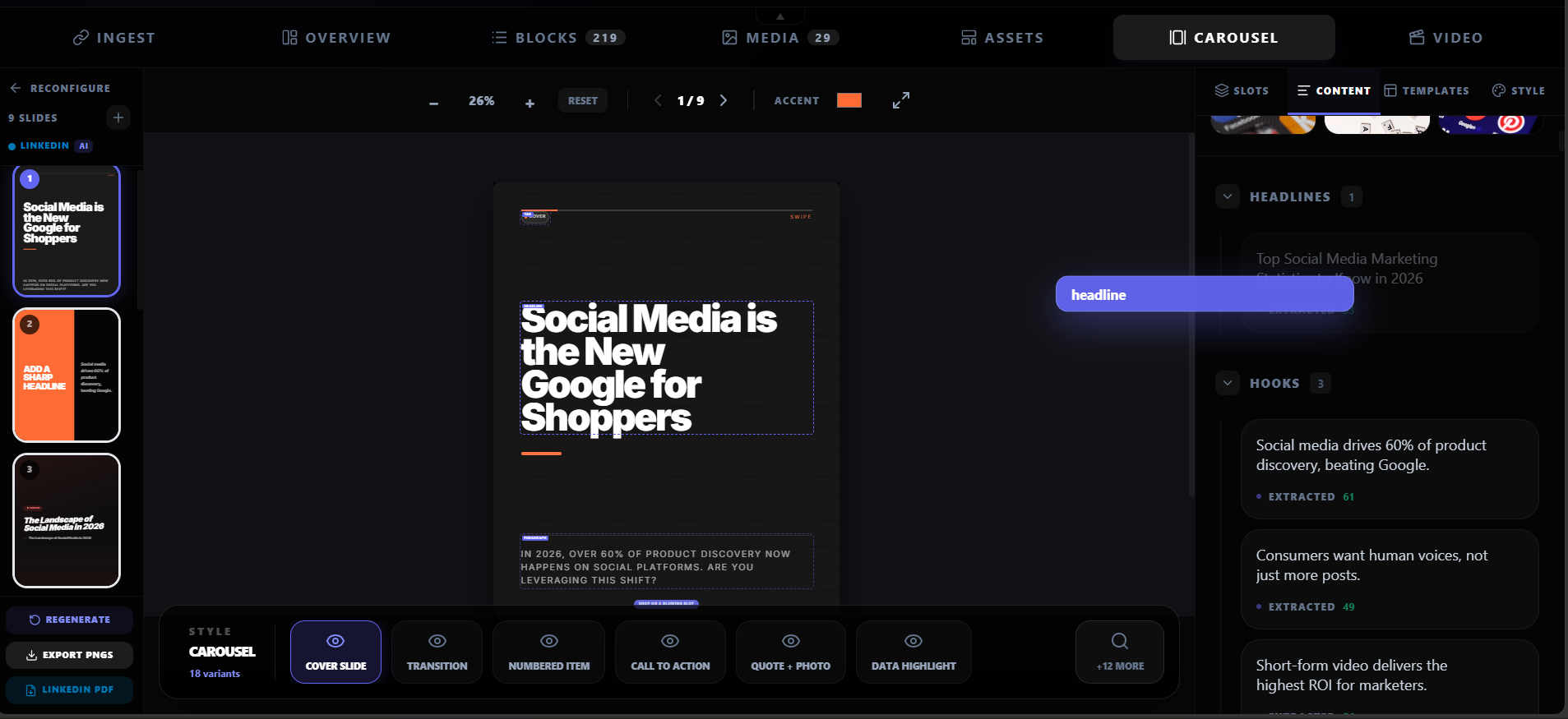
From release to channel-ready set
1. Extract the news sentence
Write the change in plain language. Remove adjectives that do not change what happened.
2. Pull the support
Find the evidence, customer detail, partner detail, or product fact that makes the announcement meaningful.
3. Select a voice
Use a named spokesperson quote only when it adds perspective. Do not use a quote as a substitute for the news itself.
4. Map the audience action
State who is affected, where the change is available, and what the next step is.
5. Create variants from the same source
Make a concise card, a detailed carousel, and platform captions while keeping one canonical announcement link.
Make the carousel answer questions in order
A six-slide launch sequence
Cover
What changed?
Context
Why is the change happening now?
Details
What does the audience need to know?
Proof or voice
What source detail supports the announcement?
Availability
Who can use it, when, and under what condition?
CTA
Where should the reader learn more or take action?
Keep future tense and scope intact
Announcement language often contains careful distinctions: “will,” “plans to,” “available in beta,” “selected customers,” or “subject to approval.” Those words are not filler. They change the truth conditions of the announcement and should survive the social edit.
Check for these scope leaks
- A roadmap item rewritten as an available feature.
- A pilot result rewritten as a universal customer outcome.
- A partnership announcement rewritten as a completed integration.
- A spokesperson opinion rewritten as an objective product fact.
Try Highlightly
Turn a release into a clear distribution kit.
Paste the release into Highlightly, review the extracted news and evidence, then choose the announcement cards, quote graphics, carousel, and captions that match the story.
Start from a sourceGood PR distribution makes the news easier to understand.
Keep the source, scope, and next step visible, and the announcement can travel without losing its meaning.
- State what happened.
- Preserve the scope.
- Give the audience a next step.
Frequently asked questions
Research sources