Stat graphic
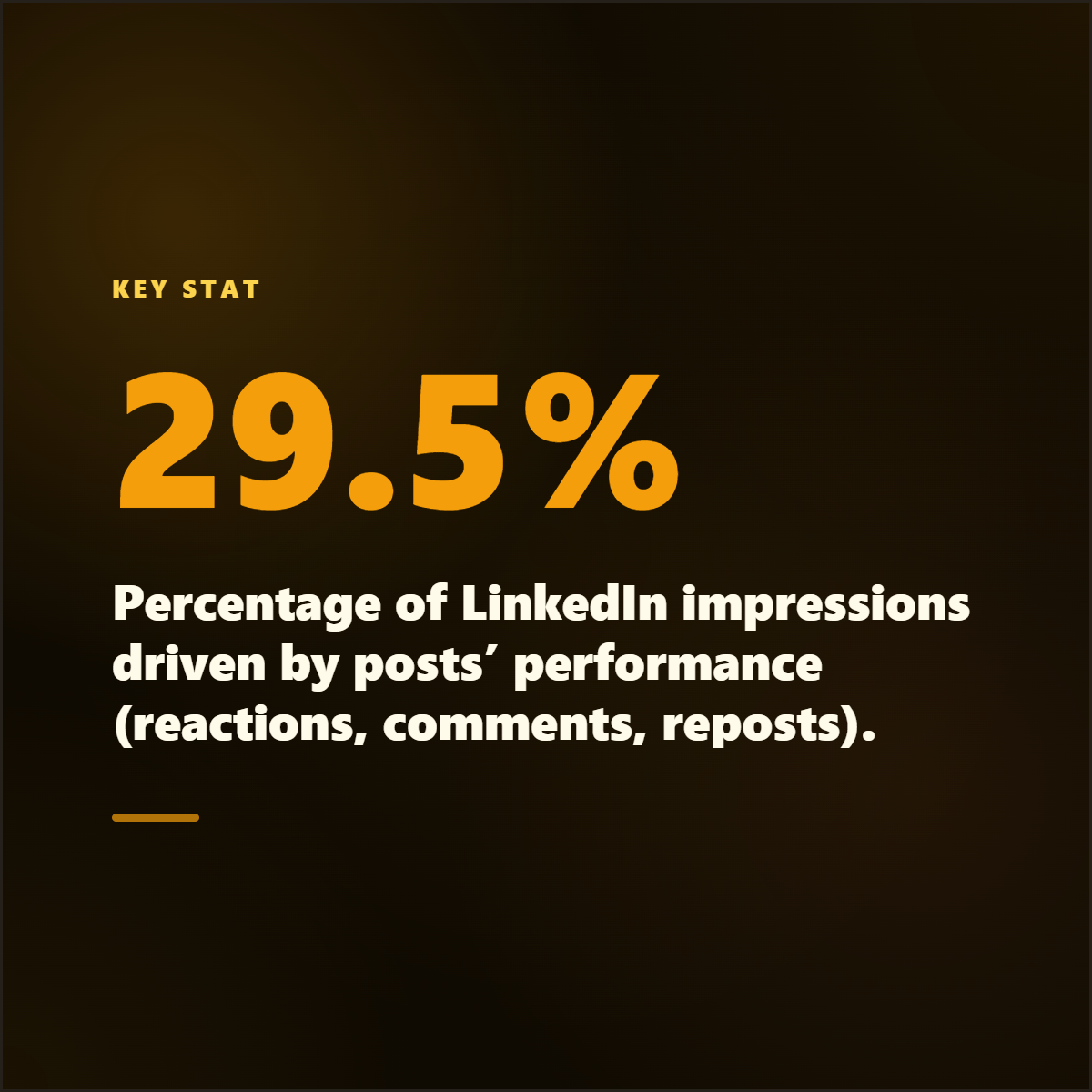
White paper stat card
Turn a research finding into a high-contrast graphic with source and publication context.
Highlightly turns blogs, reports, case studies, white papers, and thought leadership into branded graphics, carousels, pull quotes, stat cards, and captions.
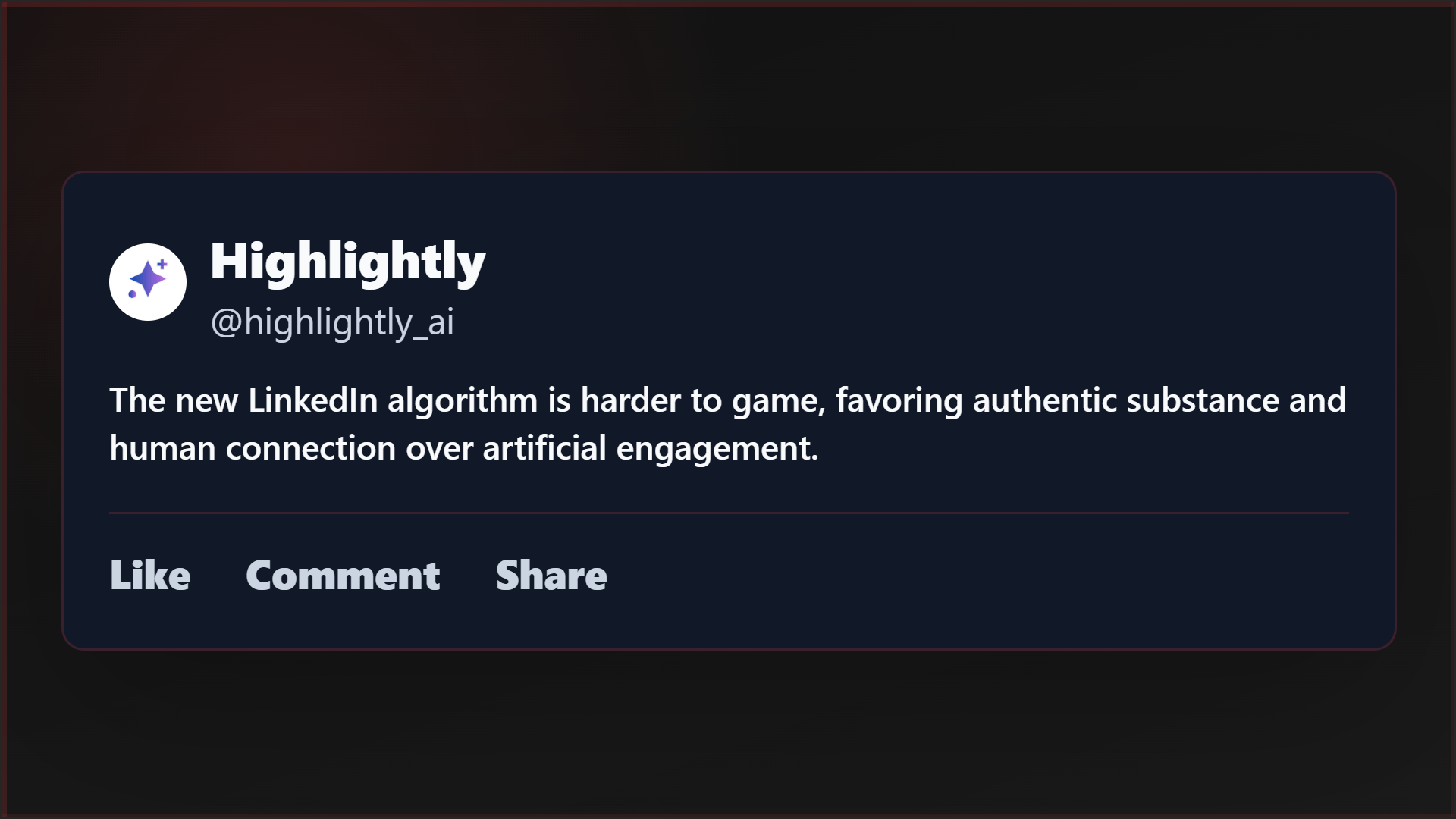
Blog pull quote
Source-backed and editable
Report stat
Source-backed and editable
Carousel hook
Source-backed and editable
Campaign source
1 asset -> many cuts
Blog, report, or case study becomes cards, carousels, and captions.
The repurposing gap
Content marketers know the best ideas are already inside long-form assets. But turning a white paper into a carousel, three quote cards, a stat graphic, and platform captions usually becomes a second production project.
The long-form argument stays intact while the campaign gets smaller, sharper publishing assets.
High-effort reports often get one launch post and then disappear.
Design bottlenecks slow down repurposing after the source asset is done.
Manual repurposing often separates claims from the source that supports them.
The campaign produces posts, but not enough proof-rich entry points.
Working sequence
Use a blog URL, uploaded PDF, case study, pasted brief, or article search result. Batch-ingest multiple sources to process an entire campaign in one session.
Review hooks, key points, statistics, facts, quotes, and insights before choosing what deserves a visual.
Generate quote cards, stat cards, carousels, overview graphics, and captions from the same source.
Download polished PNGs and copy platform captions into your publishing or scheduling workflow.
Concrete outputs
Extract the proof points, claims, quotes, and hooks that already exist in your source content.
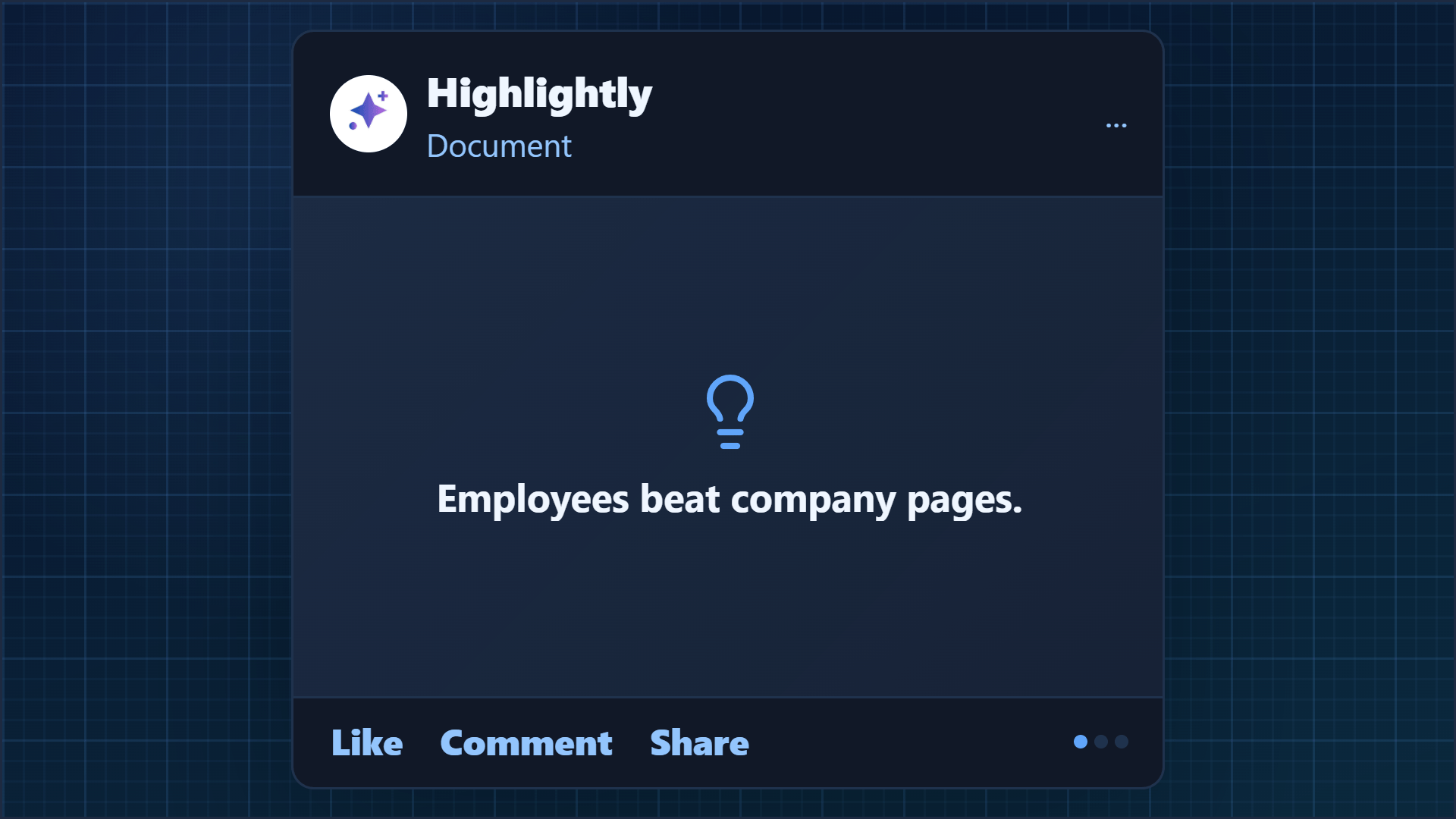
Turn a research finding into a high-contrast graphic with source and publication context.
Pull a customer result, quote, and attribution into a carousel slide.
Package a sharp paragraph from an executive article into a branded pull quote.
See it in action
Here is an example source, a few extracted signals, and a showcase wall of output directions created from that material.
Example source
This is one source used to demonstrate the kind of outputs Highlightly can create after extraction and review.
Example extracted signals
Statistic
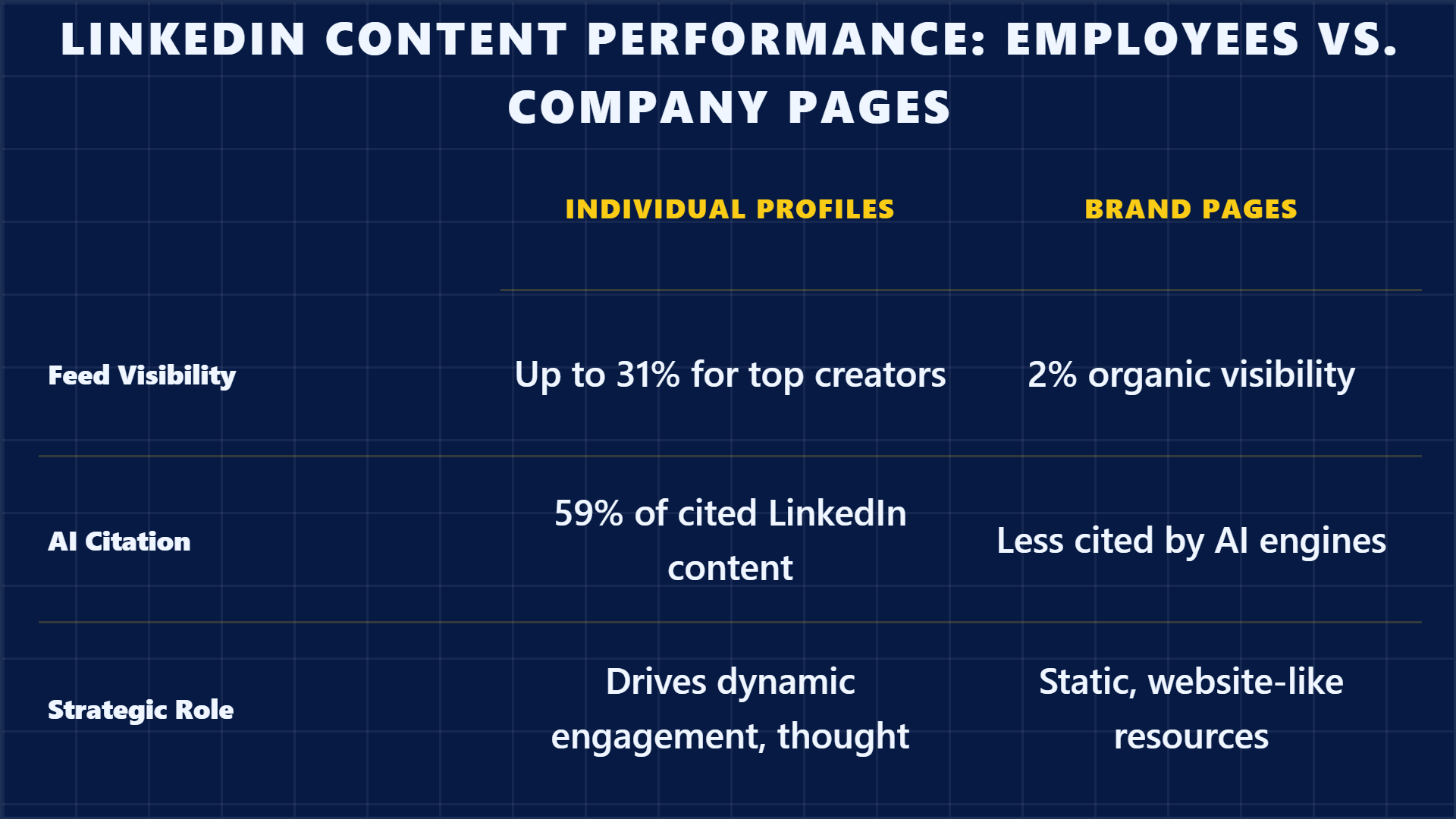
"2% of feeds show organic company content vs 31% for top personal creators."
Finding
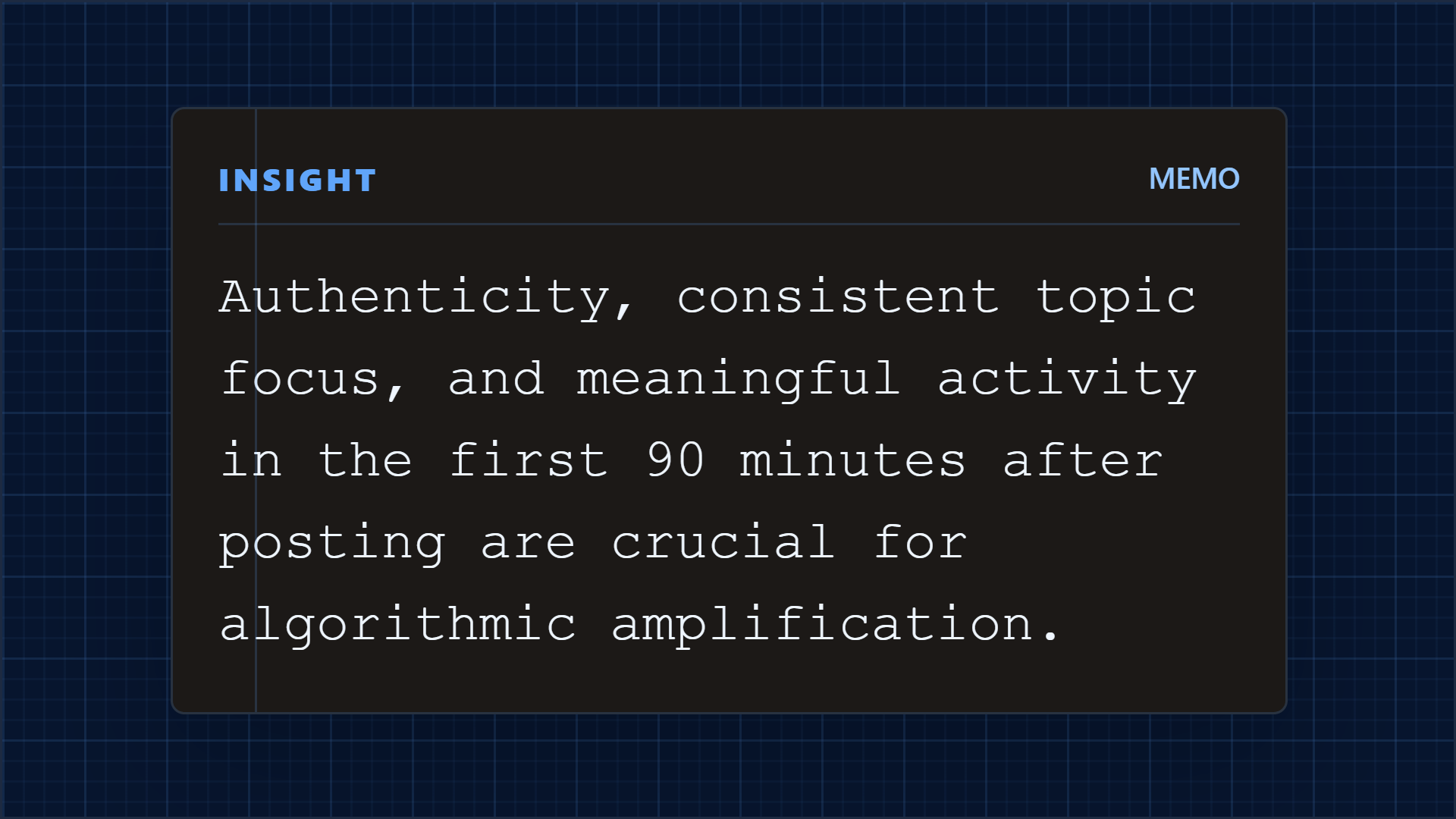
50.1% of impression distribution is profile-based — followers, history, topic consistency.
Quote
"AI engines do what B2B buyers have always done: trust people over brands." — Ann Gynn
Key point
55%+ of hidden decision-makers use thought leadership in their vetting process.
Output directions
The showcase below is an example set from one source, not the ceiling. Highlightly can keep producing variations across templates, ratios, brand systems, and editorial angles.
Sample output wall
Preview the first part of the showcase, then expand it if you want to scan the full example set.
Output wall
This is a showcase set, not a limit. Change the format, ratio, brand kit, template, or angle and the same source can branch into many more directions.
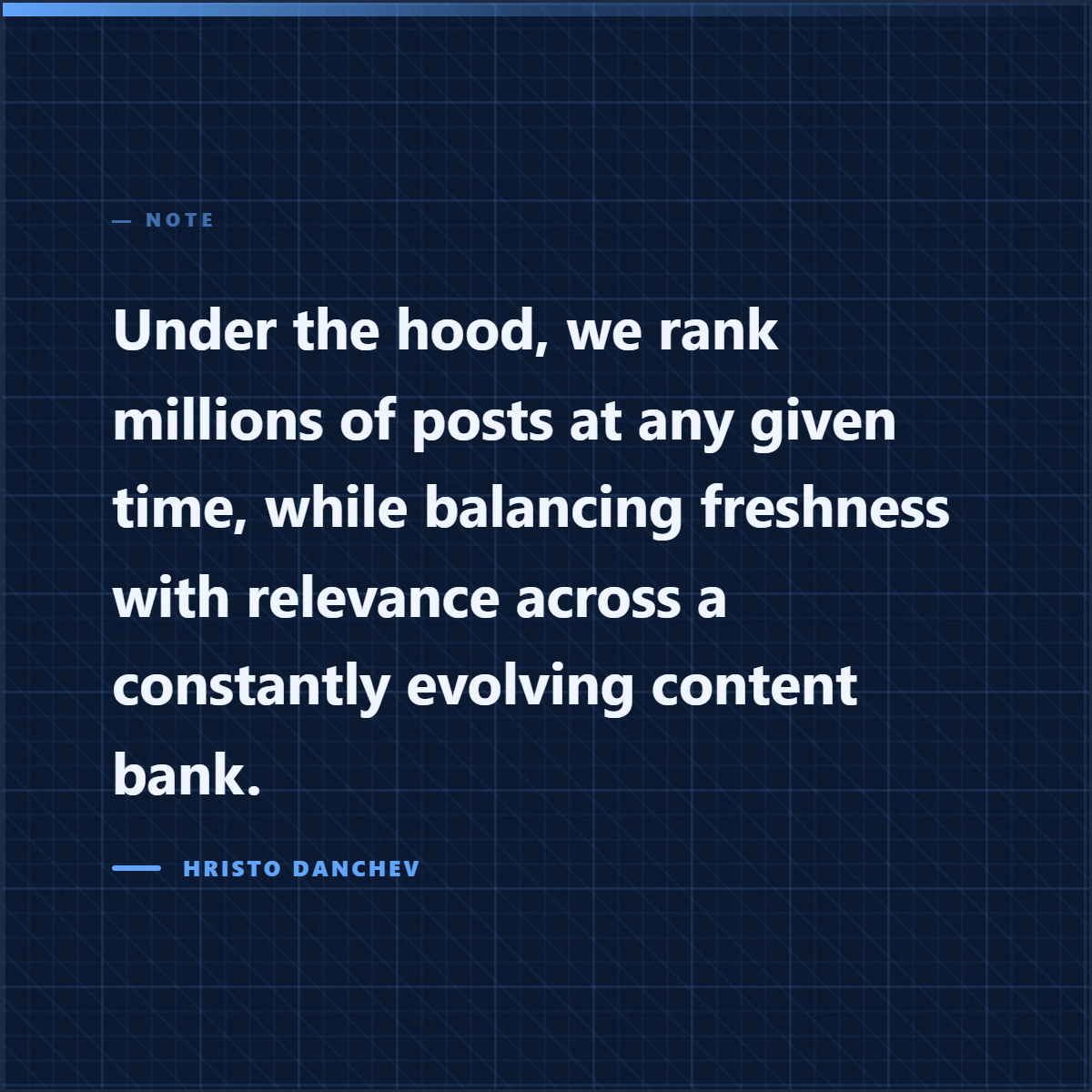
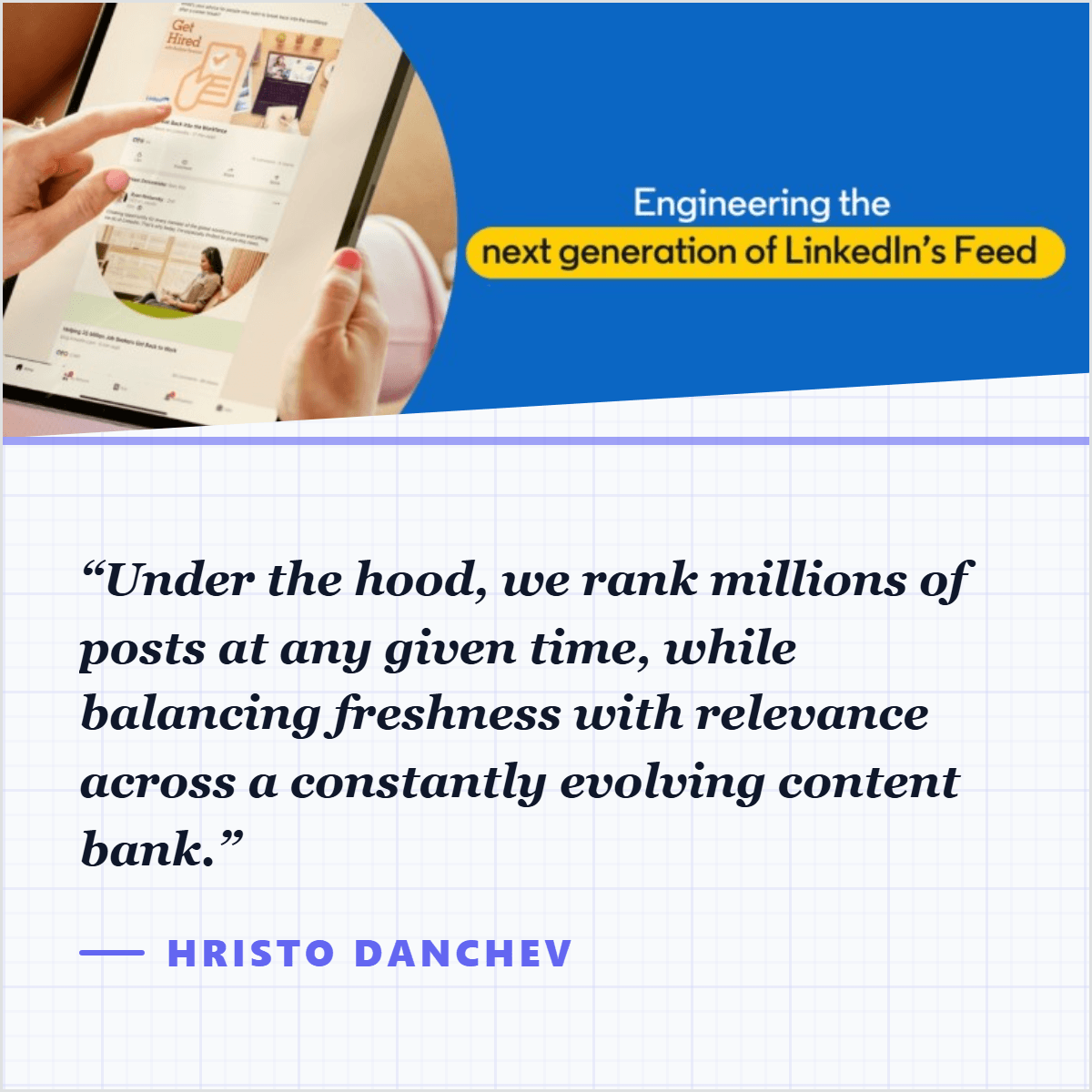

Highlightly extracts and structures source material. You review, edit, and approve before export. The AI does the first pass. You make the final call.
“The goal is not to make more AI content. The goal is to make the useful parts of real sources easier to publish.”— Founder @ Highlightly
See every hook, stat, quote, and claim before it becomes an asset.
Change wording, adjust framing, add your take before export.
Colors, logo, typography, watermark, and social handles.
The final asset reflects your judgment, not just the AI extraction.
What to paste first
The fastest path is not “ask AI for content.” It is: bring a real source, inspect what Highlightly extracts, choose the useful angle, then make the asset your own.
Good when it contains claims, quotes, stats, steps, or a clear argument worth turning into a visual.
Good when it contains claims, quotes, stats, steps, or a clear argument worth turning into a visual.
Good when it contains claims, quotes, stats, steps, or a clear argument worth turning into a visual.
Start with the asset that already carries the campaign argument, then turn the strongest proof points into smaller formats.
Before exporting, confirm the extracted quote, statistic, or takeaway still matches the source. Then use the editor, Brand Kit, and captions to make it publishable.
How it compares
Marketers need campaign multiplication from a single source. Highlightly keeps the argument intact while producing the asset variants.
| Feature | Highlightly | Canva | Buffer | Manual |
|---|---|---|---|---|
| Source-backed extraction | ||||
| Brand kit application | ||||
| Multi-platform captions | Scheduling only | |||
| Source attribution | ||||
| Batch source ingest | ||||
| Review before export | ||||
| Carousel generation | Manual design | |||
| Quote/stat cards | Manual design |
Source-backed extraction
HL
Canva
Buffer
Manual
Brand kit application
HL
Canva
Buffer
Manual
Multi-platform captions
HL
Canva
Buffer
Manual
Source attribution
HL
Canva
Buffer
Manual
Batch source ingest
HL
Canva
Buffer
Manual
Review before export
HL
Canva
Buffer
Manual
Carousel generation
HL
Canva
Buffer
Manual
Quote/stat cards
HL
Canva
Buffer
Manual
A good repurposing workflow does not flatten the source. It keeps the proof intact while giving people more ways into the idea. Highlightly is strongest when the source has substance: a POV article, research-backed post, customer story, report, or analyst note.
Direct answer
A strong repurposing workflow starts by extracting the source content into reusable hooks, statistics, quotes, key points, and insights, then turning the best pieces into branded visual formats like carousels, quote cards, and stat cards.
Yes. One source can produce stat cards, quote cards, carousels, and platform captions. You choose which extracted angles become assets.
Attribution fields are built into the extraction and export workflow. Source title, author, and publication context travel with the asset.
Highlightly supports PDFs, DOCX, PPTX, pasted text, and web URLs. Case studies and white papers work well because they contain structured claims and proof.
Related workflows
For GTM teams
Turn launches, reports, customer proof, and positioning docs into branded social graphics, carousels, screenshots, and captions.
View workflowFor client teams
Agencies use Highlightly to create branded quote cards, stat graphics, carousels, and captions from client articles, PDFs, reports, and pasted text.
View workflowFor social teams
Create source-backed social media graphics, quote cards, carousels, and captions from articles, PDFs, reports, and pasted text with Highlightly.
View workflowStart with one source
Paste a link, upload a document, or start from text. Review the extracted material, pick a template, and export with attribution intact.