 Highlightly Team
Most copywriters use AI now. The question is whether they use it for the part of the work it is good at.
The common workflow is simple: open ChatGPT, type a brief, get a draft, edit the draft, ship it. The starting point is a blank prompt, a topic, and a hope that the model produces something close.
AI is bad at inventing specific substance from nothing.
It is much better at working with material you provide: customer language, product facts, research, interviews, examples, and a draft that already has an angle.
The wrong job
A broad brief creates broad copy
Ask AI to write a landing page for a project-management tool aimed at agencies and it will produce a plausible landing page. The copy may be grammatical and well structured. It will also sound like a composite of every project-management landing page it has seen.
The copy is not necessarily wrong. It is simply not yours. The missing ingredient is not another adjective in the prompt. It is real material from the audience, the product, and the problem.
The better job
Use AI as an extractor, editor, and production assistant
Give the model a customer interview and ask for recurring phrases, objections, and desired outcomes. Give it a product document and ask it to map features to verified benefits. Give it a report or case study and ask for quotes, statistics, hooks, and usable angles.
Five high-value uses for copywriters
Extract language from real sources
Use interviews, support tickets, sales calls, reviews, community discussions, and survey responses to find the exact language people use.
Analyze voice from examples
Provide strong examples and ask for patterns in sentence length, vocabulary, rhythm, specificity, and point of view instead of relying on vague tone adjectives.
Generate variations after the angle exists
Write or choose the argument, then ask for headline, subject line, opening, CTA, length, and audience variants.
Review the output like a junior writer
Check claims, statistics, quotations, generic filler, unsupported confidence, and copy that could describe any product.
Build a source library
Collect interviews, reports, product docs, competitor pages, testimonials, case studies, and transcripts so future work starts from substance.
The working loop
Collect, extract, choose, draft, refine, verify
A source-first loop for copy
Highlightly workflow
Start from extracted material, not from a blank prompt
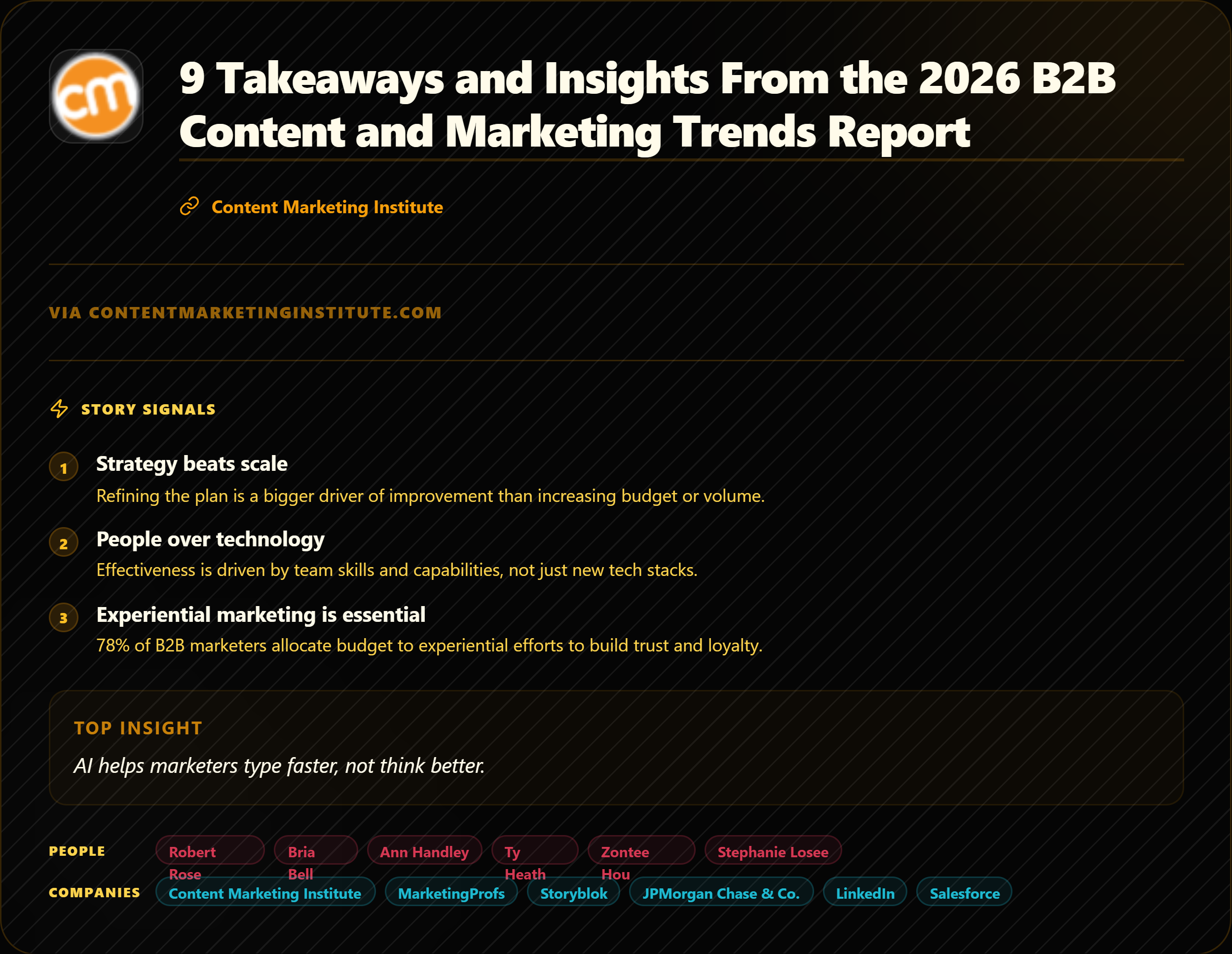
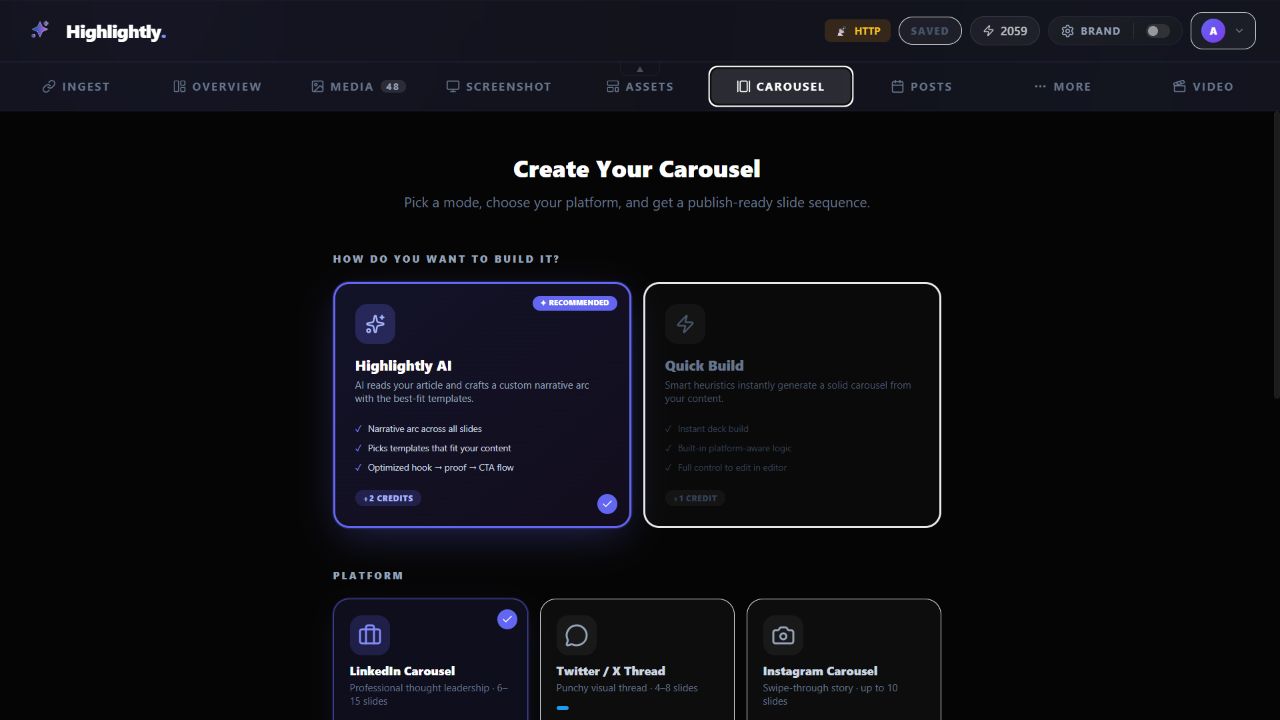
Highlightly is built around the extraction step. Paste a URL, upload a PDF, add a document, or search for an article. The workspace surfaces quotes with attribution, statistics with context, hooks, key points, facts, screenshots, and source media for review.
You choose the material and the format: quote card, stat graphic, carousel, annotated screenshot, or caption set. The brand kit and export controls handle the production path while the writer keeps the angle and approval.
Give the model better material
Try your next brief with a source library beside it.
Bring in one interview, report, case study, or product document and extract the language worth building the copy around.
Extract source materialThe best copywriters will not be the ones who avoid AI.
They will be the ones who know what to give it, what to ask it to do, and what never to let it decide. Source material creates the specificity. Human judgment creates the copy.
- Use AI to mine real language.
- Use it for variations and production.
- Keep the angle, claims, and final voice accountable to a human.
For copywriters
Use AI to mine, vary, and package the material. Keep the angle yours.
A source library gives the model something specific to work with and gives the writer better raw material than a blank prompt.
Frequently asked questions
Research sources