 Highlightly Team
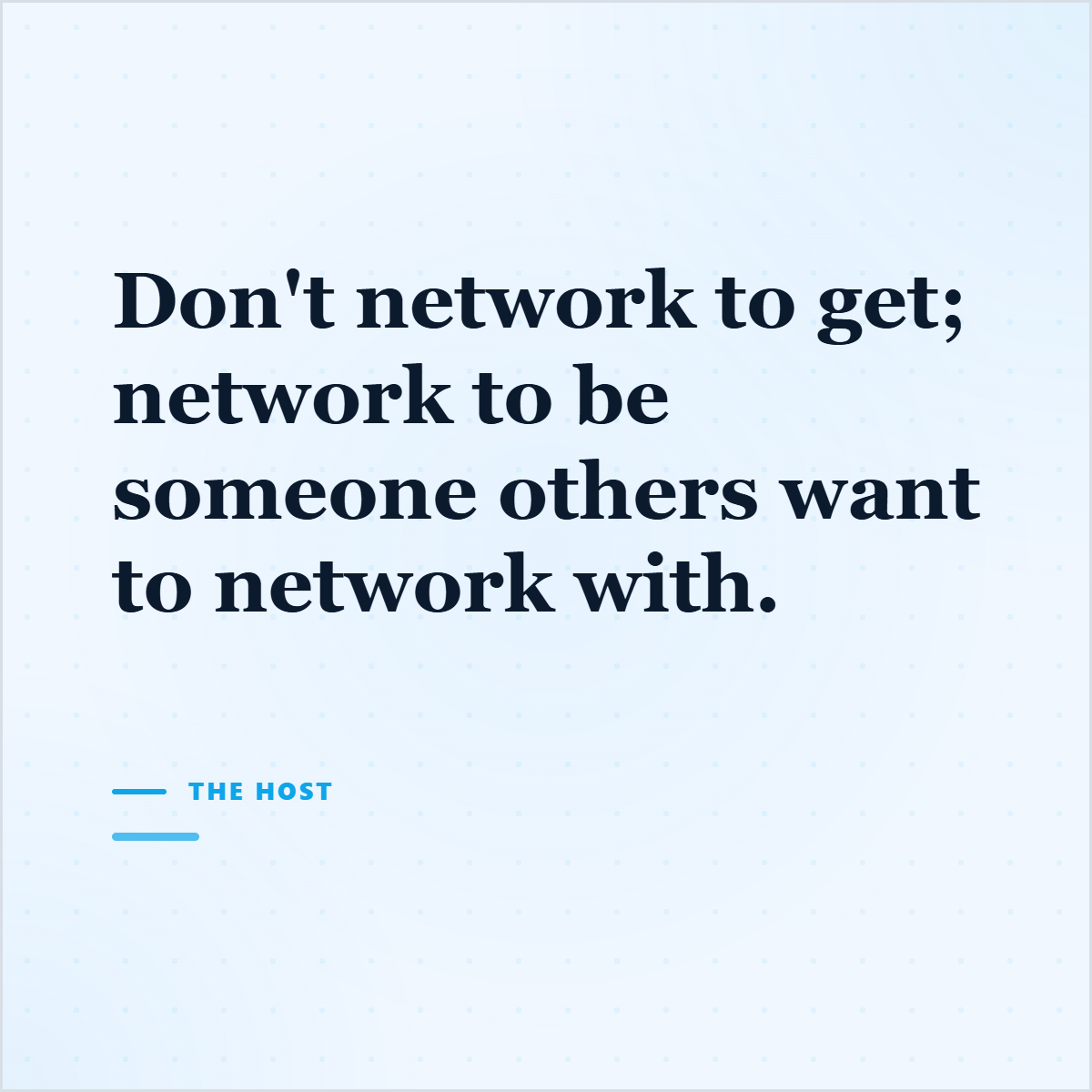
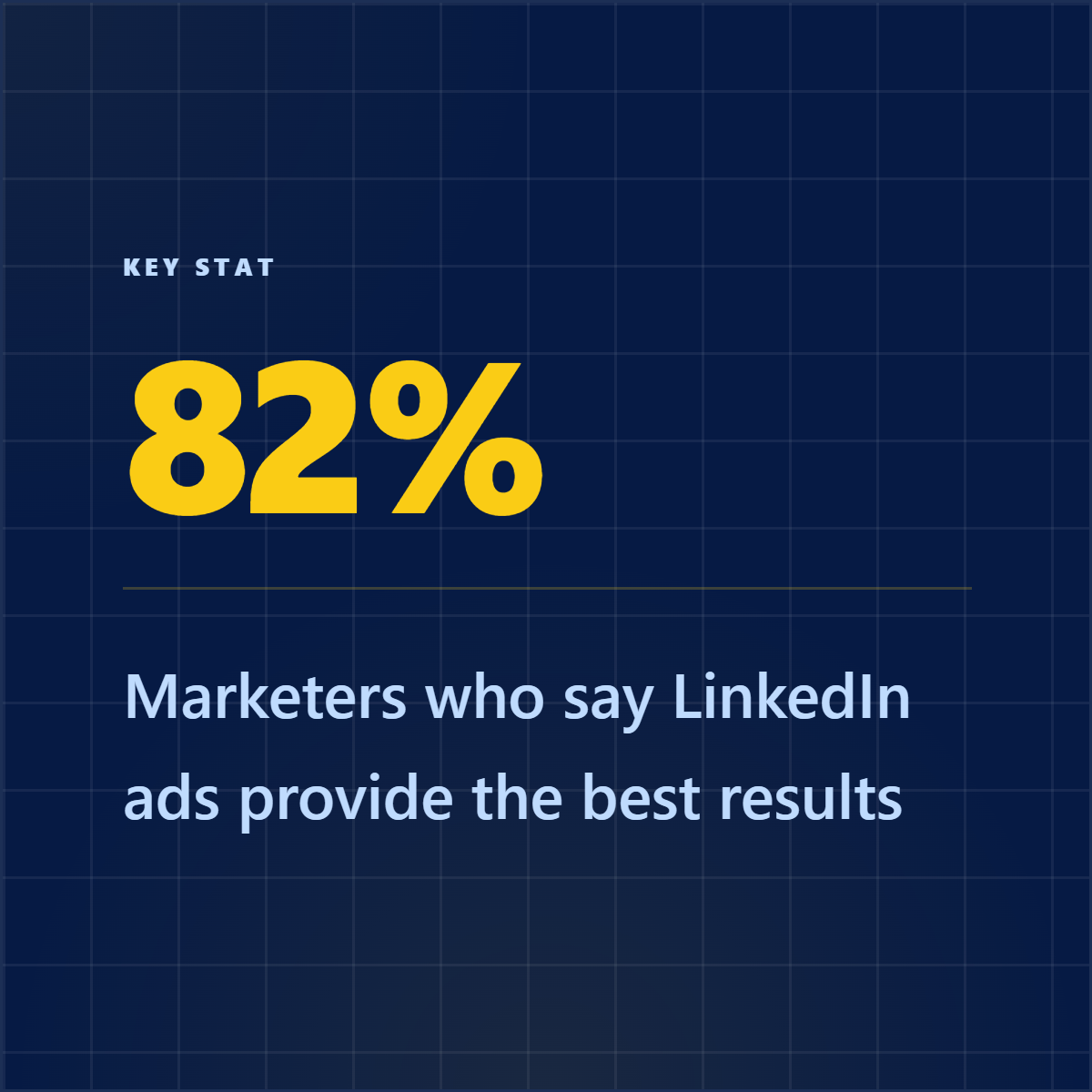
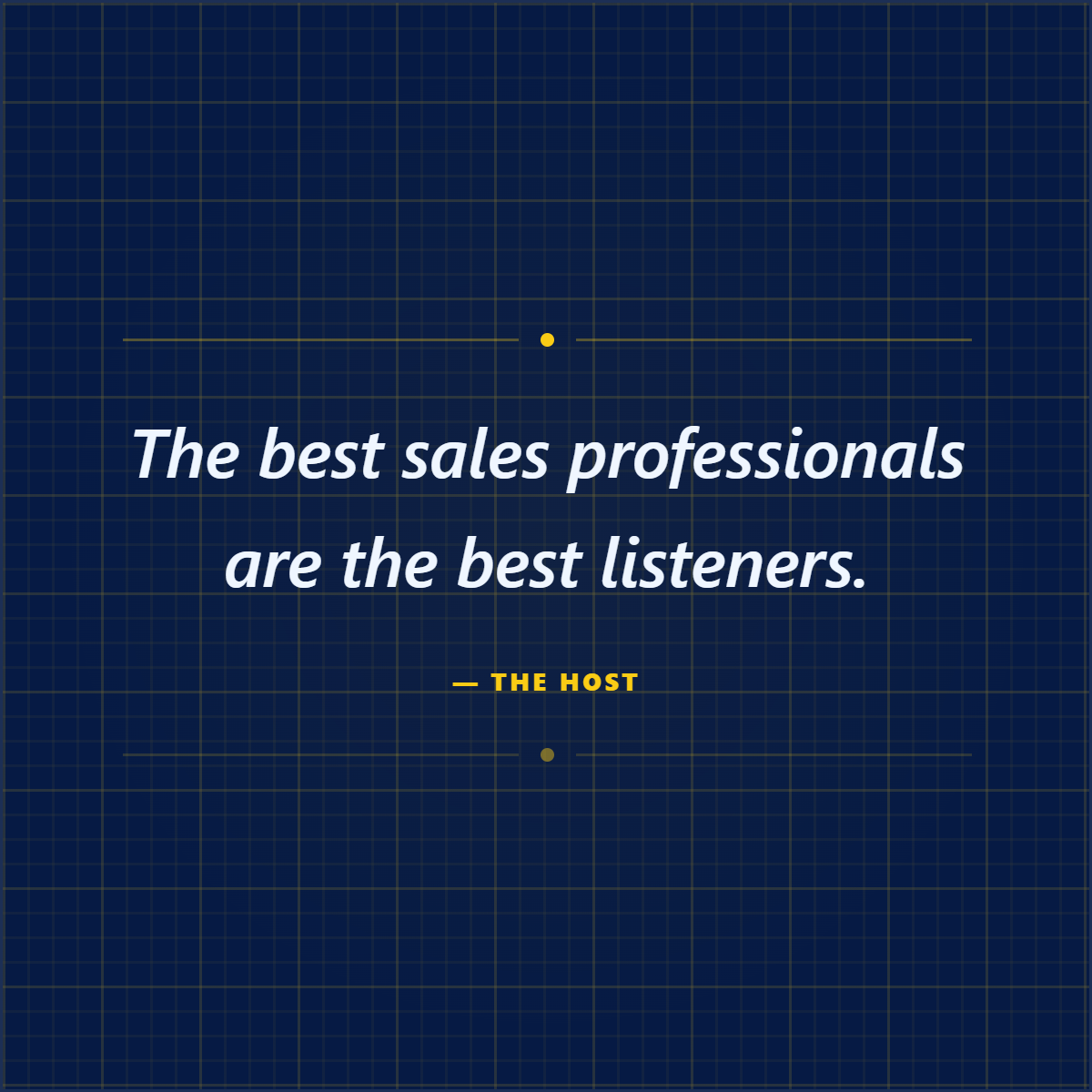
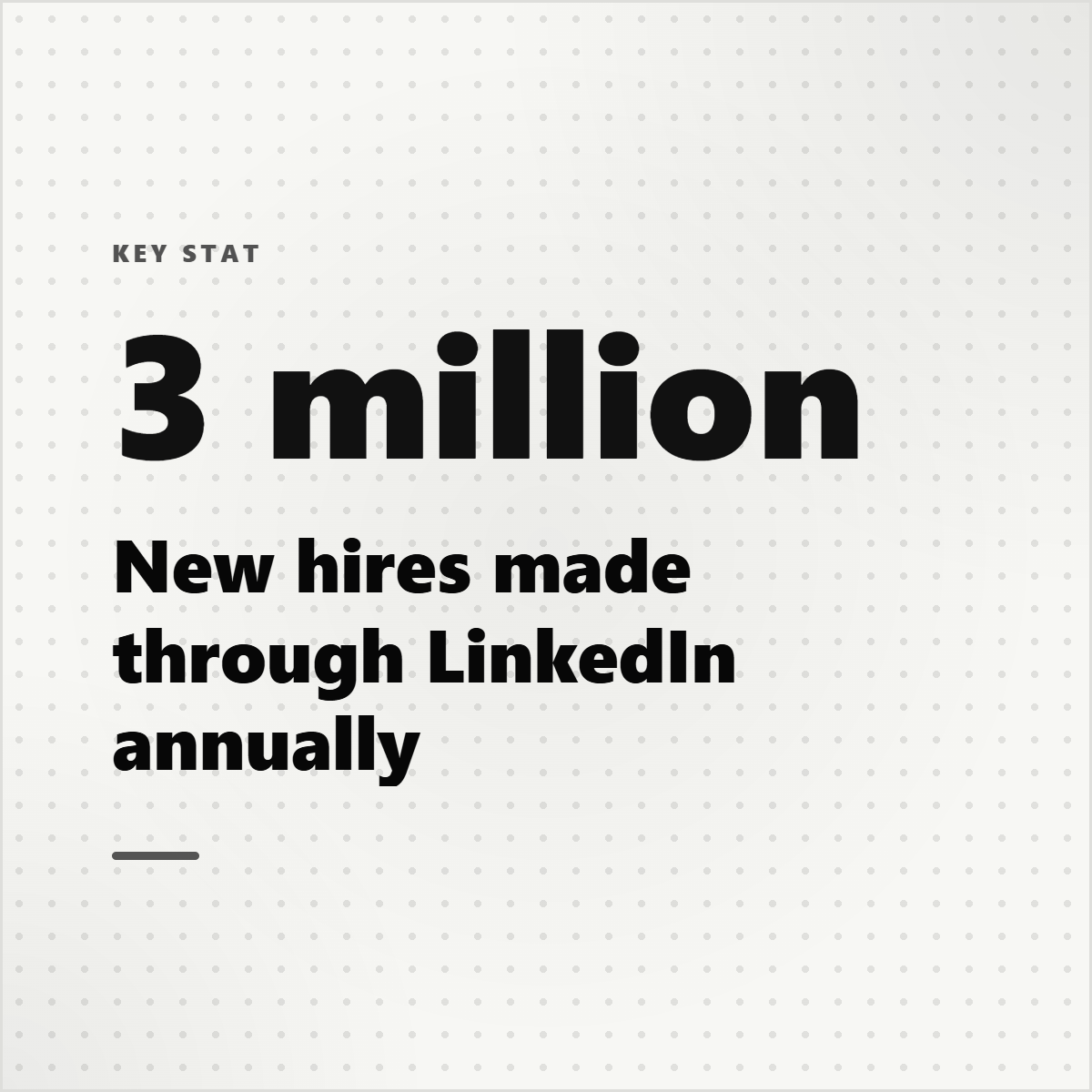
Canva is broad. Highlightly is specific in a way that matters for content teams. Canva gives you a large design surface. Highlightly gives you a creation system for assets that start as articles, reports, PDFs, transcripts, searches, screenshots, or pasted text and need to become something publishable.
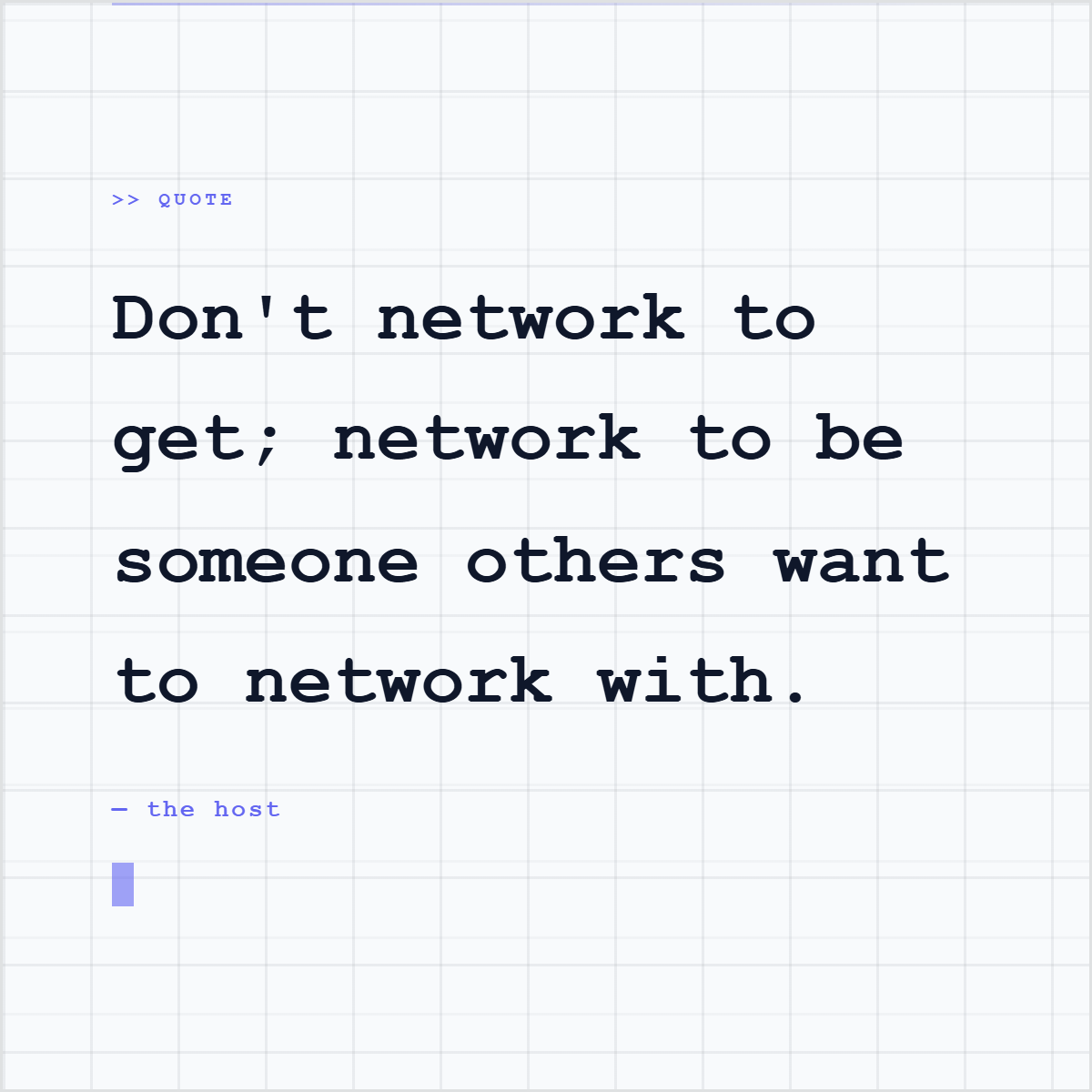
The comparison only gets interesting when the content does not start as a design idea. It starts as a source. A 40-page report. A company blog post. A news article. A research PDF. A podcast transcript. A founder interview. In that moment, the blank canvas is not the first problem. The first problem is selection.
The hidden work
Most social graphics begin before the design tool opens.
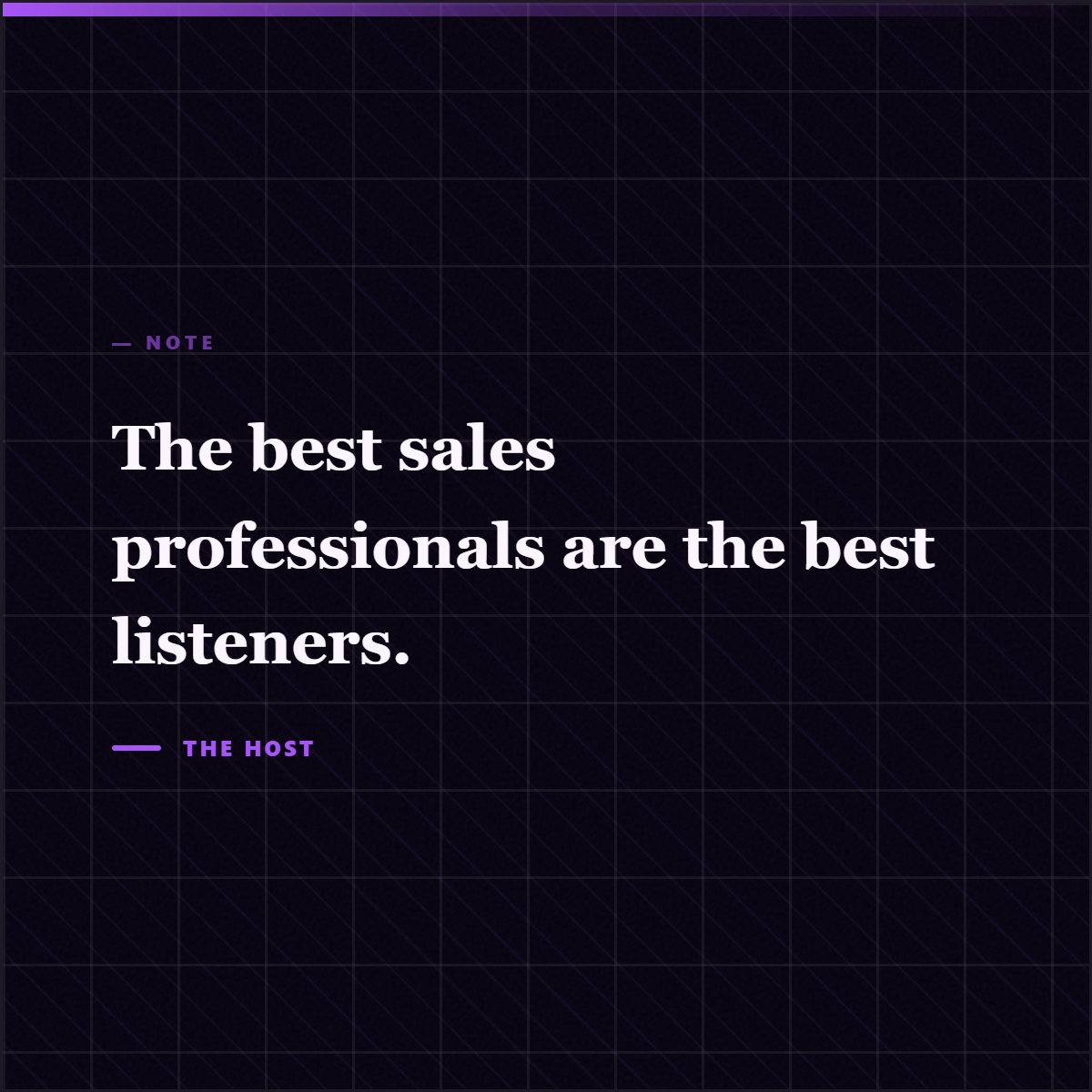
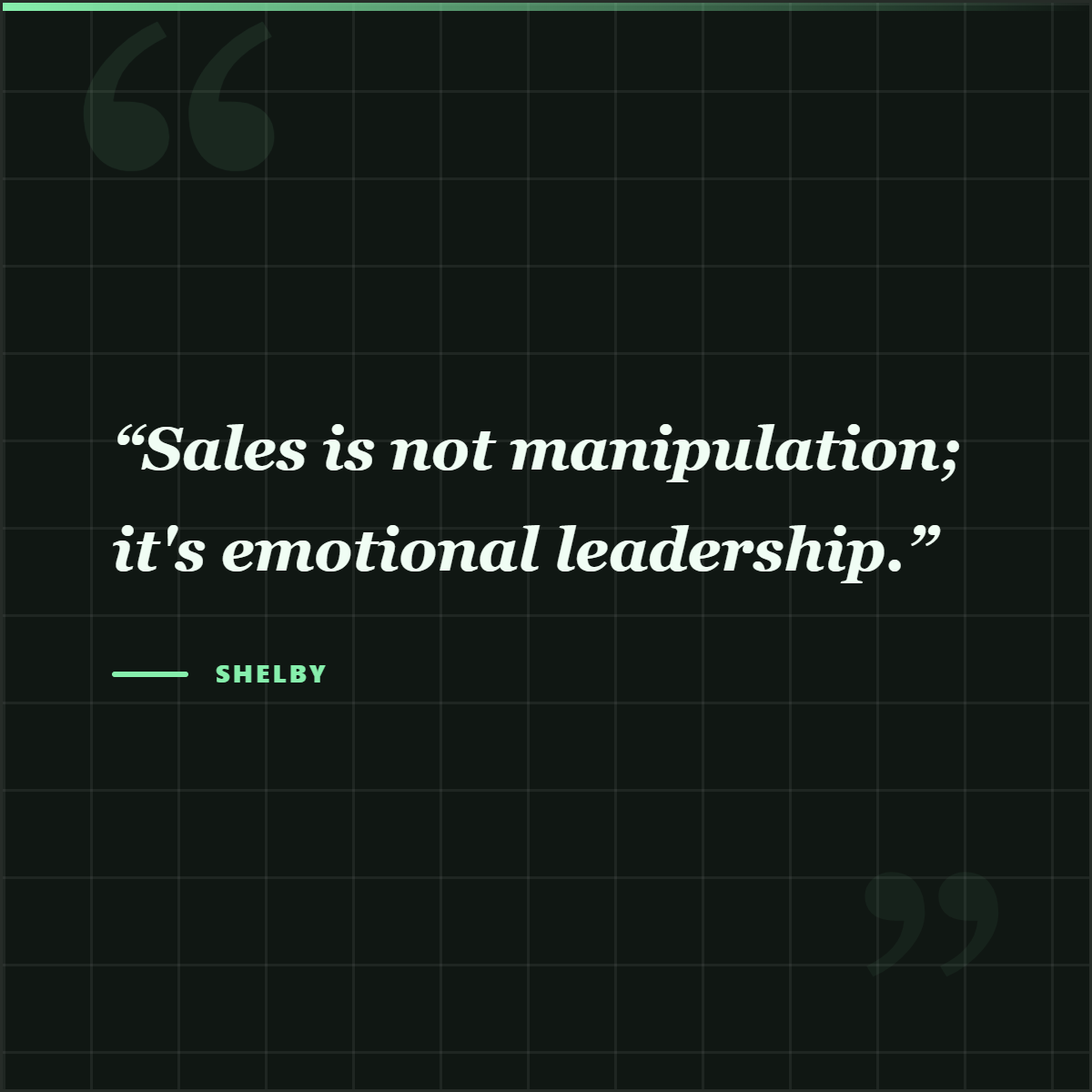
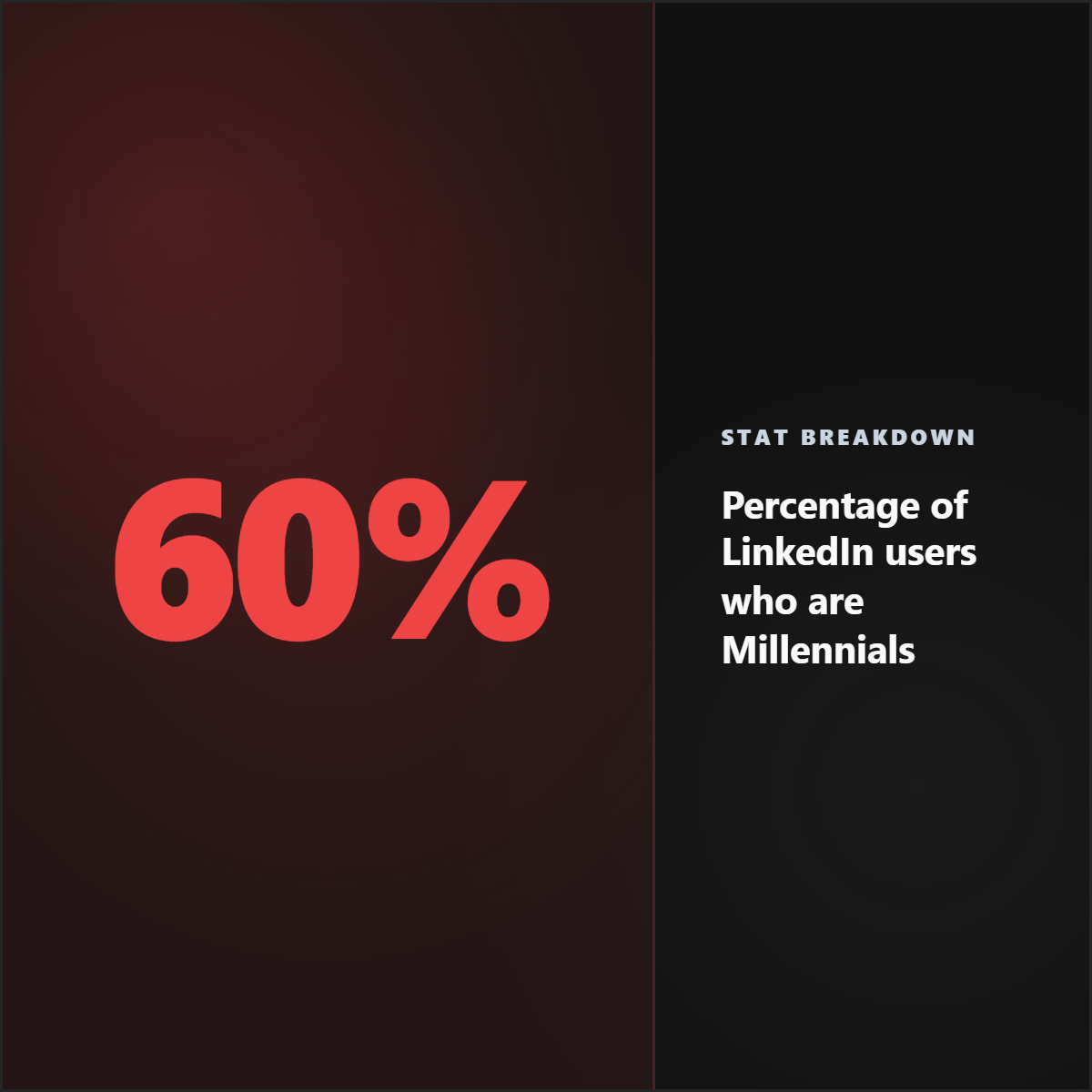
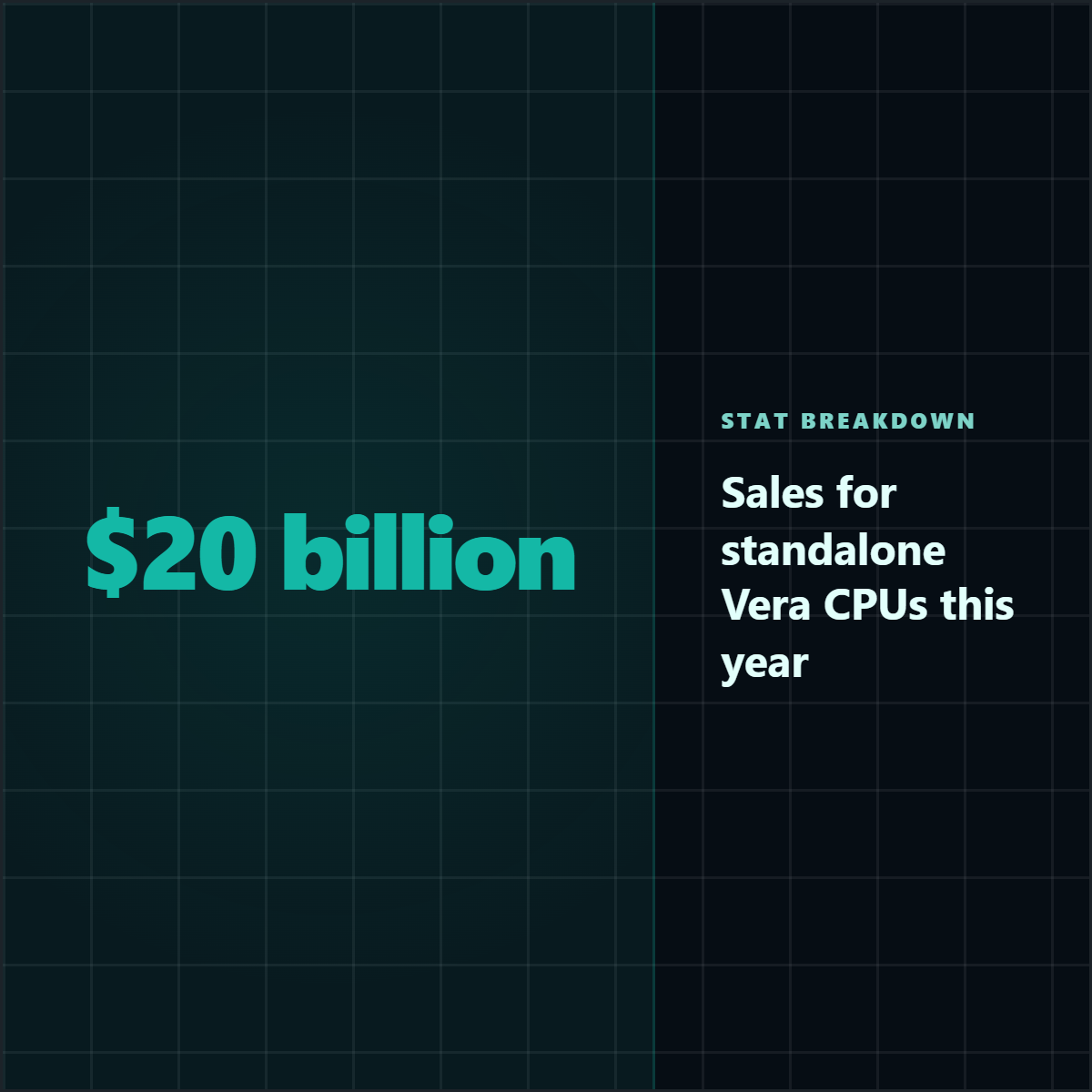
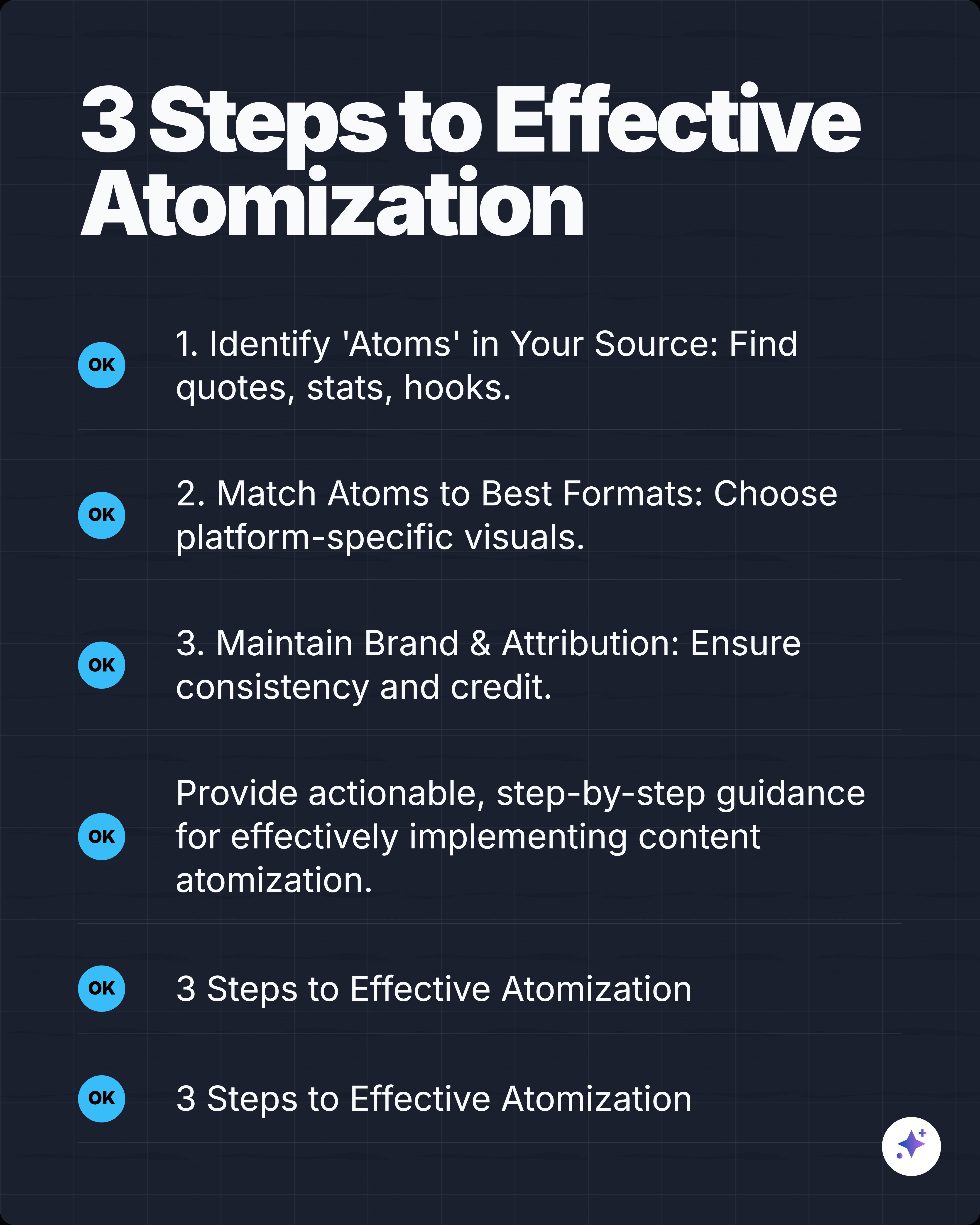
Someone has to read the source, find the most useful claim, decide whether it is a quote card, stat graphic, screenshot, carousel, or caption, preserve the author and source, choose a style, apply brand rules, export the right size, and repeat the process next week. Canva is powerful after you know what you are making. Highlightly helps you decide what to make and then make it.
Canva vs Highlightly: where the workflow differs
Where Canva belongs
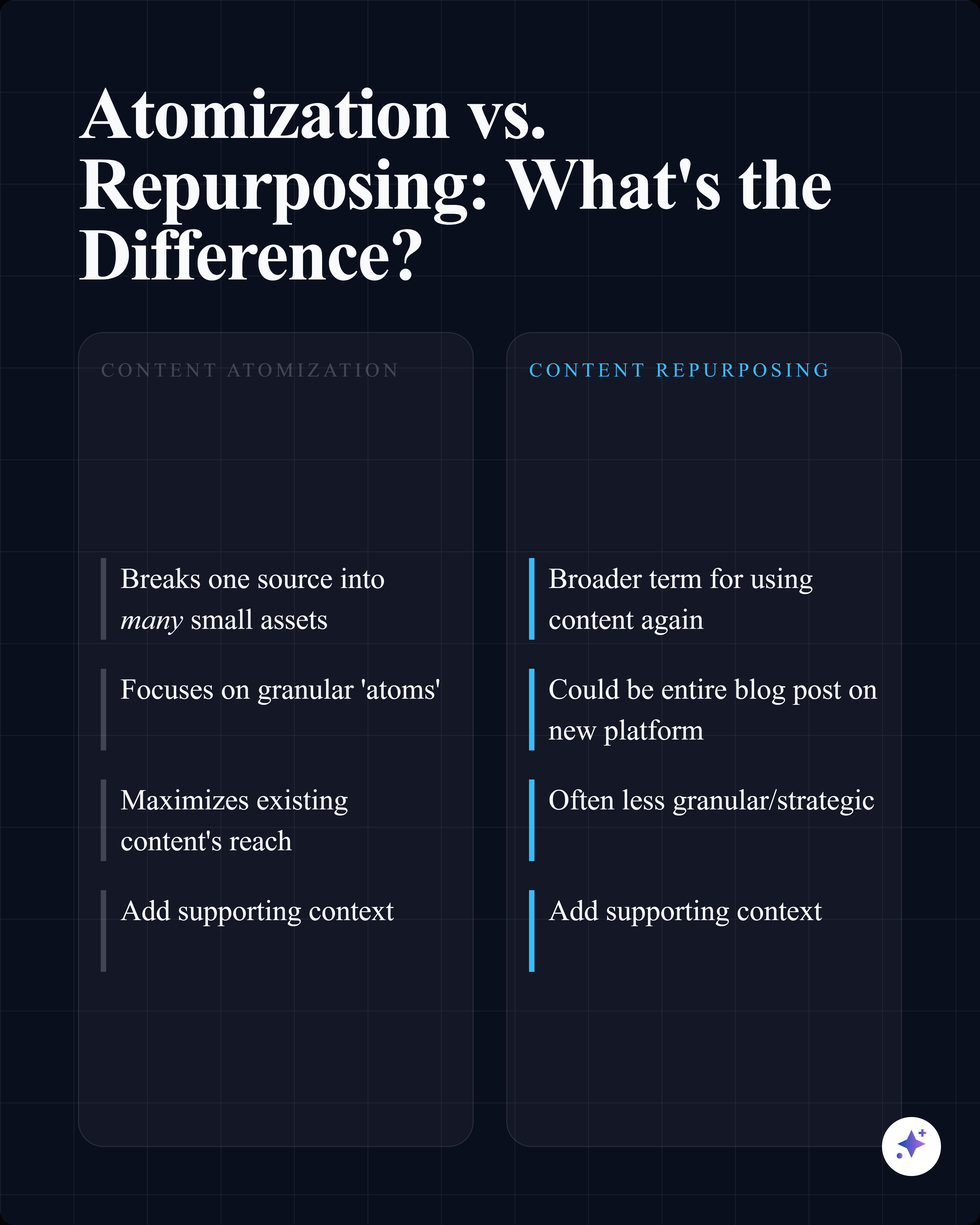
Canva belongs when the content is already selected and the job is mostly freeform design.
Use Canva when
- Custom layouts that need broad creative control.
- Presentations, print materials, posters, flyers, thumbnails, ads, and brand collateral.
- Teams that already have templates and design processes inside Canva.
- Campaigns where the source content is already written and approved.
Where Highlightly becomes the production hub
Highlightly is the better starting point when the bottleneck is turning raw material into finished assets.
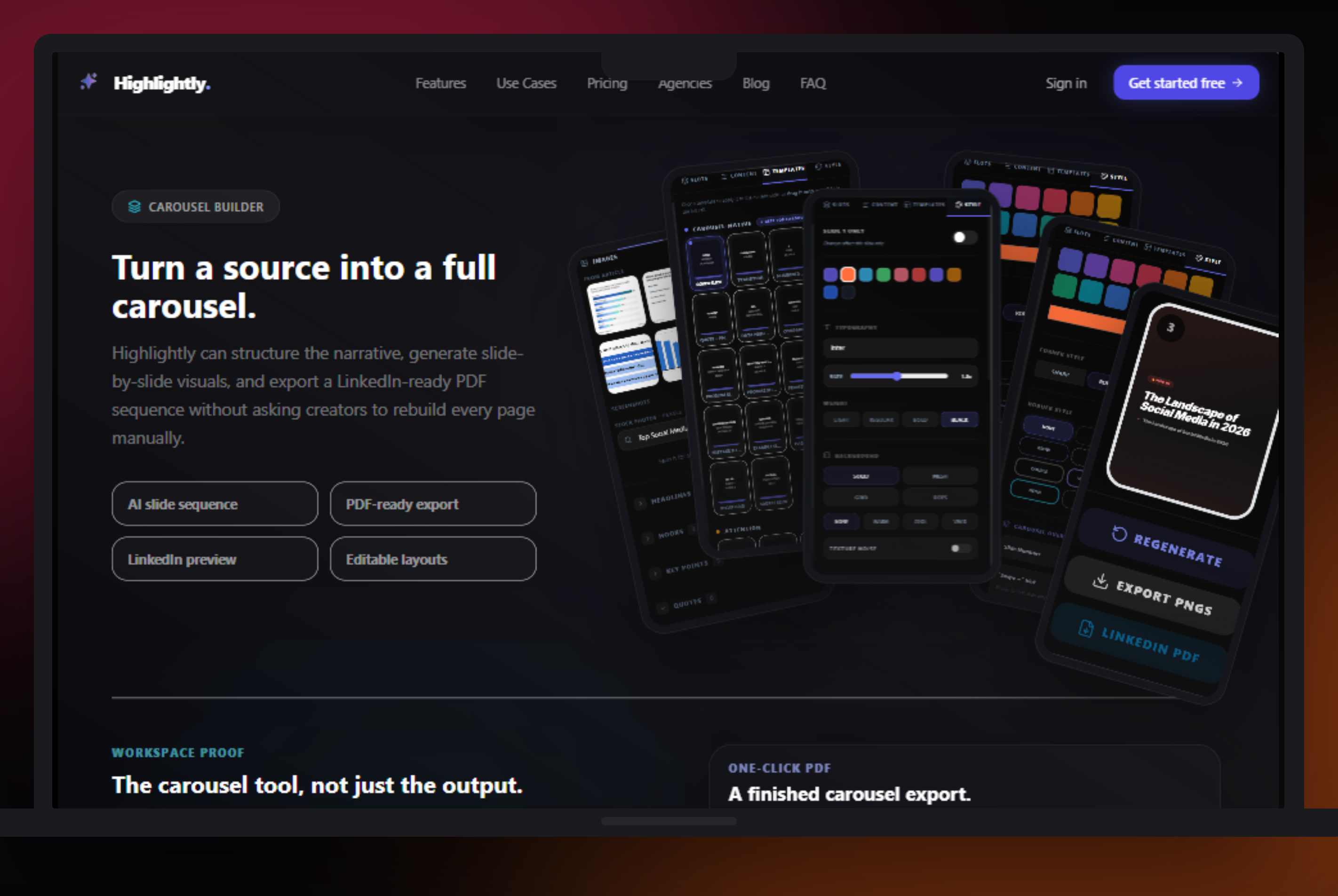
A content marketer does not want to manually copy a statistic from a report, paste it into a design, resize it for a story, remember the source, write a LinkedIn caption, then repeat the whole thing for a carousel. Highlightly compresses that workflow into ingestion, AI extraction, human review, branded templates, screenshots, captions, carousel building, and export.
The upstream bottleneck
Before design starts, the real work is choosing the source, extracting the claim, checking the context, adding attribution, choosing a format, applying brand, and writing the caption.
Who should care
- Writers: repurpose long-form work into cards and carousel points without rebuilding the idea in a design file.
- Marketers: turn one report or blog post into LinkedIn, Instagram, X, and Reddit-ready assets with captions.
- Video editors: use screenshots, quotes, and key points as visual inserts for clips and launch videos.
- Brands: apply brand kit rules, logos, watermarks, typography, ratios, and attribution from one workflow.
- Creators: skip the blank canvas when the post already has a strong idea hiding inside the source.
Verdict: if the source matters, Canva should not be step one.
For generic design work, Canva is the obvious broad tool. For Highlightly's audience, that is not the decision. If your team repeatedly turns articles, PDFs, reports, and transcripts into social graphics, the Canva-first workflow creates needless manual work: read, copy, verify, attribute, caption, resize, and repeat. Highlightly should be the starting point because it handles the thinking, the content modes, and the asset production before the design becomes polish.
- Use Canva for broad campaign design outside the extraction-to-export workflow.
- Use Highlightly when you need extracted claims, attribution, captions, brand controls, screenshots, and exports quickly.
- Use Canva as campaign polish, not the core workflow for evidence-led posts.
Workflow
Blank canvas design is only one part of the job.
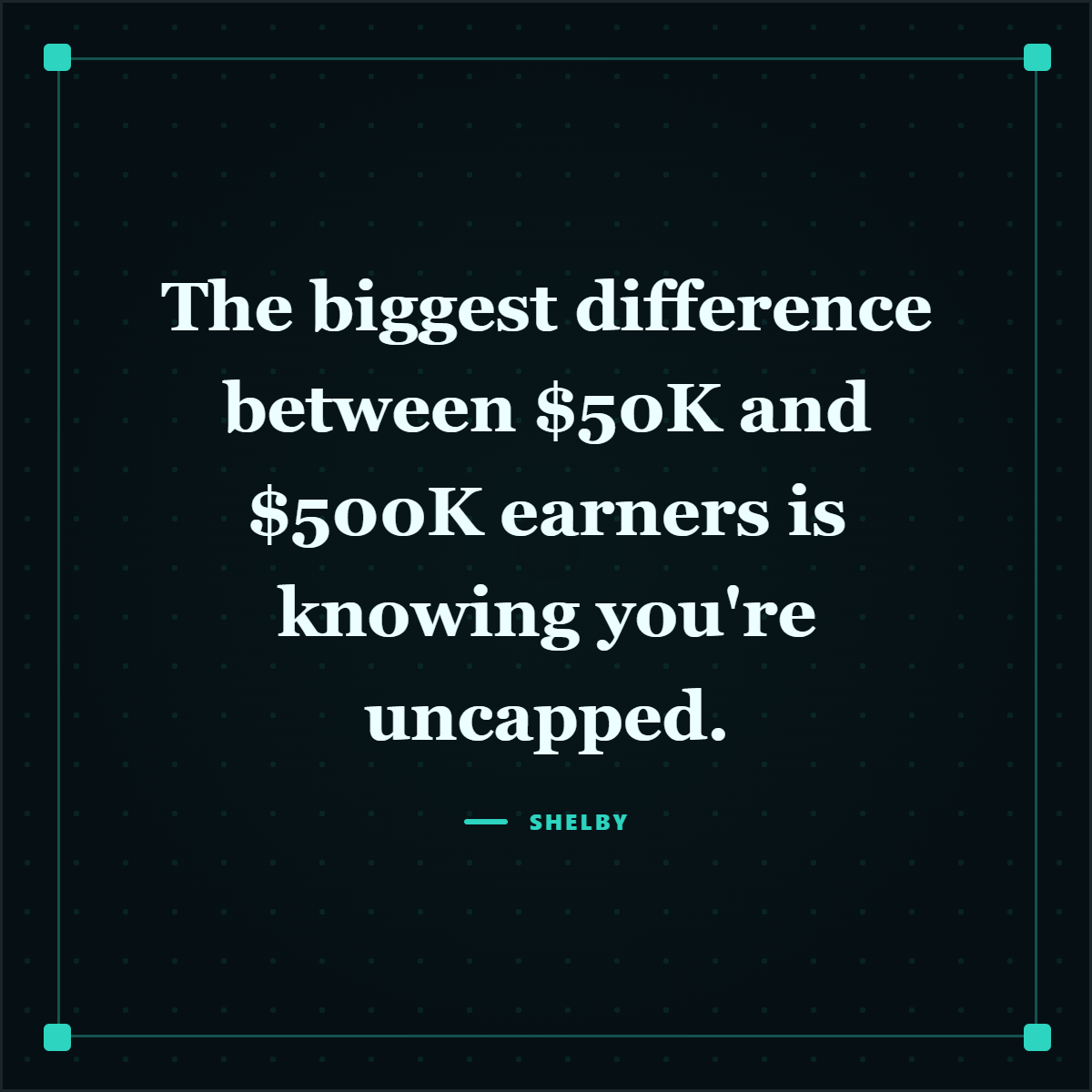
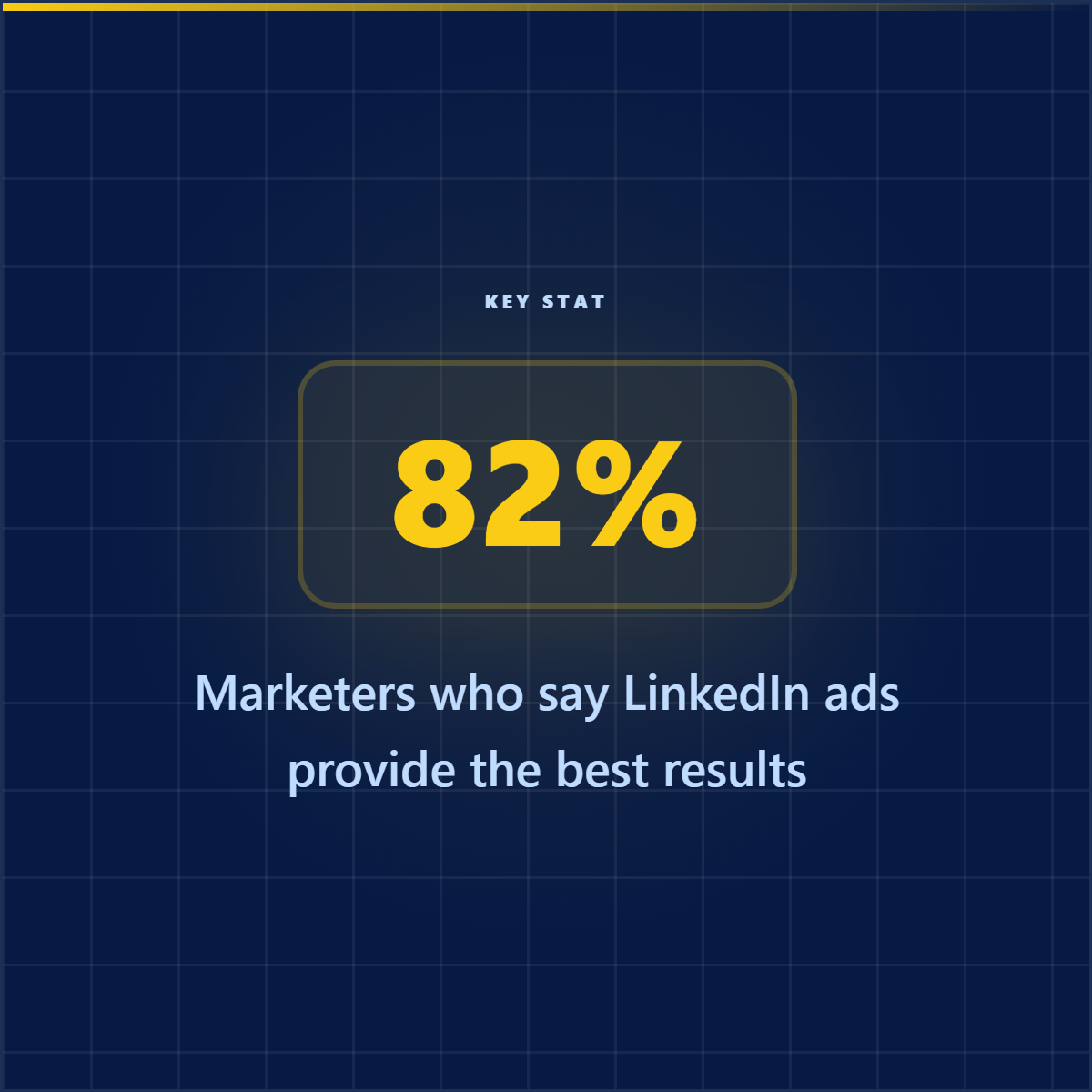
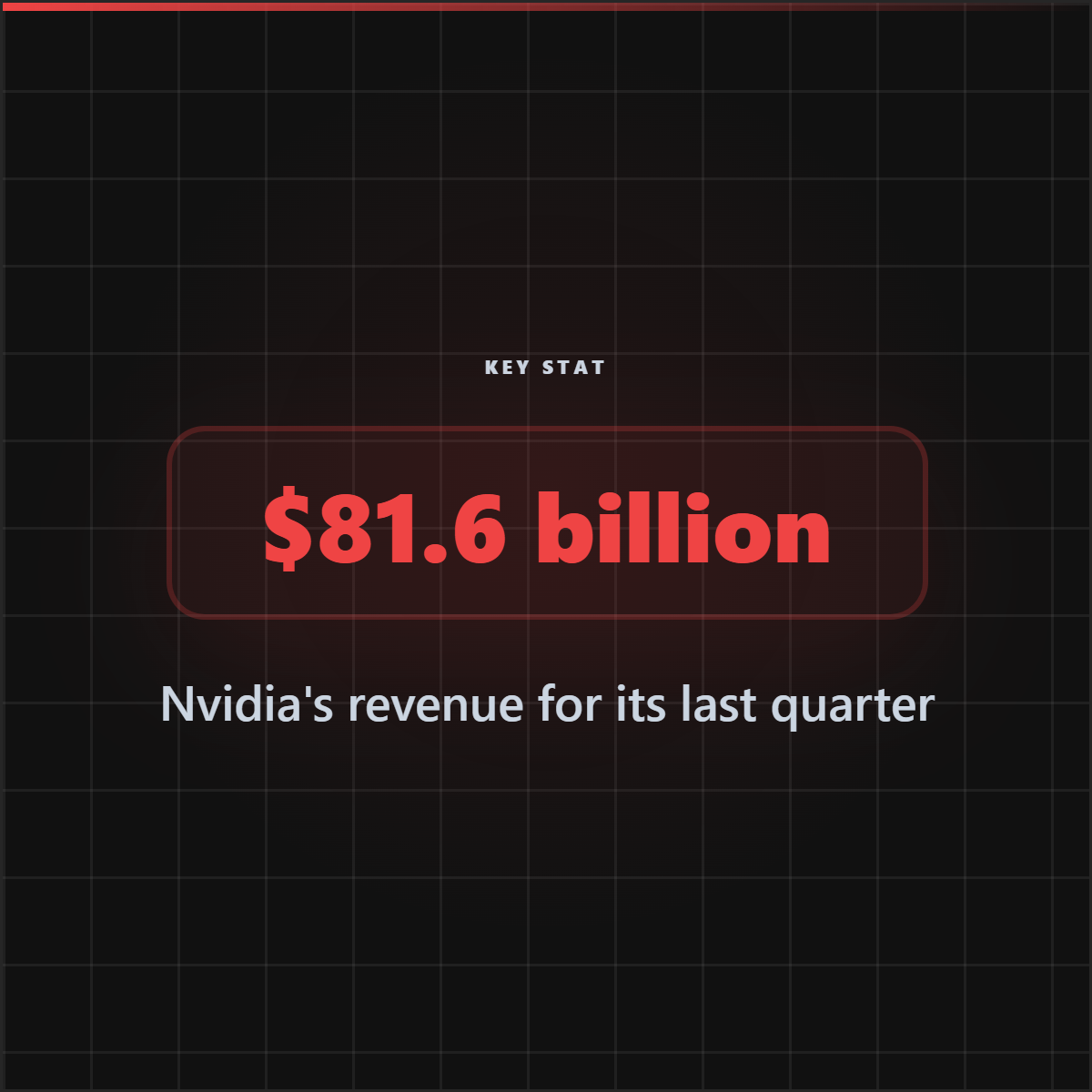
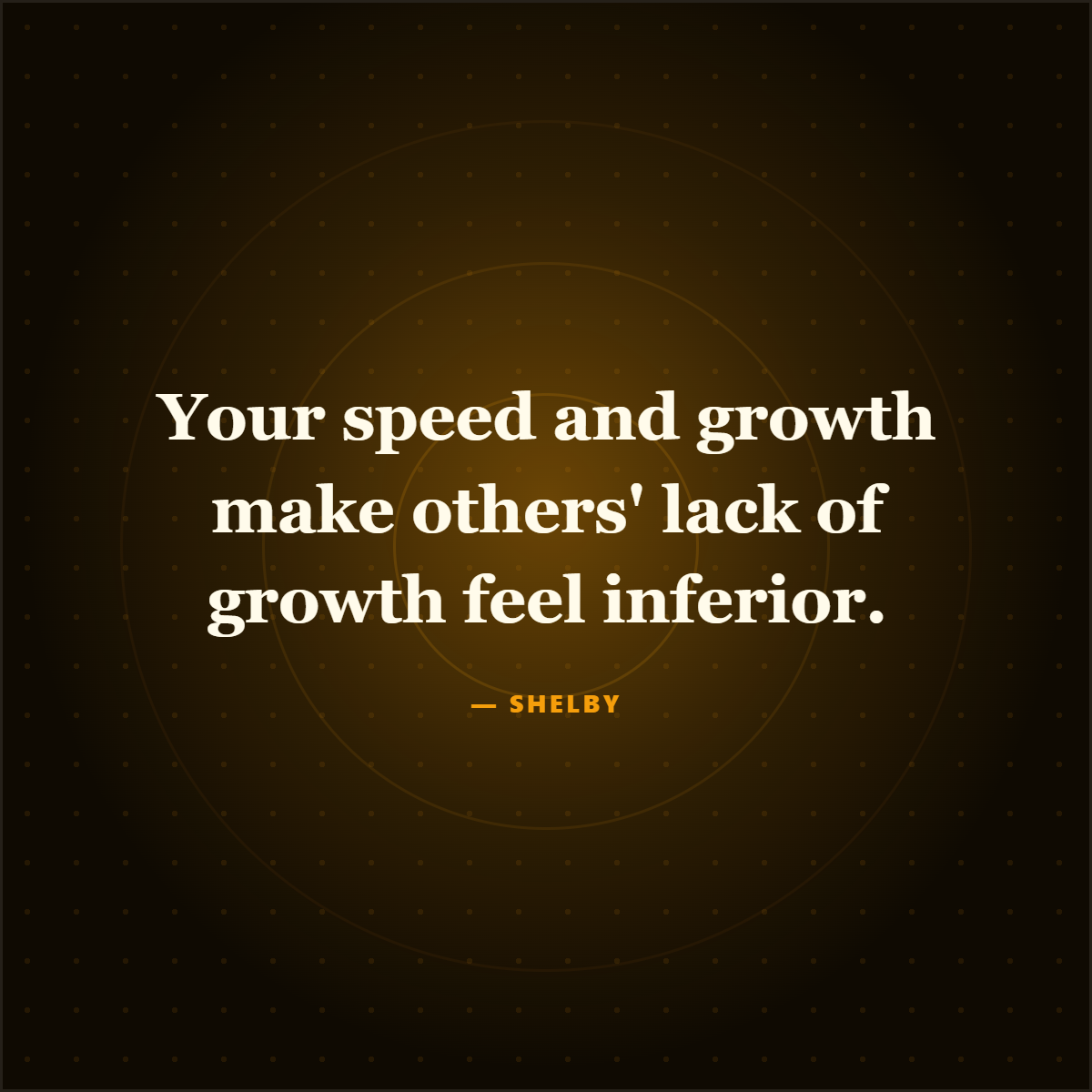
For article and report repurposing, the workflow starts before design: extract the best material, choose the format, attach attribution, then polish the asset.
Output styles
From source material to polished social formats.
Frequently asked questions
Research sources