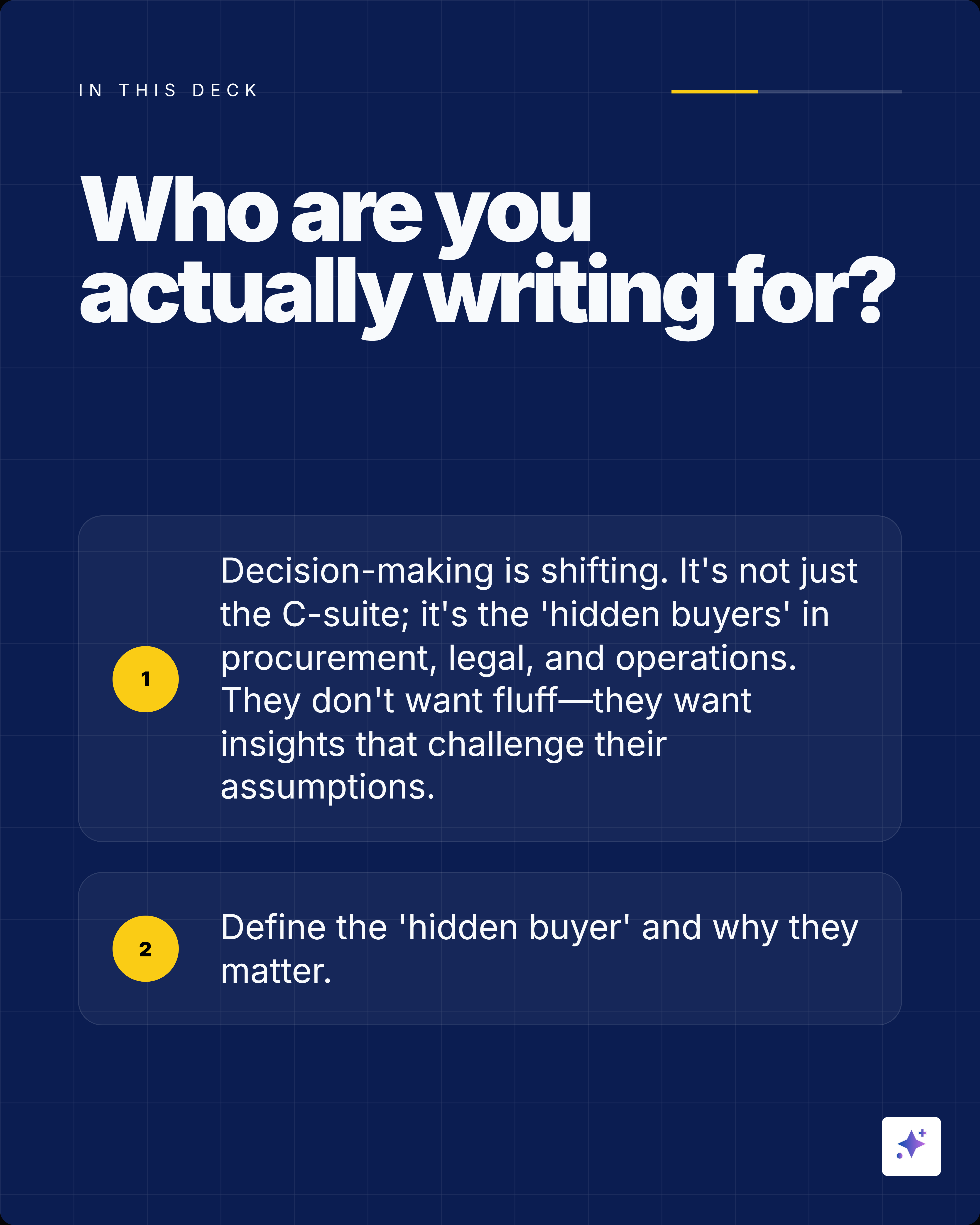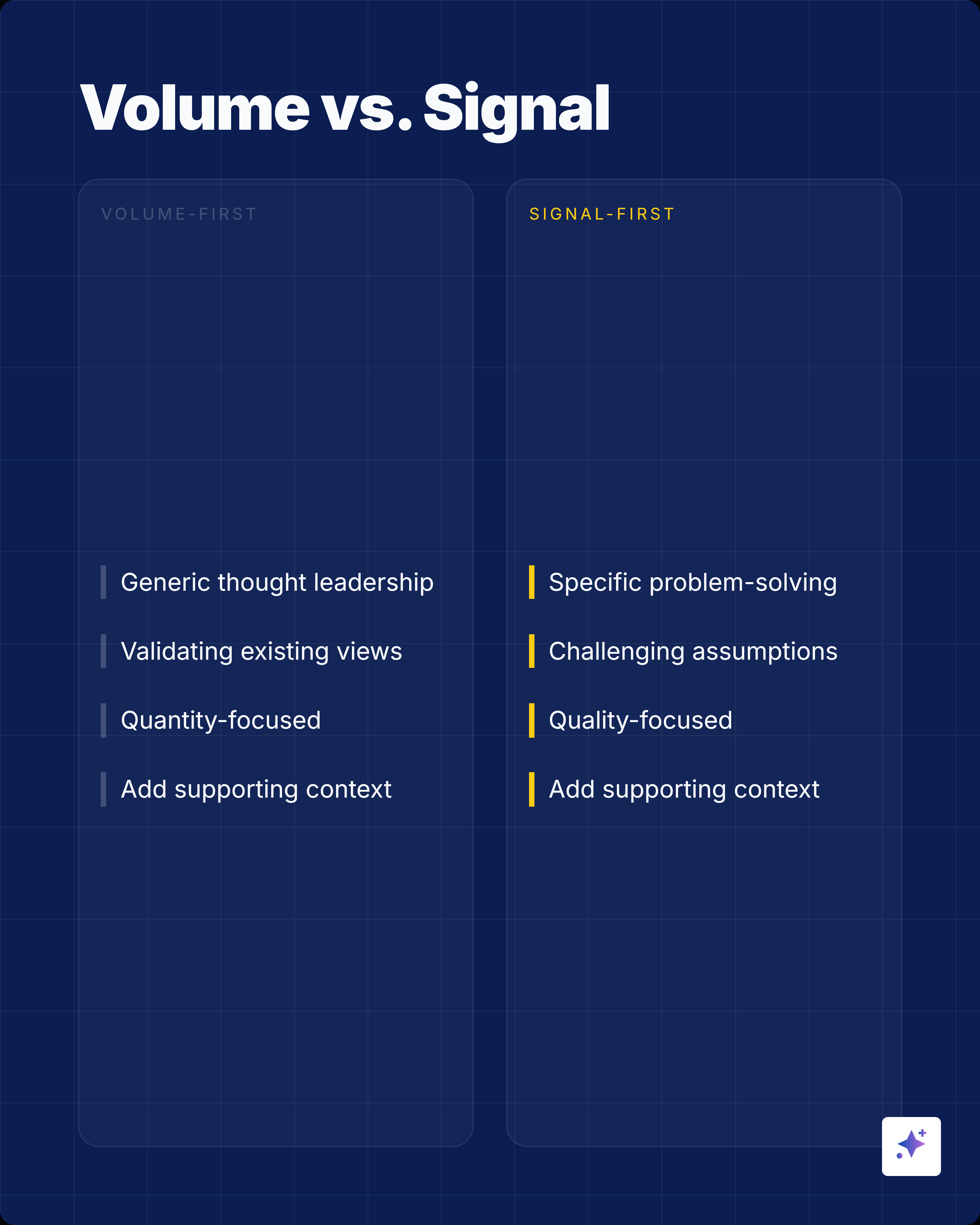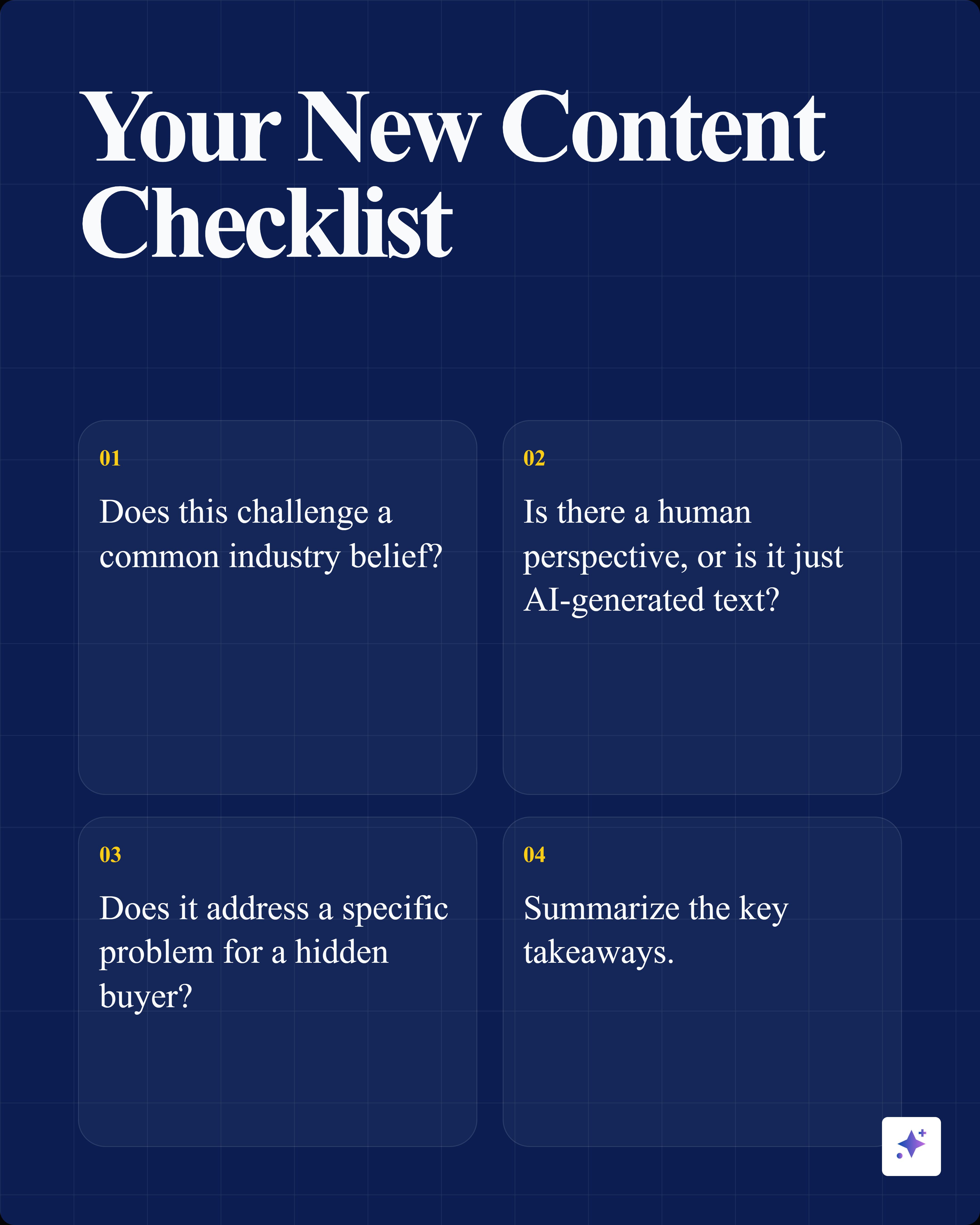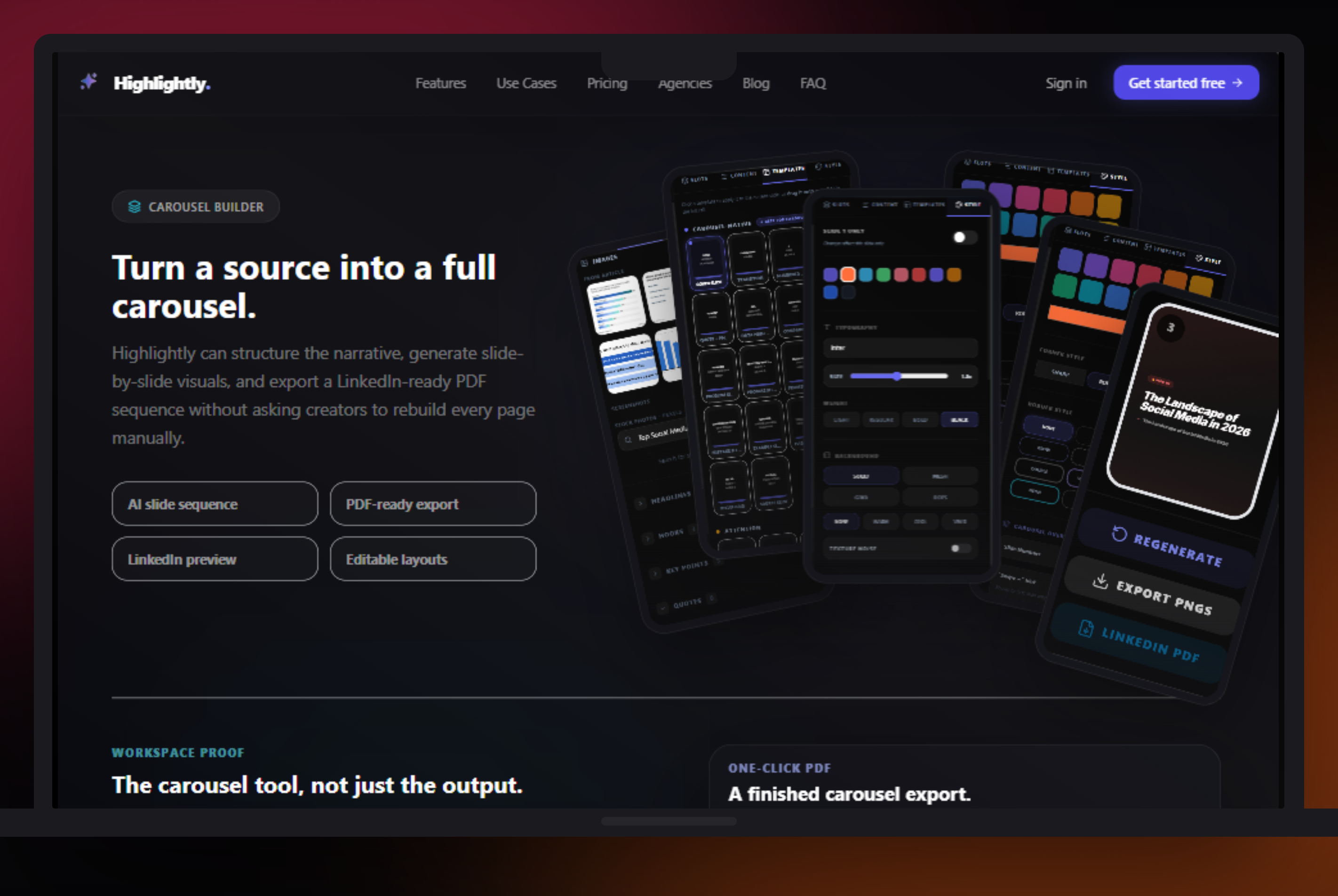
ContentDrips is a creator content machine. Its own homepage positions it as an AI carousel maker and social content creation tool that can turn topics, blogs, YouTube videos, TikToks, images, and text into posts and carousels. Highlightly covers that carousel need too, but it does not stop there: it can ingest URLs, YouTube links, PDFs, DOCX/PPTX files, pasted text, article search, screenshots, and topic research, then use AI to extract proof and turn it into multiple publishable assets.
That is useful, but the deeper bottleneck is not simply generating more posts. If you are repurposing reports, articles, PDFs, YouTube videos, transcripts, screenshots, and customer stories, the better workflow is to decide what mode the content needs: a source-backed carousel, a polished summary carousel, a quote card, a stat graphic, a screenshot asset, or a caption set. Highlightly gives you those paths instead of forcing everything through one generator shape.
The fork in the road
Does your post start as an idea, or does it start as evidence?
Idea-first workflows ask: what should I post today? Source-first workflows ask: what is worth publishing from this article, report, PDF, YouTube link, transcript, research topic, or customer story? Highlightly is built for the second question.
ContentDrips vs Highlightly: workflow comparison
Where ContentDrips belongs
ContentDrips is useful for quick idea-first carousel production and direct LinkedIn or Instagram publishing.
Use ContentDrips when
- You only want AI to generate carousels and text posts from topics, blogs, or videos.
- You care about direct scheduling and publishing to LinkedIn or Instagram.
- You need bulk content generation from CSVs.
- Your content workflow is mostly creator-led, idea-first, and scheduling-oriented.
Where Highlightly is the production layer
Highlightly is built for teams that want multiple carousel and asset modes, not one generator path.
A newsletter team, analyst, journalist, B2B marketer, founder, or agency often starts with material that needs care. They may want a generated carousel, but they also need the exact quote, the source domain, the author, the publication date, the screenshot, the caption, the brand kit, the export ratio, and a way to choose between source-backed and more polished narrative slides.
Idea-first vs evidence-first
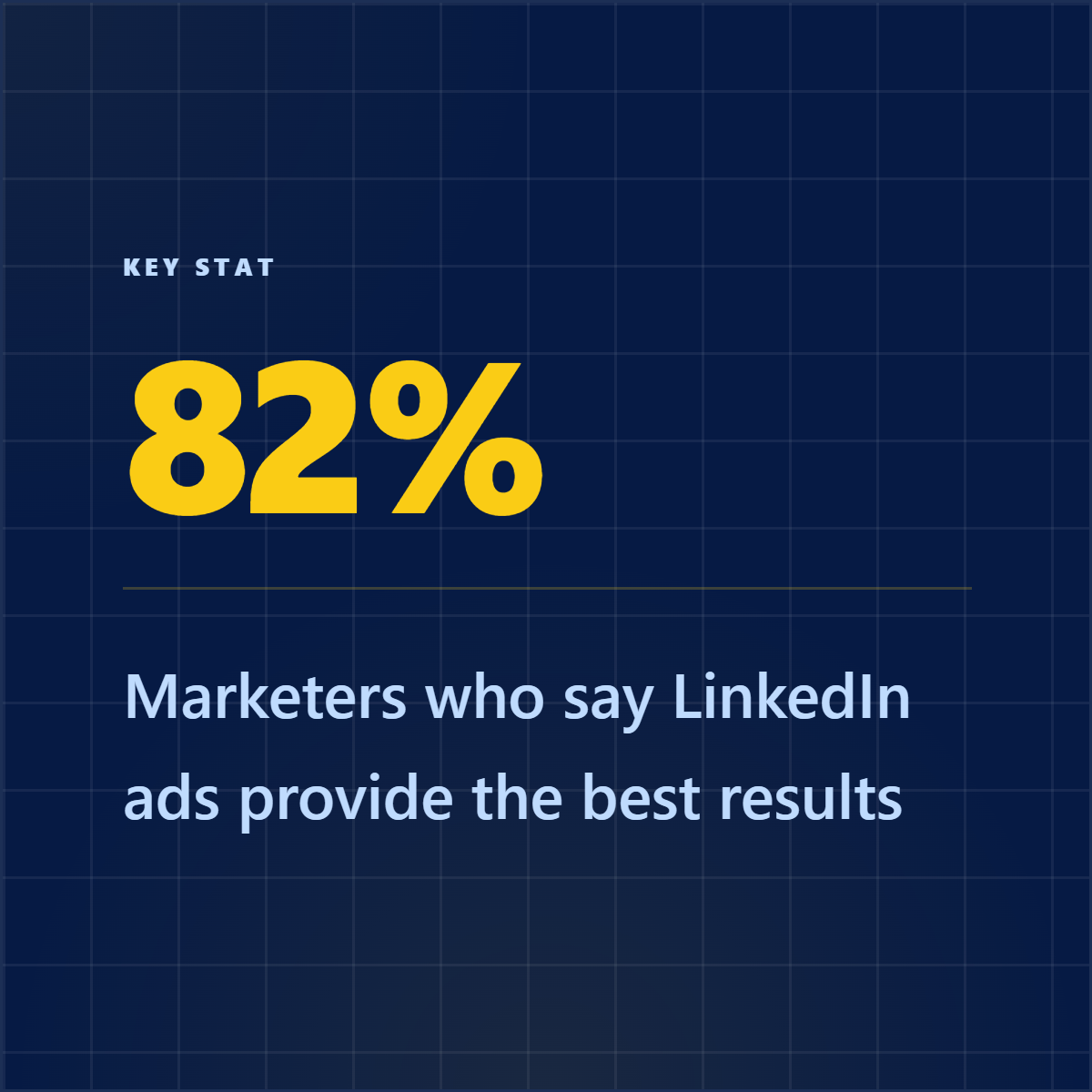
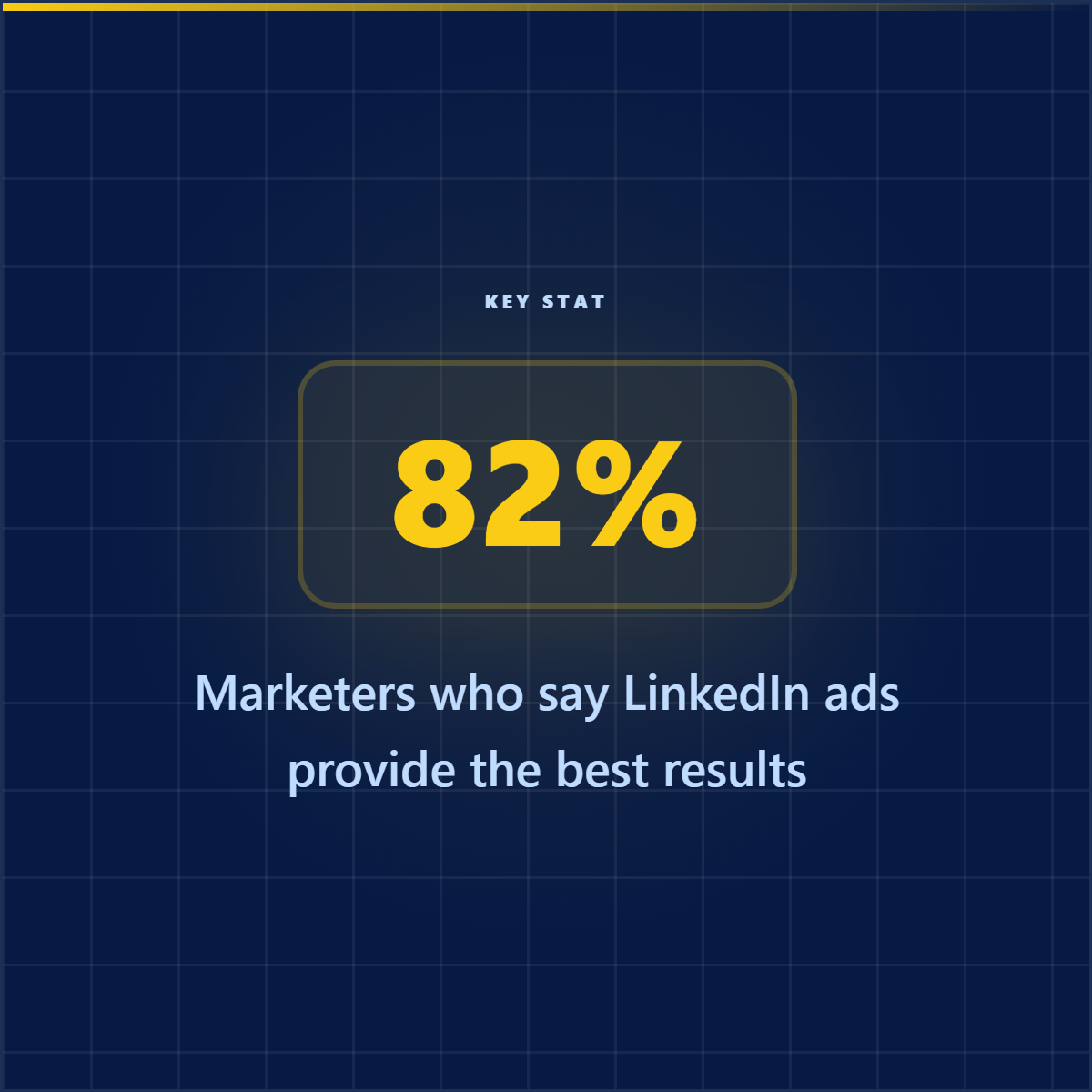
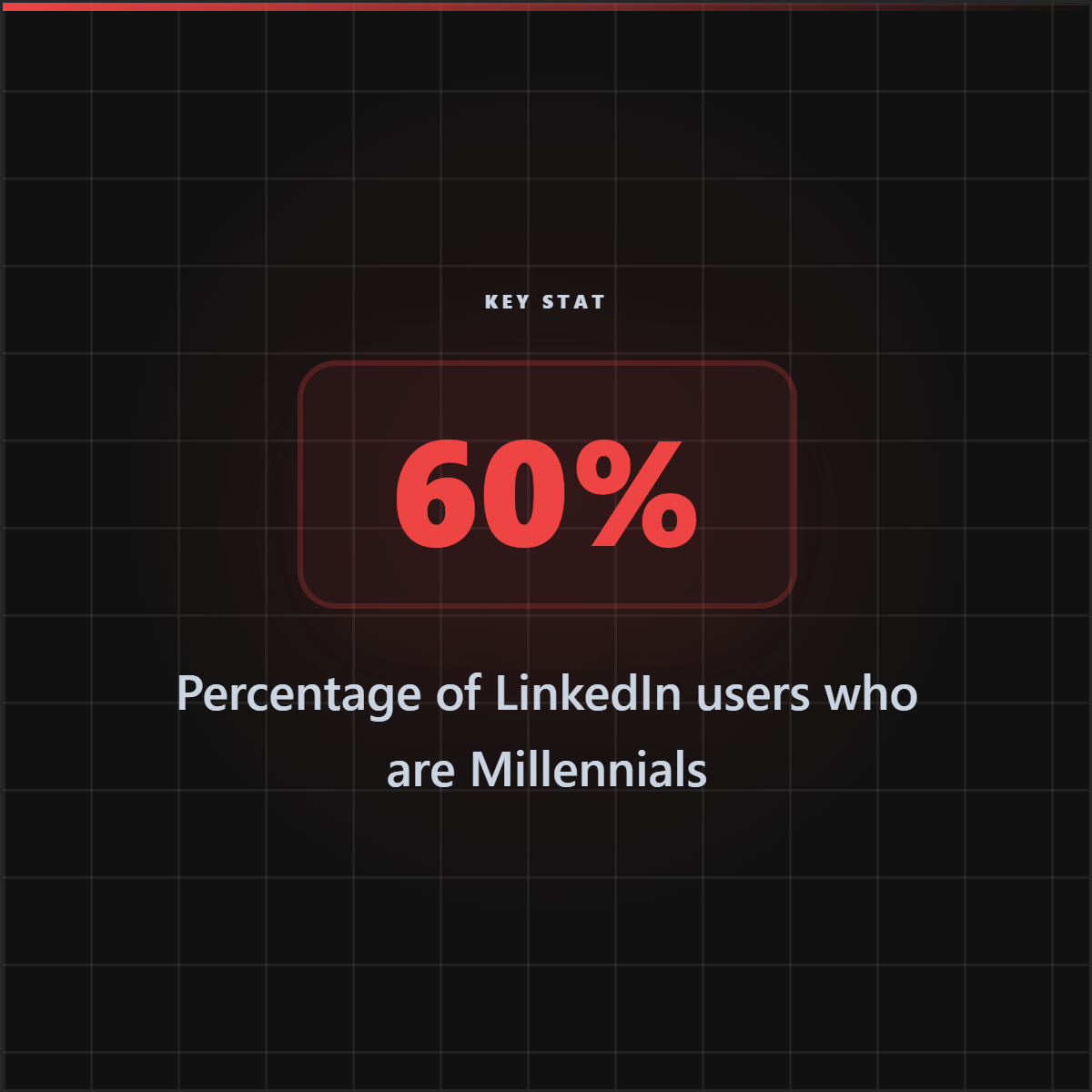
A topic prompt can produce a quick carousel. A real report, YouTube link, article, PDF, screenshot, or research topic can produce quote cards, stat cards, source screenshots, carousel slides, and captions that stay tied to the evidence.
Who should care
- Writers: protect the nuance of articles, reports, and interviews while turning them into social assets.
- Marketers: produce carousels plus quote cards, stat cards, captions, screenshots, and branded PNGs.
- Video editors: extract credible hooks and supporting visuals that can strengthen short-form edits.
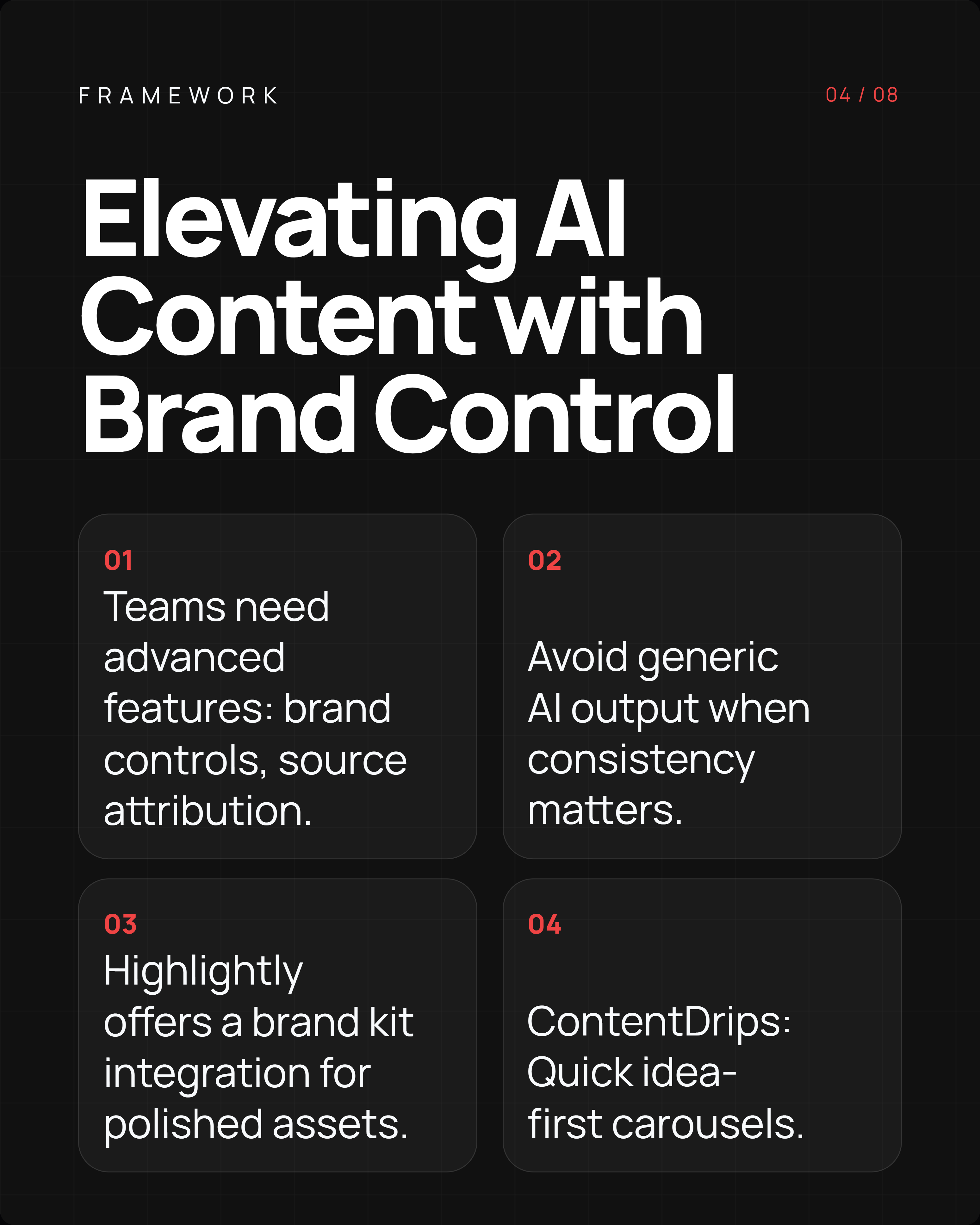
- Brands: avoid generic creator output when consistency, source context, and attribution matter.
- Creators: keep the speed of AI-assisted publishing without losing the specificity that makes a post worth reading.
Verdict: choose Highlightly when carousel generation needs more modes.
If you only want a quick creator-style carousel from a topic and direct scheduling is the point, ContentDrips makes sense. Highlightly is the better choice when the carousel has to do more: start from a URL, YouTube link, PDF, DOCX/PPTX, pasted text, article search, screenshot, or topic research; extract the proof with AI; and ship source-backed slides, polished summaries, screenshots, quotes, stats, captions, brand kit controls, human review, ratios, and branded exports. At the paid entry point, Highlightly Pro and ContentDrips Starter are both listed at $15/mo, while Highlightly stays lower than ContentDrips Pro.
- Use ContentDrips for quick creator-style carousel generation and direct LinkedIn or Instagram scheduling.
- Choose Highlightly for AI carousels plus URL, YouTube link, PDF, DOCX/PPTX, pasted text, screenshot, article-search, and topic-research workflows.
- Pick Highlightly when you want more than a carousel: source-backed slides, quote cards, stat cards, screenshots, captions, attribution, brand controls, and export-ready assets.
Carousel output
Use the carousel format, but keep source extraction and brand kit controls connected.

Highlightly
Source-backed social assets
2h •
A ContentDrips alternative should still feel native to LinkedIn: swipeable, visual, and built around one clear argument.
Verdict
A carousel tool is strongest when the source and brand system travel with it.

Frequently asked questions
Research sources