 Highlightly Team
Nano Banana is a fun name for a serious image model family. Google first used it for Gemini 2.5 Flash Image, then introduced Nano Banana Pro as Gemini 3 Pro Image. Across that line, the promise is visual generation and editing: multi-image fusion, character and style consistency, natural-language revisions, better text rendering, richer world knowledge, and more creative control.
But most serious social content does not begin with an image prompt. It begins with a blog post, report, PDF, transcript, customer story, research note, or article search. The hard question is not only what image should we generate? It is what claim can we safely publish, which quote is real, where did the stat come from, what should become a carousel, what caption fits the platform, and how do we turn it into something on-brand?
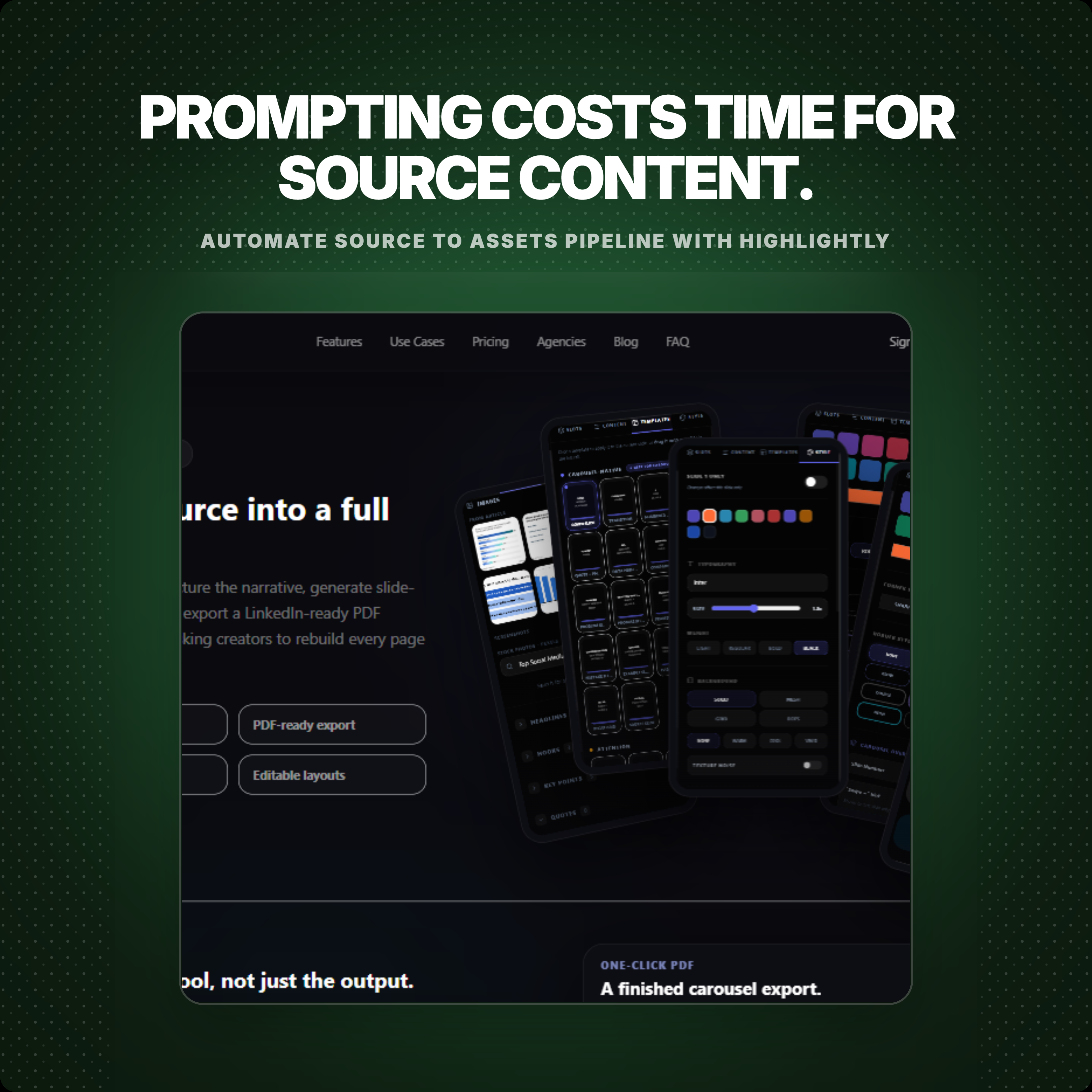
That is the expensive part of using a raw image model for publishing. You write one prompt for the first image. Then another prompt for the edit. Then another prompt to change the theme. Then another prompt for the square crop, story version, carousel slide, text treatment, and brand feel. The model may be excellent, but the workflow is still prompt-by-prompt.
Different starting points
Nano Banana starts from a visual instruction. Highlightly starts from evidence.
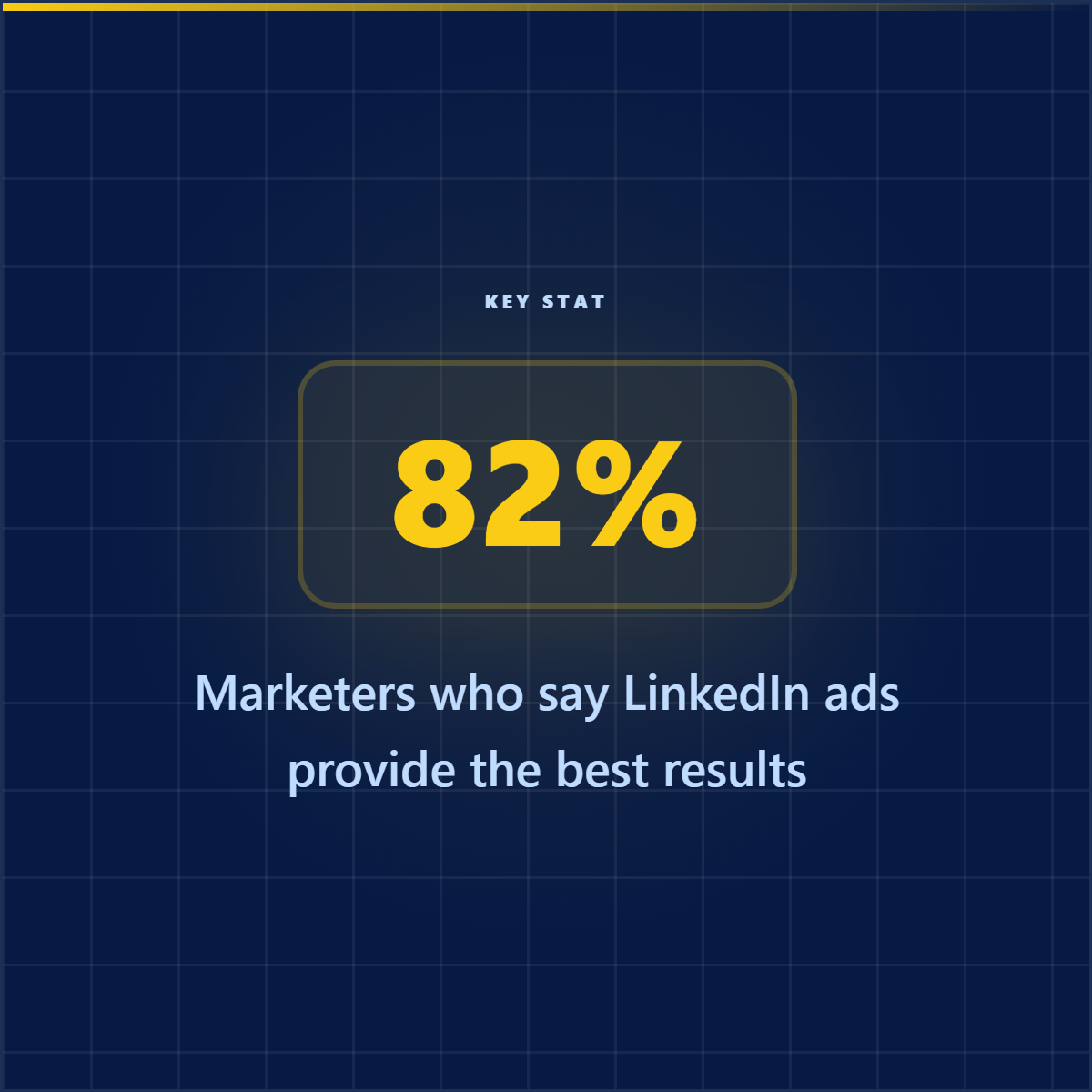
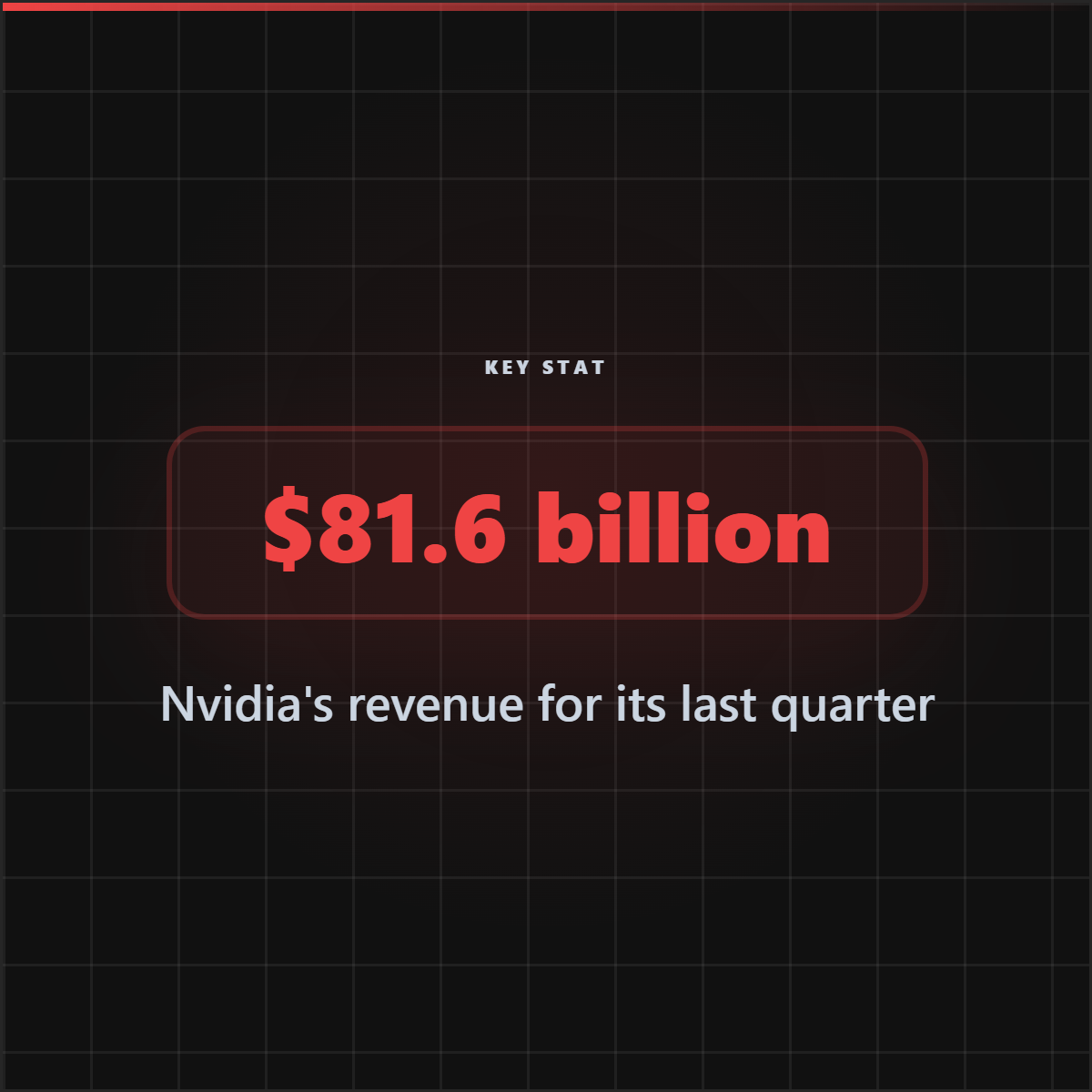
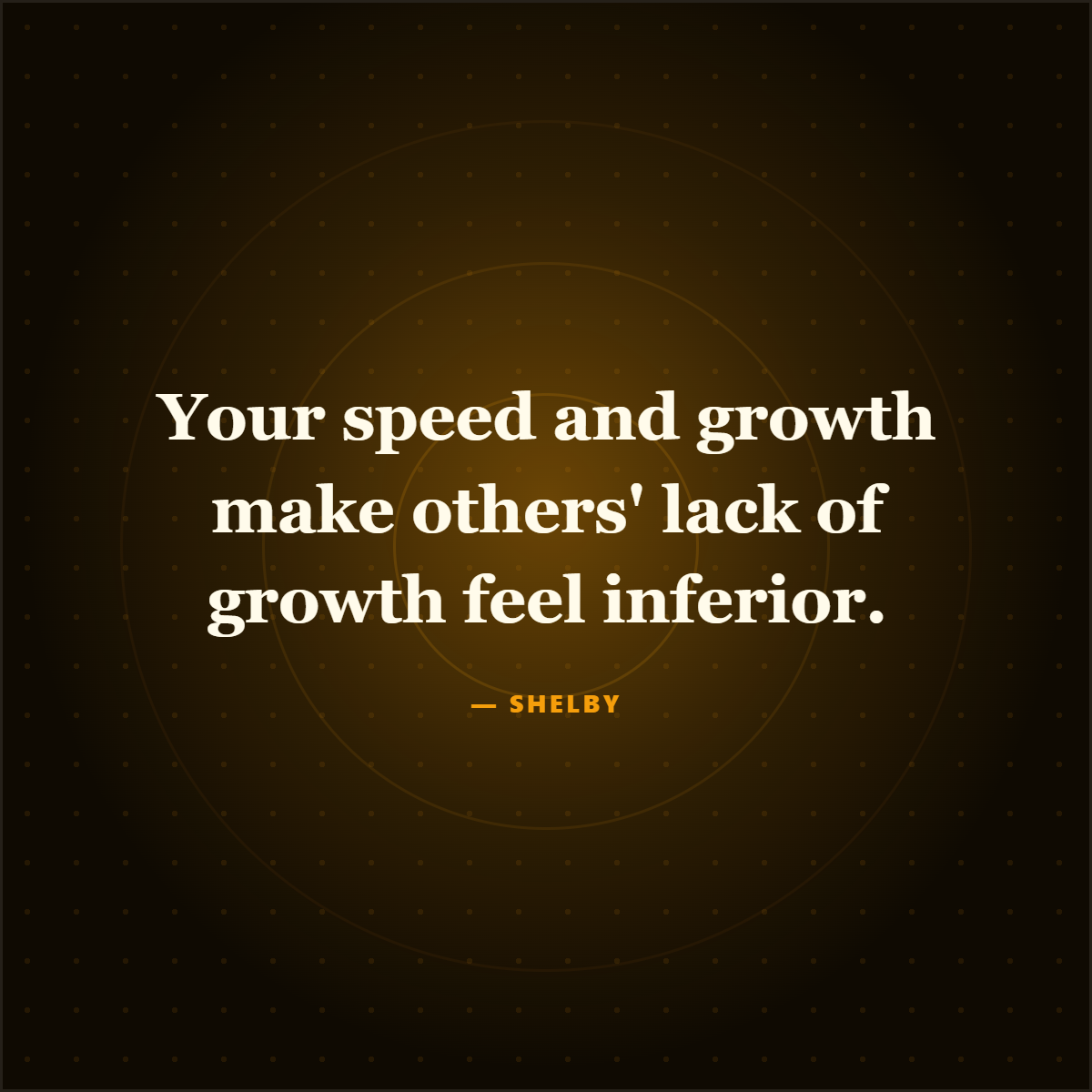
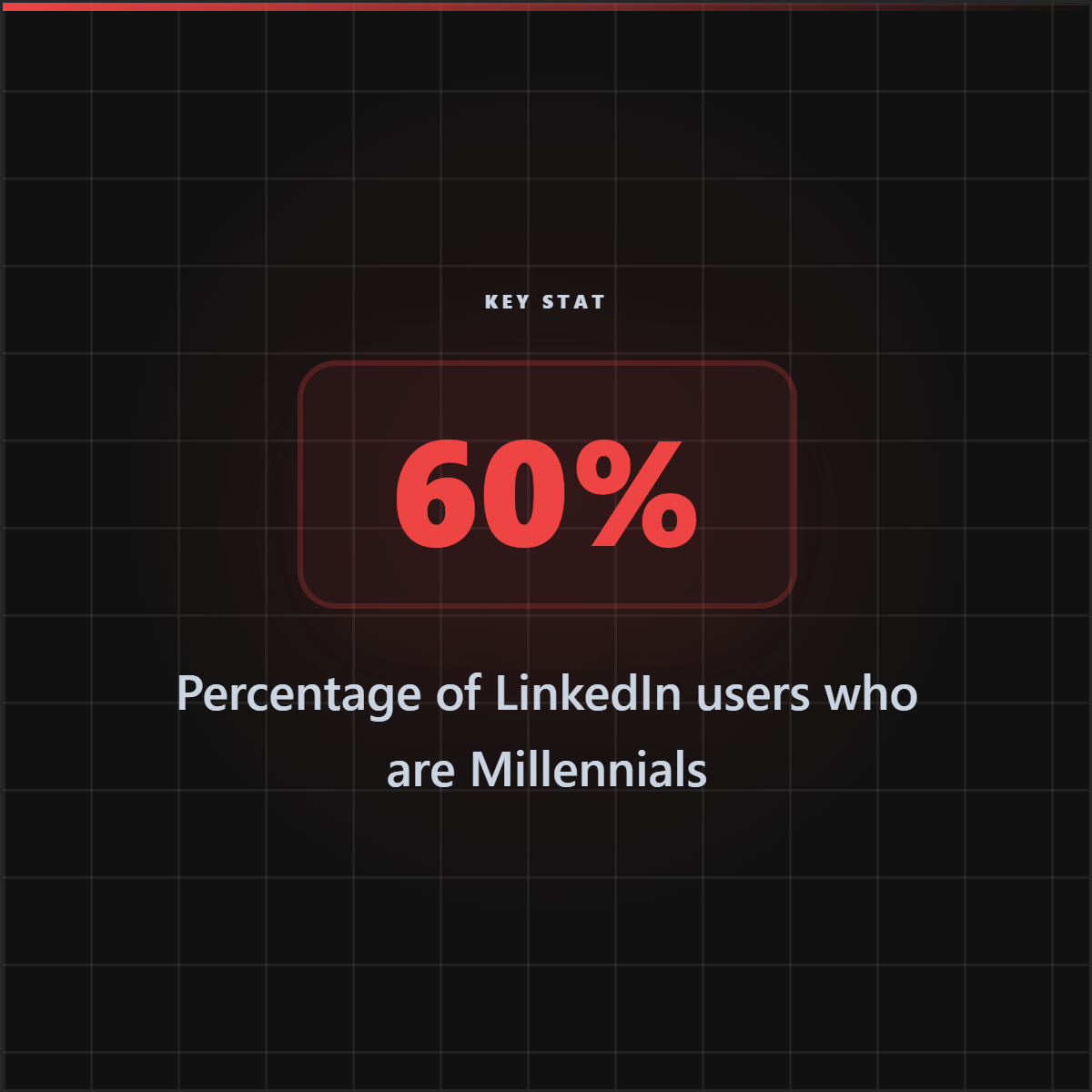
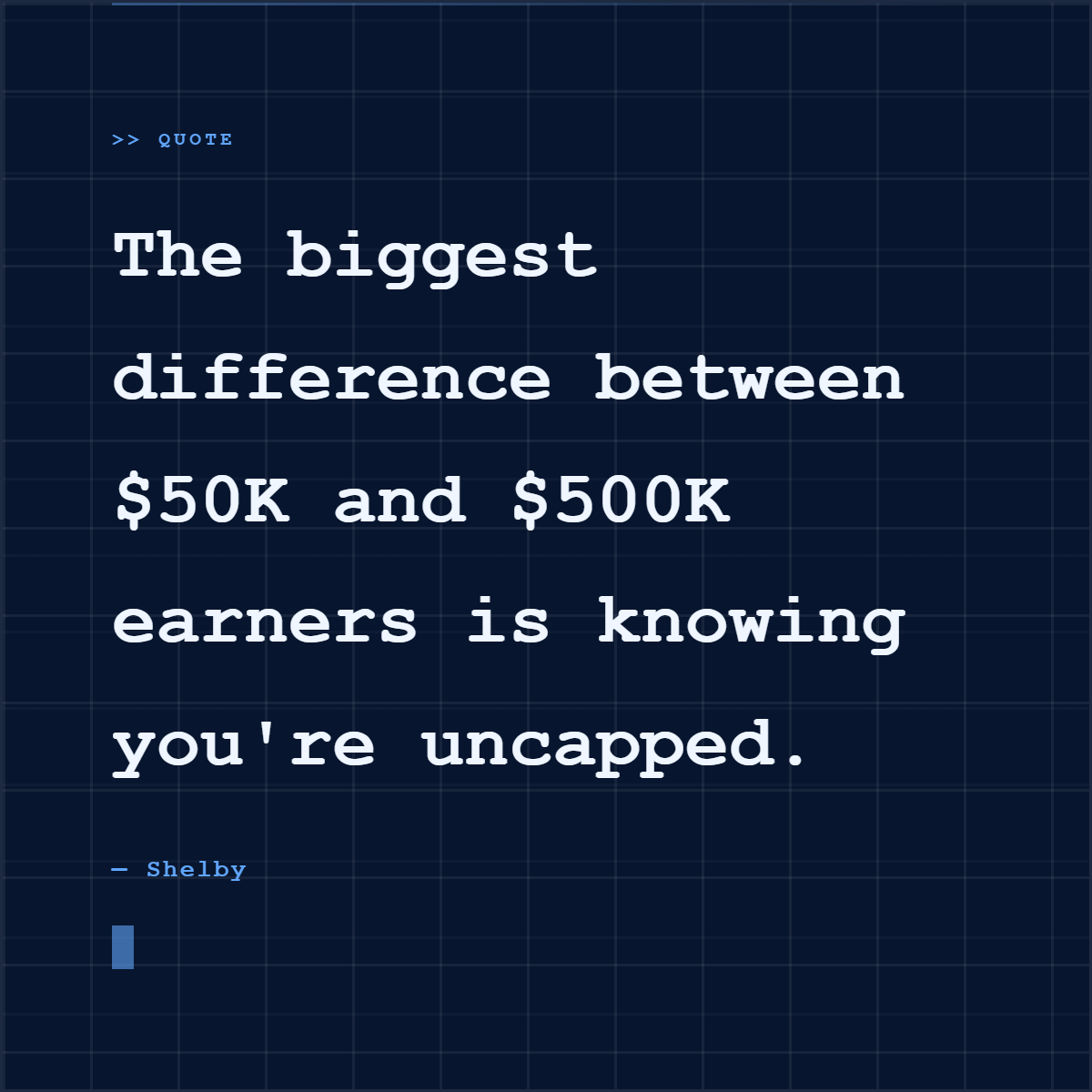
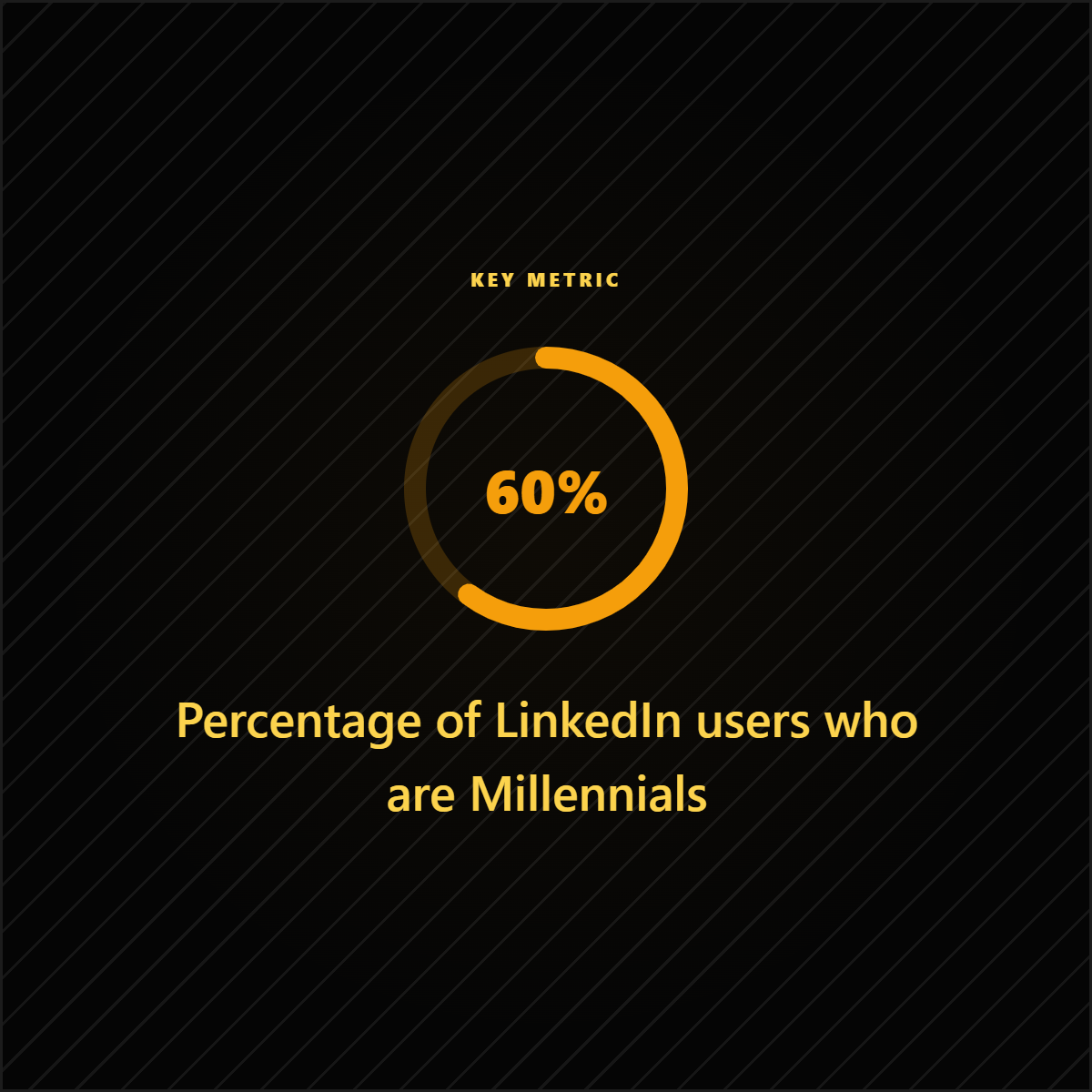
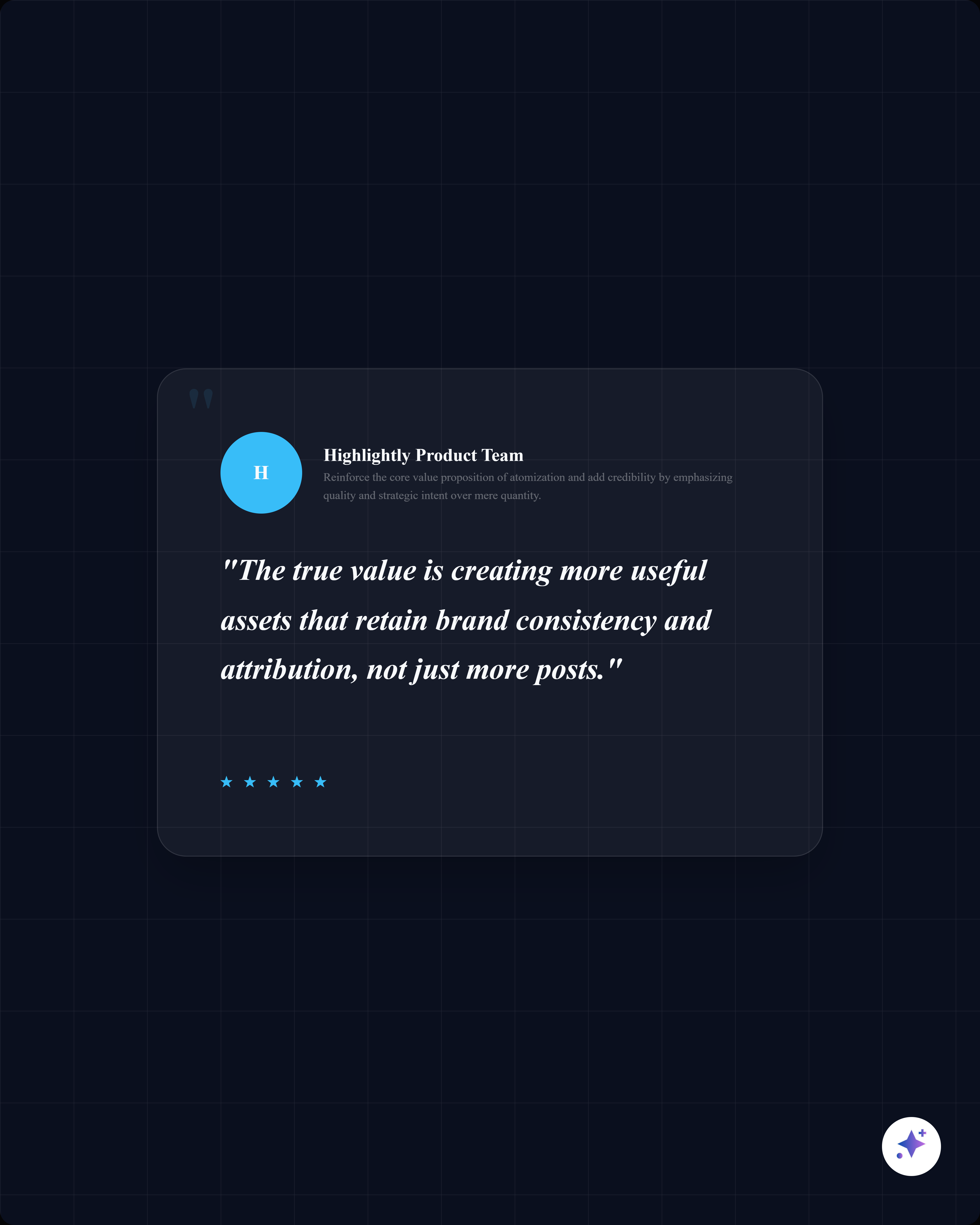
Nano Banana is useful when the visual itself is the work: a product mockup, scene edit, creative concept, background, illustration, or image remix. Highlightly takes over when the visual has to become a publishing asset: a stat card, quote card, carousel slide, screenshot card, captioned post, or branded PNG.
Nano Banana vs Highlightly: workflow comparison
Where Nano Banana belongs
Nano Banana is useful when the image itself is the final deliverable.
Strong Nano Banana use cases
- Combining multiple reference images into one campaign visual.
- Keeping a character, product, or style consistent across image edits.
- Removing or changing visual details through natural-language editing.
- Creating backgrounds, mockups, concepts, posters, infographics, or image variations from a prompt.
- Exploring visual directions before handing a concept to a designer.
Where Highlightly becomes the safer system
Use Highlightly when the visual needs to become a complete social asset.
The publishing work Highlightly handles
- Find the quote, stat, fact, hook, or key point worth turning into a visual.
- Keep source name, author, URL, domain, and context available while editing.
- Apply brand kit controls without rewriting a prompt for every theme or ratio.
- Generate captions and carousels from the same source material.
- Export polished PNGs that are tied back to the original evidence.
Prompt image vs source proof
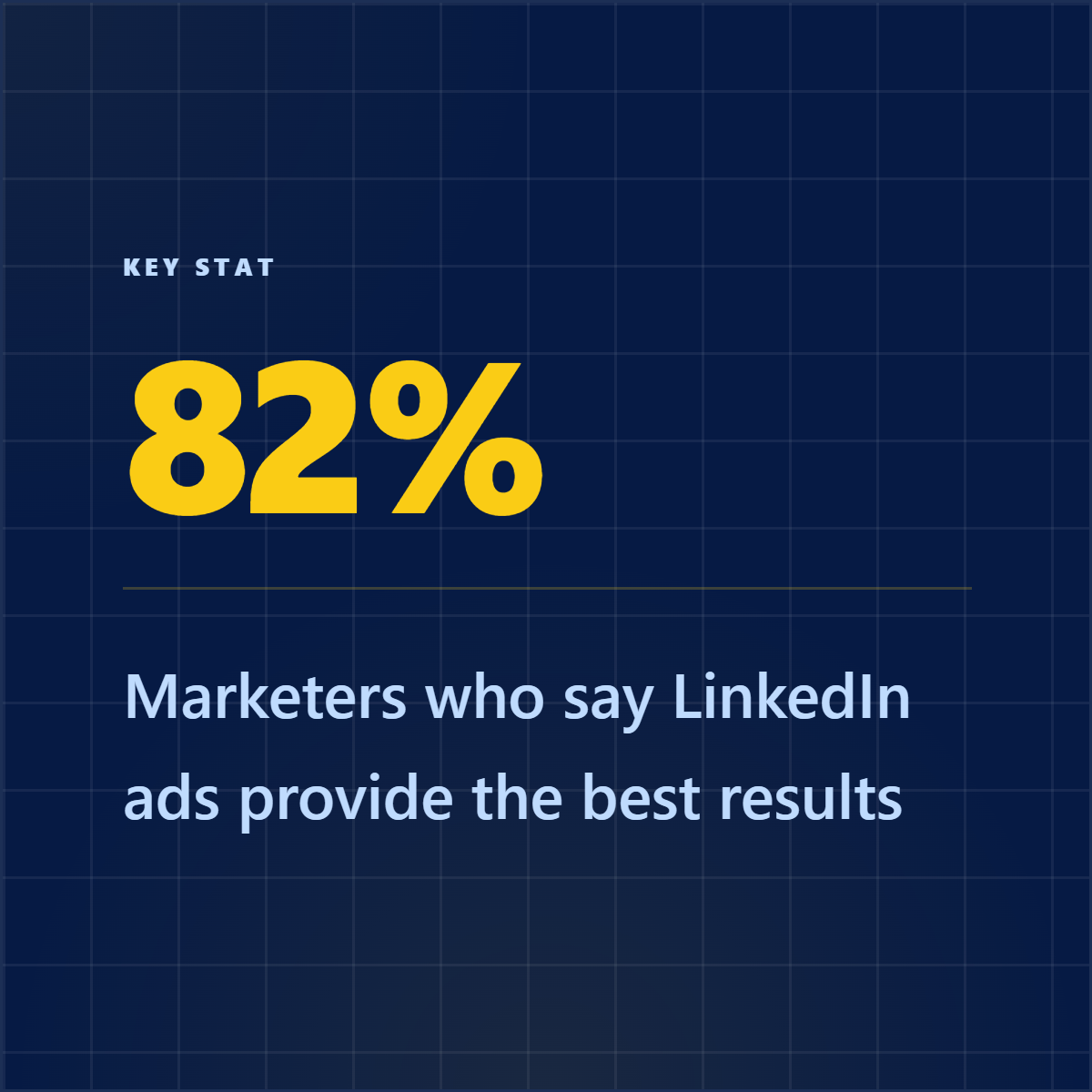
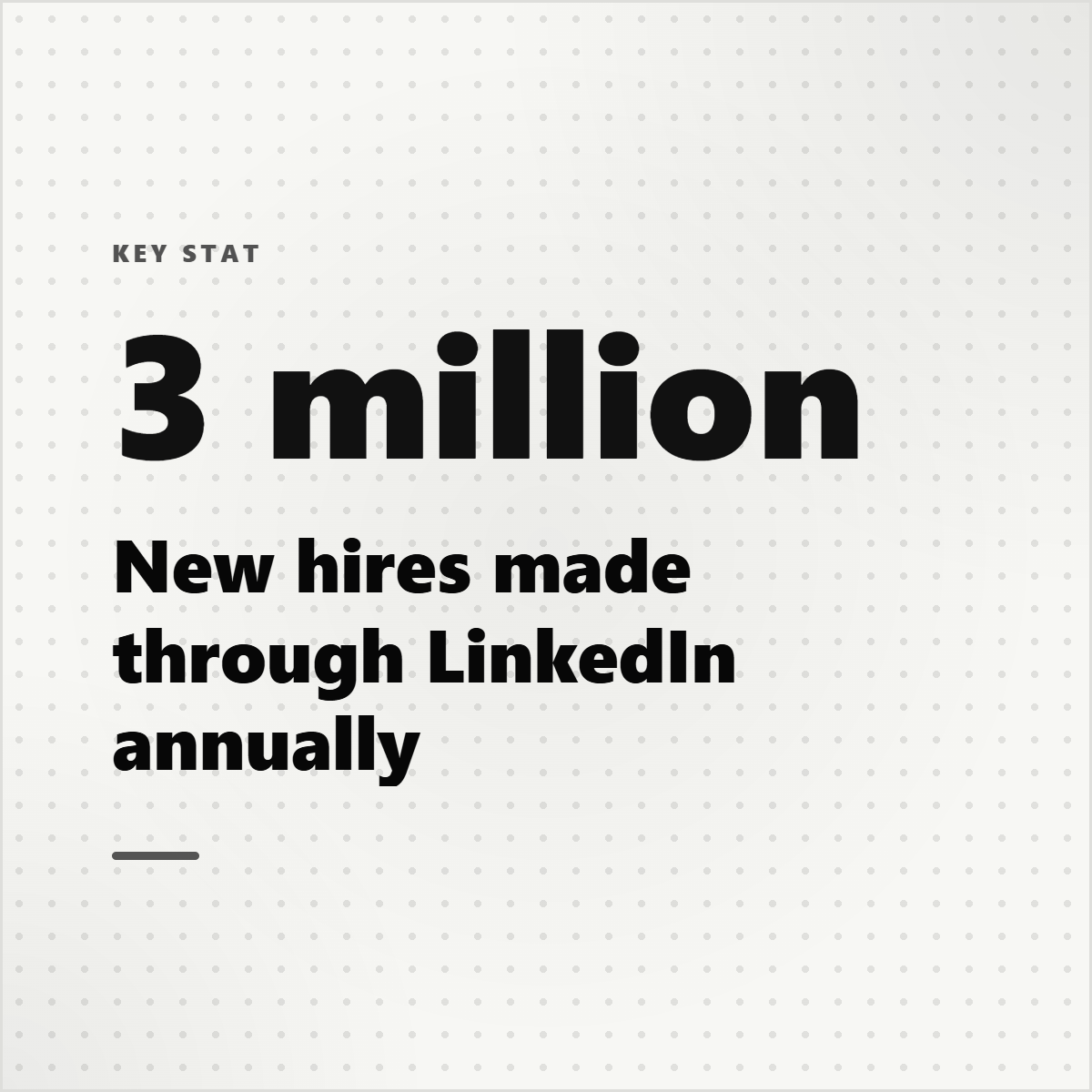
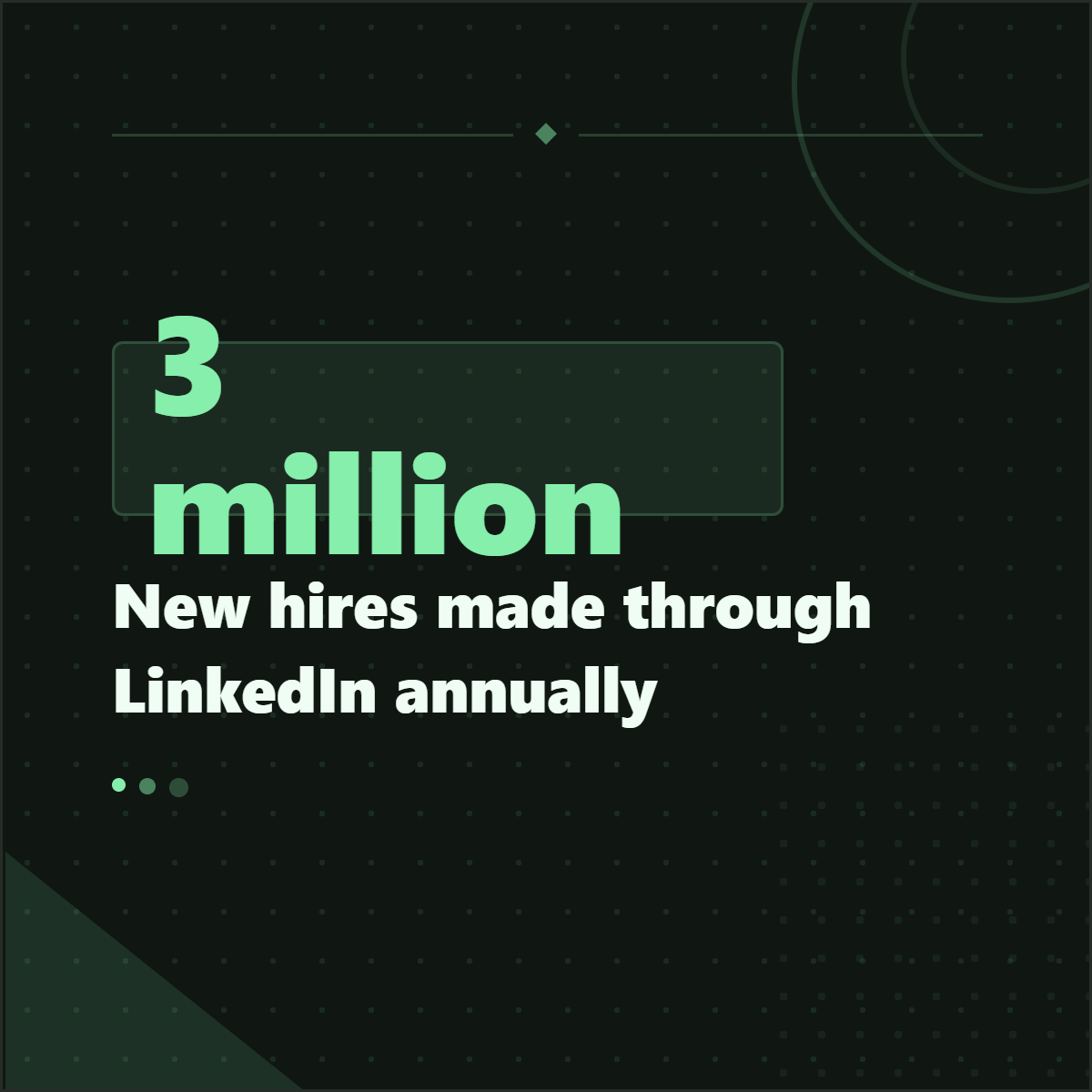
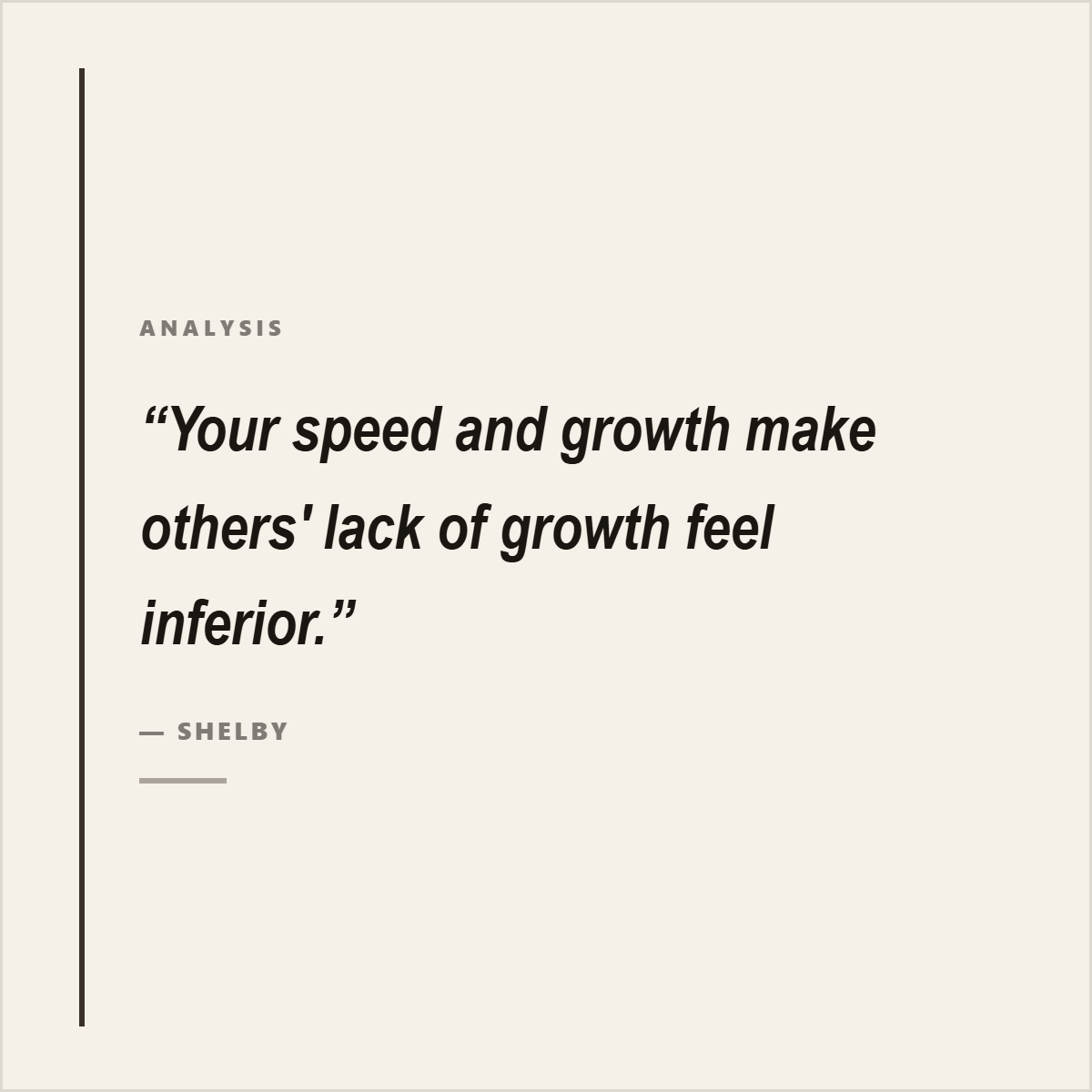
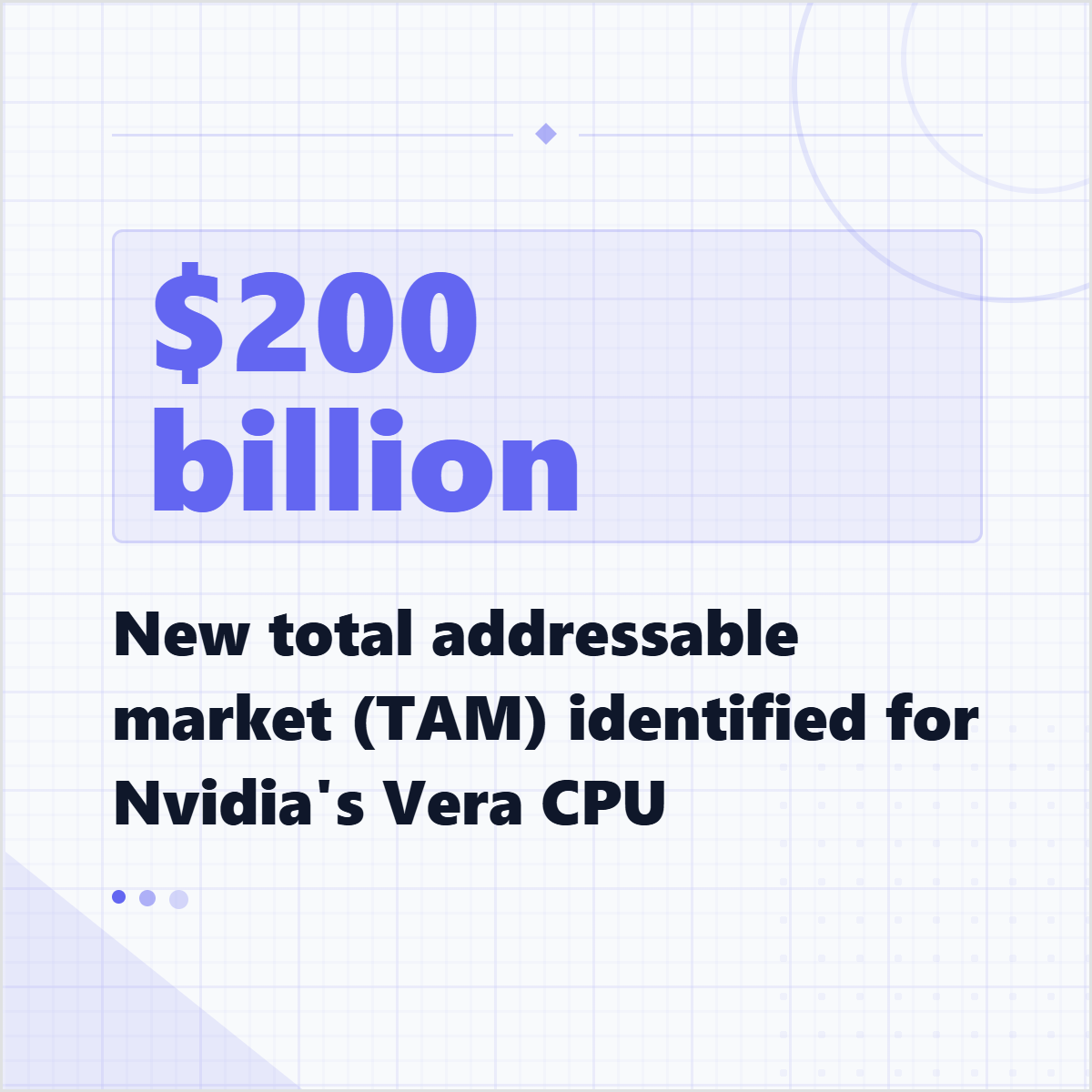
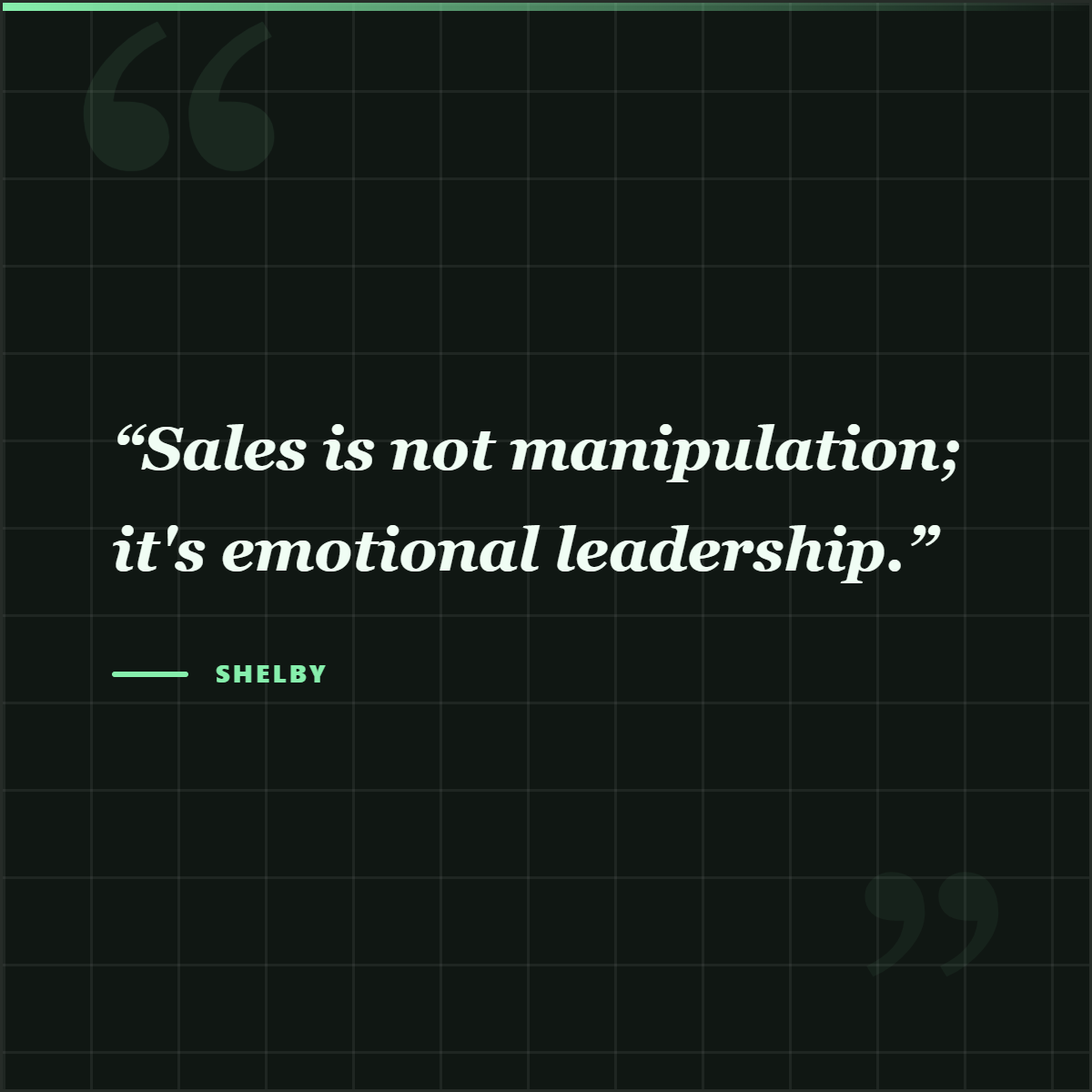
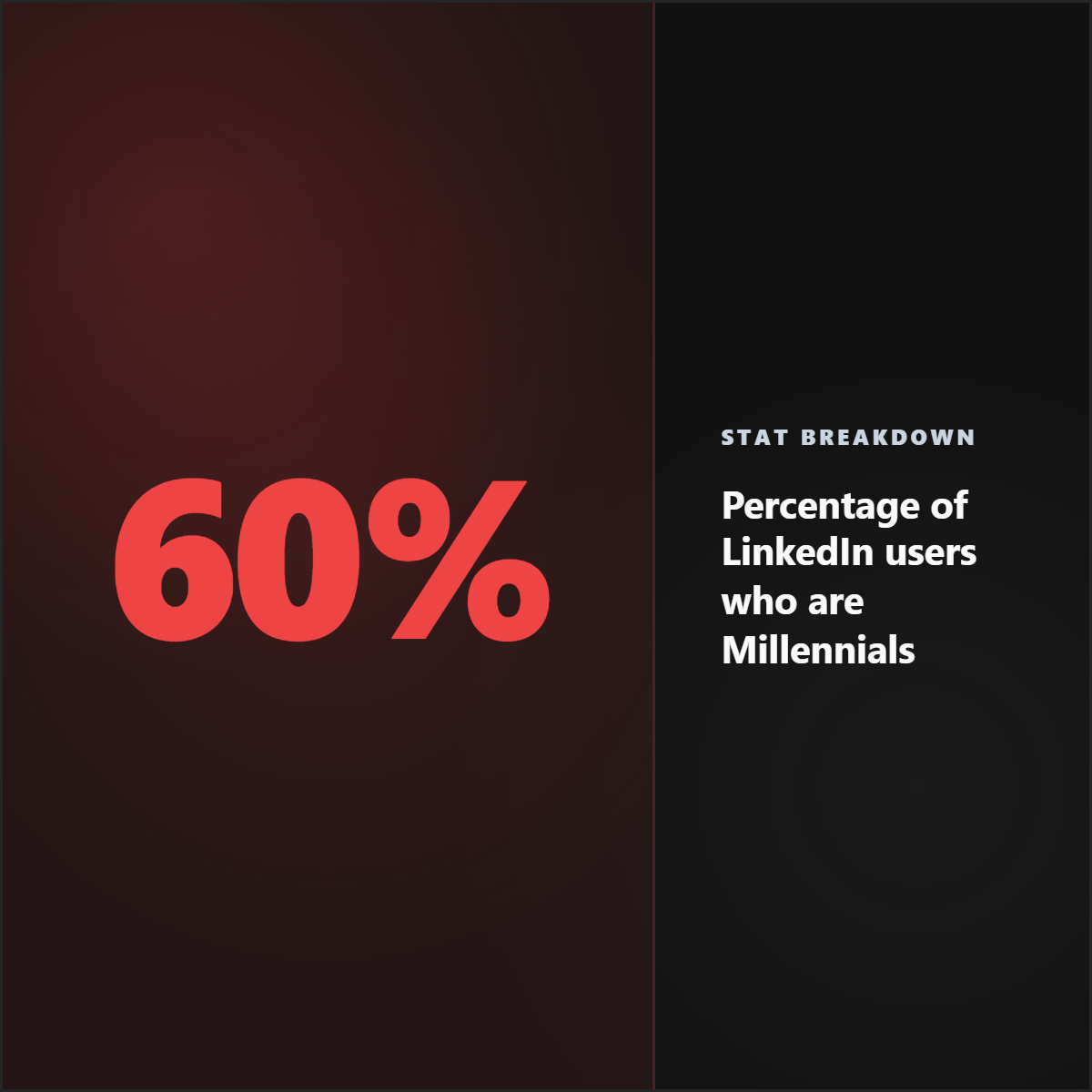
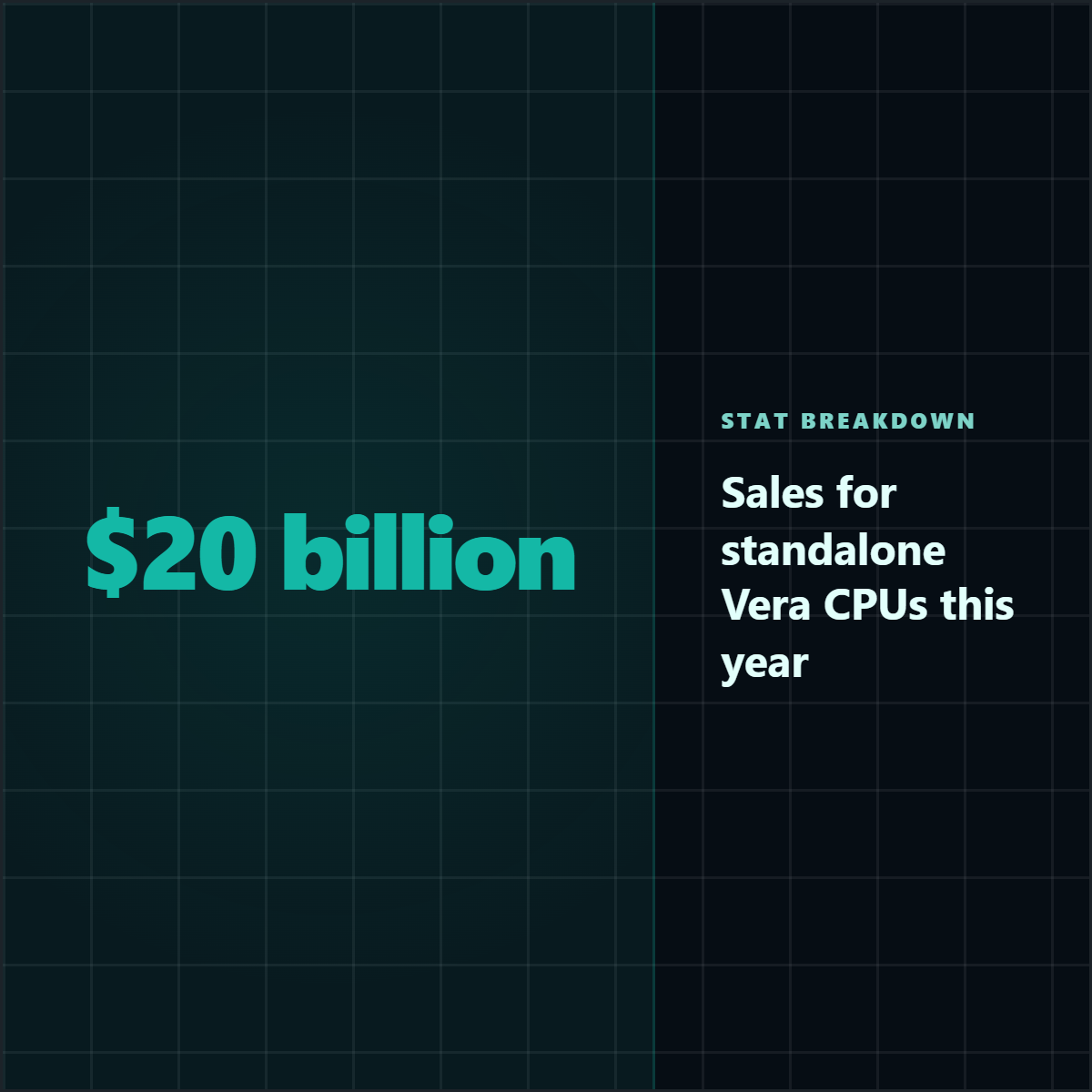
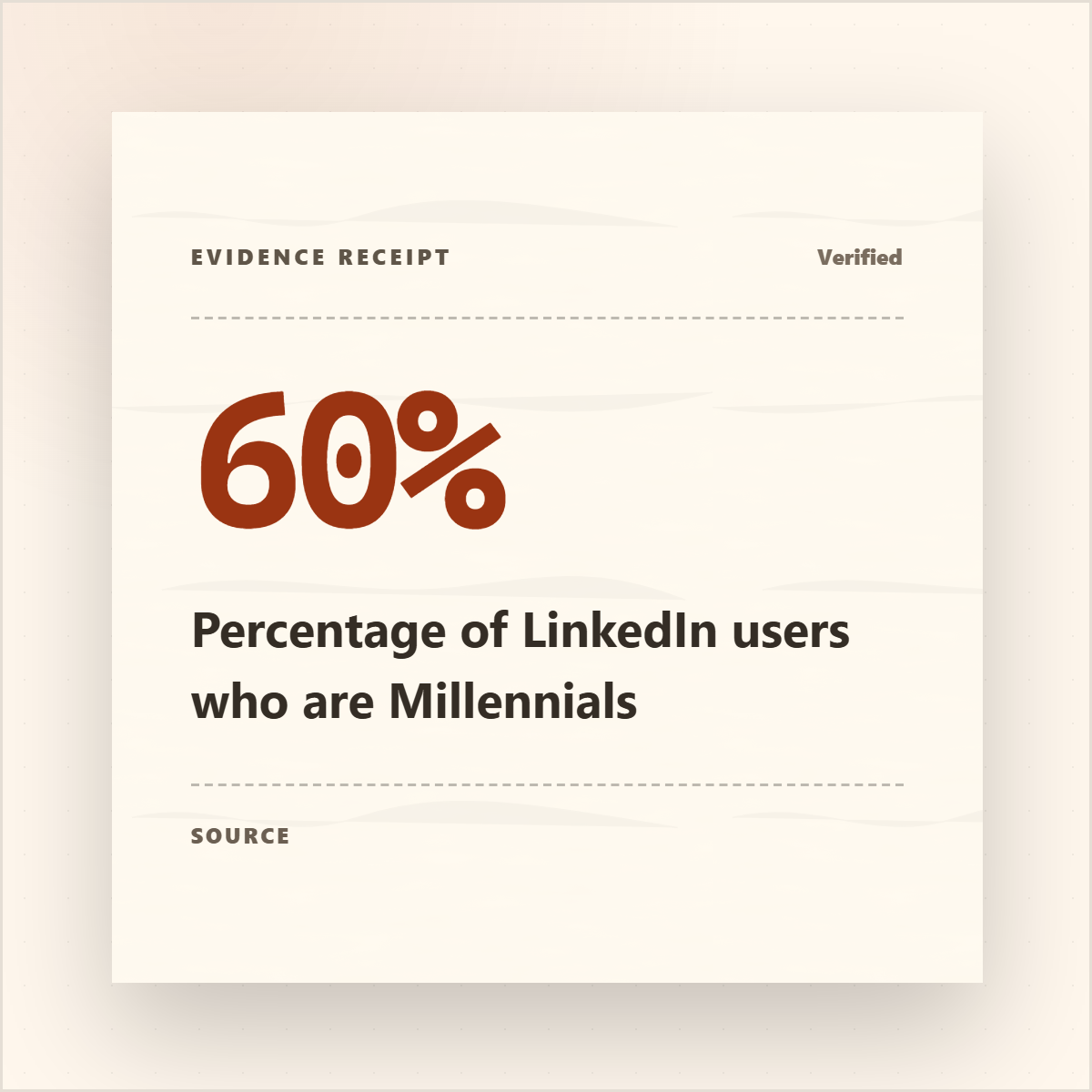
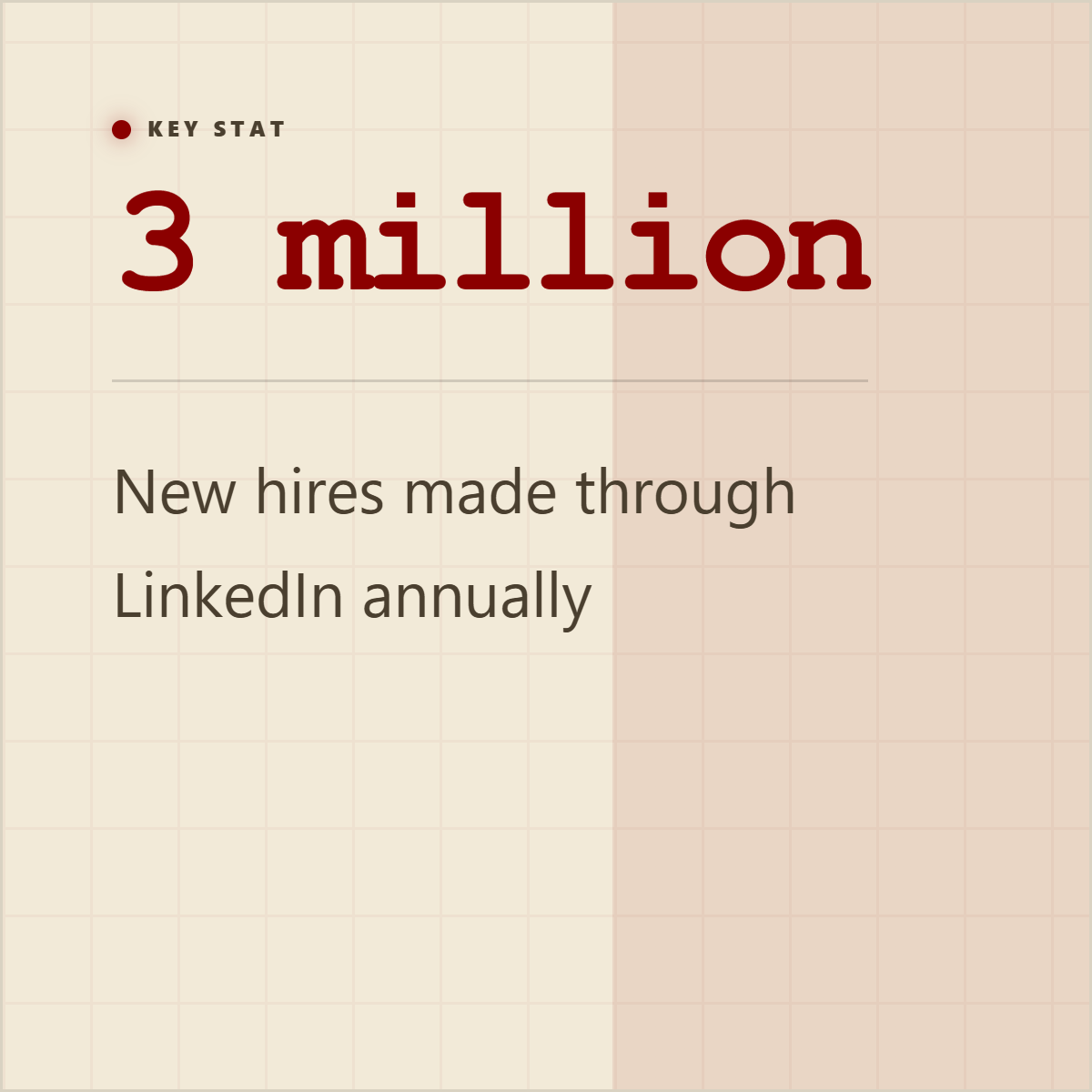
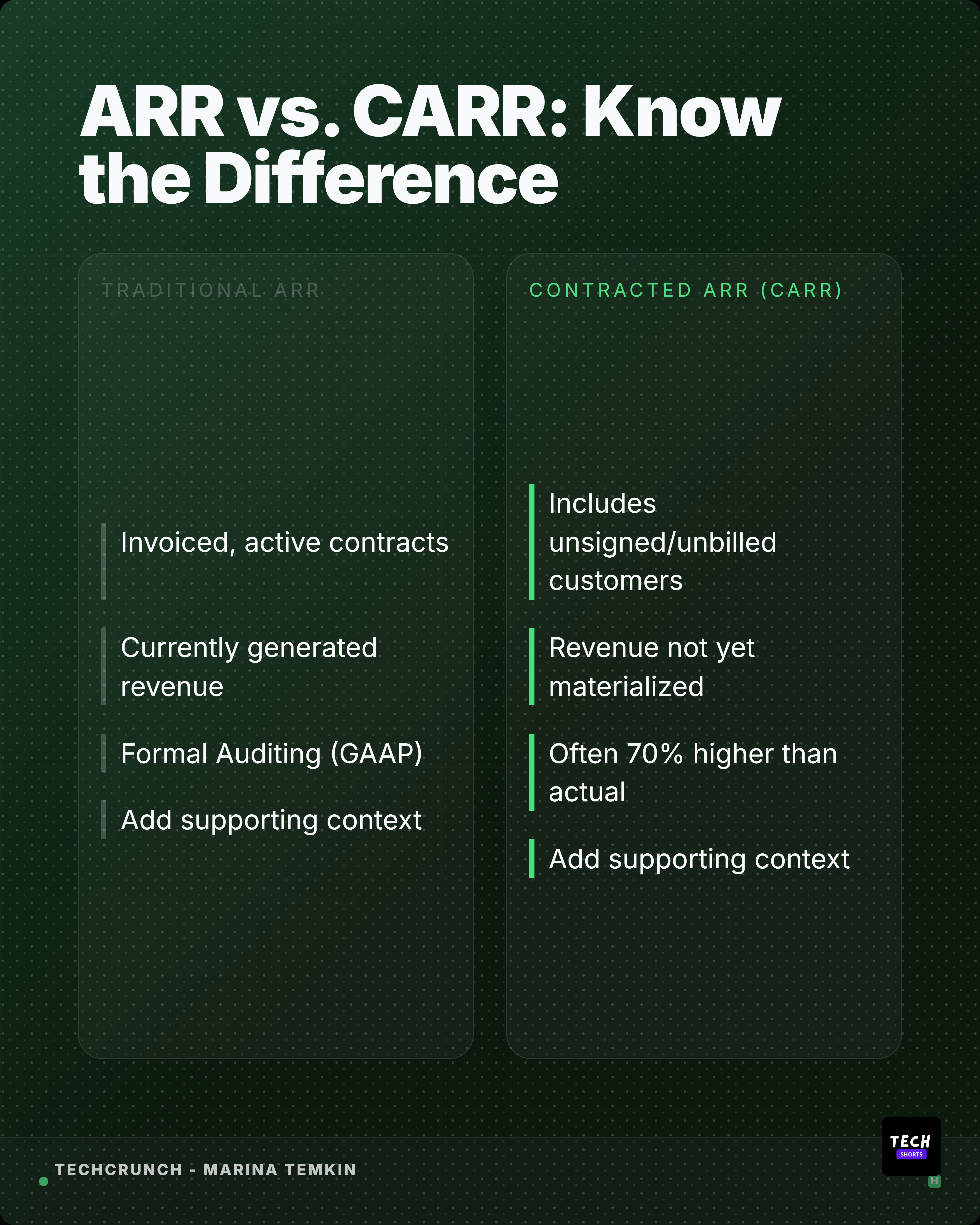
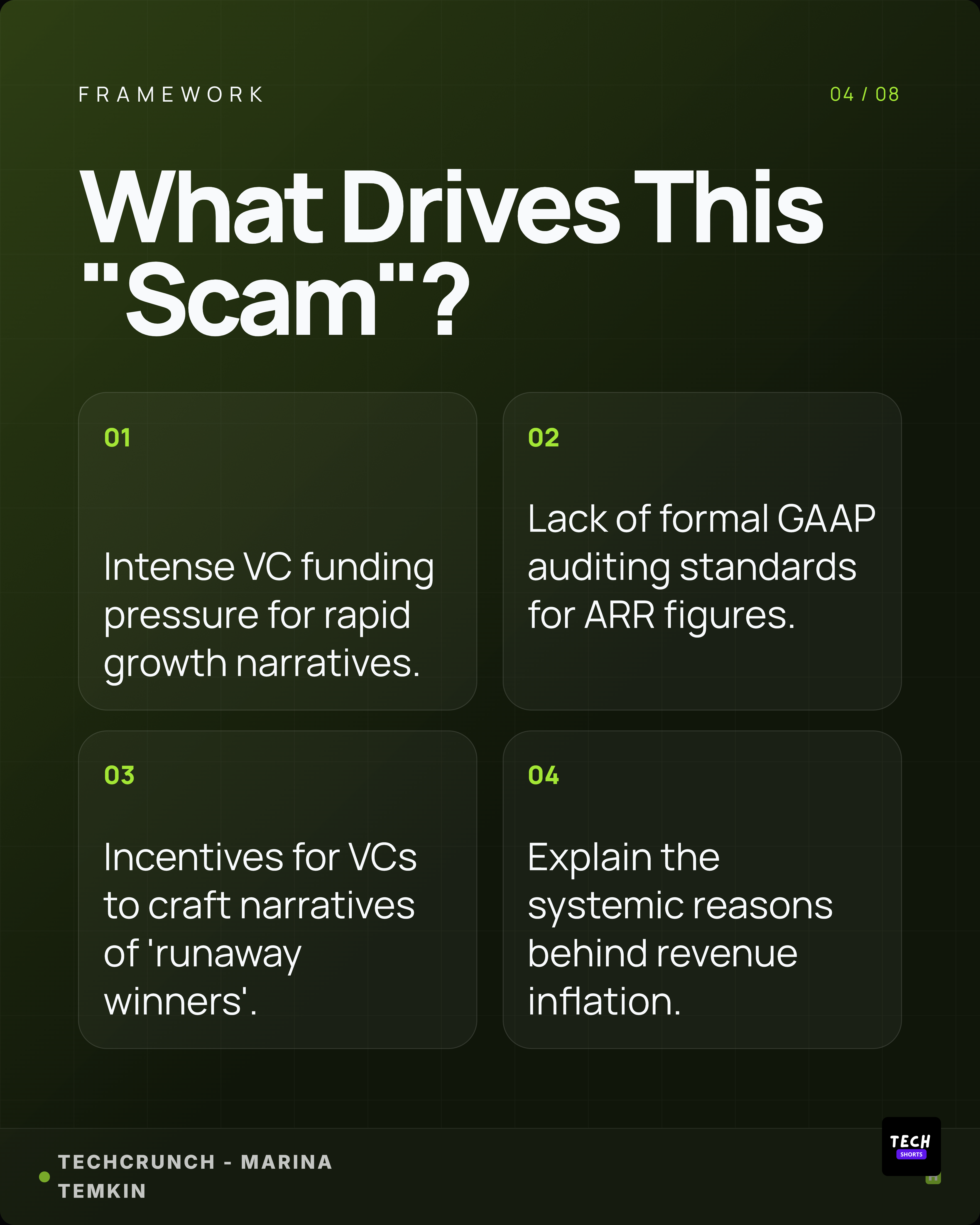
A Nano Banana-style image edit and a Highlightly stat card solve different jobs: one changes an image, while the other packages evidence from a real source.
Who should care
- Writers: use the model for visuals if needed, but let Highlightly carry the quote, stat, and context.
- Marketers: package claims and visuals into branded campaigns instead of managing prompt revisions asset by asset.
- Video editors: turn extracted facts, screenshots, and captions into overlays, title cards, and supporting visuals.
- Brands: keep AI visuals from drifting away from brand rules, attribution, and approved messaging.
- Creators: use generated images as a layer, not as a substitute for a real content workflow.
Verdict: image models do not replace publishing systems.
Nano Banana is a strong image model, but a strong image is not the same thing as a publishable asset system. Highlightly solves the bigger workflow around the image: what claim it supports, which caption should ship with it, what ratio it needs, whether it should become a screenshot card or carousel slide, how attribution appears, and how the brand system stays consistent.
- Use Nano Banana for image generation, editing, fusion, and visual exploration.
- Choose Highlightly for social assets that need visuals plus extraction, attribution, captions, brand controls, carousel layouts, screenshots, and exports.
- Use generated images as support, not as the system of record for publishing.
Image model vs workflow
Generated images still need a publishing layer.
Nano Banana-style image generation can create or edit visuals. Highlightly connects the visual to a real quote, stat, caption, brand kit, and export path.
Decision point
Use image generation as support, not as the system of record.
Frequently asked questions
Research sources