 Highlightly Team
Claude Artifacts changed what a chat assistant can feel like. Instead of only returning text, Claude can create a dedicated artifact window for code, documents, visualizations, SVG graphics, websites, dashboards, and prototypes. You can iterate conversationally, publish or share artifacts, and let others remix them.
That is a broad creative surface. It is useful for prototypes, SVGs, landing page sketches, dashboards, interactive demos, and open-ended ideas. But when the artifact is supposed to become recurring social output, Highlightly gives the workflow a stronger shape: inputs, extracted material, templates, captions, screenshots, ratios, brand rules, and exports.
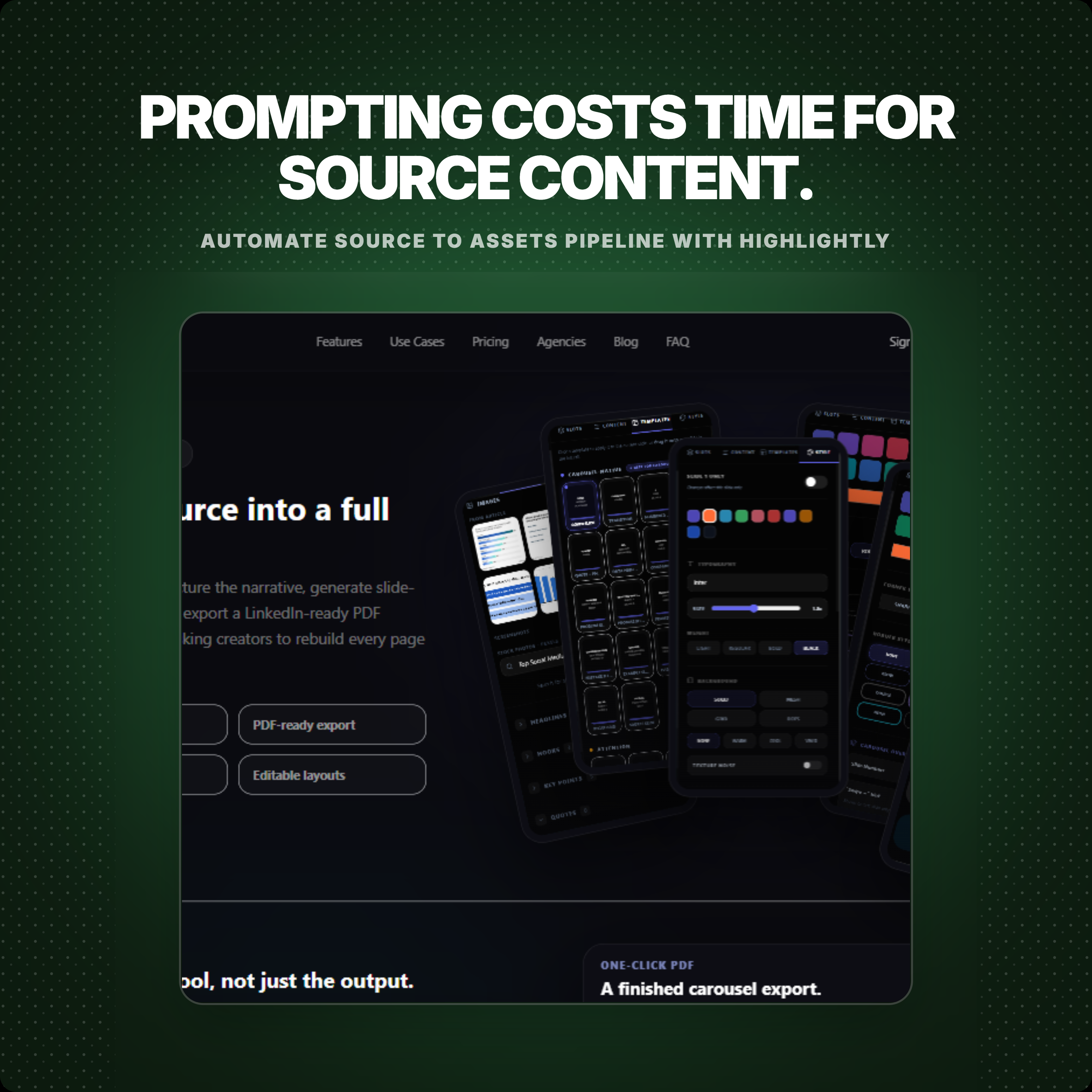
Highlightly is intentionally structured, and that is the point. It is built for the daily marketing job that starts with source material and ends with social assets: extract what matters, choose the mode, preserve attribution, apply brand controls, generate captions, build carousels or screenshots, and export graphics.
The key difference
Claude helps you create from a conversation. Highlightly helps you publish from a source.
If you ask Claude for a design, you are still the workflow owner. You describe the layout, ask for revisions, check whether the claims are supported, manage brand consistency, decide export format, and move the final result into your publishing stack. That flexibility is the point. It is also the work.
Highlightly bakes in the parts a social publishing team repeats every week: source ingestion, extraction, evidence review, attribution, screenshots, templates, brand kit, ratios, captions, and PNG export. You still make creative choices, but you are not rebuilding the workflow from a prompt every time.
Claude Design vs Highlightly: workflow comparison
Where Claude belongs
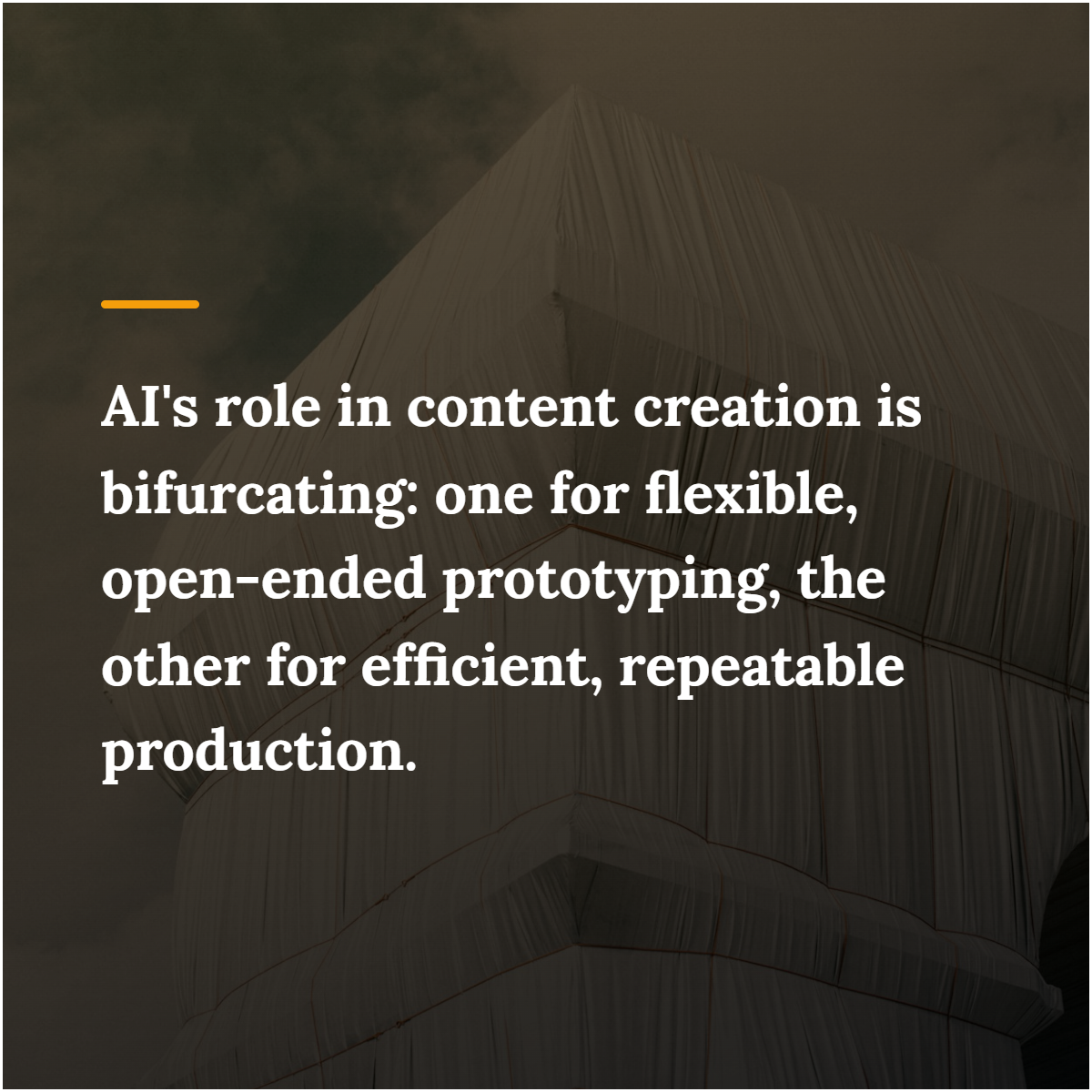
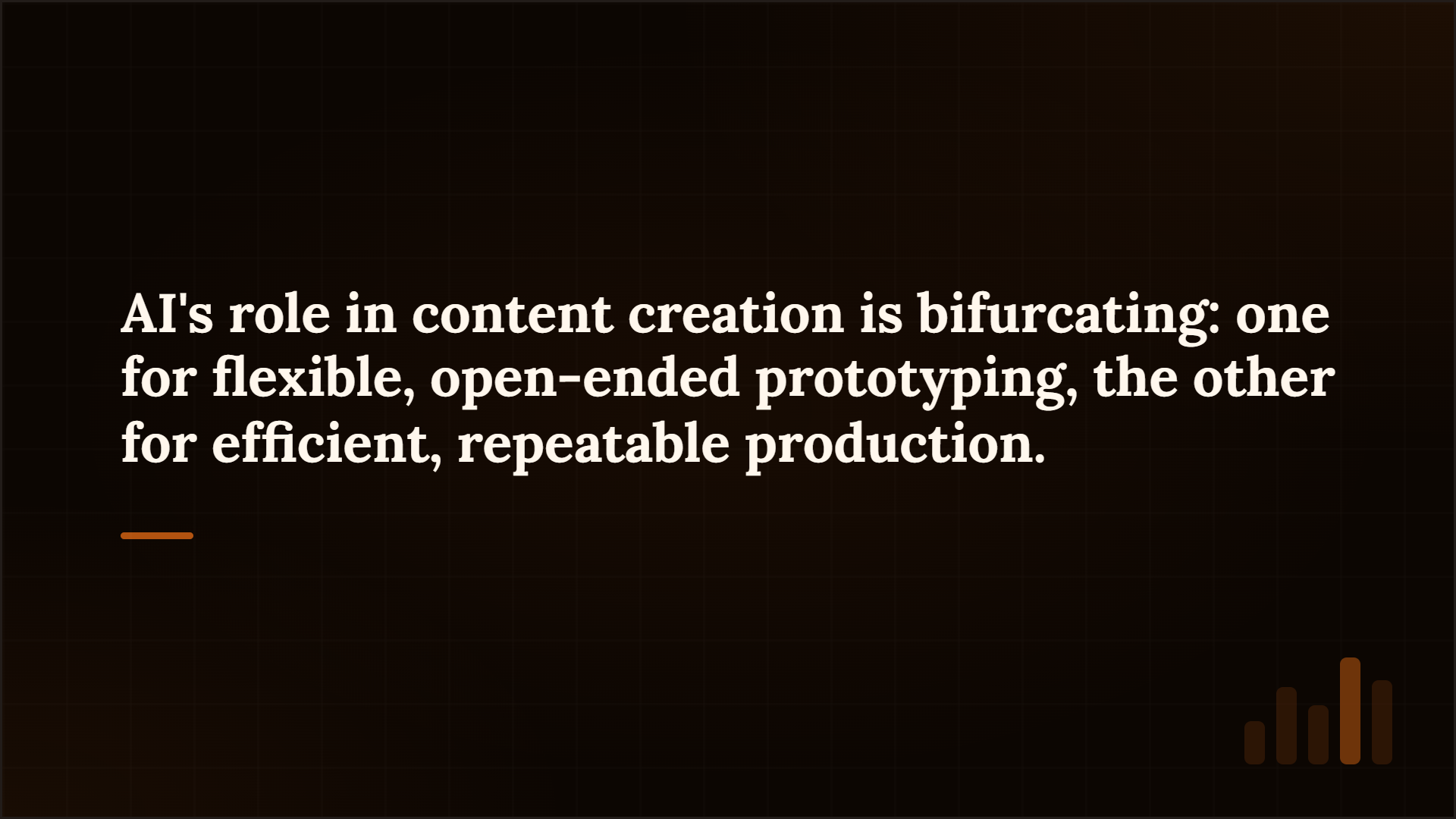
Claude is useful for open-ended exploration; Highlightly gives recurring publishing work a structure.
Use Claude when
- You want to prototype an app, dashboard, or interactive idea.
- You need a custom SVG, diagram, visualization, or coded artifact.
- You are exploring strategy, information architecture, or design directions.
- You want a collaborator that can reason, write, code, and revise in one conversation.
Where Highlightly becomes the repeatable workflow
Highlightly is stronger when the output has to become repeatable publishing.
Choose Highlightly when
- You need to turn an article, PDF, report, transcript, or pasted source into social assets.
- You need real quotes, stats, facts, hooks, and key points extracted before design.
- You need attribution and source context to stay visible while editing.
- You need templates, brand kit, captions, ratios, screenshots, carousel modes, and PNG export in one place.
Flexible artifact vs repeatable asset workflow
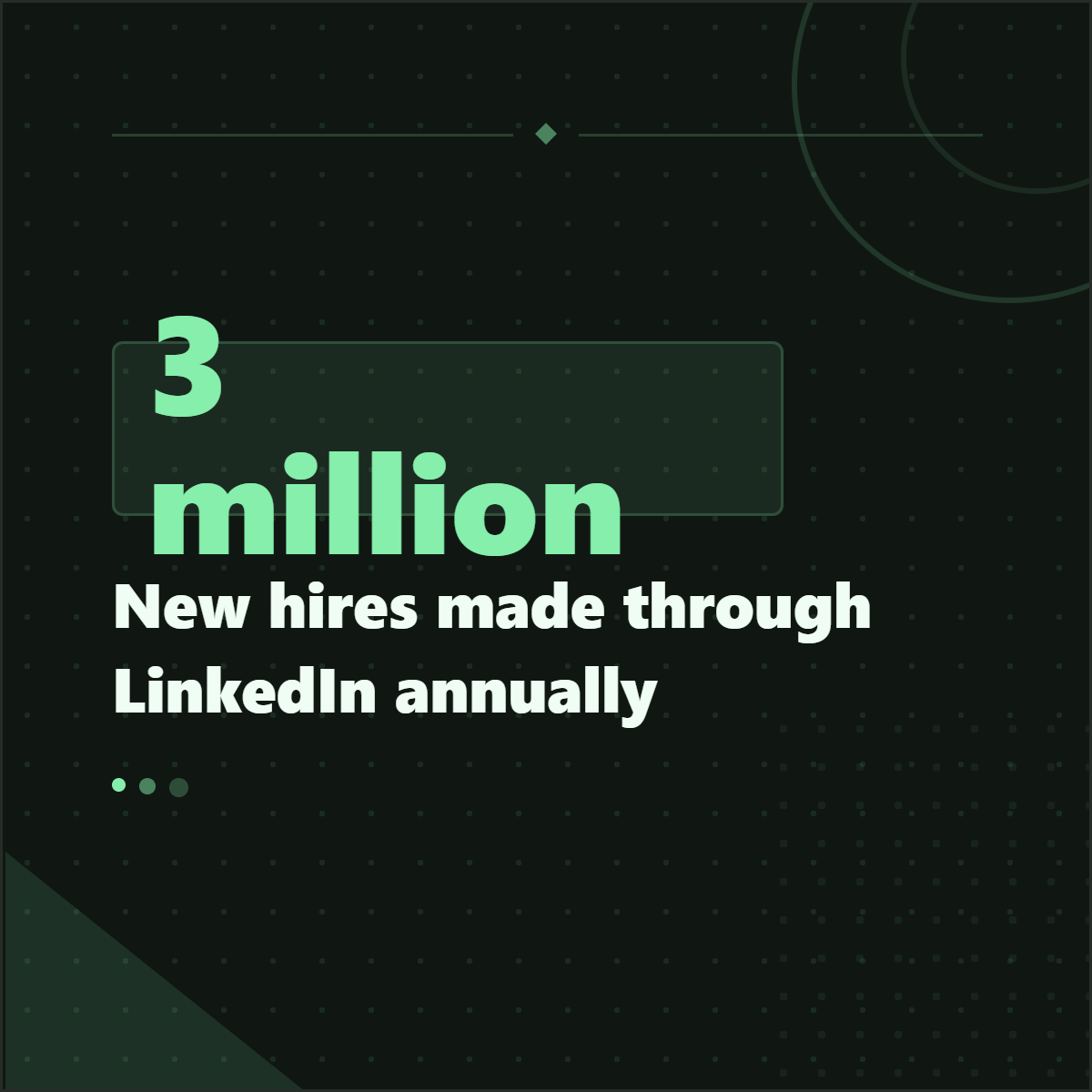
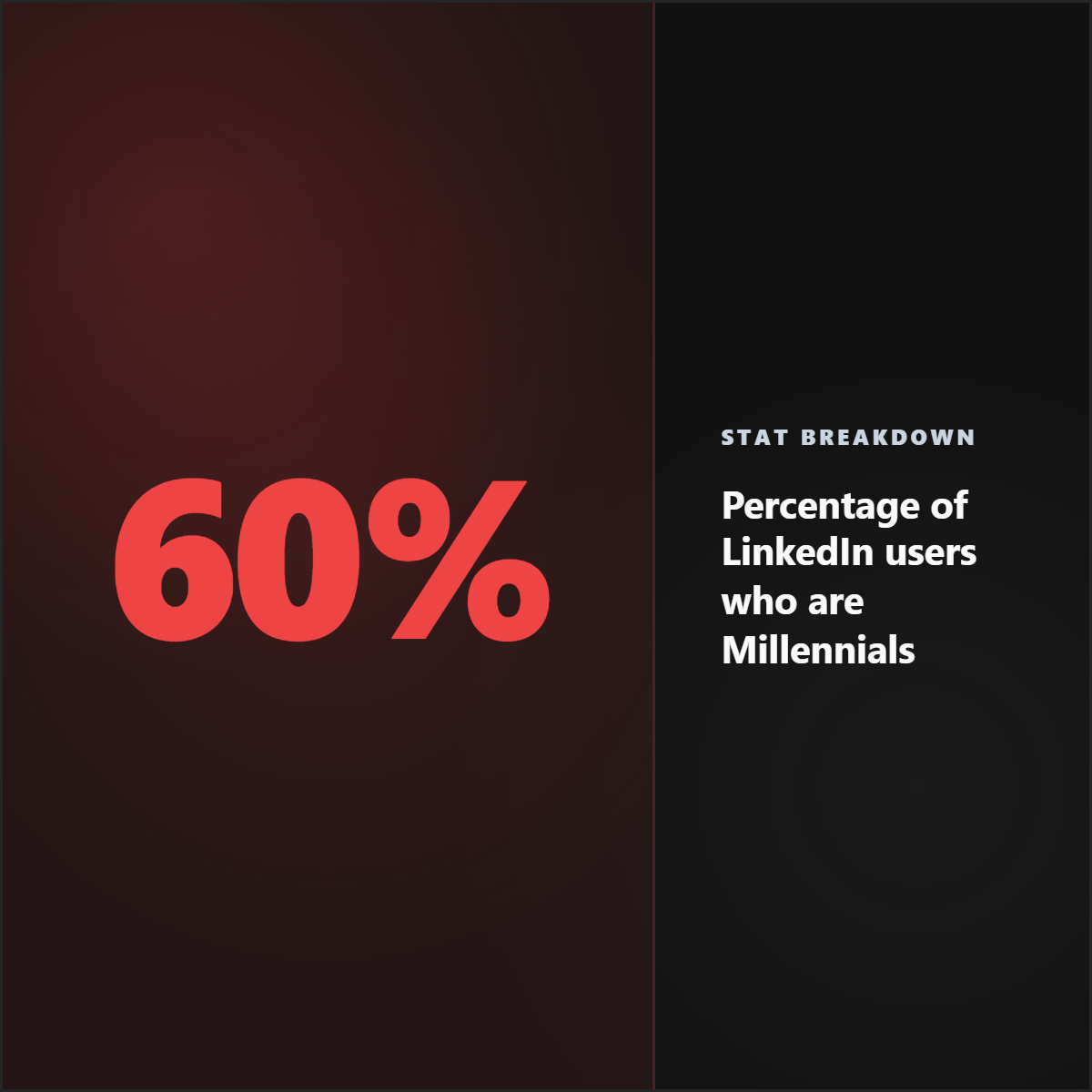
Claude can help produce flexible artifacts like prototypes or dashboards. Highlightly focuses on turning one source into repeatable social assets: quote cards, stat cards, carousel slides, screenshots, and captions.
Who should care
- Writers: move from draft or research material into publishable points without turning every asset into a prompt session.
- Marketers: get a repeatable production surface for graphics, captions, ratios, screenshots, and exports.
- Video editors: pull hooks, beats, screenshots, and captions that support video repurposing.
- Brands: keep recurring assets governed by templates, brand kit, attribution, and export standards.
- Creators: use chat for thinking, then use Highlightly when the post needs to become a polished asset.
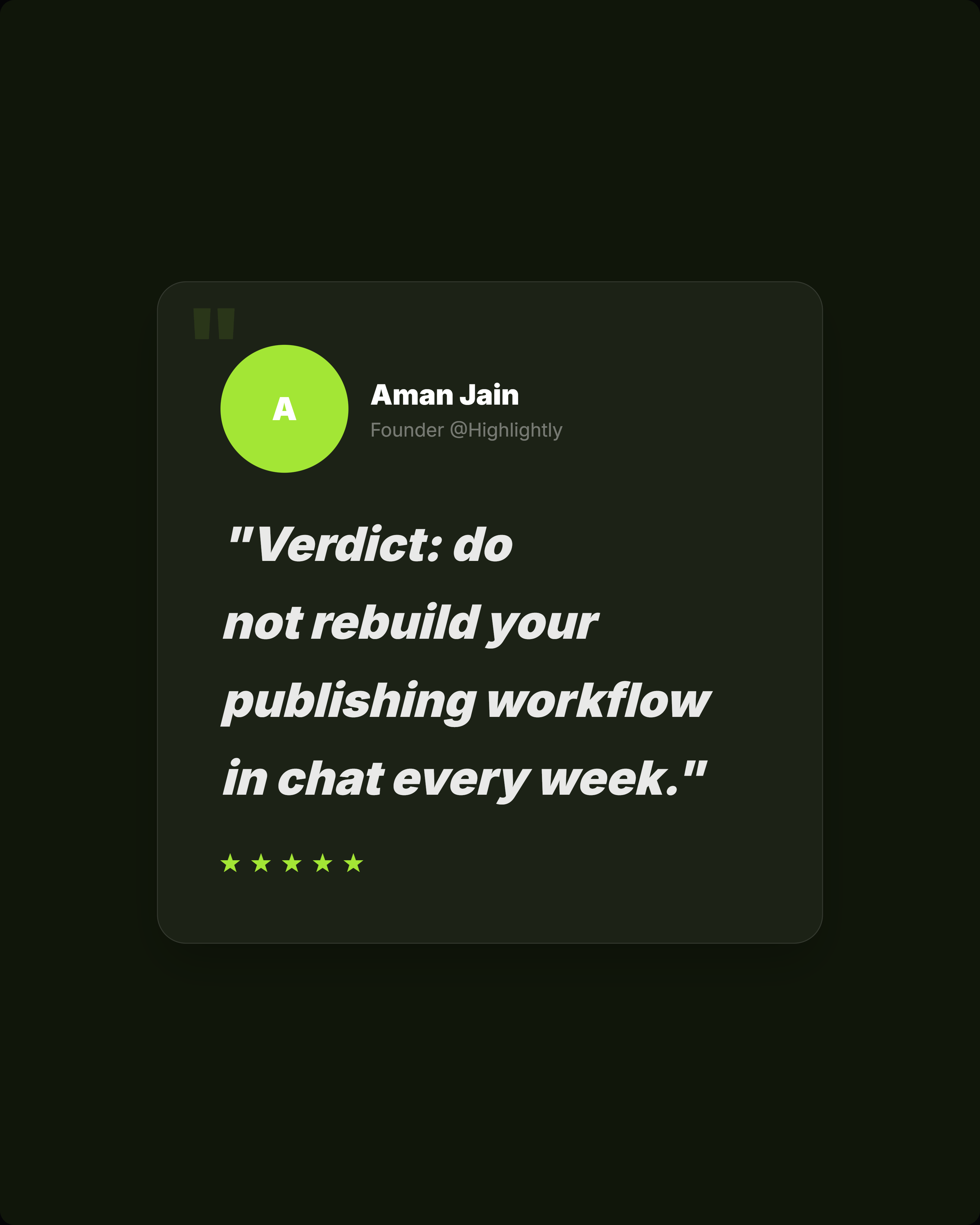
Verdict: do not rebuild your publishing workflow in chat every week.
Claude is excellent for open-ended creation, but that flexibility becomes overhead when the weekly job is publishing. If the team needs quote cards, stat graphics, screenshots, carousels, captions, attribution, ratios, brand controls, polished variants, and PNG exports, Highlightly is the more practical tool. It solves the same asset-output problem with a dedicated production surface instead of making every asset a fresh prompt project.
- Use Claude for open-ended prototypes, dashboards, visualizations, SVGs, documents, and coded artifacts.
- Choose Highlightly for quote cards, stat cards, screenshots, carousels, captions, brand controls, and PNG exports.
- Use Claude for thinking and experiments; use Highlightly for the recurring production workflow.
Artifact vs asset system
Flexible artifacts are powerful. Recurring publishing needs structure.
Quality controls
The strongest social workflow keeps creativity, quality, and brand together.

Frequently asked questions
Research sources