Most teams treat a video transcript like a storage file. They use it for accessibility, search, or internal notes, then forget that it contains the raw material for a week of LinkedIn content.
That is the missed opportunity. A webinar, interview, podcast episode, customer call, or YouTube explainer often contains quotes, objections, stories, frameworks, and proof points that are stronger than a generic post written from scratch.
Use the transcript as evidence, not filler.
The goal is not to paste a wall of transcript text into LinkedIn. The goal is to identify one useful moment, preserve its meaning, add context, and package it for the feed.
Start clean
Get a transcript you can trust
You can start with YouTube's transcript panel, an exported caption file, a webinar transcript, a podcast transcript, or a manual transcript. Speed is useful, but accuracy matters more when the final post quotes a real speaker.
Before you publish, check these transcript details
- Speaker names and roles.
- Company, product, and technical terms.
- Numbers, dates, percentages, and claims.
- Punctuation that changes meaning.
- Whether the quote still makes sense without the surrounding answer.
Extraction
Look for moments, not summaries
A summary tells readers what the video was about. A LinkedIn asset gives them one reason to care. Scan the transcript for places where the speaker says something specific, surprising, useful, or emotionally clear.
Transcript workflow
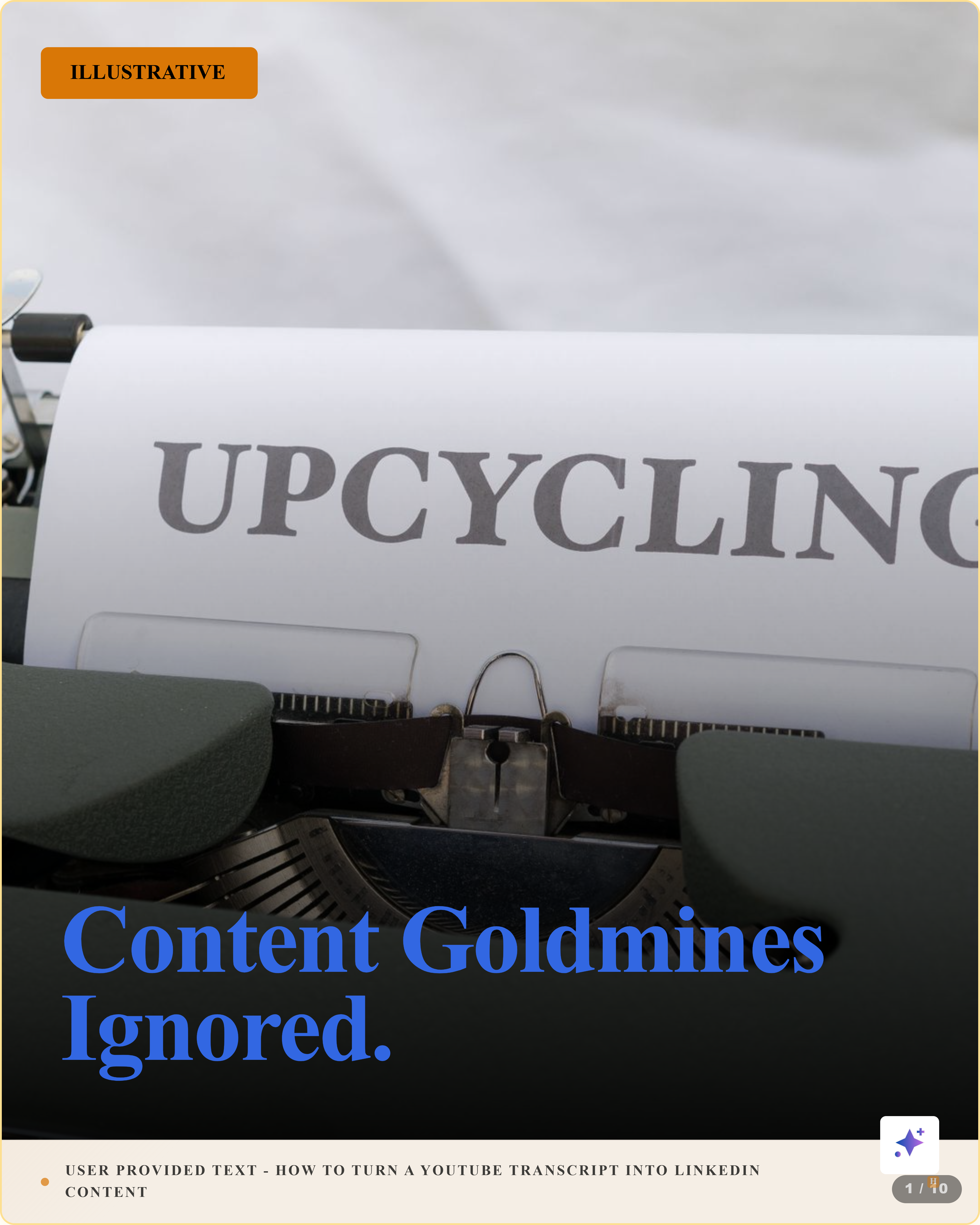
A 10-slide carousel from one transcript workflow.
This Highlightly-generated carousel shows how a messy transcript can become a structured LinkedIn asset with clear steps, source context, and a publishable format.

Highlightly
Source-backed social assets
2h •
A transcript is not a post. It is the source material for quotes, frameworks, discussion prompts, and sourced LinkedIn visuals.
Transcript moment to LinkedIn format
Cleanup
Edit for readability without changing meaning
Spoken language is not written language. Speakers repeat themselves, restart sentences, and use filler words. You can clean that up. What you cannot do is make the quote more dramatic than it was, remove the condition that made it true, or turn a personal opinion into a universal claim.
A safe transcript cleanup workflow
Keep the original nearby
Always compare the cleaned quote against the transcript or video timestamp.
Remove verbal clutter
Cut filler words, false starts, repeated phrases, and transcription artifacts.
Preserve the claim
Keep the same subject, action, and qualification. If you need to change those, use a paraphrase instead.
Add source context
Include speaker, source video, and timestamp when the content depends on the exact quote.
Publishing
Add your own layer before it reaches LinkedIn
Transcript proof cards
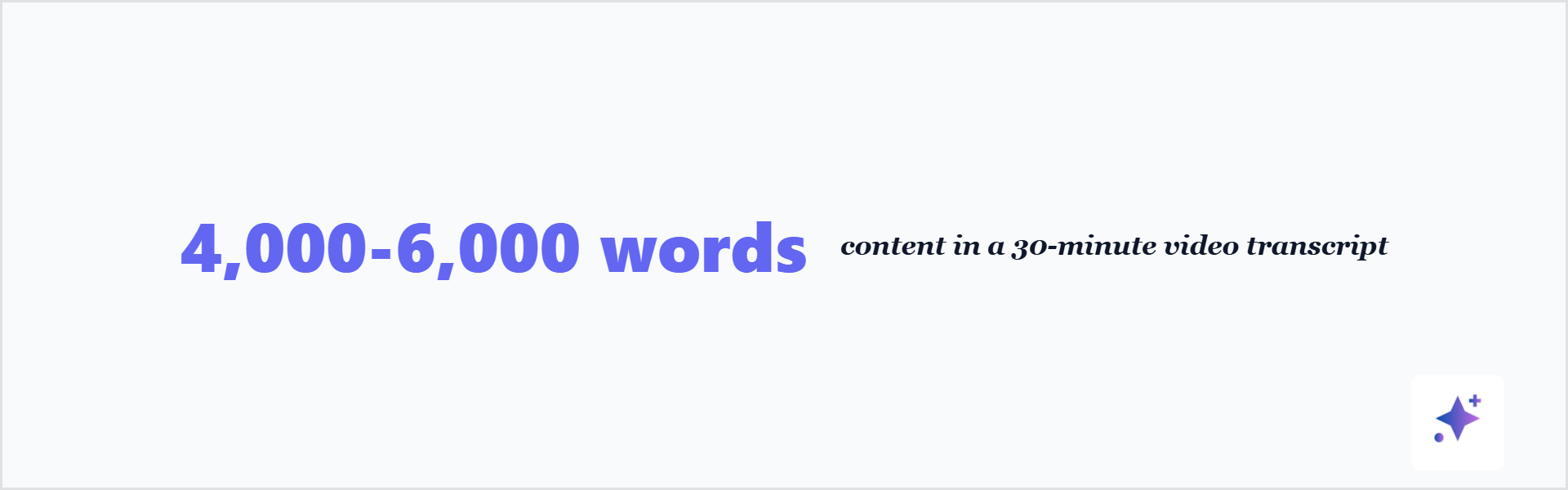
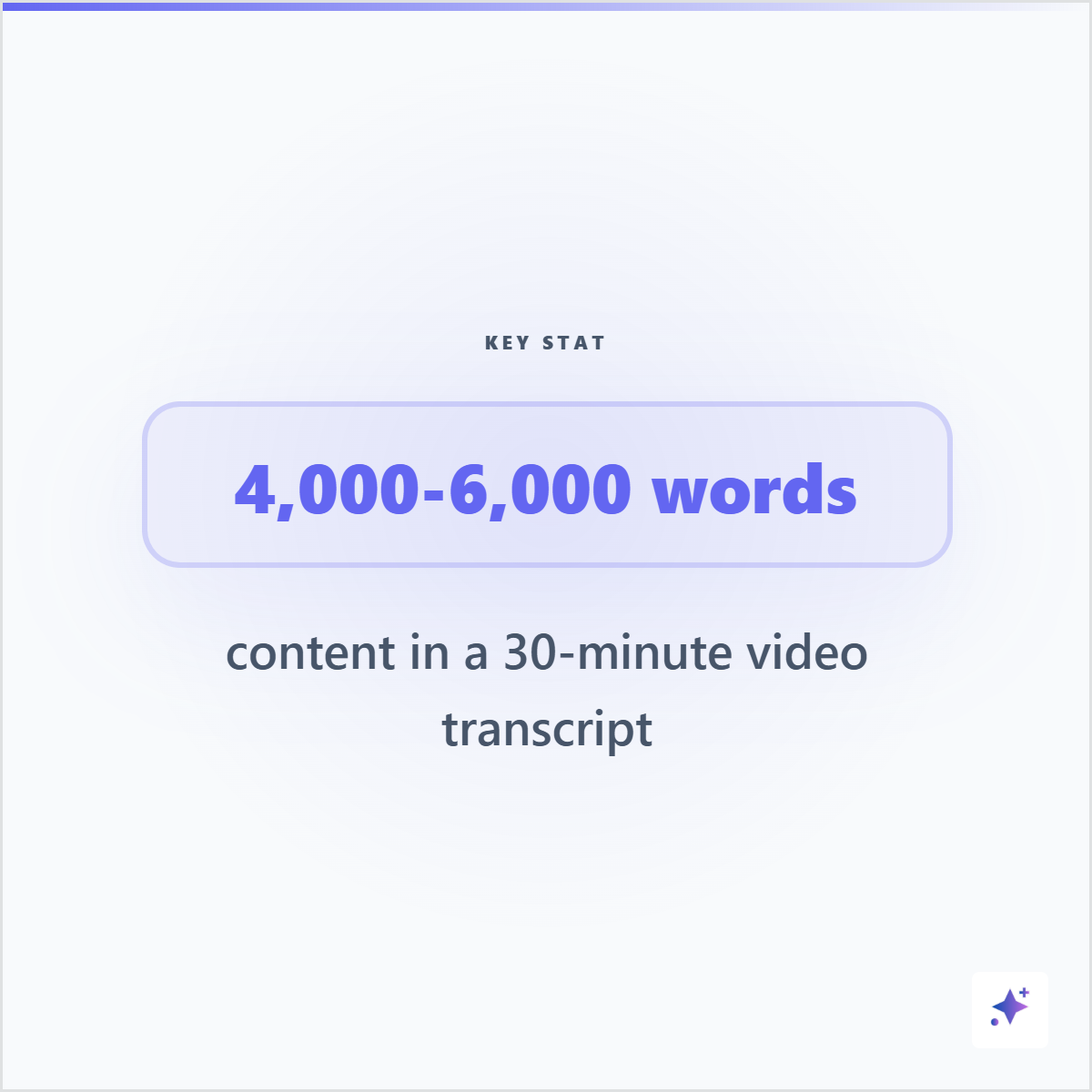
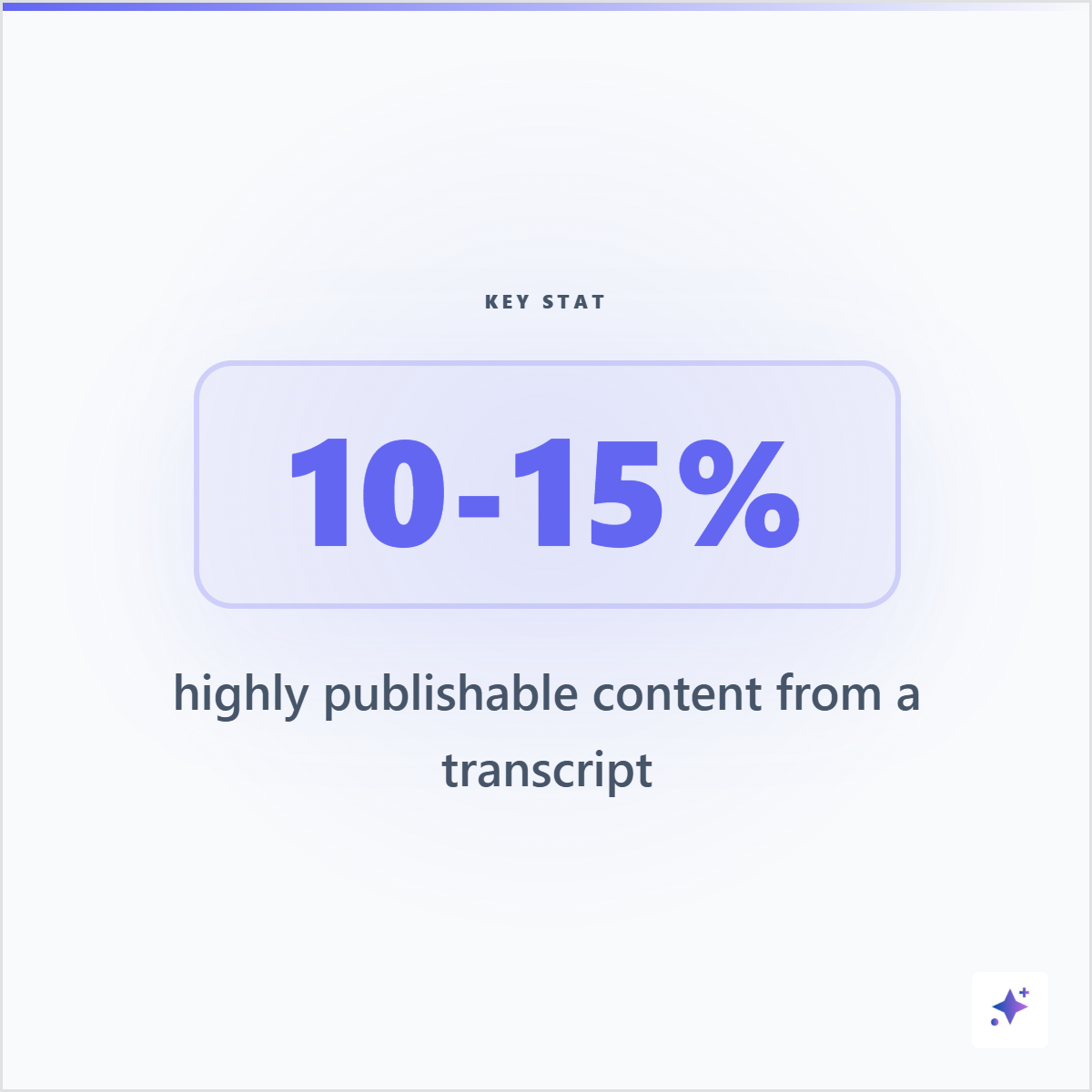
A transcript can also become standalone quote, stat, and briefing cards.
Not every useful transcript moment needs a full carousel. A single statistic, source-backed line, or briefing card can become its own social asset.
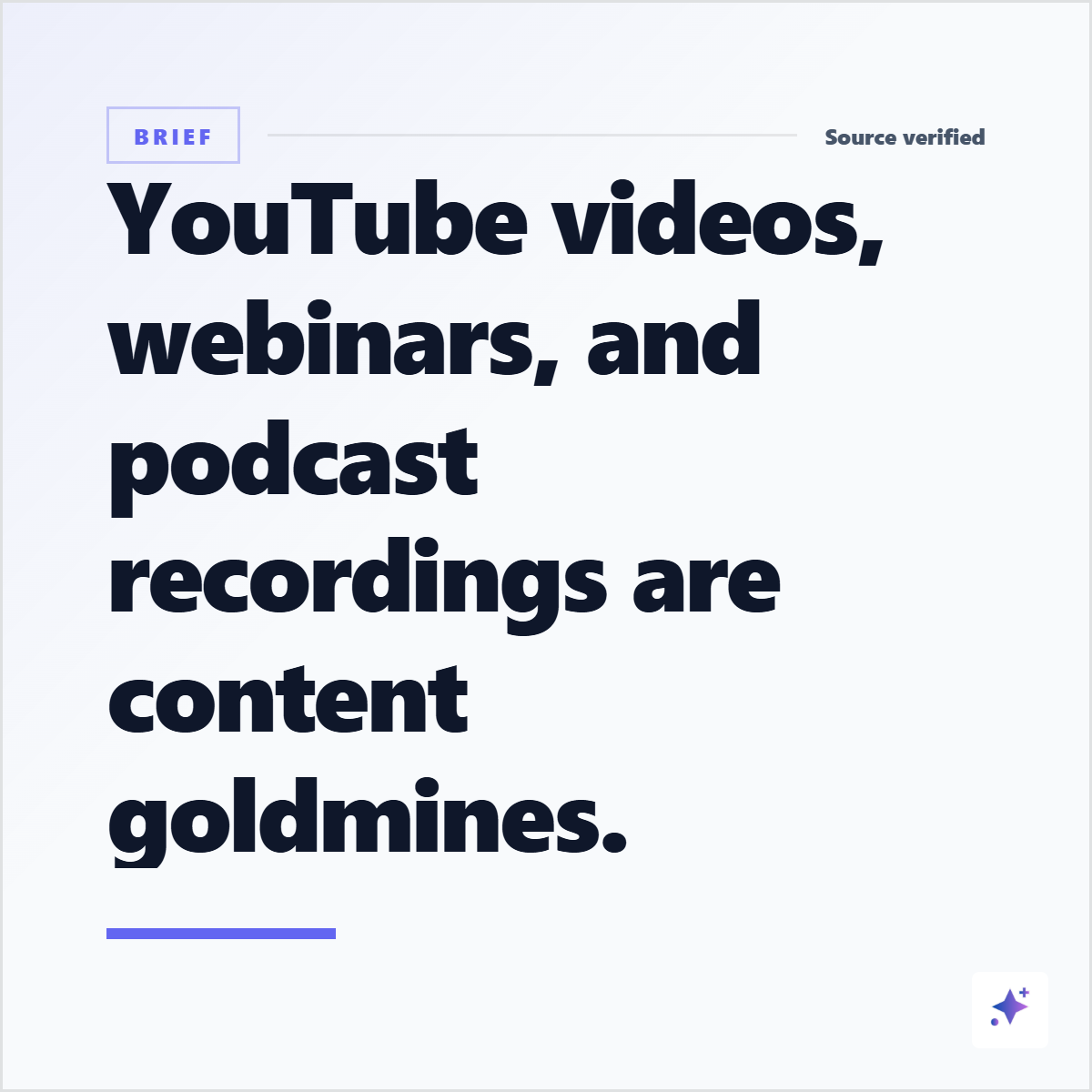
A transcript excerpt becomes stronger when you explain why it matters. Introduce the moment, connect it to your audience's problem, and end with a practical takeaway or question.
Manual transcript repurposing vs Highlightly
Try it
Turn one useful video into LinkedIn assets.
Paste a YouTube link into Highlightly, review the extracted transcript moments, choose your best quote or framework, and export a branded card or carousel.
Start with a sourceThe transcript is the beginning, not the post.
A strong LinkedIn asset comes from editorial judgment: choose one real moment, clean it carefully, add context, and keep attribution visible.
- Use direct quotes when the speaker's wording matters.
- Use paraphrases when you need to compress or interpret.
- Use visuals when the idea should be saved, shared, or remembered.
Frequently asked questions
Research sources