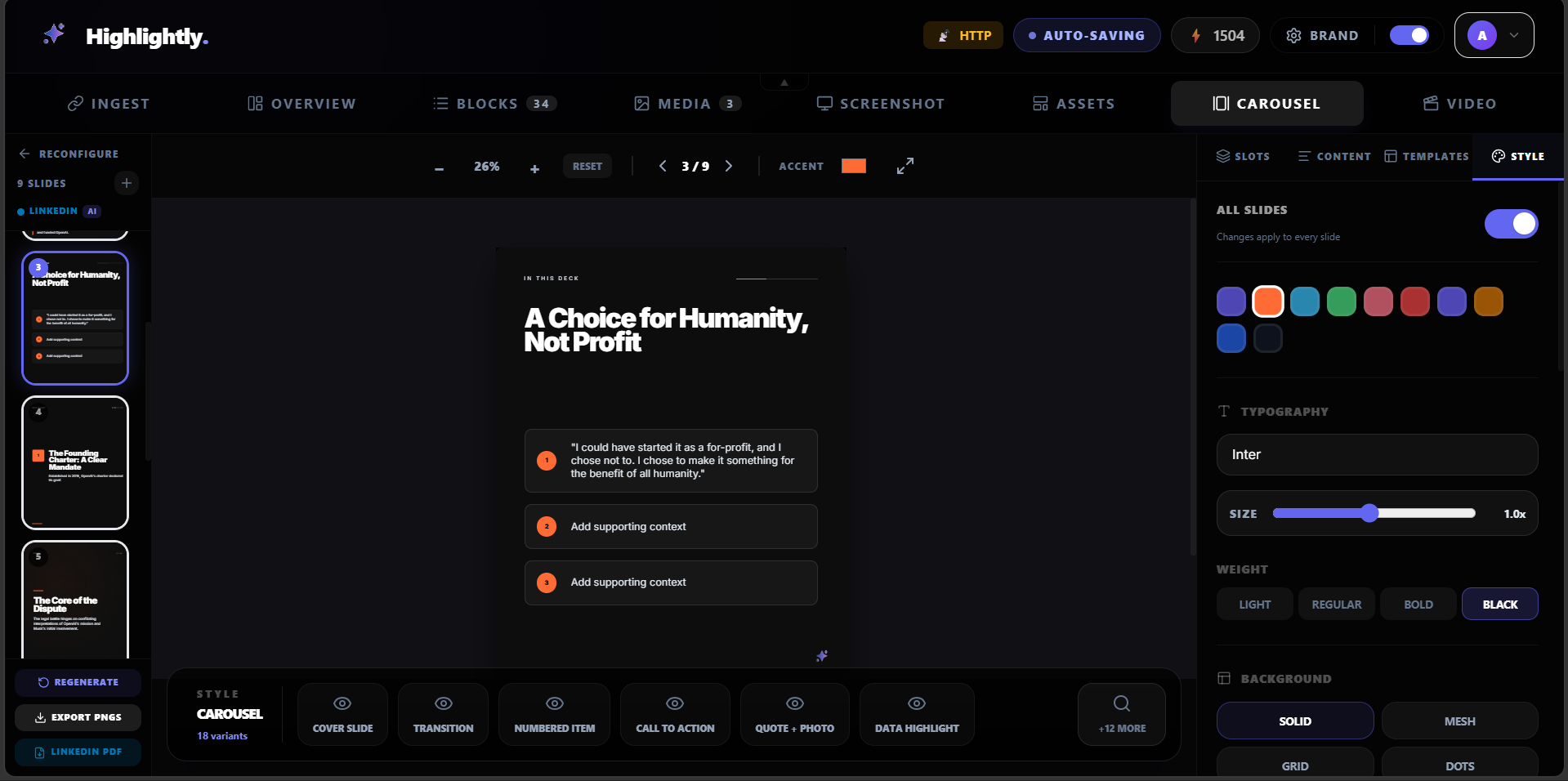
AI carousel planning
Choose platform, tone, slide count, deck type, image density, source strictness, CTA style, and custom instructions.
Upload a PDF, paste an article, or start from a URL. Highlightly extracts the strongest ideas, quotes, stats, and hooks, then helps you turn them into an editable, branded carousel.
Make the important parts of a long report visible without asking your audience to read forty pages.
Built for B2B marketers, analysts, founders, and newsletter teams, starting from pdf report, document, or article.
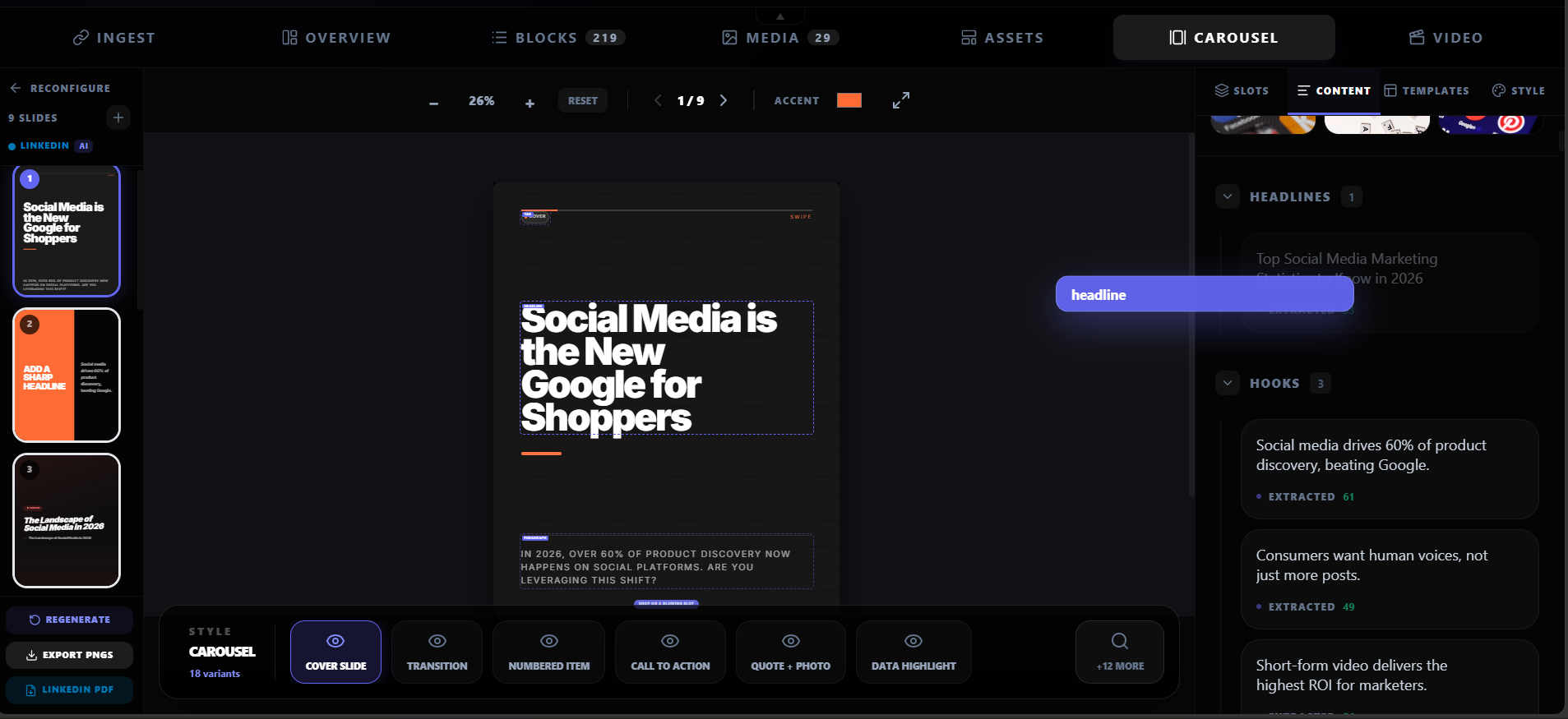
Use-case fit
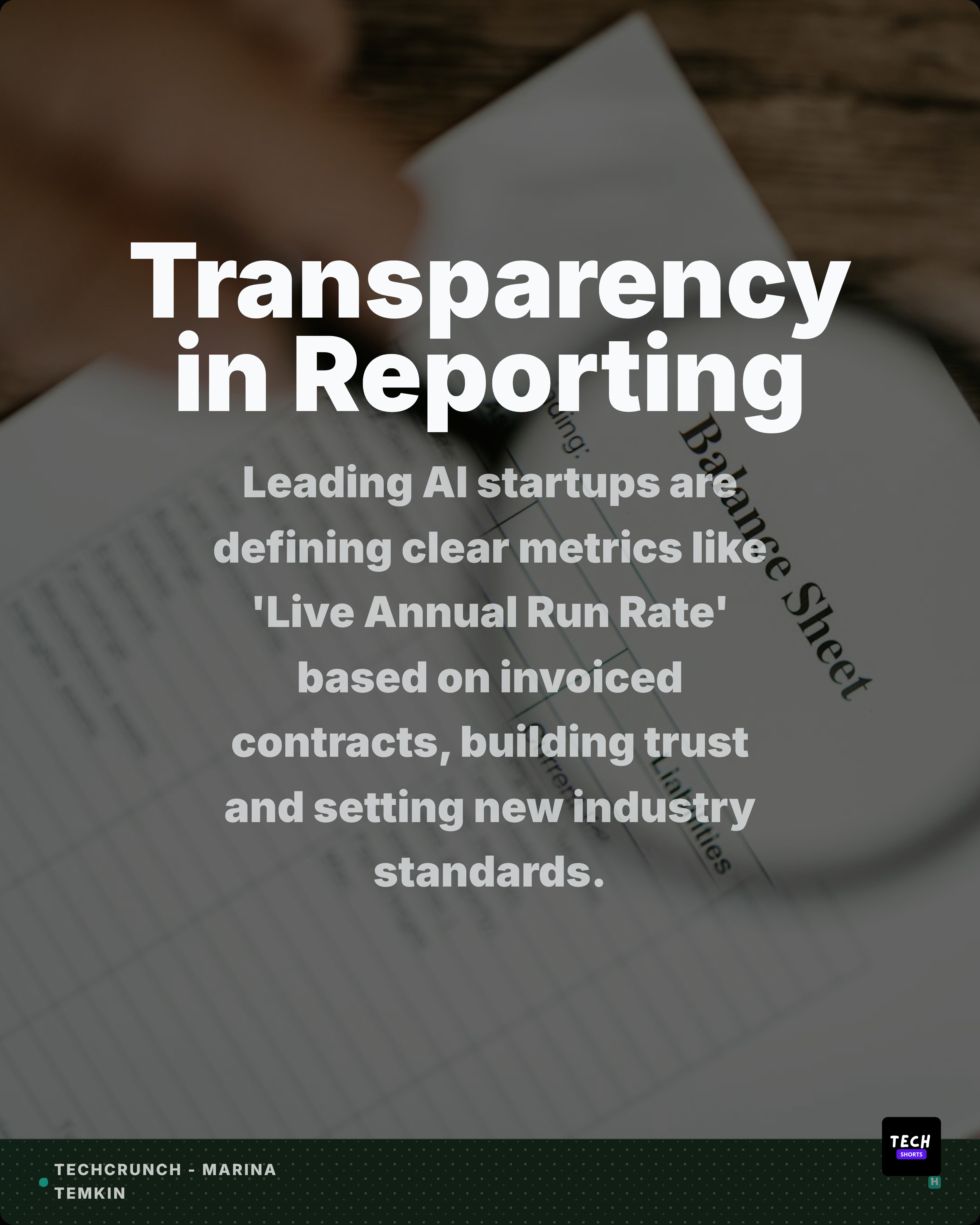
Convert PDFs, reports, and articles into editable LinkedIn carousels, stat slides, quote cards, and captions with Highlightly.
Highlightly extracts the proof points first, then helps you shape report findings, expert quotes, comparisons, and takeaways into branded carousel slides.
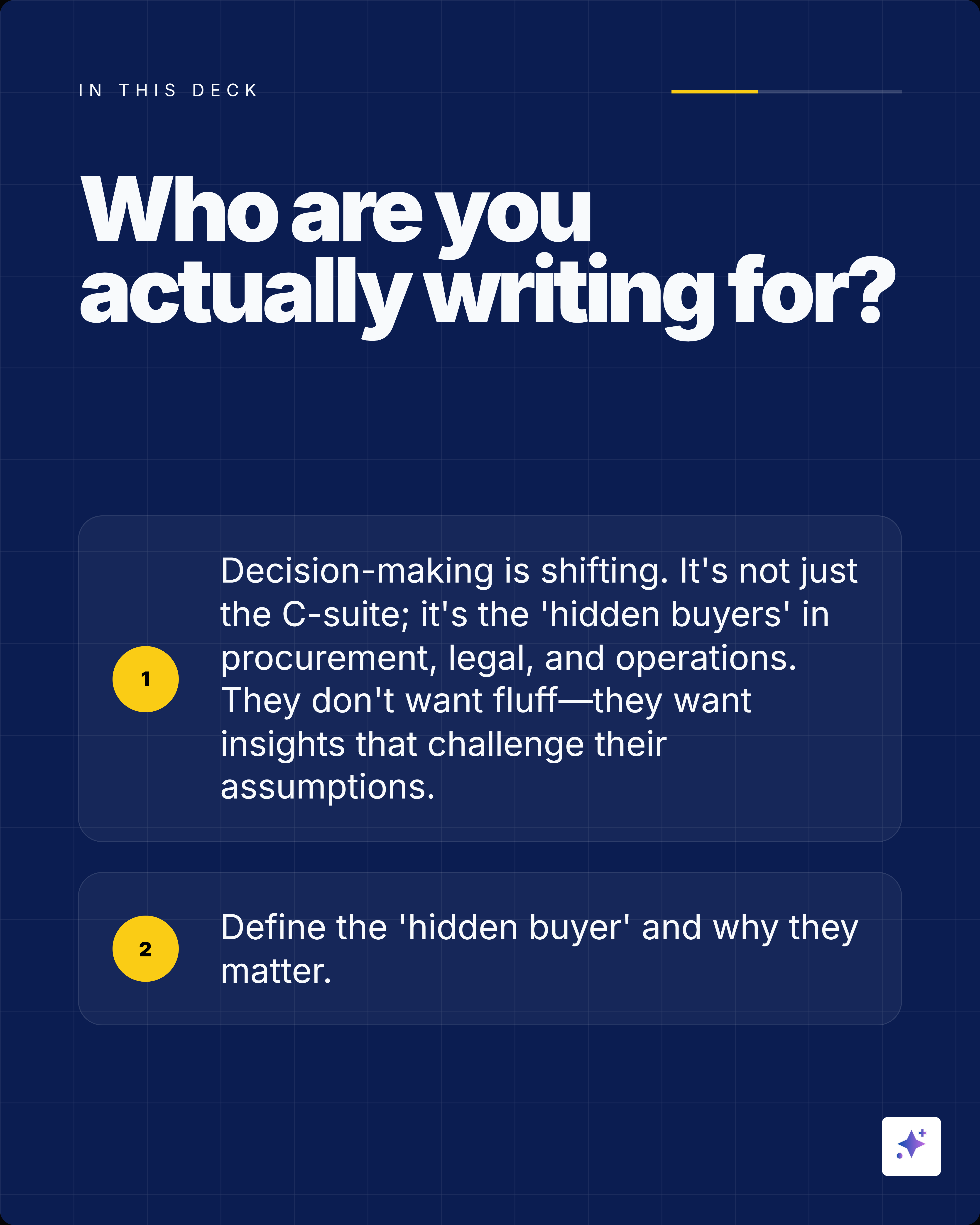
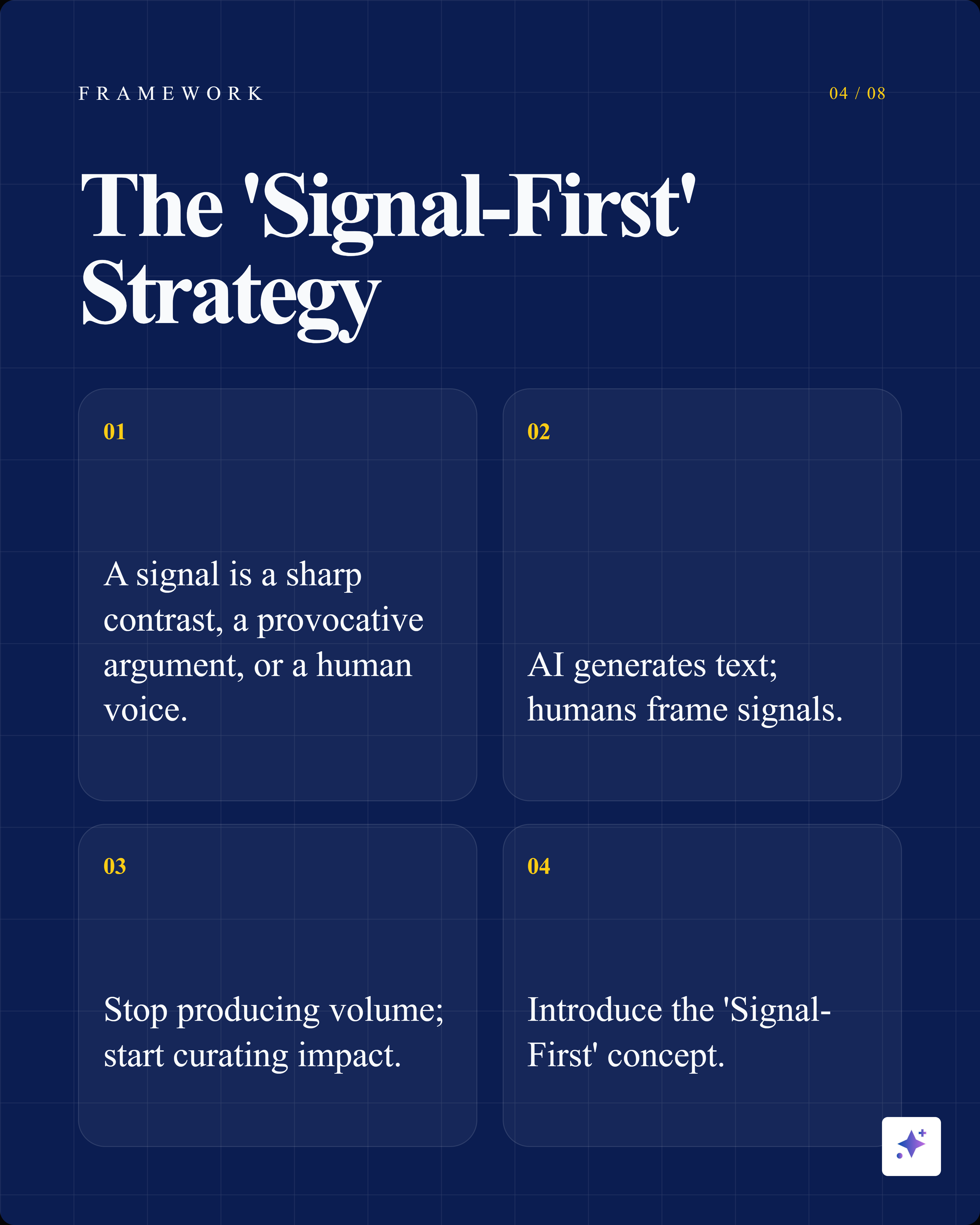
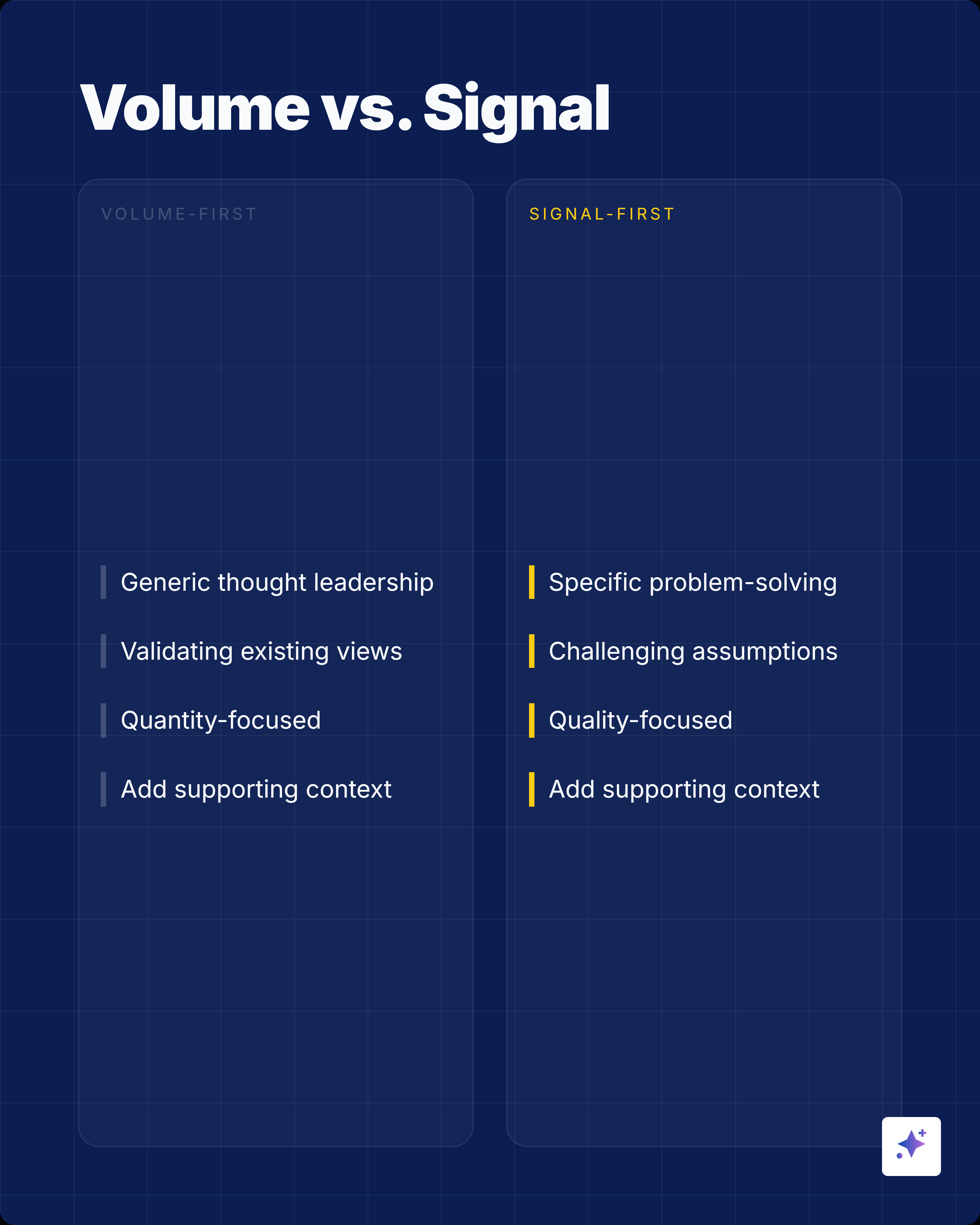
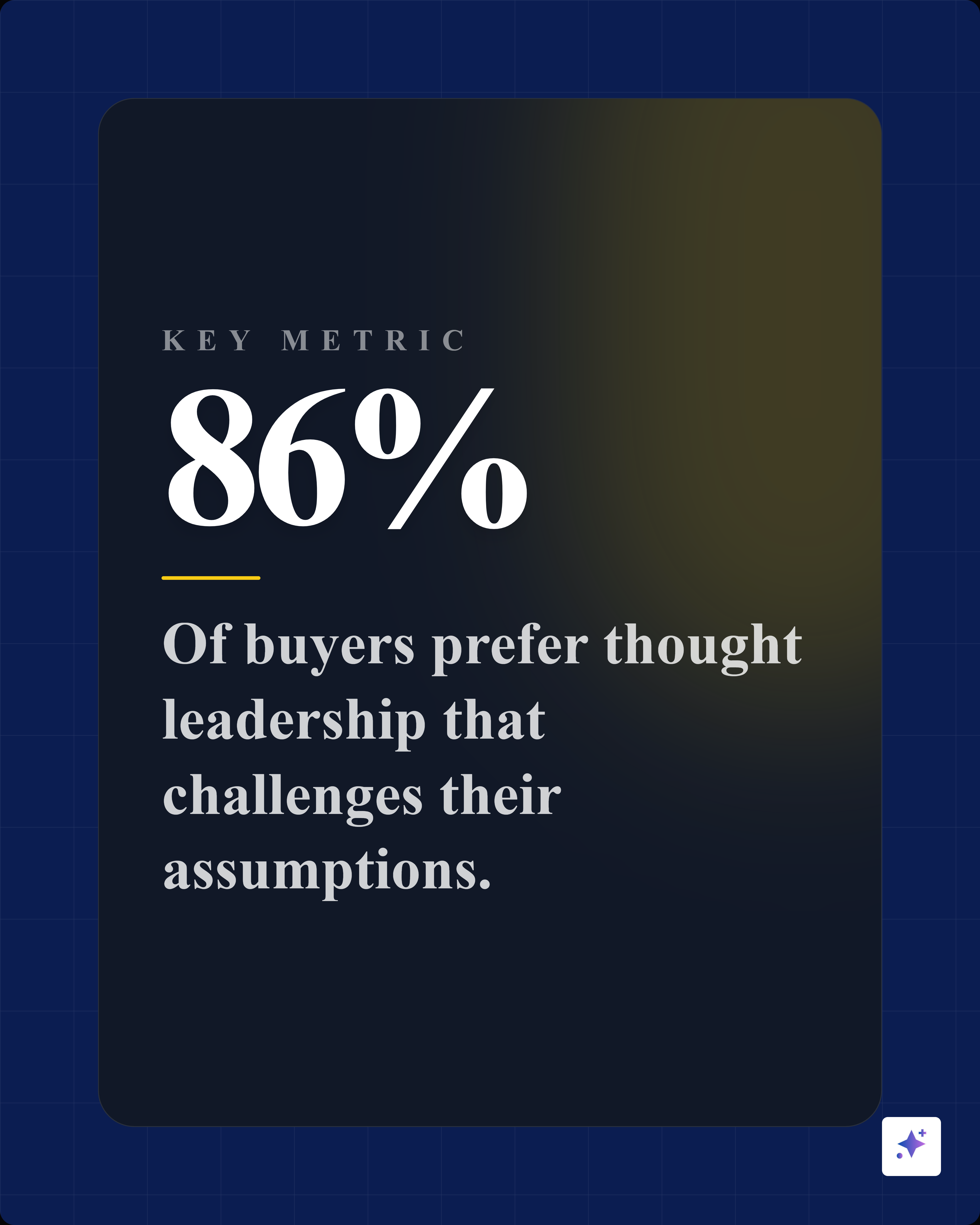

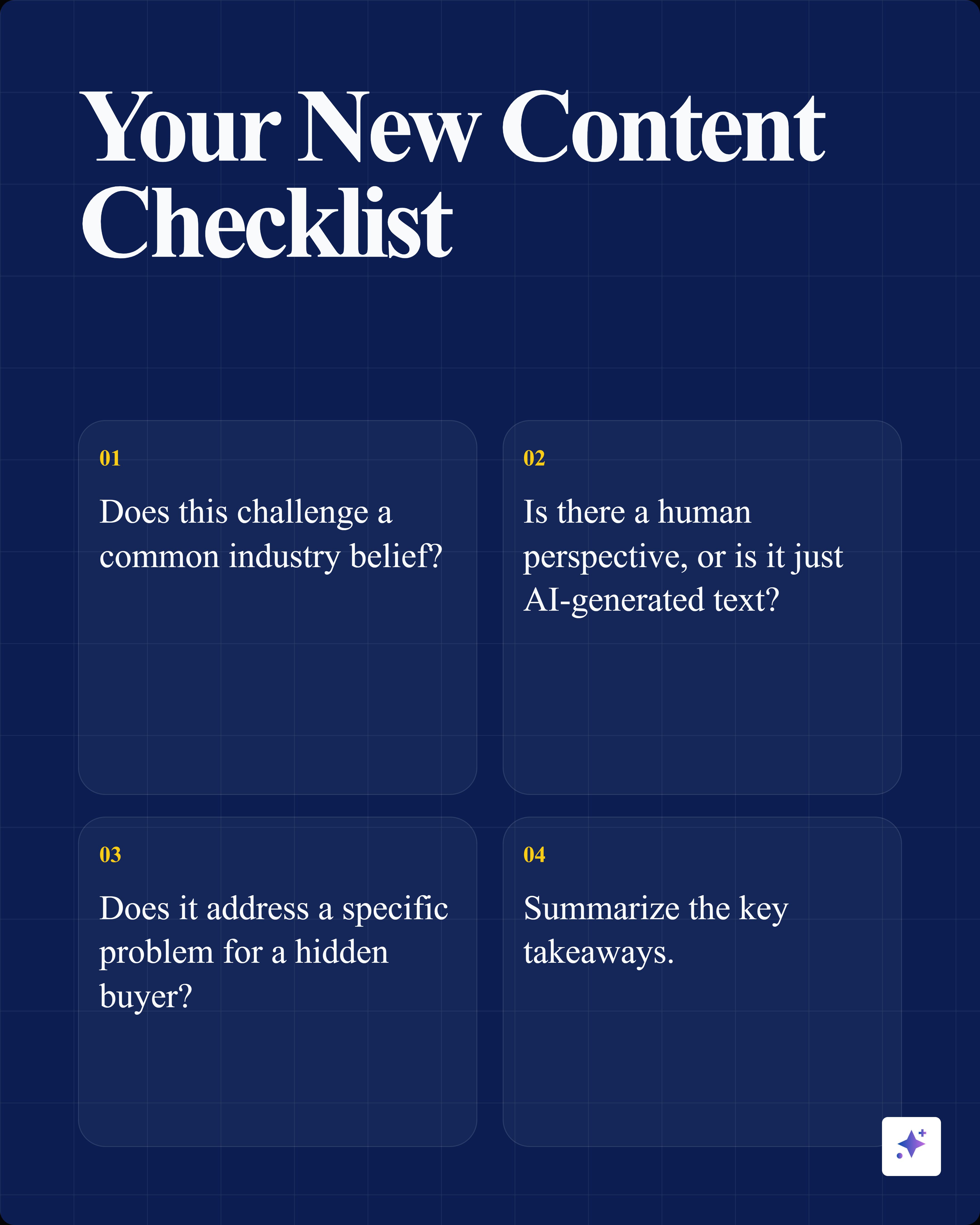
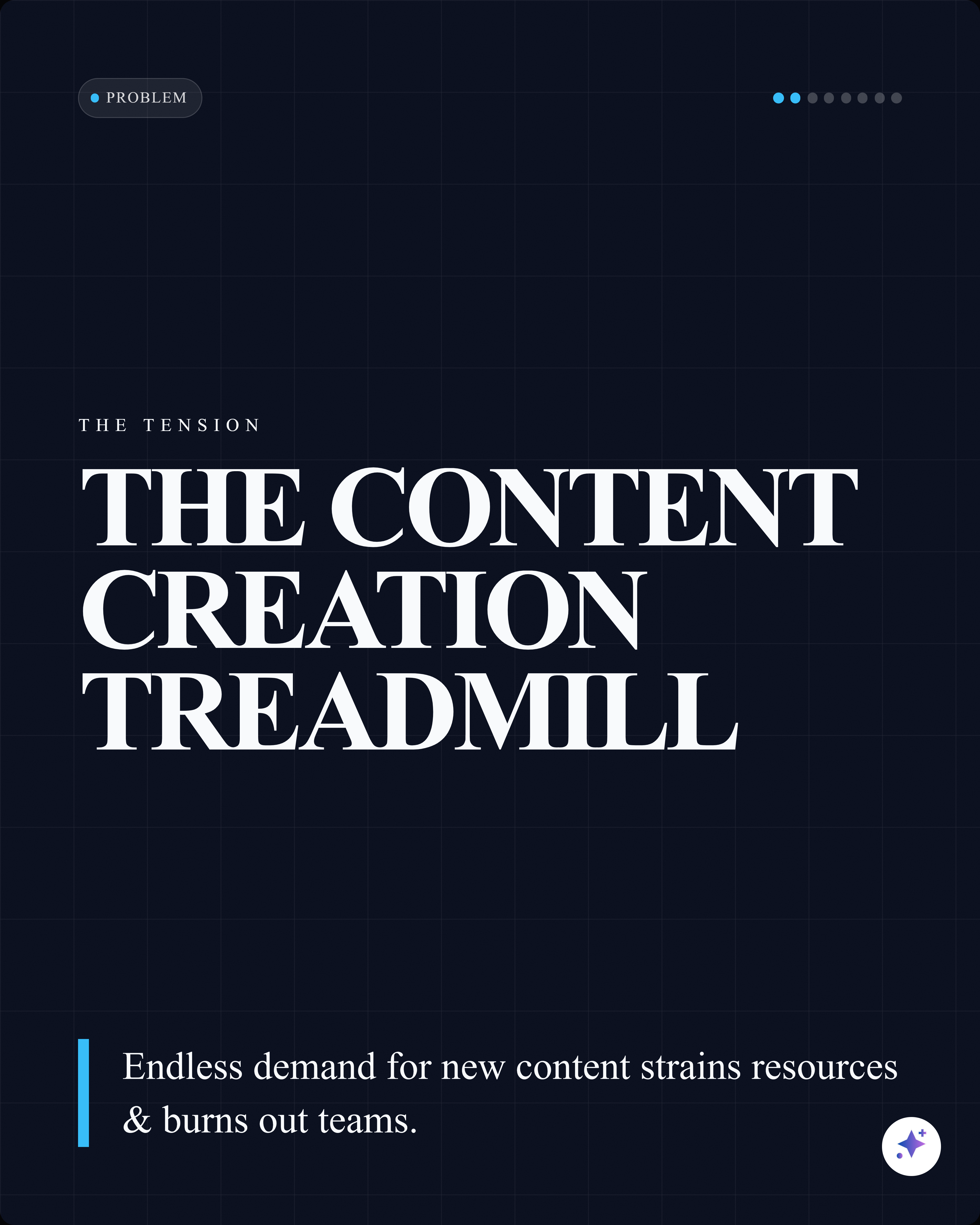
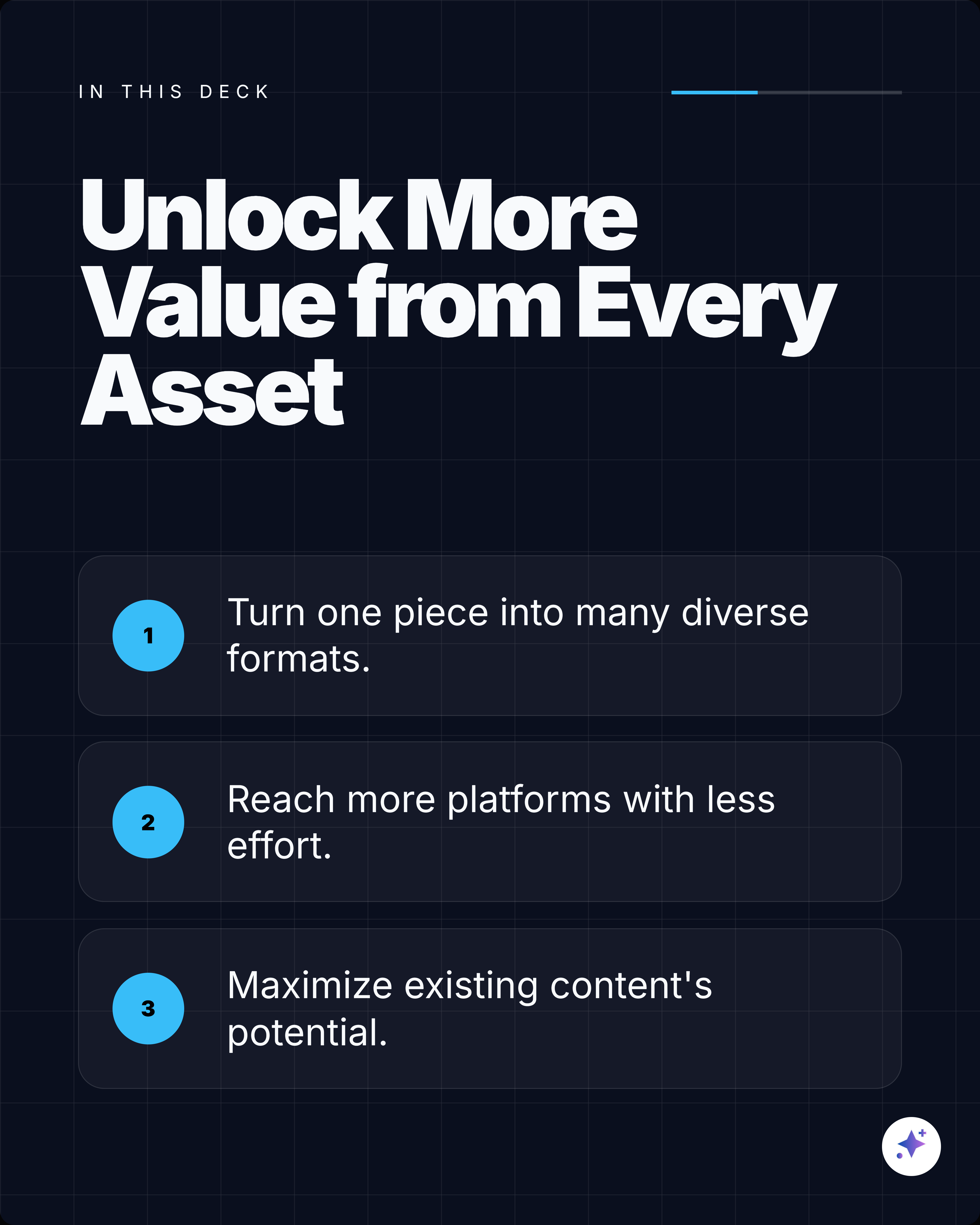
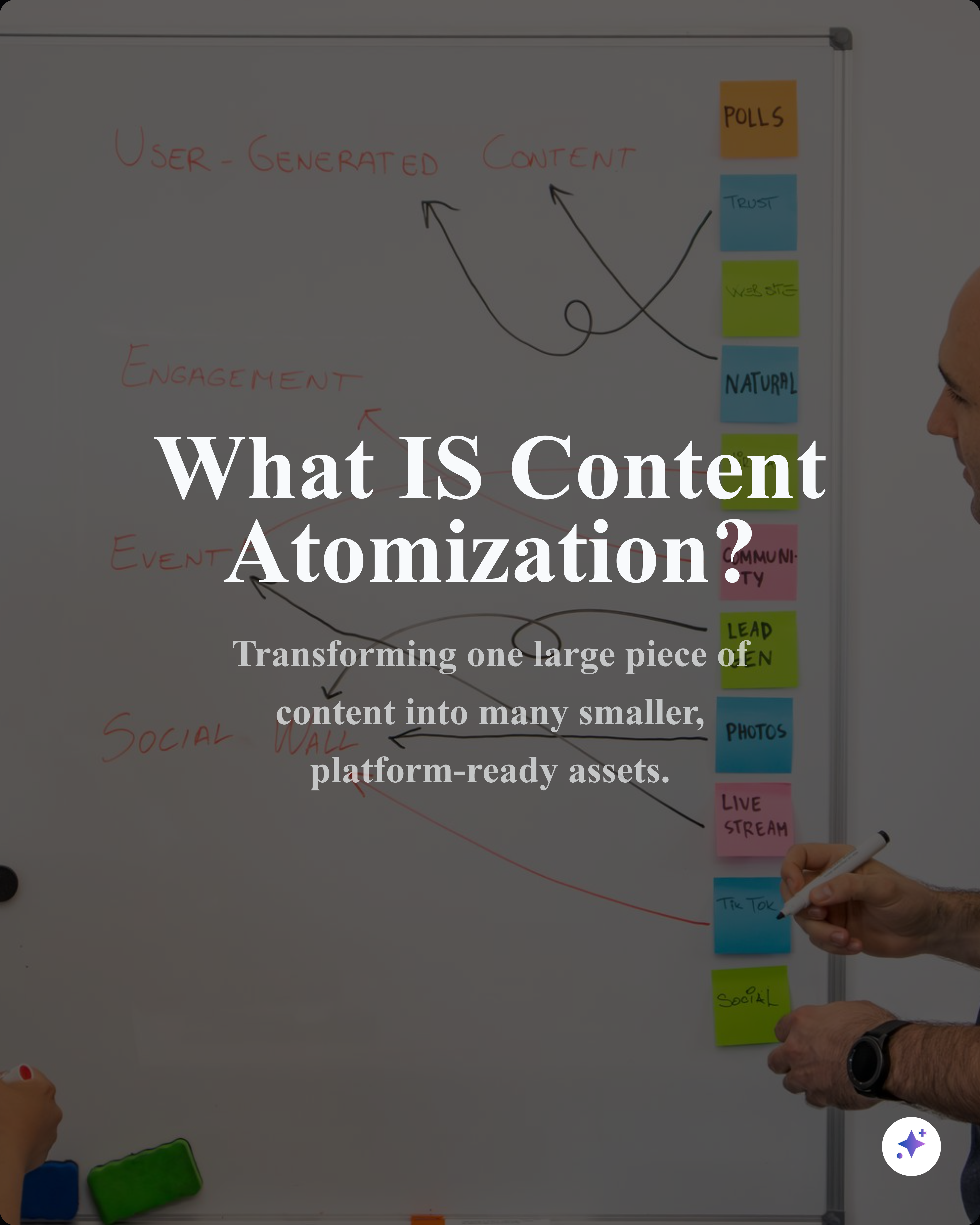
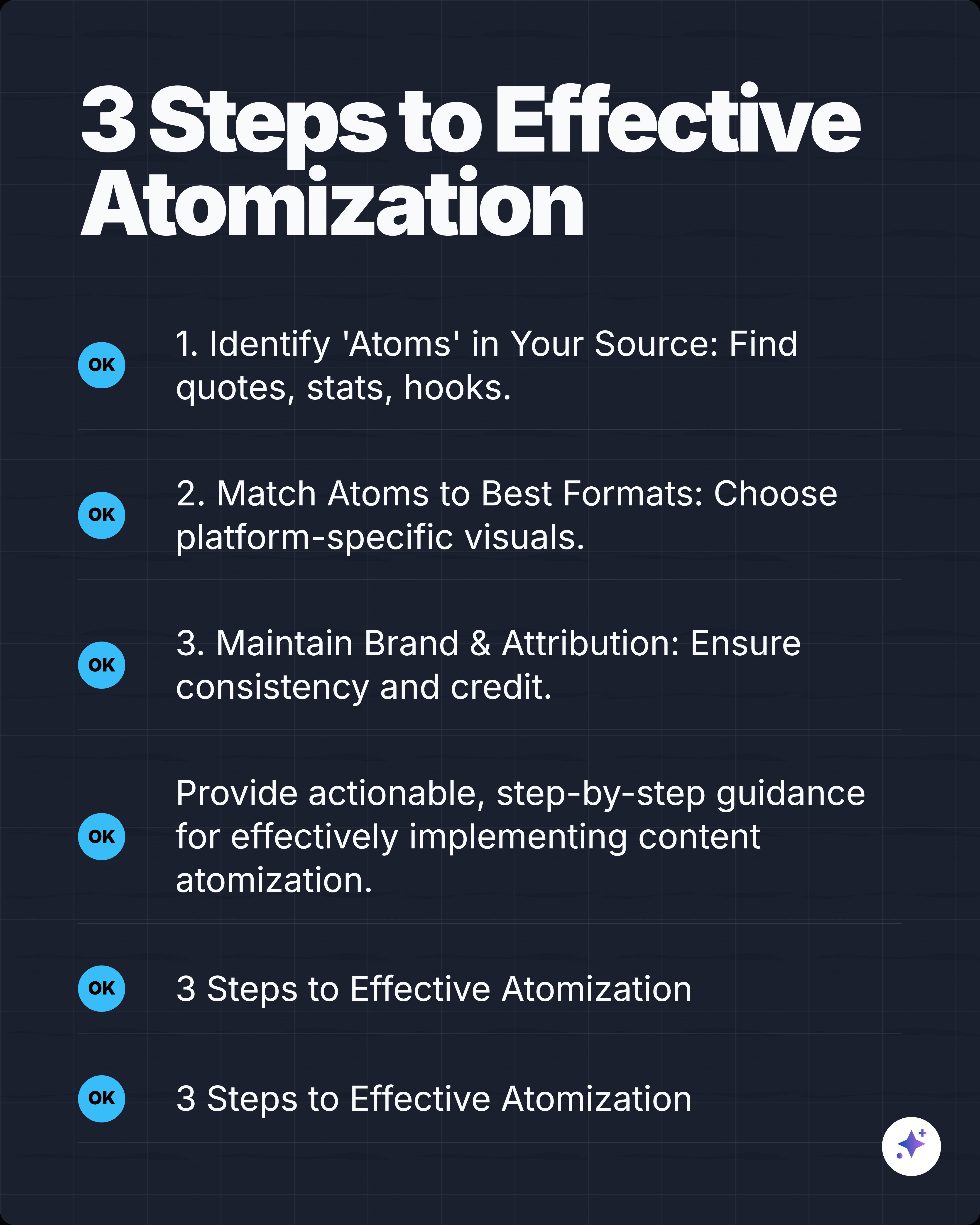
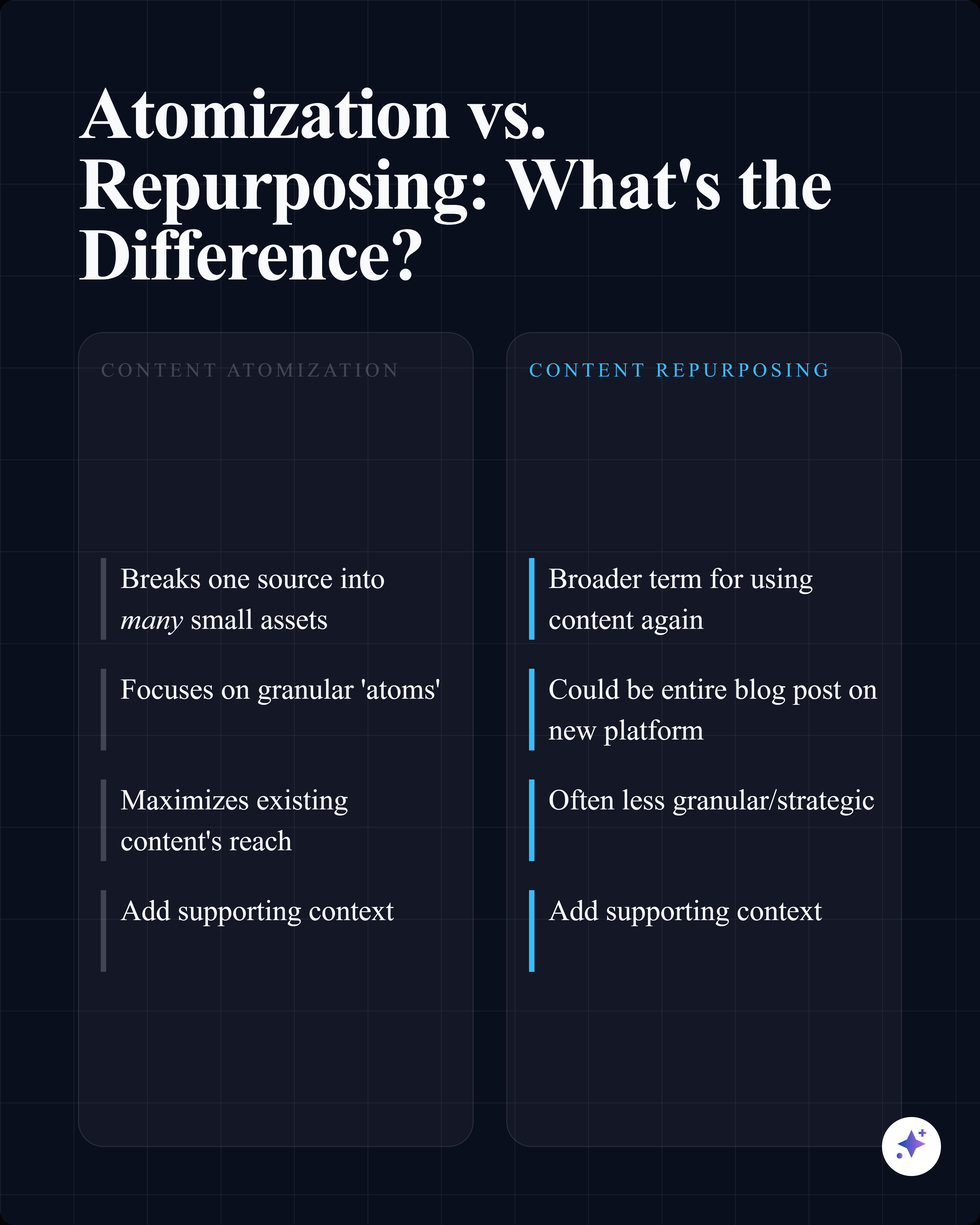
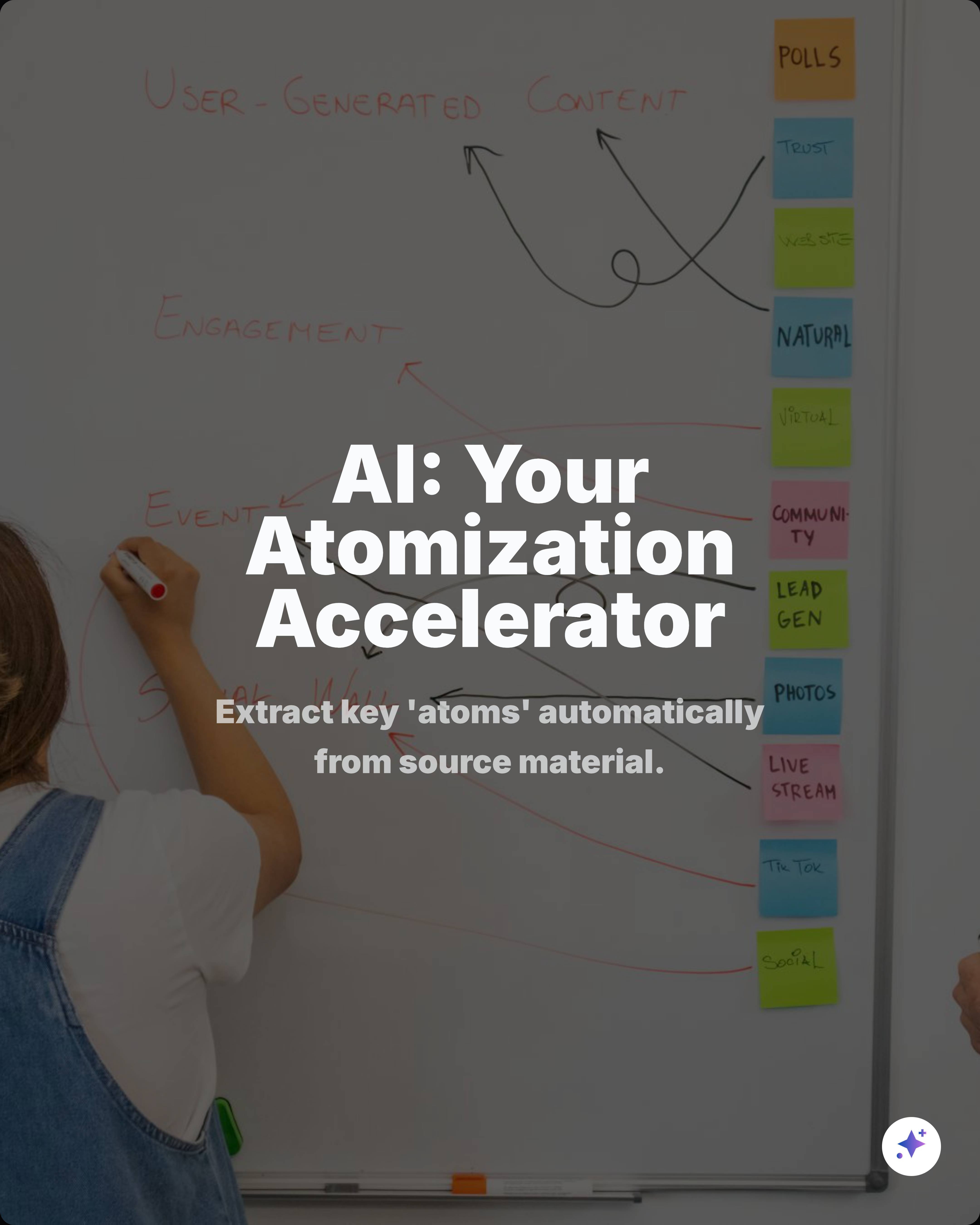
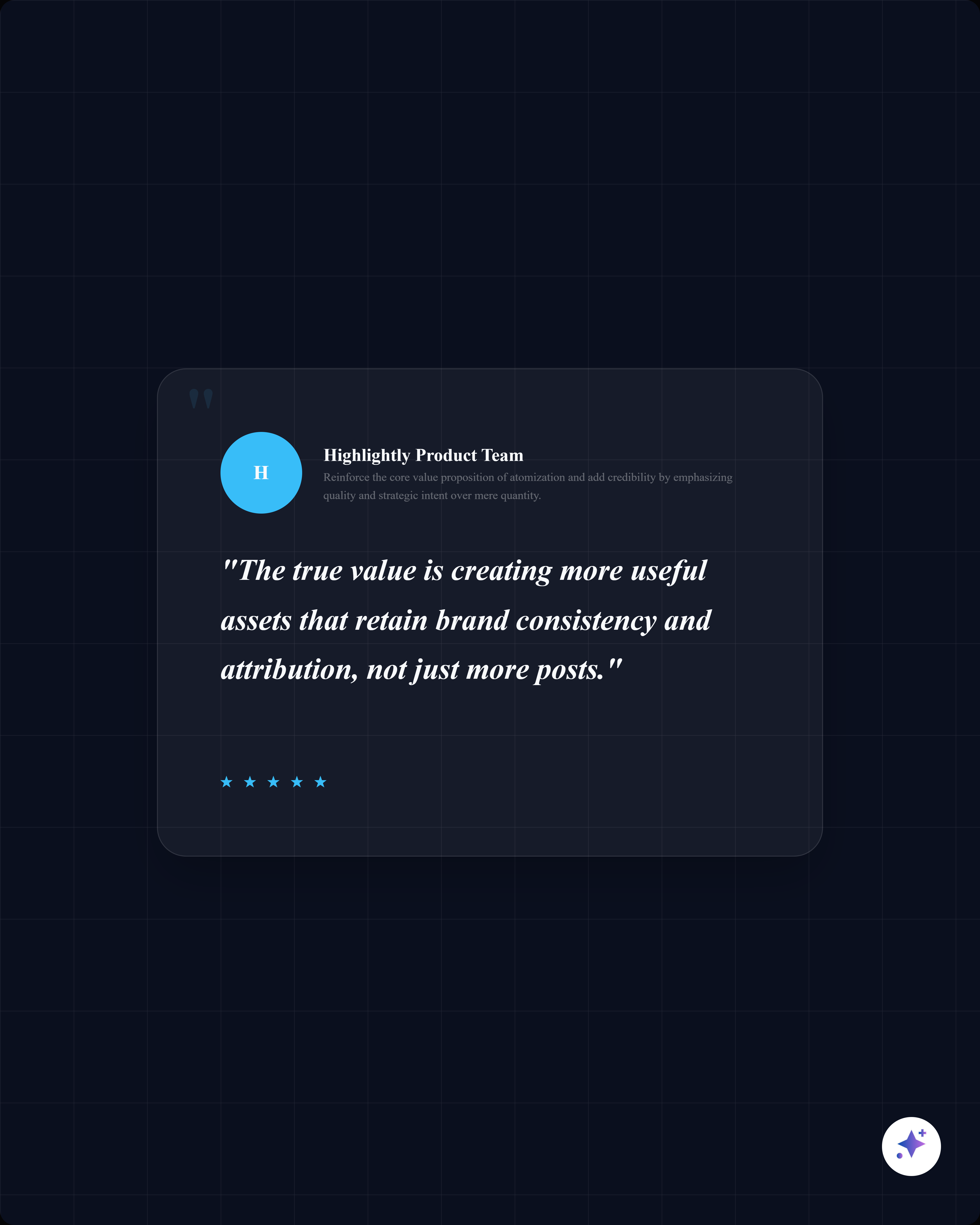


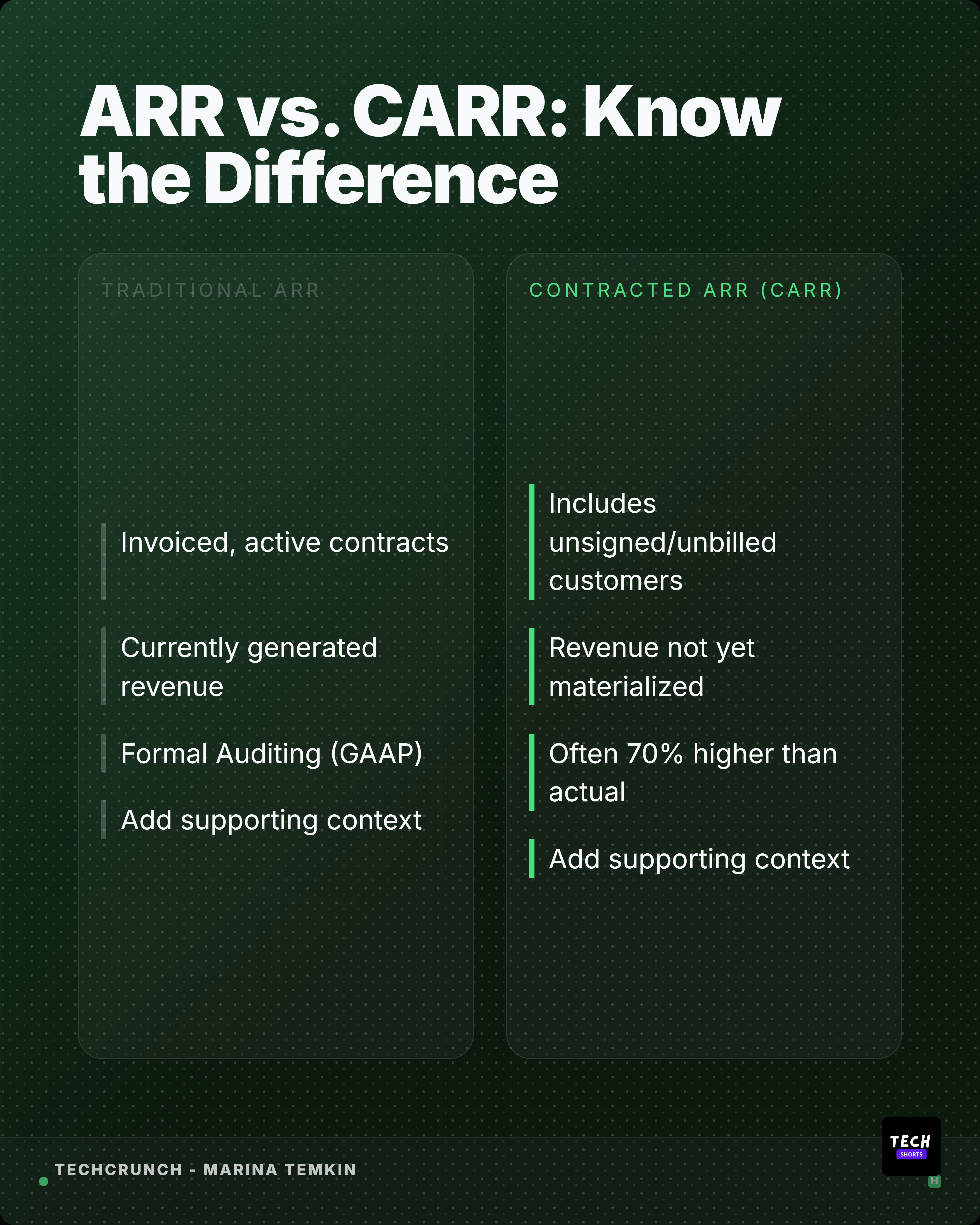
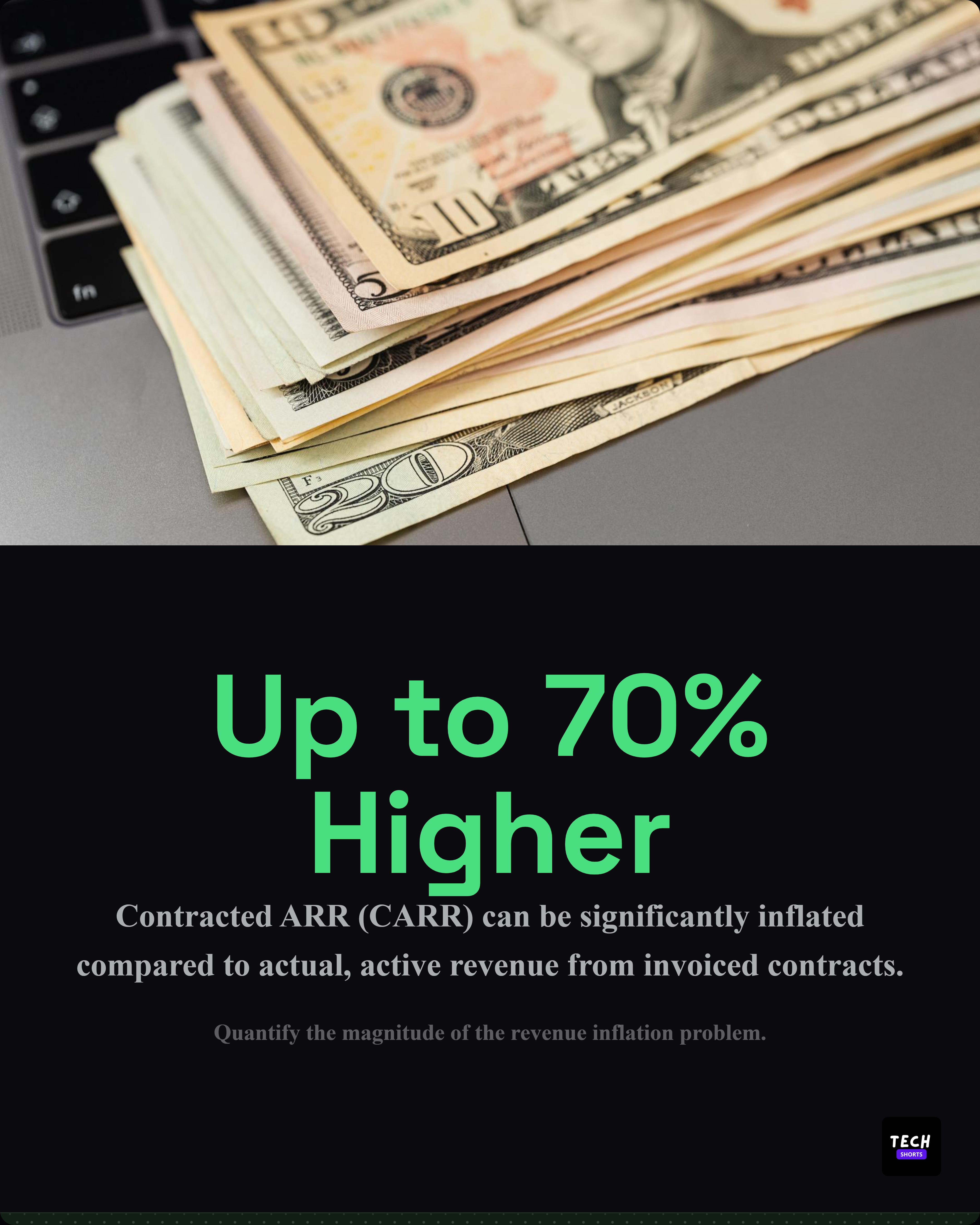
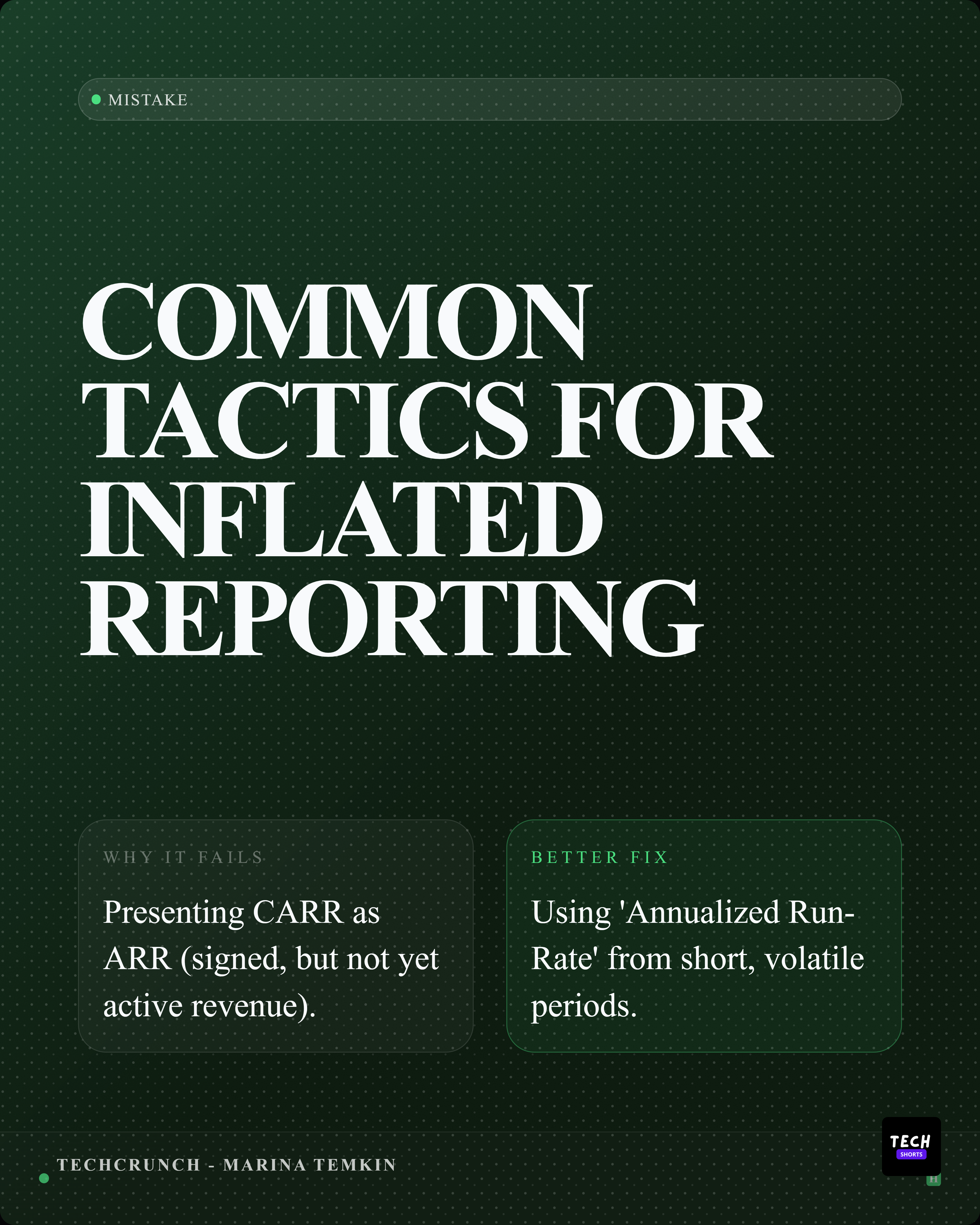
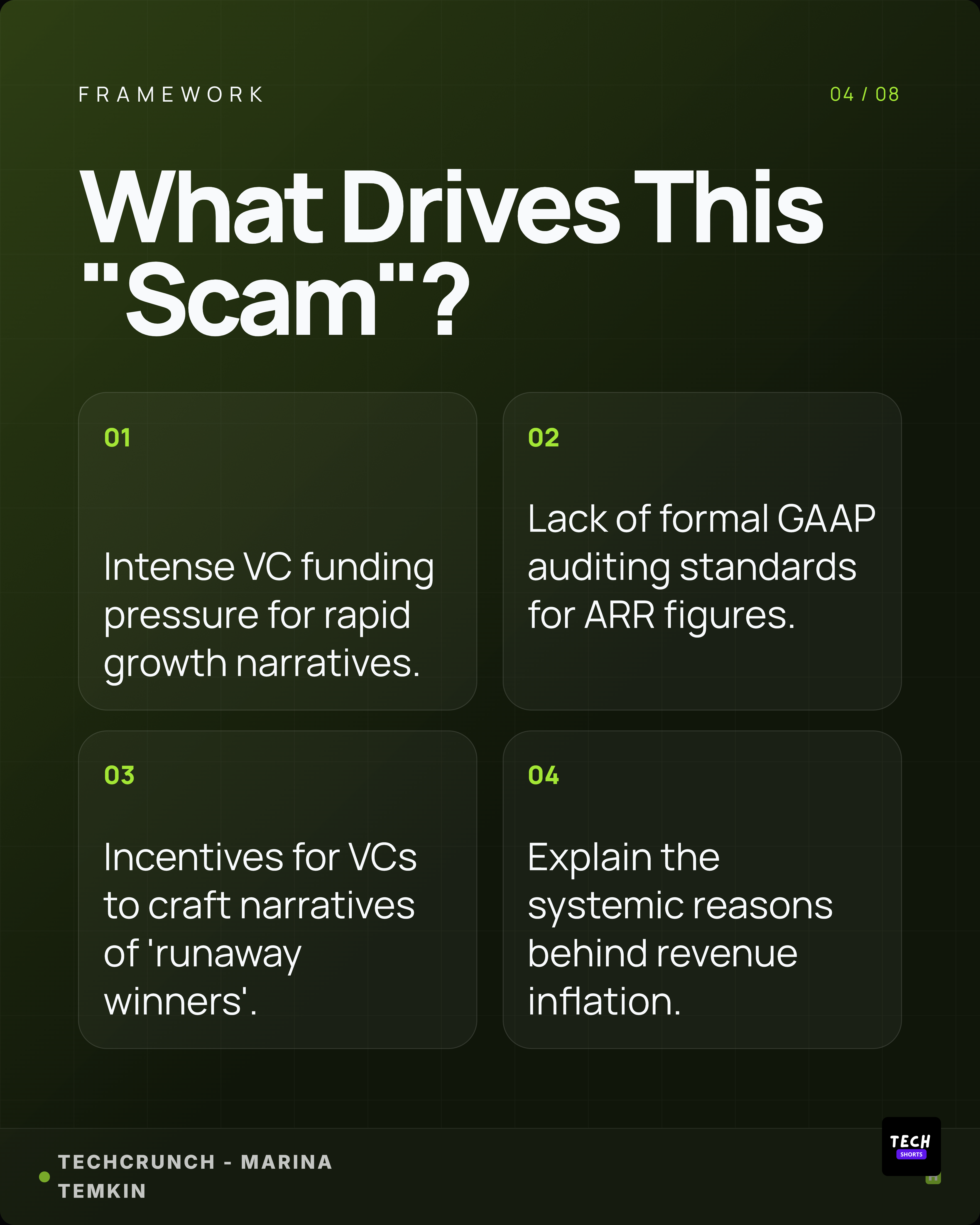
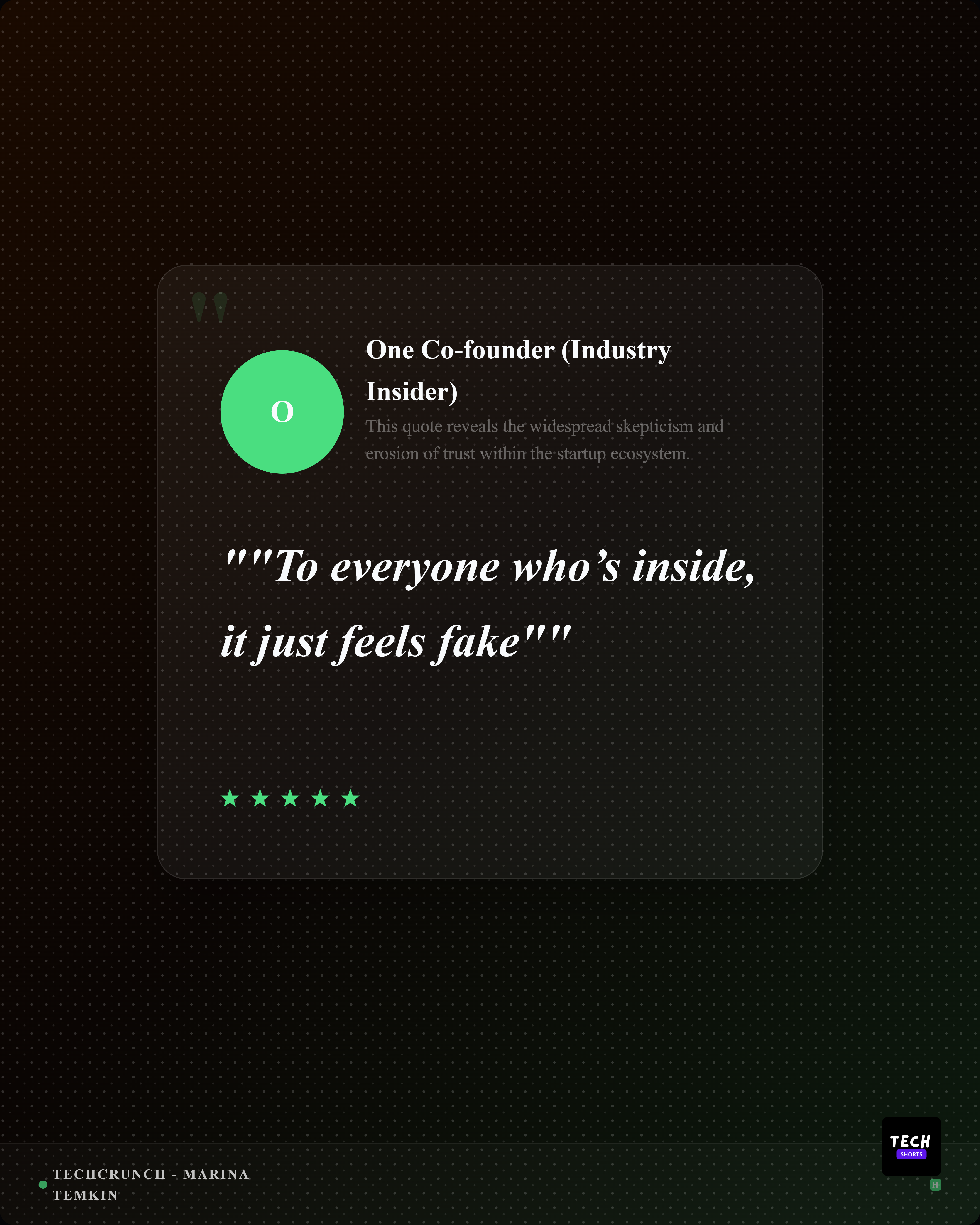

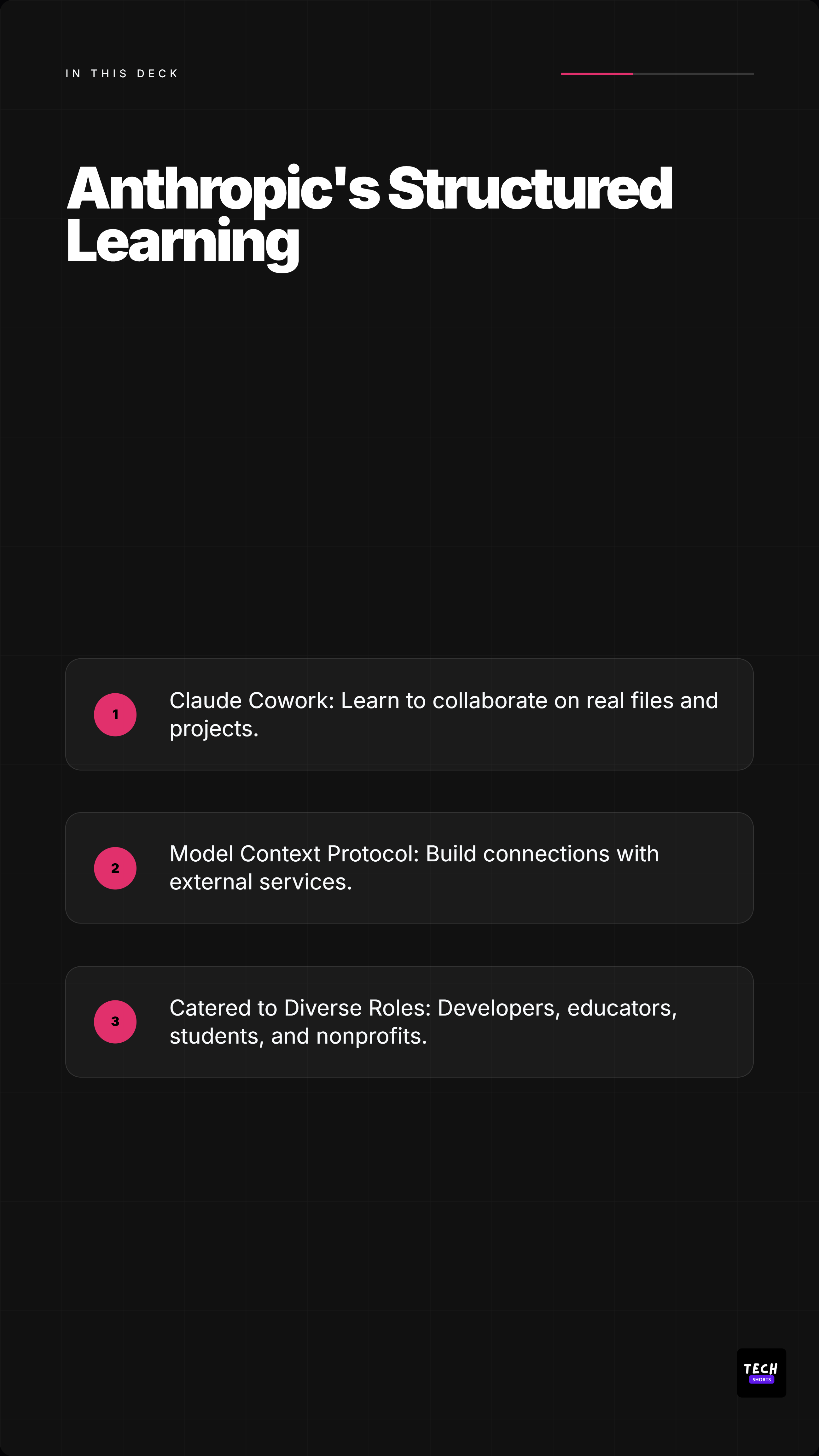


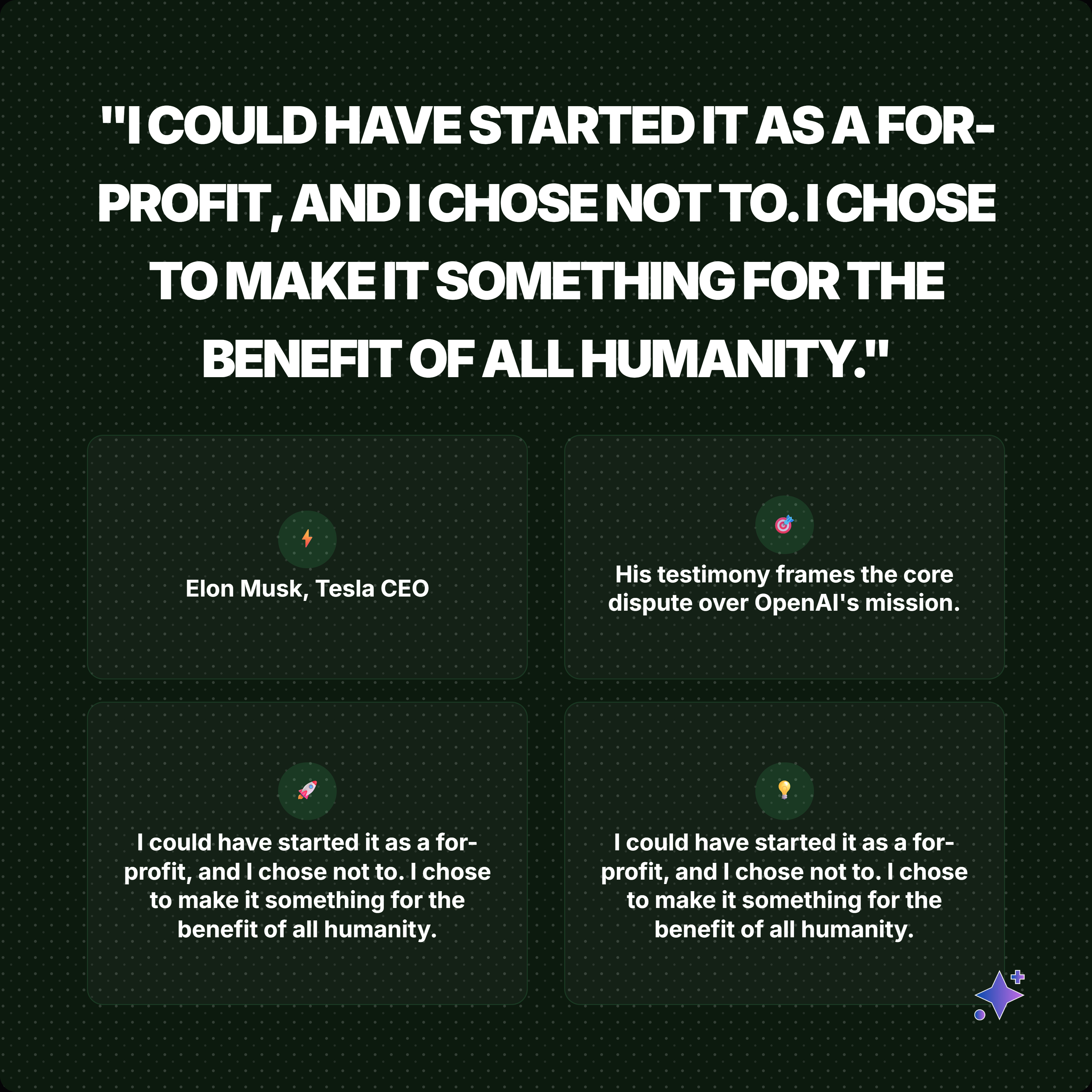
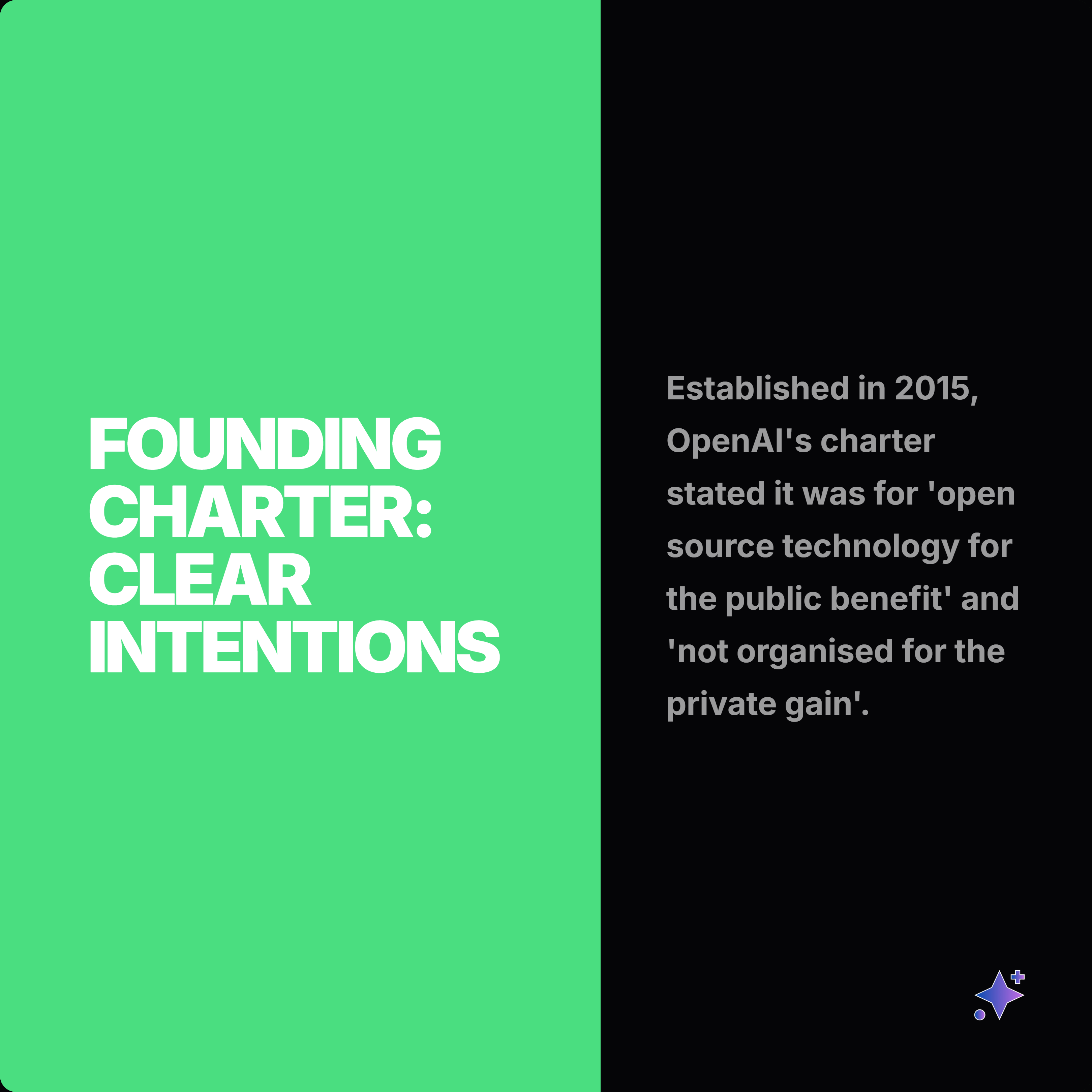




How it works
Bring in a PDF, DOCX, PPTX, article URL, or pasted text and let Highlightly extract source context, findings, quotes, stats, and reusable proof points.
Use extracted statistics, quotes, key points, comparisons, and insights to choose a focused carousel arc instead of summarizing the entire document.
Use the AI carousel builder to plan a hook-to-proof-to-CTA flow with editable slides, source-backed claims, image options, and custom instructions.
Apply Brand Kit typography, colors, logos, watermark controls, source attribution, and slide edits, then export a LinkedIn carousel plus companion captions.
What you control
Source-backed extraction, customization, and export polish in one workflow.
Choose platform, tone, slide count, deck type, image density, source strictness, CTA style, and custom instructions.
Edit slide copy, swap templates, apply themes, adjust typography, add images, and control attribution.
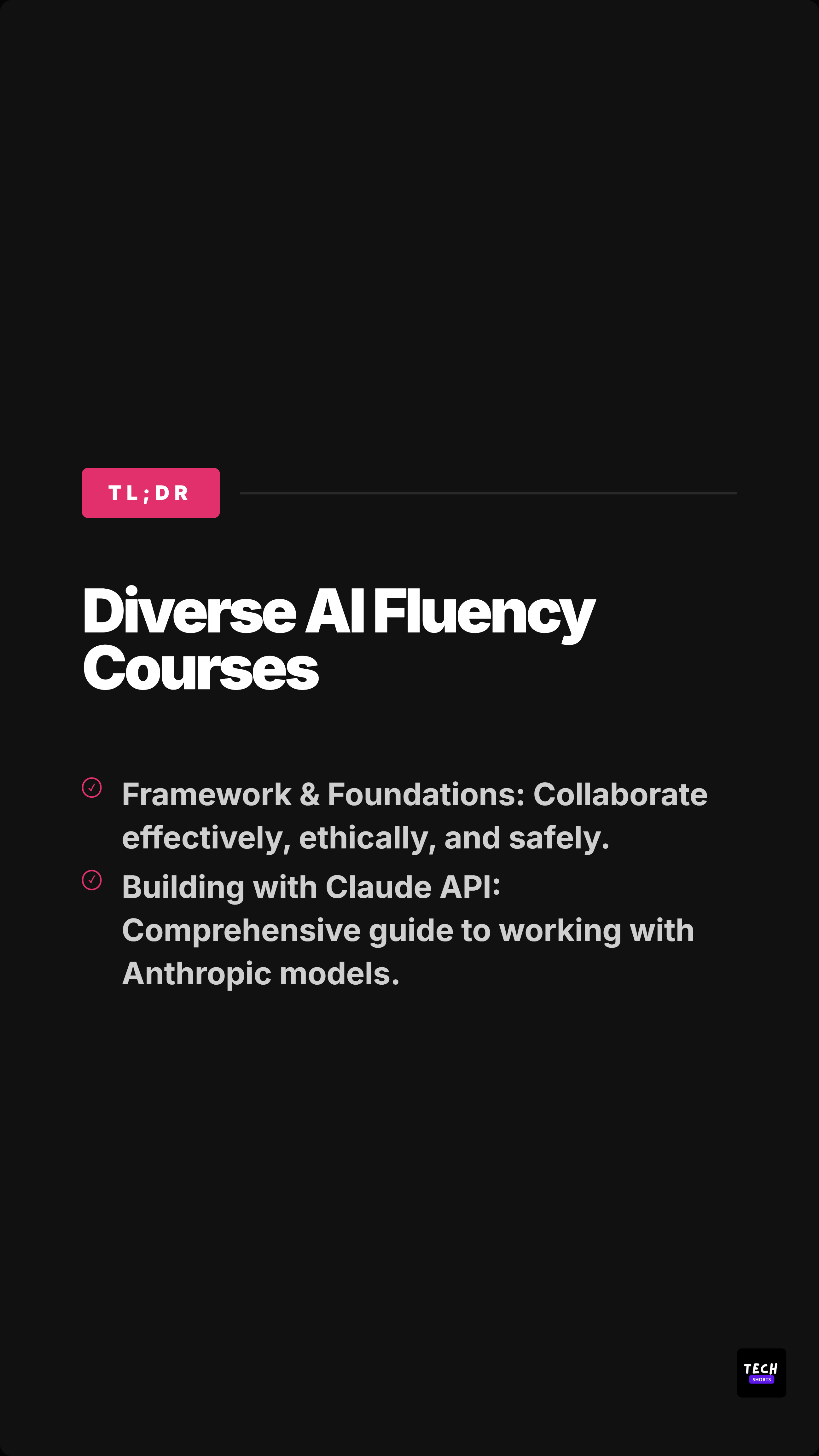
Export a LinkedIn document carousel, PNG slide pack, and companion captions from the same source.
Outputs
A report becomes a compact sequence for LinkedIn.
A finding becomes a cited slide for social or decks.
An expert quote leads into supporting numbers and context.
Included surfaces
The product promise stays anti-slop: start from real source material, expose what was extracted, edit the creative direction, then export.
Highlightly supports PDF, DOCX, and PPTX document uploads for this workflow.
Uploads currently support files up to 15MB.
Yes. You can select a page range before processing a document.
Text-based PDFs work best. If extraction is weak, paste the text or use a smaller page range.
Yes. Source and document context are part of the workflow.
Yes. You can edit slide text, templates, theme, typography, image treatment, attribution, and captions before export.
Try the workflow
Review the extracted material, choose the output, apply your brand kit, and export with source context still available.