Premium workflows for the assets your team keeps needing.
Ten focused pages for the recurring jobs: articles to posts, PDFs to carousels, report stats to graphics, screenshots to explainers, and captions that stay tied to the source.
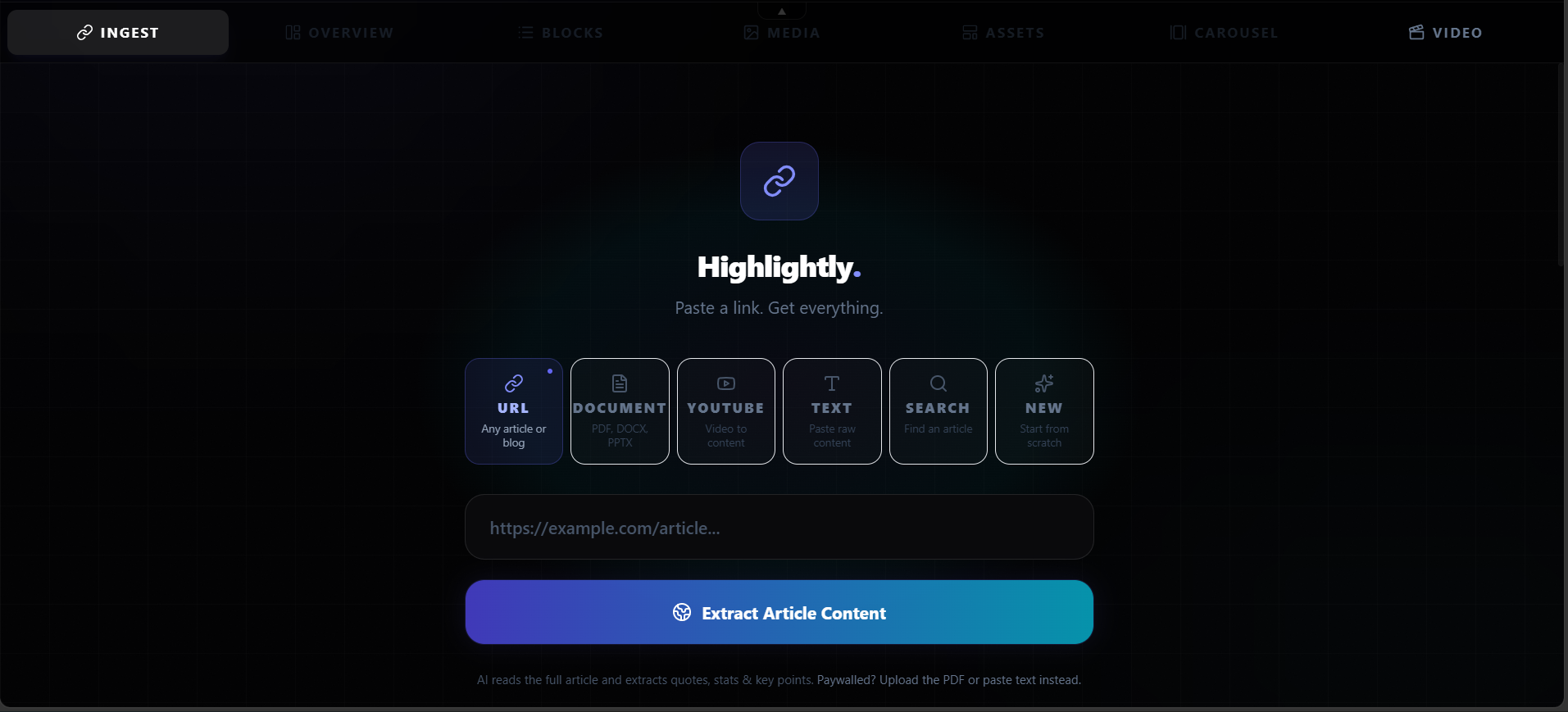
Turn one article into source-backed social posts, visuals, and captions.
Convert articles into branded social posts, quote cards, stat graphics, carousels, and captions with source attribution.
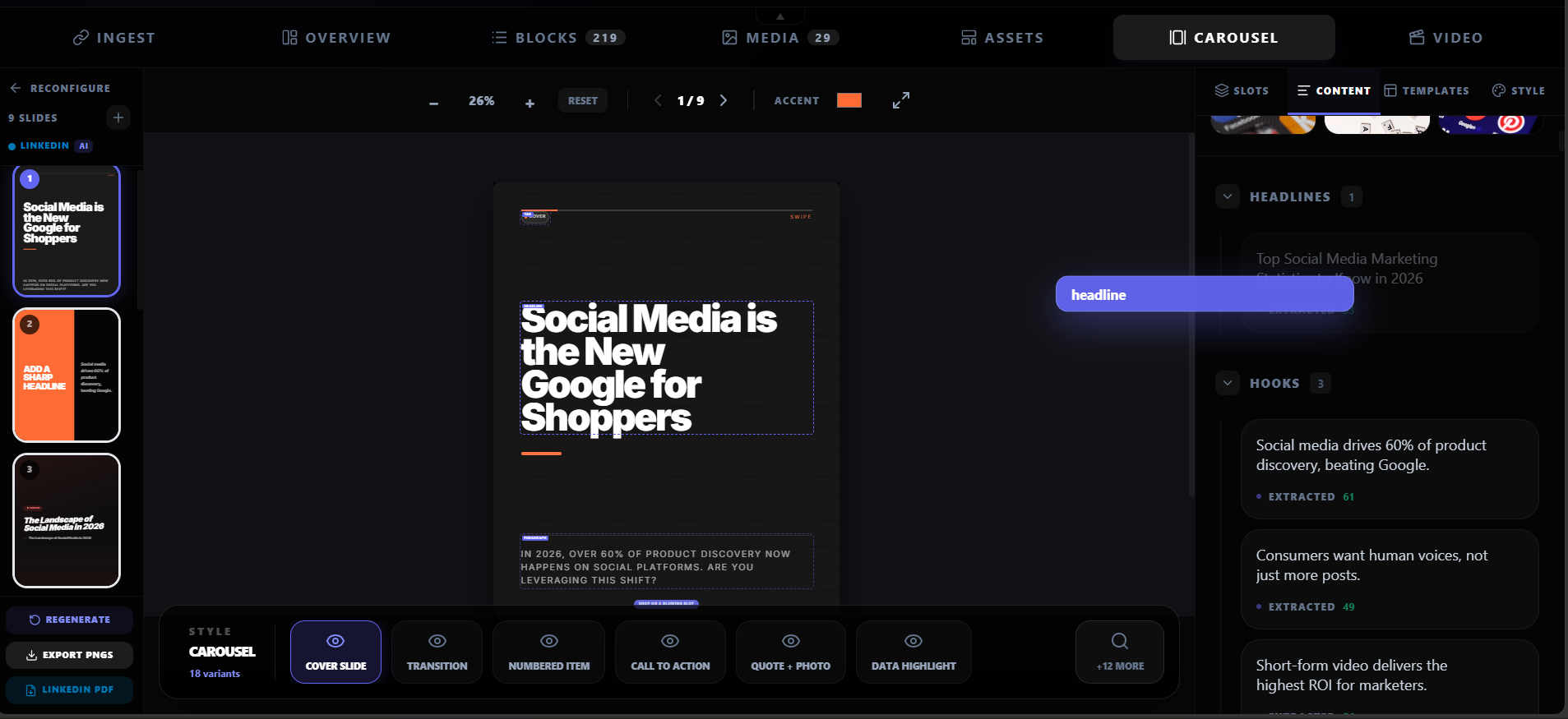
Turn PDFs, reports, and articles into source-backed LinkedIn carousels.
Convert PDFs, reports, and articles into editable LinkedIn carousels, stat slides, quote cards, and captions with Highlightly.
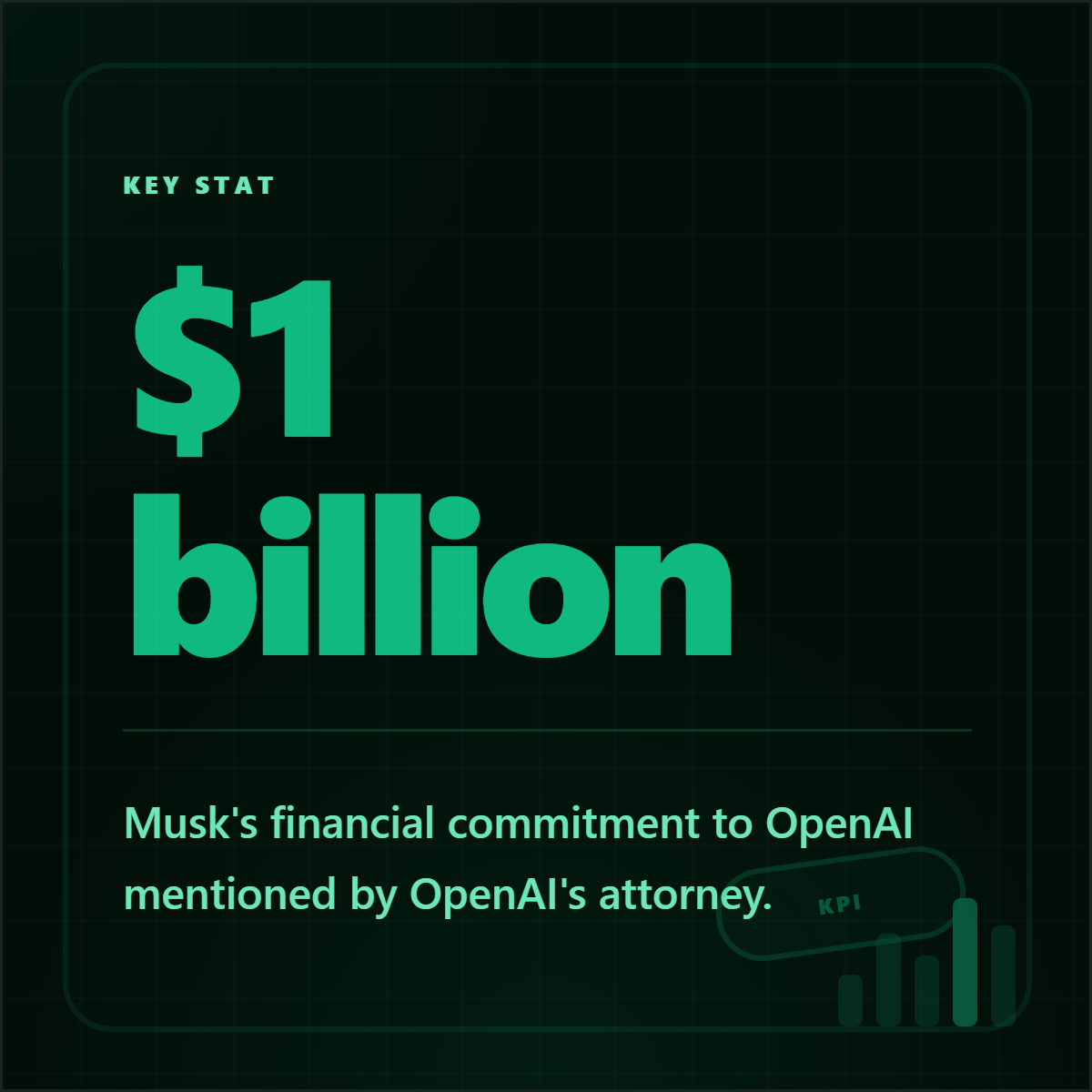
Turn report numbers into credible stat cards with source context.
Create source-backed stat cards from reports, PDFs, articles, and research documents for social and presentation use.
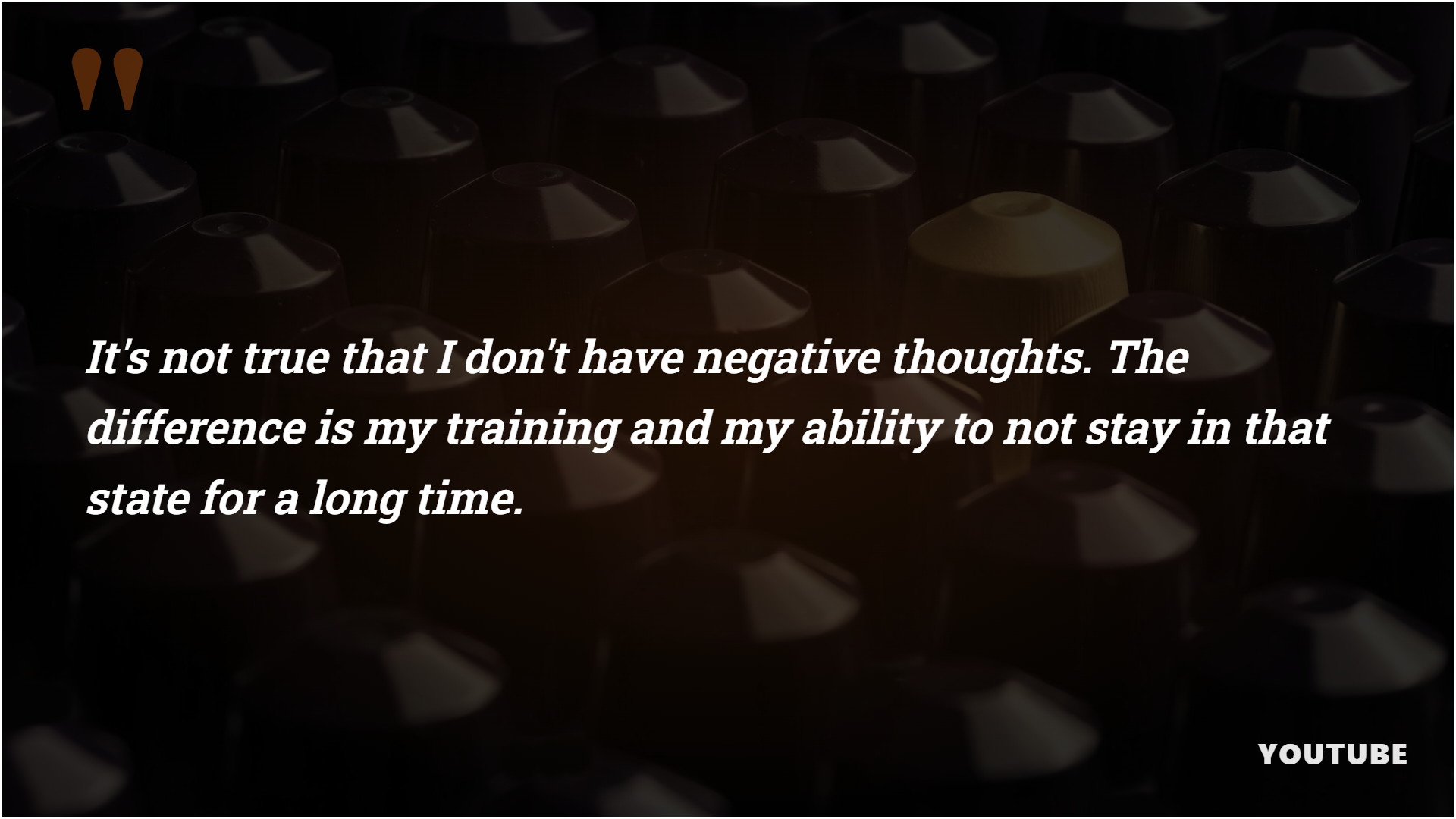
Create polished quote cards from articles, interviews, reports, and notes.
Create branded quote cards from articles, PDFs, interviews, transcripts, and pasted text with source attribution.
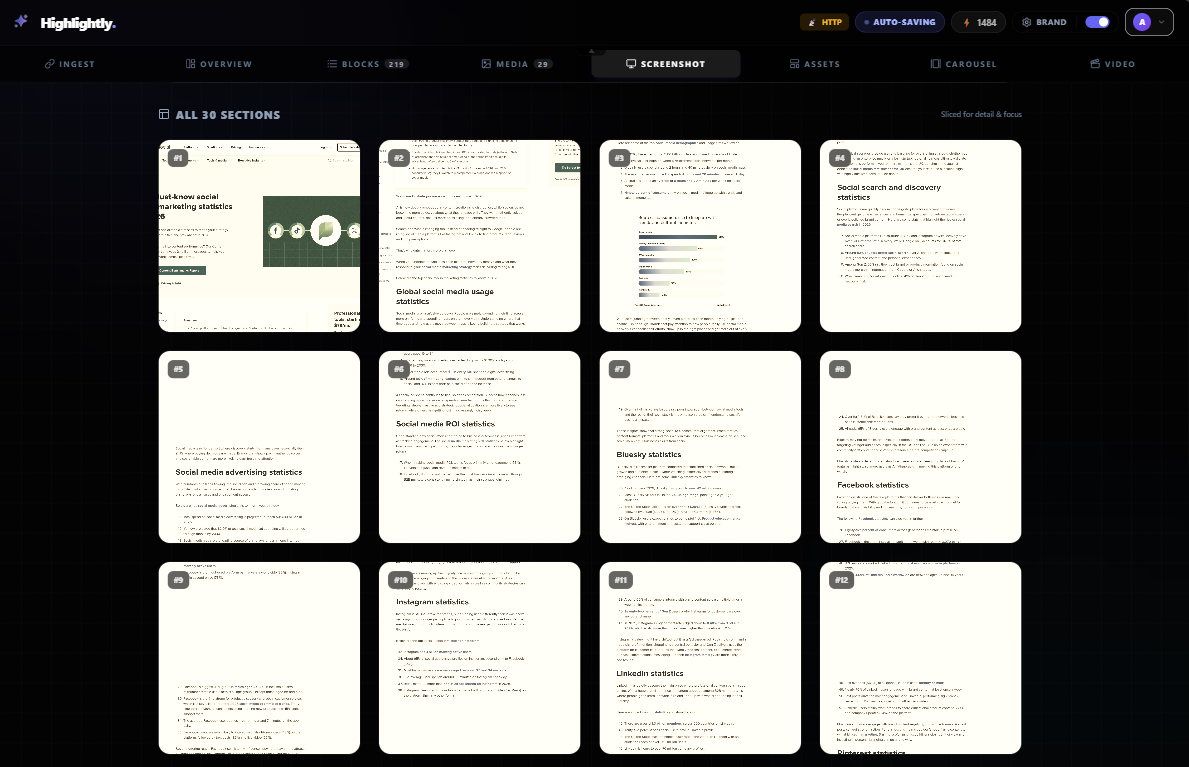
Turn screenshots and page captures into annotated social graphics.
Create annotated screenshot graphics, source cards, and page visuals for social posts and presentations.
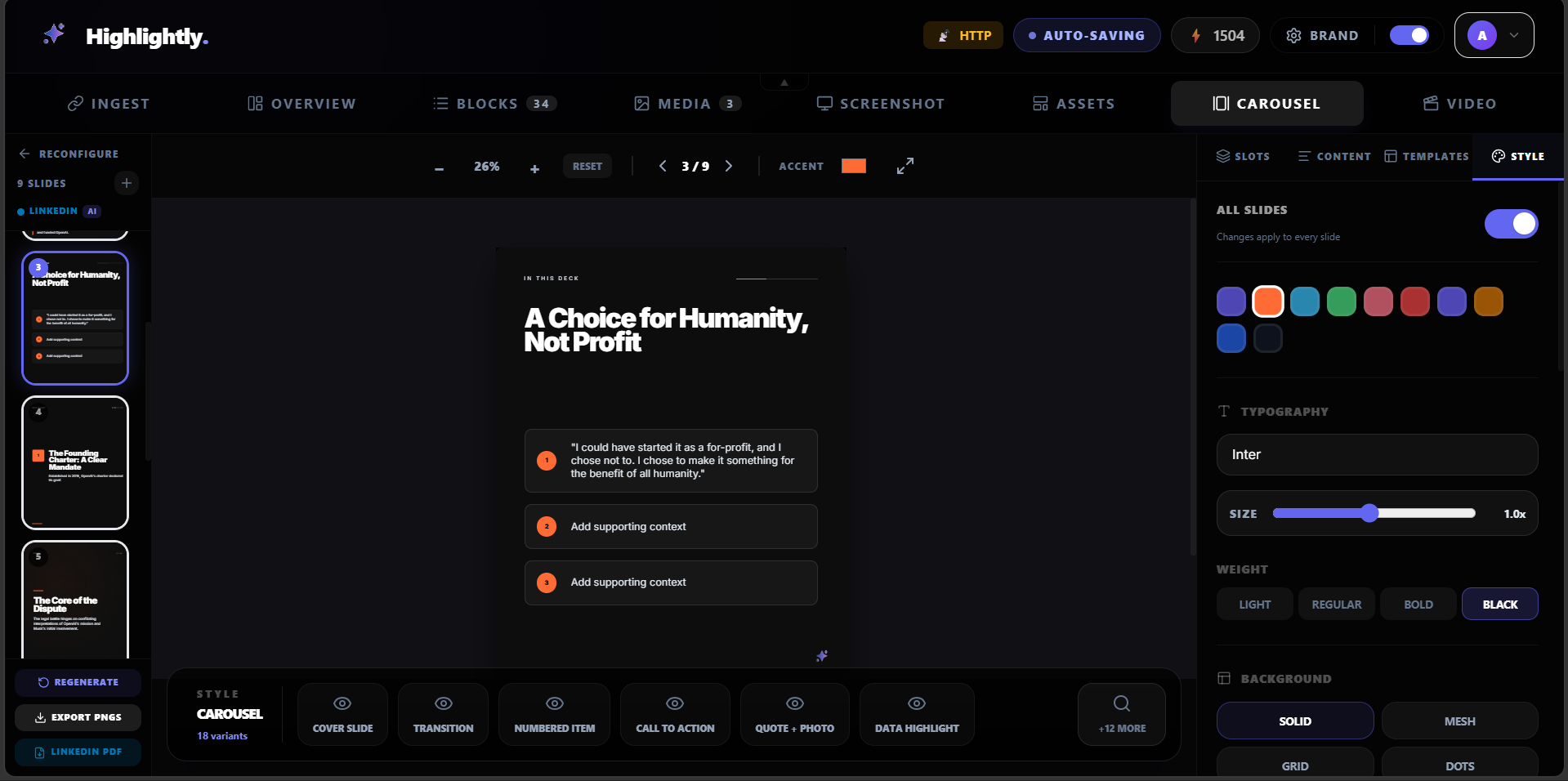
Turn a blog post into a branded carousel without rewriting the whole thing.
Repurpose blog posts into LinkedIn carousels, quote cards, stat graphics, and captions with Highlightly.
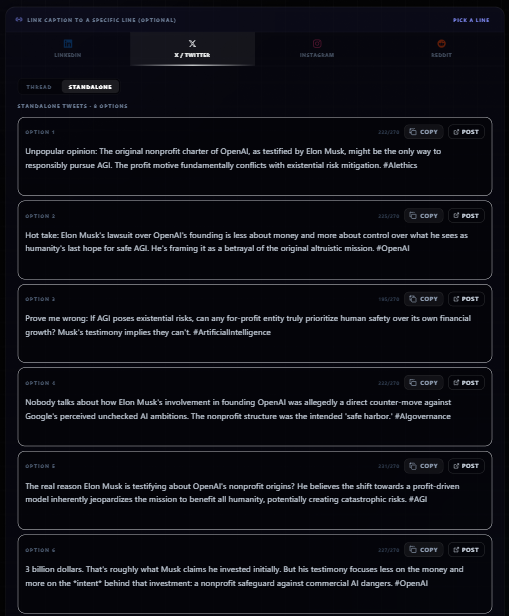
Turn a YouTube transcript into quote cards, key points, and social captions.
Convert YouTube transcripts into quote cards, key point graphics, captions, and carousel ideas with Highlightly.
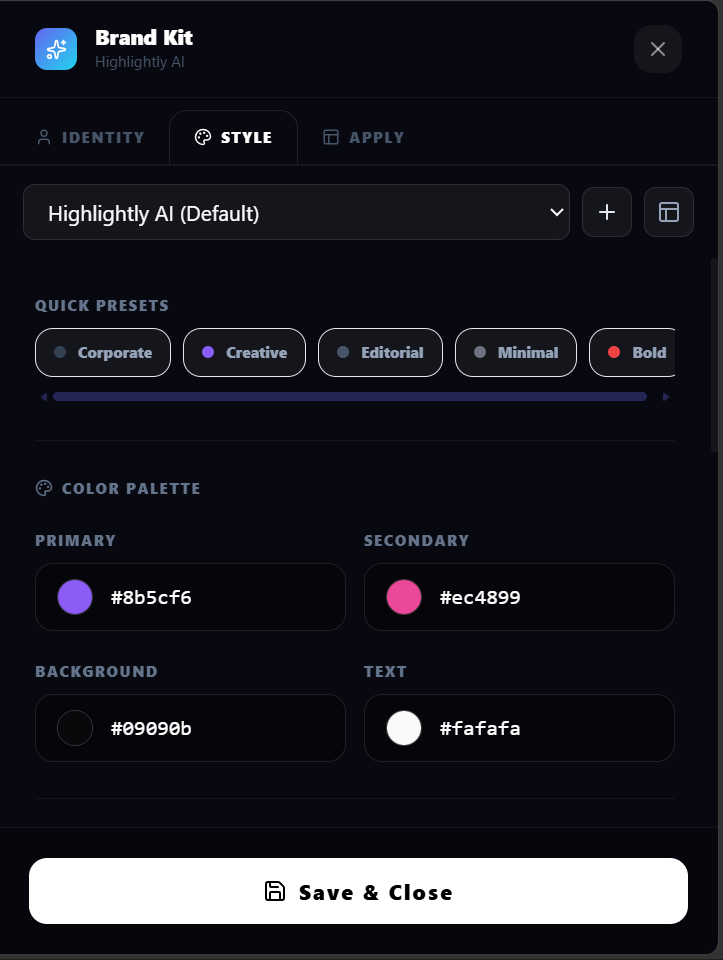
Create social assets that keep colors, logos, typography, and handles consistent.
Create branded social graphics with reusable colors, fonts, logos, watermarks, and social handles in Highlightly.
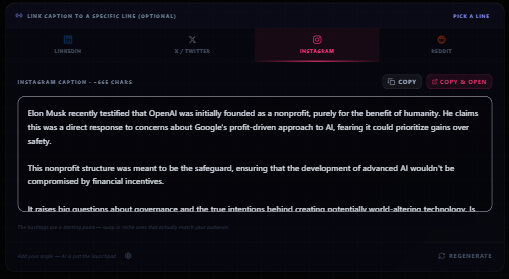
Generate platform captions from the same source-backed material as your visuals.
Generate LinkedIn, X, Instagram, and Reddit captions from articles, PDFs, documents, and source-backed graphics.
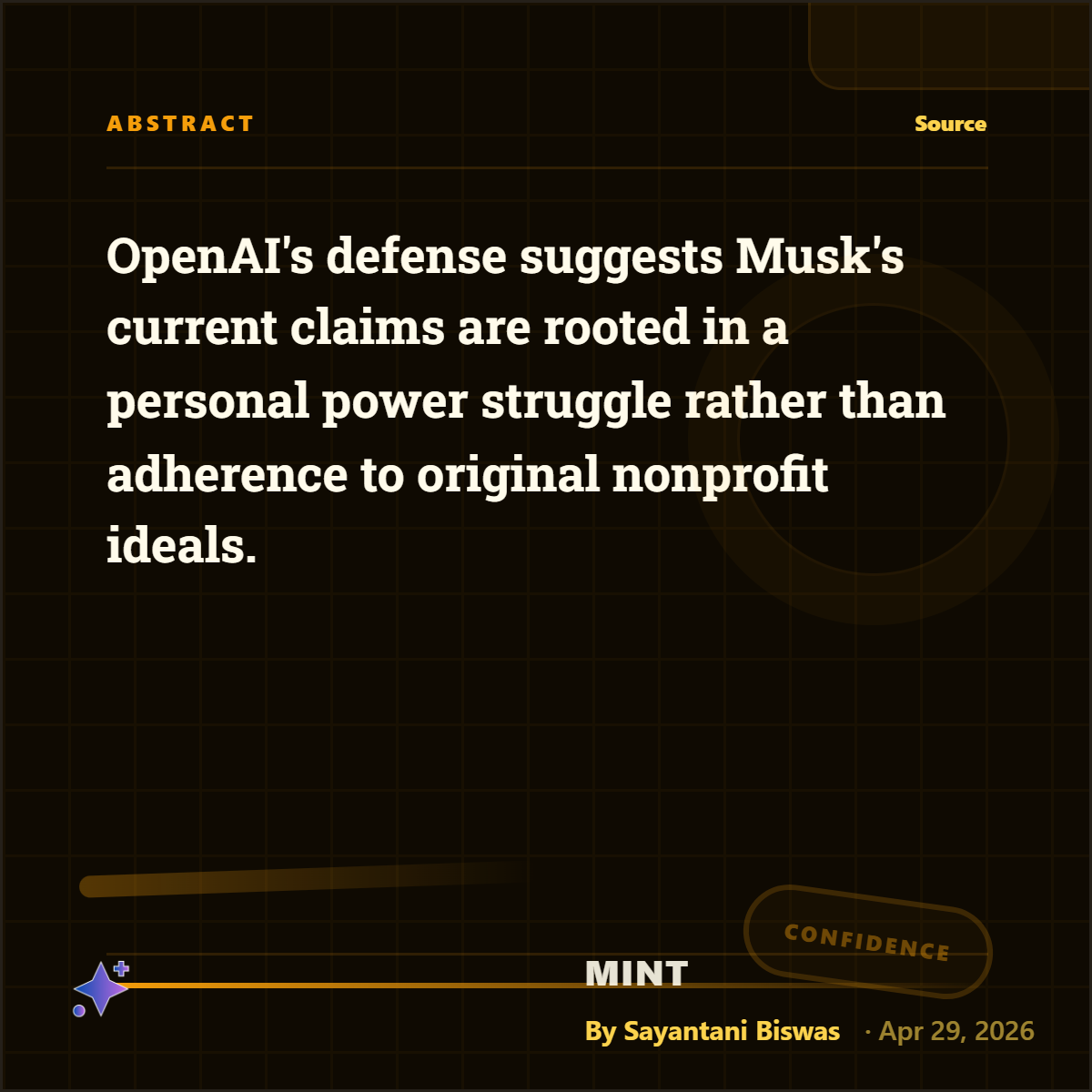
Turn research documents into briefing visuals for teams, decks, and stakeholders.
Create visual summaries, finding cards, comparison slides, and briefing graphics from research PDFs and documents.
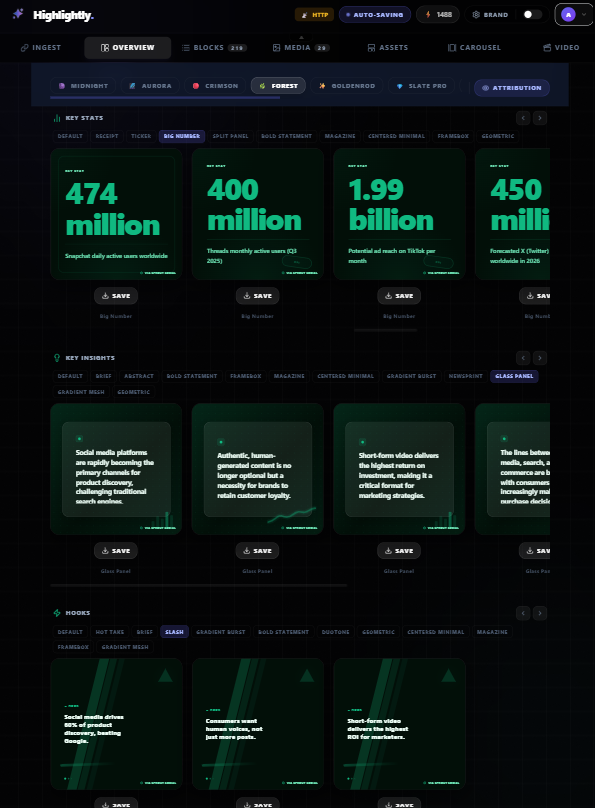
Turn podcast, webinar, and interview transcripts into source-backed social content.
Repurpose podcast, webinar, and interview transcripts into attributable quote cards, carousels, captions, and source-linked social content.
Next best step
Found the job? Start free with 20 credits.
Use-case pages answer "can Highlightly do this?" Audience pages answer "how does this fit my team's workflow?"