X card
X hook graphic
A sourced insight becomes a clean visual opener.
Highlightly helps X creators extract hooks, claims, quotes, stats, and source context, then create visuals and caption drafts that support fast-moving posts.
X card
Source-backed and editable
Stat receipt
Source-backed and editable
Thread visual
Source-backed and editable
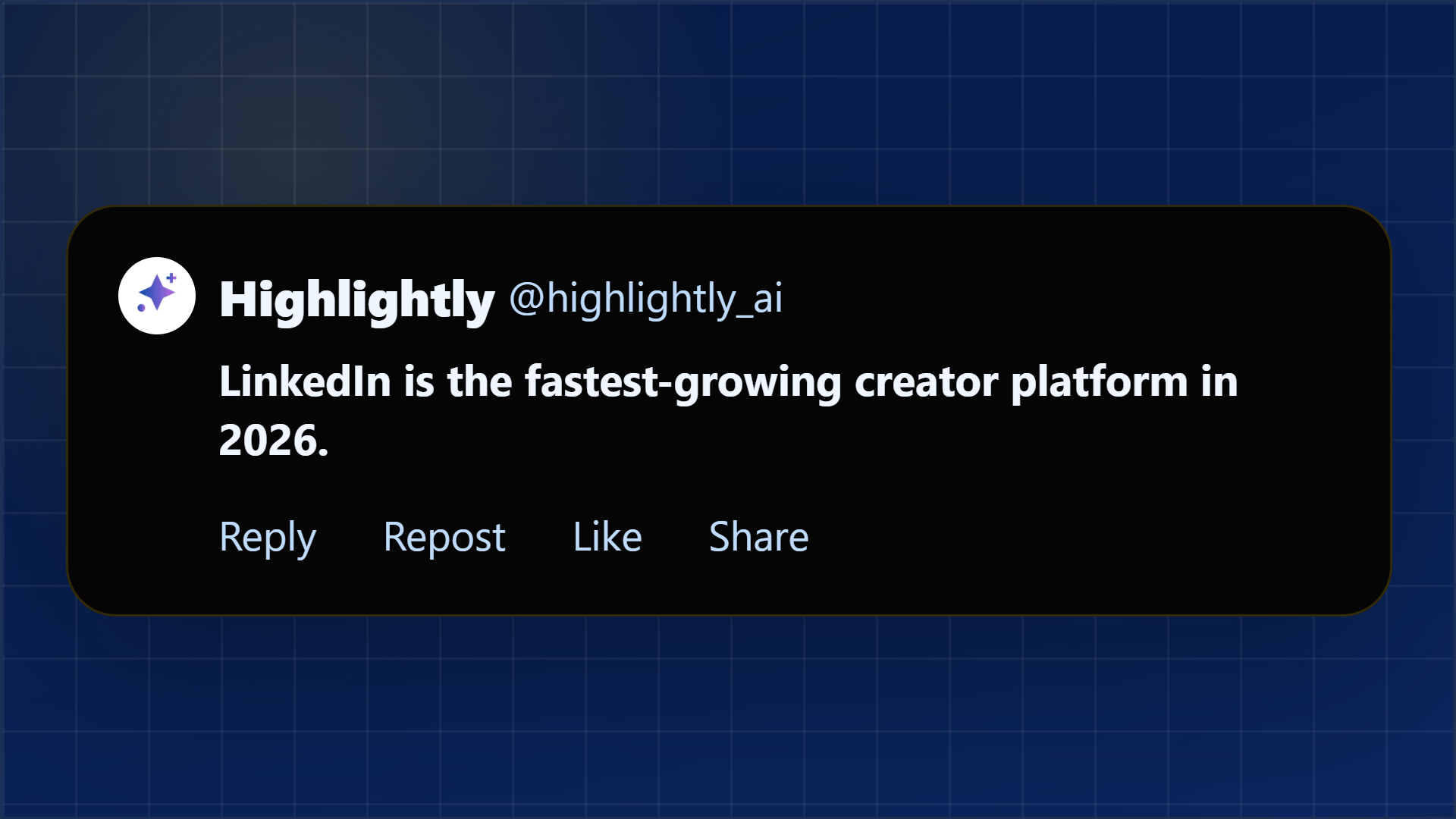
X-native
Hook + receipt
Articles, reports, and notes become sharper posts and supporting visuals.
The X creator problem
X creators often find ideas inside articles, filings, reports, videos, and screenshots. Highlightly helps turn that source material into a clearer post, a visual receipt, or a quote card that can carry the point faster.
Make fast posts feel more sourced, more visual, and easier to trust.
Great source material turns into screenshots with no visual hierarchy.
A strong stat or quote is hard to package mid-thread.
Unsupported hot takes travel, but source-backed visuals build more trust.
The post is stronger when the proof is easy to inspect.
Working sequence
Paste an article, report, transcript, or saved note.
Review extracted hooks, quotes, stats, facts, and comparisons.
Export quote cards, stat cards, screenshot callouts, or thread-support visuals.
Use X caption options as a starting point and edit in your own voice.
Concrete outputs
Extract the hook, stat, quote, or contrarian angle from source material before turning it into an X-ready asset.
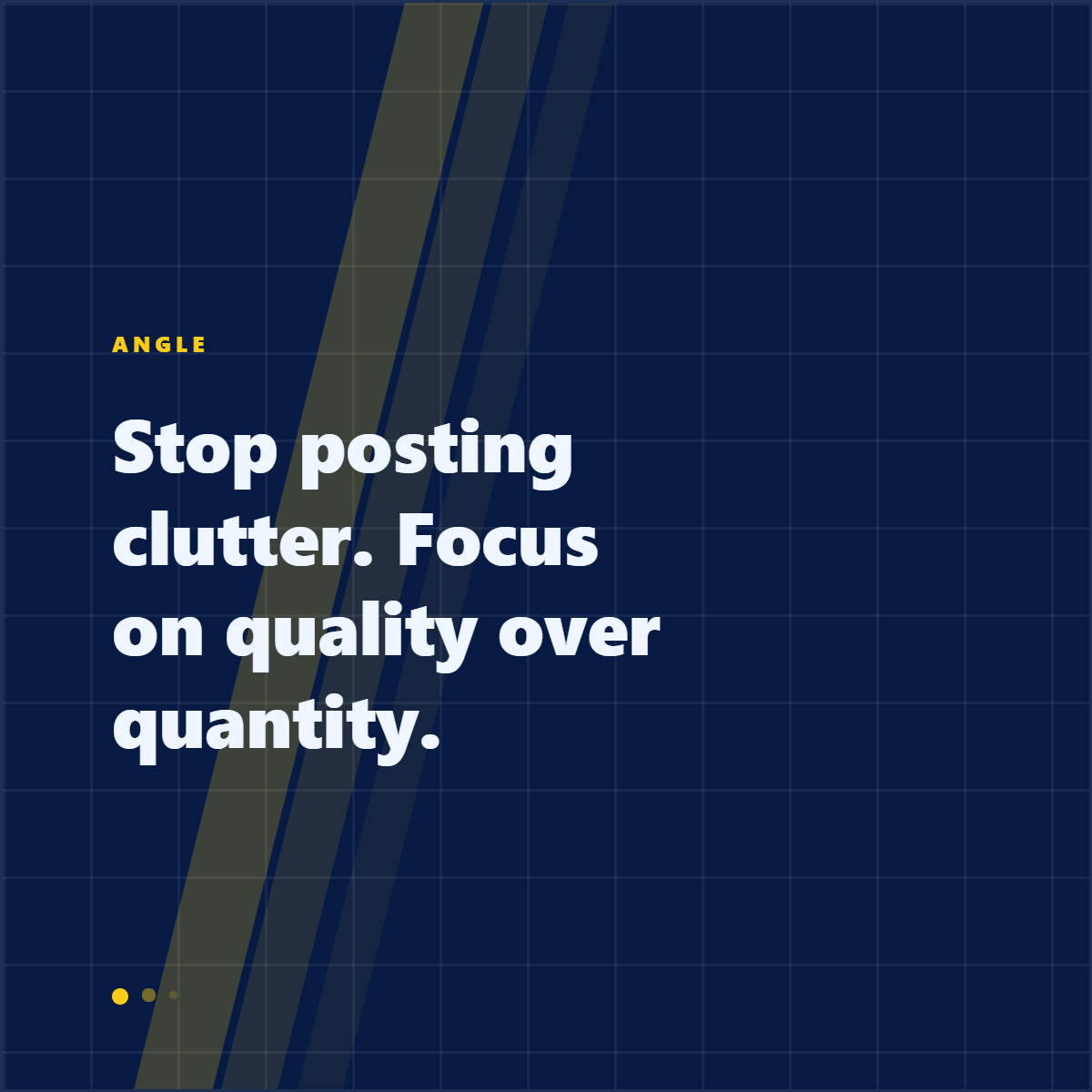
A sourced insight becomes a clean visual opener.
A number gets source context and a visual hierarchy.
A key claim becomes an asset inside a thread.
See it in action
Here is an example source, a few extracted signals, and a showcase wall of output directions created from that material.
Example source
This is one source used to demonstrate the kind of outputs Highlightly can create after extraction and review.
Example extracted signals
Hook
"5.24 billion social media users worldwide — over 63% of the global population."
Statistic
83% of marketers reported increased business exposure through social media.
Quote
"It's better to post two or three times a week with super valuable content versus posting seven times a week."
Key point
Quality over quantity: 69% of marketers say social commerce will outpace brand websites.
Output directions
The showcase below is an example set from one source, not the ceiling. Highlightly can keep producing variations across templates, ratios, brand systems, and editorial angles.
Sample output wall
Preview the first part of the showcase, then expand it if you want to scan the full example set.
Output wall
This is a showcase set, not a limit. Change the format, ratio, brand kit, template, or angle and the same source can branch into many more directions.

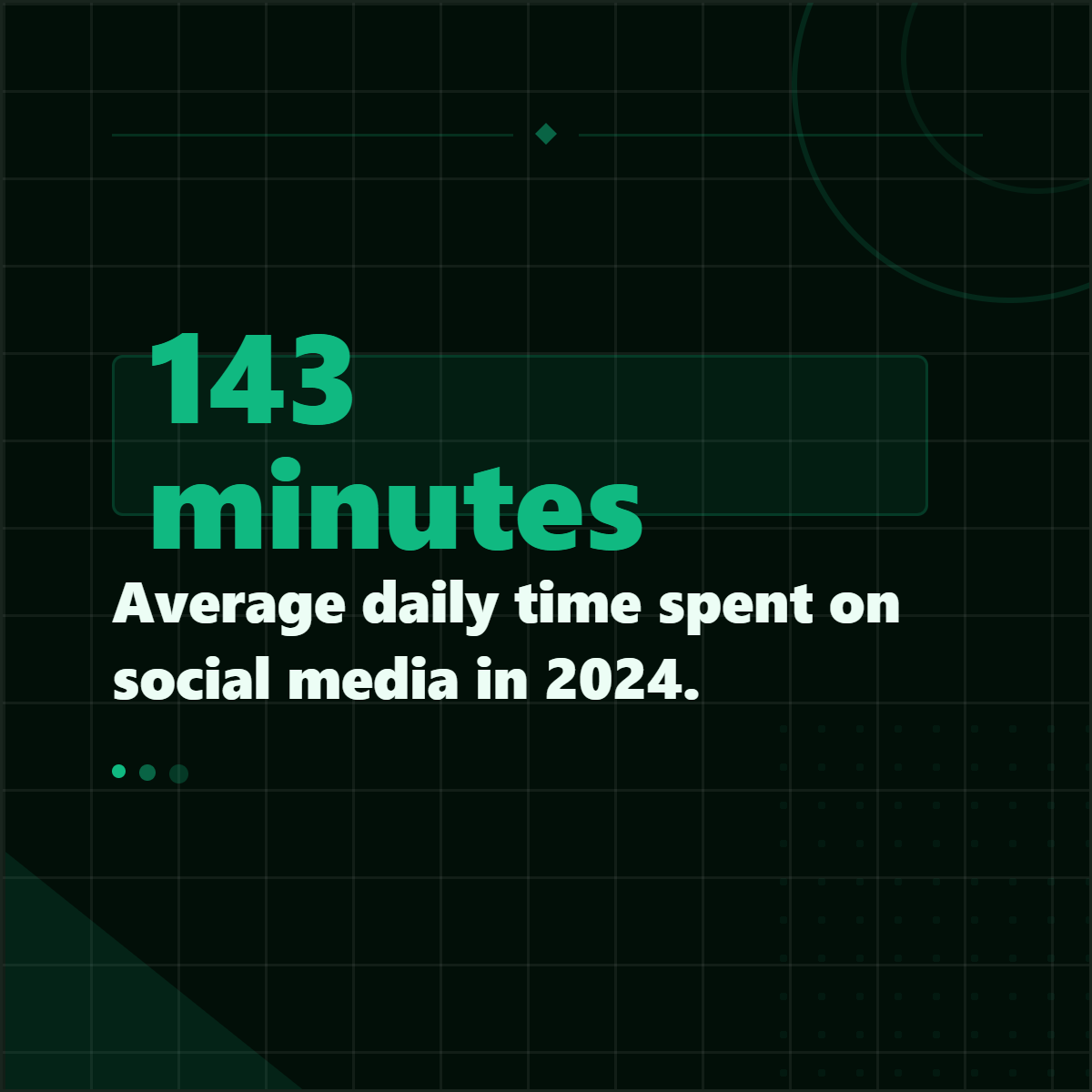
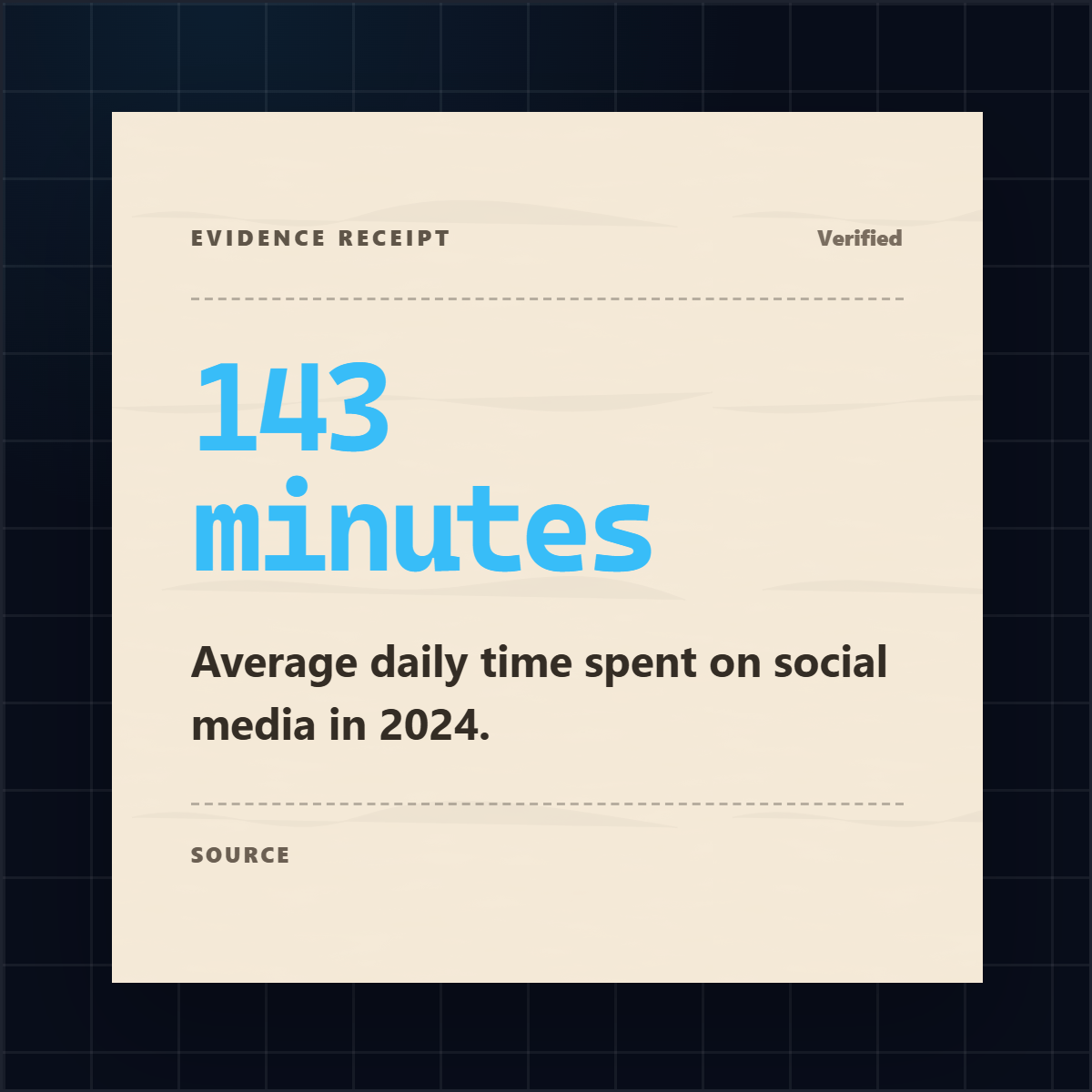



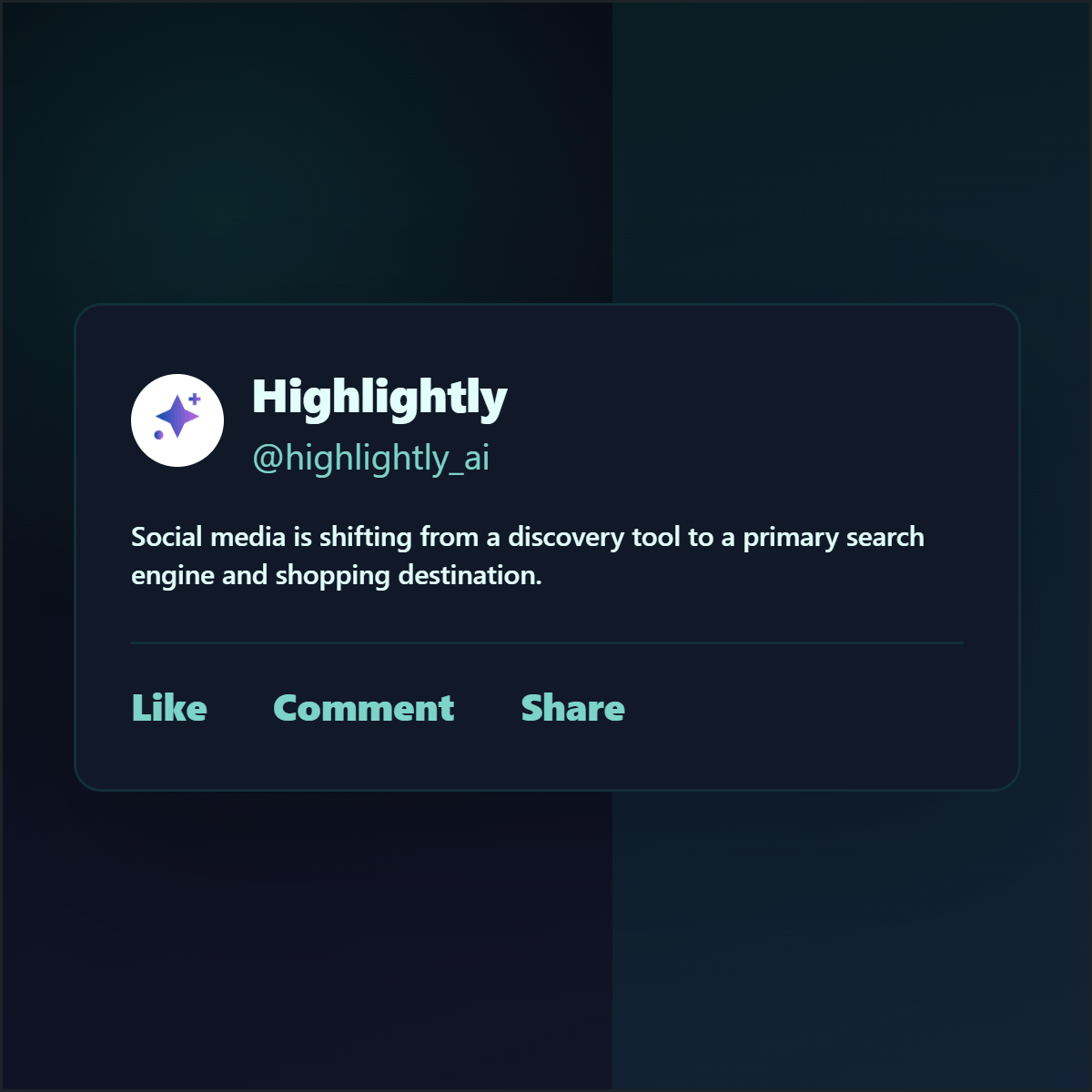



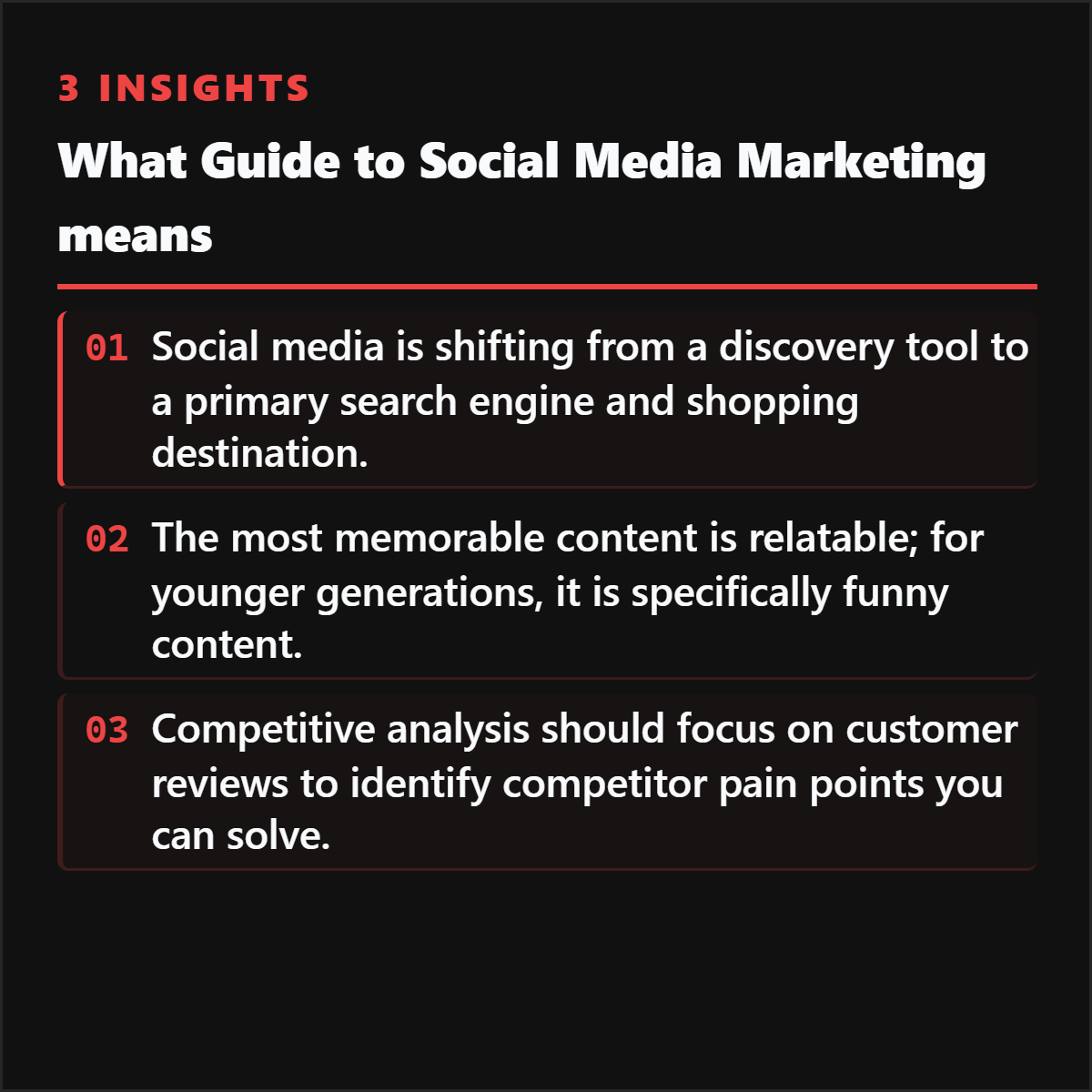
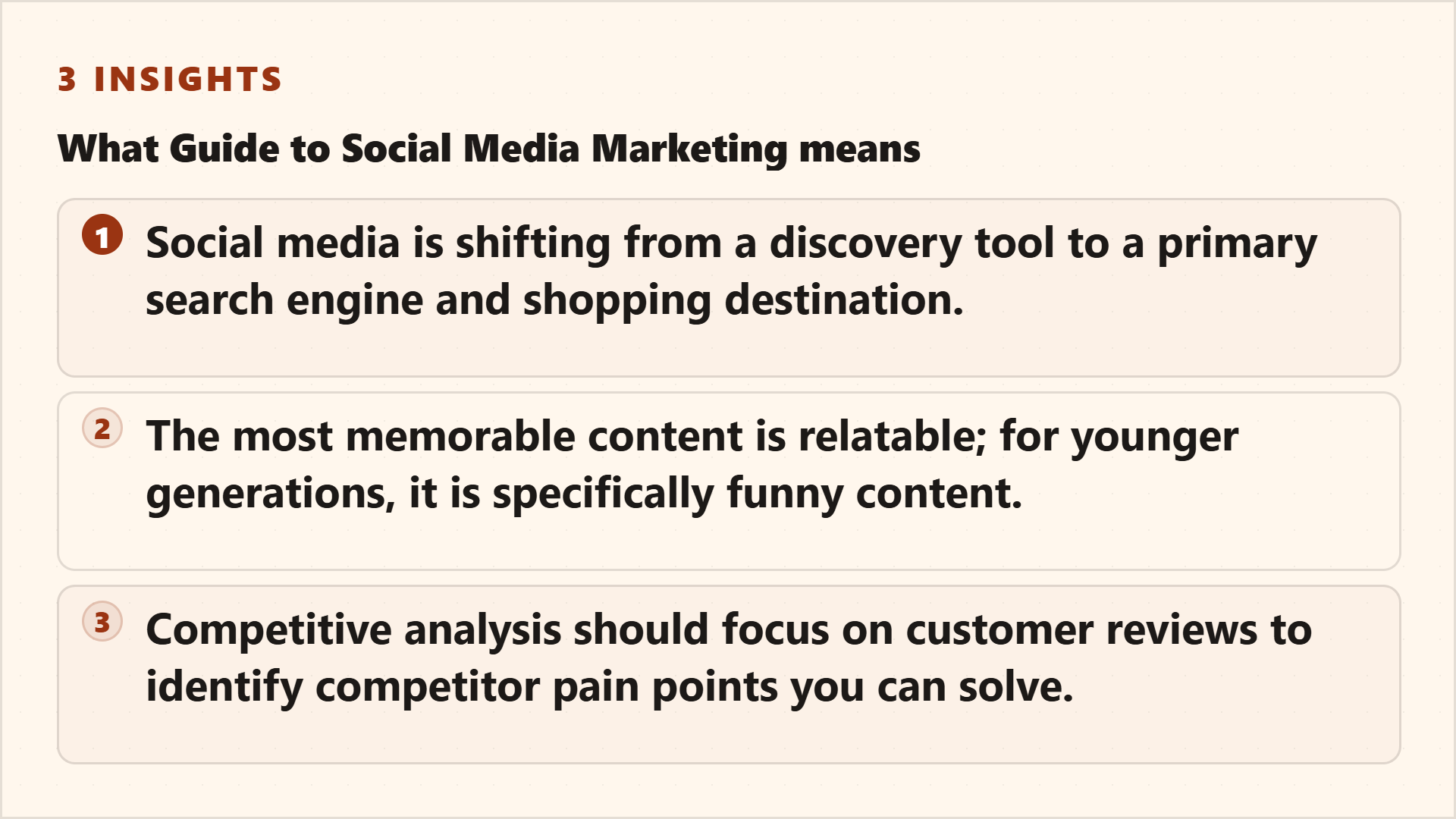
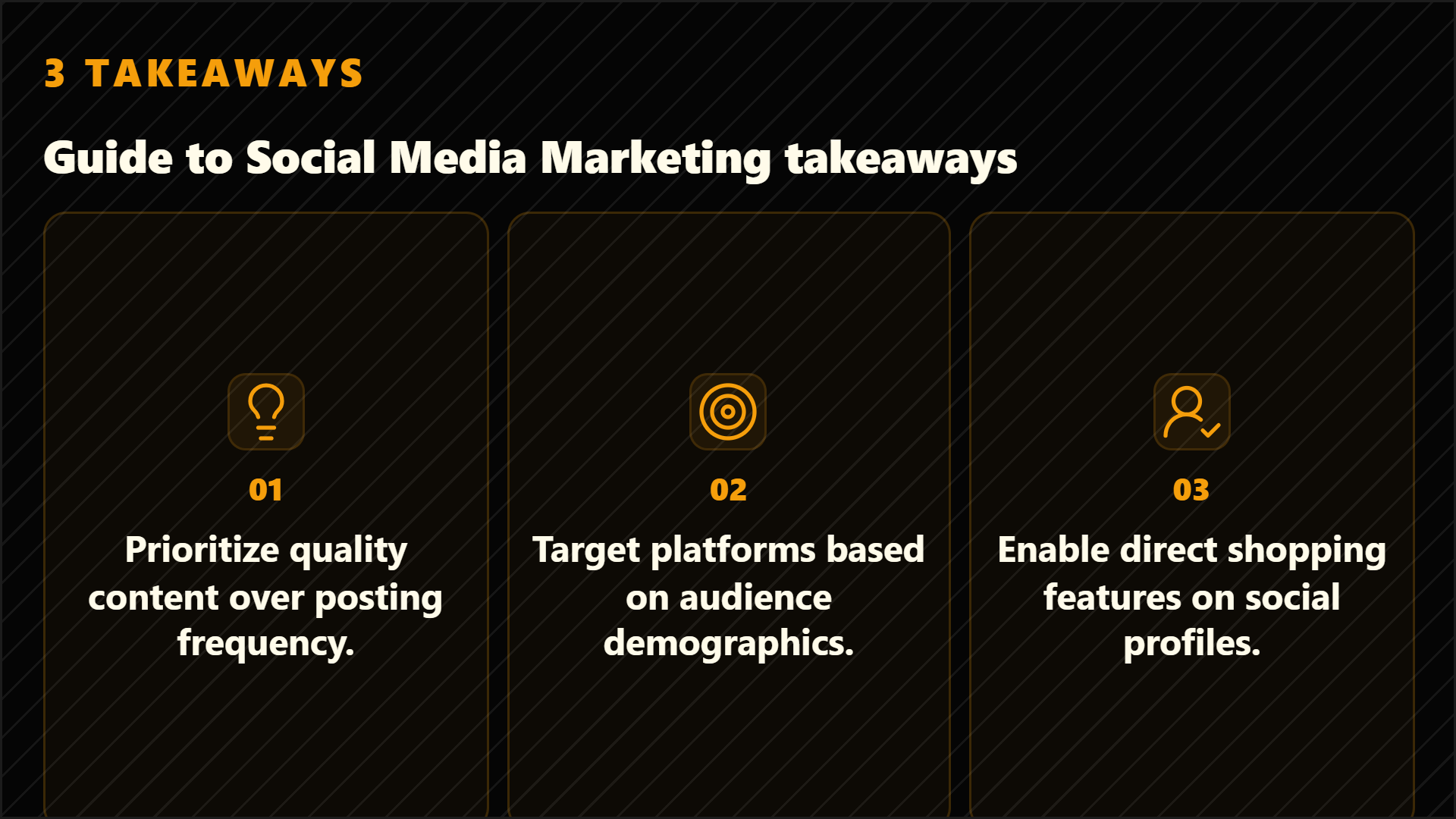
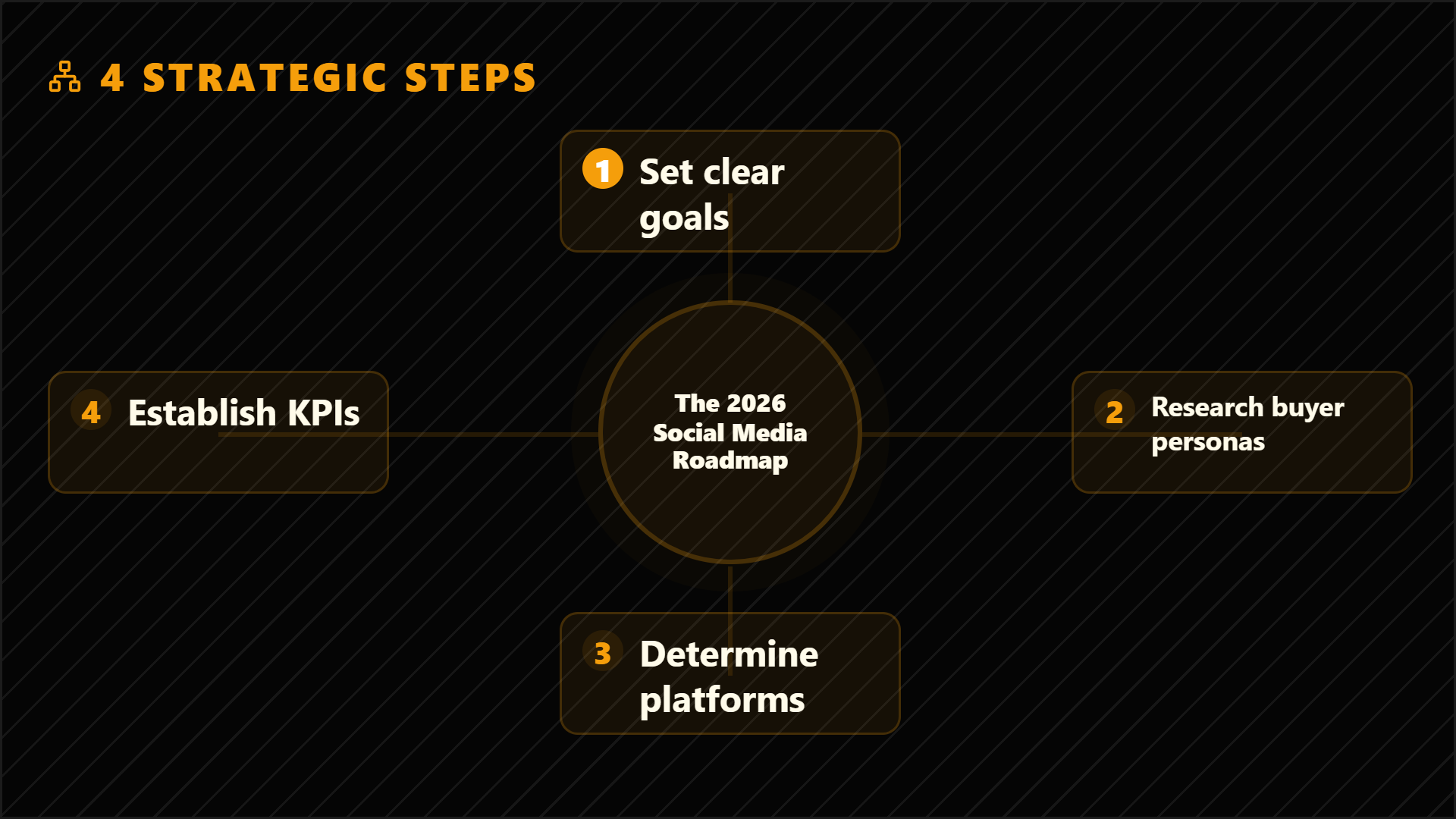
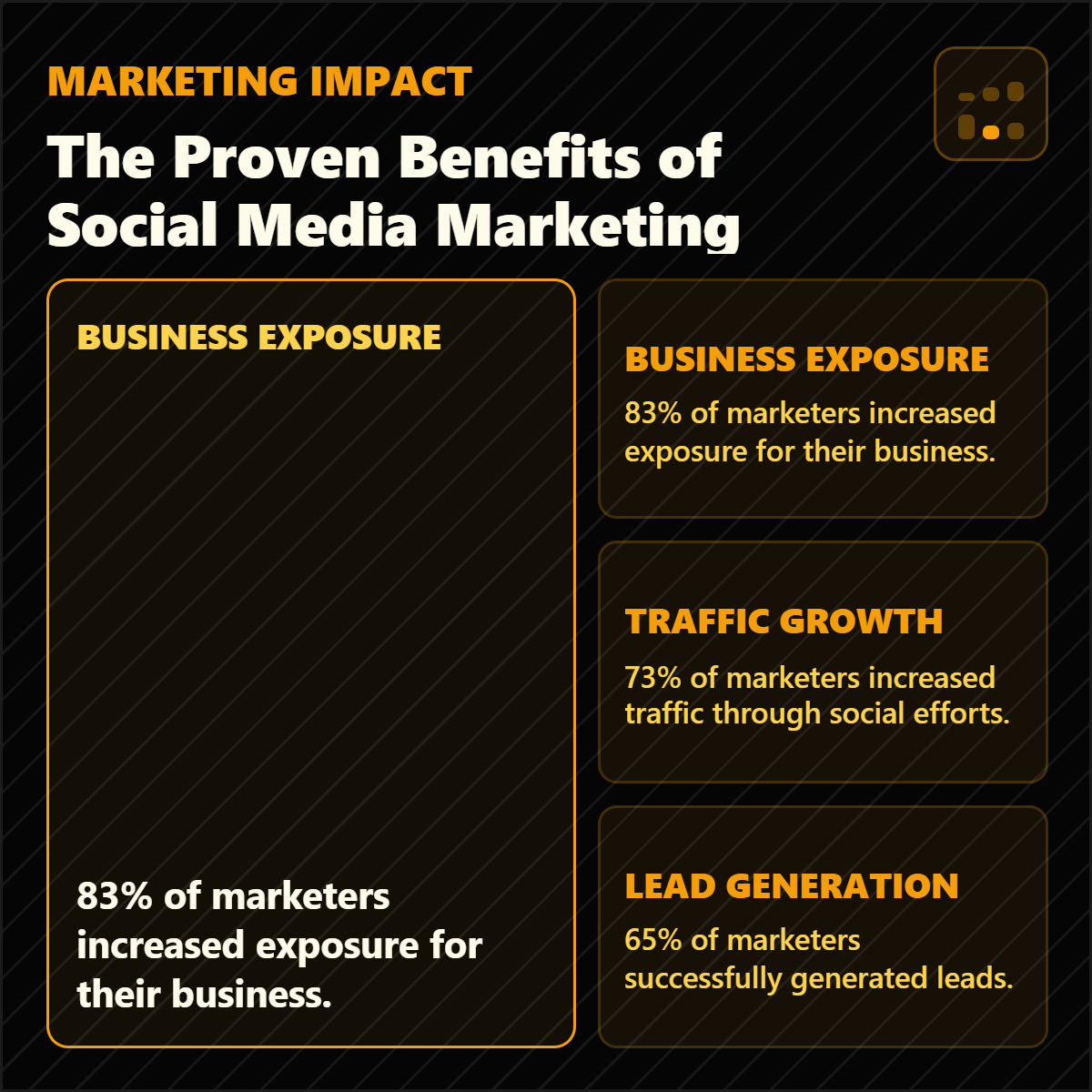
Highlightly extracts and structures source material. You review, edit, and approve before export. The AI does the first pass. You make the final call.
“The goal is not to make more AI content. The goal is to make the useful parts of real sources easier to publish.”— Founder @ Highlightly
See every hook, stat, quote, and claim before it becomes an asset.
Change wording, adjust framing, add your take before export.
Colors, logo, typography, watermark, and social handles.
The final asset reflects your judgment, not just the AI extraction.
What to paste first
The fastest path is not “ask AI for content.” It is: bring a real source, inspect what Highlightly extracts, choose the useful angle, then make the asset your own.
Good when it contains claims, quotes, stats, steps, or a clear argument worth turning into a visual.
Good when it contains claims, quotes, stats, steps, or a clear argument worth turning into a visual.
Good when it contains claims, quotes, stats, steps, or a clear argument worth turning into a visual.
The card should support the post, not make an unsupported hot take look sourced.
Before exporting, confirm the extracted quote, statistic, or takeaway still matches the source. Then use the editor, Brand Kit, and captions to make it publishable.
How it compares
X creators need speed and visual receipts. Highlightly turns source material into post-ready cards in minutes.
| Feature | Highlightly | Canva | Buffer | Manual |
|---|---|---|---|---|
| Source-backed extraction | ||||
| Brand kit application | ||||
| Multi-platform captions | Scheduling only | |||
| Source attribution | ||||
| Batch source ingest | ||||
| Review before export | ||||
| Carousel generation | Manual design | |||
| Quote/stat cards | Manual design |
Source-backed extraction
HL
Canva
Buffer
Manual
Brand kit application
HL
Canva
Buffer
Manual
Multi-platform captions
HL
Canva
Buffer
Manual
Source attribution
HL
Canva
Buffer
Manual
Batch source ingest
HL
Canva
Buffer
Manual
Review before export
HL
Canva
Buffer
Manual
Carousel generation
HL
Canva
Buffer
Manual
Quote/stat cards
HL
Canva
Buffer
Manual
Highlightly gives X creators a source-backed way to move from research to sharp posts, while keeping the human take and final edit in control.
Direct answer
X creators can paste articles, reports, transcripts, or notes into Highlightly, choose extracted hooks, quotes, and stats, then export X-ready cards and caption drafts with source context available.
Yes. Stat cards, quote cards, and screenshot callouts work as visual receipts for X posts.
Yes. Extract multiple supporting points and create visuals for each claim in a thread.
It gives editable drafts and source-backed material. You add your take and final voice before posting.
Related workflows
For multi-platform creators
Content creators use Highlightly to turn research, articles, transcripts, and notes into source-backed cards, carousels, captions, and story graphics.
View workflowFor social teams
Create source-backed social media graphics, quote cards, carousels, and captions from articles, PDFs, reports, and pasted text with Highlightly.
View workflowFor indie builders
Indie hackers use Highlightly to turn build logs, launch notes, metrics, lessons, and research into source-backed social graphics and captions.
View workflowStart with one source
Paste a link, upload a document, or start from text. Review the extracted material, pick a template, and export with attribution intact.