 Highlightly Team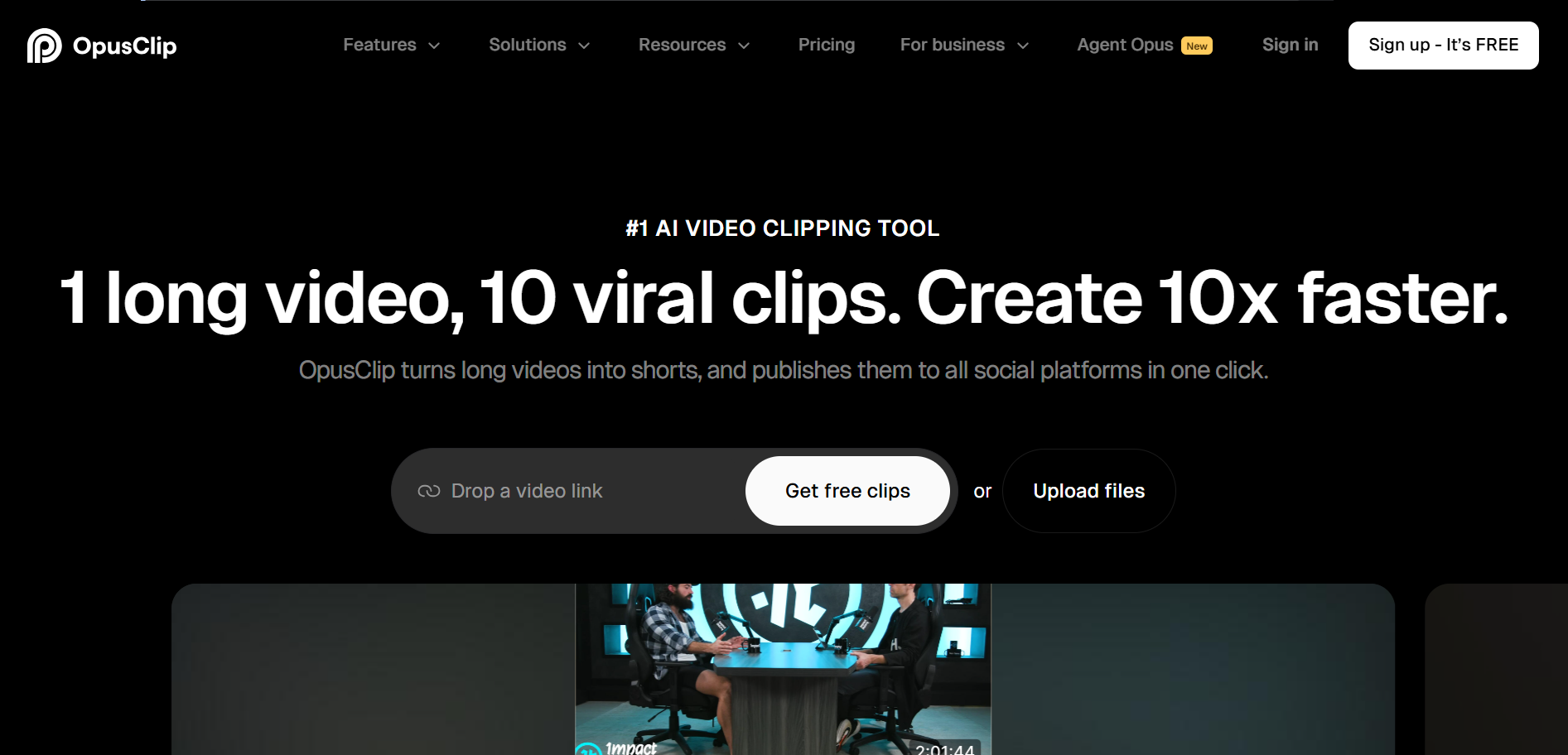
Opus Clip is an AI video clipping and editing tool for turning long videos into short-form clips, captions, reframed shorts, and social-ready video moments. Highlightly is not trying to win video clipping. It wins when the source should become text-led visual assets.
Choose Highlightly when the source is not a video clip problem
Use Opus Clip for long-video-to-short-video workflows. Use Highlightly when articles, PDFs, reports, screenshots, documents, transcripts, or topic research need to become cards, carousels, screenshots, and captions.
Video is one format
Opus Clip solves a specific problem: turning long videos into shorts. But not every source is a video. Many content teams work with articles, reports, PDFs, research papers, blog posts, and written documents. For these sources, a video clipping tool is not the right starting point.
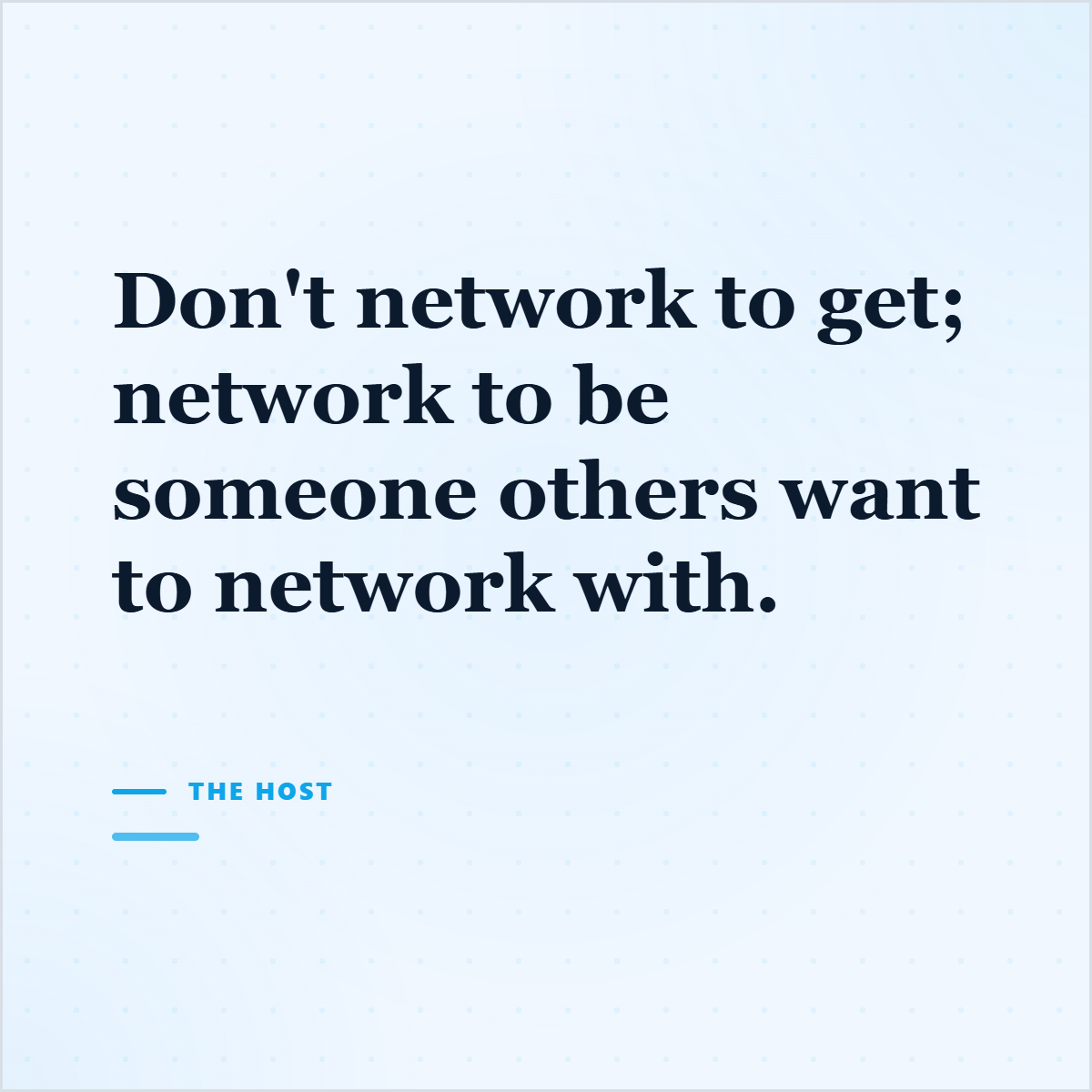
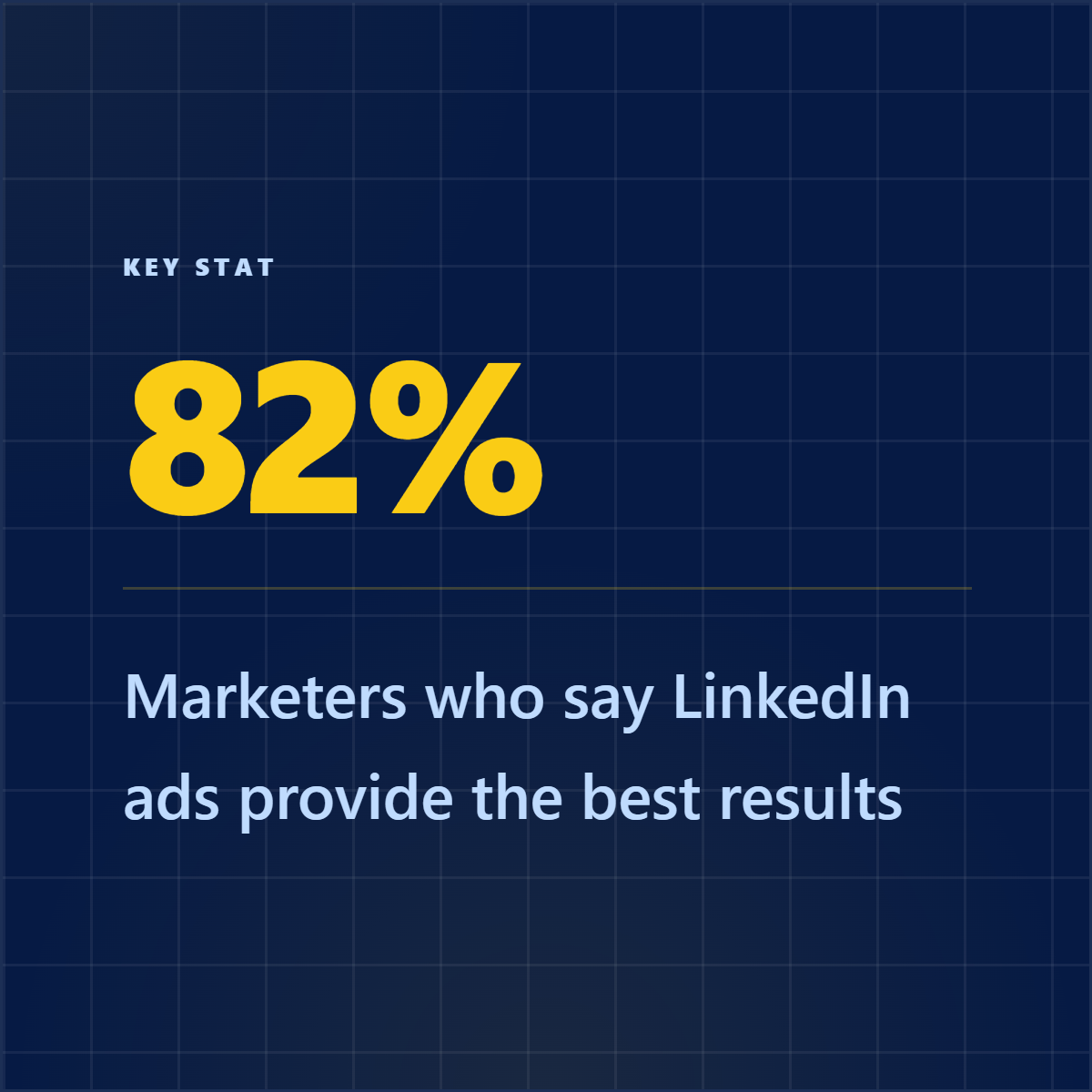
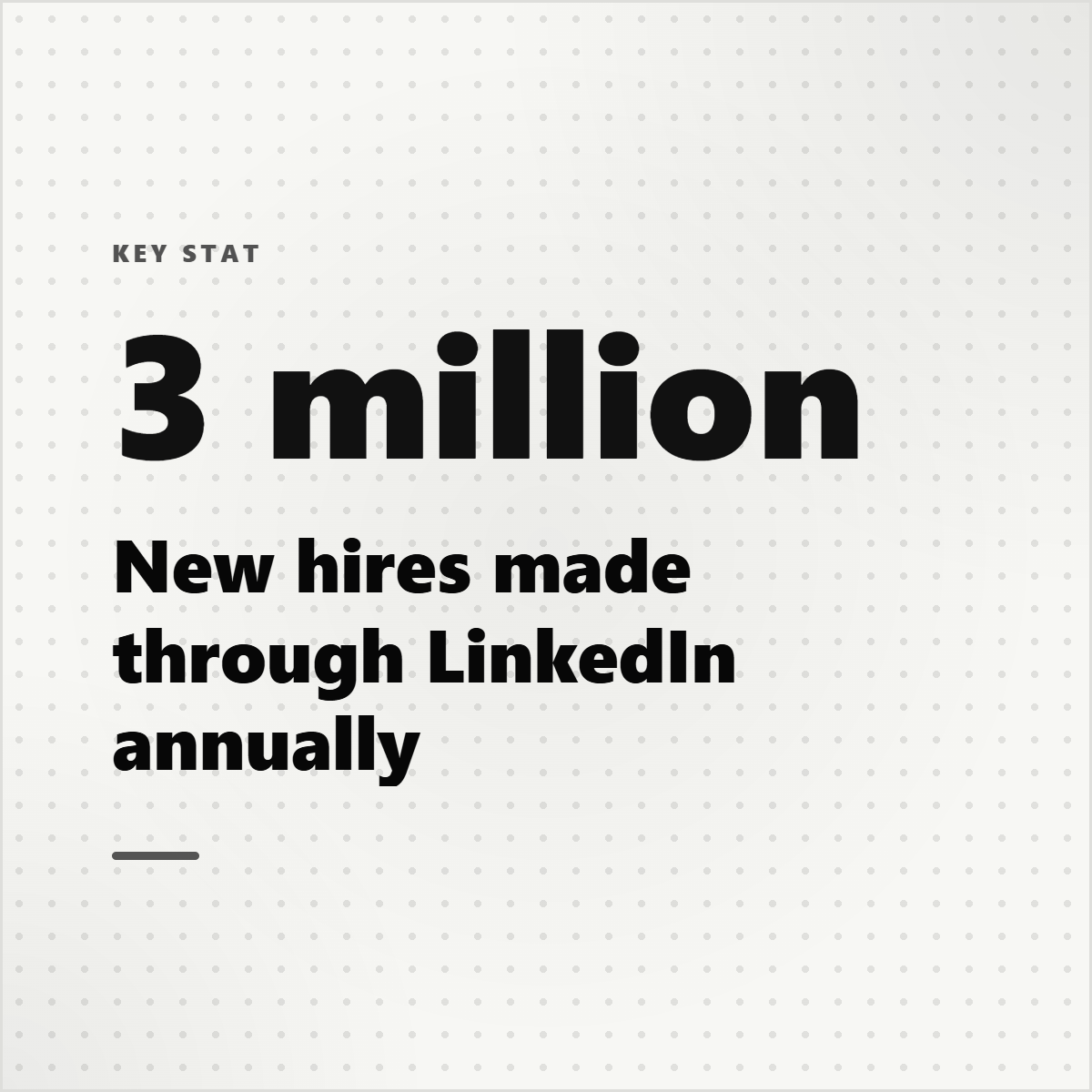
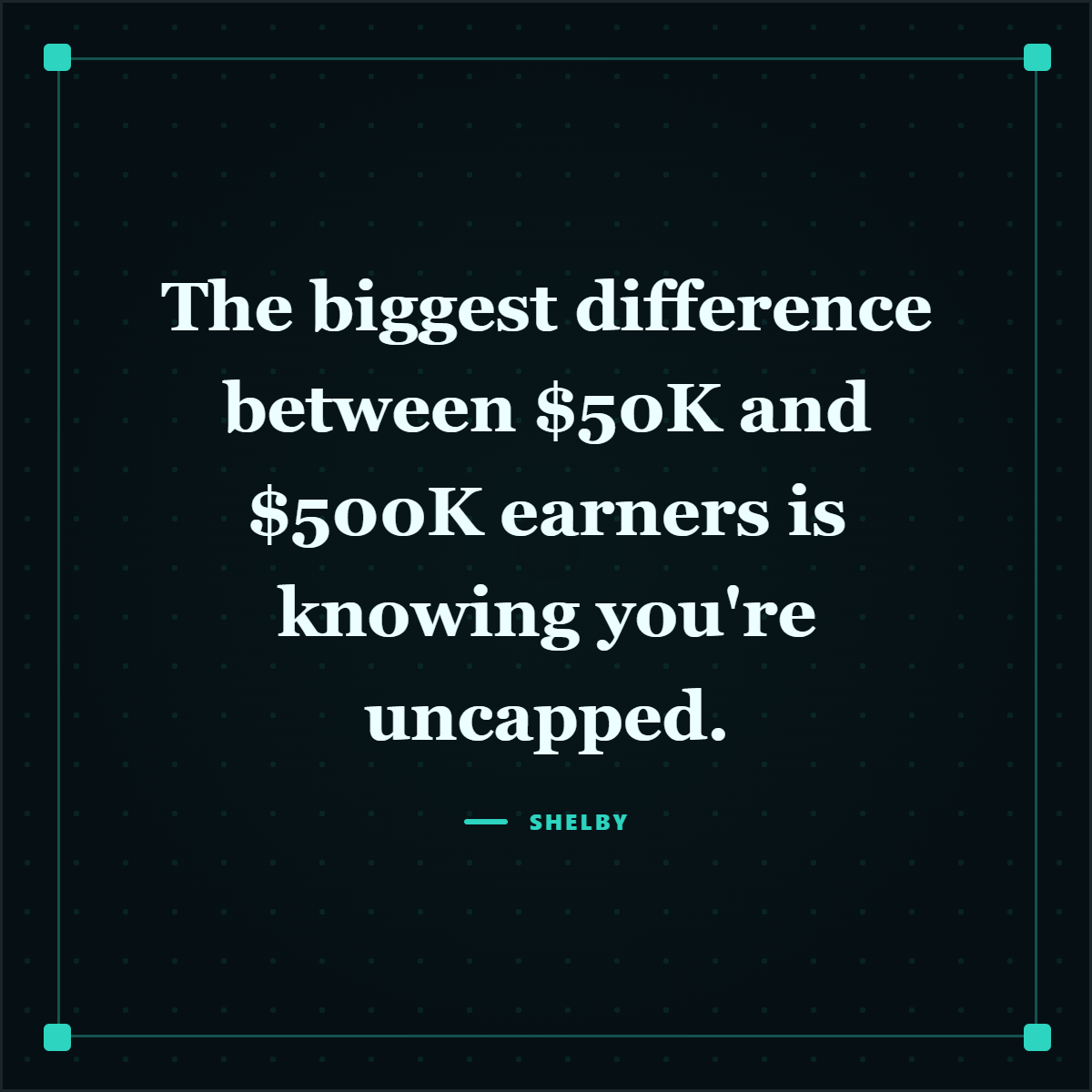
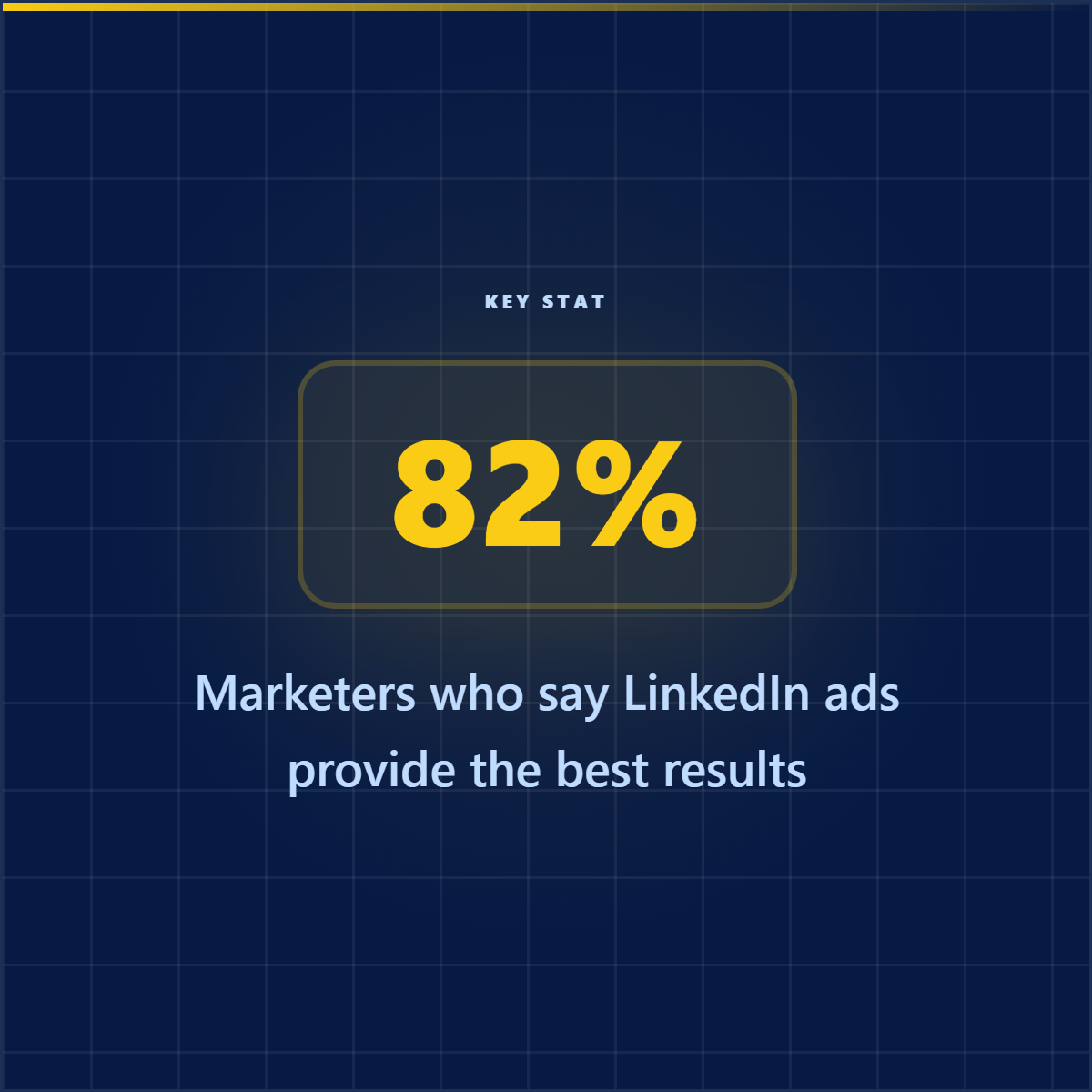
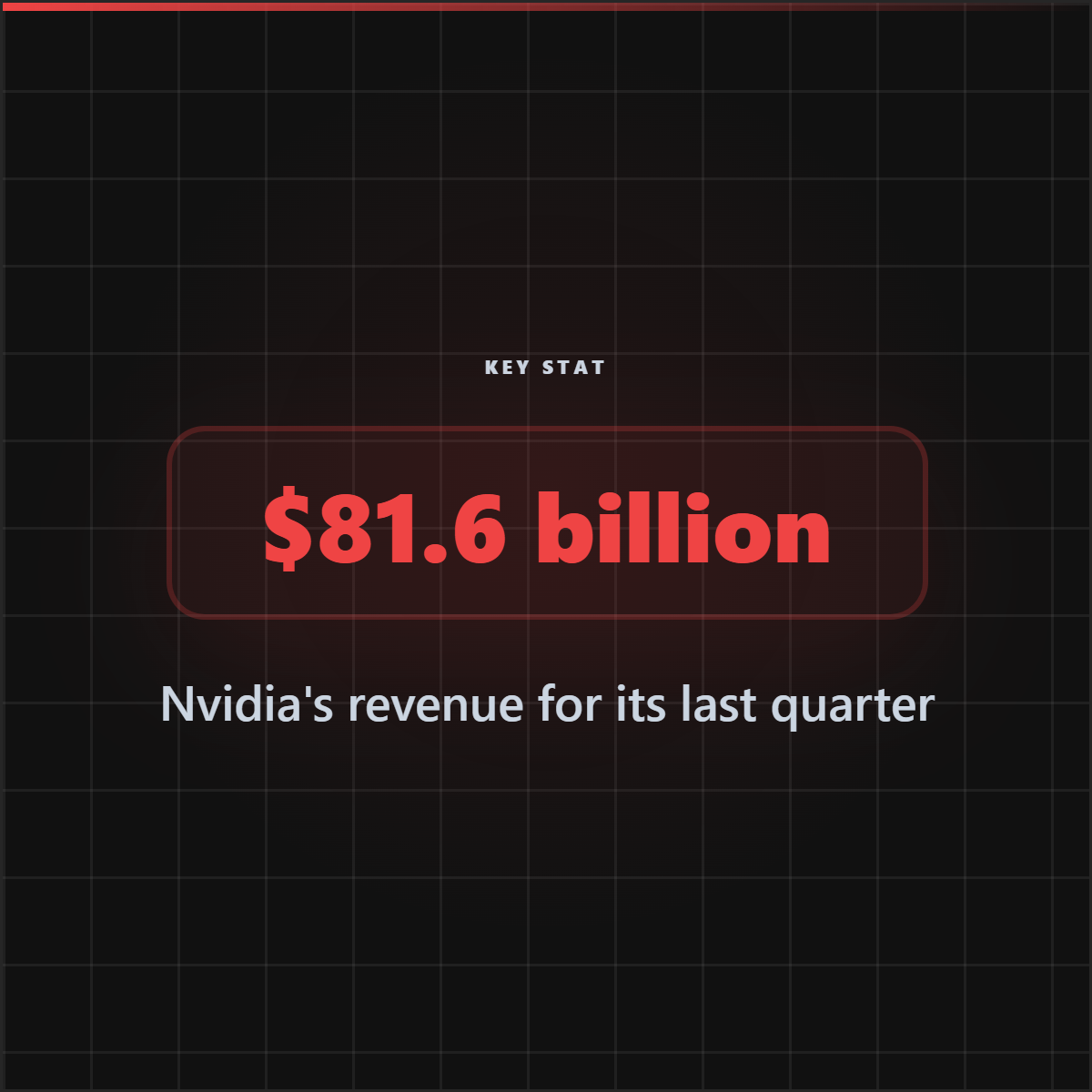
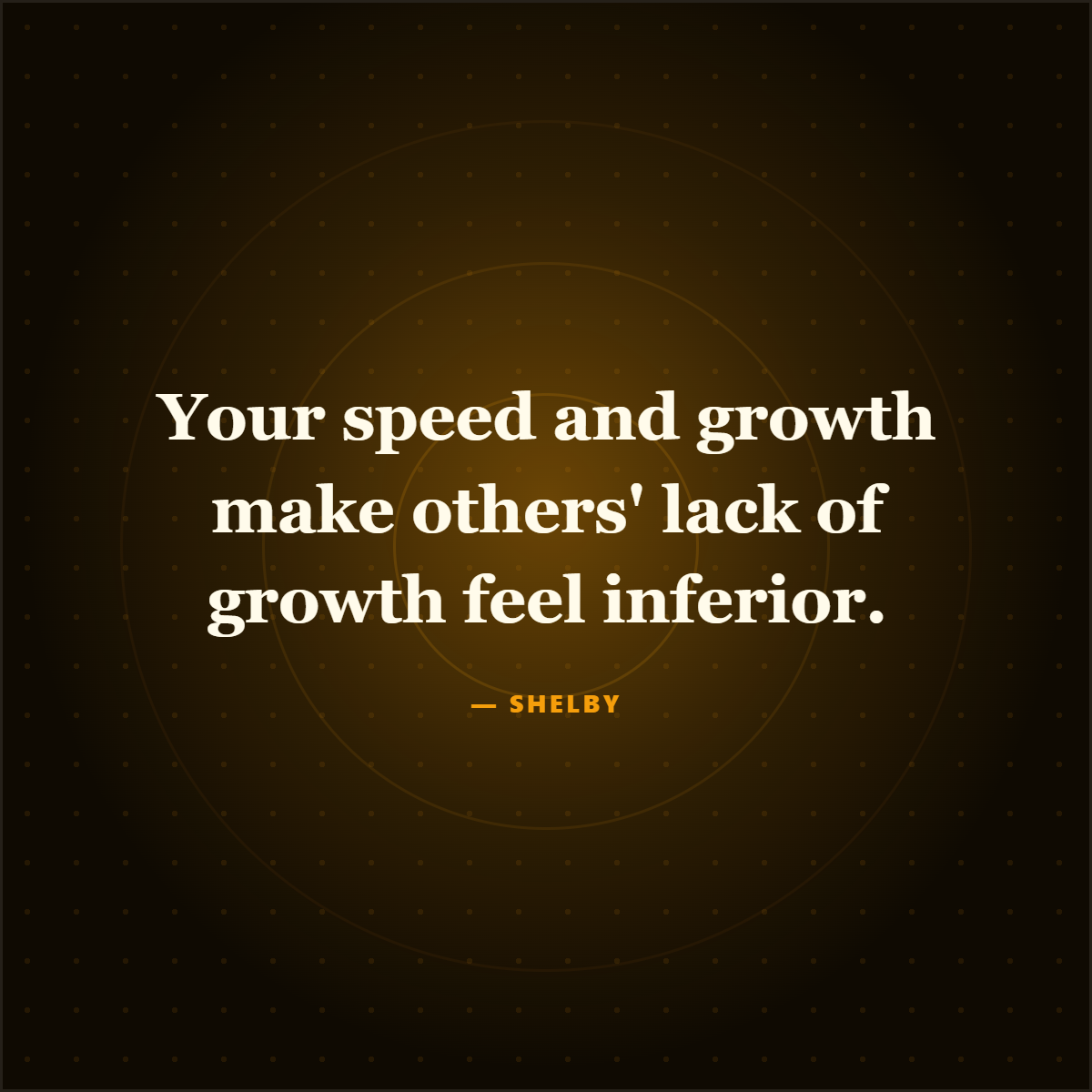
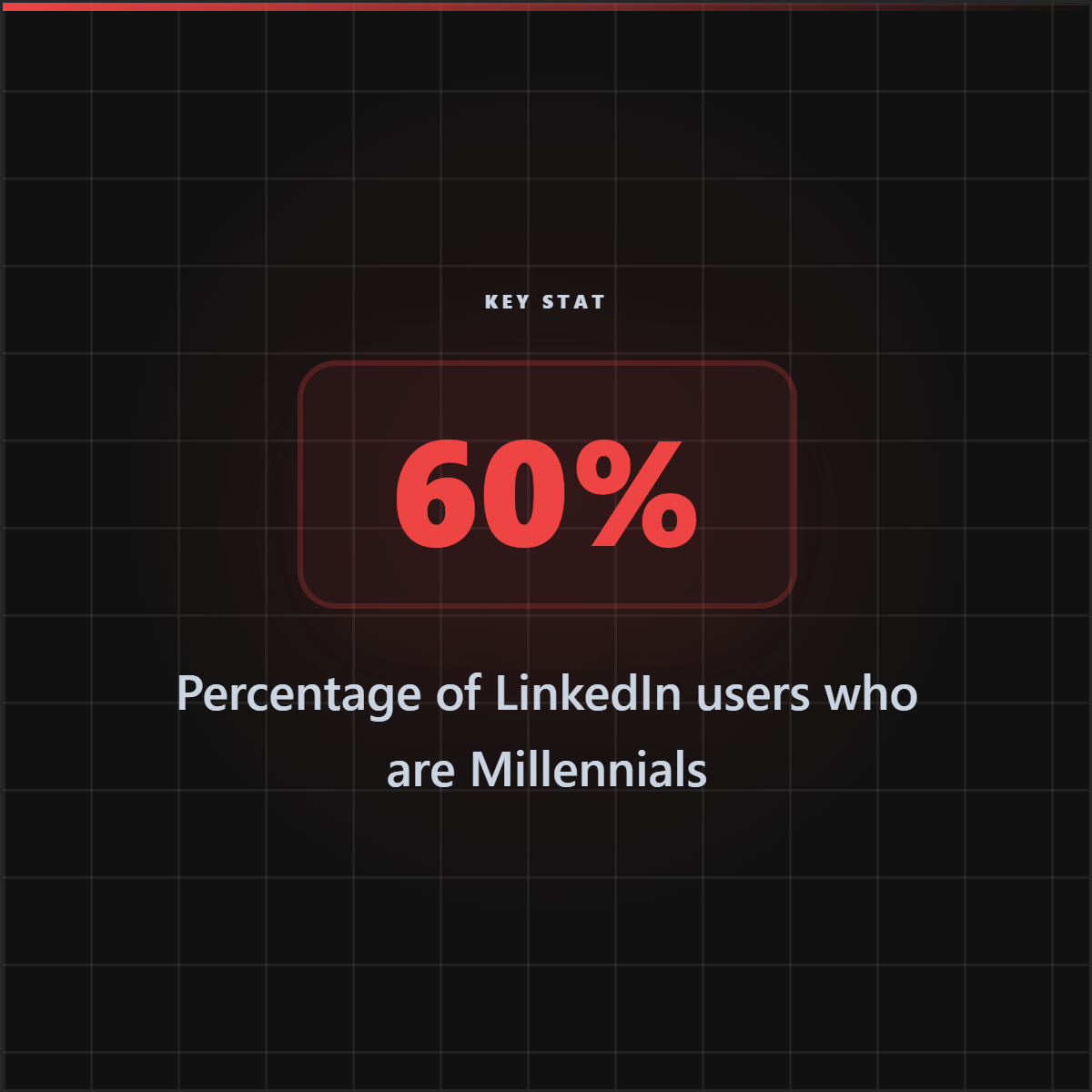
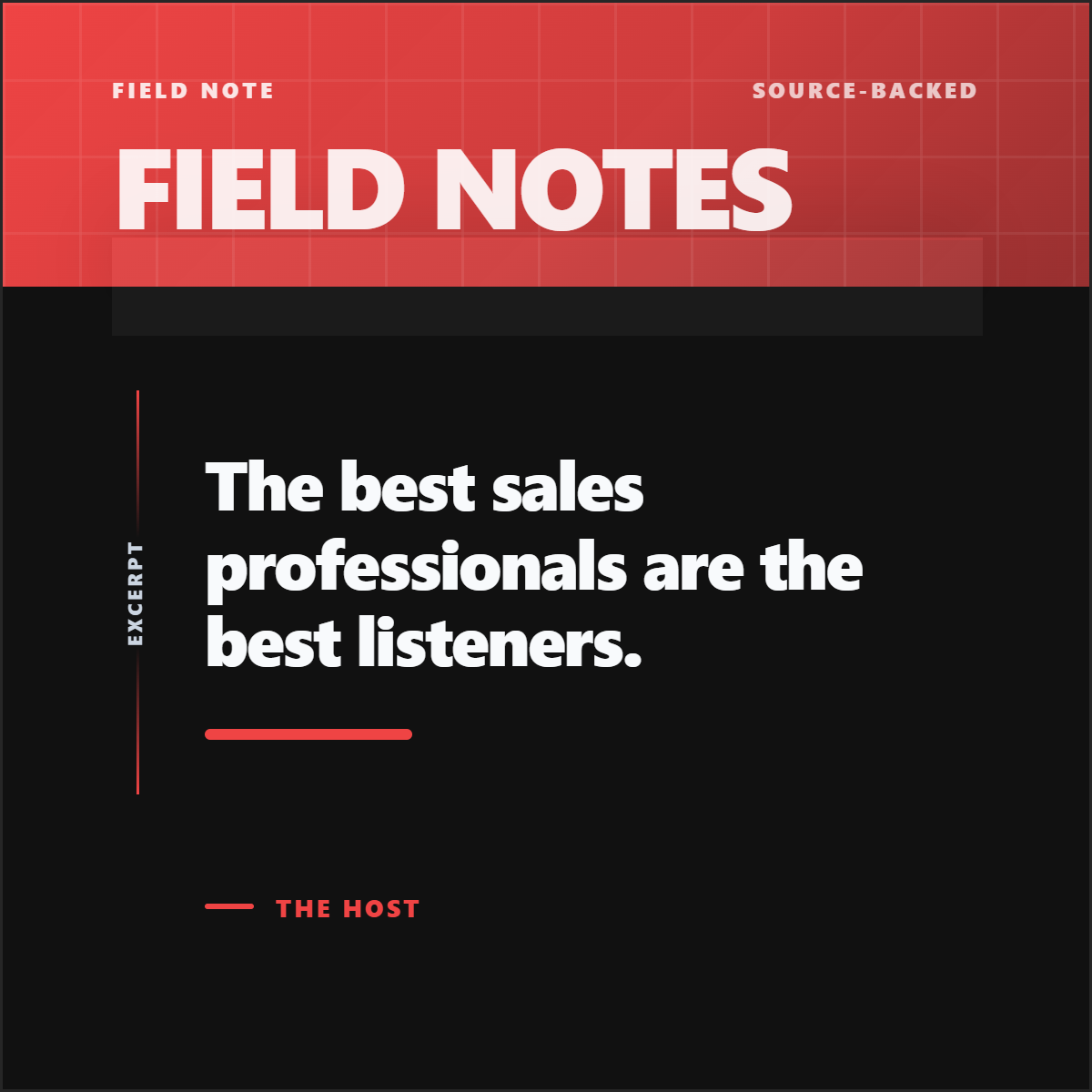
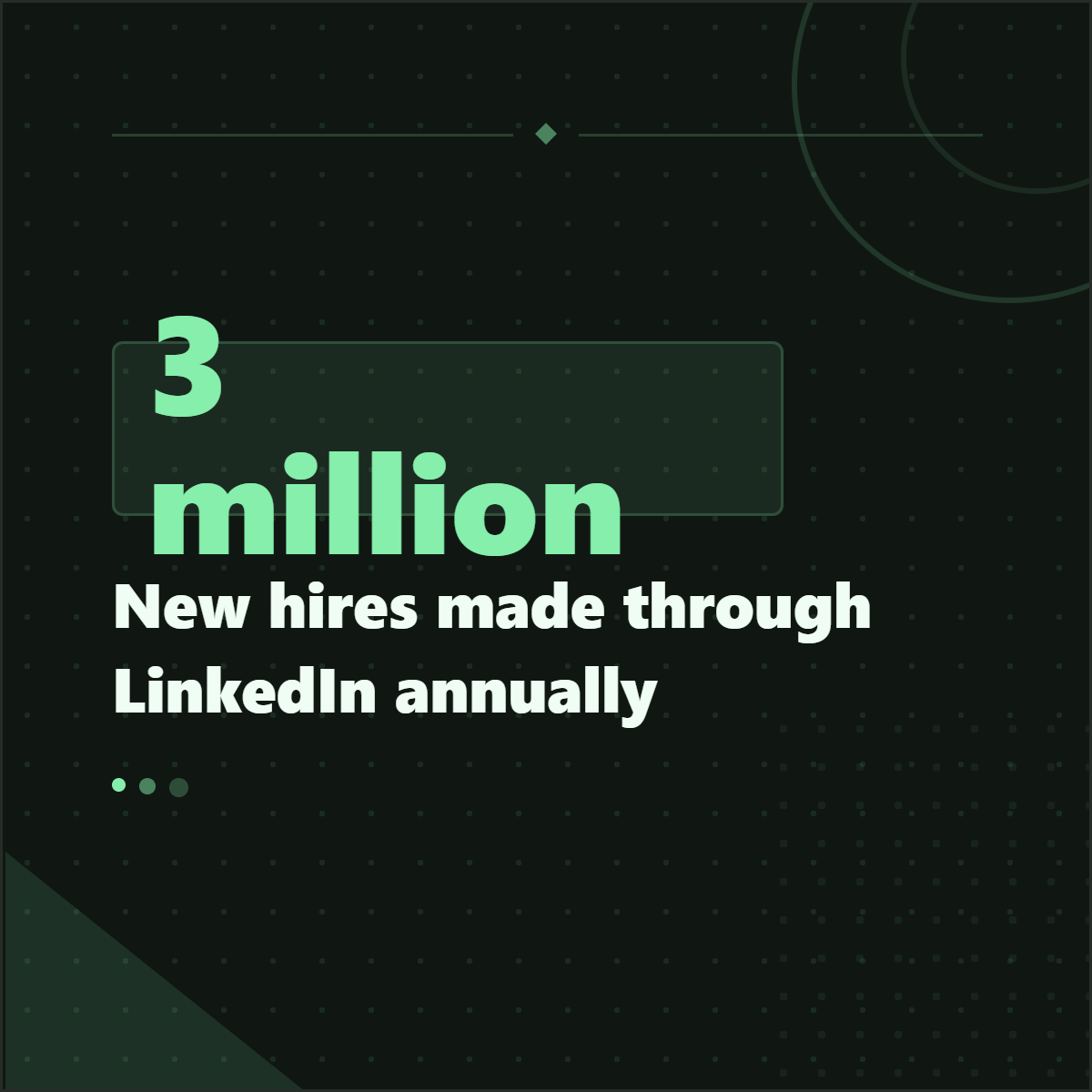
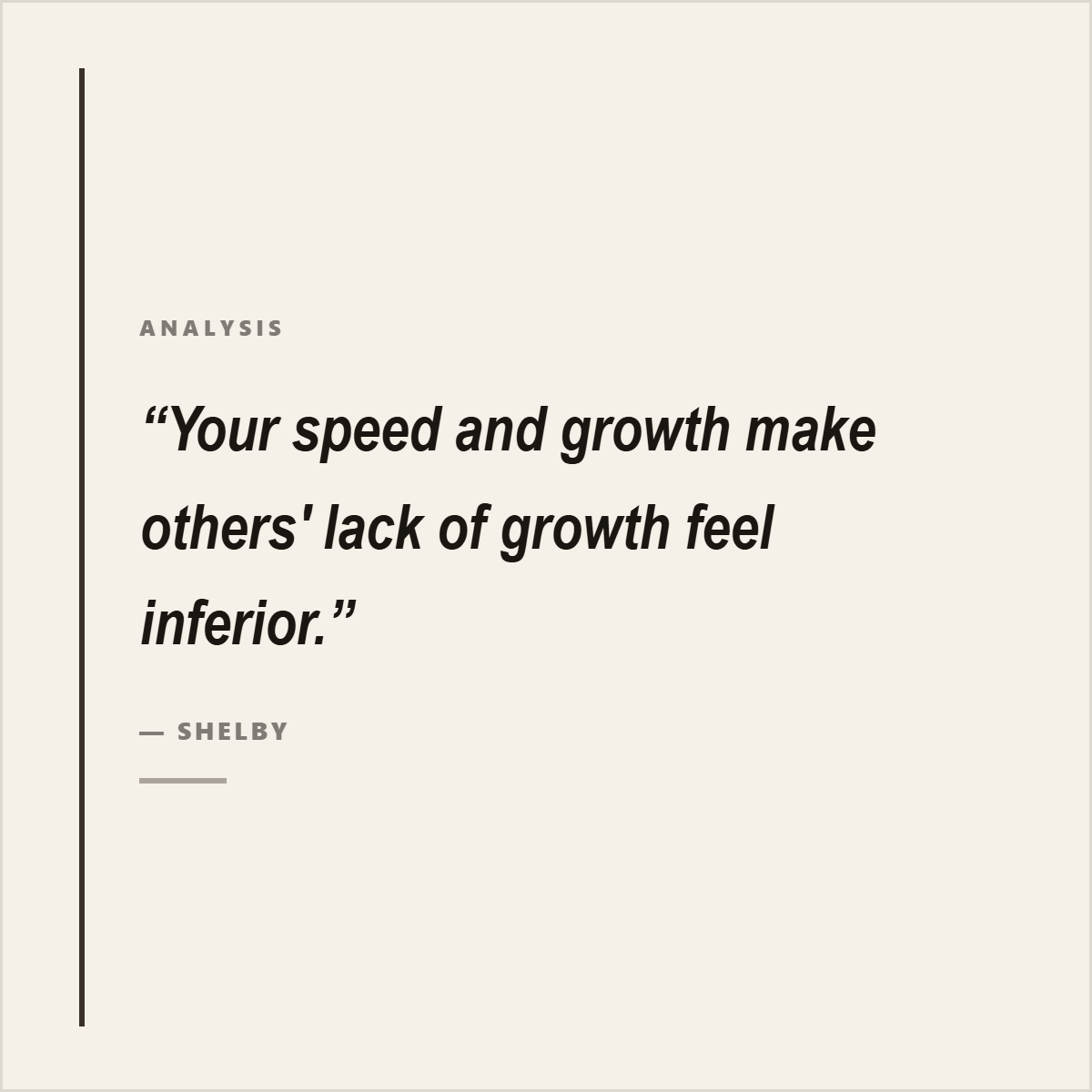
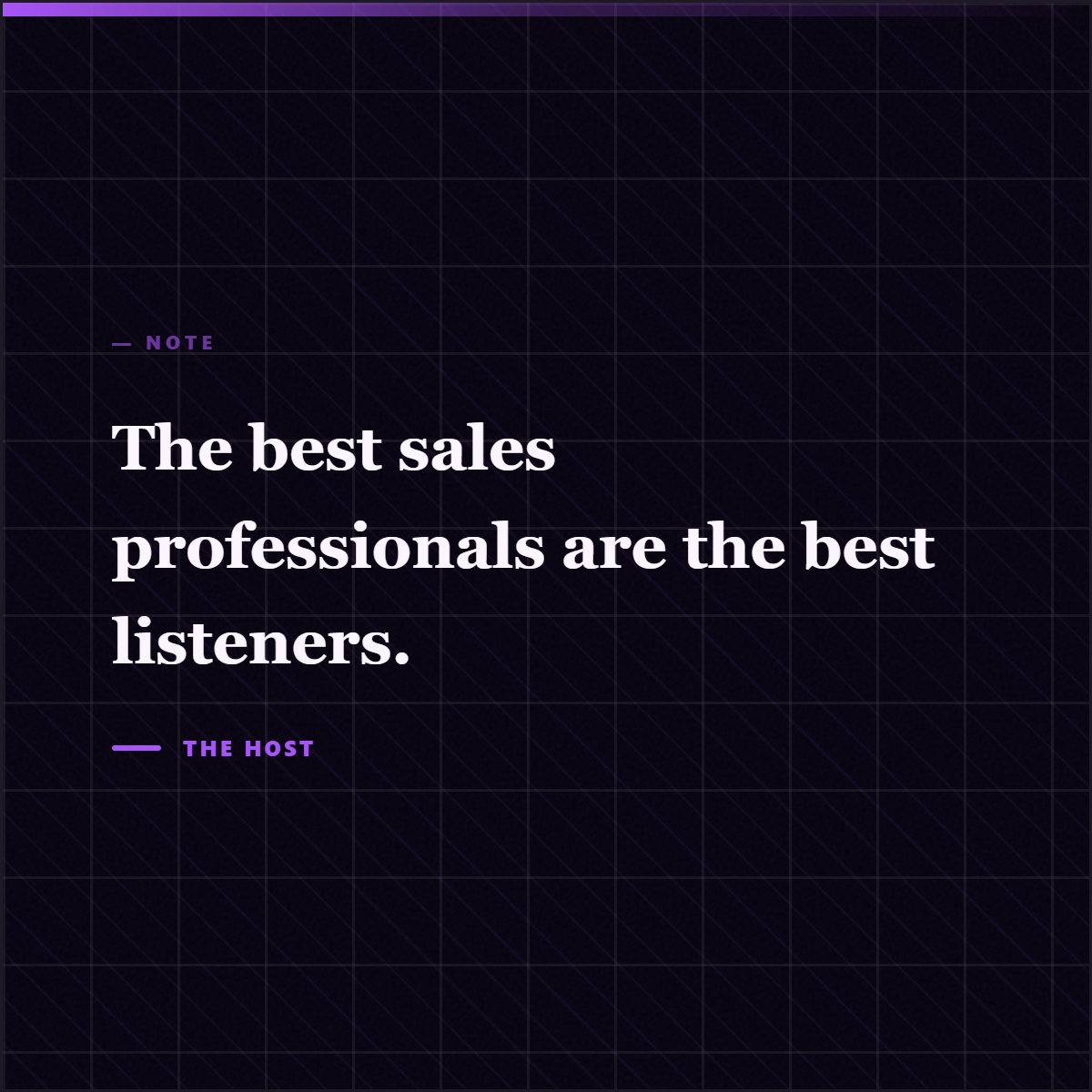
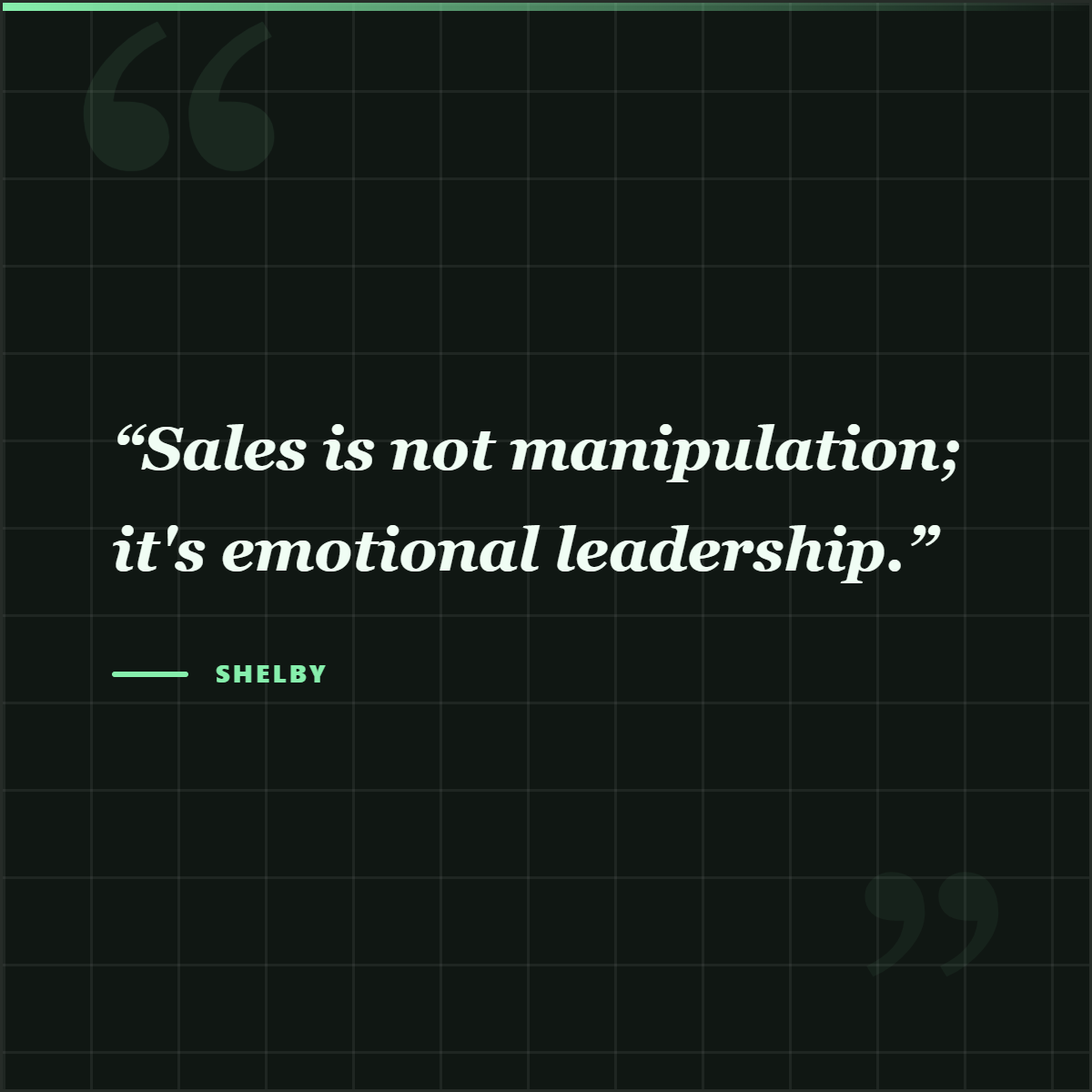
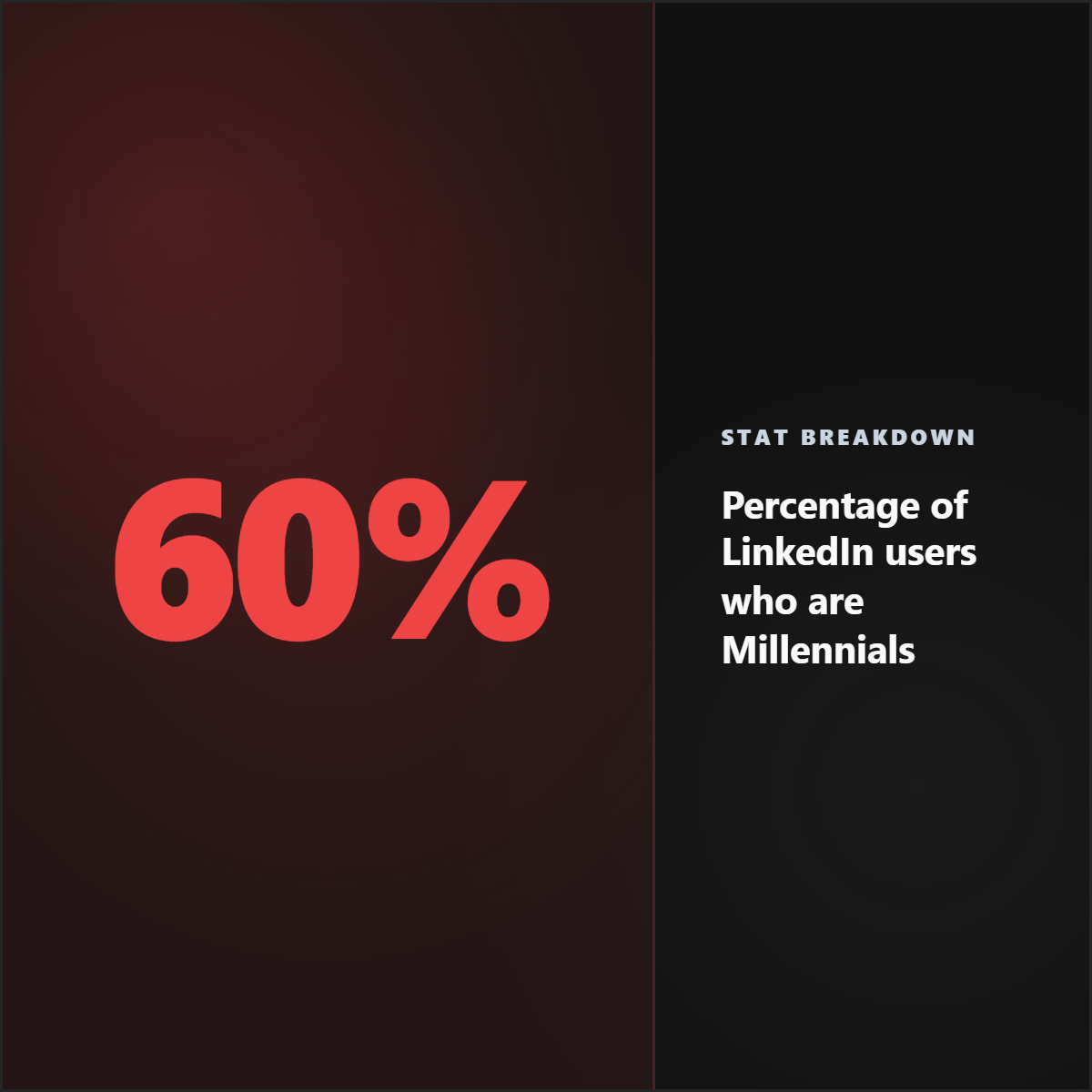
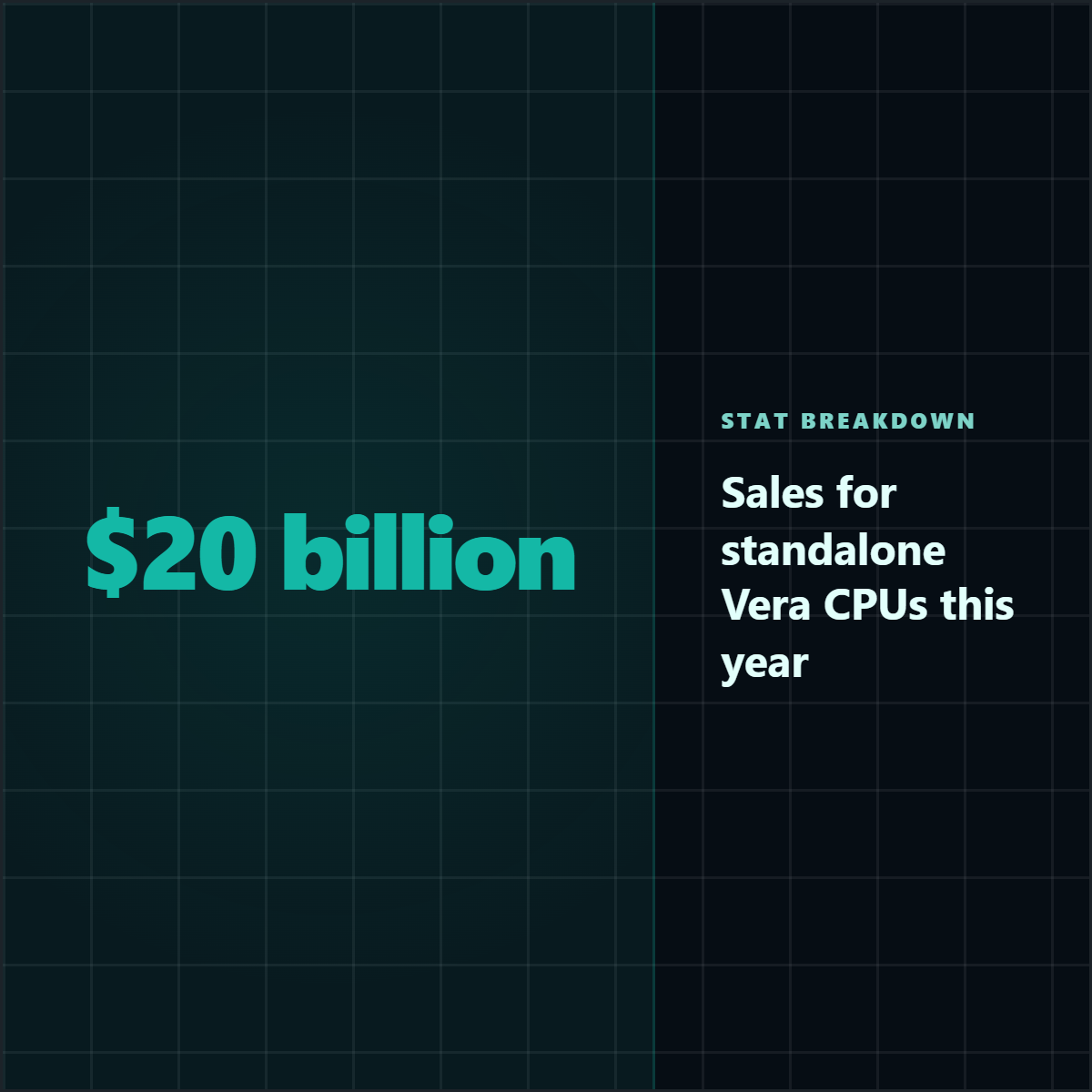
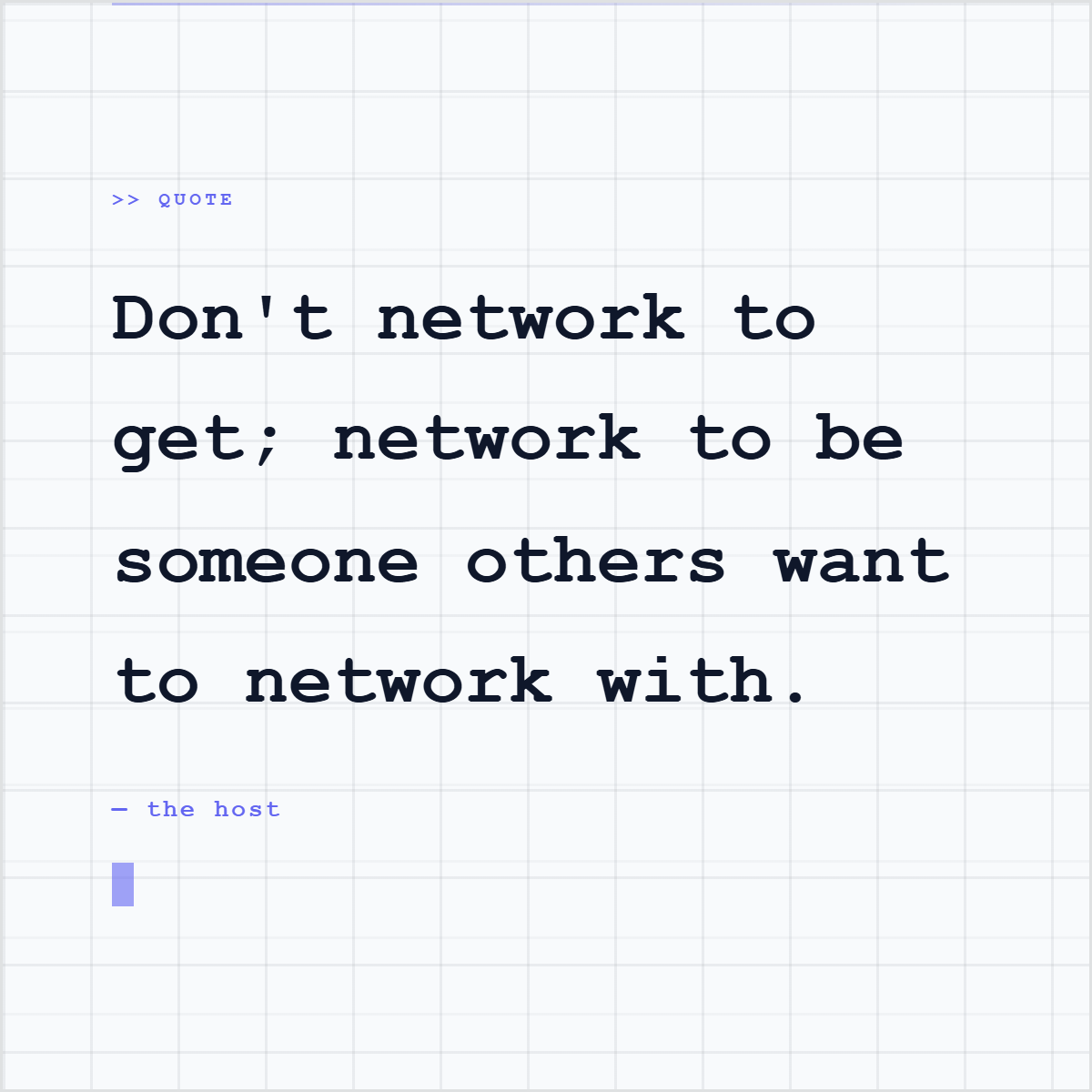
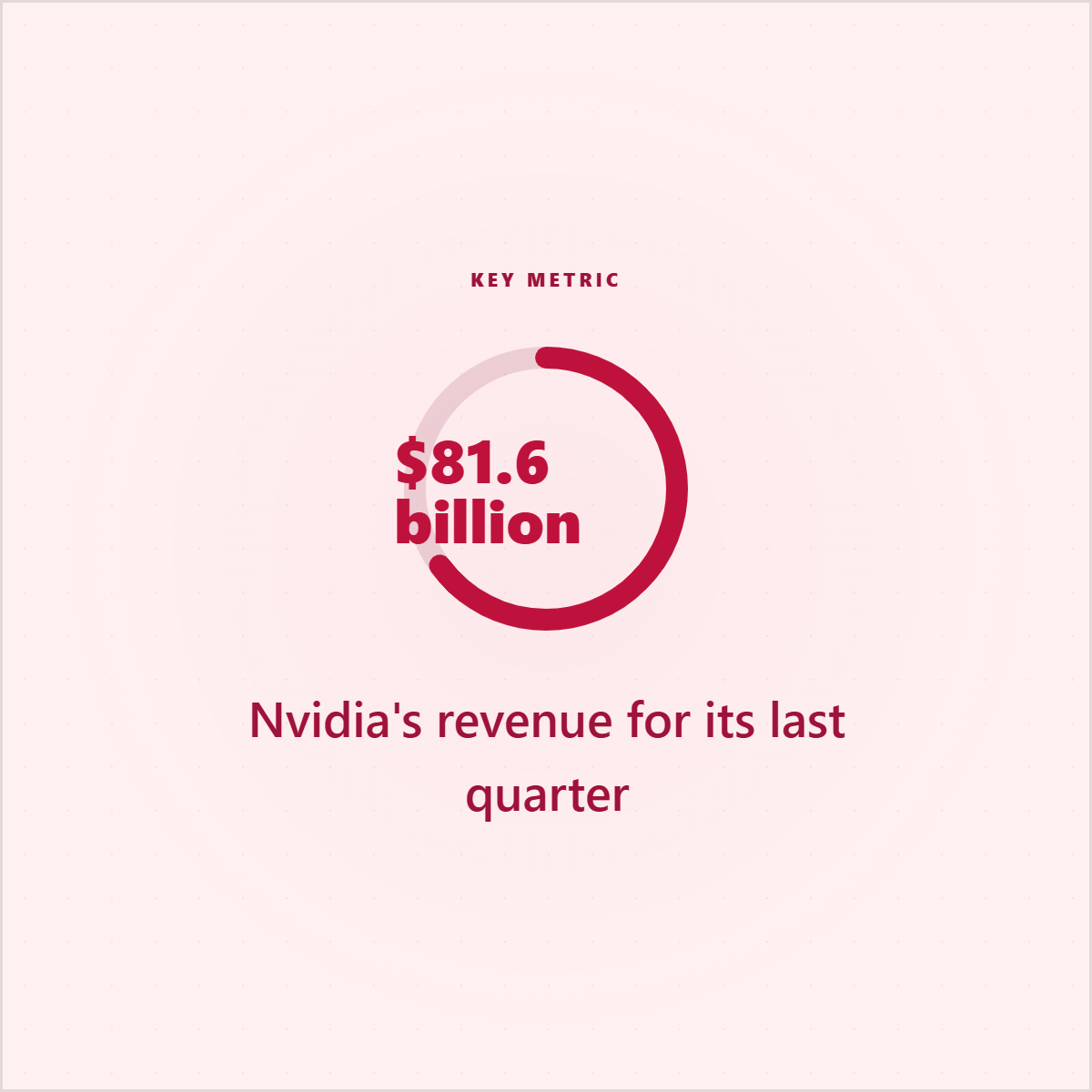
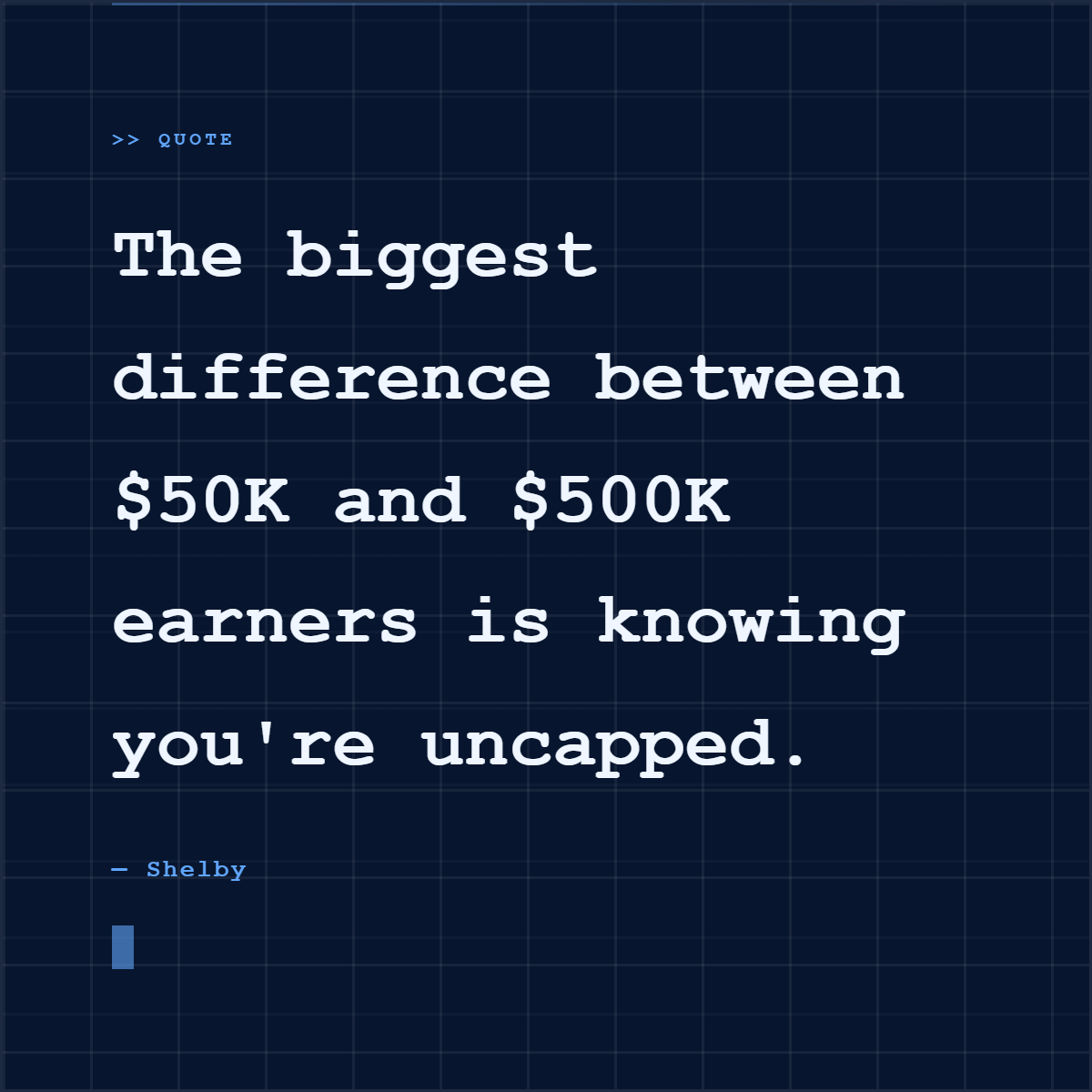
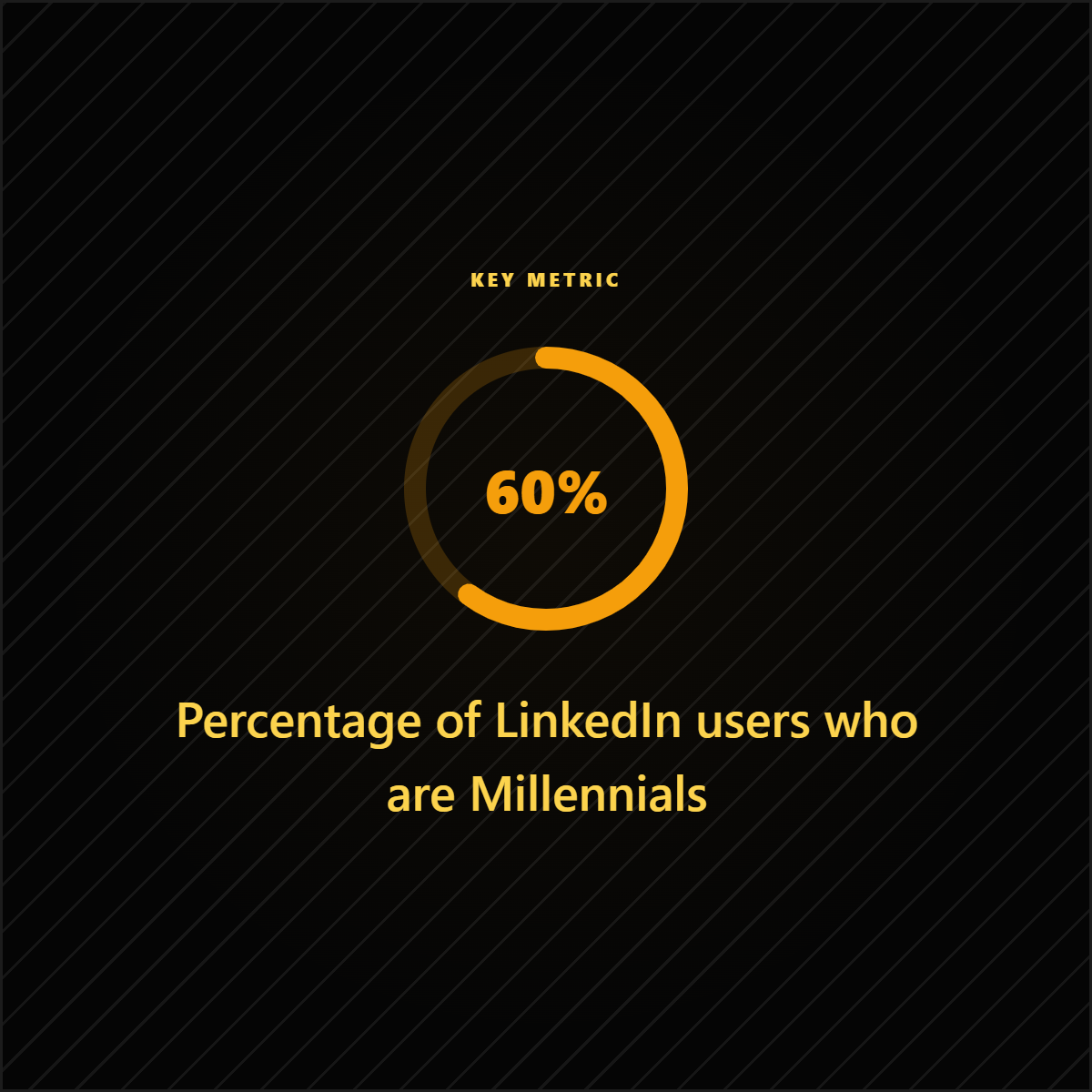
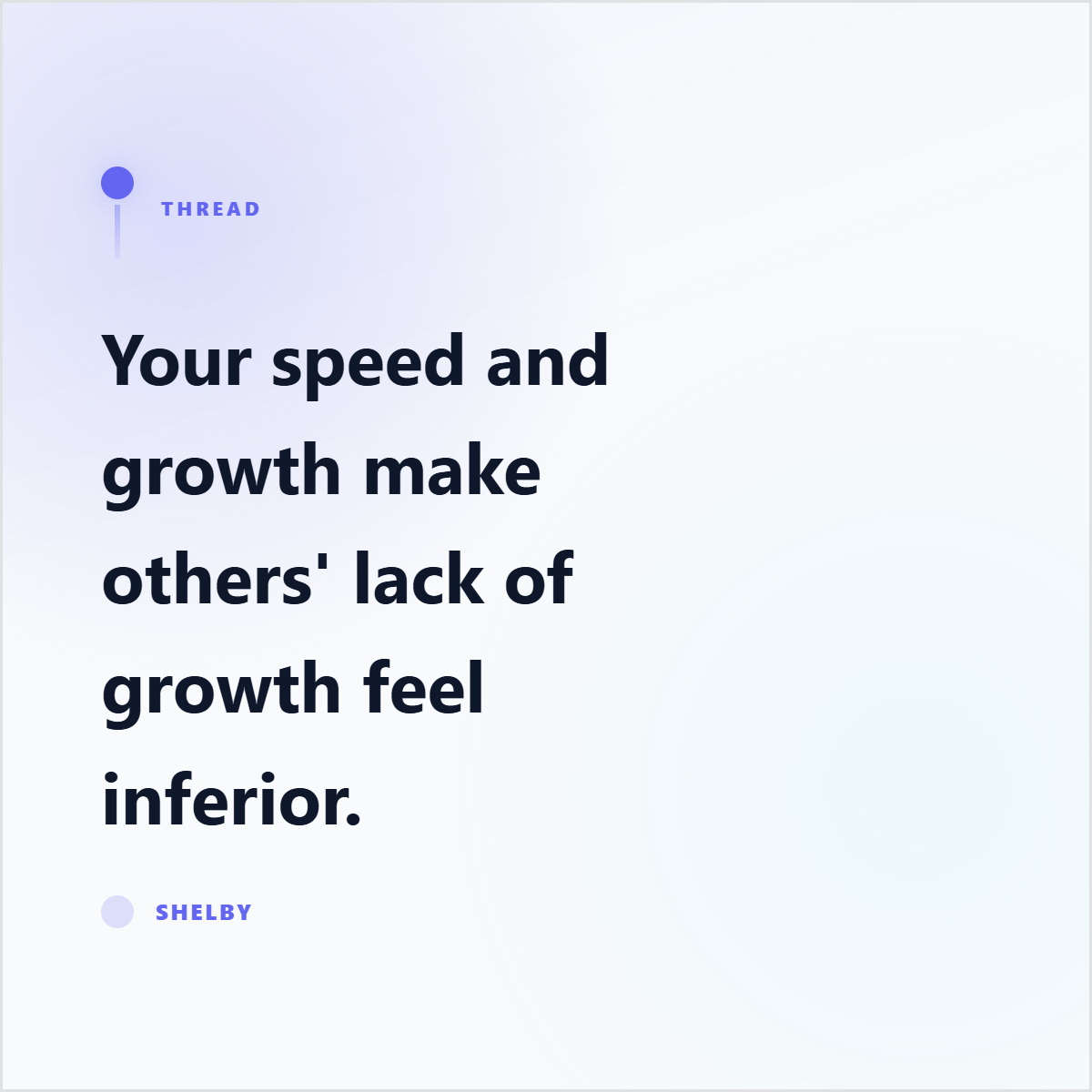
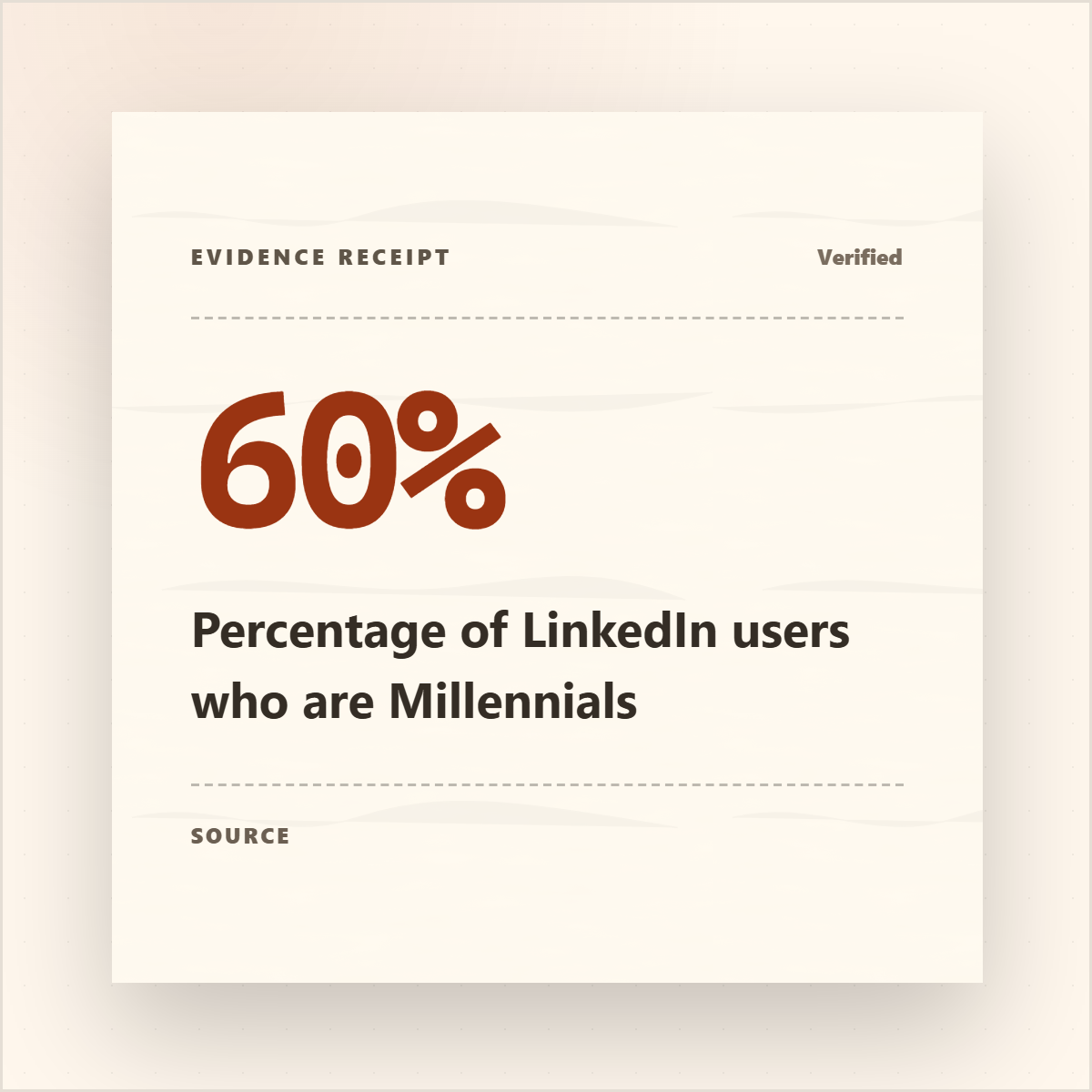
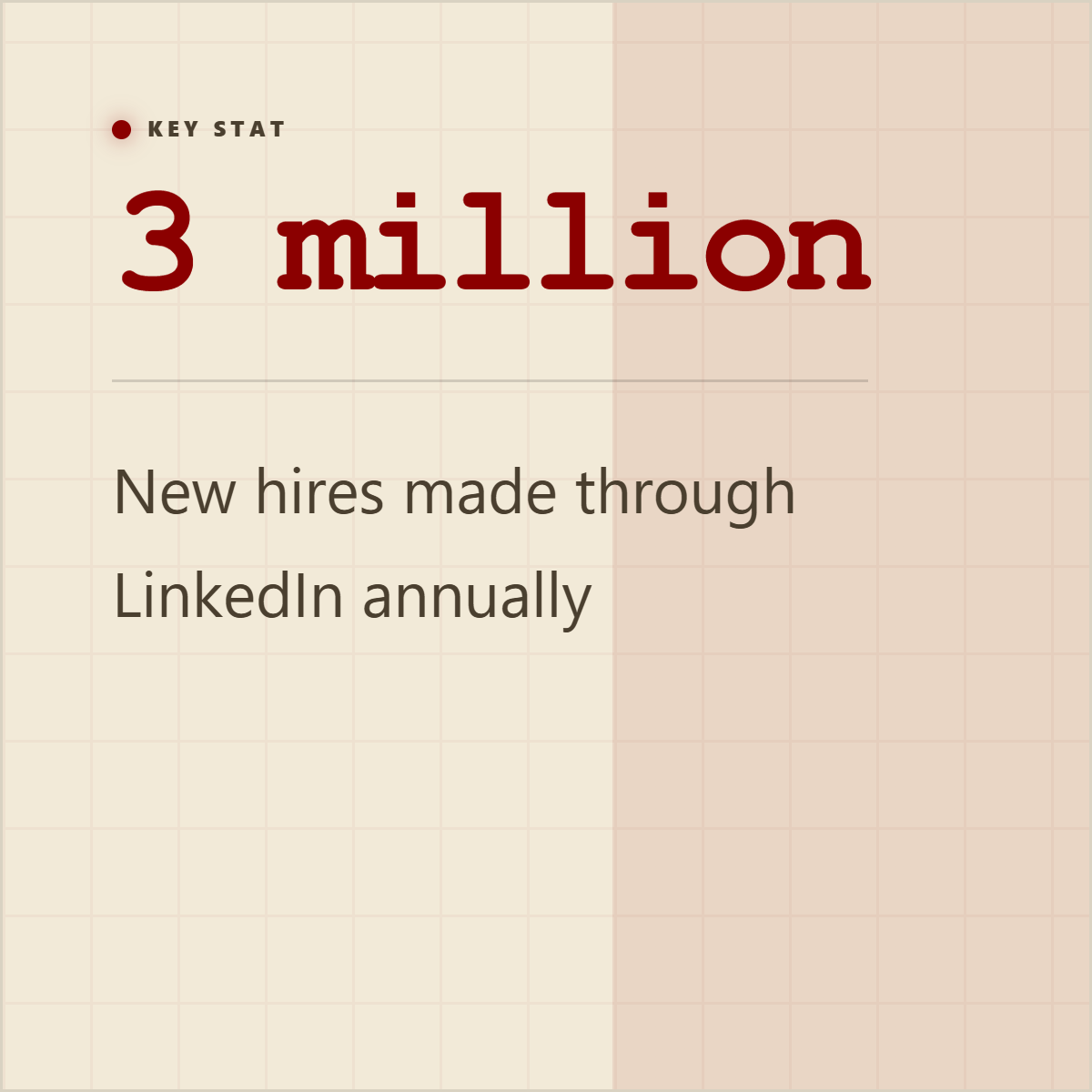
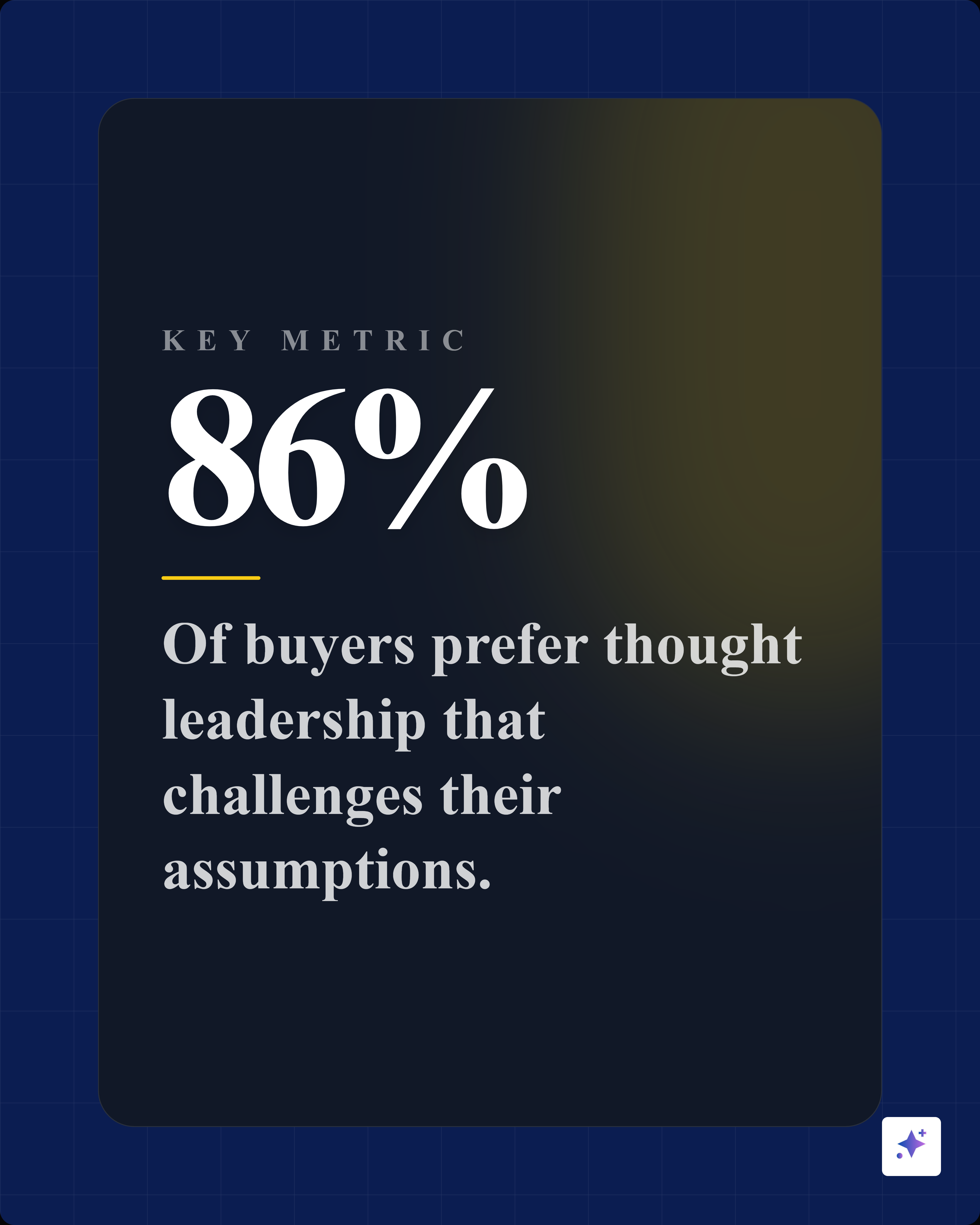
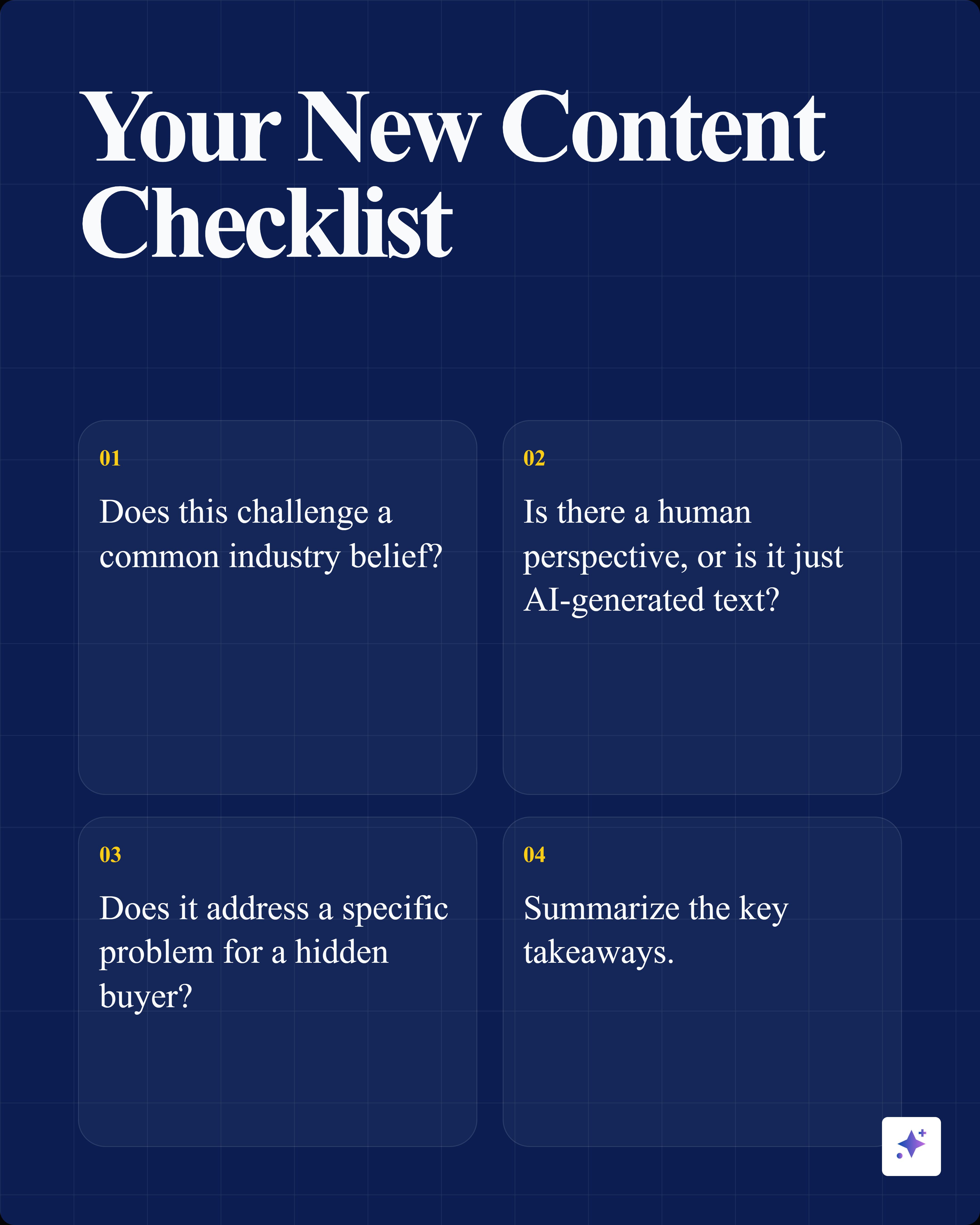
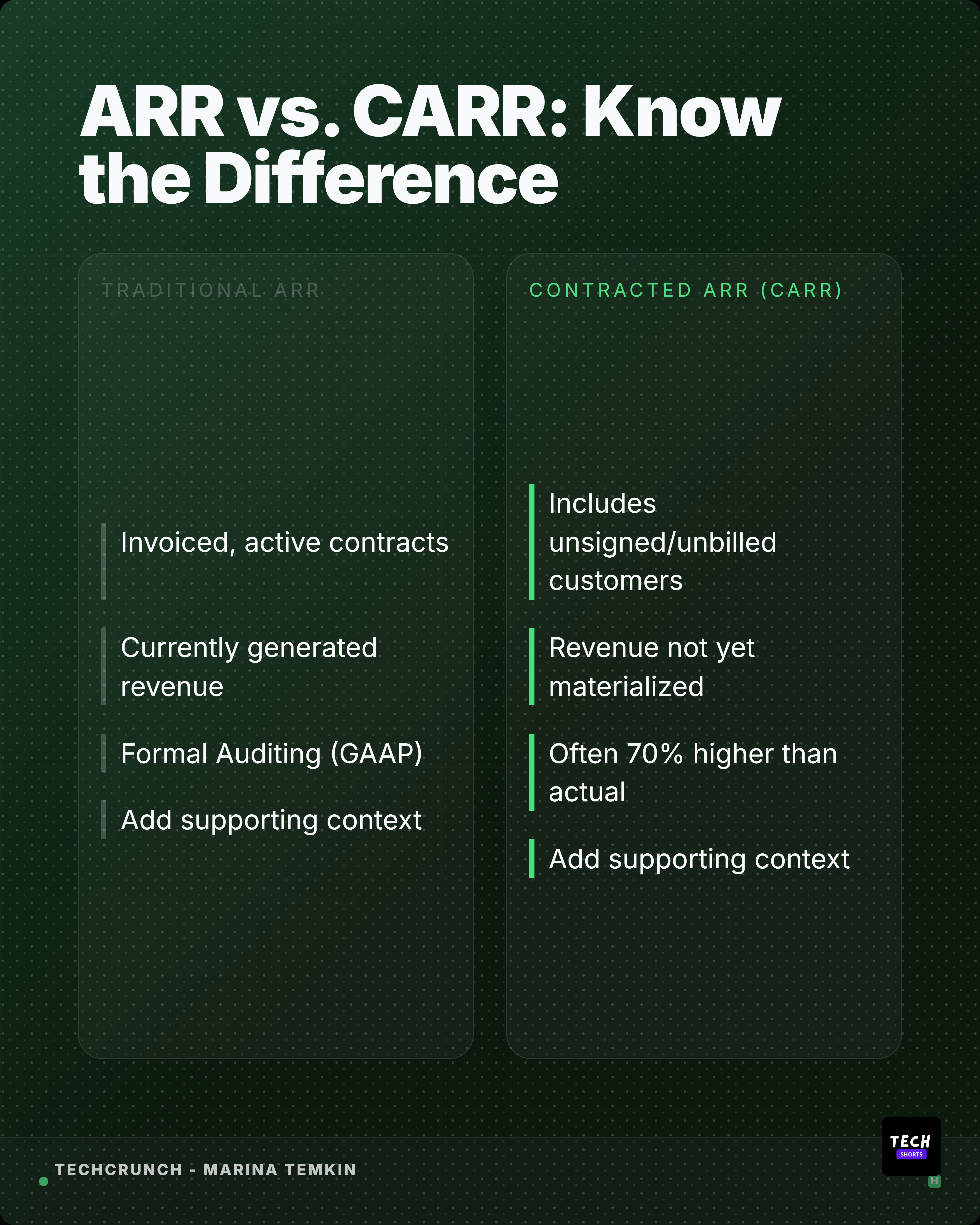
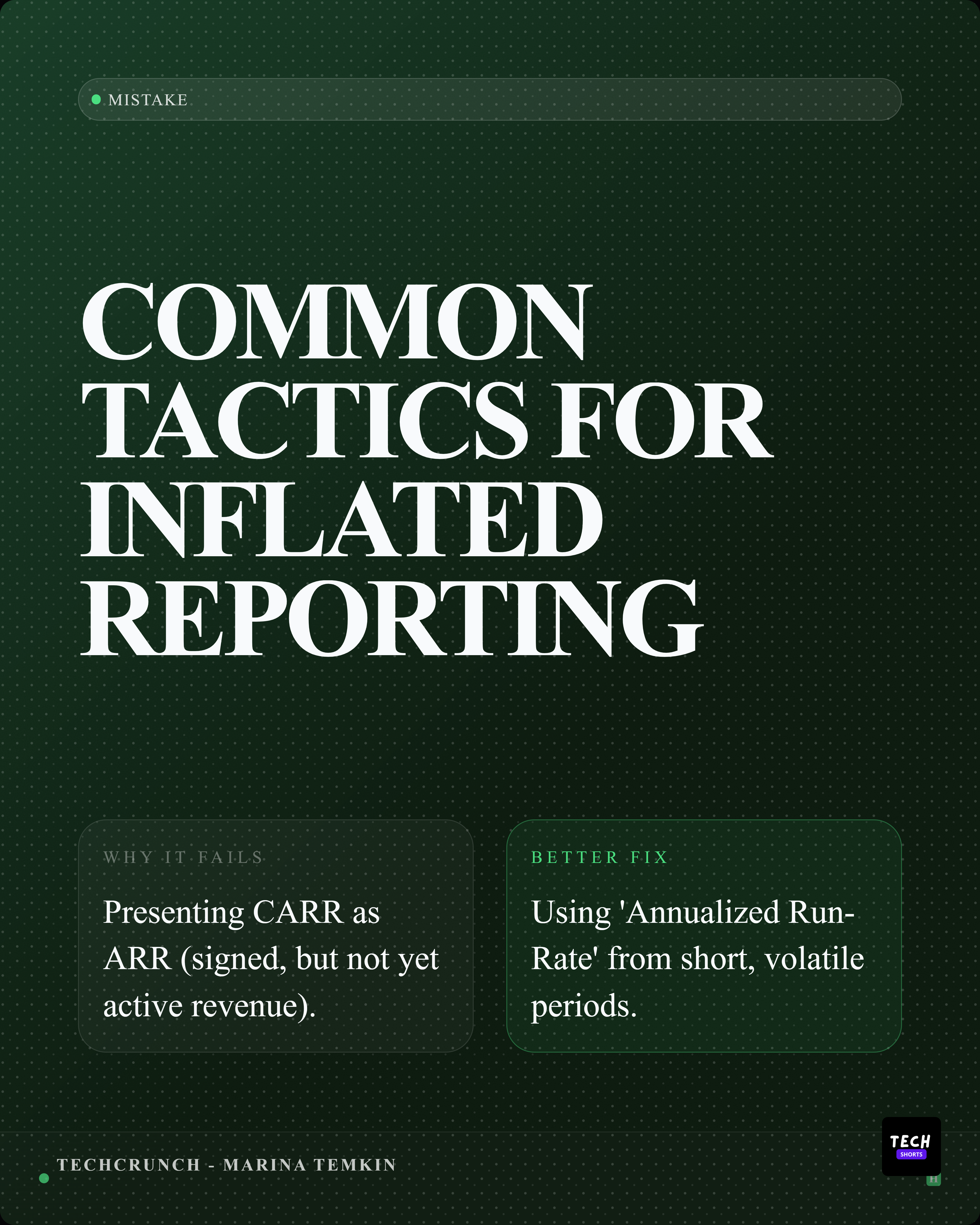
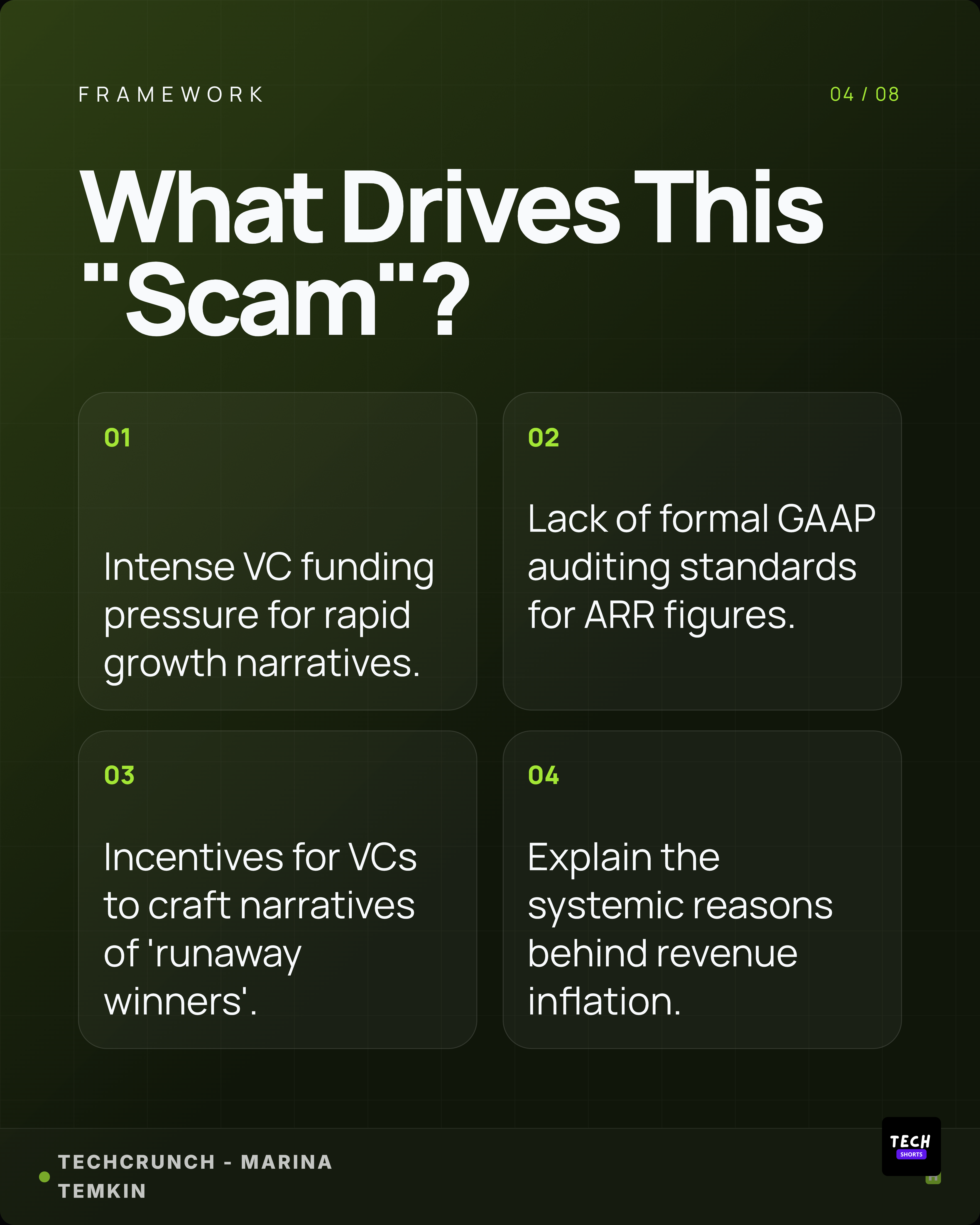
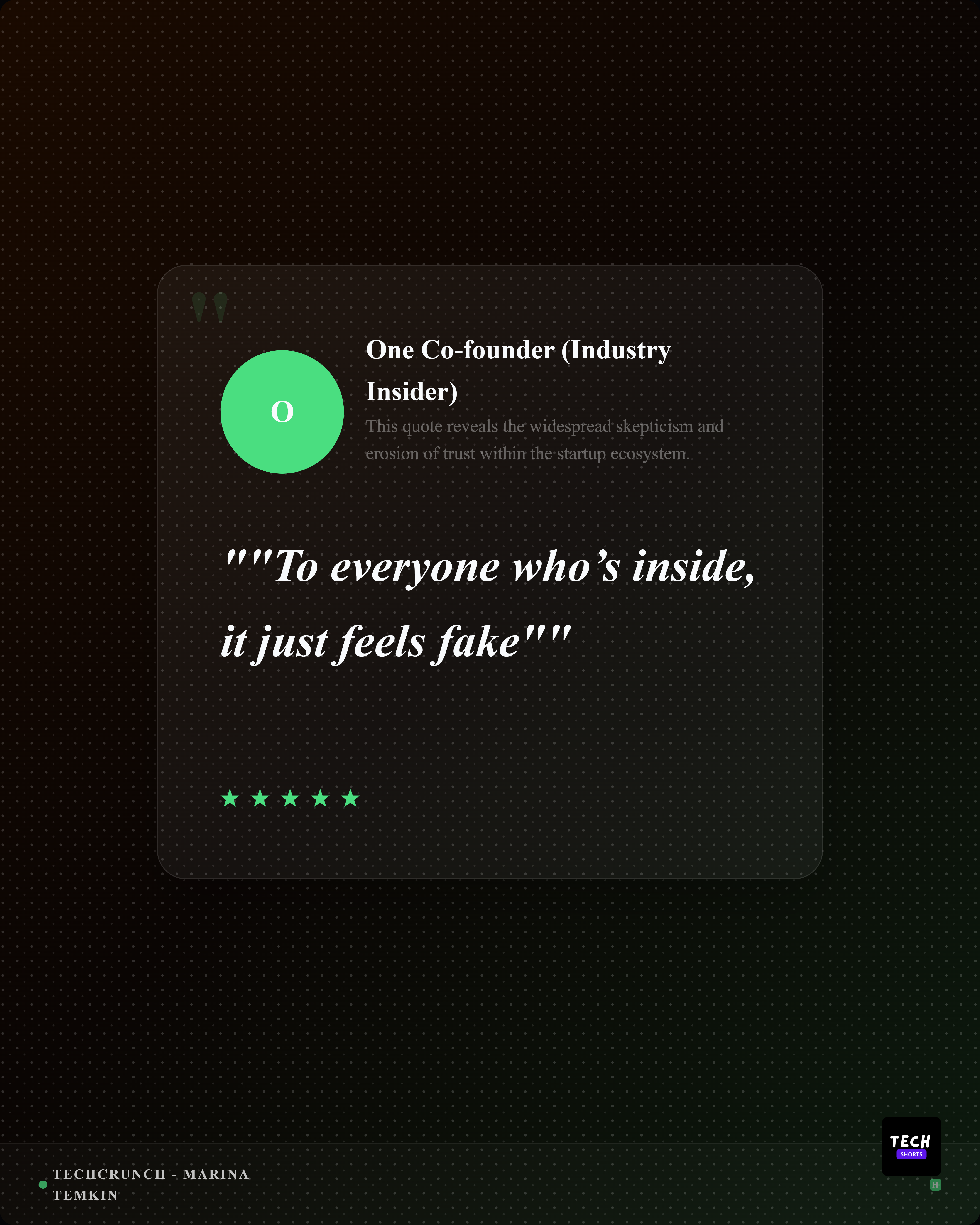
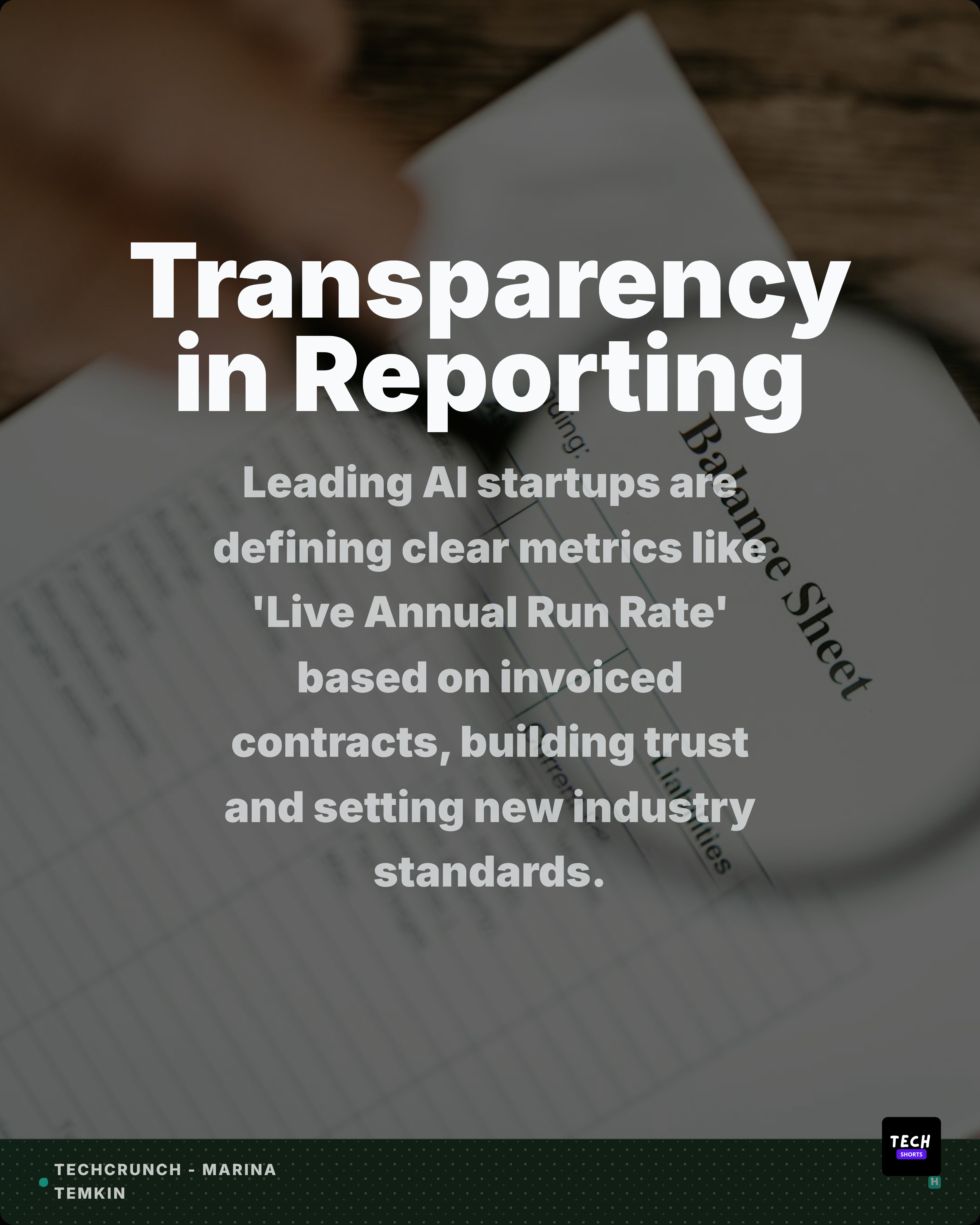
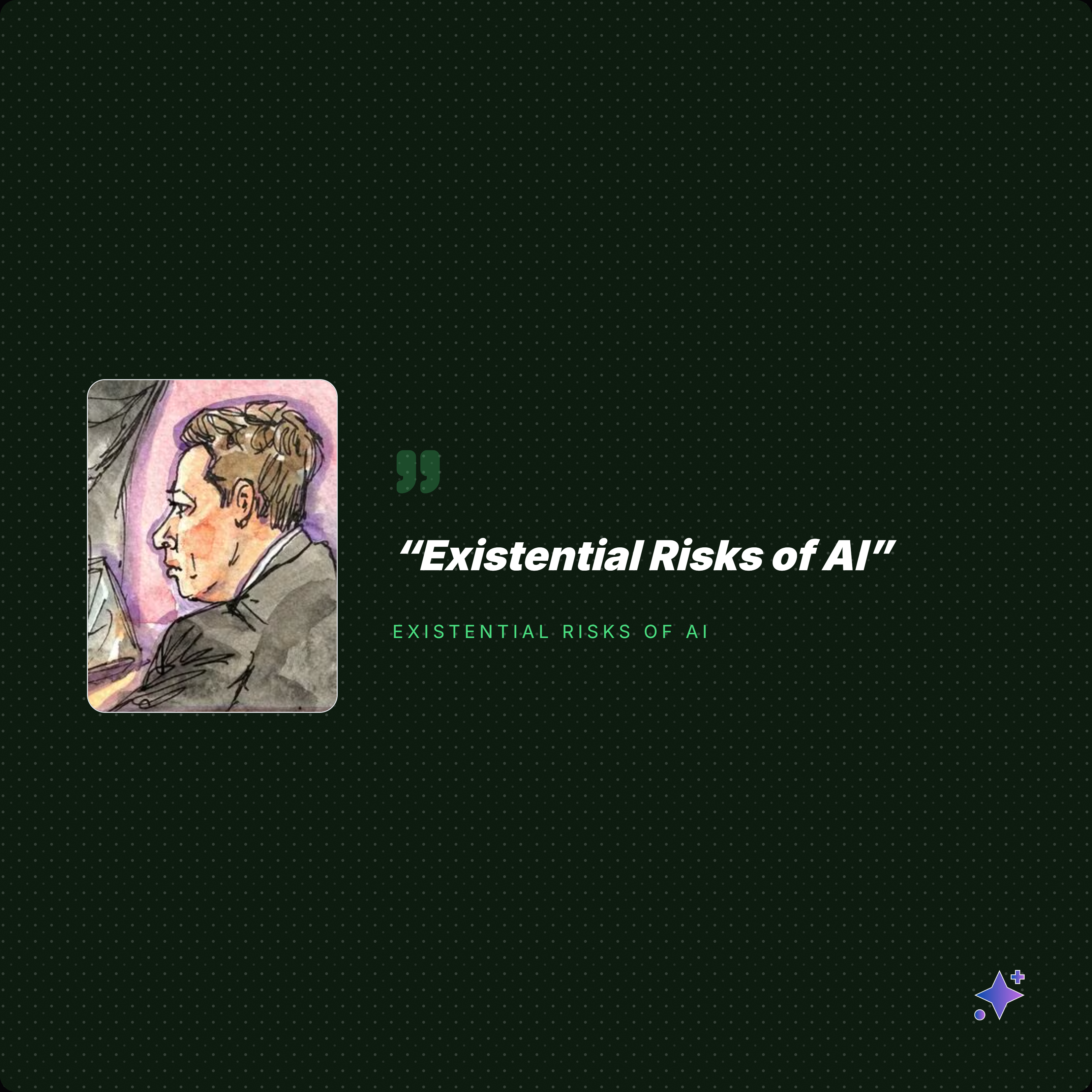
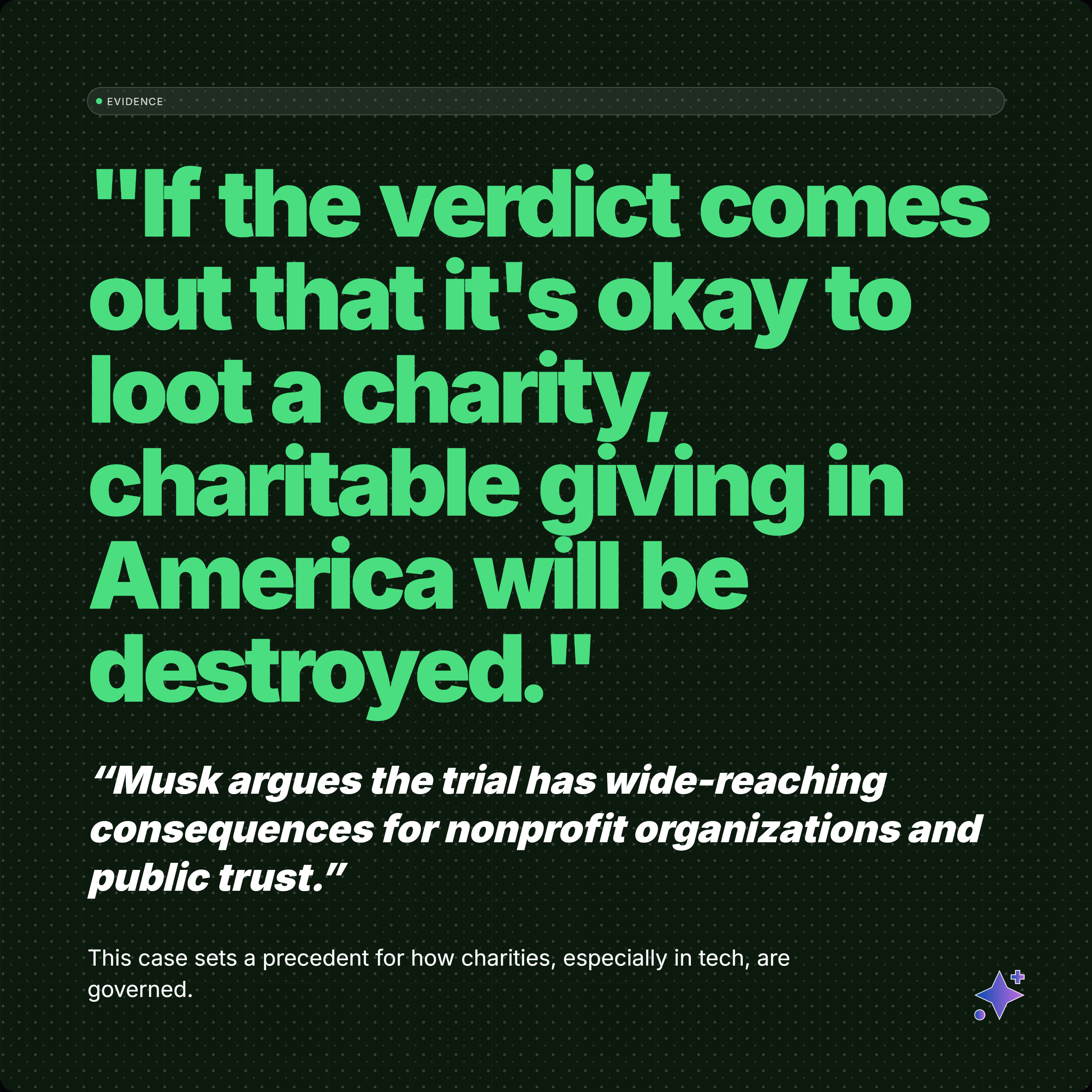
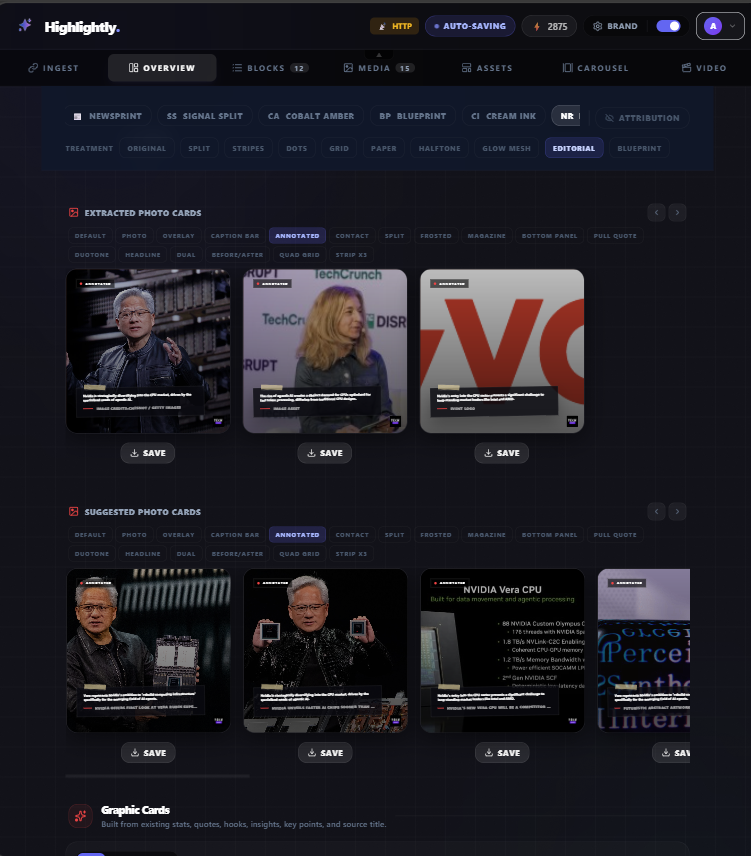
Highlightly works with written sources. It extracts quotes, statistics, key points, and images from articles and documents, then turns them into designed social graphics: quote cards, stat cards, carousels, and annotated screenshots. Your brand kit is applied automatically, and AI-generated captions for every platform are included. You can even batch-ingest multiple sources at once.
Feature comparison
Feature comparison
Text-led assets
Not every source should become a clip.
Use Opus Clip only when short-form video is the deliverable
- You have long-form video and need clips, reframing, animated captions, or video scheduling.
- The strongest moments are on-camera or spoken moments.
- You want motion-first assets rather than quote cards, stat graphics, or carousels.
Use Highlightly when the source is text or research-heavy
- You need source-backed quote cards, stat graphics, screenshots, and carousels.
- You want AI extraction from documents, URLs, PDFs, transcripts, and topic research.
- You need fast static assets for LinkedIn, X, Instagram, Reddit, and content teams.
Opus Clip is for clips. Highlightly is for proof-led social assets.
There is no reason to force a report, article, or PDF through a video clipping workflow. Highlightly is the better alternative when the source is evidence-heavy and the output should be clear, designed, and attributable.
- Purpose-built for text-led social assets.
- Source extraction from documents and research material.
- Brand-ready cards, carousels, screenshots, and captions.
Try Highlightly
Turn one real source into publishable social assets.
Paste a URL, upload a PDF, or add text. Review extracted quotes, stats, hooks, and captions, then export branded assets with attribution intact.
Start freeFrequently asked questions
Research sources