Creator card
Hot-take card
Turn a sourced insight into a strong opinion visual.
Highlightly helps content creators transform articles, transcripts, PDFs, and notes into quote cards, carousels, story graphics, captions, and reusable visual ideas.
Hot-take card
Source-backed and editable
Carousel idea
Source-backed and editable
Story crop
Source-backed and editable
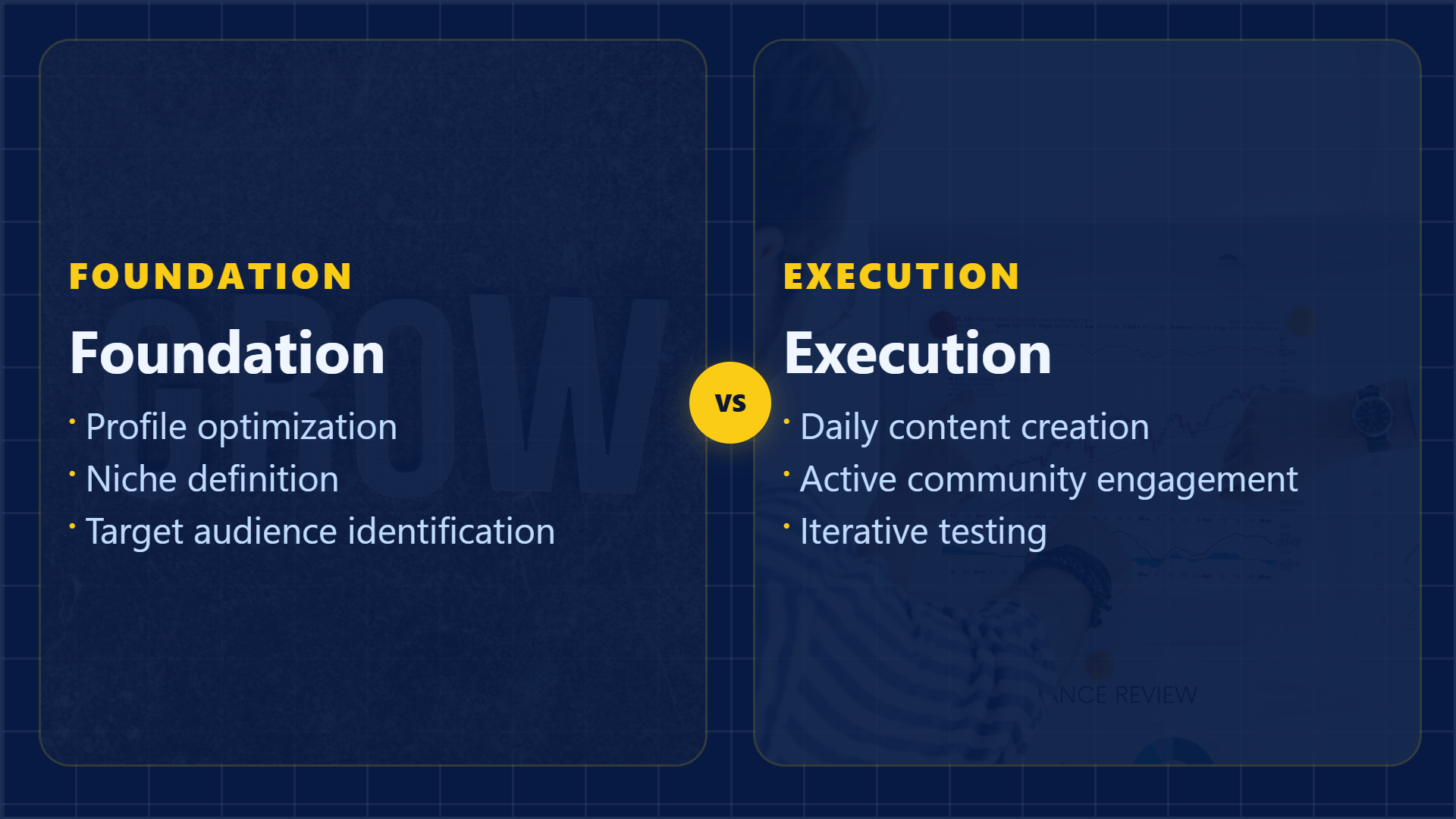
Multi-platform
One source, many cuts
Research becomes cards, carousels, stories, captions, and creator-native variants.
The creator throughput problem
Content creators often move between research, scripting, posting, and repurposing. Highlightly turns source material into a set of visual and caption options so the creator can choose the angle instead of rebuilding every asset.
Move from source to formats without making every post feel like the same template.
One idea has to become posts, stories, carousels, and captions.
Generic AI output can make creator content feel interchangeable.
Research-backed content needs proof and attribution.
Visual consistency is hard when publishing across many formats.
Working sequence
Use an article, transcript, report, saved note, or pasted idea. Batch-ingest multiple sources to fuel an entire content week from one session.
Review hooks, facts, quotes, and insights before deciding what deserves a post.
Make square posts, vertical story graphics, carousels, and captions from the same source.
Edit copy, choose templates, apply brand settings, and export only the assets you like.
Concrete outputs
Extract hooks, quotes, stats, and takeaways from research, then turn them into assets for multiple platforms.
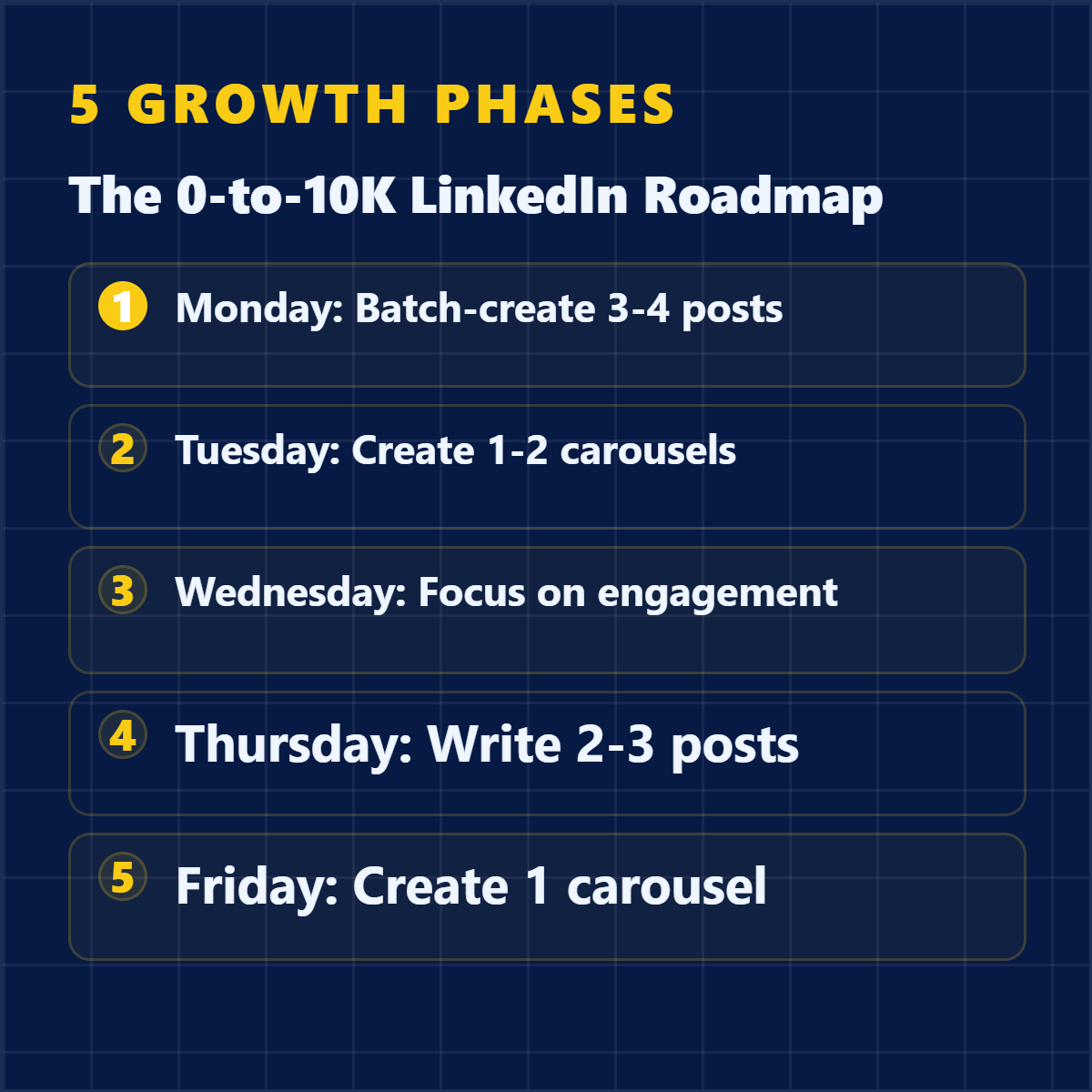
Turn a sourced insight into a strong opinion visual.
Convert research into a short swipe sequence.
Generate platform-specific captions around the chosen angle.
See it in action
Here is an example source, a few extracted signals, and a showcase wall of output directions created from that material.
Example source
This is one source used to demonstrate the kind of outputs Highlightly can create after extraction and review.
Example extracted signals
Hook
"5.24 billion social media users worldwide — over 63% of the global population."
Statistic
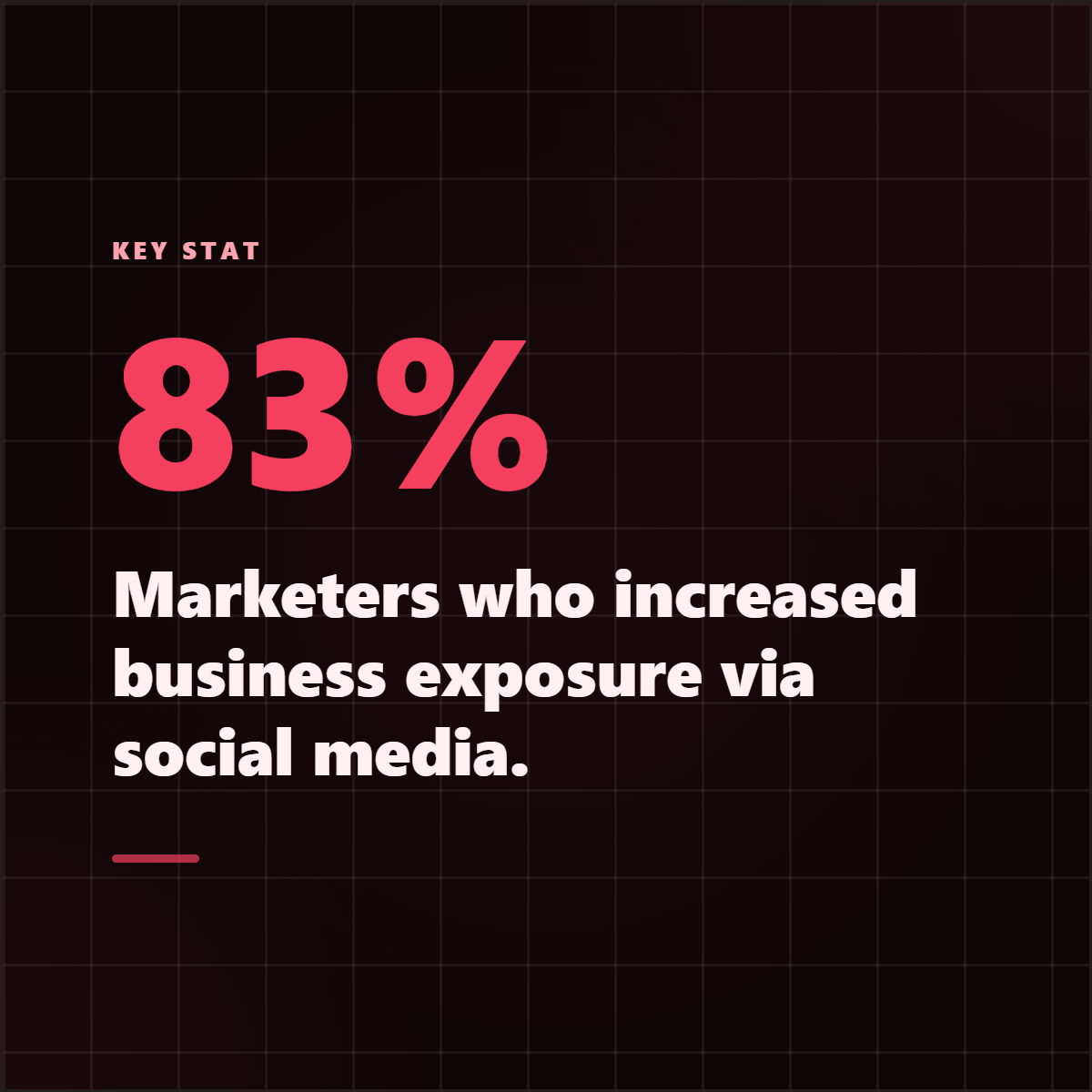
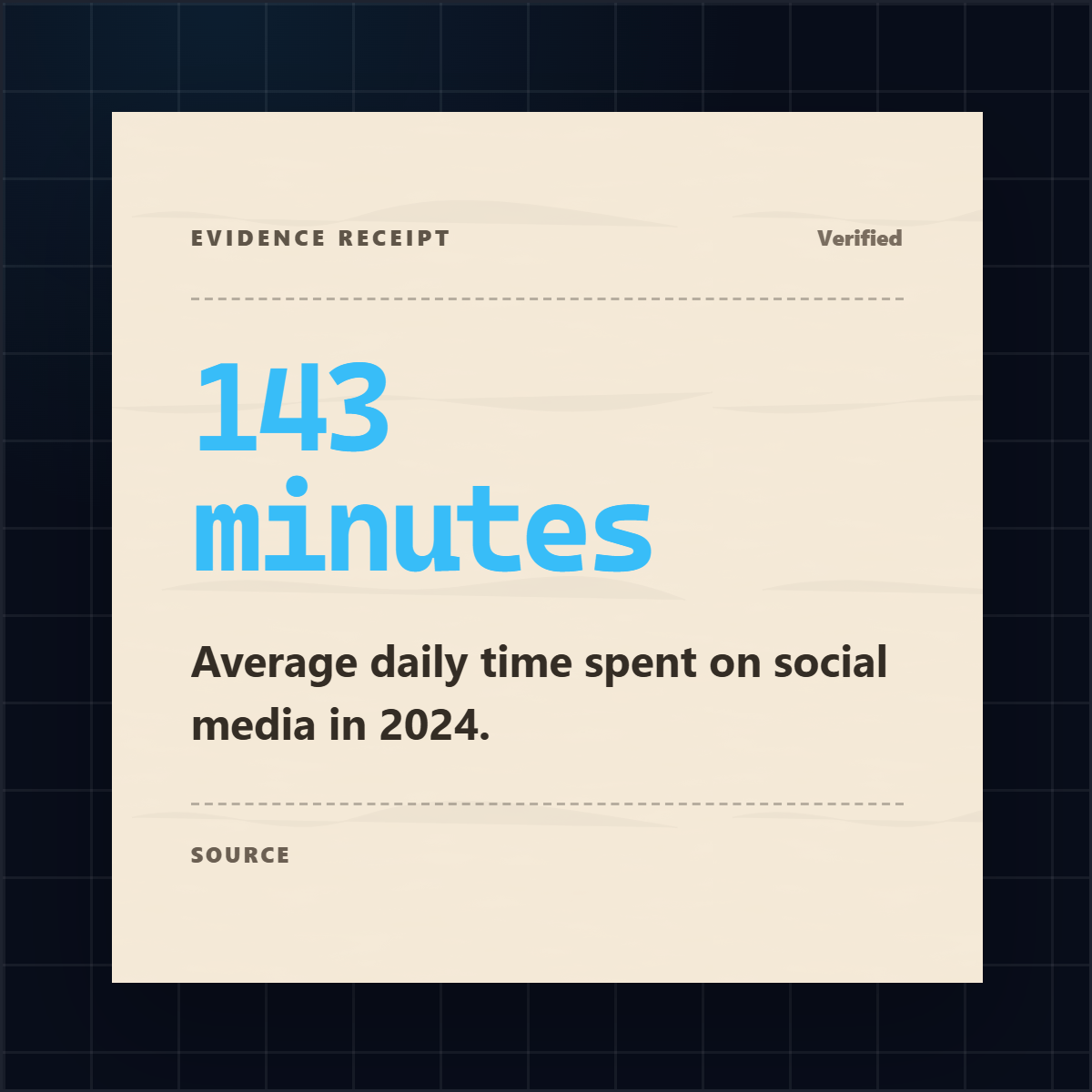
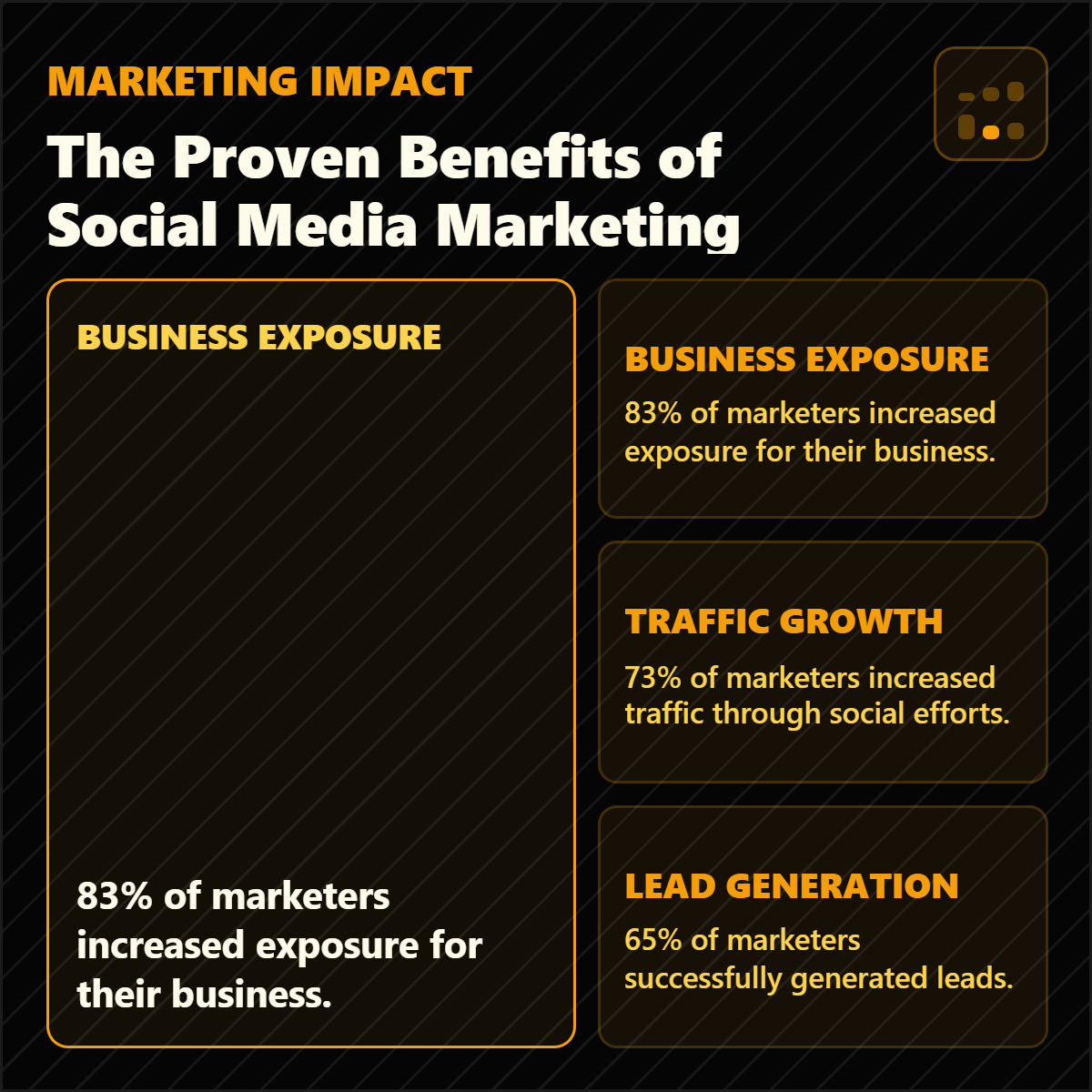
83% of marketers reported increased business exposure through social media.
Quote
"It's better to post two or three times a week with super valuable content versus posting seven times a week."
Key point
Quality over quantity: 69% of marketers say social commerce will outpace brand websites.
Output directions
The showcase below is an example set from one source, not the ceiling. Highlightly can keep producing variations across templates, ratios, brand systems, and editorial angles.
Sample output wall
Preview the first part of the showcase, then expand it if you want to scan the full example set.
Output wall
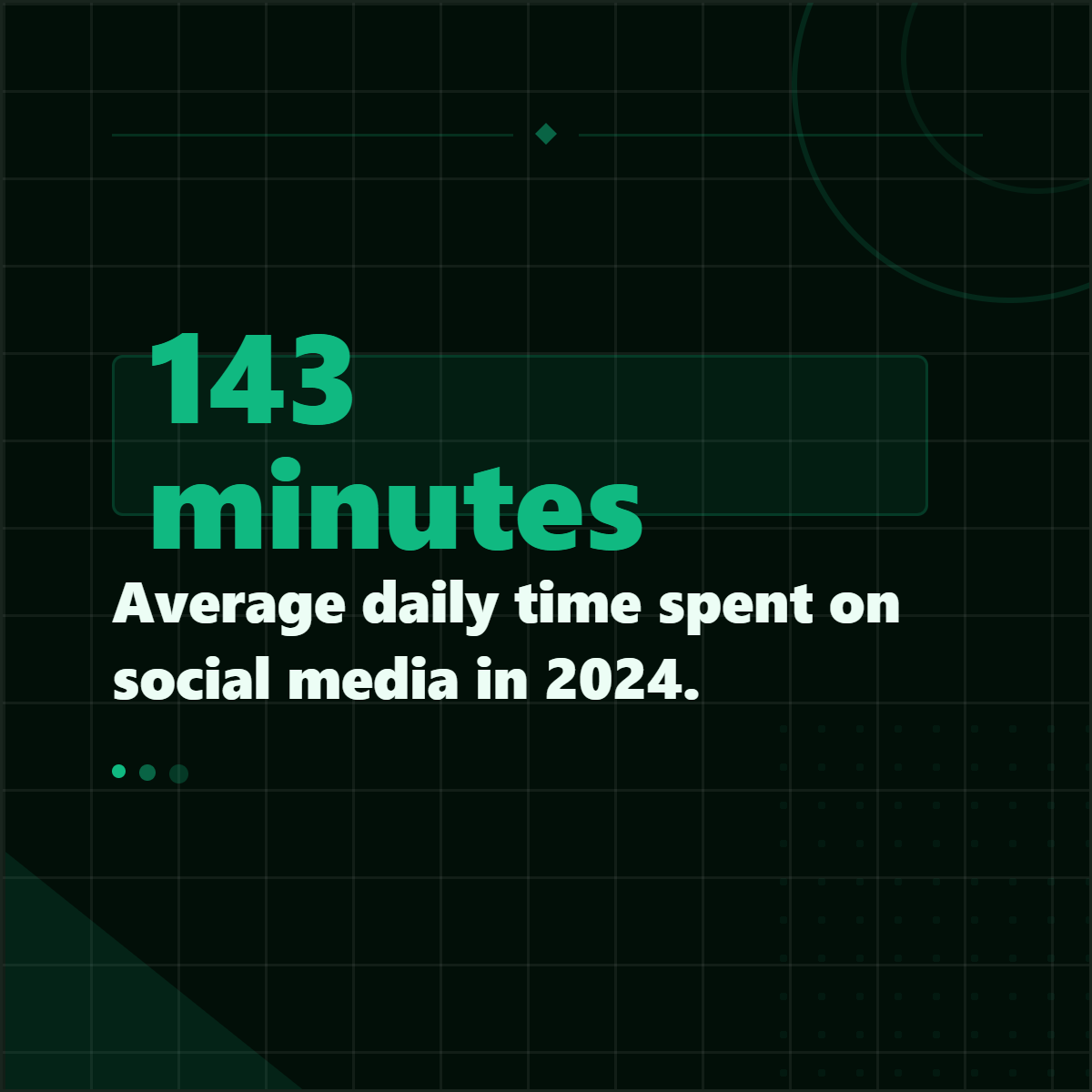
This is a showcase set, not a limit. Change the format, ratio, brand kit, template, or angle and the same source can branch into many more directions.



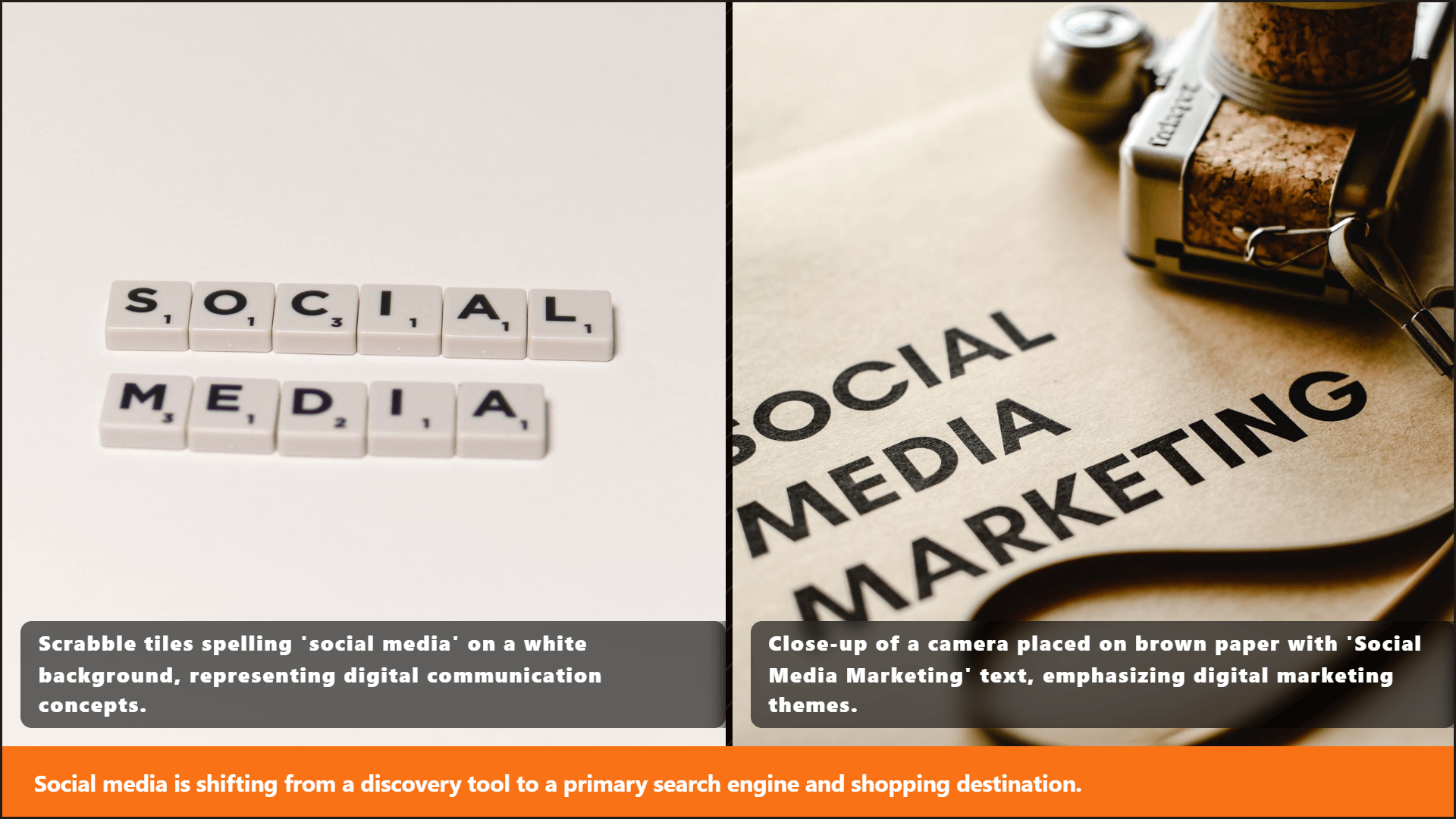


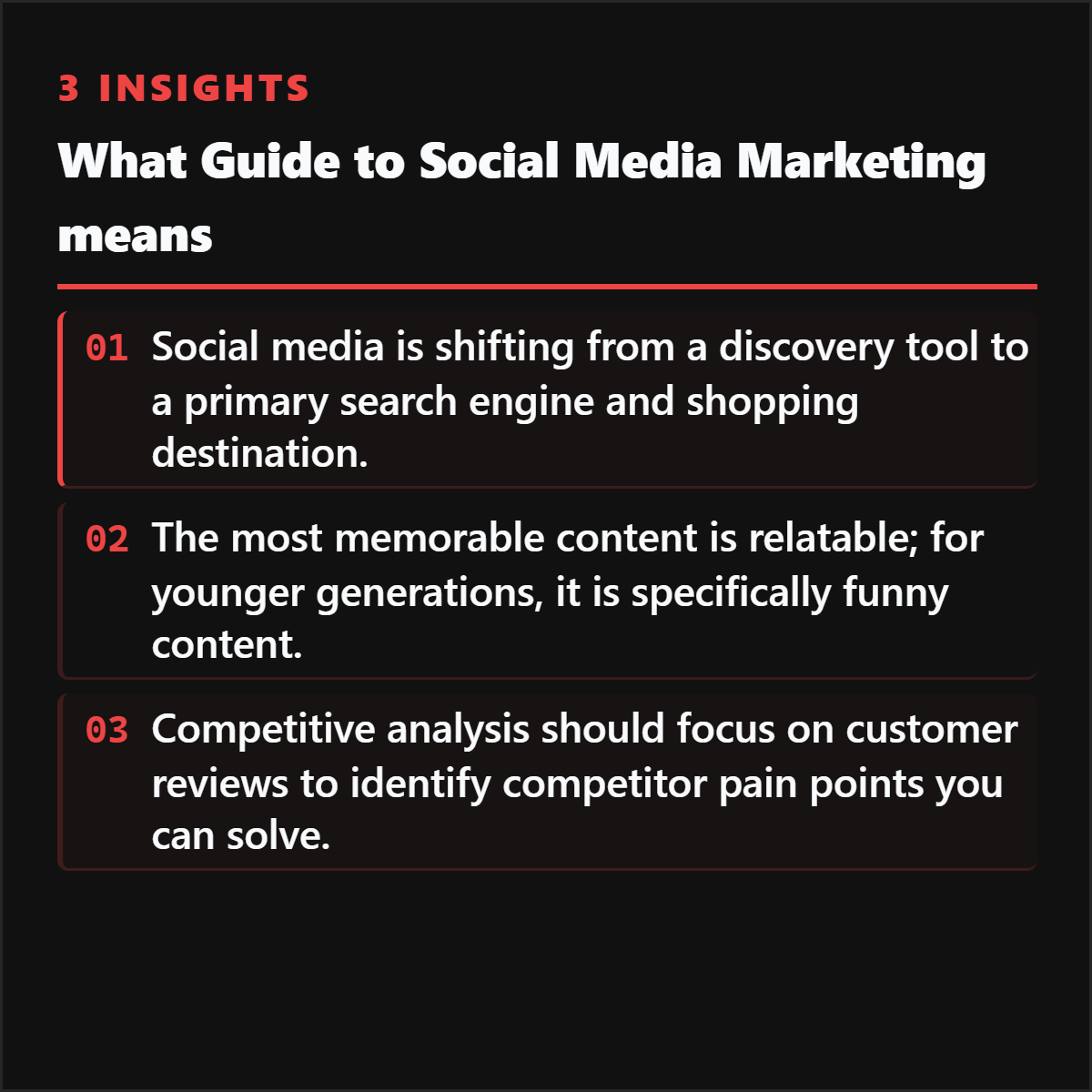
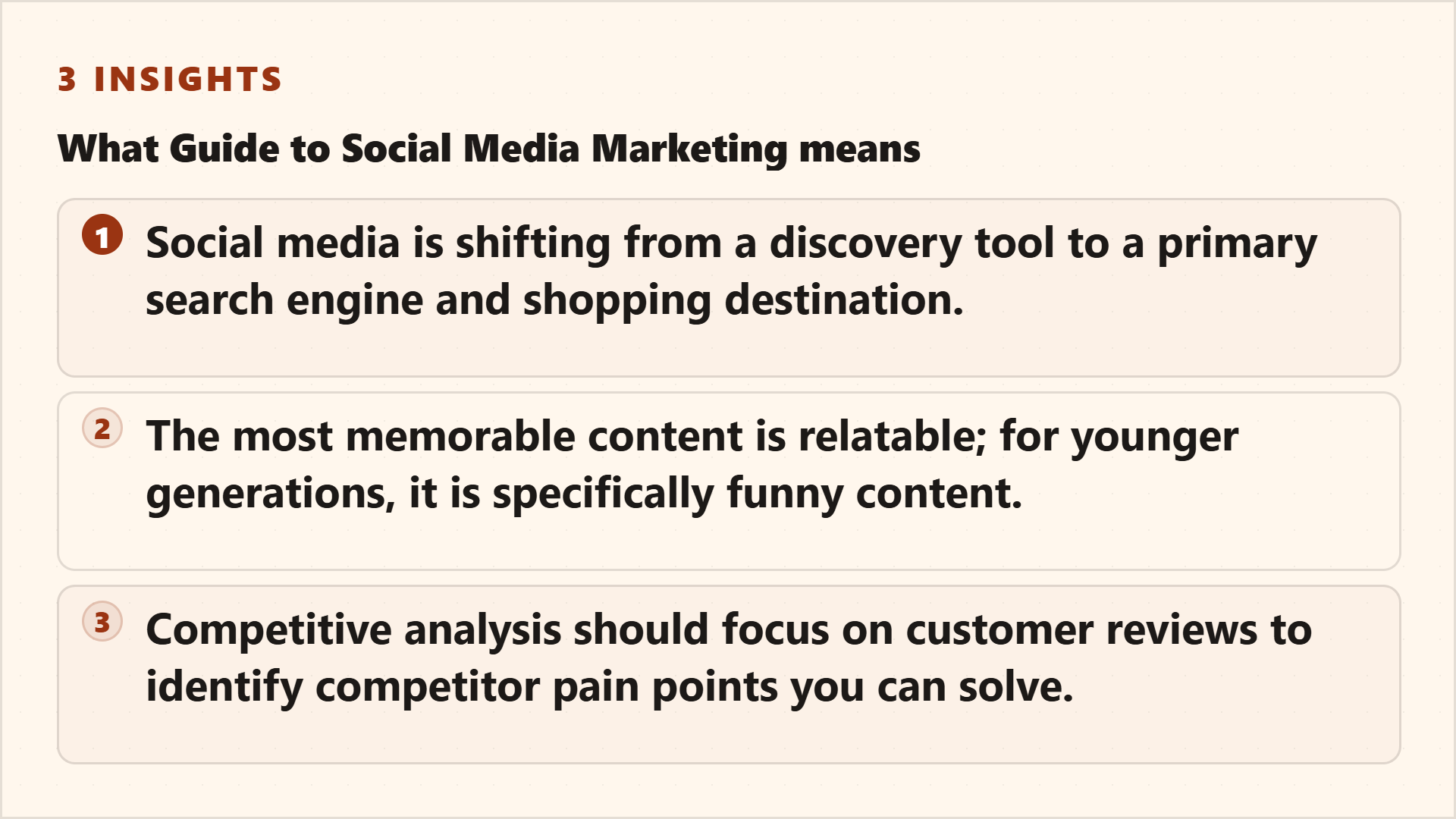
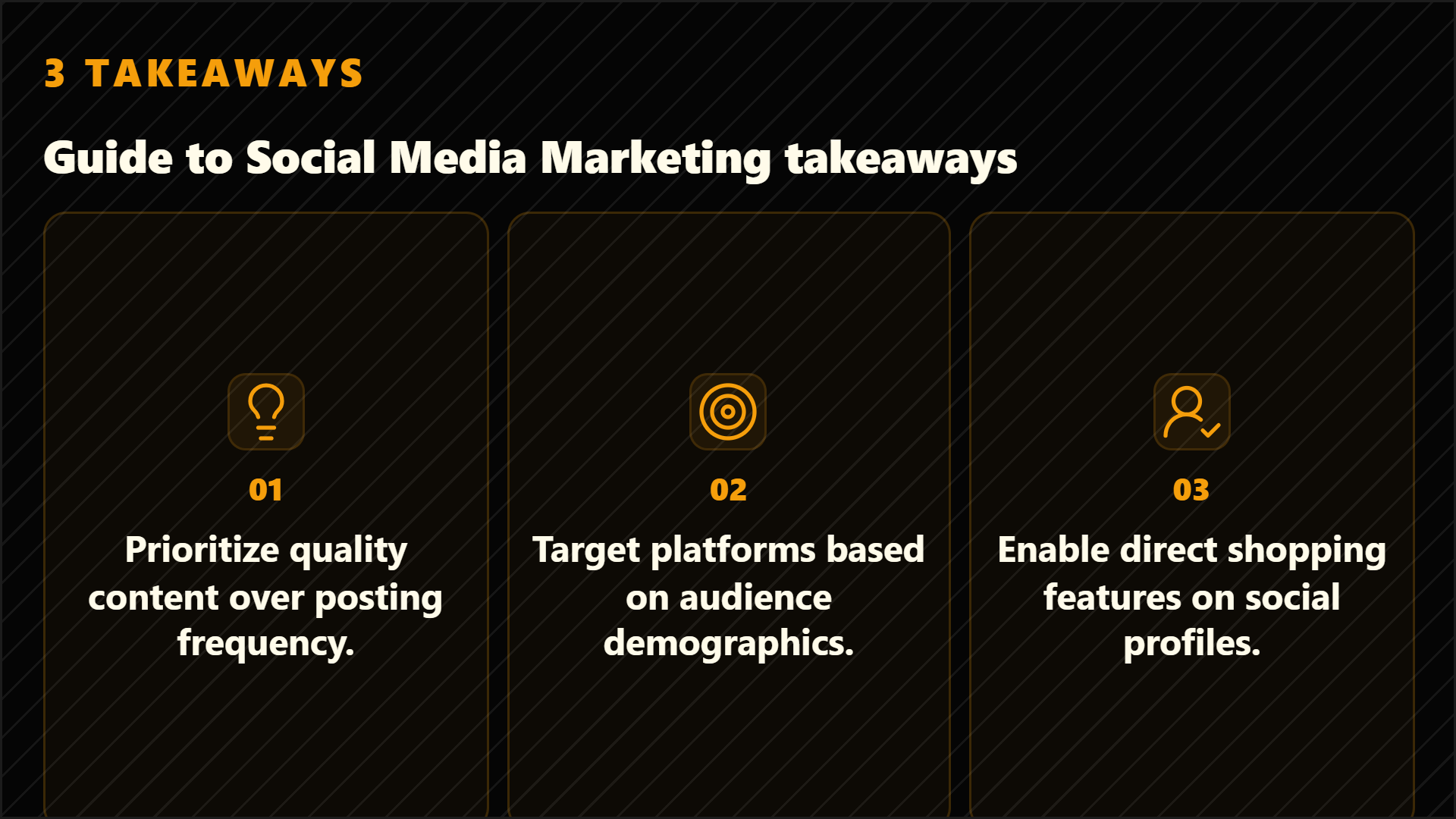
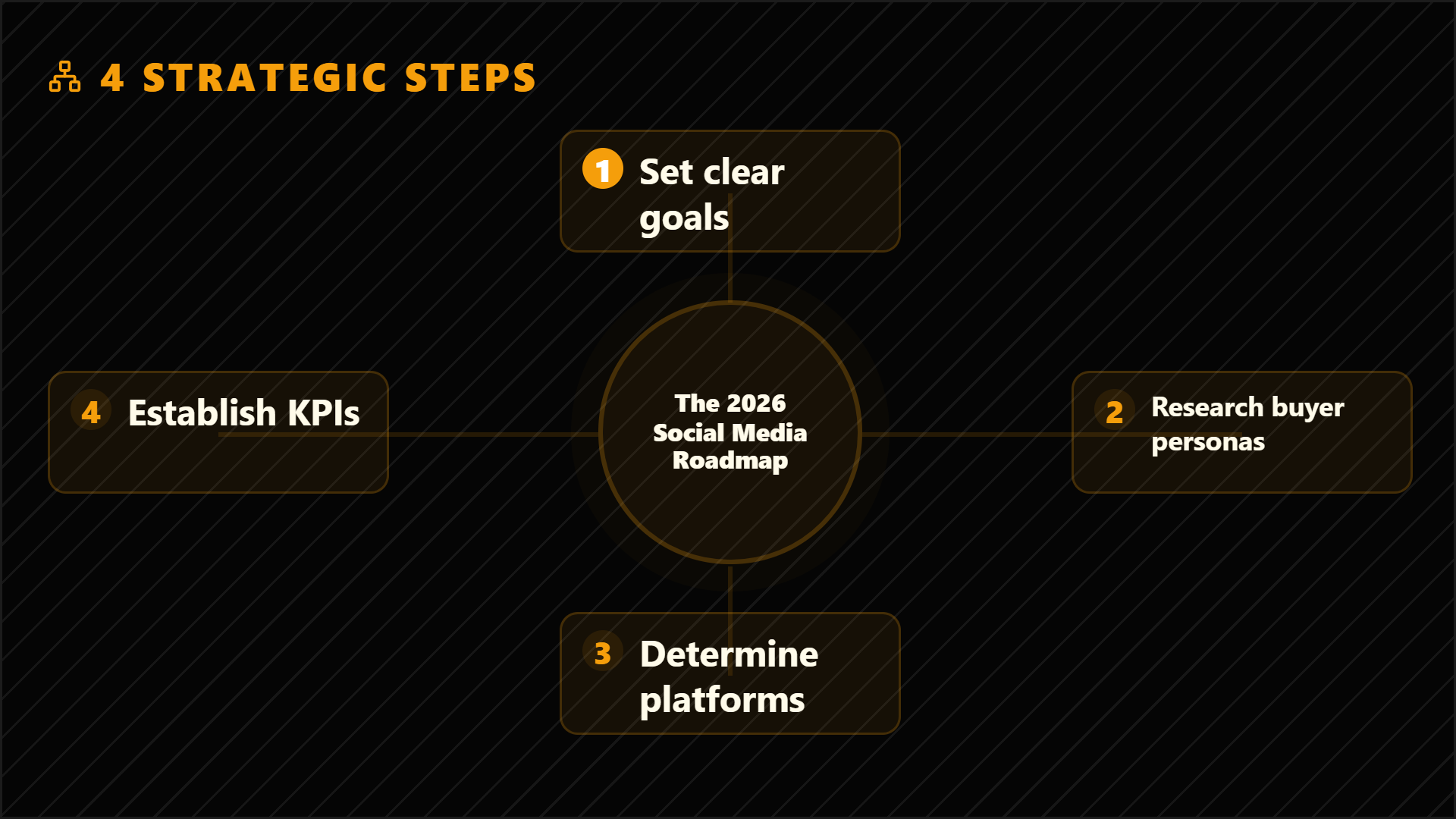
Highlightly extracts and structures source material. You review, edit, and approve before export. The AI does the first pass. You make the final call.
“The goal is not to make more AI content. The goal is to make the useful parts of real sources easier to publish.”— Founder @ Highlightly
See every hook, stat, quote, and claim before it becomes an asset.
Change wording, adjust framing, add your take before export.
Colors, logo, typography, watermark, and social handles.
The final asset reflects your judgment, not just the AI extraction.
What to paste first
The fastest path is not “ask AI for content.” It is: bring a real source, inspect what Highlightly extracts, choose the useful angle, then make the asset your own.
Good when it contains claims, quotes, stats, steps, or a clear argument worth turning into a visual.
Good when it contains claims, quotes, stats, steps, or a clear argument worth turning into a visual.
Good when it contains claims, quotes, stats, steps, or a clear argument worth turning into a visual.
Keep the creator take human. Use extracted hooks and facts as raw material, then edit into your own point of view.
Before exporting, confirm the extracted quote, statistic, or takeaway still matches the source. Then use the editor, Brand Kit, and captions to make it publishable.
How it compares
Creators need multi-platform assets from one source. Highlightly produces cards, carousels, stories, and captions in one session.
| Feature | Highlightly | Canva | Buffer | Manual |
|---|---|---|---|---|
| Source-backed extraction | ||||
| Brand kit application | ||||
| Multi-platform captions | Scheduling only | |||
| Source attribution | ||||
| Batch source ingest | ||||
| Review before export | ||||
| Carousel generation | Manual design | |||
| Quote/stat cards | Manual design |
Source-backed extraction
HL
Canva
Buffer
Manual
Brand kit application
HL
Canva
Buffer
Manual
Multi-platform captions
HL
Canva
Buffer
Manual
Source attribution
HL
Canva
Buffer
Manual
Batch source ingest
HL
Canva
Buffer
Manual
Review before export
HL
Canva
Buffer
Manual
Carousel generation
HL
Canva
Buffer
Manual
Quote/stat cards
HL
Canva
Buffer
Manual
Highlightly is built for creators who want output volume but still care where the claim came from, how the asset looks, and whether the final take sounds like them.
Direct answer
Content creators can import source material into Highlightly, select extracted hooks, quotes, facts, and insights, then turn them into branded cards, carousels, story graphics, and captions for multiple platforms.
Yes. One source can produce assets for LinkedIn, X, Instagram, YouTube, and newsletters.
Yes. Paste articles, transcripts, reports, or saved notes as the starting point.
Full editing control. Change text, choose templates, apply brand settings, and export only what you approve.
Related workflows
For X and thread builders
X creators use Highlightly to turn articles, reports, transcripts, and notes into source-backed posts, quote cards, stat graphics, and thread visuals.
View workflowFor video creators
YouTubers can turn articles, reports, PDFs, and transcripts into source-backed quote cards, stat graphics, key point visuals, and social promotion assets.
View workflowFor social teams
Create source-backed social media graphics, quote cards, carousels, and captions from articles, PDFs, reports, and pasted text with Highlightly.
View workflowStart with one source
Paste a link, upload a document, or start from text. Review the extracted material, pick a template, and export with attribution intact.