 Highlightly Team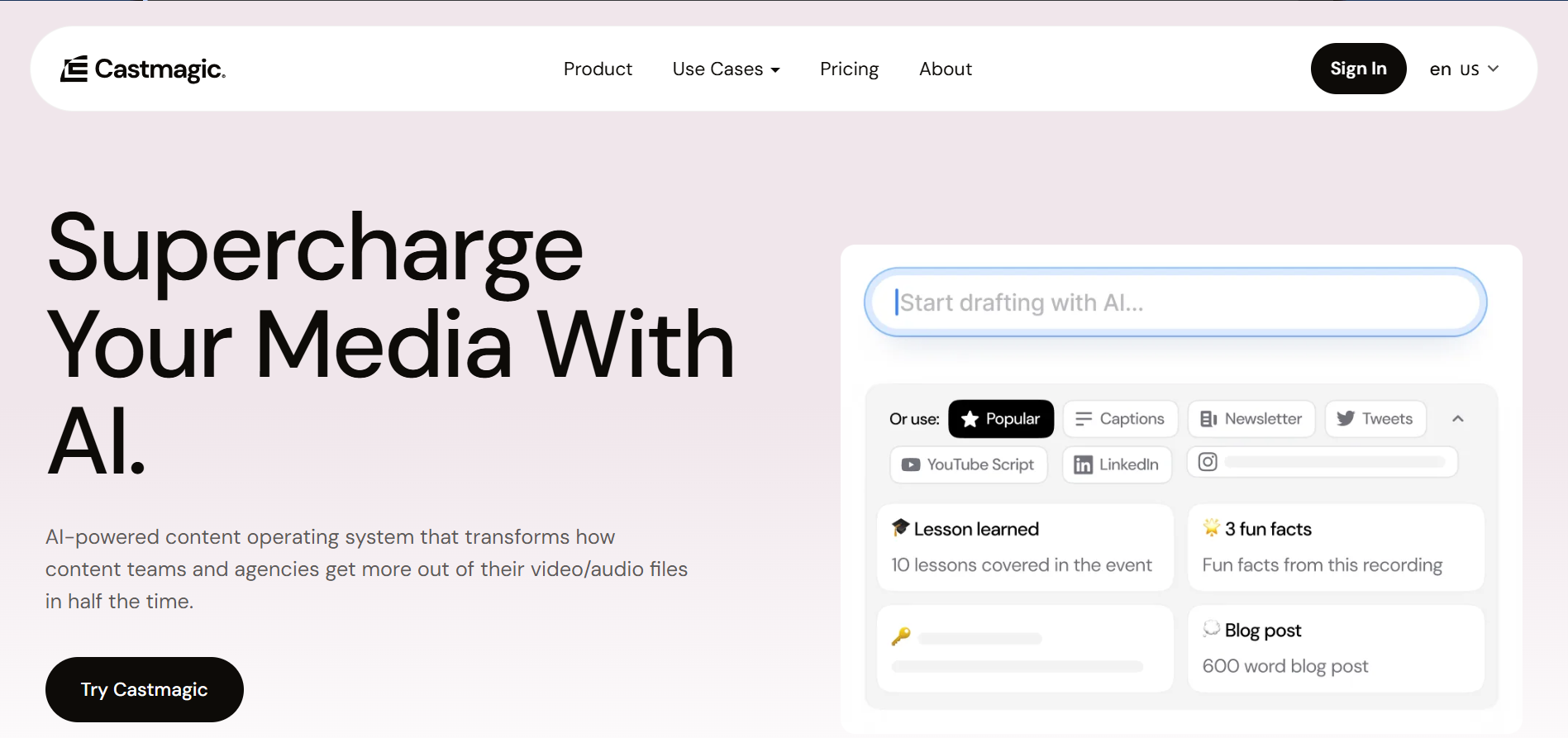
Castmagic is built around audio and video content: podcasts, calls, interviews, transcripts, show notes, clips, and derivative text. Highlightly is the alternative when the source mix is broader and the output needs to become visual social assets, not only transcript-derived copy.
Choose Highlightly when the output is a visual proof asset
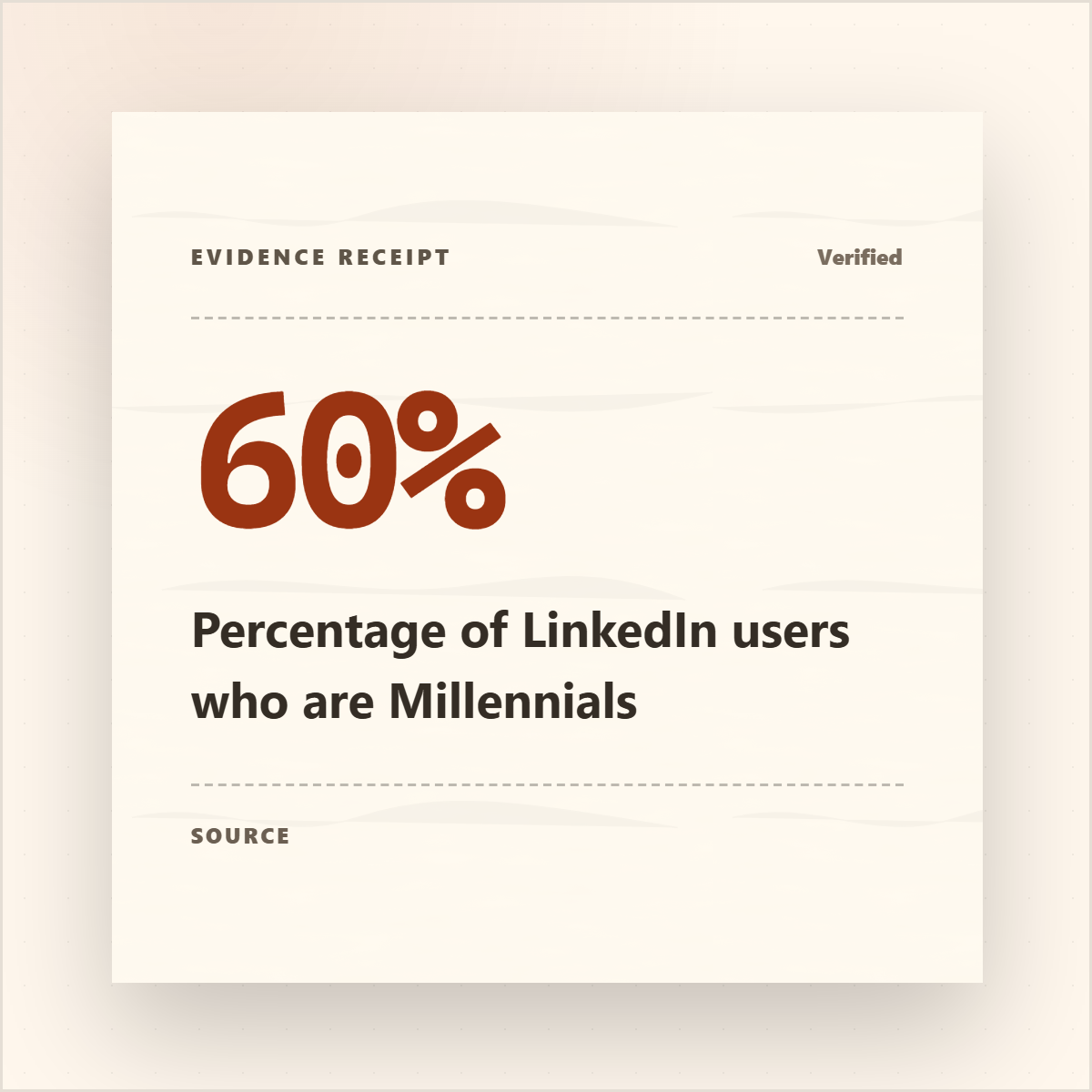
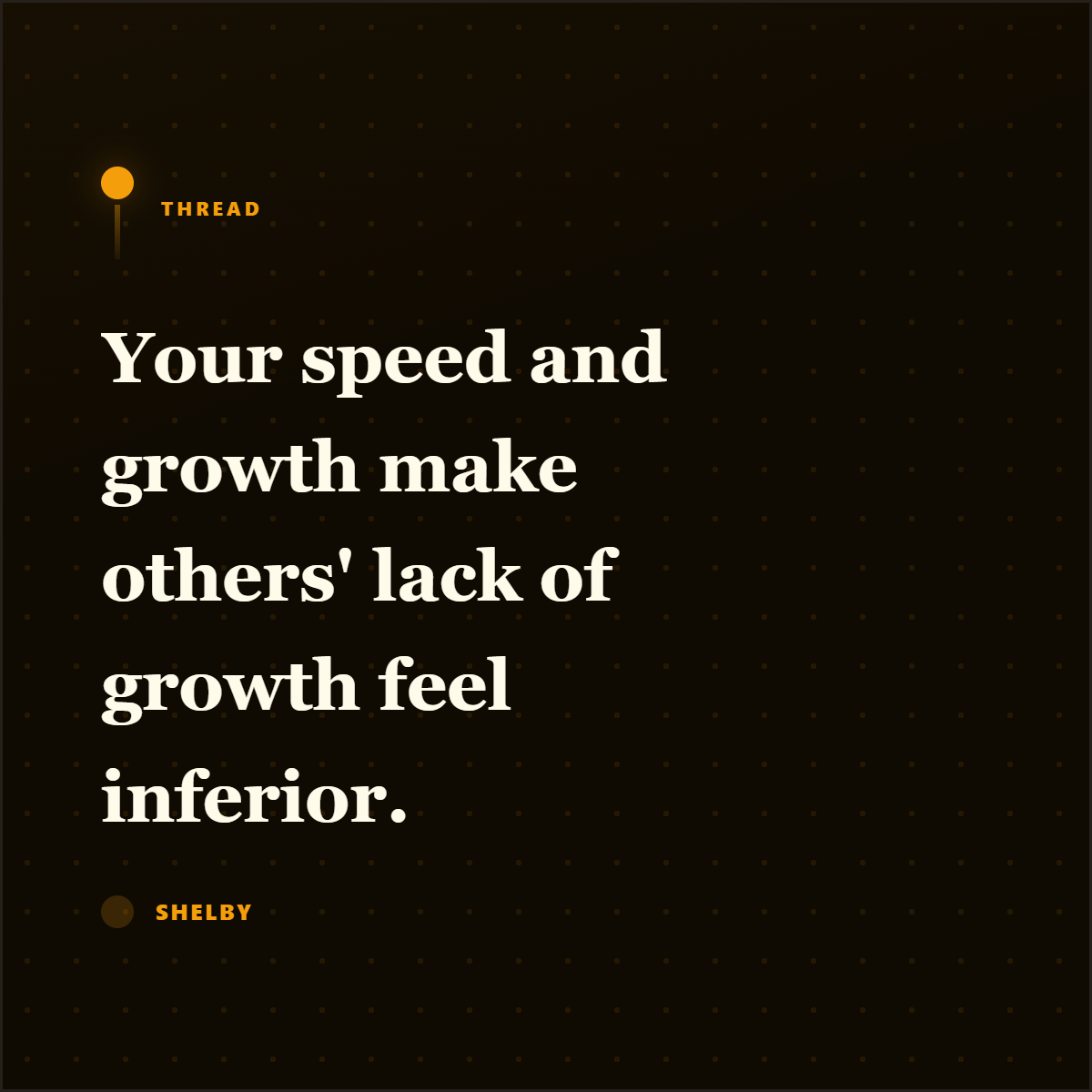
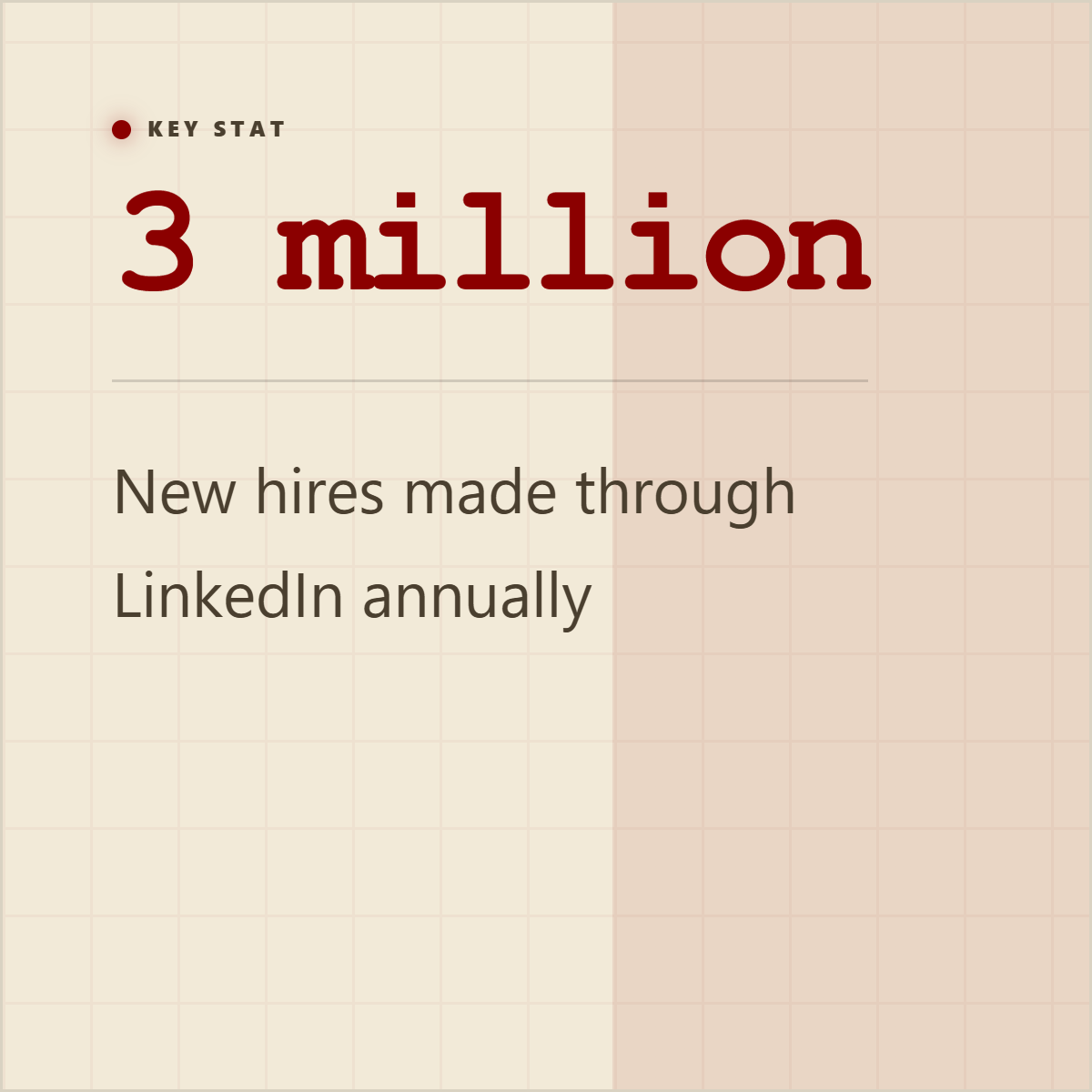
If the raw material is a recording and you need transcript-first repurposing, Castmagic is a focused option. If the raw material includes articles, PDFs, docs, research pages, transcripts, and topic research, and you need quote cards, stat cards, screenshots, carousels, and captions, Highlightly is the better workflow.
What Castmagic does well
Castmagic's core strength is transcription-based content extraction. Upload a podcast, YouTube video, or meeting recording, and it produces summaries, timestamps, social posts, threads, quotes, blog drafts, and newsletter content. It has brand voice training, multi-brand management, and semantic search across your content library.
For podcasters, YouTubers, and teams that create primarily through recordings, Castmagic is a strong choice. It saves hours of manual transcription and repurposing work.
Different sources need different tools
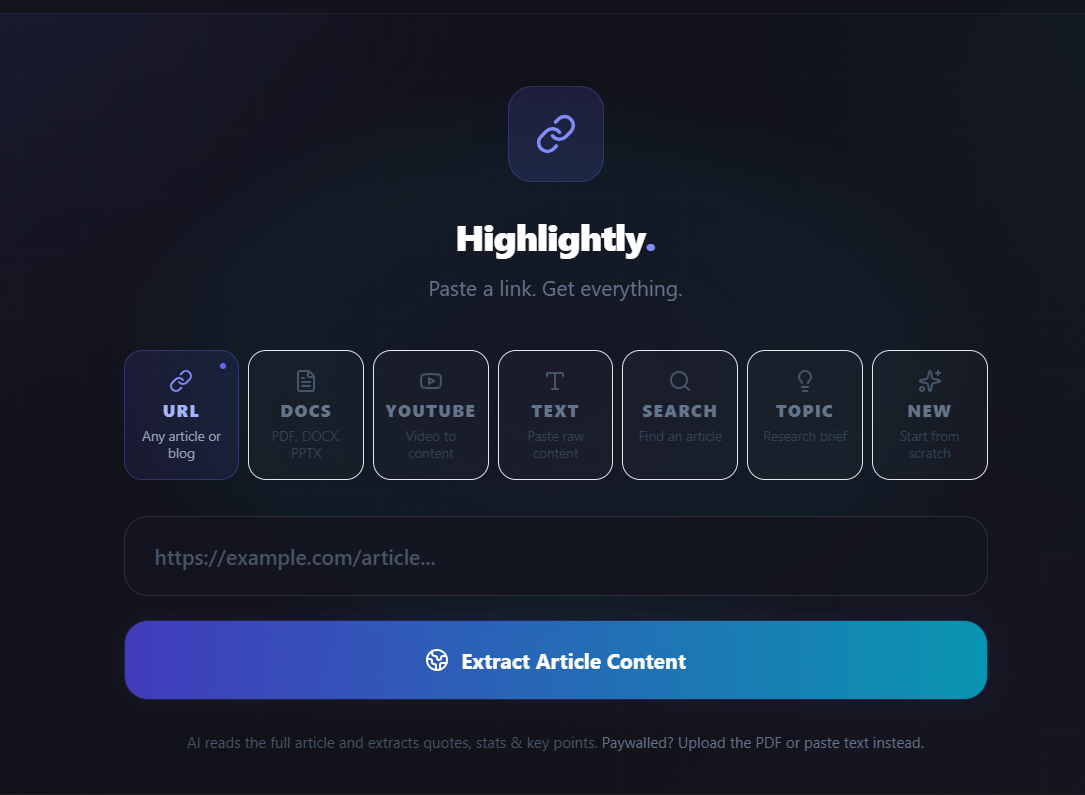
Castmagic's input is audio and video. Highlightly's input is URLs, PDFs, documents, and pasted text. These are different content workflows that produce similar outputs: social posts, quotes, summaries, and branded assets.
Beyond transcripts
Audio notes are useful. Publishing still needs visual assets.
If your primary source material is articles, reports, research papers, blog posts, whitepapers, or customer stories in written form, Castmagic is not designed for that workflow. You would need to convert your documents to audio first, which adds friction.
Feature comparison
Feature comparison
When the source is written
Many content teams work primarily with written sources: industry reports, blog posts, whitepapers, case studies, research papers, product documentation, and articles. For these teams, the workflow is different from audio-first creators.
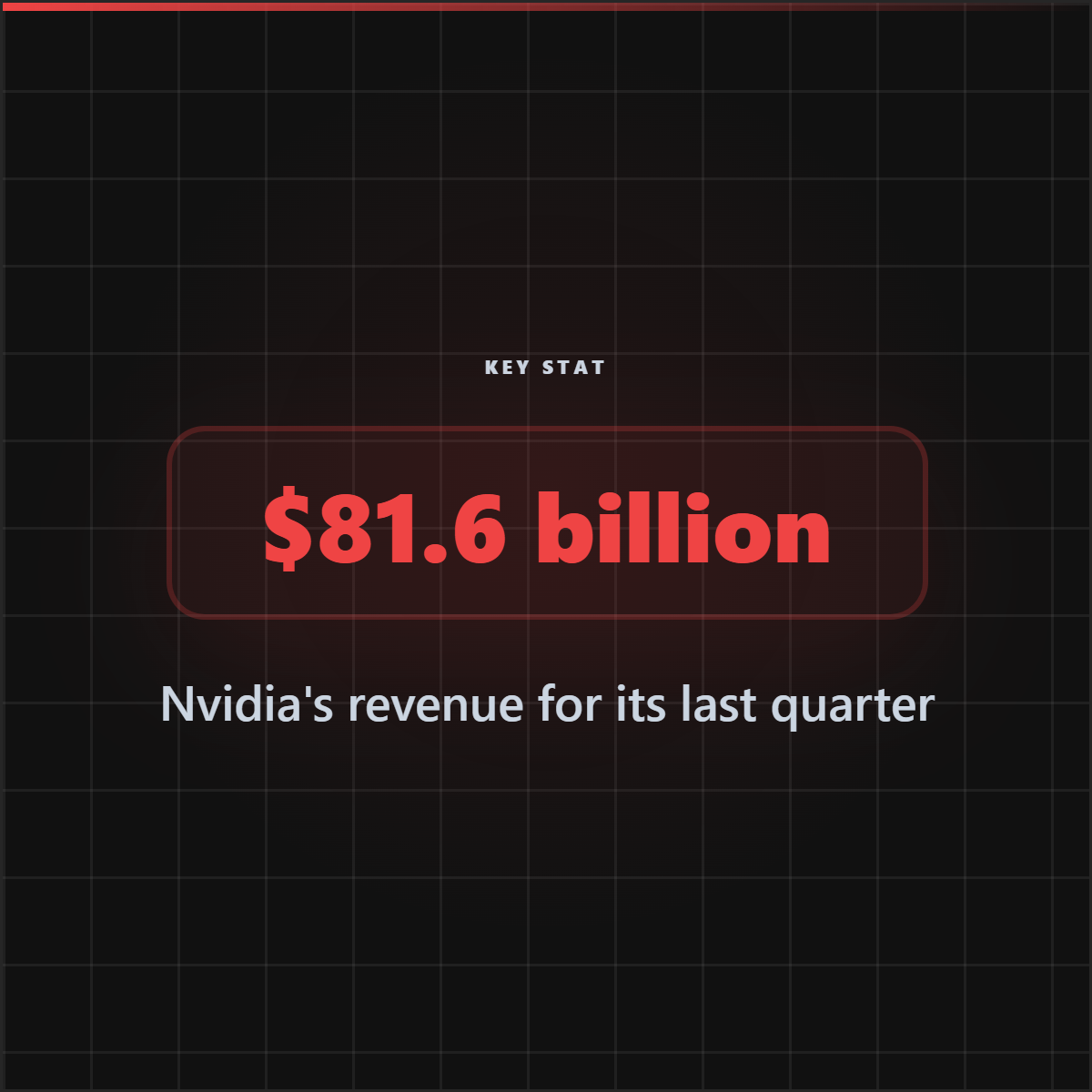
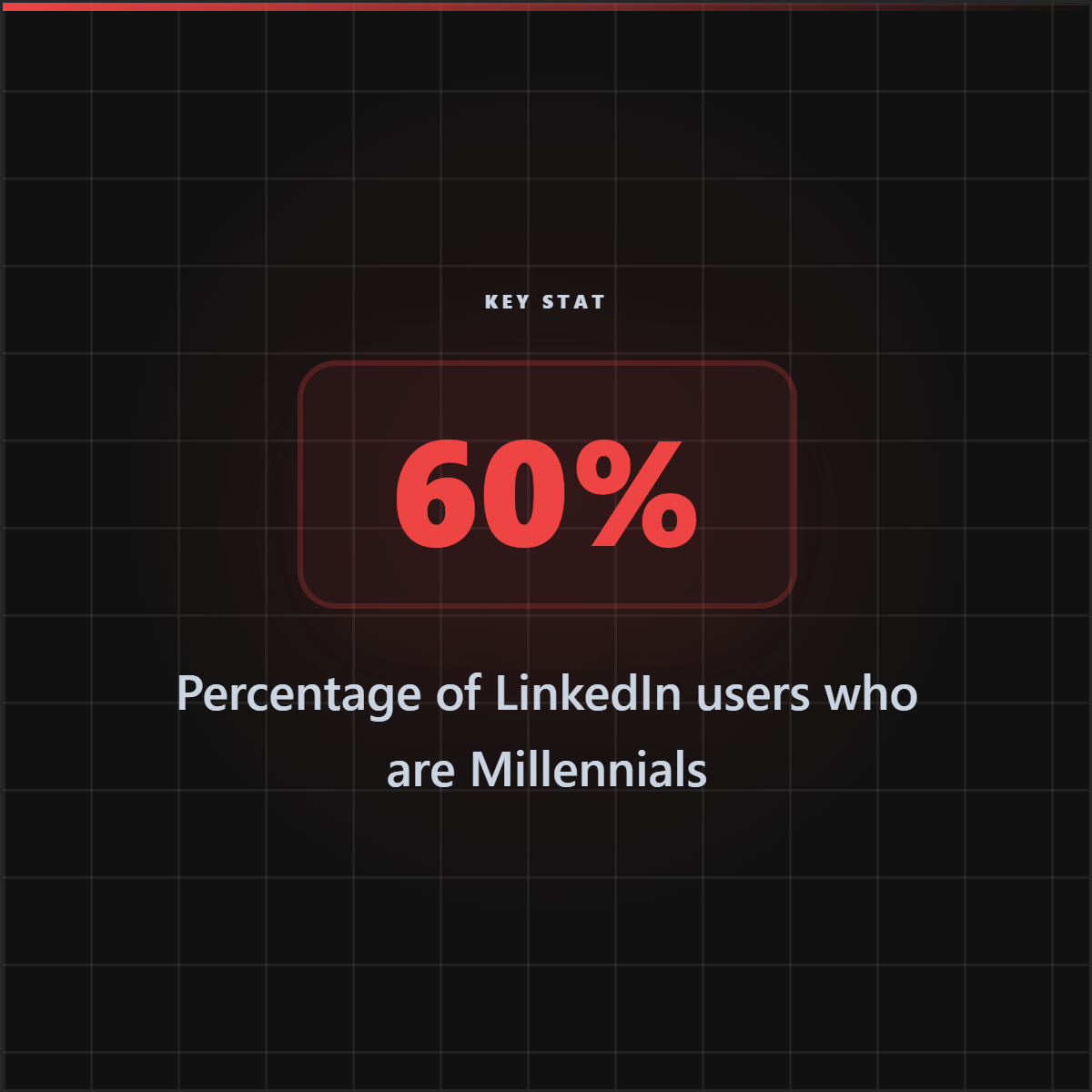
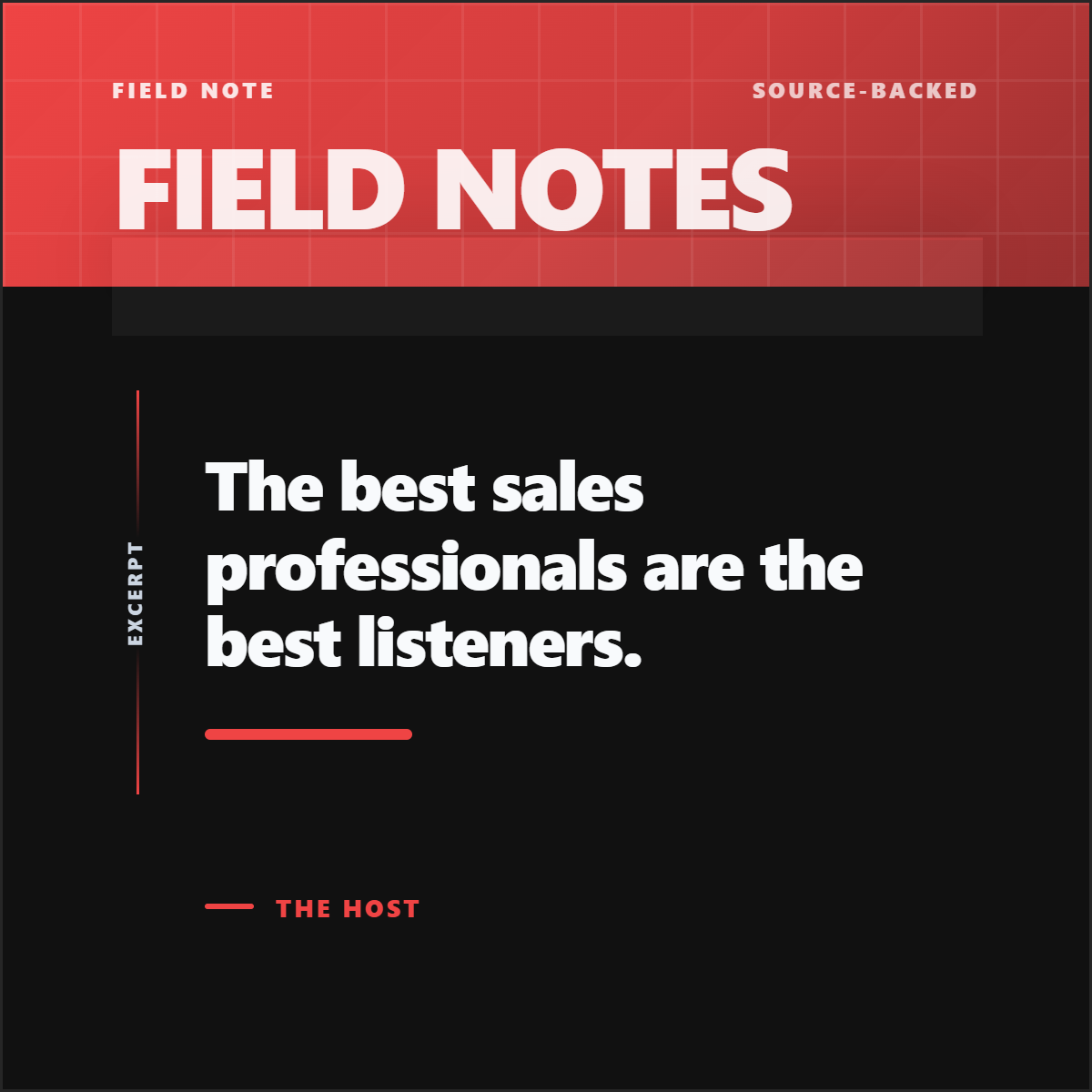
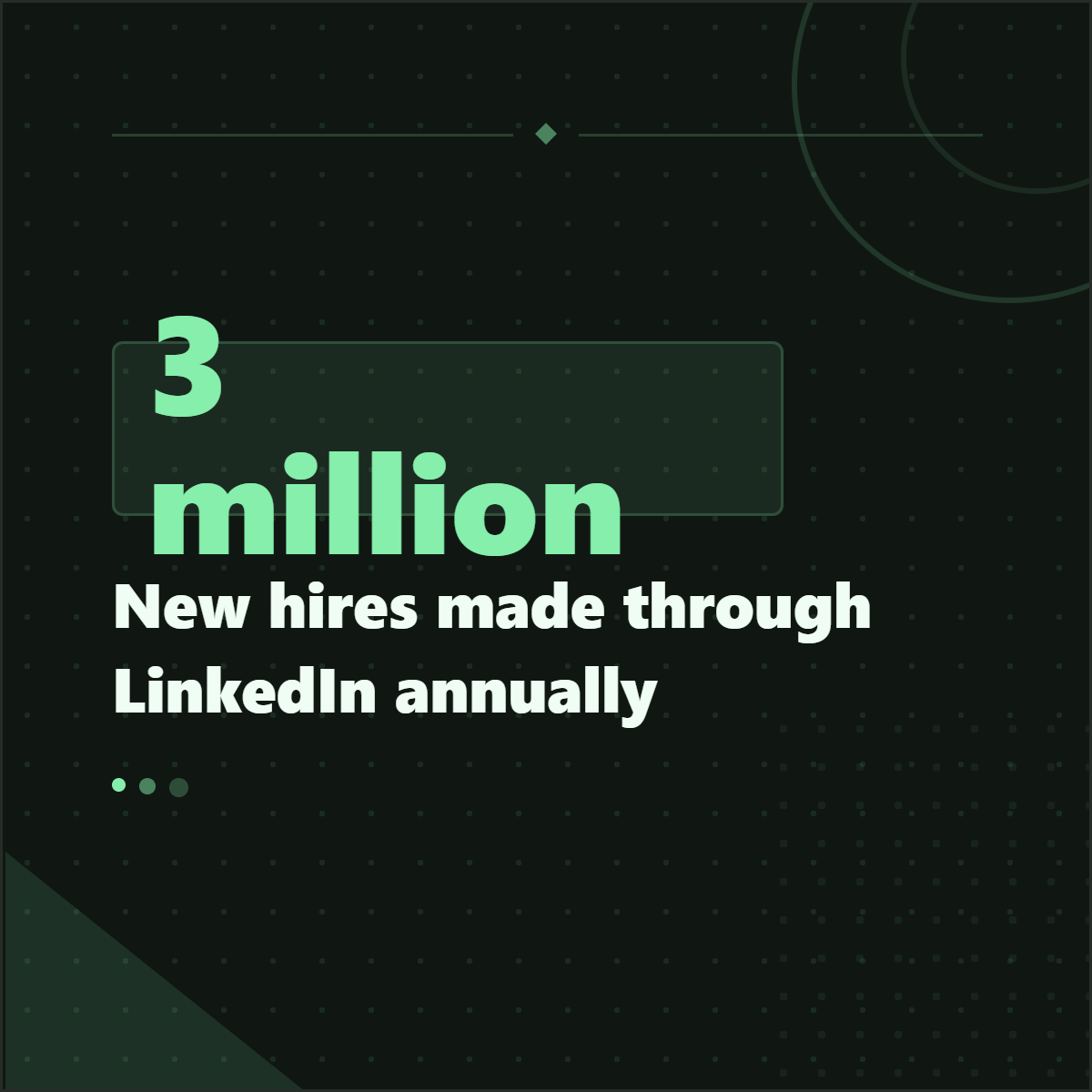
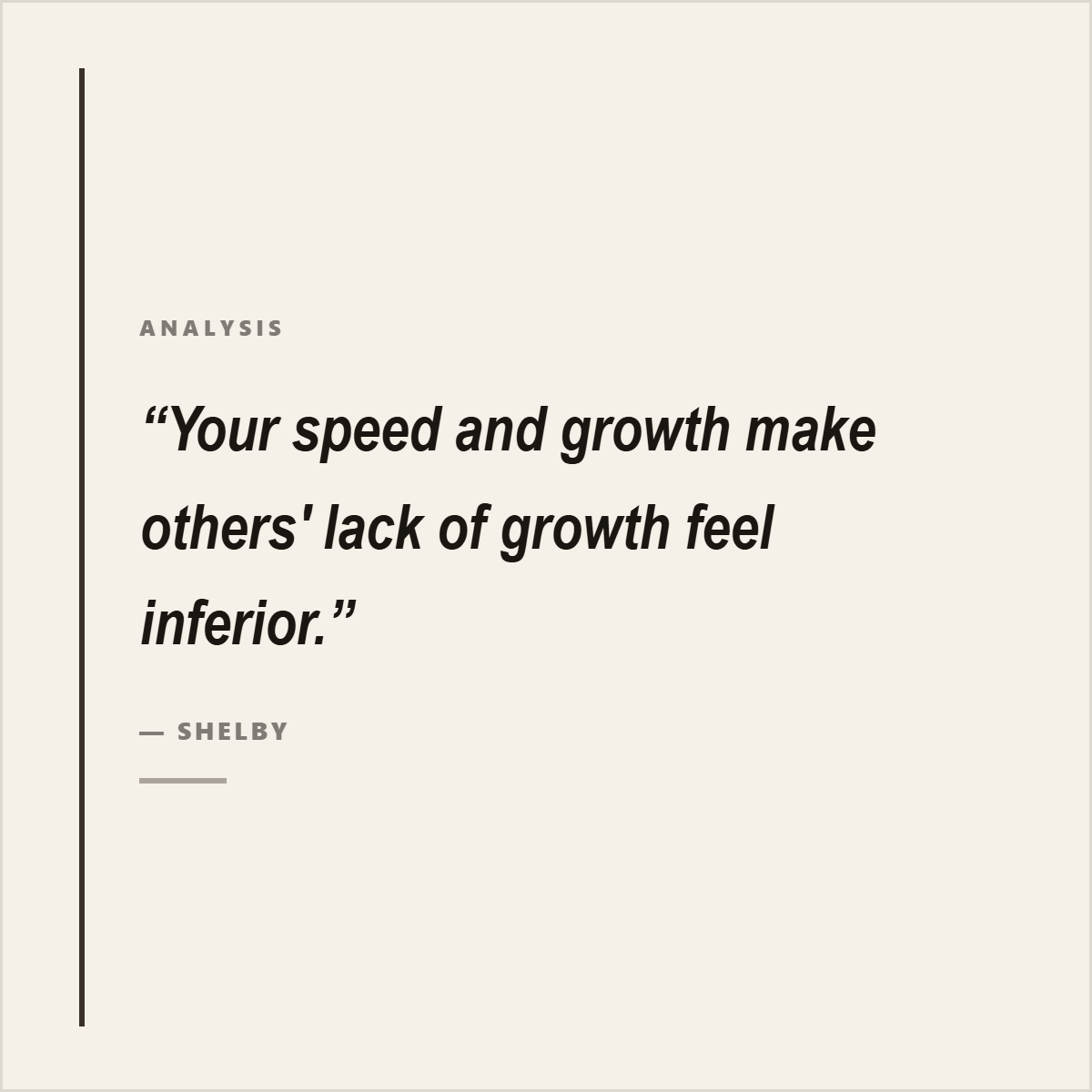
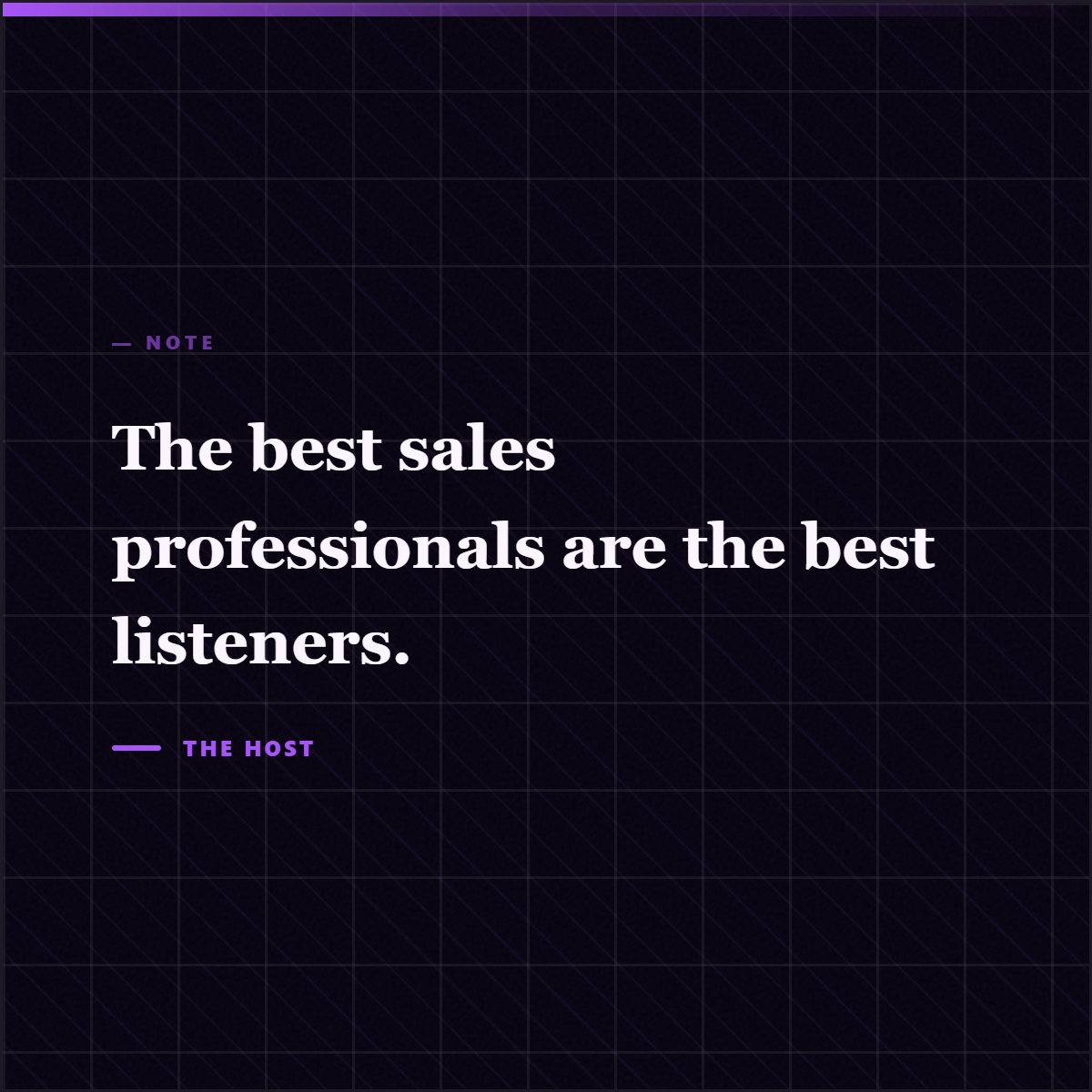
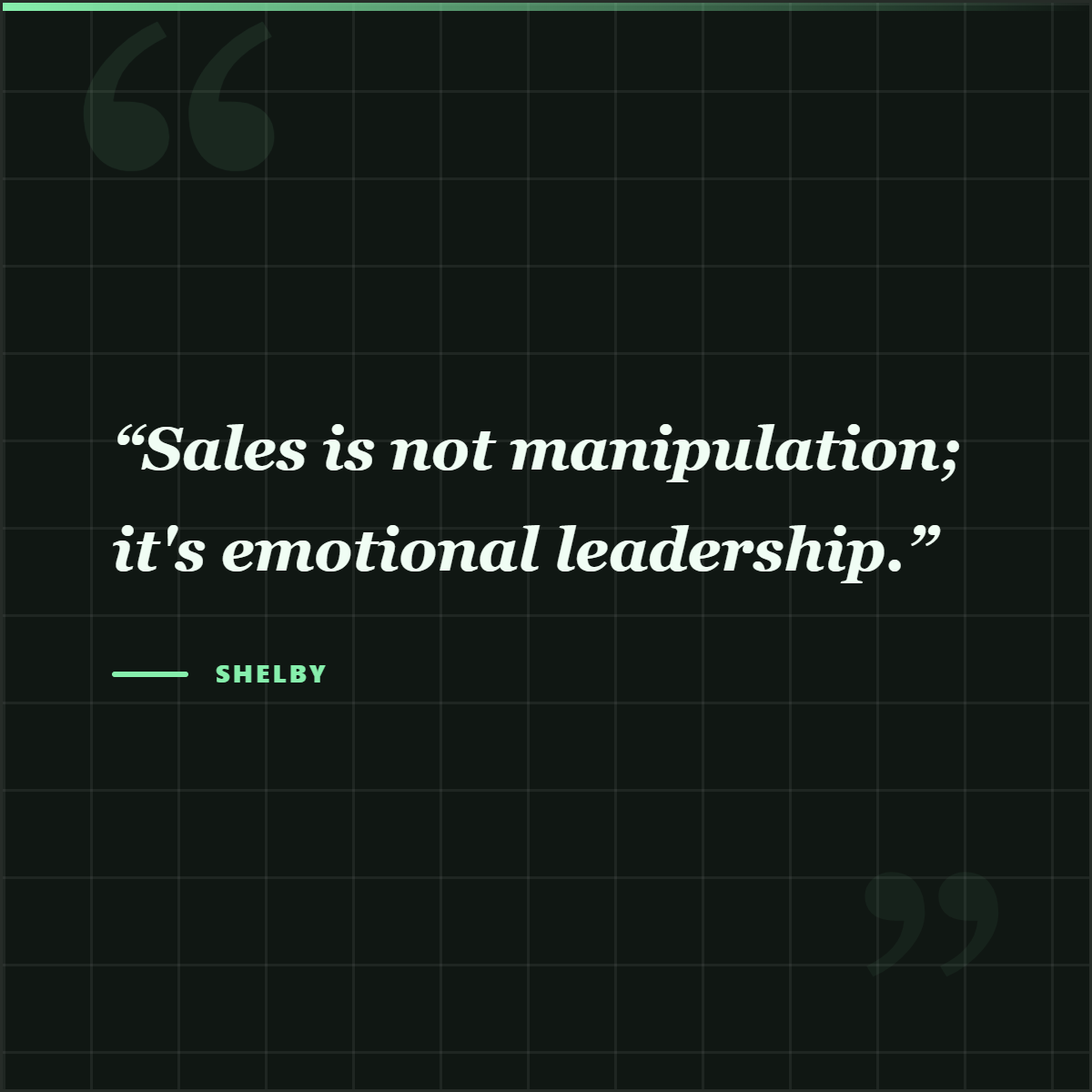
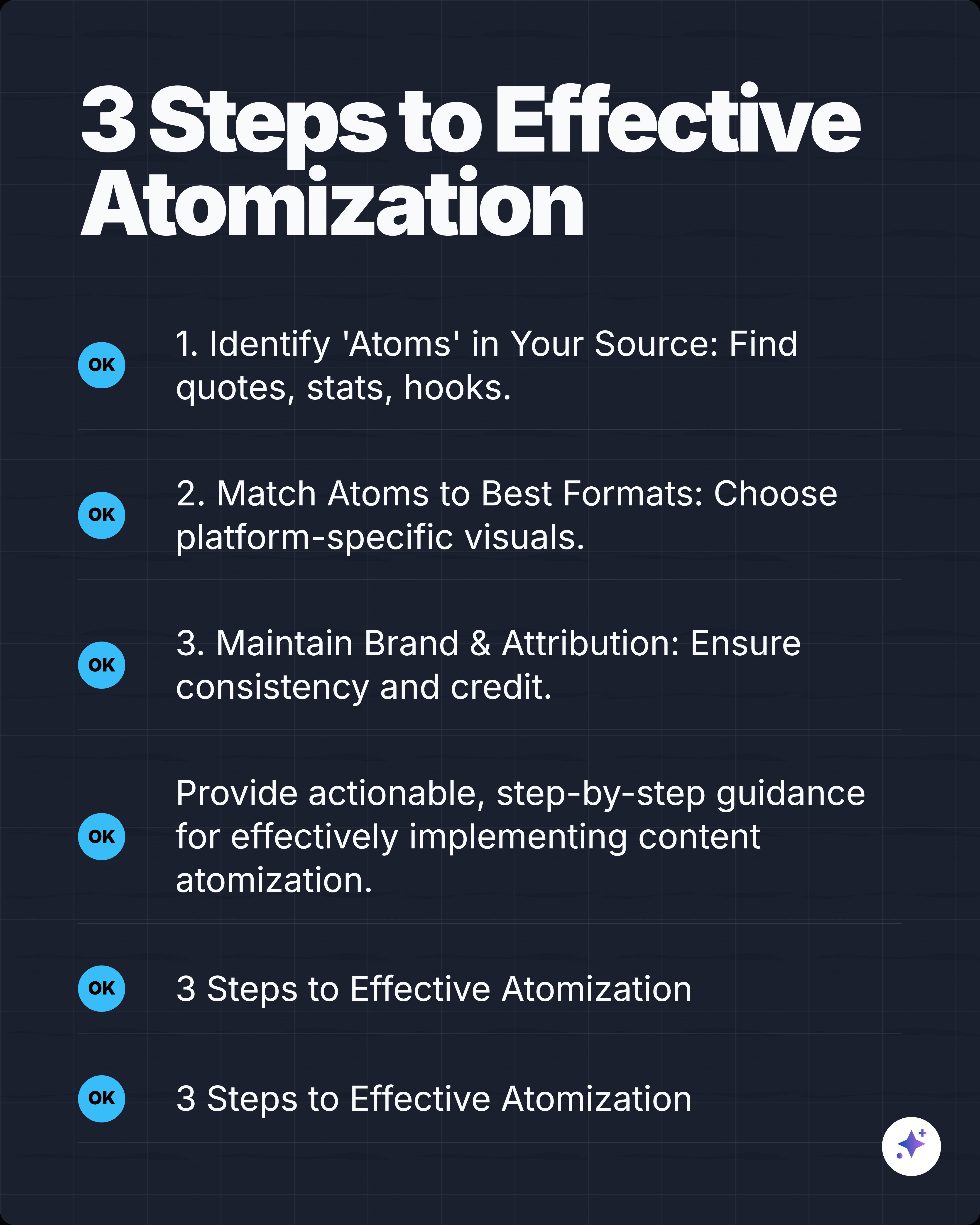
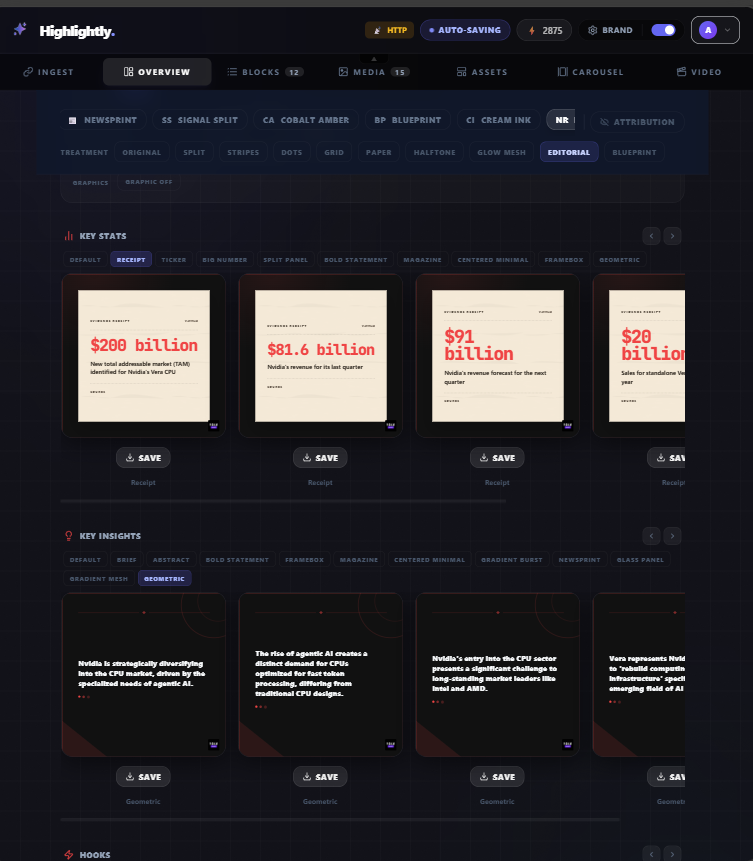
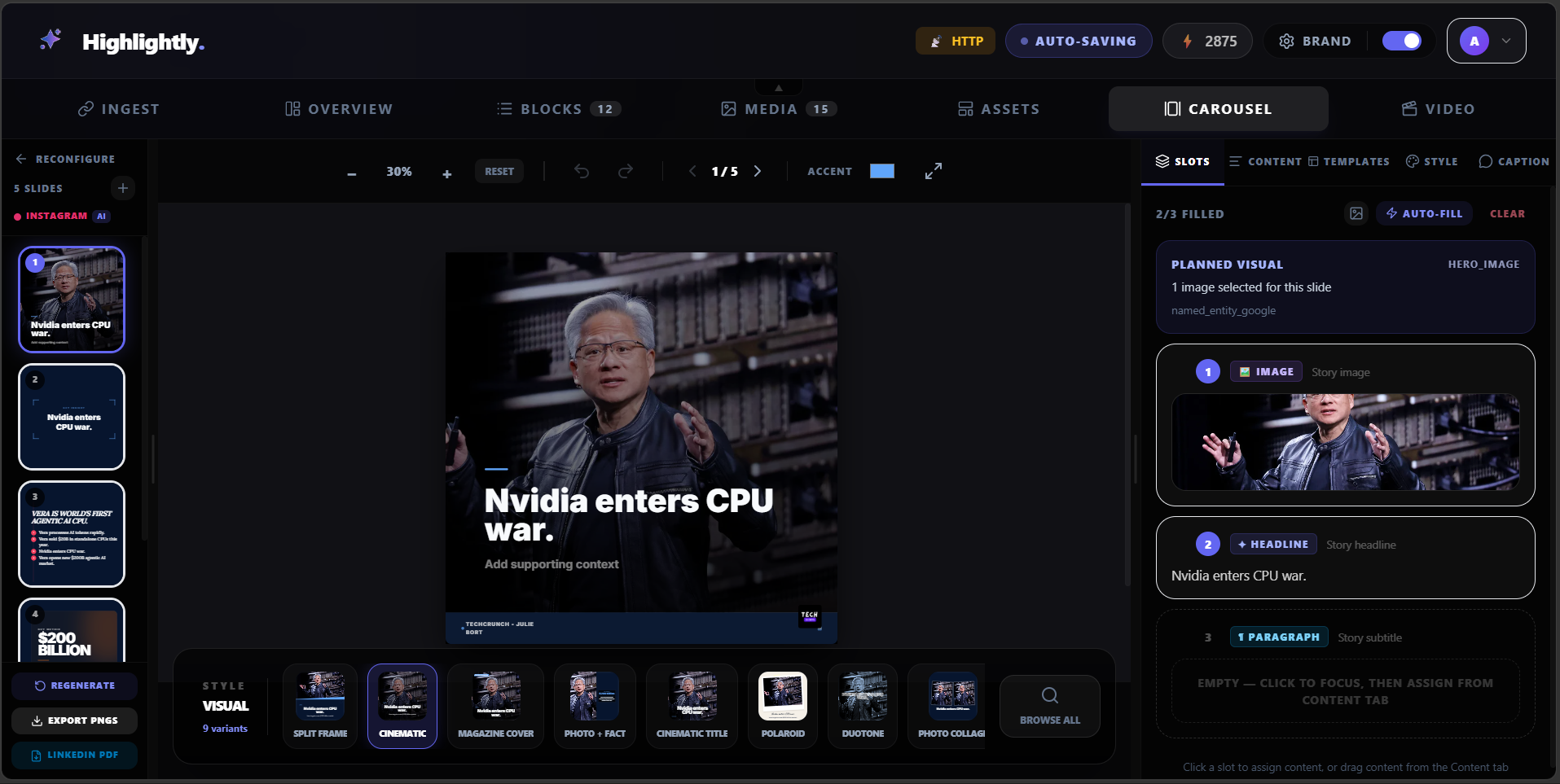
Highlightly is designed for this workflow. Paste a URL, upload a PDF, or add text — or drop in multiple sources at once for batch extraction. The tool pulls out quotes, statistics, key points, hooks, and images, then turns them into designed social assets with your brand kit (colors, fonts, logo) applied automatically. AI-generated captions for LinkedIn, Twitter, Instagram, and Reddit are included.
Use Castmagic only when audio is the center of the job
- You mostly repurpose podcasts, meetings, interviews, webinars, or calls.
- You need transcript summaries, show notes, speaker-led drafts, or audio-derived content packs.
- Visual design and export-ready social graphics are secondary.
Use Highlightly when sources need to become designed assets
- You work from written sources, documents, PDFs, URLs, YouTube links, pasted text, or topic research.
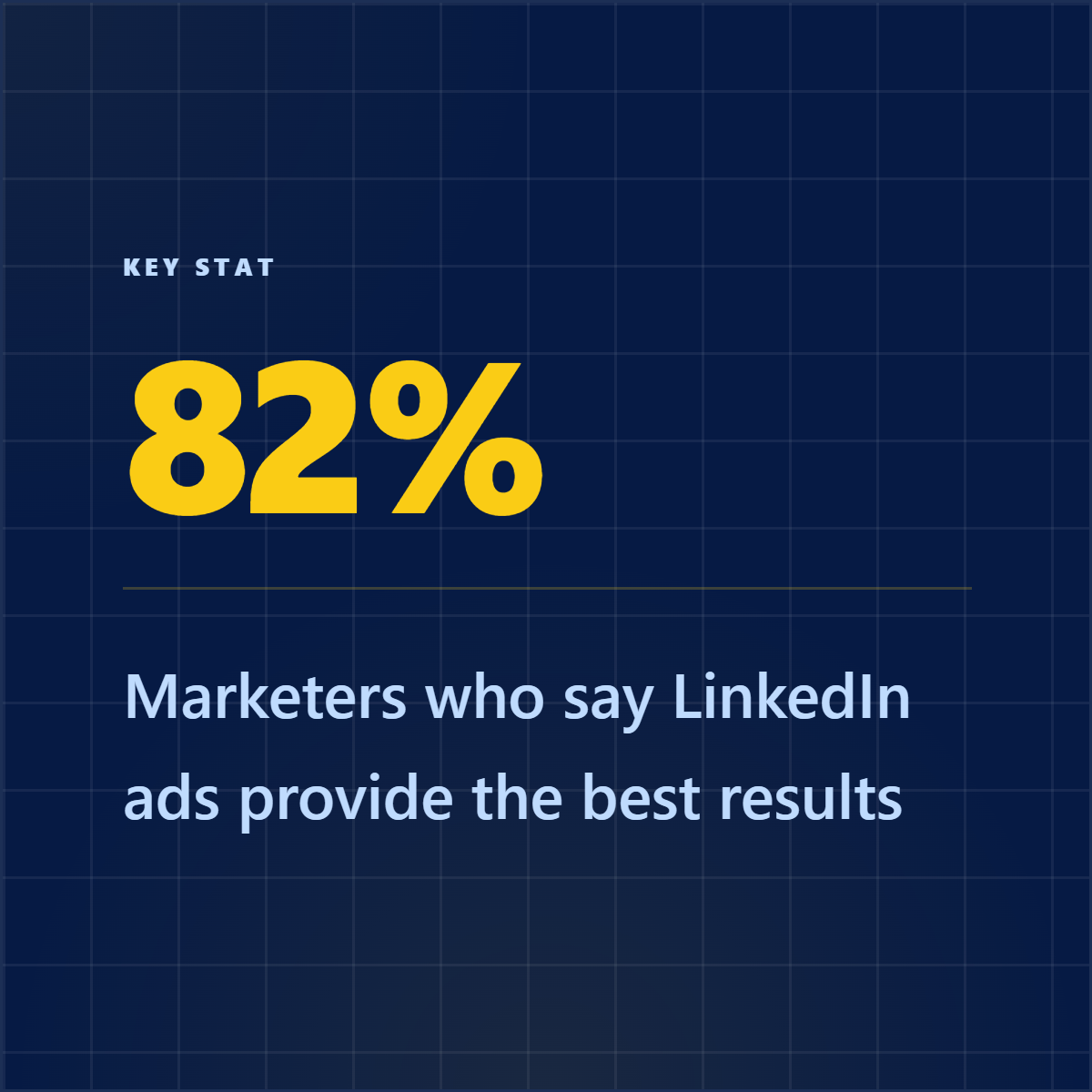
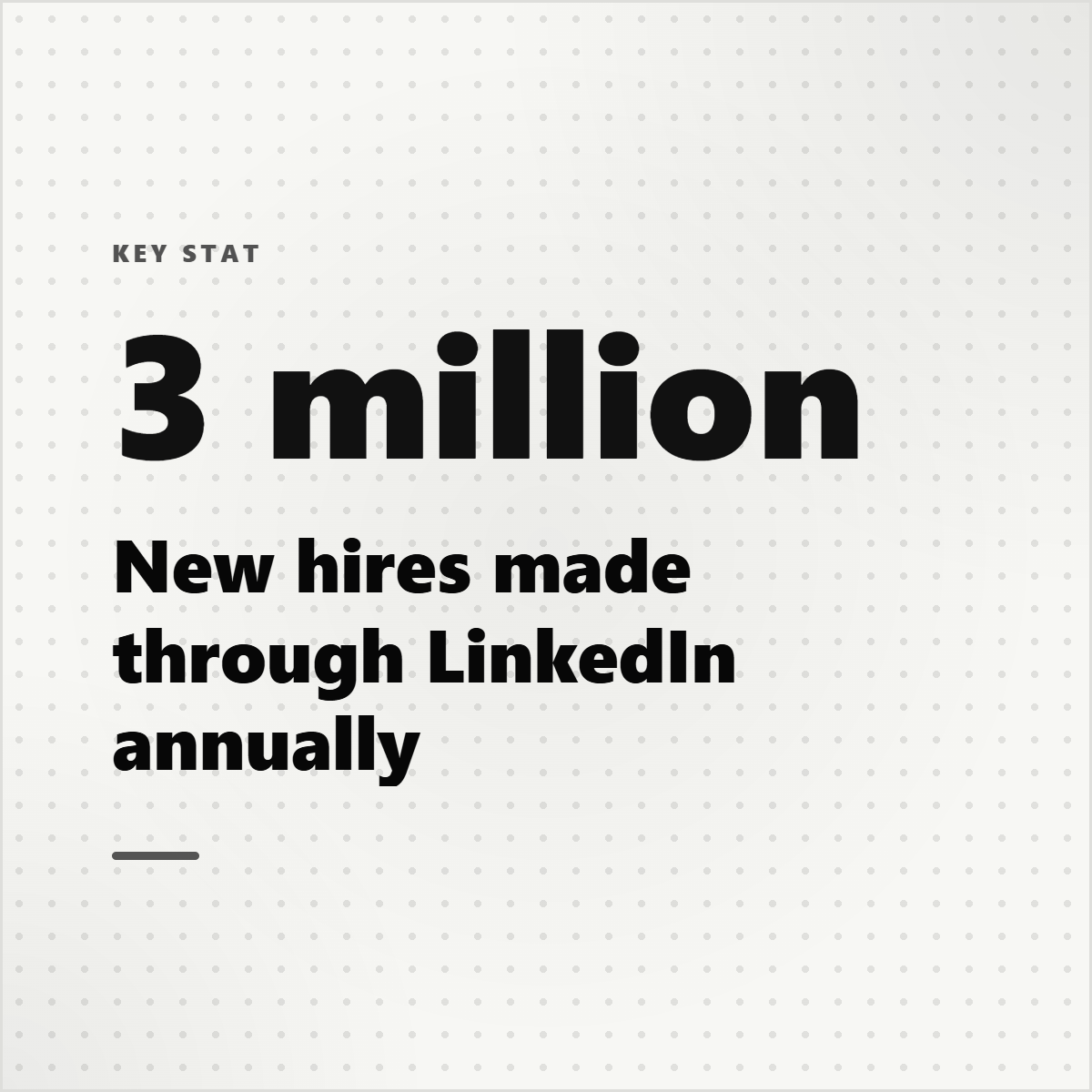
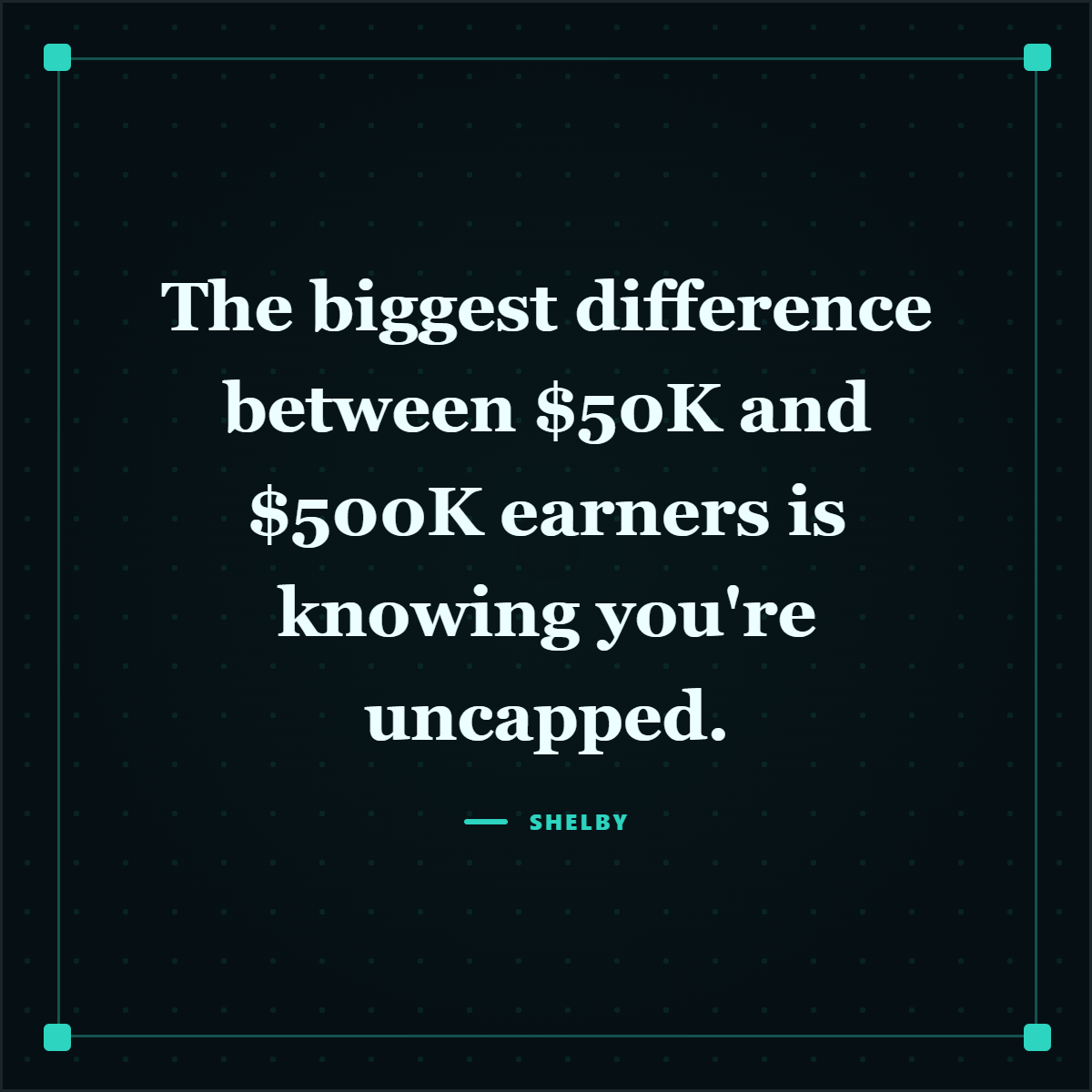
- You need the quote, stat, claim, or screenshot to become the asset itself.
- You want brand kit controls, captions, and exports without sending proof through a separate design tool.
Castmagic extracts from recordings. Highlightly publishes from sources.
Castmagic is useful for audio-heavy repurposing. Highlightly wins when the publishing job is broader: AI reads the source, surfaces the proof, and turns it into designed social assets that can ship.
- Broader source coverage beyond audio-first workflows.
- Visual asset creation from extracted evidence.
- A better fit for research, reports, articles, PDFs, and social graphics.
Try Highlightly
Turn one real source into publishable social assets.
Paste a URL, upload a PDF, or add text. Review extracted quotes, stats, hooks, and captions, then export branded assets with attribution intact.
Start freeFrequently asked questions
Research sources