 Highlightly Team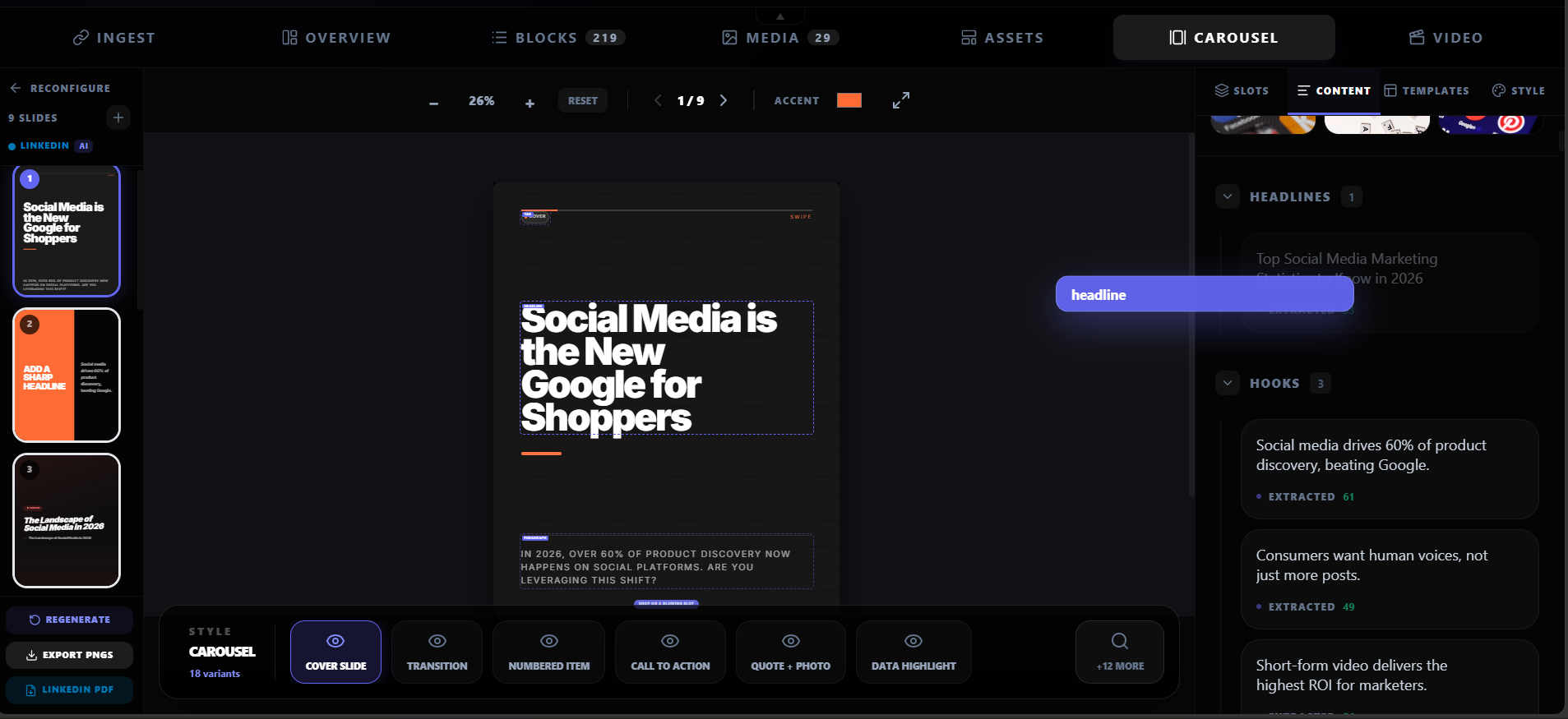
LinkedIn carousels get 2-3x more reach than text posts. The swipe action signals engagement to the algorithm, which pushes the content to more feeds. But most carousels are generic — recycled frameworks, AI-generated tips, and vague advice that could apply to anyone.
Carousels reward substance, not just format.
The format gets you reach. The content keeps people swiping. A carousel with real data, real quotes, and a clear argument will always outperform a pretty template with generic advice.
Why most carousels fail
The common carousel mistakes are predictable: too many slides, too much text per slide, no clear narrative arc, generic advice, and no source backing. The reader swipes twice and leaves.
Common carousel mistakes
- Starting with a generic hook instead of a specific claim.
- Putting too much text on each slide — LinkedIn is not a blog.
- No evidence: the carousel states opinions without data or quotes.
- No narrative arc: the slides do not build toward anything.
- Too many slides: 15+ slides lose attention unless every one earns its place.
- No brand consistency: every carousel looks like it came from a different company.
The anatomy of a high-performing carousel
A strong carousel has a clear structure. Every slide has one job, and the sequence builds toward a takeaway the reader can use.
The 6-slide structure
Slide 1: The hook
A bold, specific claim that makes the reader stop scrolling. Use a number, a contrarian take, or a surprising finding. Example: '73% of remote workers say AI tools make them more productive.'
Slide 2: The problem or context
Why does this matter? What is the pain point or opportunity? Keep it to 2-3 sentences max.
Slides 3-4: The evidence
This is where source-backed content wins. Show the data, the quote, the case study result, or the comparison. Each slide presents one piece of evidence with clear attribution.
Slide 5: The takeaway
What should the reader do with this information? Give them one actionable takeaway they can apply today.
Slide 6: The CTA
Link to your article, product, newsletter, or profile. Keep it simple: one clear action.
Source-backed vs generic carousels
The difference between a carousel that gets 50 impressions and one that gets 5,000 is often the evidence. Generic advice carousels blend into the feed. Source-backed carousels with real quotes, real stats, and real data stand out because they offer something specific.
Design rules for LinkedIn carousels
Keep slides clean and readable on mobile. Most LinkedIn users browse on their phones, so small text and cluttered layouts fail.
Design best practices
- One idea per slide. If you need two sentences, you need two slides.
- Large text: minimum 24pt for body, 32pt+ for headers.
- High contrast: dark text on light background or vice versa.
- Consistent brand: same colors, fonts, and logo on every slide.
- Minimal design: do not over-decorate. The content is the design.
- Use 1080x1080 or 1080x1350 dimensions for mobile readability.
How to create a carousel from an article
The fastest way to create a source-backed carousel is to start with an existing article. Extract the key points, map each to a slide, apply your brand, and export.
Article to carousel workflow
Paste the article URL
Use the article as your source material. The tool extracts hooks, key points, quotes, stats, and insights.
Choose your narrative arc
Pick 5-7 of the strongest extracted points that build a coherent story. Not every extracted point belongs in the carousel.
Generate slides
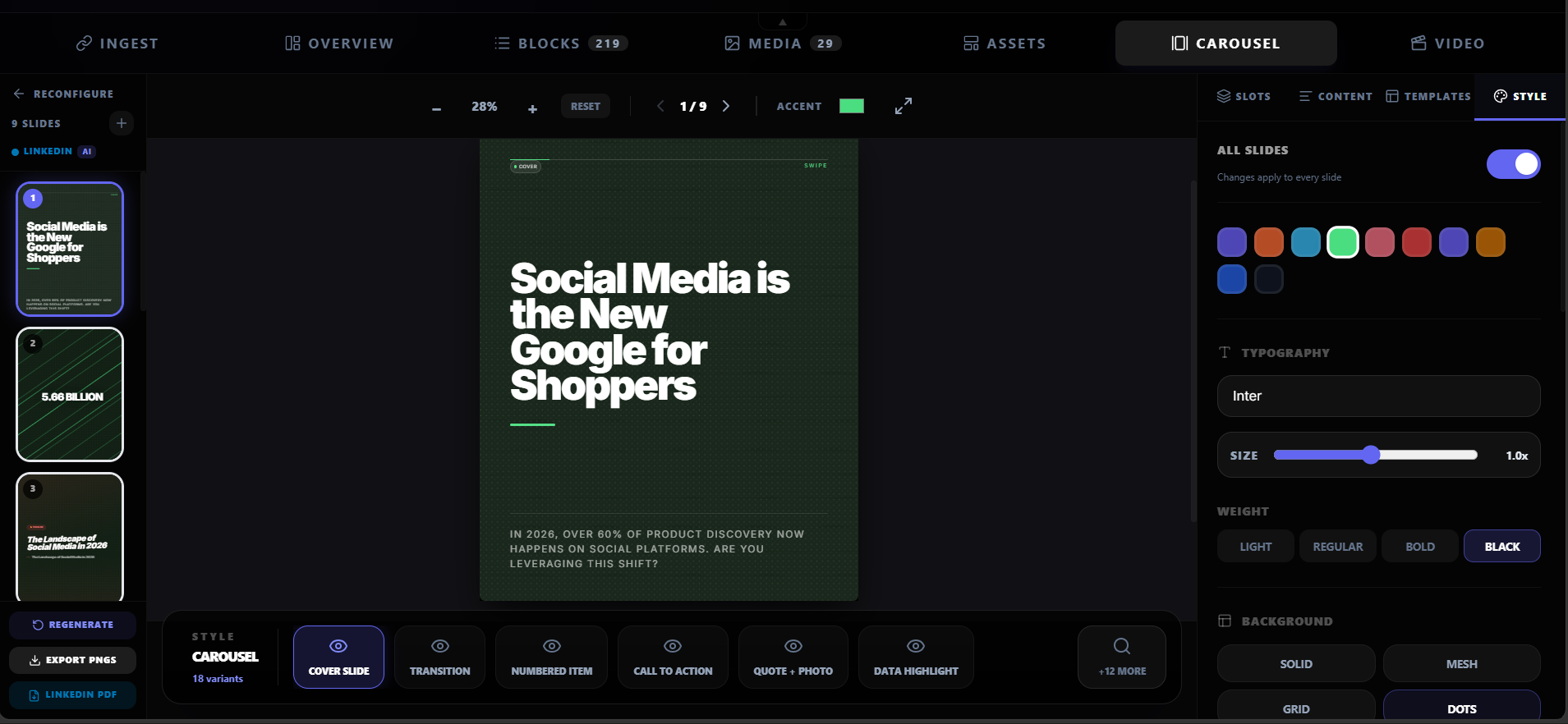
Each point becomes a slide. The tool applies a theme, typography, and layout. You edit the copy to sound like you.
Apply brand and export
Add your brand kit — colors, logo, watermark. Export as PDF for LinkedIn document posts or as individual PNGs.
Create a carousel
Turn an article into a LinkedIn carousel.
Paste a URL, extract the key points, and generate a branded carousel in minutes. Source-backed, editable, and ready to post.
Create a carouselCarousel anatomy
A strong carousel has a clear narrative arc.
Hook → problem → evidence → solution → takeaway. Each slide has one job, and the sequence builds toward a conclusion the reader can use.
Frequently asked questions
Research sources