 Highlightly Team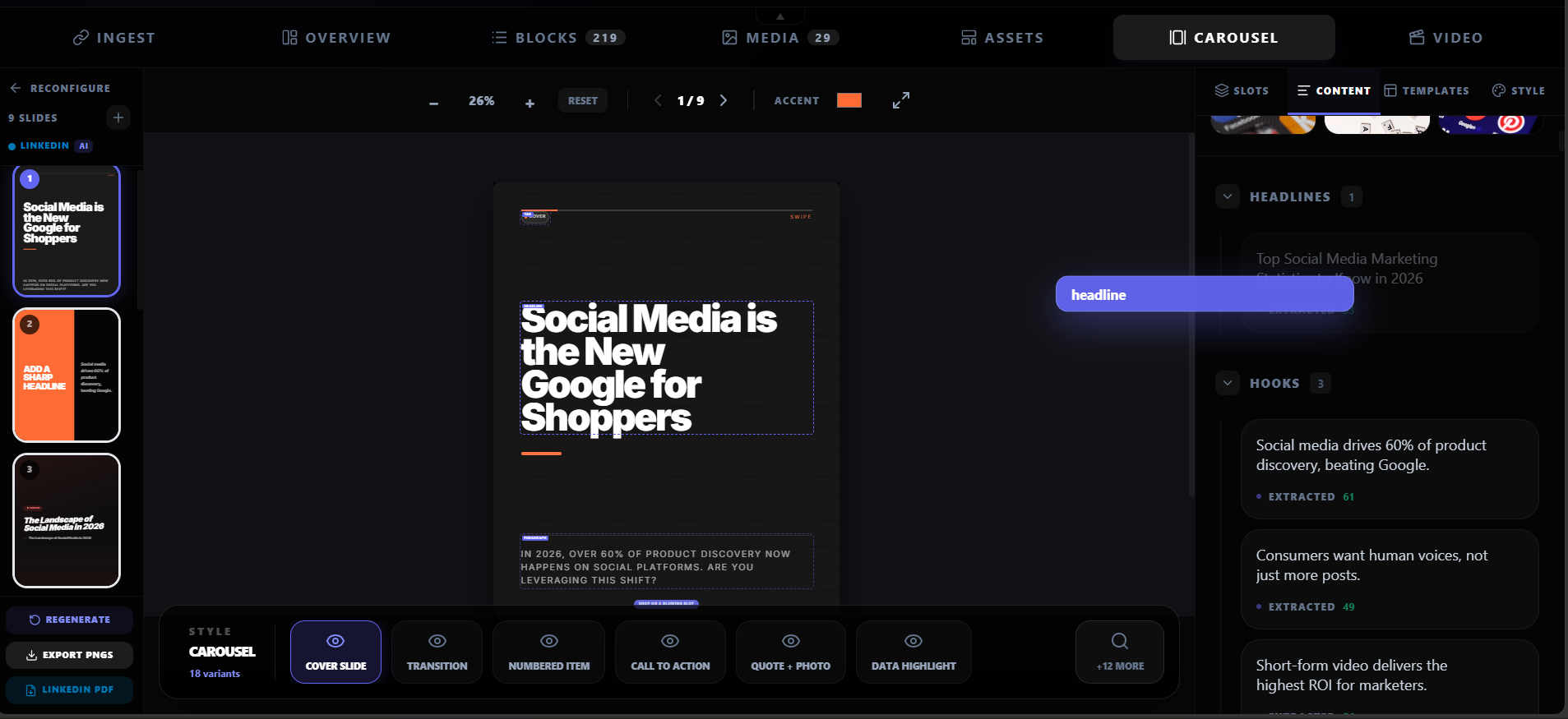
Most blog posts get one share on LinkedIn, maybe a tweet, and then disappear into the archive. That is a waste. A well-researched blog post contains 5-10 extractable atoms — quotes, statistics, frameworks, hooks, key points, and images — that can each become a standalone social asset.
Repurposing is not reposting. It is extracting different atoms from the same source.
Reposting shares the same idea in different fonts. Repurposing finds the quote, the stat, the process, the hook, and the comparison inside one article and gives each one its own format.
The 10 assets one blog post can become
Here is the full list of assets you can extract from a single blog post. Not every post will yield all ten, but most well-written posts will give you at least six or seven.
The 10-asset framework
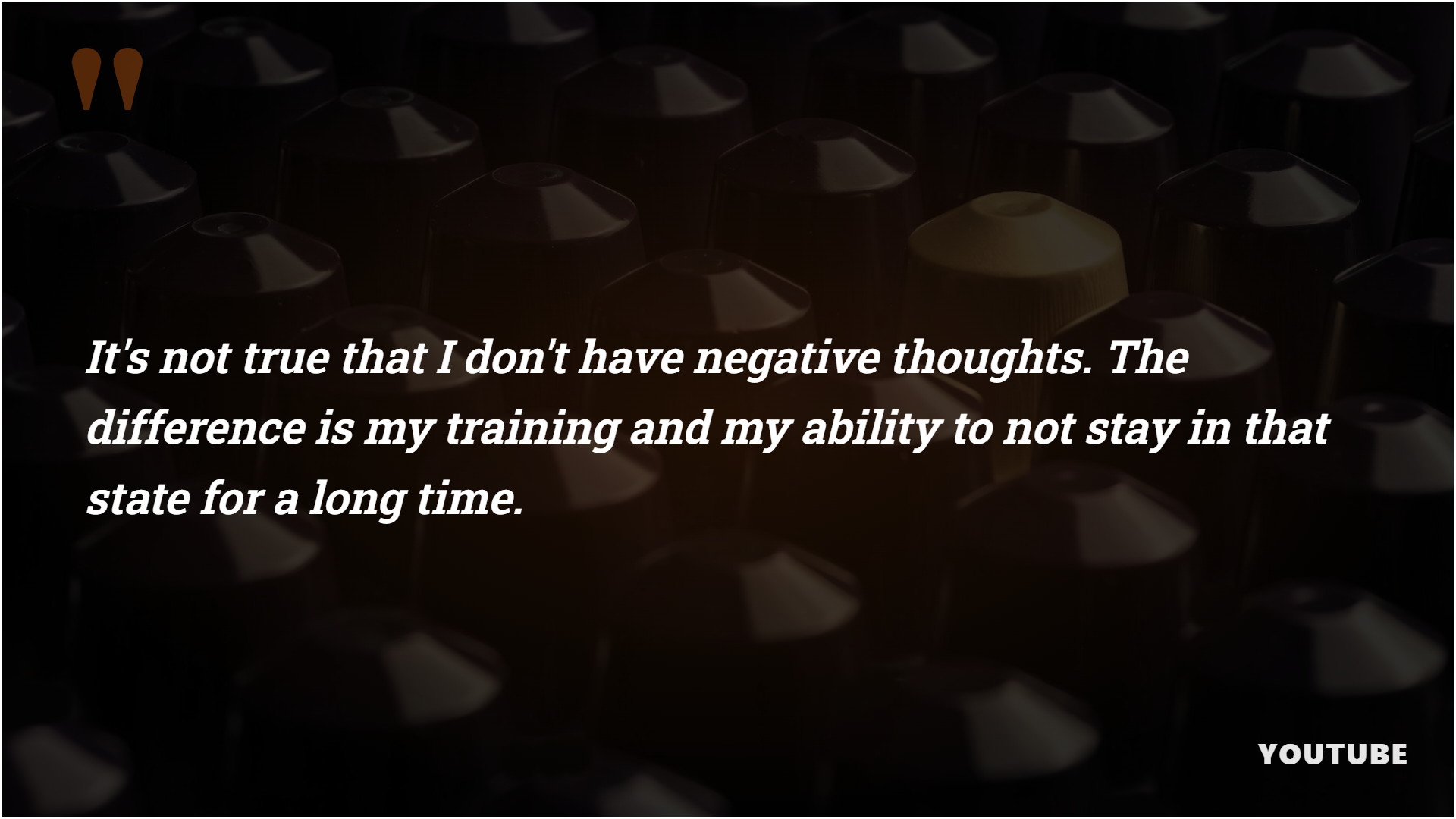
1. Quote card
Pull the strongest line from the article — a sharp opinion, a customer quote, an expert take, or a memorable sentence. Turn it into a branded quote card with author and source attribution.
2. Stat graphic
If the article contains a number, percentage, dollar figure, or data point, extract it and create a stat card. Numbers stop the scroll when they are presented clearly.
3. Key point summary
The main argument of the article becomes a concise one-slide summary. This works as a standalone post or as the opening slide of a carousel.
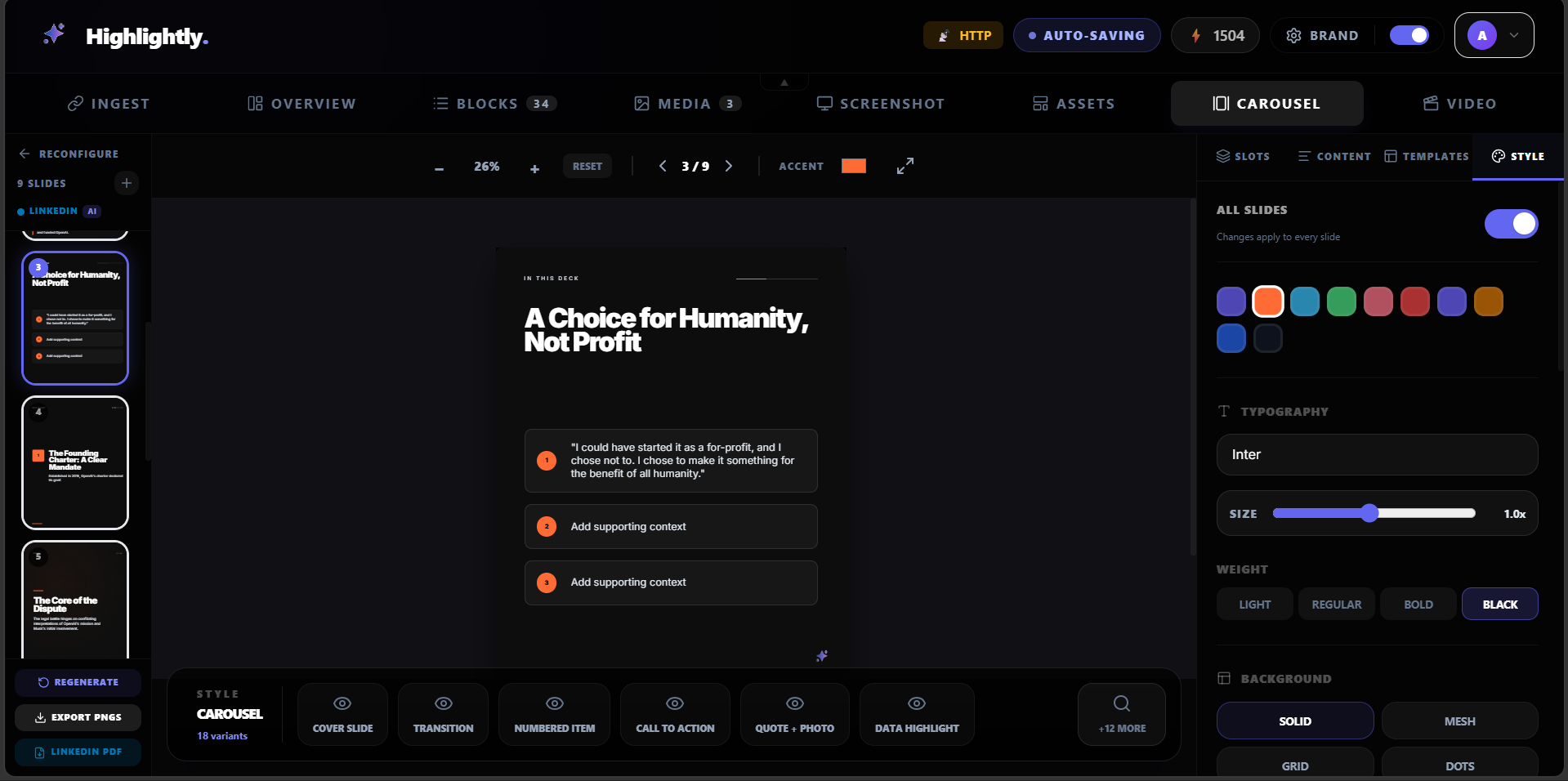
4. LinkedIn carousel
Turn the article's structure — steps, tips, comparisons, or findings — into a 5-10 slide carousel. Each slide covers one point with clean visuals and source attribution.
5. Thread starter
The strongest hook from the article becomes the opening tweet of a thread. Supporting points become subsequent tweets. The thread links back to the full article.
6. Instagram story slide
A vertical 9:16 graphic that presents one takeaway from the article in a story-friendly format. Quick, visual, and designed for mobile.
7. Screenshot callout
If the article contains a chart, diagram, UI screenshot, or visual proof point, crop it, annotate it, and turn it into a social-ready screenshot card.
8. Comparison card
If the article compares two approaches, tools, or strategies, turn that comparison into a side-by-side visual card.
9. Platform captions
Generate LinkedIn, X, Instagram, and Reddit captions from the same angle. Each caption is tuned for the platform's tone and length expectations.
10. Newsletter teaser
A short pull quote or stat becomes a teaser for your newsletter, linking back to the full article.
The extraction workflow
The workflow is straightforward: read the article, identify the atoms, map each atom to the right format, apply your brand, and export. Here is how to do it efficiently.
Step-by-step workflow
Read with extraction in mind
As you read, highlight quotes that stand alone, statistics that surprise, processes that can be visualized, hooks that grab attention, and comparisons that clarify.
List your atoms
Write down each extractable piece: quote, stat, step, hook, comparison, framework, image, or key point. Most articles yield 5-10 atoms.
Map atoms to formats
Decide which format fits each atom. A quote becomes a card. A 5-step process becomes a carousel. A surprising stat becomes a graphic. A strong opening becomes a thread hook.
Design and brand
Apply your brand kit — colors, fonts, logo, watermark — to each asset. Consistency matters when multiple assets from the same article appear in someone's feed.
Export and schedule
Export each asset in the right dimensions for its platform. Write or generate captions. Schedule across your publishing calendar.
What makes repurposed content feel fresh
The biggest risk with repurposing is repetition. If every asset says the same thing in a slightly different way, the audience tunes out. The fix is giving each atom a different job.
How to avoid repetition
- One asset teaches (key point or how-to step).
- One asset proves (stat, quote, or case study result).
- One asset sparks debate (hot take or contrarian angle).
- One asset summarizes (carousel or thread recap).
- One asset drives traffic (caption with link back to article).
- Each atom serves a different purpose in the content calendar.
Tools that help
Manual repurposing works, but it is slow. Tools like Highlightly can extract quotes, stats, hooks, key points, and images from a blog URL automatically, then turn them into branded cards, carousels, and captions. The human still reviews and chooses — the tool handles the extraction and design work.
Try it
Turn your next blog post into 10 social assets.
Paste a blog URL into Highlightly and see what atoms it extracts. Review, choose, brand, and export — all in one session.
Repurpose a blog postRepurposing workflow
One blog post becomes a week of social content.
The strongest atoms inside a blog post — quotes, stats, hooks, key points, and frameworks — each deserve their own format and platform.

Frequently asked questions
Research sources