Colors, fonts, and logo in one place
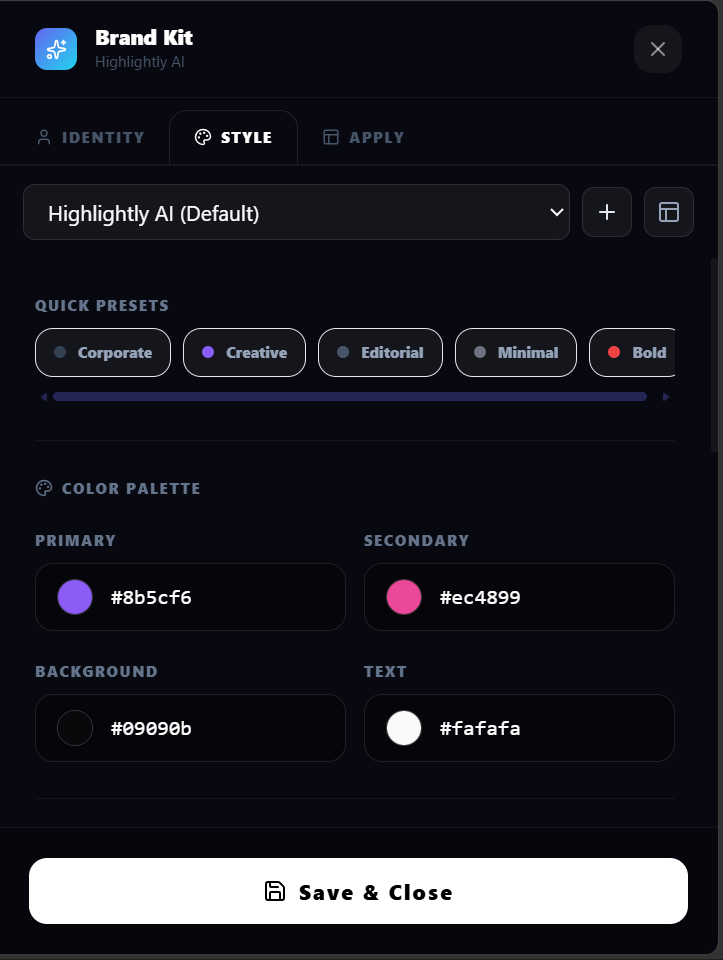
Define your primary and secondary colors, heading and body fonts, logo, and brand name. Every export starts from this visual foundation.
Set your brand once — colors, fonts, logo, watermark, social handles — and Highlightly applies it to every quote card, stat graphic, carousel, screenshot, and caption you generate.
Feature highlight
Define your primary and secondary colors, heading and body fonts, logo, and brand name. Every export starts from this visual foundation.
What you get
Define your primary and secondary colors, heading and body fonts, logo, and brand name. Every export starts from this visual foundation.
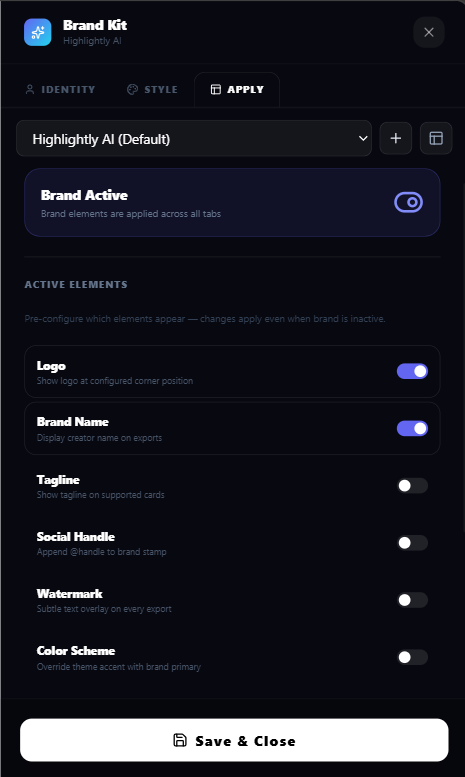
Control exactly what appears: logo, brand name, tagline, social handles, watermark, color scheme, and typography. Toggle each element independently.
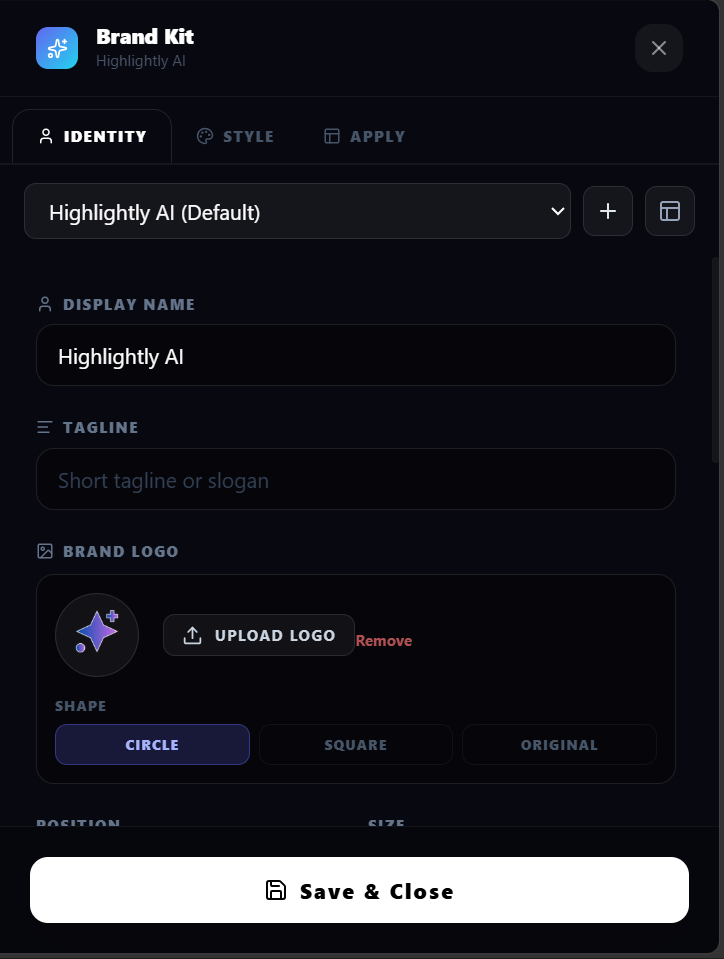
Place your logo in any corner, choose from square, circle, or original crop, and adjust the size. The logo renders correctly on every export.
Add a text watermark with adjustable opacity and placement. Great for agencies and teams that need brand visibility on every asset.
The same brand kit applies to quote cards, stat graphics, carousels, screenshots, captions, and LightboxStudio edits. No per-asset styling needed.
Switch between brand kits for different clients, campaigns, or projects. Every export uses the active kit automatically.
How it works
Add brand name, logo, watermark, social handles, colors, fonts, and identity details. Every export starts from the right visual language.
Use granular toggles for logo, color scheme, typography, watermark, handles, and element visibility. Not every graphic needs every element.
Paste a URL, upload a PDF, or add text. Highlightly extracts content and generates quote cards, stat graphics, carousels, and captions — all with your brand kit applied.
Every exported PNG, PDF, or caption carries your brand settings. Consistent visuals across every platform and campaign.
Product screenshots

What you can create
A source quote carries logo, colors, and handle.
A report number uses the same visual language.
A multi-slide sequence stays aligned to the selected kit.
Why Highlightly
Highlightly starts from real source material, exposes what was extracted, lets you edit the creative direction, and exports with attribution intact.
Learn more
Yes. Highlightly includes granular element toggles for logo, brand name, tagline, social handles, watermark, color scheme, and typography. Each can be enabled or disabled independently.
Yes. Agencies can switch between brand kits for different clients. Every export uses the active kit, keeping client-facing outputs consistent.
Yes. The brand kit applies to every asset type: quote cards, stat graphics, carousels, screenshots, and captions.
Yes. Upload a PNG, SVG, or WEBP logo. Position it in any corner with square, circle, or original crop.
Try Highlightly
Review the extracted material, choose the output format, apply your brand kit, and export with source context still available.