7 platform formats
Generate carousels for LinkedIn (6–15 slides), Instagram feed (4–10), Instagram Stories (3–6), Twitter/X threads (4–8), TikTok slideshows (3–6), web presentations (8–20), or generic slideshows (5–15). Each format has its own resolution and slide range.
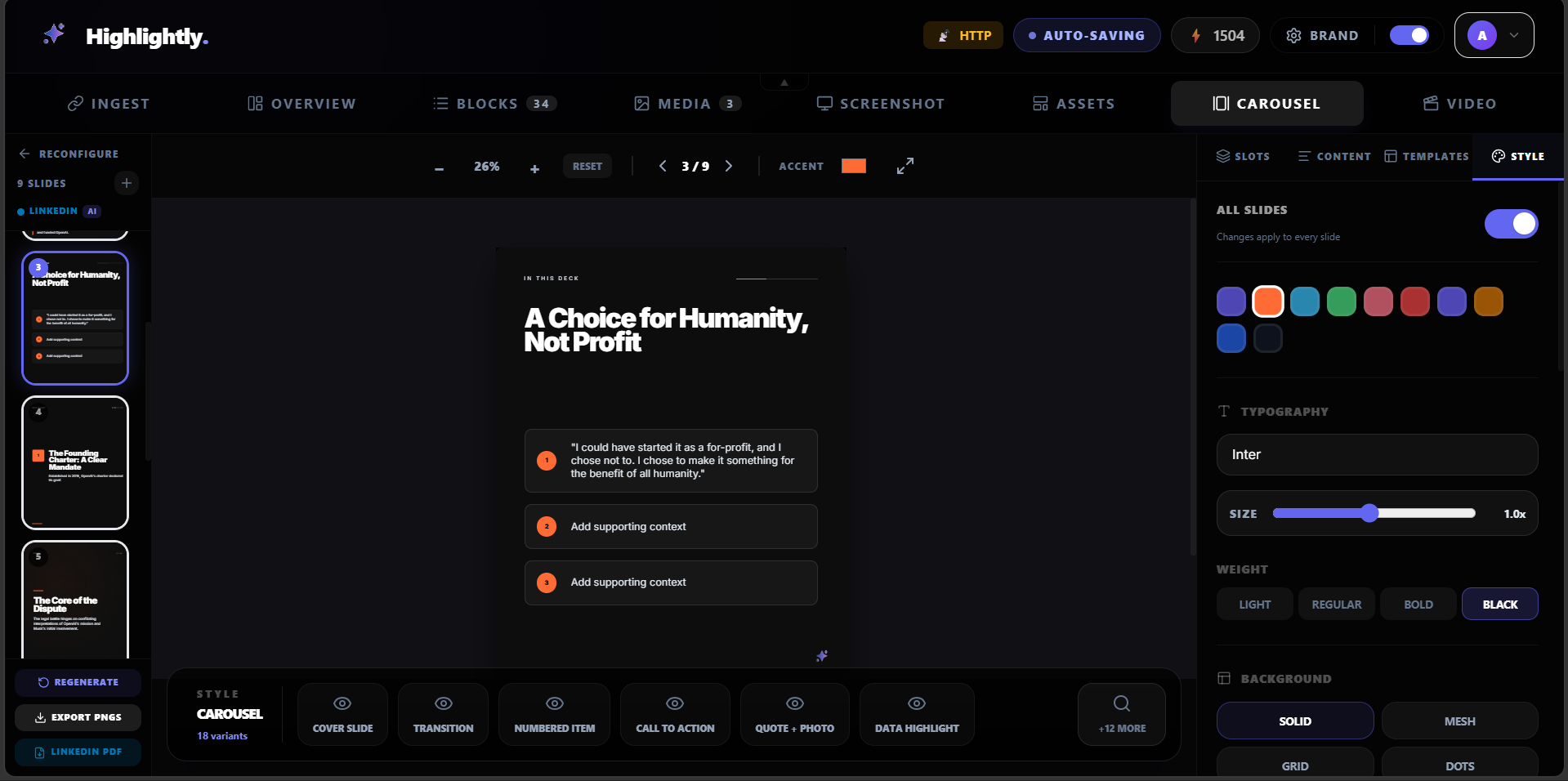
18 slide role types
Choose from cover, problem, promise, transition, key point, framework, checklist, proof, quote, stat, example, comparison, mistake, case study, recap, CTA, source, and content slides. Mix and match to build any narrative arc.
7 deck types and 6 tones
Pick a deck type: thought leadership, explainer, listicle, research summary, quote-led, case study, or news breakdown. Then set the tone: professional, casual, punchy, educational, storytelling, or data-driven.
Flexible slide count
Choose auto (platform-appropriate default), or pick 5, 7, 9, or 12 slides. After generation, add, delete, or duplicate individual slides in the editor. The count always stays within the platform's valid range.
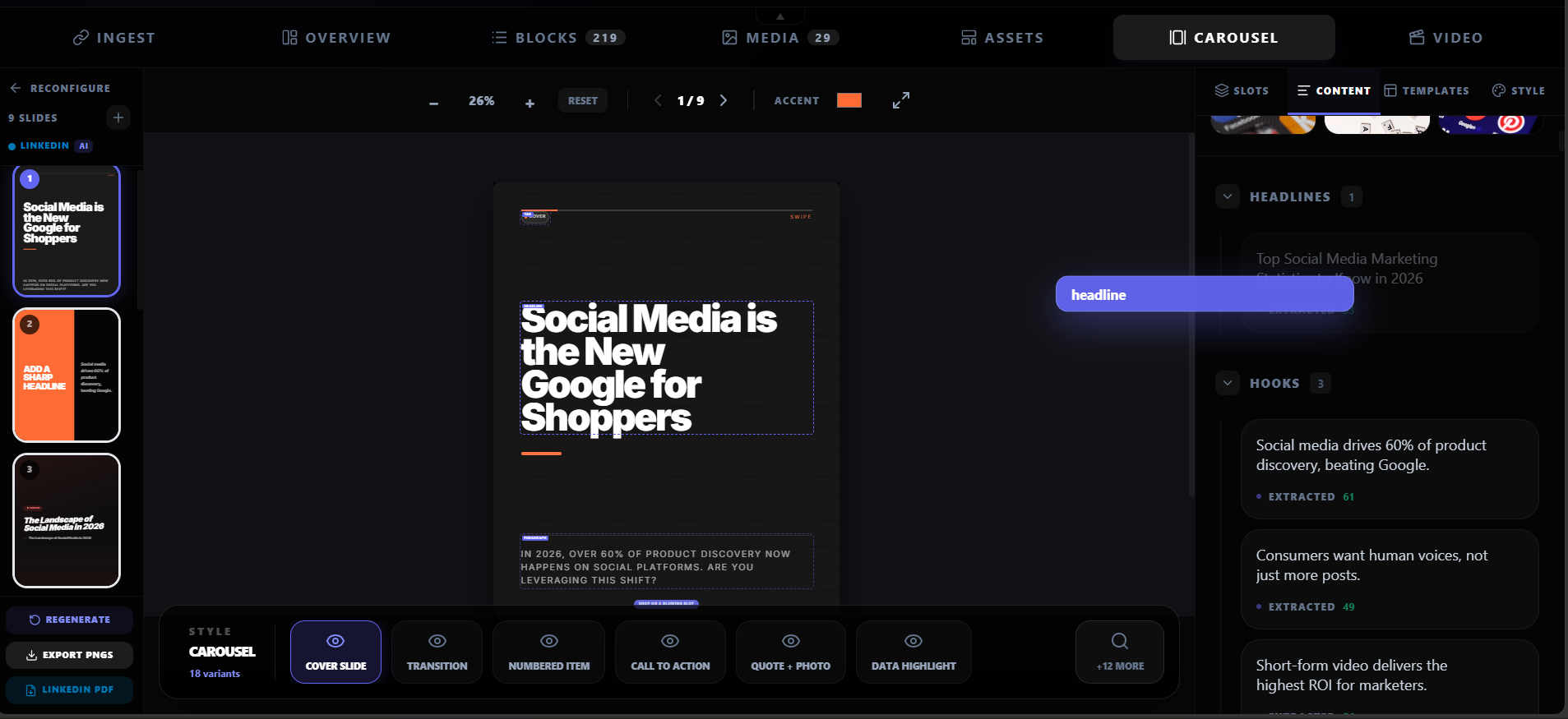
Editable slide-by-slide copy
Every slide is fully editable. Change the text, swap the layout, adjust the hierarchy, and tune the copy before export. The carousel stays yours, not a frozen AI output.
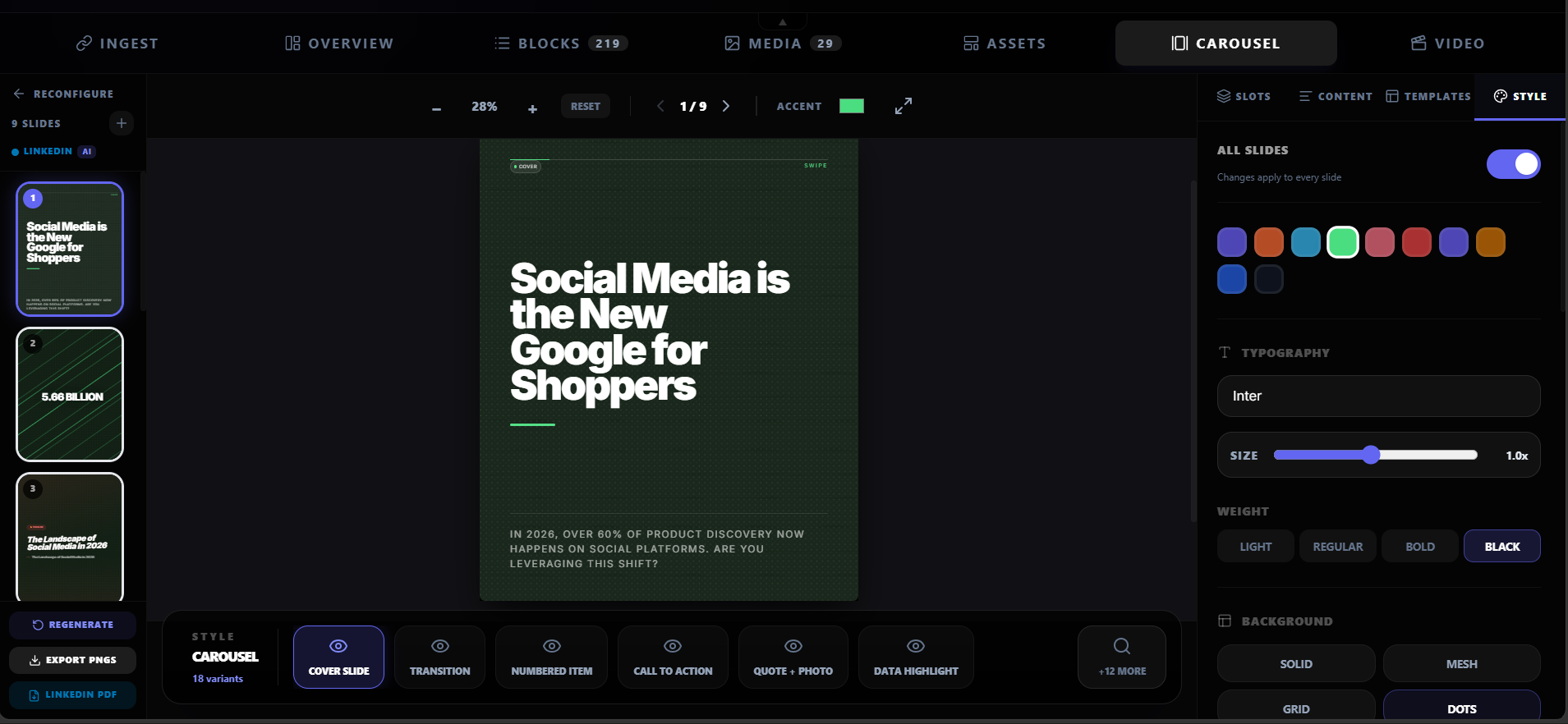
Shared themes and brand kit
Apply one theme across all slides, or use your saved brand kit for colors, fonts, logo, and watermark. Every carousel stays visually consistent with your brand.
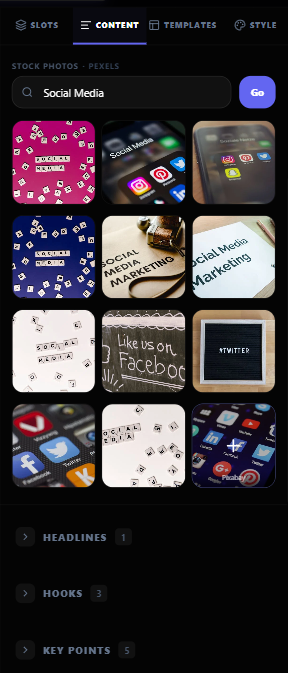
Pexels stock photo integration
Search and add stock photos directly inside the carousel editor. No tab-switching, no downloads — the image lands on the slide instantly.
PDF and PNG export
Export as a PDF document post (upload directly to LinkedIn) or as individual high-resolution PNGs bundled in a ZIP for Instagram, X, TikTok, or decks.