Quote card
Issue pull quote
Turn the sharpest line from an interview or essay into a social teaser.
Highlightly helps newsletter writers extract quotes, stats, key points, and citations from articles and reports, then turn them into graphics and captions.
Issue teaser
Source-backed and editable
Reading list
Source-backed and editable
Stat card
Source-backed and editable
Editorial trust
Cited excerpts
Quotes, stats, and key points remain attached to source context.
The newsletter workflow
Newsletter writers collect sources, compare claims, save quotes, and then need a few strong visuals for the email, LinkedIn, X, or a sponsor recap. Highlightly turns that research pile into structured material and exportable graphics.
Turn the research queue into visual companions that invite readers back to the issue.
The best line or stat often stays trapped inside a source link.
Manual citation formatting slows down the writing flow.
Newsletter promotion often gets rushed after the issue is written.
Research-heavy issues need visuals that show proof without oversimplifying.
Working sequence
Use URLs, PDFs, documents, or pasted notes from your research queue. Batch-ingest multiple sources to extract from your entire reading list at once.
Review extracted quotes, statistics, facts, named entities, and key points in one place.
Turn one quote into a pull-card, one statistic into a share graphic, and one summary into a carousel.
Keep source details visible while sharing graphics and captions outside the inbox.
Concrete outputs
Extract citations, quotes, stats, and story angles from the same material you already read.
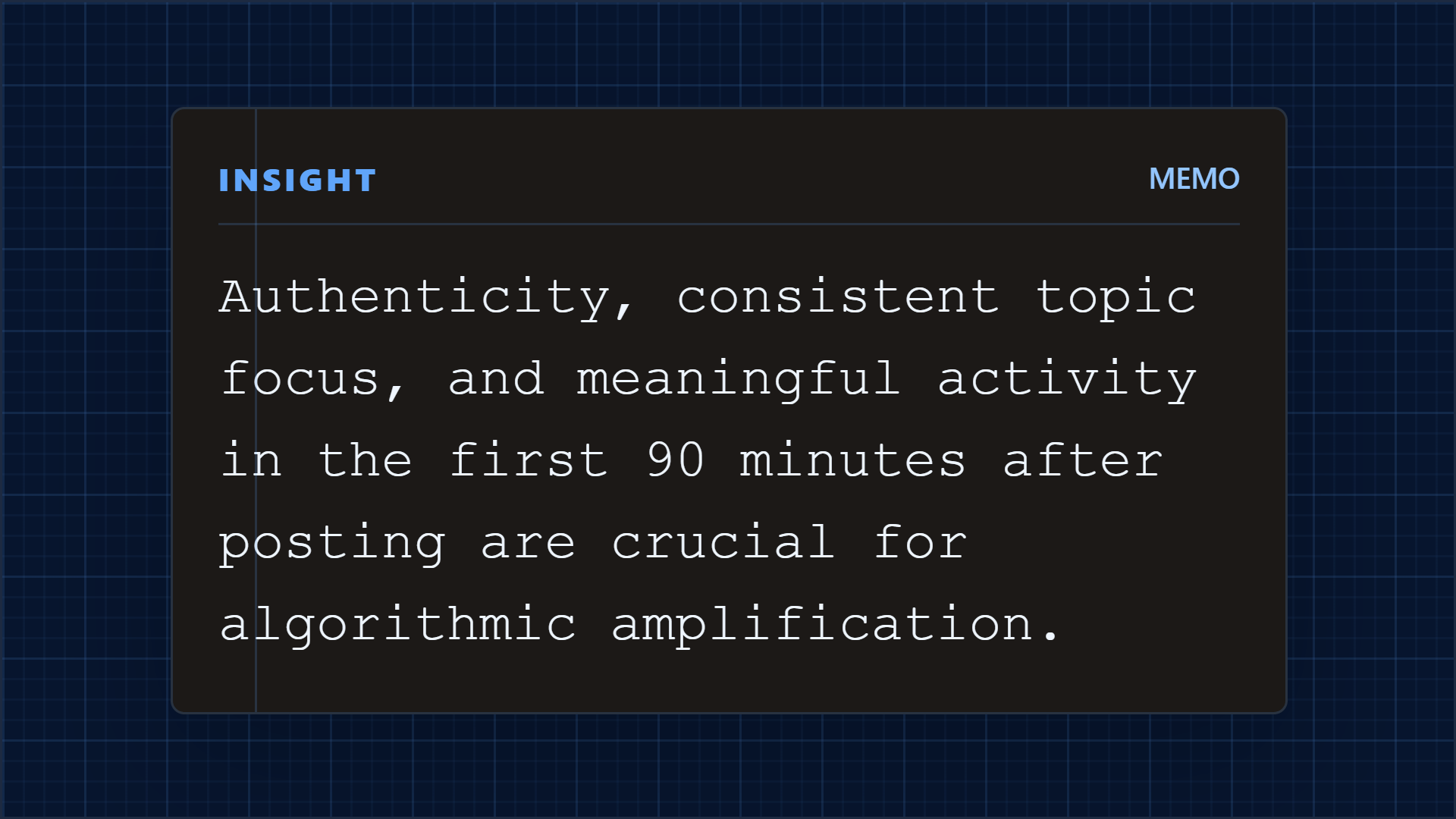
Turn the sharpest line from an interview or essay into a social teaser.
Show the number behind the issue thesis with clear source context.
Package key sources or takeaways into a clean companion graphic.
See it in action
Here is an example source, a few extracted signals, and a showcase wall of output directions created from that material.
Example source
This is one source used to demonstrate the kind of outputs Highlightly can create after extraction and review.
Example extracted signals
Statistic
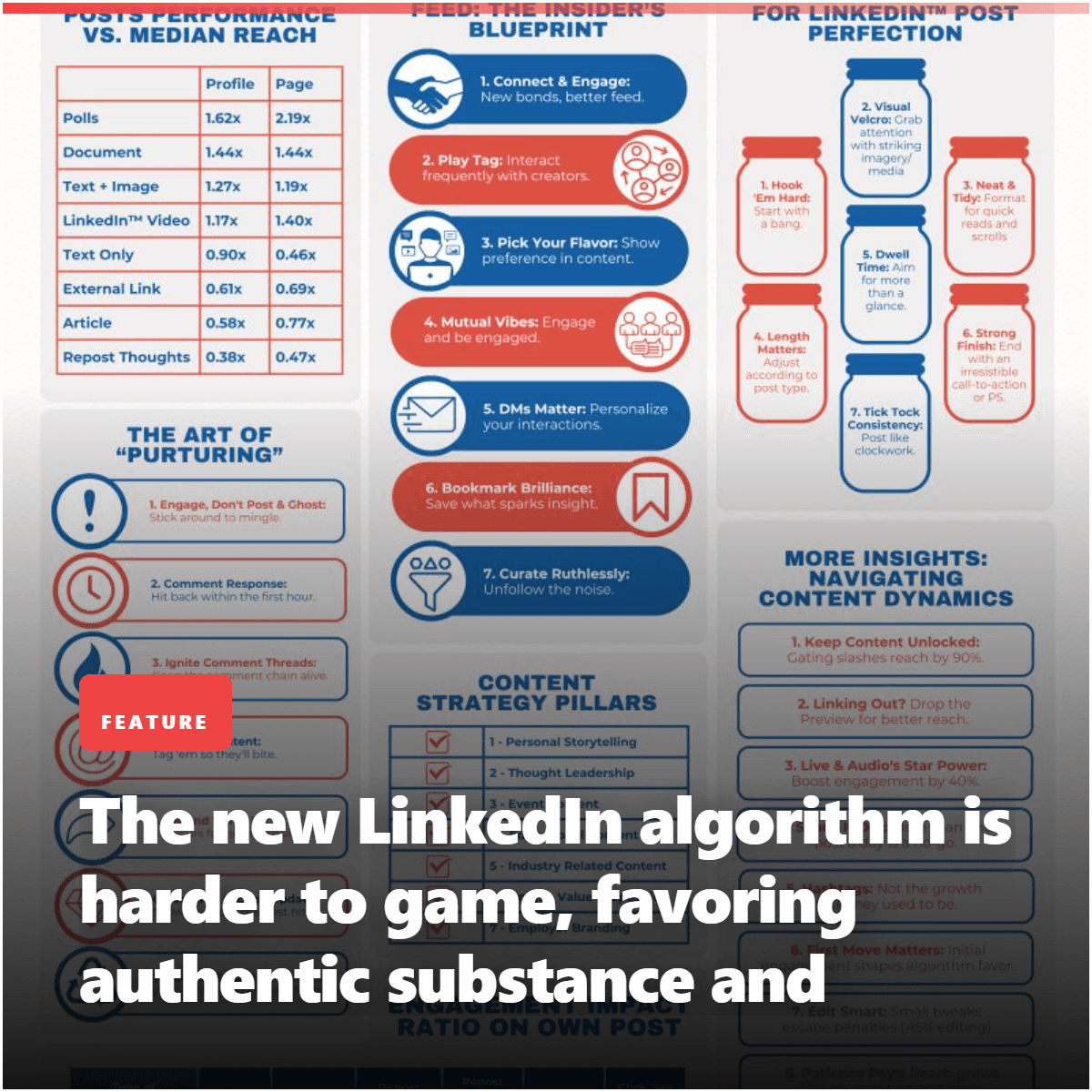
"2% of feeds show organic company content vs 31% for top personal creators."
Finding
50.1% of impression distribution is profile-based — followers, history, topic consistency.
Quote
"AI engines do what B2B buyers have always done: trust people over brands." — Ann Gynn
Key point
55%+ of hidden decision-makers use thought leadership in their vetting process.
Output directions
The showcase below is an example set from one source, not the ceiling. Highlightly can keep producing variations across templates, ratios, brand systems, and editorial angles.
Sample output wall
Preview the first part of the showcase, then expand it if you want to scan the full example set.
Output wall
This is a showcase set, not a limit. Change the format, ratio, brand kit, template, or angle and the same source can branch into many more directions.
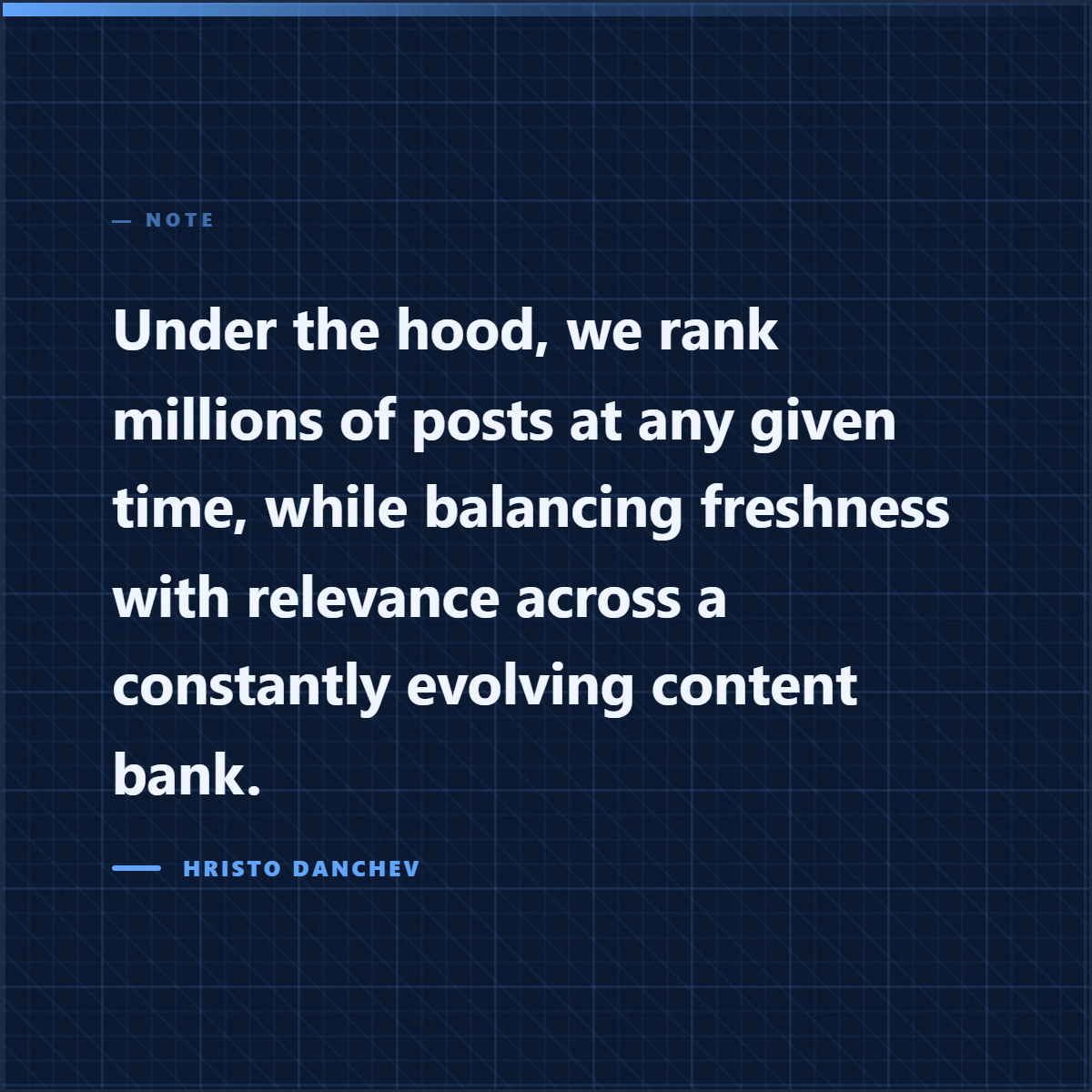
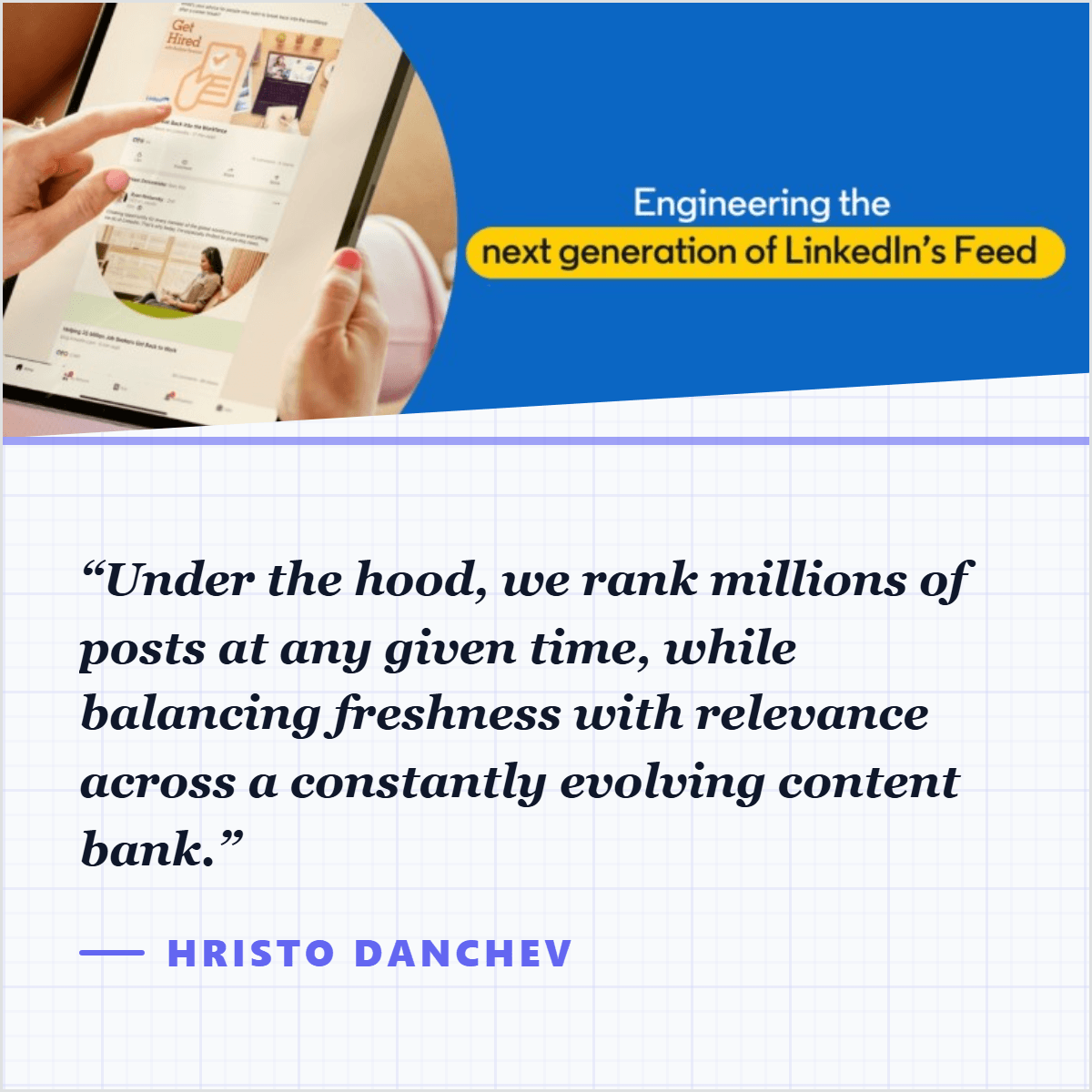
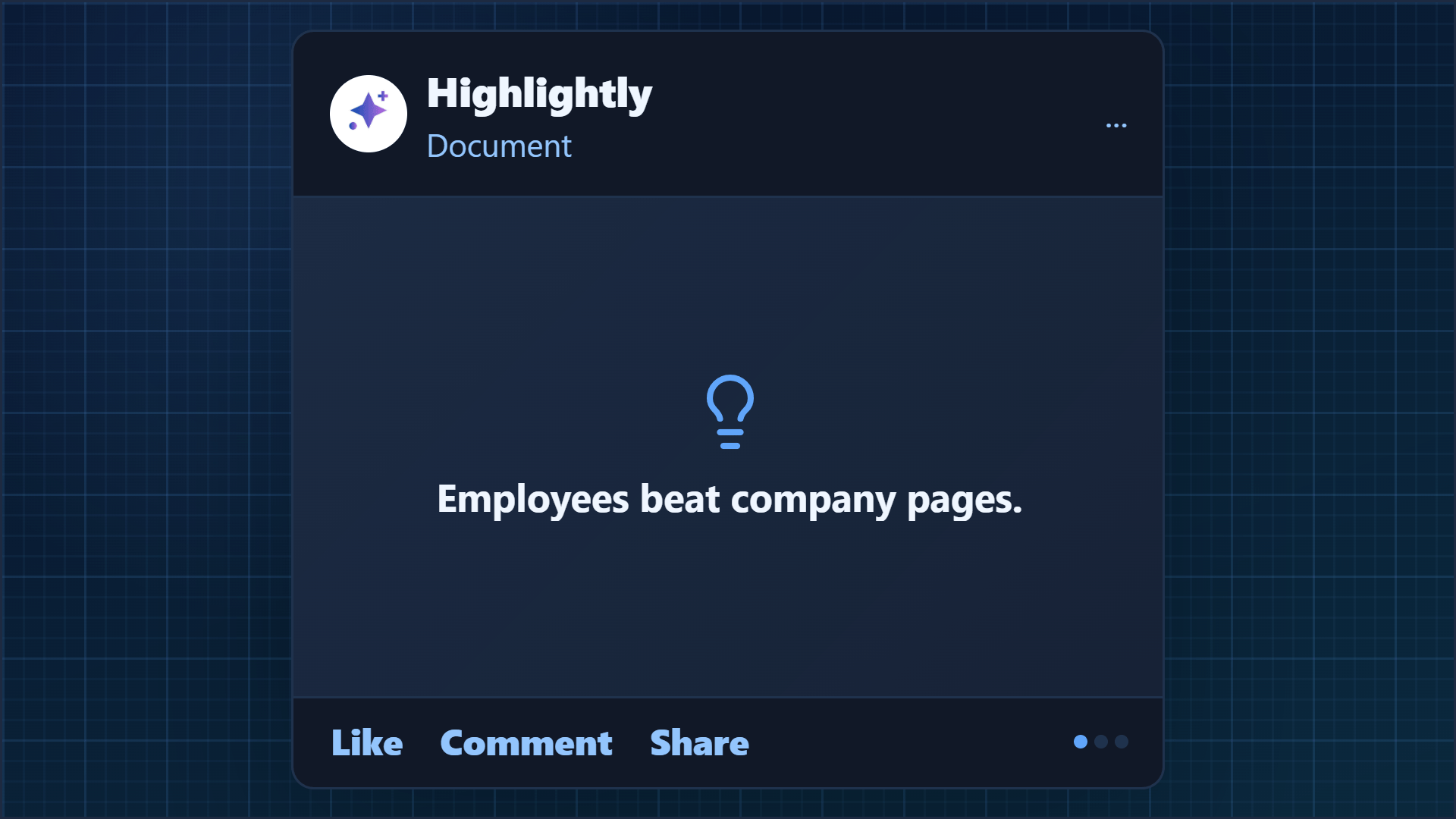
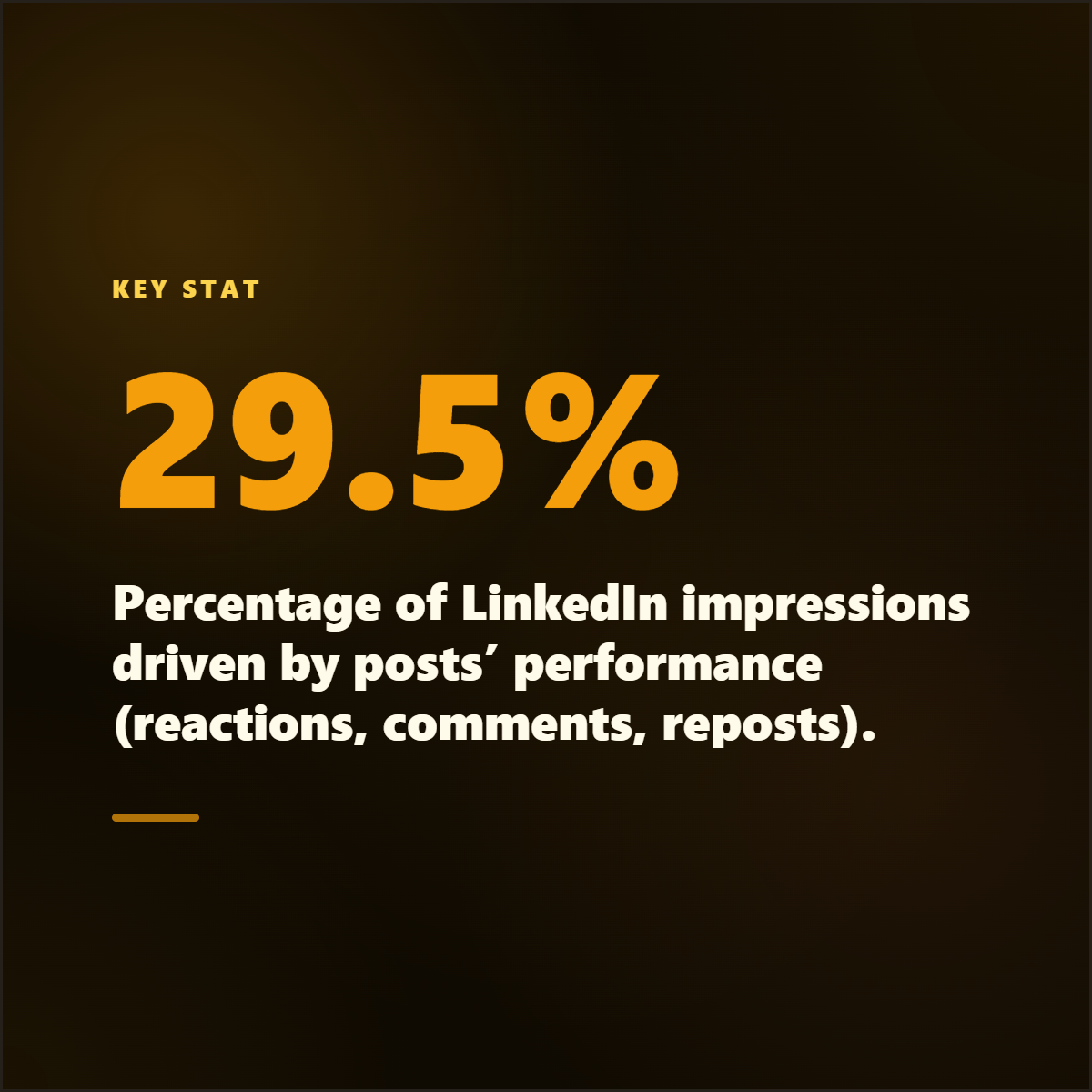
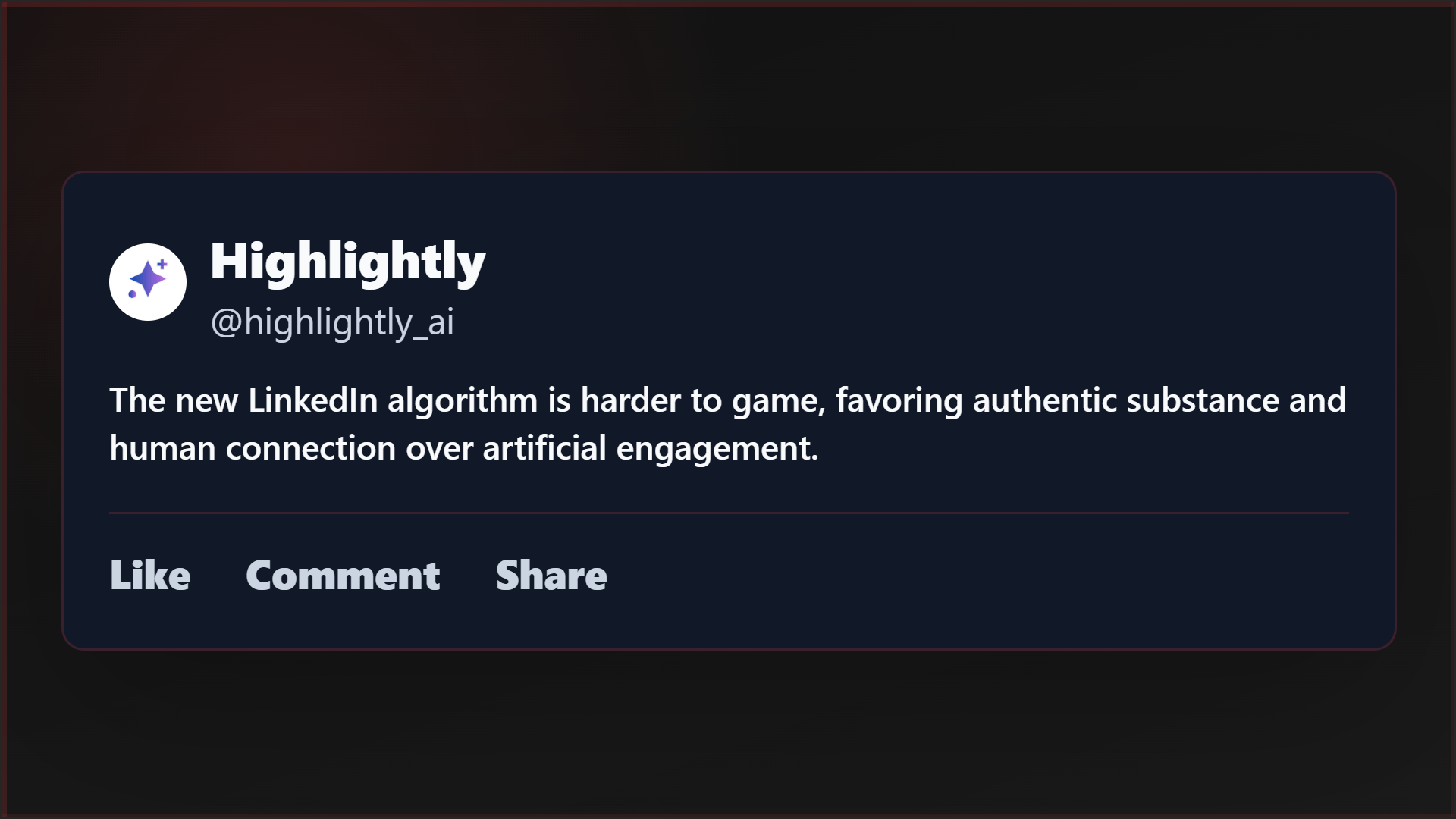
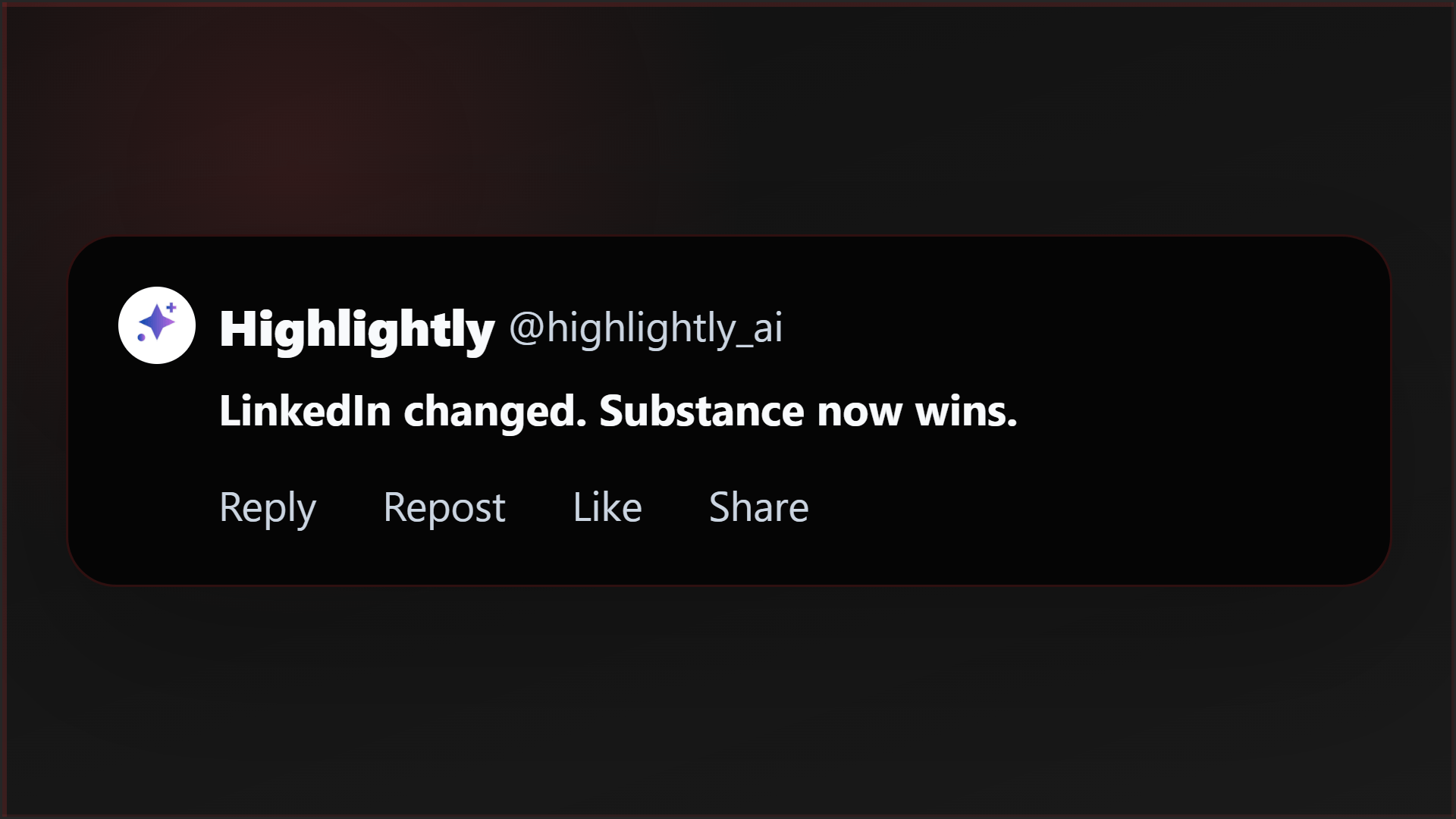
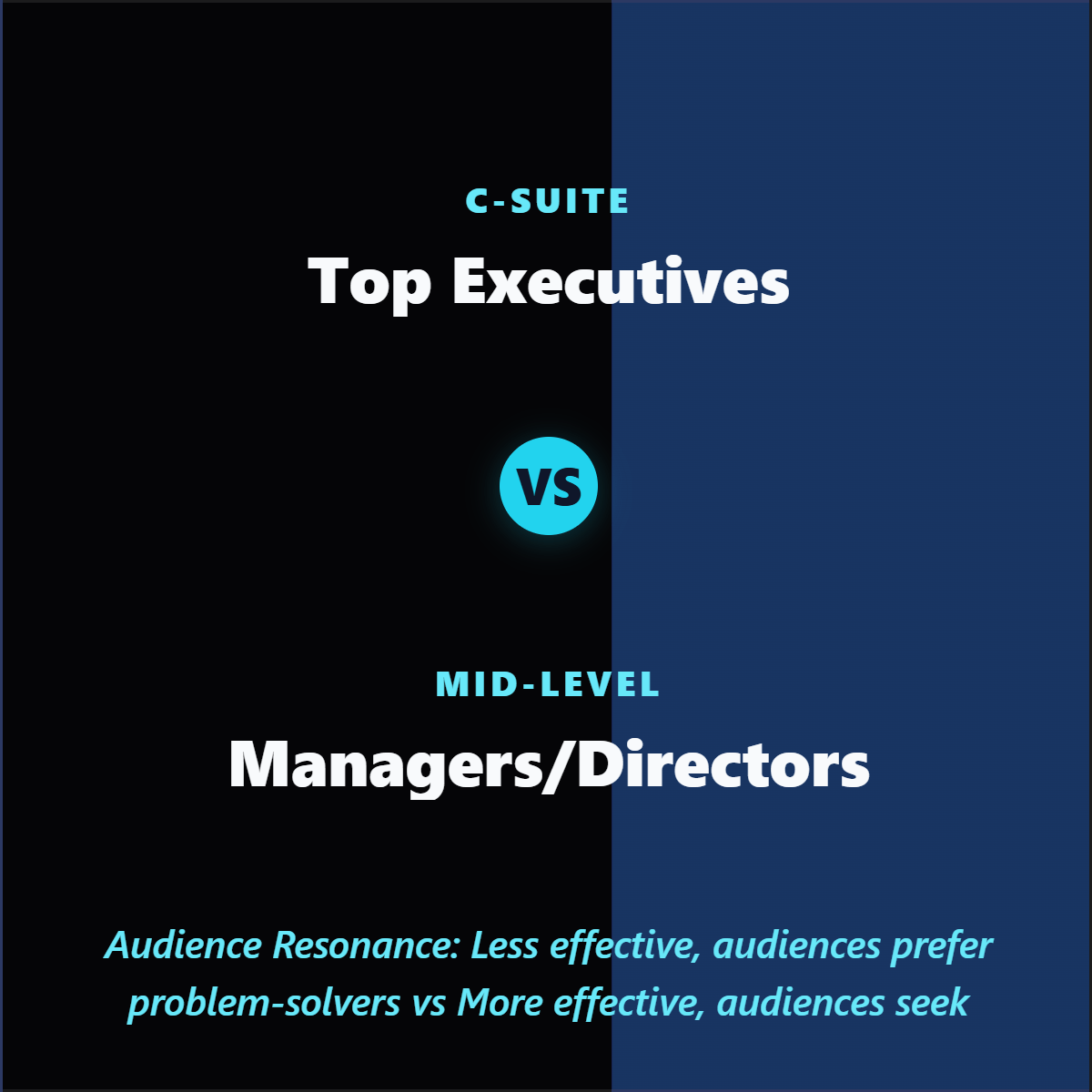
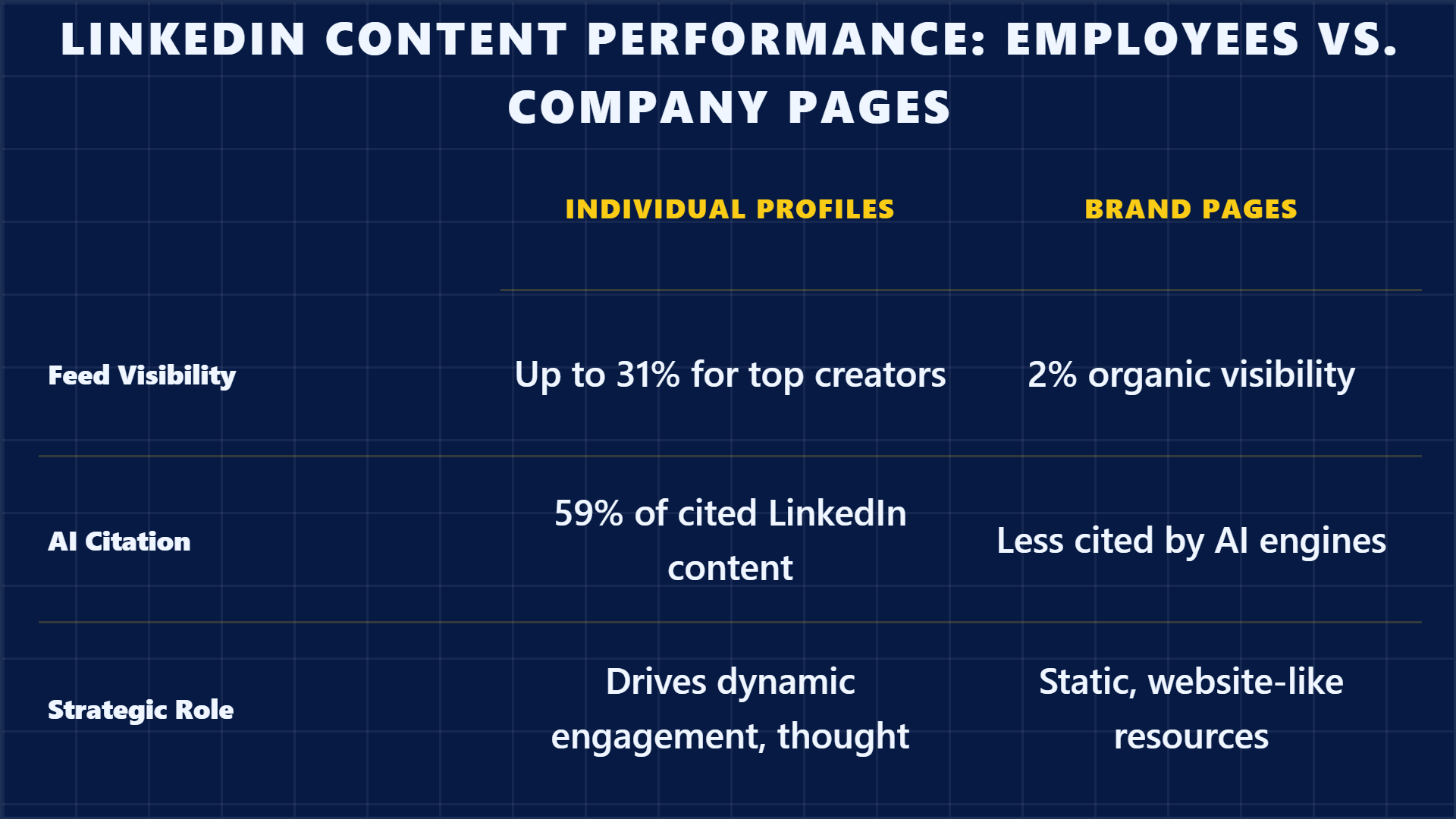
Highlightly extracts and structures source material. You review, edit, and approve before export. The AI does the first pass. You make the final call.
“The goal is not to make more AI content. The goal is to make the useful parts of real sources easier to publish.”— Founder @ Highlightly
See every hook, stat, quote, and claim before it becomes an asset.
Change wording, adjust framing, add your take before export.
Colors, logo, typography, watermark, and social handles.
The final asset reflects your judgment, not just the AI extraction.
What to paste first
The fastest path is not “ask AI for content.” It is: bring a real source, inspect what Highlightly extracts, choose the useful angle, then make the asset your own.
Good when it contains claims, quotes, stats, steps, or a clear argument worth turning into a visual.
Good when it contains claims, quotes, stats, steps, or a clear argument worth turning into a visual.
Good when it contains claims, quotes, stats, steps, or a clear argument worth turning into a visual.
Use visuals as doorways back to the issue. The card should make the reader want the full context, not replace it.
Before exporting, confirm the extracted quote, statistic, or takeaway still matches the source. Then use the editor, Brand Kit, and captions to make it publishable.
How it compares
Newsletter writers need to turn a reading queue into multiple entry points. Highlightly extracts from all your sources at once.
| Feature | Highlightly | Canva | Buffer | Manual |
|---|---|---|---|---|
| Source-backed extraction | ||||
| Brand kit application | ||||
| Multi-platform captions | Scheduling only | |||
| Source attribution | ||||
| Batch source ingest | ||||
| Review before export | ||||
| Carousel generation | Manual design | |||
| Quote/stat cards | Manual design |
Source-backed extraction
HL
Canva
Buffer
Manual
Brand kit application
HL
Canva
Buffer
Manual
Multi-platform captions
HL
Canva
Buffer
Manual
Source attribution
HL
Canva
Buffer
Manual
Batch source ingest
HL
Canva
Buffer
Manual
Review before export
HL
Canva
Buffer
Manual
Carousel generation
HL
Canva
Buffer
Manual
Quote/stat cards
HL
Canva
Buffer
Manual
A newsletter audience returns because the writer filters carefully. Highlightly supports that trust by exposing the extracted source material instead of hiding it behind generic copy. You can choose what is worth sharing, edit the framing, and preserve attribution.
Direct answer
Newsletter writers can use Highlightly to extract quotes, statistics, facts, and key points from articles or PDFs, then turn selected material into attributed quote cards, stat graphics, and social posts for issue promotion.
Yes. Create visual teasers that point readers back to the full issue. The card makes them want the full context.
Yes. Pasted text and document upload work well for notes, reports, essays, and saved excerpts.
Source title, author, and publication context are preserved through the extraction and export workflow.
Related workflows
For thoughtful writers
Writers use Highlightly to turn essays, research notes, drafts, and article excerpts into quote cards, visual summaries, and social promotion assets.
View workflowFor Medium publishing
Medium writers use Highlightly to turn essays into quote cards, thesis visuals, social captions, and promotional graphics.
View workflowFor research-heavy work
Convert research papers, reports, PDFs, and analysis into source-backed visual summaries, stat cards, quote graphics, and slide-ready assets.
View workflowStart with one source
Paste a link, upload a document, or start from text. Review the extracted material, pick a template, and export with attribution intact.