Briefing card
Finding summary card
Turn an abstract or executive summary into a compact visual overview.
Highlightly helps researchers and analysts extract key claims, statistics, quotes, entities, and comparisons from documents, then export slide-ready graphics with attribution.
Briefing card
Source-backed and editable
Three-stat panel
Source-backed and editable
Comparison slide
Source-backed and editable

Dense to clear
PDF to visuals
Findings, stats, comparisons, and quotes prepared for briefings.
The research translation problem
Researchers and analysts often work from long PDFs, studies, market reports, meeting notes, and technical documents. Highlightly helps convert the important parts into visuals for briefs, decks, reports, and social sharing.
Compress research into shareable visuals while keeping the original evidence close.
Findings are trapped inside long documents that busy stakeholders will not read fully.
Summaries alone miss the chart, caveat, quote, or page context that makes the finding credible.
Visual summaries can distort research when attribution disappears.
The insight travels less because the communication layer is too slow.
Working sequence
Use PDFs, DOCX/PPTX, pasted text, article URLs, or search results. Batch-ingest multiple documents to extract from an entire research corpus at once.
Inspect key points, statistics, facts, comparisons, entities, insights, and quotes.
Create stat cards, comparison slides, overview cards, quote graphics, and page-image exports.
Export assets that keep source, author, publication, and document context close to the claim.
Concrete outputs
Extract statistics, findings, comparisons, entities, and quotes from research documents without losing attribution.
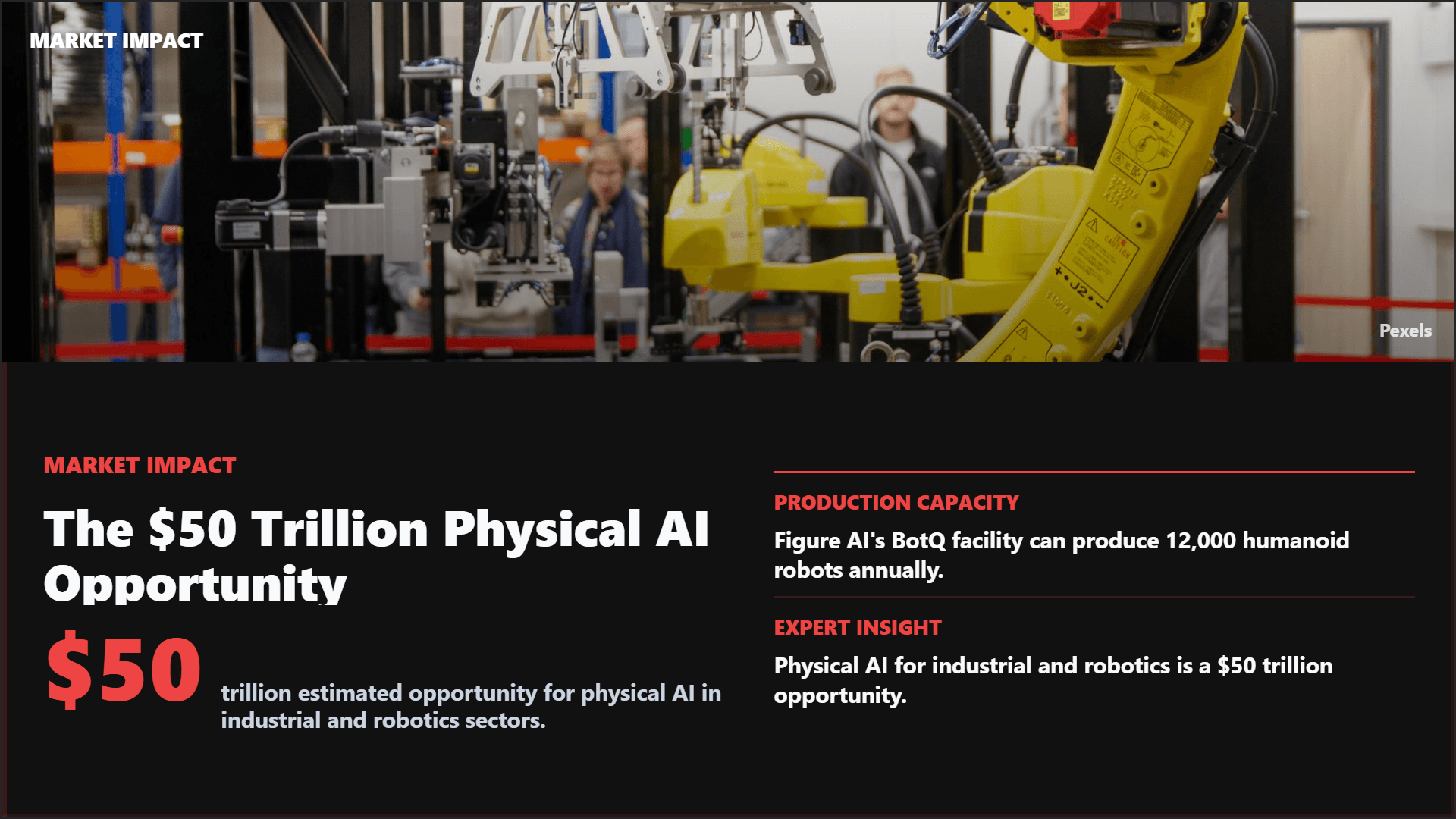
Turn an abstract or executive summary into a compact visual overview.
Group important numbers from a report into one cited visual.
Convert extracted contrasts into a side-by-side asset.
See it in action
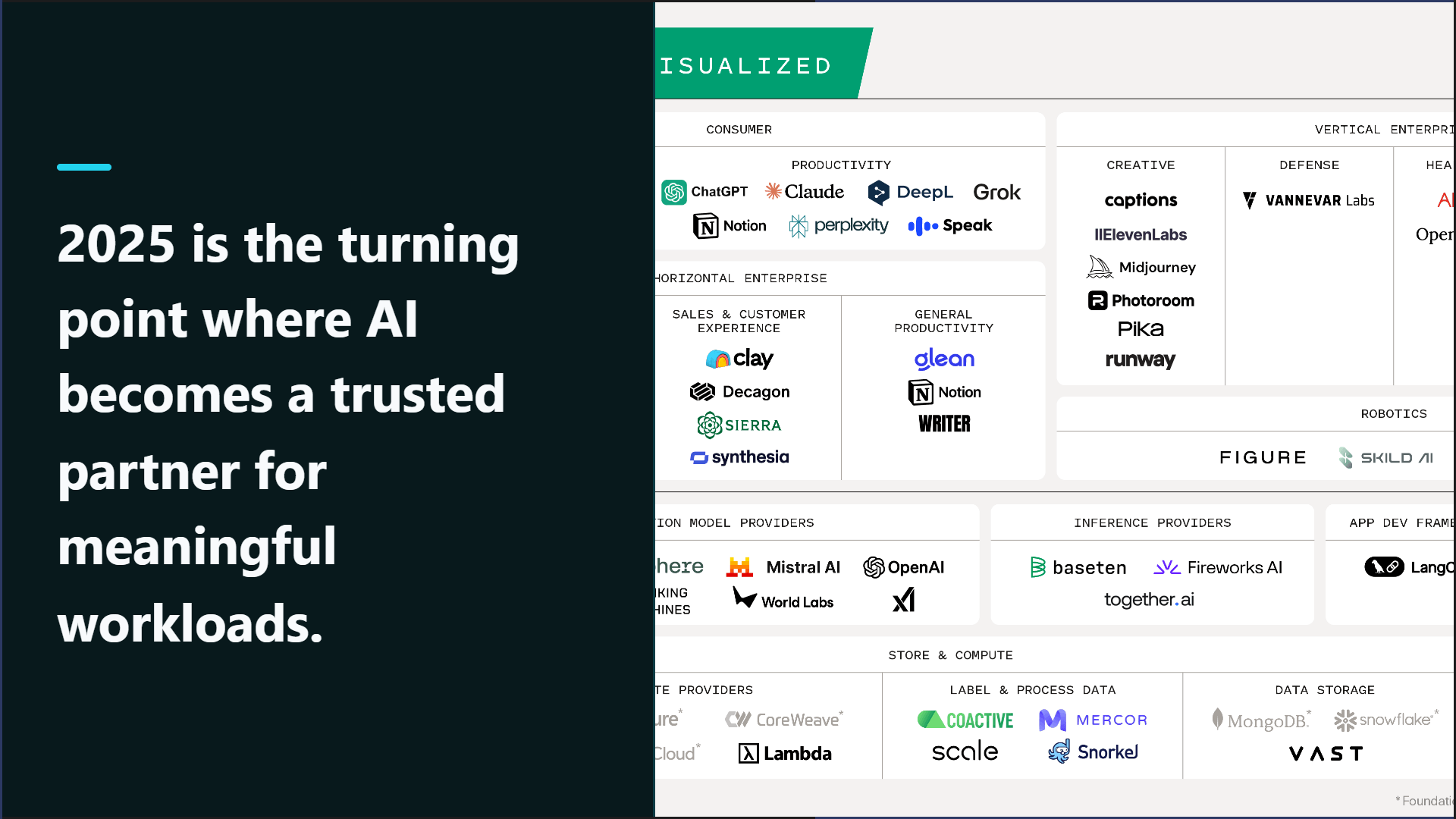
Here is an example source, a few extracted signals, and a showcase wall of output directions created from that material.
Example source
This is one source used to demonstrate the kind of outputs Highlightly can create after extraction and review.
Example extracted signals
Hook
"AI graduated from an answer engine to an action engine in the workplace."
Statistic
Hundreds of millions of people have tried conversational AI tools like ChatGPT and Claude.
Quote
"Expect a wave of consumer-facing AI products that handle whole tasks on their users' behalf."
Key point
The biggest changes in 2025 are in application-layer tools, not foundation models.
Output directions
The showcase below is an example set from one source, not the ceiling. Highlightly can keep producing variations across templates, ratios, brand systems, and editorial angles.
Sample output wall
Preview the first part of the showcase, then expand it if you want to scan the full example set.
Output wall
This is a showcase set, not a limit. Change the format, ratio, brand kit, template, or angle and the same source can branch into many more directions.



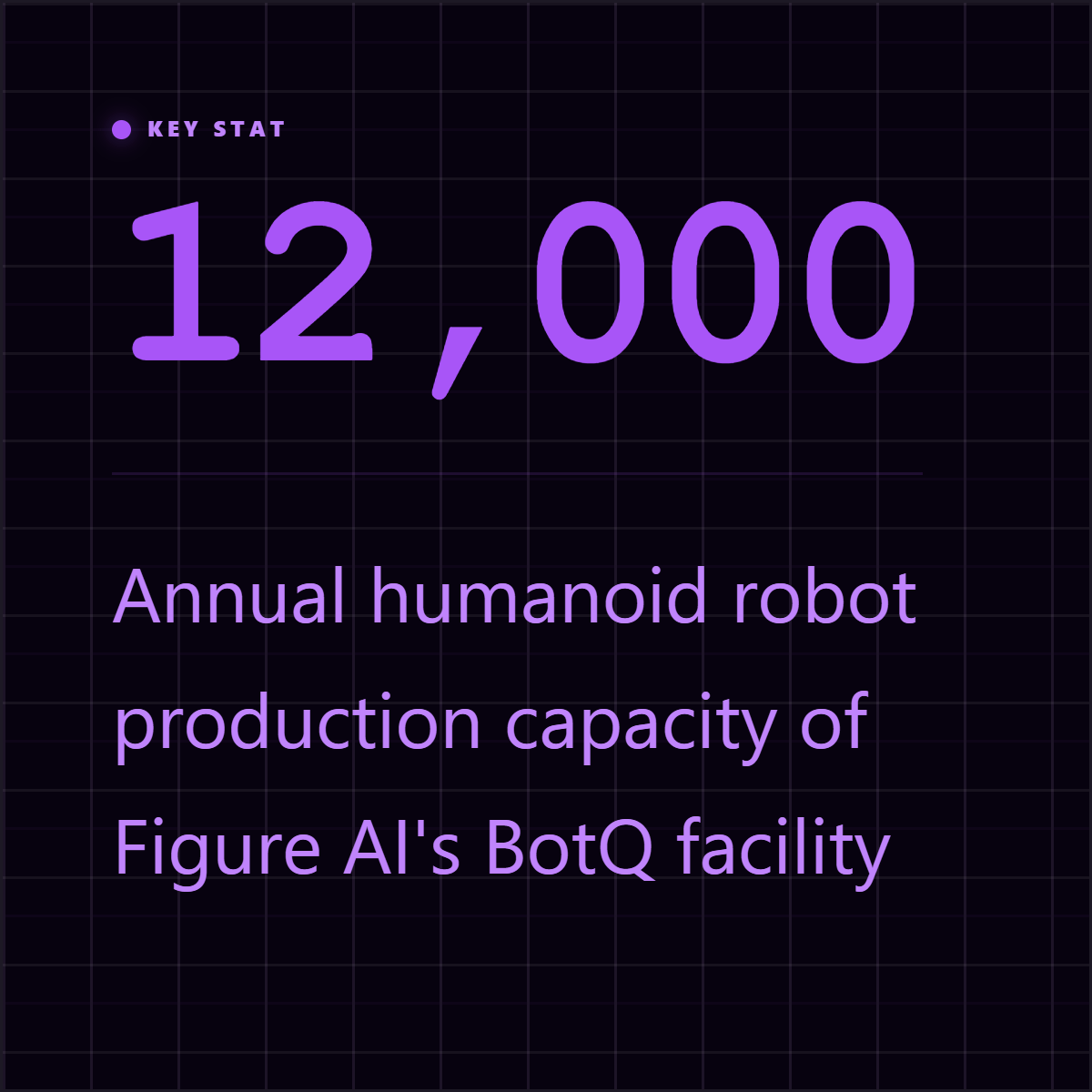









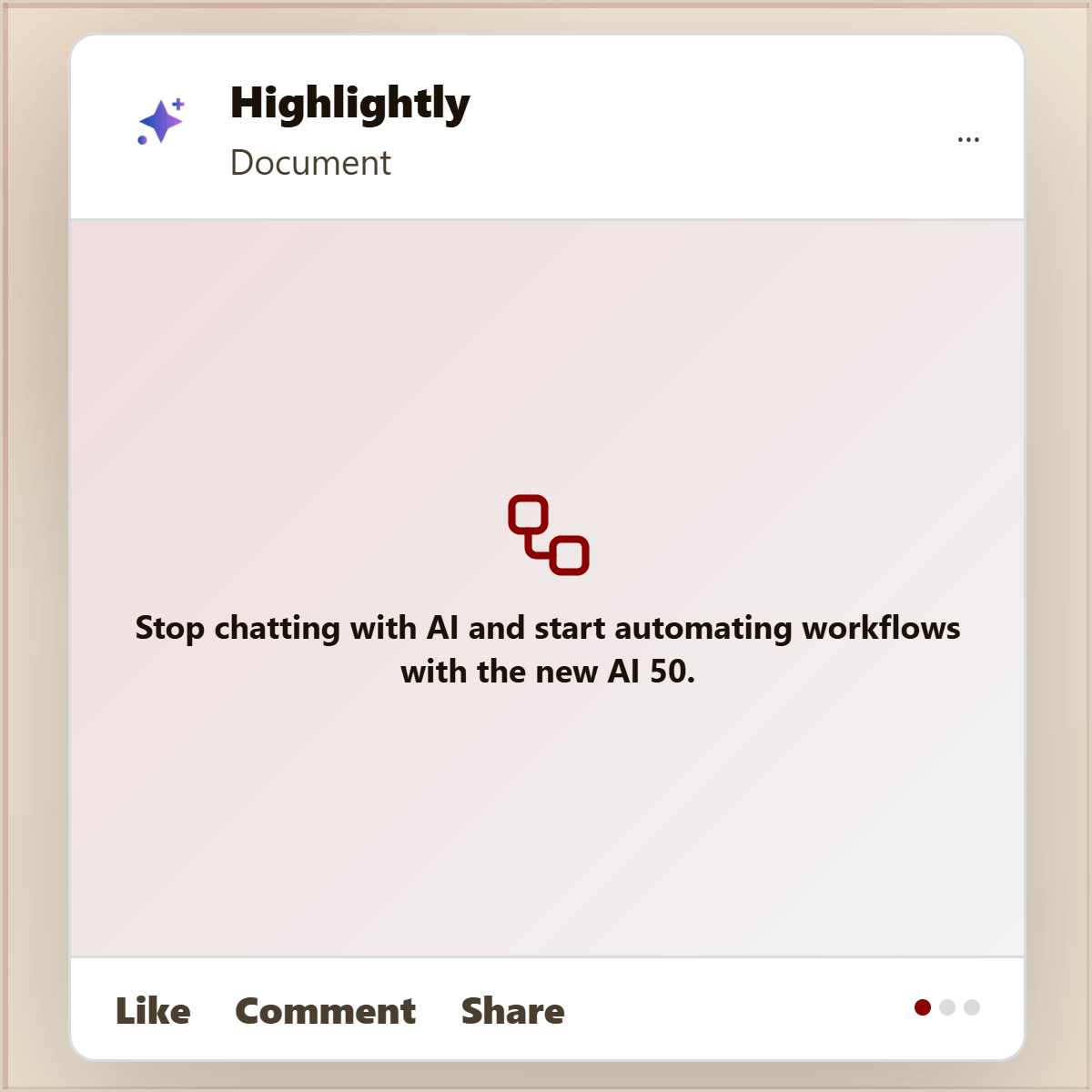

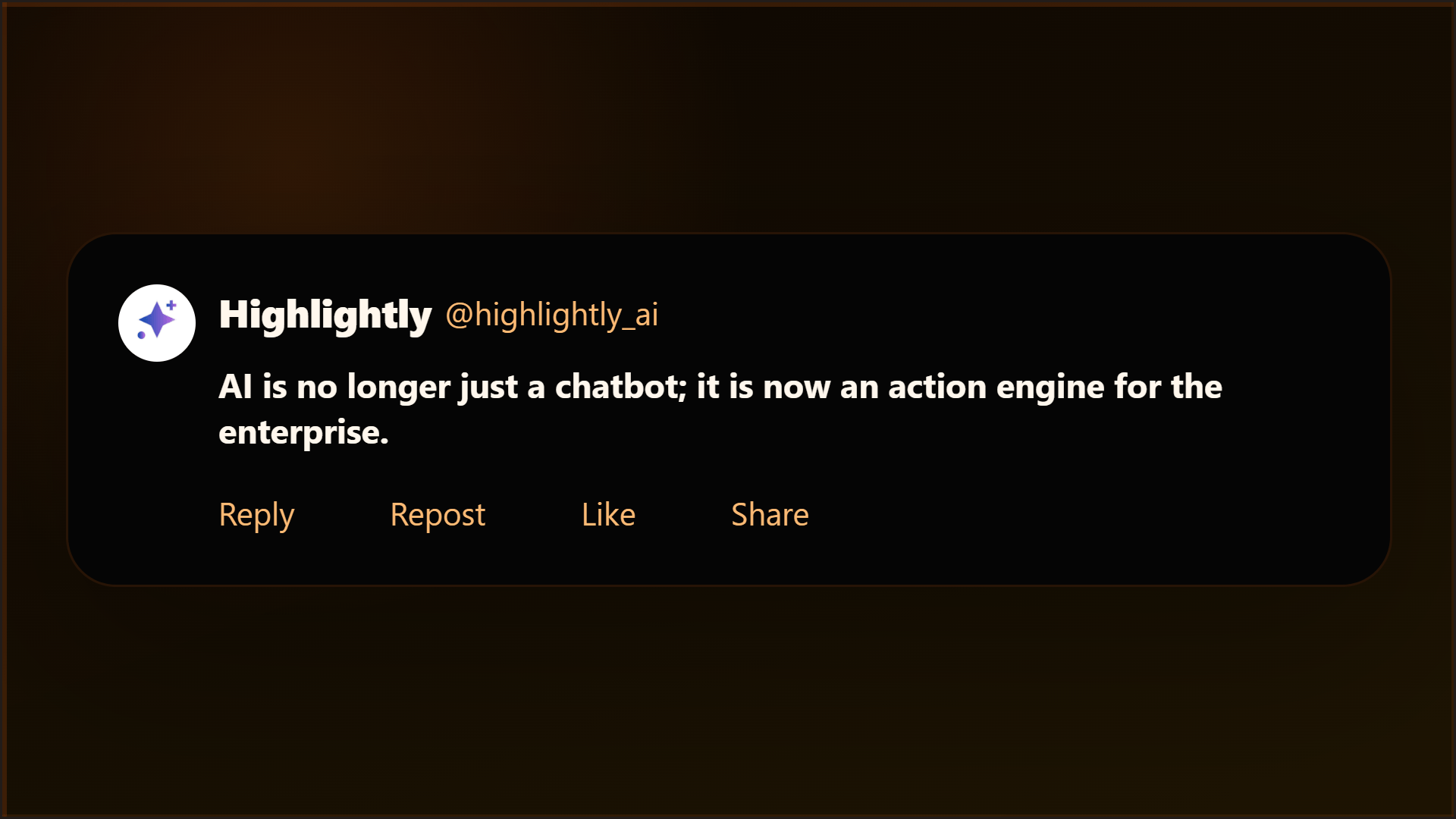
Highlightly extracts and structures source material. You review, edit, and approve before export. The AI does the first pass. You make the final call.
“The goal is not to make more AI content. The goal is to make the useful parts of real sources easier to publish.”— Founder @ Highlightly
See every hook, stat, quote, and claim before it becomes an asset.
Change wording, adjust framing, add your take before export.
Colors, logo, typography, watermark, and social handles.
The final asset reflects your judgment, not just the AI extraction.
What to paste first
The fastest path is not “ask AI for content.” It is: bring a real source, inspect what Highlightly extracts, choose the useful angle, then make the asset your own.
Good when it contains claims, quotes, stats, steps, or a clear argument worth turning into a visual.
Good when it contains claims, quotes, stats, steps, or a clear argument worth turning into a visual.
Good when it contains claims, quotes, stats, steps, or a clear argument worth turning into a visual.
Compression should not distort the finding. Keep attribution visible and reserve claims for what the source actually says.
Before exporting, confirm the extracted quote, statistic, or takeaway still matches the source. Then use the editor, Brand Kit, and captions to make it publishable.
How it compares
Researchers need compression without distortion. Highlightly keeps attribution attached to every finding.
| Feature | Highlightly | Canva | Buffer | Manual |
|---|---|---|---|---|
| Source-backed extraction | ||||
| Brand kit application | ||||
| Multi-platform captions | Scheduling only | |||
| Source attribution | ||||
| Batch source ingest | ||||
| Review before export | ||||
| Carousel generation | Manual design | |||
| Quote/stat cards | Manual design |
Source-backed extraction
HL
Canva
Buffer
Manual
Brand kit application
HL
Canva
Buffer
Manual
Multi-platform captions
HL
Canva
Buffer
Manual
Source attribution
HL
Canva
Buffer
Manual
Batch source ingest
HL
Canva
Buffer
Manual
Review before export
HL
Canva
Buffer
Manual
Carousel generation
HL
Canva
Buffer
Manual
Quote/stat cards
HL
Canva
Buffer
Manual
Highlightly is not a replacement for analysis. It is a packaging layer that helps researchers move from source material to clear visual artifacts while keeping the original evidence visible for review.
Direct answer
Researchers can upload PDFs or documents to Highlightly, review extracted findings, statistics, quotes, and comparisons, then export source-attributed graphics for decks, briefs, reports, or social posts.
Yes. Source title, author, publication, and page context travel with the exported asset.
Yes. The document workflow supports PDFs with page previews, extracted structured content, and key point identification.
Confirm the extracted claim still matches the source. Check that attribution is visible and the finding is not overstated.
Related workflows
For newsroom speed
Journalists can create attributed quote cards, fact cards, stat graphics, and story visuals from articles, PDFs, documents, and pasted source text.
View workflowFor teaching materials
Teachers and educators can turn articles, PDFs, and documents into visual summaries, quote cards, discussion prompts, and classroom-ready graphics.
View workflowFor editorial operators
Extract quotes, stats, hooks, key points, and citations from articles, reports, and PDFs, then turn them into branded newsletter visuals and social posts.
View workflowStart with one source
Paste a link, upload a document, or start from text. Review the extracted material, pick a template, and export with attribution intact.