News card
Breaking context card
Summarize what changed and where the information came from.
Highlightly helps journalists and editors extract source-backed quotes, facts, statistics, entities, and timelines, then turn them into social cards and briefing graphics.
Breaking card
Source-backed and editable
Fact explainer
Source-backed and editable
Quote visual
Source-backed and editable
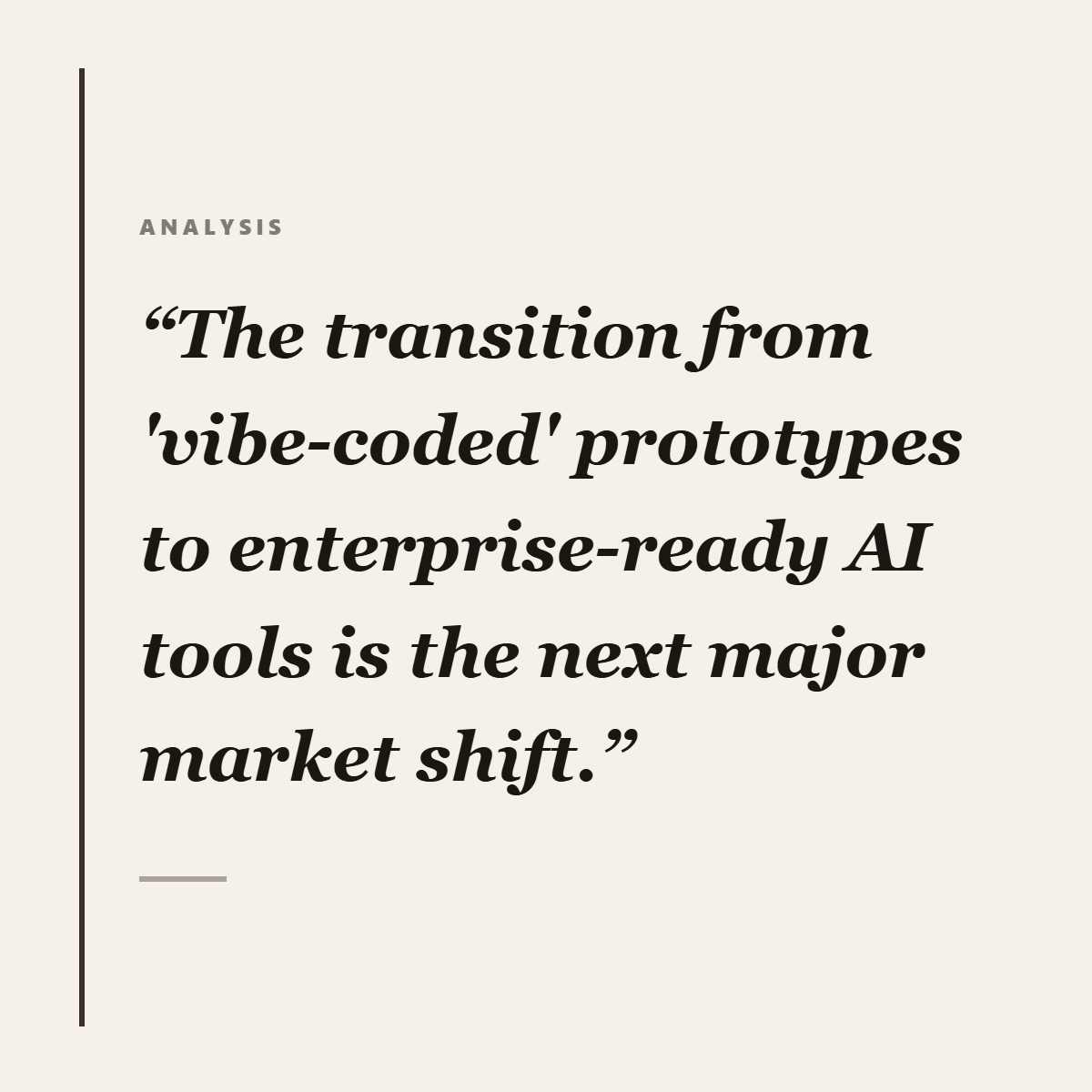
Attributed speed
Source first
Facts, quotes, entities, and stats stay visible for editorial review.
The deadline problem
Journalists and editors need speed, but they also need source discipline. Highlightly helps turn verified source material into cards, explainers, quote visuals, and social posts while preserving attribution fields.
Move fast on social visuals without turning uncertain material into polished-looking noise.
Manual graphics slow down social coverage on deadline.
Quotes and statistics need clear attribution before they leave the CMS.
A polished graphic can create risk if the source trail is invisible.
Speed helps only if it does not launder uncertainty.
Working sequence
Use article drafts, public reports, documents, or pasted source text already cleared for use.
Review facts, statistics, quotes, named entities, comparisons, and key points.
Create quote cards, fact-check style cards, timeline visuals, source cards, or explainer slides.
Export graphics that keep source metadata visible for social and audience teams.
Concrete outputs
Extract facts, quotes, entities, statistics, and key points from source material, then package them into attributed visuals.
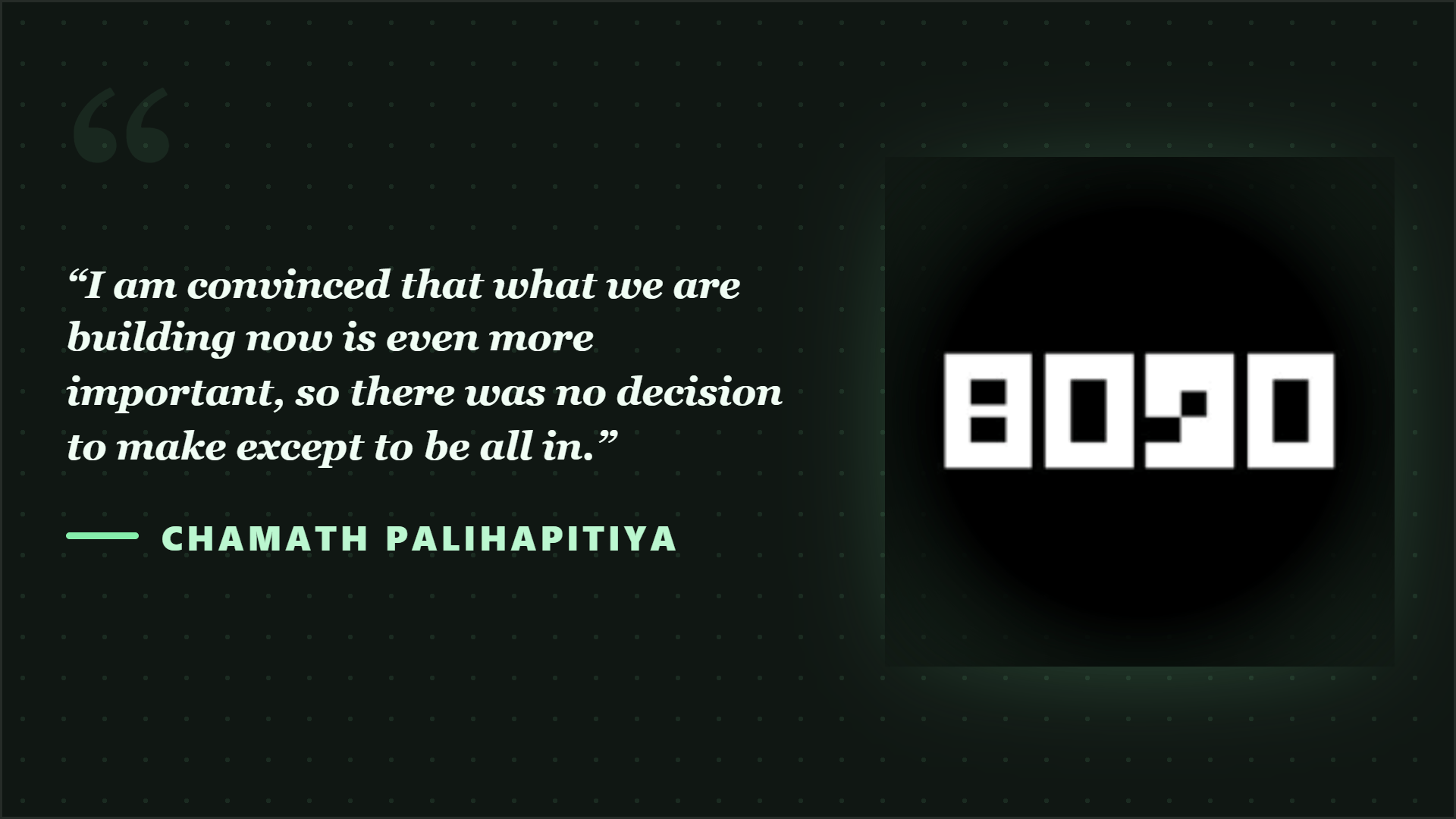
Summarize what changed and where the information came from.
Package a source quote with speaker and publication context.
Turn extracted facts into a compact visual sequence.
See it in action
Here is an example source, a few extracted signals, and a showcase wall of output directions created from that material.
Example source
This is one source used to demonstrate the kind of outputs Highlightly can create after extraction and review.
Example extracted signals
Hook
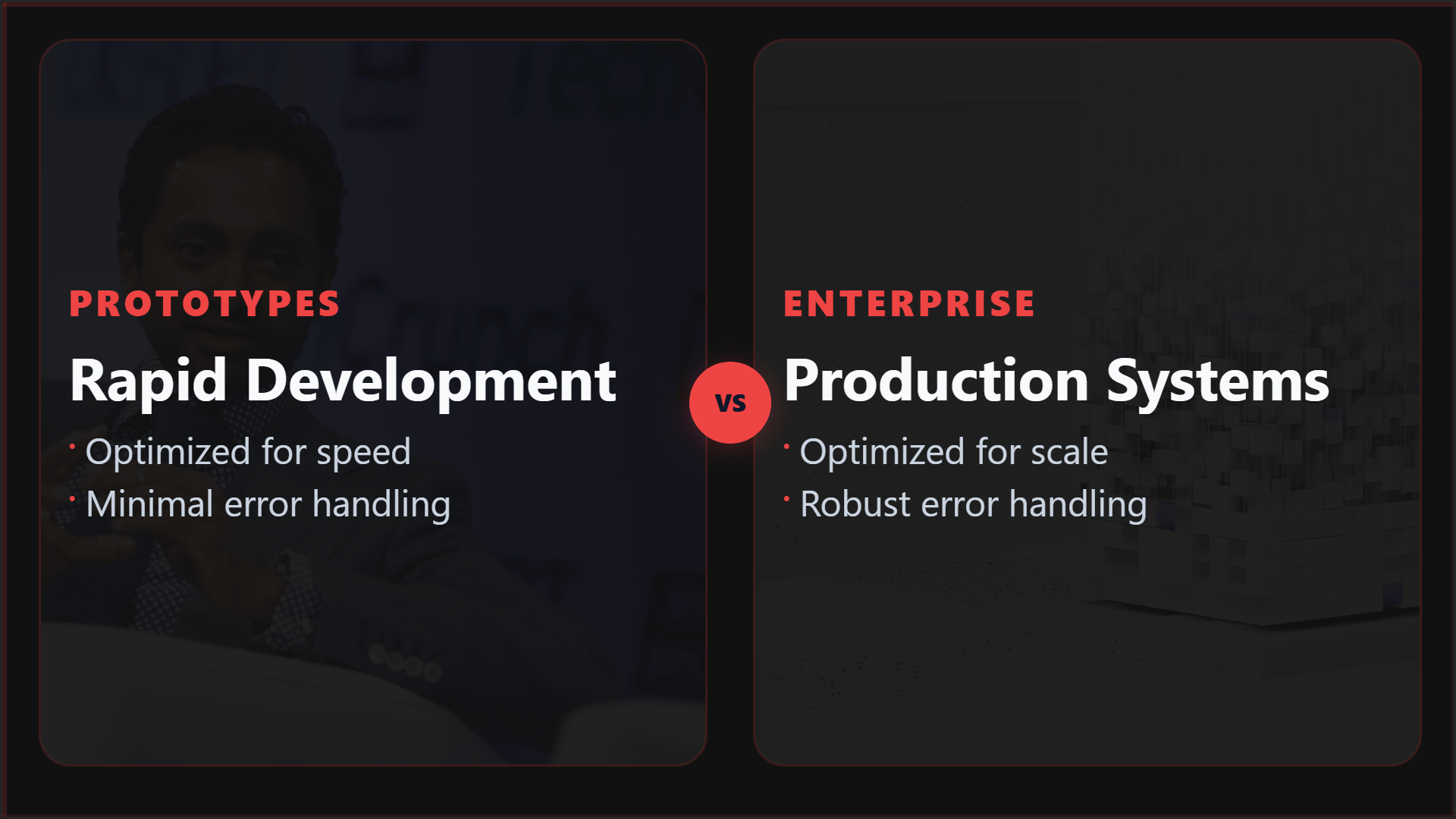
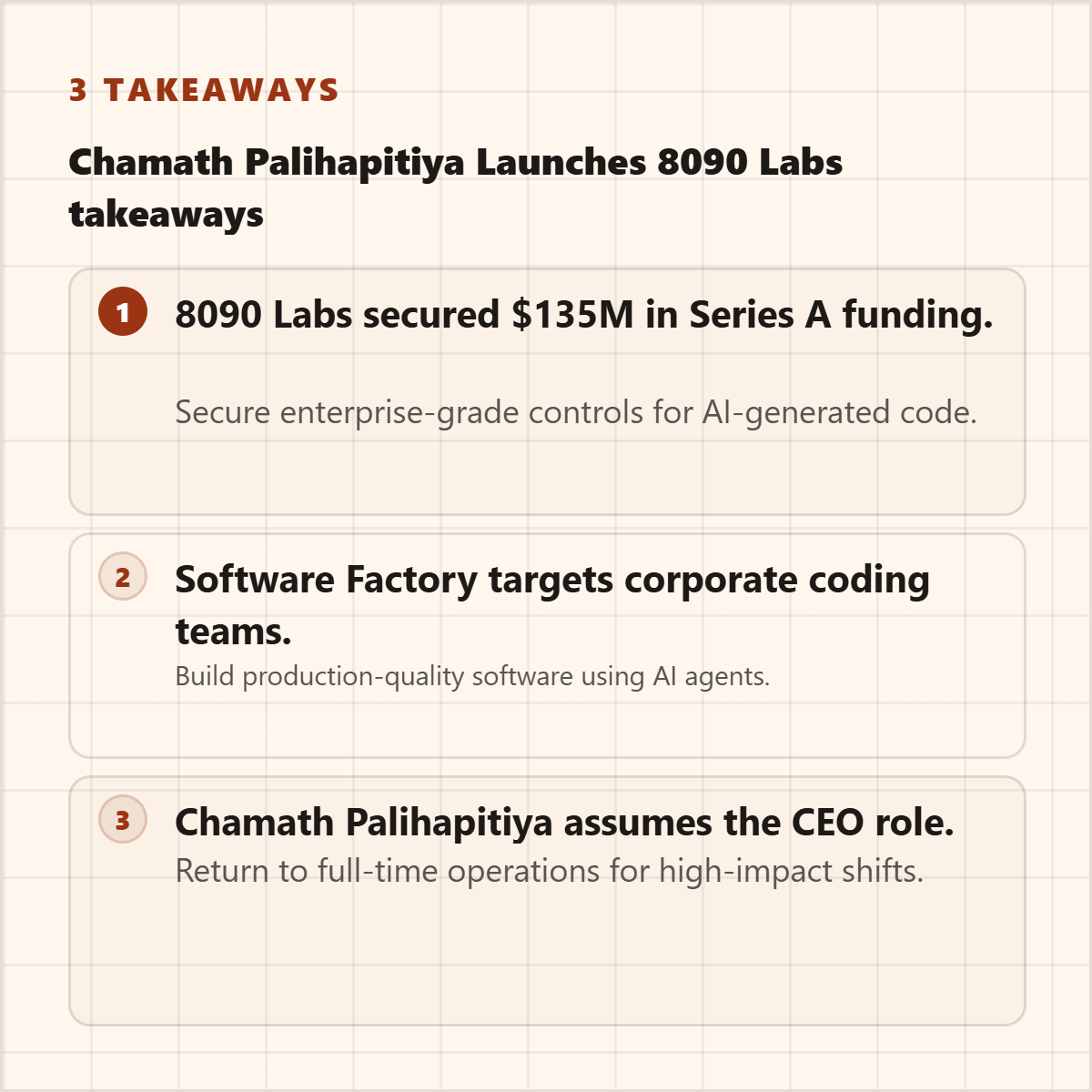
"8090 Labs raises $135M Series A led by Salesforce Ventures."
Metric
Founded January 2024, product targets corporate programming teams.
Quote
"I've been waiting for a moment like this to return to a full-time operating role."
Key point
VCs remain thirsty to fund AI coding startups.
Output directions
The showcase below is an example set from one source, not the ceiling. Highlightly can keep producing variations across templates, ratios, brand systems, and editorial angles.
Sample output wall
Preview the first part of the showcase, then expand it if you want to scan the full example set.
Output wall
This is a showcase set, not a limit. Change the format, ratio, brand kit, template, or angle and the same source can branch into many more directions.

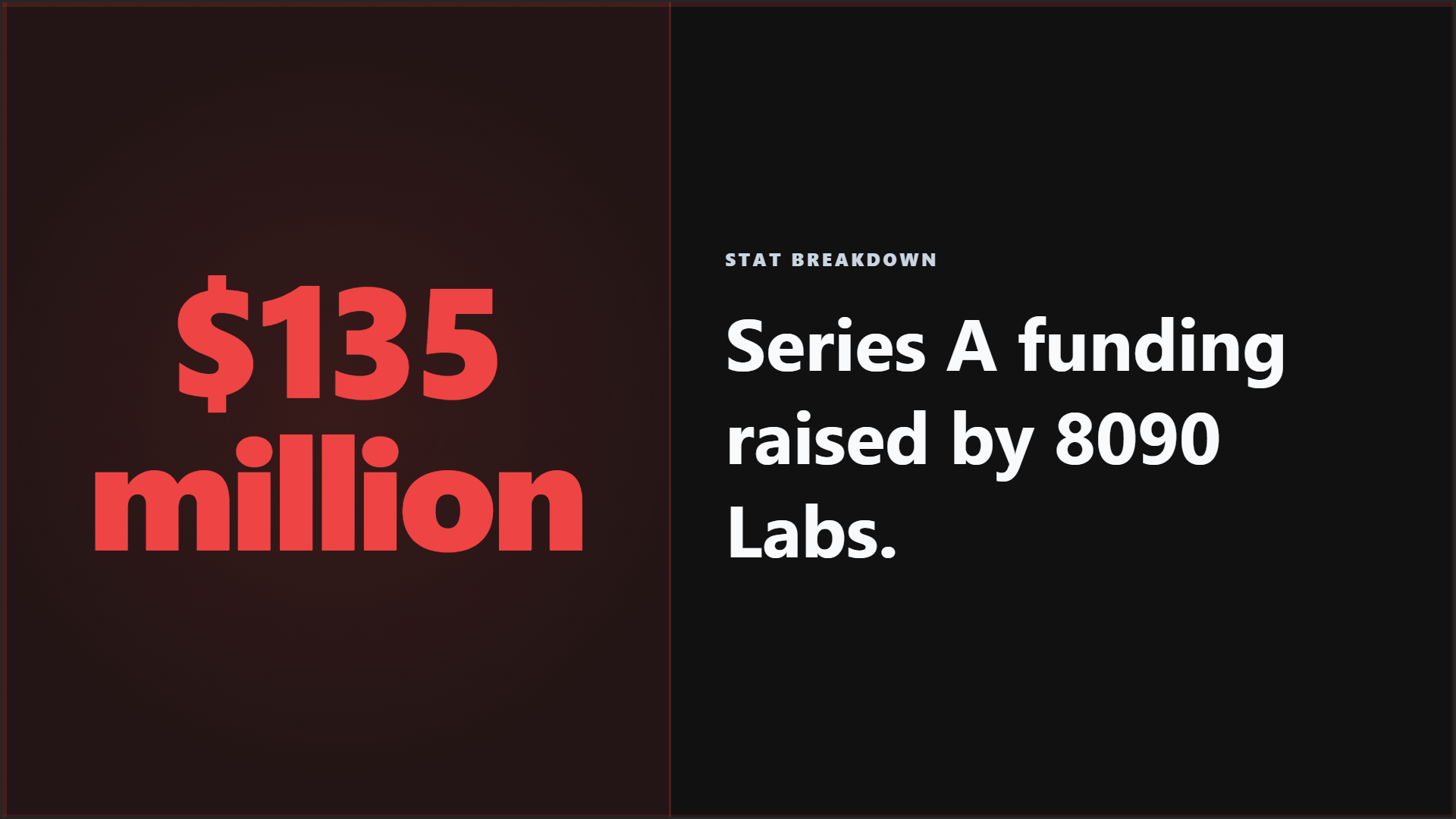

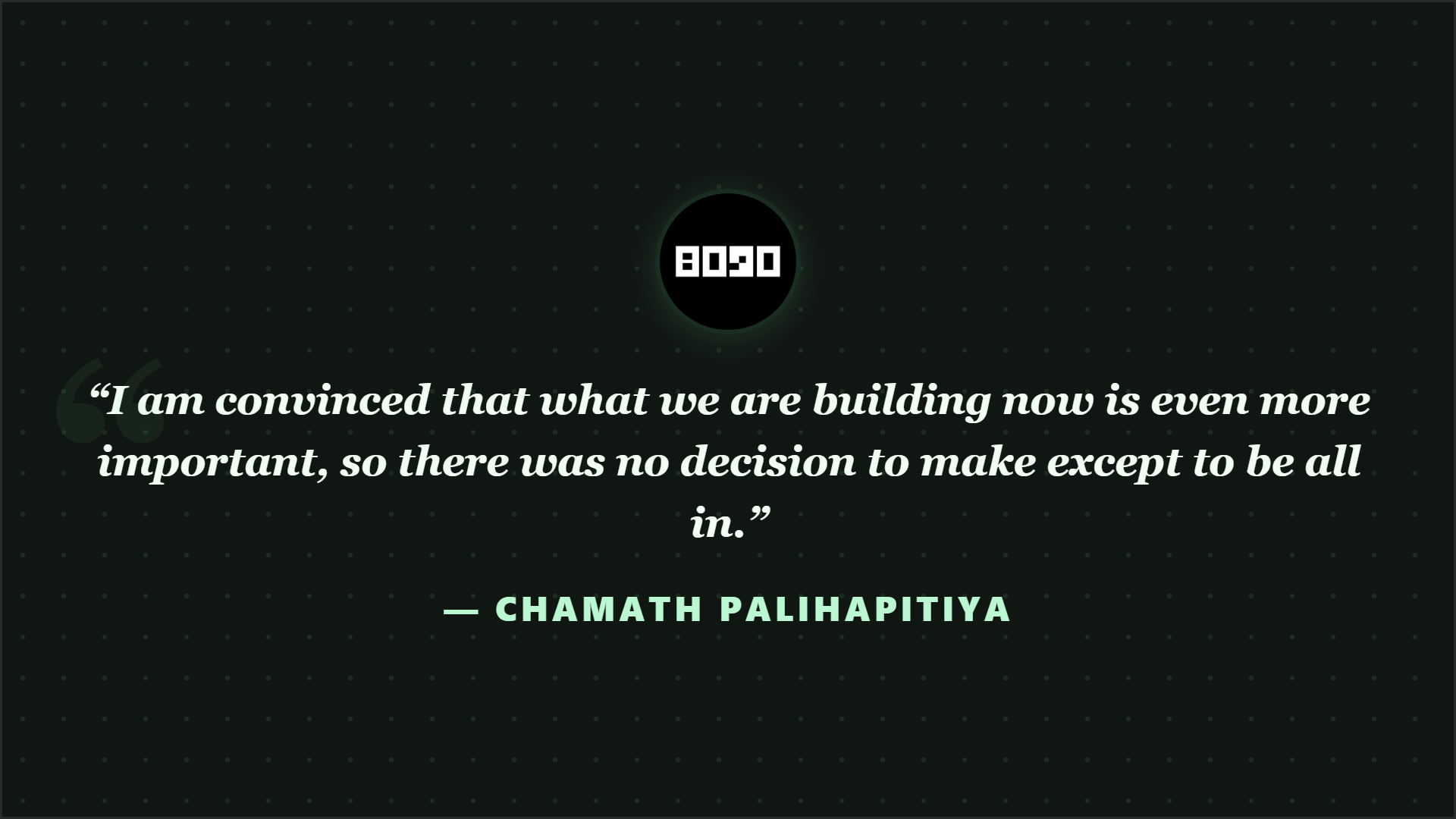
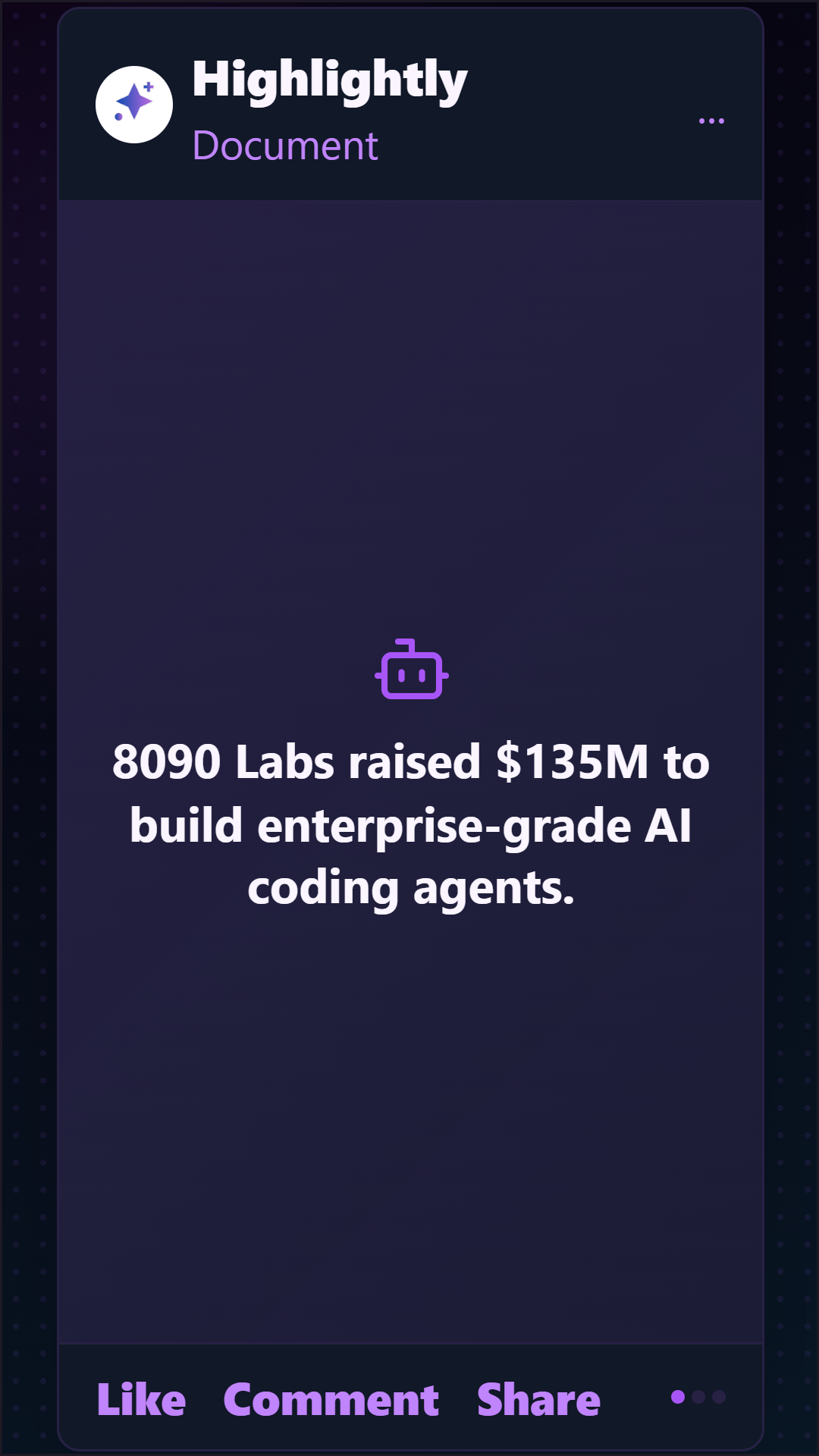


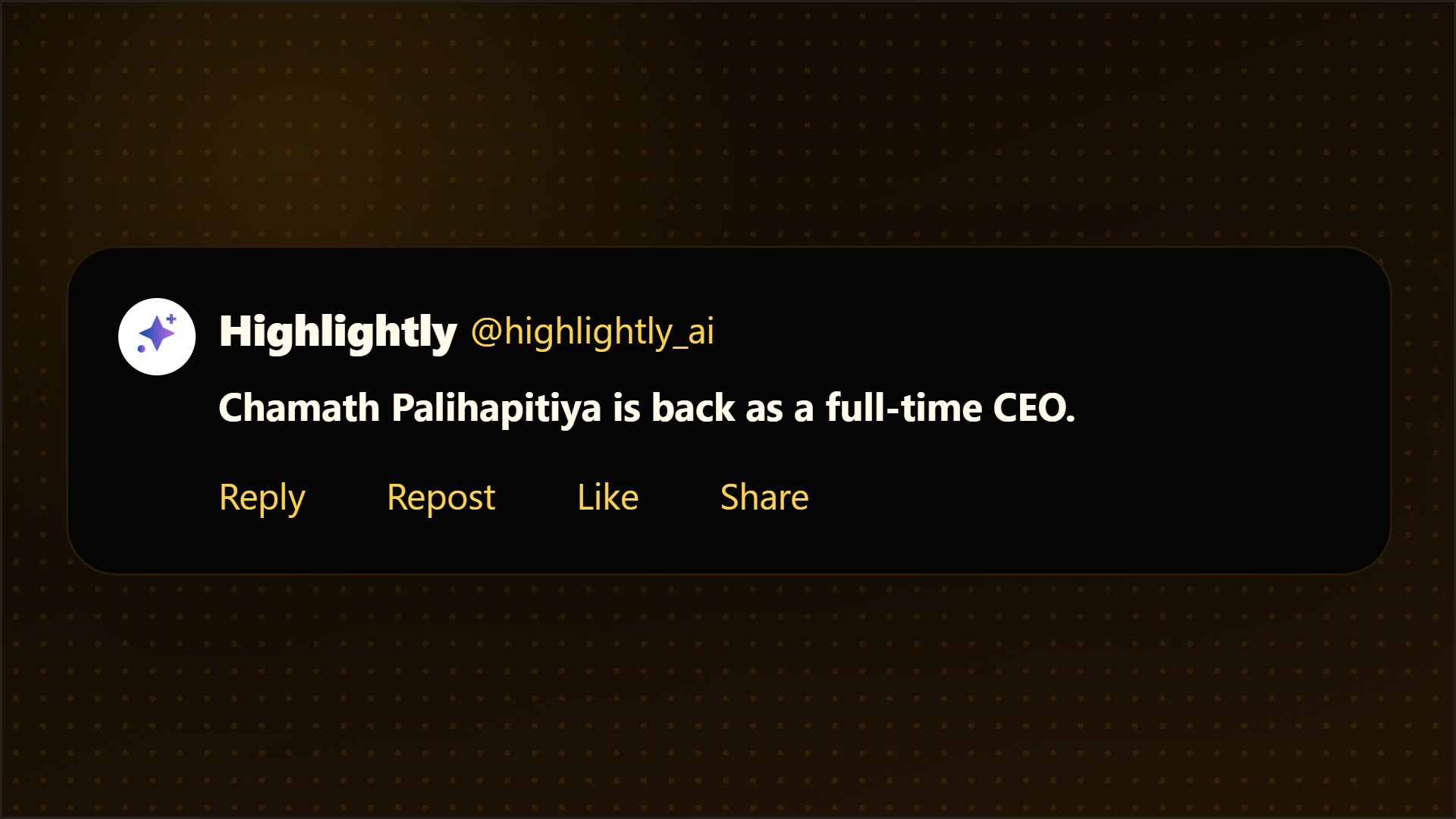
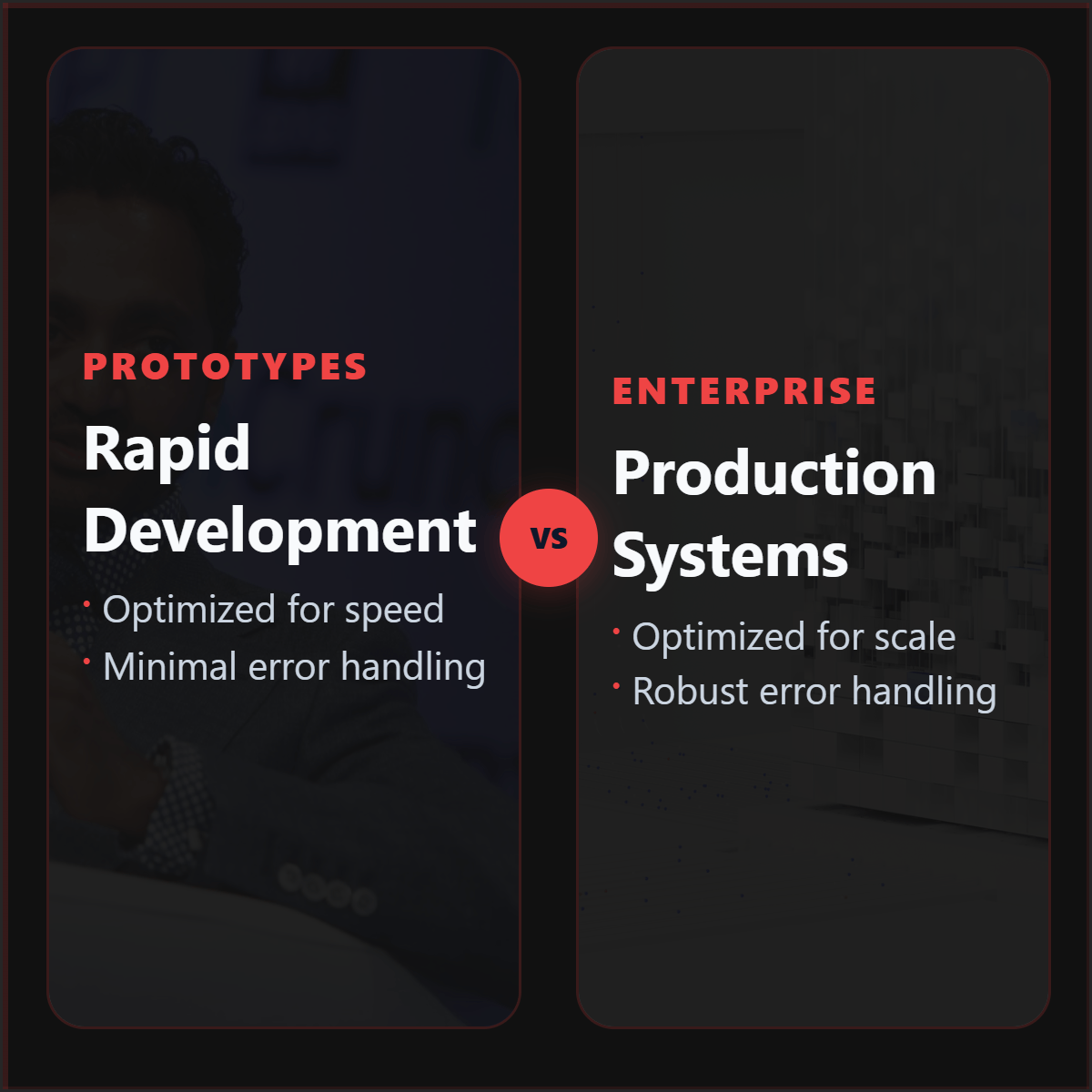

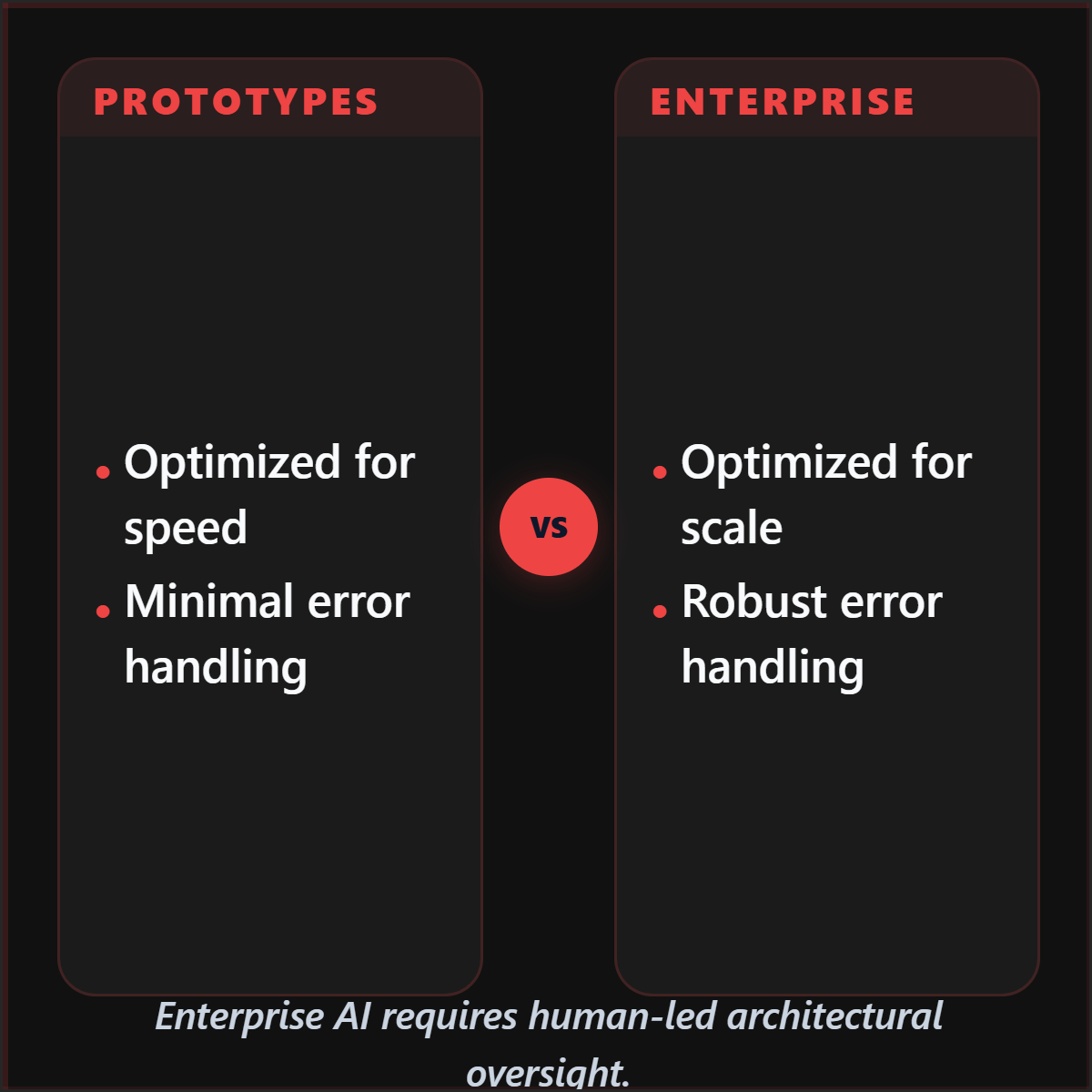


Highlightly extracts and structures source material. You review, edit, and approve before export. The AI does the first pass. You make the final call.
“The goal is not to make more AI content. The goal is to make the useful parts of real sources easier to publish.”— Founder @ Highlightly
See every hook, stat, quote, and claim before it becomes an asset.
Change wording, adjust framing, add your take before export.
Colors, logo, typography, watermark, and social handles.
The final asset reflects your judgment, not just the AI extraction.
What to paste first
The fastest path is not “ask AI for content.” It is: bring a real source, inspect what Highlightly extracts, choose the useful angle, then make the asset your own.
Good when it contains claims, quotes, stats, steps, or a clear argument worth turning into a visual.
Good when it contains claims, quotes, stats, steps, or a clear argument worth turning into a visual.
Good when it contains claims, quotes, stats, steps, or a clear argument worth turning into a visual.
Use the visual as a clarity layer. If the source is uncertain, the graphic should not make it look settled.
Before exporting, confirm the extracted quote, statistic, or takeaway still matches the source. Then use the editor, Brand Kit, and captions to make it publishable.
How it compares
Journalists need speed without sacrificing attribution. Highlightly keeps the source trail visible for editorial review.
| Feature | Highlightly | Canva | Buffer | Manual |
|---|---|---|---|---|
| Source-backed extraction | ||||
| Brand kit application | ||||
| Multi-platform captions | Scheduling only | |||
| Source attribution | ||||
| Batch source ingest | ||||
| Review before export | ||||
| Carousel generation | Manual design | |||
| Quote/stat cards | Manual design |
Source-backed extraction
HL
Canva
Buffer
Manual
Brand kit application
HL
Canva
Buffer
Manual
Multi-platform captions
HL
Canva
Buffer
Manual
Source attribution
HL
Canva
Buffer
Manual
Batch source ingest
HL
Canva
Buffer
Manual
Review before export
HL
Canva
Buffer
Manual
Carousel generation
HL
Canva
Buffer
Manual
Quote/stat cards
HL
Canva
Buffer
Manual
Highlightly works best when the newsroom treats it as a visual production assistant, not an authority. It surfaces extracted material, keeps attribution available, and lets journalists decide what is verified enough to publish.
Direct answer
Journalists can use Highlightly to import verified source material, extract quotes, facts, statistics, and entities, review the results, and export attributed graphics for social or newsroom use.
Yes. The extraction review surface shows every fact, quote, and claim before any visual is generated.
Yes. Source attribution is built into the export workflow.
Use the review step to verify claims. If the source is uncertain, the graphic should not make it look settled.
Related workflows
For research-heavy work
Convert research papers, reports, PDFs, and analysis into source-backed visual summaries, stat cards, quote graphics, and slide-ready assets.
View workflowFor editorial operators
Extract quotes, stats, hooks, key points, and citations from articles, reports, and PDFs, then turn them into branded newsletter visuals and social posts.
View workflowFor teaching materials
Teachers and educators can turn articles, PDFs, and documents into visual summaries, quote cards, discussion prompts, and classroom-ready graphics.
View workflowStart with one source
Paste a link, upload a document, or start from text. Review the extracted material, pick a template, and export with attribution intact.