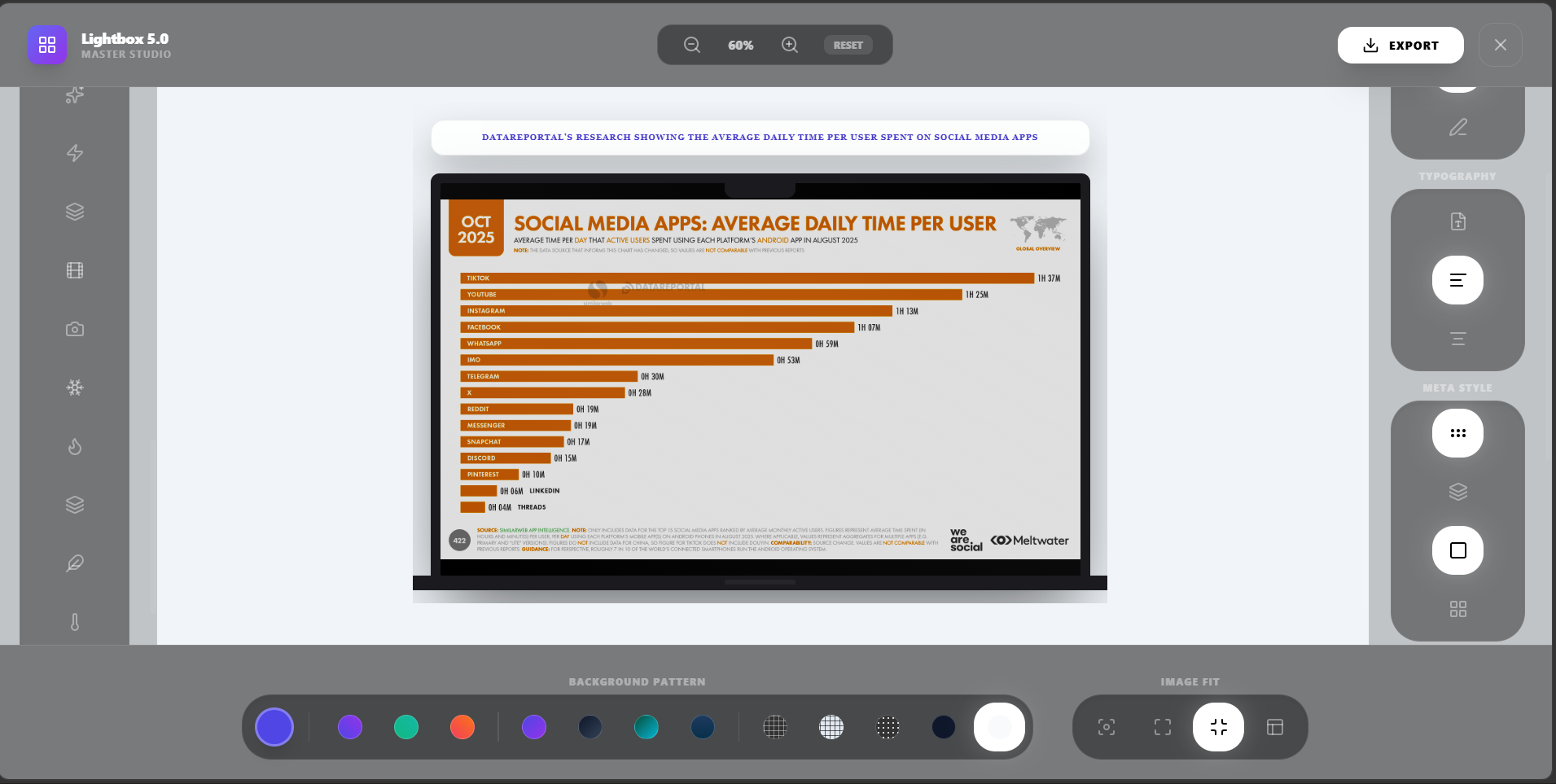
Capture and crop
Use page captures, viewport screenshots, cropping, slicing, and ratio controls.
Capture source pages, highlight the important area, and export polished visuals for posts, decks, and explainers.
Make the thing you are referencing visible, clean, and easier to understand.
Built for founders, product marketers, journalists, and educators, starting from web pages and screenshots.
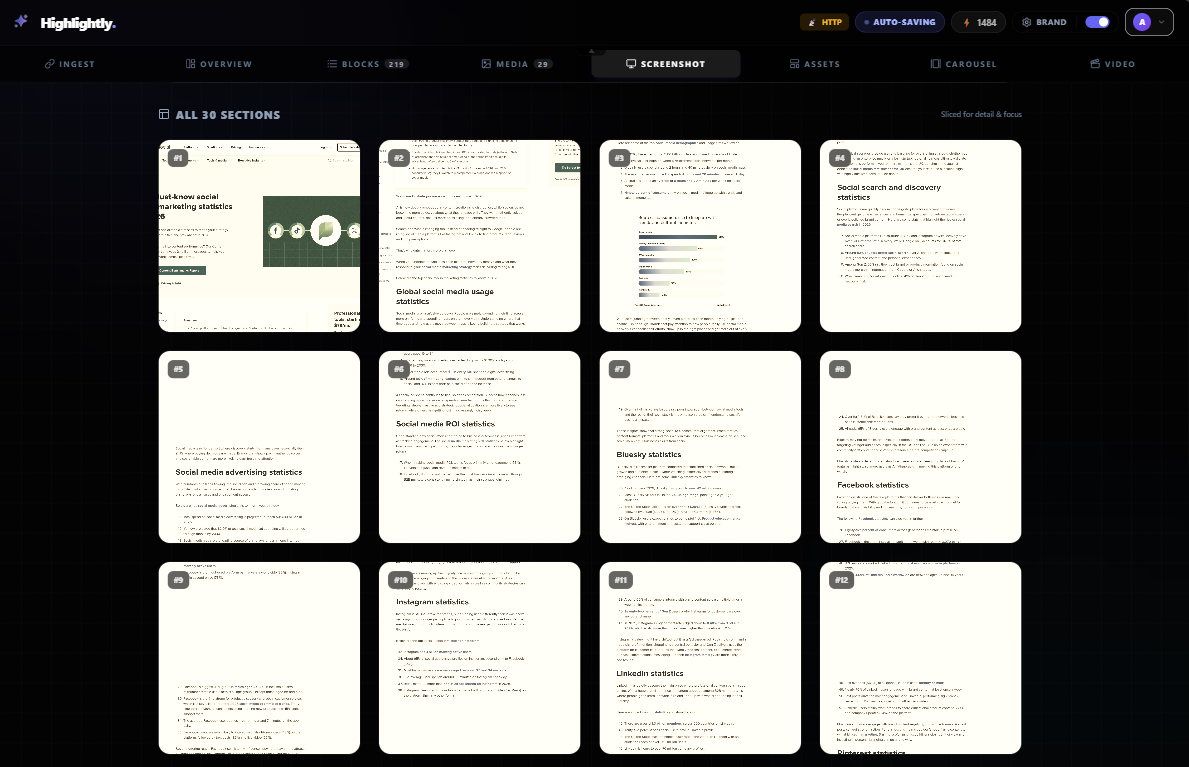
Use-case fit
Create annotated screenshot graphics, source cards, and page visuals for social posts and presentations.
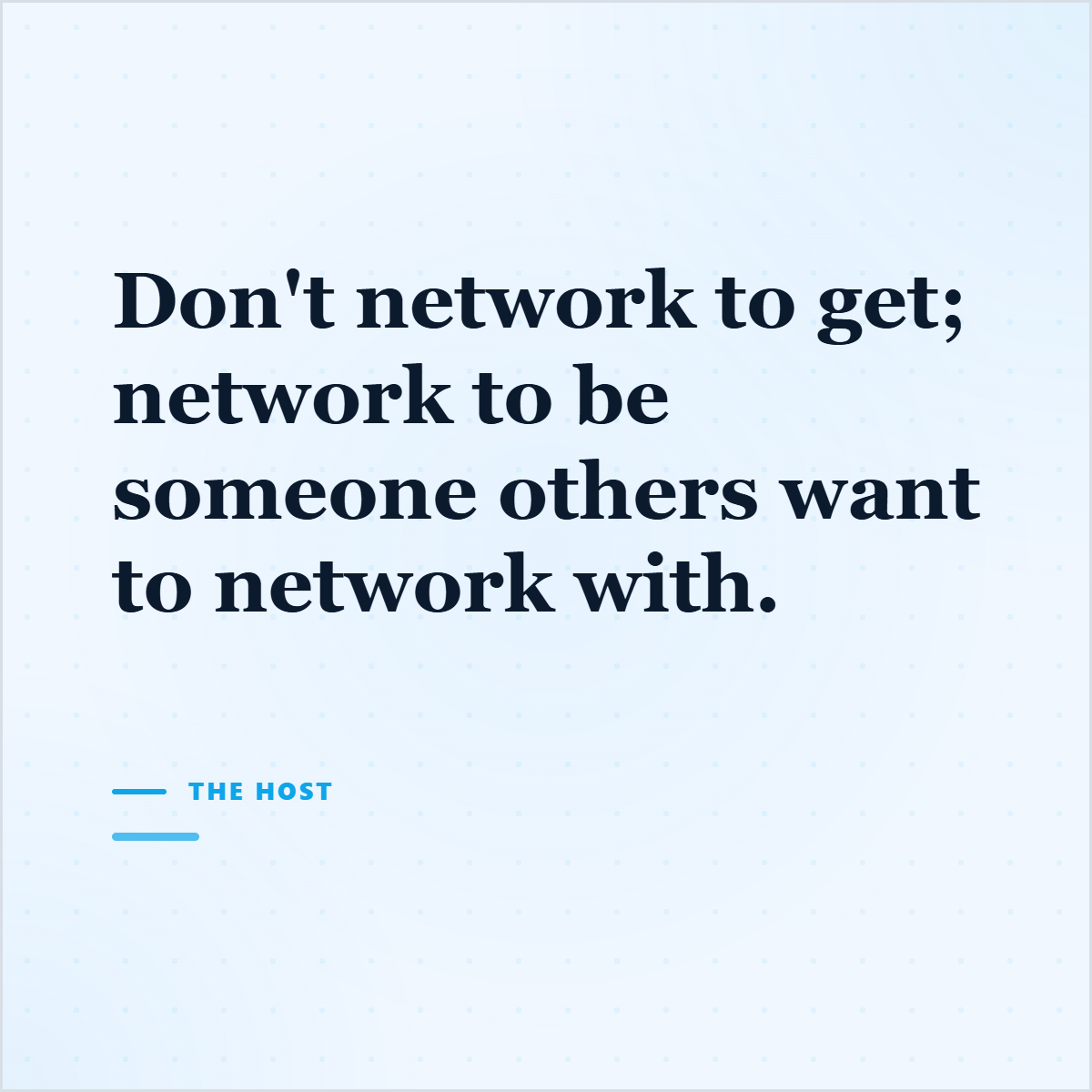
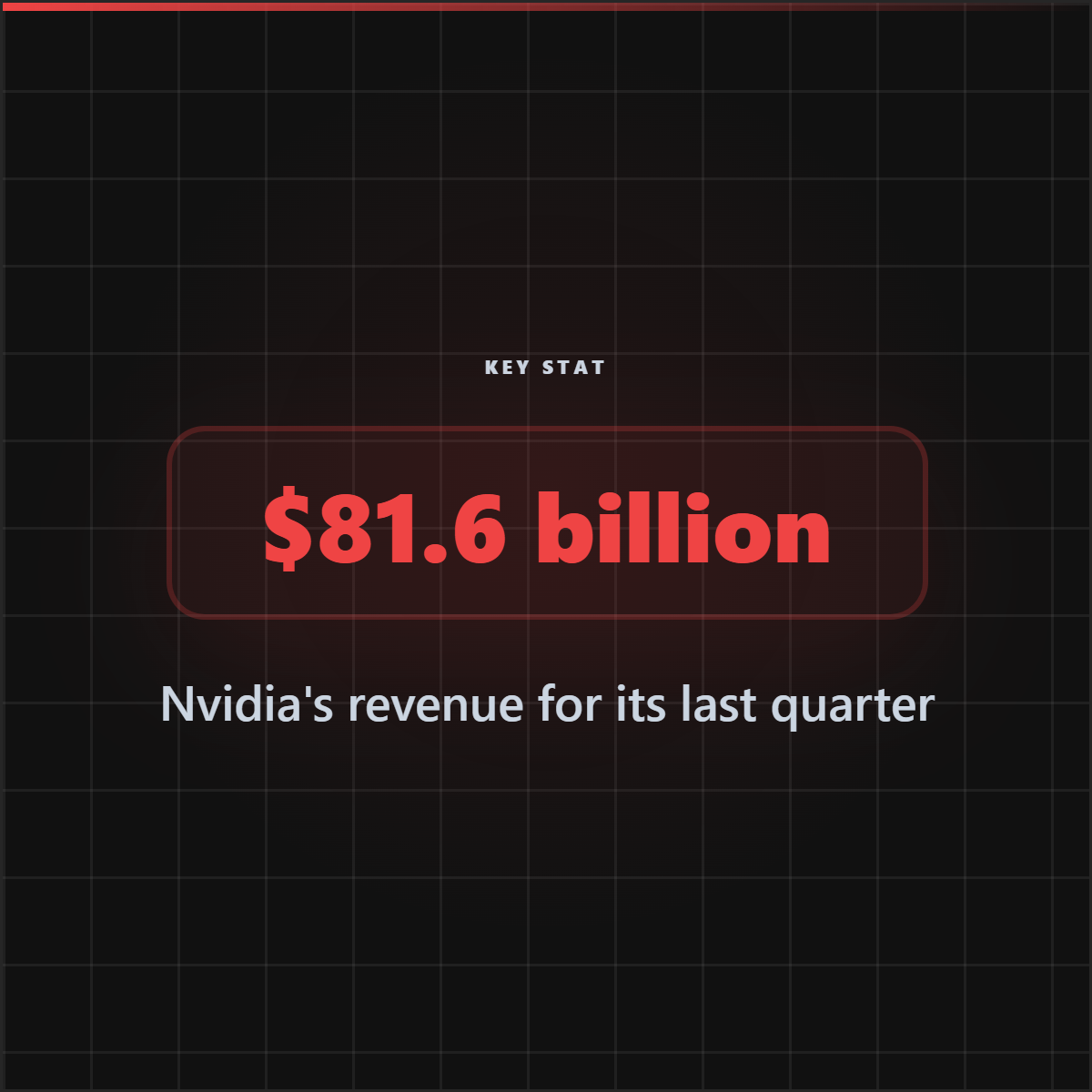
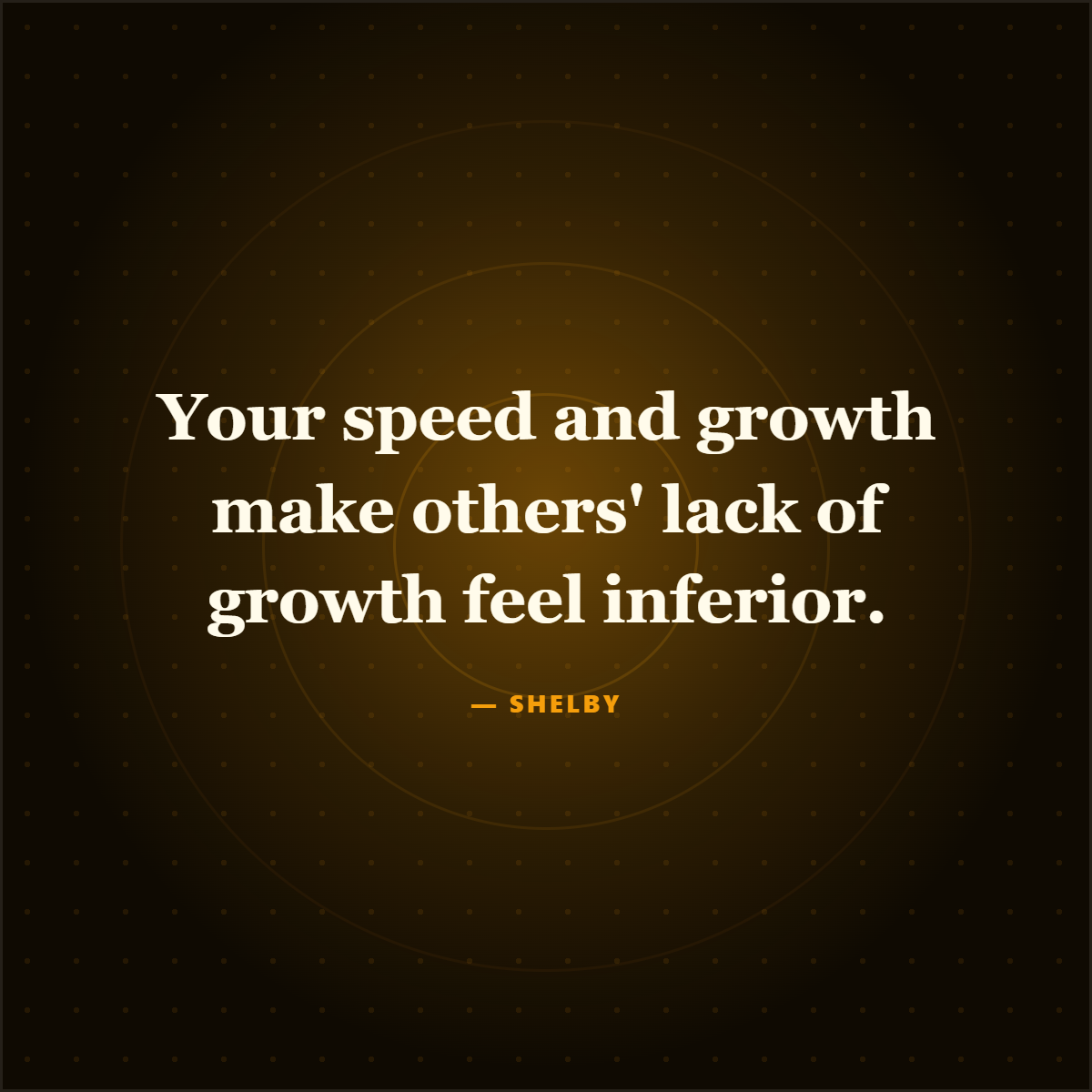
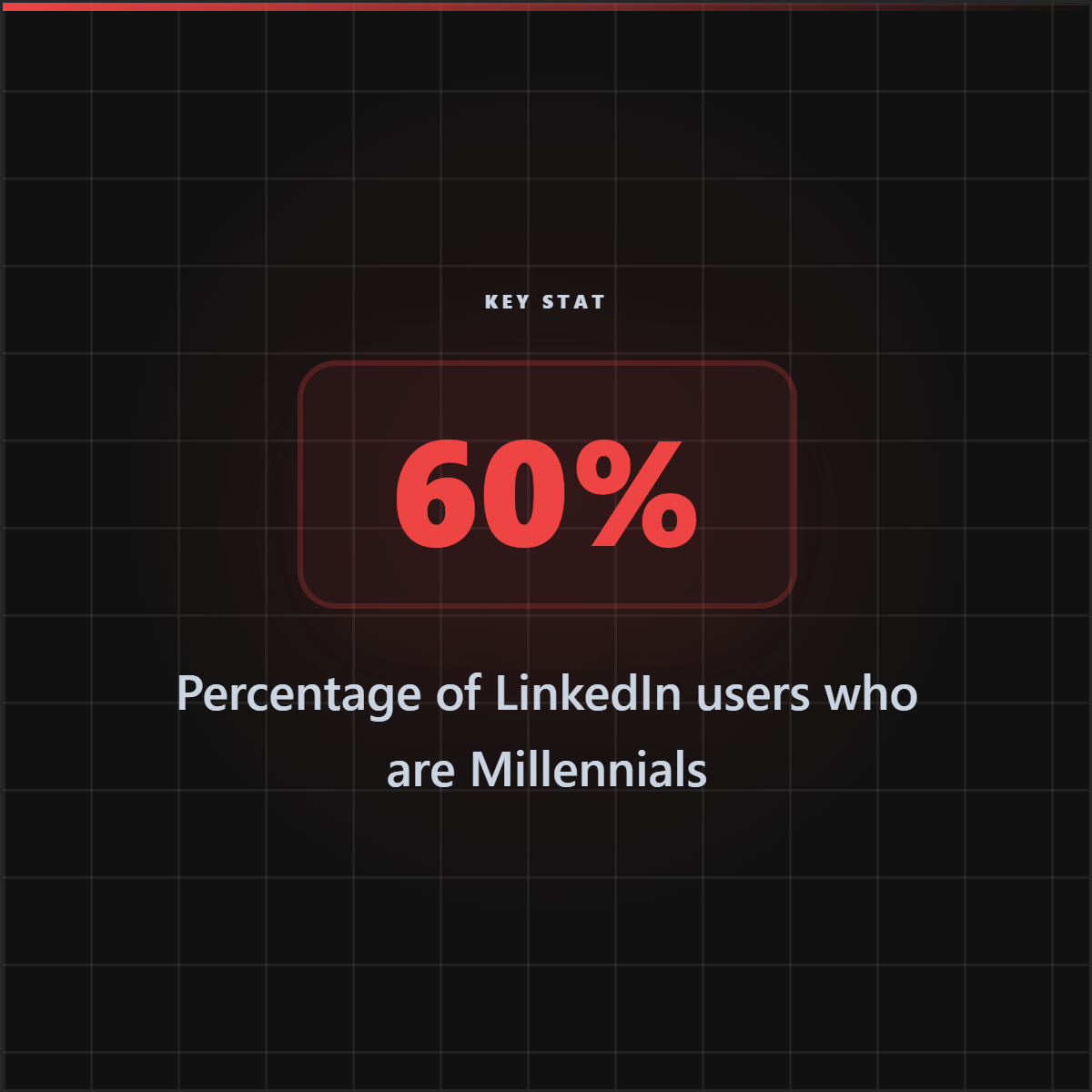
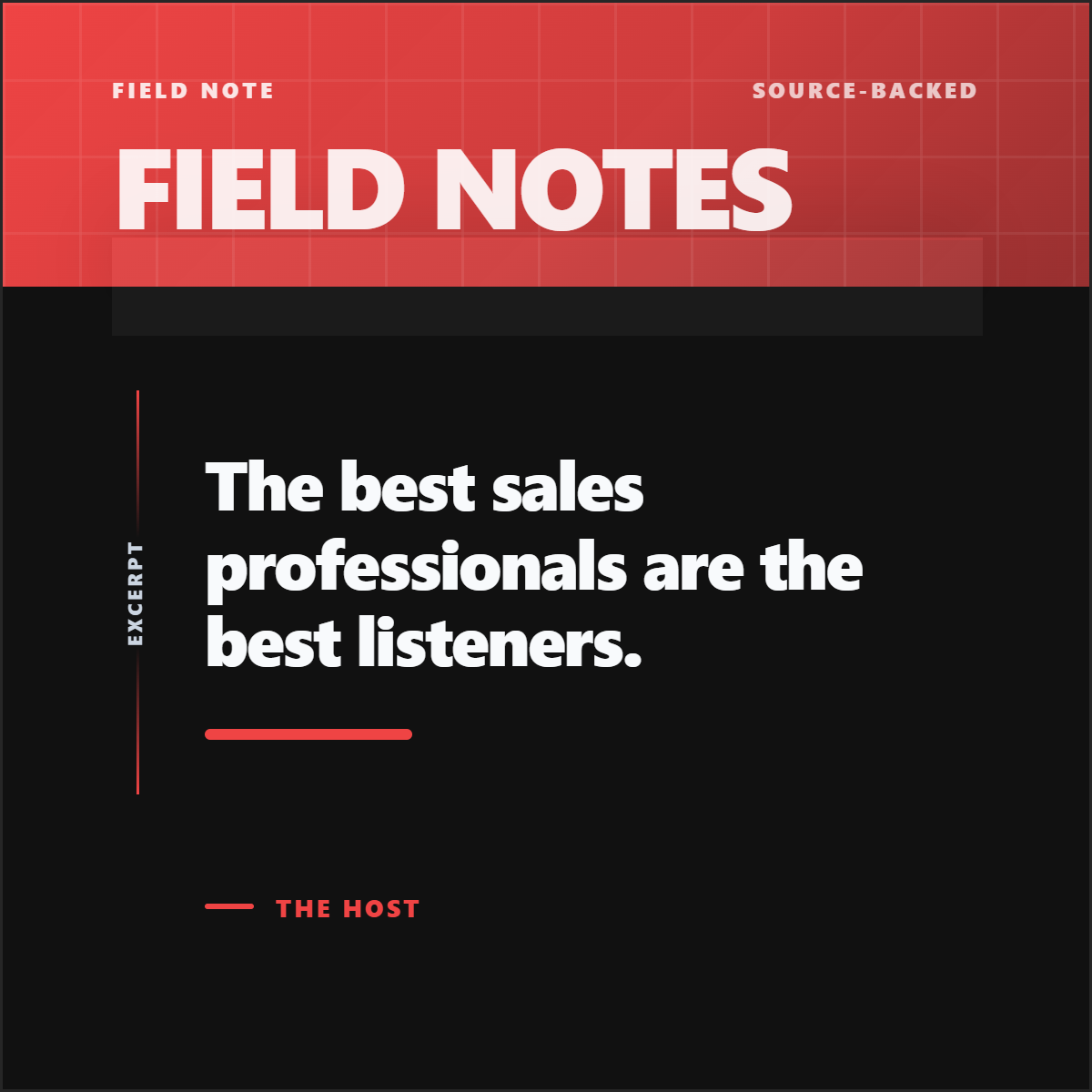
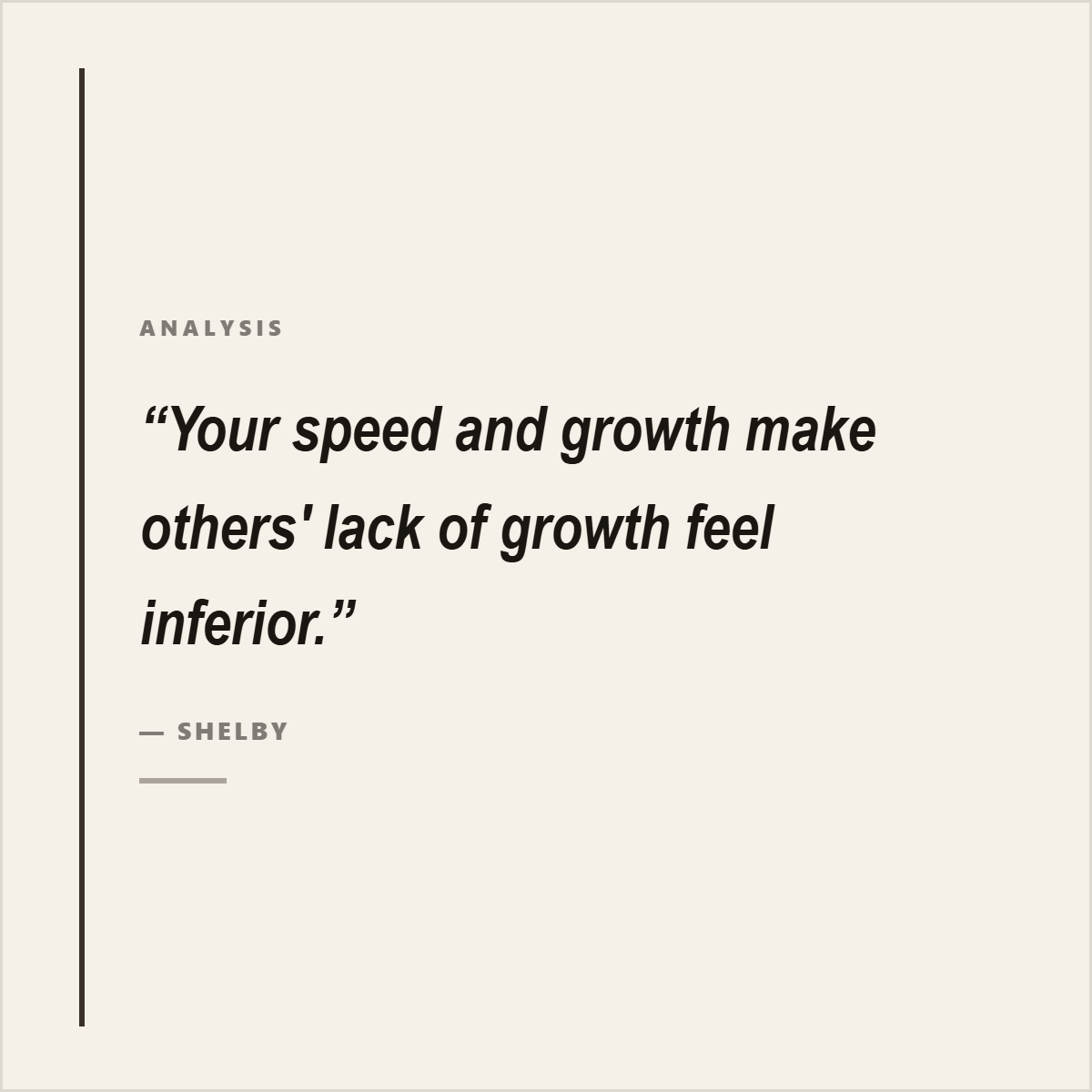
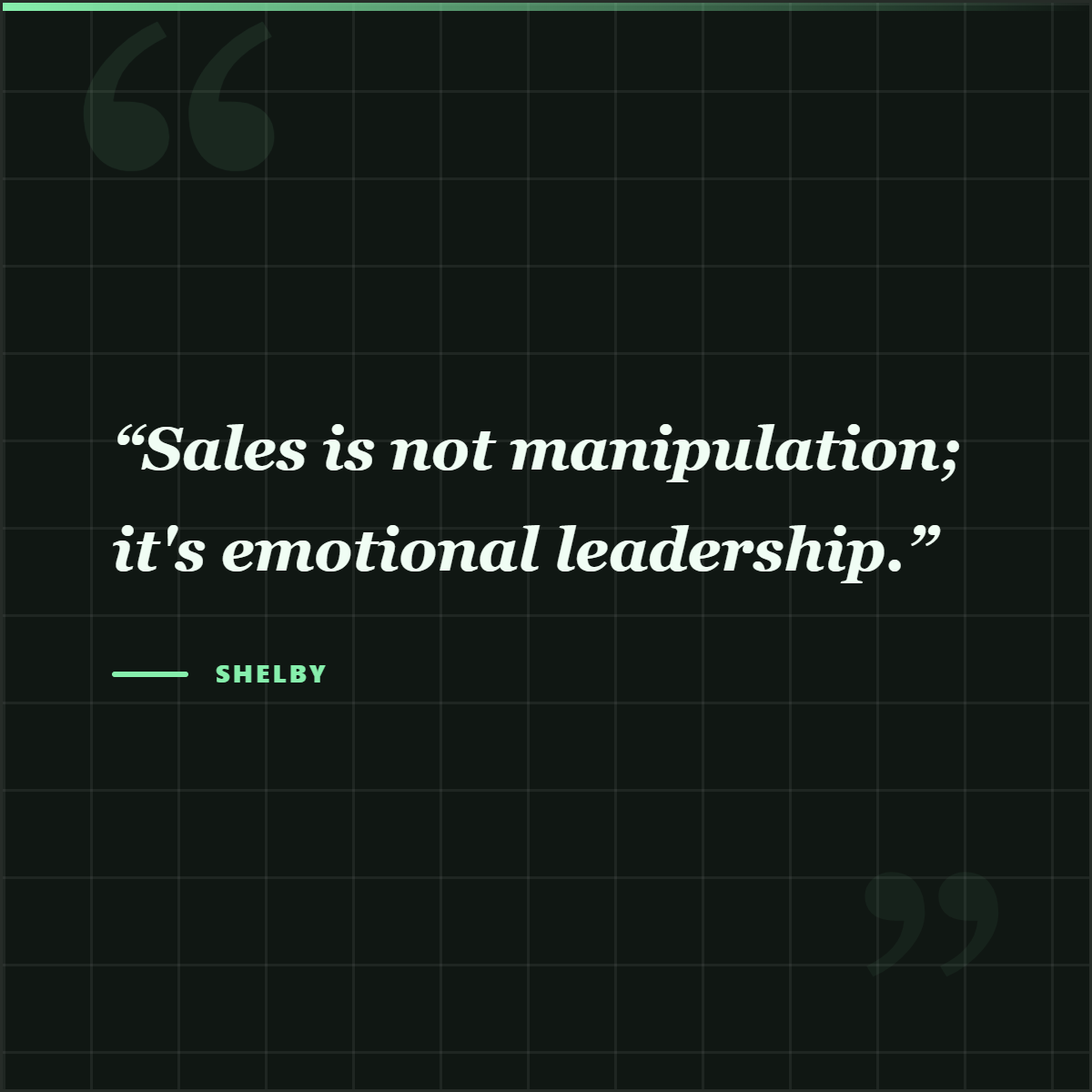
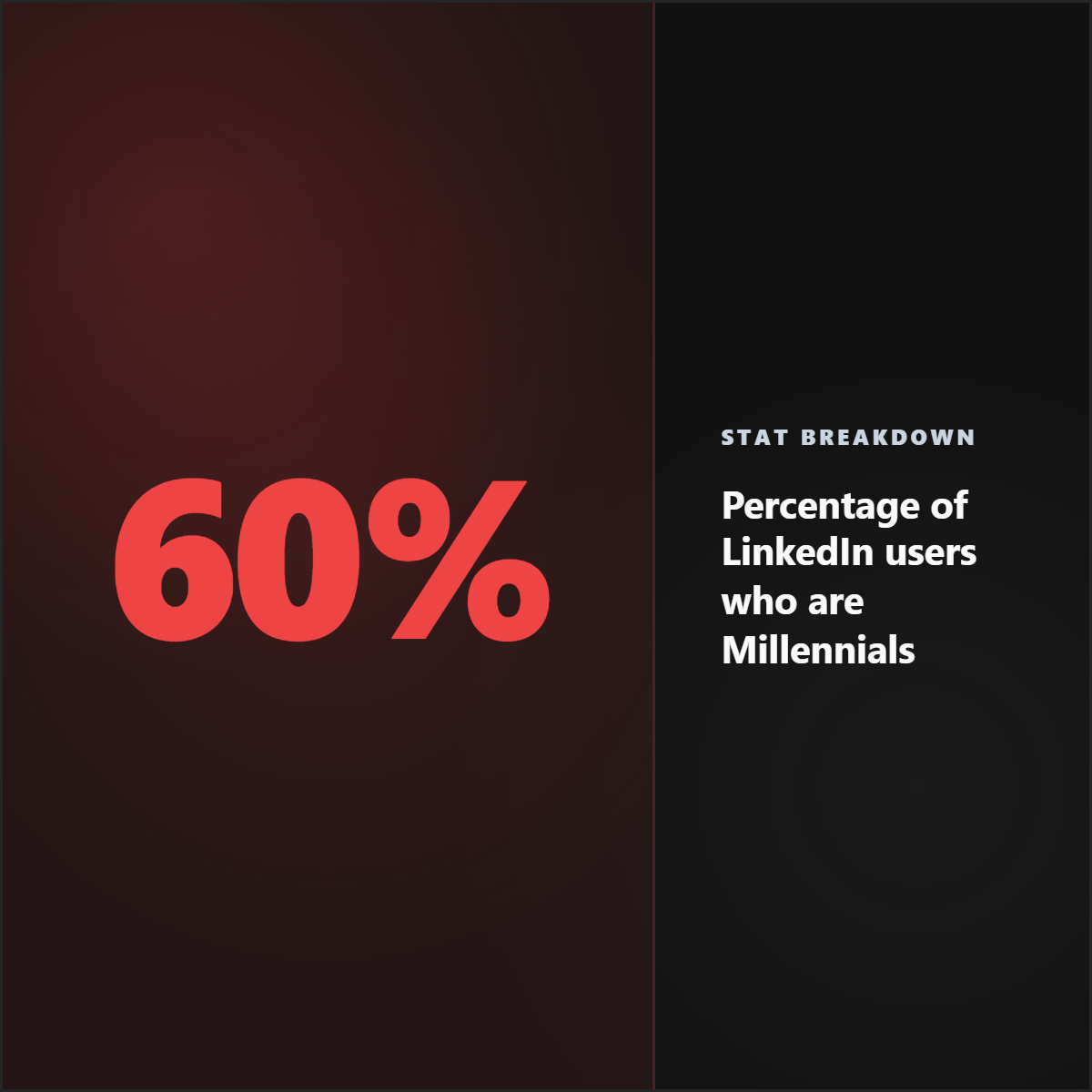
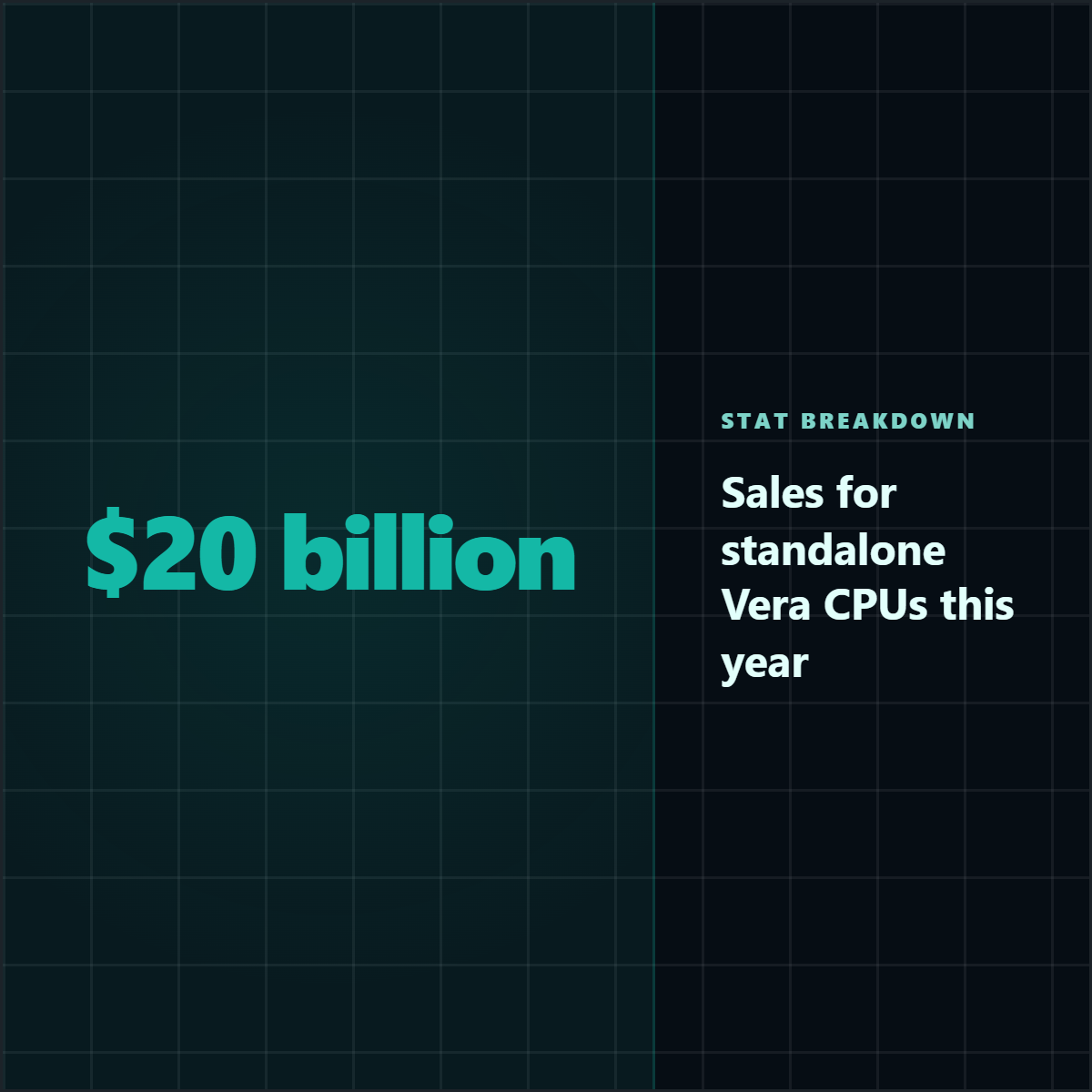
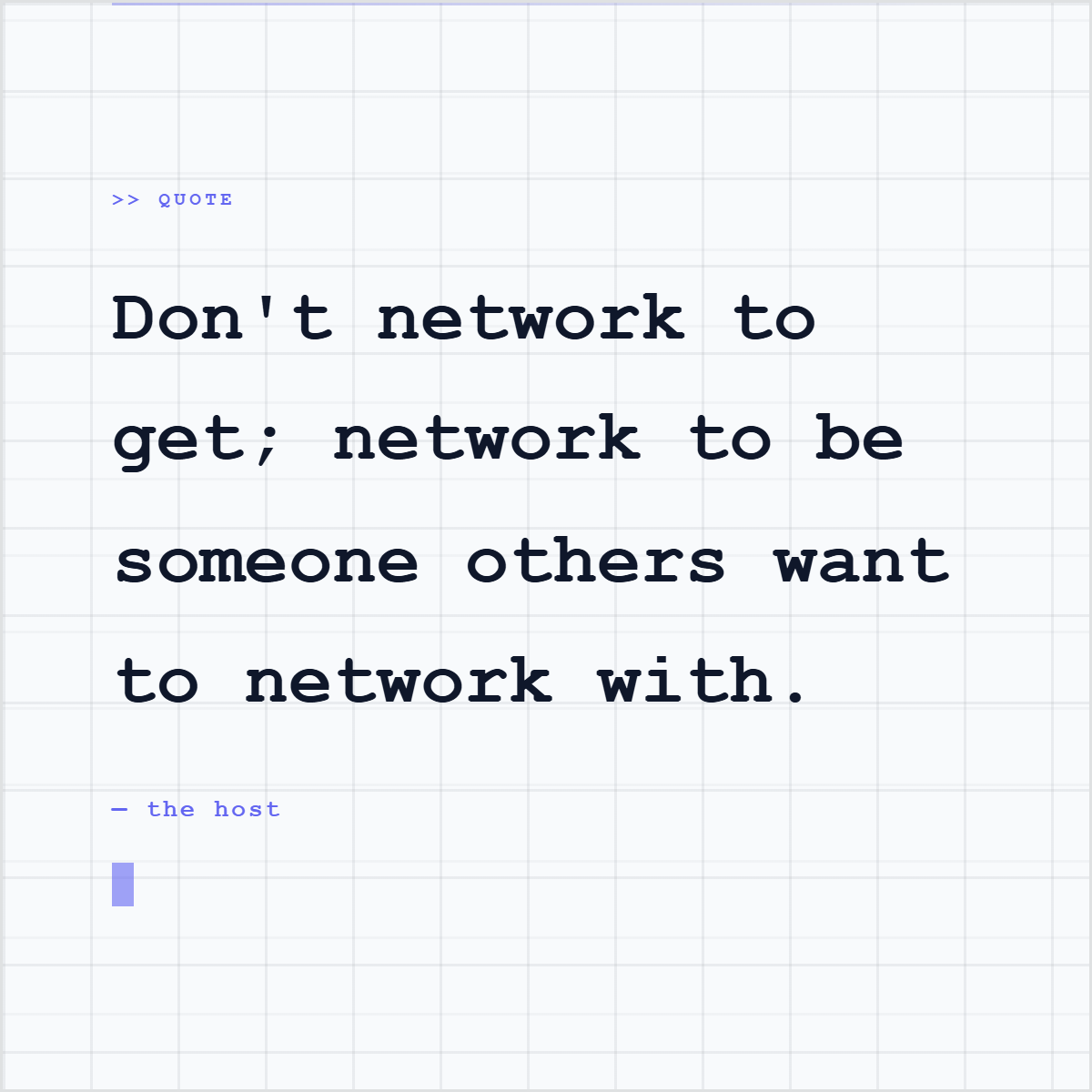
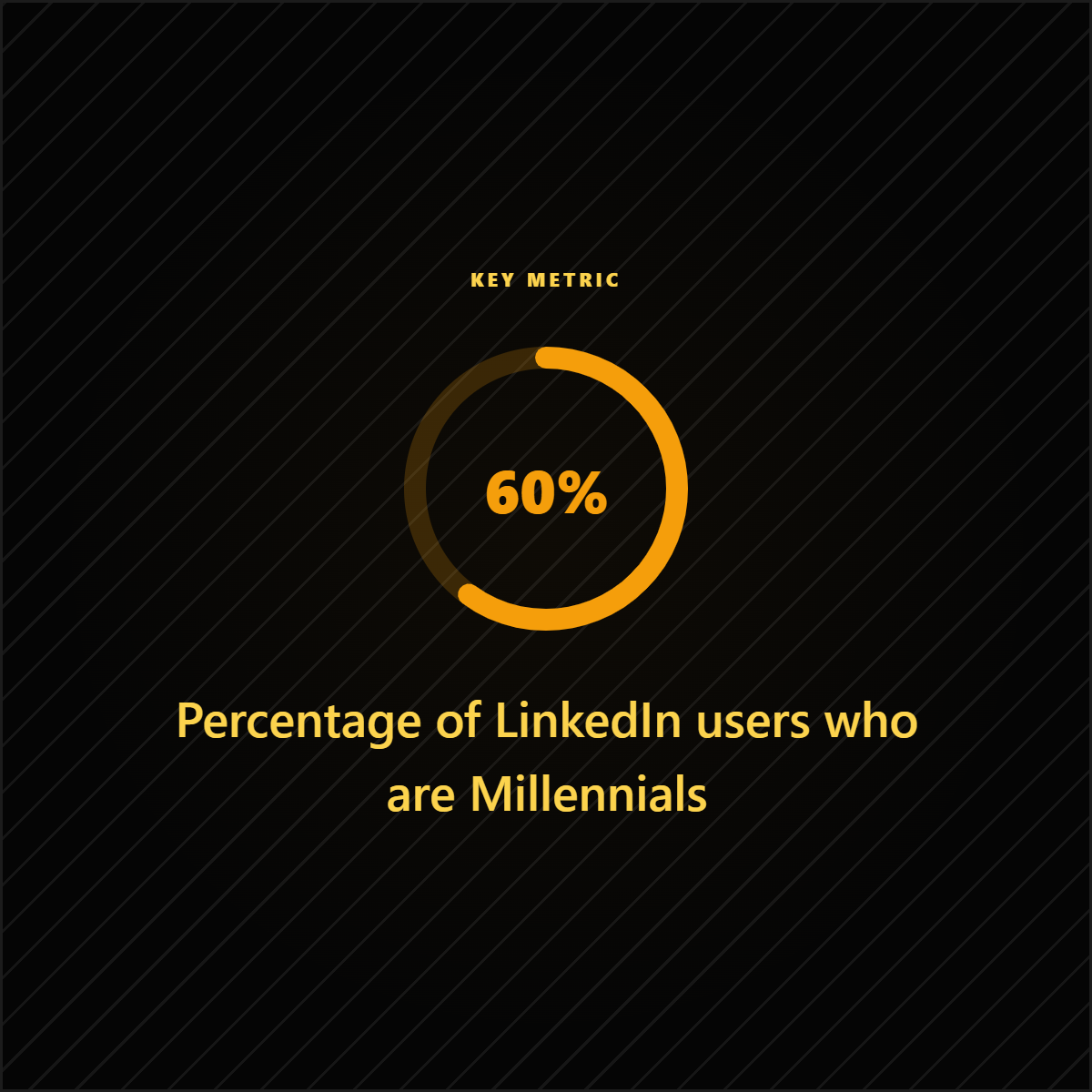
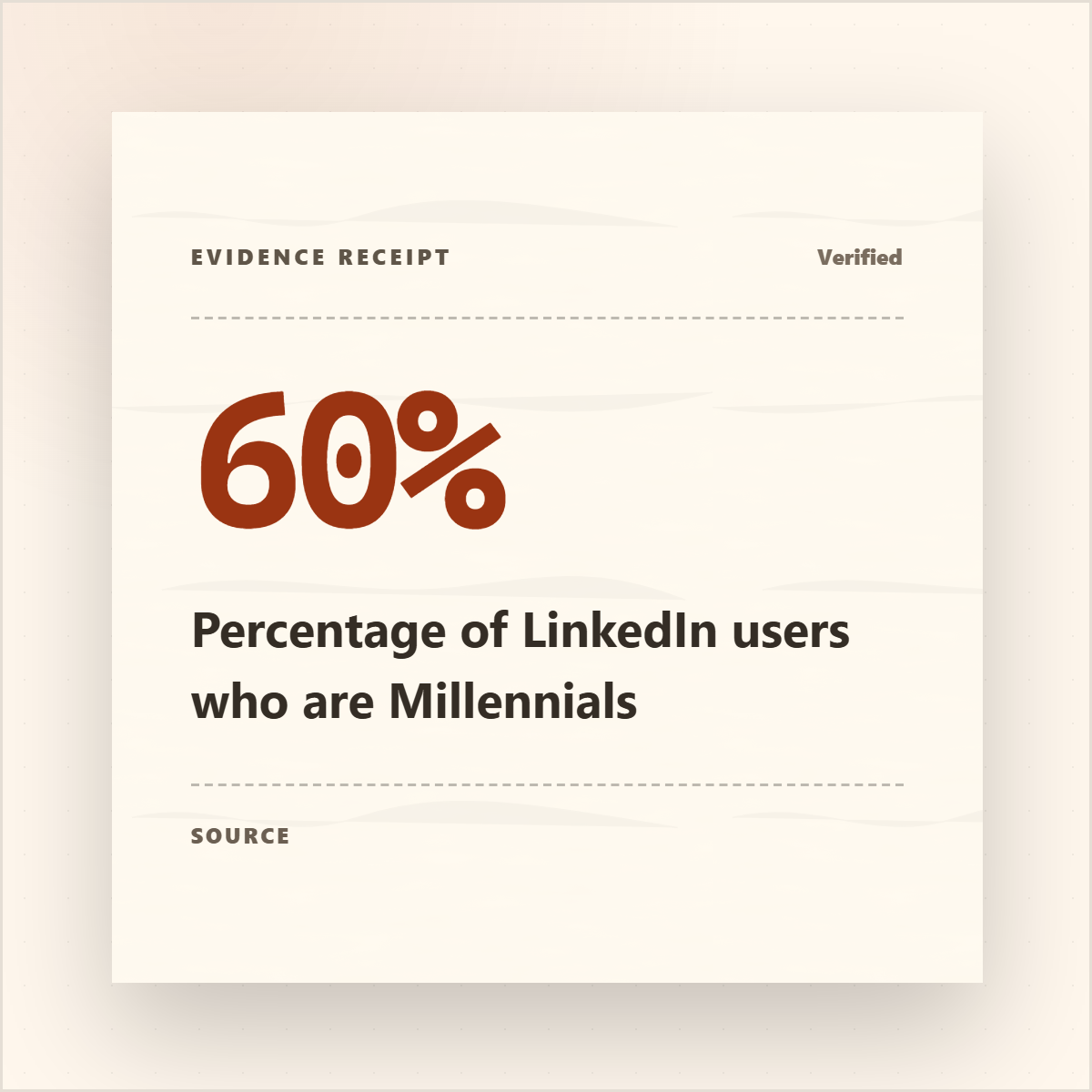
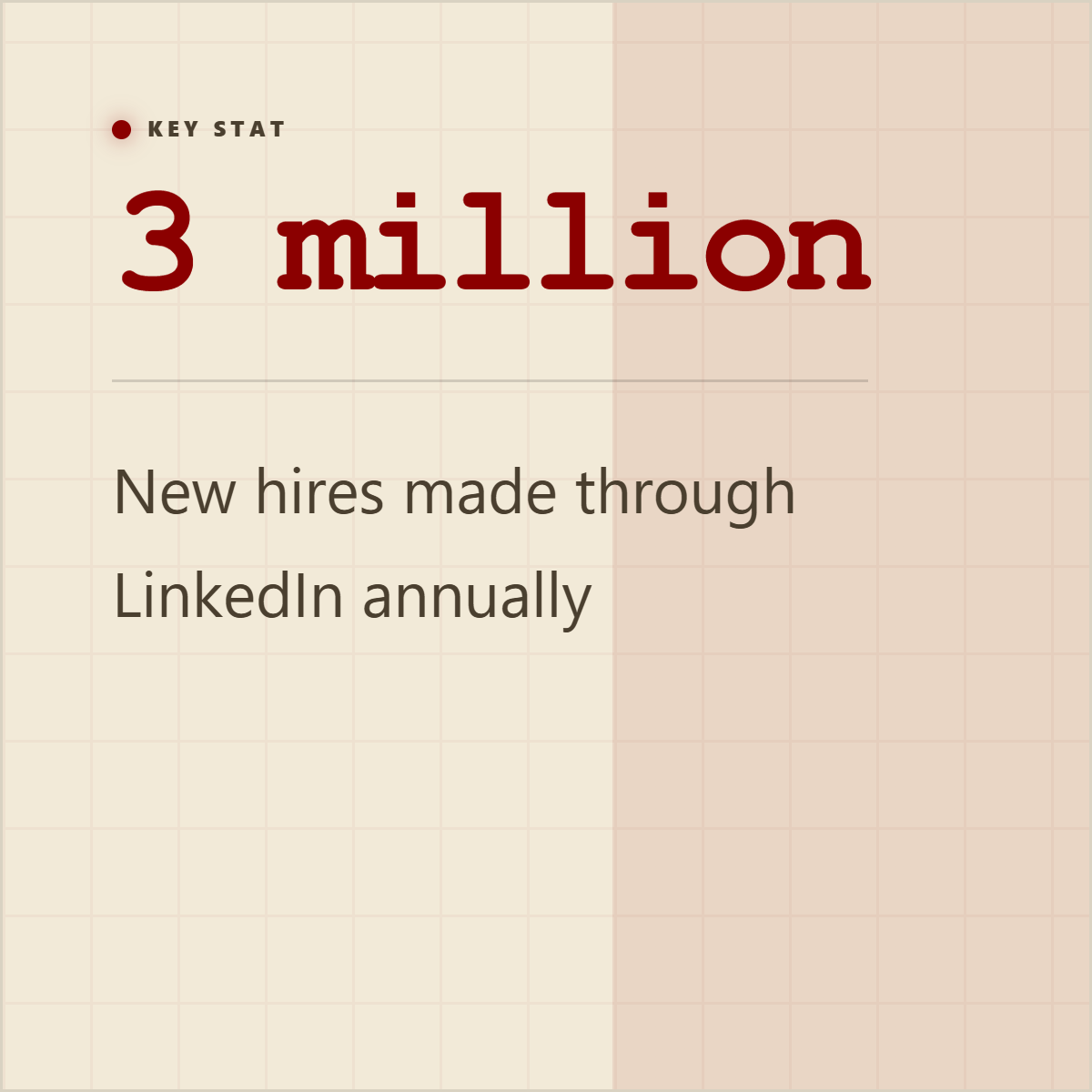
Quote cards, stat cards, and proof graphics give extracted material a visual shape before it becomes a post, carousel, or campaign asset.















How it works
Capture a full-page or viewport screenshot from an ingested URL, use the page screenshot from a session, or start with uploaded visual material.
Use screenshot cropping, page-section slicing, viewport framing, and ratio controls to turn a messy page capture into the exact visual proof you need.
Add spotlight annotations, callout marks, mockup-style framing, brand color treatments, logos, watermarks, and typography so the screenshot feels like a designed asset instead of a raw capture.
Create 1:1, 9:16, and 16:9 variants for LinkedIn, X, Instagram, decks, newsletters, or product explainers while keeping source context available.
What you control
Source-backed extraction, customization, and export polish in one workflow.
Use page captures, viewport screenshots, cropping, slicing, and ratio controls.
Add spotlight callouts, frames, brand colors, logos, and watermarks in the editor.
Turn messy page evidence into social, deck, or explainer graphics.
Outputs
A UI moment becomes a polished launch or feature graphic with mockup framing and annotations.
A report, article, or page excerpt becomes visual evidence with crop, highlight, and attribution context.
A screenshot gets enough design context, captions, and callouts to stand alone in-feed.
Included surfaces
The product promise stays anti-slop: start from real source material, expose what was extracted, edit the creative direction, then export.
Yes. Highlightly includes screenshot and editor surfaces for callouts and visual emphasis.
No. Screenshot-style exports can support product visuals, research evidence, and teaching material.
Yes. Screenshot graphics can be prepared for square, vertical, and landscape social or deck formats.
Try the workflow
Review the extracted material, choose the output, apply your brand kit, and export with source context still available.