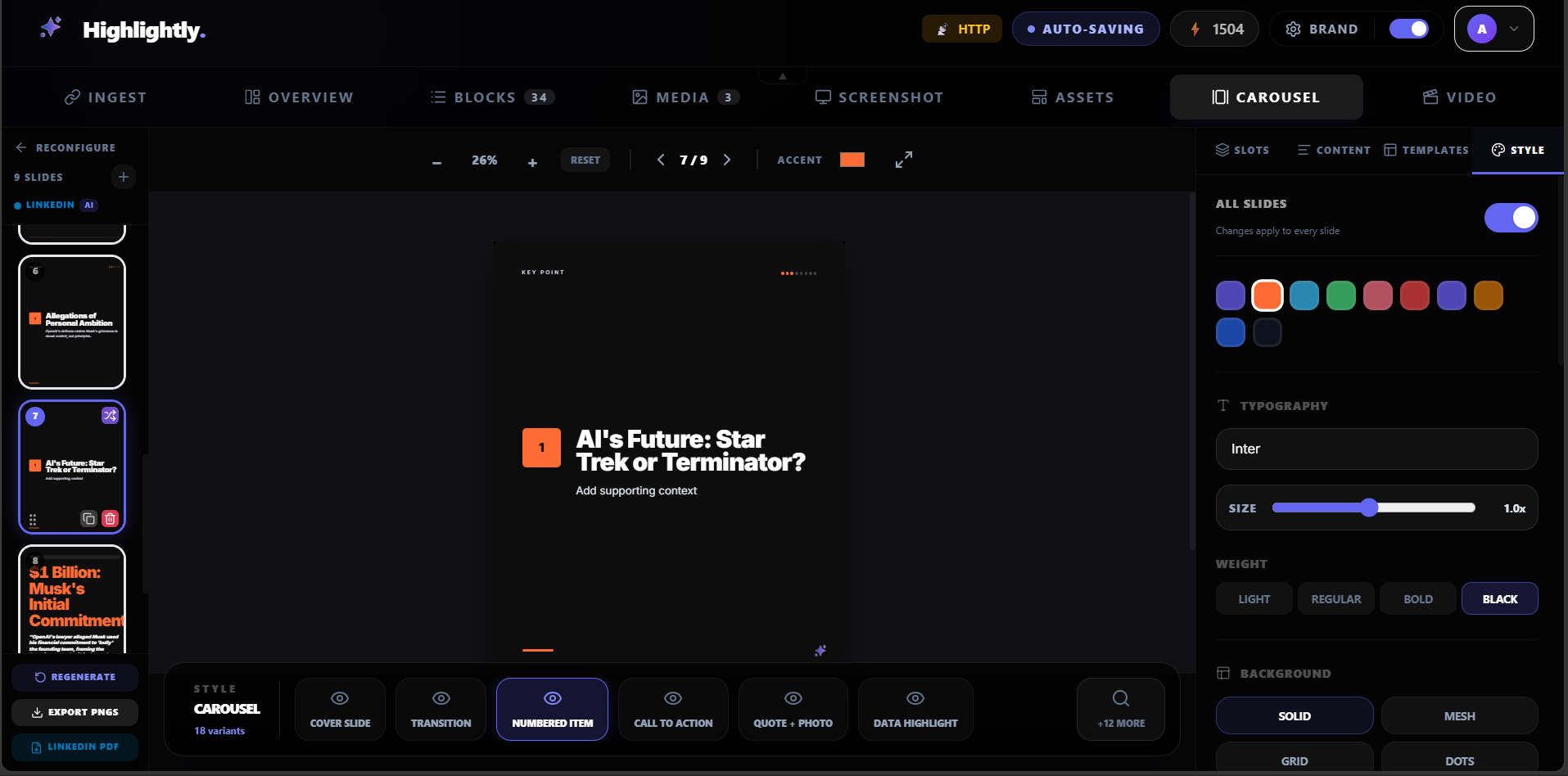
AI carousel planning
Turn one argument into a hook, proof sequence, and closing CTA without flattening the whole post.
Extract the argument, choose the strongest sequence, and use the AI carousel builder to create an editable, branded deck.
Make long-form content travel farther while preserving the original argument.
Built for content marketers, founders, agencies, and creators, starting from blog post url or pasted draft.
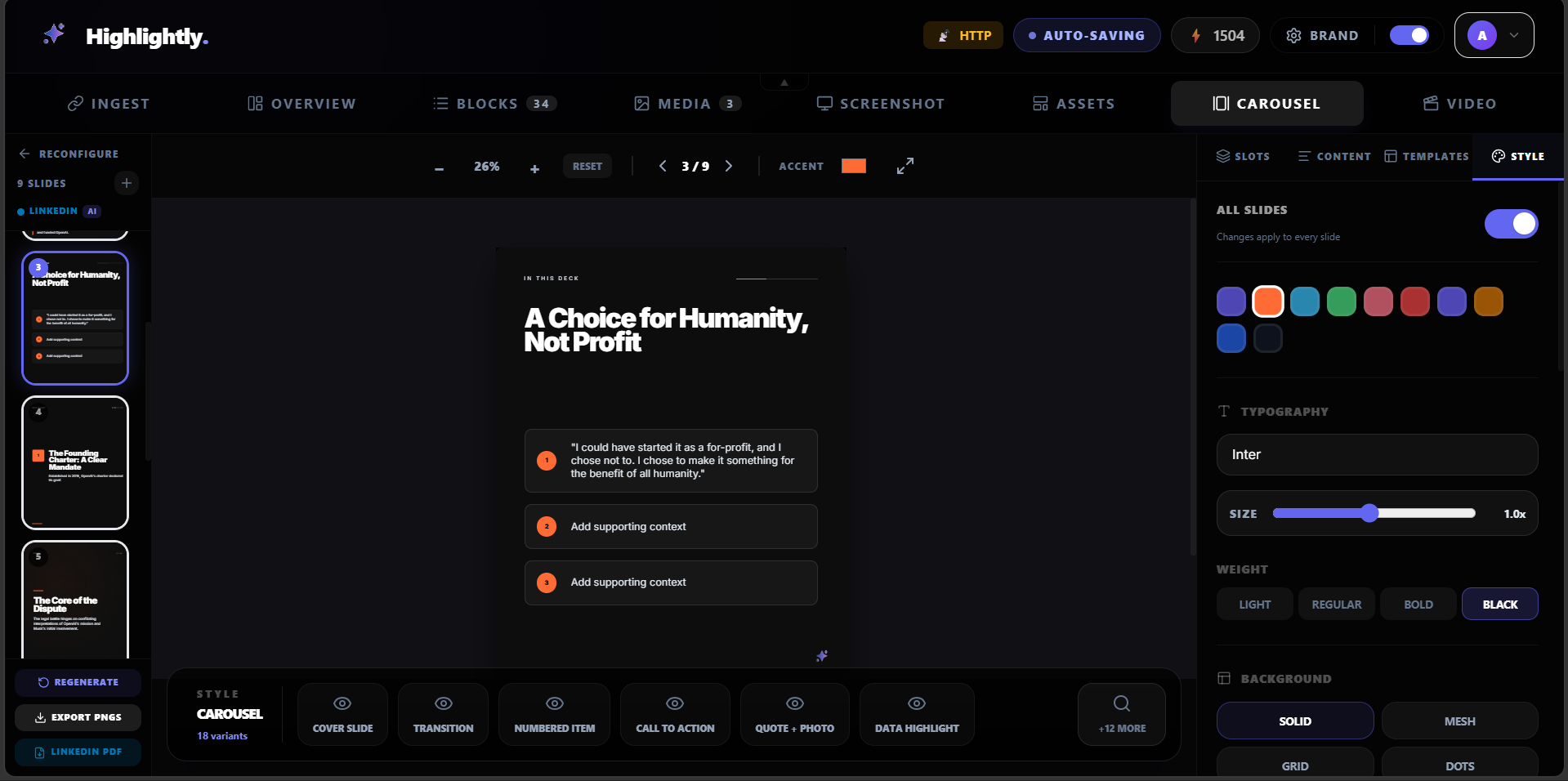
Use-case fit
Repurpose blog posts into LinkedIn carousels, quote cards, stat graphics, and captions with Highlightly.
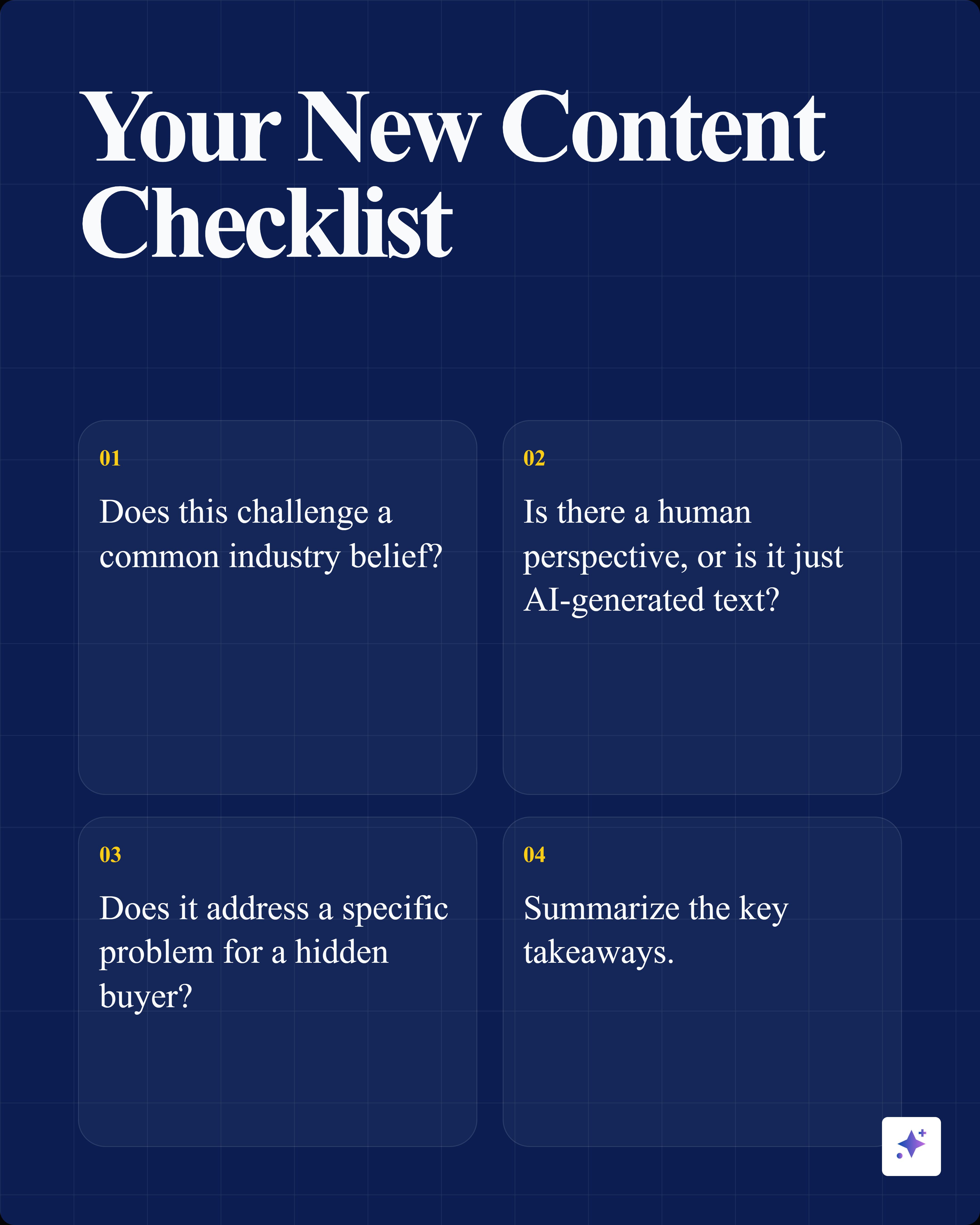
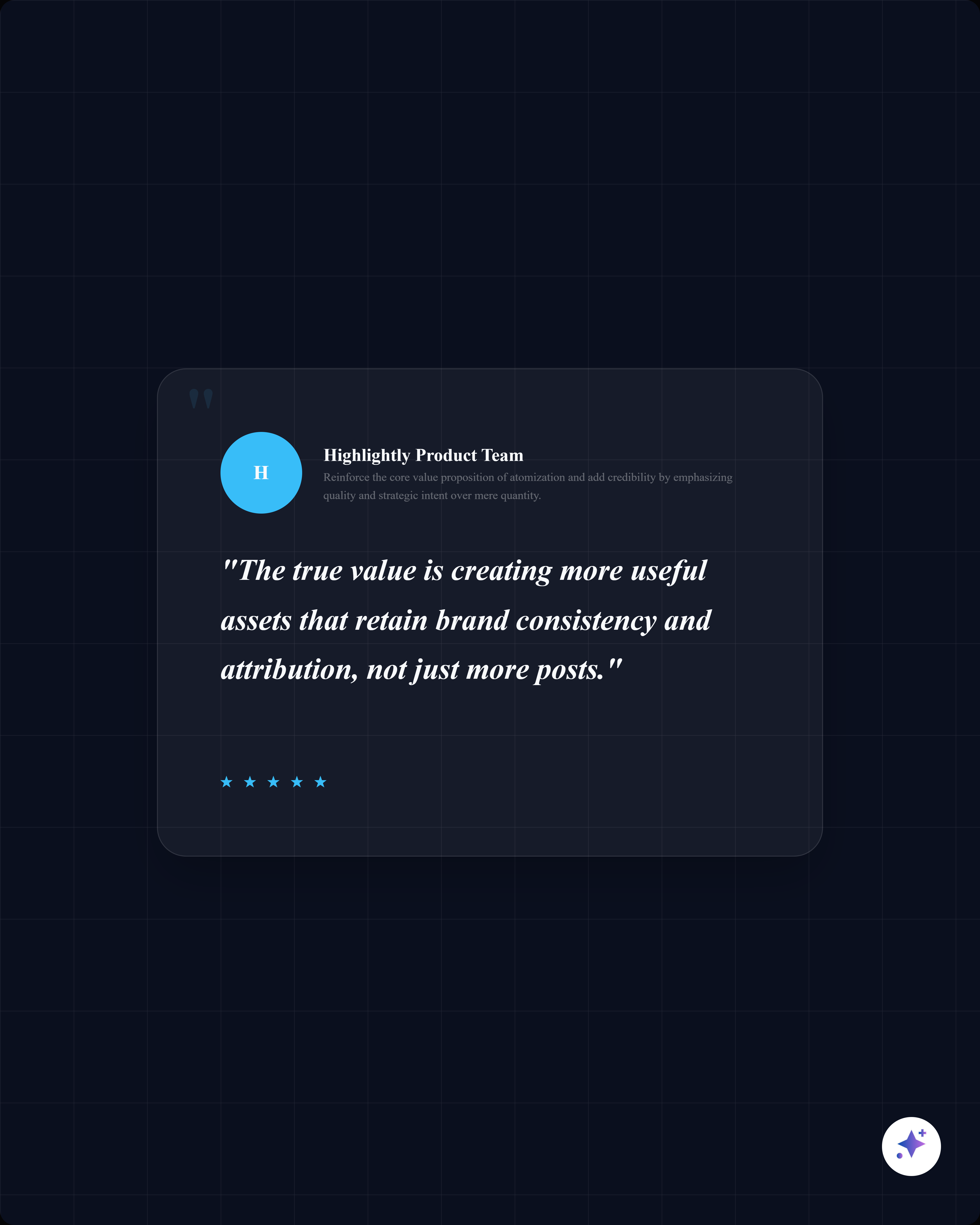
Use the strongest hook, steps, insights, statistics, and quotes from a blog post to create a LinkedIn-ready carousel while preserving the source idea.










How it works
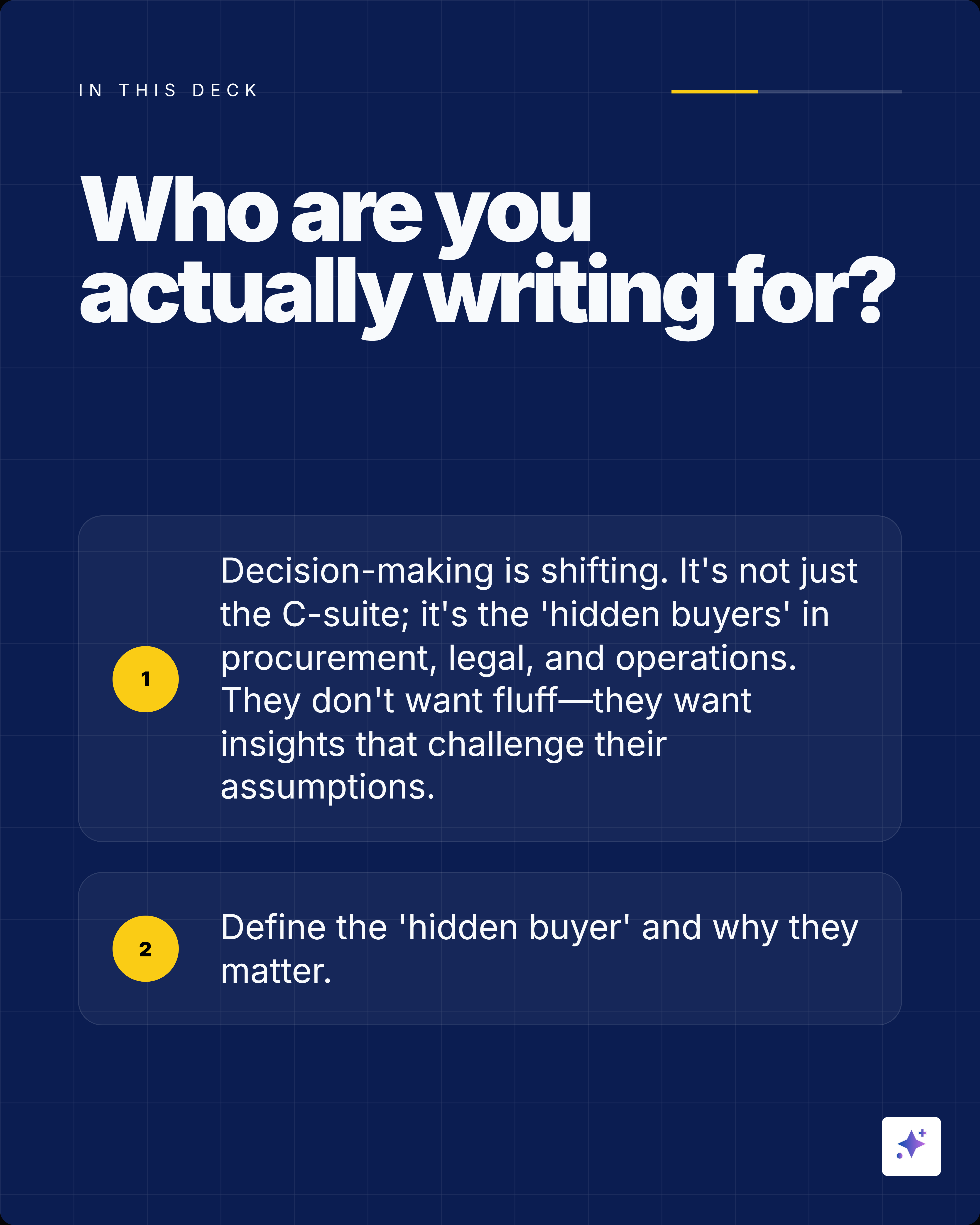
Paste a published blog URL, use a draft, or bring in the source notes behind the post so Highlightly can extract the argument instead of guessing from a prompt.
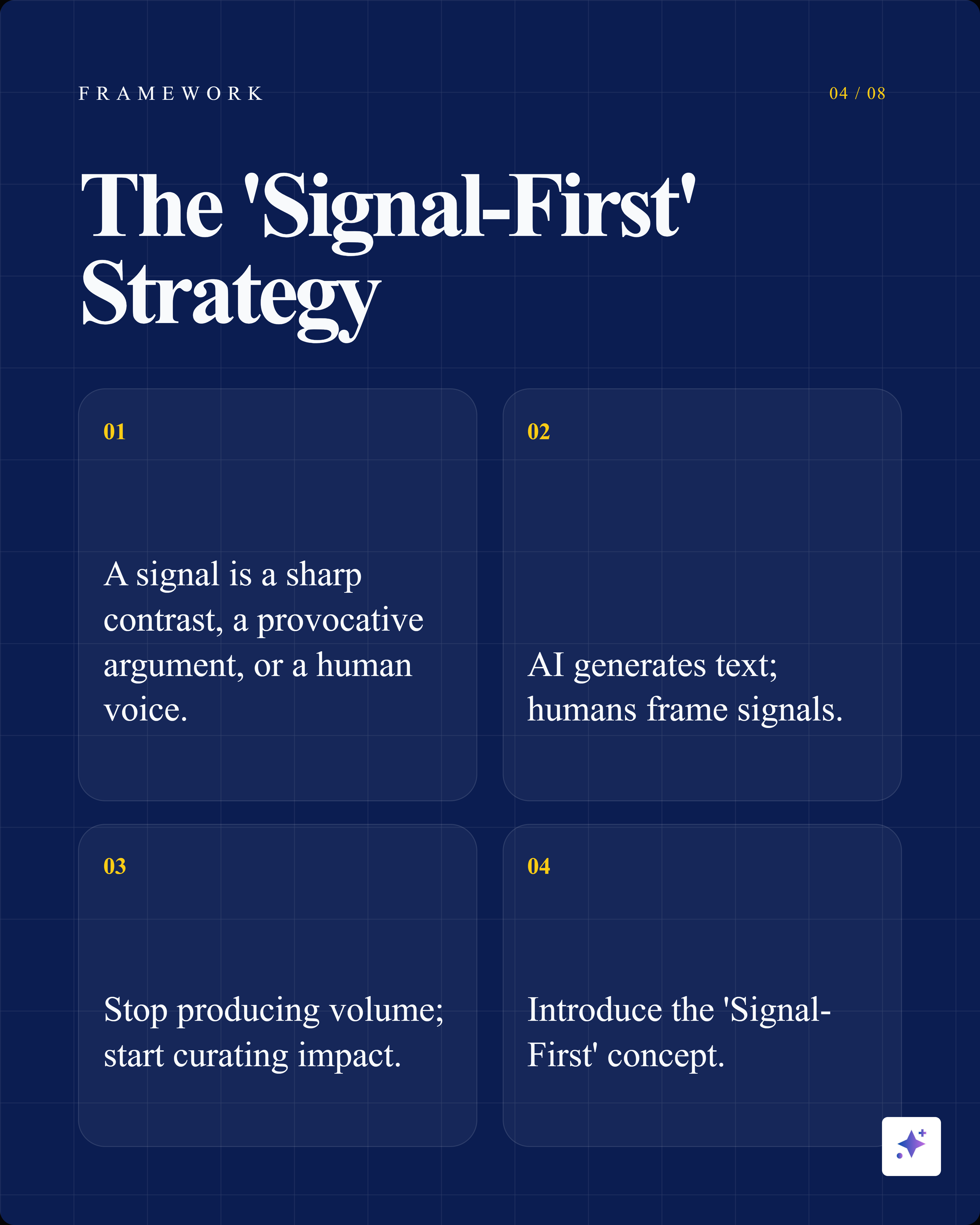
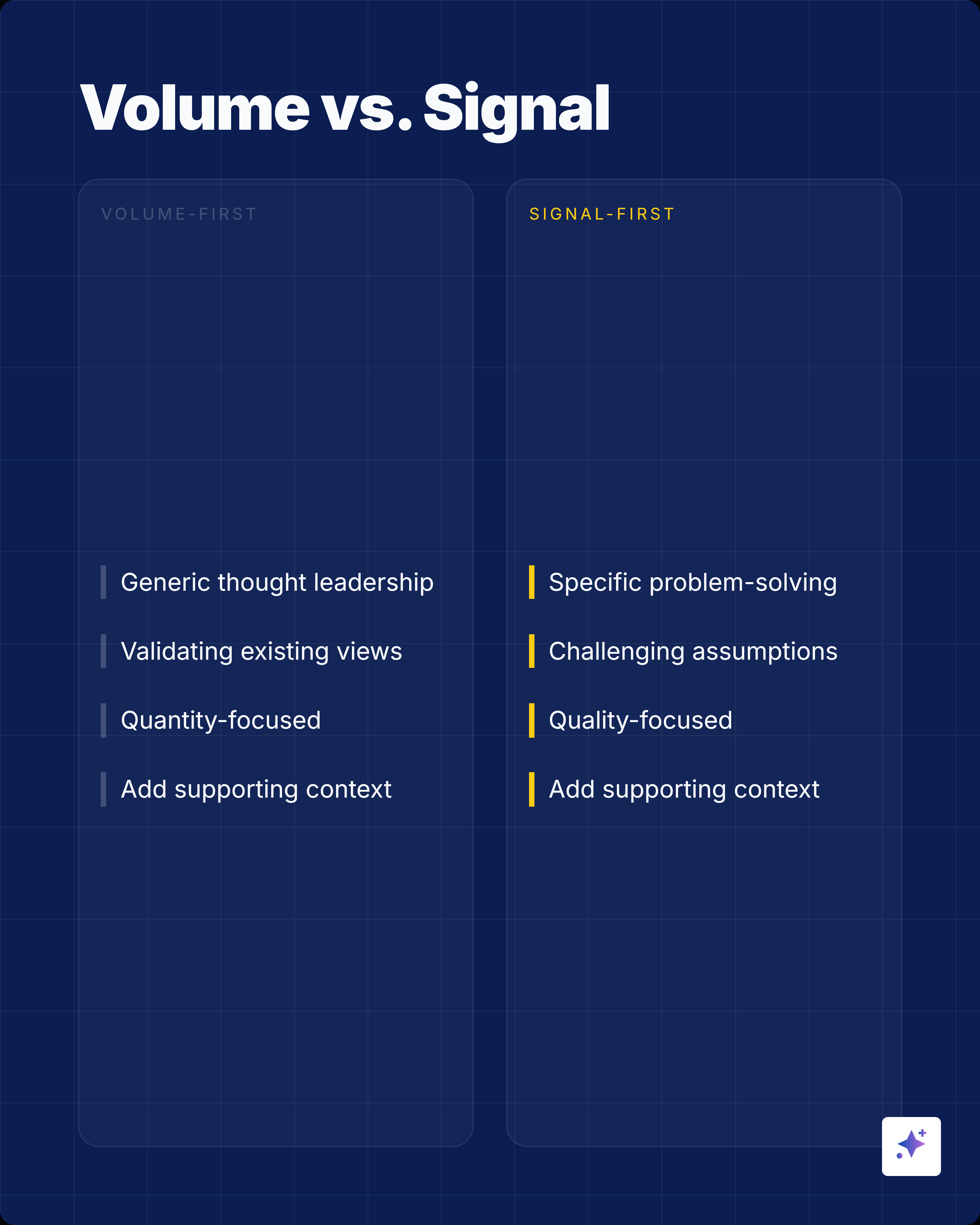
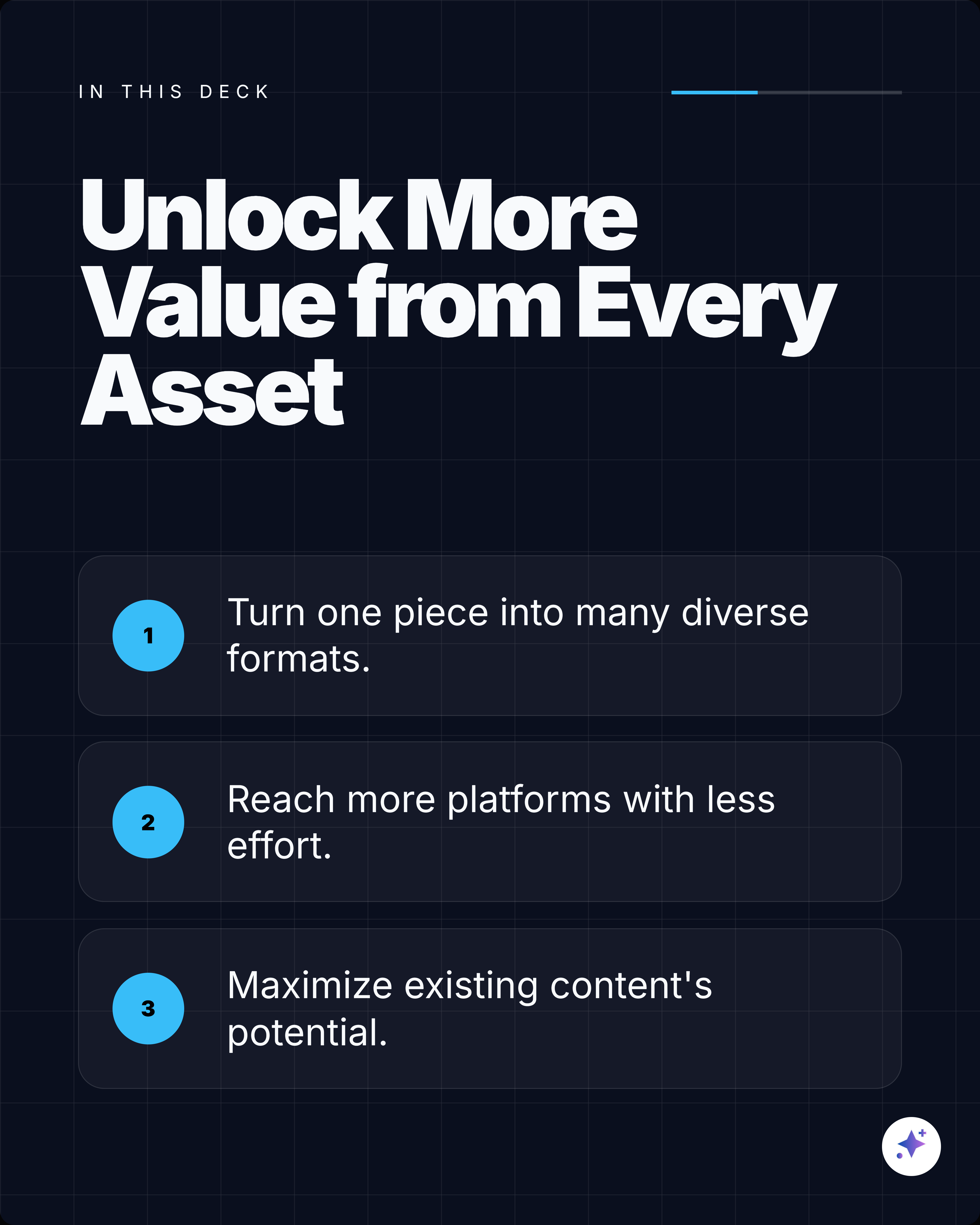
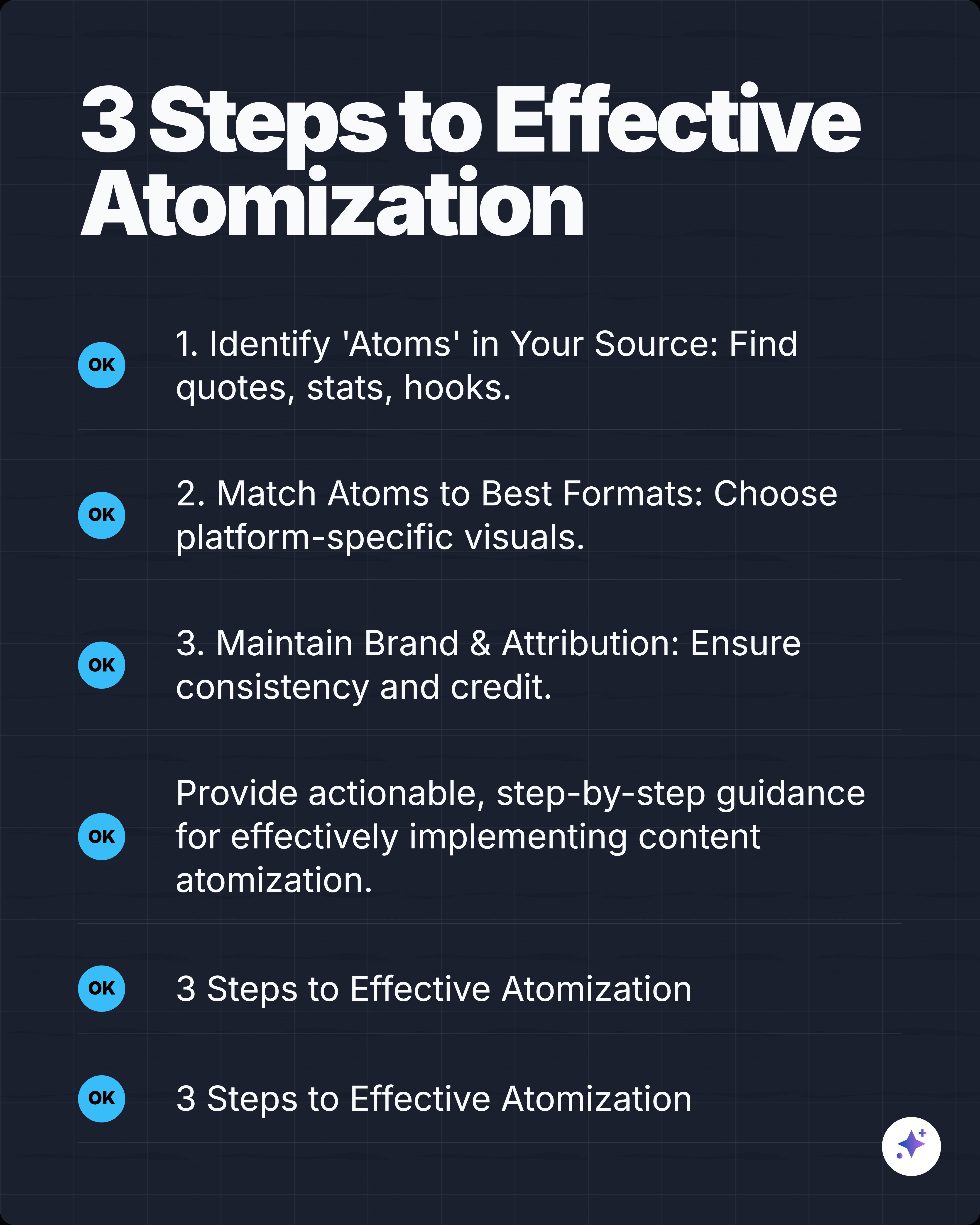
Review hooks, steps, insights, stats, comparisons, and quotes, then choose one focused sequence that works as a swipe narrative.
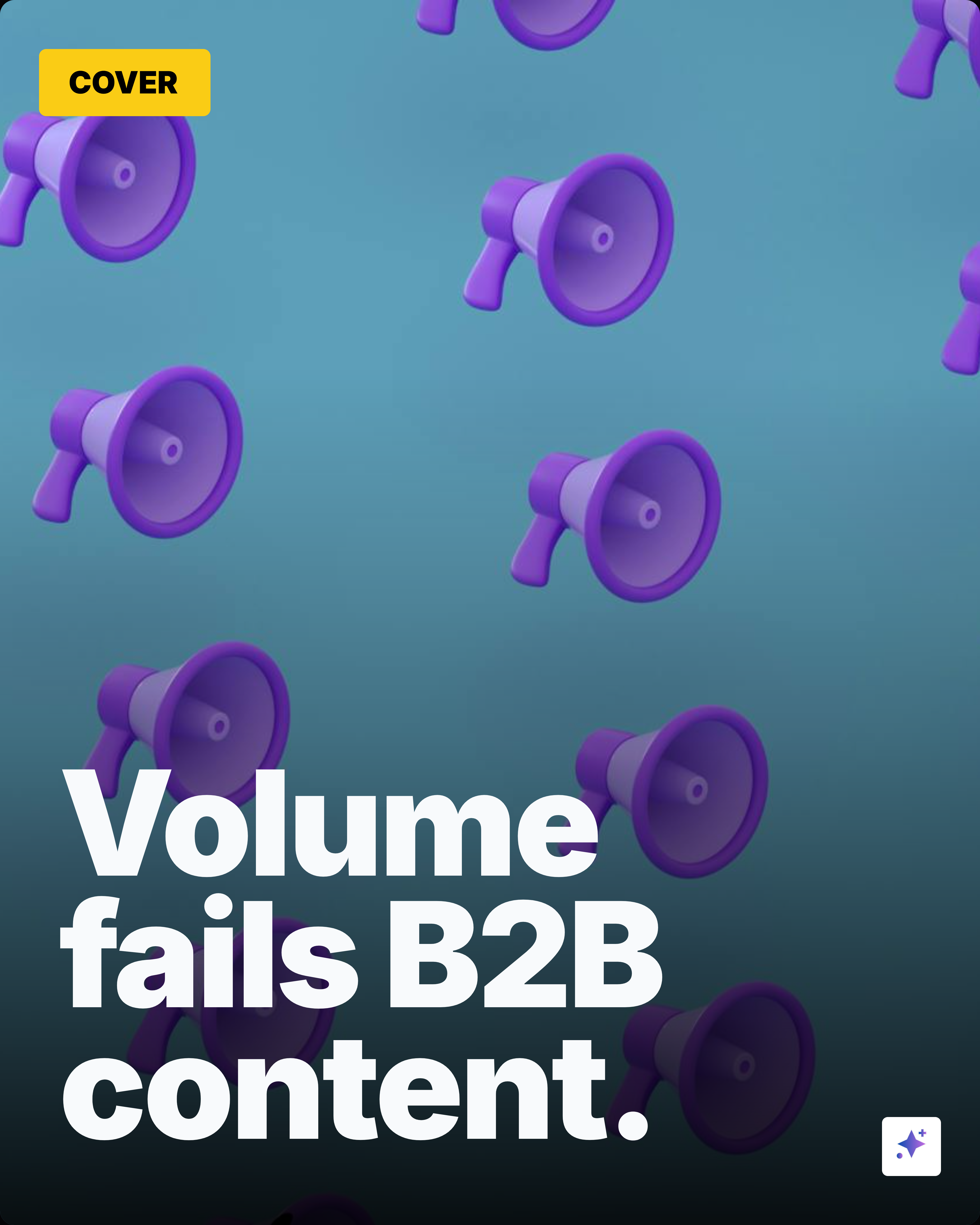
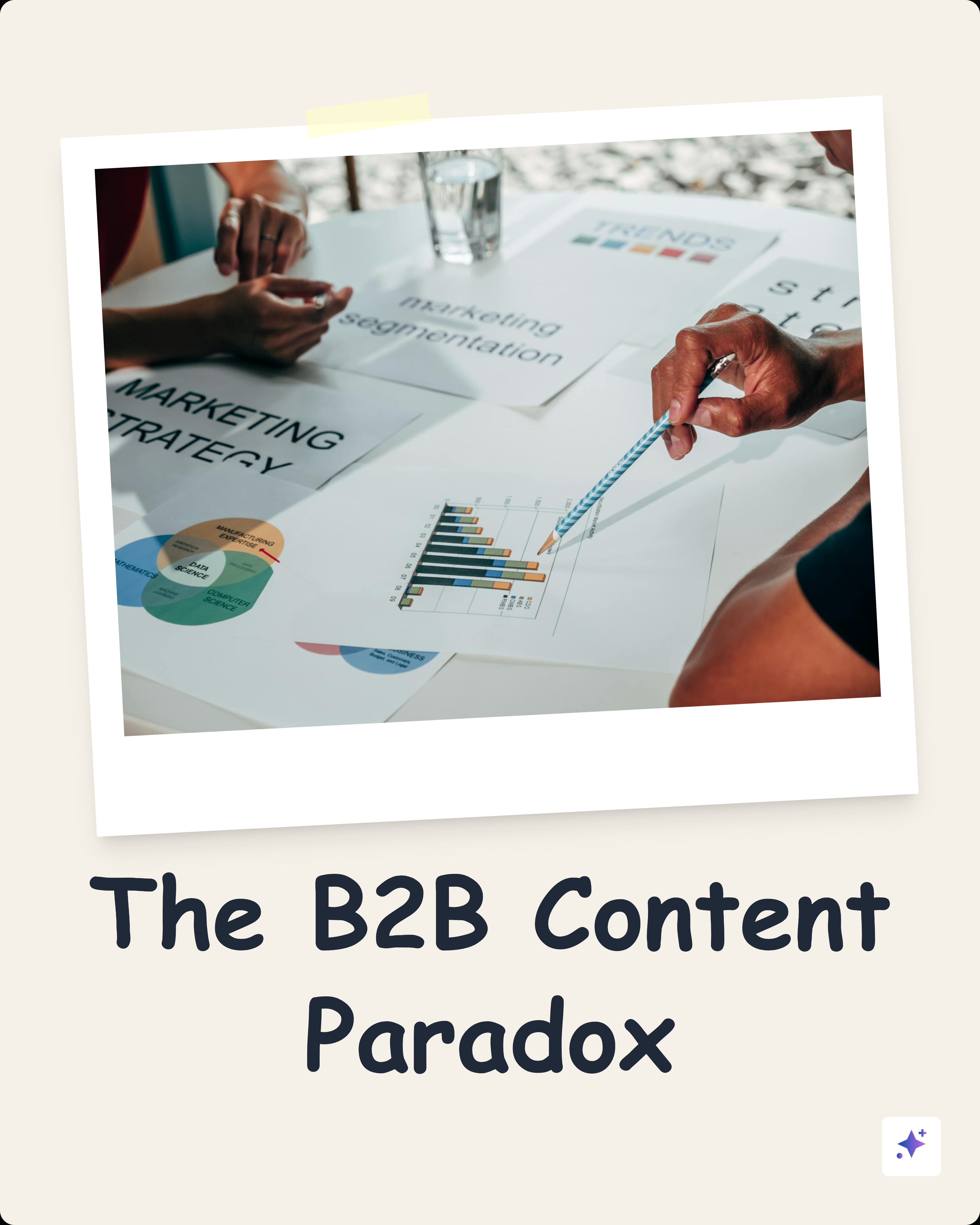
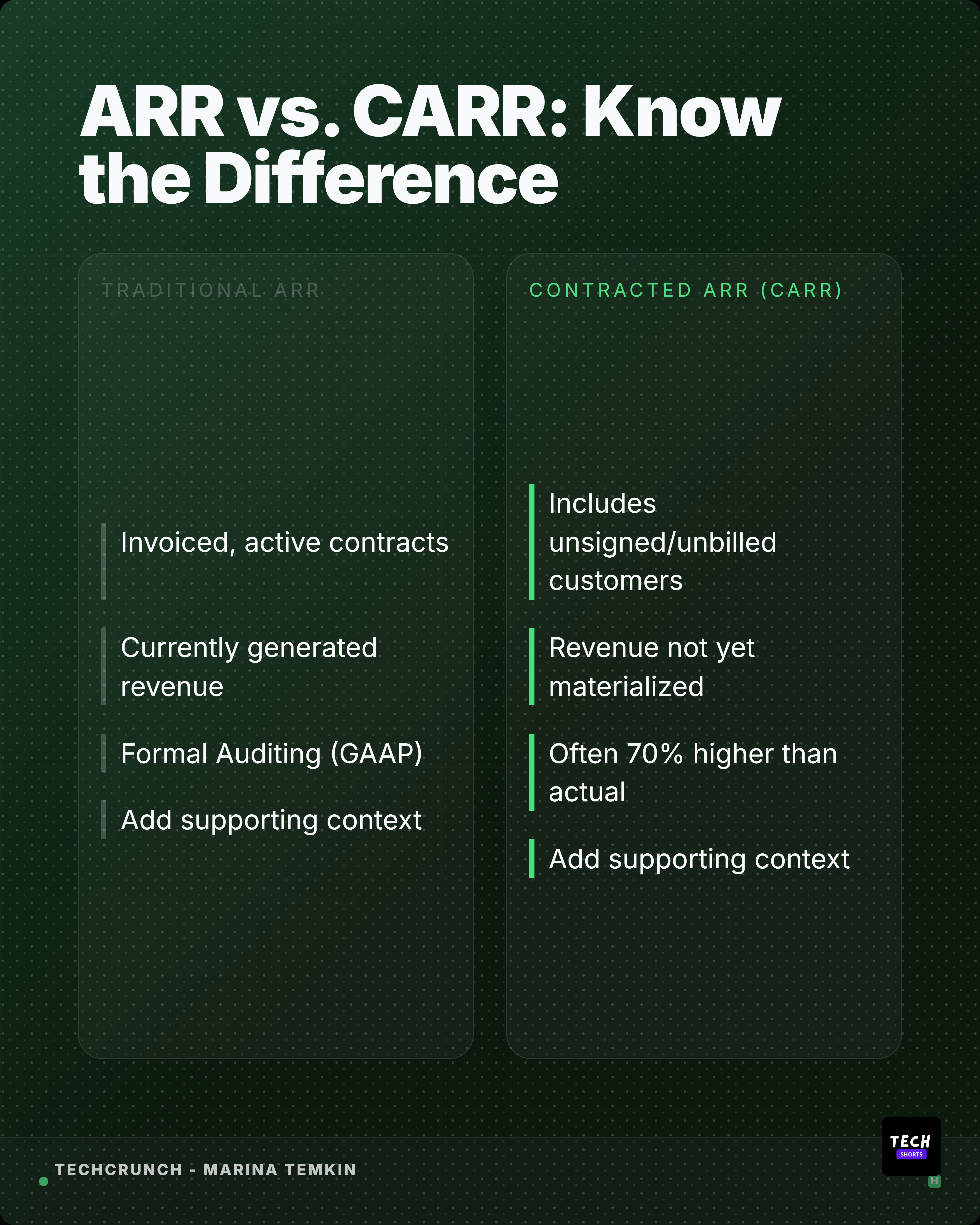
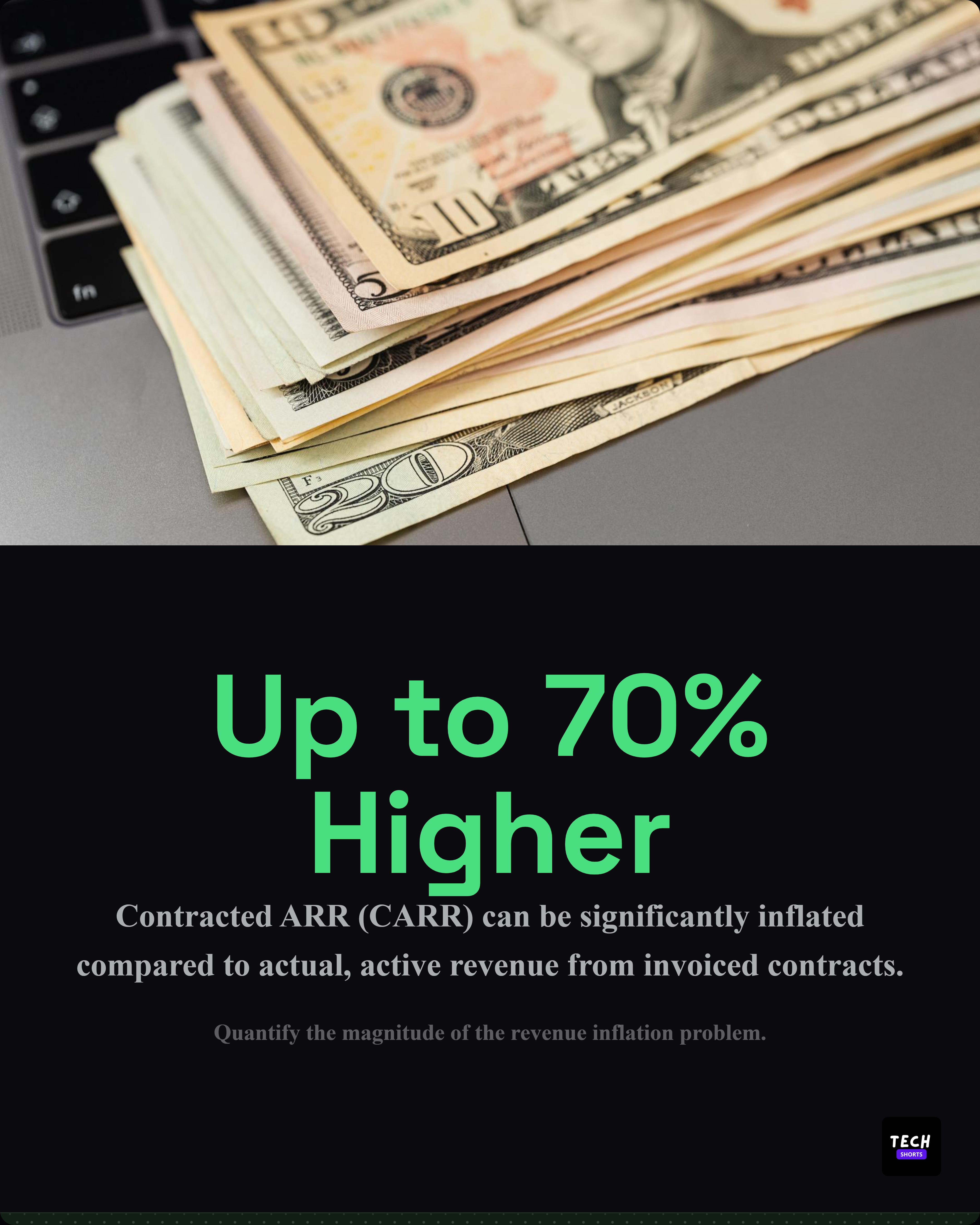
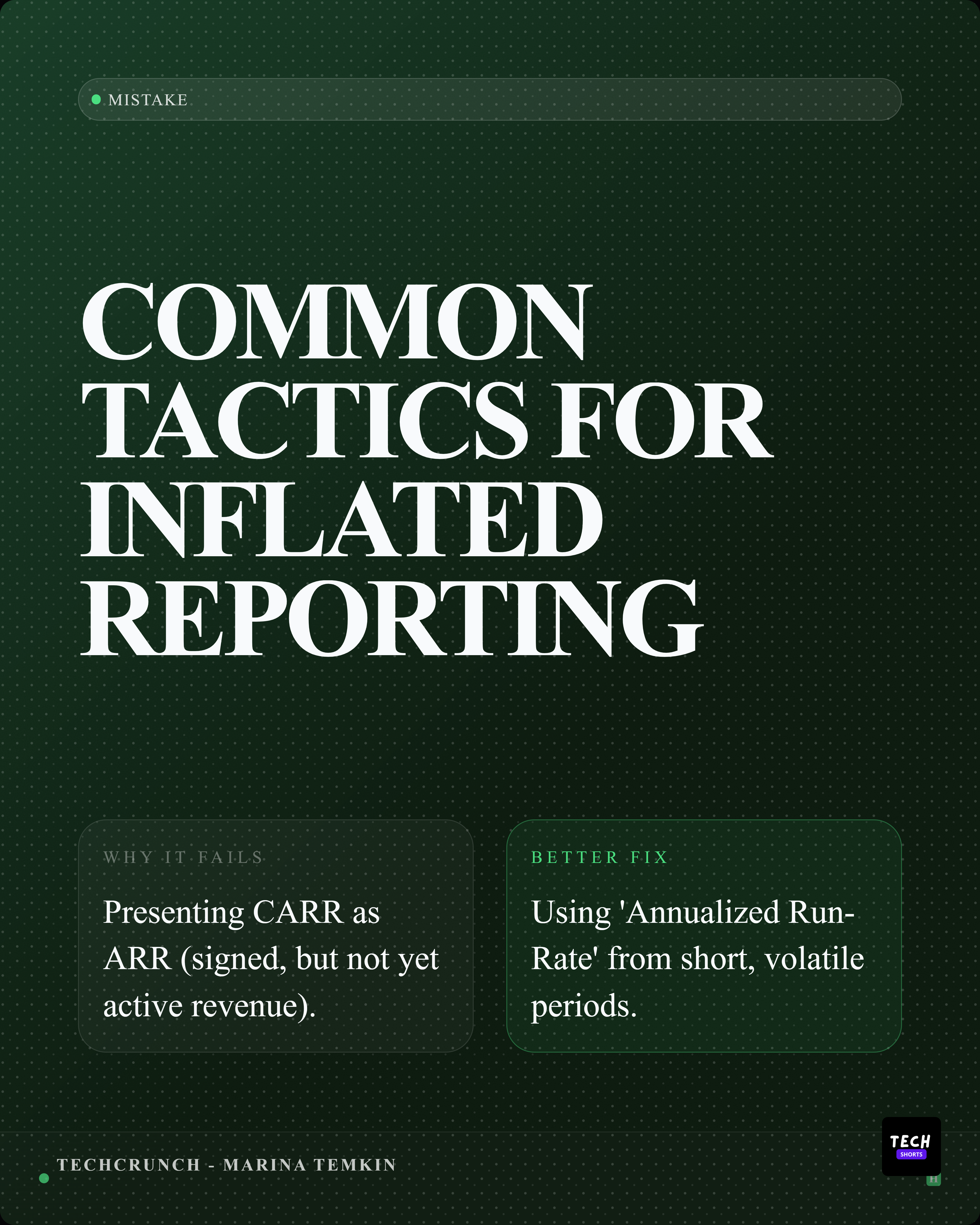
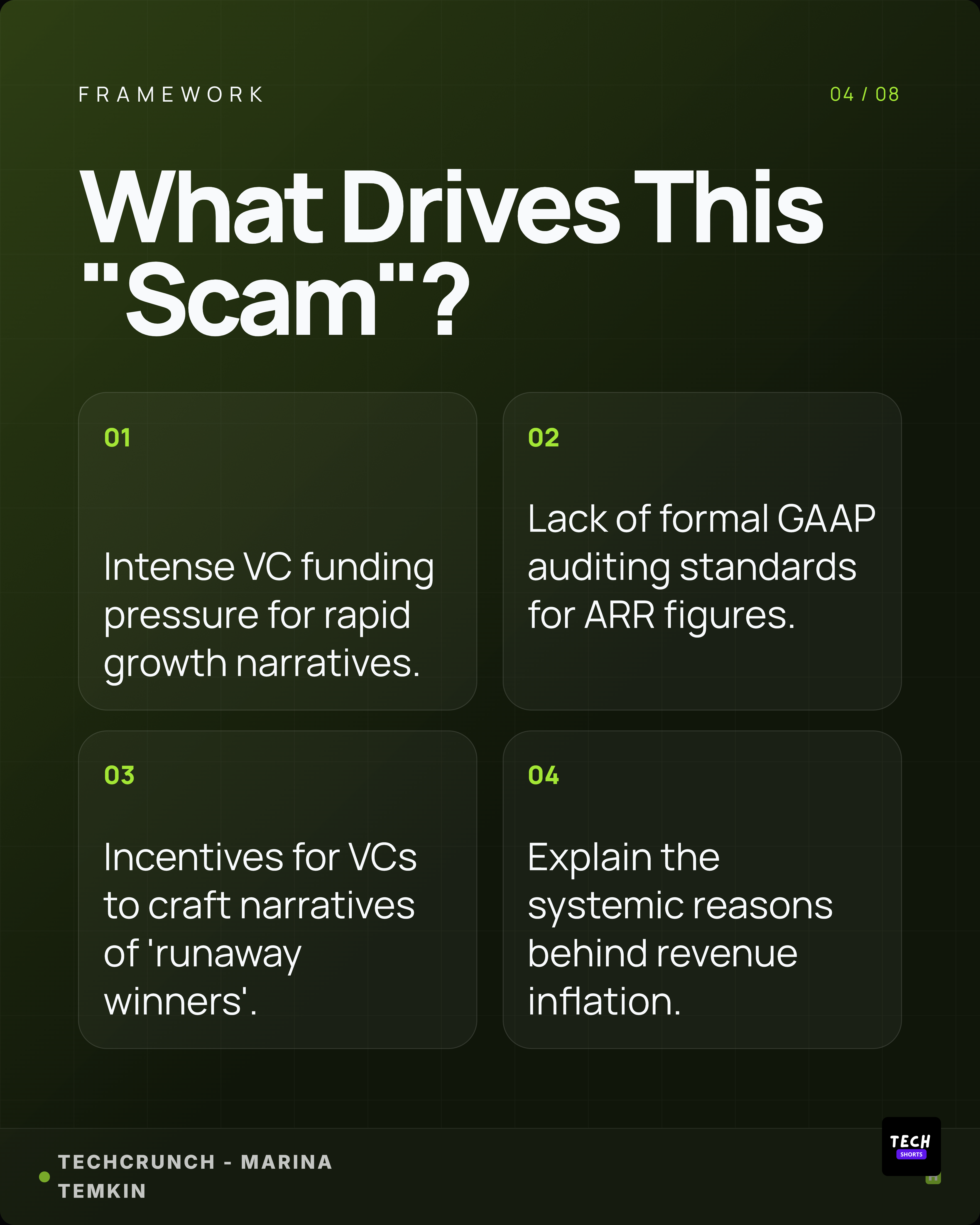
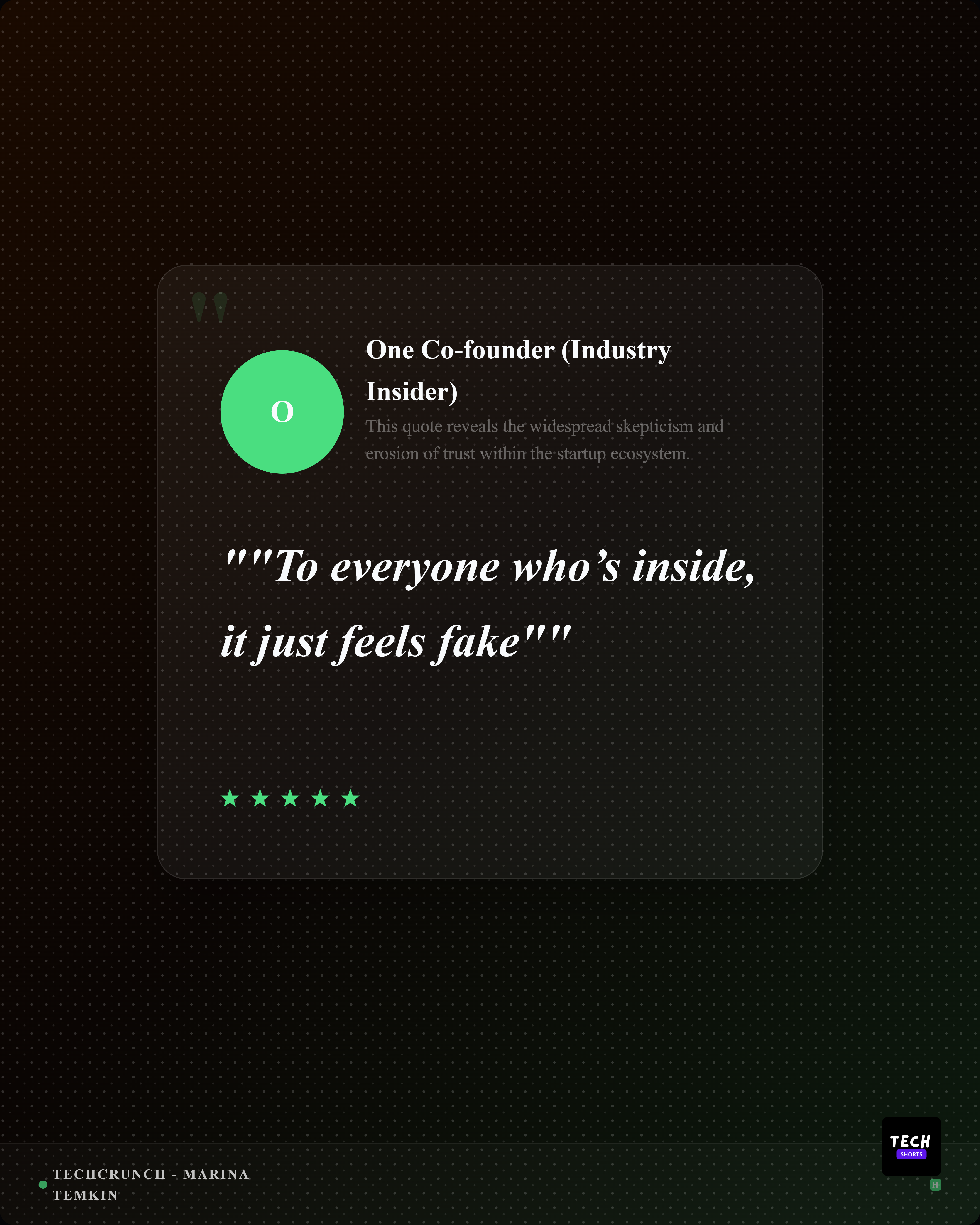
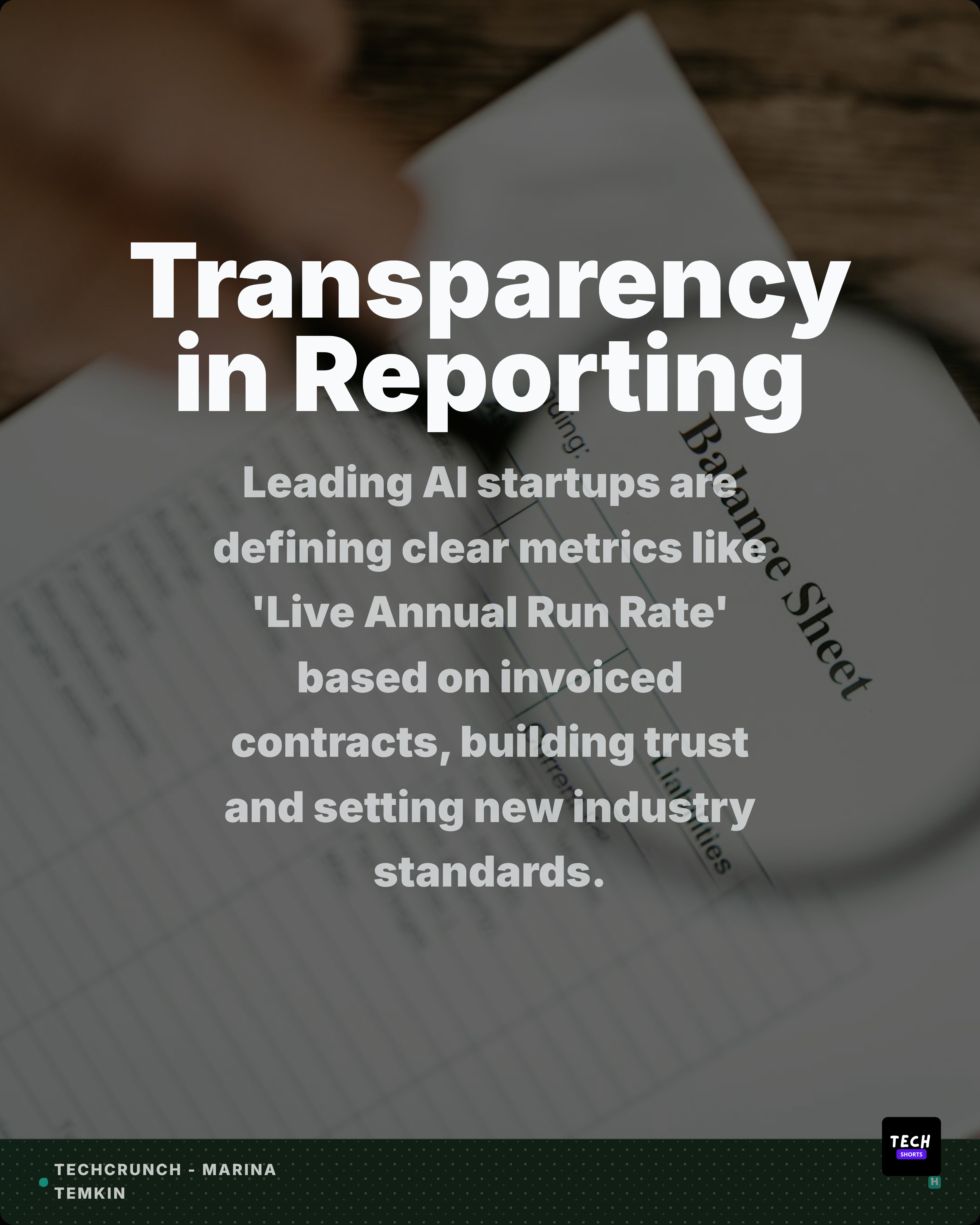
Use the AI carousel builder to create cover, numbered-list, insight, quote, stat, and closing slides with theme controls and editable copy.
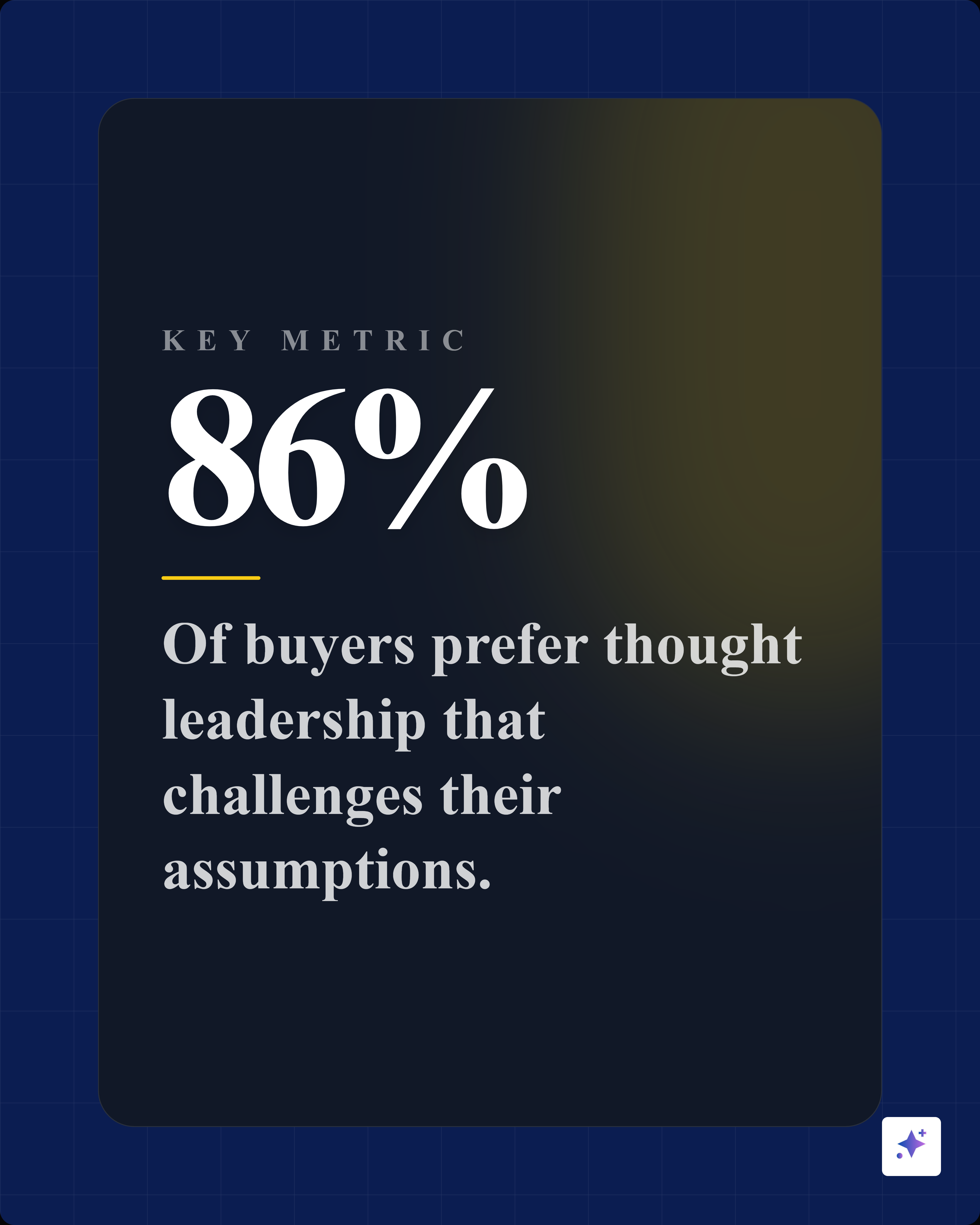
Generate companion captions, standalone quote cards, stat cards, and alternate ratios so each blog in a content batch can become a distribution kit.
What you control
Source-backed extraction, customization, and export polish in one workflow.
Turn one argument into a hook, proof sequence, and closing CTA without flattening the whole post.
Choose tone, deck type, slide count, image density, source strictness, and custom instructions.
Create carousels, quote cards, stat cards, and captions from a run of blog posts or campaign source material.
Outputs
A post becomes a concise swipe narrative.
Standalone takeaways support the main carousel.
LinkedIn, X, Instagram, and Reddit drafts support distribution.
Included surfaces
The product promise stays anti-slop: start from real source material, expose what was extracted, edit the creative direction, then export.
Usually no. The strongest carousels focus on one clear argument or useful sequence.
Yes. You can review and adjust copy and styling before export.
Yes. You can set tone, deck type, slide count, image density, source strictness, CTA style, and custom instructions.
Yes. The workflow is designed for recurring blog repurposing and content batches, not just one-off posts.
Try the workflow
Review the extracted material, choose the output, apply your brand kit, and export with source context still available.