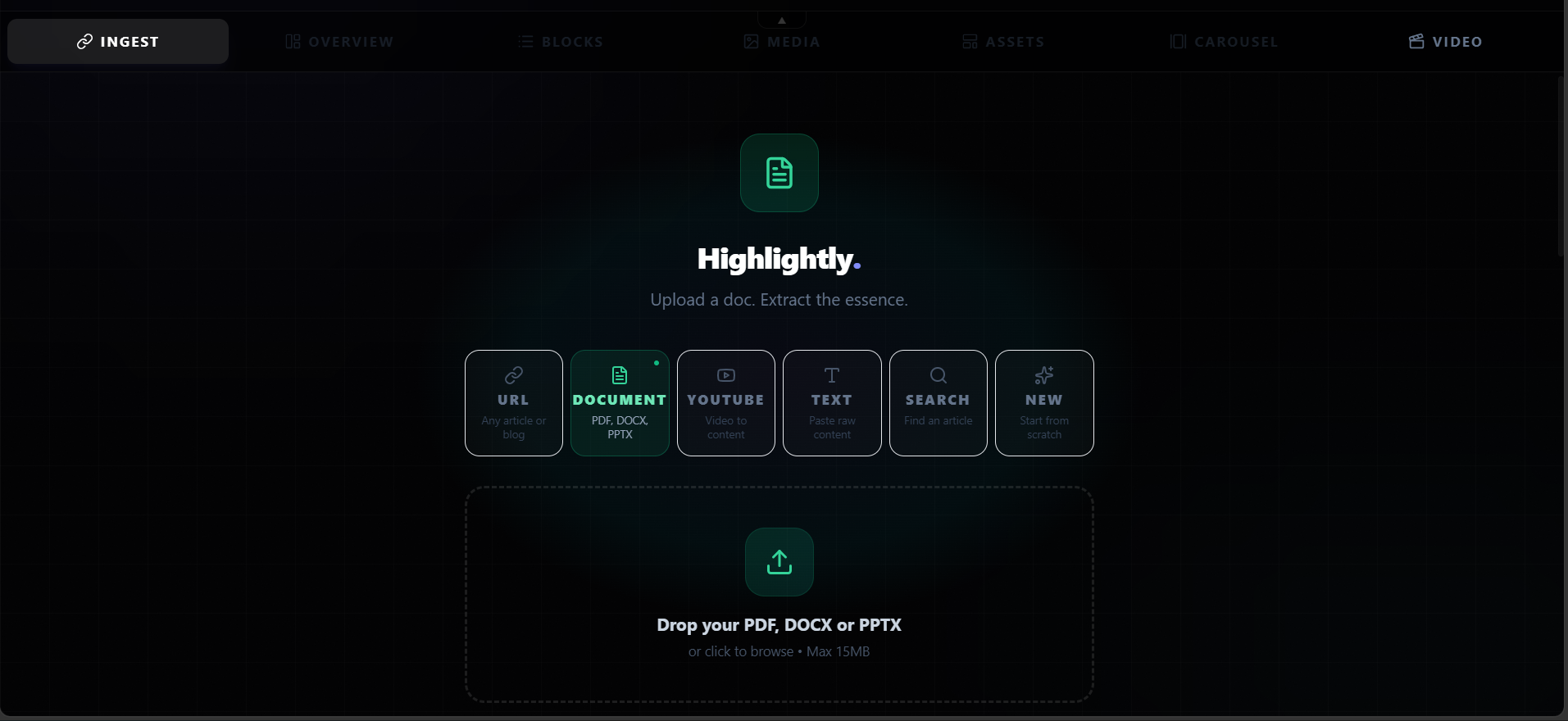
Dense source extraction
Pull findings, statistics, facts, comparisons, entities, quotes, and page context into one workspace.
Convert dense source material into visual summaries, findings, comparisons, and quote cards that are easier to review and share.
Make complex material easier to brief without hiding the source.
Built for researchers, analysts, educators, and operators, starting from research pdfs, reports, notes, and articles.
Use-case fit
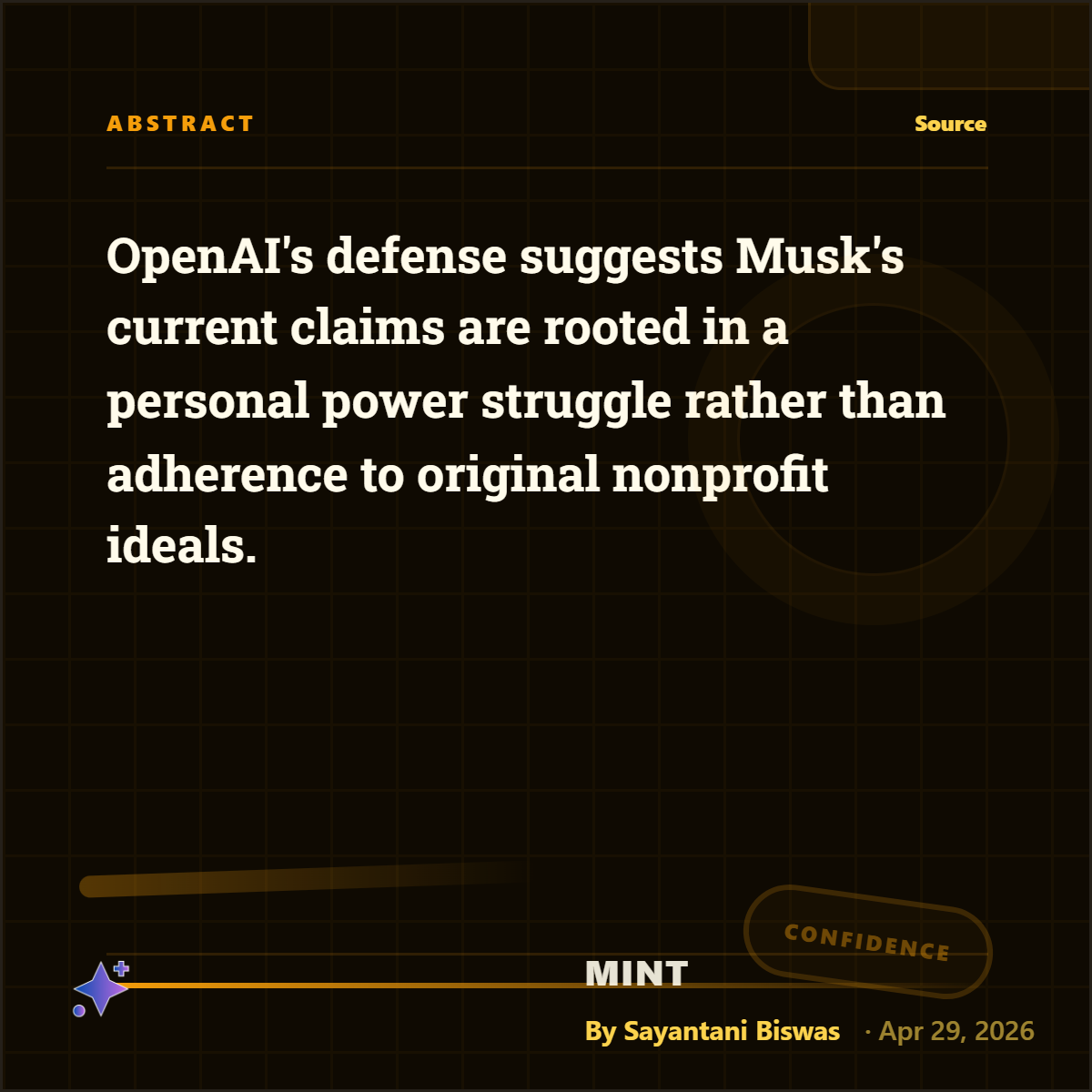
Create visual summaries, finding cards, comparison slides, and briefing graphics from research PDFs and documents.
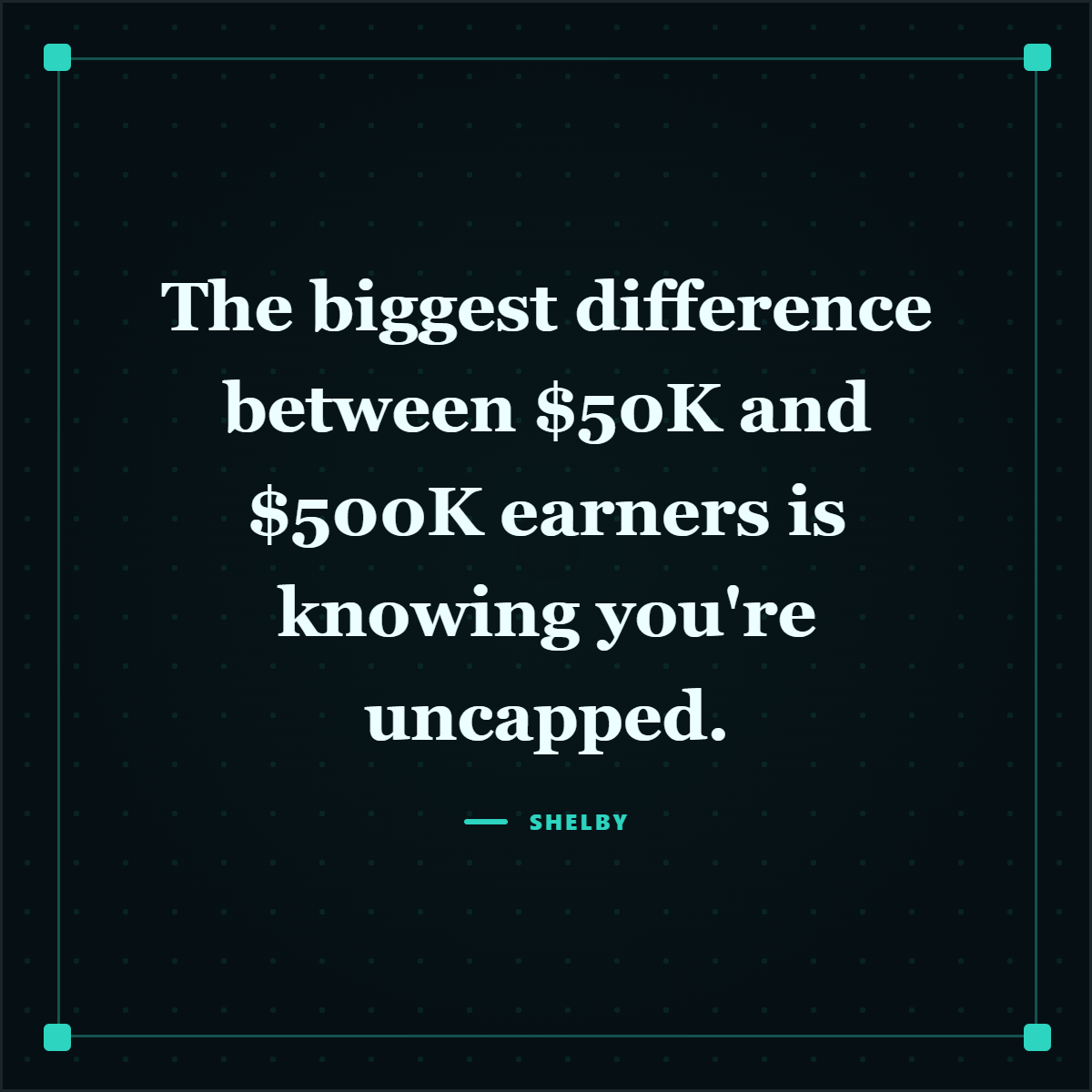
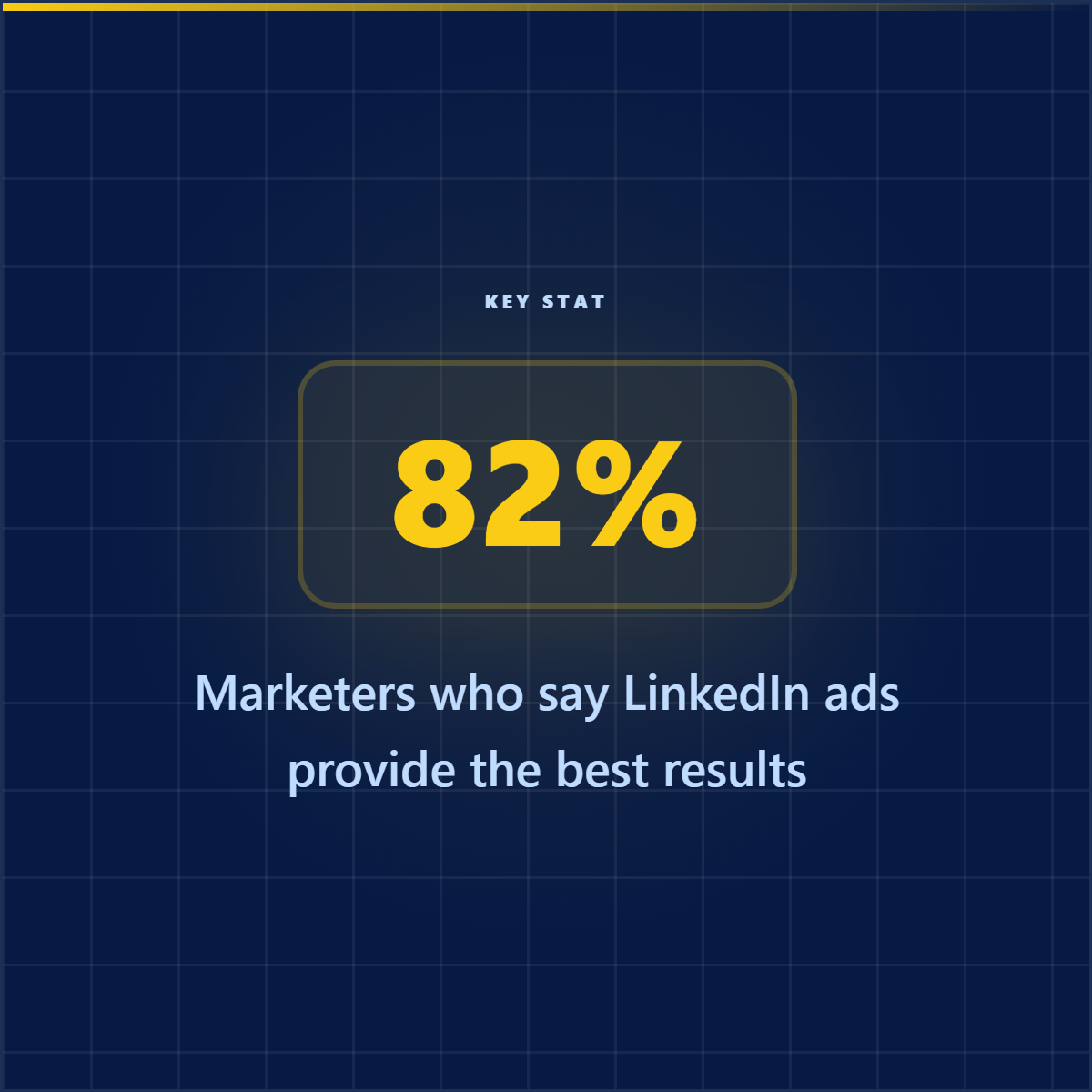
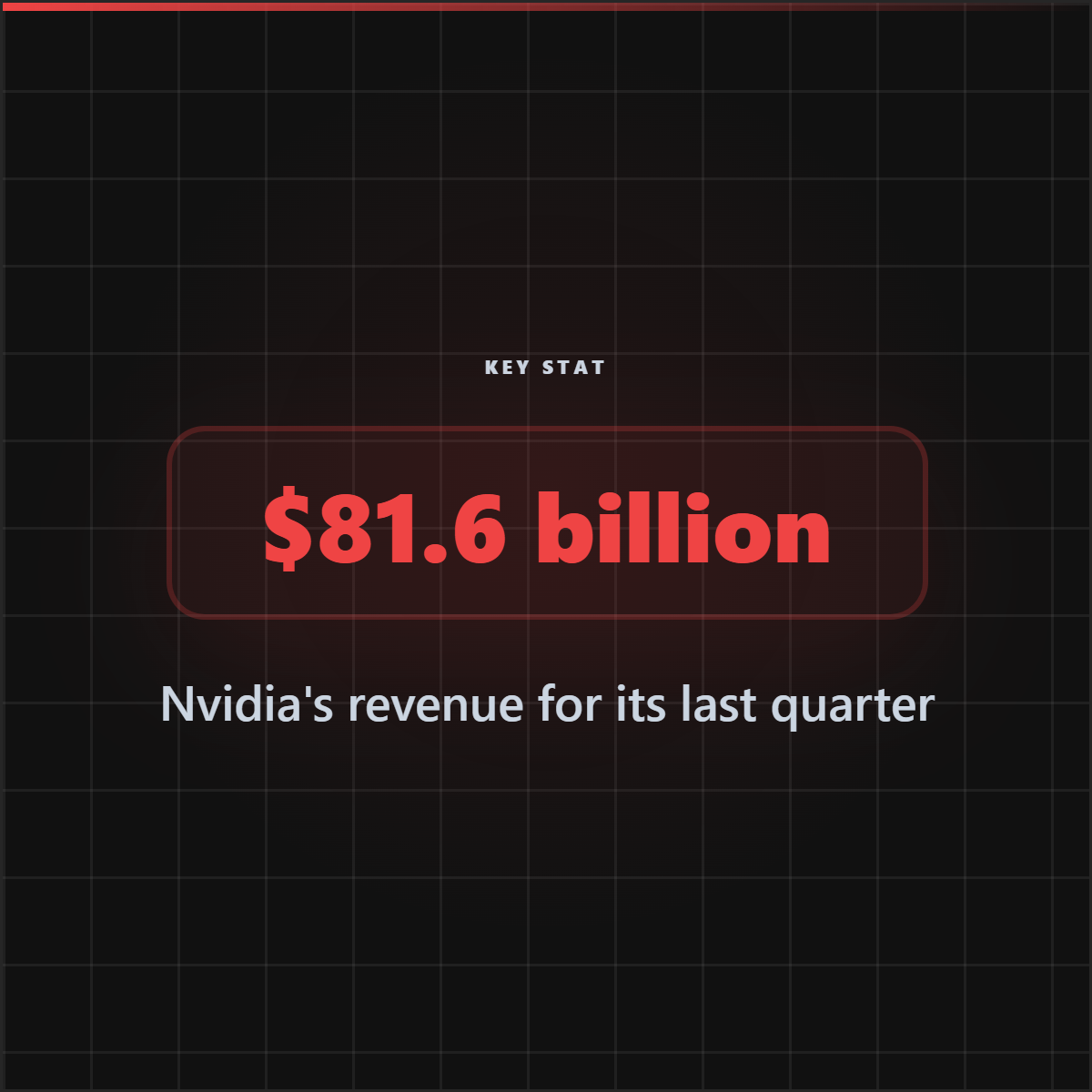
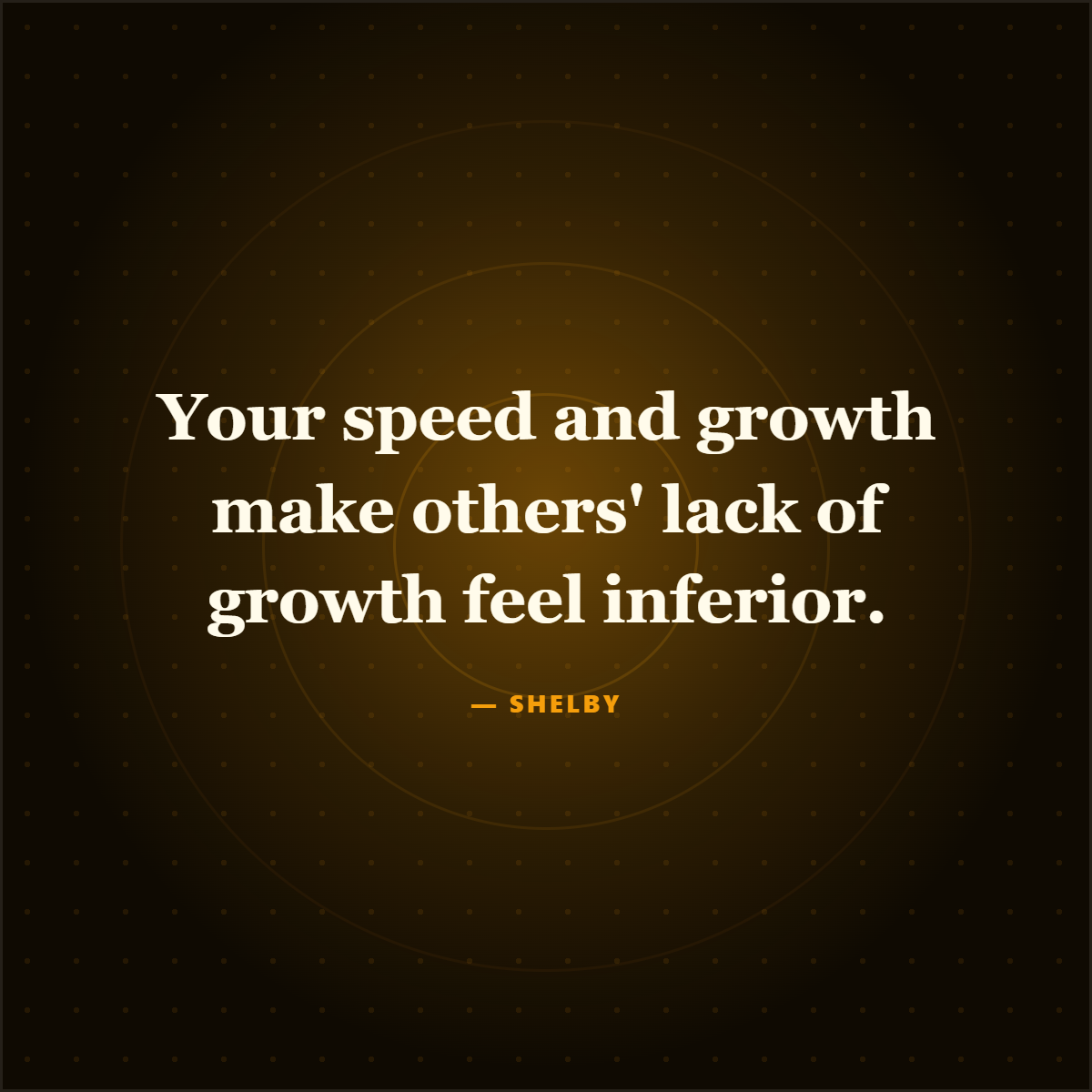
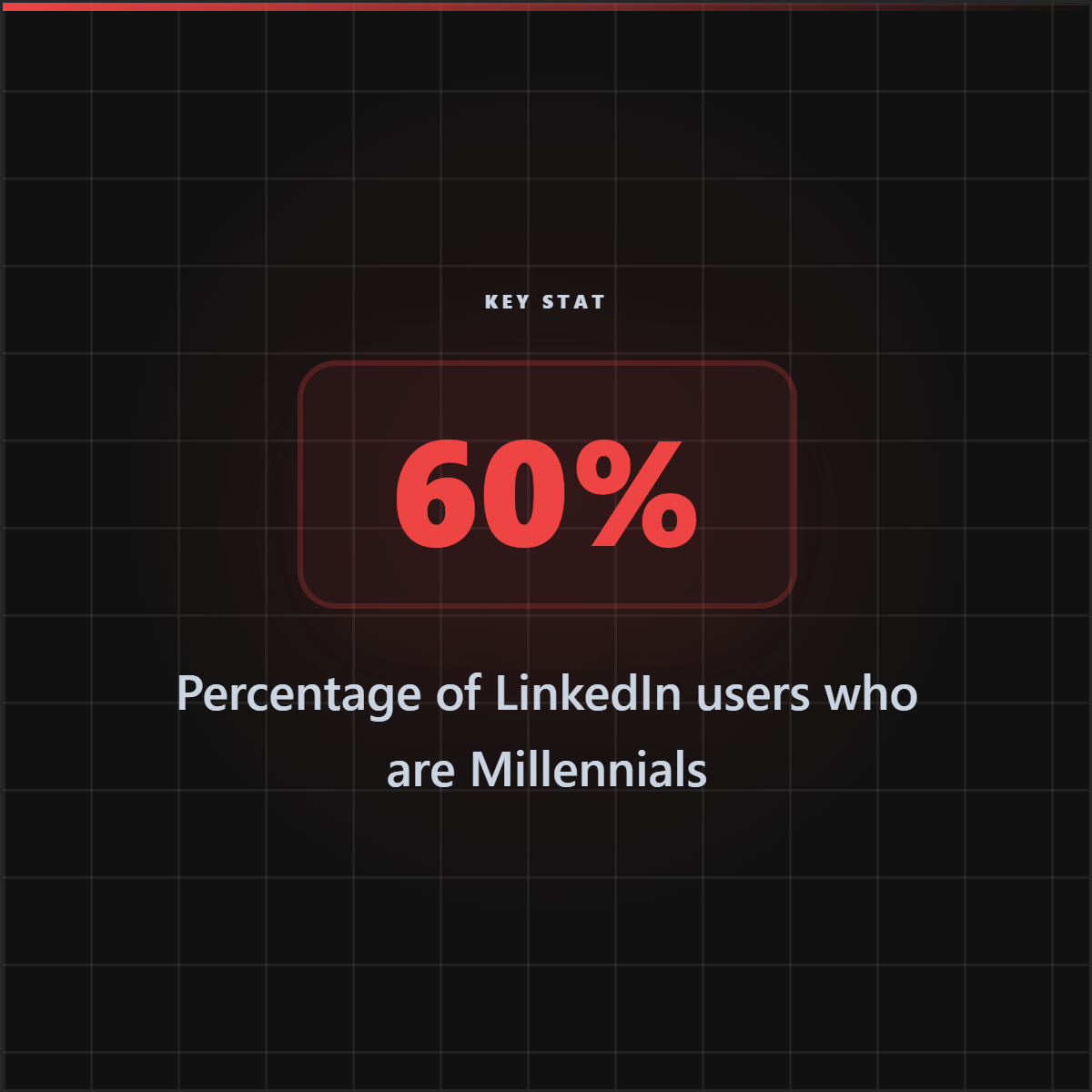
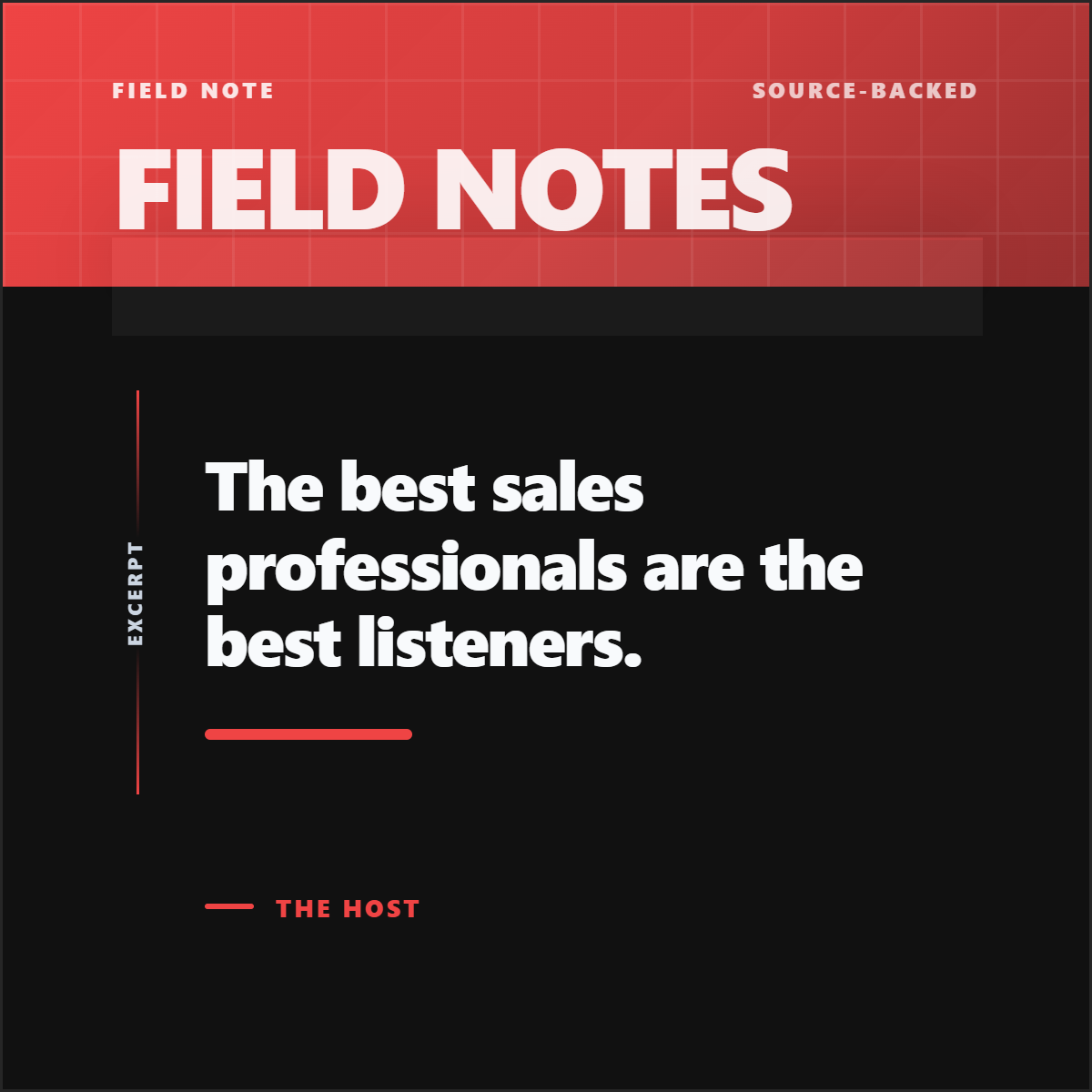
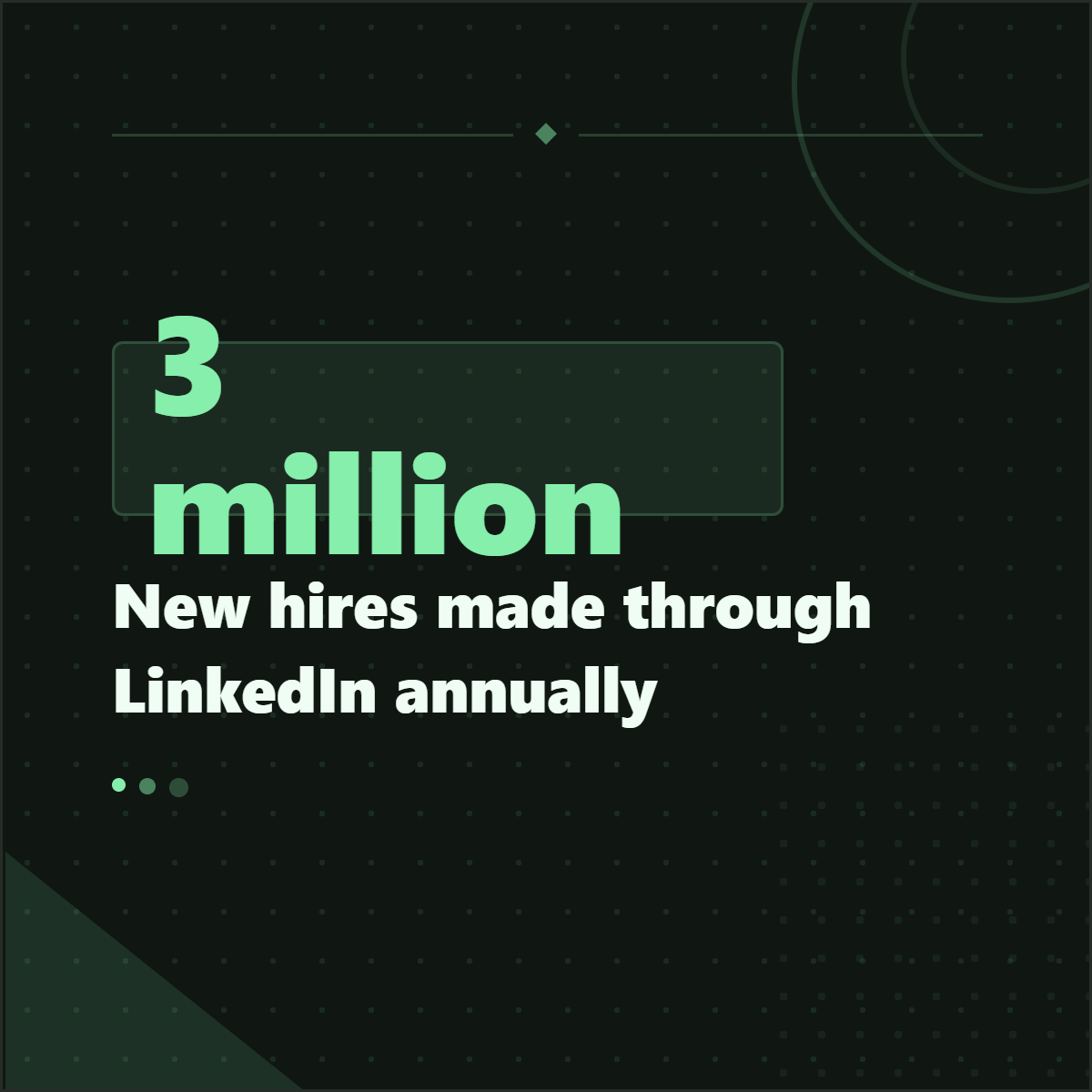
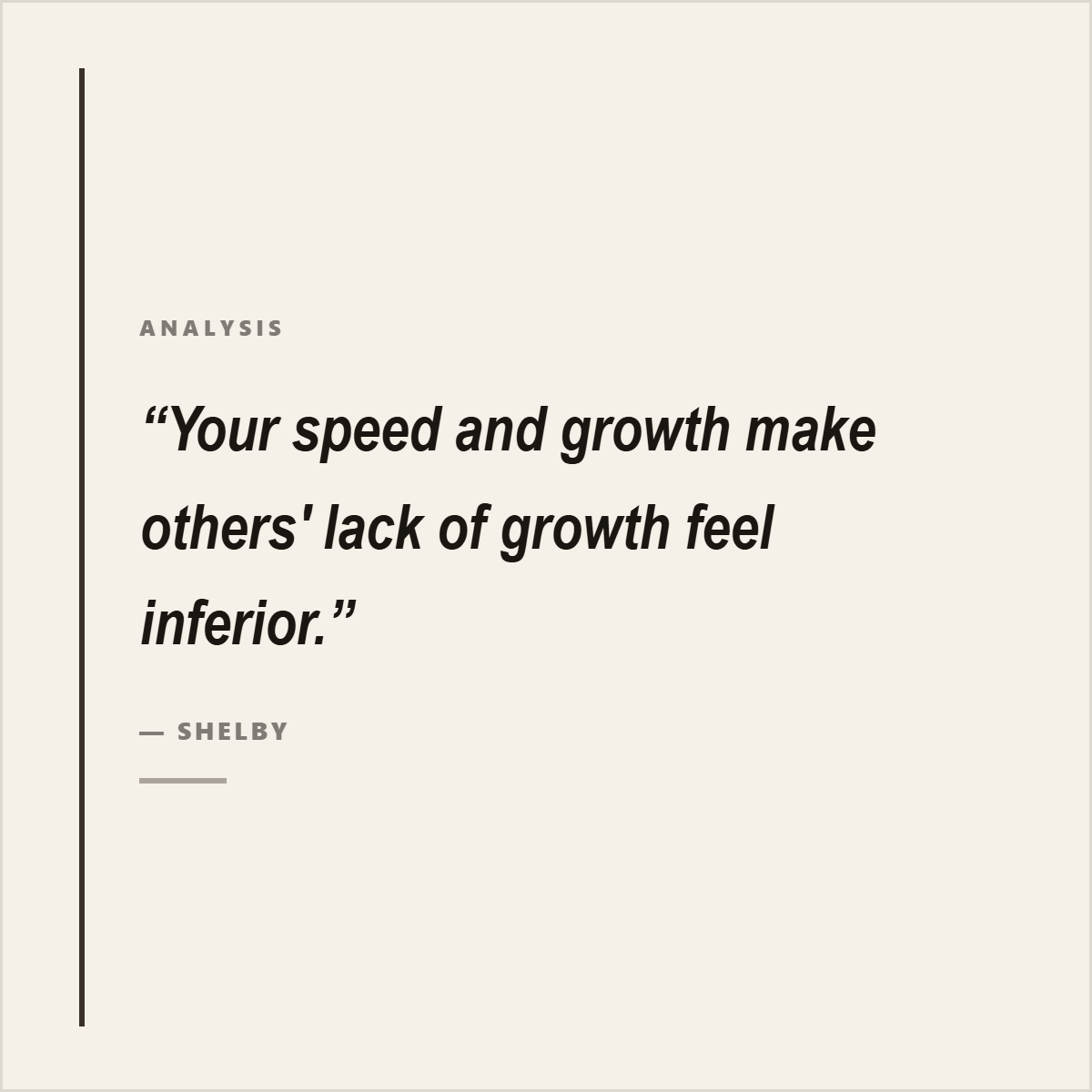
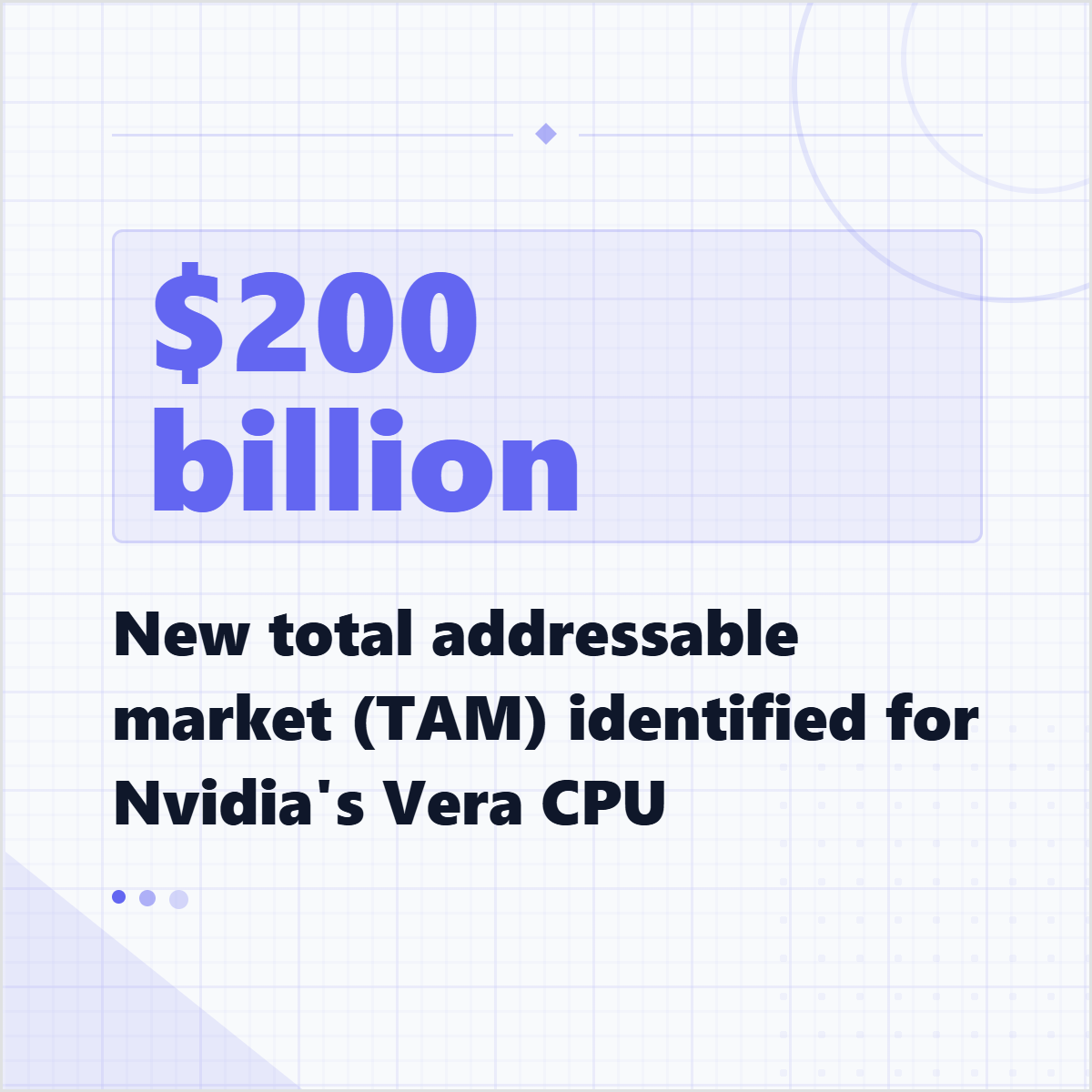
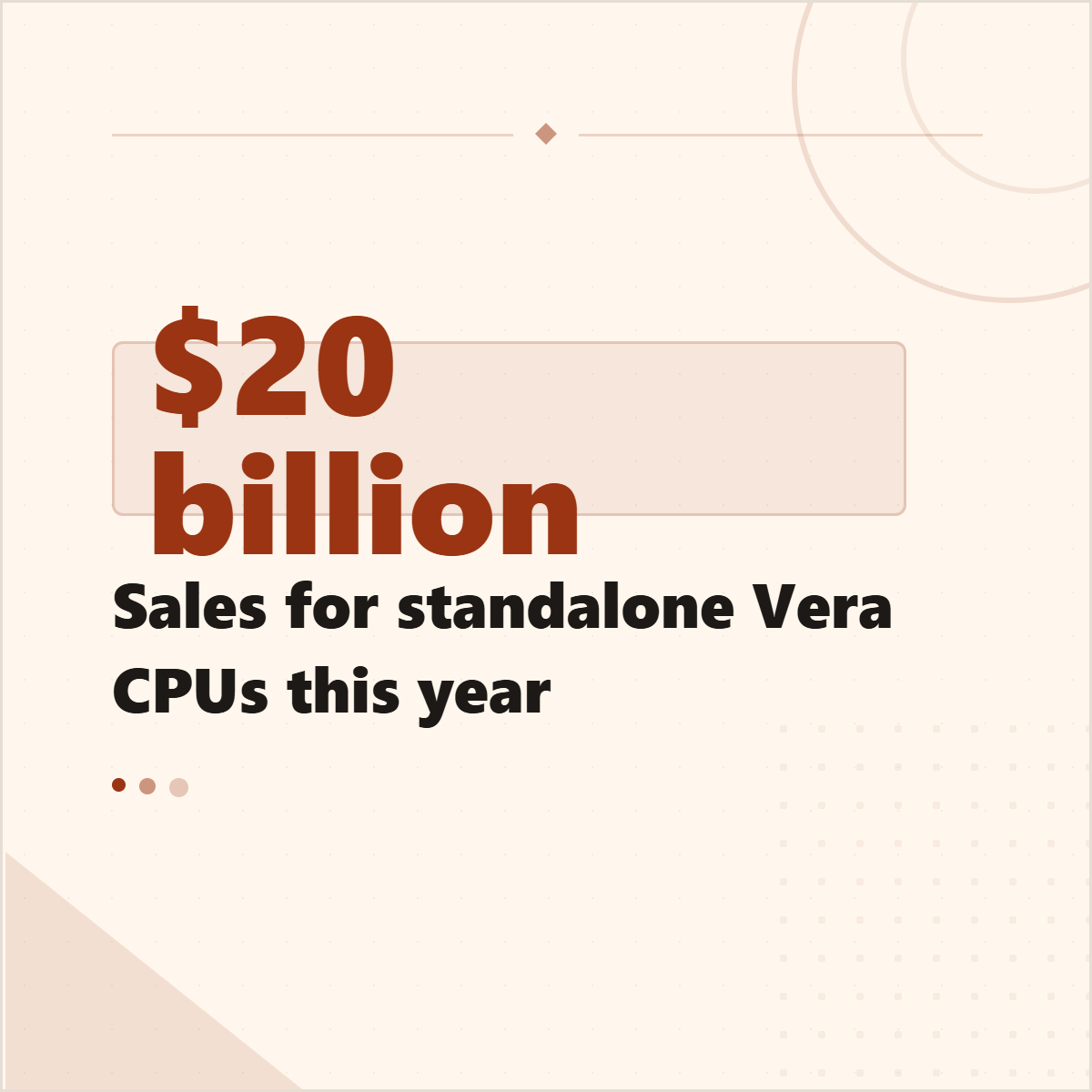
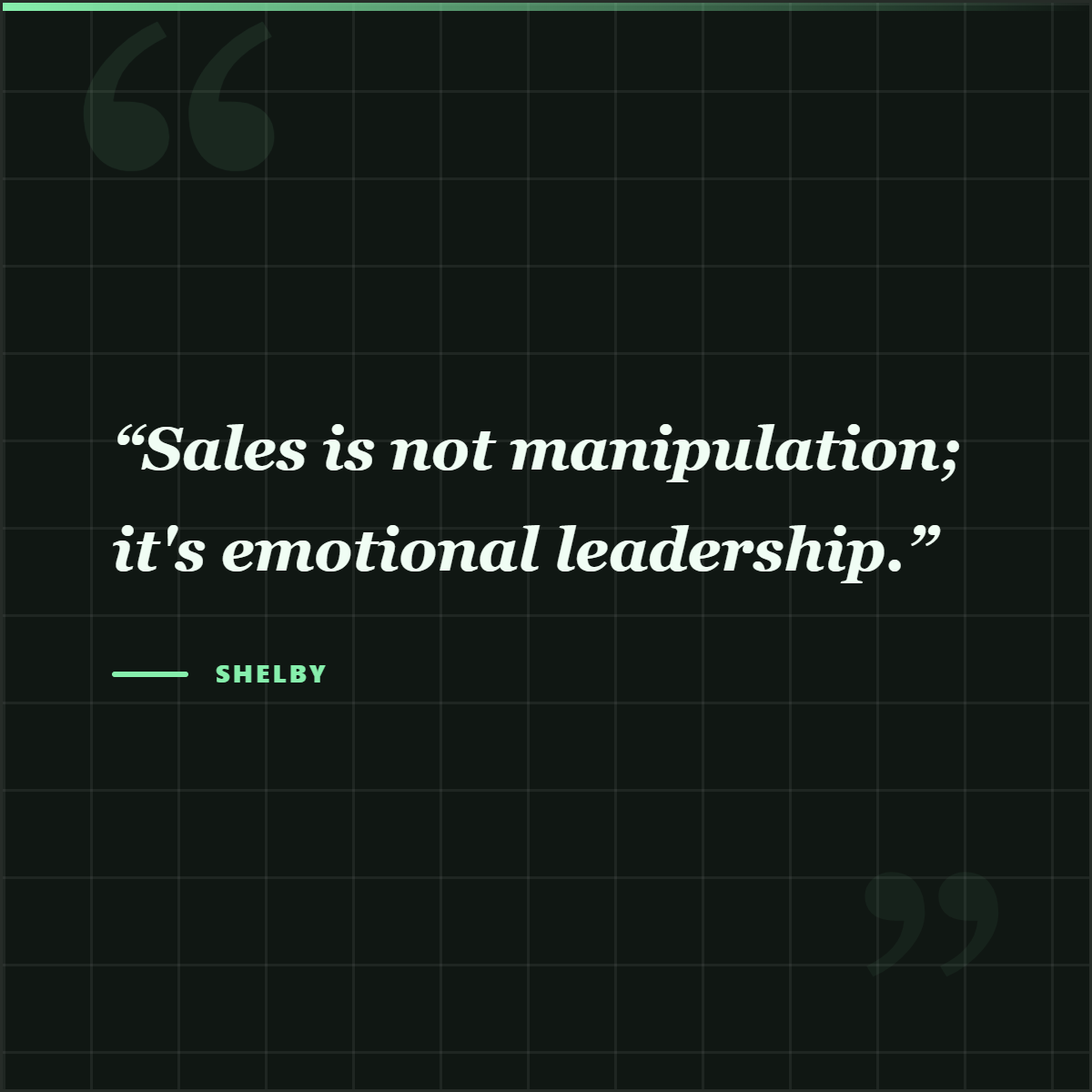
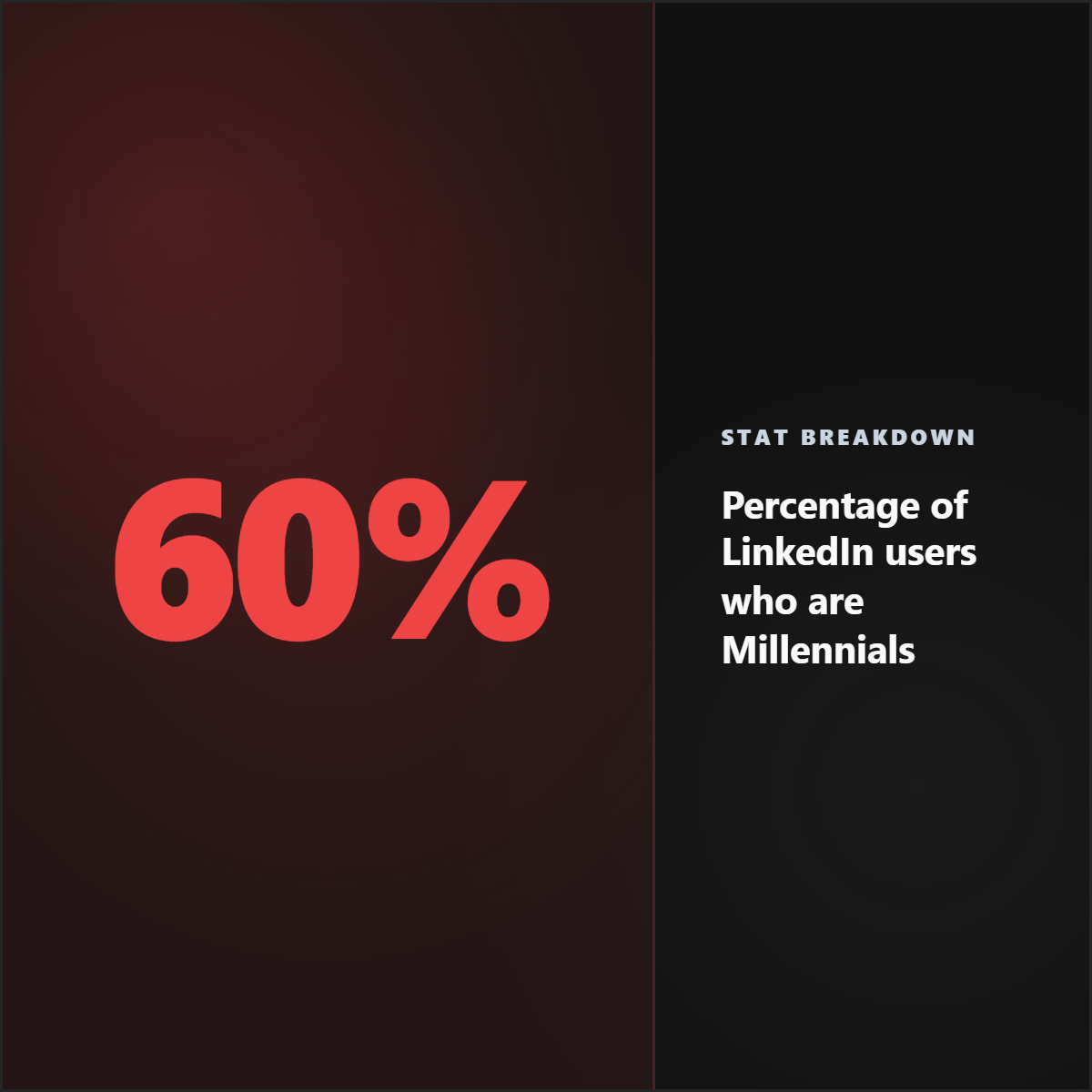
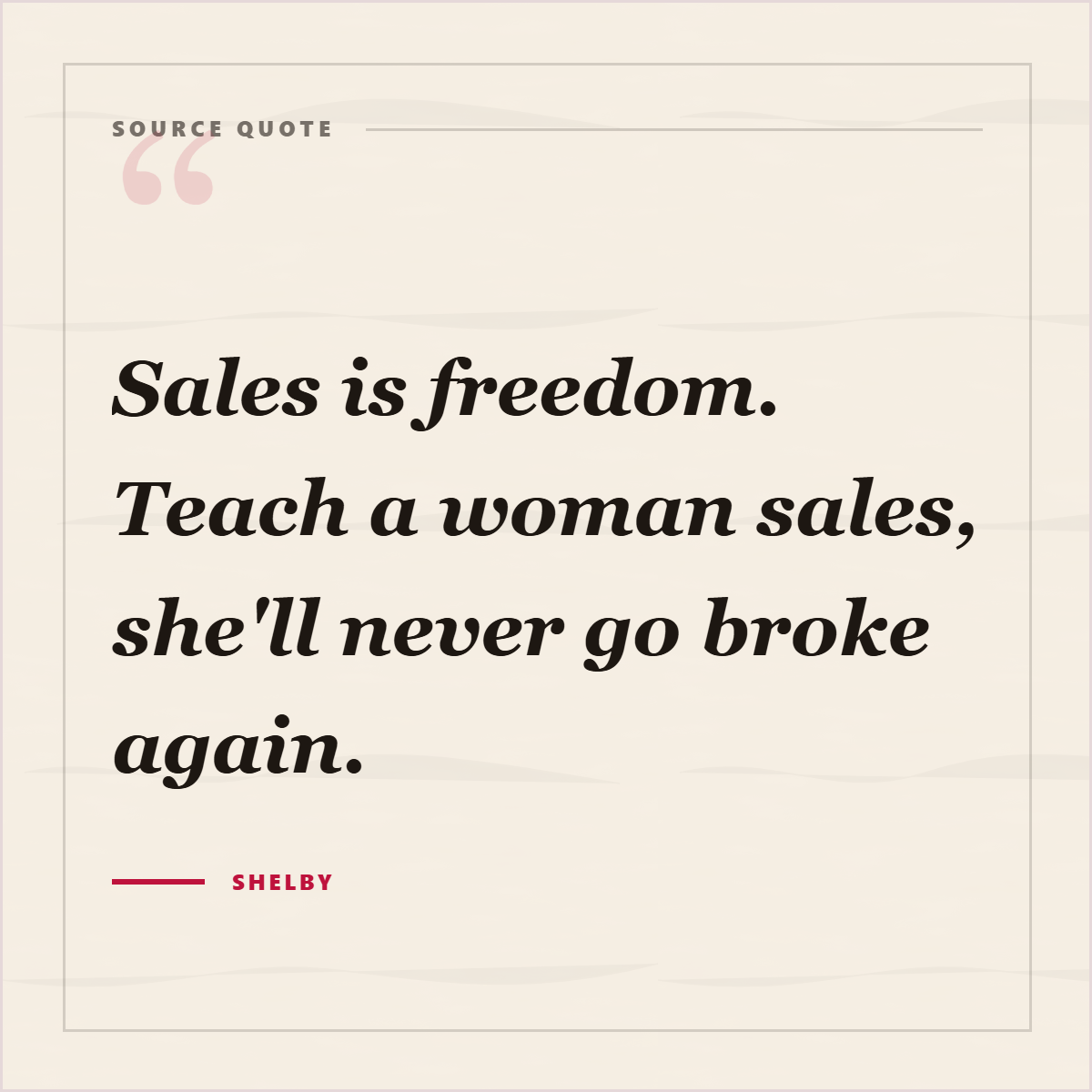
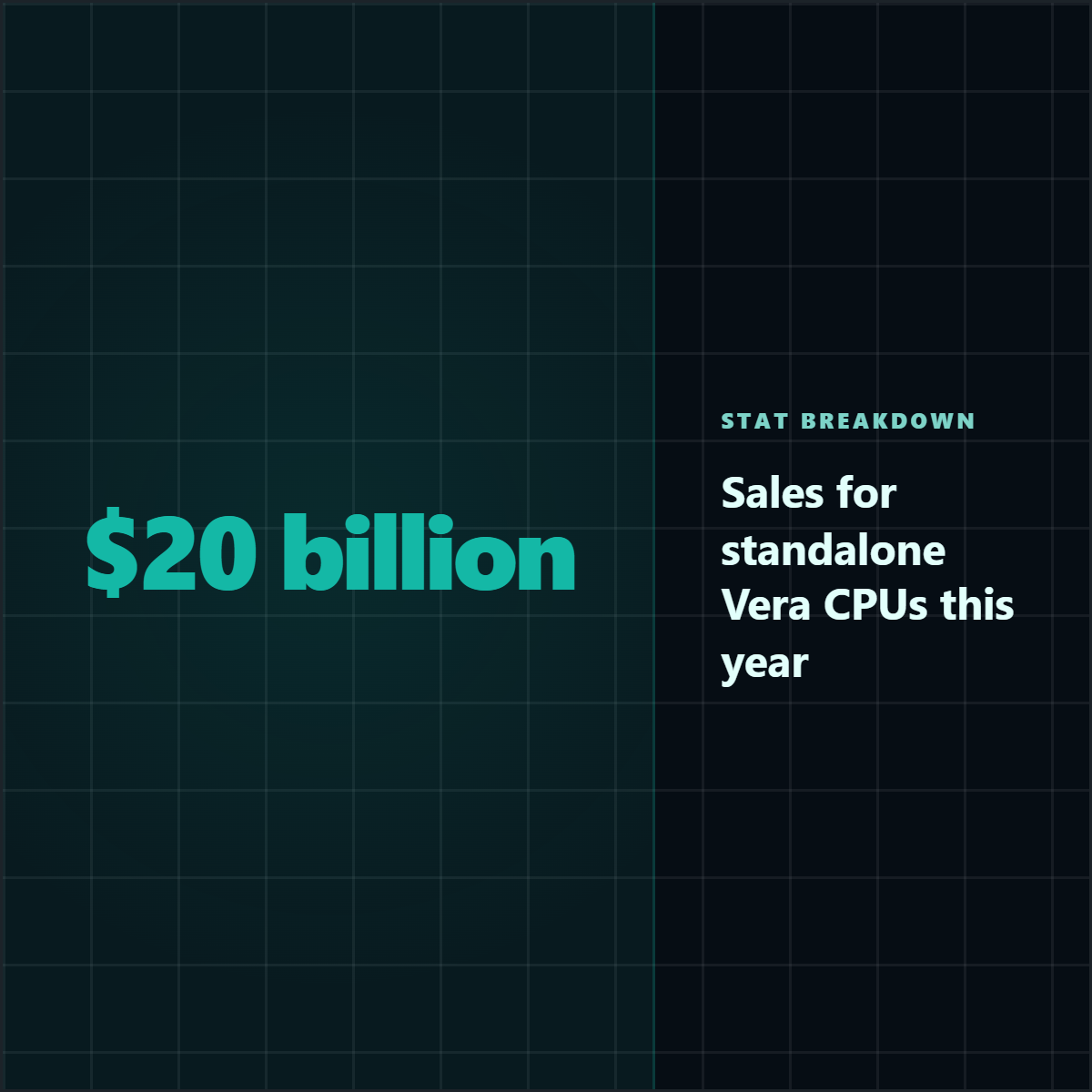
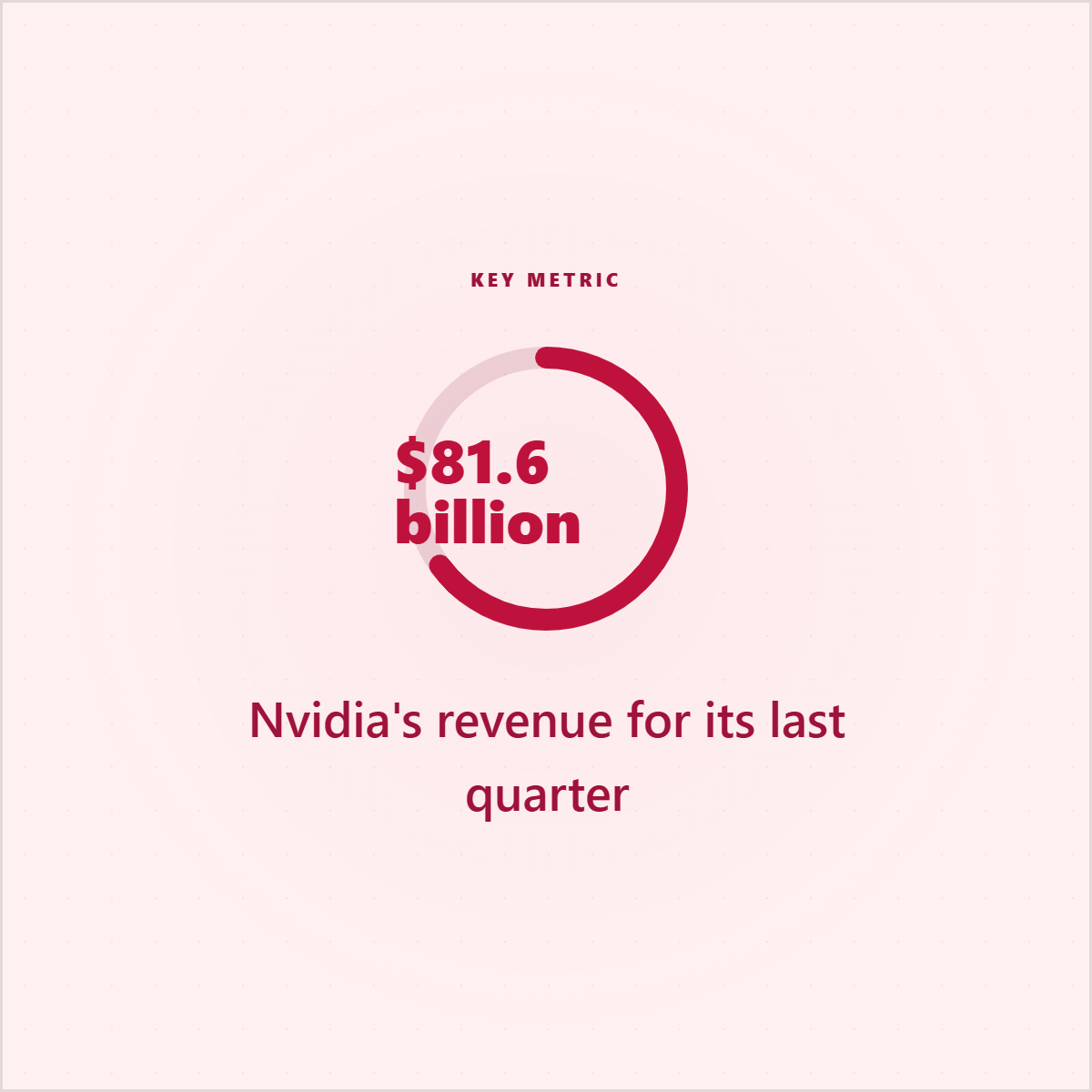
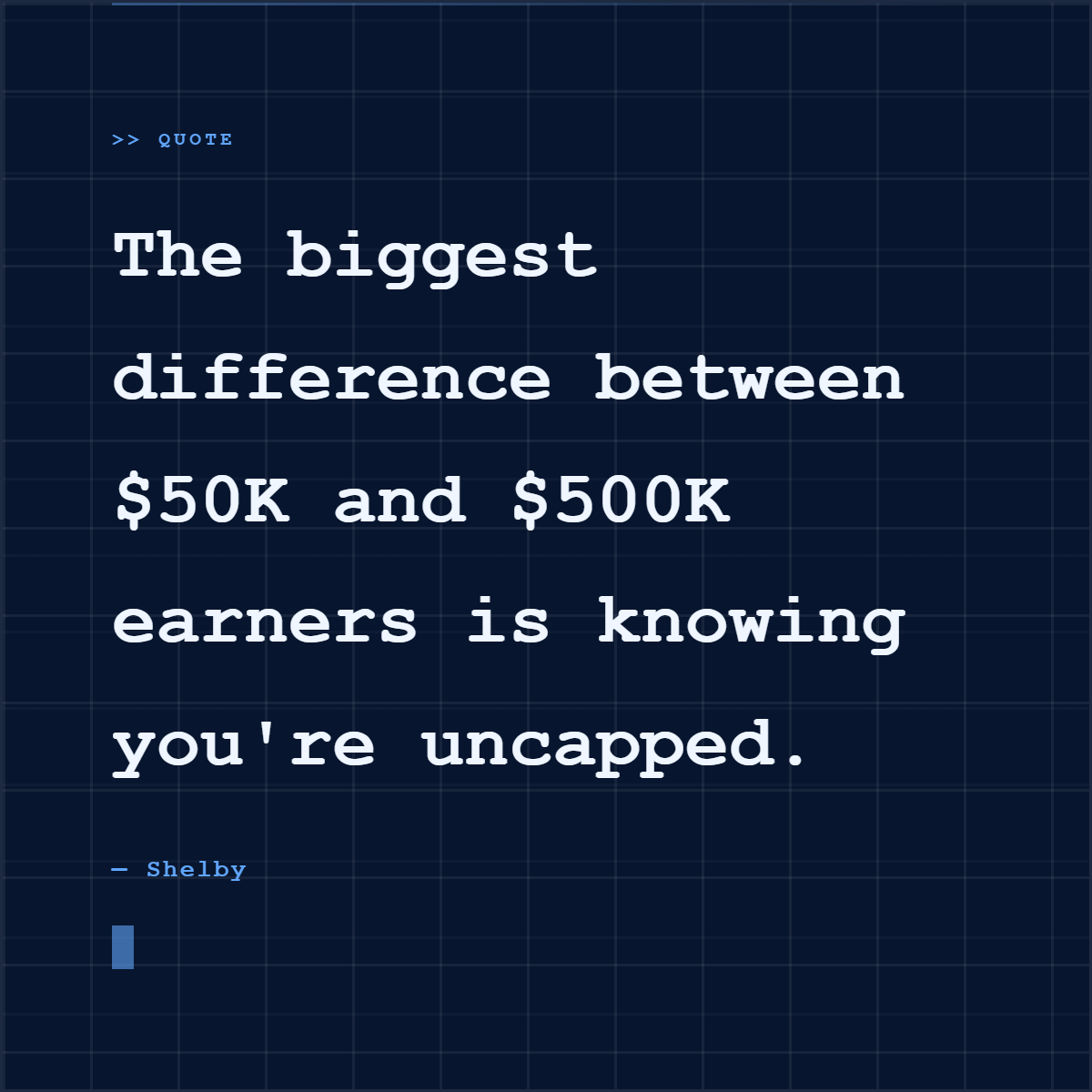
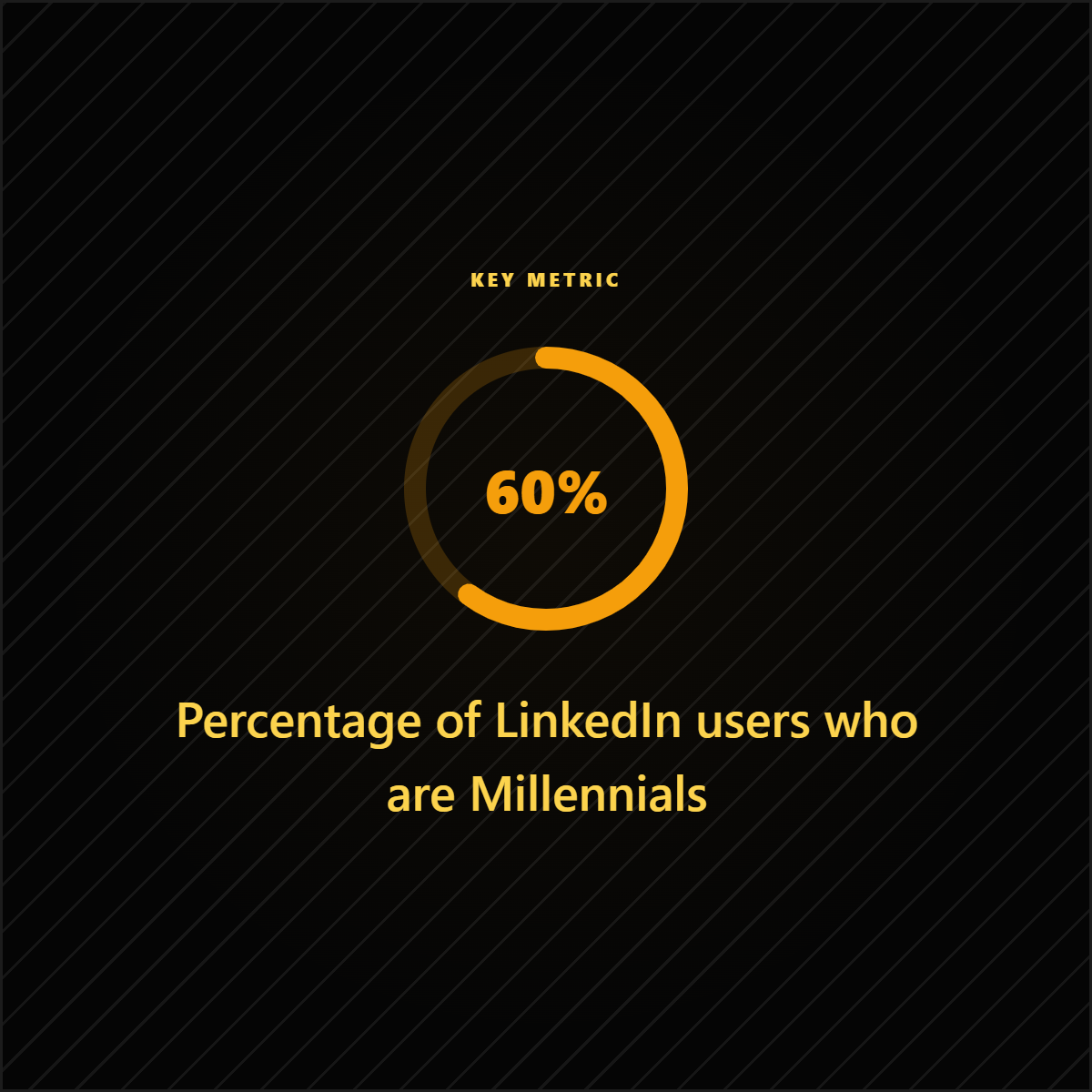
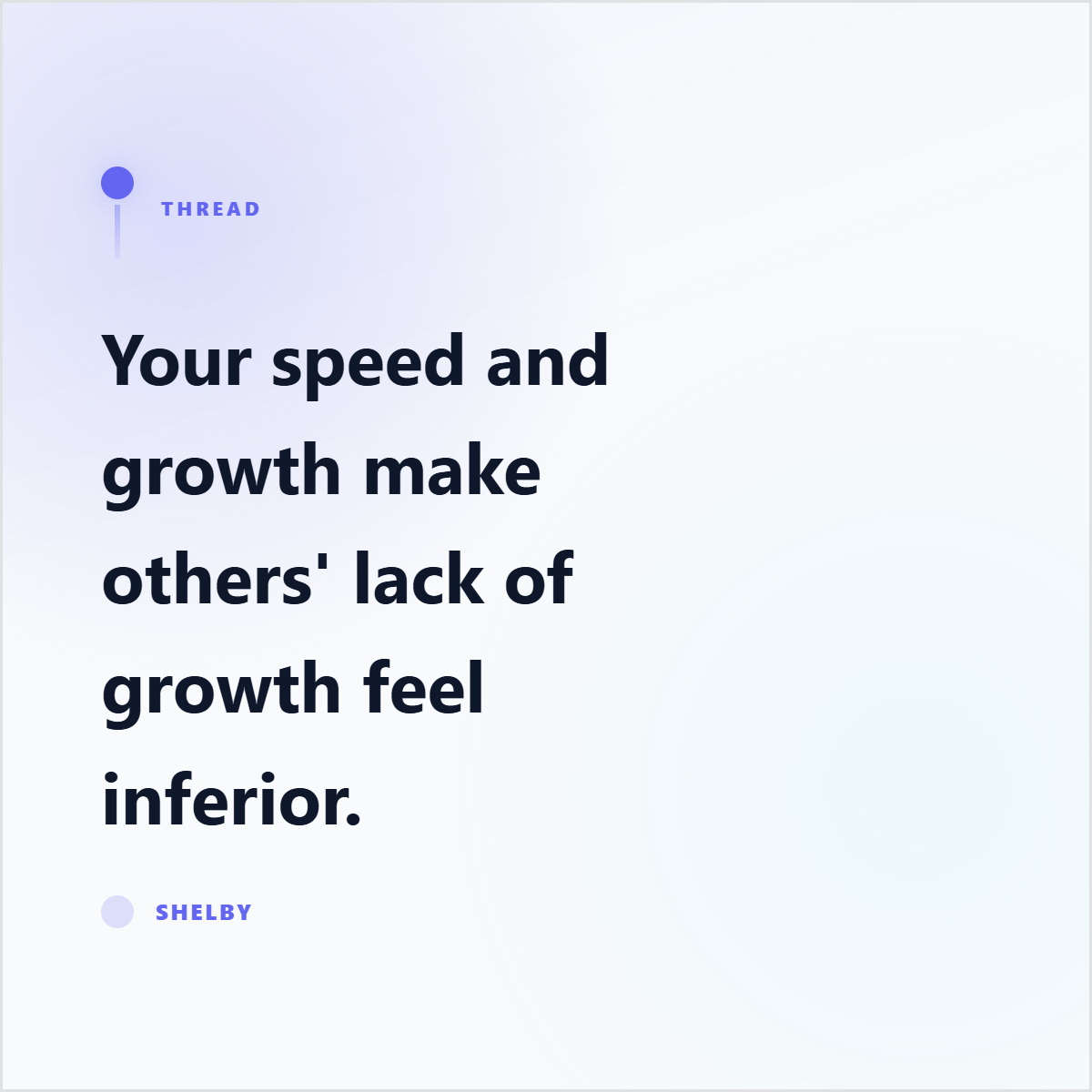
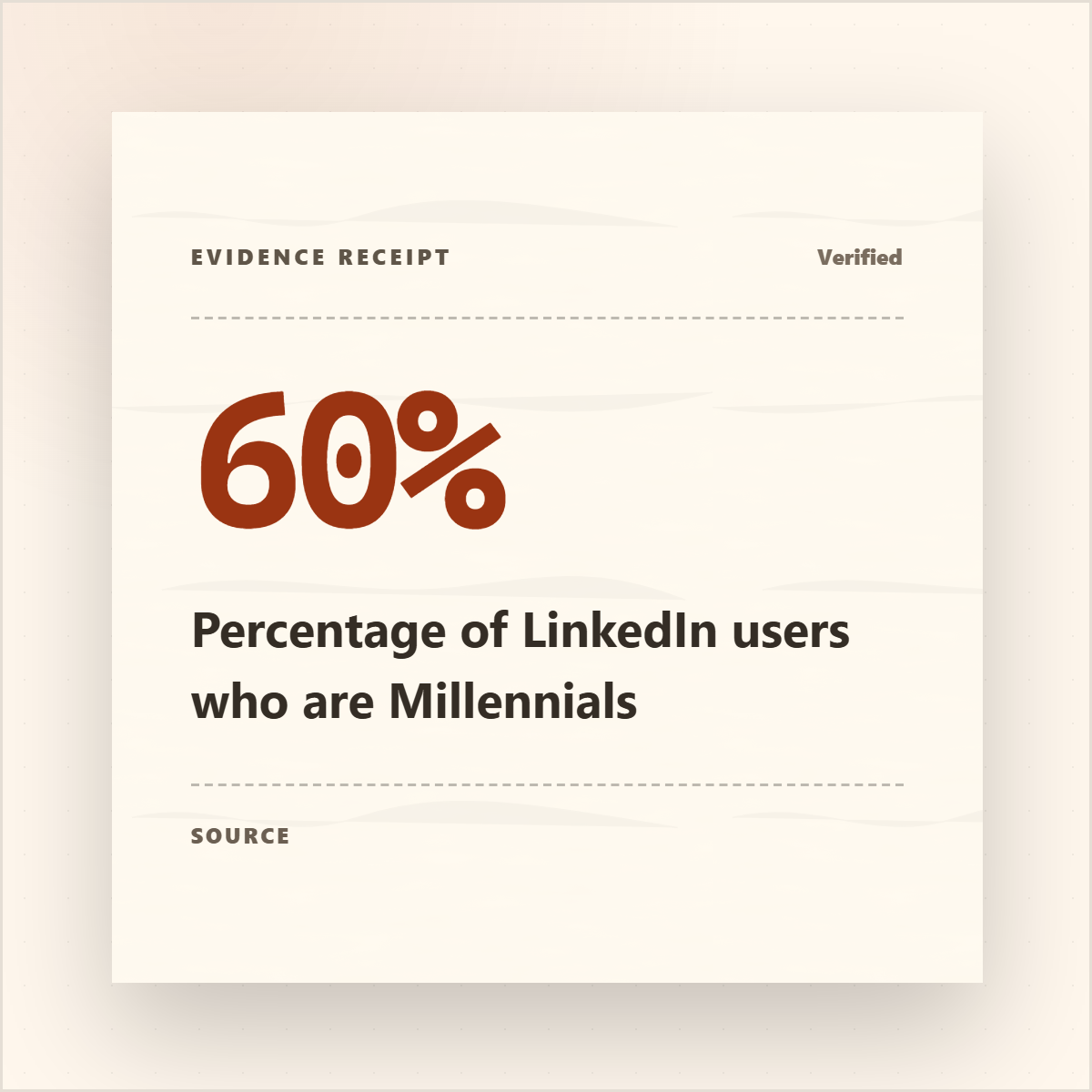
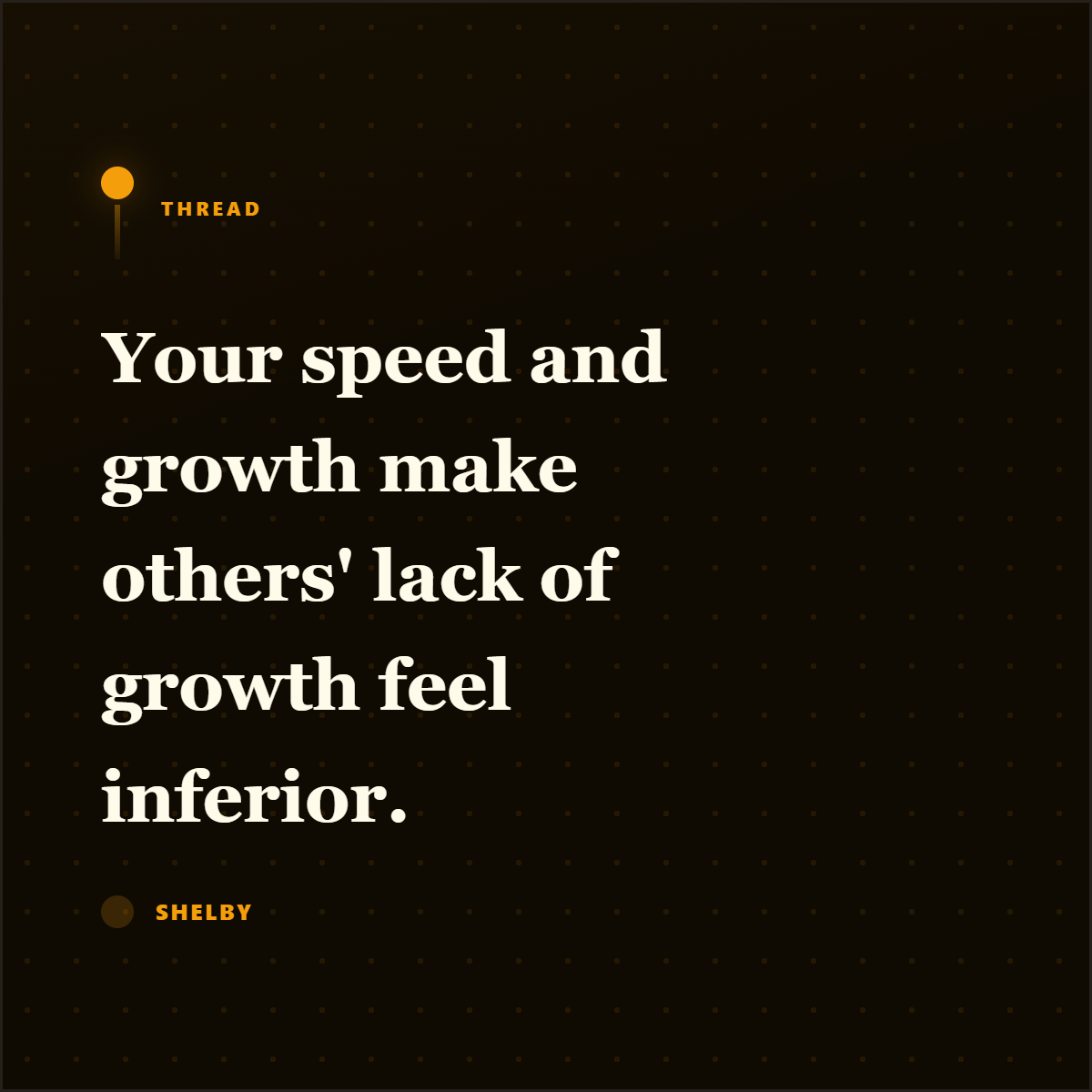
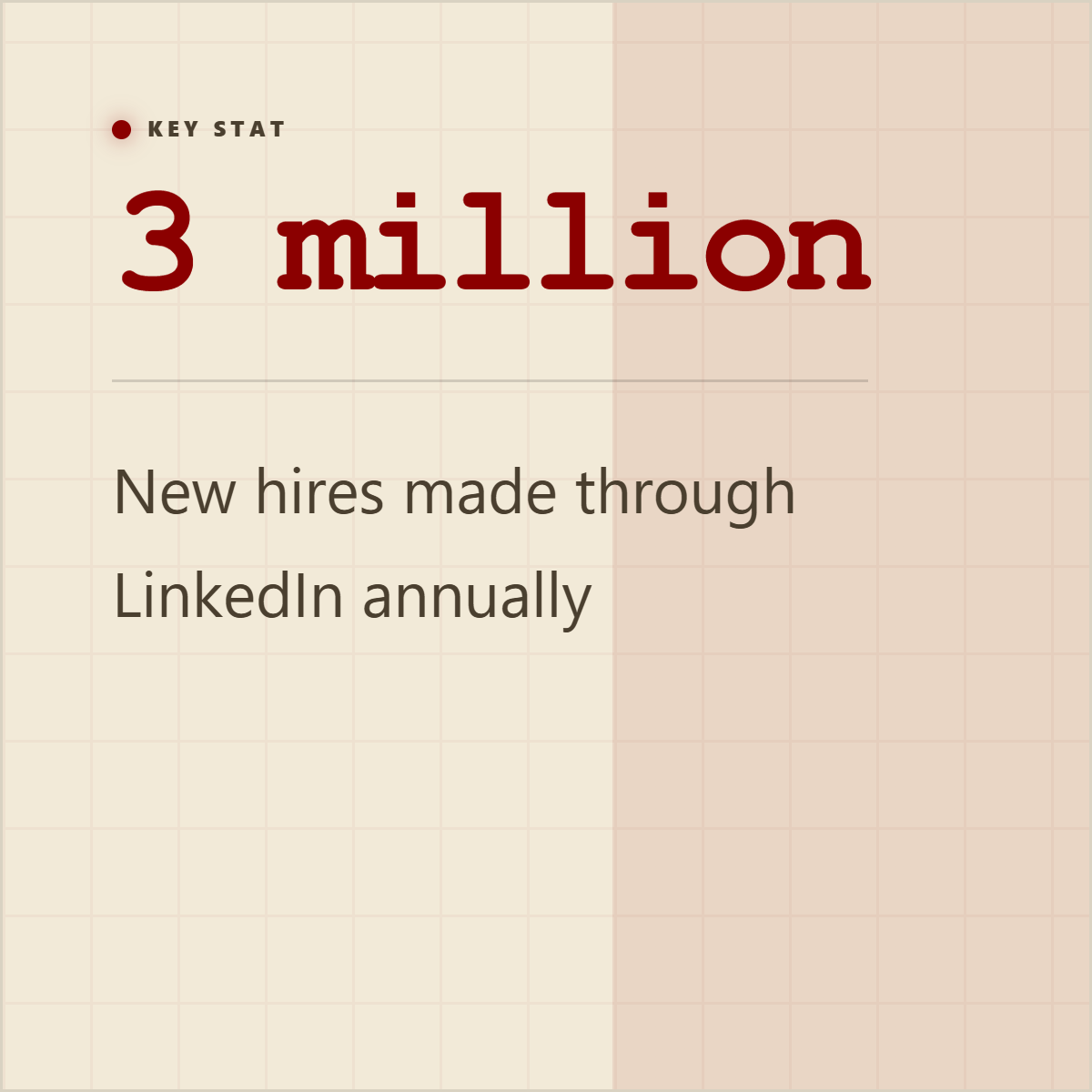
Quote cards, stat cards, and proof graphics give extracted material a visual shape before it becomes a post, carousel, or campaign asset.





How it works
Upload research PDFs, DOCX/PPTX files, reports, pasted notes, or article URLs so Highlightly can extract the material into a reviewable workspace.
Inspect findings, statistics, facts, comparisons, entities, quotes, and page context before deciding what belongs in the briefing.
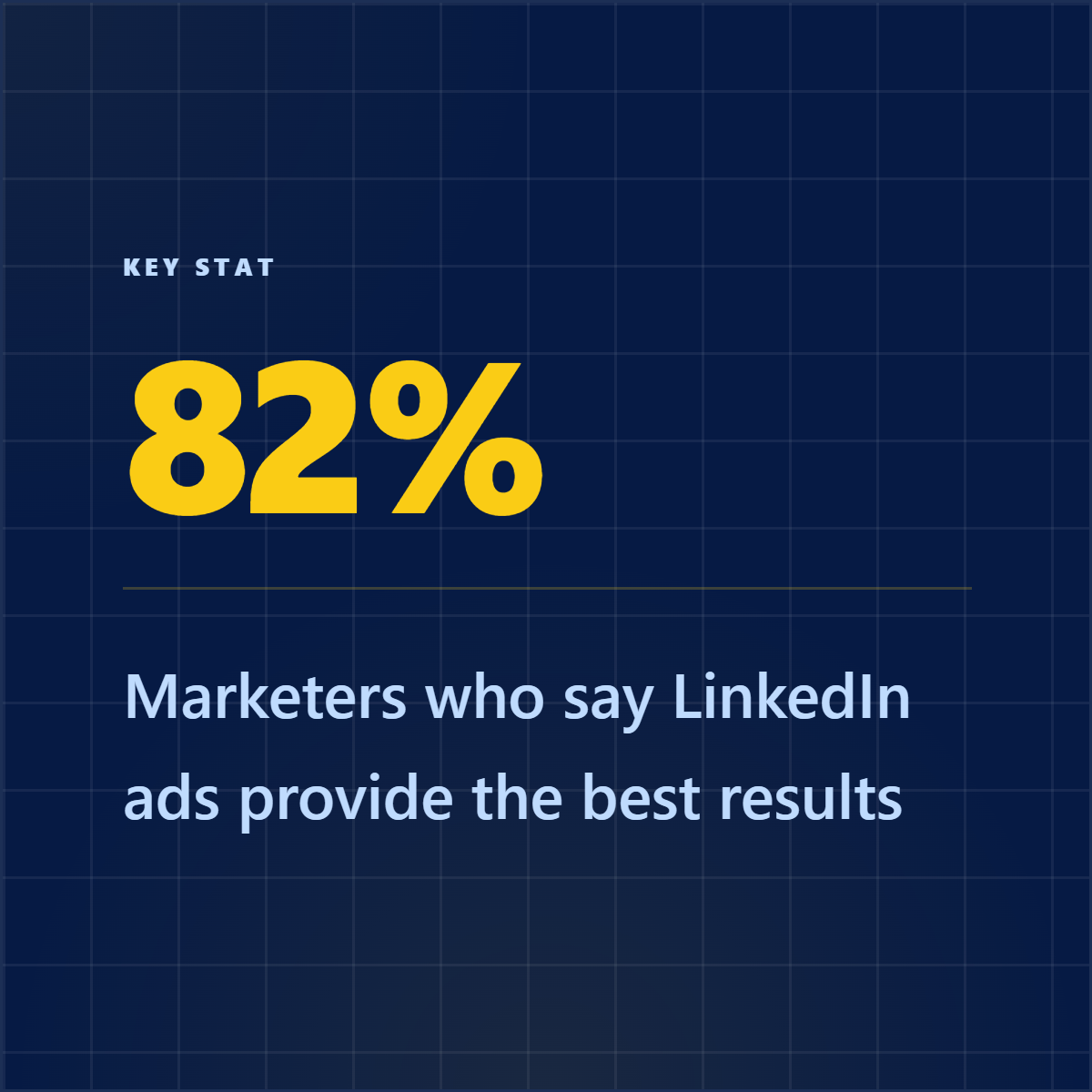
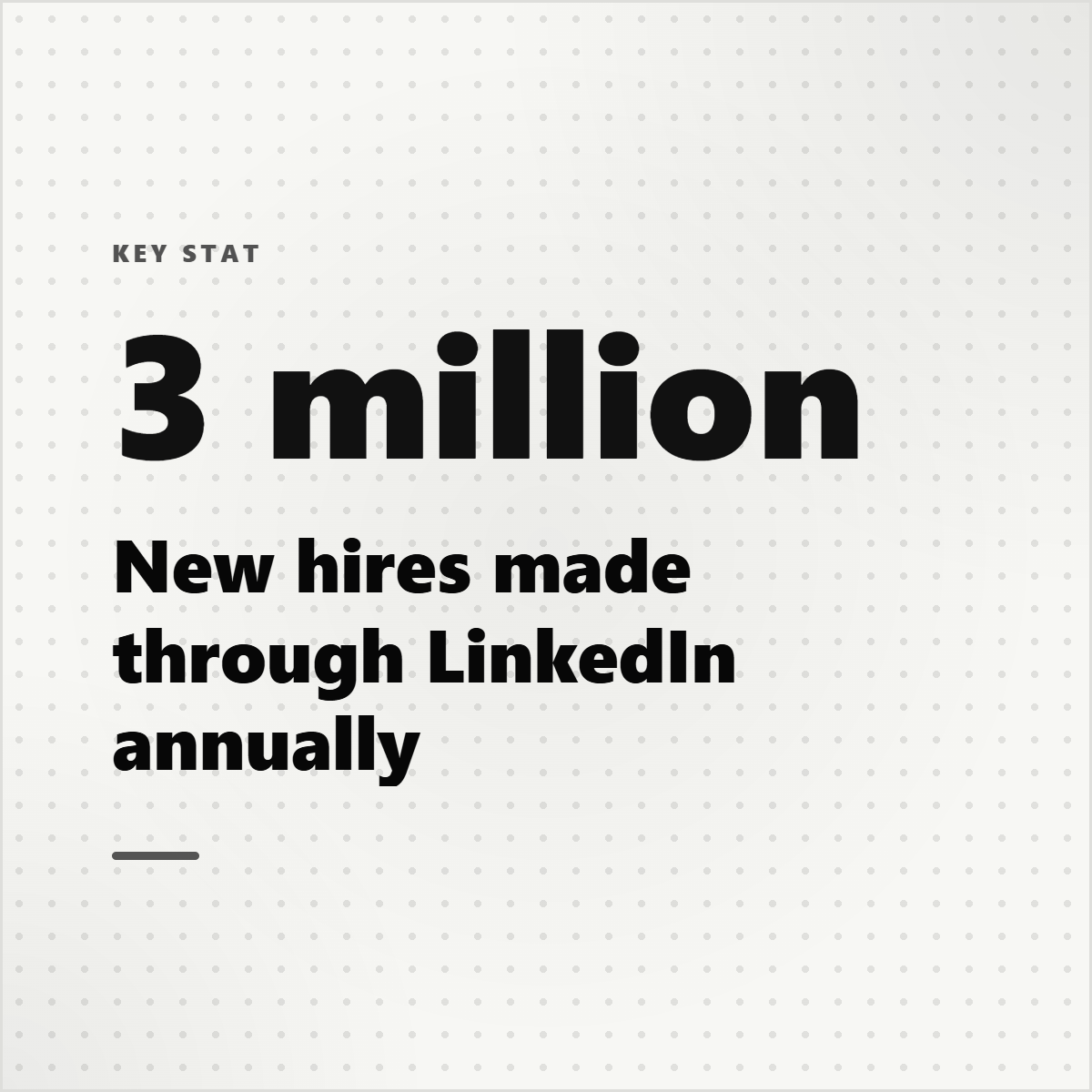
Create finding cards, comparison slides, stat panels, source-note cards, and 16:9 visuals that work in decks, memos, and stakeholder updates.
Apply brand styling, keep source attribution available, and export assets for decks, internal recaps, social posts, or newsletter summaries.
What you control
Source-backed extraction, customization, and export polish in one workflow.
Pull findings, statistics, facts, comparisons, entities, quotes, and page context into one workspace.
Create finding cards, comparison slides, stat panels, source notes, and 16:9 visuals.
Keep source context visible so teams can decide what is accurate and useful before sharing.
Outputs
A key takeaway becomes a concise visual summary.
Contrasting points become a clear 16:9 asset.
An excerpt becomes a reviewable briefing card.
Included surfaces
The product promise stays anti-slop: start from real source material, expose what was extracted, edit the creative direction, then export.
No. It packages source material into visuals; users still decide what is correct and useful.
Yes. Landscape exports work well for presentations and briefing documents.
Yes. The app supports topic research as a source mode, along with PDFs, documents, pasted notes, and article URLs.
Try the workflow
Review the extracted material, choose the output, apply your brand kit, and export with source context still available.