Carousel package
Client report carousel
Convert a client PDF into a branded five-slide carousel for LinkedIn.
Highlightly helps agencies turn client sources into branded social graphics, carousels, captions, and proof assets while preserving attribution and brand consistency.
Press card
Source-backed and editable
Report carousel
Source-backed and editable
Founder quote set
Source-backed and editable
Multi-brand
Client kits
Switch logo, colors, typography, watermark, and handles per account.
The client production problem
Each client has different positioning, colors, fonts, proof points, stakeholders, and approval cycles. Highlightly gives teams a way to extract usable material from source documents and package it in each client brand system.
Give account teams a faster first pass without flattening every client into the same look.
Client content calendars require volume, but design capacity is finite.
Brand consistency breaks when each client asset begins from a separate blank file.
Client claims need attribution, especially for reports, research, and press.
Approval gets harder when a polished visual does not clearly show where the claim came from.
Working sequence
Use a client blog, analyst report, press article, case study, or pasted brief. Batch-ingest multiple client sources to process several accounts in parallel.
Find claims, stats, quotes, comparisons, entities, and hooks that can become deliverables. The strategist reviews before design starts.
Switch colors, logo, watermark, typography, and social handles for the client being served. Same extraction, different brand treatment.
Create PNGs for review, caption drafts for platform teams, and carousels for campaign packages. The account lead can send for approval.
Concrete outputs
Turn client blogs, reports, press mentions, and research into branded deliverables with less manual design work.
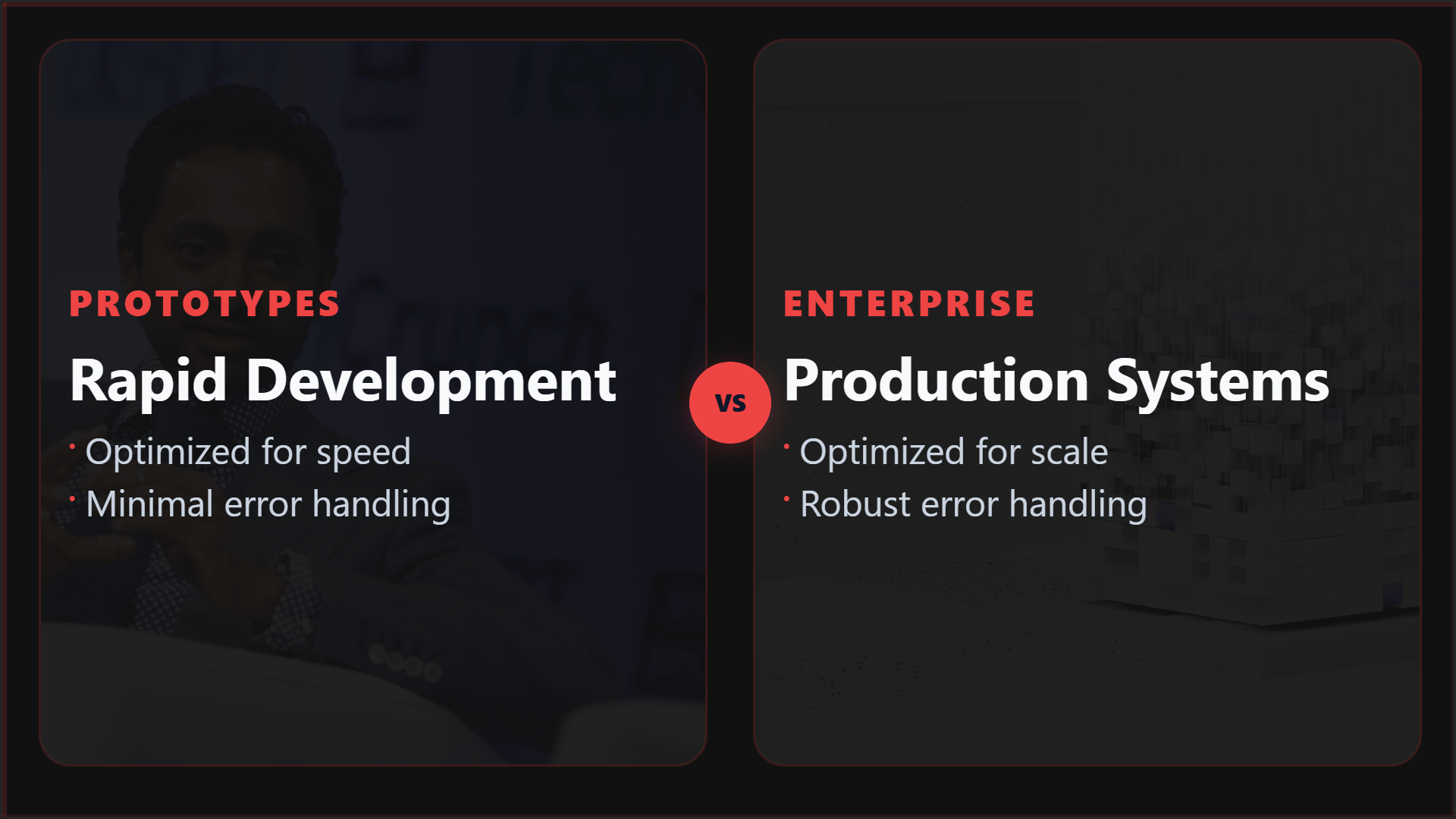
Convert a client PDF into a branded five-slide carousel for LinkedIn.
Turn a media mention into a clean card with publication attribution.
Create multiple quote cards from one interview or thought leadership article.
See it in action
Here is an example source, a few extracted signals, and a showcase wall of output directions created from that material.
Example source
This is one source used to demonstrate the kind of outputs Highlightly can create after extraction and review.
Example extracted signals
Hook
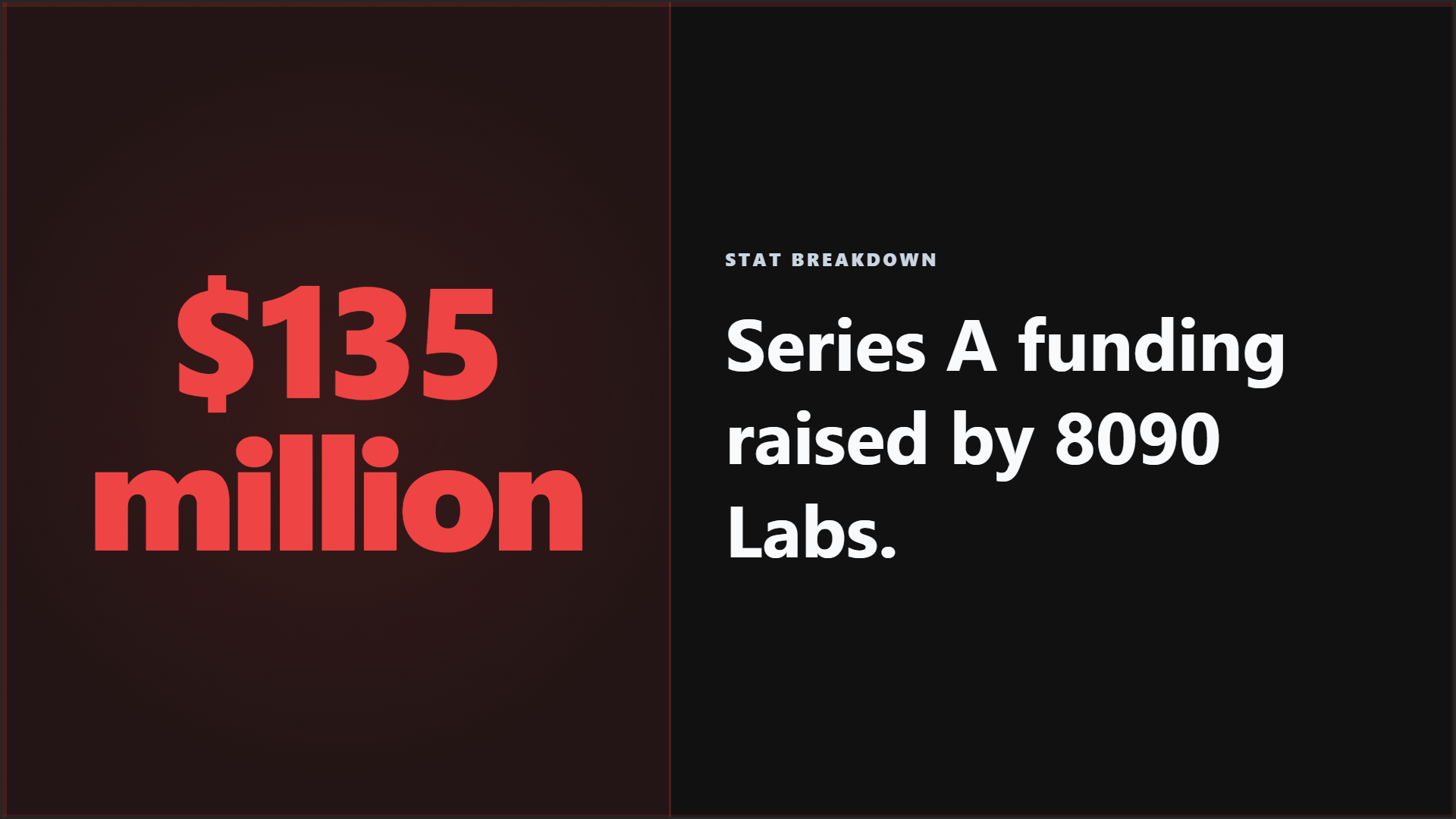
"8090 Labs raises $135M Series A led by Salesforce Ventures."
Metric
Founded January 2024, product targets corporate programming teams.
Quote
"I've been waiting for a moment like this to return to a full-time operating role."
Key point
VCs remain thirsty to fund AI coding startups.
Output directions
The showcase below is an example set from one source, not the ceiling. Highlightly can keep producing variations across templates, ratios, brand systems, and editorial angles.
Sample output wall
Preview the first part of the showcase, then expand it if you want to scan the full example set.
Output wall
This is a showcase set, not a limit. Change the format, ratio, brand kit, template, or angle and the same source can branch into many more directions.
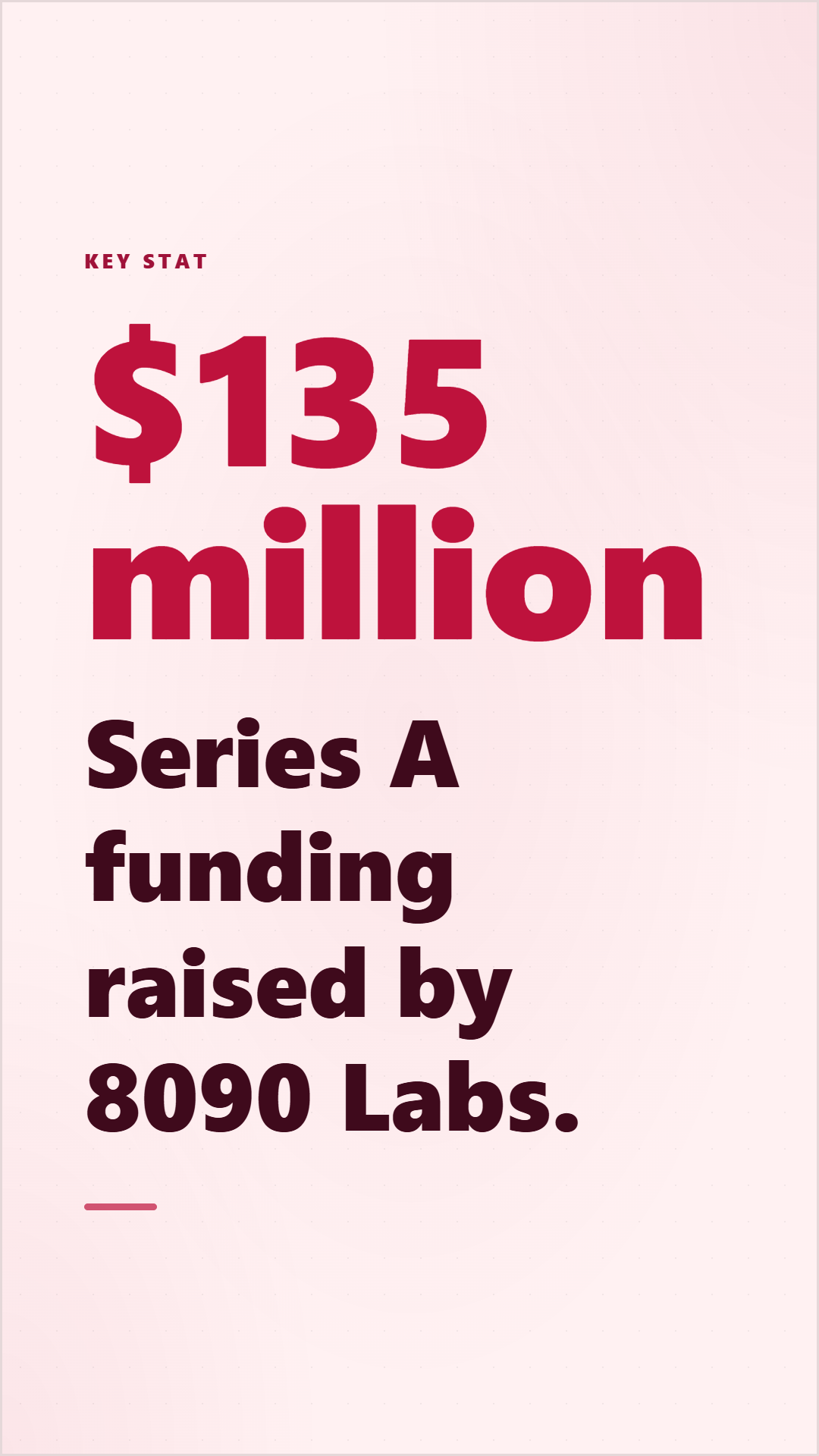

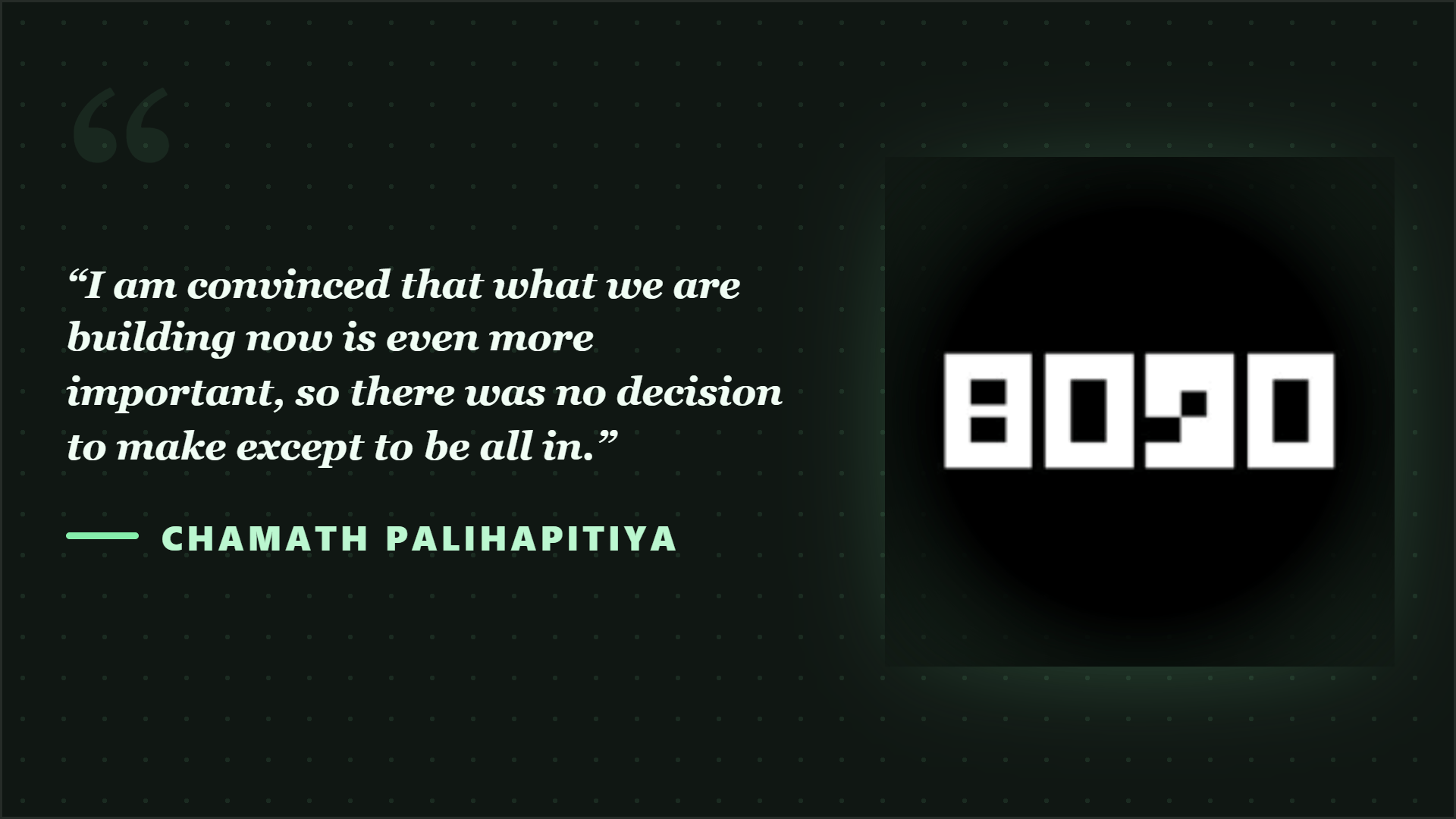
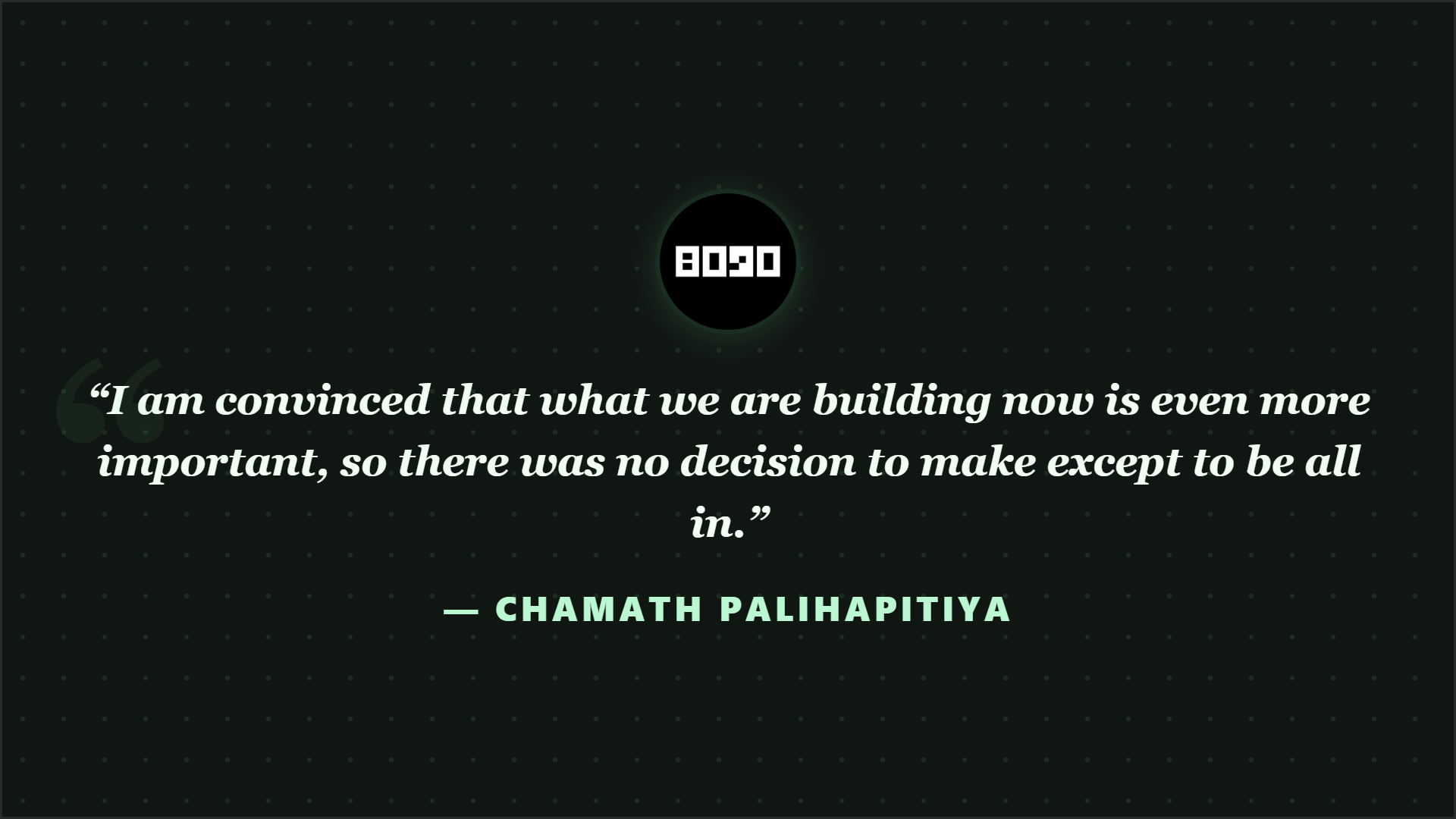



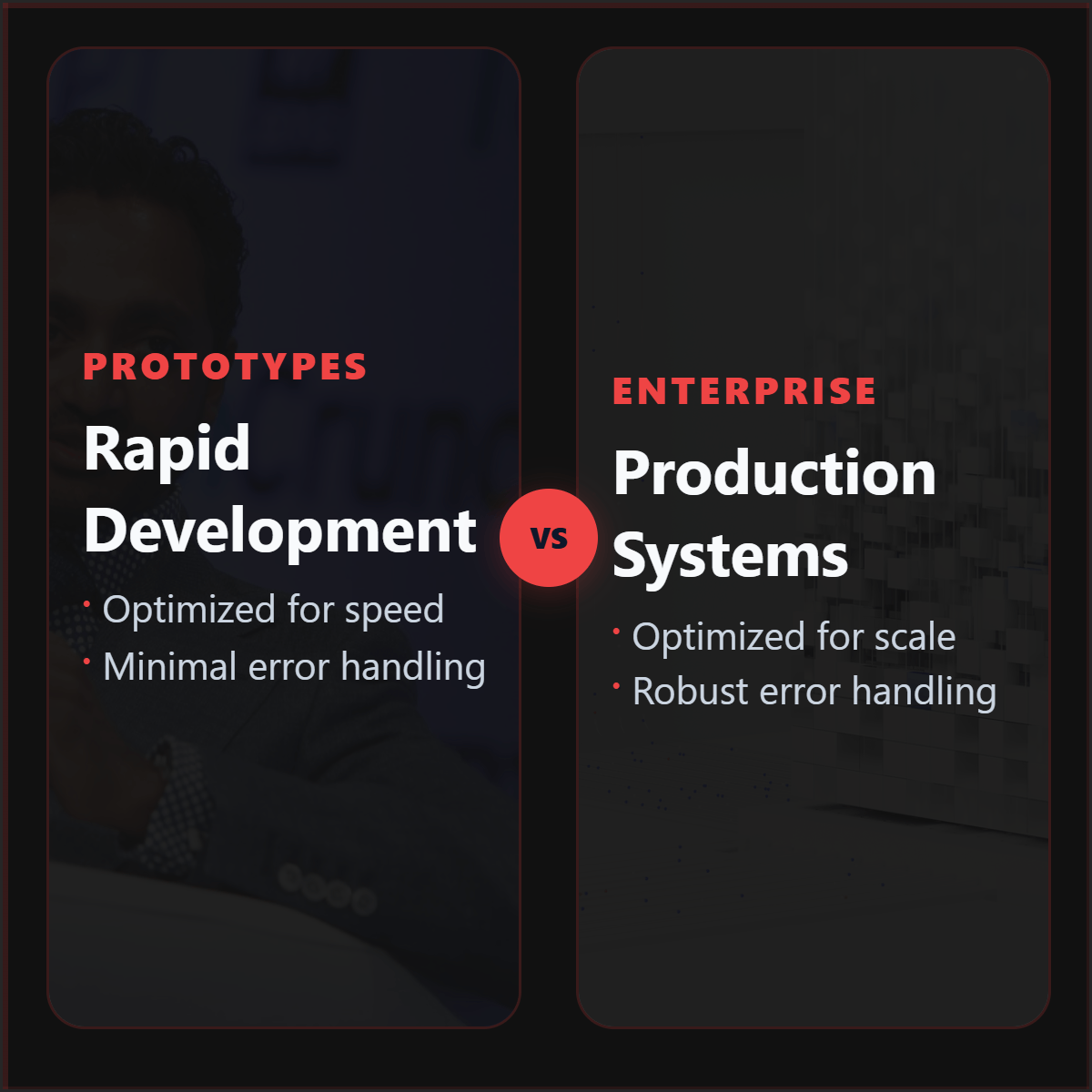

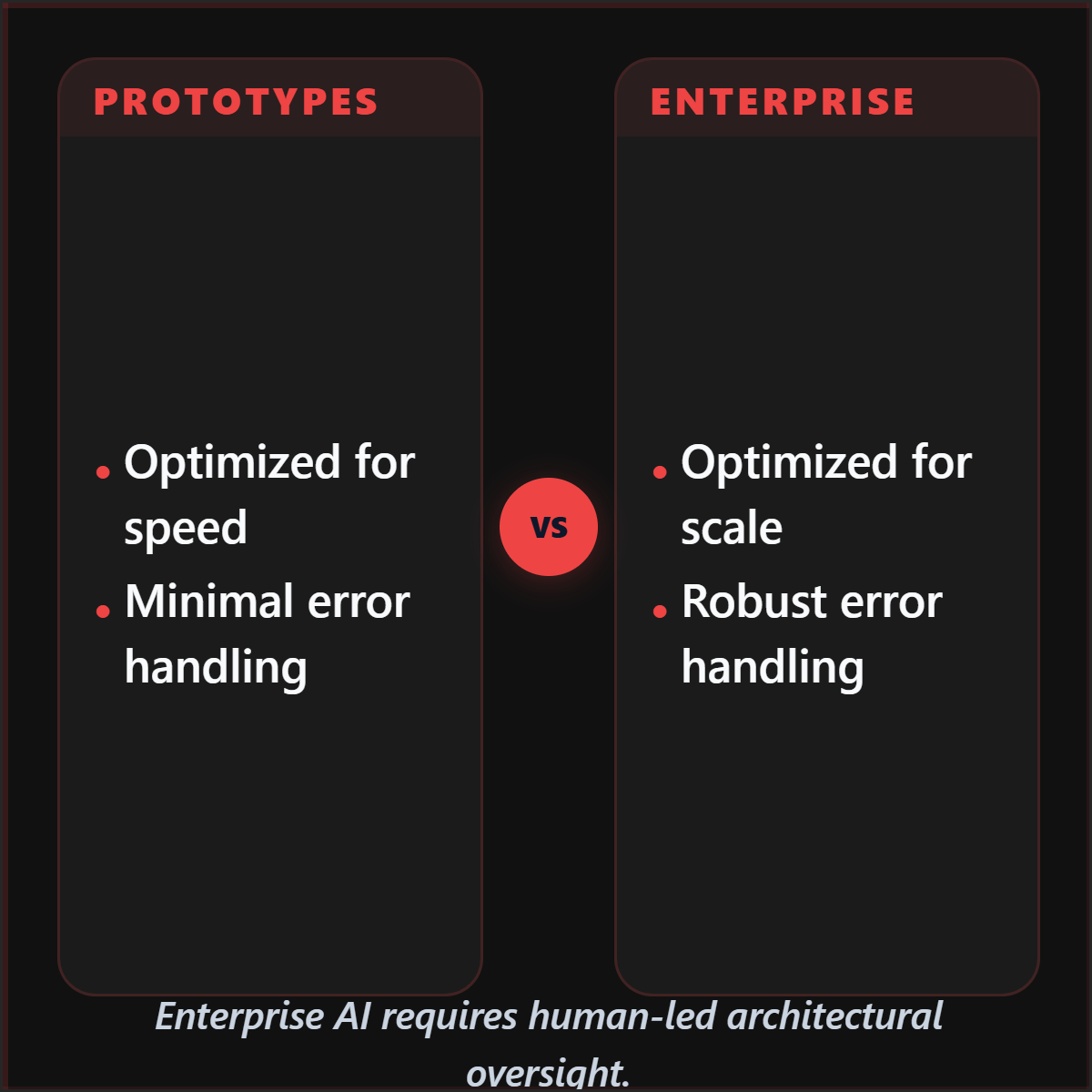
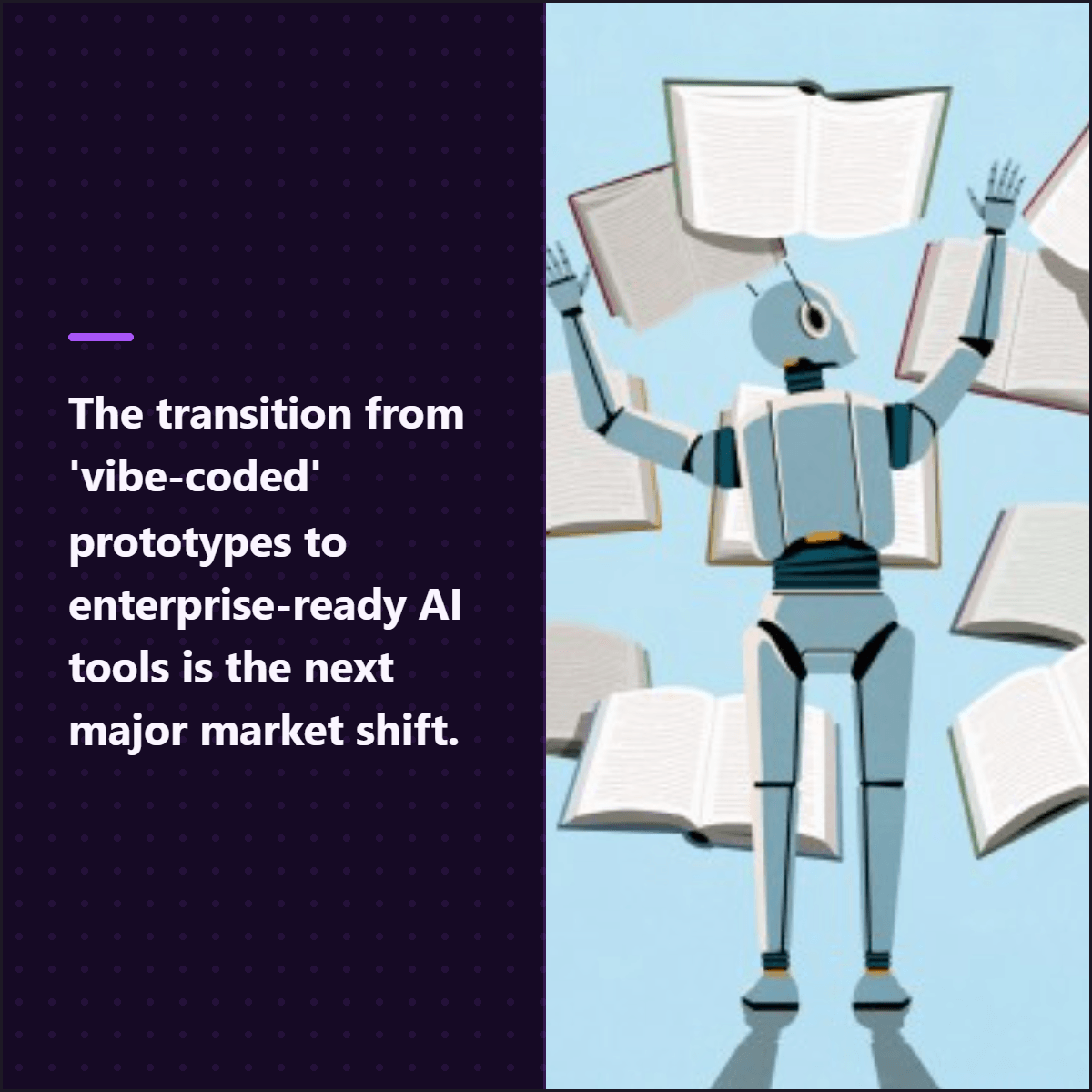

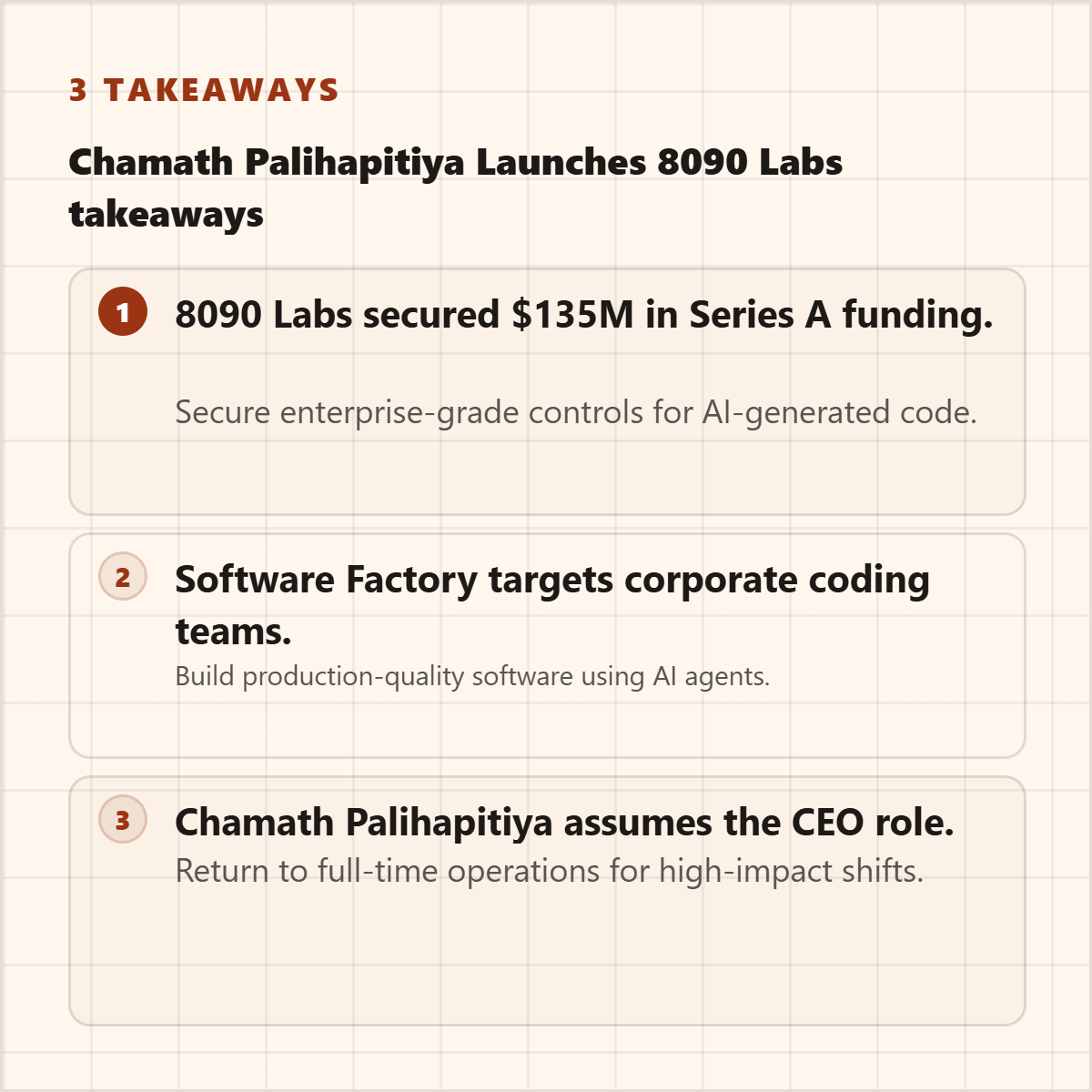
Highlightly extracts and structures source material. You review, edit, and approve before export. The AI does the first pass. You make the final call.
“The goal is not to make more AI content. The goal is to make the useful parts of real sources easier to publish.”— Founder @ Highlightly
See every hook, stat, quote, and claim before it becomes an asset.
Change wording, adjust framing, add your take before export.
Colors, logo, typography, watermark, and social handles.
The final asset reflects your judgment, not just the AI extraction.
What to paste first
The fastest path is not “ask AI for content.” It is: bring a real source, inspect what Highlightly extracts, choose the useful angle, then make the asset your own.
Good when it contains claims, quotes, stats, steps, or a clear argument worth turning into a visual.
Good when it contains claims, quotes, stats, steps, or a clear argument worth turning into a visual.
Good when it contains claims, quotes, stats, steps, or a clear argument worth turning into a visual.
Keep the client source, brand kit, and approval context together so the output does not drift into generic agency filler.
Before exporting, confirm the extracted quote, statistic, or takeaway still matches the source. Then use the editor, Brand Kit, and captions to make it publishable.
How it compares
Agencies need multi-brand consistency and approval-ready exports. Highlightly lets teams switch brand kits per client without rebuilding assets.
| Feature | Highlightly | Canva | Buffer | Manual |
|---|---|---|---|---|
| Multi-brand support | Per-file | |||
| Source-backed extraction | ||||
| Client approval workflow | Review surface | Share link | Email chain | |
| Batch source ingest | ||||
| Brand kit switching | One-click | Per-template | ||
| Attribution preservation | ||||
| Team collaboration | ||||
| Caption generation | 4 platforms |
Multi-brand support
HL
Canva
Buffer
Manual
Source-backed extraction
HL
Canva
Buffer
Manual
Client approval workflow
HL
Canva
Buffer
Manual
Batch source ingest
HL
Canva
Buffer
Manual
Brand kit switching
HL
Canva
Buffer
Manual
Attribution preservation
HL
Canva
Buffer
Manual
Team collaboration
HL
Canva
Buffer
Manual
Caption generation
HL
Canva
Buffer
Manual
A generic AI post generator creates approval risk. Highlightly is more useful as a production layer: it pulls real source material, gives the strategist a clean review surface, and lets the designer or account lead pick the right visual treatment.
Direct answer
Agencies can scale client content production by using Highlightly to extract source-backed material from client URLs, PDFs, and documents, apply the right brand kit, and export graphics, carousels, and captions for review.
Yes. Brand Kit controls let you switch colors, typography, logos, watermarks, and social handles per client account.
Yes. The extraction review surface shows every hook, stat, quote, and claim before any design work starts.
It speeds up the first pass. Designers and account leads still review, edit, and approve before client delivery.
Related workflows
For social teams
Create source-backed social media graphics, quote cards, carousels, and captions from articles, PDFs, reports, and pasted text with Highlightly.
View workflowFor content teams
Repurpose blogs, PDFs, case studies, reports, and thought leadership into branded social graphics, carousels, stat cards, and captions.
View workflowFor GTM teams
Turn launches, reports, customer proof, and positioning docs into branded social graphics, carousels, screenshots, and captions.
View workflowStart with one source
Paste a link, upload a document, or start from text. Review the extracted material, pick a template, and export with attribution intact.