Reusable brand system
Set colors, typography, logo, watermark, handles, and identity details once.
Apply your brand kit across quote cards, stat graphics, carousels, screenshots, and captions without rebuilding the style each time.
Move faster without every asset looking like it came from a different design file.
Built for agencies, founders, social teams, and product marketers, starting from source-backed workspace assets.
Use-case fit
Create branded social graphics with reusable colors, fonts, logos, watermarks, and social handles in Highlightly.
How it works
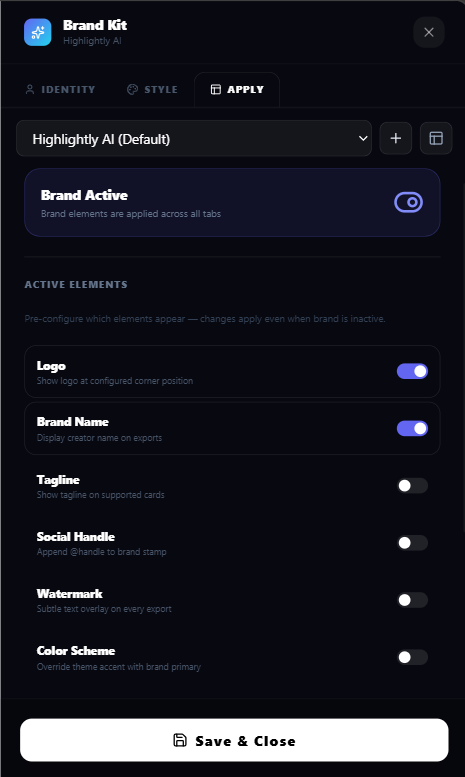
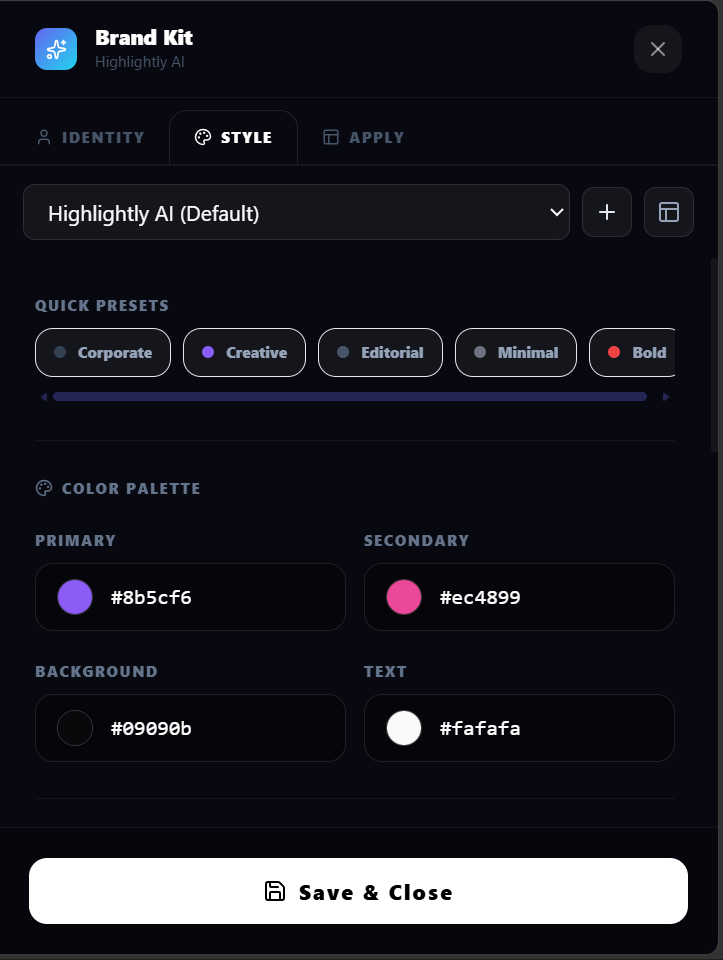
Add brand name, logo, watermark, social handles, colors, fonts, and identity details so every export starts from the right visual language.
Use granular Brand Kit toggles for logo, color scheme, typography, watermark, handles, and element visibility instead of forcing every graphic to look identical.
Use the same brand system on quote cards, stat cards, carousels, screenshots, LightboxStudio edits, and captions generated from source material.
Switch kits and repeat the workflow across campaigns, client accounts, launch assets, and recurring content batches without rebuilding the design system.
What you control
Source-backed extraction, customization, and export polish in one workflow.
Set colors, typography, logo, watermark, handles, and identity details once.
Turn brand elements on or off per asset instead of forcing every export into one look.
Apply the same kit across quote cards, stat cards, carousels, screenshots, captions, and repeated content batches.
Outputs
A source quote carries logo, colors, and handle.
A report number uses the same visual language.
A multi-slide sequence stays aligned to the selected kit.
Included surfaces
The product promise stays anti-slop: start from real source material, expose what was extracted, edit the creative direction, then export.
Yes. Brand settings include granular element controls for logos, colors, typography, and more.
Yes. Agencies can use multiple brand kits and active-kit switching to keep client-facing outputs consistent.
No. It styles assets created from source material, screenshots, captions, carousels, and editable scenes.
Try the workflow
Review the extracted material, choose the output, apply your brand kit, and export with source context still available.