One source, visible context
Keep title, author, publication, excerpts, screenshots, pages, and extracted signals available while making decisions.
Move from article, report, transcript, or document to reviewed social assets without losing the source context between steps.
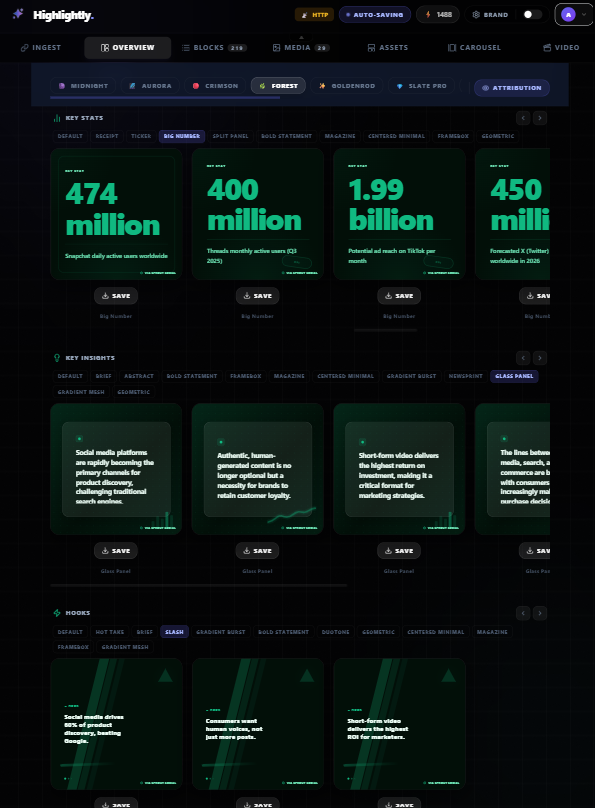
Feature highlight
Keep title, author, publication, excerpts, screenshots, pages, and extracted signals available while making decisions.
What you get
Keep title, author, publication, excerpts, screenshots, pages, and extracted signals available while making decisions.
Review hooks, quotes, stats, facts, comparisons, and insights before choosing a visual format.
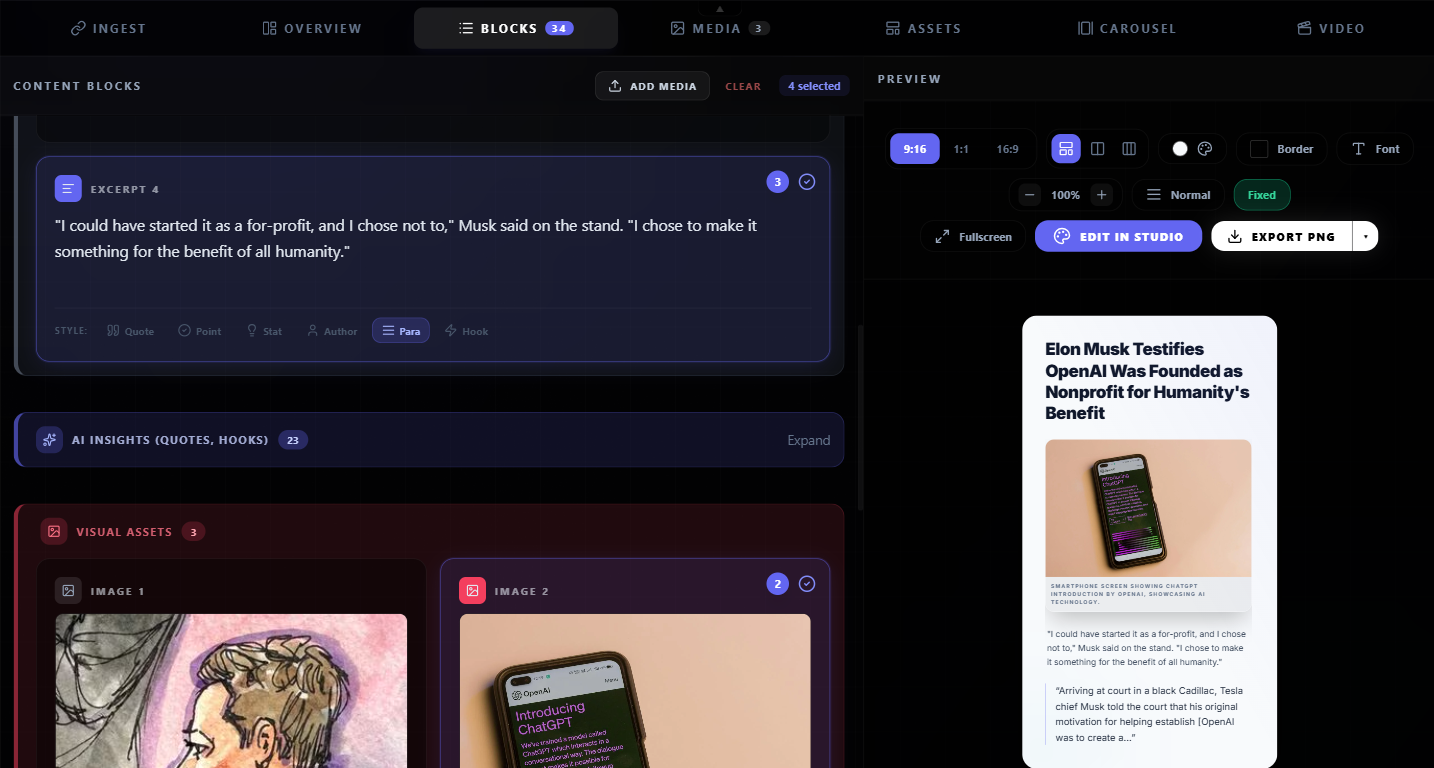
Move selected material into cards, carousels, screenshots, captions, or pages without starting over.
Edit the content, adjust attribution, apply brand settings, and approve the export yourself.
How it works
Paste a URL, upload a document, add transcript text, or start from research.
Use Overview and Blocks to inspect what the source actually supports.
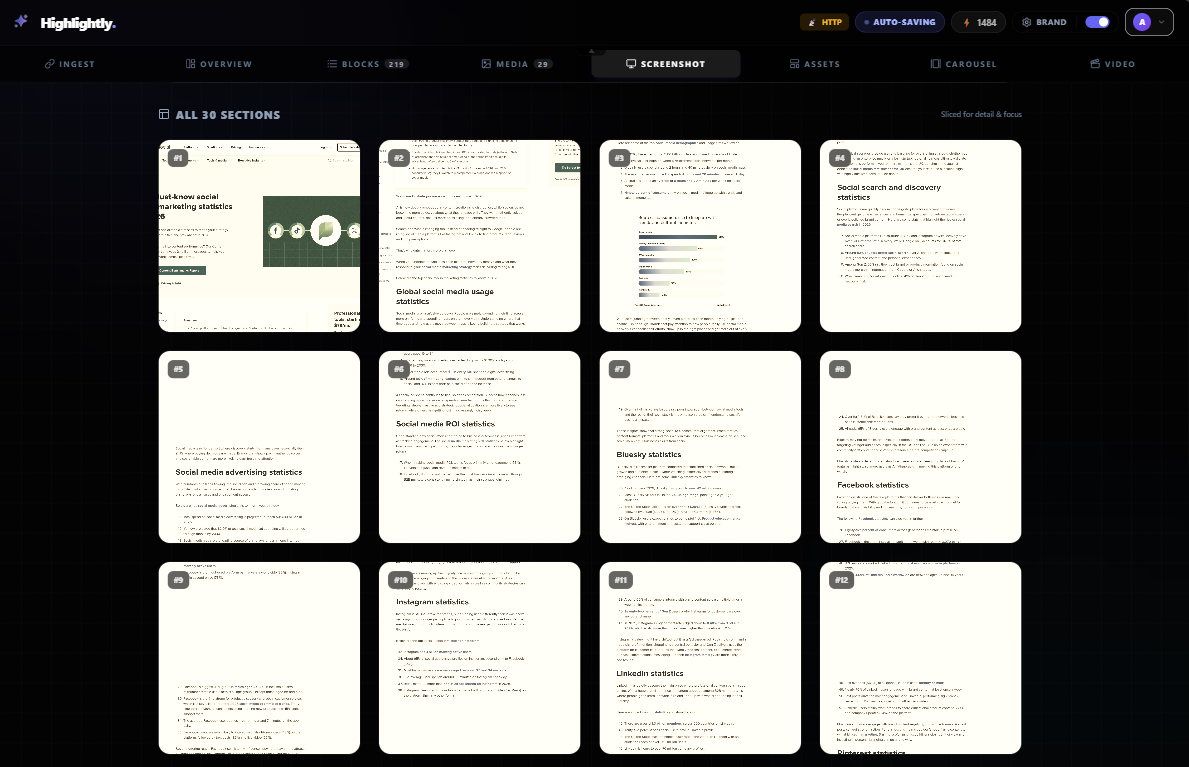
Choose Assets, Screenshot, Carousel, or captions based on the audience job.
Apply the active brand kit, edit the output, and export the reviewed asset.
Product screenshots

What you can create
A claim or number with context and attribution.
A swipe sequence built from selected blocks.
Platform-ready copy tied to the same source.
Why Highlightly
Highlightly starts from real source material, exposes what was extracted, lets you edit the creative direction, and exports with attribution intact.
Learn more
Use public URLs, PDFs, DOCX/PPTX files, transcripts, pasted text, article search, or topic research.
Yes. Review and edit extracted content before it becomes a visual or caption.
No. You choose the output, review it, and export it for your publishing workflow.
Try Highlightly
Review the extracted material, choose the output format, apply your brand kit, and export with source context still available.