Page-aware extraction
Highlightly reads your PDF page by page, extracting text, statistics, quotes, key points, and images with their original context preserved.
Upload a PDF and Highlightly extracts statistics, quotes, key points, and findings, then turns them into a branded carousel with editable slides, themes, and source attribution.
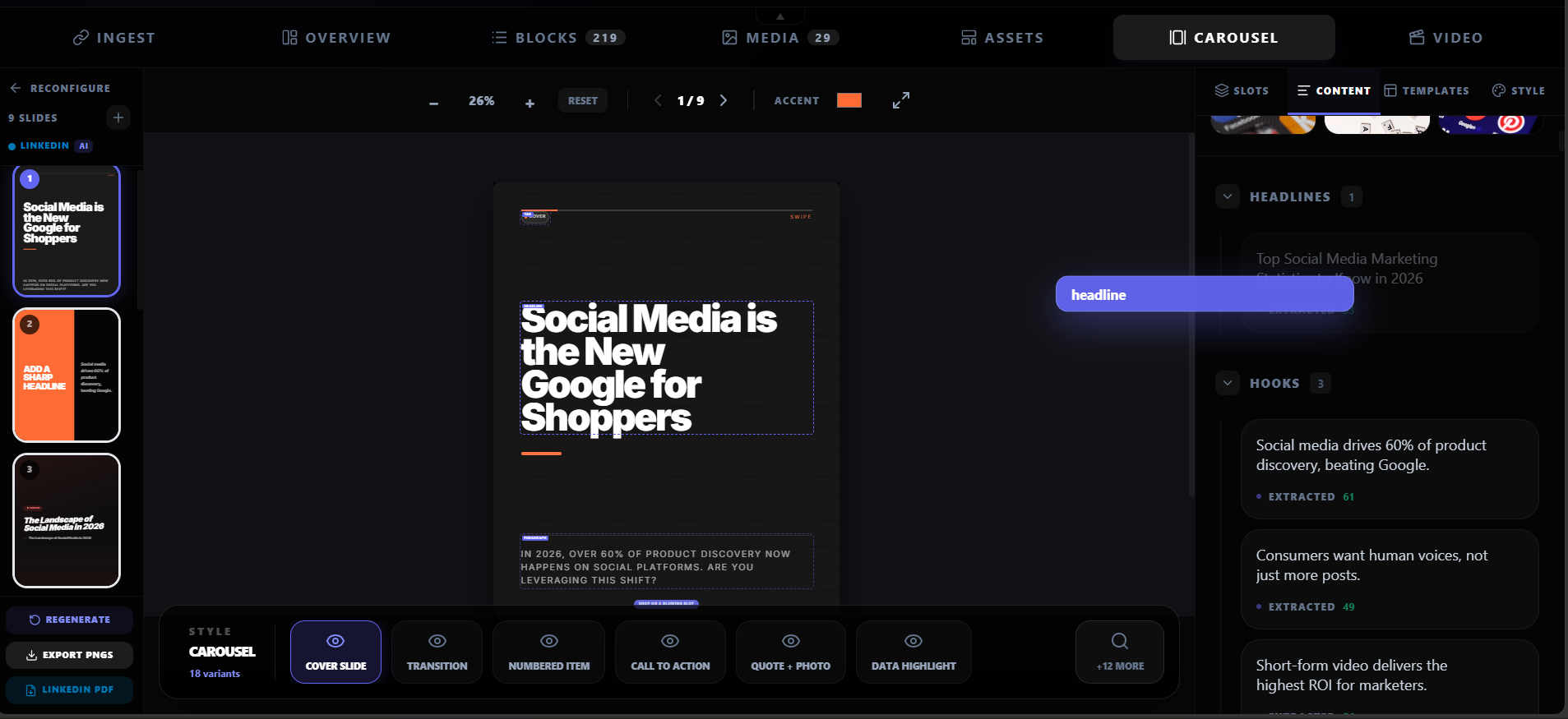
Feature highlight
Highlightly reads your PDF page by page, extracting text, statistics, quotes, key points, and images with their original context preserved.
What you get
Highlightly reads your PDF page by page, extracting text, statistics, quotes, key points, and images with their original context preserved.
The extraction pipeline identifies hooks, facts, comparisons, entities, and insights — not just raw text.
Generate carousels for LinkedIn, Instagram, X/Twitter, TikTok, presentations, and more from the same PDF.
Cover, stat, quote, key point, comparison, checklist, proof, and more — each designed for a specific content type.
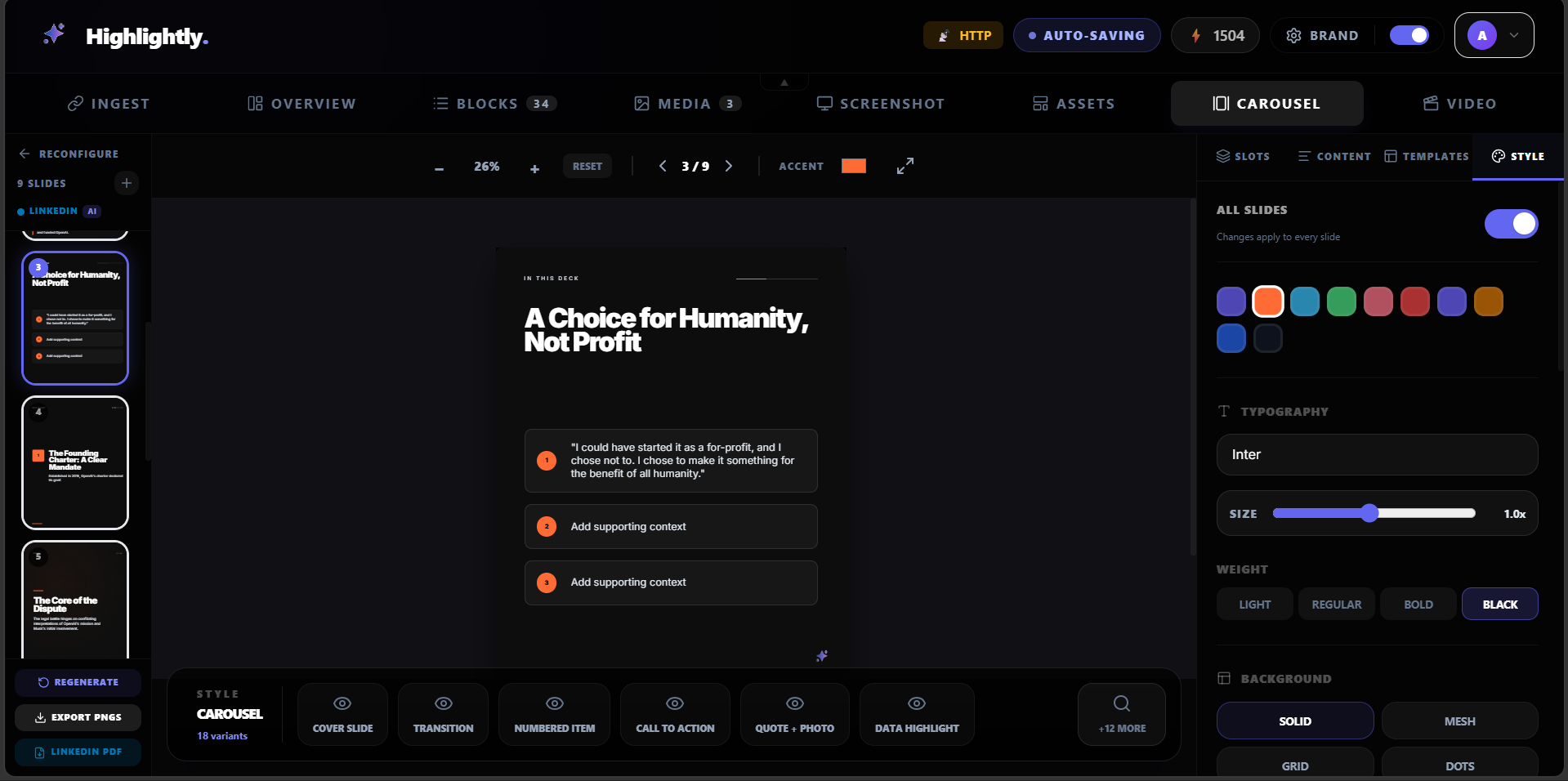
Every slide is fully editable. Adjust copy, swap layouts, reorder, and tune before export.
Apply colors, fonts, logo, watermark, and social handles across every carousel slide automatically.
How it works
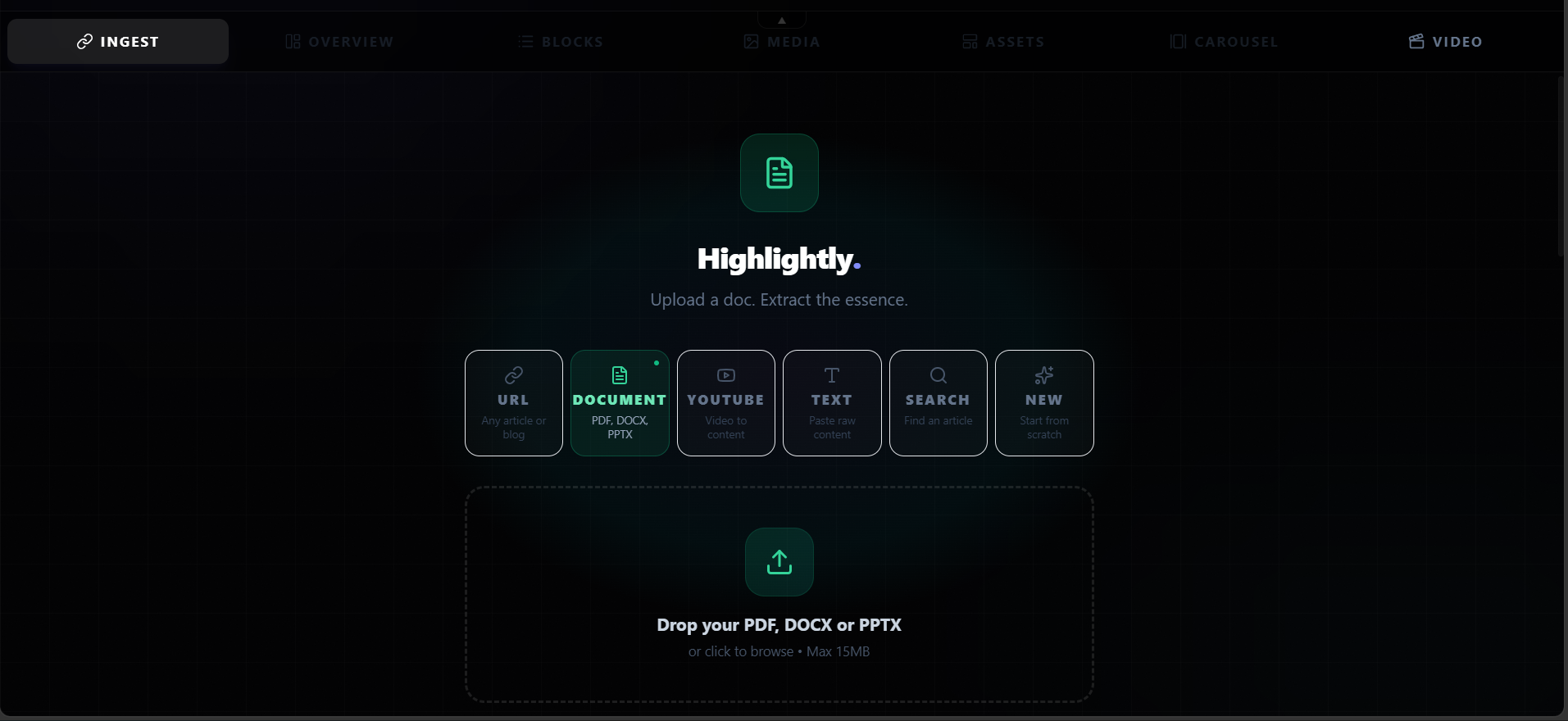
Drag and drop or browse for your PDF, DOCX, or PPTX file. Highlightly processes it page by page.
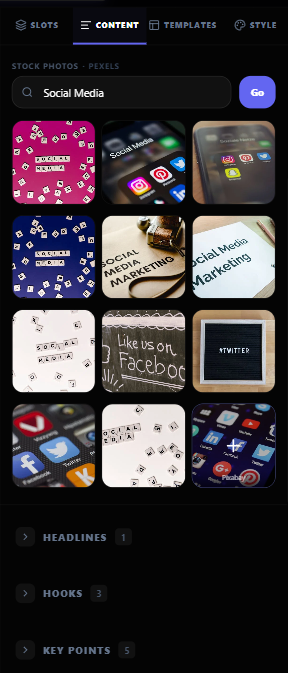
See all extracted statistics, quotes, key points, hooks, and findings organized by type and page.
Choose your platform, deck type, tone, and slide count. The AI builds a narrative arc from your strongest extracted points.
Fine-tune each slide, apply your brand kit, and export as PDF or PNGs for your target platform.
Product screenshots
What you can create
A 30-page report becomes a 7-slide LinkedIn carousel with the key findings.
Statistics from a whitepaper become a data-driven swipe sequence.
Customer results and quotes from a PDF become a branded proof sequence.
Why Highlightly
Highlightly starts from real source material, exposes what was extracted, lets you edit the creative direction, and exports with attribution intact.
Learn more
Text-based PDFs with clear structure work best: reports, whitepapers, research papers, case studies, and slide decks. Scanned images may not extract well.
Yes. Highlightly extracts all available content, and you review and select which points to include in the carousel.
Yes. Every extracted element carries page number and section context so you can trace it back to the source.
Try Highlightly
Review the extracted material, choose the output format, apply your brand kit, and export with source context still available.