LinkedIn Carousel Templates
Swipeable LinkedIn carousel templates designed for thought leadership, data storytelling, case studies, and executive summaries. Each template is source-backed and fully editable.
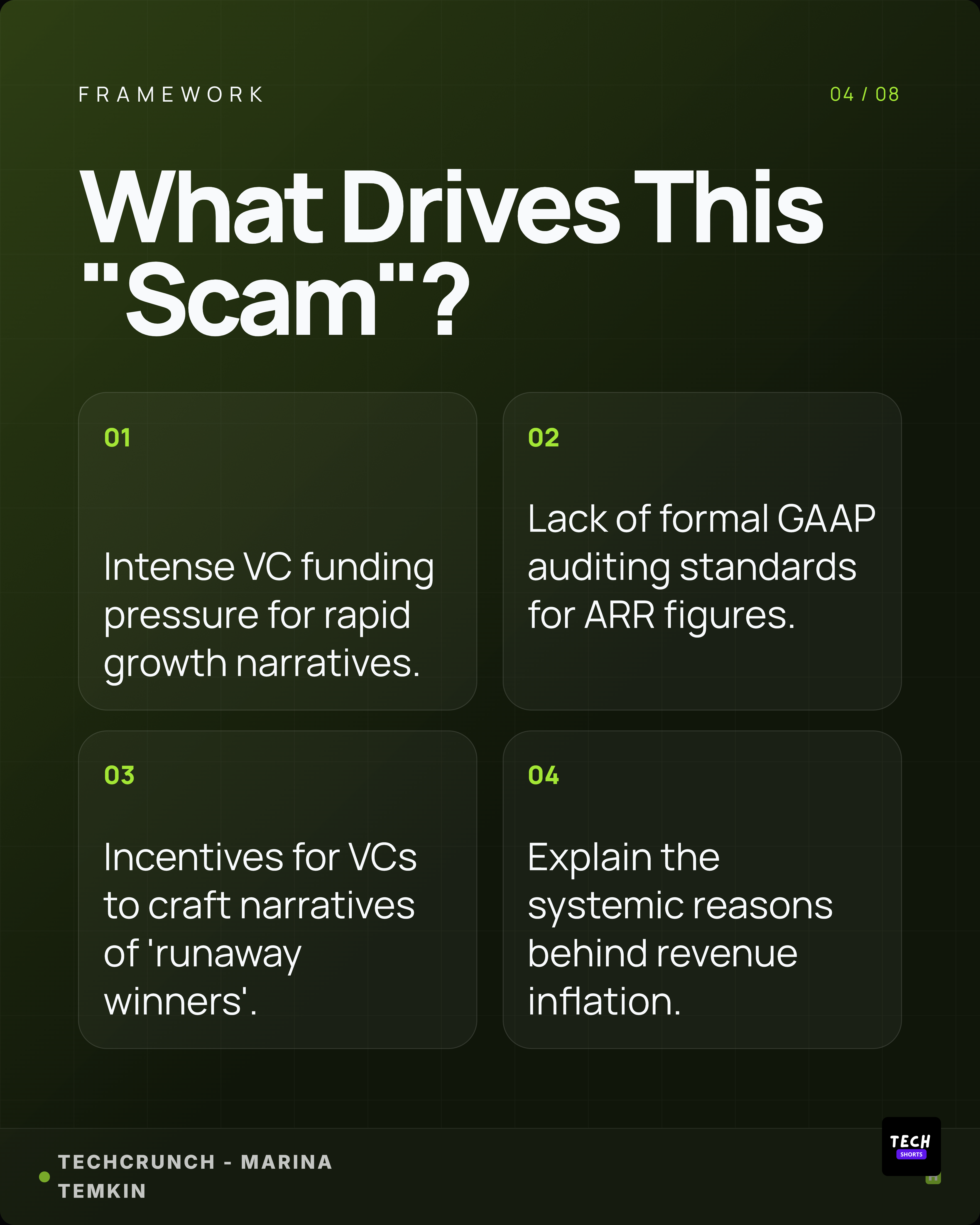
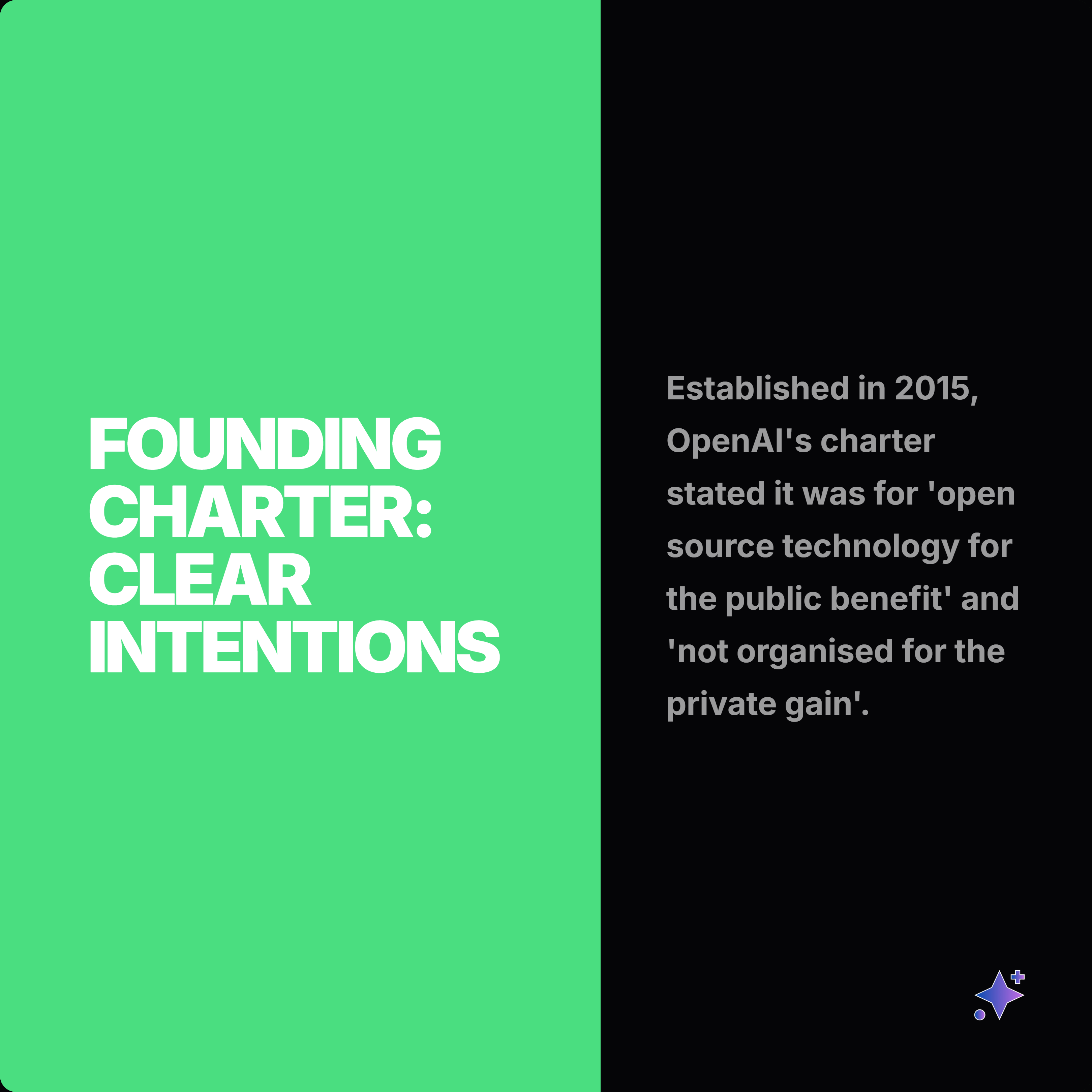
Browse real carousel series before choosing a LinkedIn carousel template.
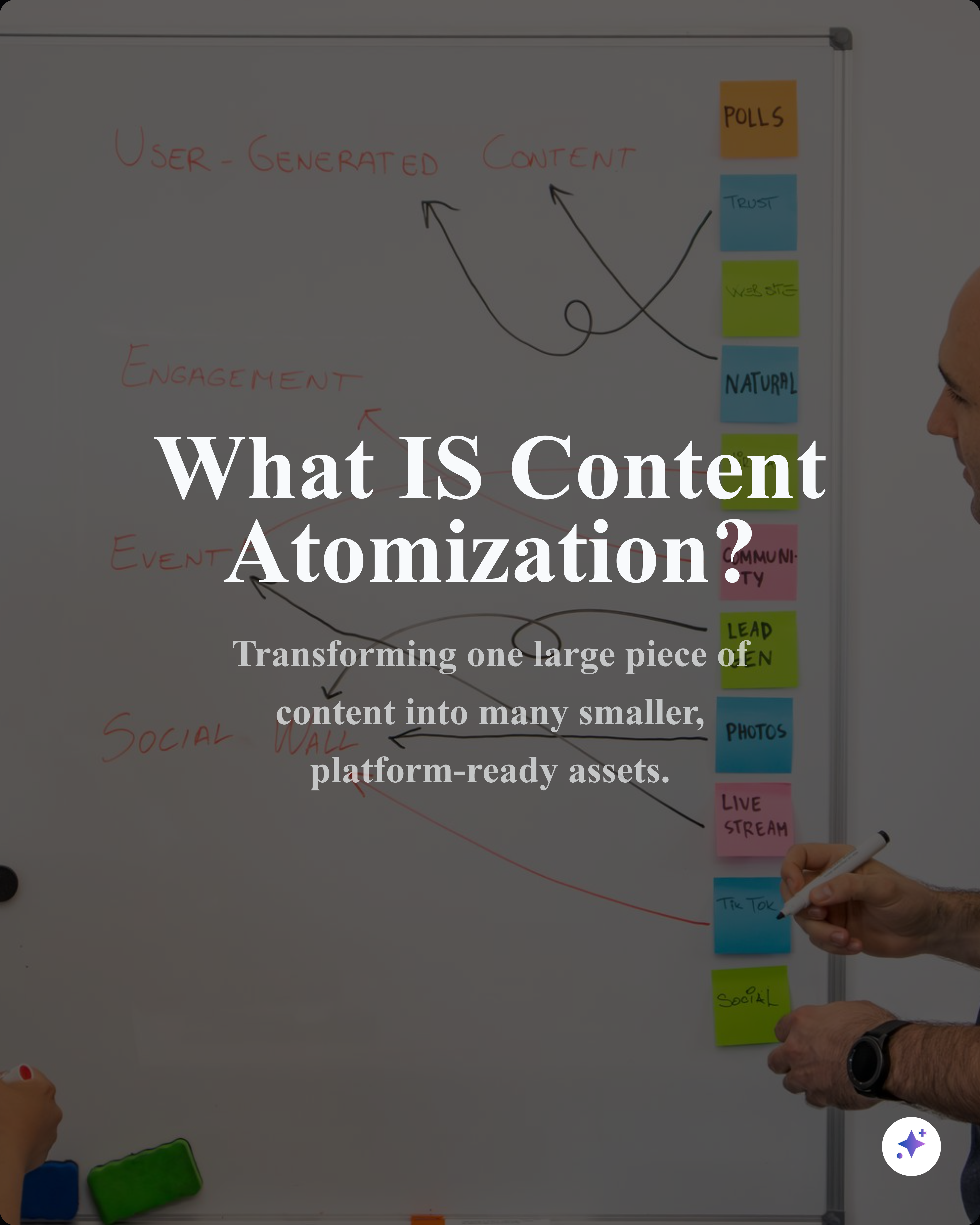
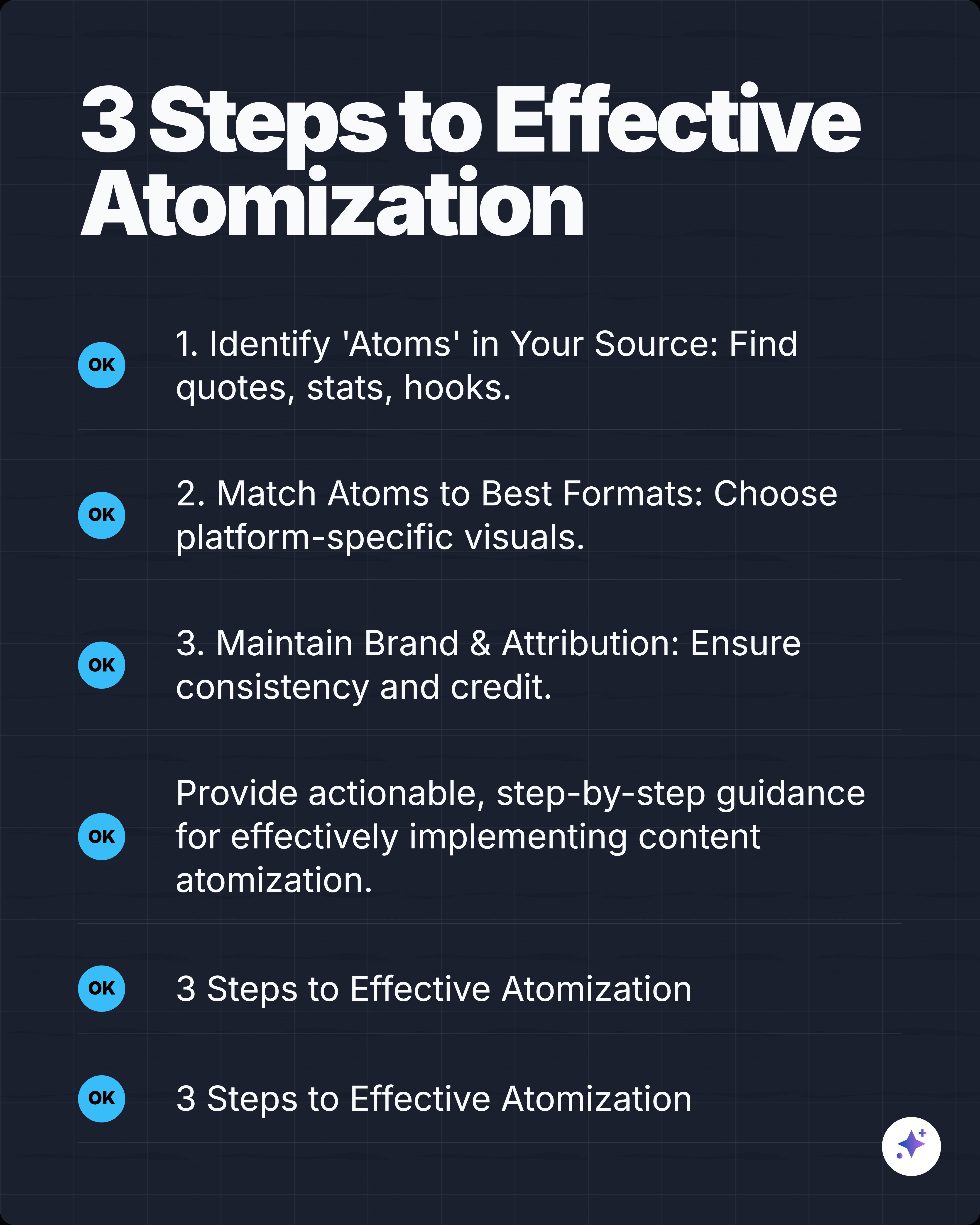
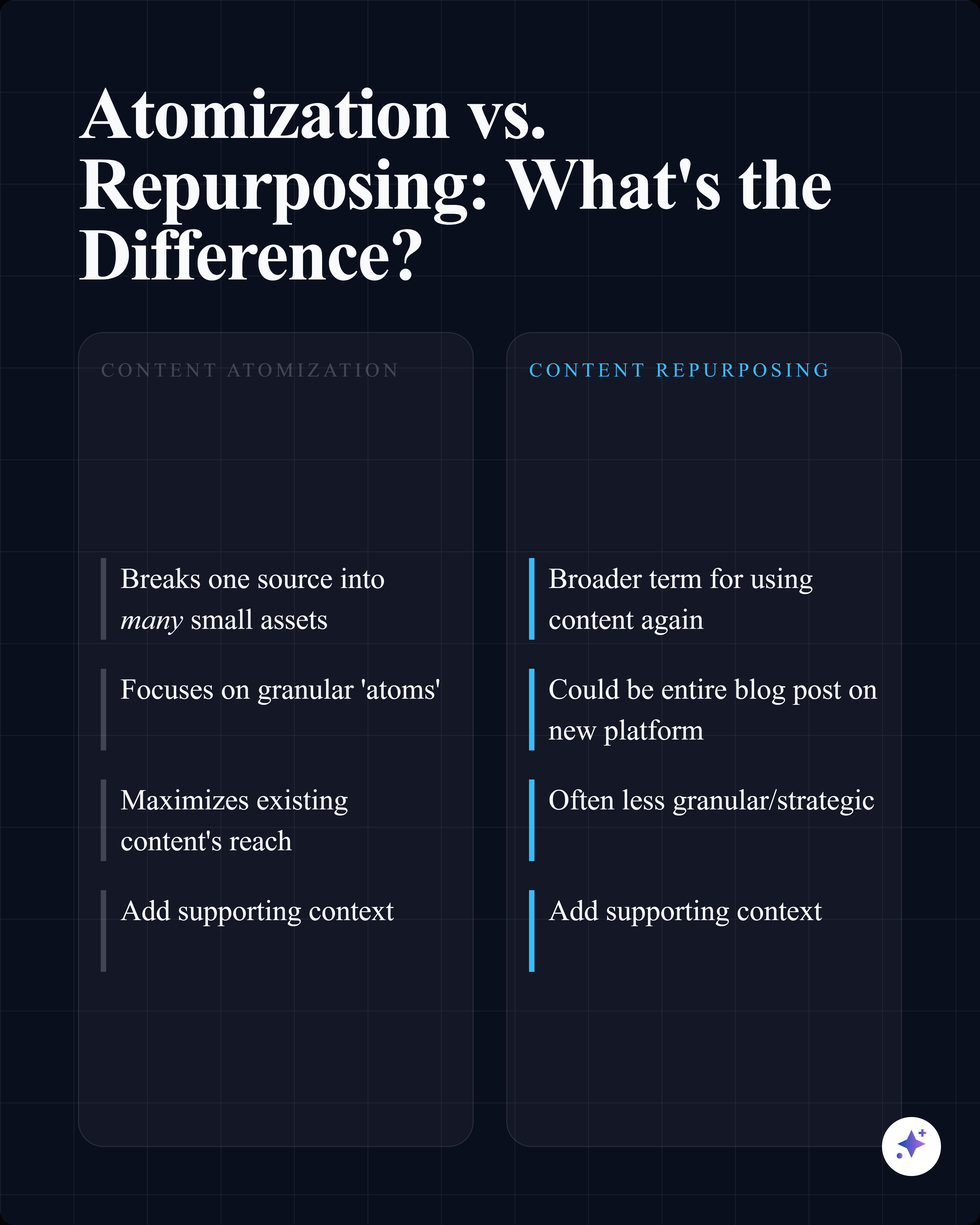
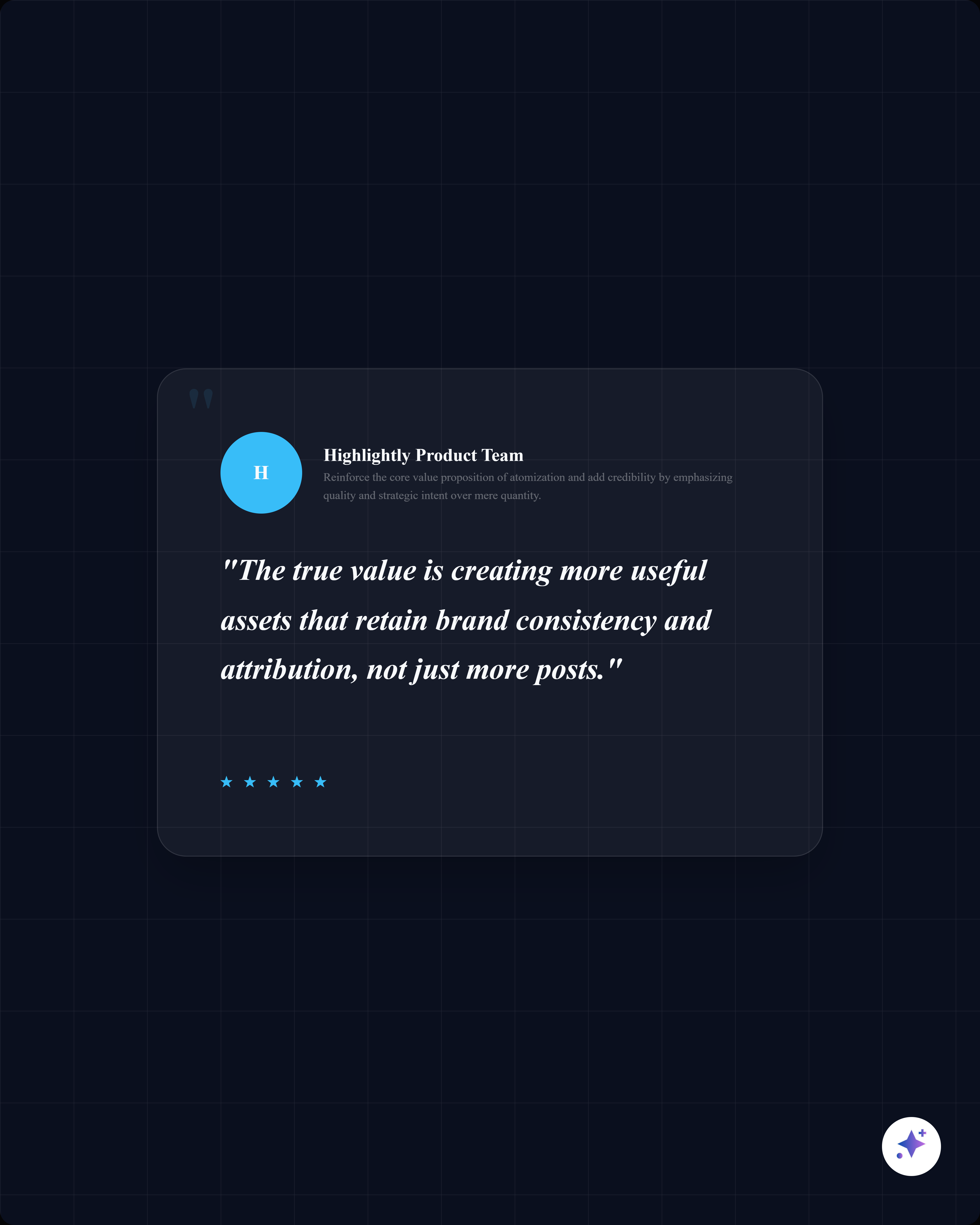
These full sequences show how source-backed templates can carry an opening hook, supporting proof, quotes, stats, and a closing takeaway across multiple slides.

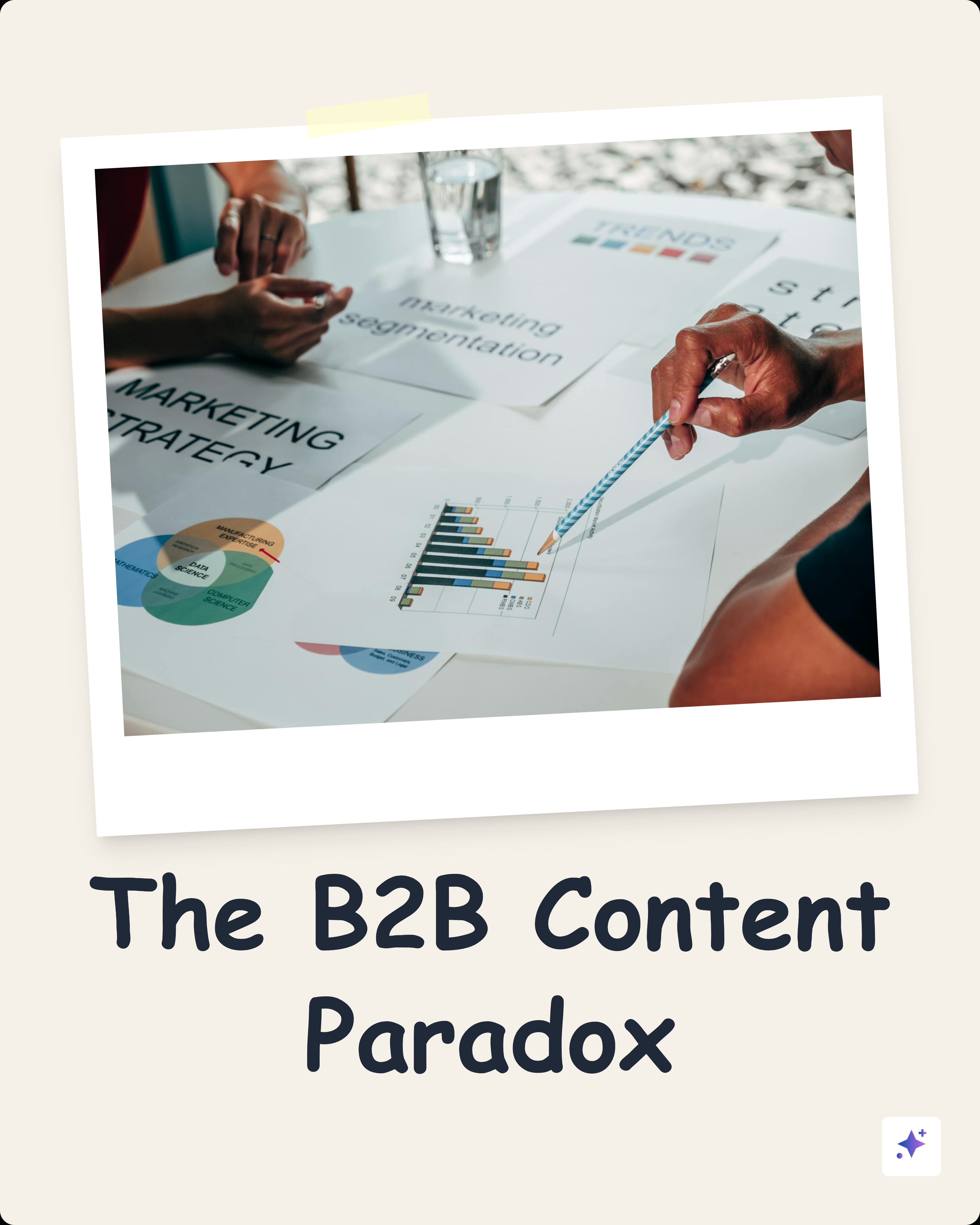
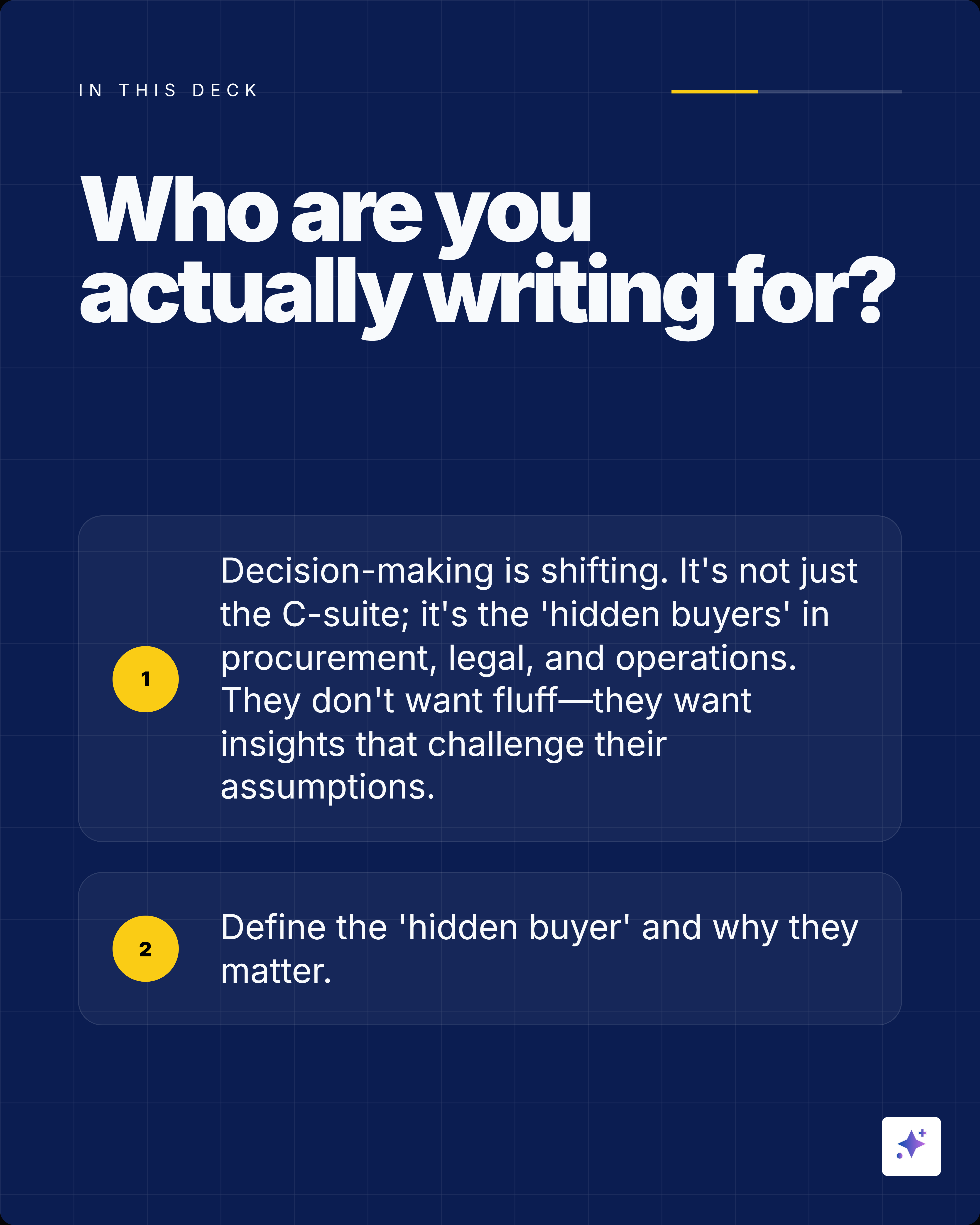

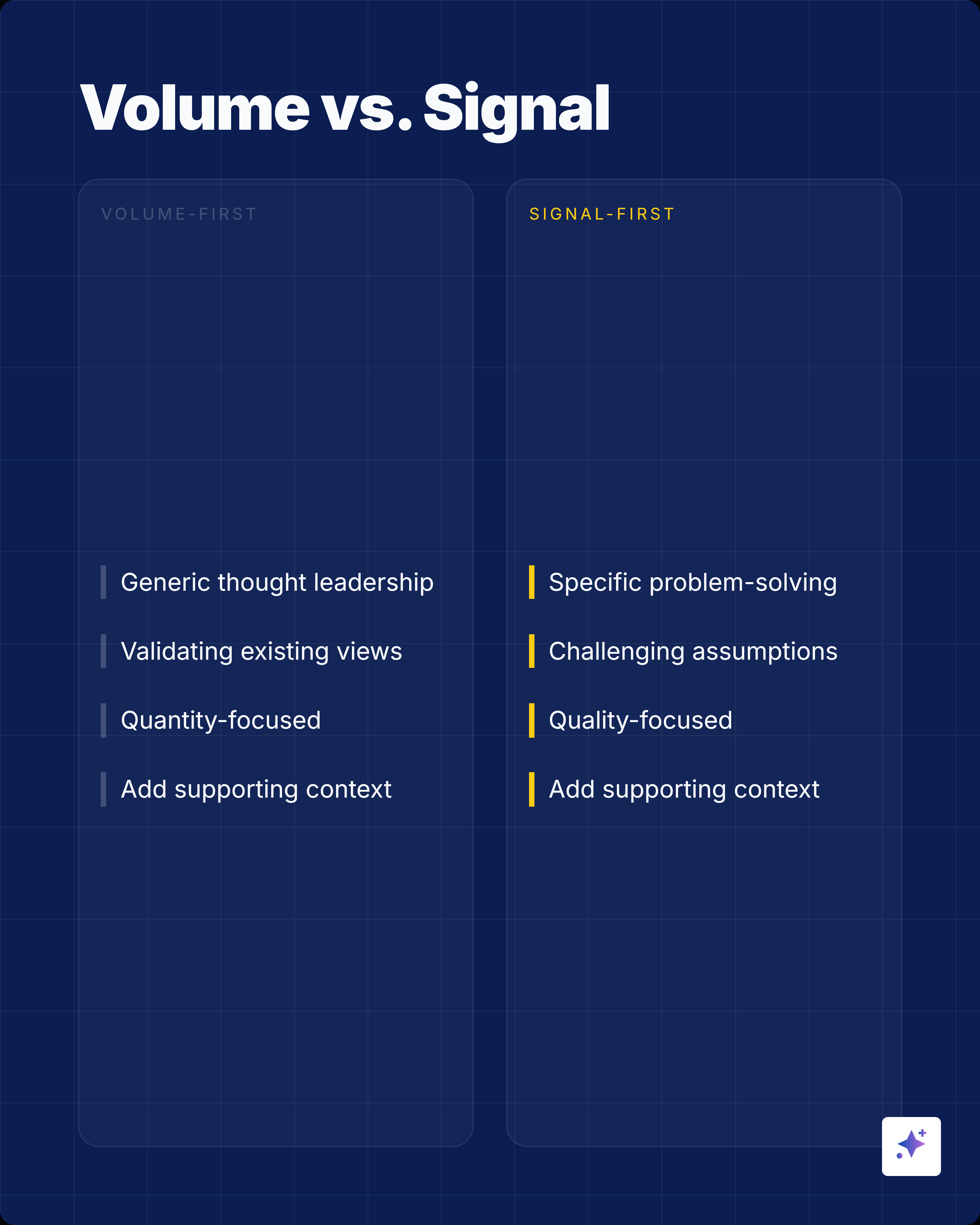
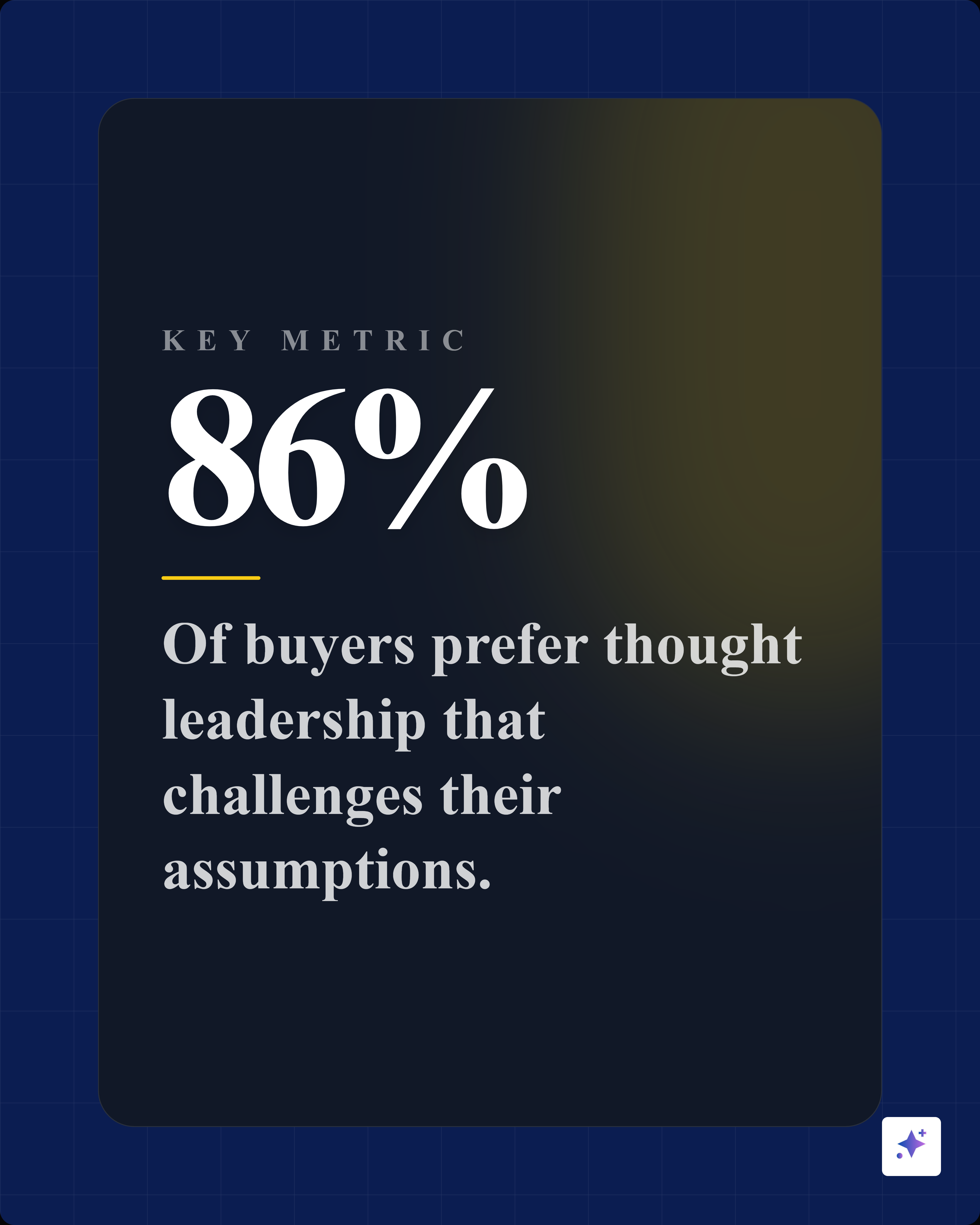

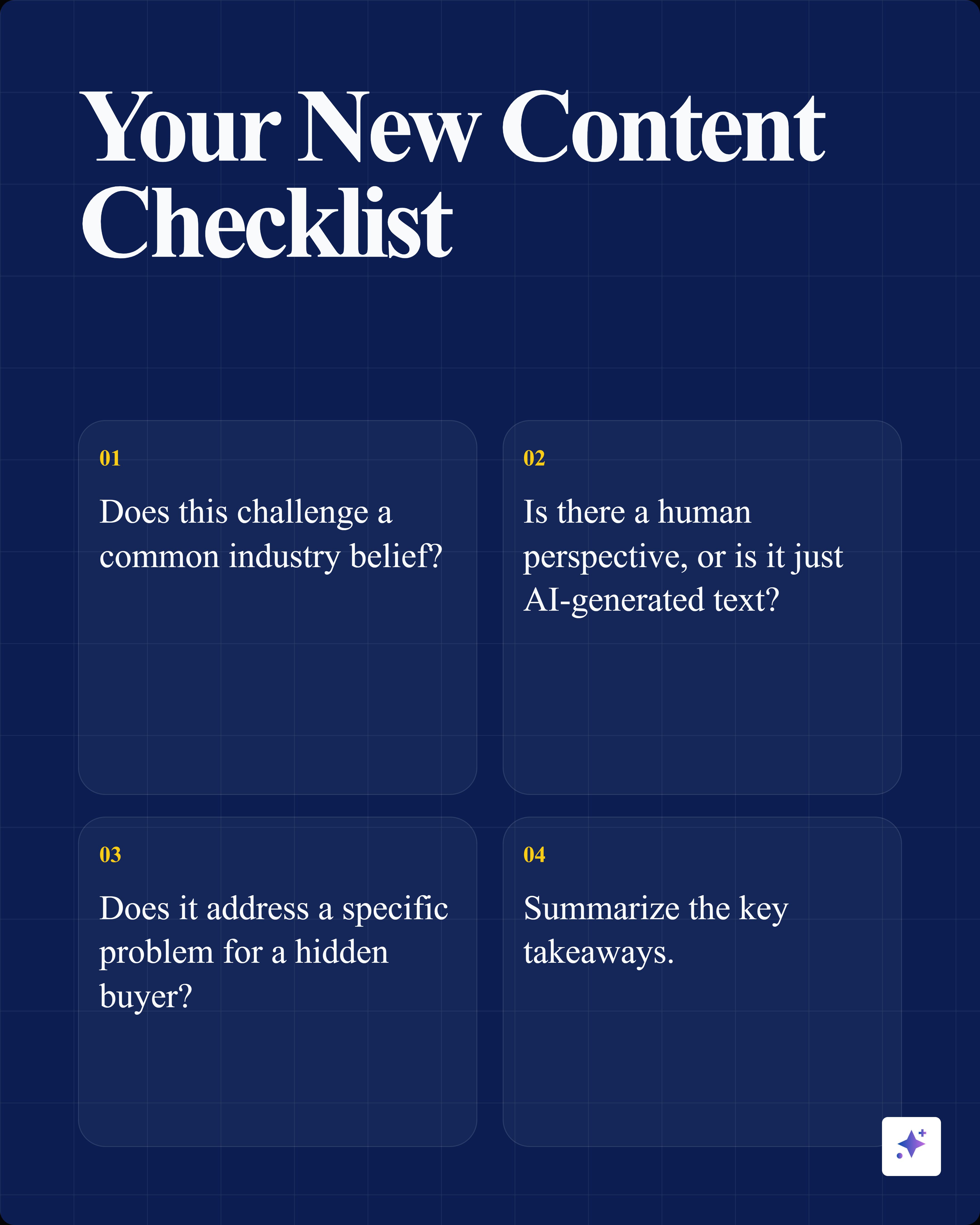
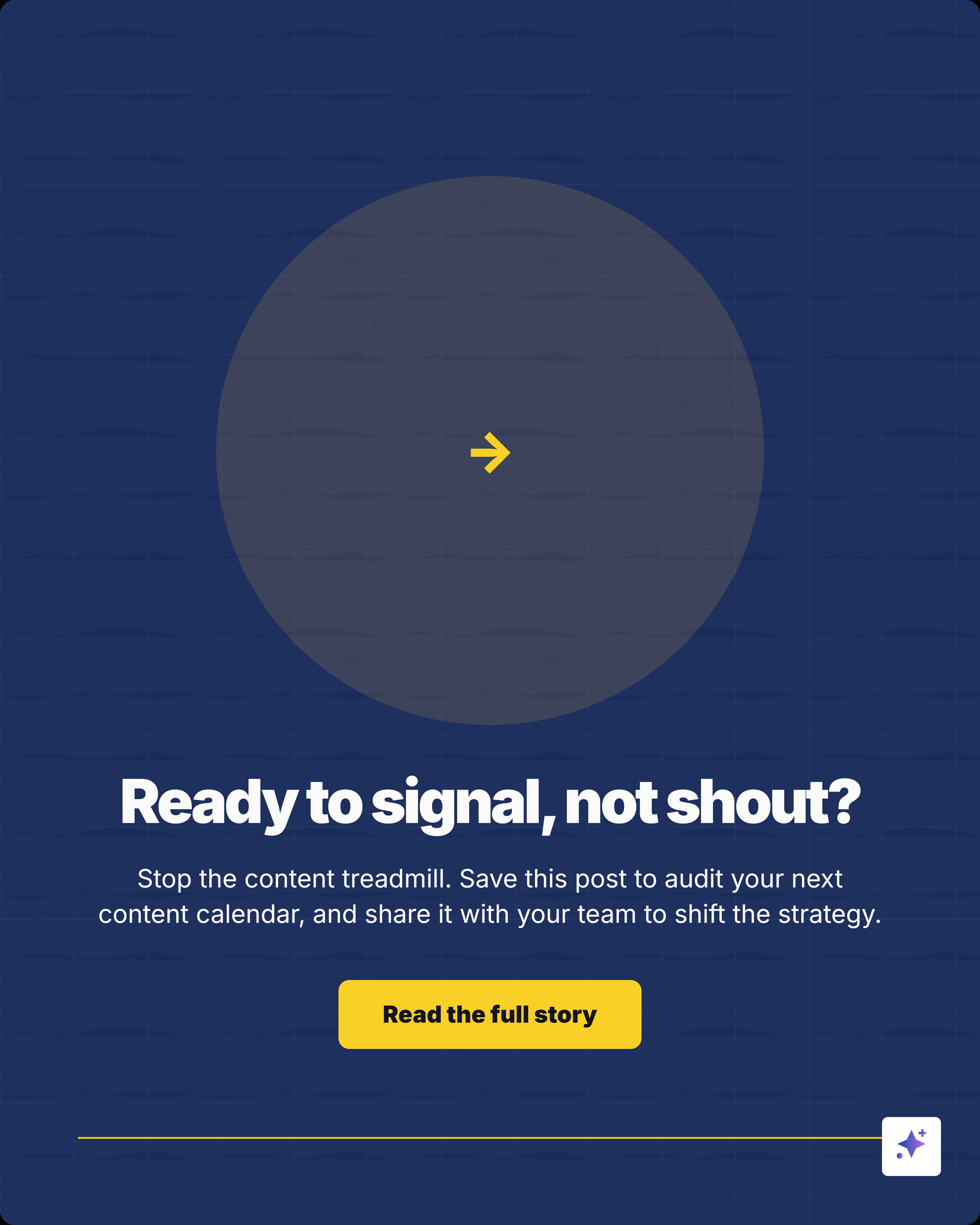

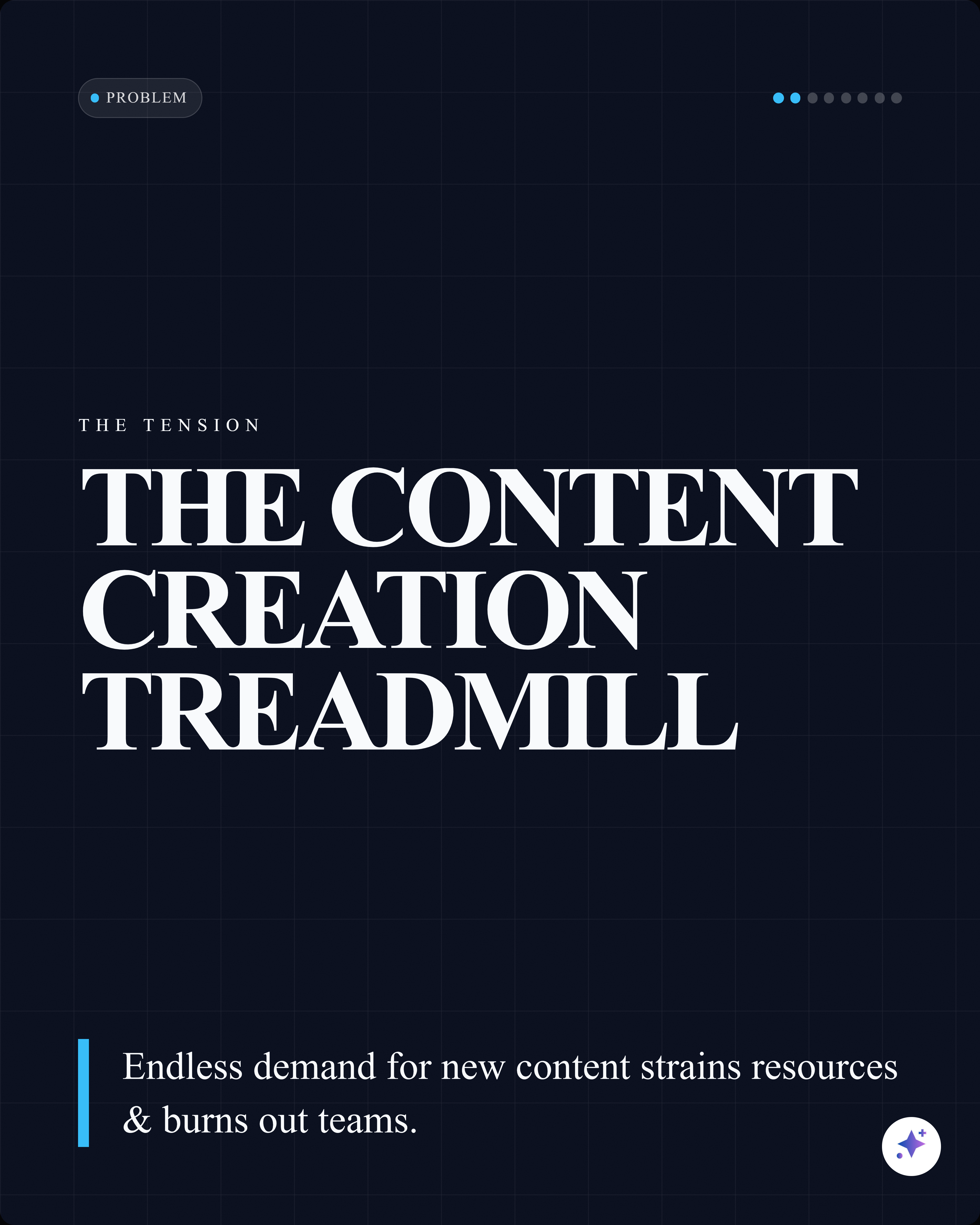
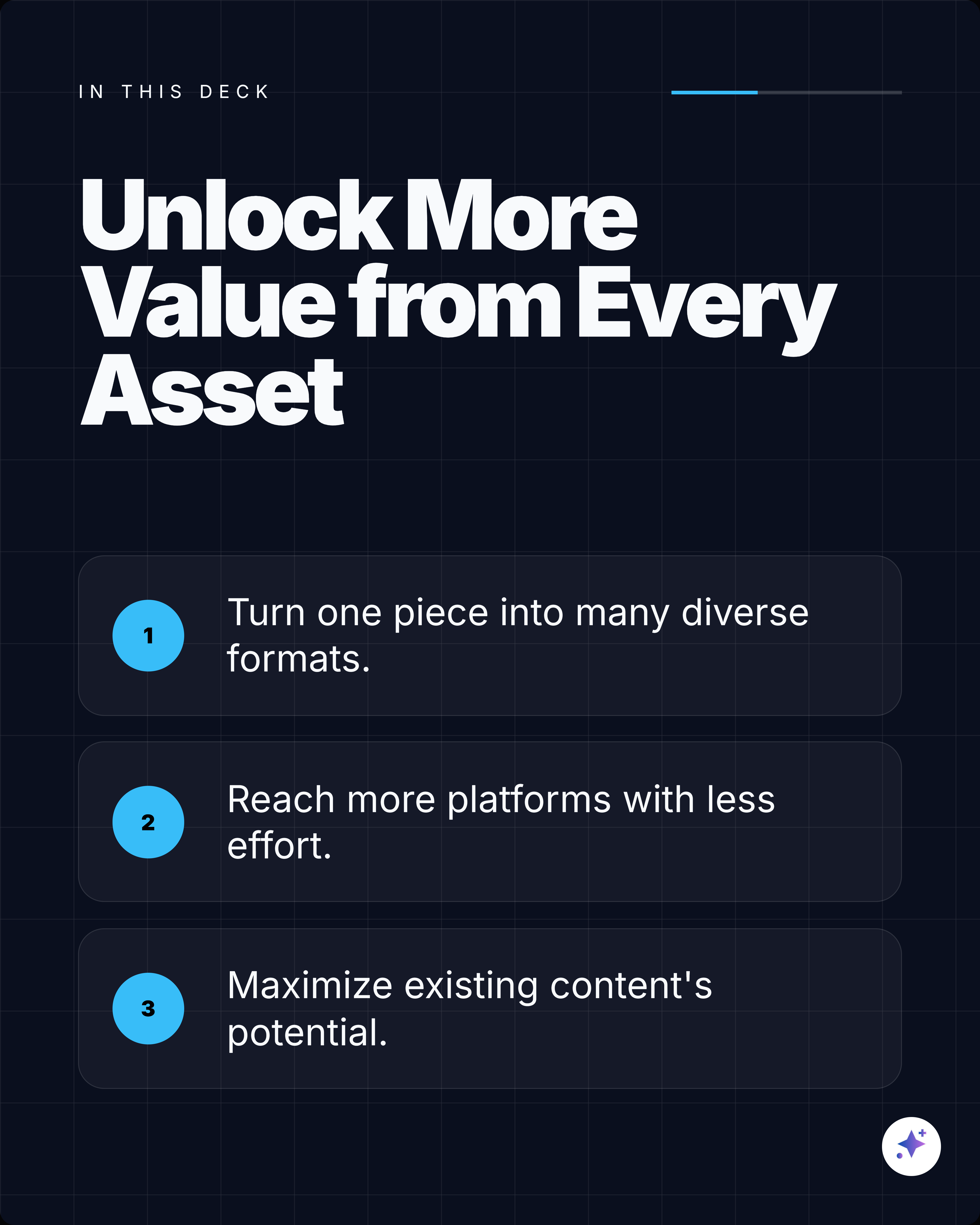



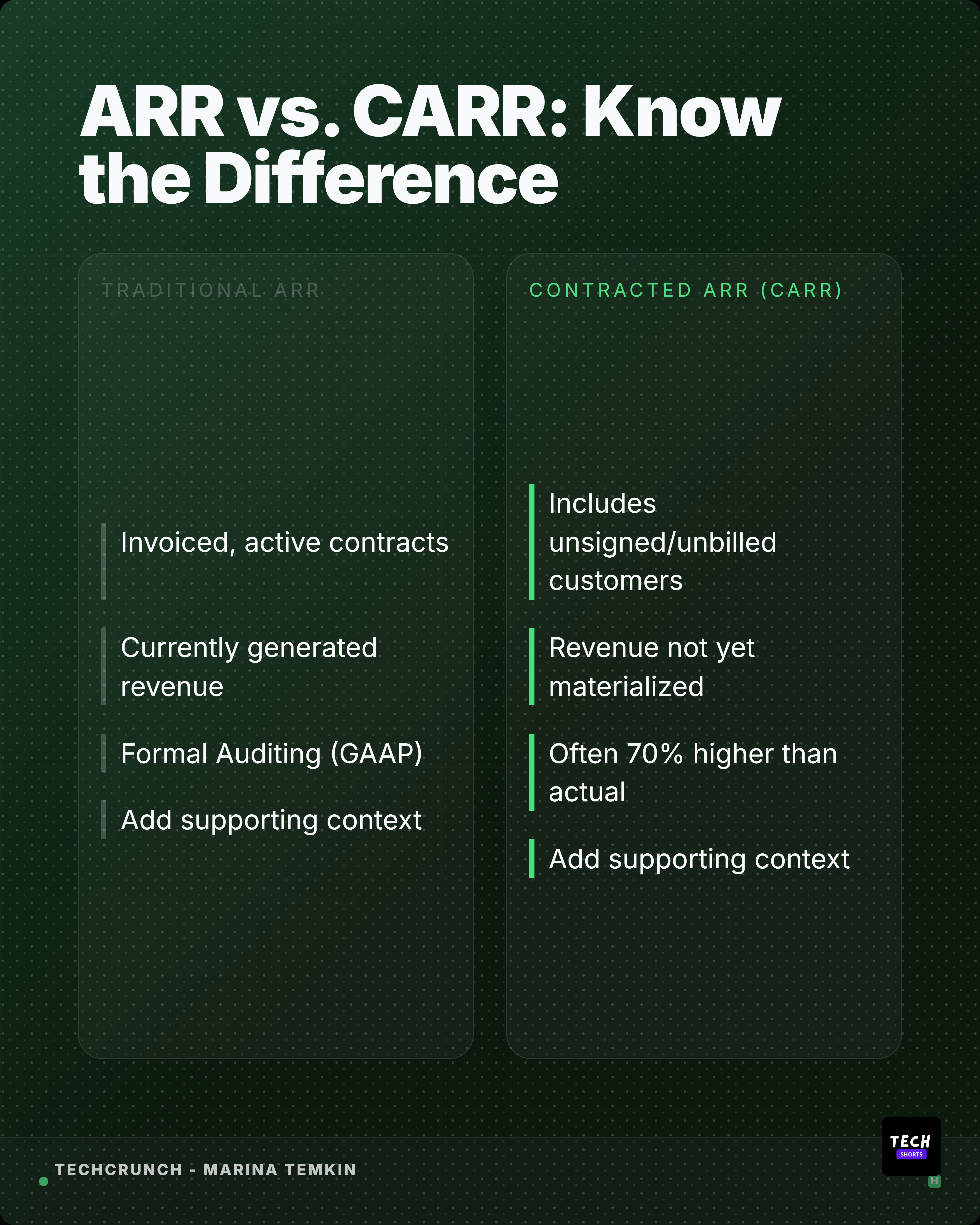














12 templates
Choose a template to start.
Each template is CSS-rendered for SEO crawlability and fully editable in the Highlightly canvas.
How it works
From source to carousel template in minutes.
Import your source
Paste a URL, upload a PDF, drop in text, or search for an article. Highlightly extracts hooks, stats, quotes, and key points.
Pick your template
Browse the 12 templates above. Each one has distinct colors, layout, and typography that you can preview before choosing.
Edit and customize
Swap in your extracted content, adjust colors, update fonts, add your brand kit, and fine-tune the layout in the canvas editor.
Export and publish
Download as high-resolution PNG in your preferred aspect ratio. Share directly to LinkedIn, X, Instagram, or embed in newsletters.
Using linkedin carousel templates with Highlightly.
Each template is designed as a starting point. The CSS-rendered preview above shows you exactly what the layout looks like before you commit. In the editor, you can change every element: swap colors to match your brand kit, update typography, replace placeholder text with extracted content, and adjust positioning.
Templates work with Highlightly's extraction engine. Paste a source, review the extracted hooks and quotes, then apply a template to the content you selected. Brand Kit settings carry across all templates automatically.
Common questions
What size are LinkedIn carousel posts?
LinkedIn carousels use a 1:1 aspect ratio at 1080x1080 pixels per slide. Highlightly exports each slide at high resolution optimized for LinkedIn document posts.
How many slides should a LinkedIn carousel have?
Most effective LinkedIn carousels have between 6 and 15 slides. Highlightly lets you choose the slide count during carousel generation based on your content length.
Can I edit these carousel templates?
Yes. Every template is fully editable in the Highlightly canvas. You can change text, colors, fonts, images, and layout before exporting.
Do these templates work with my brand kit?
Yes. Highlightly applies your brand colors, typography, logo, and watermark to every carousel template automatically.
More templates
Explore other formats.
Quote Card Templates
Quote card templates for pull quotes, testimonials, founder takes, and attributed citations. Designed for LinkedIn, X, Instagram, and newsletter use.
BrowseStat Card Templates
Data visualization templates for single statistics, comparisons, dashboards, and infographic-style stat graphics. Perfect for reports, research, and market data.
BrowseTwitter/X Post Templates
Twitter/X post card templates for thread openers, hot takes, stat drops, link previews, and milestone announcements. Optimized for X feed engagement.
BrowseStart creating
Turn source content into linkedin carousel templates.
Paste a link, upload a document, or start from text. Pick a template, customize with your brand, and export.