Stat graphic
Research stat card
Give one carefully scoped number a clear visual home.
Highlightly helps B2B writers extract evidence, quotes, stats, and usable angles from source material before turning them into branded social assets.
Blog pull quote
Source-backed and editable
Report stat
Source-backed and editable
Carousel hook
Source-backed and editable
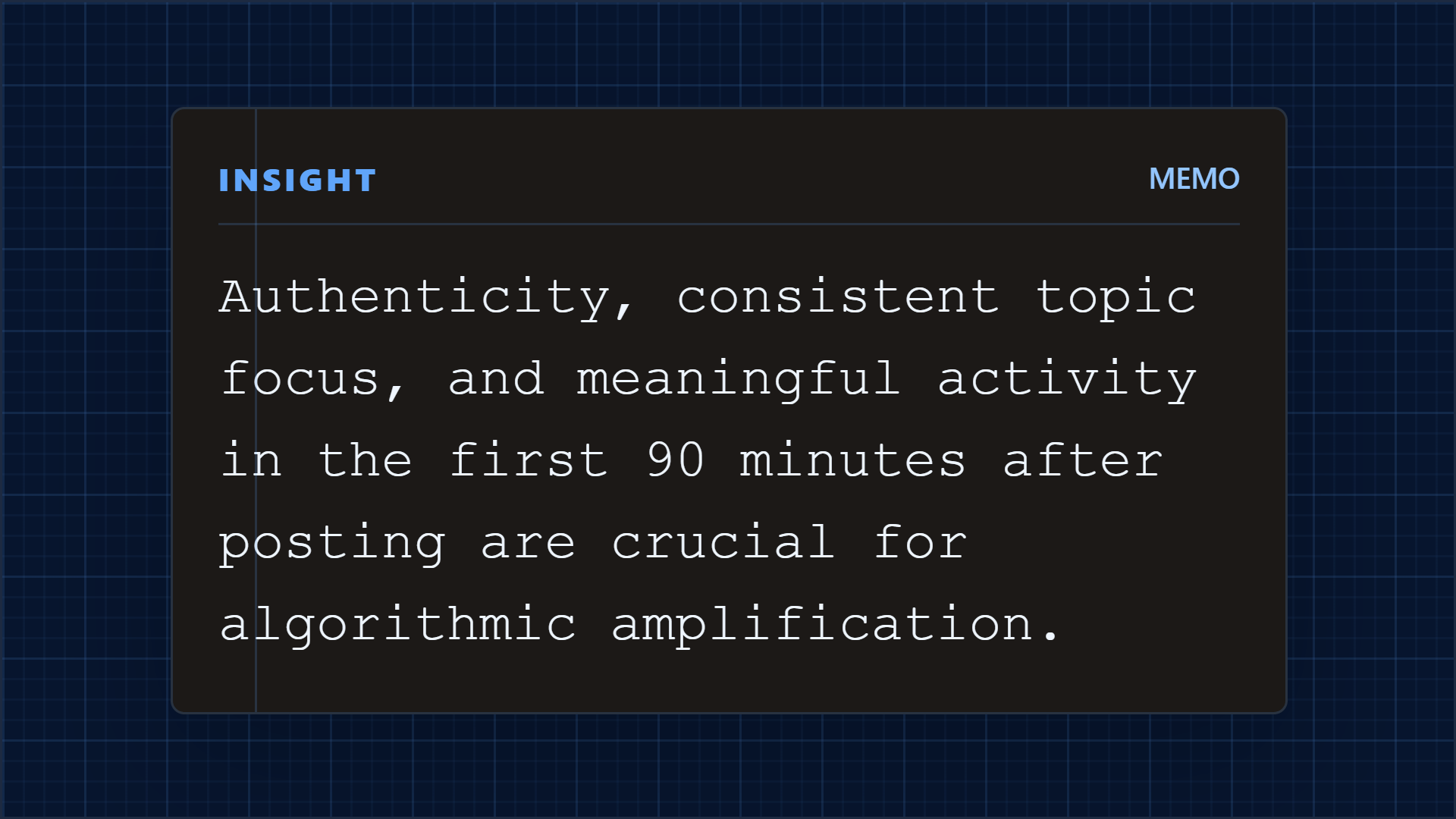
Campaign source
1 asset -> many cuts
Blog, report, or case study becomes cards, carousels, and captions.
The B2B writer problem
B2B writers work across research, interviews, customer stories, product documents, and executive viewpoints. Highlightly keeps those inputs reviewable while helping writers create distribution assets from the strongest material.
The long-form argument stays intact while the campaign gets smaller, sharper publishing assets.
Useful evidence gets buried in source documents after the long-form draft is complete.
A quote or statistic can lose its meaning when it is copied into a social template.
Distribution turns into a second blank-page project.
Writers need speed without handing unsupported claims to the brand account.
Working sequence
Use a report, interview transcript, case study, article, PDF, or pasted notes.
Inspect hooks, quotes, stats, key points, and attribution before anything is designed.
Decide whether the output should explain, prove, compare, teach, or invite discussion.
Create a quote card, stat graphic, carousel, thread, or caption while keeping the canonical source visible.
Concrete outputs
Review source-backed hooks, quotes, statistics, and key points before choosing the visual or caption.
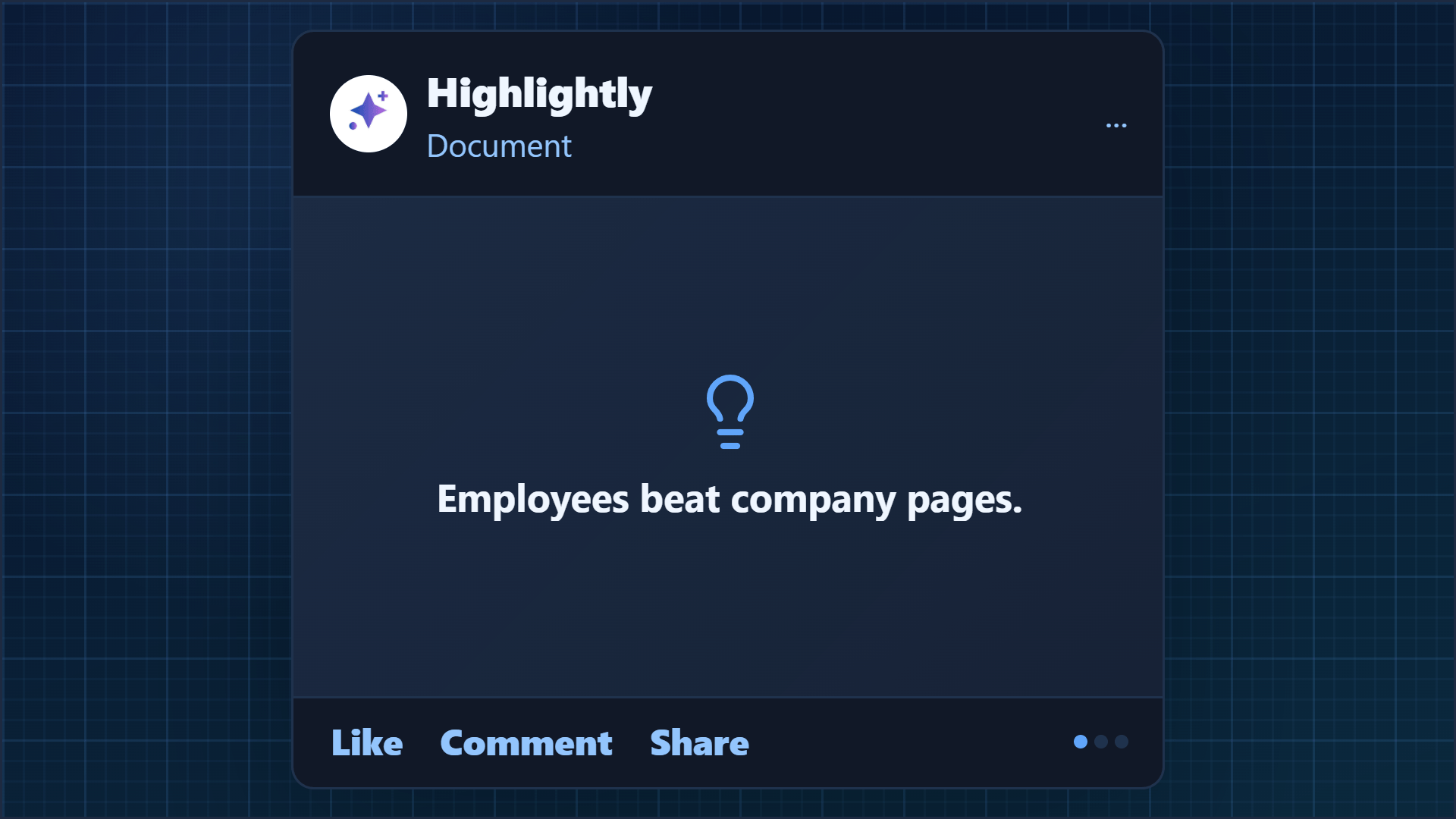
Give one carefully scoped number a clear visual home.
Turn a complete answer into an attributed pull quote.
Translate the argument into a sequence without rewriting the evidence away.
See it in action
Here is an example source, a few extracted signals, and a showcase wall of output directions created from that material.
Example source
This is one source used to demonstrate the kind of outputs Highlightly can create after extraction and review.
Example extracted signals
Statistic
Review the number with its population and context before designing.
Quote
Keep the speaker and source attached to the wording.
Key point
Use the source to choose a practical reader job.
Output directions
The showcase below is an example set from one source, not the ceiling. Highlightly can keep producing variations across templates, ratios, brand systems, and editorial angles.
Sample output wall
Preview the first part of the showcase, then expand it if you want to scan the full example set.
Output wall
This is a showcase set, not a limit. Change the format, ratio, brand kit, template, or angle and the same source can branch into many more directions.

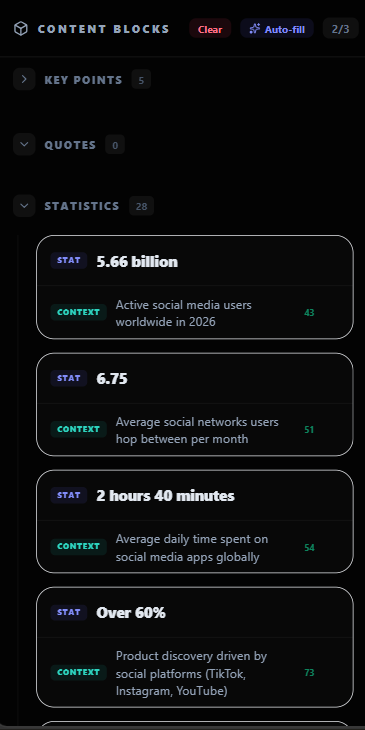
Highlightly extracts and structures source material. You review, edit, and approve before export. The AI does the first pass. You make the final call.
“The goal is not to make more AI content. The goal is to make the useful parts of real sources easier to publish.”— Founder @ Highlightly
See every hook, stat, quote, and claim before it becomes an asset.
Change wording, adjust framing, add your take before export.
Colors, logo, typography, watermark, and social handles.
The final asset reflects your judgment, not just the AI extraction.
What to paste first
The fastest path is not “ask AI for content.” It is: bring a real source, inspect what Highlightly extracts, choose the useful angle, then make the asset your own.
Good when it contains claims, quotes, stats, steps, or a clear argument worth turning into a visual.
Good when it contains claims, quotes, stats, steps, or a clear argument worth turning into a visual.
Good when it contains claims, quotes, stats, steps, or a clear argument worth turning into a visual.
Highlightly works best when the source has real substance. If the source is thin, use the editor to add your own context before export.
Before exporting, confirm the extracted quote, statistic, or takeaway still matches the source. Then use the editor, Brand Kit, and captions to make it publishable.
How it compares
B2B writers need evidence and judgment first, then production speed. Highlightly supports the handoff from source to distribution.
| Feature | Highlightly | Canva | Buffer | Manual |
|---|---|---|---|---|
| Source-backed extraction | ||||
| Brand kit application | ||||
| Multi-platform captions | Scheduling only | |||
| Source attribution | ||||
| Batch source ingest | ||||
| Review before export | ||||
| Carousel generation | Manual design | |||
| Quote/stat cards | Manual design |
Source-backed extraction
HL
Canva
Buffer
Manual
Brand kit application
HL
Canva
Buffer
Manual
Multi-platform captions
HL
Canva
Buffer
Manual
Source attribution
HL
Canva
Buffer
Manual
Batch source ingest
HL
Canva
Buffer
Manual
Review before export
HL
Canva
Buffer
Manual
Carousel generation
HL
Canva
Buffer
Manual
Quote/stat cards
HL
Canva
Buffer
Manual
Highlightly helps writers move from source material to distribution without treating every draft as generic AI copy. The writer still owns the angle, judgment, and final edit.
Direct answer
B2B content writers can use Highlightly to review research, interviews, reports, and customer stories for source-backed hooks, quotes, statistics, and key points, then turn selected evidence into branded social assets.
No. It organizes source material and speeds up production. The writer still chooses the angle, checks the claim, and approves the final copy.
Yes, when each post has a different audience job and the source supports the claim.
Yes. Keep source metadata and attribution visible while selecting and exporting assets.
Related workflows
For content teams
Repurpose blogs, PDFs, case studies, reports, and thought leadership into branded social graphics, carousels, stat cards, and captions.
View workflowFor social teams
Create source-backed social media graphics, quote cards, carousels, and captions from articles, PDFs, reports, and pasted text with Highlightly.
View workflowFor client teams
Agencies use Highlightly to create branded quote cards, stat graphics, carousels, and captions from client articles, PDFs, reports, and pasted text.
View workflowStart with one source
Paste a link, upload a document, or start from text. Review the extracted material, pick a template, and export with attribution intact.