Answers for people turning real sources into visible proof.
Not generic "make content with AI" advice. These guides start where the work actually starts: an article, PDF, report, transcript, screenshot, or note that has something worth extracting.
The answers below map to cards Highlightly can actually generate.
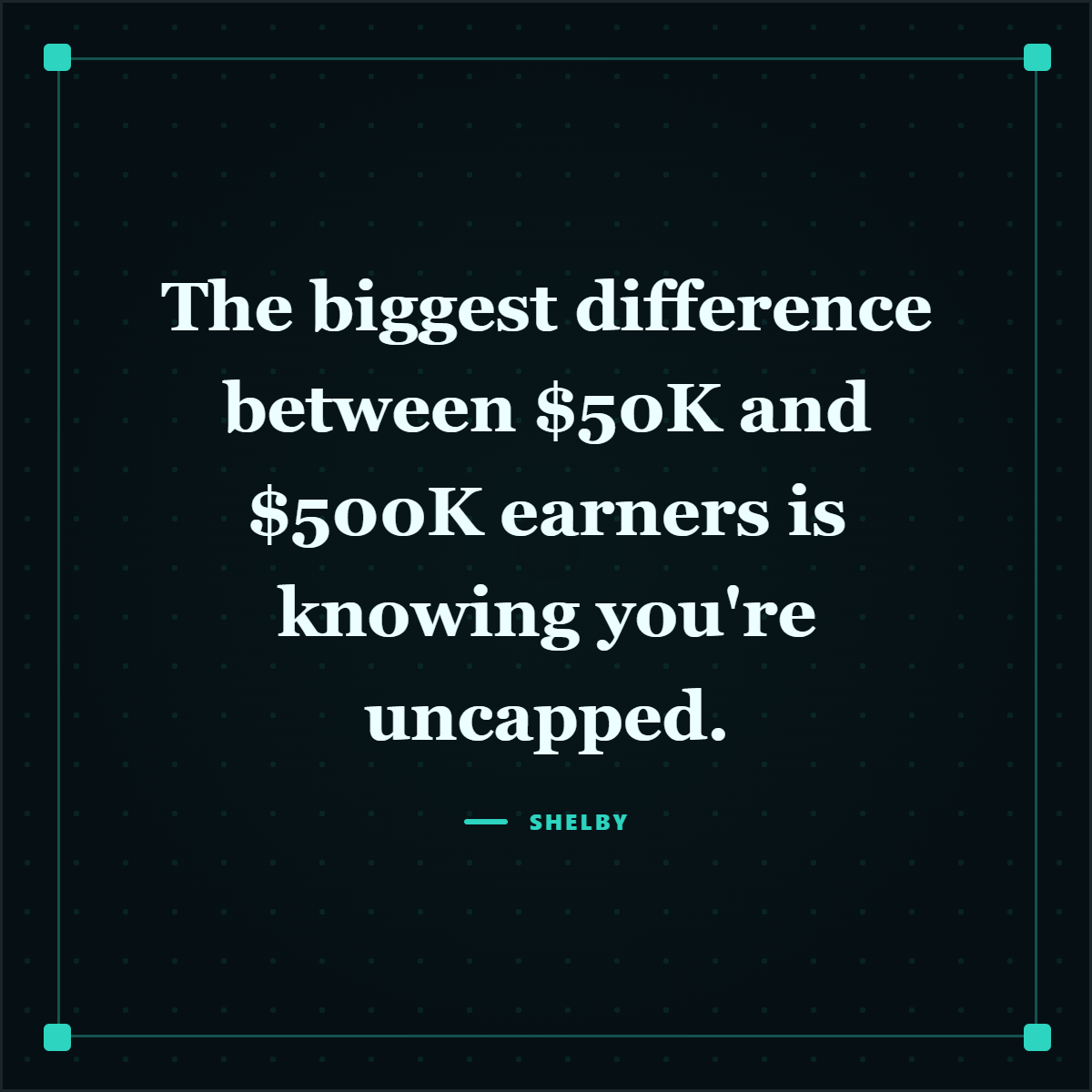
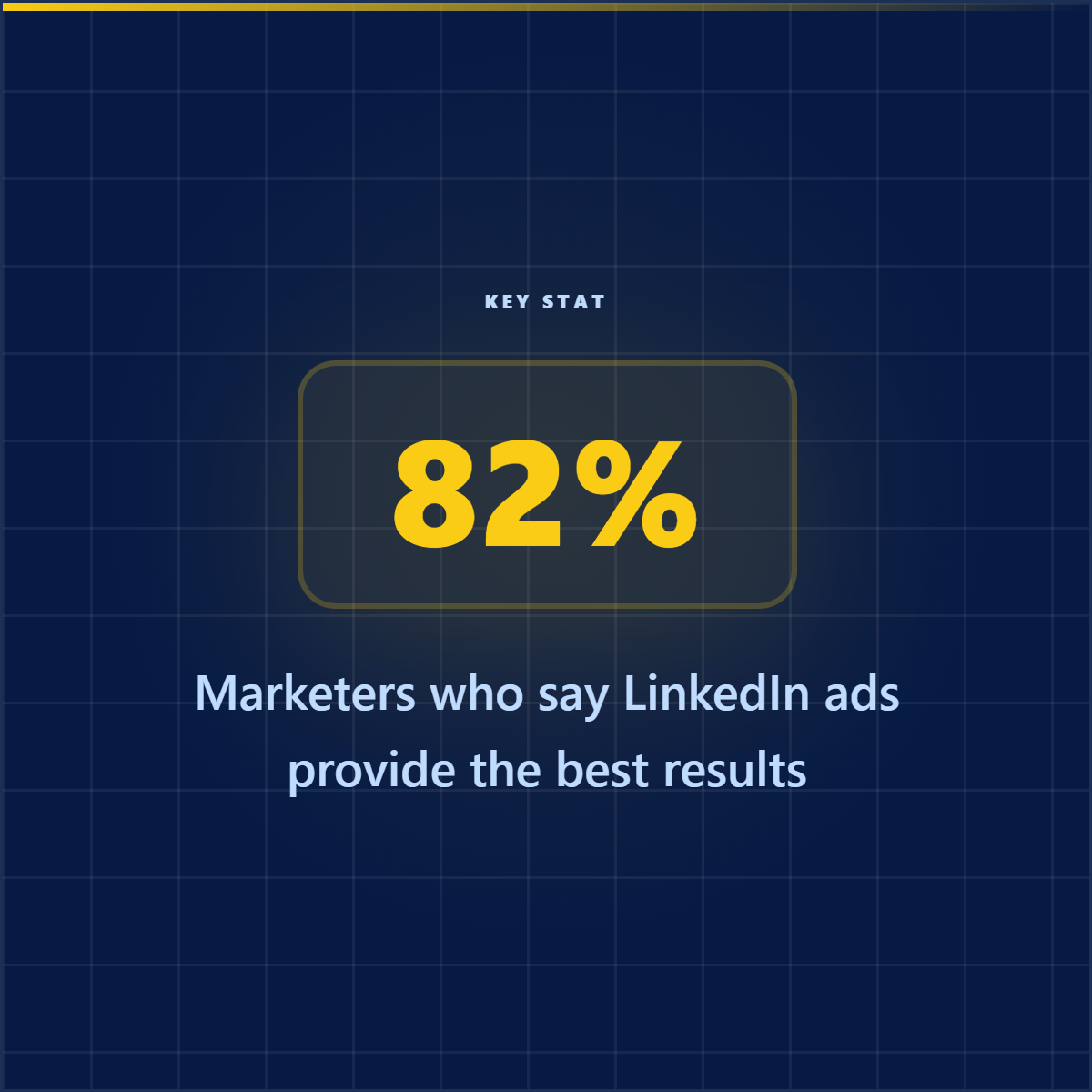
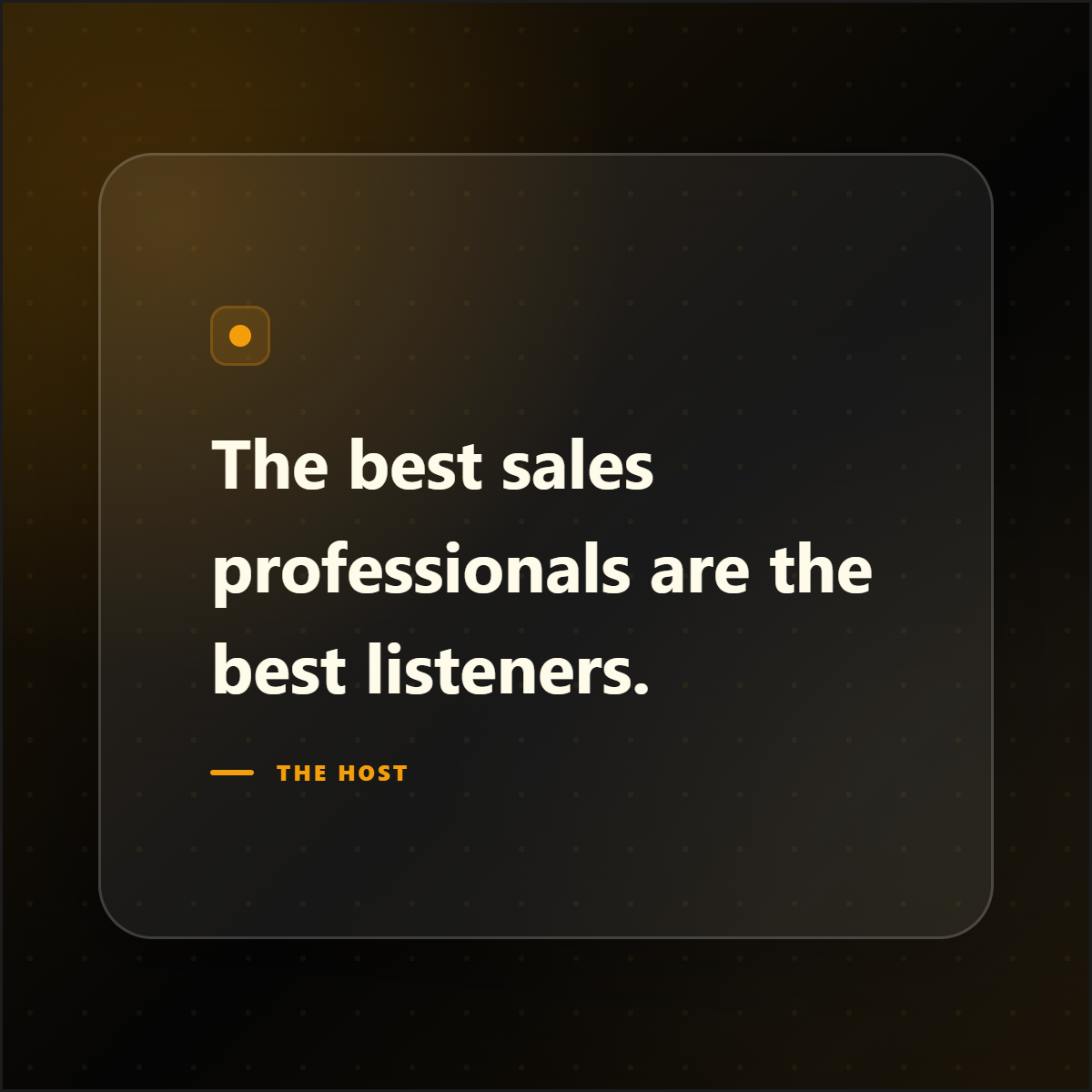
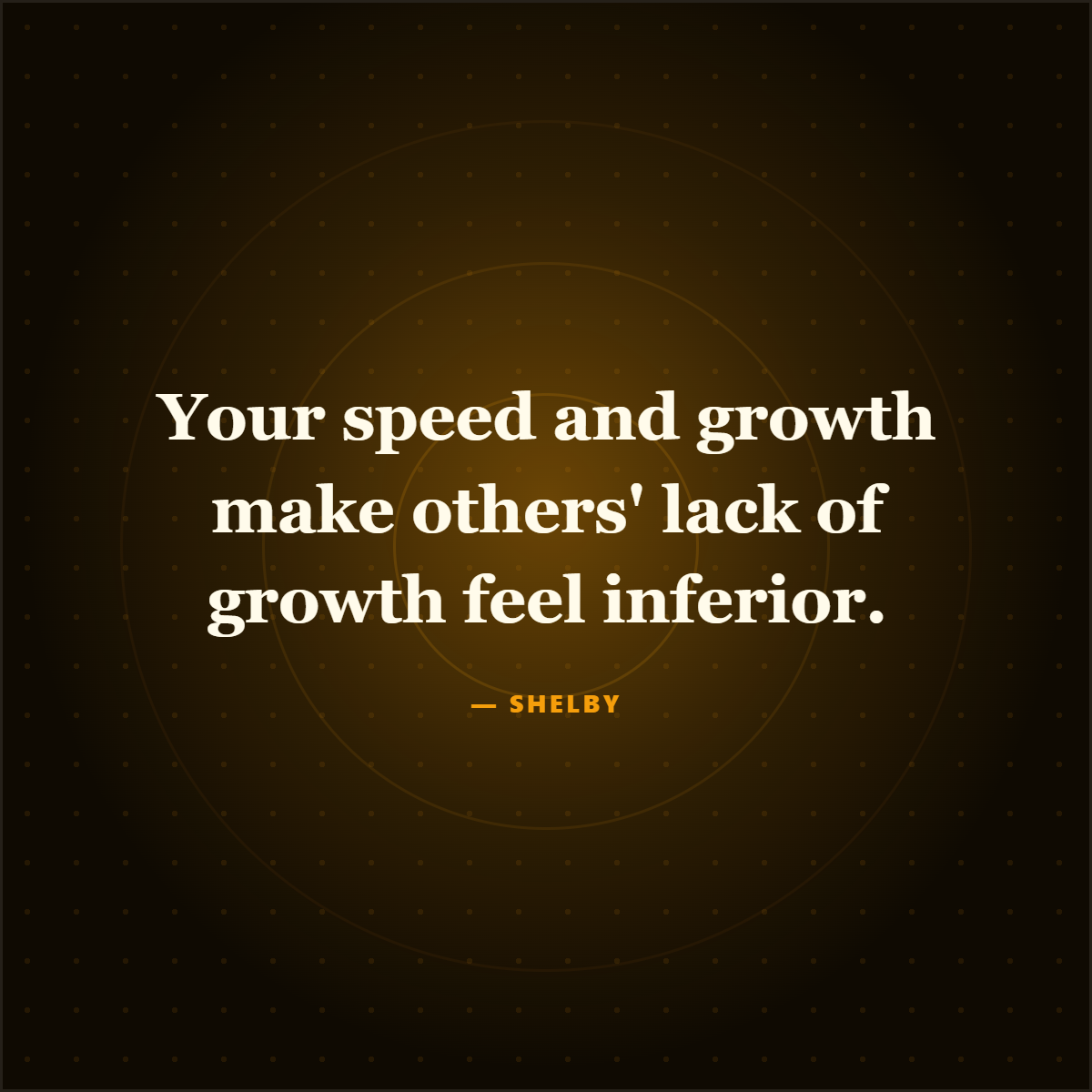
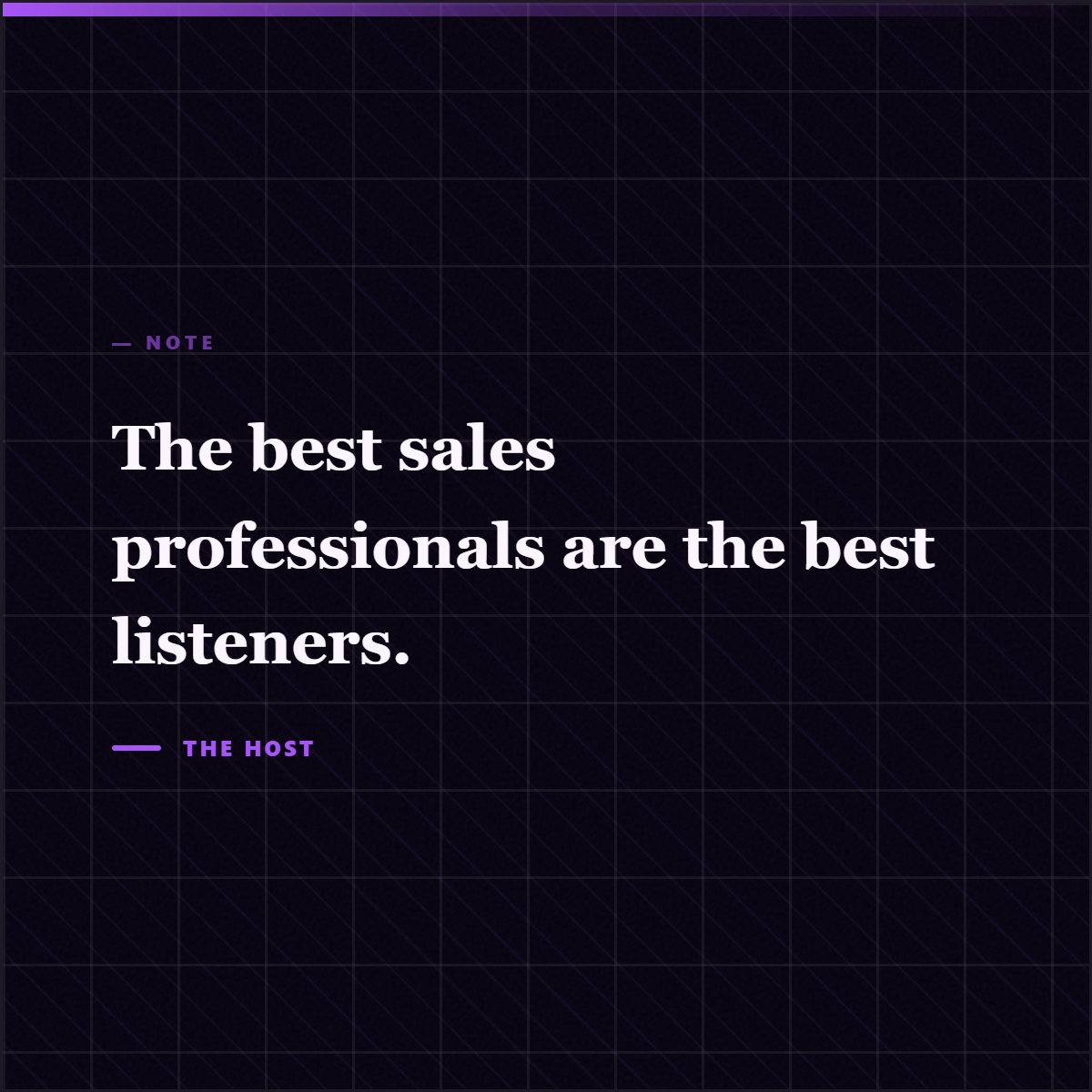
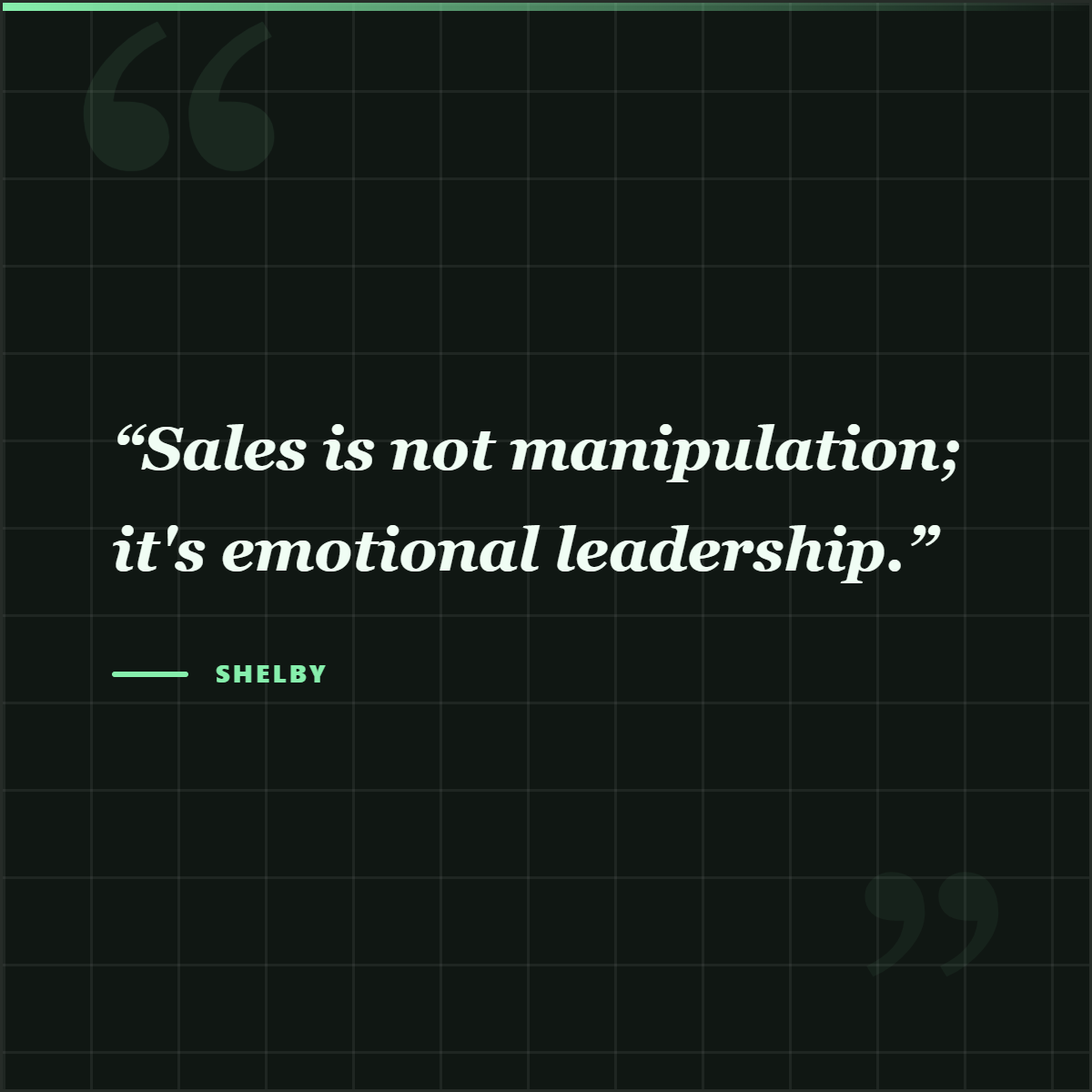
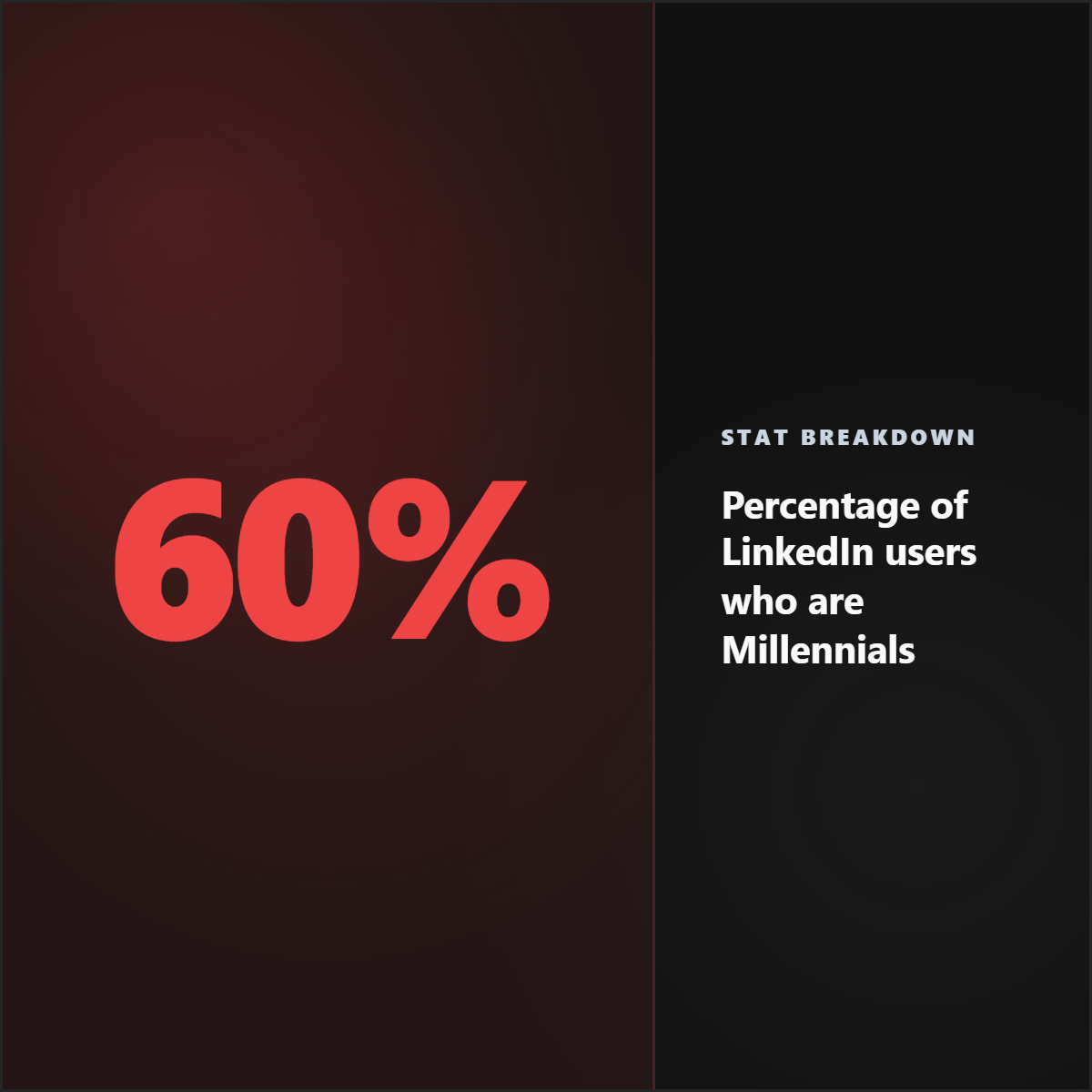
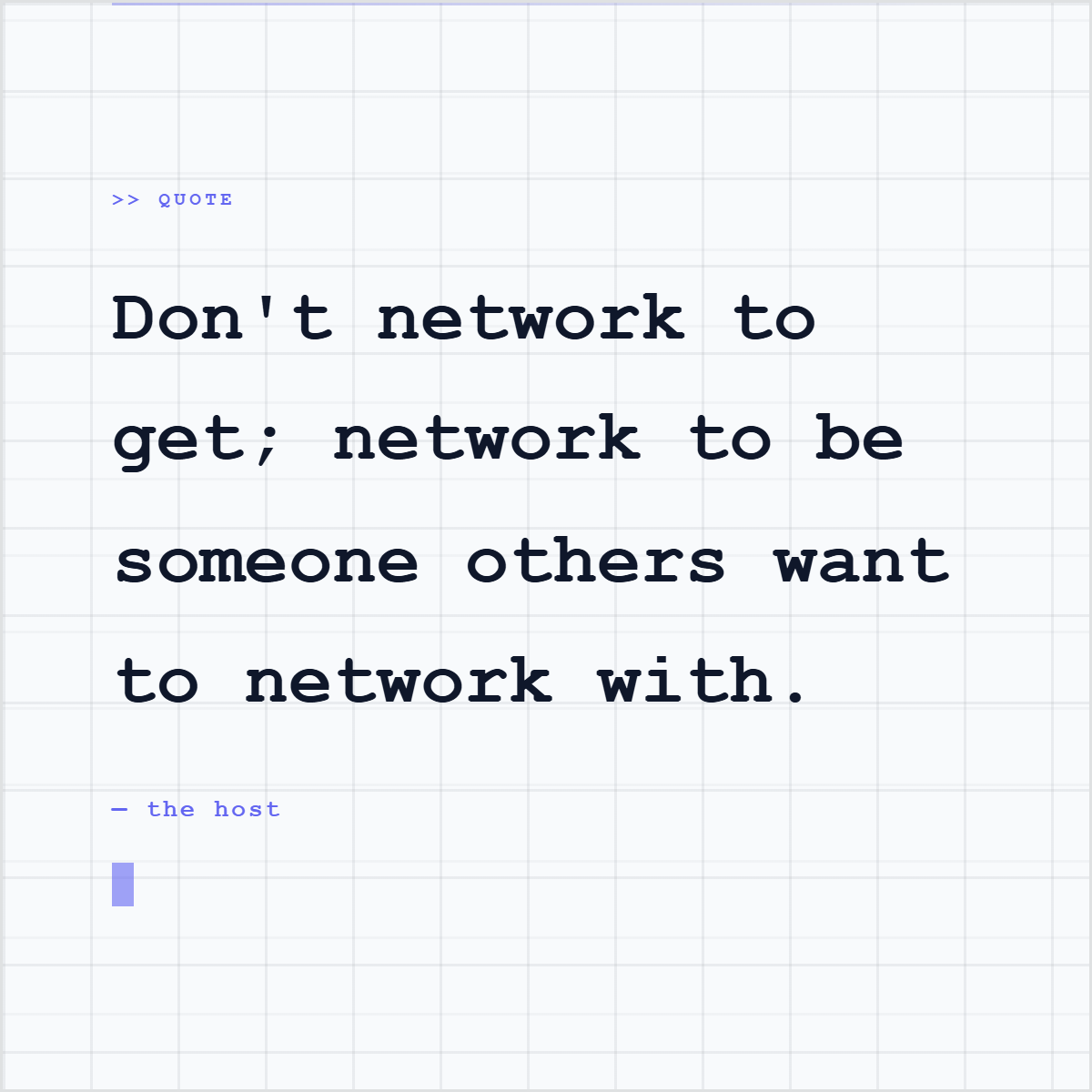
Quote cards, stat cards, and proof graphics from source material, shown before the how-to library so the workflow has a visible endpoint.








What is a LinkedIn document post?
A LinkedIn document post is a PDF, PPT, or document uploaded to LinkedIn so people can swipe through it as slides in the feed. Many creators call it a LinkedIn carousel, swipe post, PDF post, or slideshow post. It works best when each page has one clear idea, strong visual hierarchy, and a reason to keep swiping.
Read answerHow do I turn an article into a LinkedIn carousel?
To turn an article into a LinkedIn carousel, identify one clear angle, extract the strongest quotes, stats, key points, and examples, then arrange them into a short slide sequence. The best carousels do not summarize the whole article. They turn one useful argument into a readable story with proof and attribution.
Read answerHow do I make a quote card from an article?
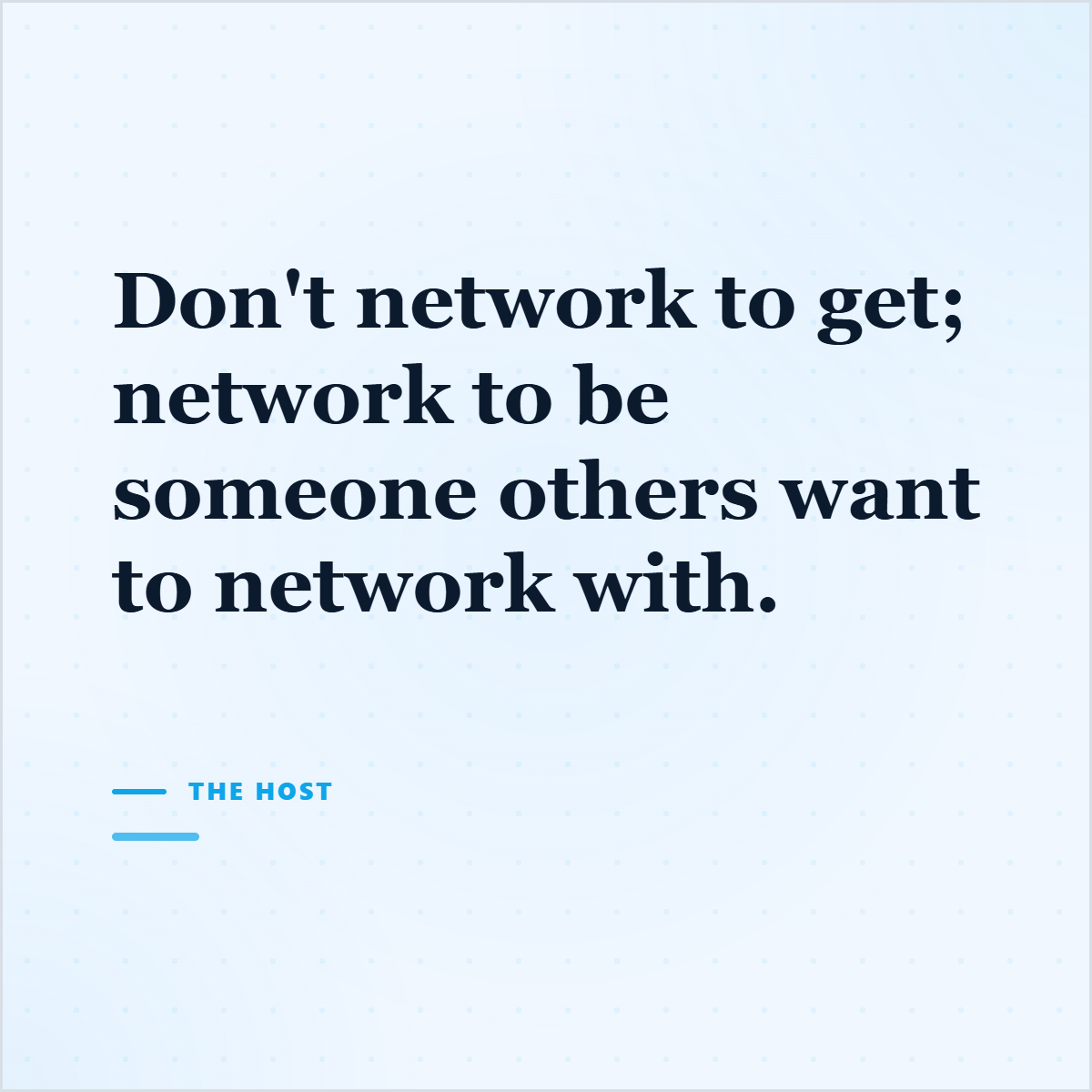
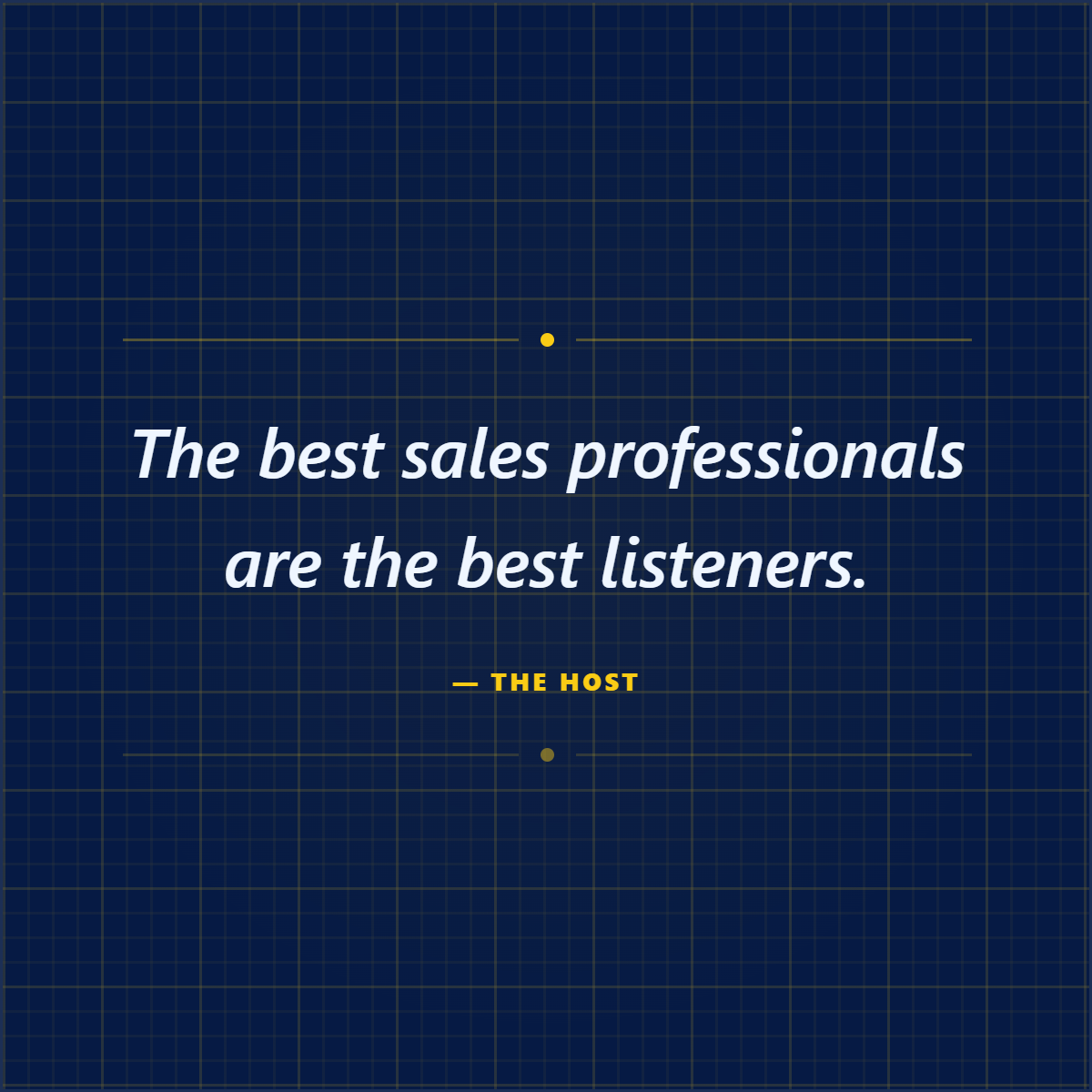
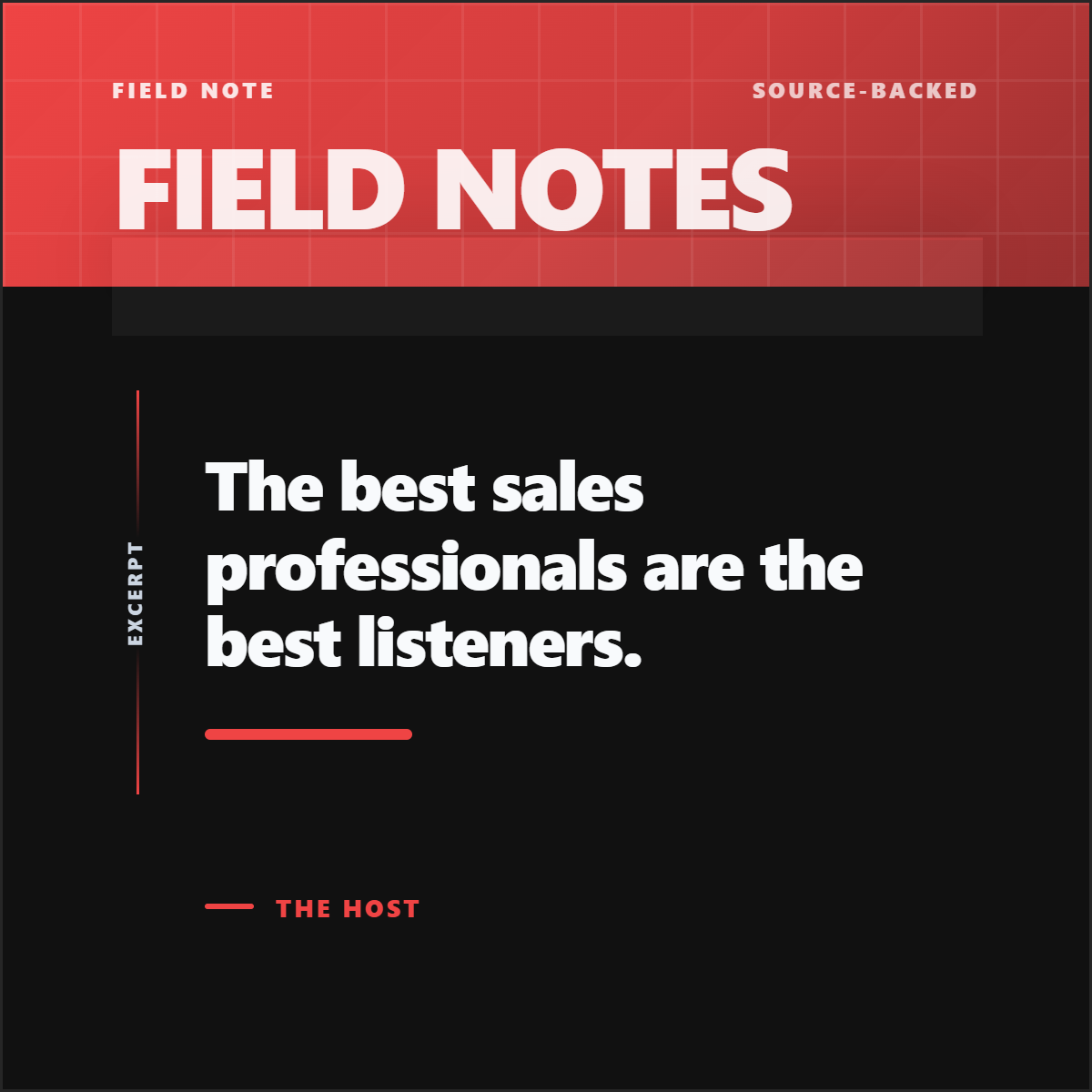
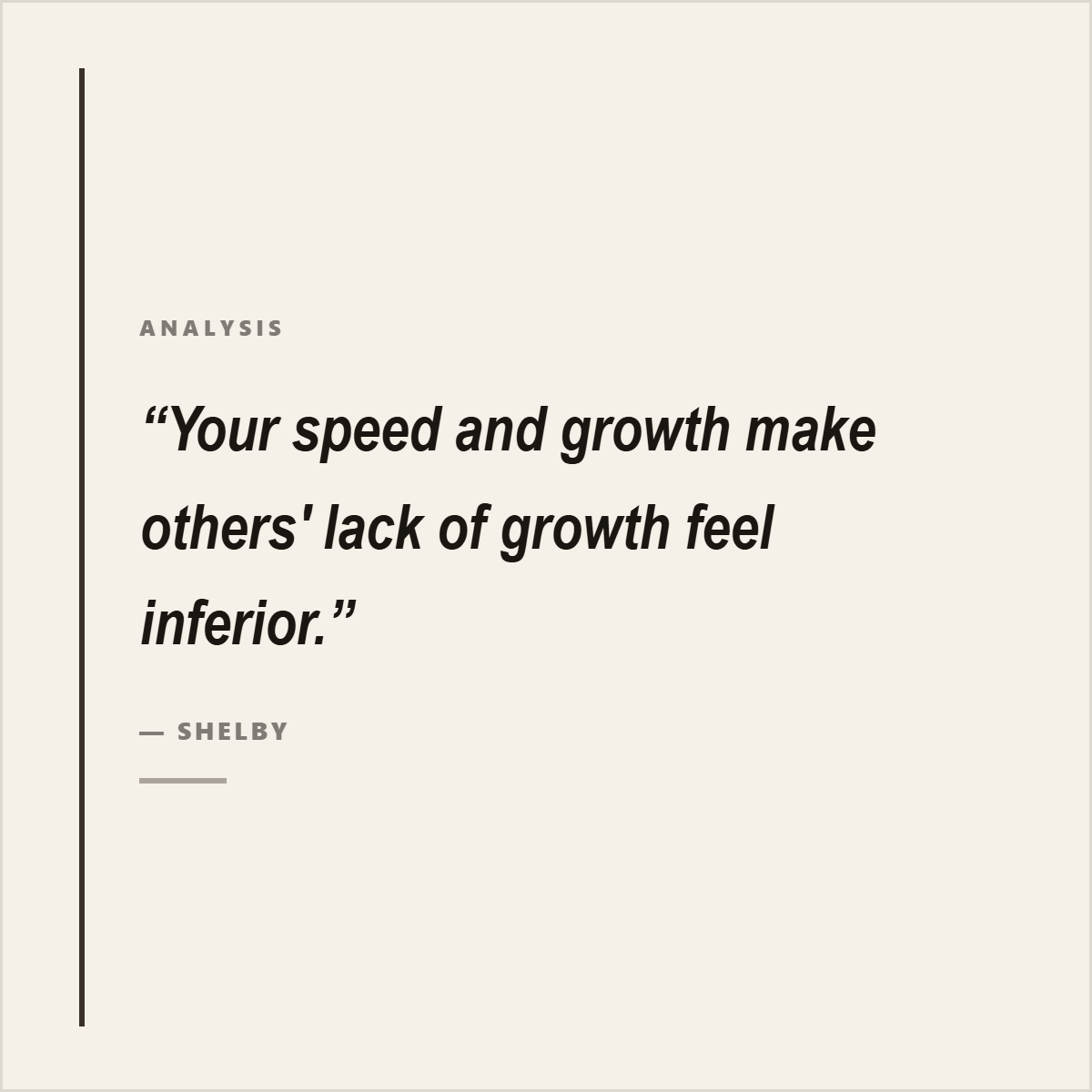
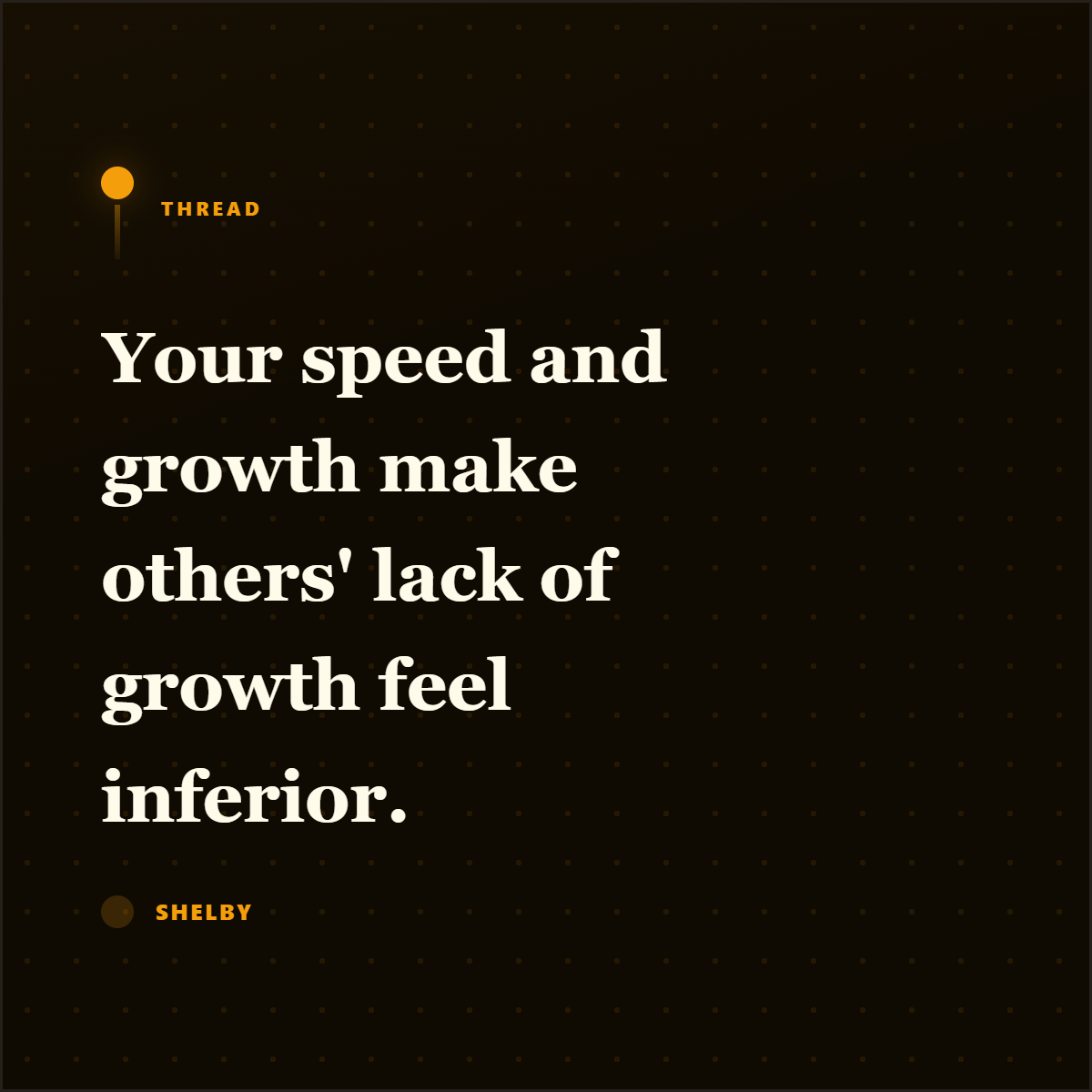
To make a quote card from an article, choose a short quote that can stand alone, keep the speaker or publication context, design it with enough contrast and whitespace, and include attribution. The quote should be real, not rewritten into something the source did not say.
Read answerHow do I turn a PDF into social media posts?
To turn a PDF into social media posts, extract the most useful findings, quotes, statistics, frameworks, and pages, then convert each into the right format: stat cards, quote cards, visual summaries, carousel slides, screenshots, or captions. Do not repost the entire PDF. Turn its best evidence into original social assets with attribution.
Read answerHow do I create stat cards from a report?
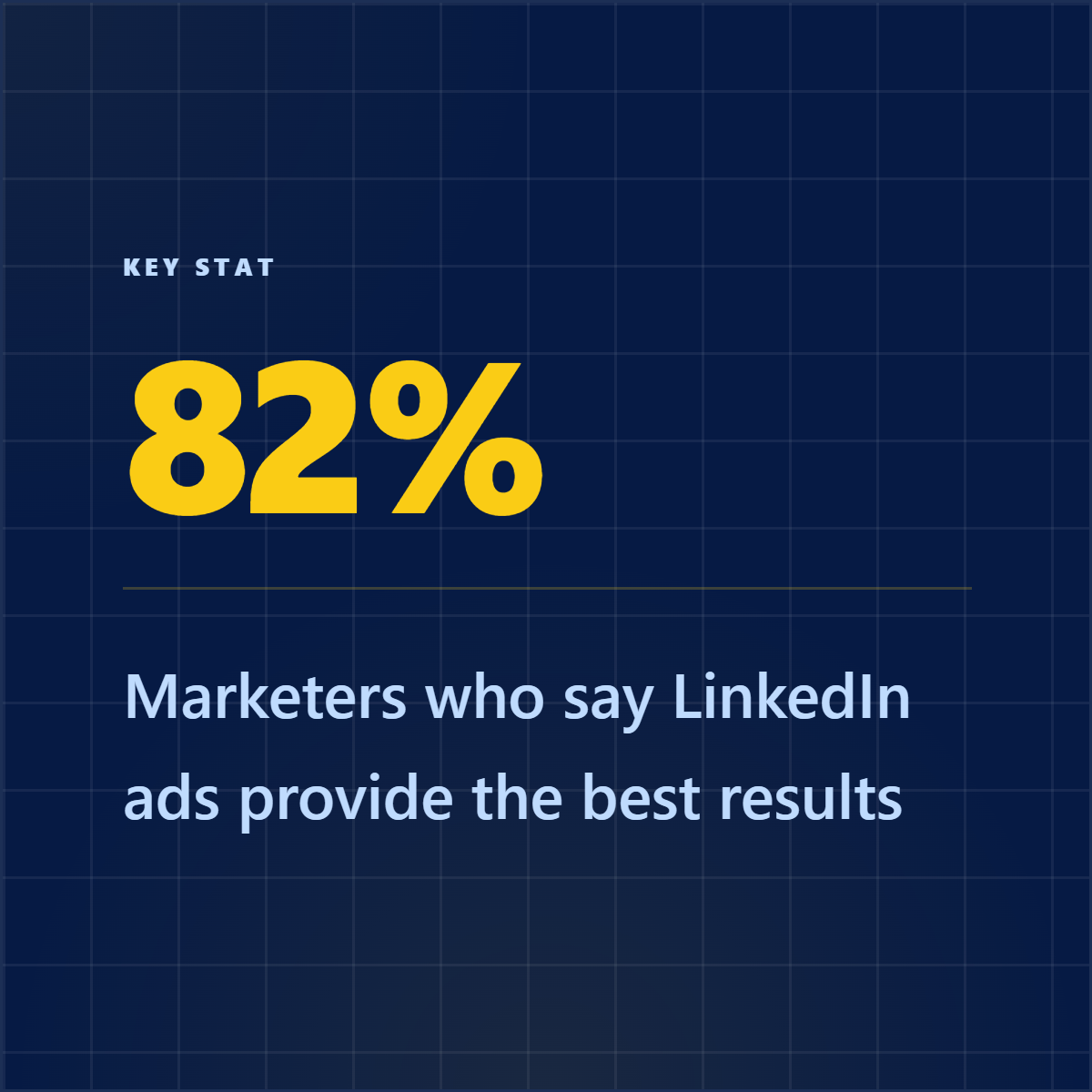
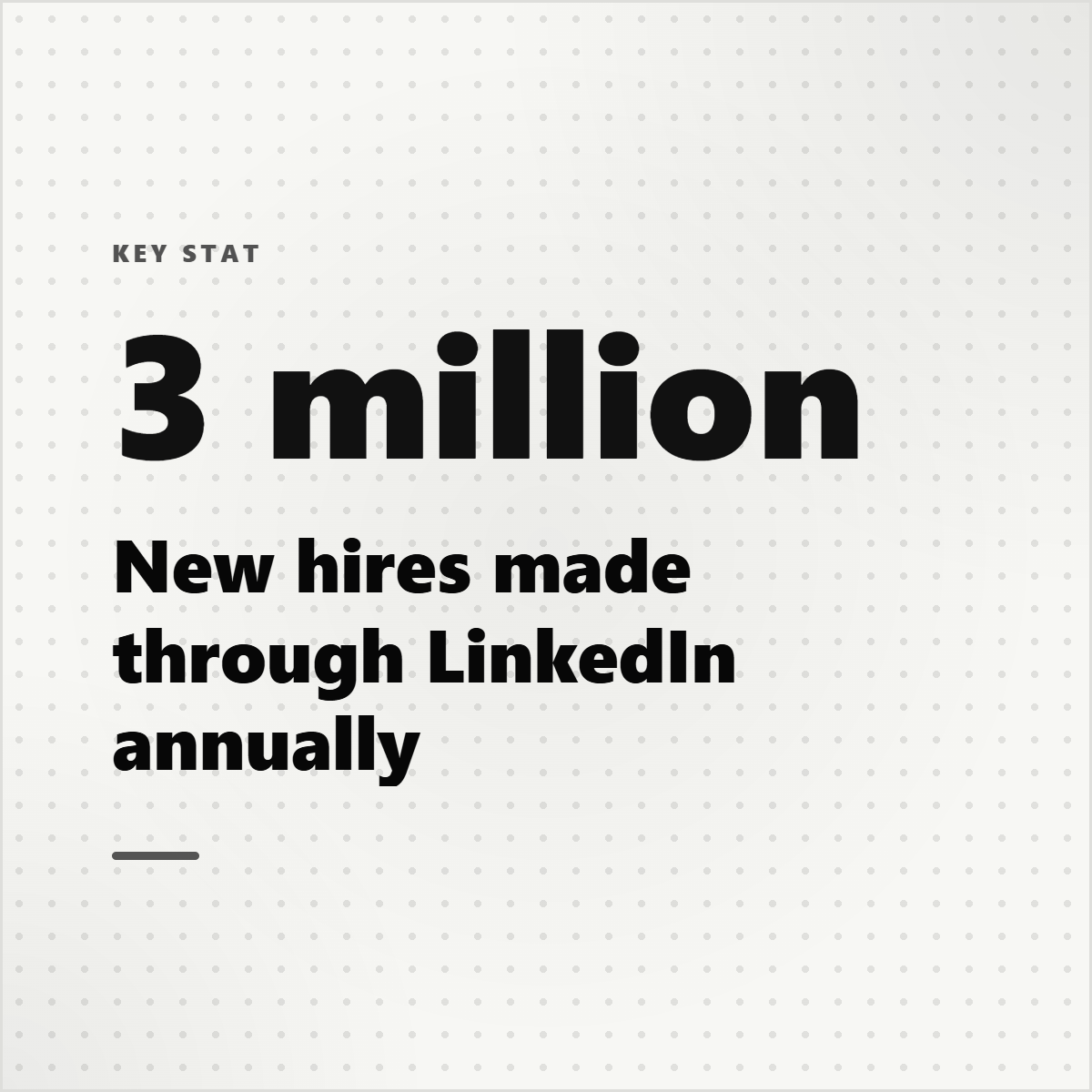
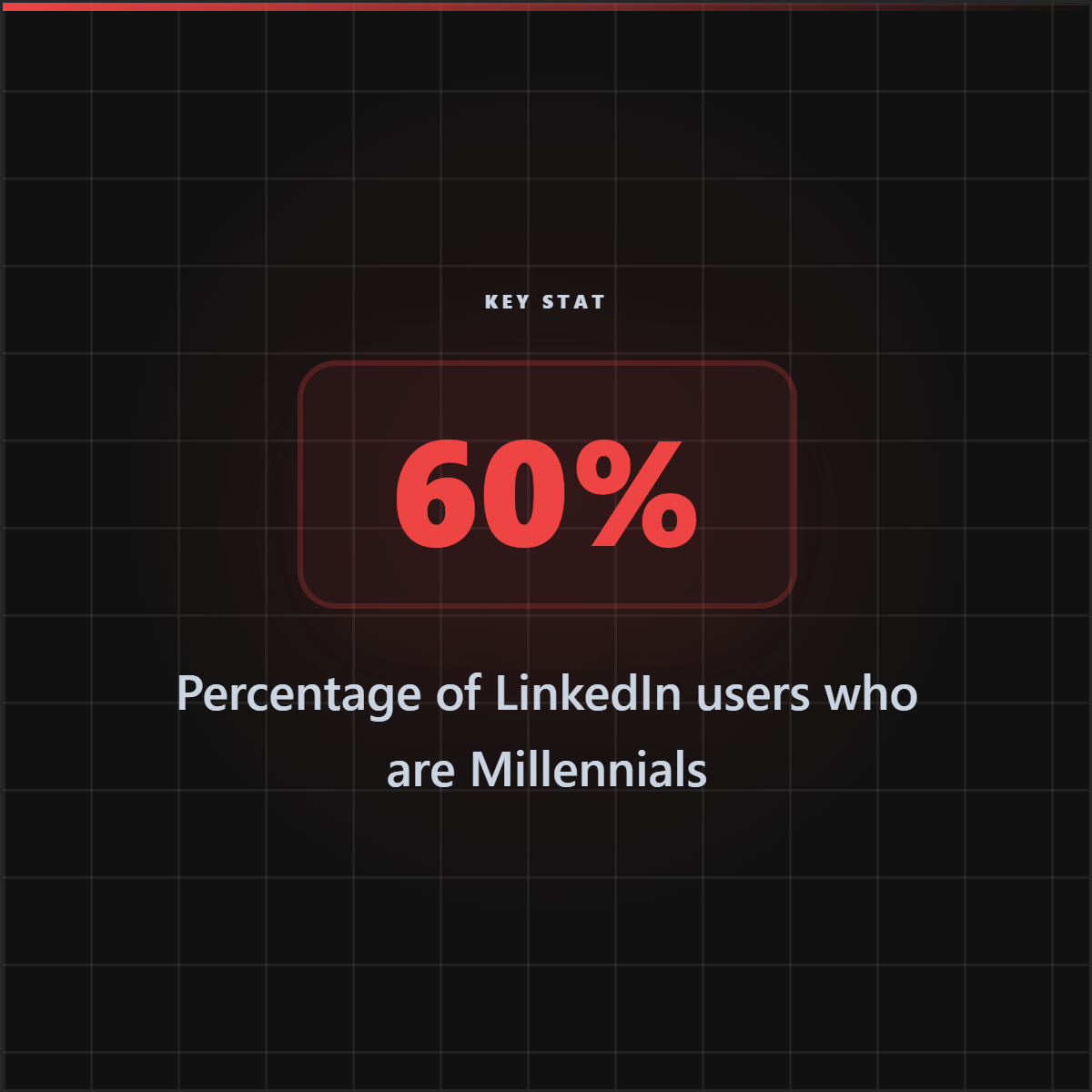
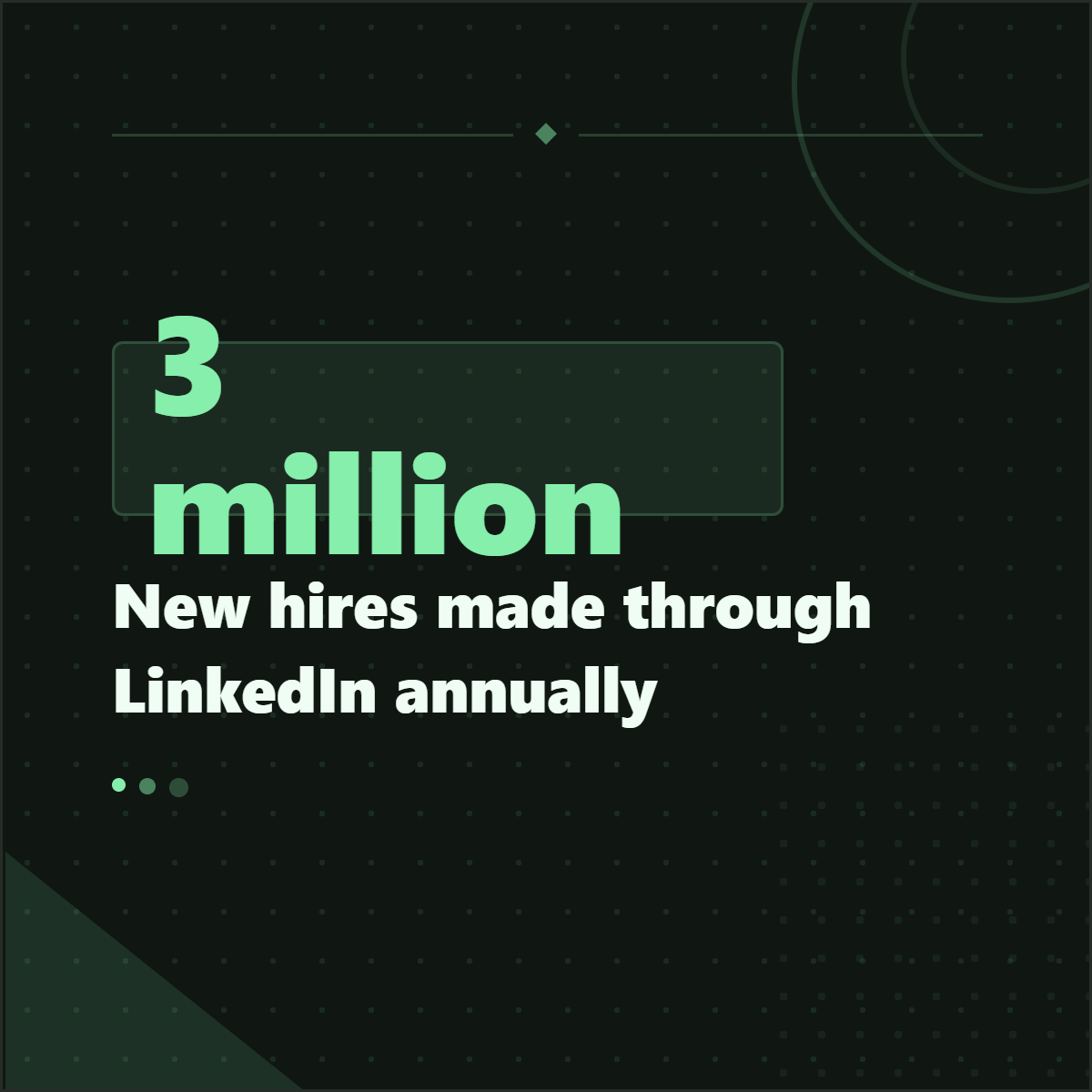
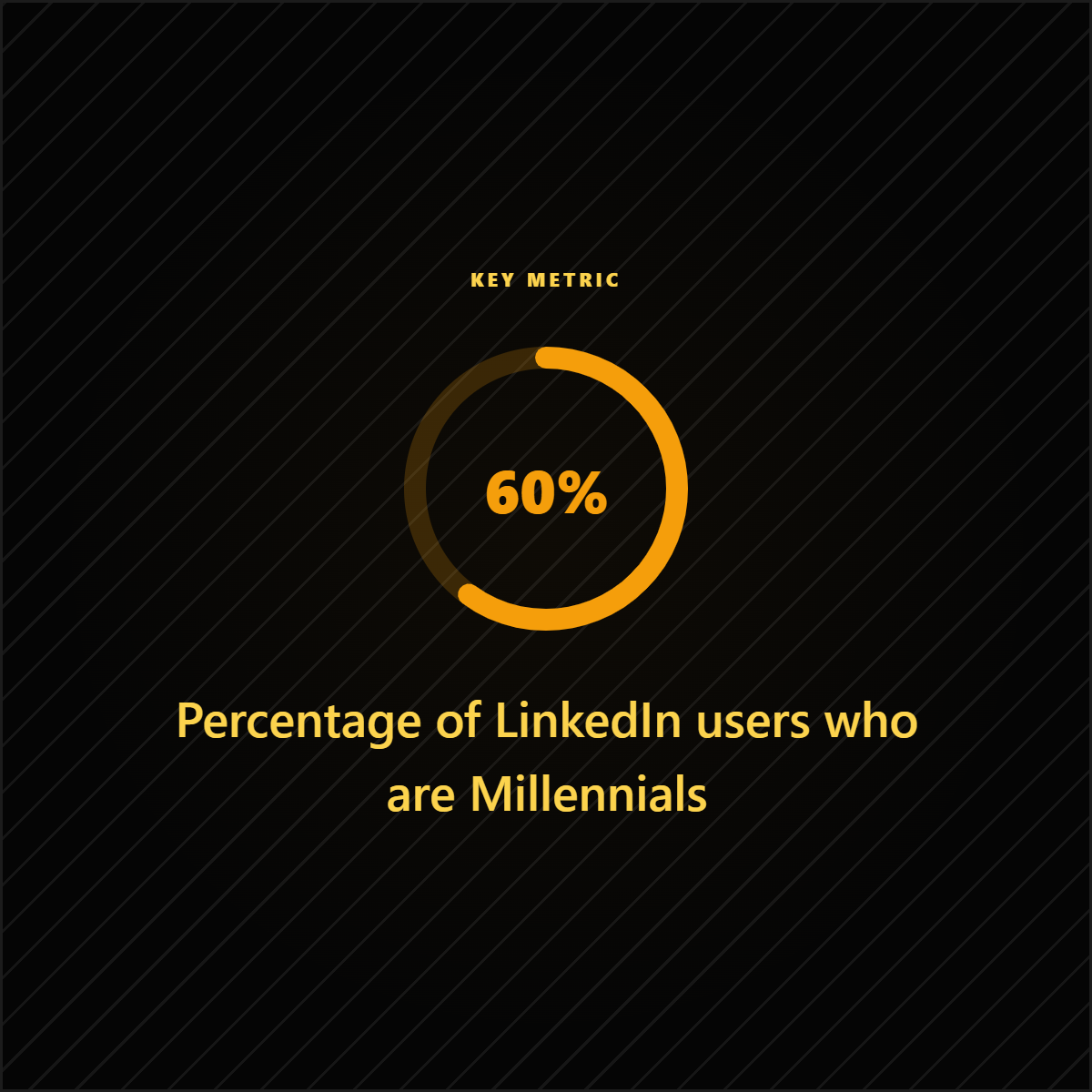
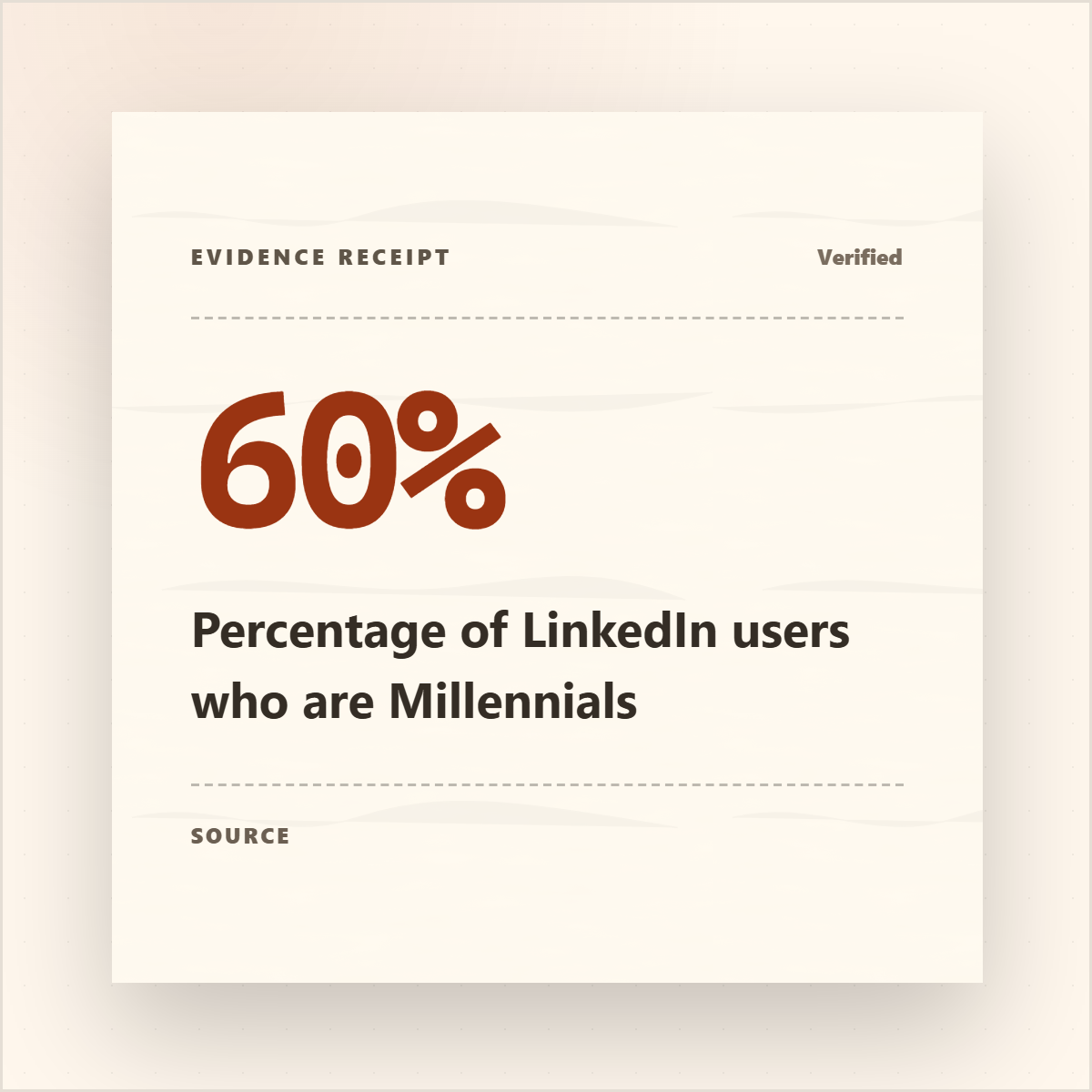
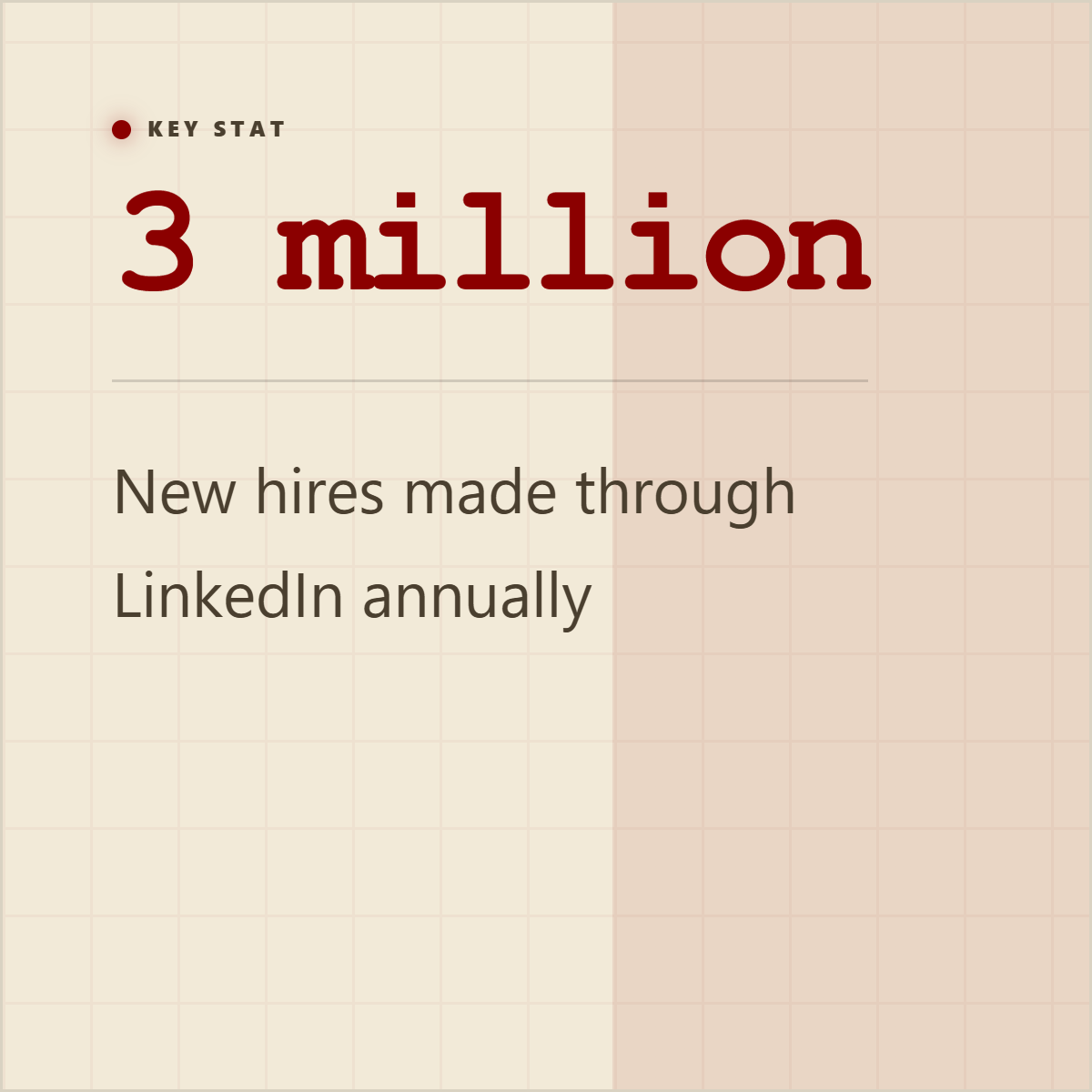
To create stat cards from a report, find one statistic that supports a clear takeaway, keep the surrounding context, cite the source, and design the number so it is instantly readable. A good stat card is not just a big number. It explains what the number means and where it came from.
Read answerHow do I turn a YouTube transcript into social posts?
To turn a YouTube transcript into social posts, extract the strongest quotes, key moments, tips, claims, and examples, then package them into captions, quote cards, key-takeaway graphics, carousel slides, or video promotion assets. The best posts preserve the speaker context and turn one moment into a clear social angle.
Read answerHow do I make screenshots look professional for social media?
To make screenshots look professional for social media, crop the image to the useful area, place it in a clean frame or mockup, add enough padding, use a readable background, and annotate only the part that matters. The goal is to turn a raw screenshot into a clear proof asset, not decorate it until the point gets lost.
Read answerHow do I cite sources in social media graphics?
To cite sources in social media graphics, include a short source label close to the claim, such as the publication, report name, author, date, or domain. Use the caption for fuller context or links. The citation should make the claim traceable without overwhelming the visual.
Read answerWhat is the difference between prompt-first and source-first AI content?
Prompt-first AI content starts with a request and asks a model to generate ideas from patterns. Source-first AI content starts with real material such as an article, report, transcript, document, or notes, then extracts and repackages what is actually there. Source-first workflows are better when accuracy, attribution, and specificity matter.
Read answerHow do I create a slideshow or PPT-style post on LinkedIn?
To create a slideshow or PPT-style post on LinkedIn, make a short slide sequence, export it as a PDF or supported document, then upload it as a LinkedIn document post. People also call this a LinkedIn carousel, swipe post, slide post, or PDF post. It works best when the post has one clear hook, one idea per slide, and a source-backed reason to keep swiping.
Read answerWhich LinkedIn post sizes and formats work best?
The best LinkedIn format depends on the job of the post. Use portrait or square images for single ideas, document posts for swipeable explanations, quote cards for a strong line, stat cards for proof, screenshots for product or evidence, and banners for profile context. Common working sizes include 1080x1350 for portrait feed posts, 1080x1080 for square posts and carousel slides, 1200x627 for link-style images, 1584x396 for profile banners, and 1128x376 for company covers.
Read answerHow do I turn a press release into 5 social media posts?
To turn a press release into five social media posts, extract the announcement, the proof, the executive quote, the customer or market angle, and the call to action. Then package them as five different assets: a launch announcement, a quote card, a stat or proof card, a short explainer carousel, and a final action-oriented post. The goal is not to repost the release five times; it is to split the useful source material into distinct angles.
Read answerHow do I create 10 engaging social posts from a CEO's interview?
To create ten social posts from a CEO's interview, extract the strongest quotes, lessons, objections, customer stories, predictions, and proof points, then assign each one a different format. A good set can include three quote cards, two founder POV posts, one explainer carousel, one proof or stat card, one short thread, one behind-the-scenes post, and one newsletter or LinkedIn teaser. Keep the speaker's meaning intact and avoid turning one answer into a generic quote farm.
Read answer