How do I make a quote card from an article?
To make a quote card from an article, choose a short quote that can stand alone, keep the speaker or publication context, design it with enough contrast and whitespace, and include attribution. The quote should be real, not rewritten into something the source did not say.
The useful workflow is extraction first, packaging second: find the strongest source-backed material, decide what it proves, then turn it into the format people can actually read in-feed.
A quote card should keep the line, the source, and the design working together.
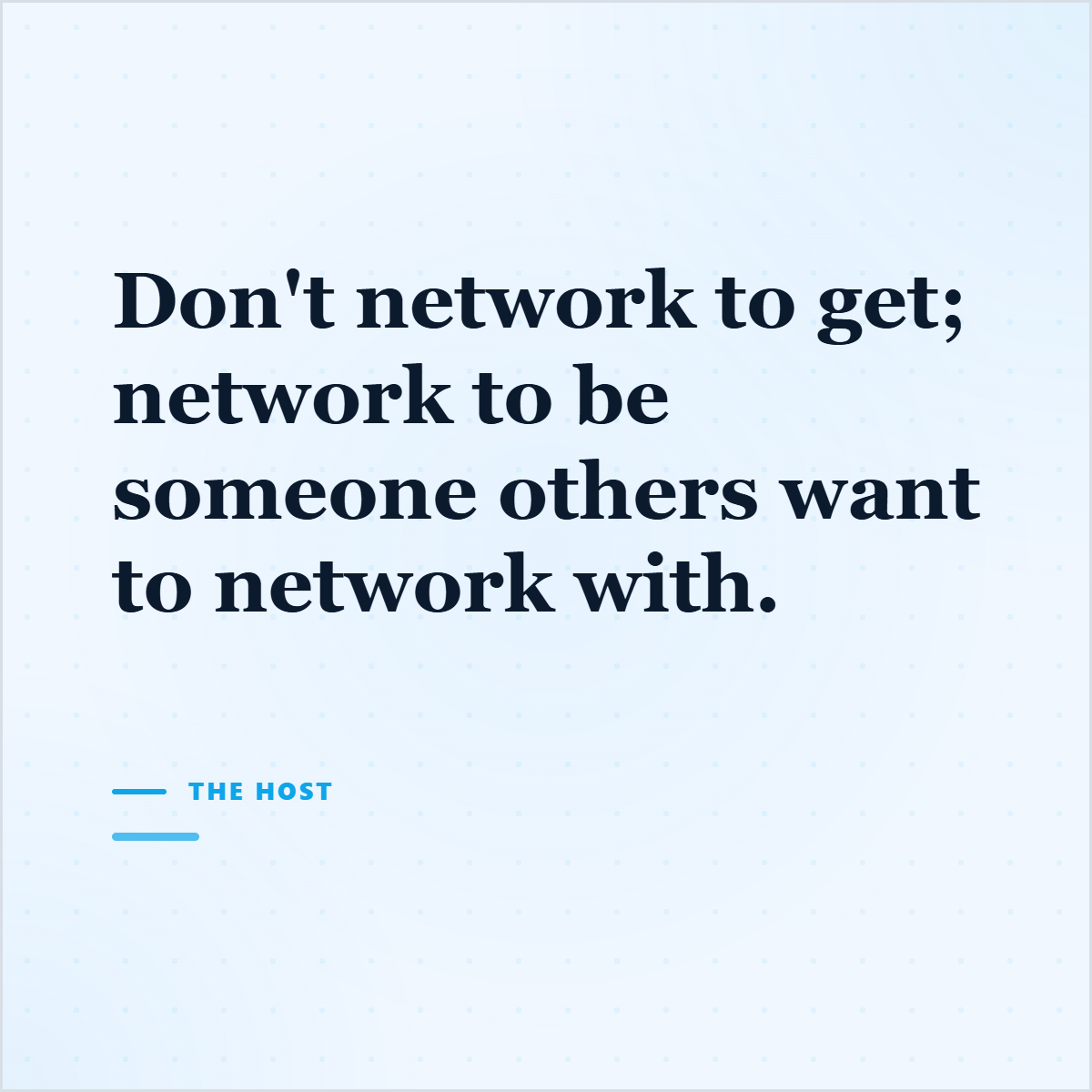
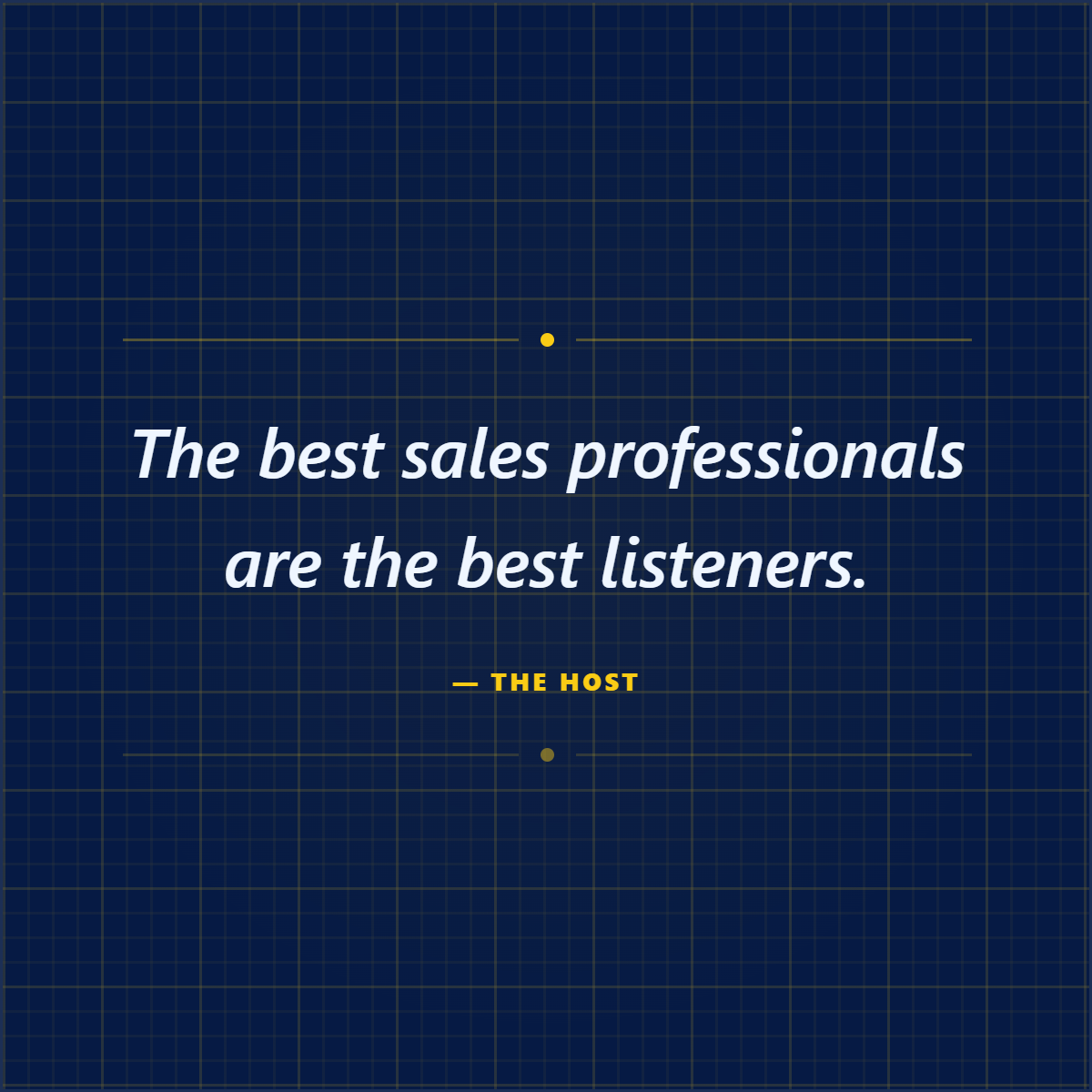
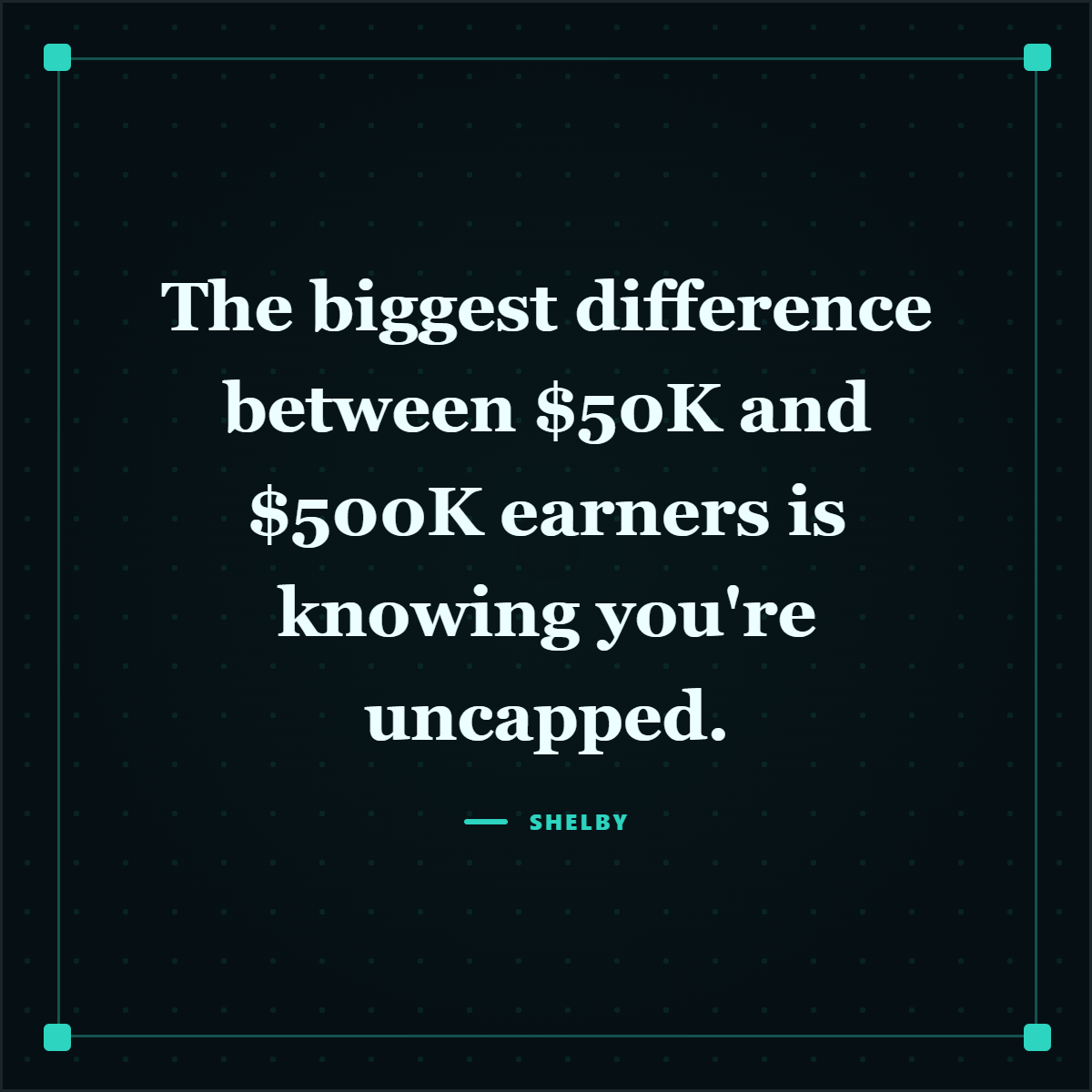
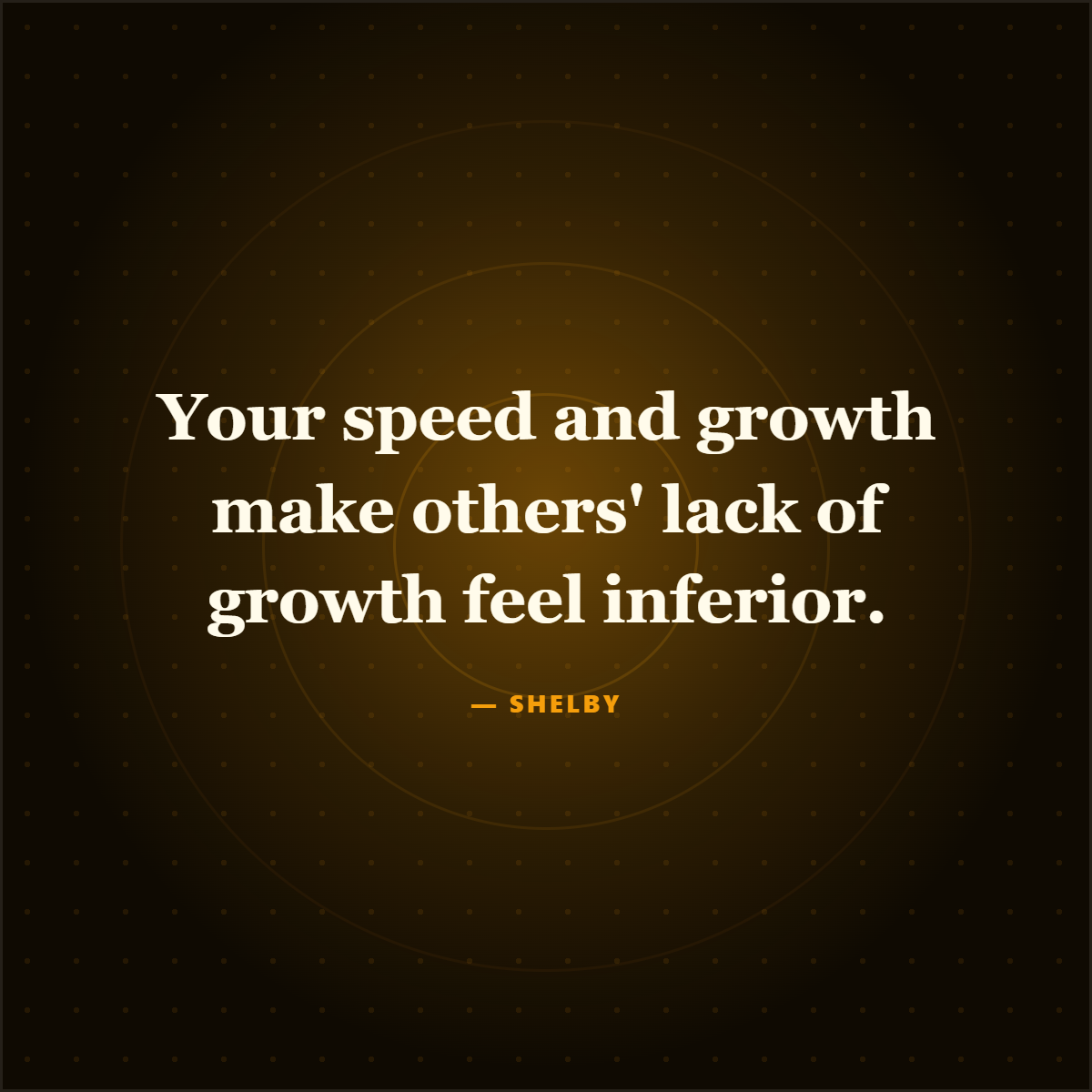
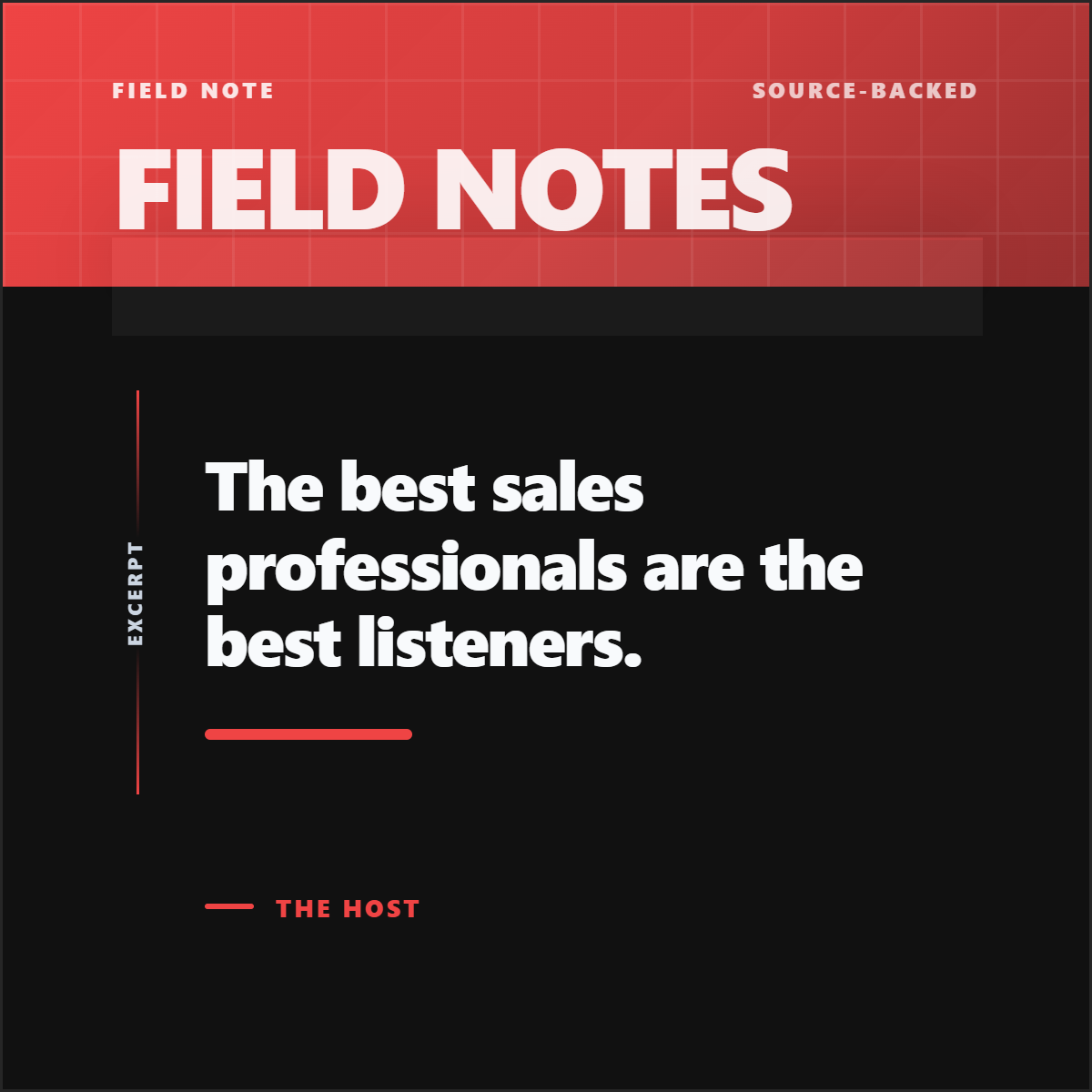
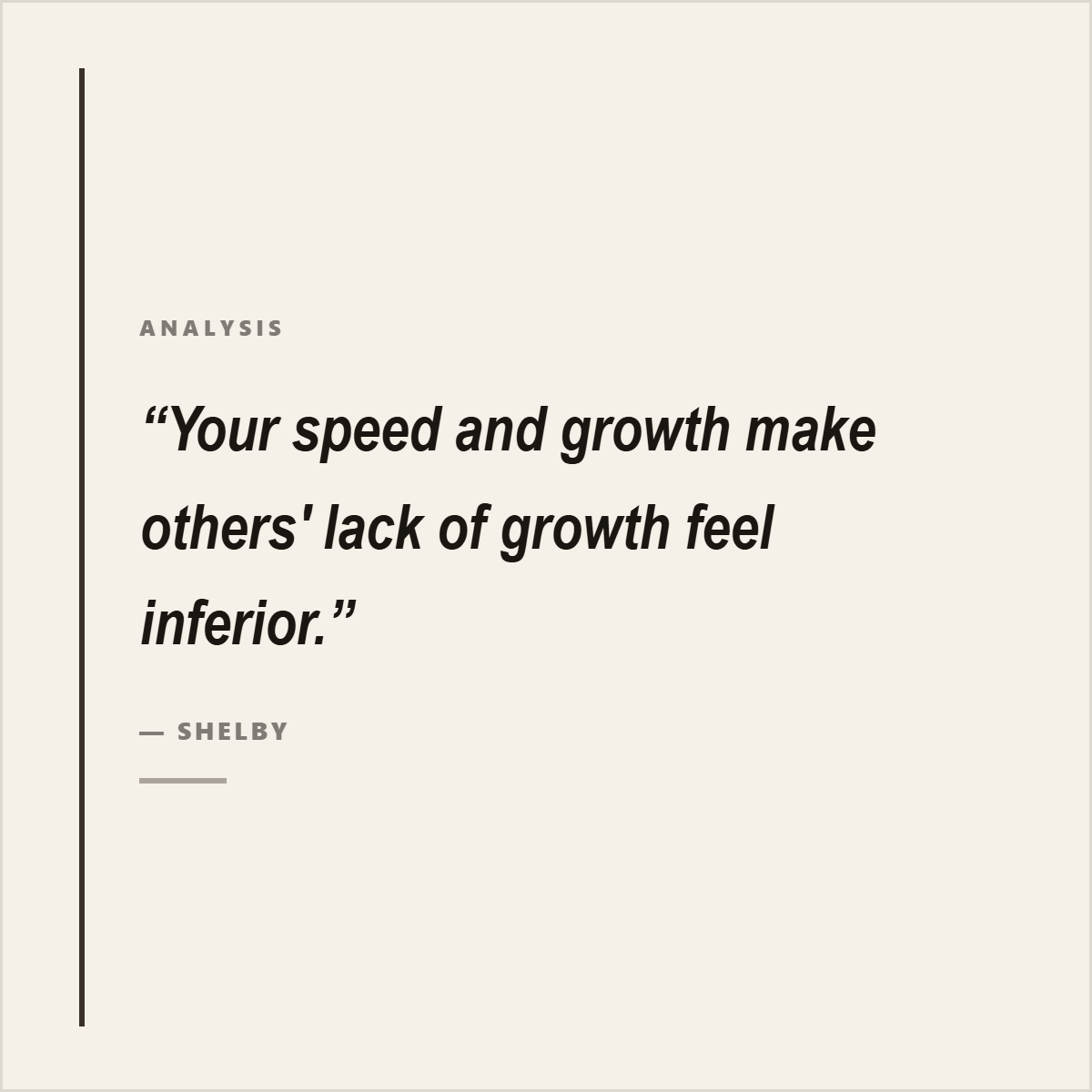
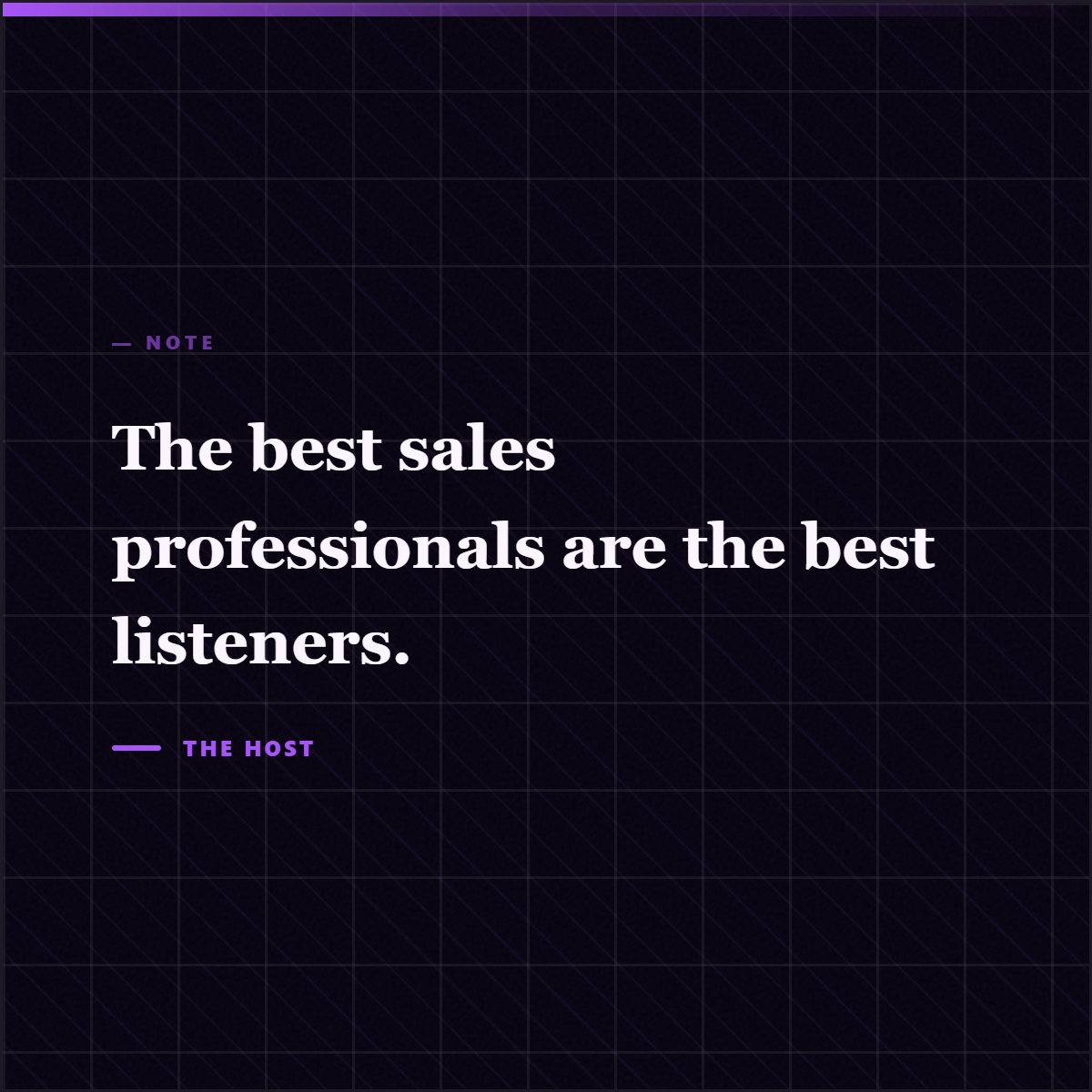
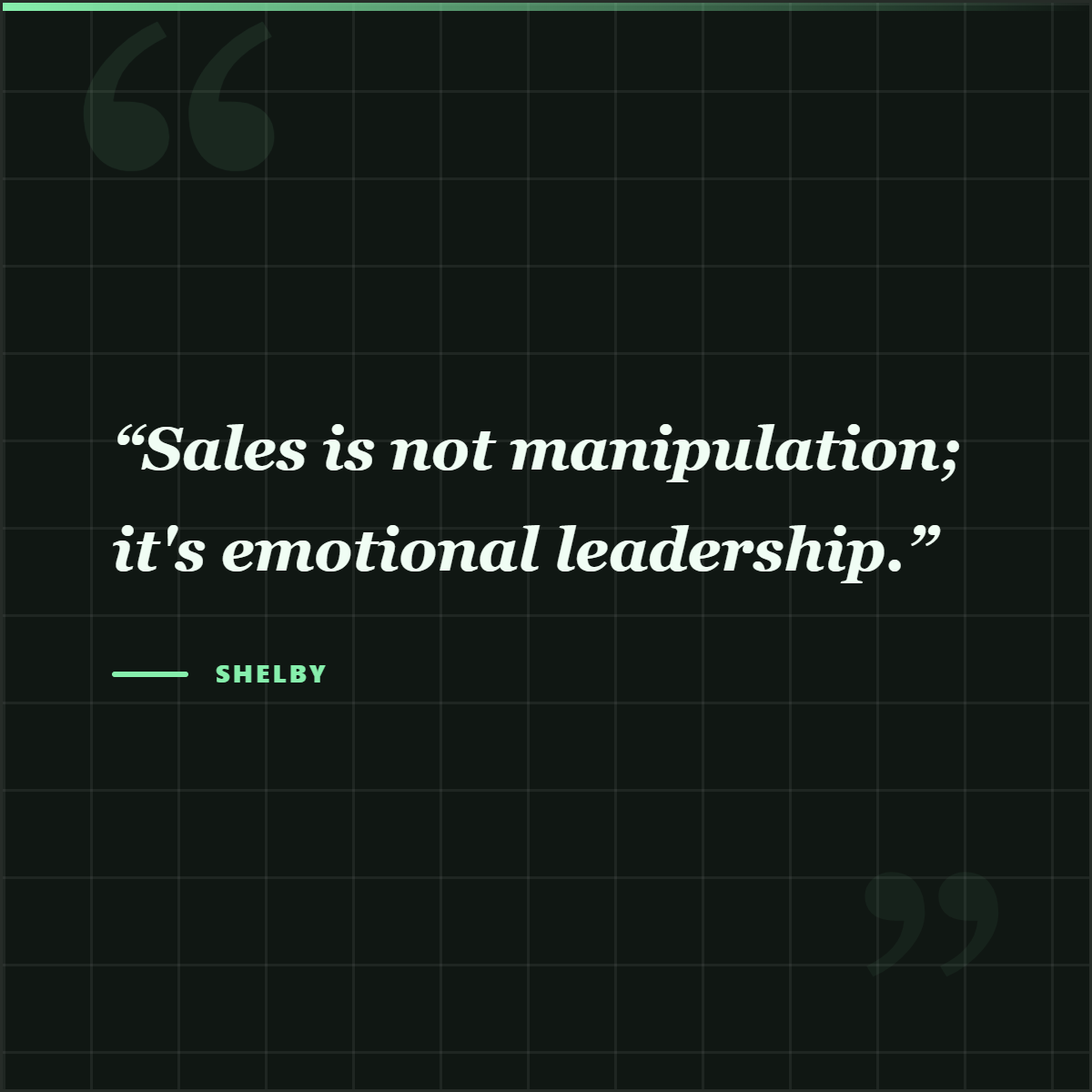
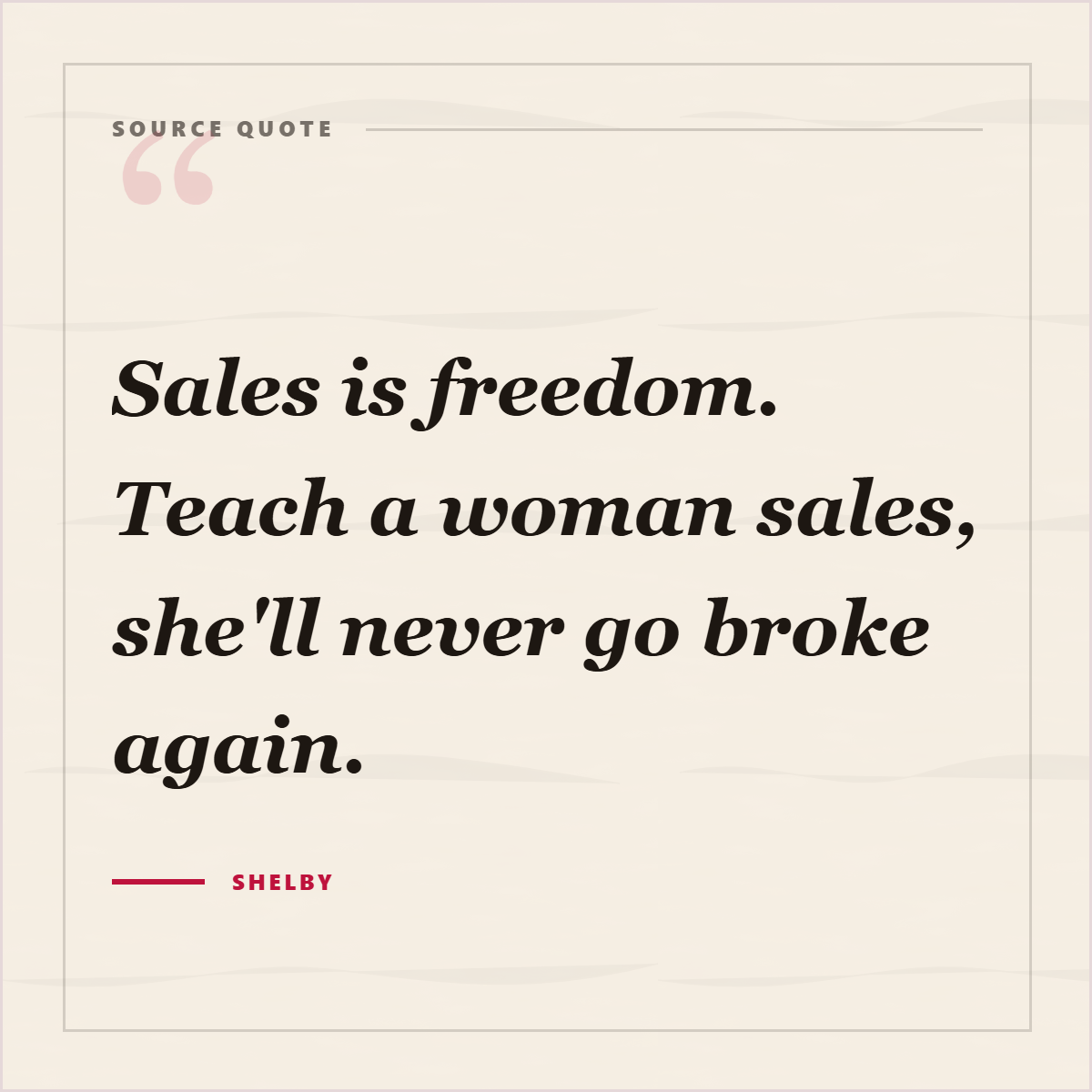
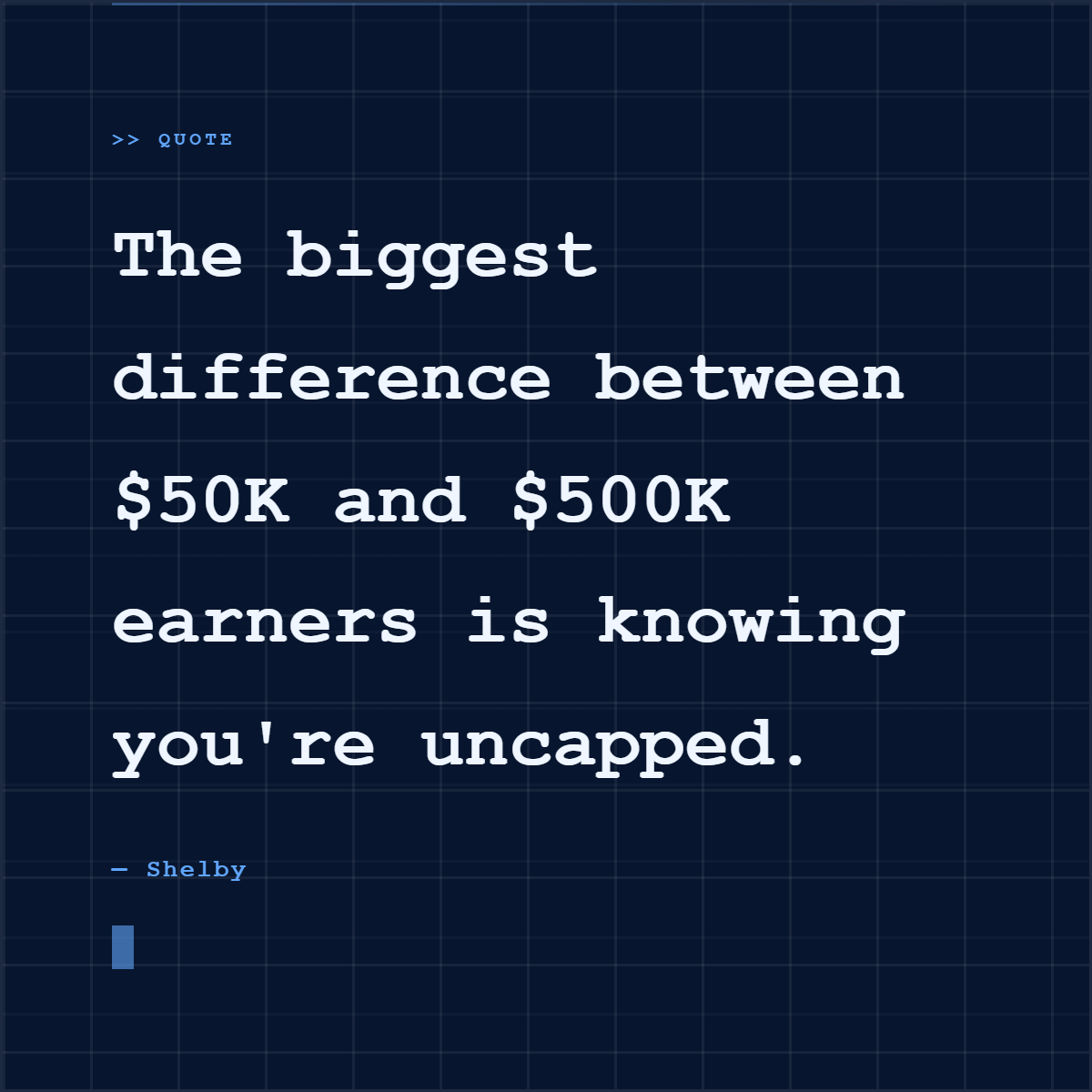
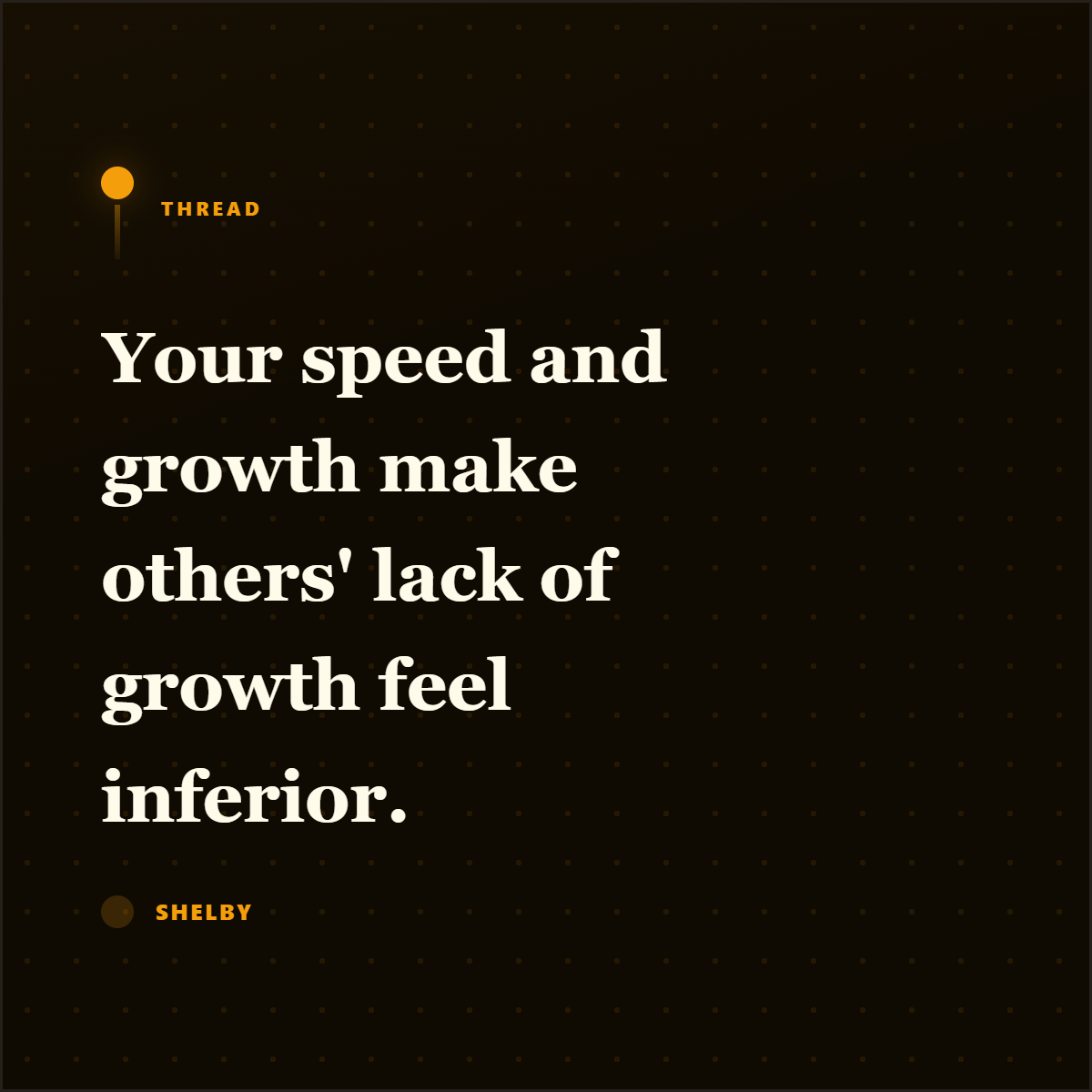
These are actual Highlightly quote-card exports from source material. The point is not pretty text alone; it is a real quote packaged with enough context to travel.



Best for
- Sharing expert quotes, interview excerpts, and article highlights.
- Creating credible social posts from reading and research.
- Promoting essays, newsletters, reports, and media coverage.
Not best for
- Inventing quotes from a general topic.
- Using long paragraphs that are hard to read in-feed.
- Removing author, publication, or source context from important claims.
Manual workflow
- 1Read the article and select a short, self-contained quote.
- 2Copy the quote, speaker, publication, and source URL.
- 3Design the card with readable type and brand styling.
- 4Add attribution and export for the target platform.
Highlightly workflow
- 1Paste an article URL, upload a document, or paste text.
- 2Review extracted quotes and source details.
- 3Choose a quote card, profile quote card, editorial card, or social mockup.
- 4Apply brand colors, logo, font controls, attribution, and export.
Step by step
Select a quote with tension
The best quote cards usually contain a surprising claim, vivid phrase, or useful insight.
Keep attribution attached
Include the speaker, publication, author, date, or source domain where available.
Design for reading speed
Use short line lengths, strong contrast, and enough whitespace for mobile feeds.
Add your context
Use the caption to explain why the quote matters to your audience.
Research notes
What this answer is grounded in
Common questions
Can Highlightly extract quotes automatically?
Yes. Highlightly extracts quotes from articles, PDFs, transcripts, documents, and pasted text, then lets you choose which quote to turn into a card.
Should I include attribution on quote cards?
Yes. Attribution makes the quote easier to trust and helps avoid orphaned claims.
Can I edit the quote card design?
Yes. Highlightly supports templates, brand kit controls, ratios, fonts, attribution styles, and LightboxStudio edits.