How do I turn a PDF into social media posts?
To turn a PDF into social media posts, extract the most useful findings, quotes, statistics, frameworks, and pages, then convert each into the right format: stat cards, quote cards, visual summaries, carousel slides, screenshots, or captions. Do not repost the entire PDF. Turn its best evidence into original social assets with attribution.
The useful workflow is extraction first, packaging second: find the strongest source-backed material, decide what it proves, then turn it into the format people can actually read in-feed.
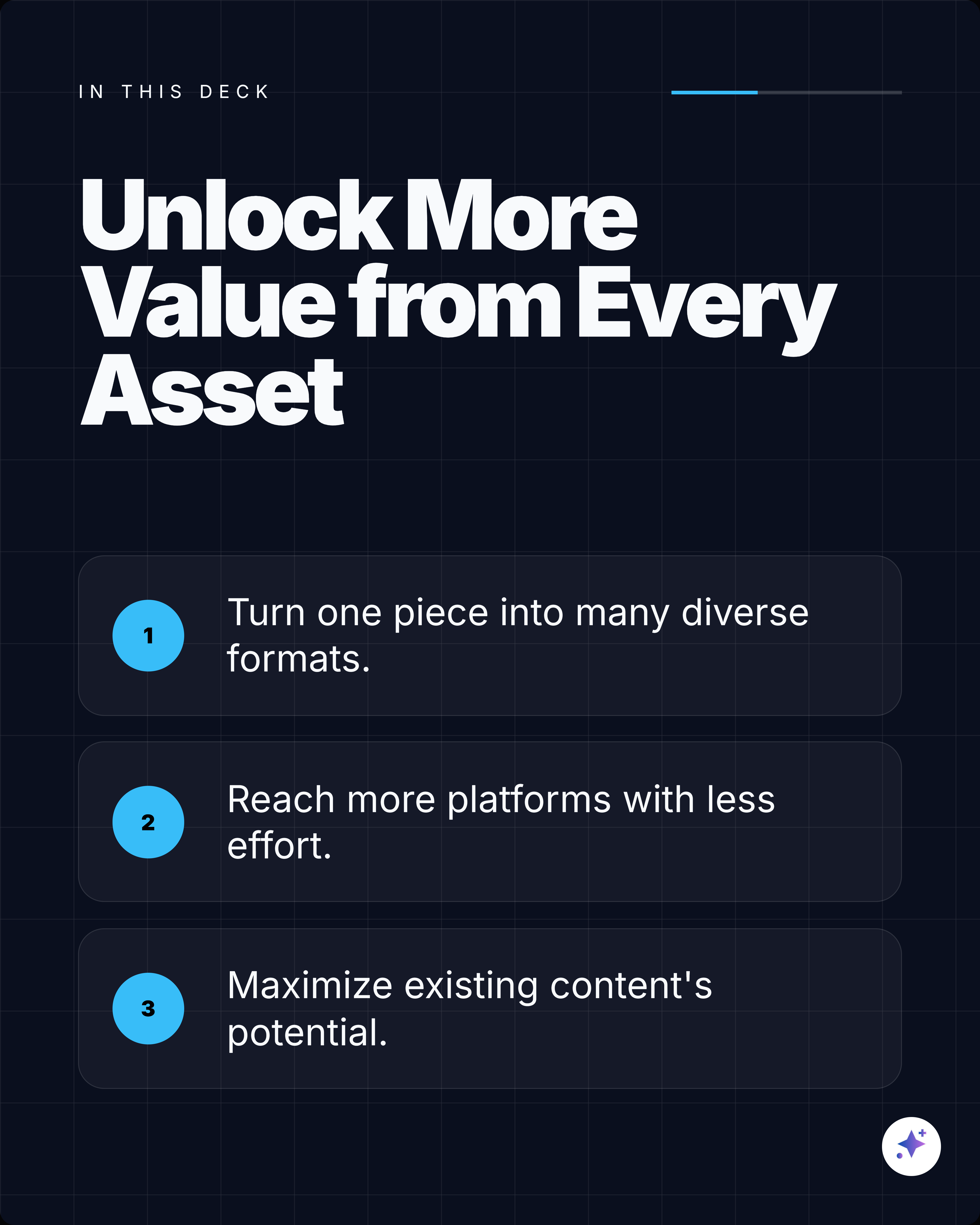
A source-backed carousel is a sequence, not a chopped-up summary.
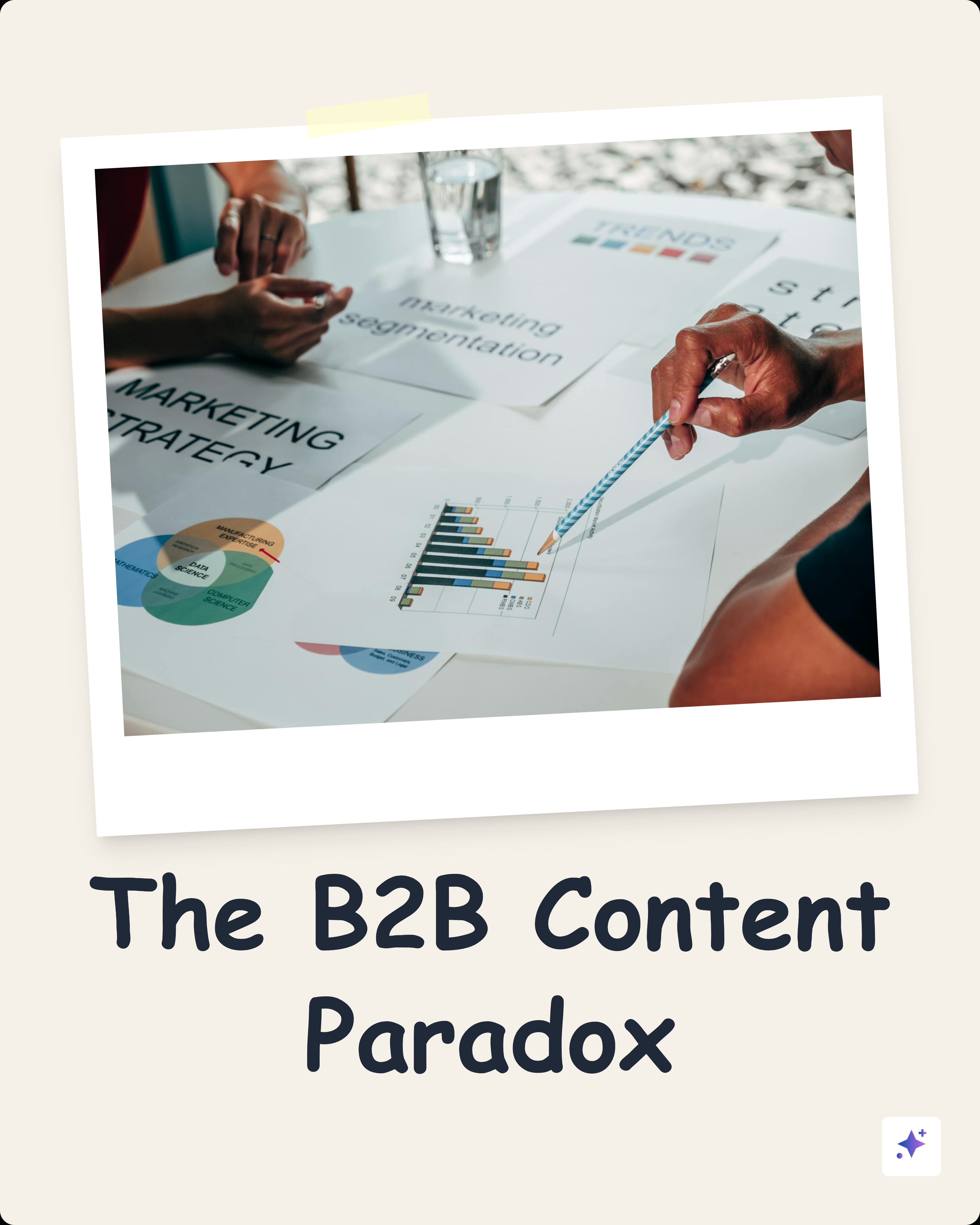
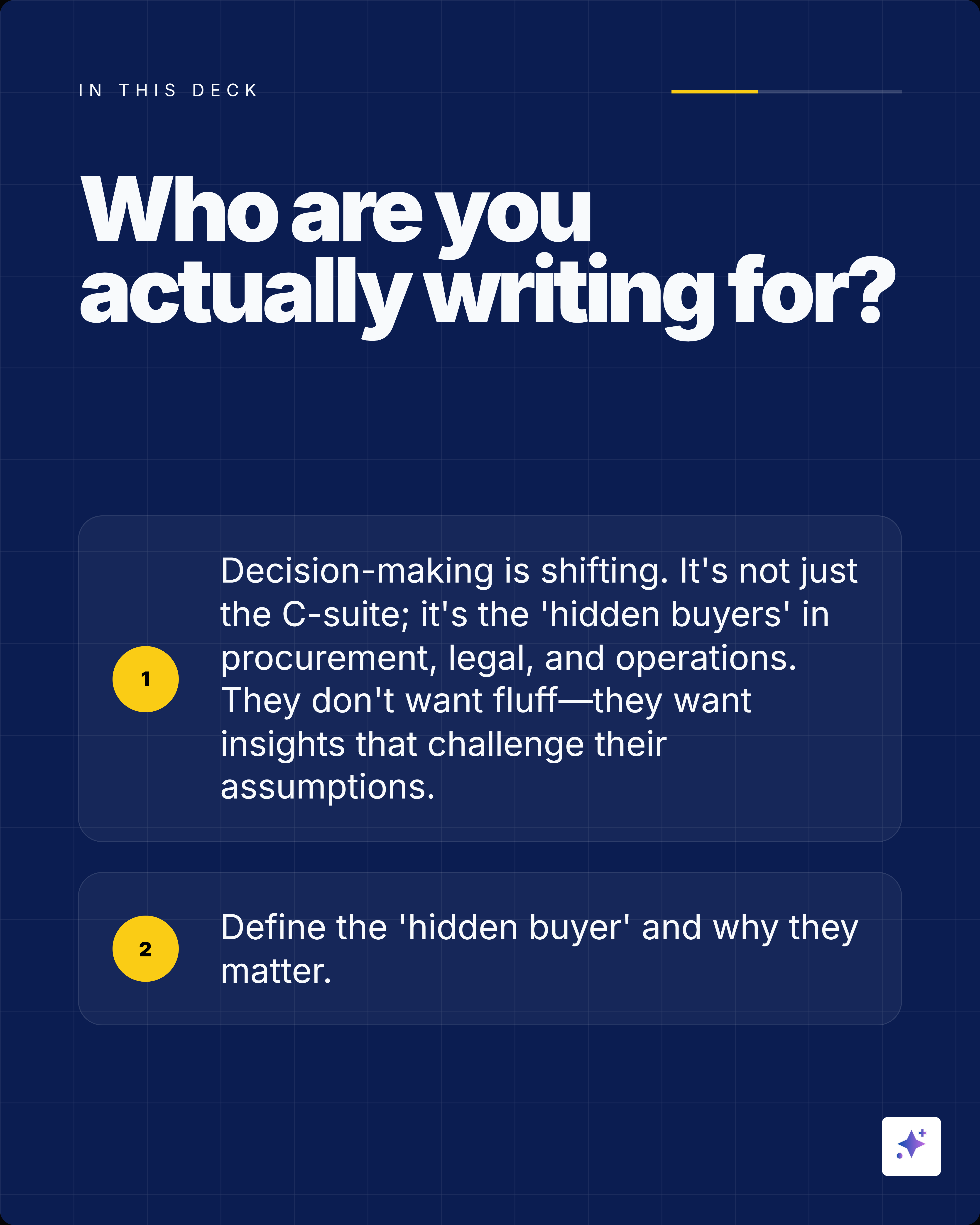
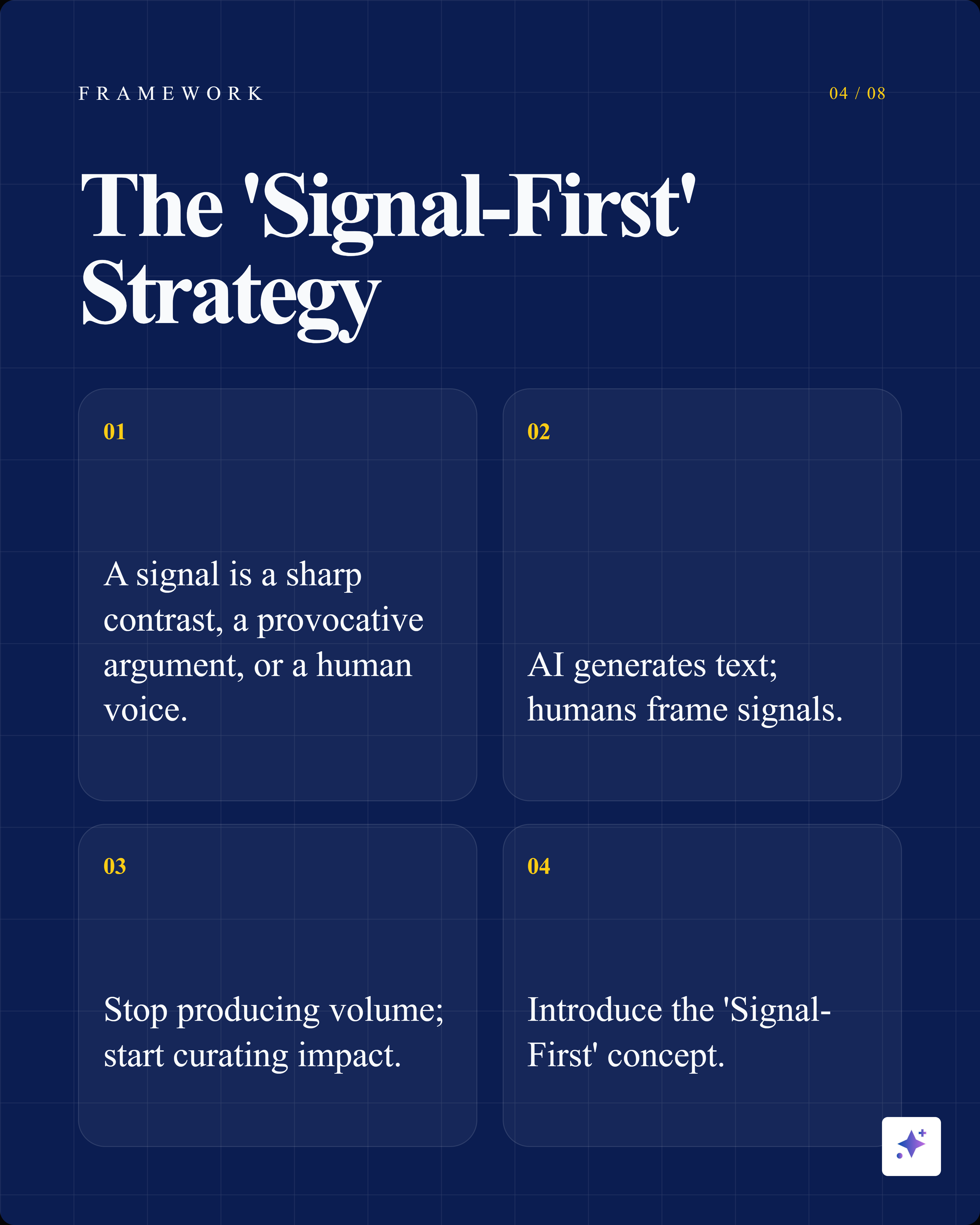
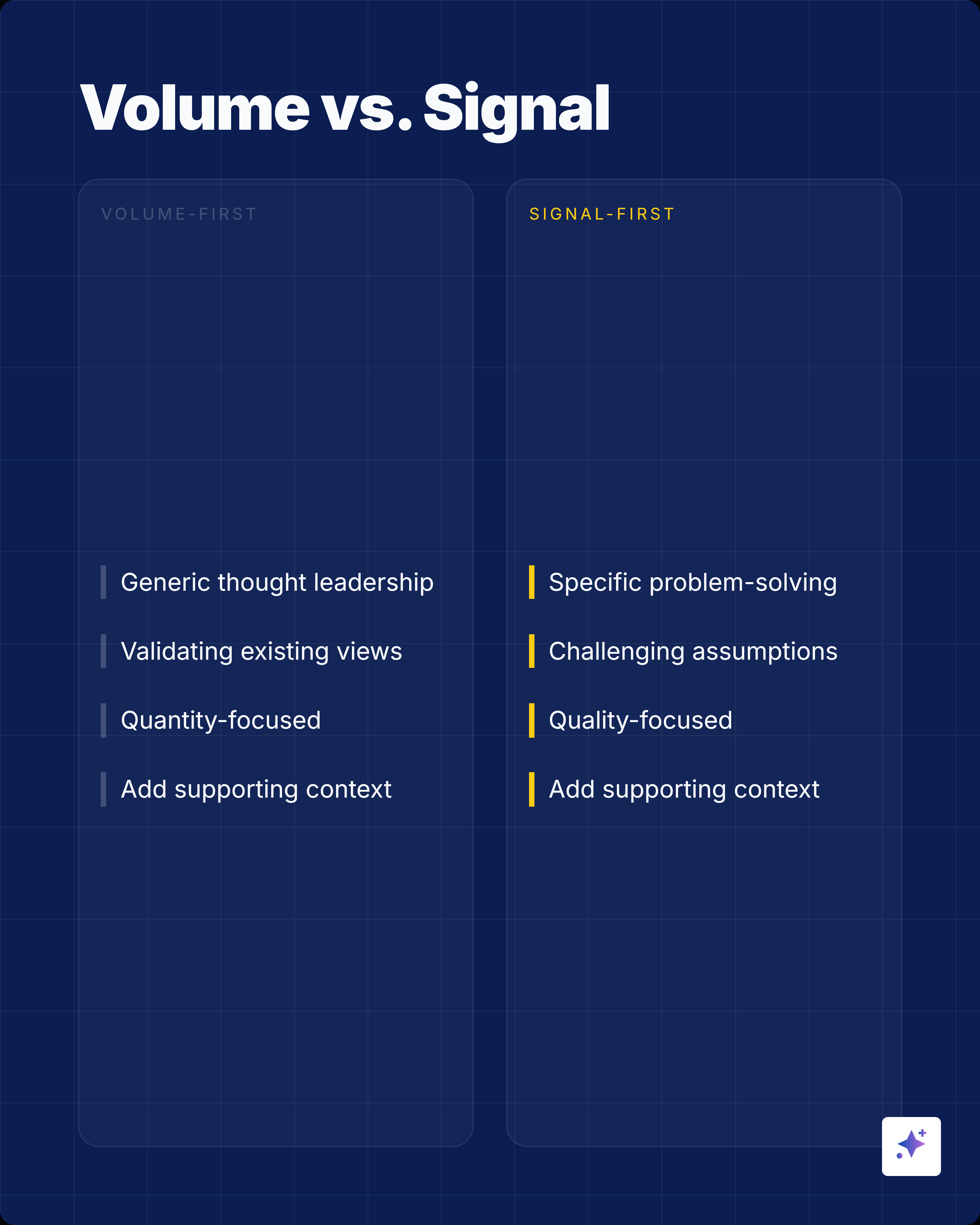
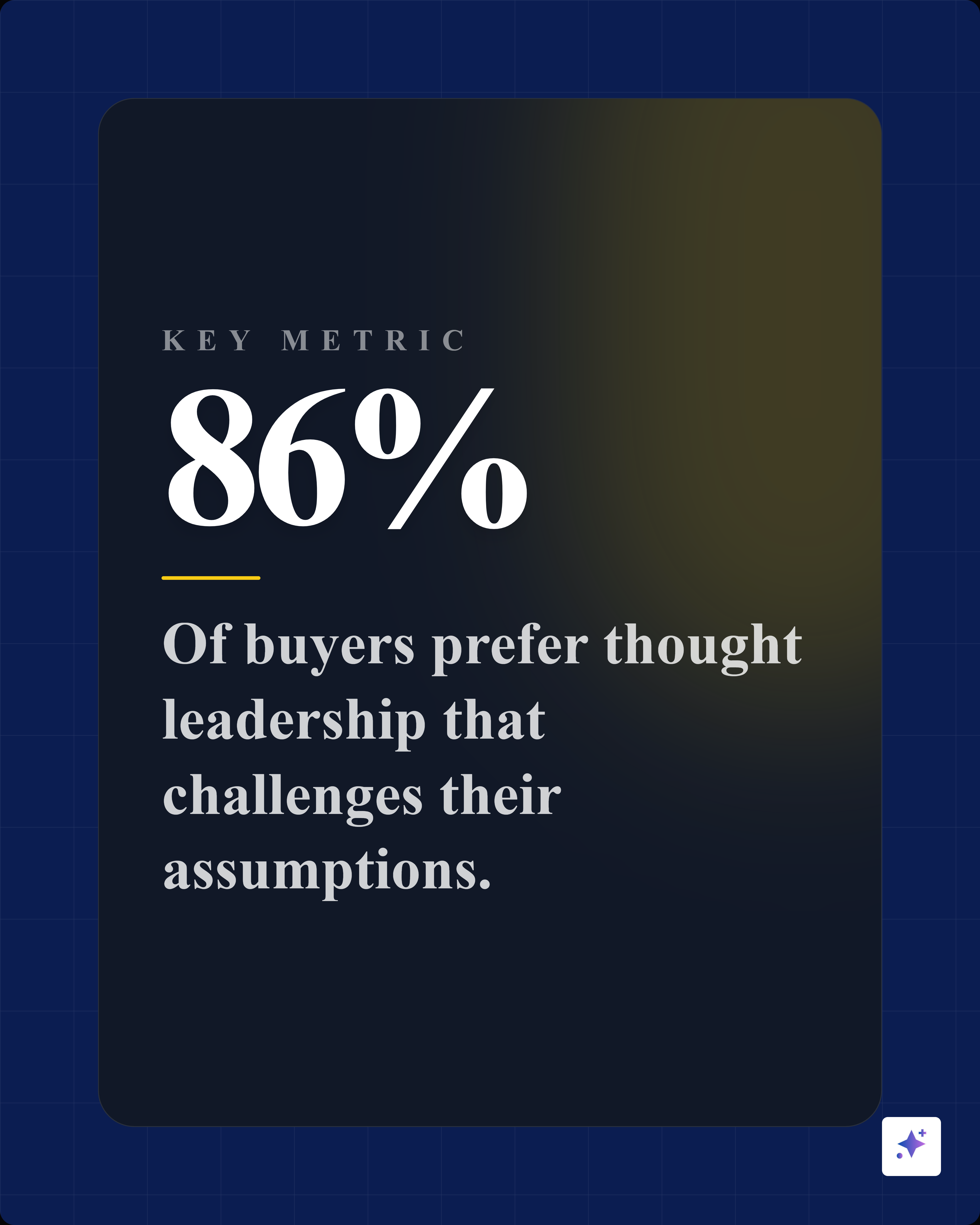
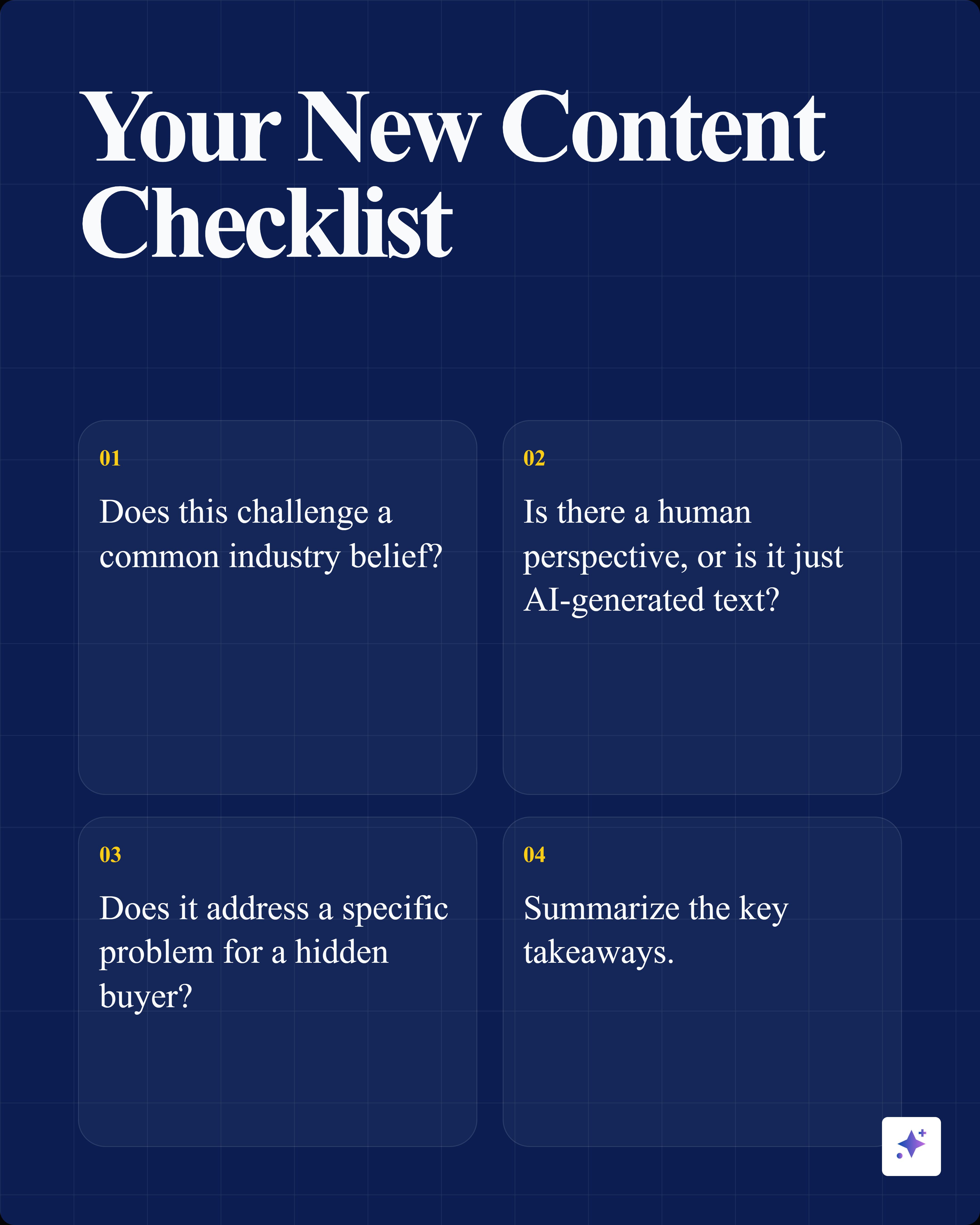
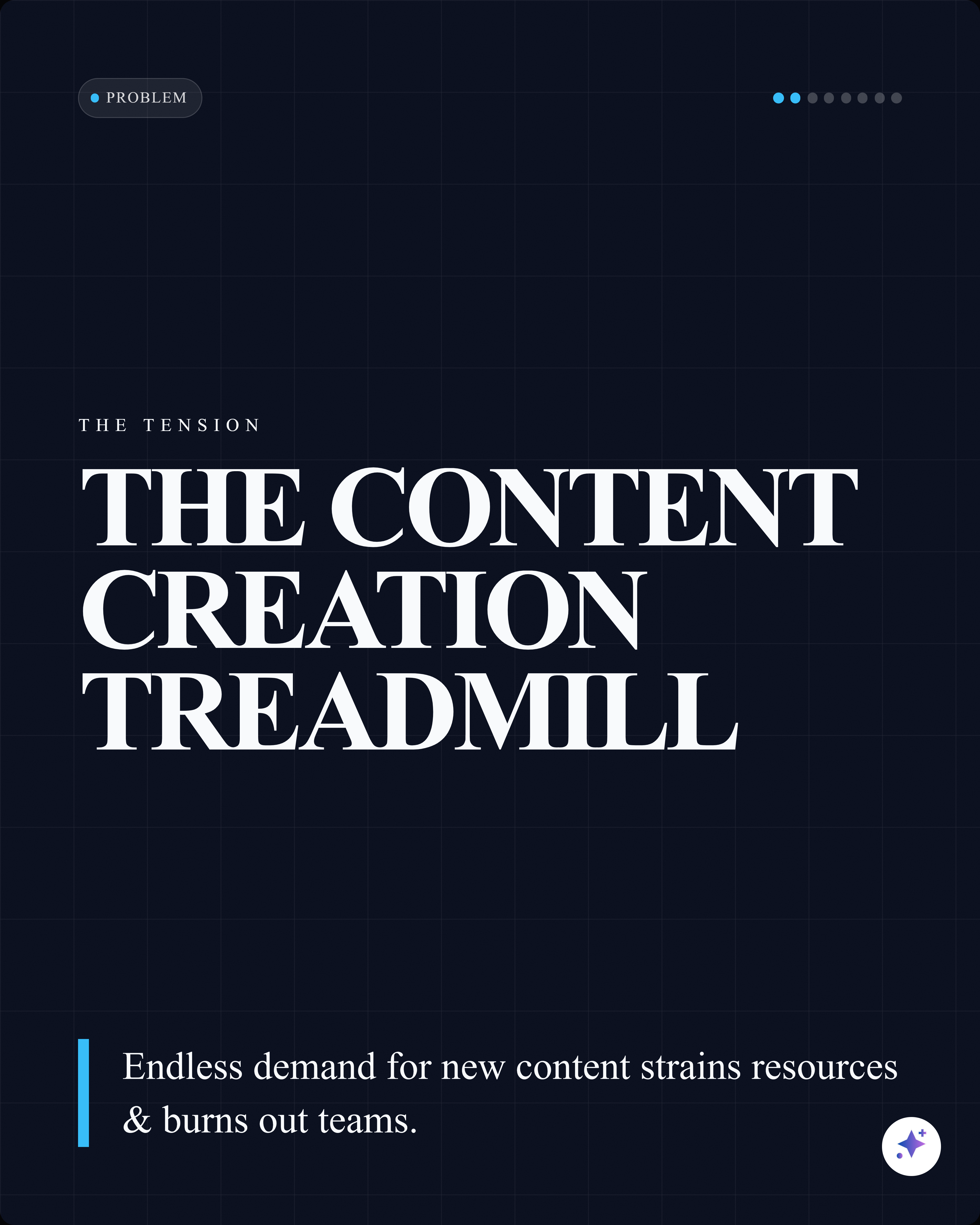
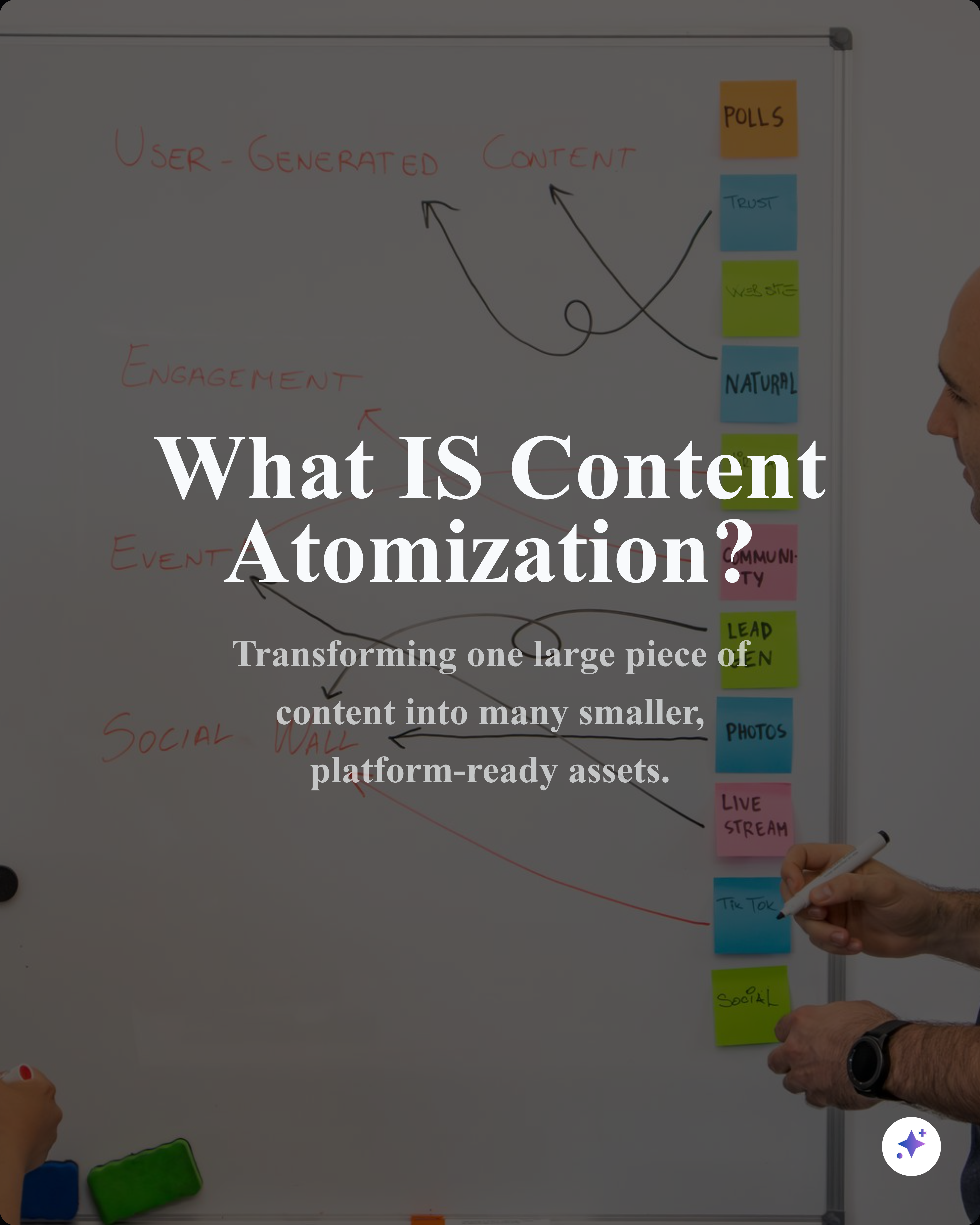
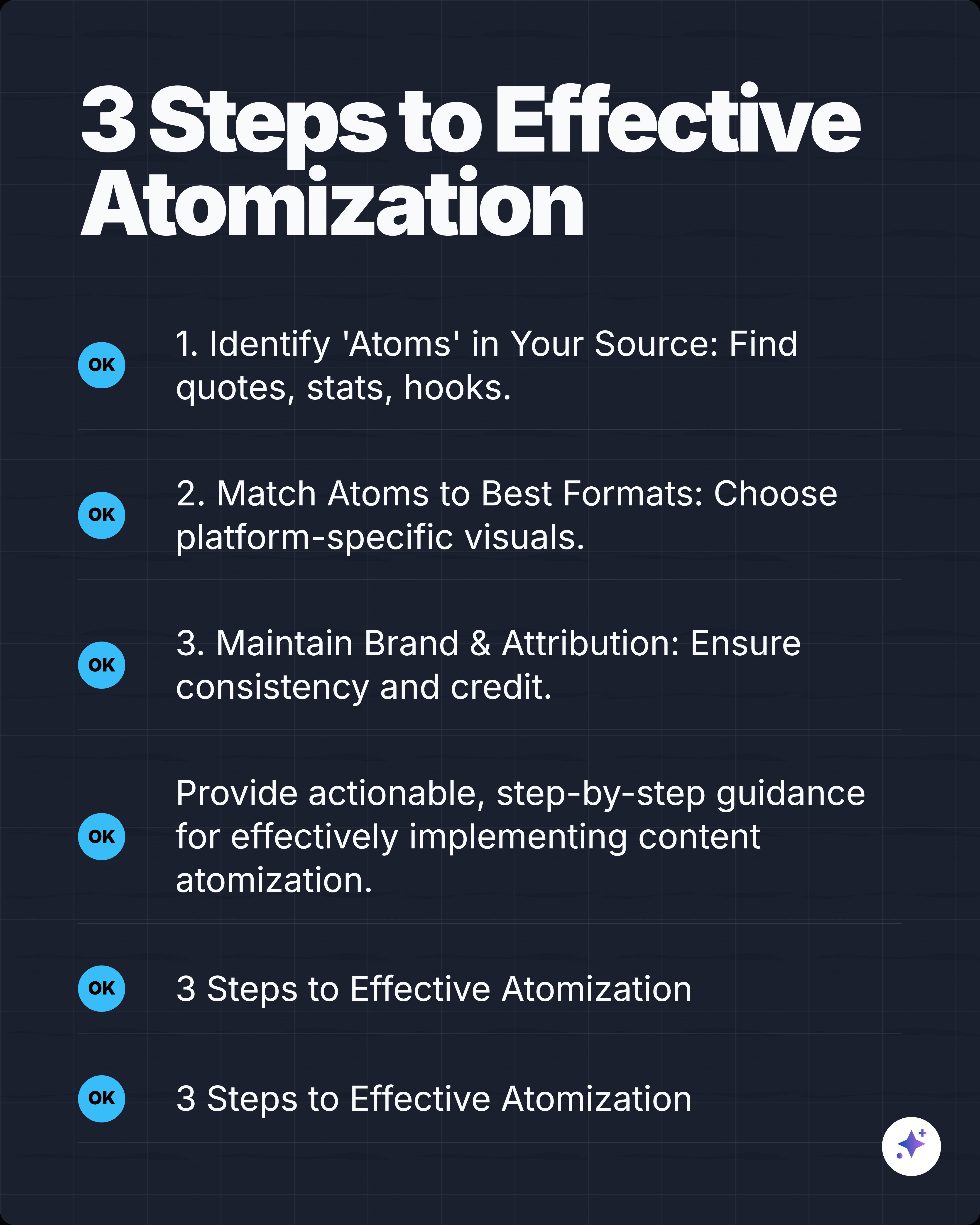
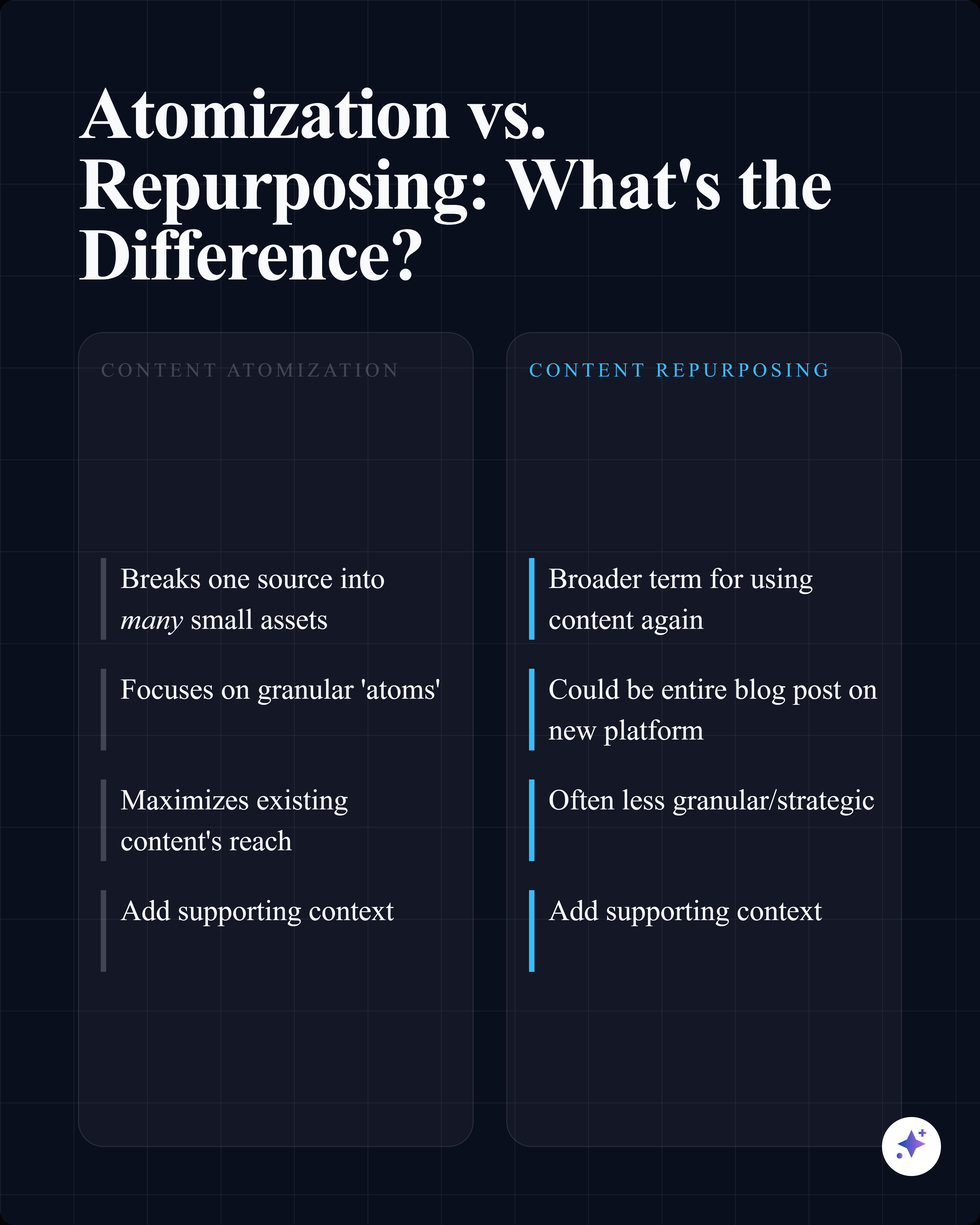
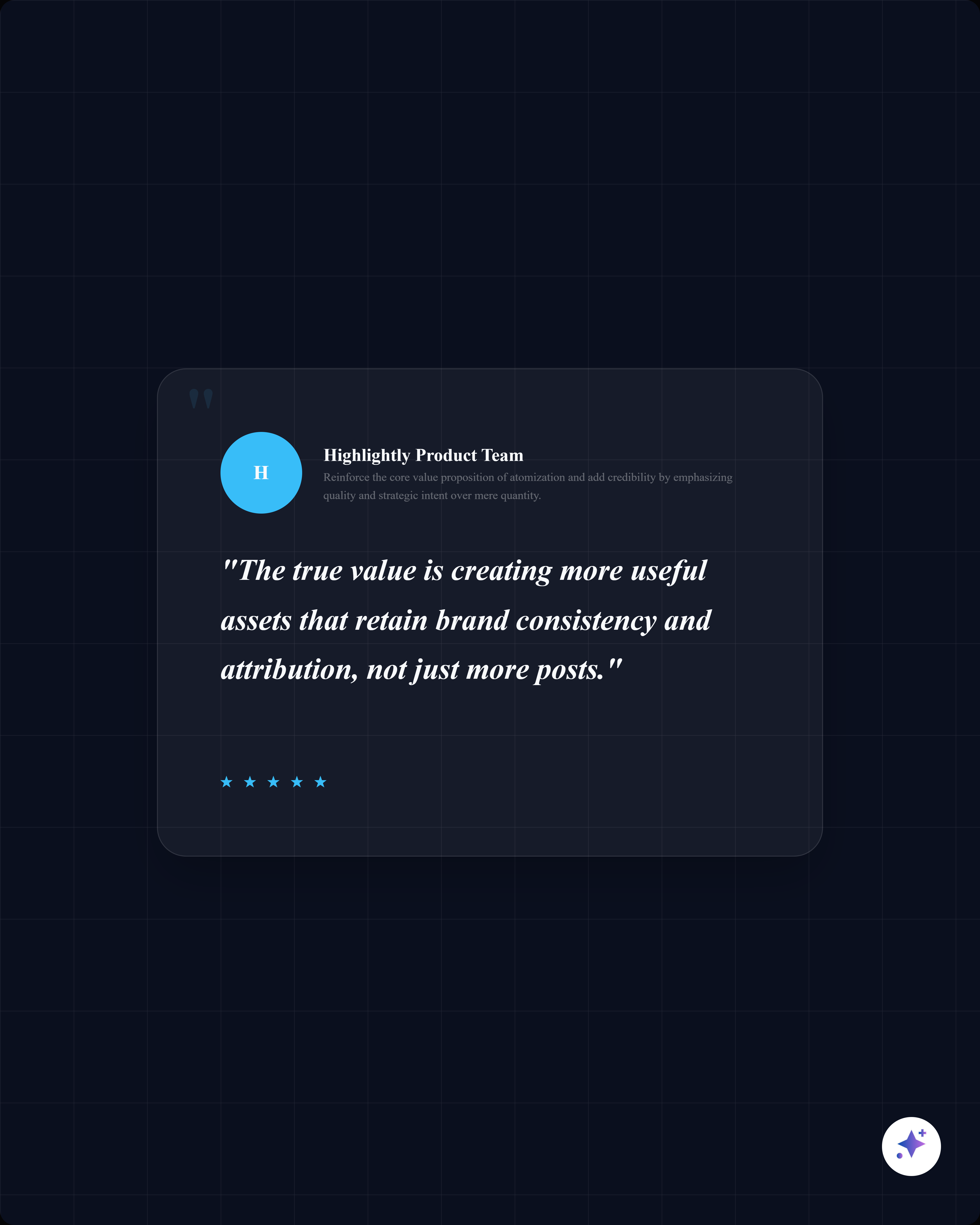
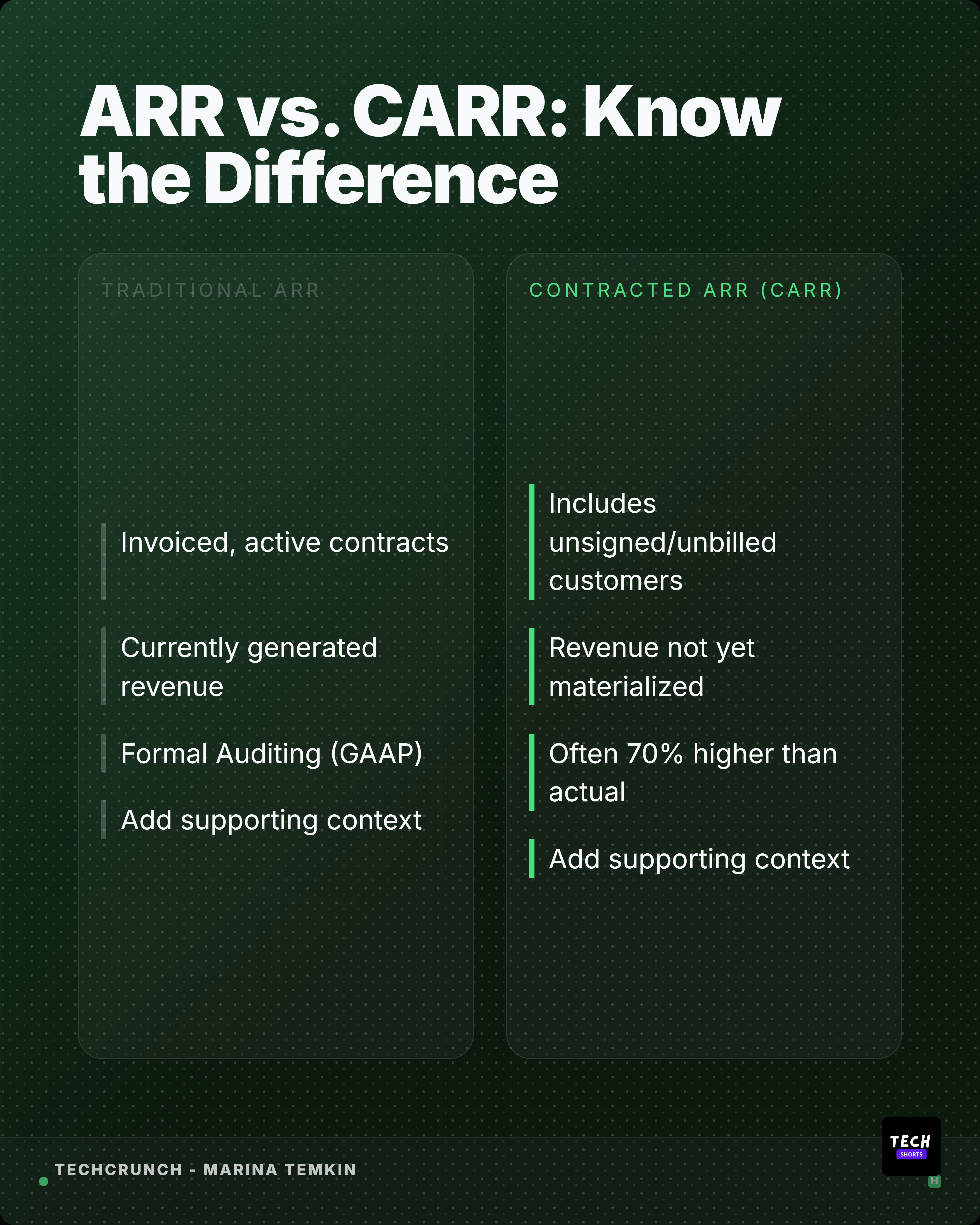
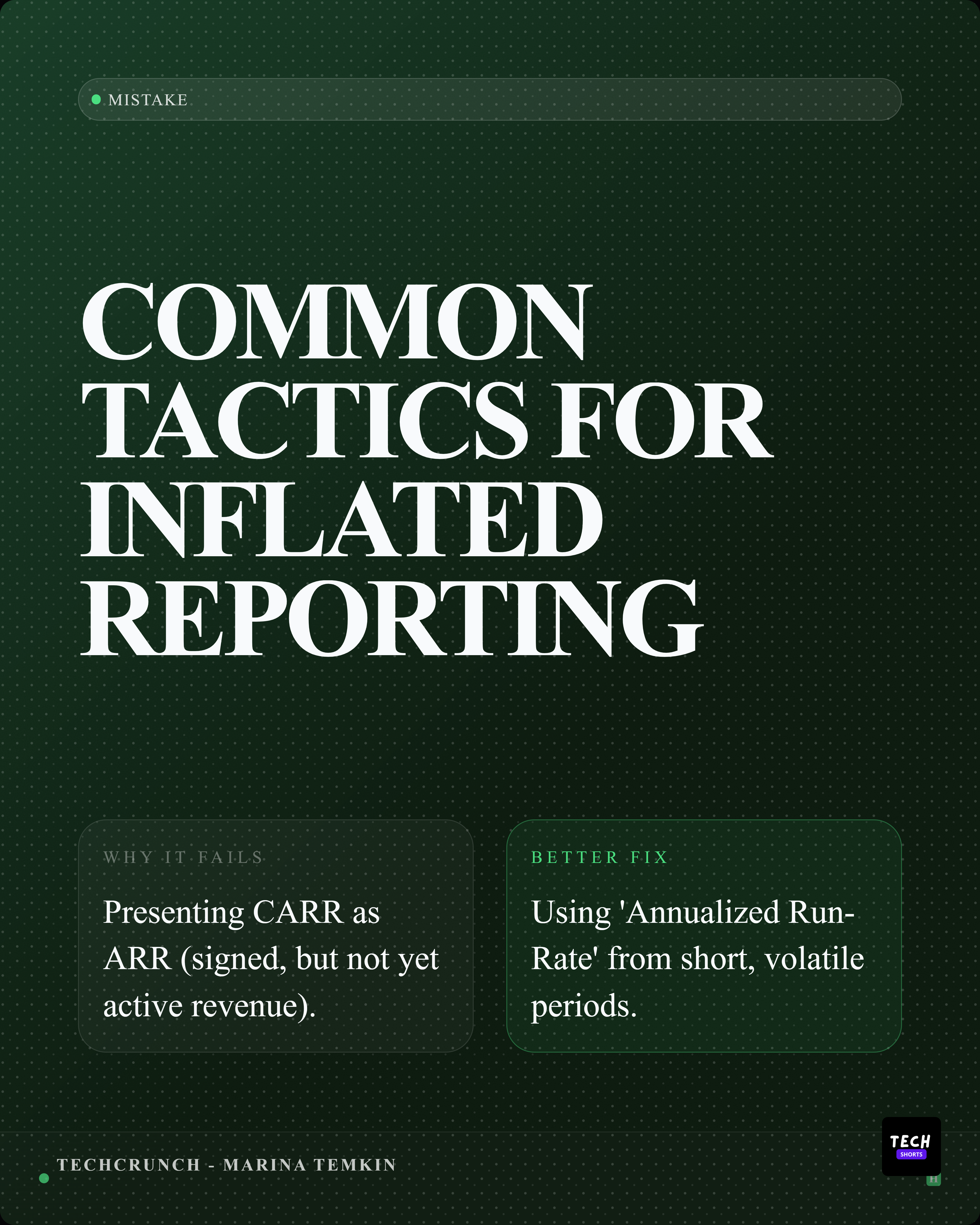
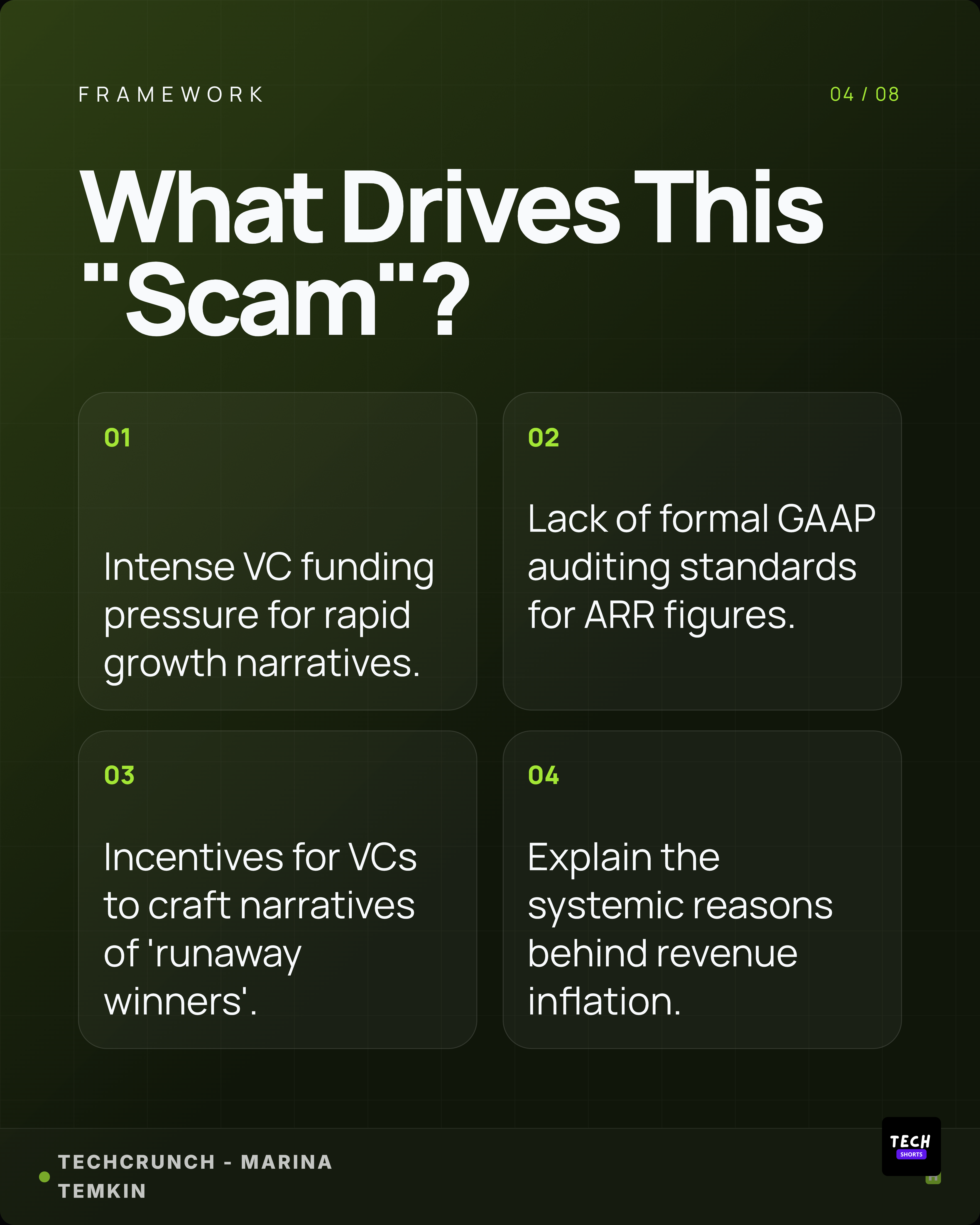
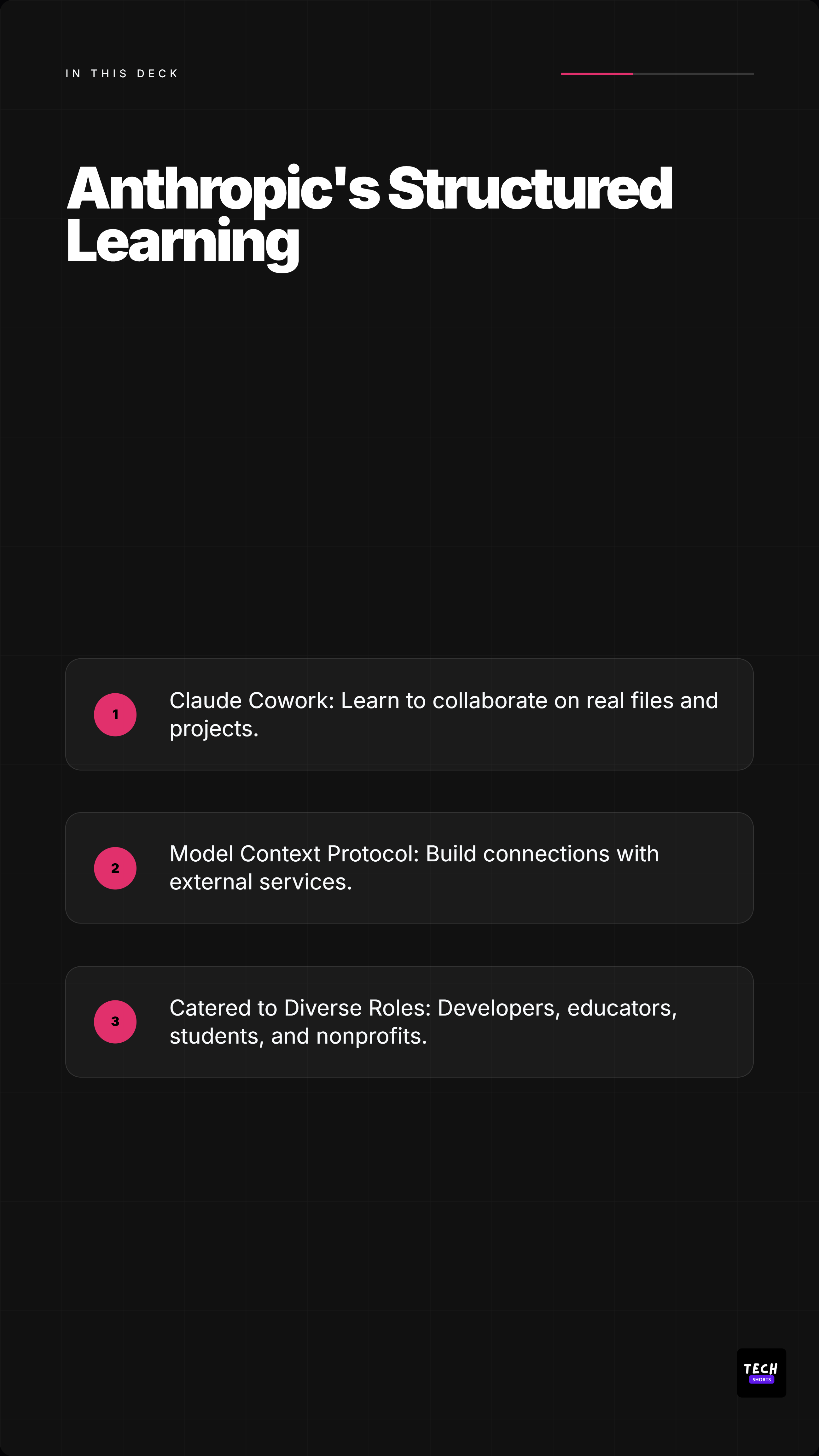
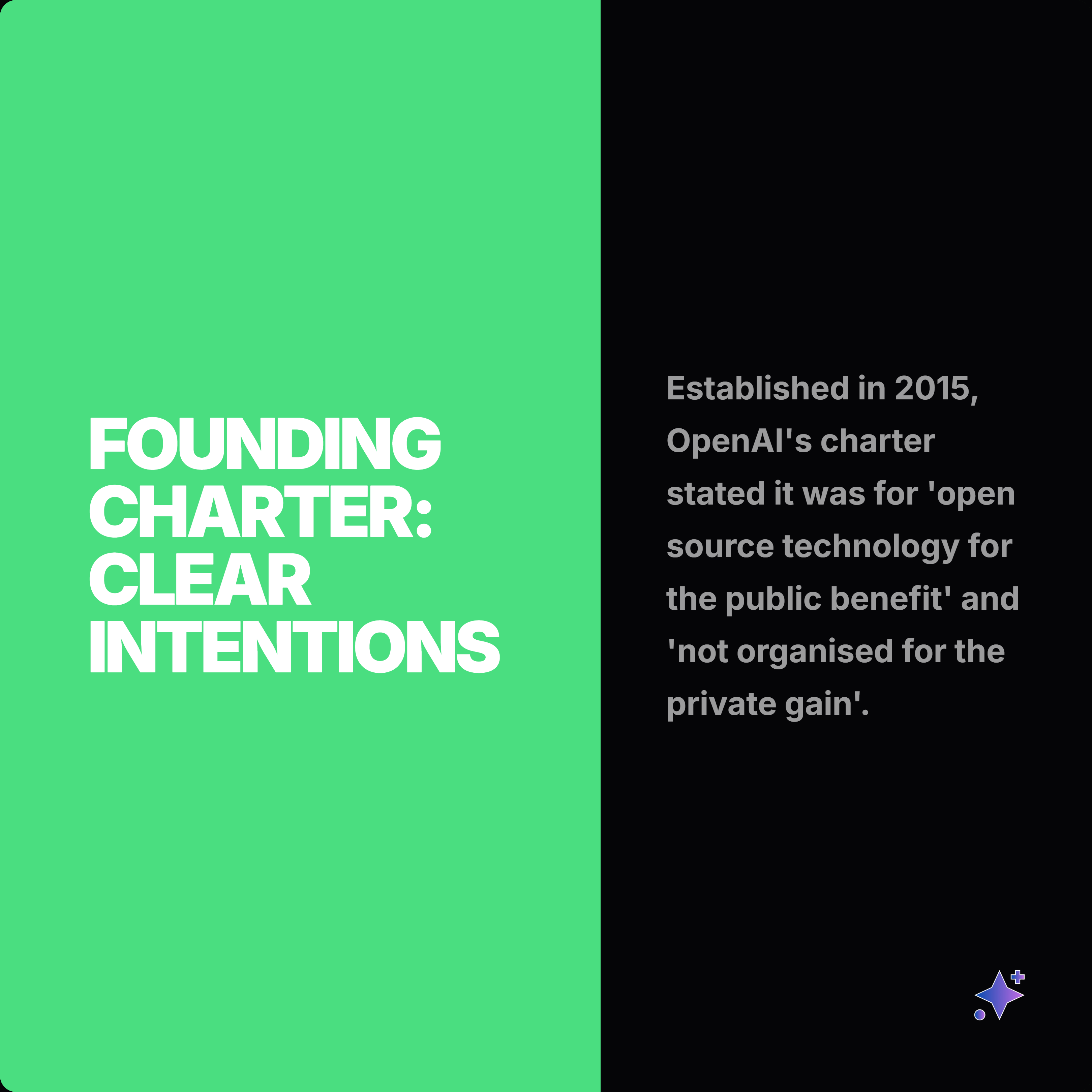
These complete rails show how one source can become a readable slide story, then split into smaller proof cards and captions.



















Best for
- Repurposing reports, white papers, research papers, decks, and internal notes.
- Creating LinkedIn posts, carousels, and proof-led graphics.
- Turning dense documents into readable social assets.
Not best for
- Publishing full copyrighted PDFs as social content.
- Summarizing sensitive private documents without review.
- Using charts or quotes without checking source context.
Manual workflow
- 1Read the PDF and mark useful pages.
- 2Copy quotes, statistics, and key points into a working doc.
- 3Capture relevant pages or charts.
- 4Design each social post manually.
- 5Write captions and add source attribution.
Highlightly workflow
- 1Upload the PDF, DOCX, or PPTX.
- 2Let Highlightly extract quotes, stats, facts, pages, images, and key points.
- 3Choose outputs such as stat cards, quote cards, briefing visuals, screenshots, and carousels.
- 4Edit, brand, annotate, and export high-resolution assets.
Step by step
Extract the proof
Start with stats, findings, quotes, charts, and pages that can support a clear post.
Choose the right format
A number may become a stat card, a framework may become a checklist, and a page may become an annotated screenshot.
Add interpretation
Social posts need a point of view, not only extracted material.
Preserve source context
Keep the report title, source, publication, or page context visible where relevant.
Research notes
What this answer is grounded in
Common questions
Can Highlightly process PDFs?
Yes. Highlightly can process PDF, DOCX, and PPTX files and extract structured material for social assets.
Can I turn one PDF into multiple posts?
Yes. One document can become quote cards, stat cards, overview visuals, carousel slides, screenshots, and captions.
Should I cite the PDF?
Yes. For report-based posts, attribution helps readers understand where the claim came from.