How do I turn an article into a LinkedIn carousel?
To turn an article into a LinkedIn carousel, identify one clear angle, extract the strongest quotes, stats, key points, and examples, then arrange them into a short slide sequence. The best carousels do not summarize the whole article. They turn one useful argument into a readable story with proof and attribution.
The useful workflow is extraction first, packaging second: find the strongest source-backed material, decide what it proves, then turn it into the format people can actually read in-feed.
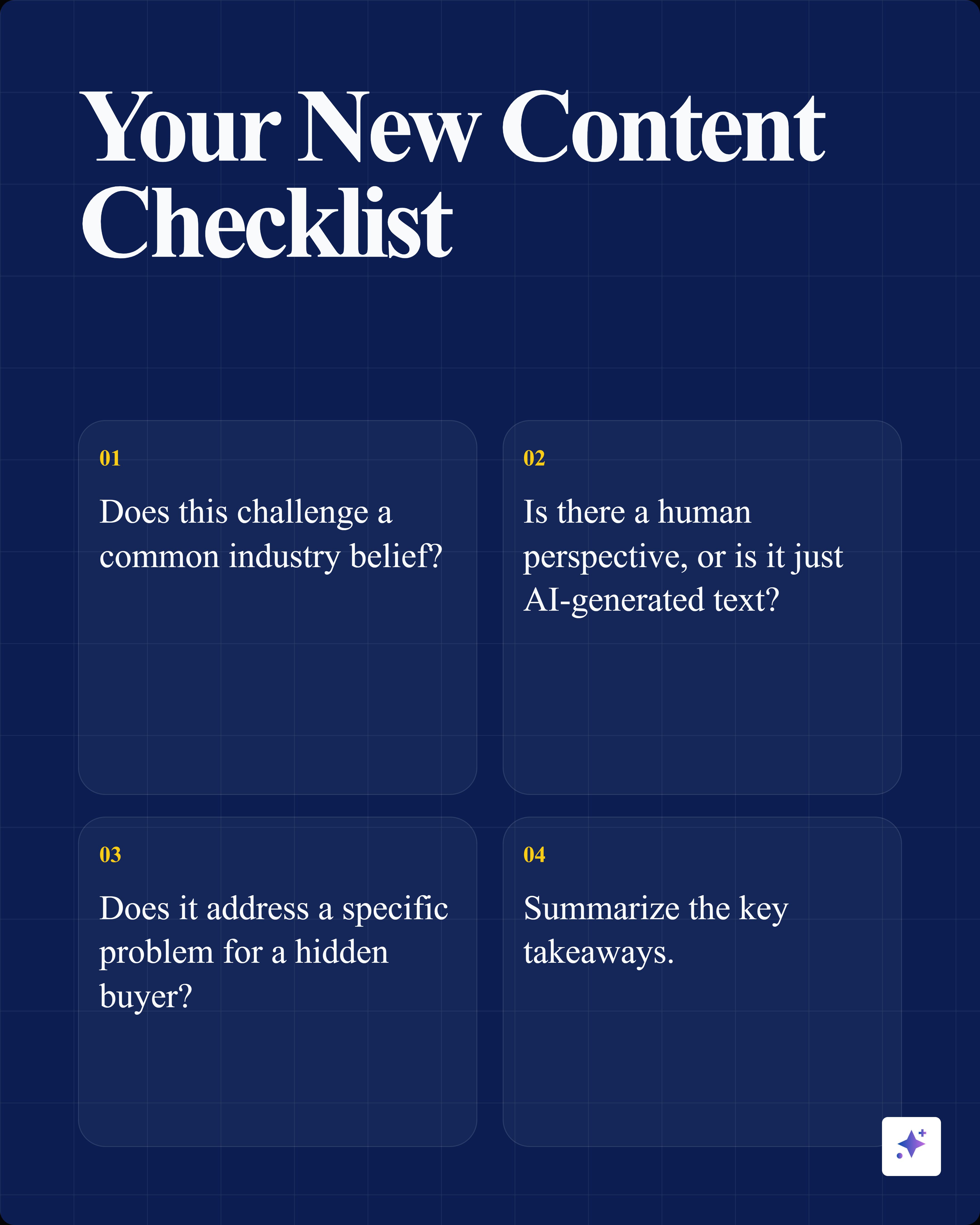
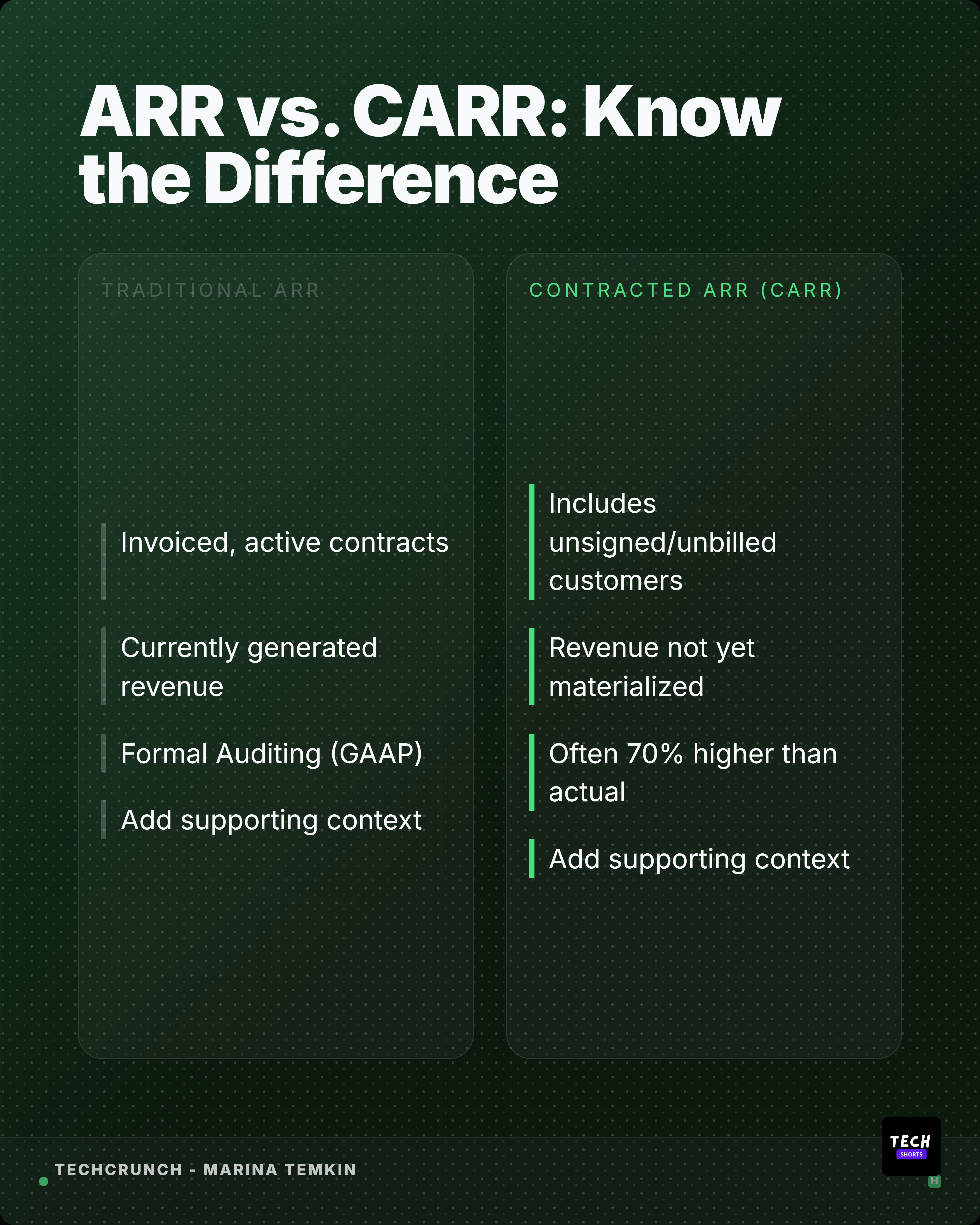
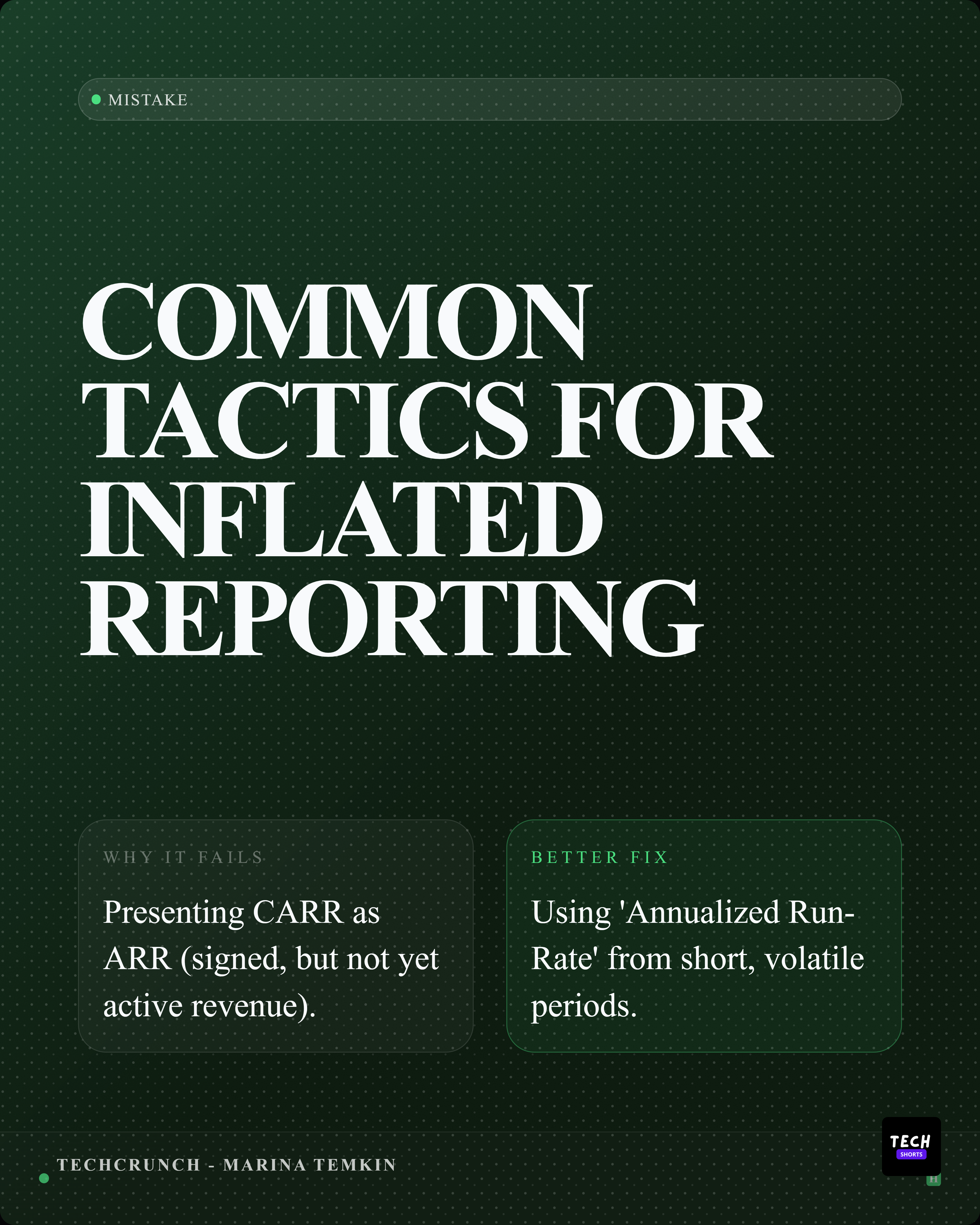
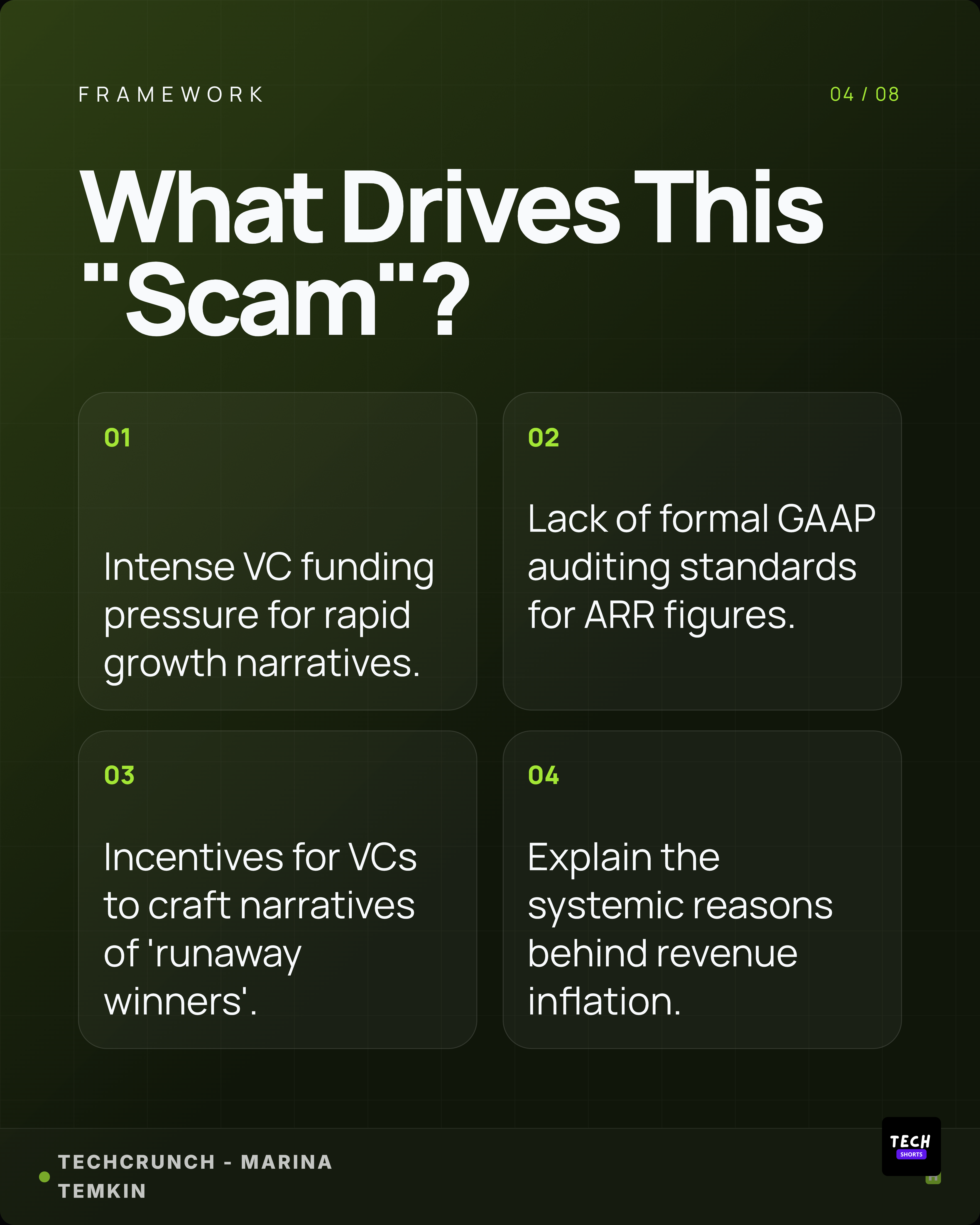
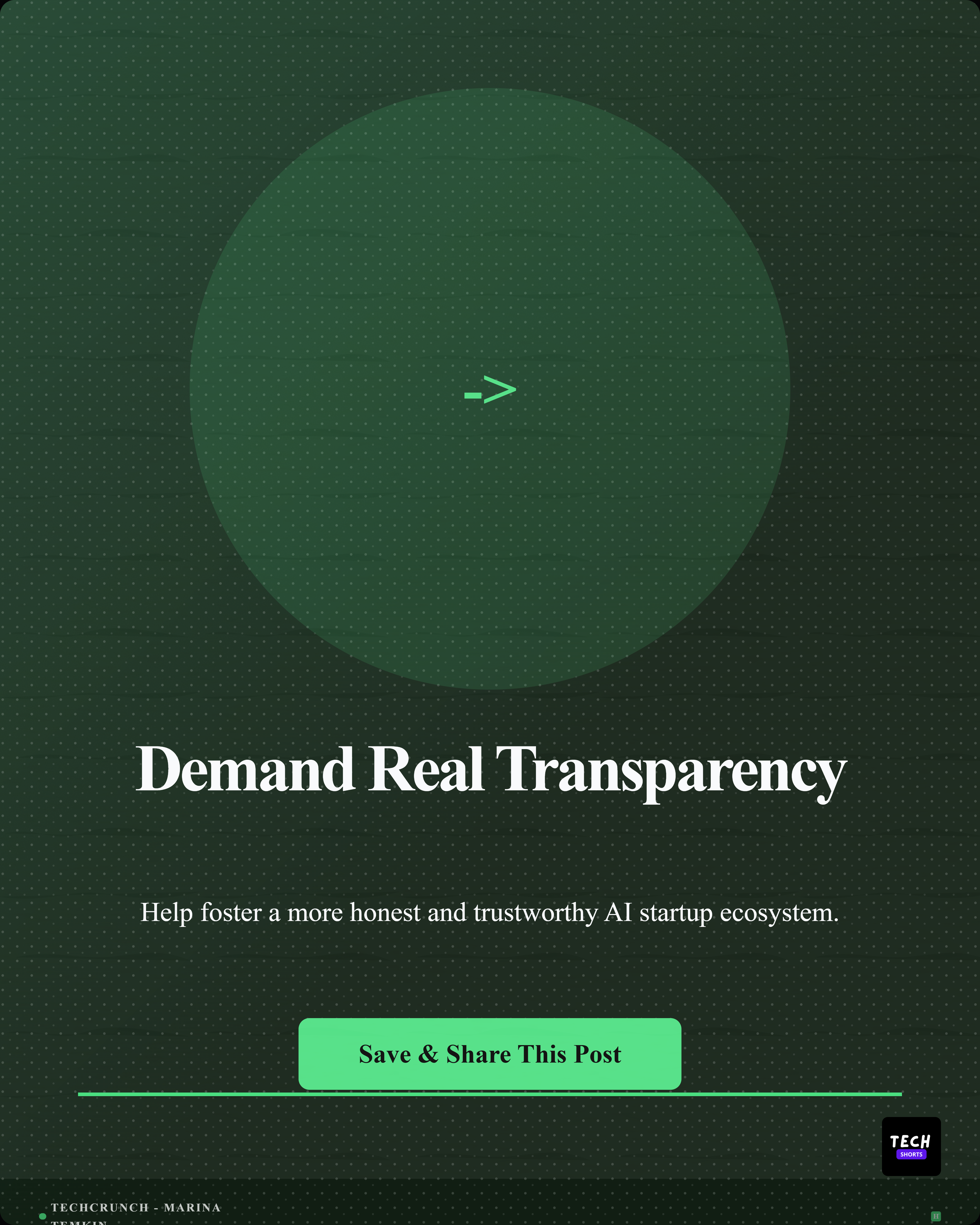
A source-backed carousel is a sequence, not a chopped-up summary.
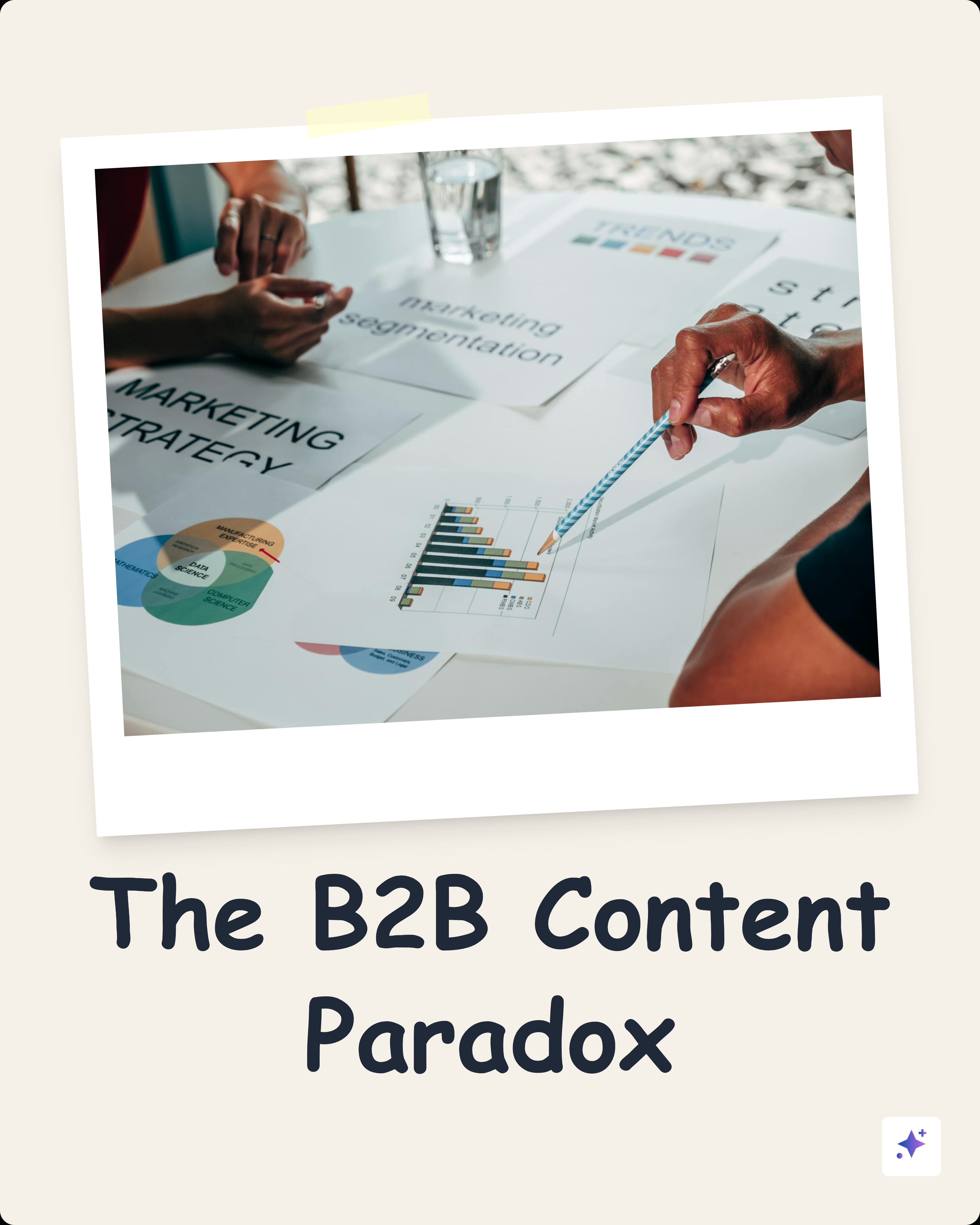
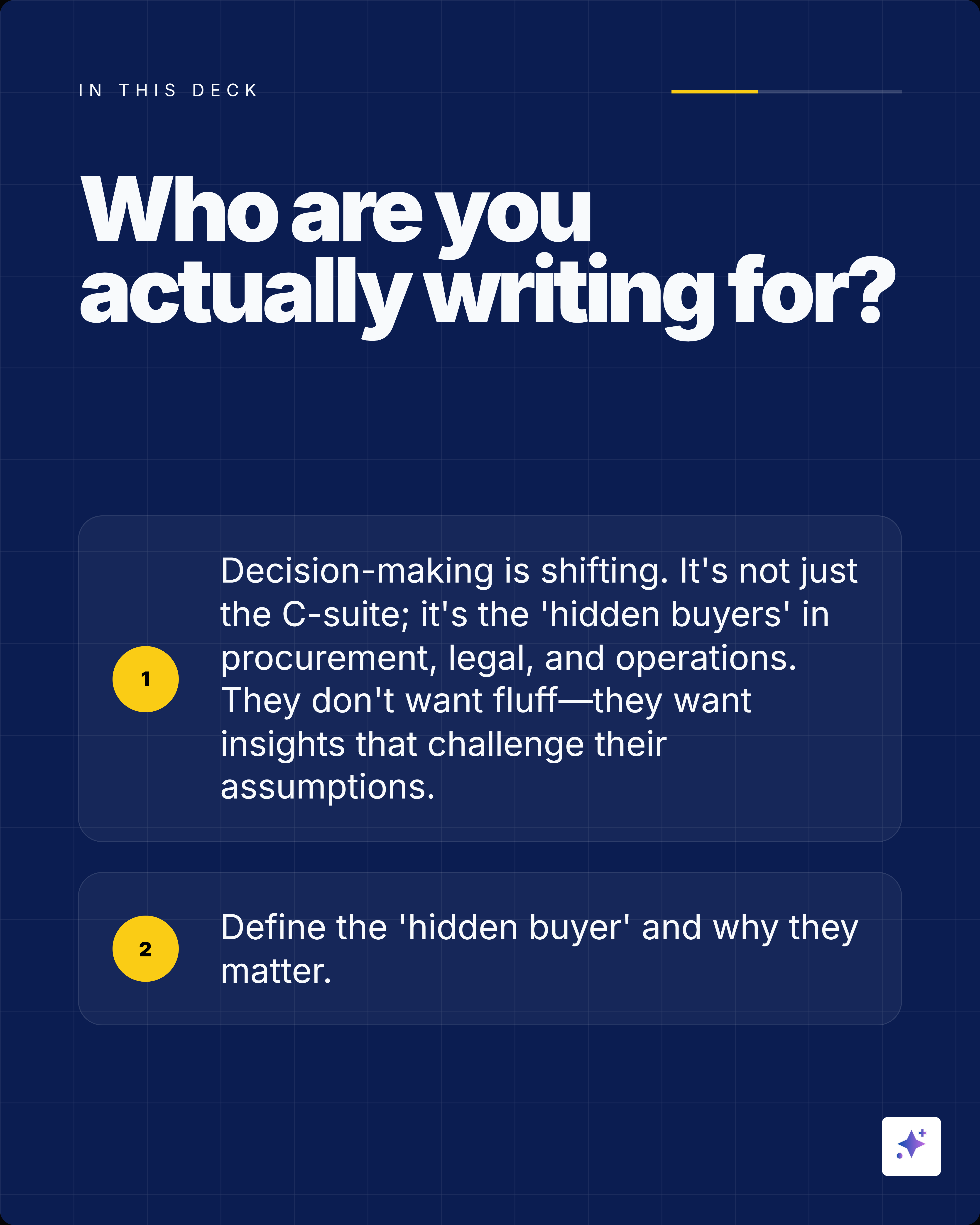
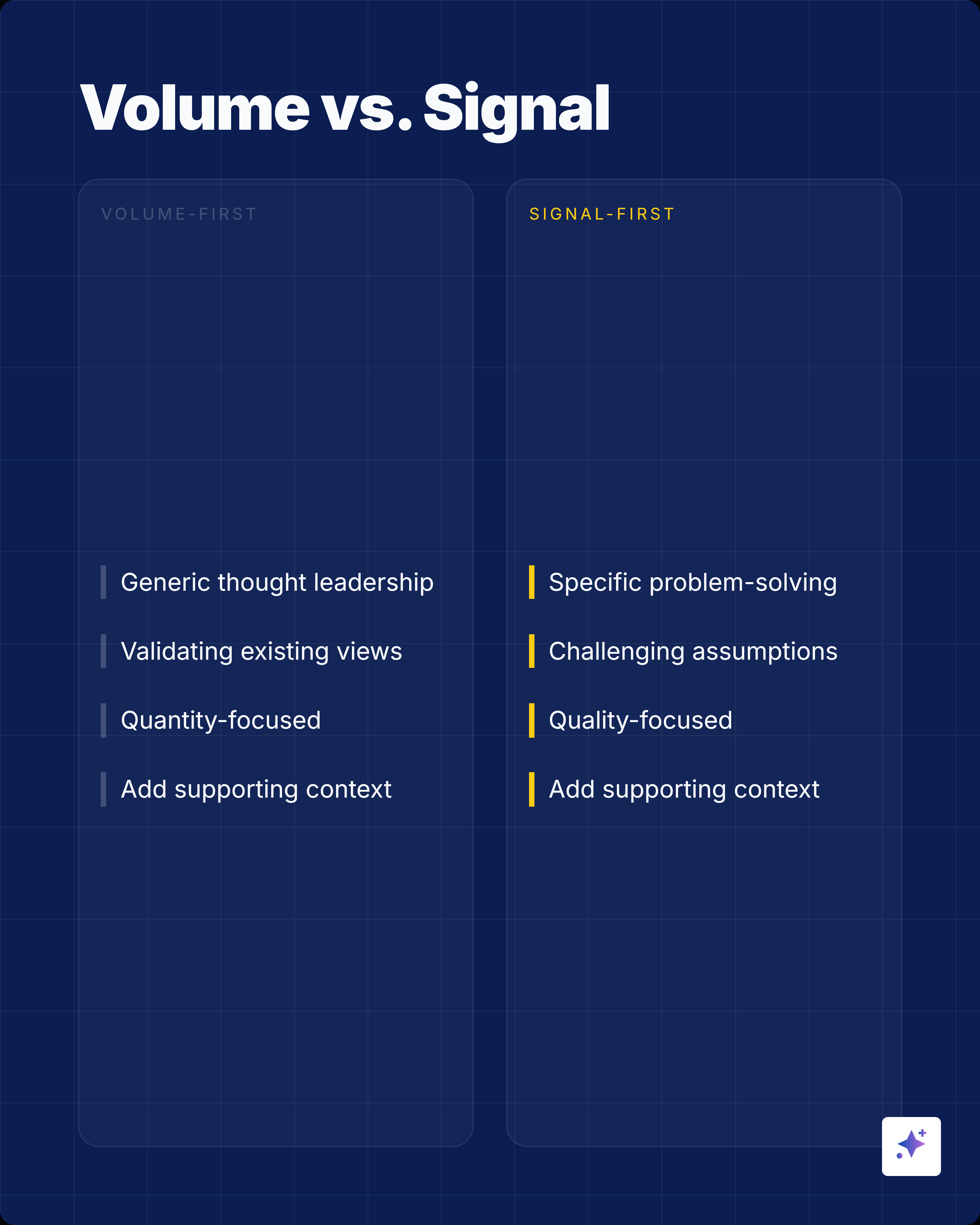
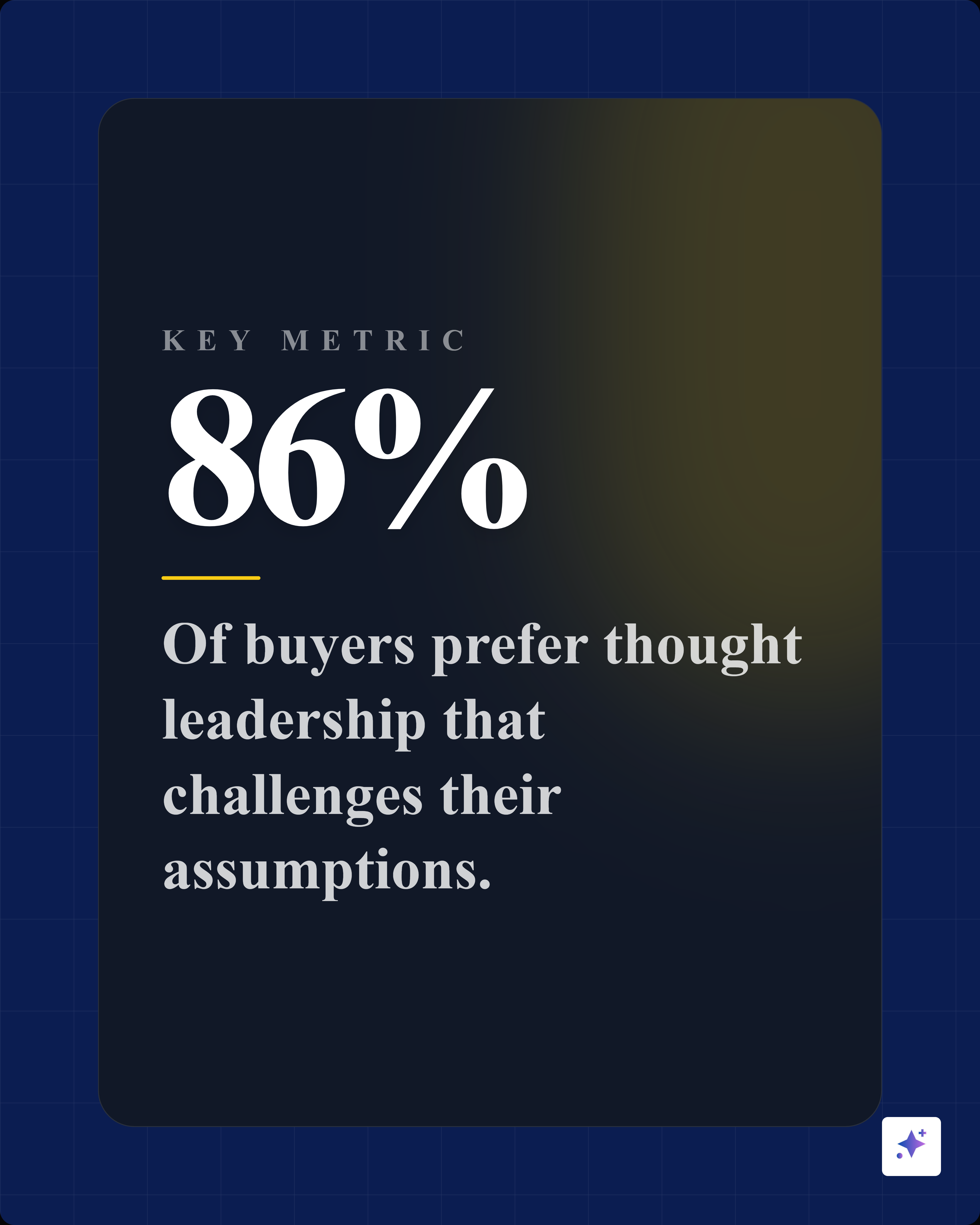
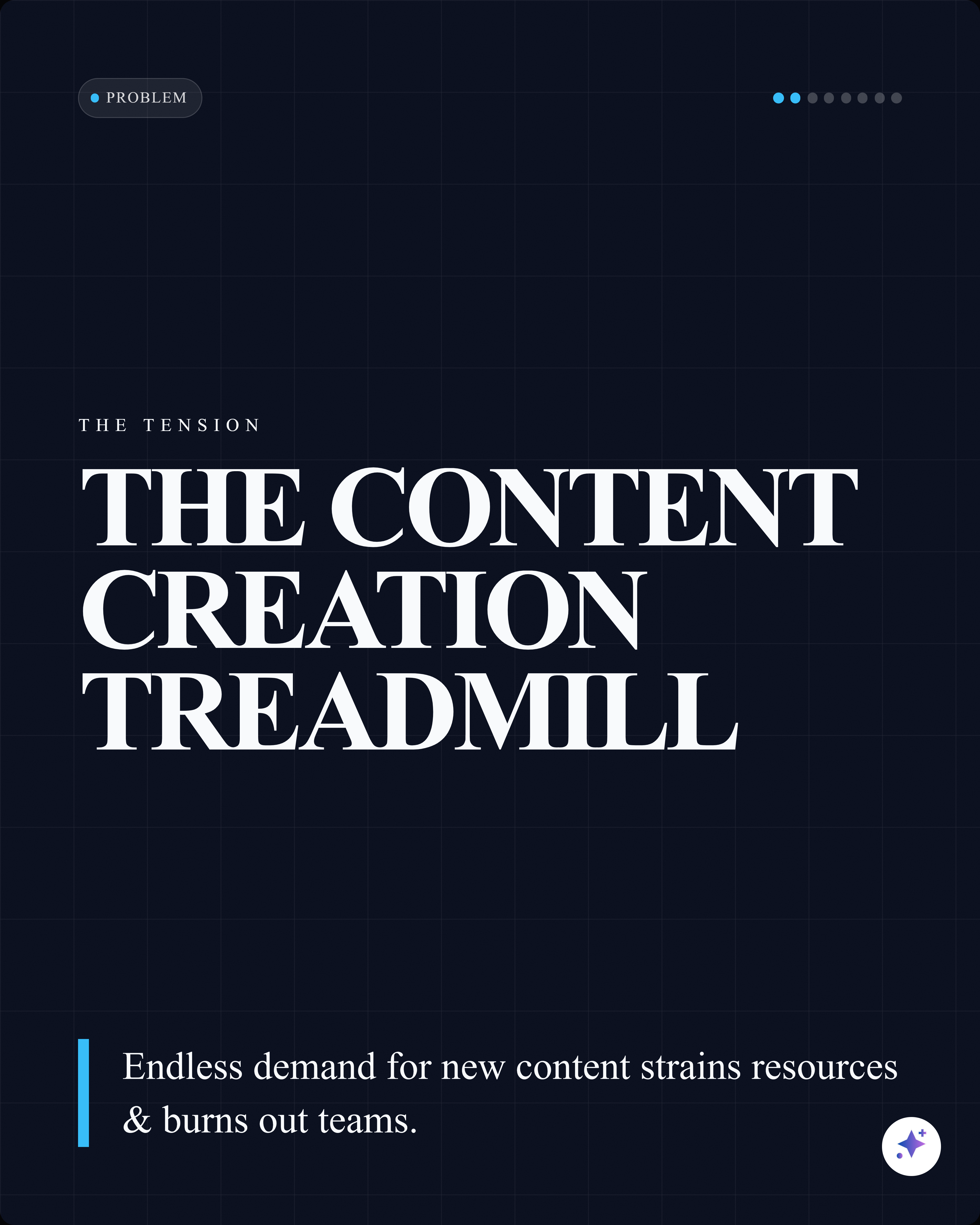
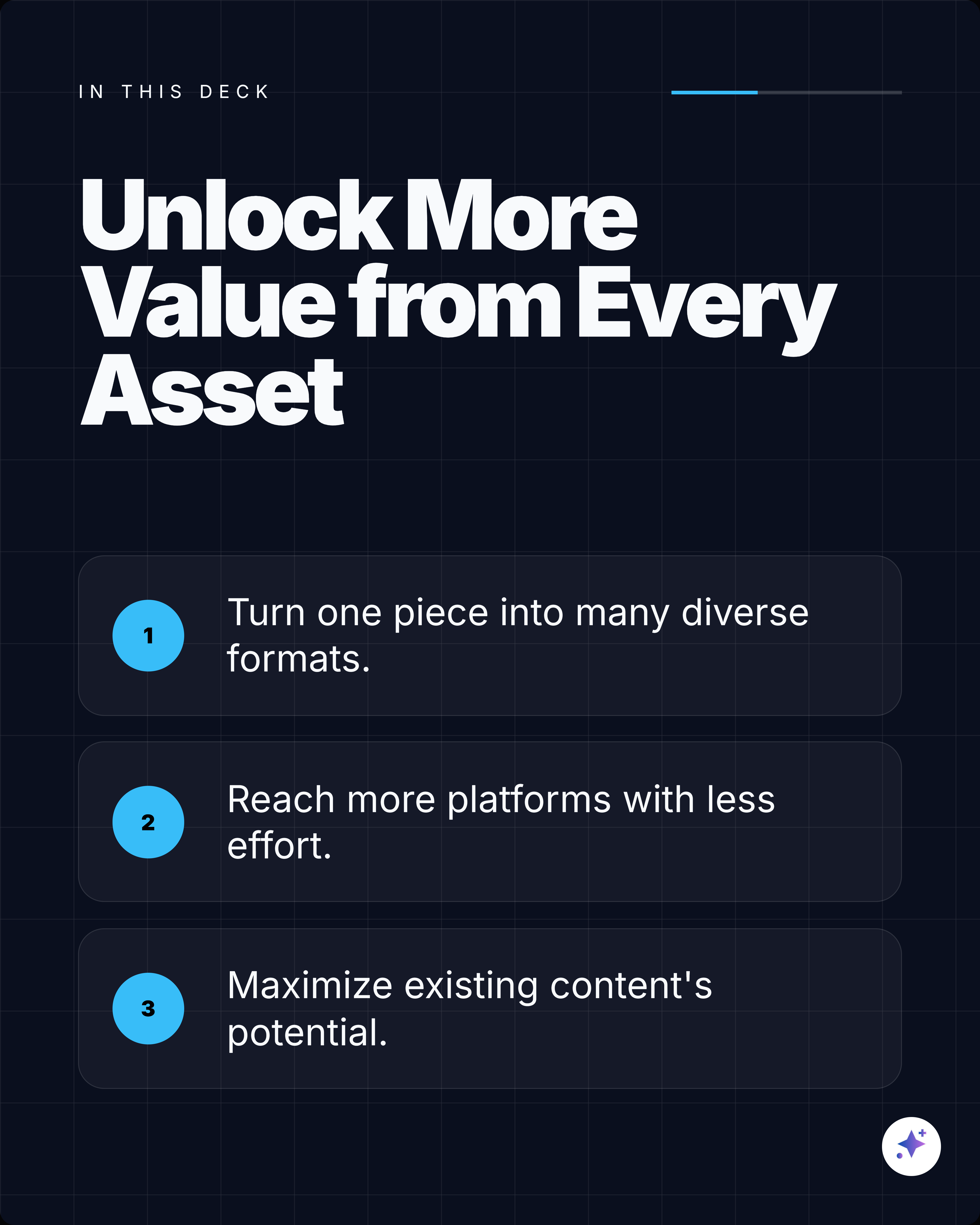
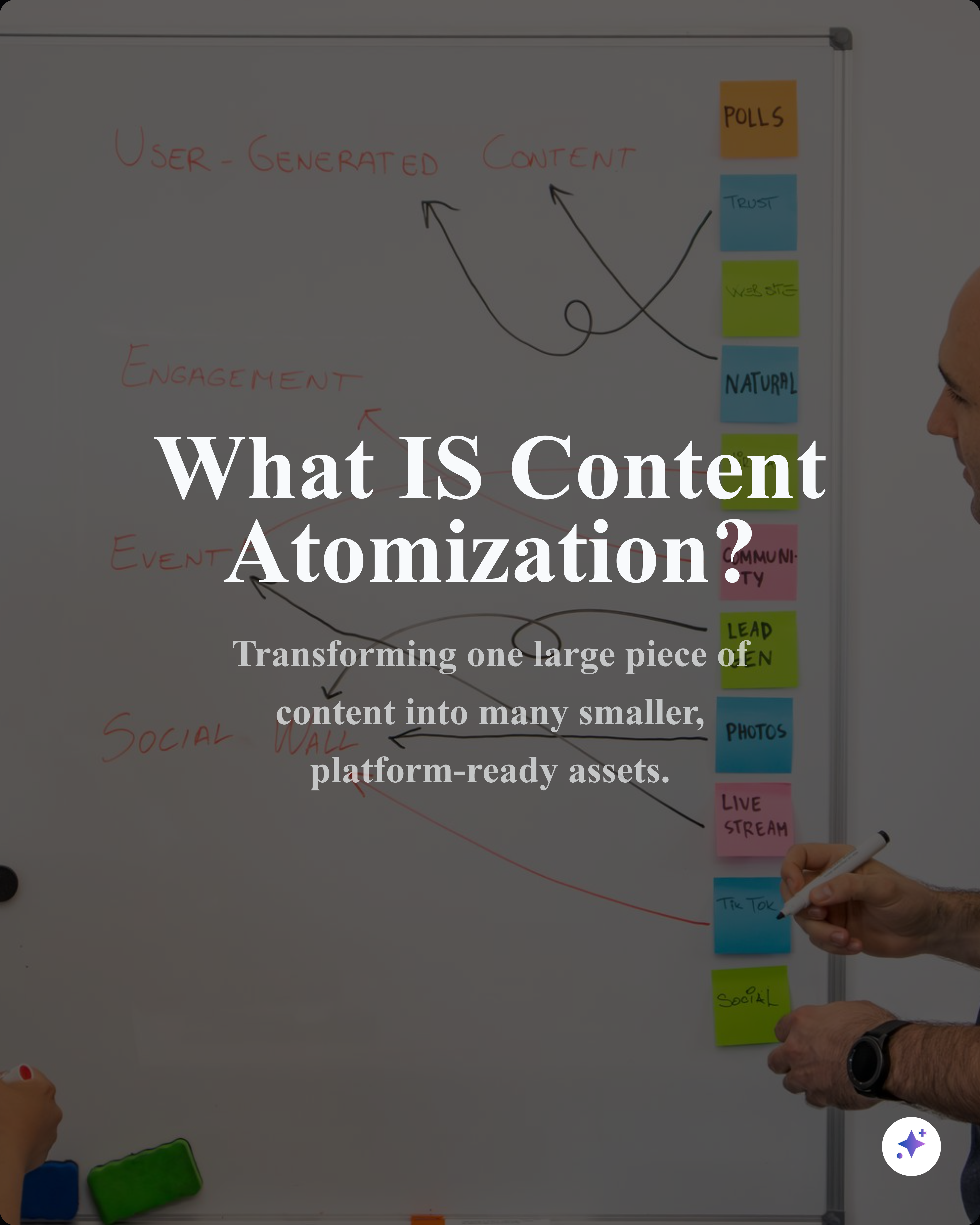
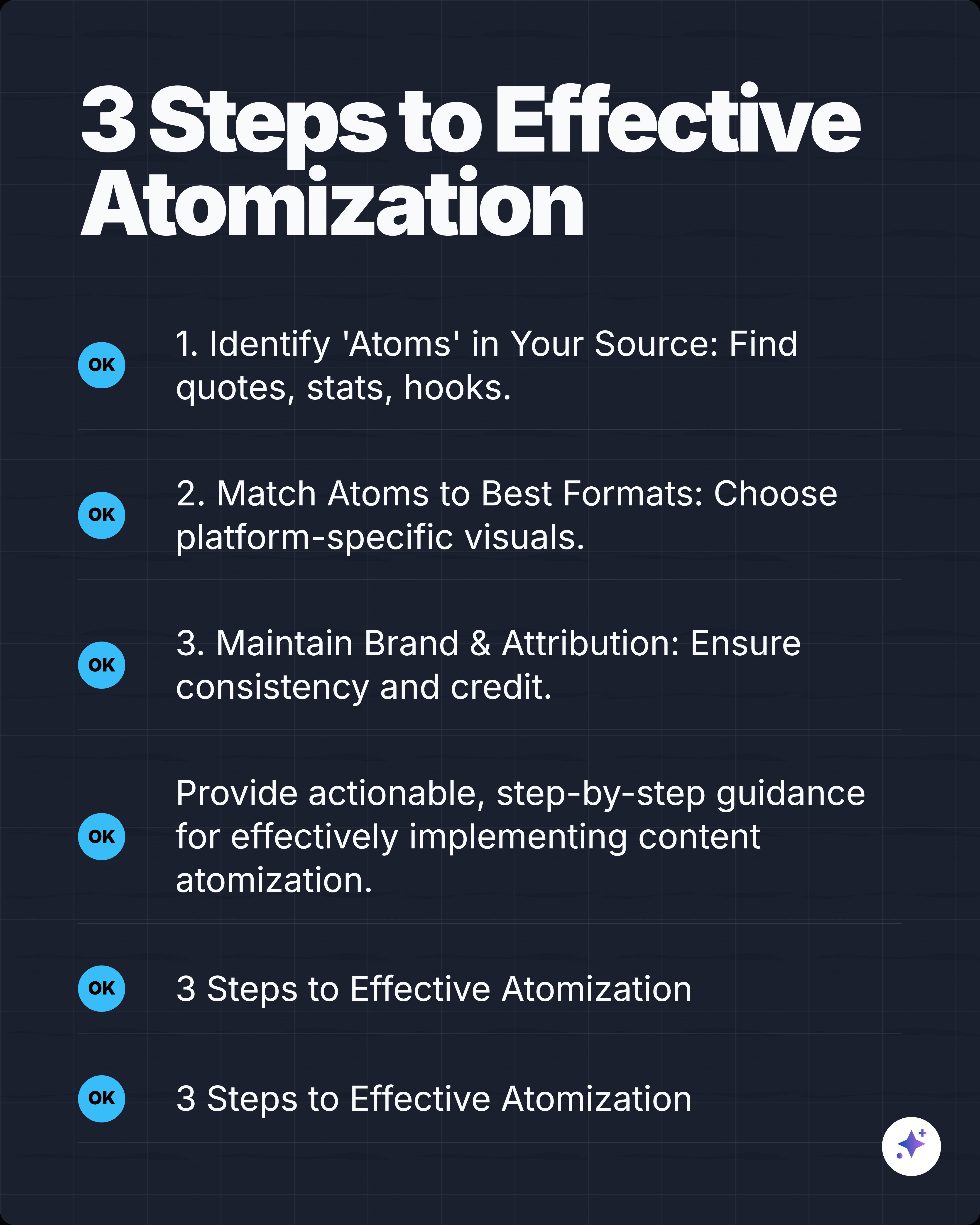
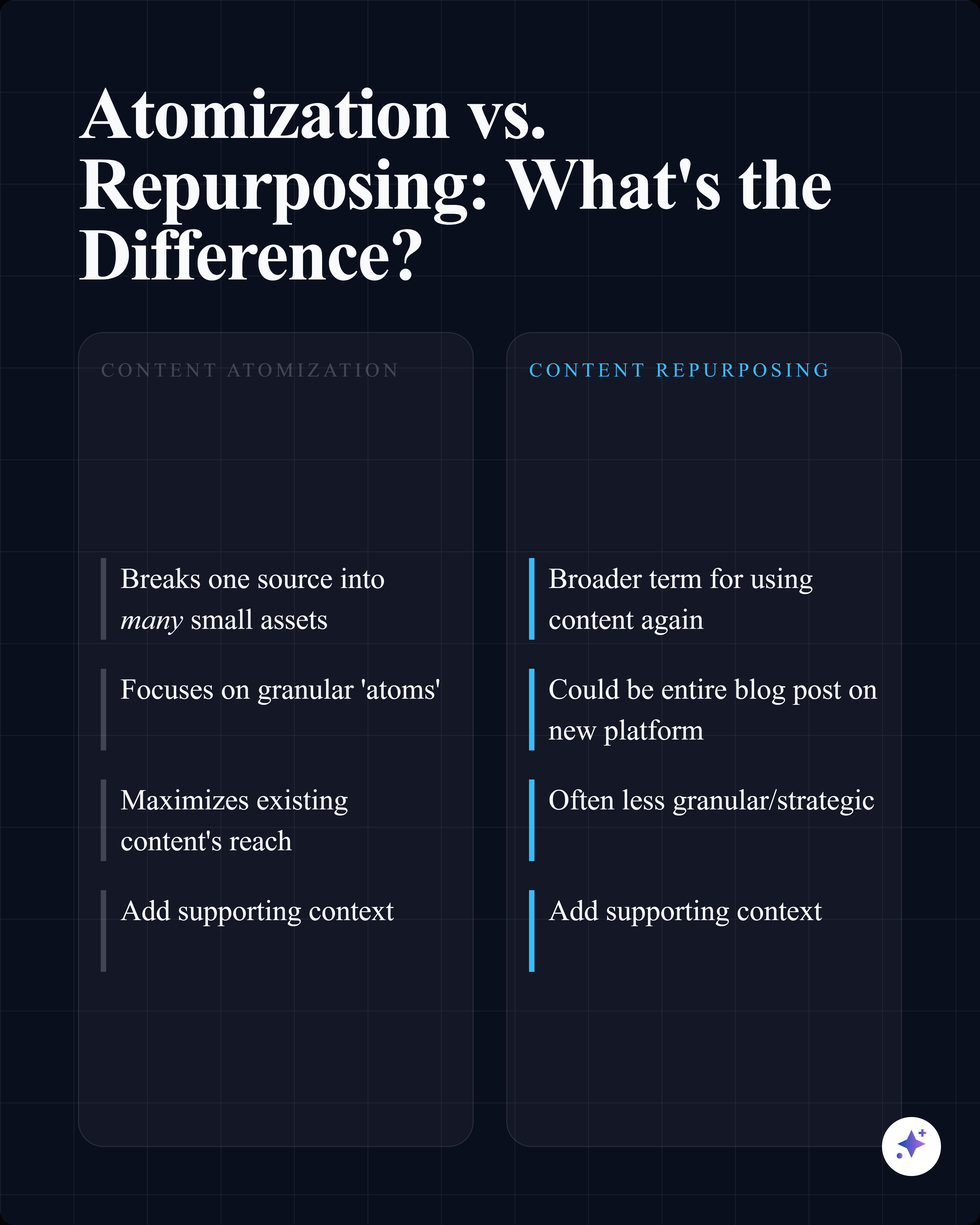
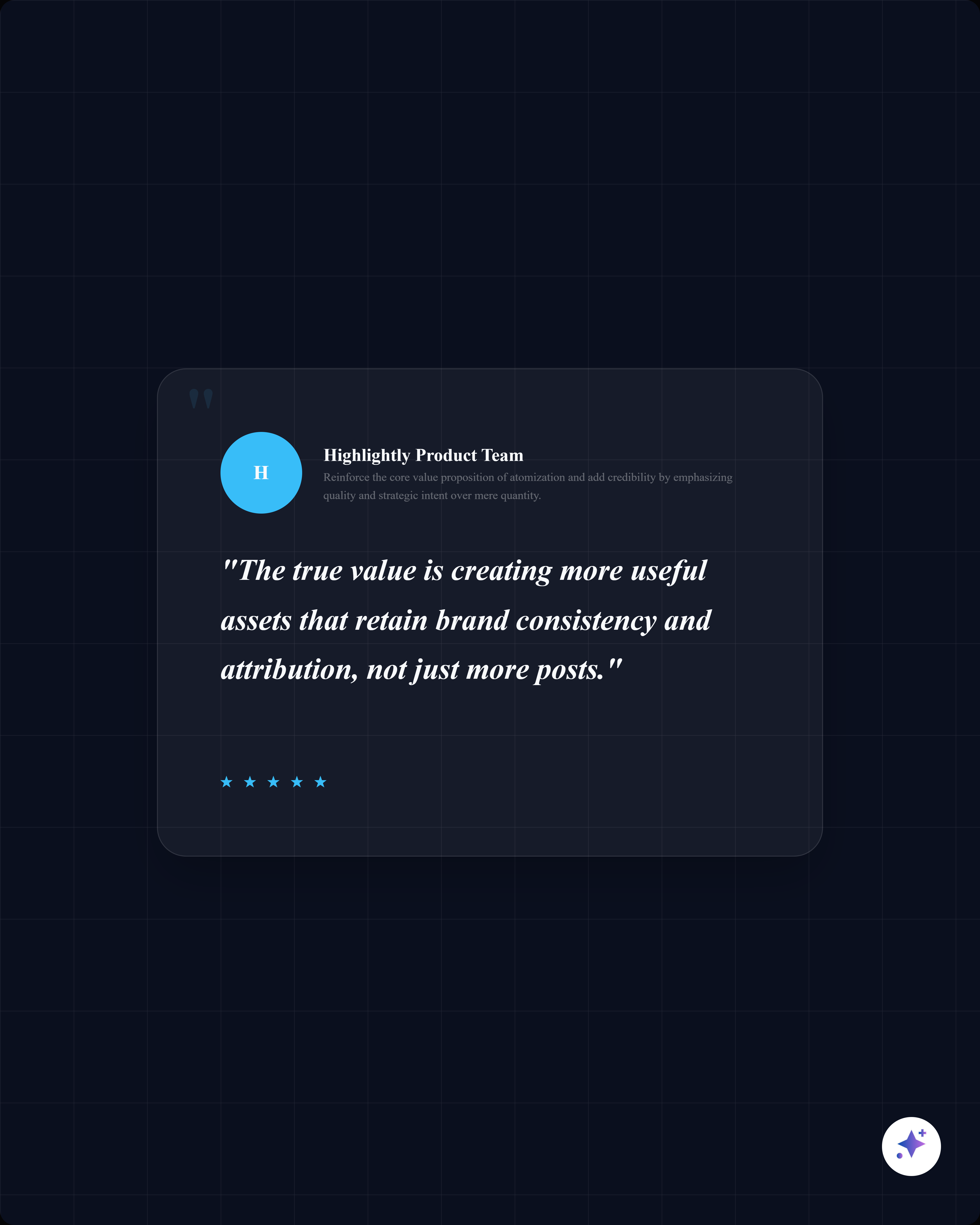
These complete rails show how one source can become a readable slide story, then split into smaller proof cards and captions.
























Best for
- Repurposing blog posts, founder essays, reports, and news articles.
- Creating LinkedIn distribution assets for content marketing.
- Making one source travel farther without copying the full article.
Not best for
- Copying long article sections onto slides.
- Making generic advice carousels without a source or point of view.
- Using unsupported statistics without attribution.
Manual workflow
- 1Read the article and highlight the best material.
- 2Choose a carousel angle that fits one audience.
- 3Draft a slide-by-slide outline.
- 4Design slides manually and resize any supporting visuals.
- 5Write a caption that links or credits the source.
Highlightly workflow
- 1Paste the article URL into Highlightly.
- 2Review extracted hooks, key points, quotes, statistics, facts, and entities.
- 3Use custom instructions to guide the carousel angle and tone.
- 4Generate slides, edit the wording, apply brand styling, and export.
Step by step
Pick the angle
Choose the one idea from the article that your audience would save, share, or debate.
Extract proof
Use real quotes, statistics, examples, and source context instead of generic filler.
Create the slide sequence
Open with tension, explain the point, add proof, then close with a takeaway.
Edit for LinkedIn
Make slides readable on mobile and use the caption for context, source credit, and your own point of view.
Research notes
What this answer is grounded in
Common questions
Should a carousel summarize the whole article?
Usually no. A strong carousel turns one useful idea from the article into a focused narrative.
Can I use a public article URL in Highlightly?
Yes. Highlightly can ingest public article URLs, extract structured material, and help turn that material into carousel slides.
How many slides should an article carousel have?
Many article-based carousels work well with 5 to 9 slides, depending on the source depth and the story arc.