How do I turn a press release into 5 social media posts?
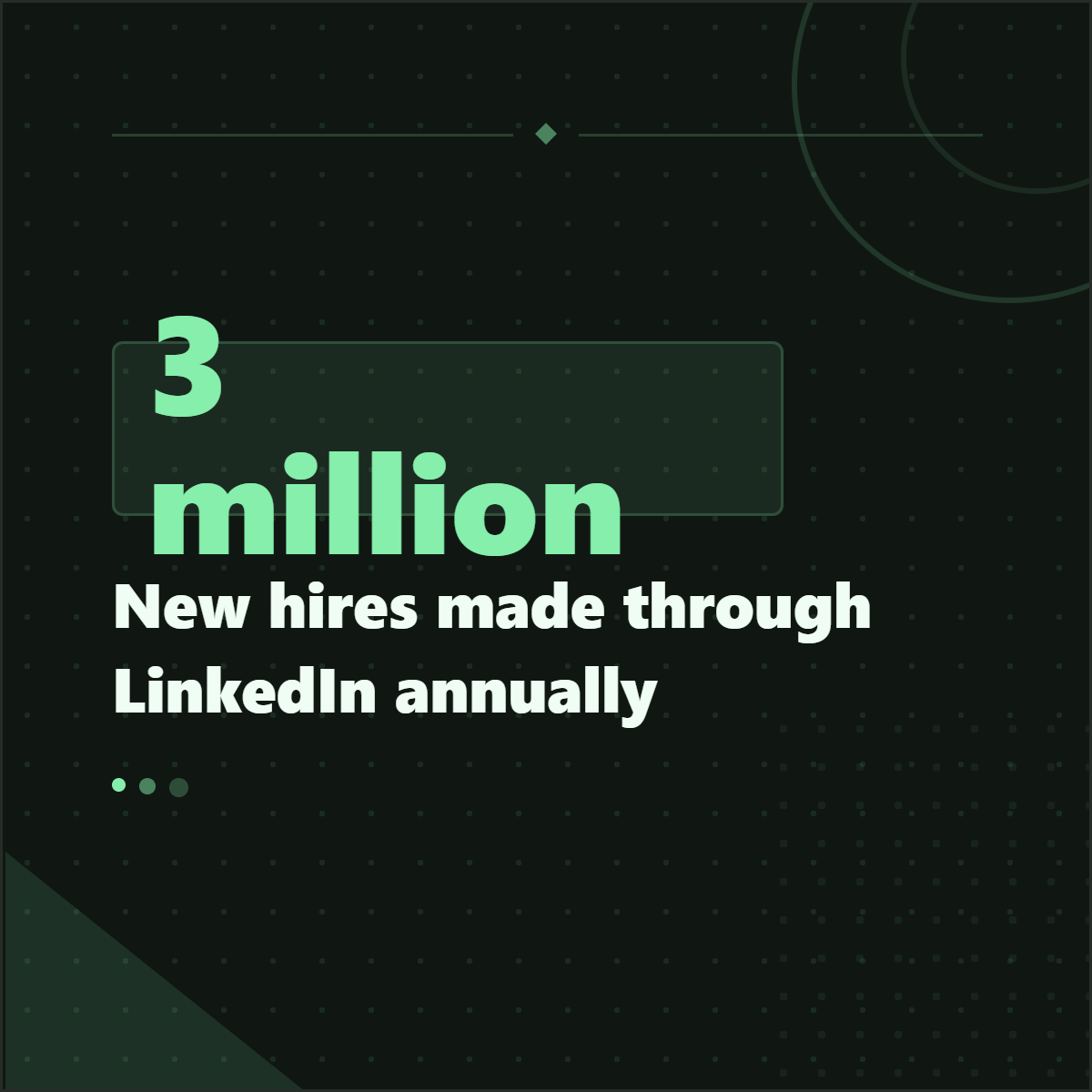
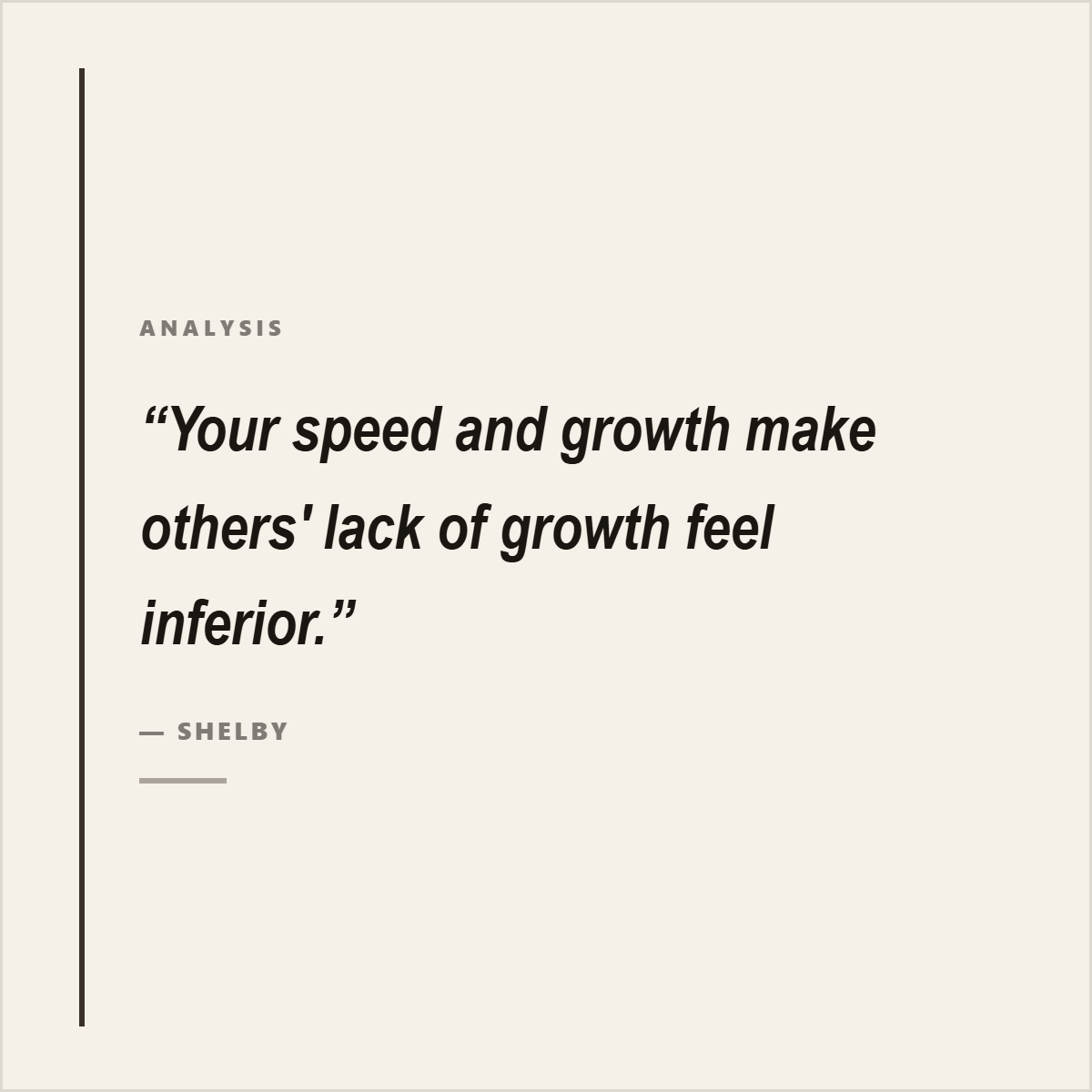
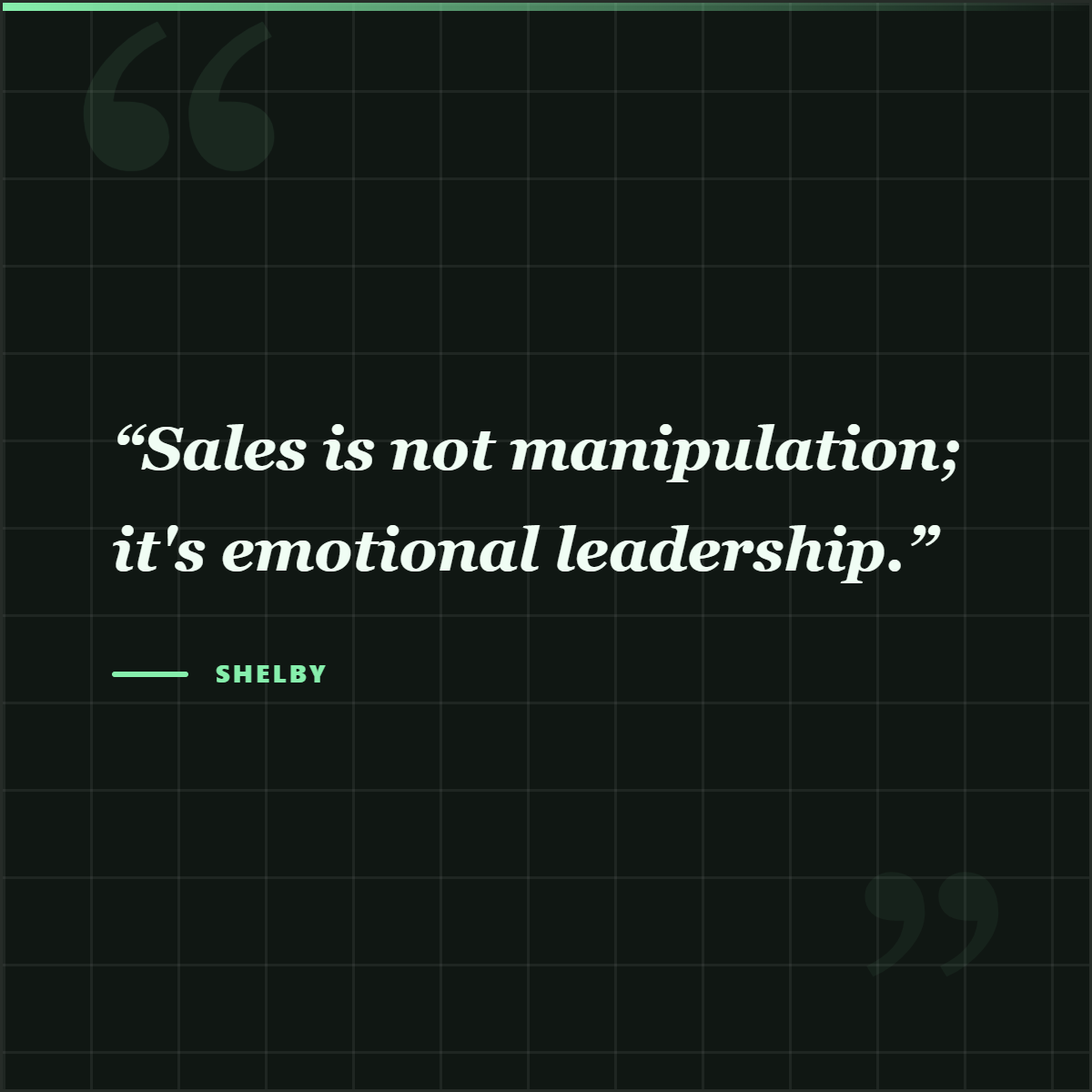
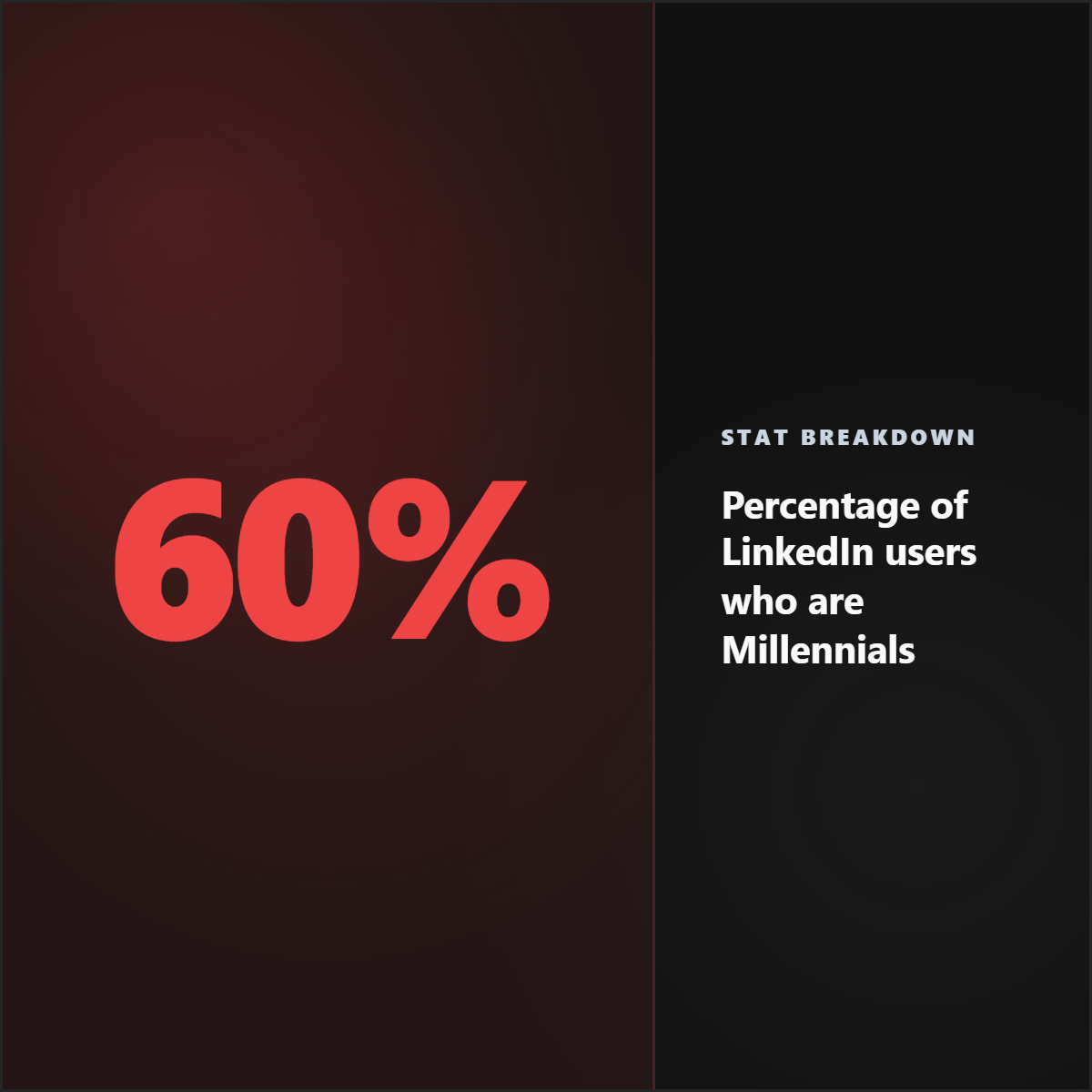
To turn a press release into five social media posts, extract the announcement, the proof, the executive quote, the customer or market angle, and the call to action. Then package them as five different assets: a launch announcement, a quote card, a stat or proof card, a short explainer carousel, and a final action-oriented post. The goal is not to repost the release five times; it is to split the useful source material into distinct angles.
The useful workflow is extraction first, packaging second: find the strongest source-backed material, decide what it proves, then turn it into the format people can actually read in-feed.
A release can become several useful posts when each asset has a job.
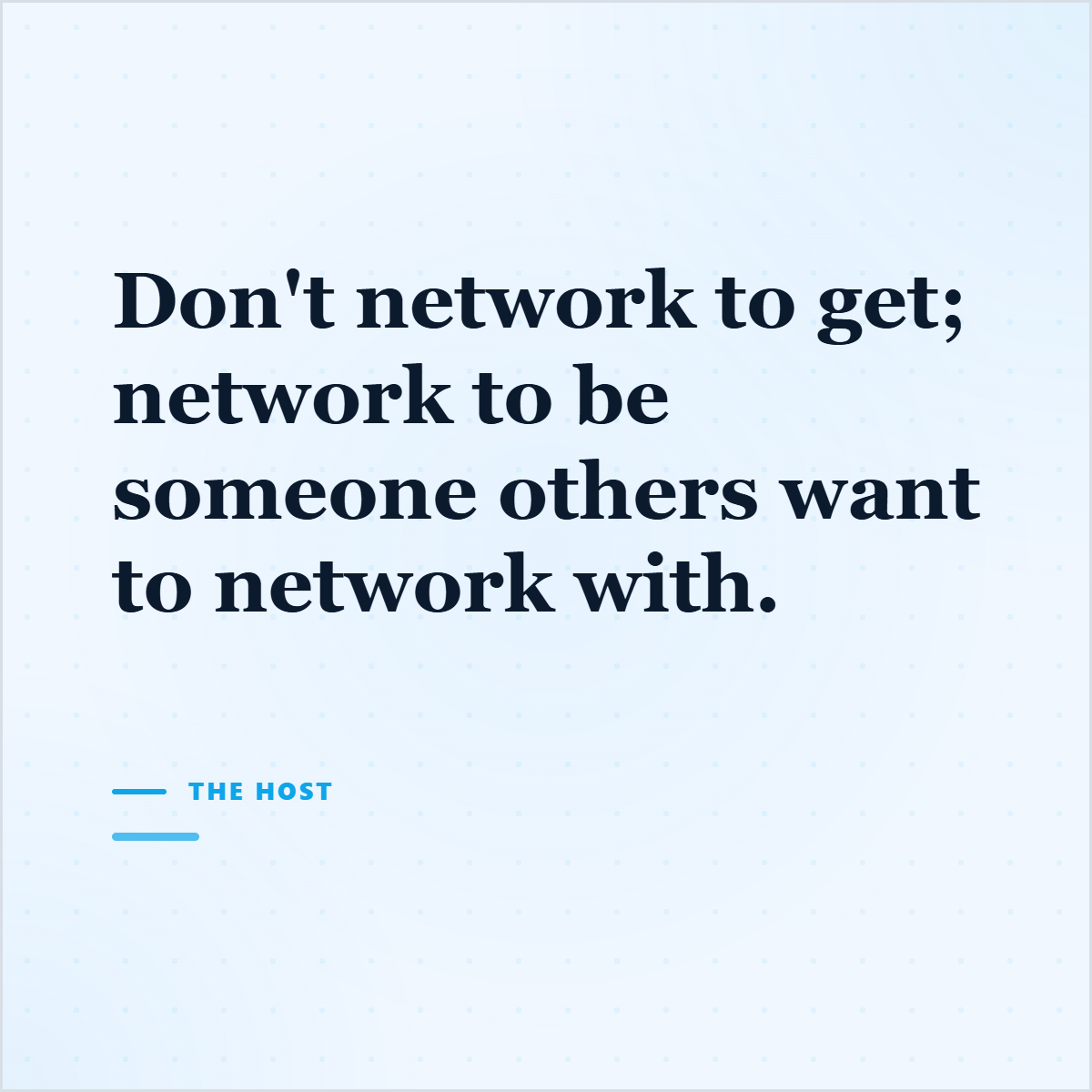
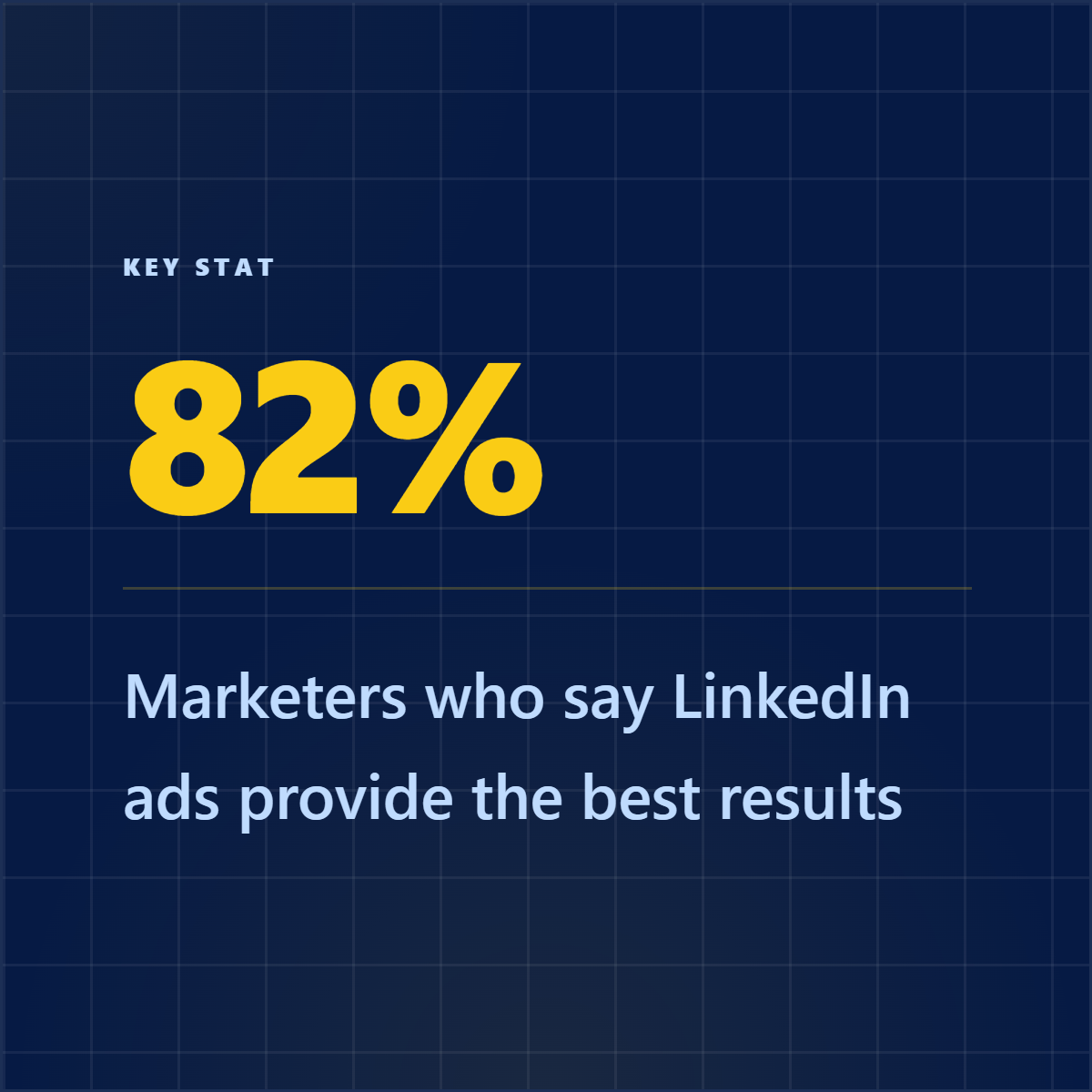
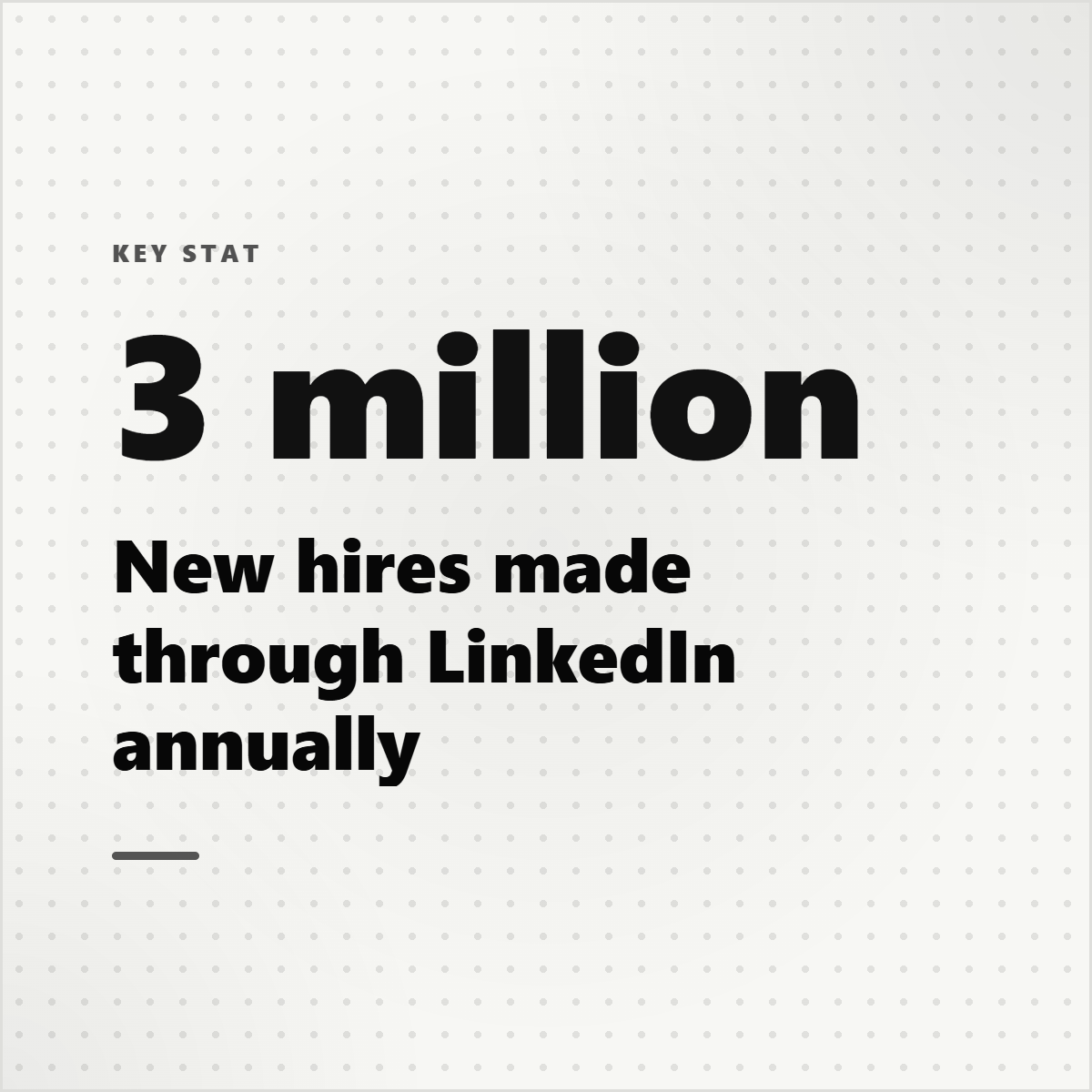
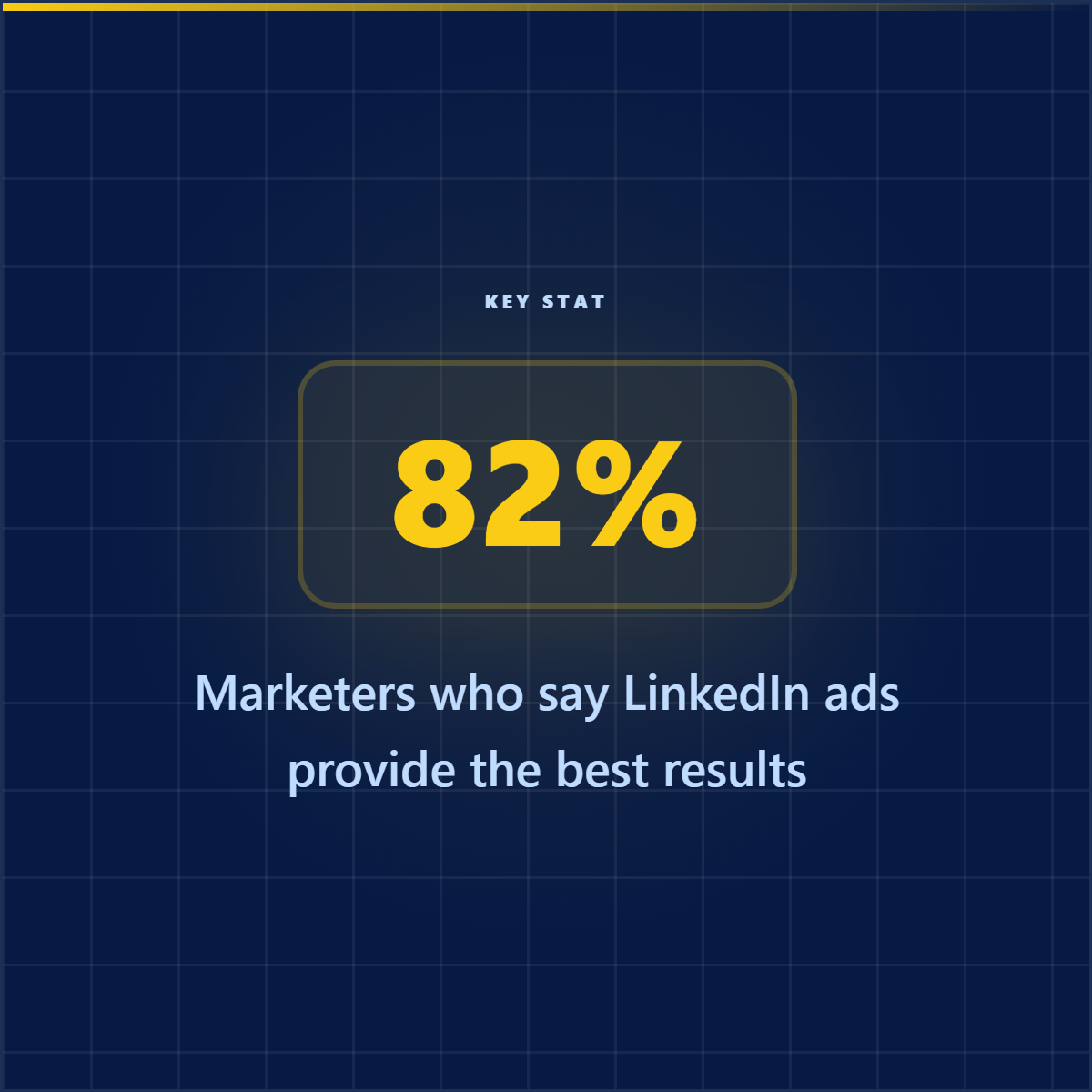
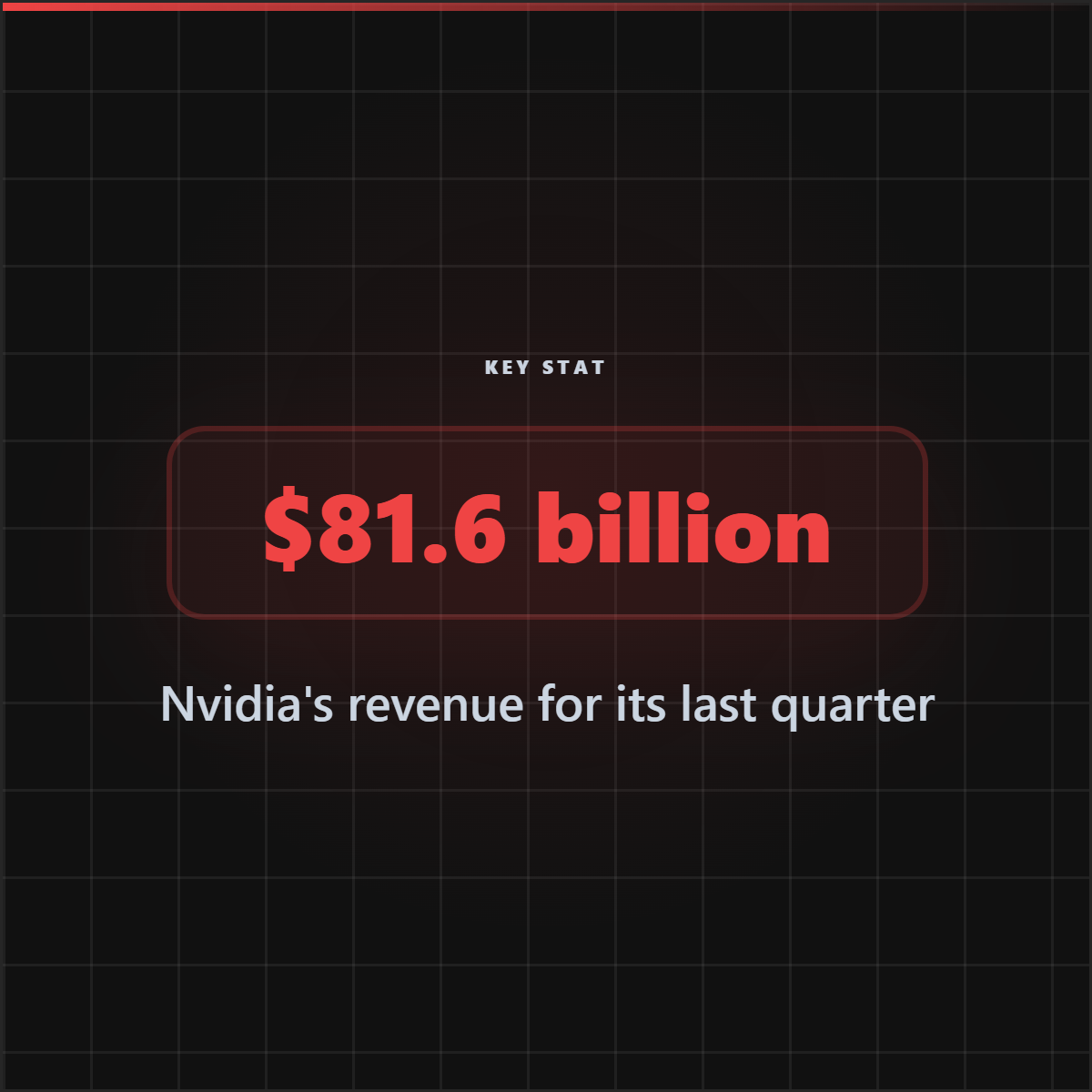
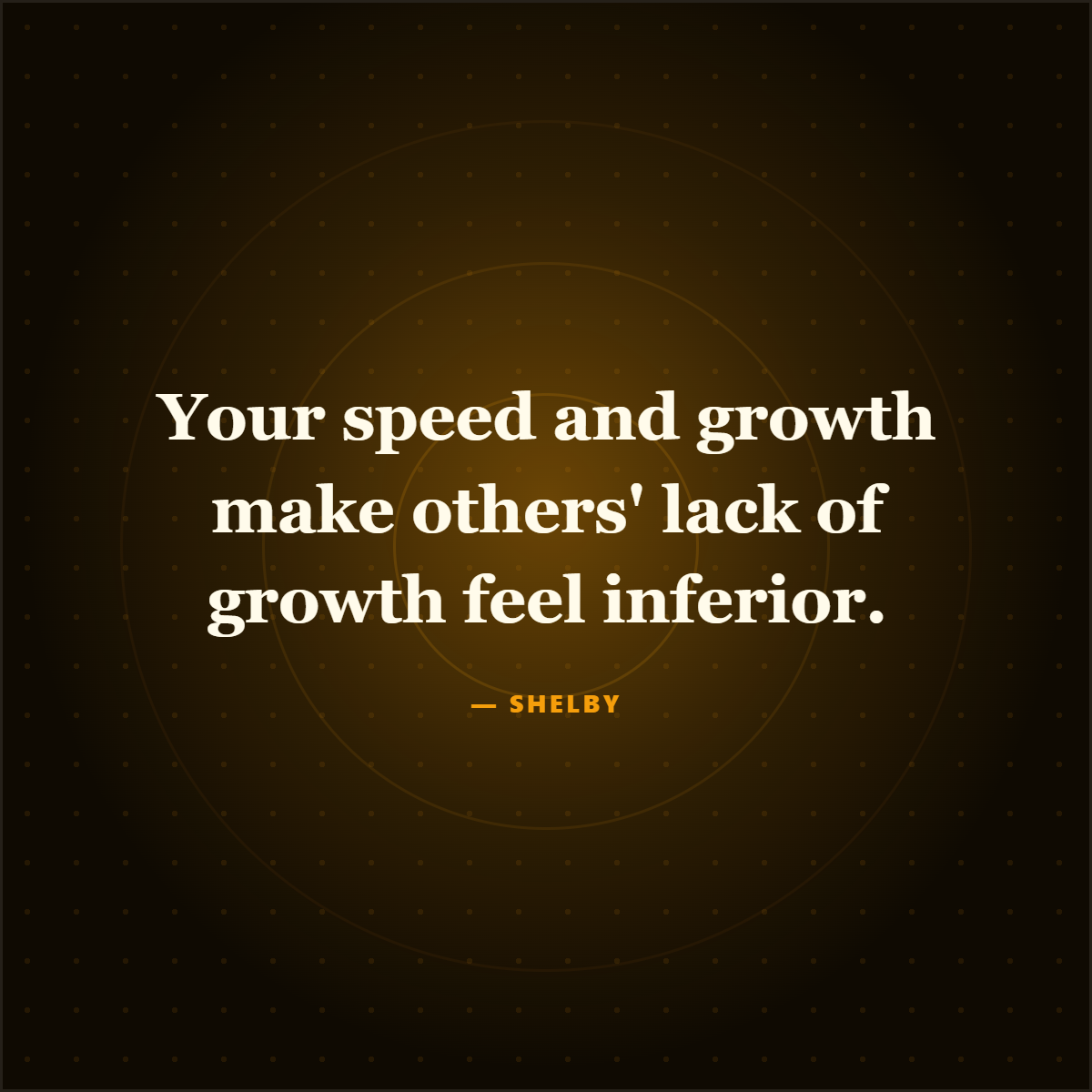
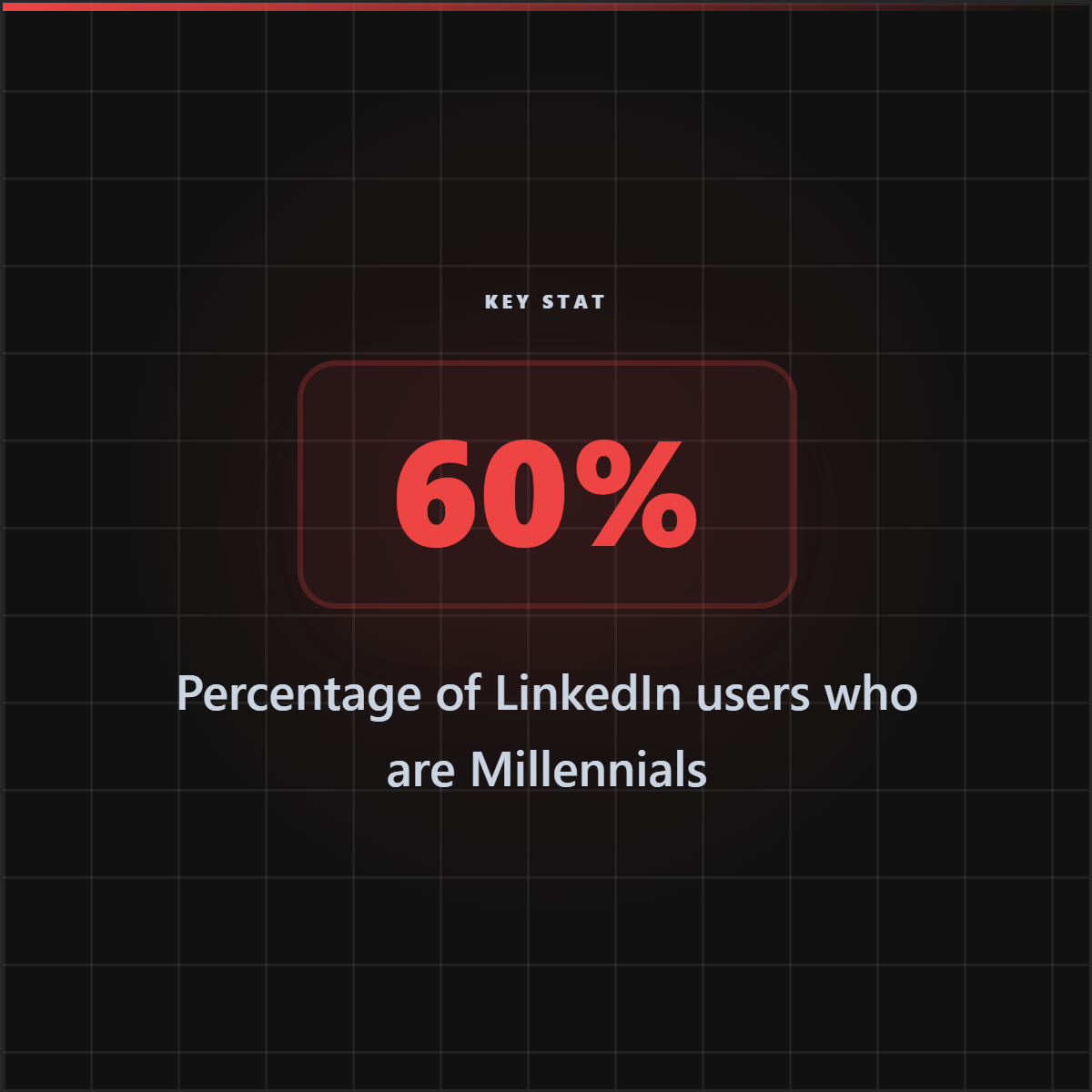
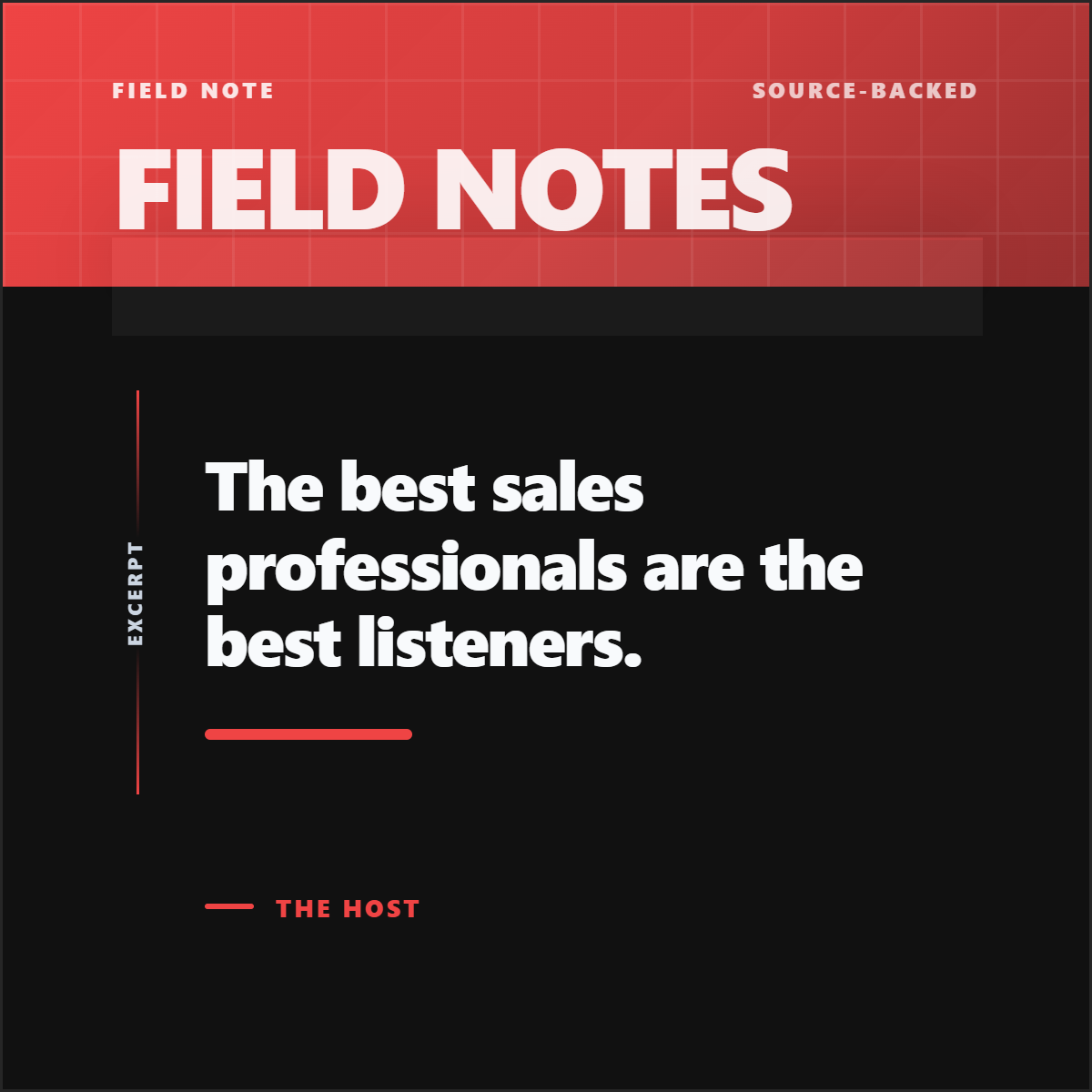
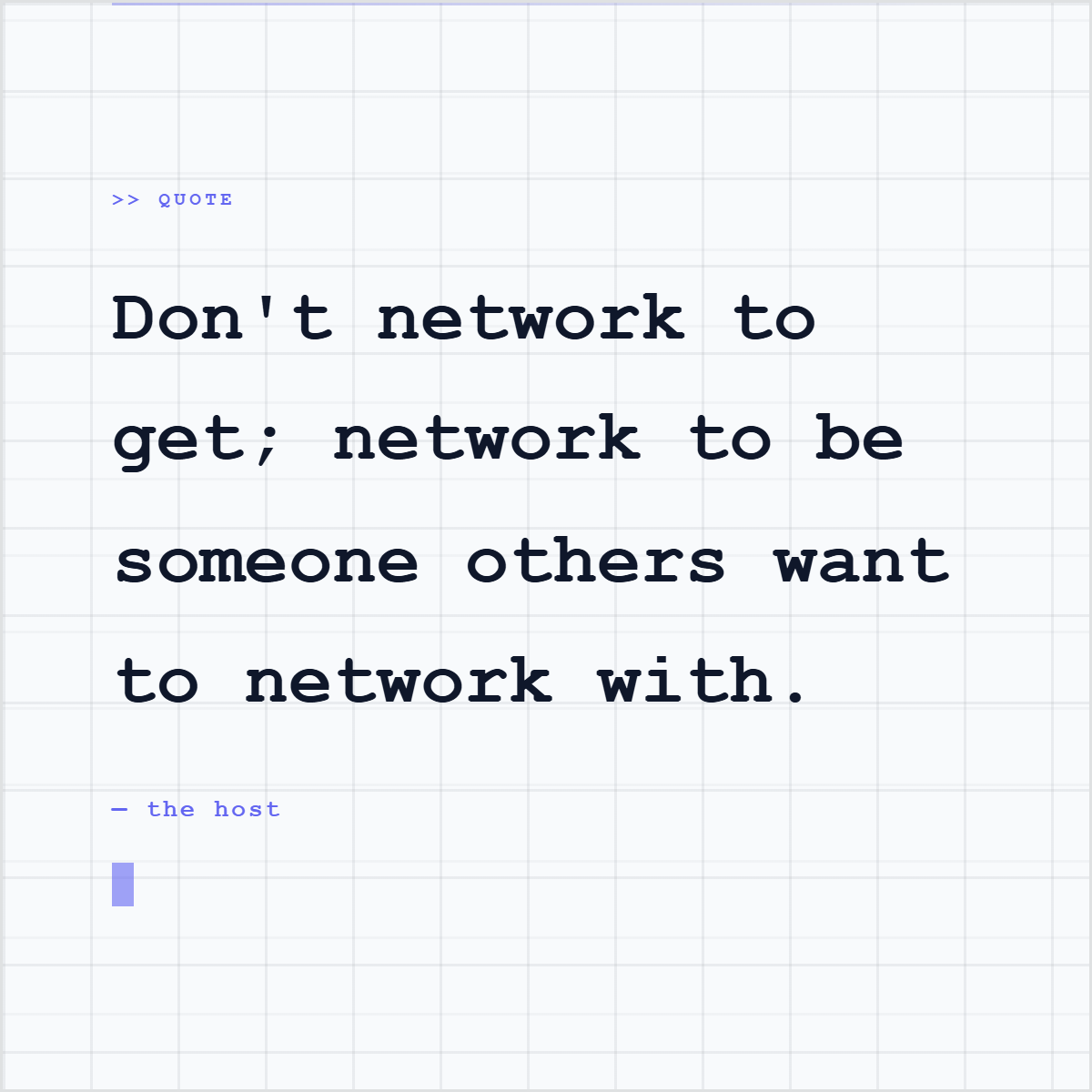
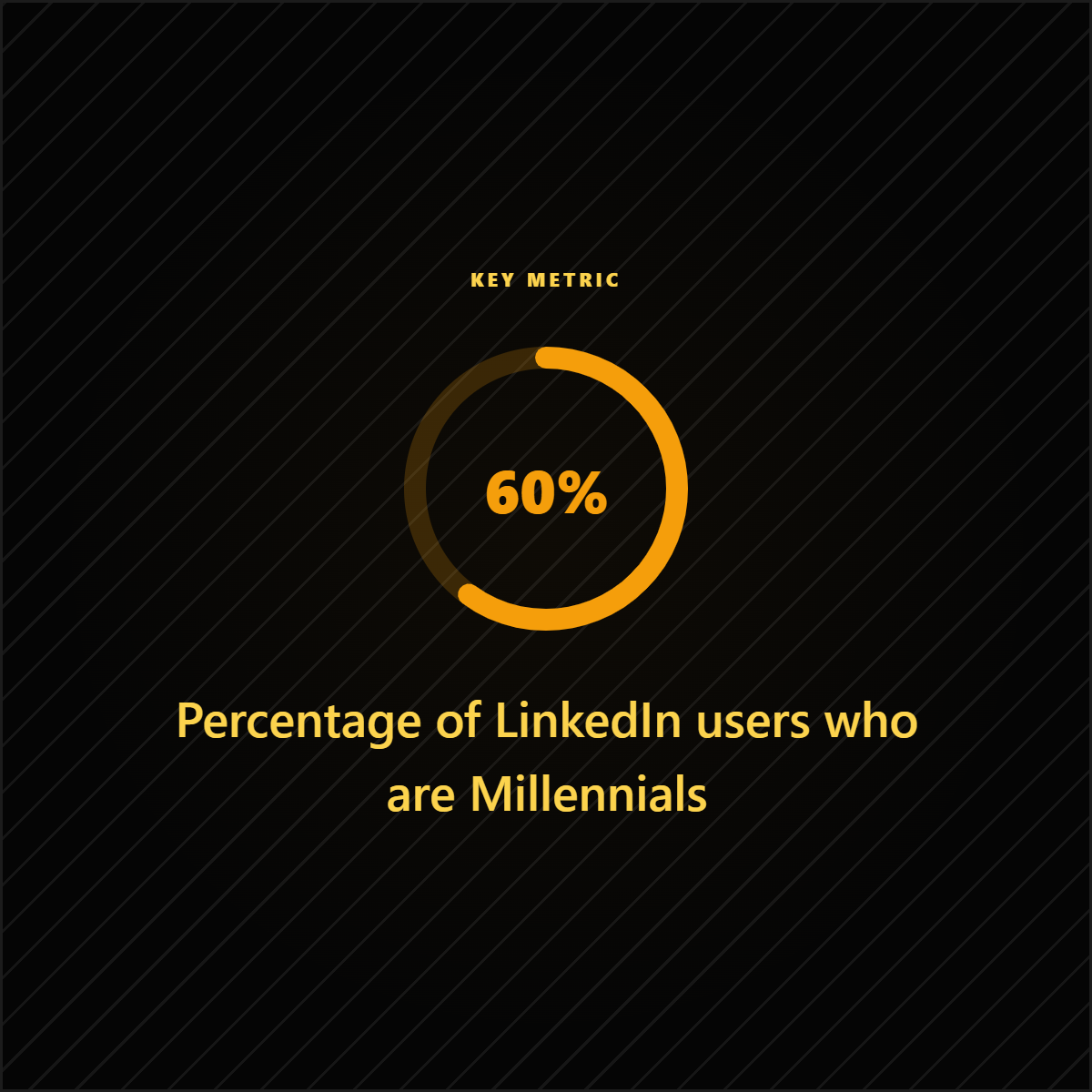
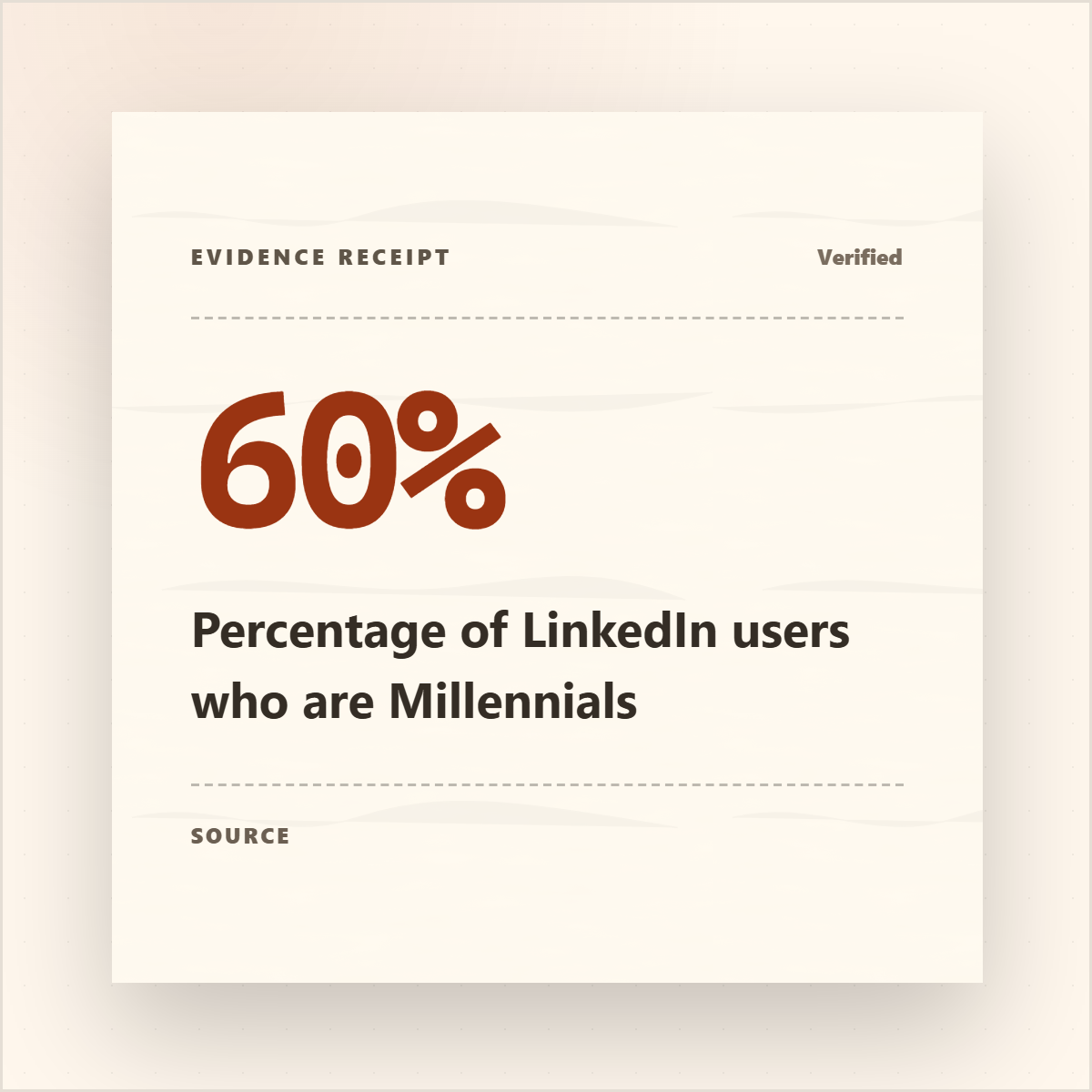
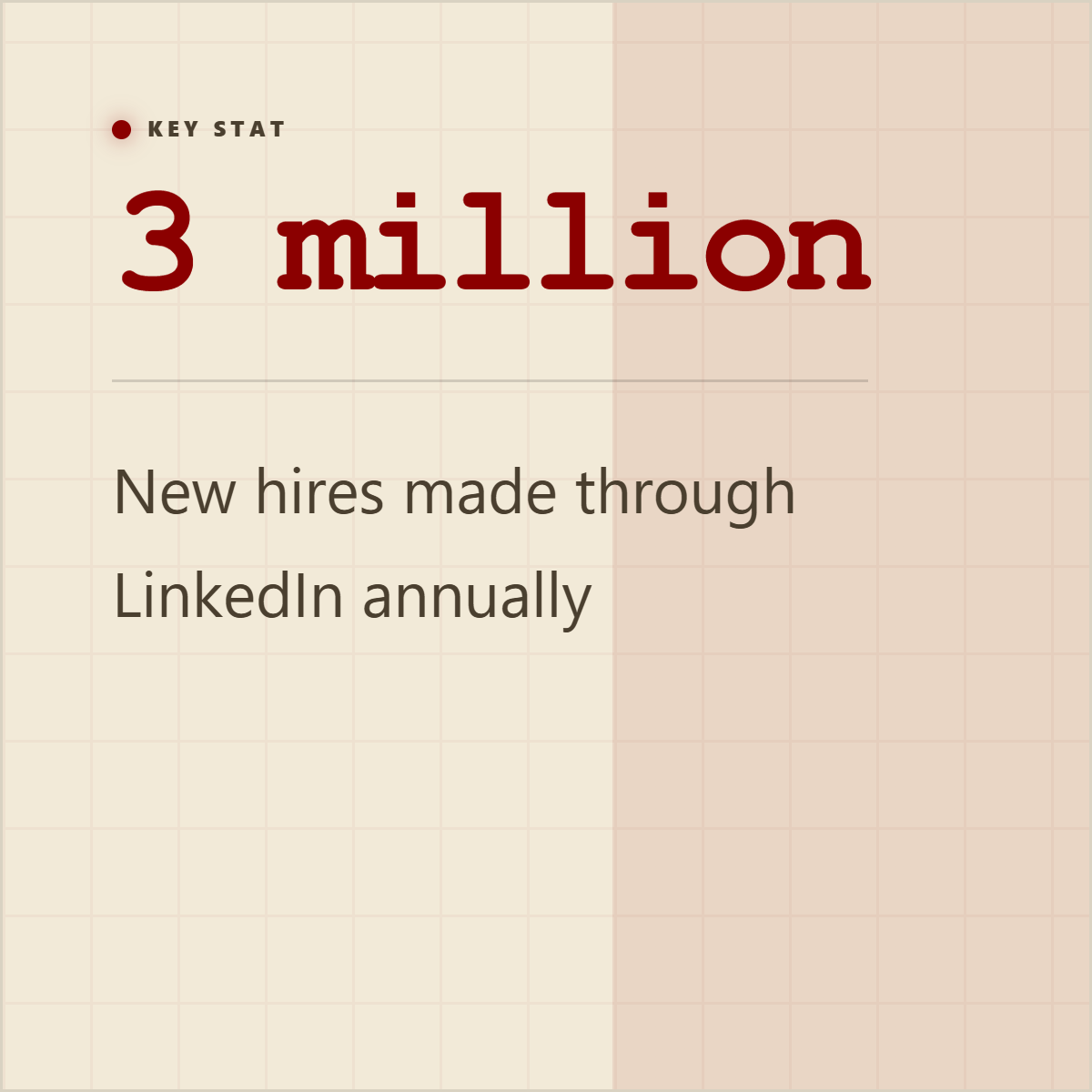
Announcement posts, quote cards, stat cards, and carousel slides should each carry a different piece of the source instead of repeating the same press-release paragraph.












Best for
- Product marketers and founders launching features, partnerships, funding, reports, or customer stories.
- PR teams that need more than one generic announcement post.
- Agencies turning client announcements into a week of credible social content.
Not best for
- Stretching a thin announcement into posts that make unsupported claims.
- Copy-pasting the boilerplate paragraph into every platform.
- Publishing executive quotes without checking wording and approval.
Manual workflow
- 1Highlight the announcement, supporting proof, quotes, audience angle, and CTA.
- 2Write five different post angles instead of five rewrites of the same announcement.
- 3Design a quote card, proof card, carousel, screenshot, or simple text-led post for each angle.
- 4Adapt captions for LinkedIn, X, Instagram, Reddit, or the channels you actually use.
Highlightly workflow
- 1Paste the press release URL, upload the DOCX/PDF, or paste the release text.
- 2Review extracted hooks, quotes, statistics, facts, entities, and key points.
- 3Generate multiple source-backed assets from the same release: quote cards, stat cards, carousels, captions, and screenshots.
- 4Apply brand controls and export each post in the right format for the channel.
Step by step
Extract the five angles
Look for announcement, why-now context, proof, quote, and CTA. These are different jobs, not interchangeable captions.
Assign one format per angle
Use a quote card for the human line, a stat card for proof, a carousel for explanation, and a screenshot when the product needs to be seen.
Rewrite for each platform
LinkedIn can carry more context, X needs sharper compression, and Instagram may need a more visual-first version.
Preserve the source trail
Keep the company, speaker, report, launch date, or source URL close to claims that depend on the release.
Research notes
What this answer is grounded in
Common questions
Should every press release become five posts?
No. Five posts works when the release has enough real material: a clear announcement, proof, quote, product detail, and audience value.
What is the easiest first post?
Start with a clean announcement post, then create a quote card or proof card from the strongest supporting detail.
Can Highlightly ingest a press release?
Yes. Highlightly can start from a public URL, pasted text, PDF, DOCX, or other source material, then extract reusable angles and assets.