What is a LinkedIn document post?
A LinkedIn document post is a PDF, PPT, or document uploaded to LinkedIn so people can swipe through it as slides in the feed. Many creators call it a LinkedIn carousel, swipe post, PDF post, or slideshow post. It works best when each page has one clear idea, strong visual hierarchy, and a reason to keep swiping.
The useful workflow is extraction first, packaging second: find the strongest source-backed material, decide what it proves, then turn it into the format people can actually read in-feed.
A source-backed carousel is a sequence, not a chopped-up summary.
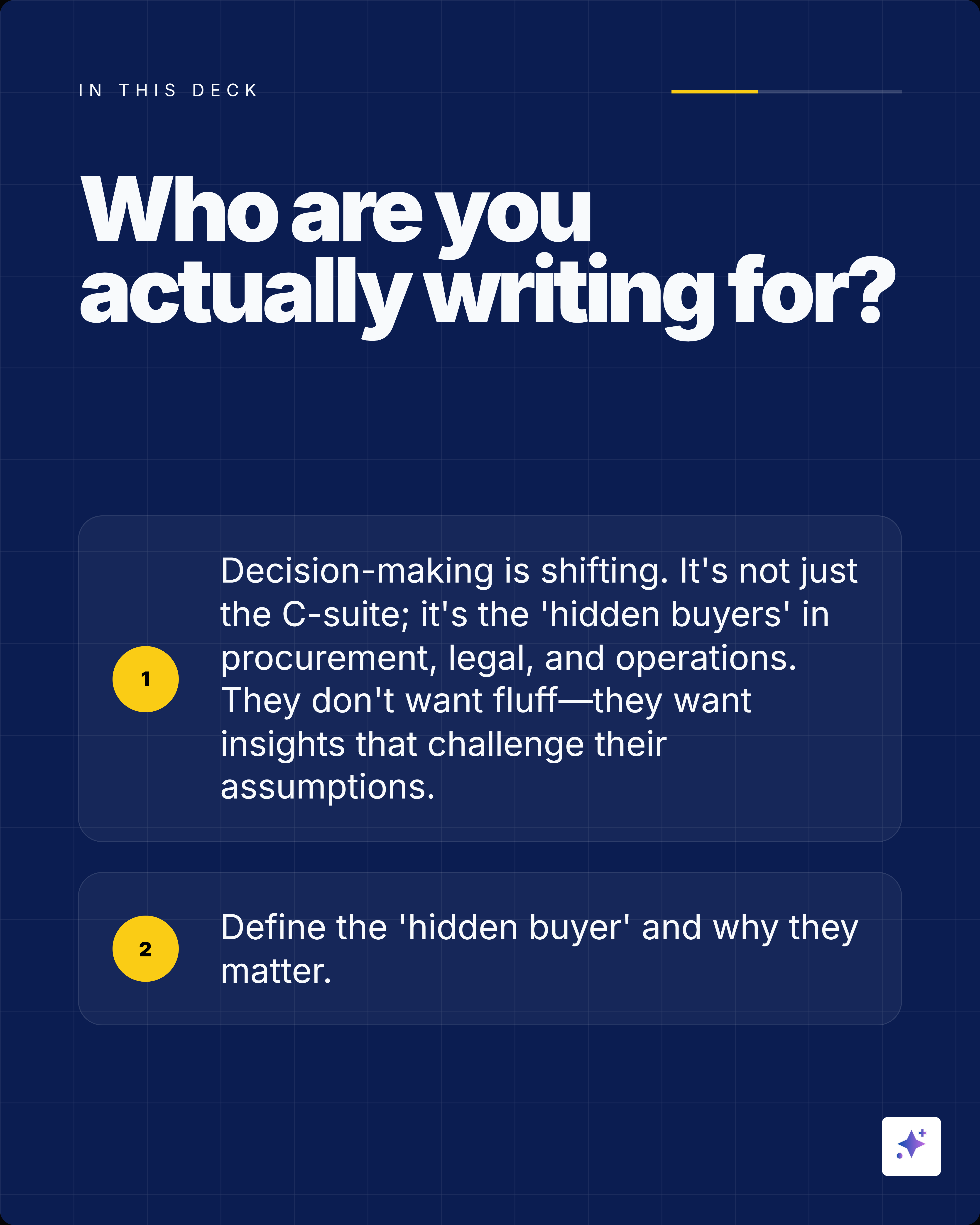
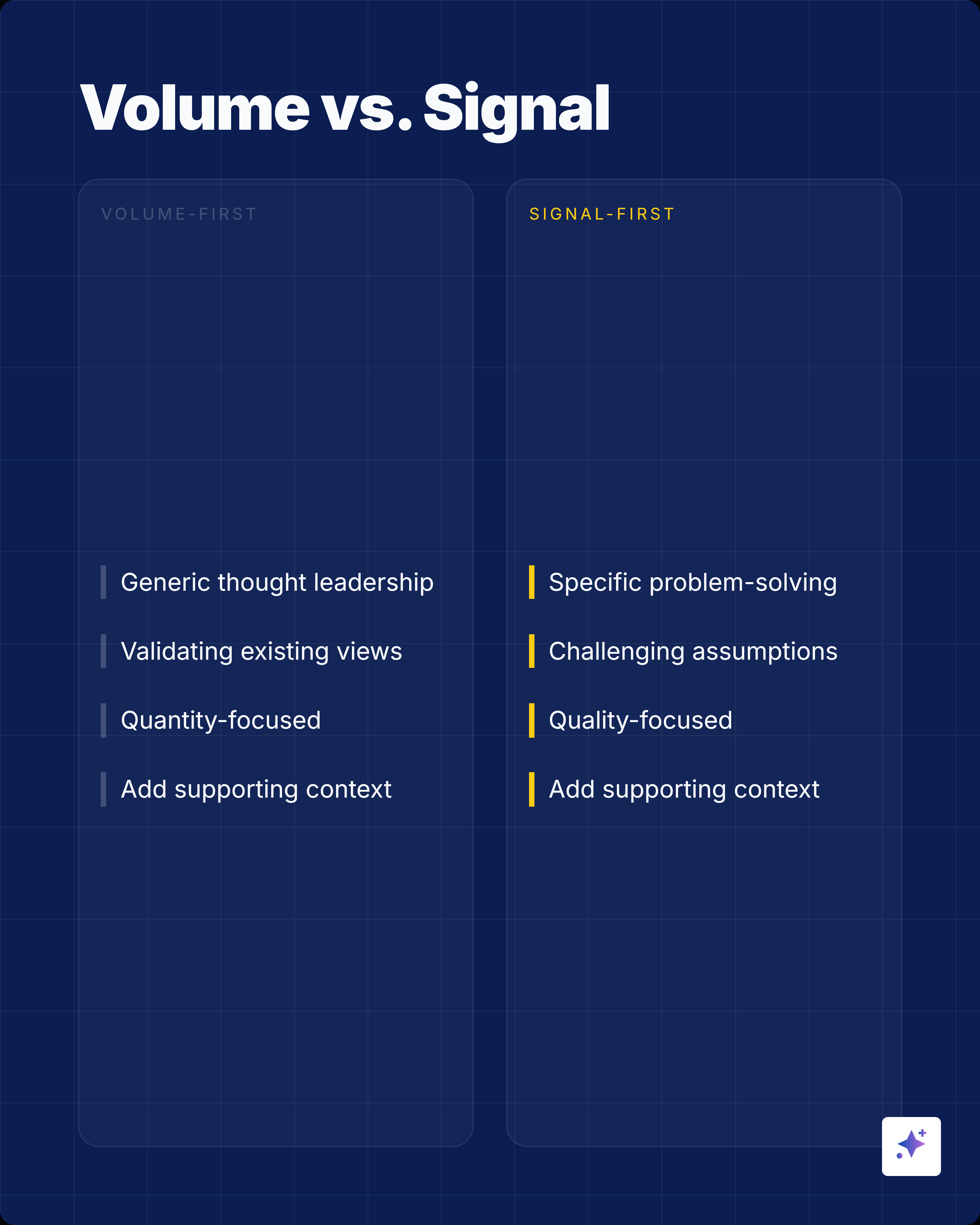
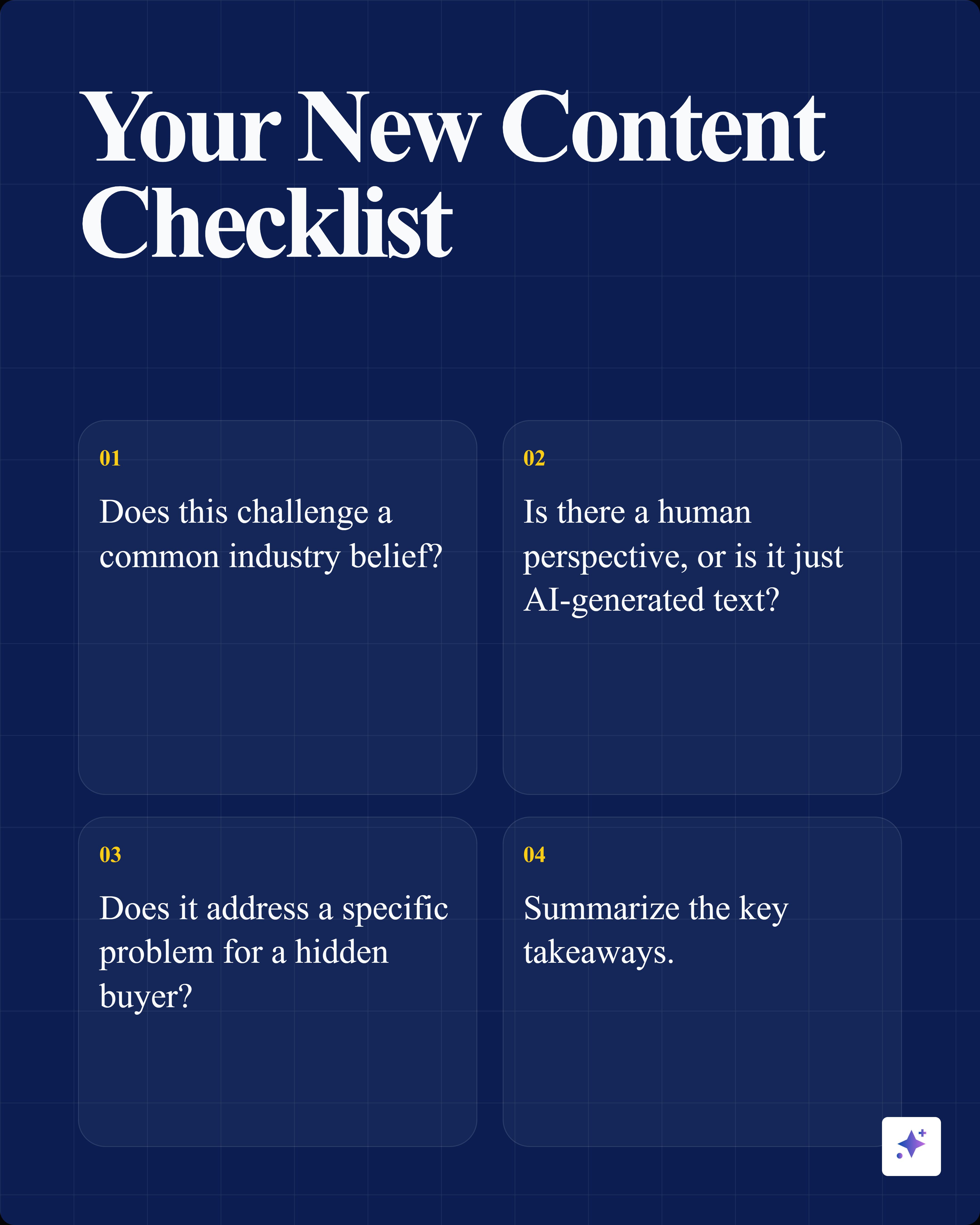
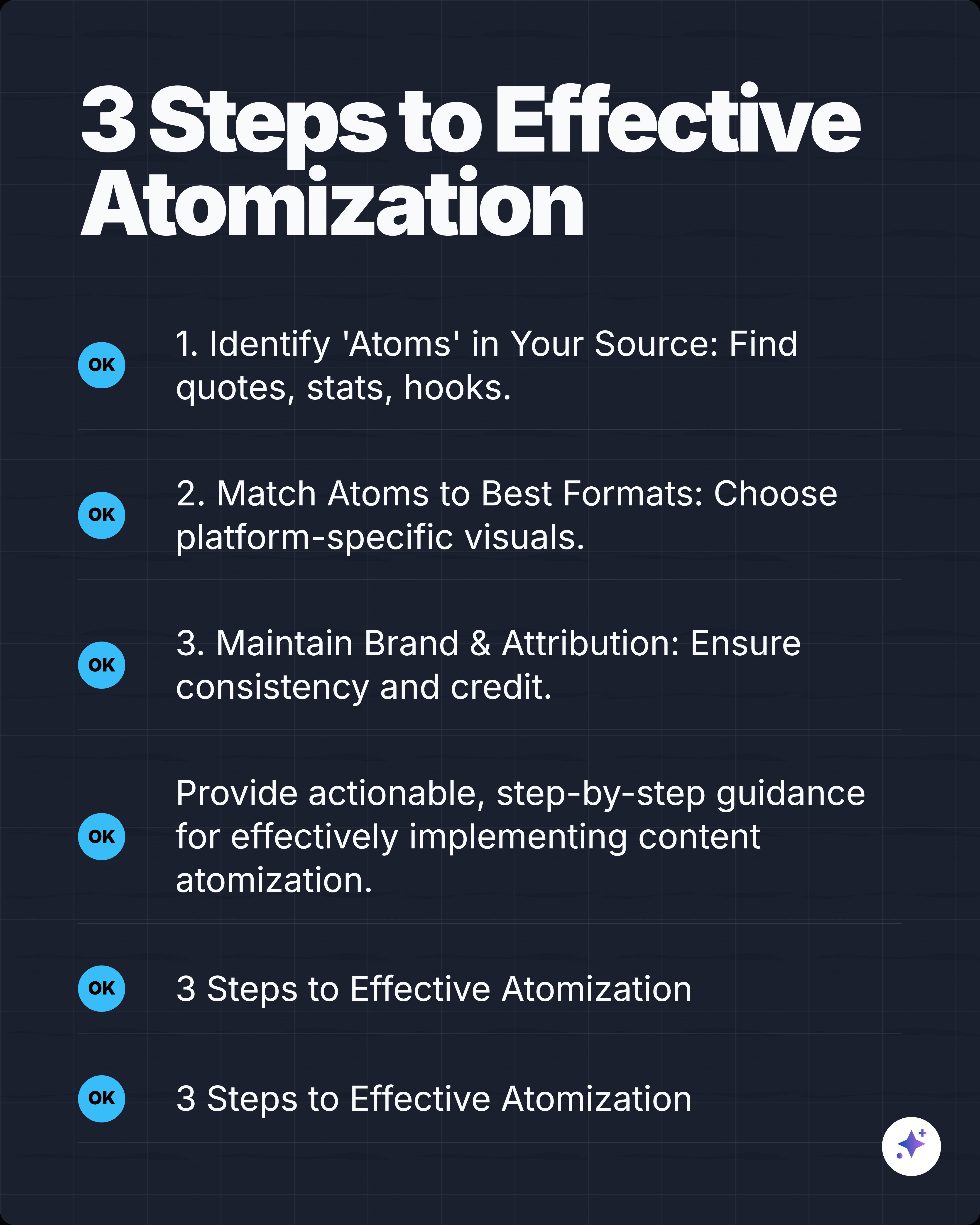
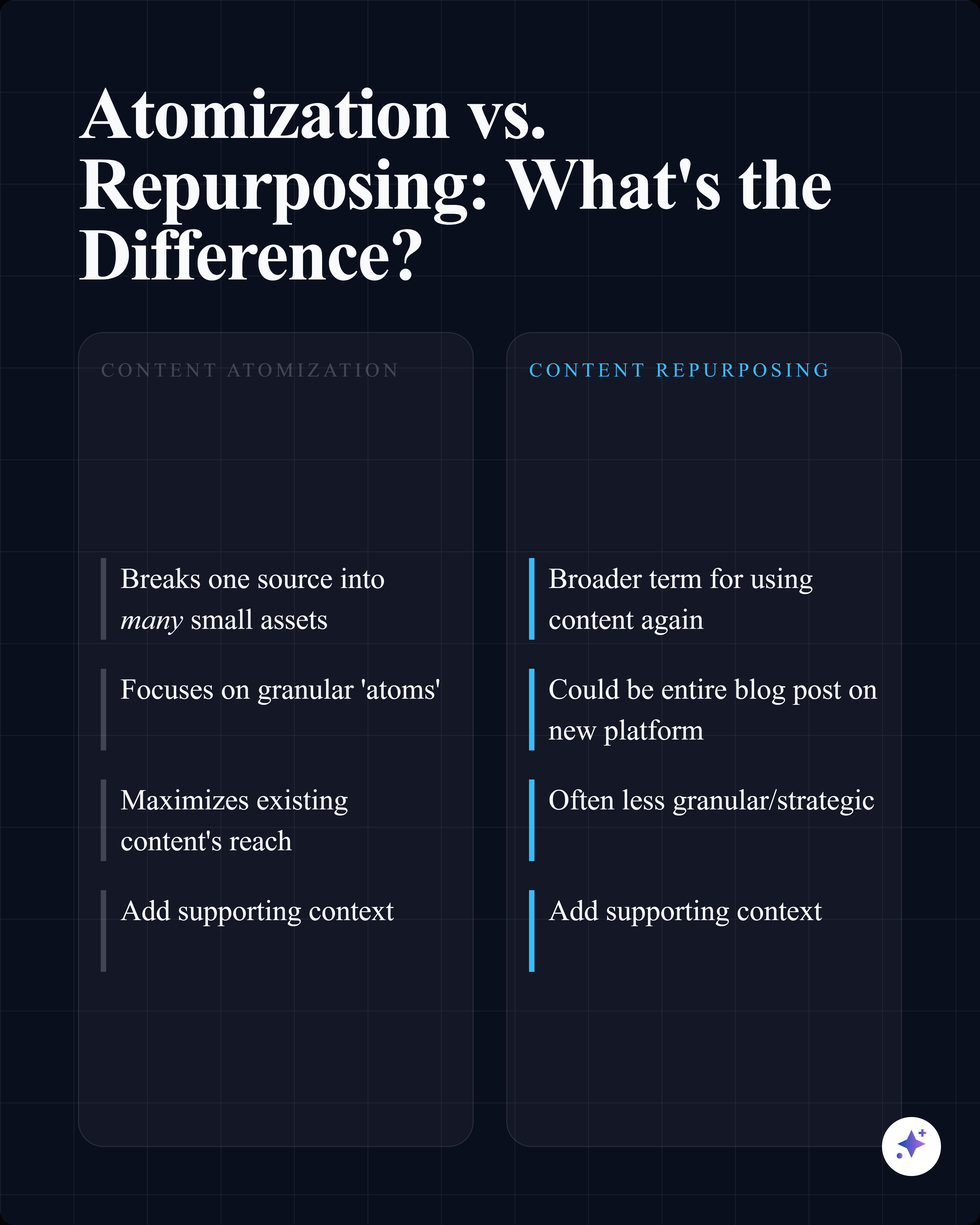
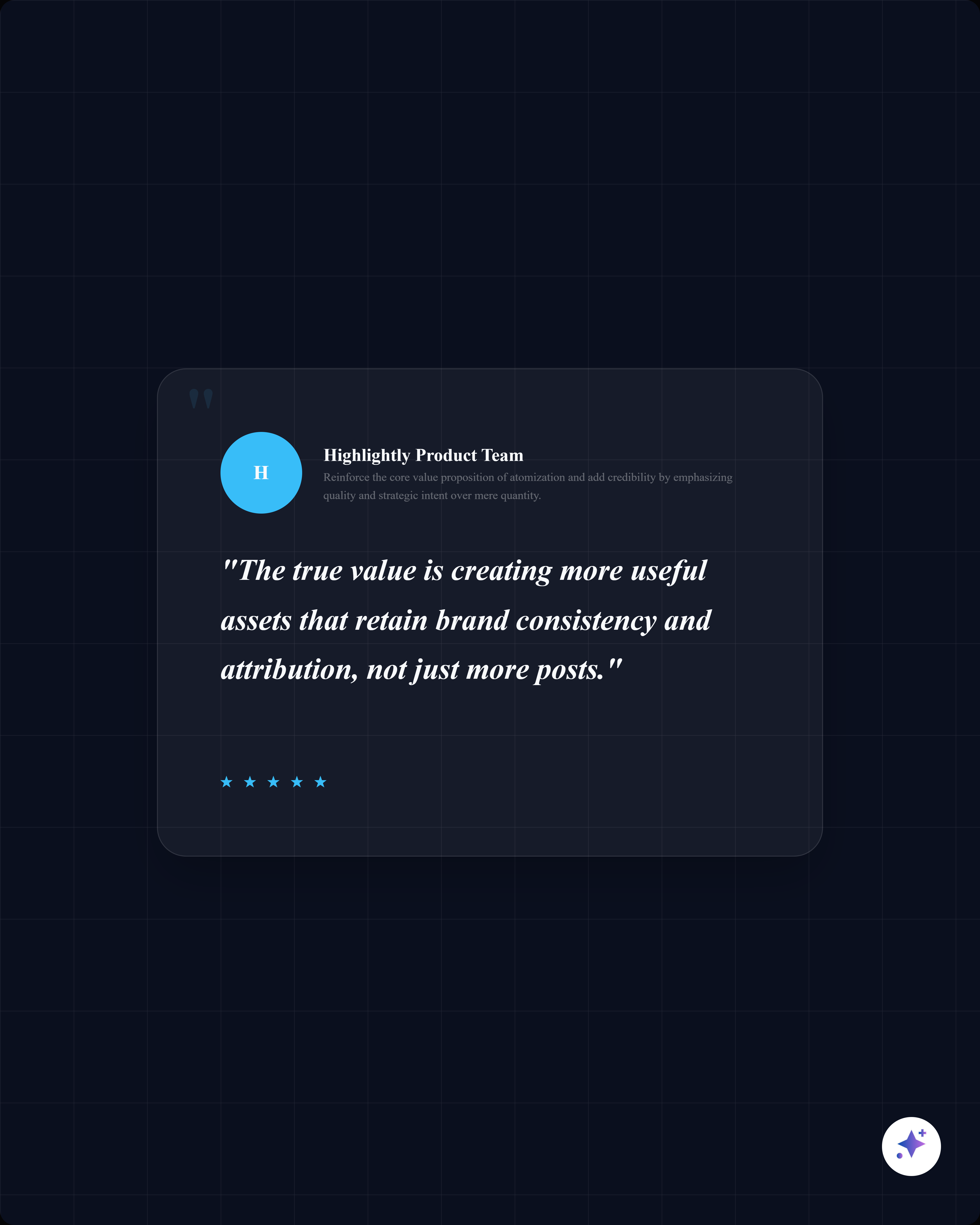
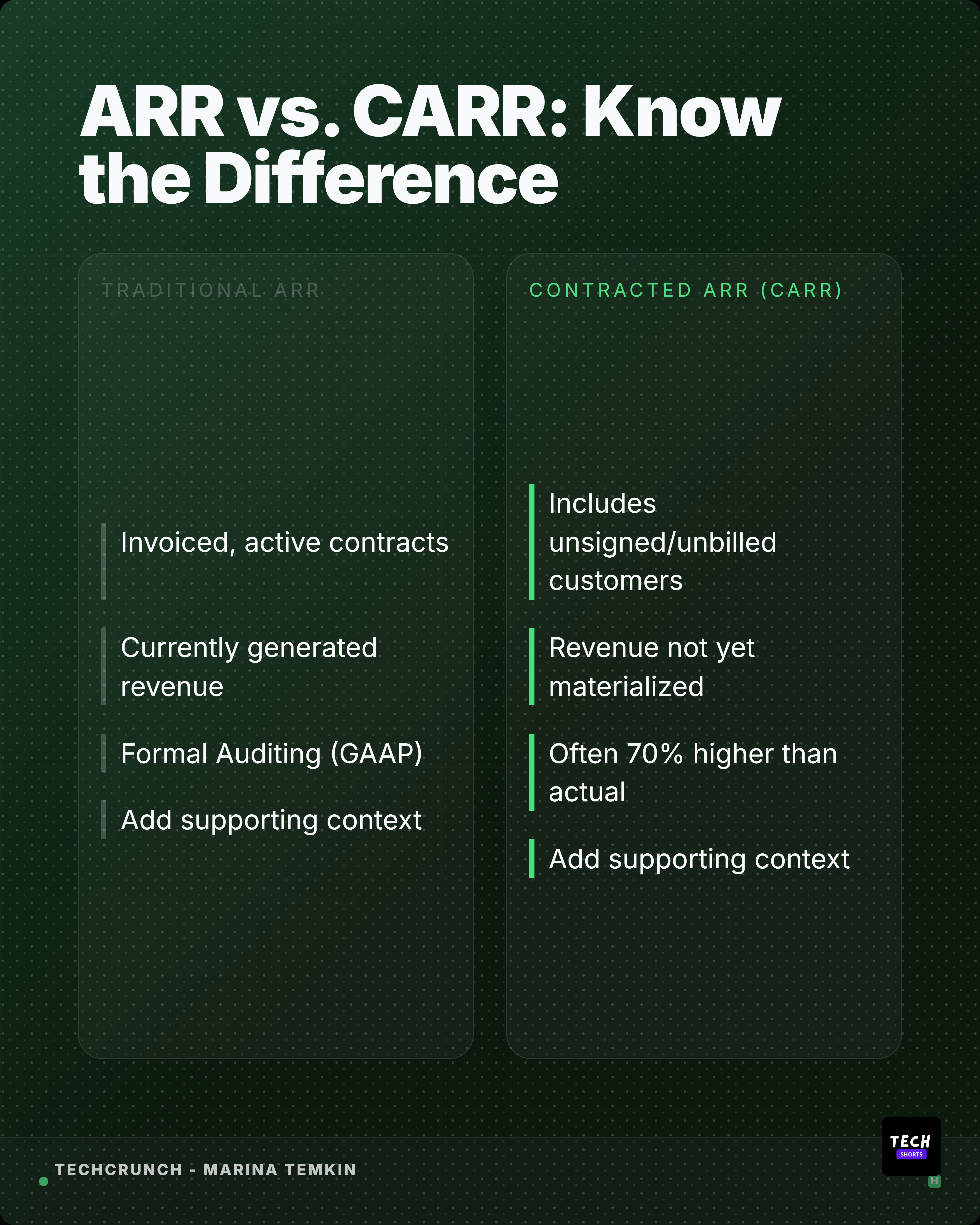
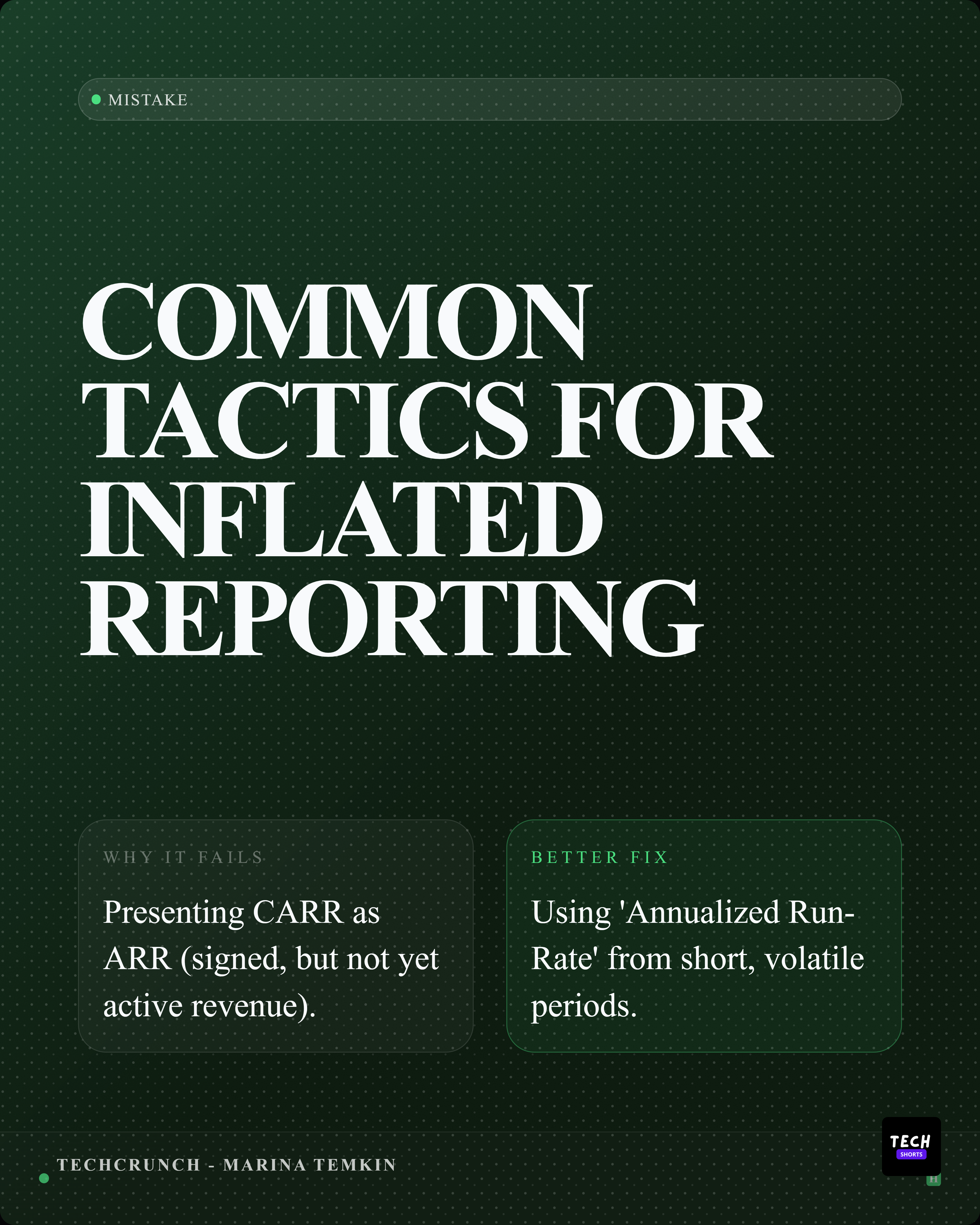
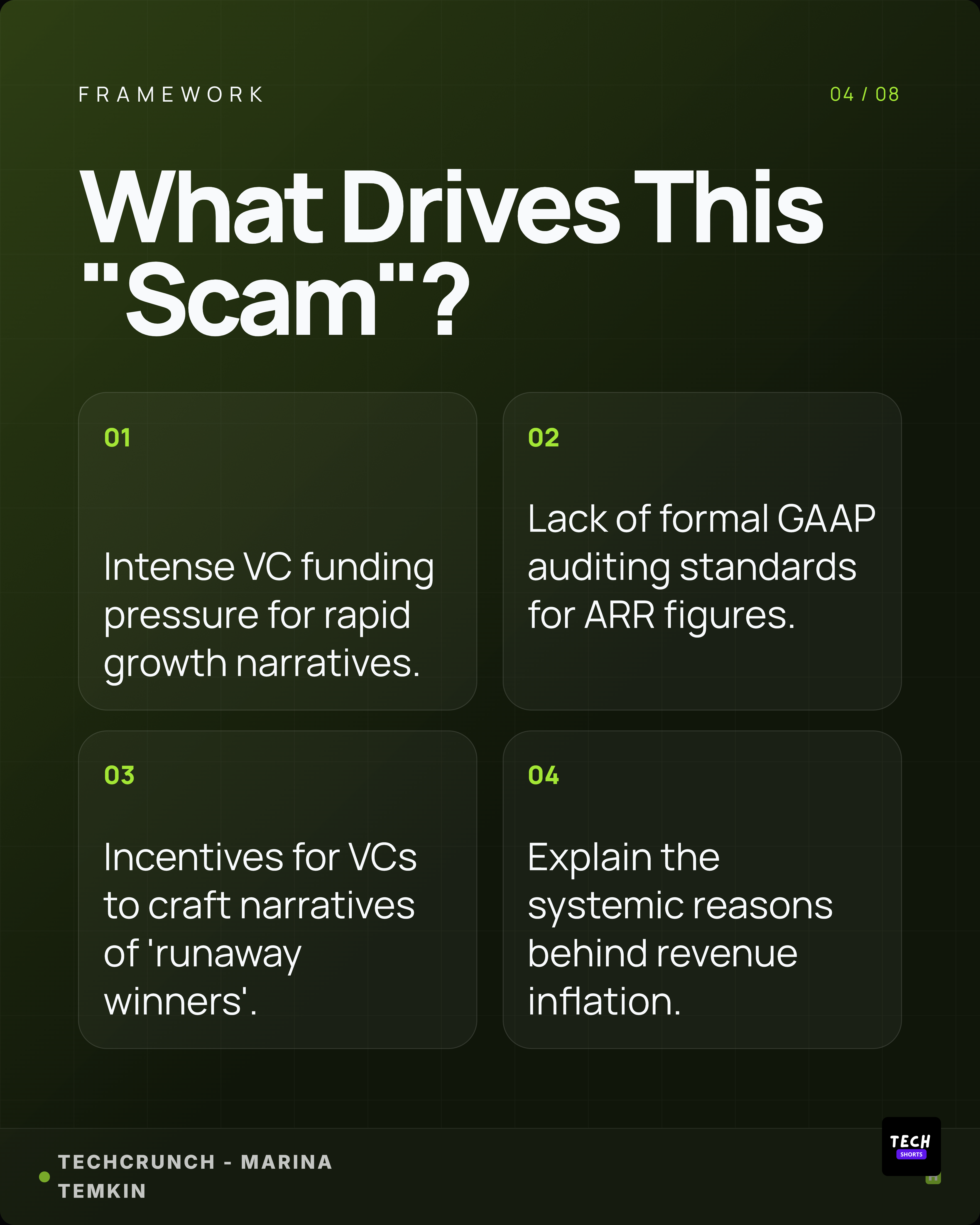
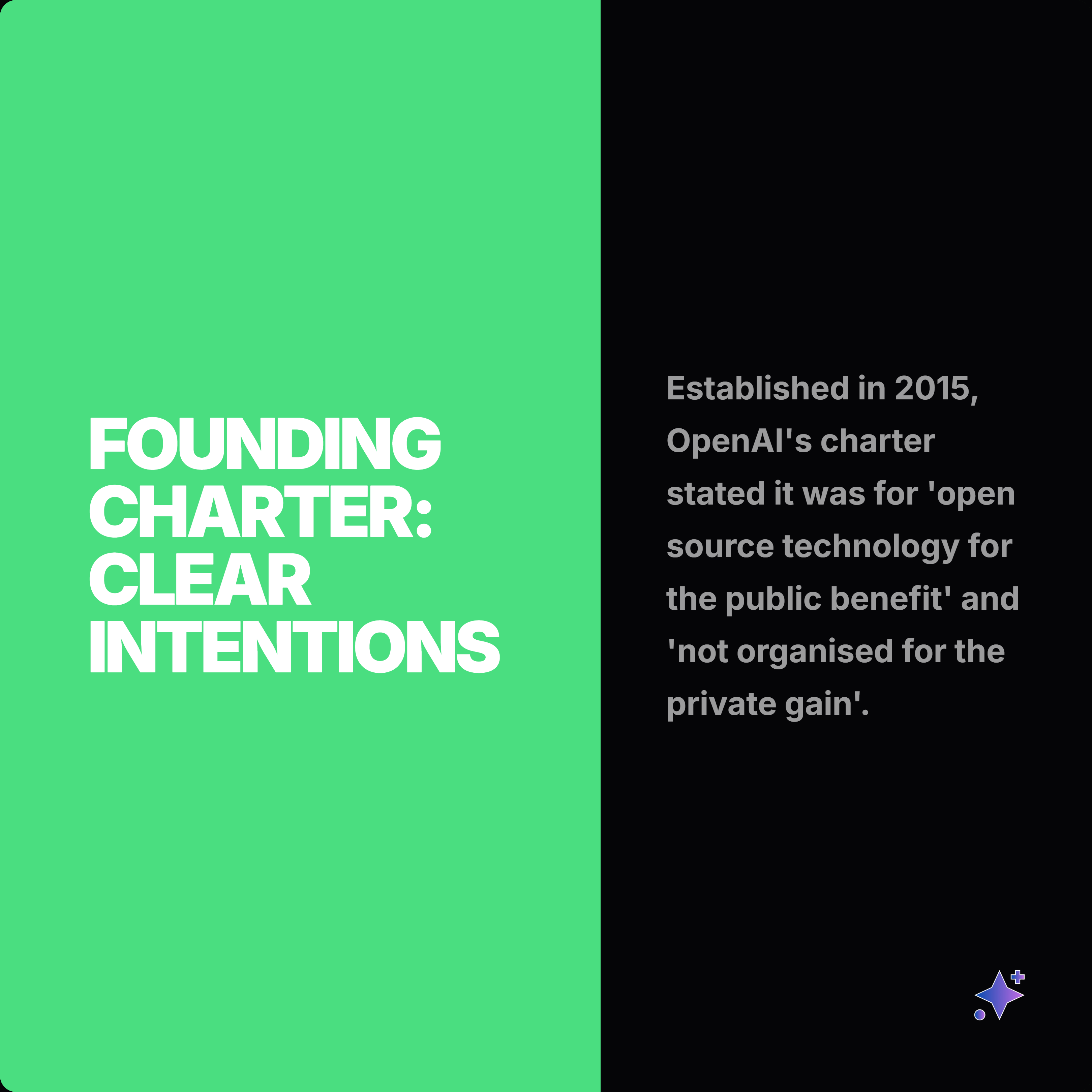
These complete rails show how one source can become a readable slide story, then split into smaller proof cards and captions.





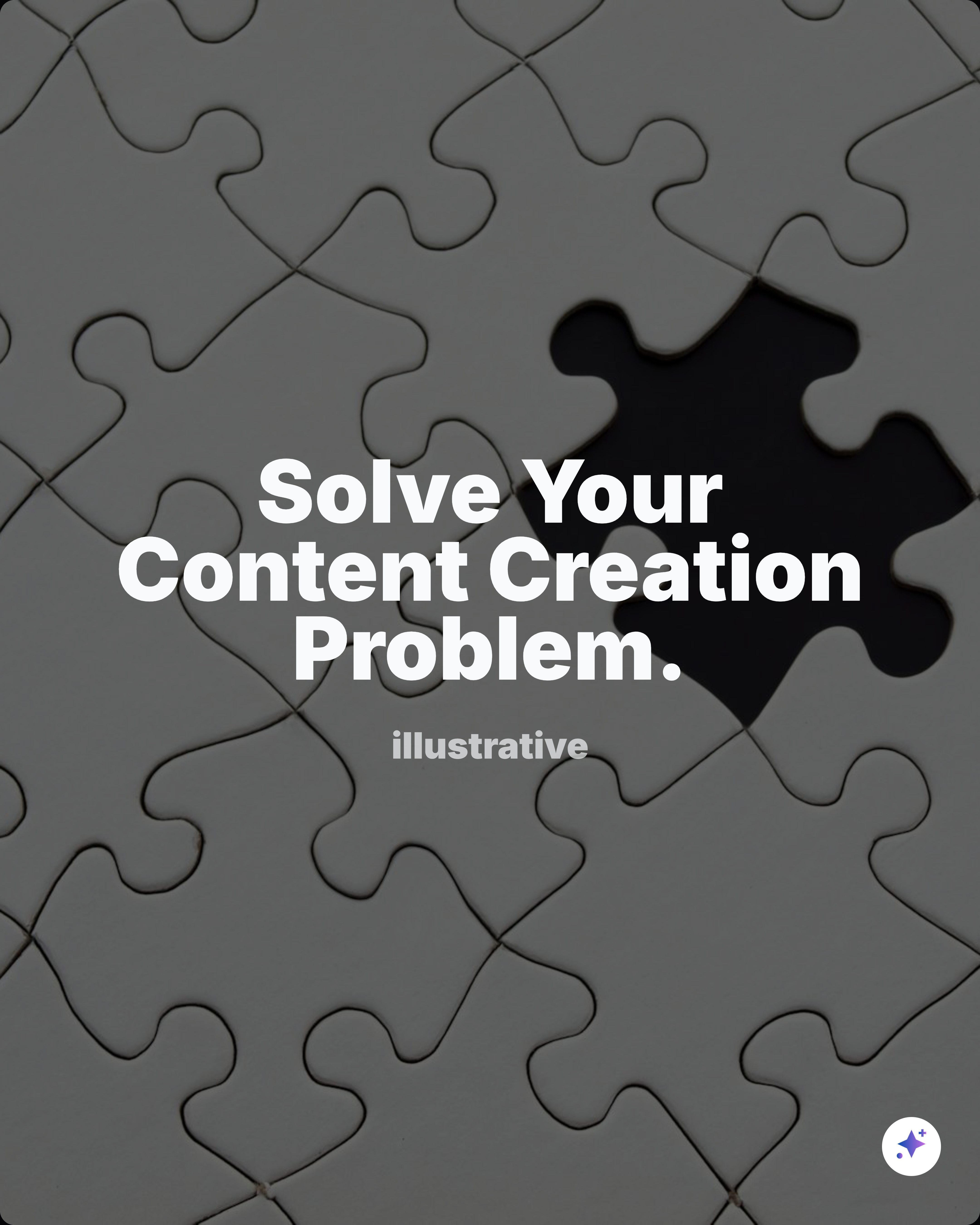
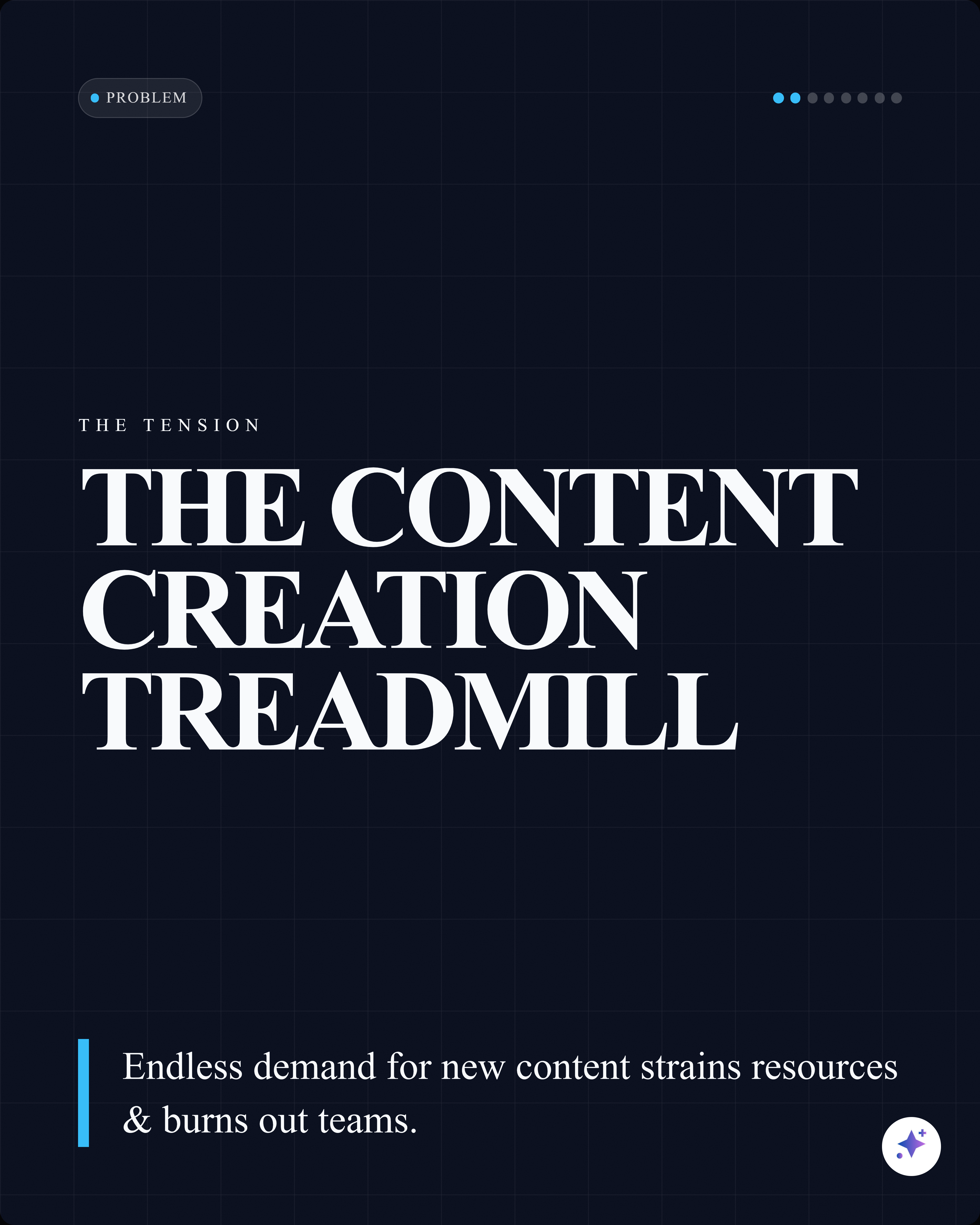
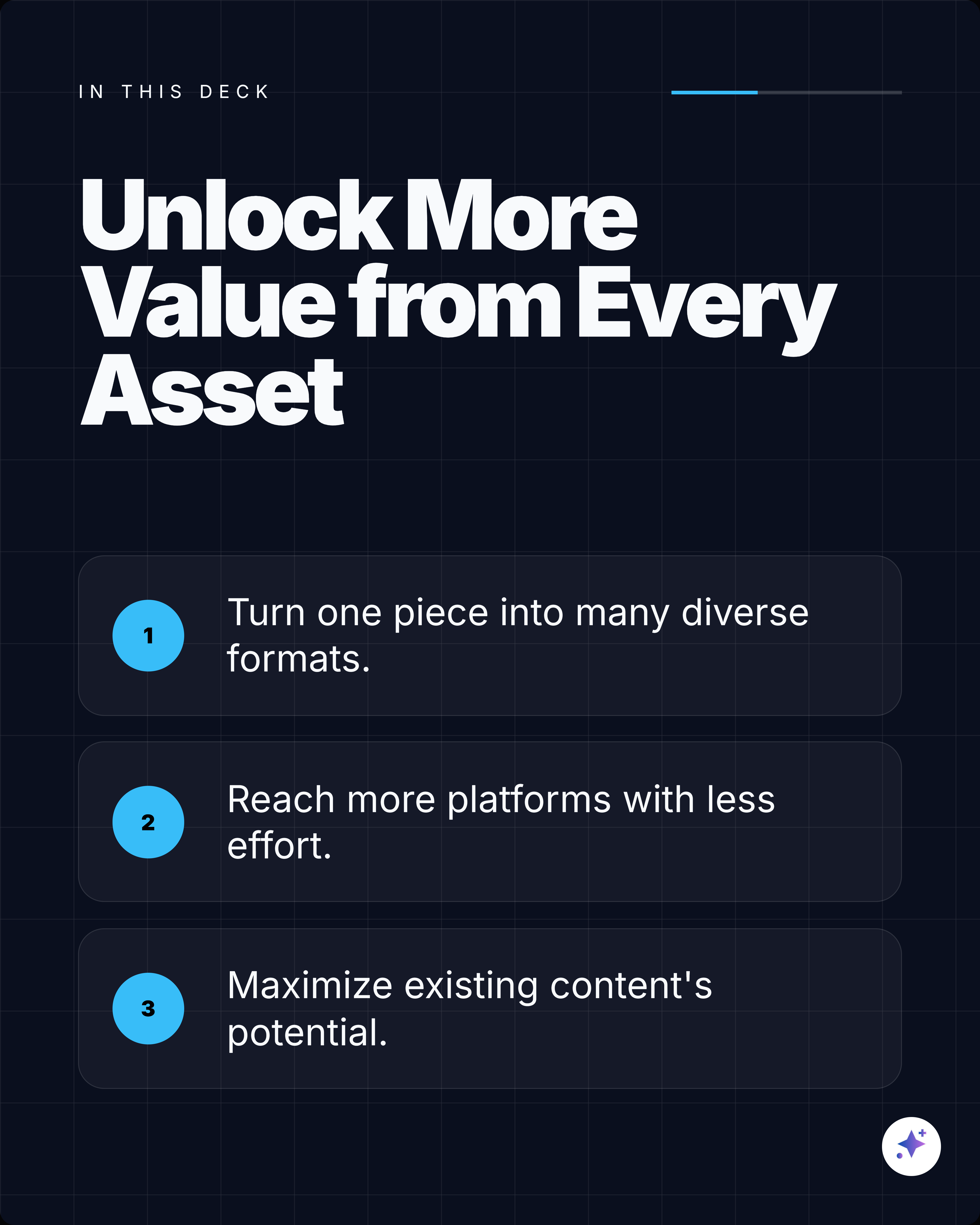
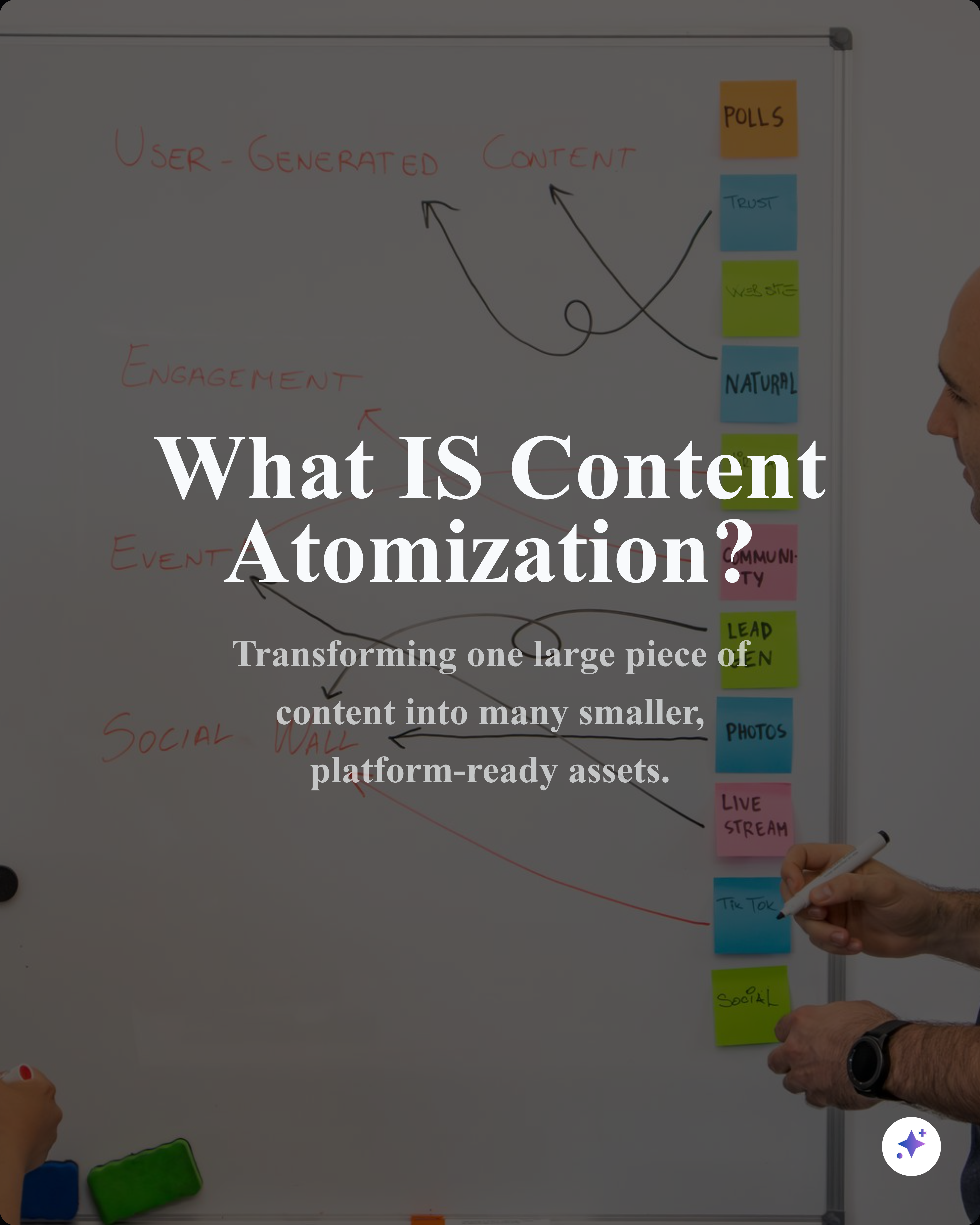

















Best for
- Turning reports, articles, research notes, and case studies into swipeable posts.
- Explaining a framework, list, timeline, or argument one slide at a time.
- Creating saveable LinkedIn posts that feel more substantial than a single image.
Not best for
- Posting a full report without editing it into a short narrative.
- Replacing the need for clear captions, source links, or attribution.
- Uploading screenshots that are too dense to read on mobile.
Manual workflow
- 1Read the source and choose the main argument.
- 2Write a hook slide, supporting slides, proof slides, and closing slide.
- 3Design each slide in Canva, Figma, PowerPoint, or a similar tool.
- 4Export as PDF and upload the document to LinkedIn.
Highlightly workflow
- 1Paste an article URL, upload a PDF/DOCX/PPTX, add a YouTube link, or paste text.
- 2Review extracted hooks, quotes, stats, key points, comparisons, and source details.
- 3Generate an editable carousel sequence with custom instructions and slide count preferences.
- 4Apply your brand kit, tune the slides, export as a LinkedIn-ready PDF or PNG pack.
Step by step
Choose one idea
A good LinkedIn document post has one sharp promise, not ten disconnected points.
Build a slide arc
Use a hook, context, proof, explanation, examples, and a closing takeaway.
Keep each slide readable
One main point per slide usually works better than dense screenshots or long paragraphs.
Export as a document
LinkedIn treats uploaded PDFs and documents as swipeable feed posts.
Research notes
What this answer is grounded in
Common questions
Is a LinkedIn document post the same as a carousel?
Usually, yes. LinkedIn calls the upload a document post, while creators often call the swipeable result a LinkedIn carousel.
Can Highlightly create LinkedIn document posts from PDFs?
Yes. Highlightly can extract useful material from PDFs and turn it into editable carousel slides that can be exported for LinkedIn.
What file should I upload to LinkedIn?
Most creators export a PDF because it preserves slide design and is easy to upload as a LinkedIn document post.