How do I turn a YouTube transcript into social posts?
To turn a YouTube transcript into social posts, extract the strongest quotes, key moments, tips, claims, and examples, then package them into captions, quote cards, key-takeaway graphics, carousel slides, or video promotion assets. The best posts preserve the speaker context and turn one moment into a clear social angle.
The useful workflow is extraction first, packaging second: find the strongest source-backed material, decide what it proves, then turn it into the format people can actually read in-feed.
The output is the point: source material becomes publishable proof.
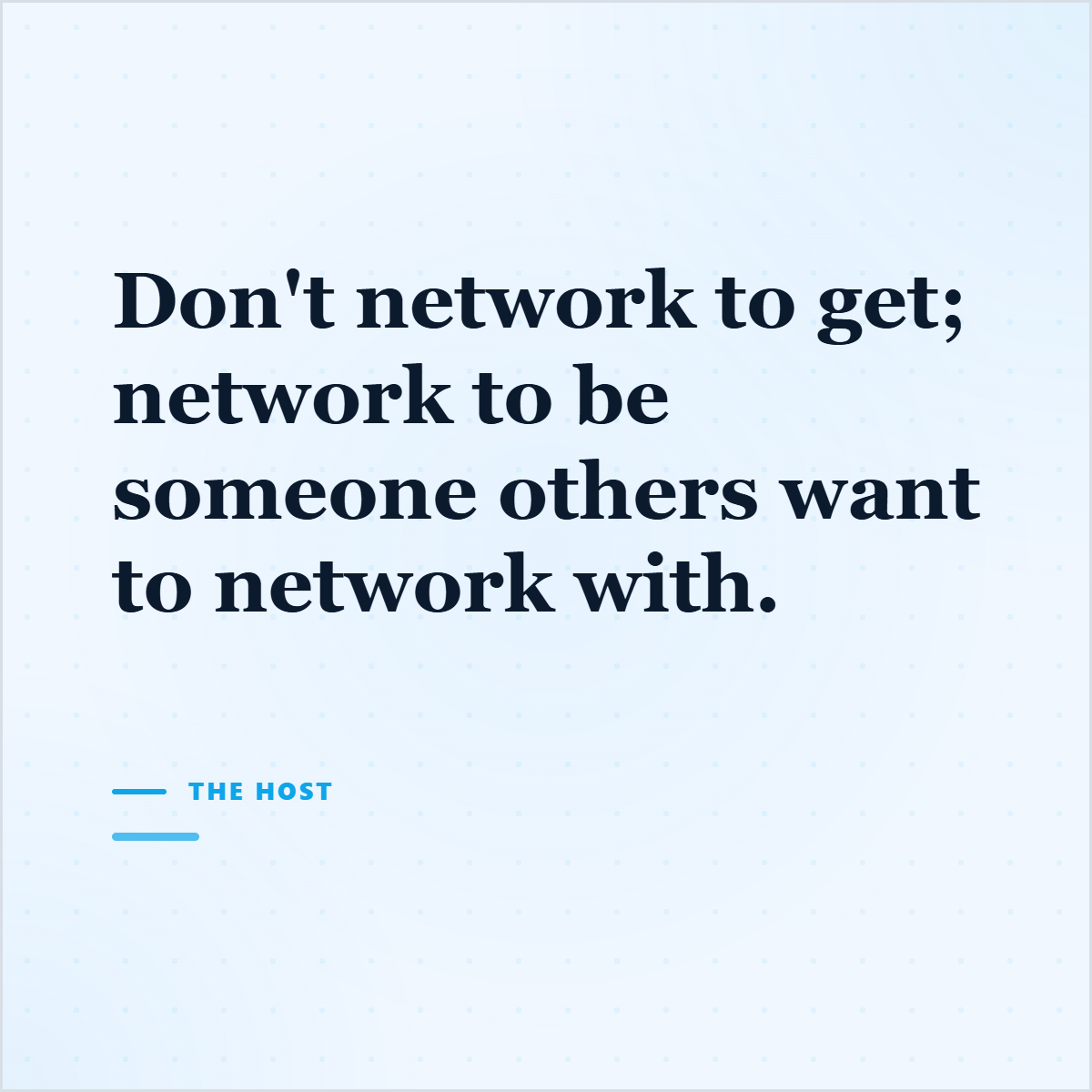
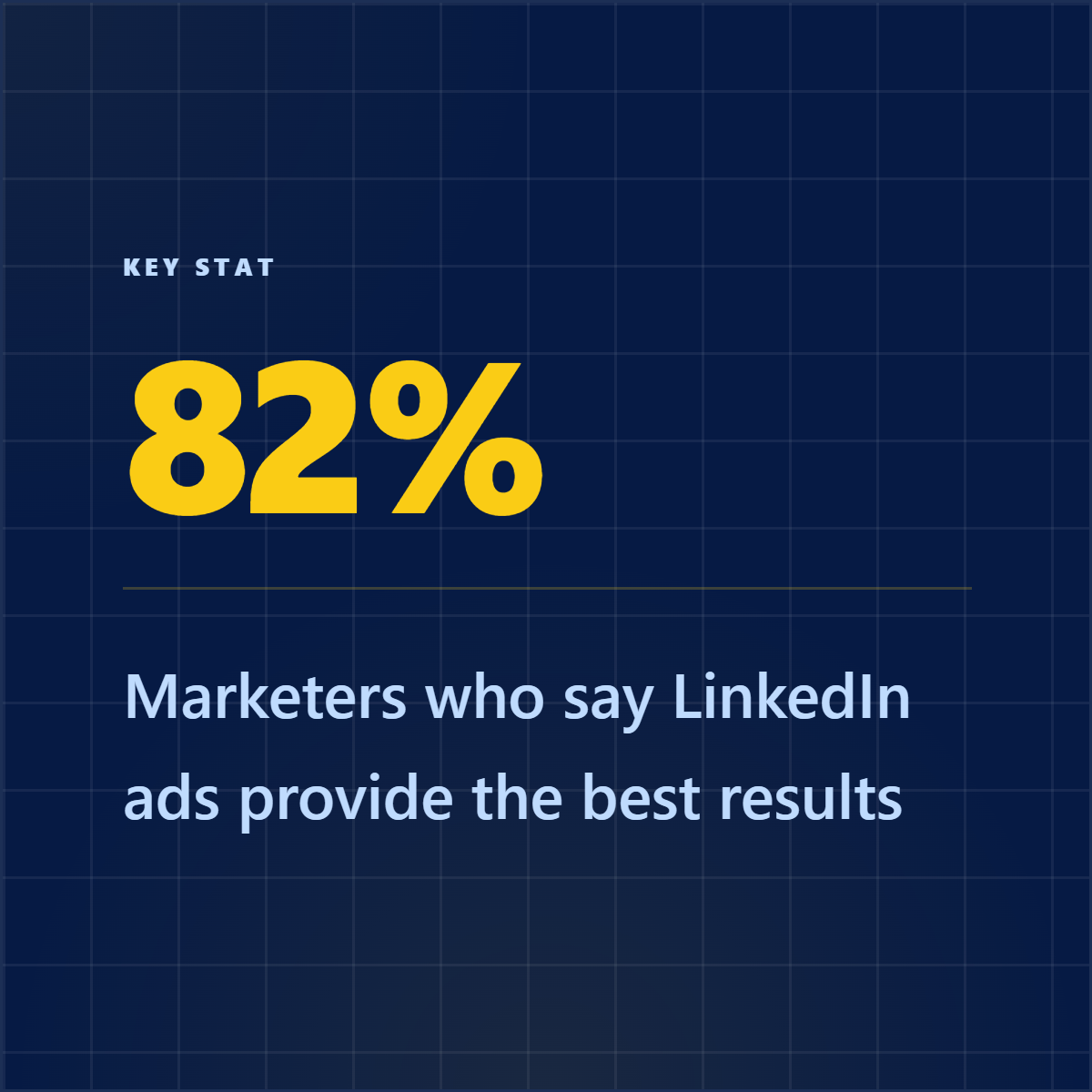
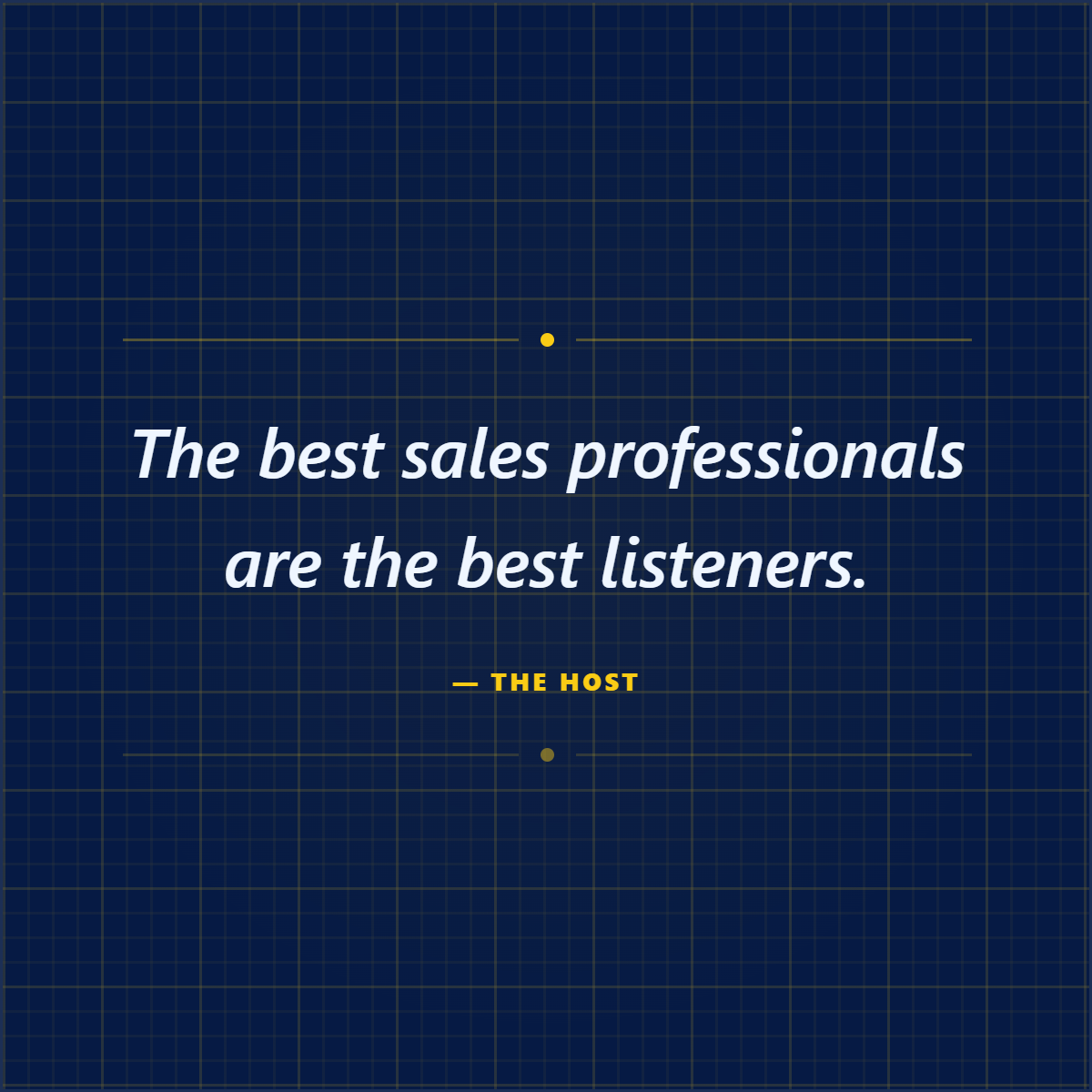
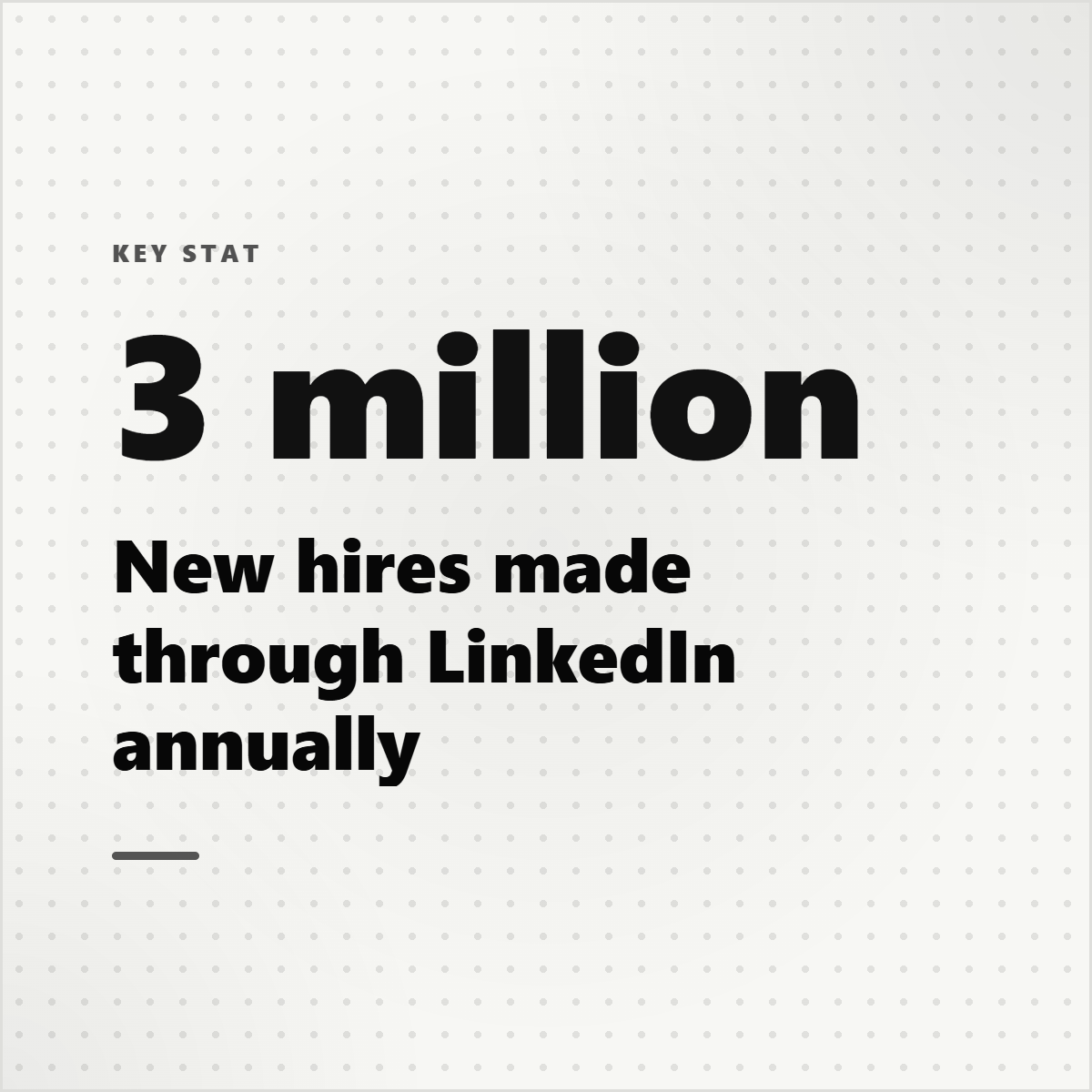
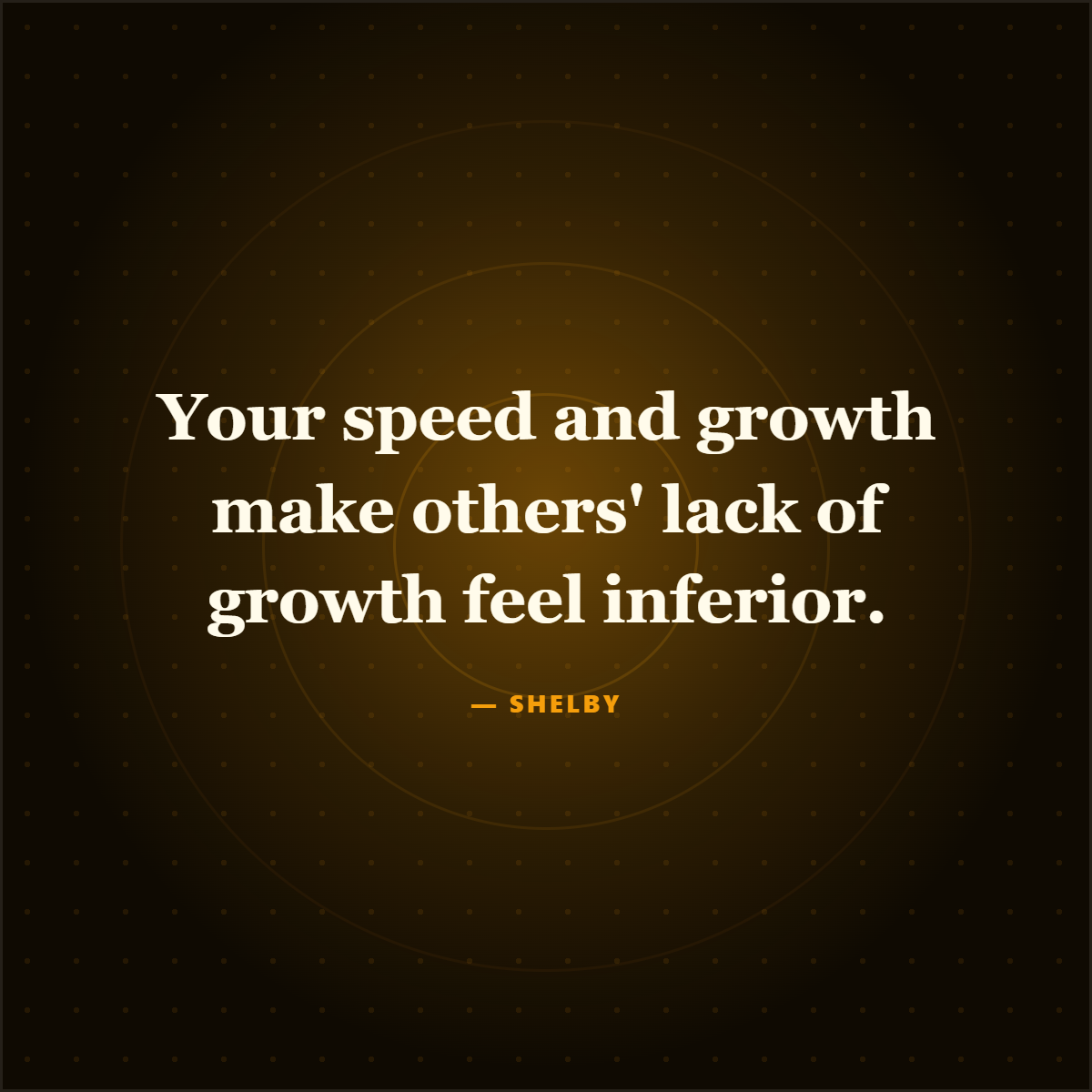
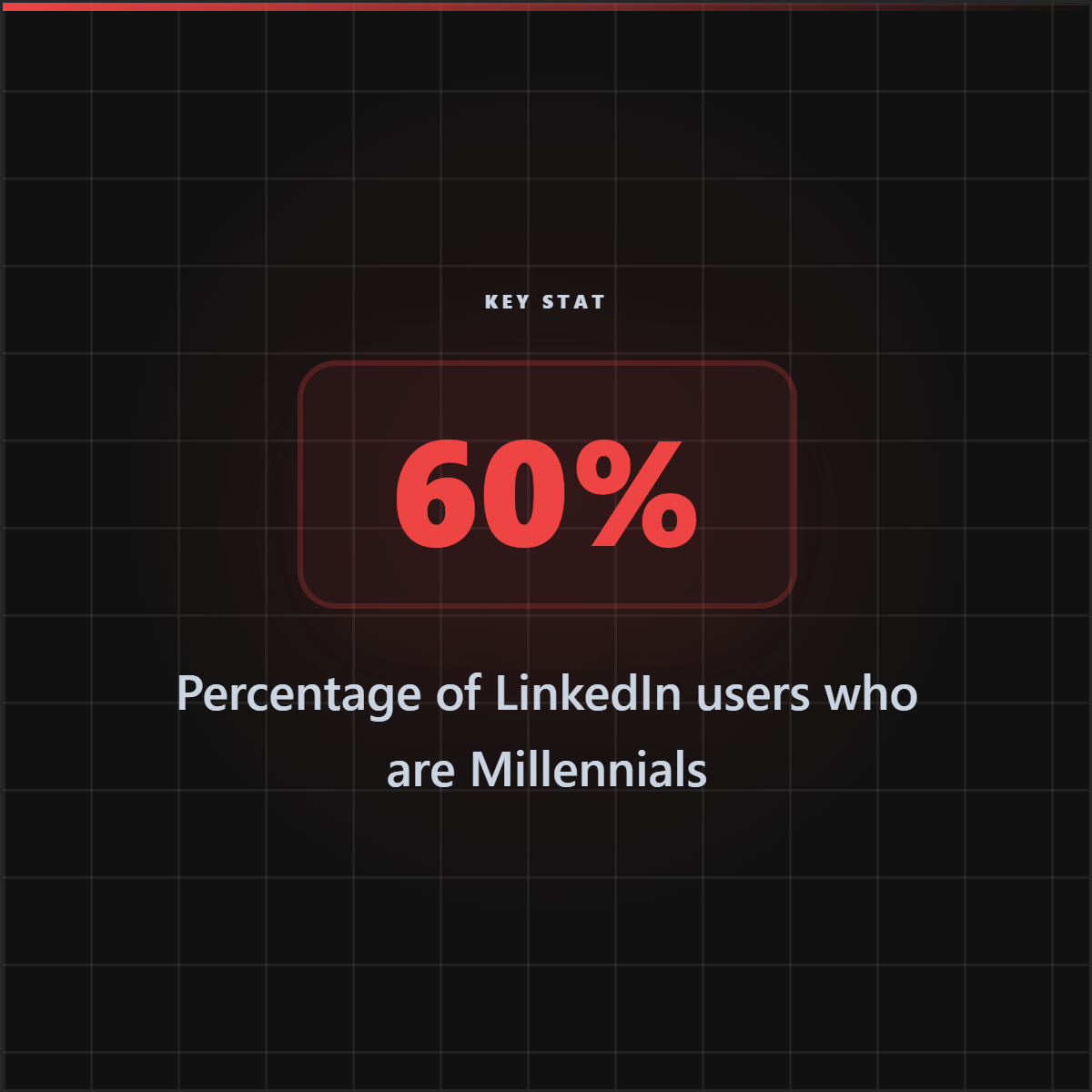
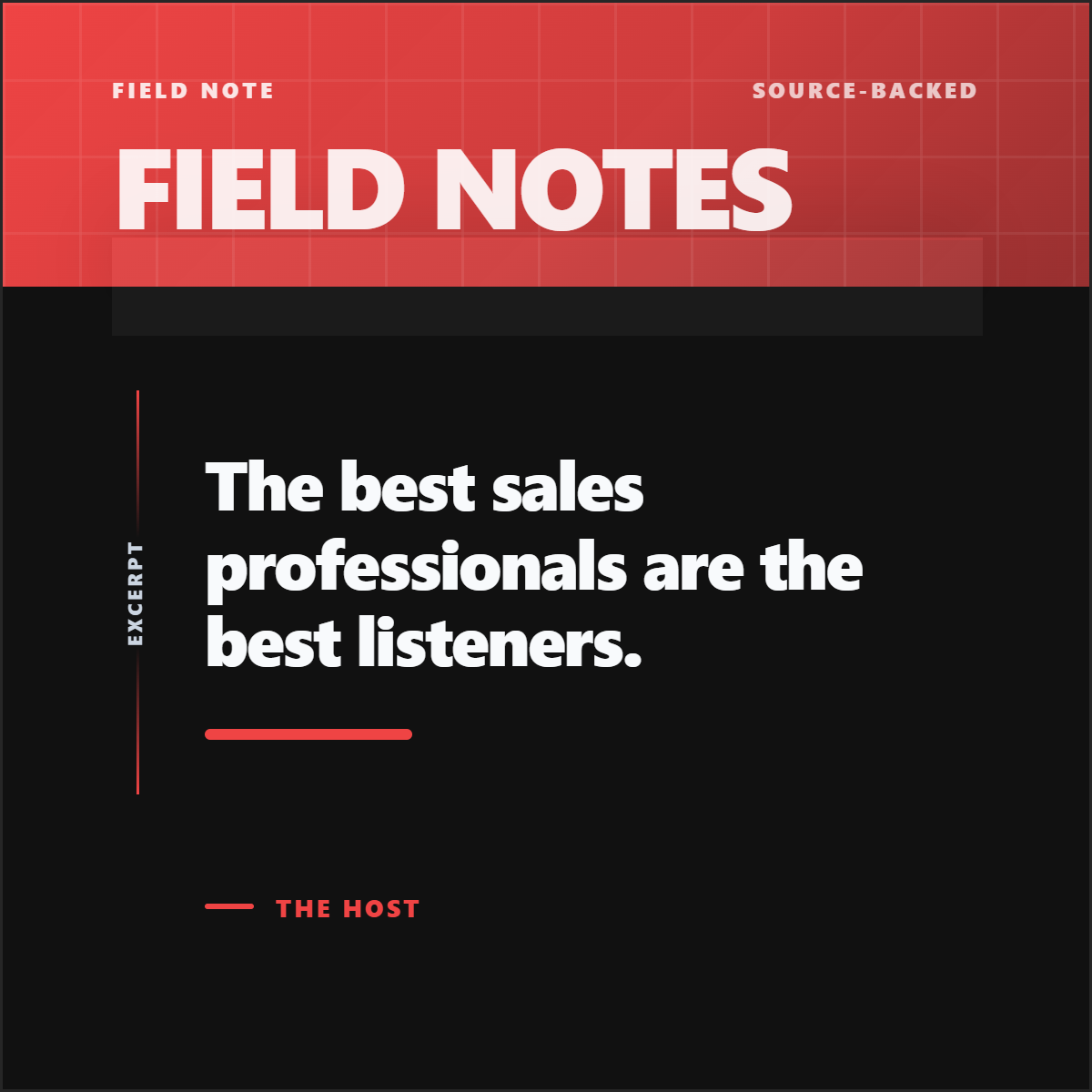
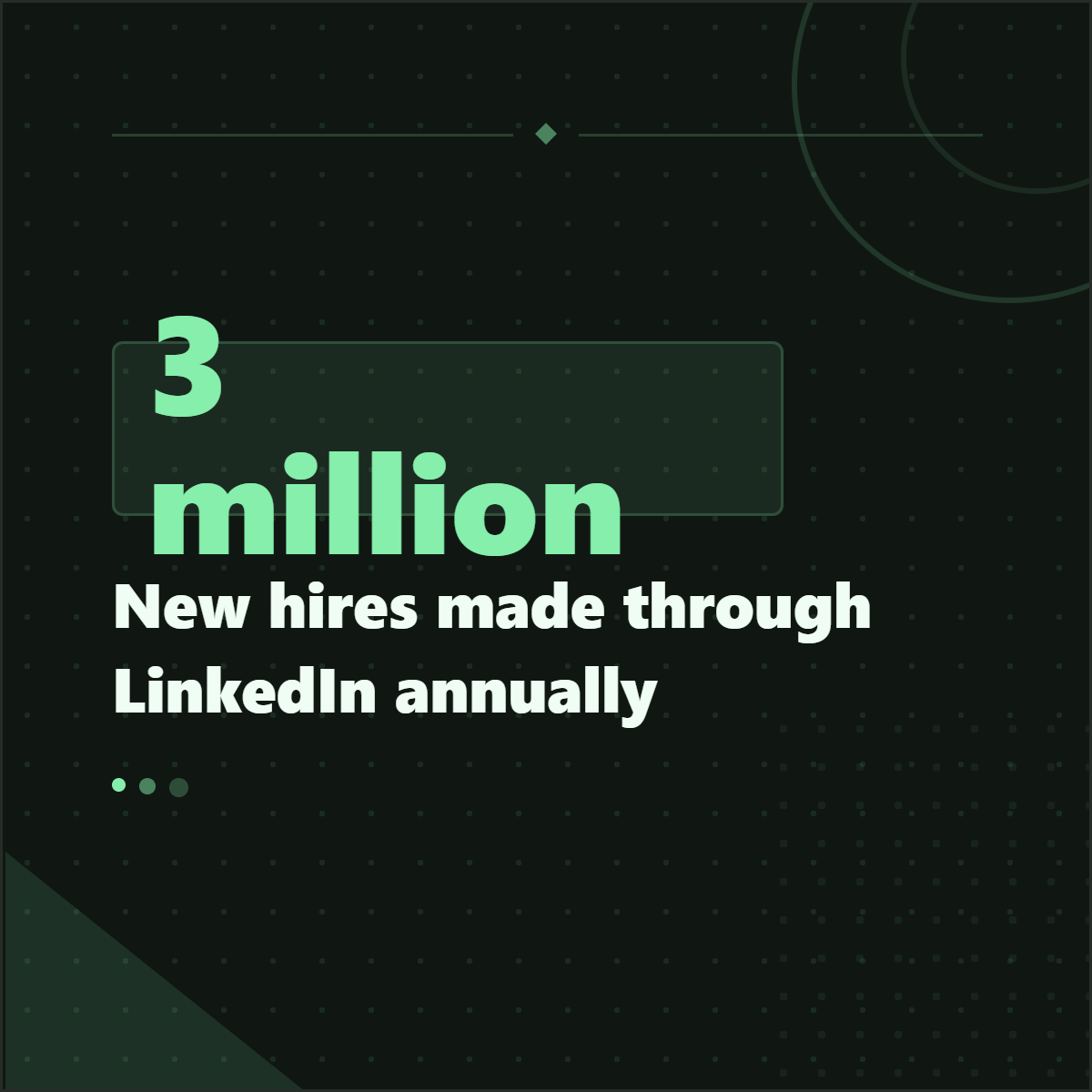
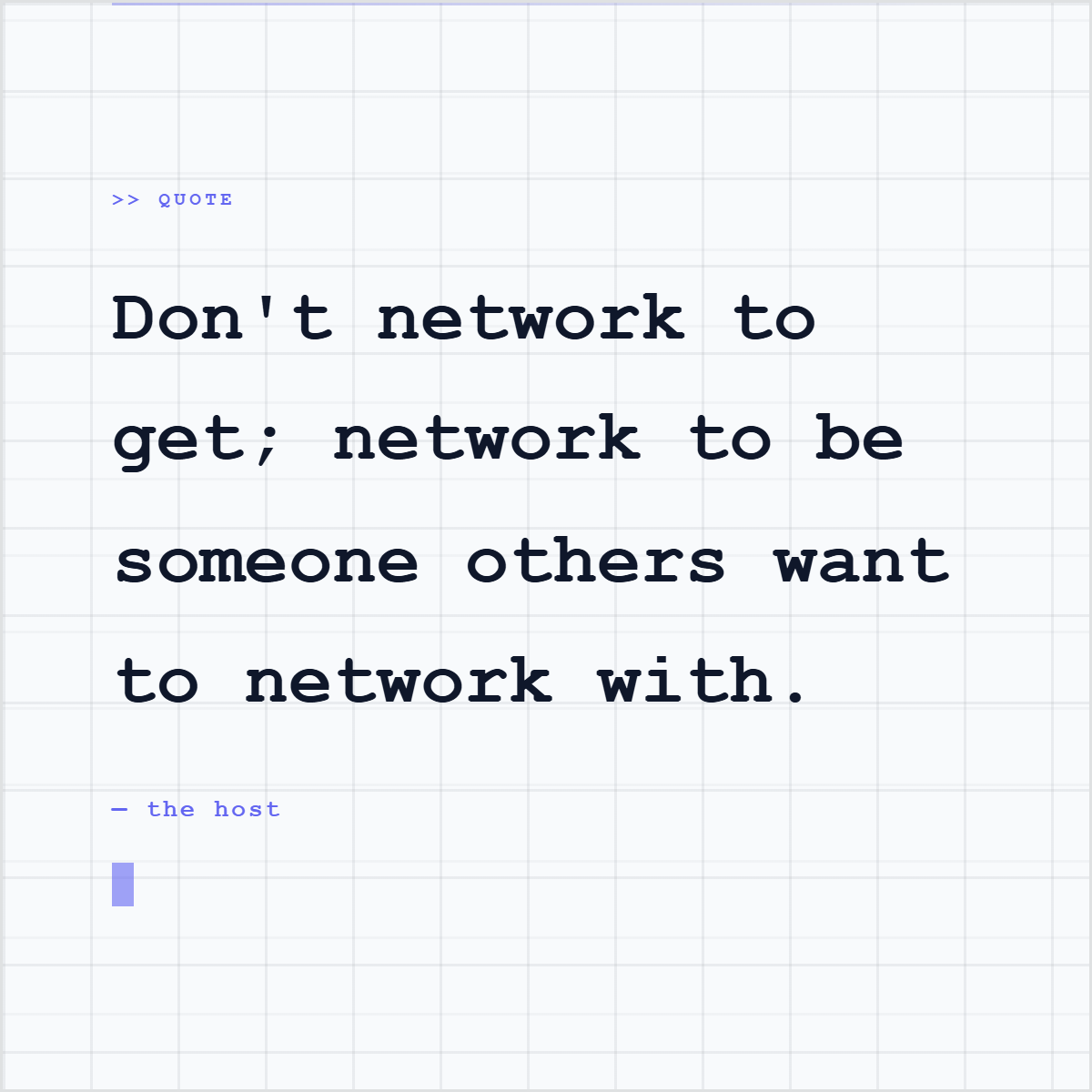
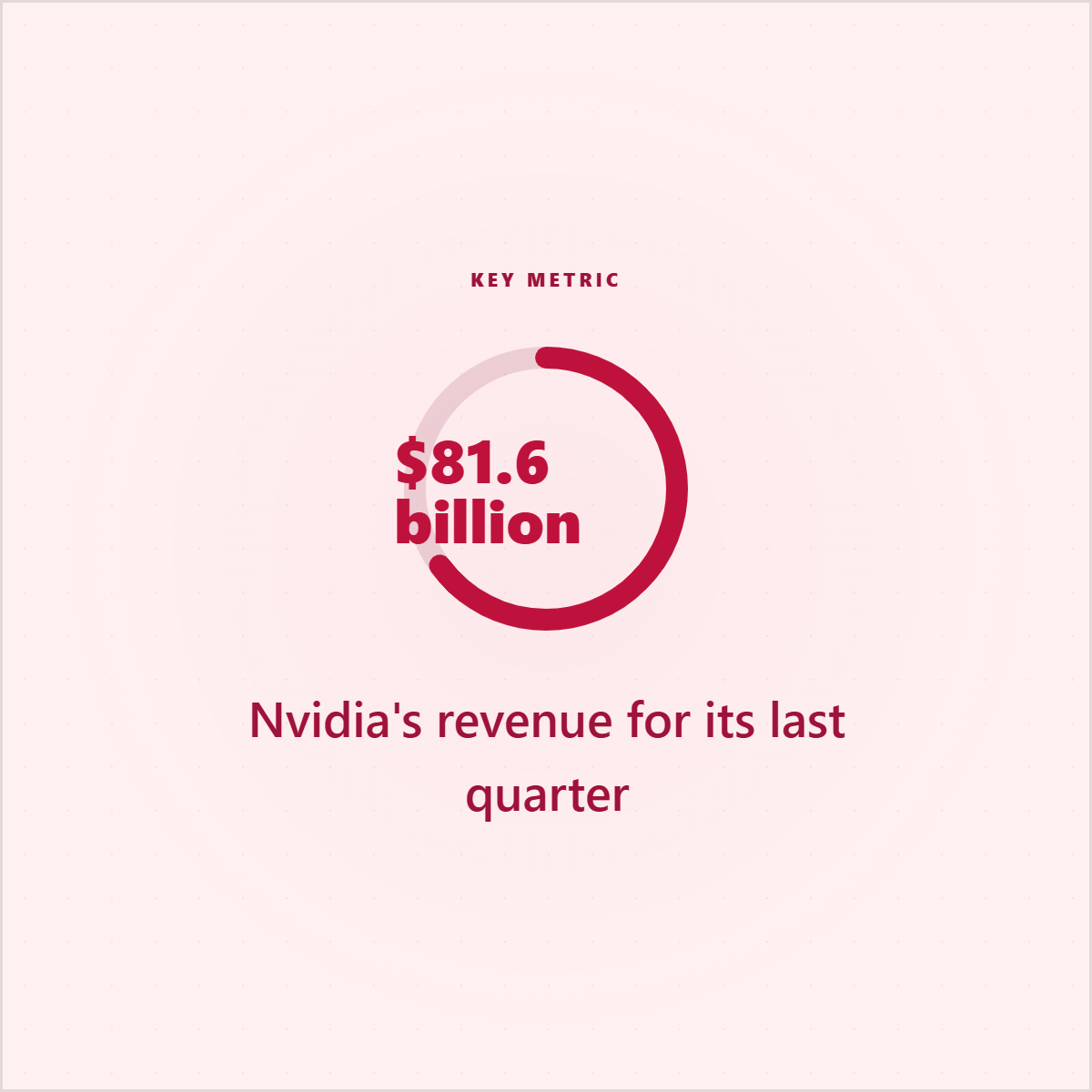
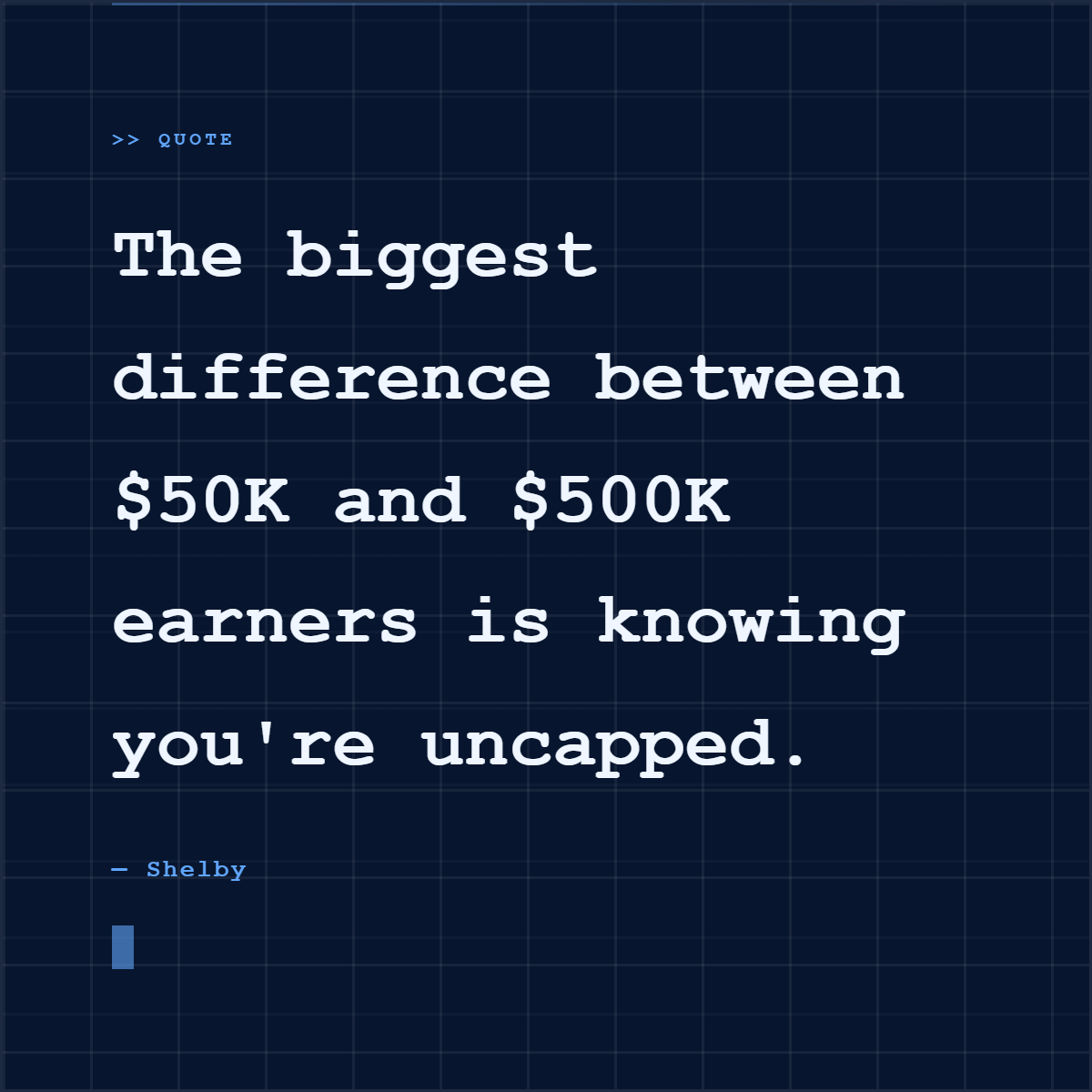
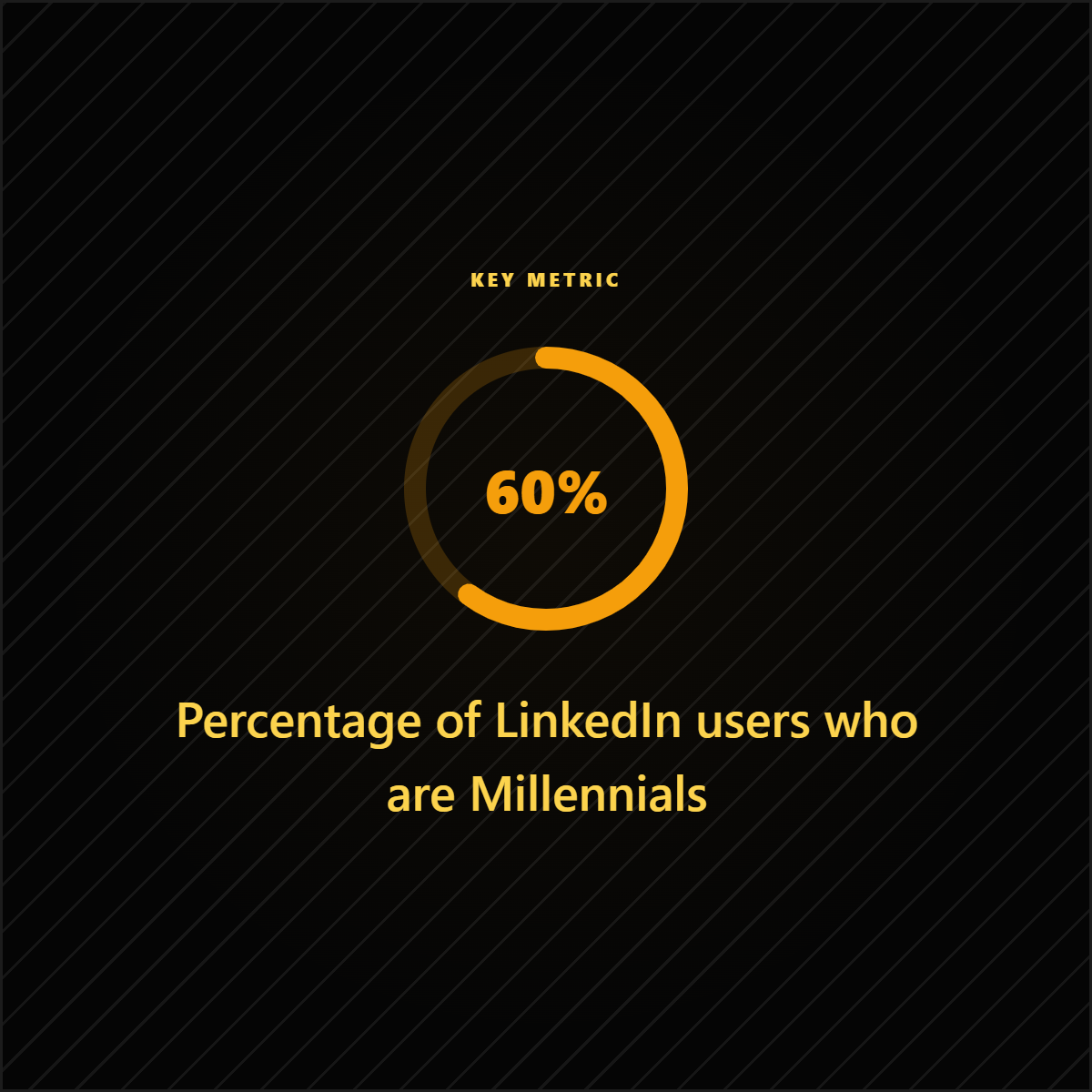
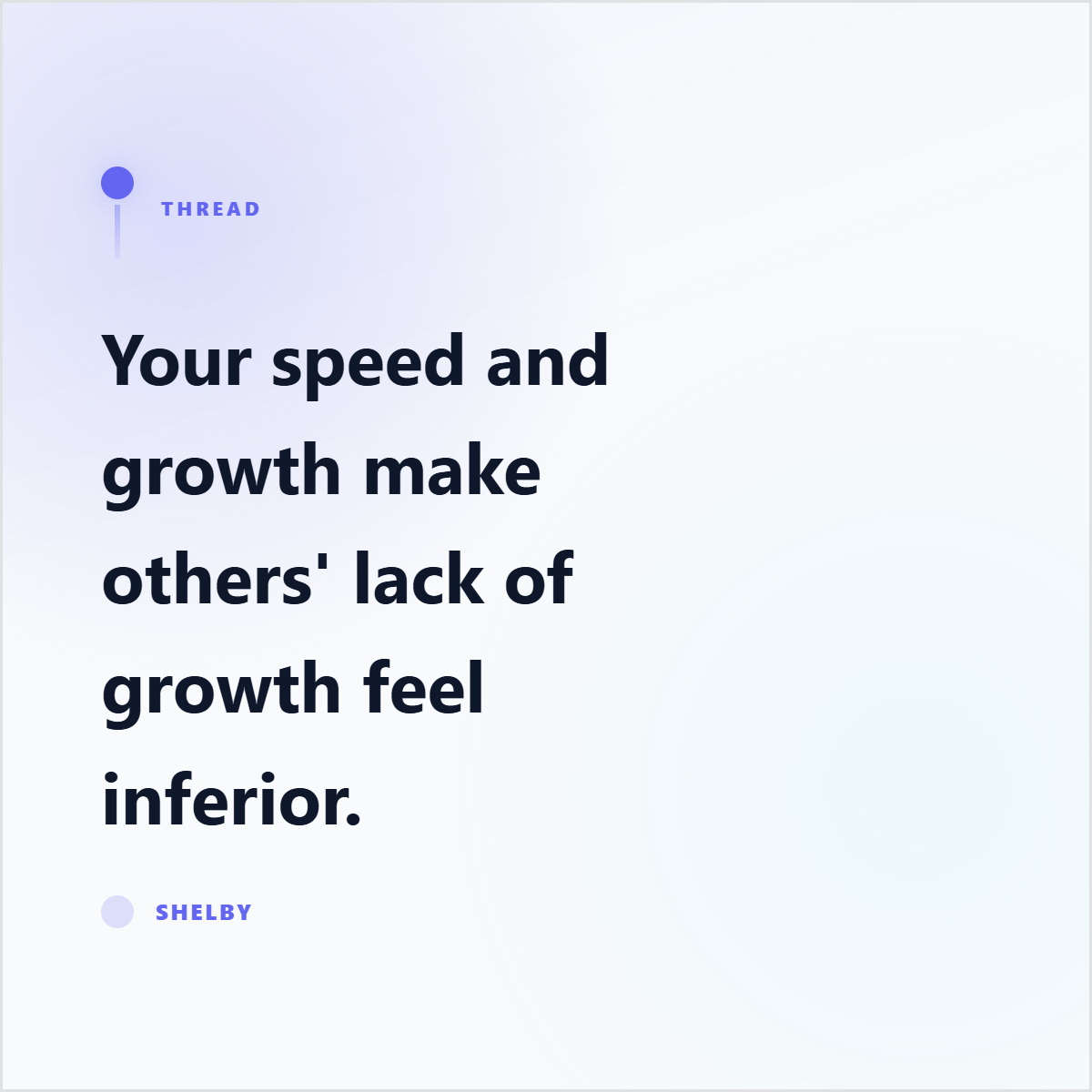
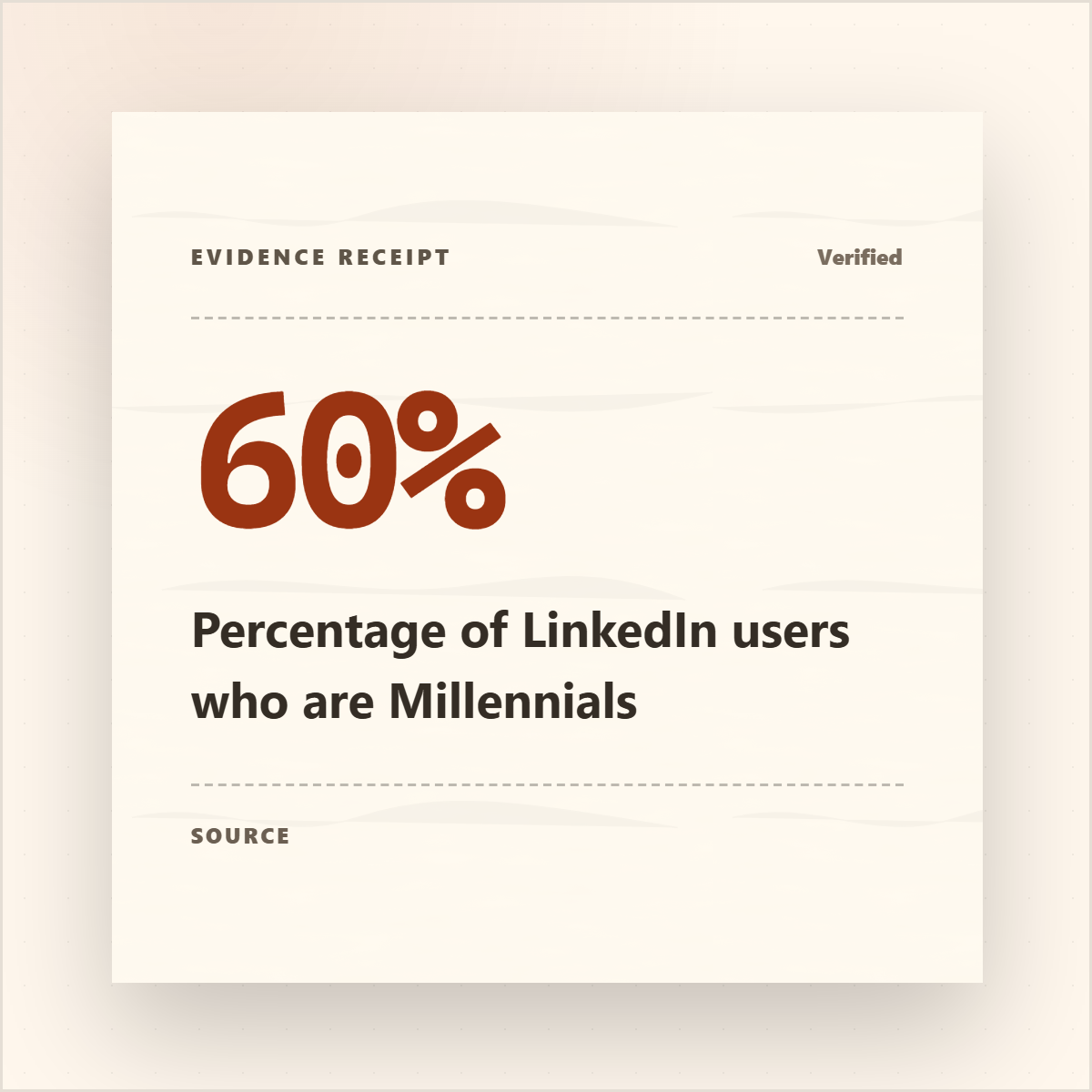
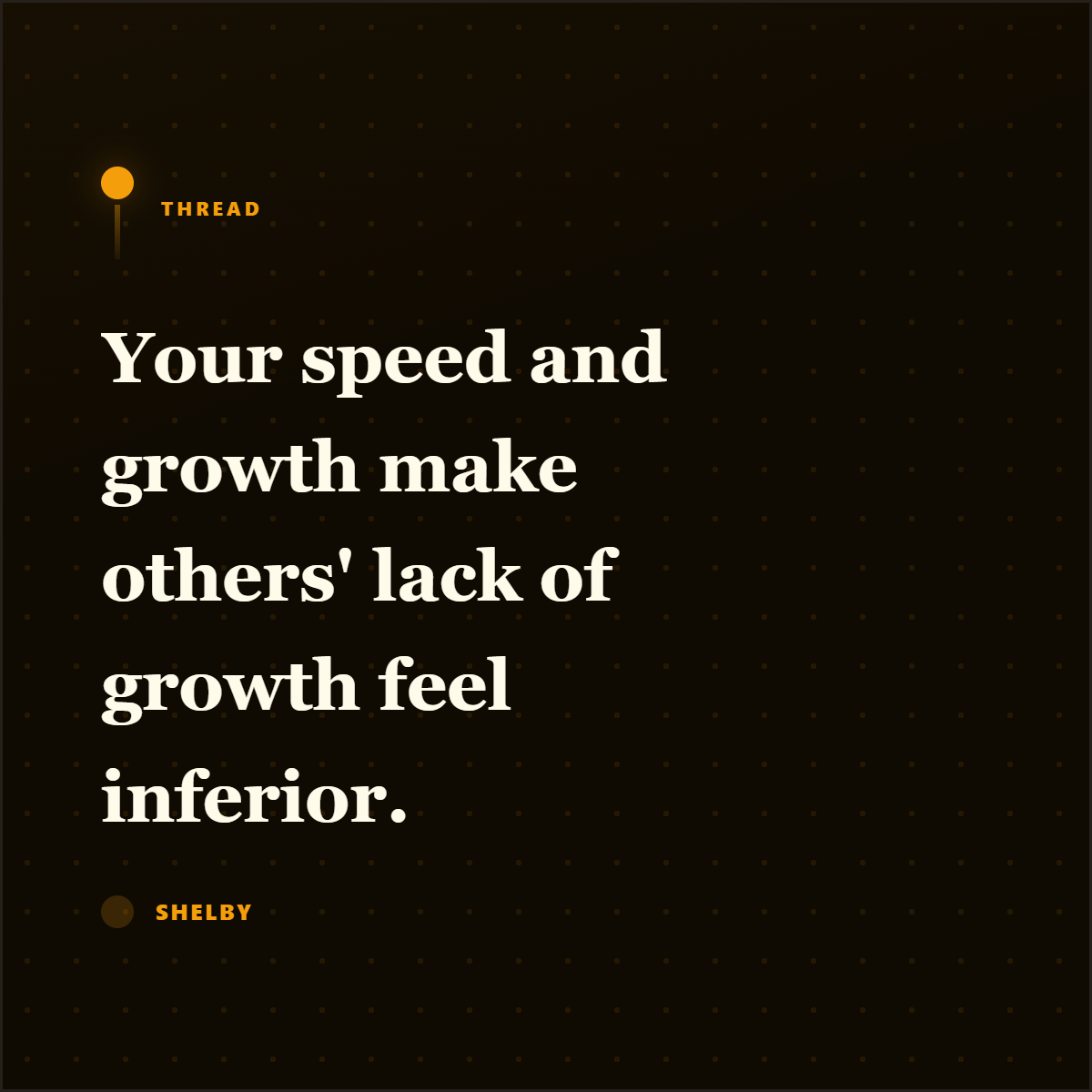
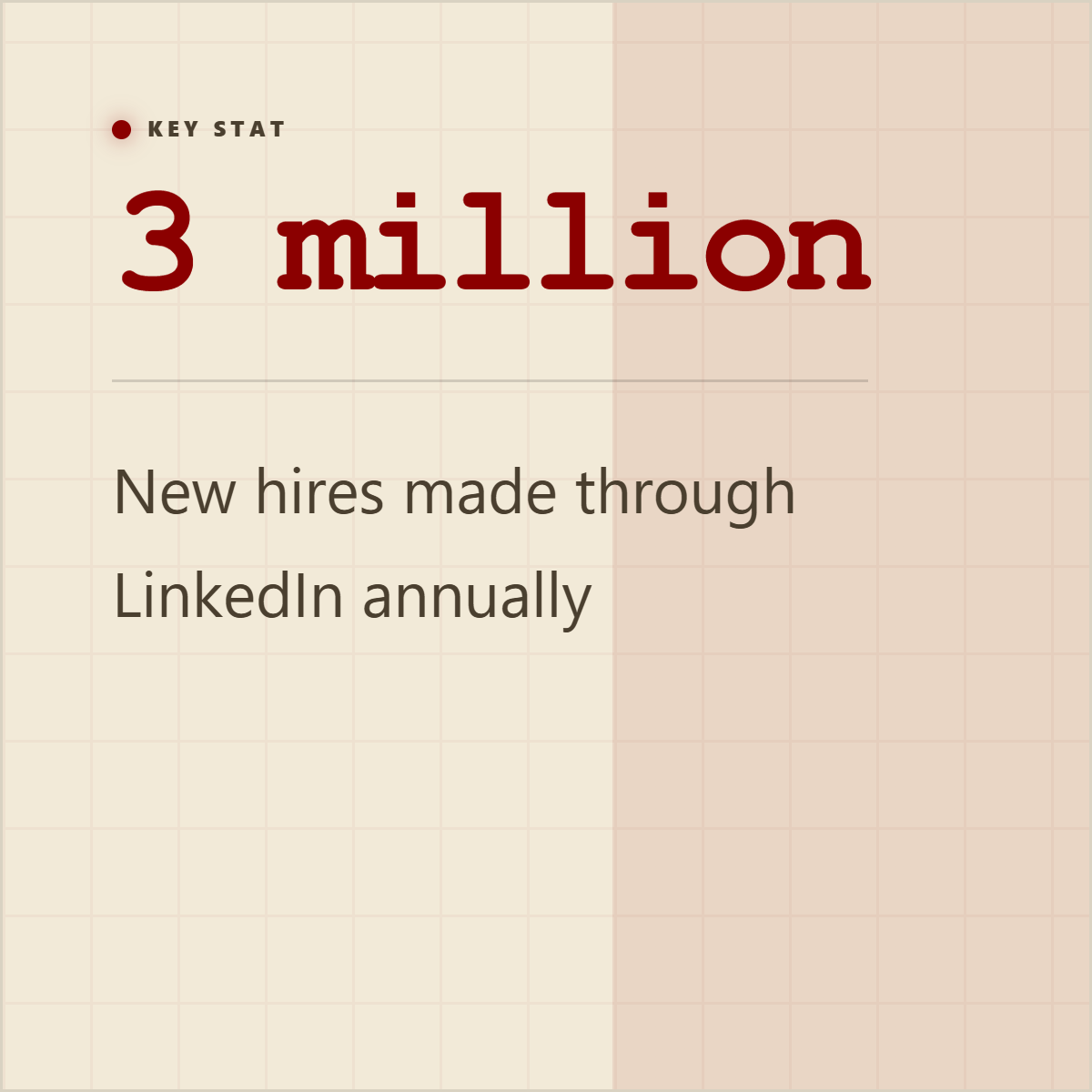
Quote cards, stat cards, and proof graphics give the extracted material somewhere useful to go.
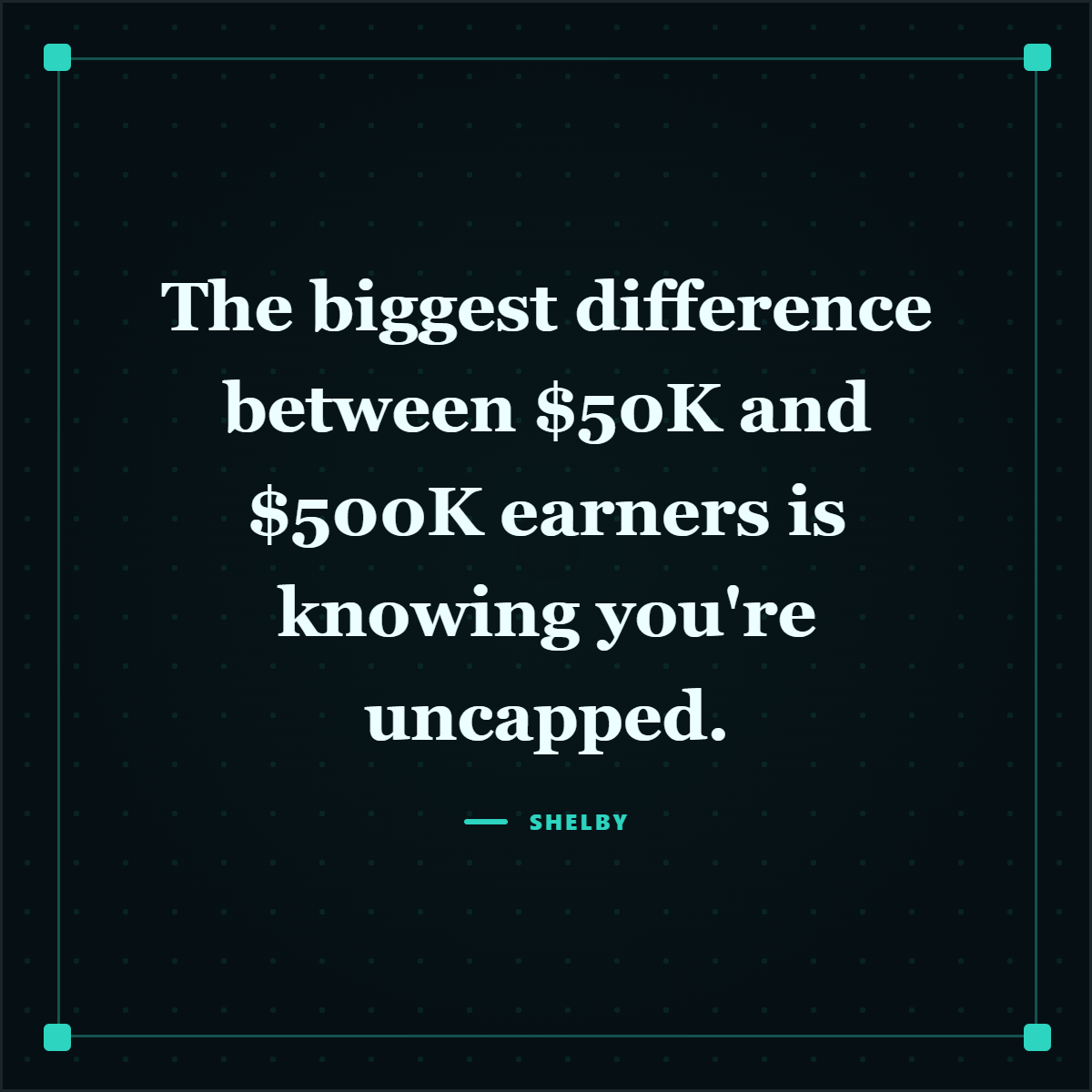
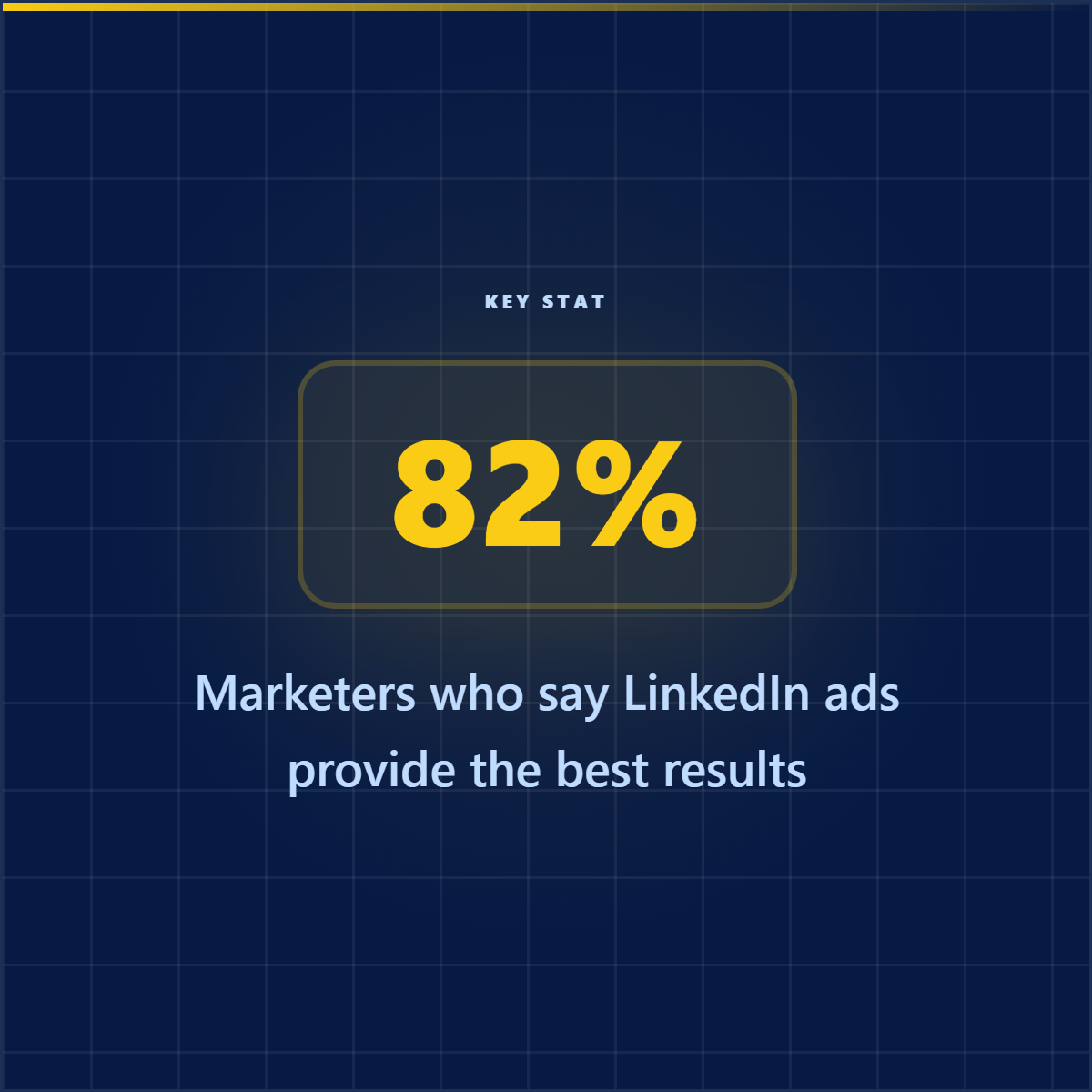
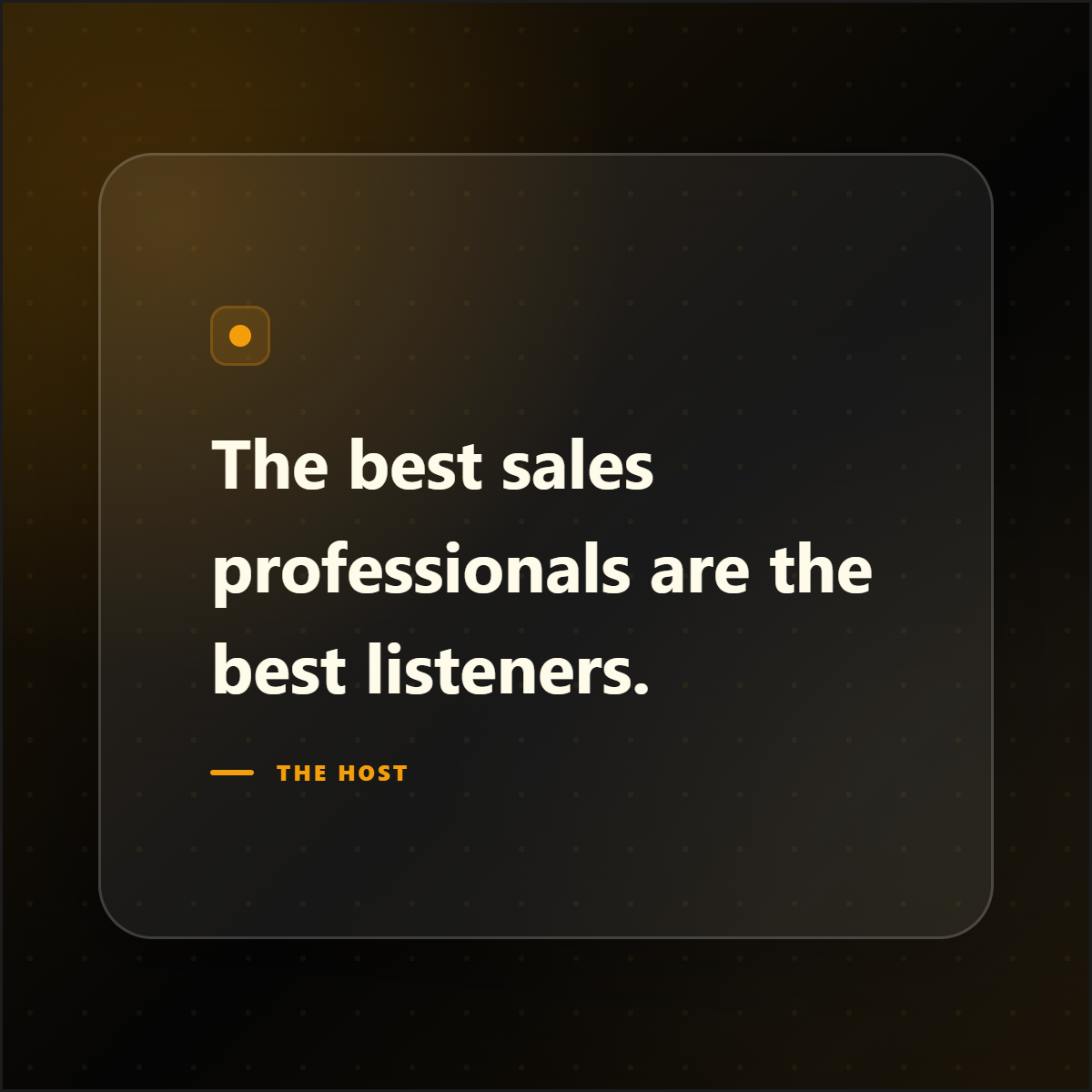
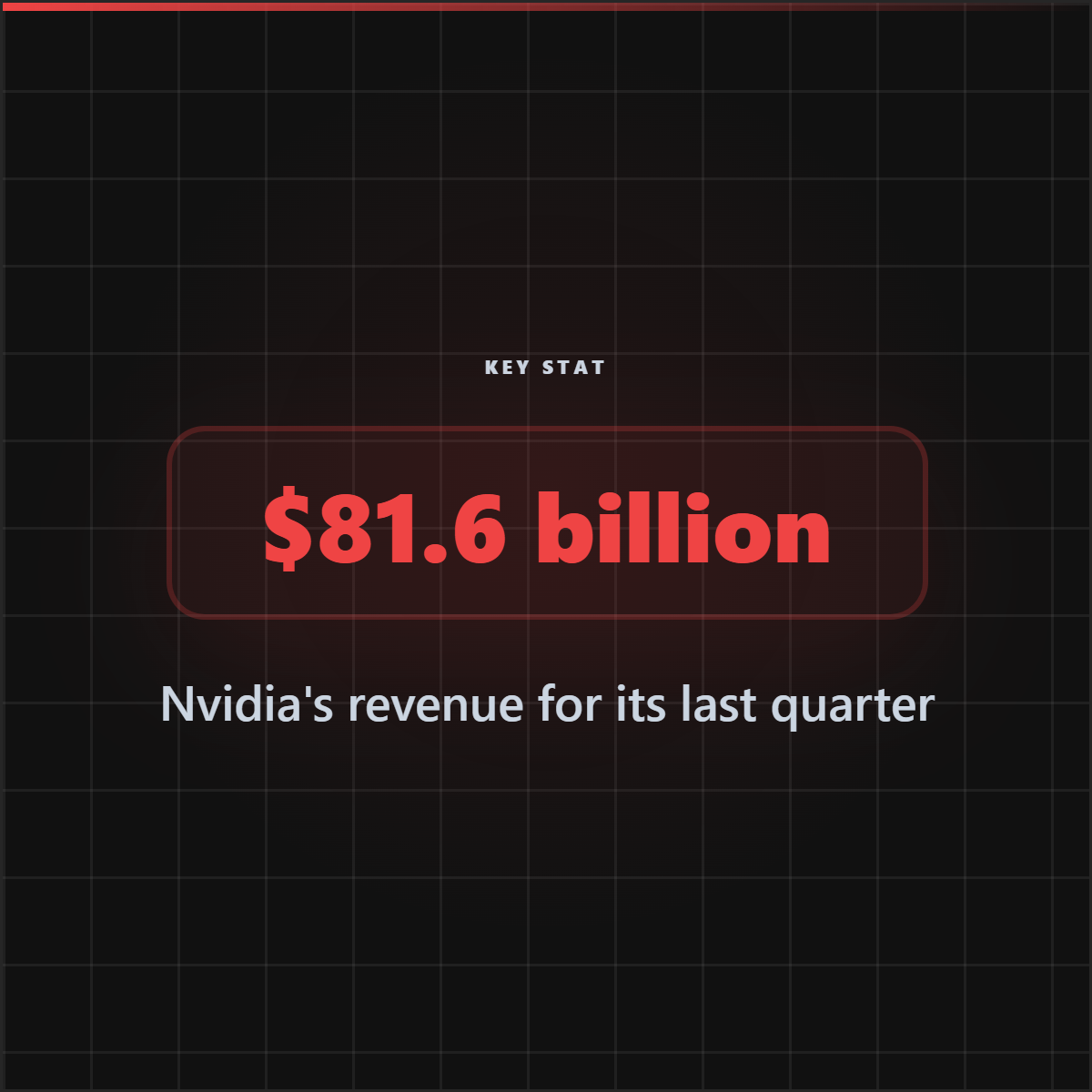
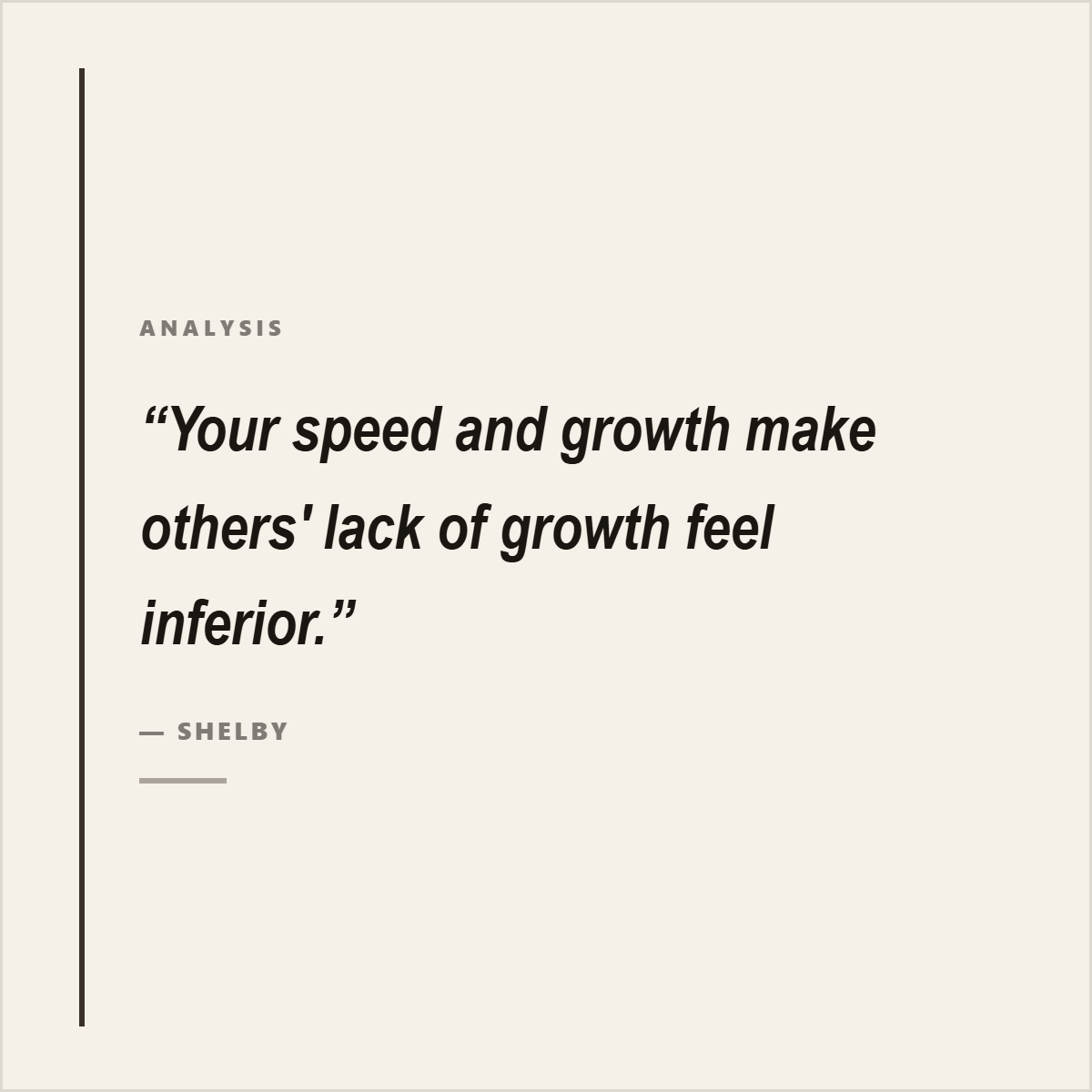



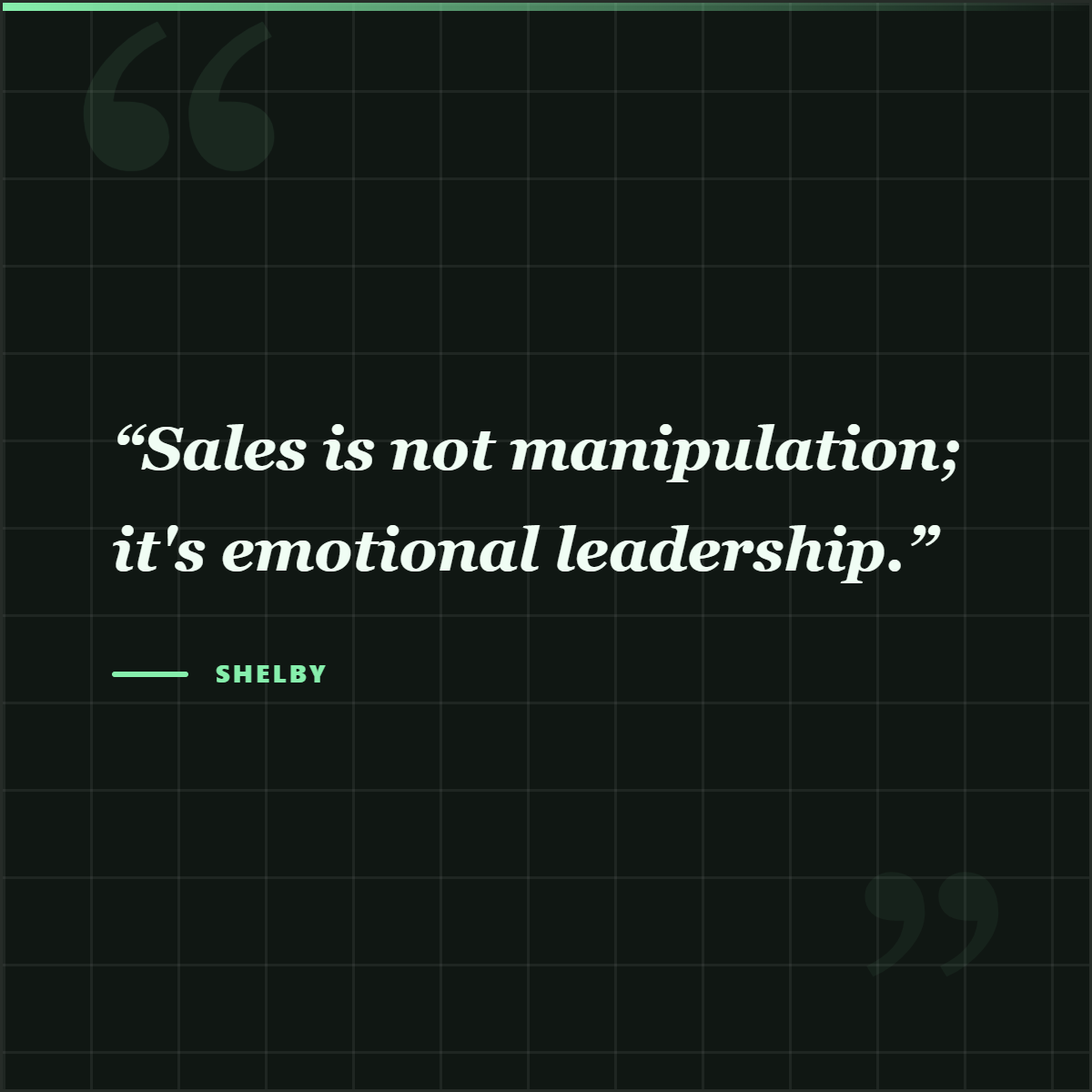
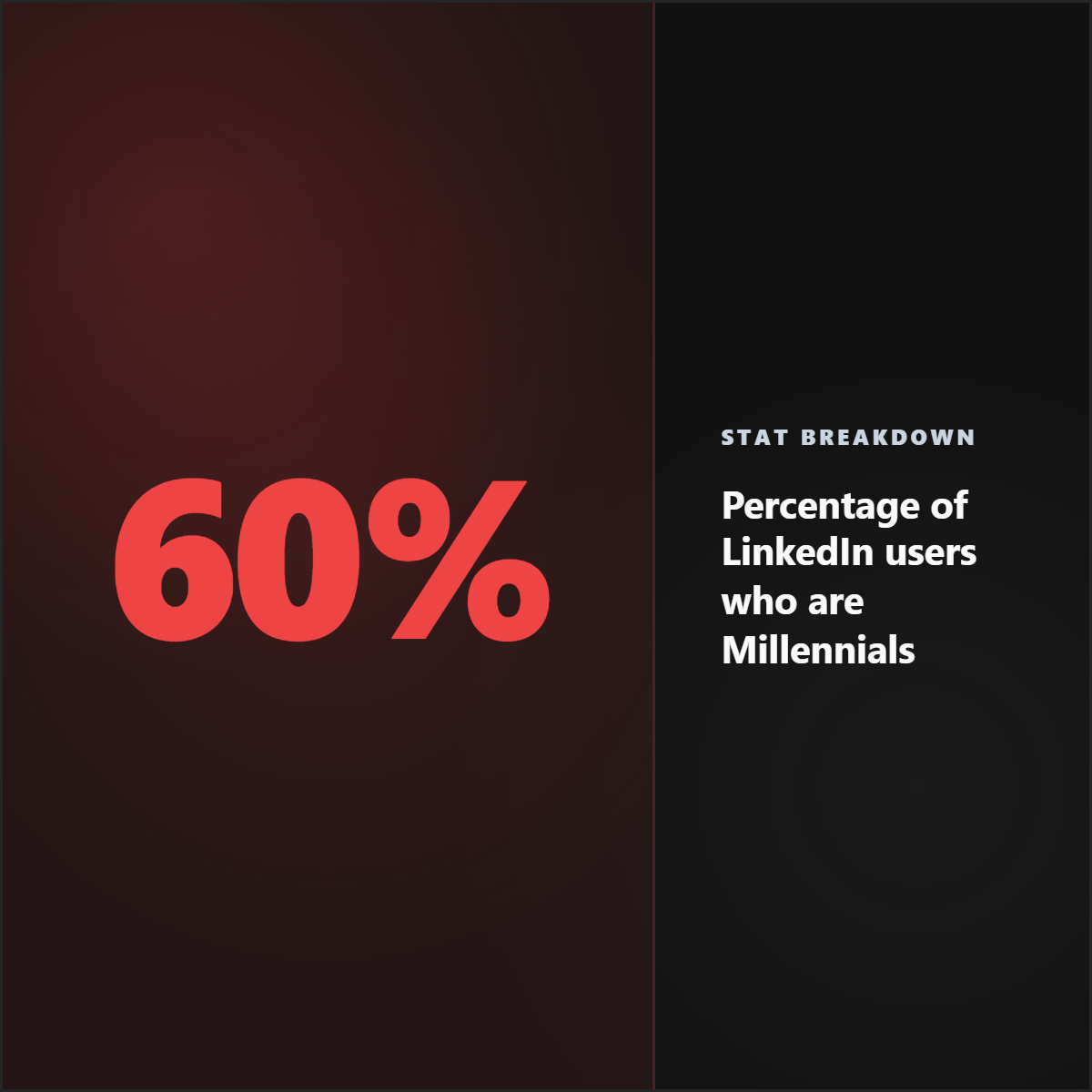
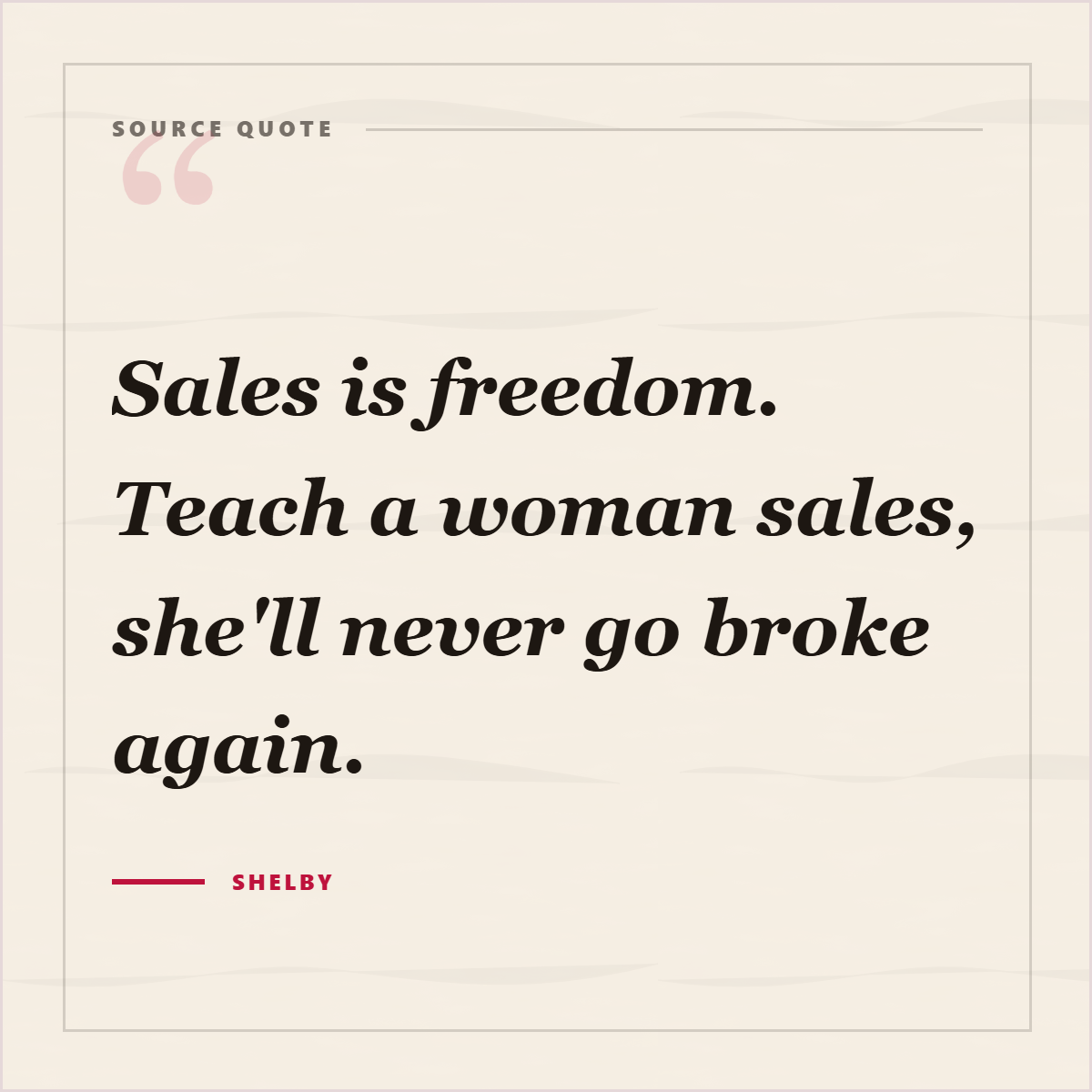

Best for
- Repurposing interviews, tutorials, webinars, podcasts, and YouTube videos.
- Creating quote cards, teaser posts, captions, and video overlays.
- Helping YouTubers and video teams promote long-form content.
Not best for
- Posting long transcript chunks without editing.
- Treating auto-generated transcripts as perfect without review.
- Using speaker quotes without context when the wording is unclear.
Manual workflow
- 1Download or copy the transcript.
- 2Find the best moments and timestamps.
- 3Rewrite each moment for a platform.
- 4Design quote cards or overlays manually.
- 5Write captions and link back to the video.
Highlightly workflow
- 1Paste a YouTube URL.
- 2Extract transcript material, metadata, quotes, hooks, key points, and captions.
- 3Turn useful moments into cards, carousels, overlays, or captions.
- 4Edit the output, apply brand controls, and export.
Step by step
Find the moments
Look for quotes, lessons, examples, and claims that make sense outside the full video.
Keep speaker context
Add speaker, video title, or channel context where useful.
Choose the asset type
A quote can become a card, a lesson can become a checklist, and a framework can become a carousel.
Link back to the source
Use the caption to point people to the full video when appropriate.
Research notes
What this answer is grounded in
Common questions
Can Highlightly ingest YouTube links?
Yes. Highlightly can detect YouTube links and use transcript extraction to create source-backed social assets.
Can transcripts become carousels?
Yes. Transcript key points can become carousel slides, quote cards, captions, and video promotion graphics.
Should I review transcript quotes?
Yes. Auto-generated transcripts can contain errors, so review important quotes before publishing.