Preparing carousel preview
Loading the PDF export from static assets.
One article. One editable carousel.
Paste an article URL. AI extracts the key points and builds a branded carousel with editable slides.
See how one article becomes a complete LinkedIn carousel sequence.
Highlightly turns source-backed hooks, statistics, quotes, and key points into editable carousel slides with consistent branding and export-ready layouts.















Carousel anatomy
Six slides. One story.
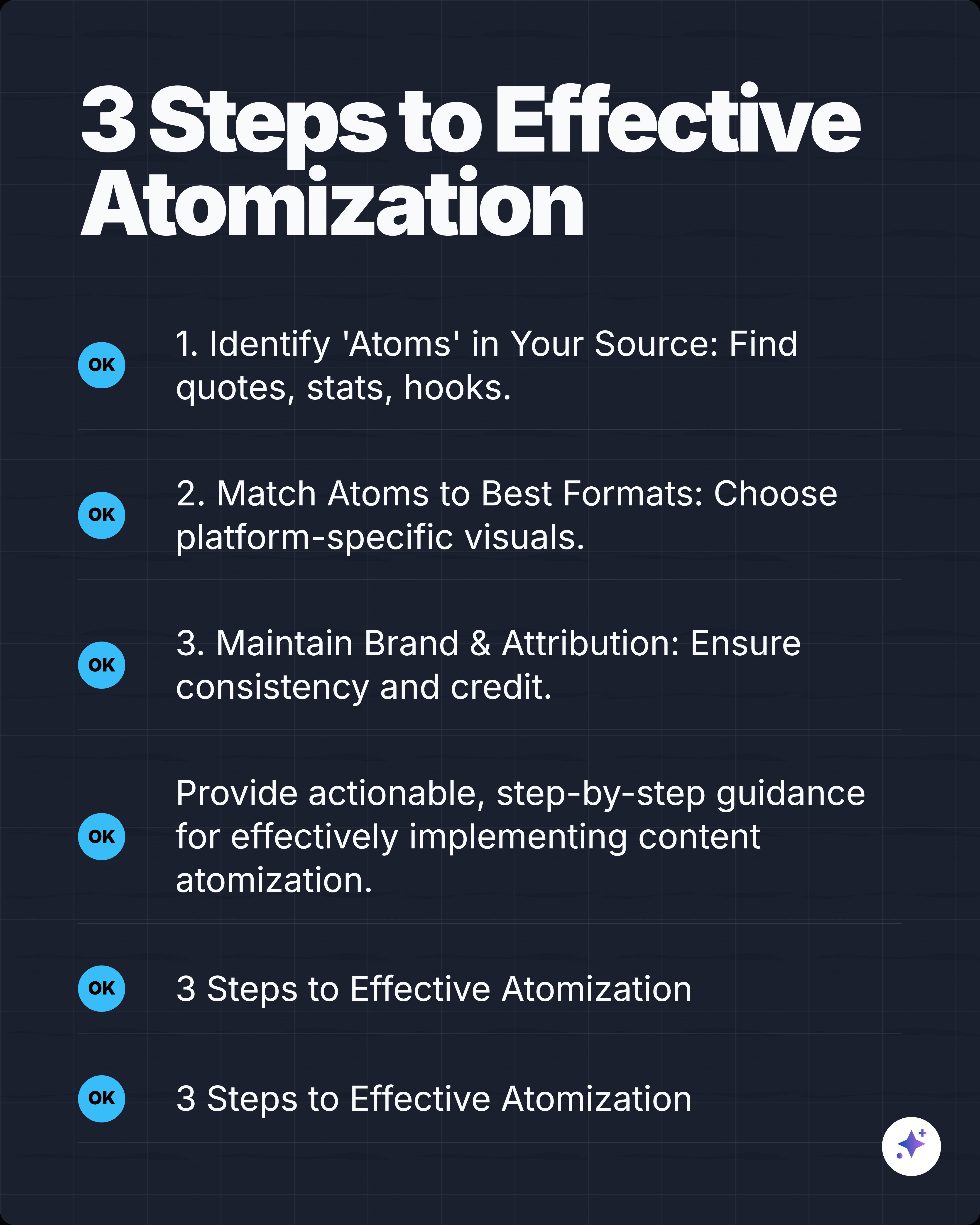
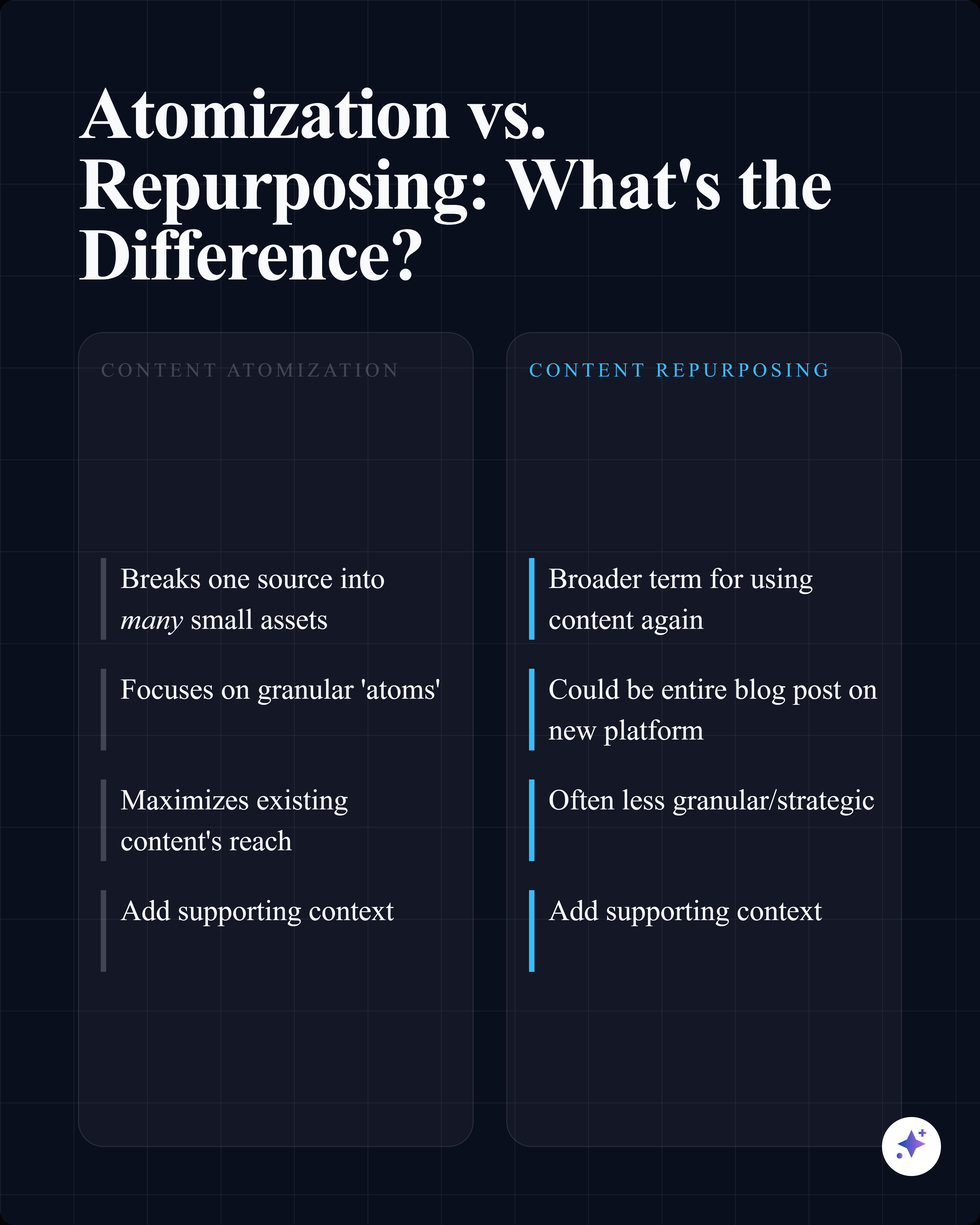
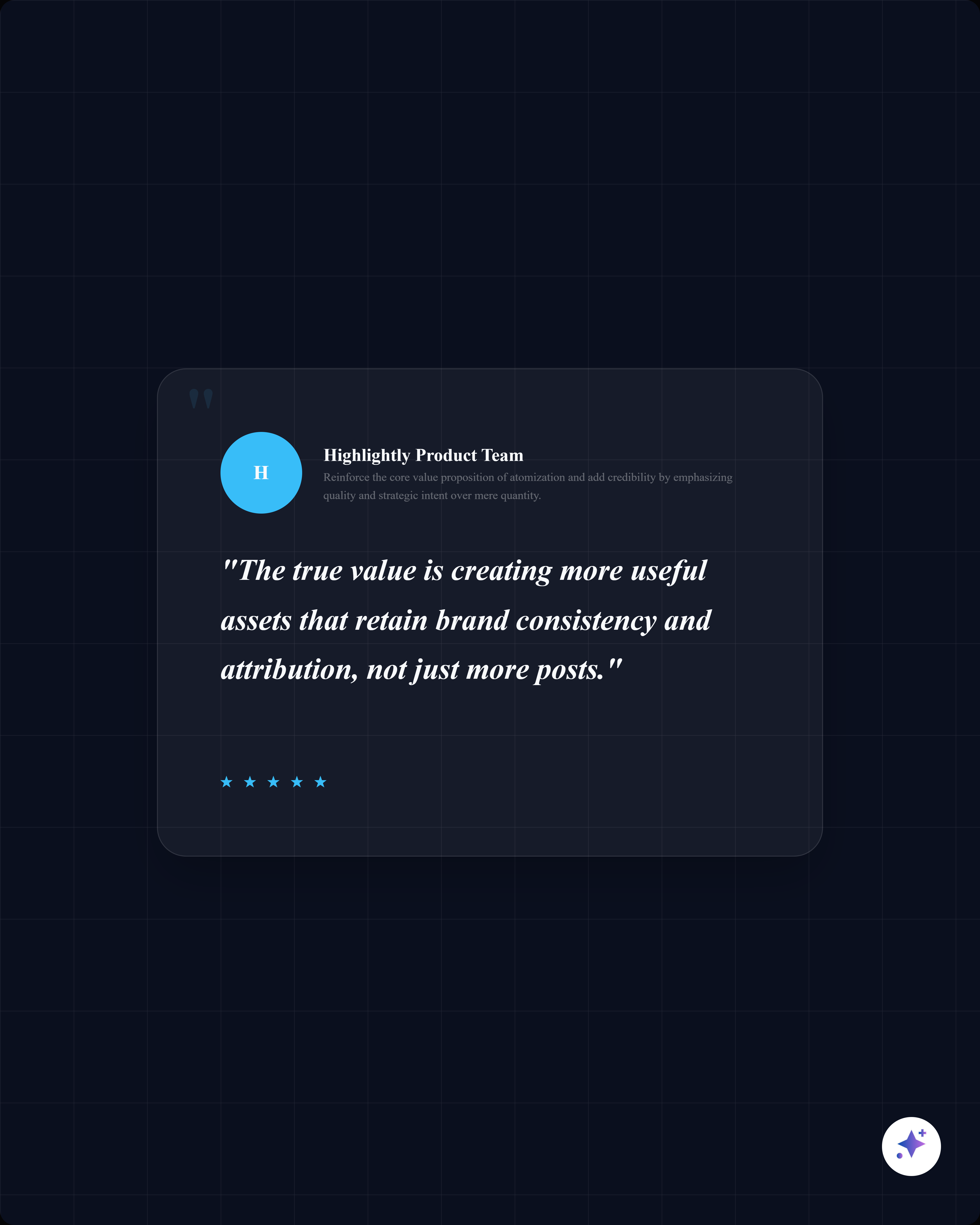
Every carousel follows a proven structure: hook, context, evidence, takeaway, CTA. Each slide is fully editable.
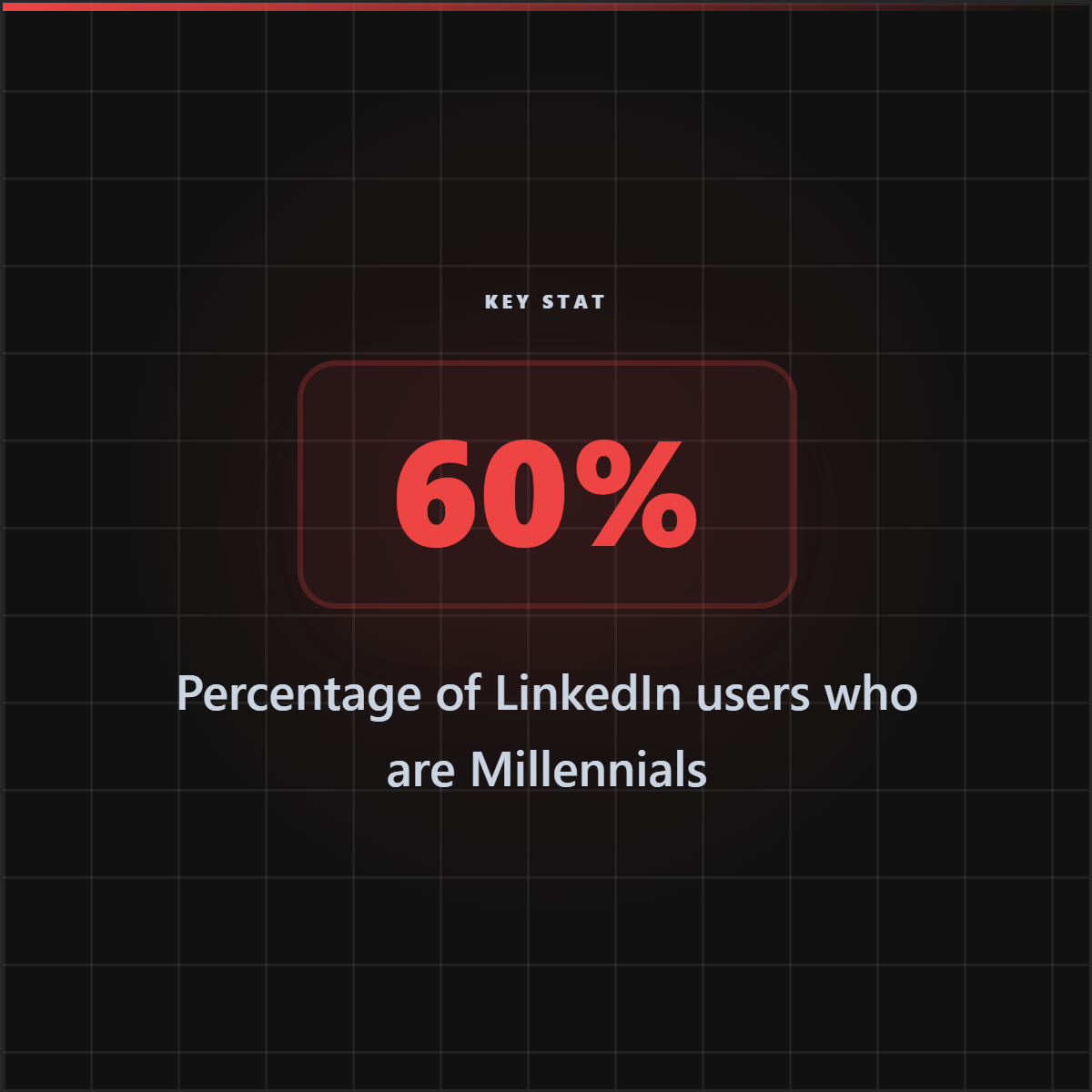
73% of remote workers say AI makes them more productive.
The number that challenges everything.
Opening claim
Remote work is evolving faster than your company can keep up.
The landscape has shifted permanently.
Why this matters
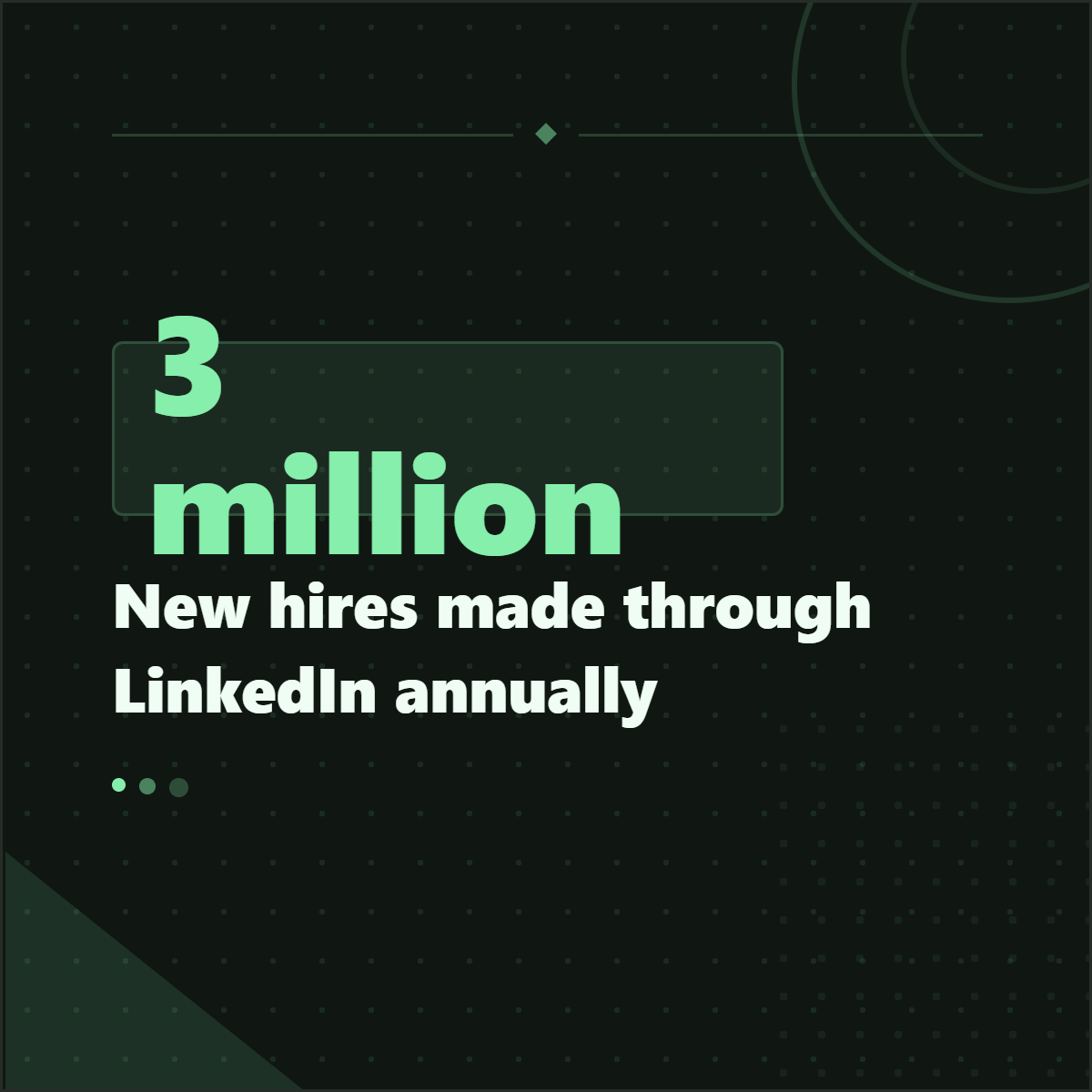
25,000 workers surveyed across 15 countries.
McKinsey research backed by real numbers.
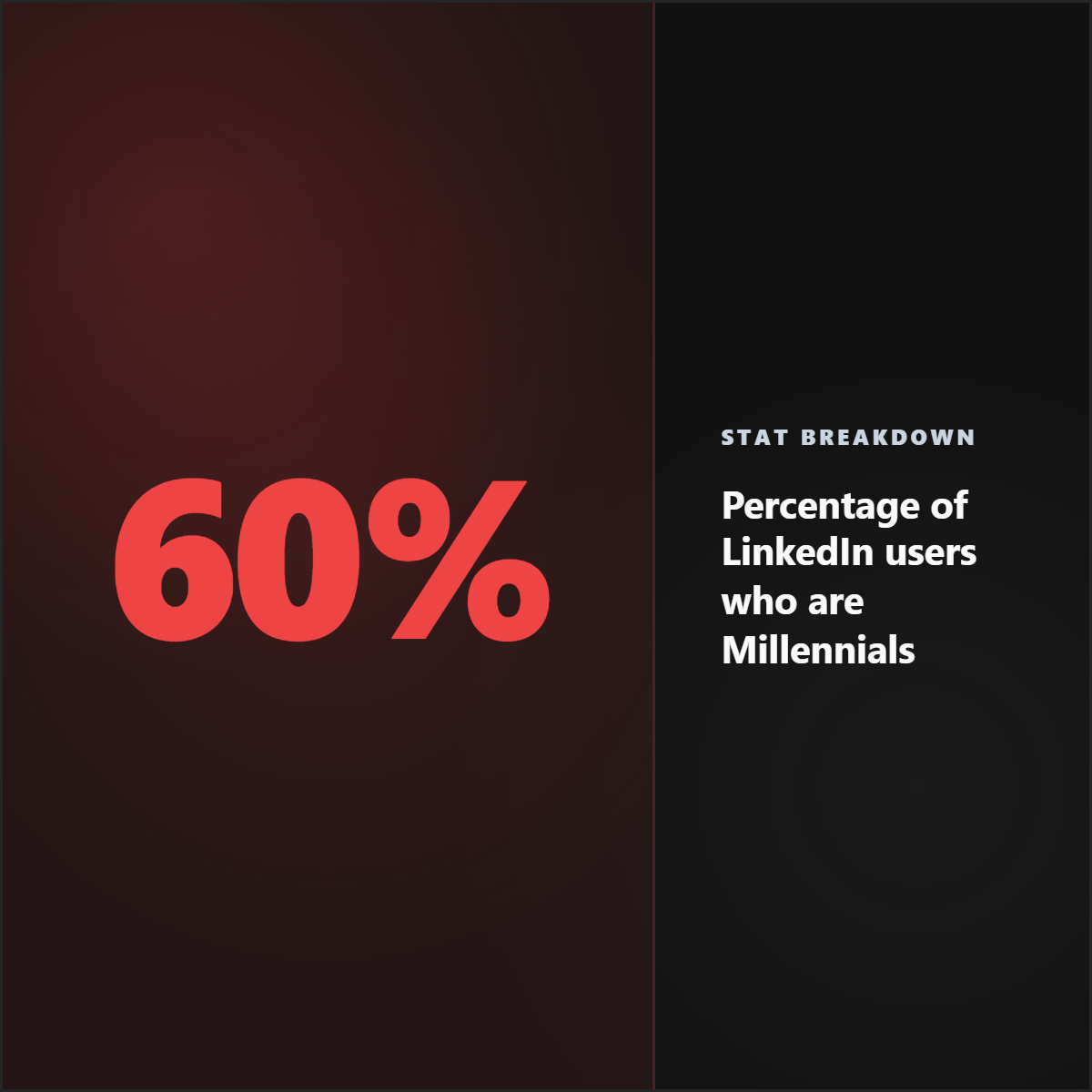
Stats and data
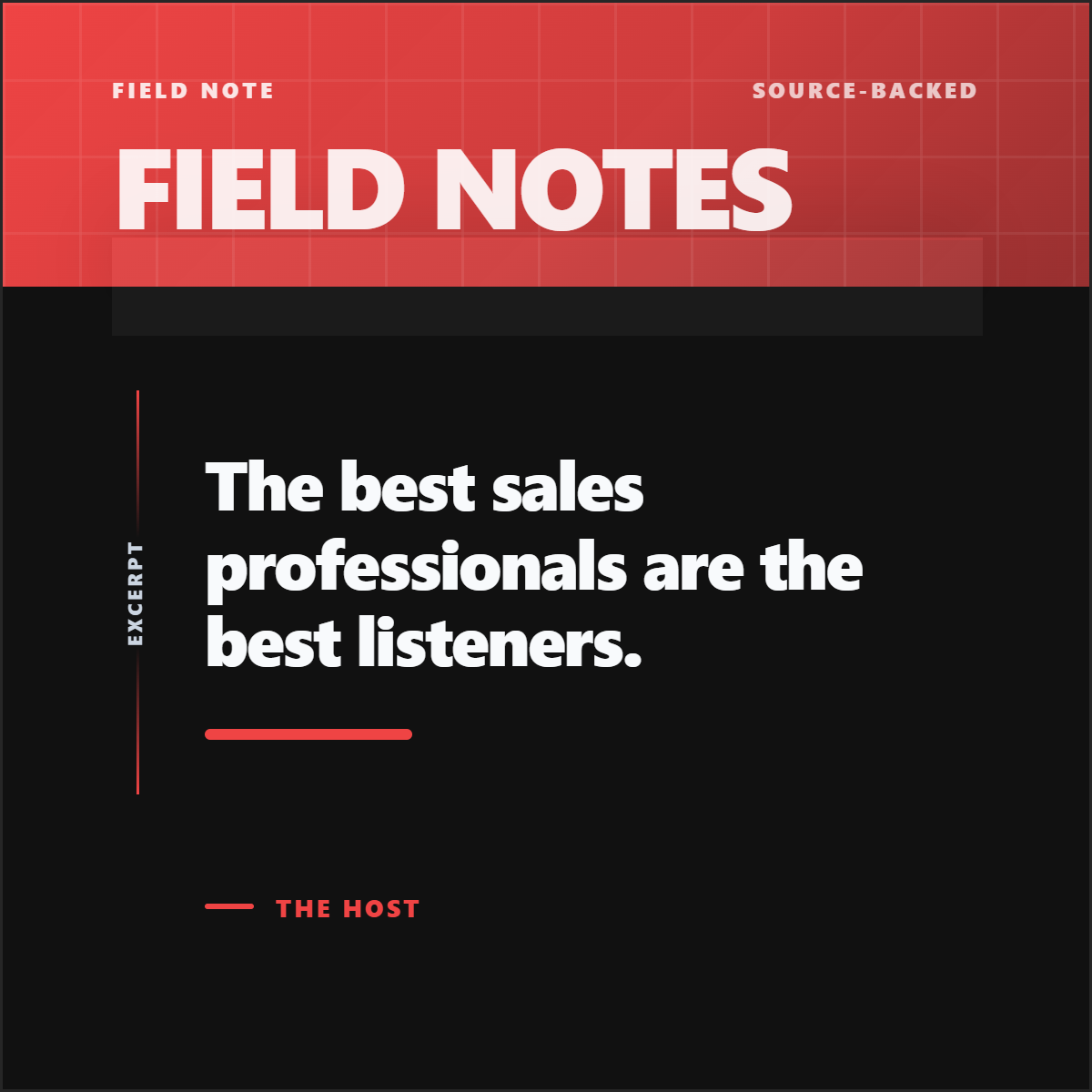
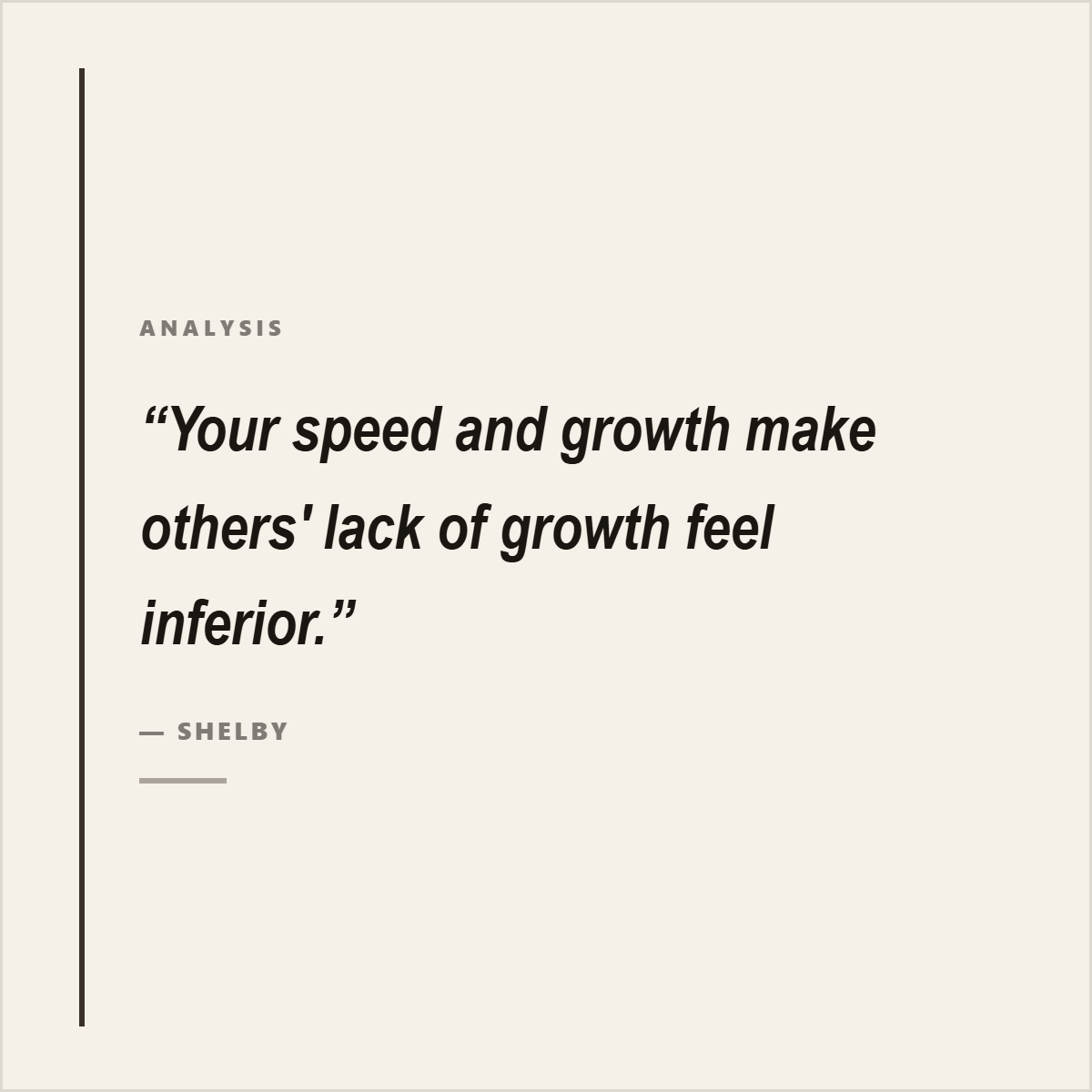
"The office is now a choice, not a requirement."
Satya Nadella, Microsoft CEO
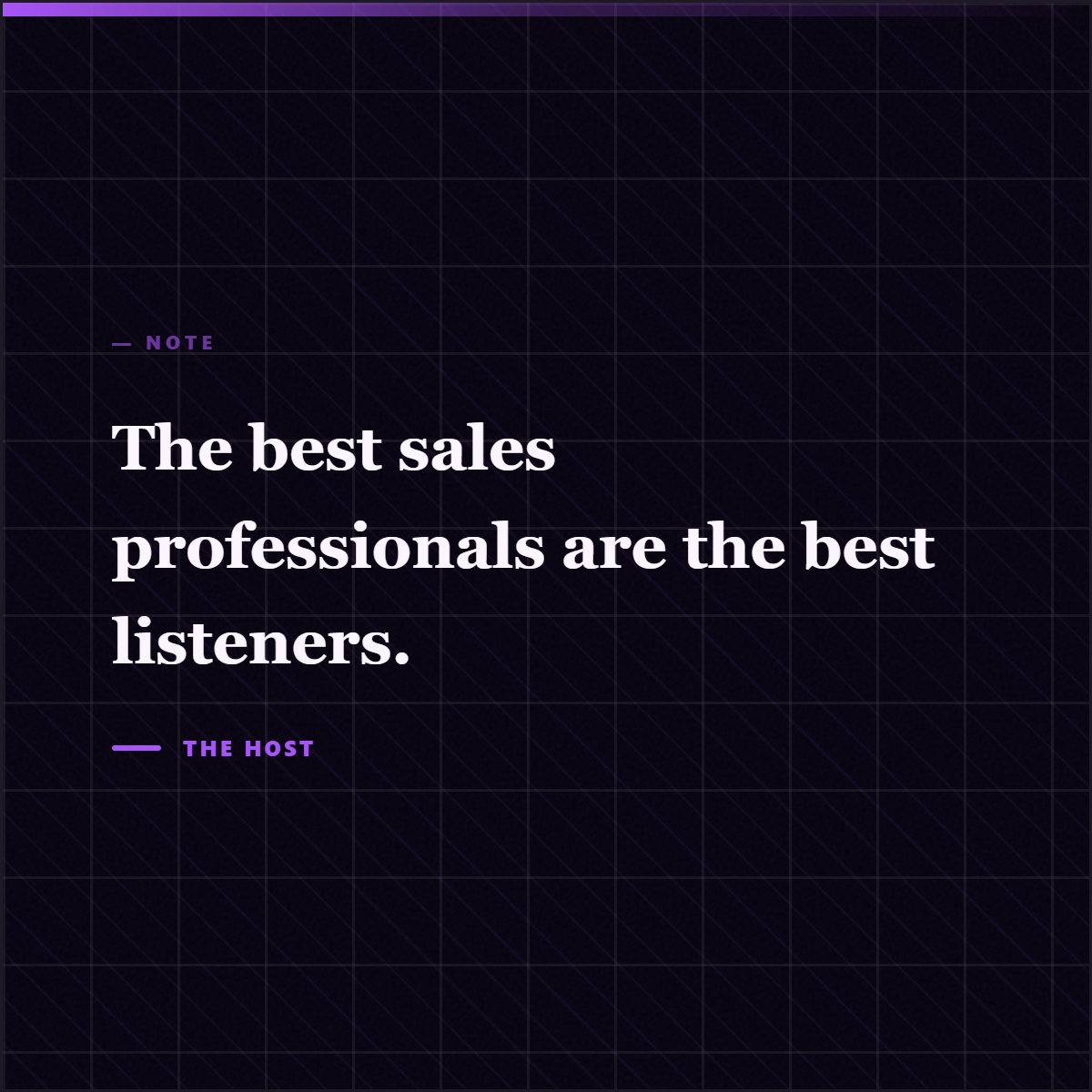
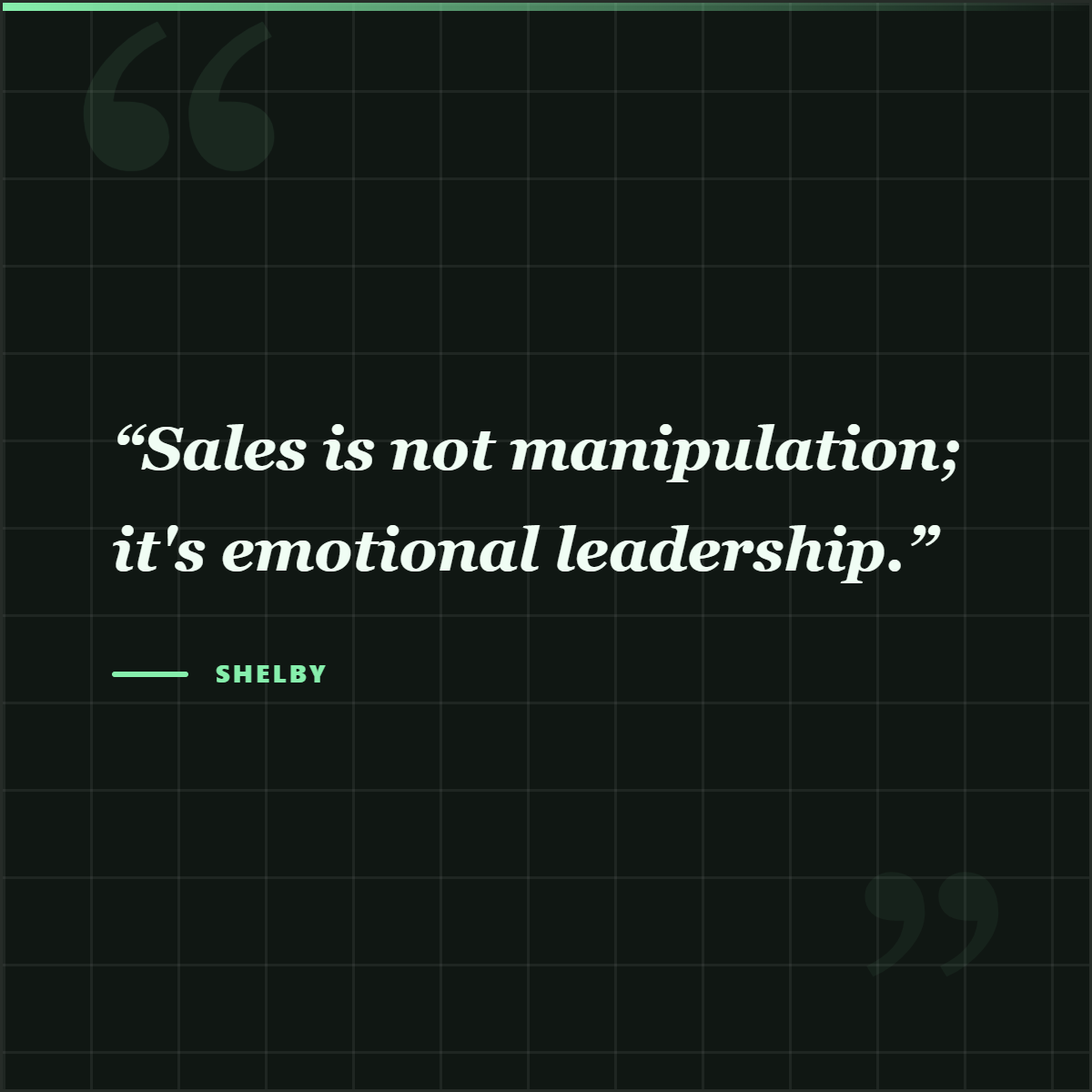
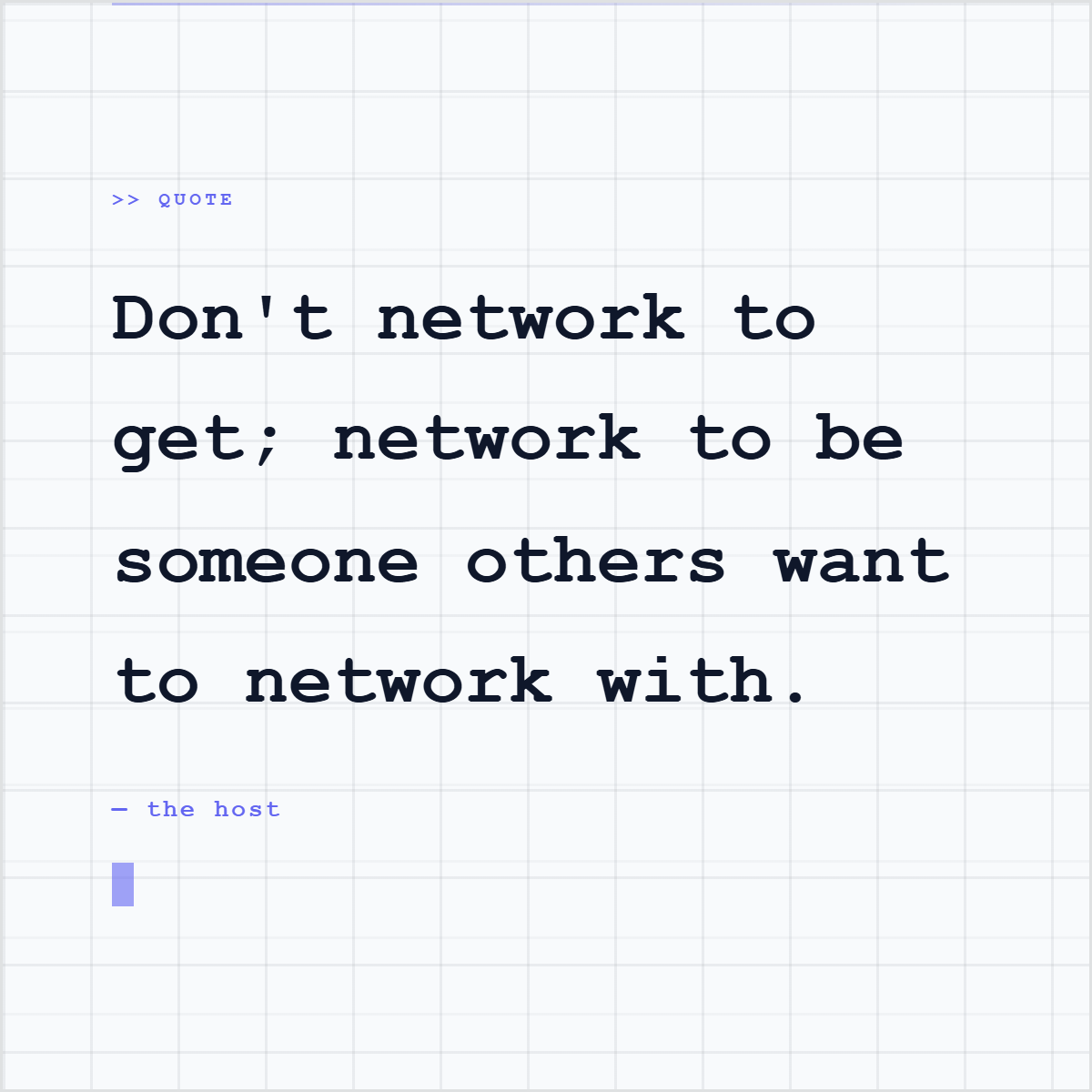
Quote
Invest in async workflows now.
Teams that adapt early will outperform.
What to do
Read the full article.
highlightly.studio/blog/remote-work-ai
Link back
Every slide is fully editable. Change the text, swap the layout, adjust the theme.
Multi-platform
One source. Seven formats.
Same brand. Same content. Optimized for each platform.
1080 x 1080
6-15 slides
Instagram feed
1080 x 1080
4-10 slides
Instagram Stories
1080 x 1920
3-6 slides
X/Twitter thread
1200 x 675
4-8 slides
TikTok slideshow
1080 x 1920
3-6 slides
Presentation
1920 x 1080
8-20 slides
Generic slideshow
1080 x 1080
5-15 slides
How it works
URL in. Carousel out.
Paste article URL
Highlightly extracts hooks, stats, quotes, key points.
Choose platform and tone
LinkedIn professional, casual, data-driven, etc.
Review and edit slides
Every slide is fully editable. Swap text, layouts, themes.
Apply brand kit and export
PDF for LinkedIn, PNGs for everything else.
Why Highlightly
Manual vs Highlightly.
| Manual | Highlightly | |
|---|---|---|
| Read the article | Full read + notes (20 min) | AI extracts instantly |
| Outline slides | Structure from scratch (15 min) | Auto-structured |
| Open design tool | Canva, Figma, or PowerPoint | Built-in editor |
| Design each slide | Layout, fonts, colors (45 min) | Themes + brand kit |
| Add branding | Manual logo + color placement | One-click brand apply |
| Export | Resize, format, compress | PDF + PNG export |
| Total effort | Read, outline, design, resize | Extract, choose, edit, brand |
Built for you
Who uses article carousels?
Content Marketers
Turn blog posts into source-backed LinkedIn carousels without rewriting every point by hand.
Founders
Package market research into swipeable thought leadership.
Agencies
Create client carousels from their articles and reports.
Researchers
Make findings accessible and engaging on LinkedIn.
FAQ