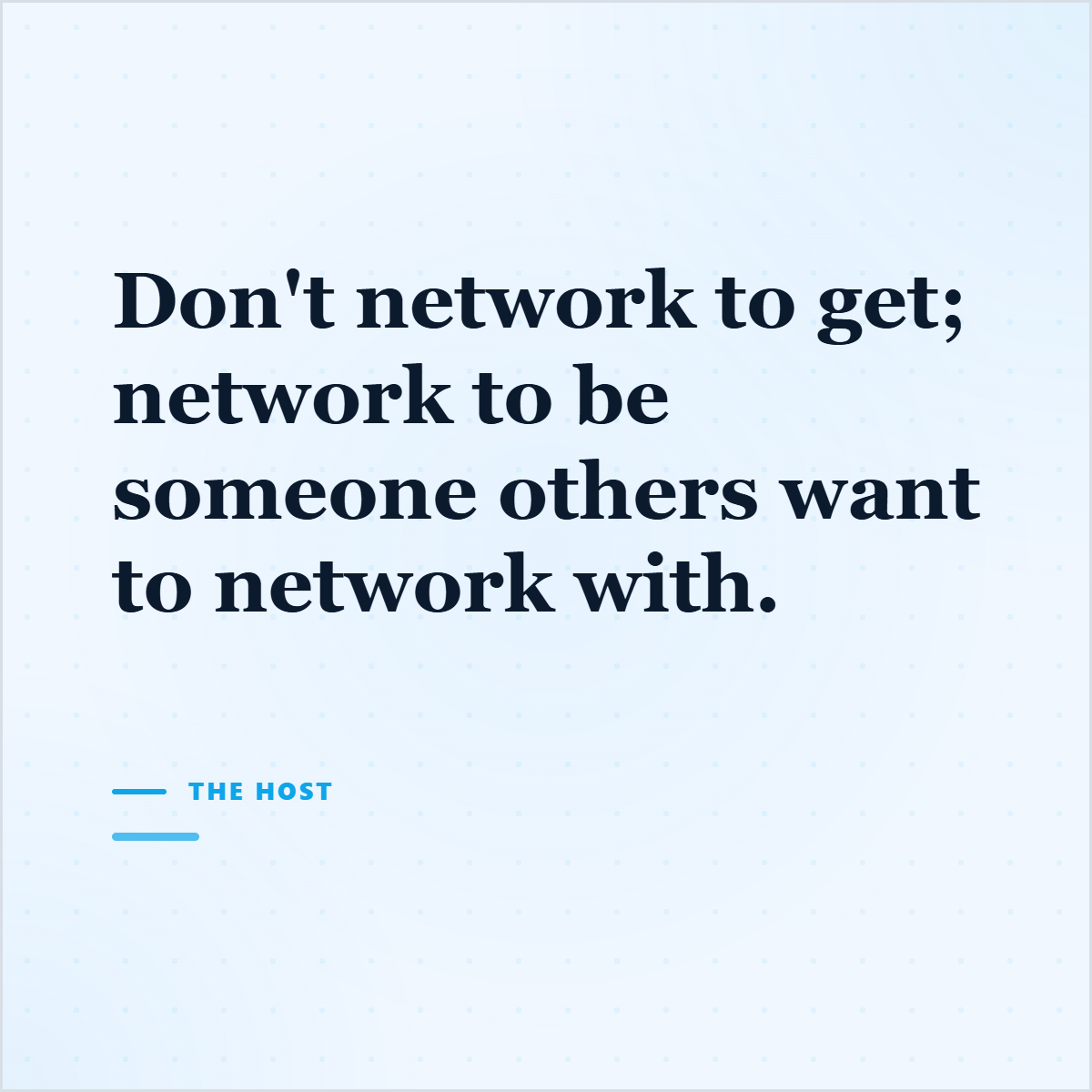
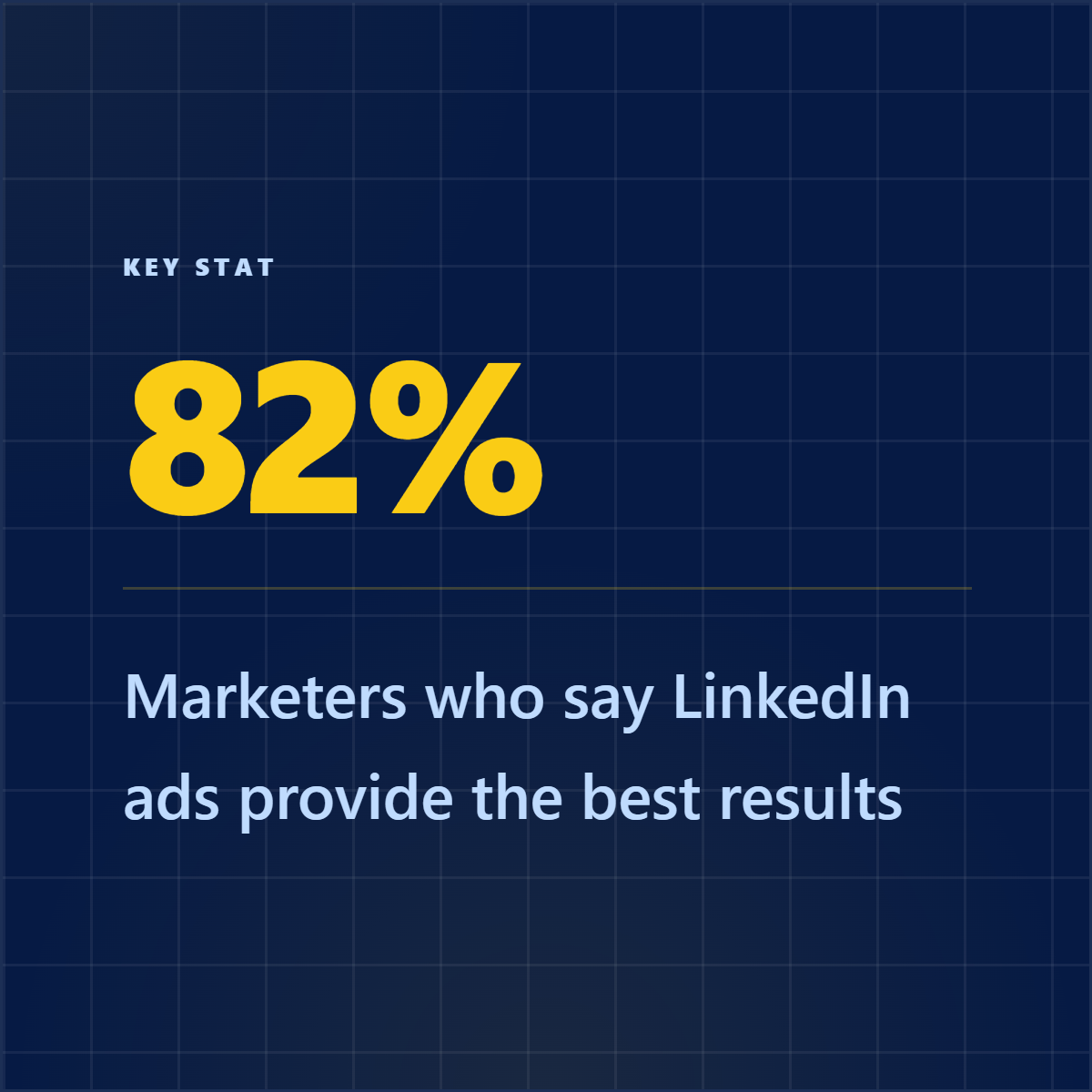
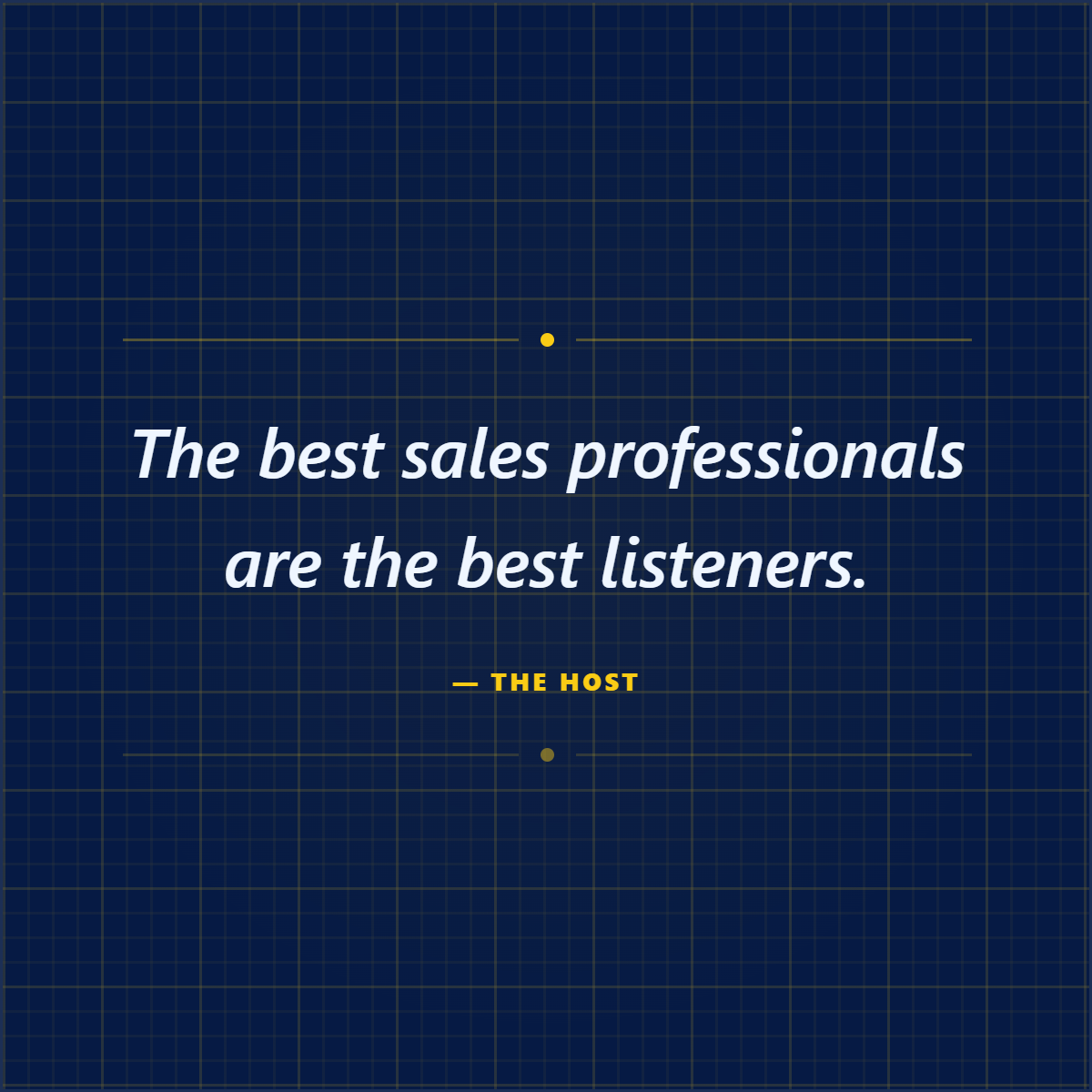
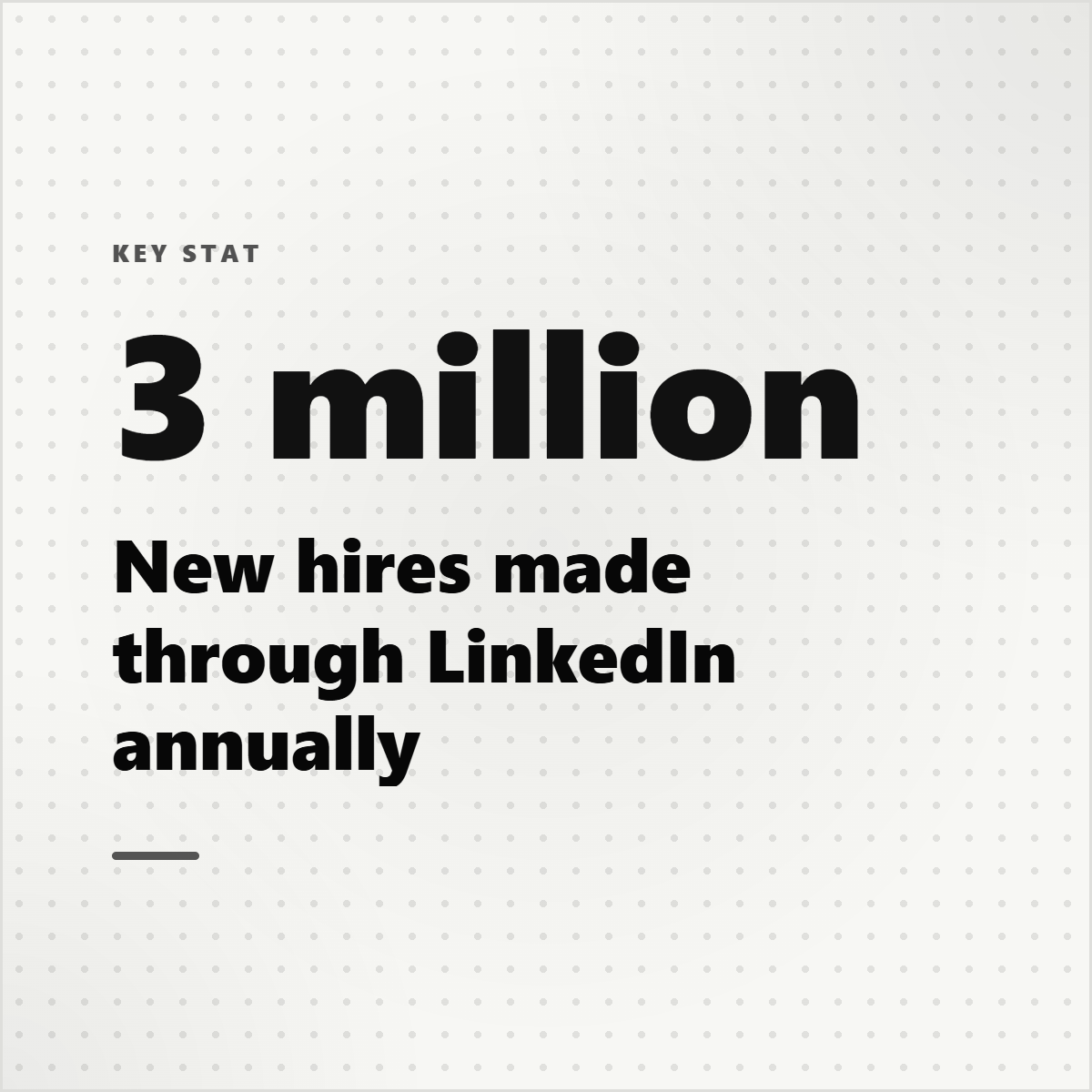
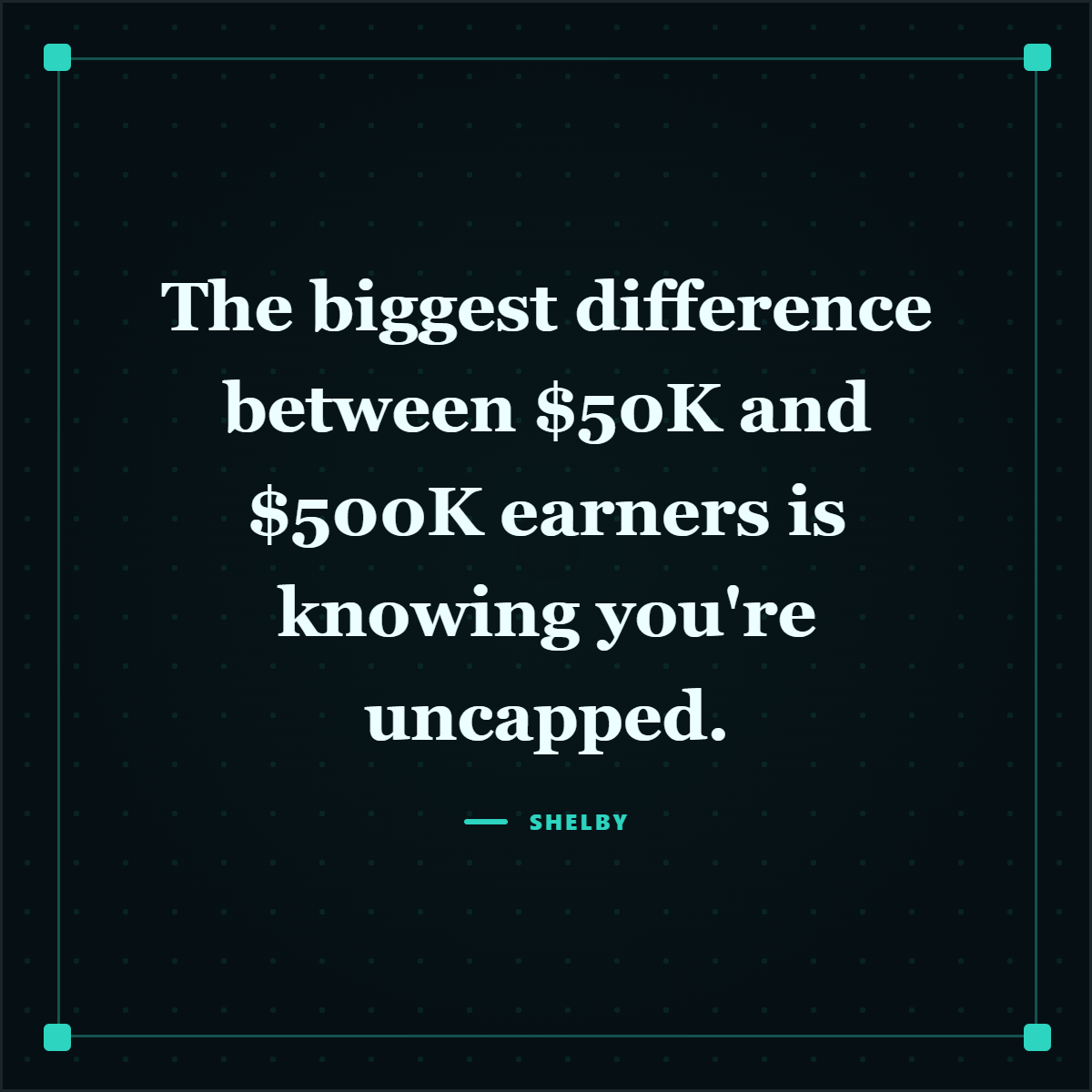
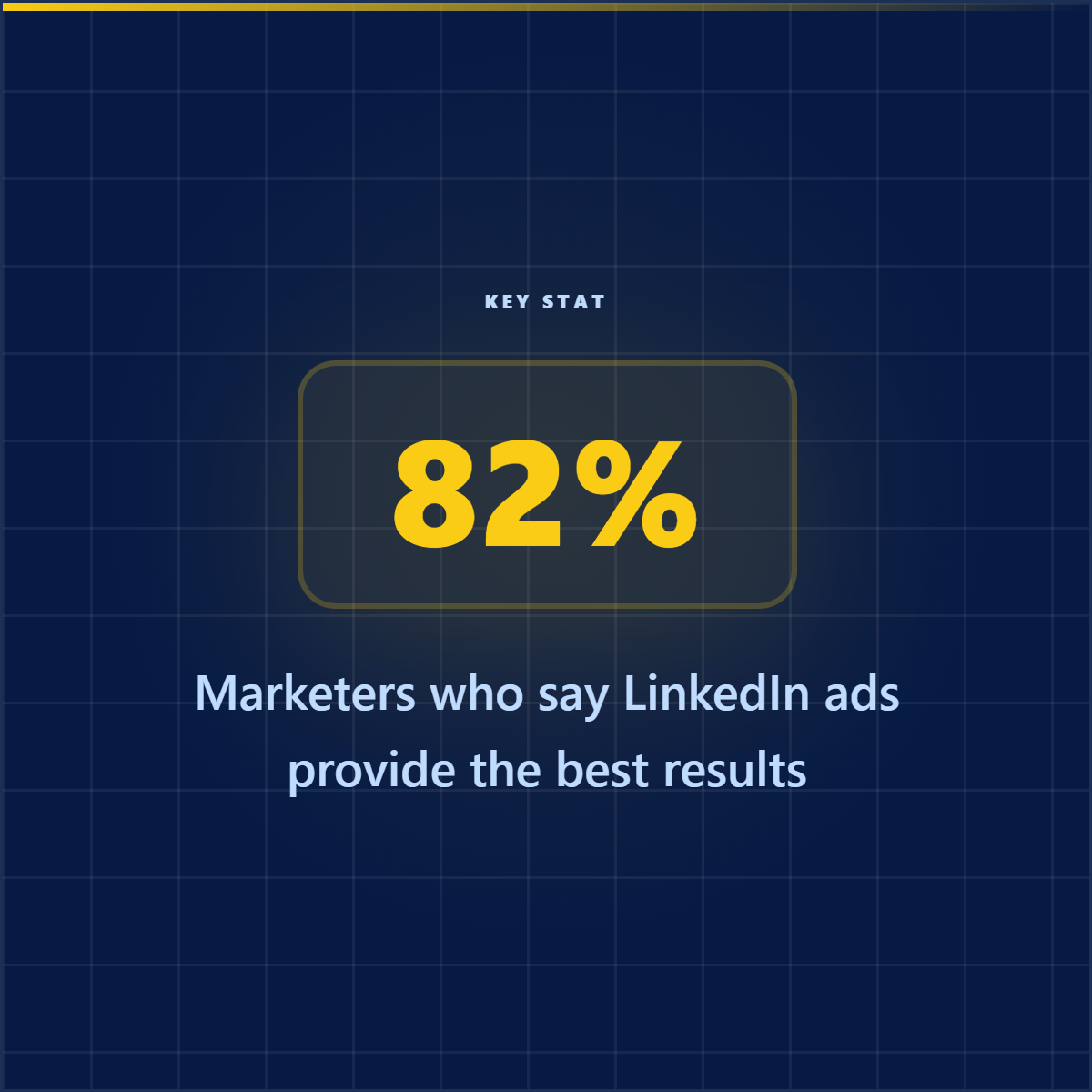
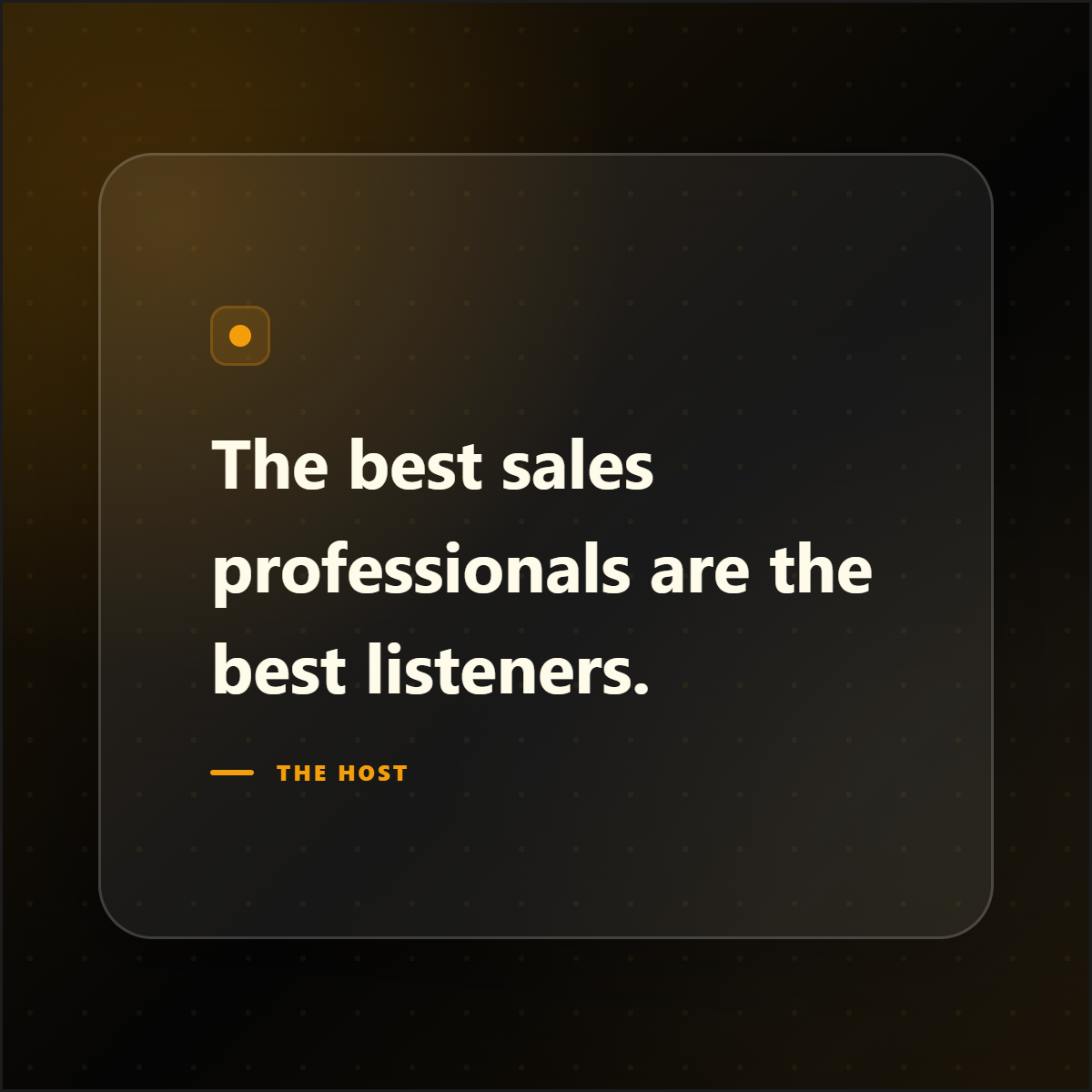
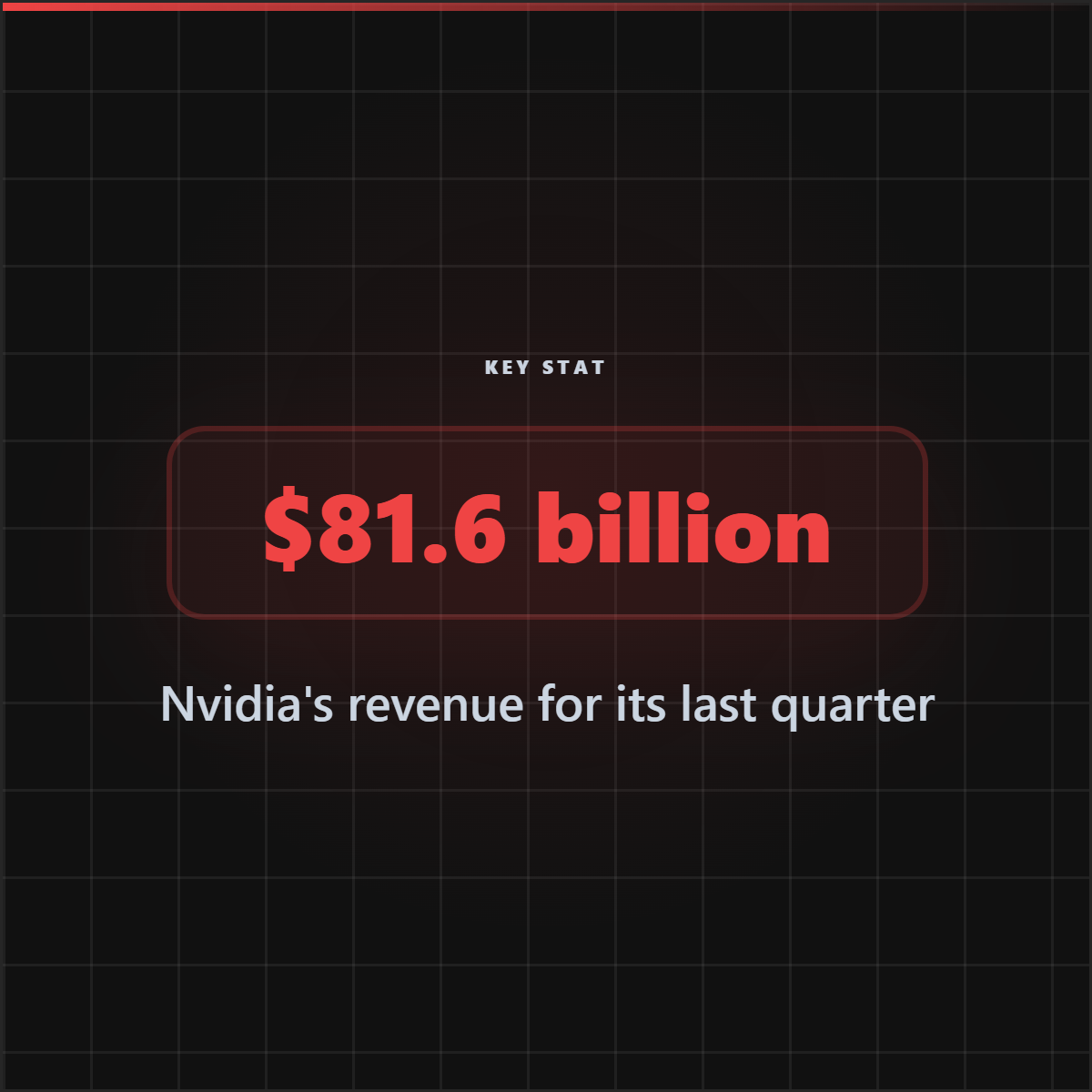
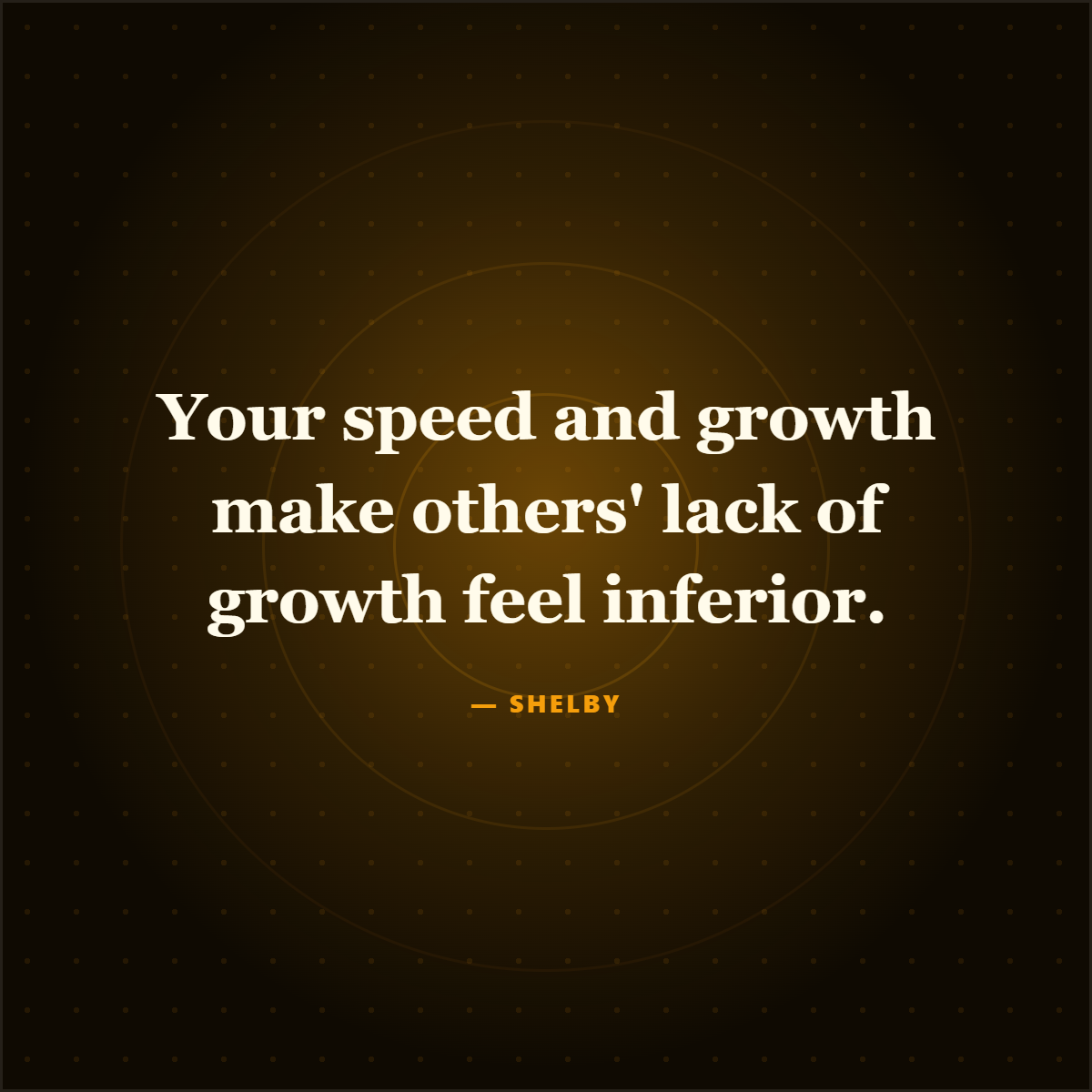
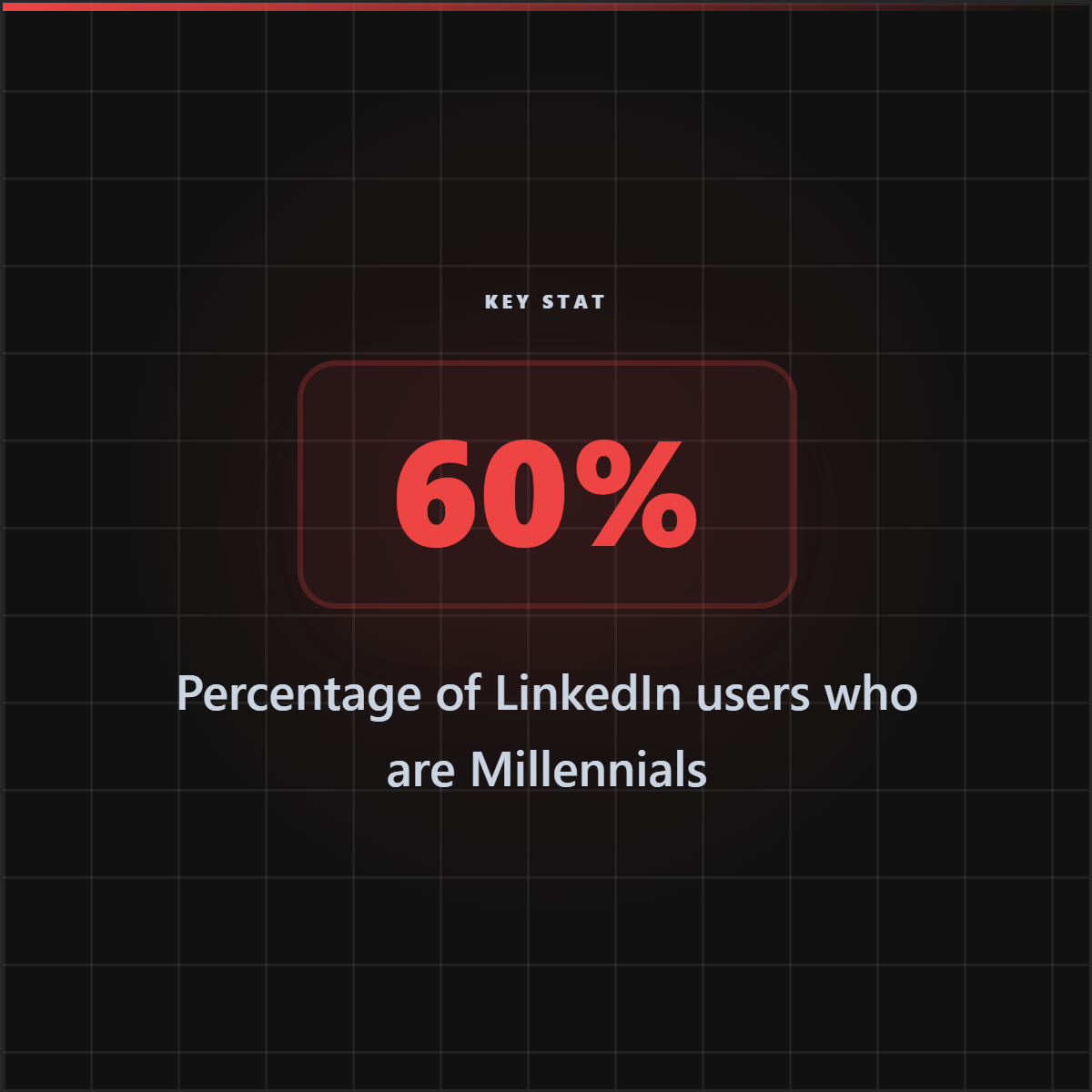
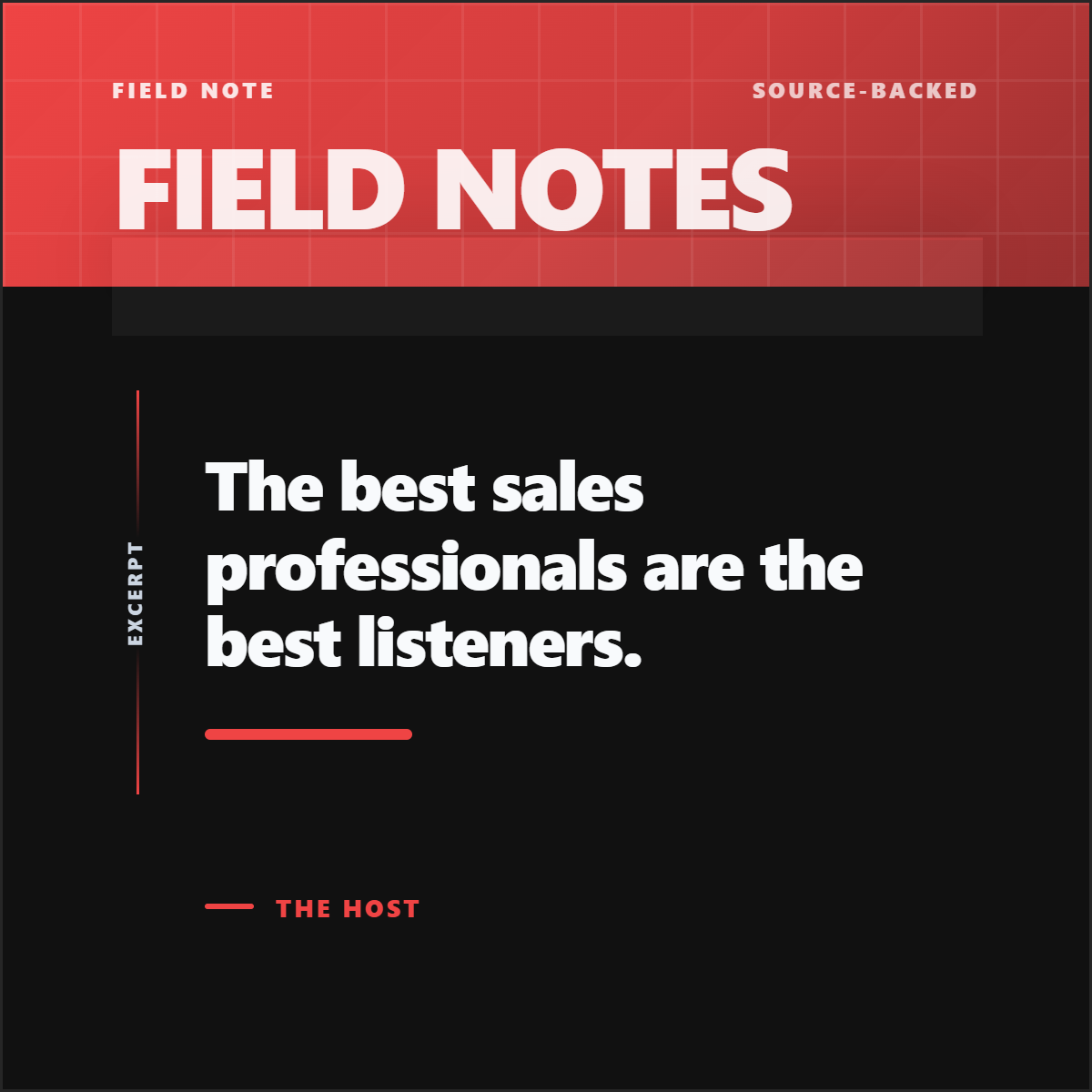
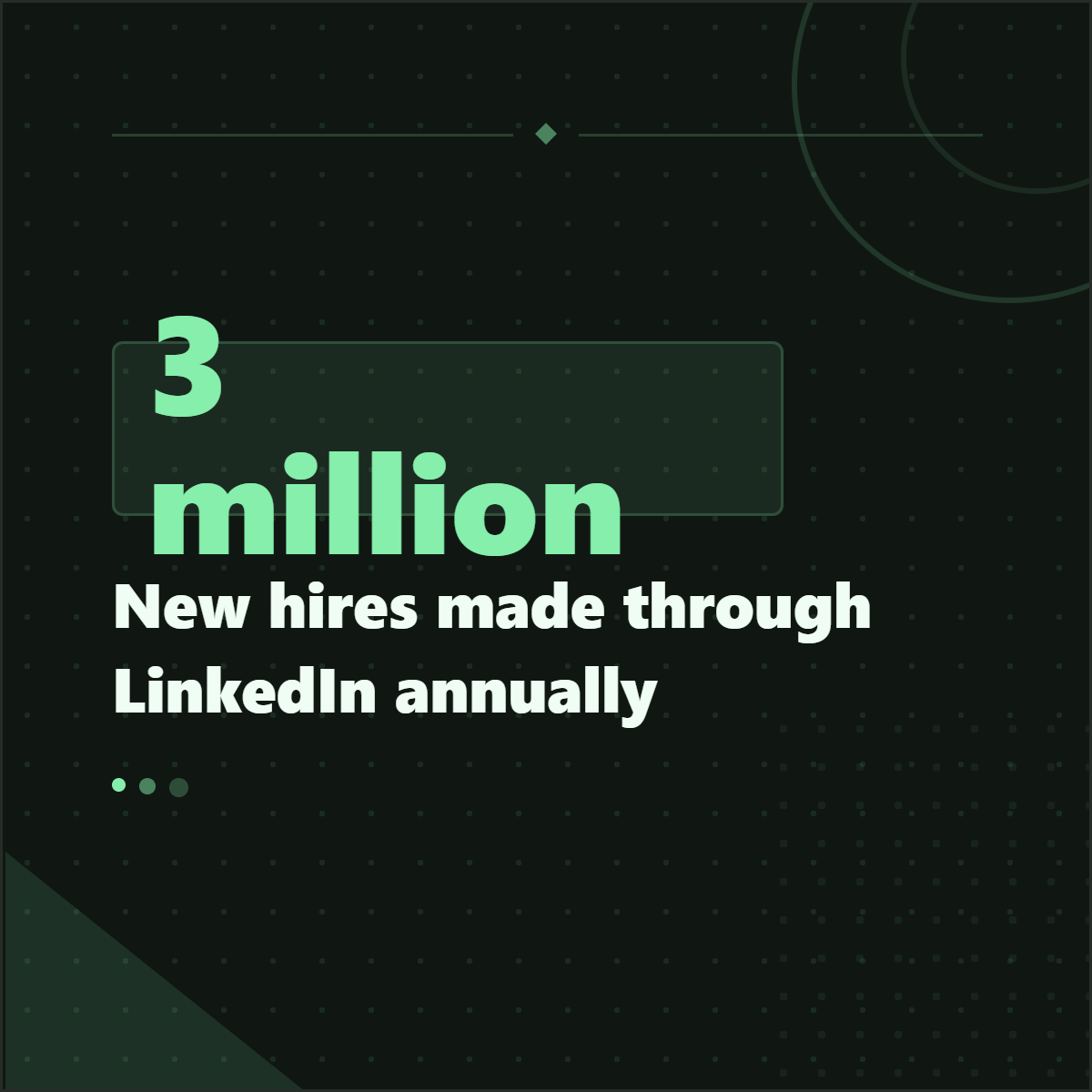
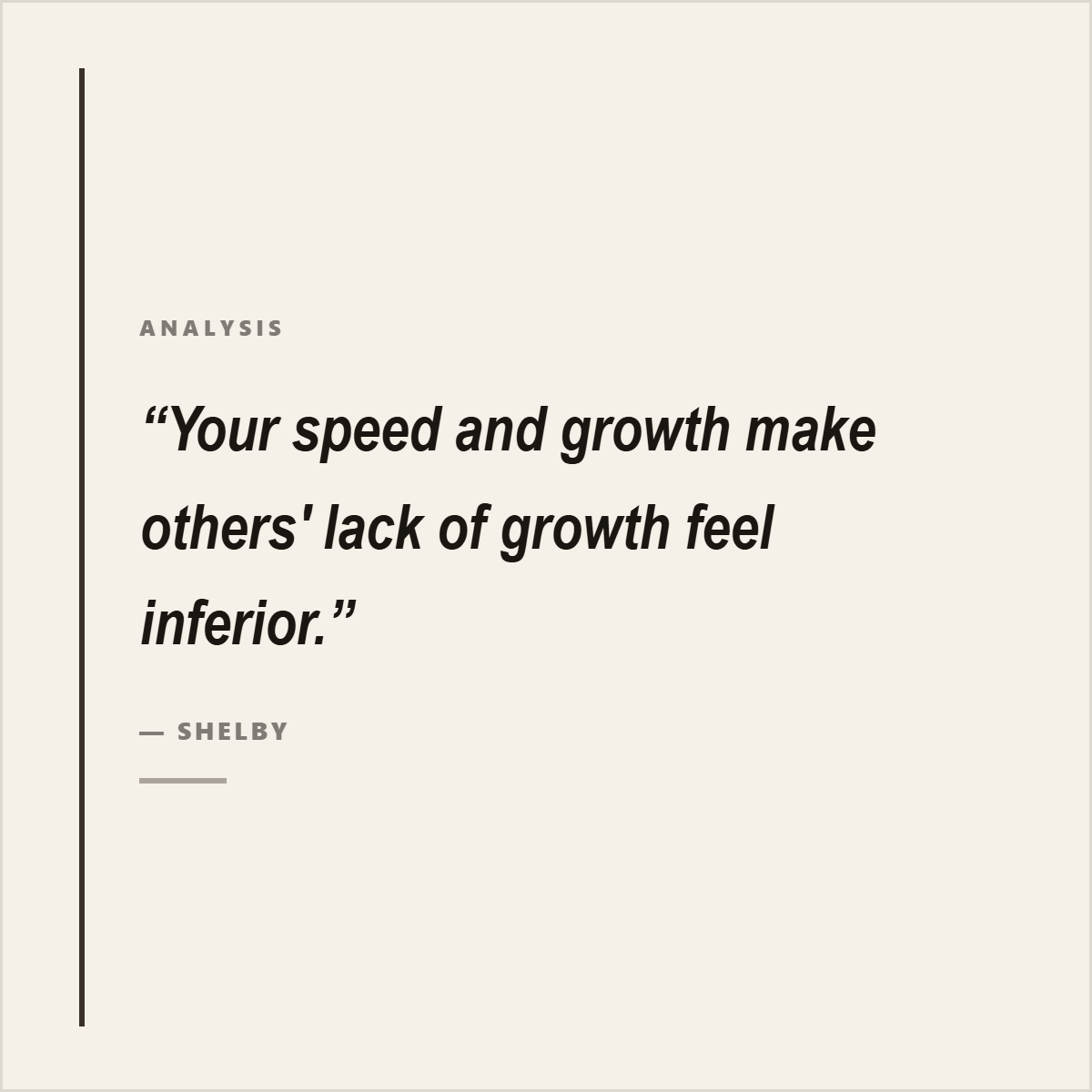
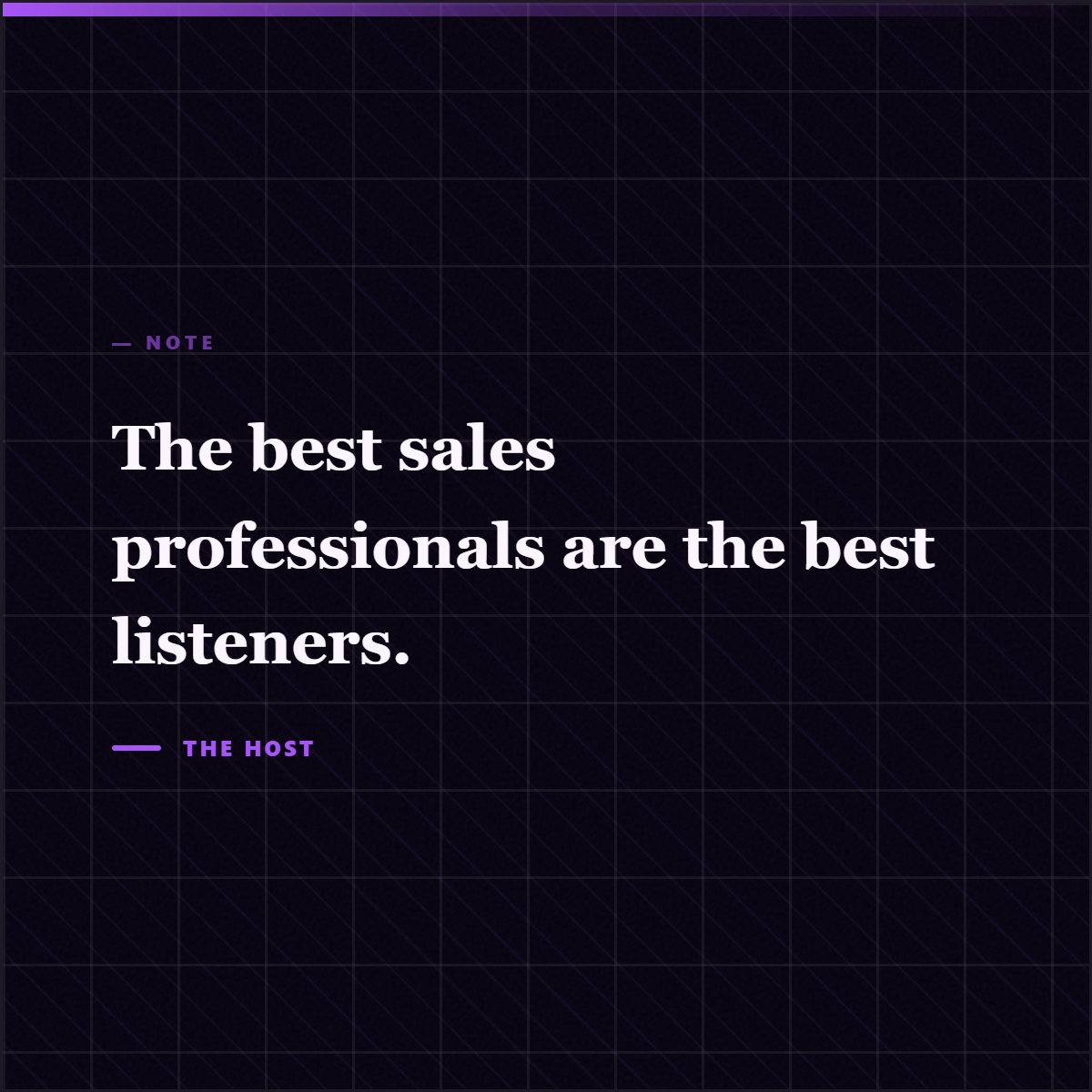
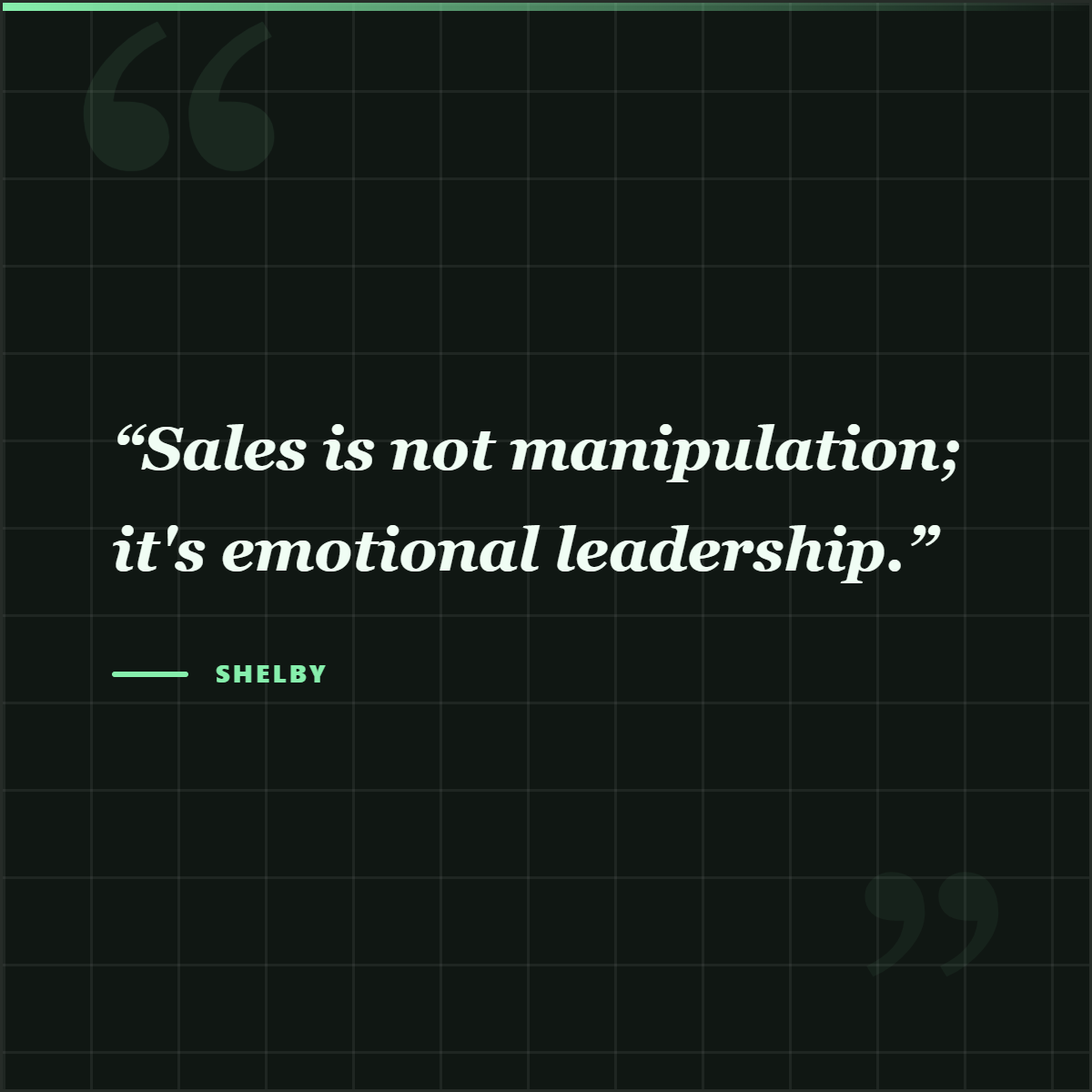
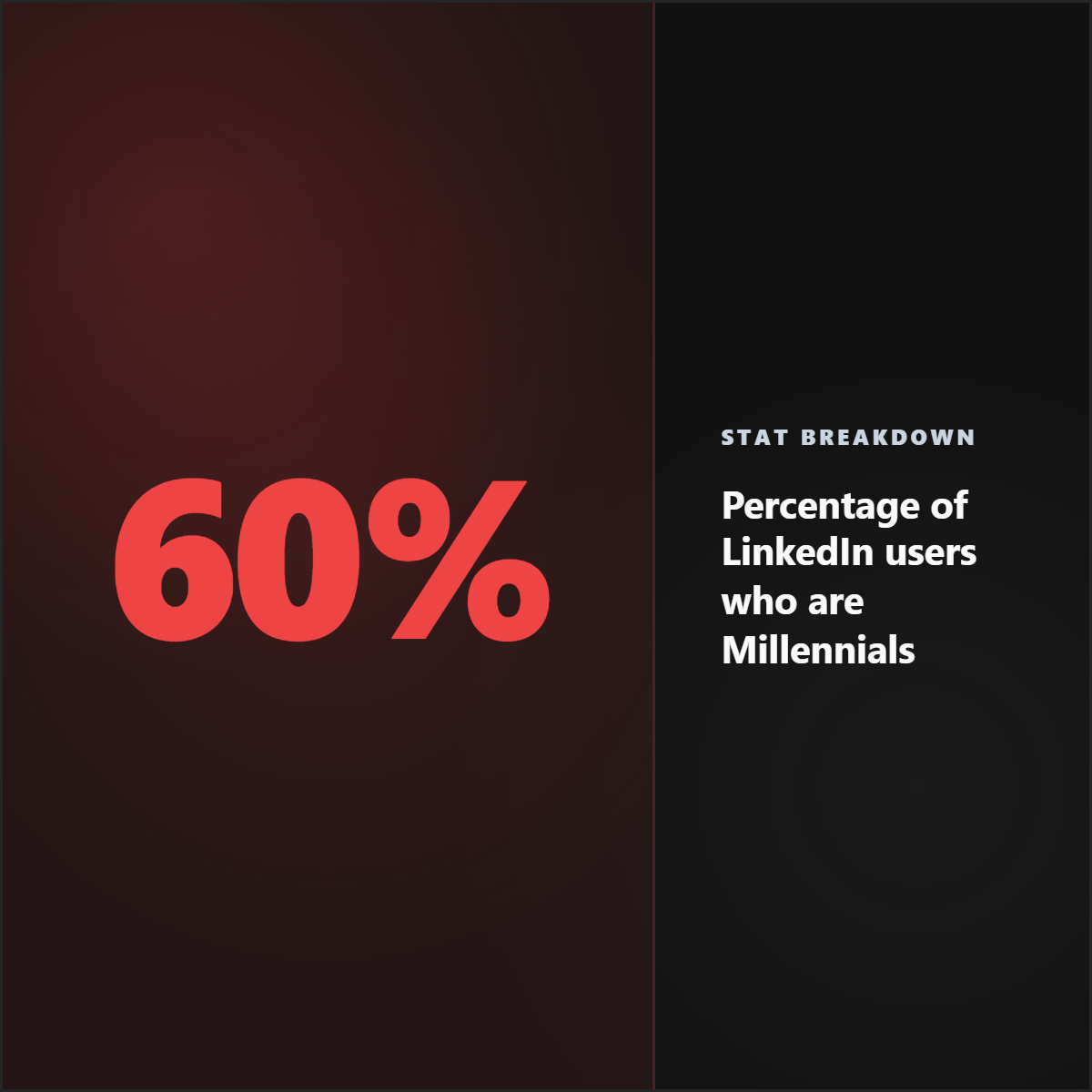
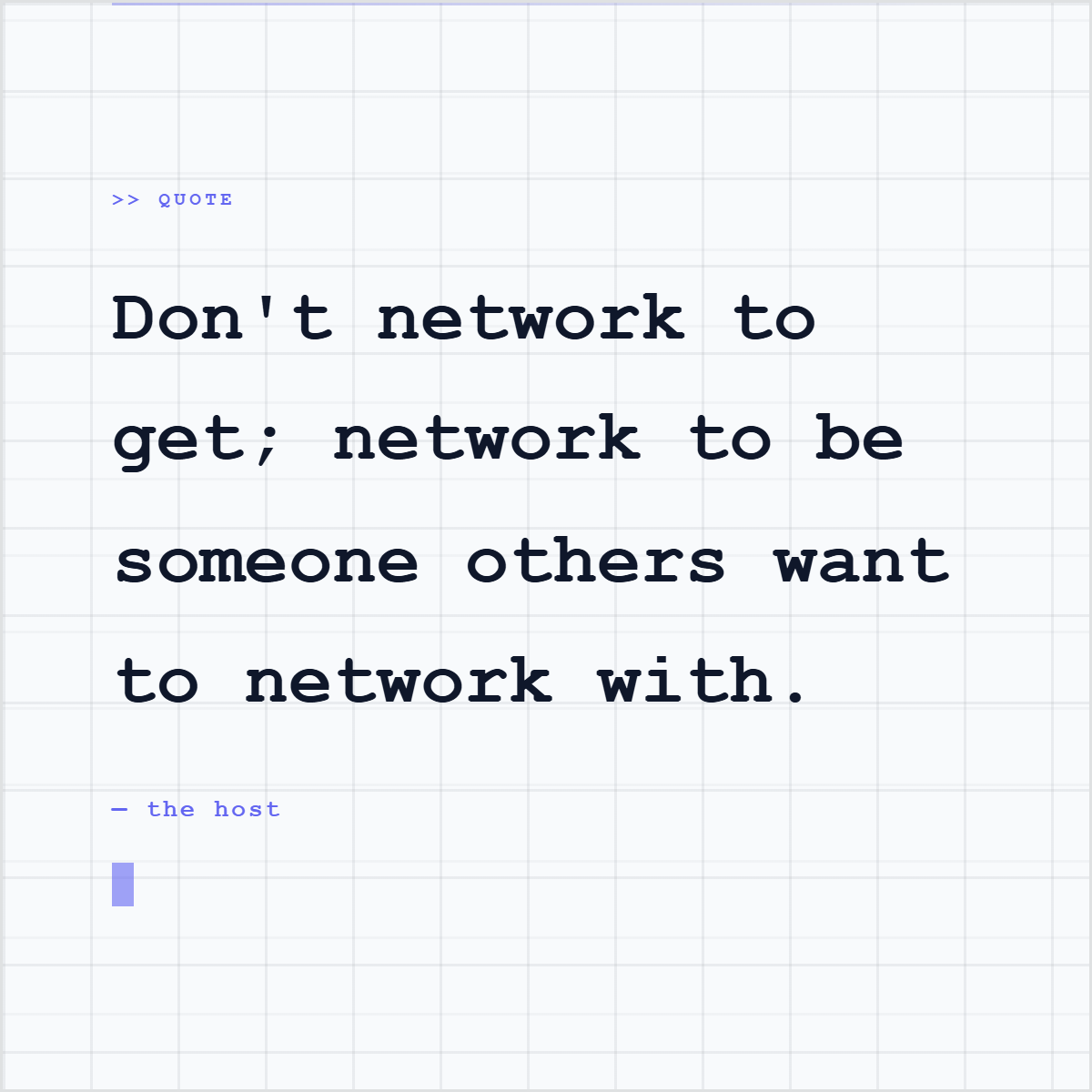
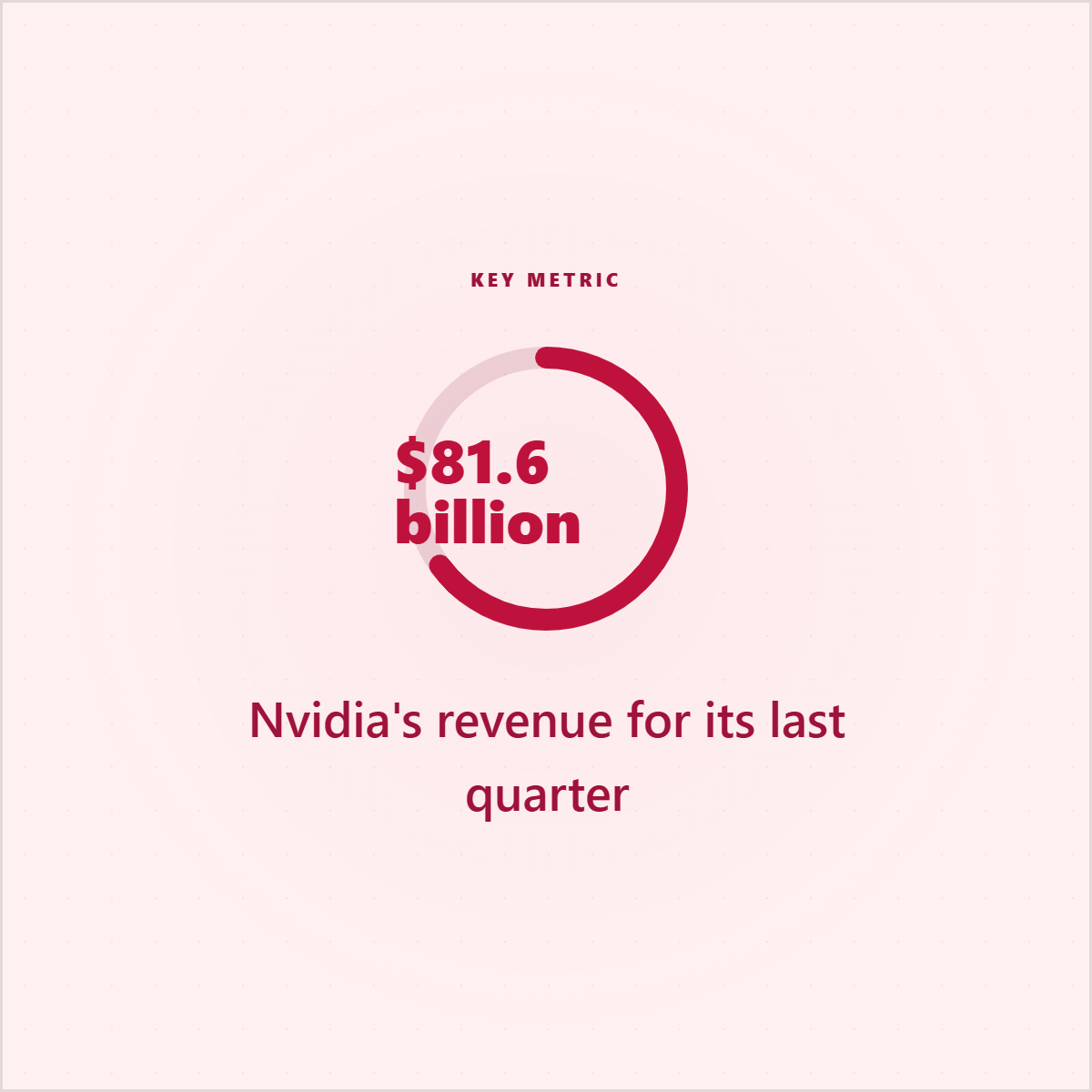
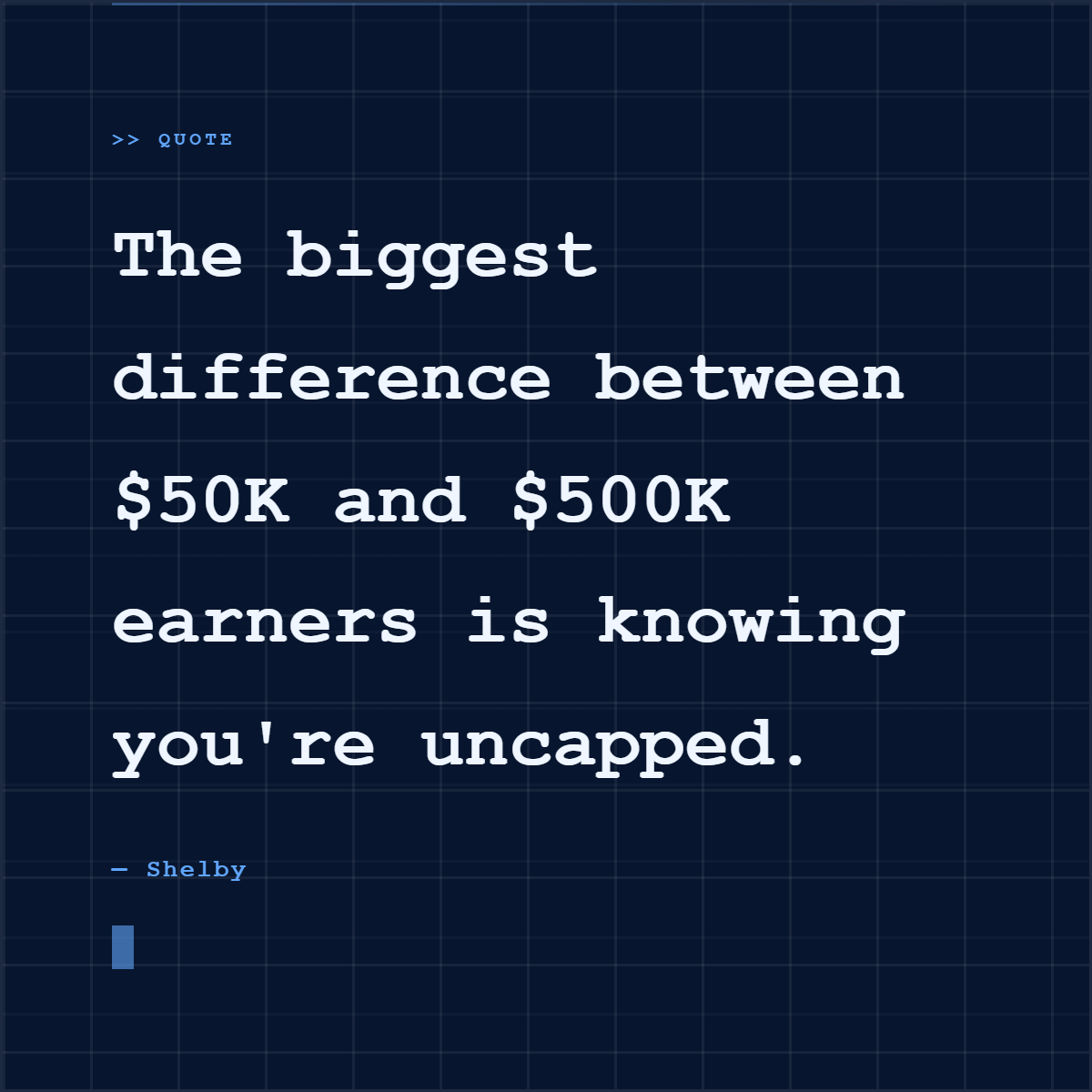
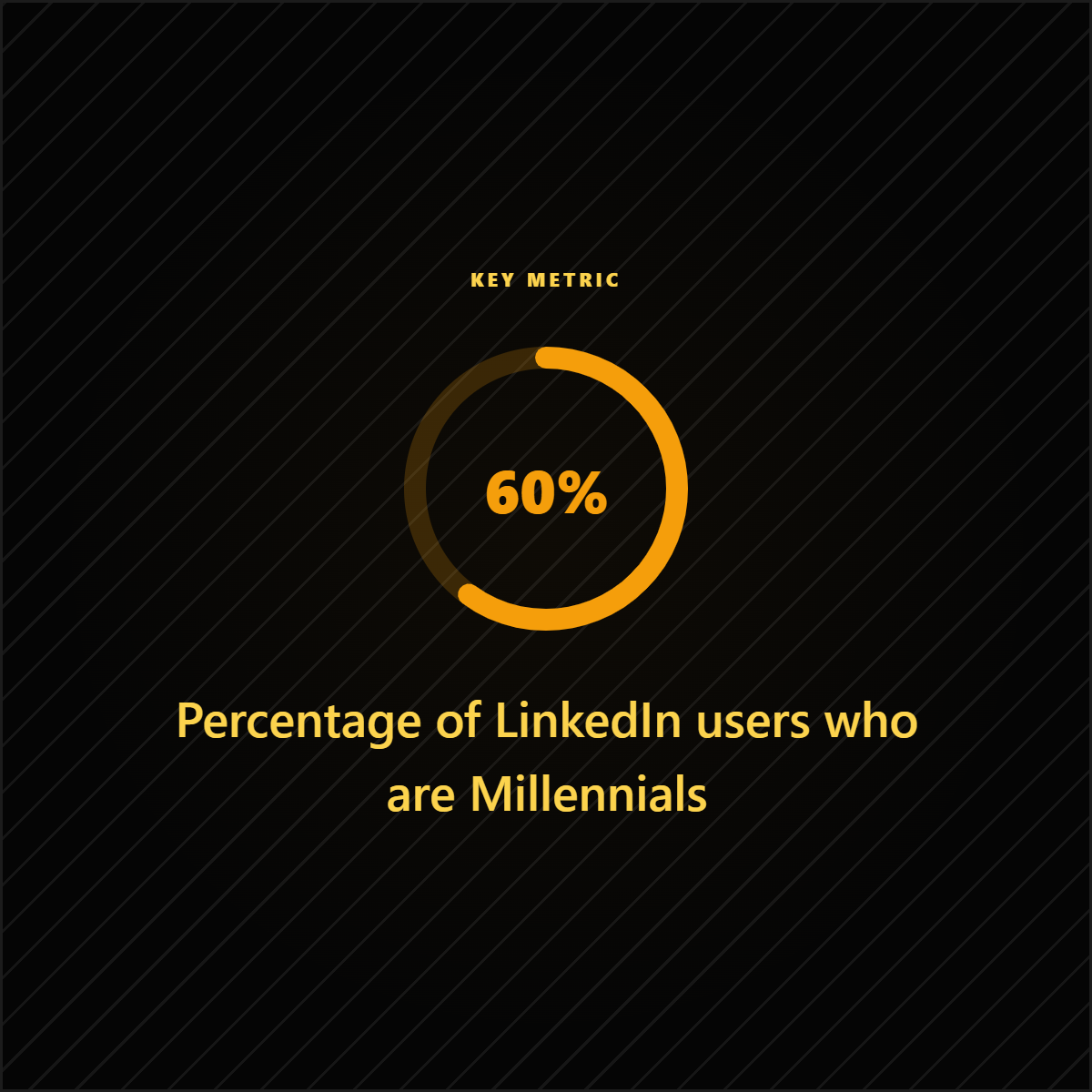
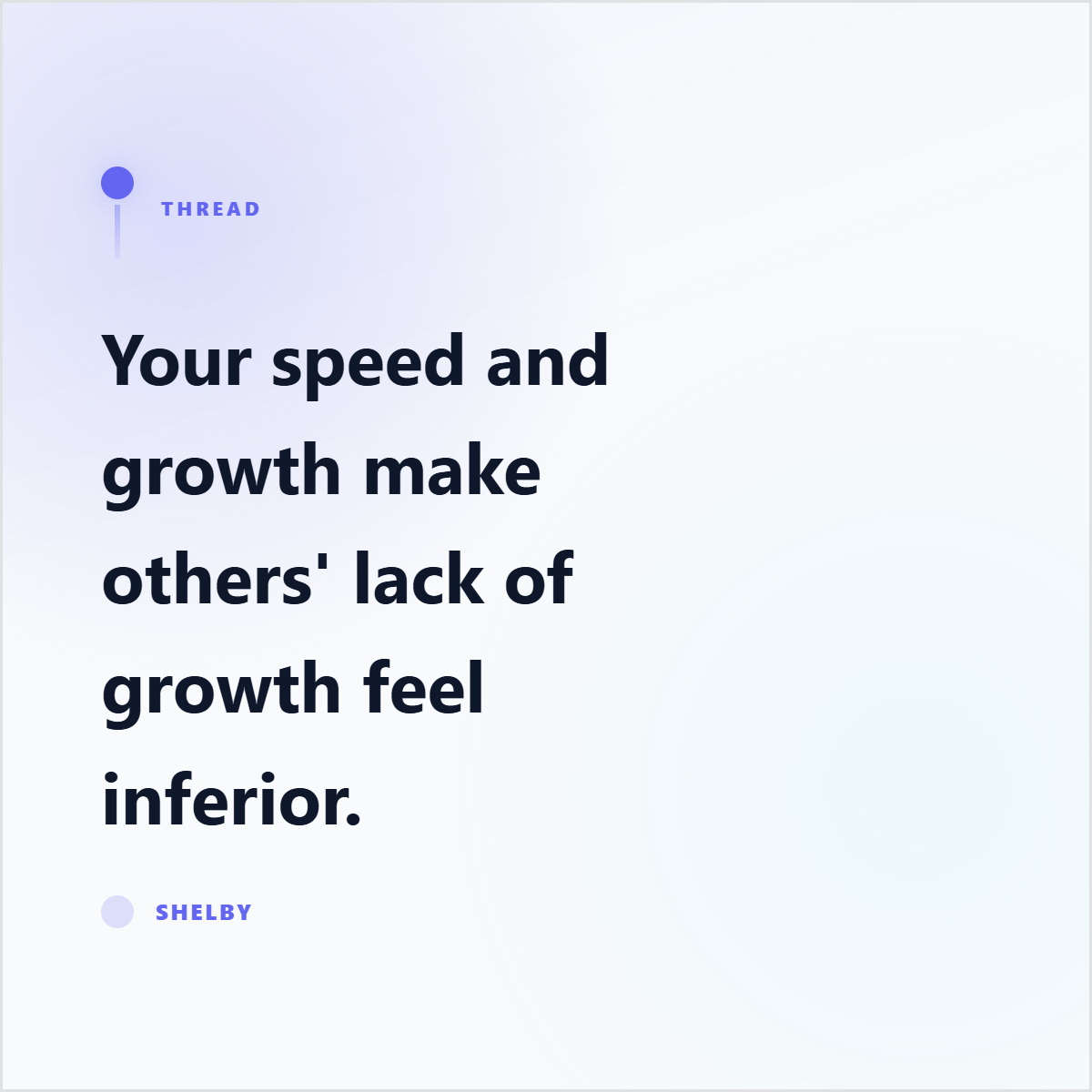
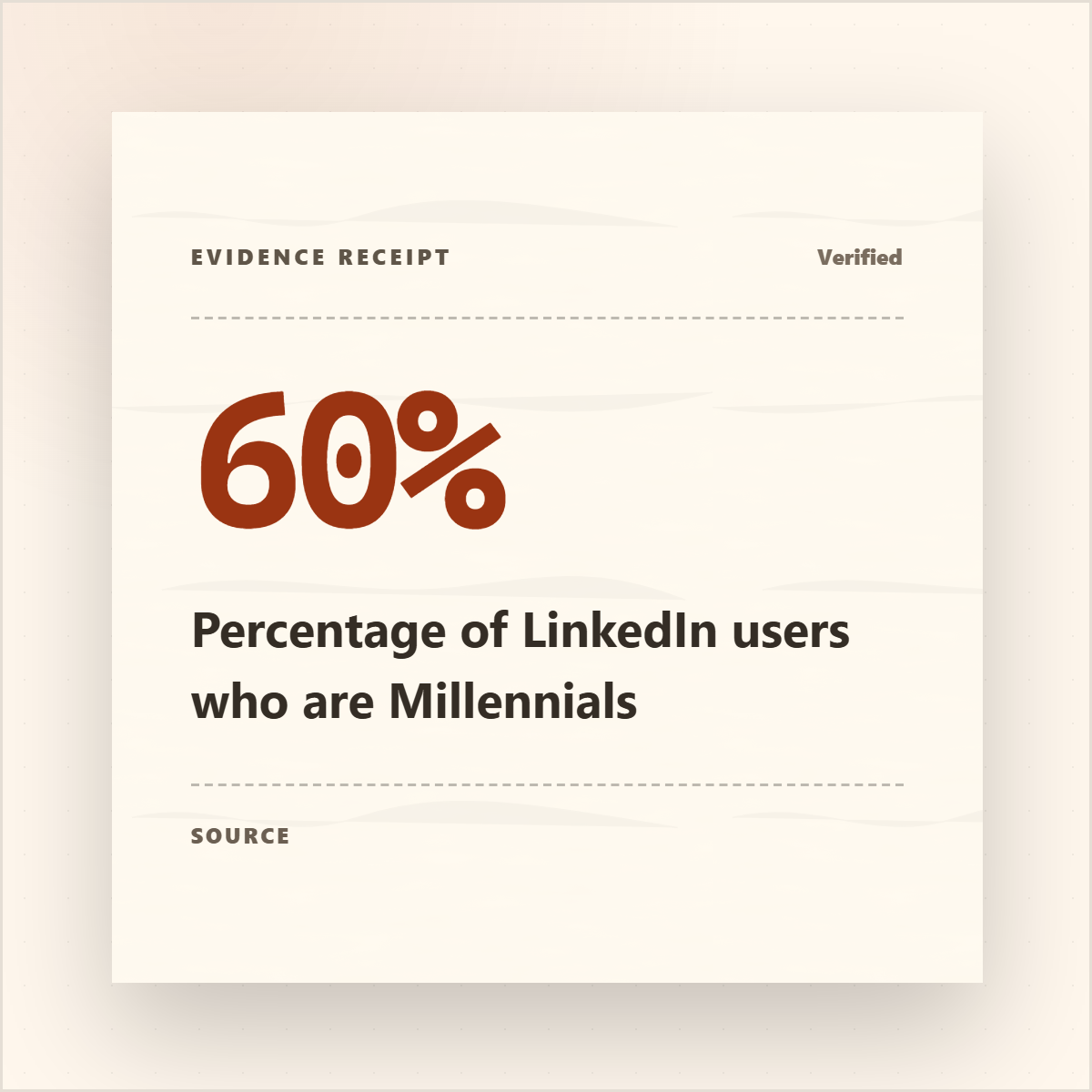
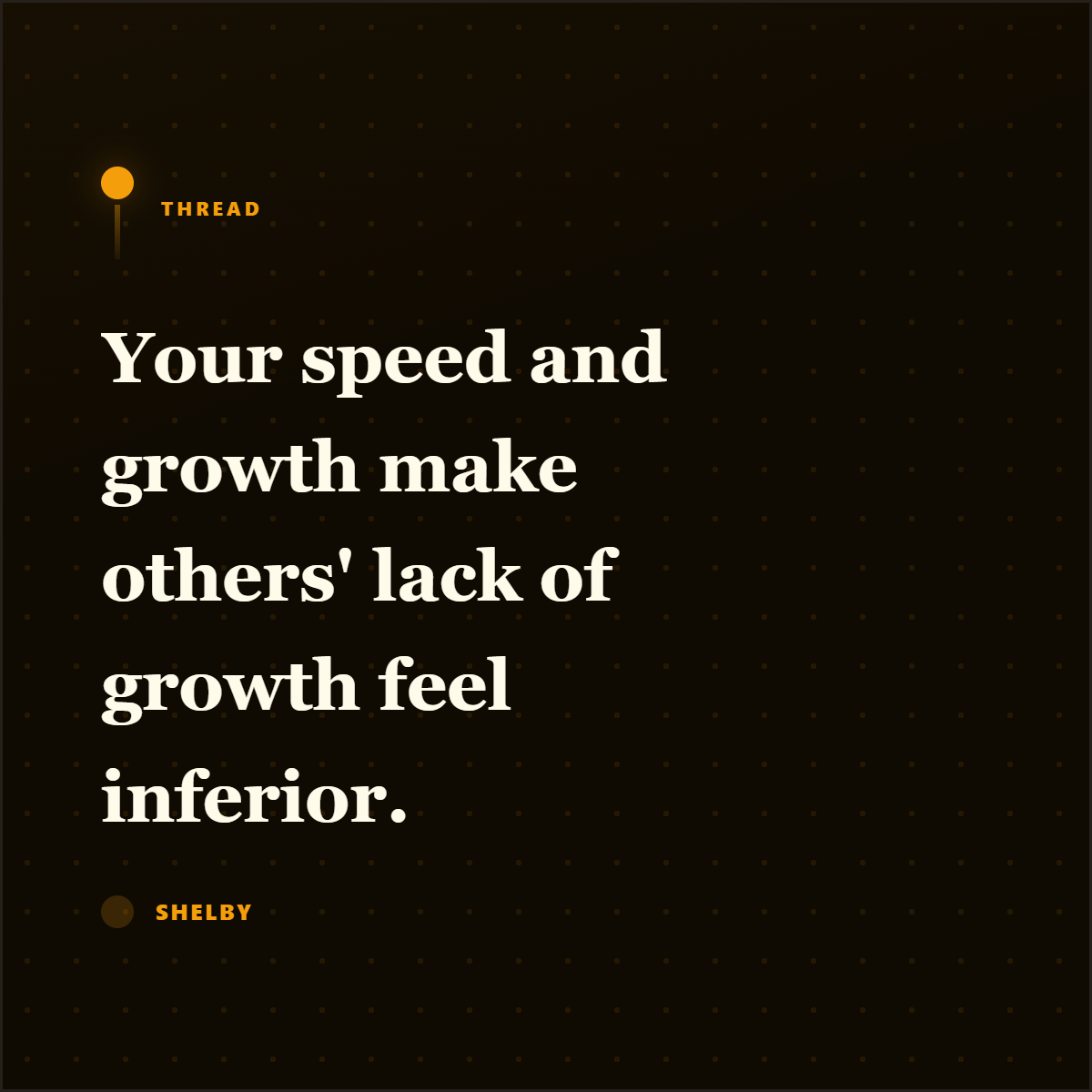
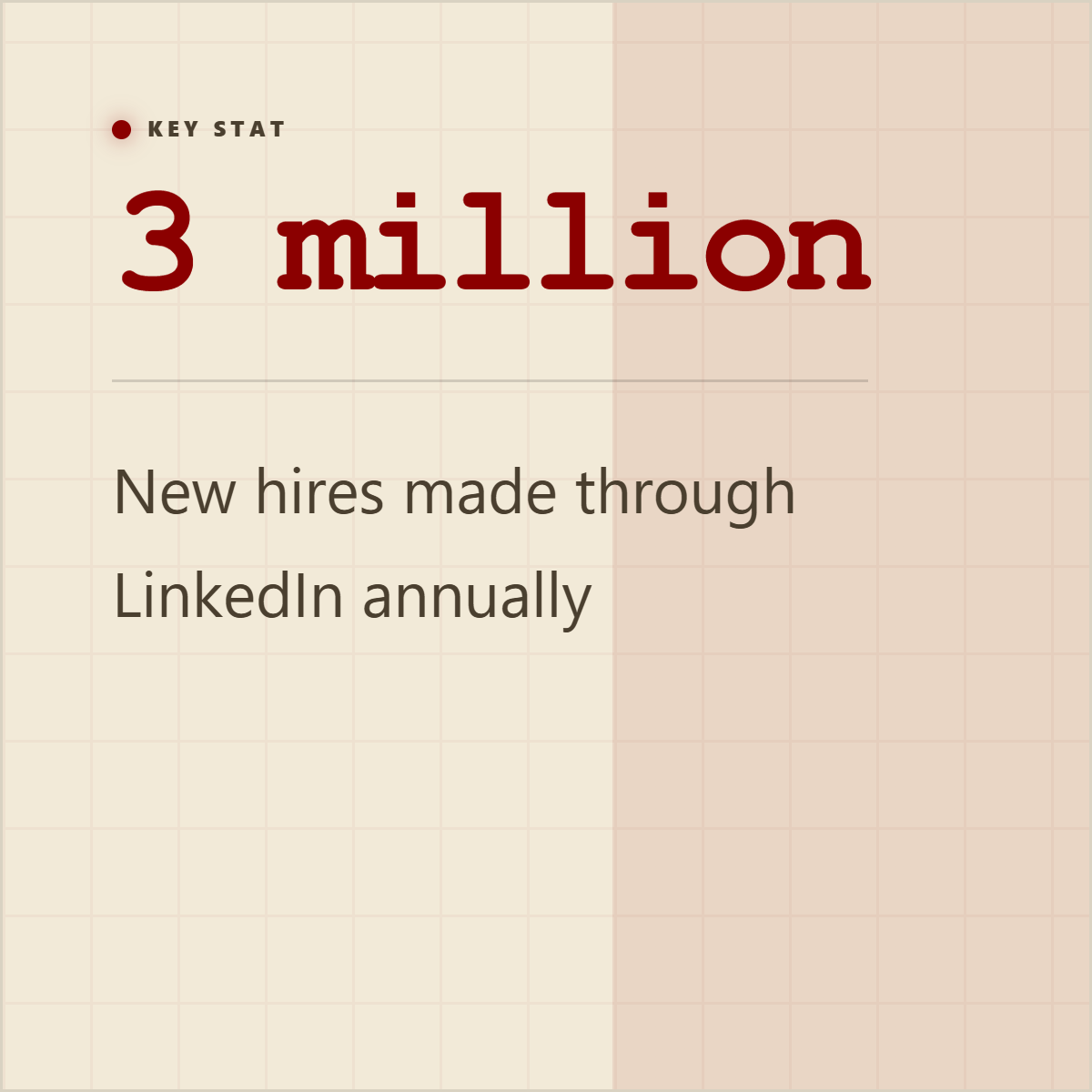
Turn a 40-page report into a 7-slide carousel.
Upload a PDF. AI extracts statistics, quotes, and key points. Pick the strongest. Download a branded carousel.
Drop your PDF here
or click to browse files
Turn reports, PDFs, and docs into swipeable LinkedIn carousel sequences.
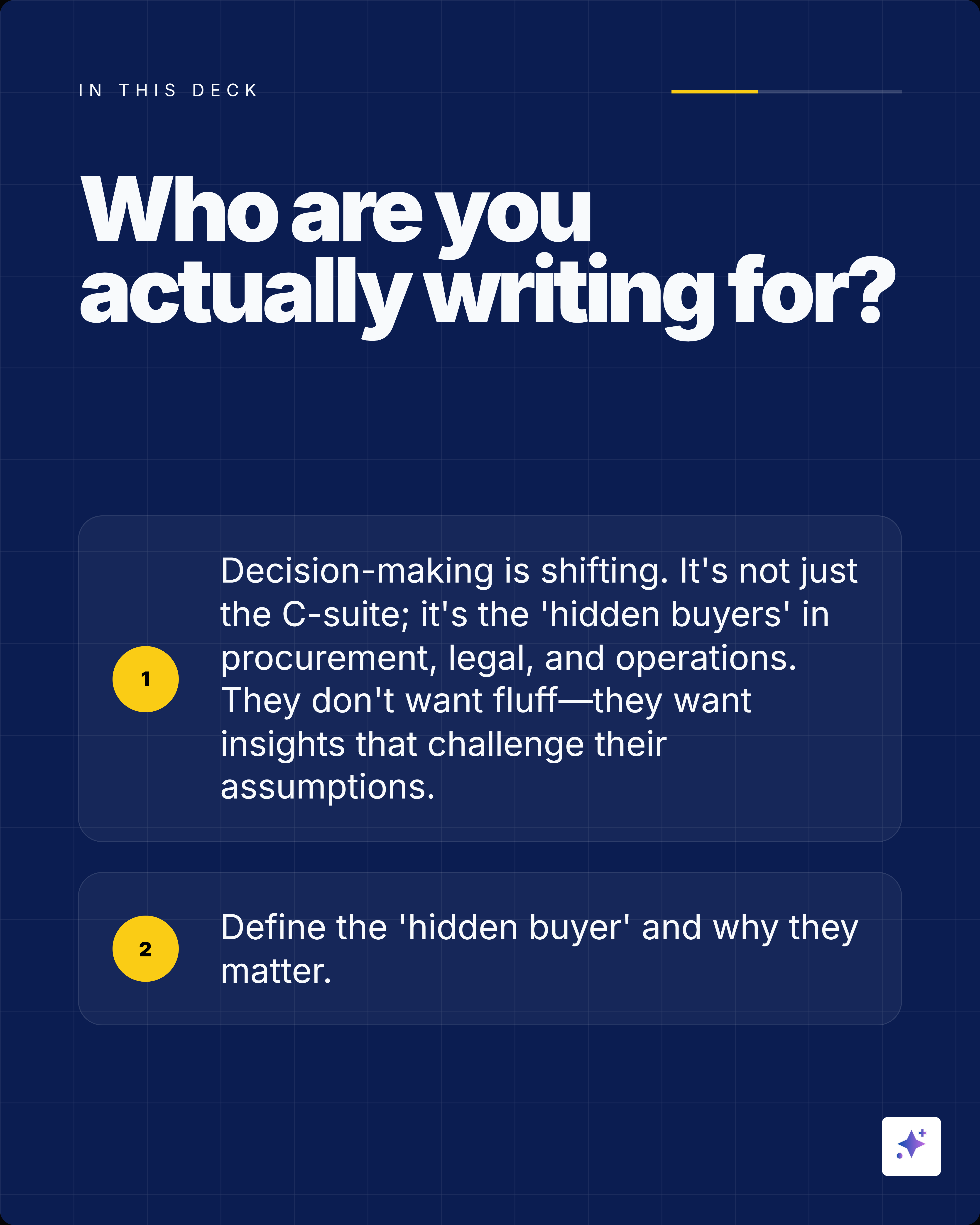
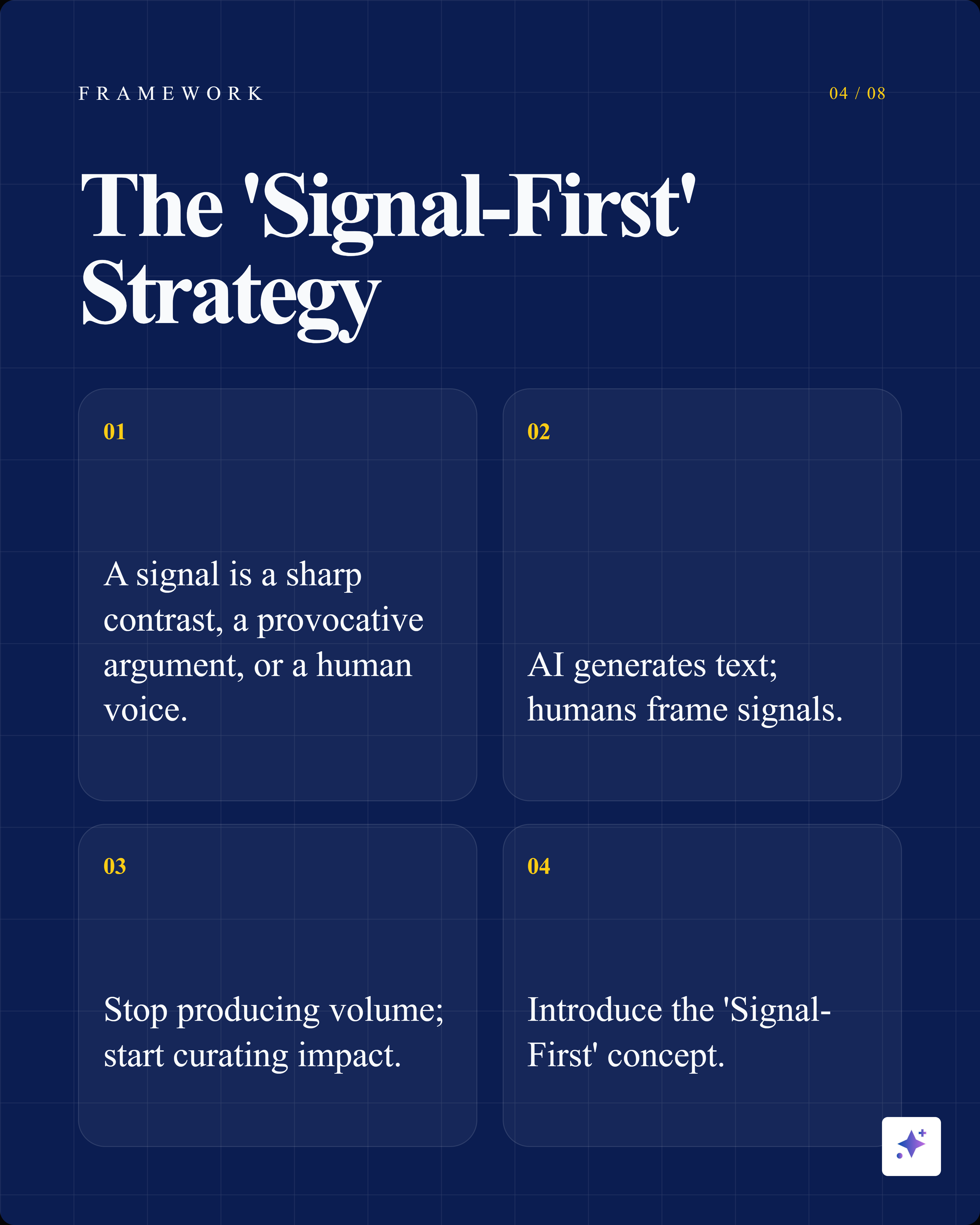
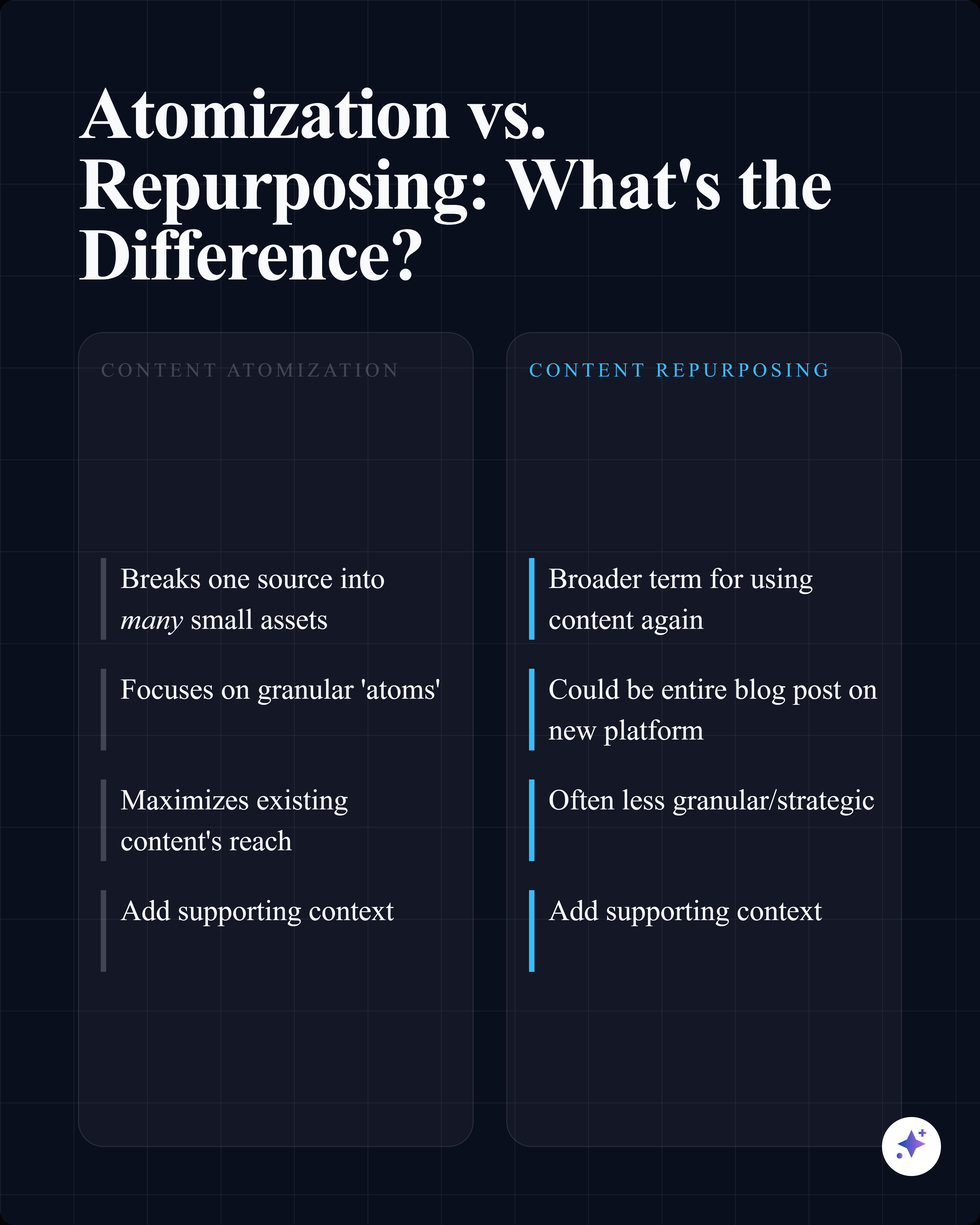
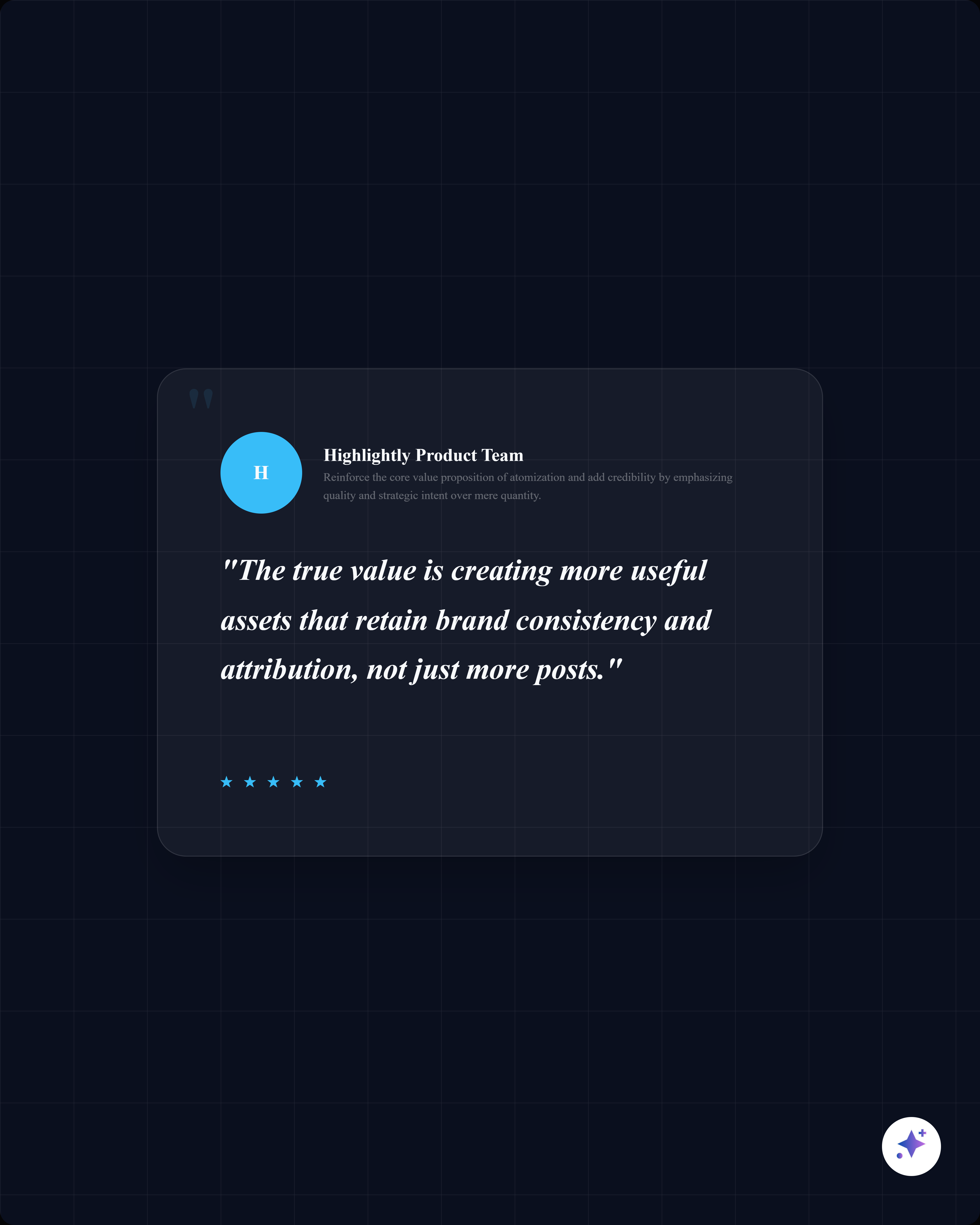
Use extracted statistics, quotes, comparisons, entities, and key points to build source-backed slides that are ready for LinkedIn document posts.
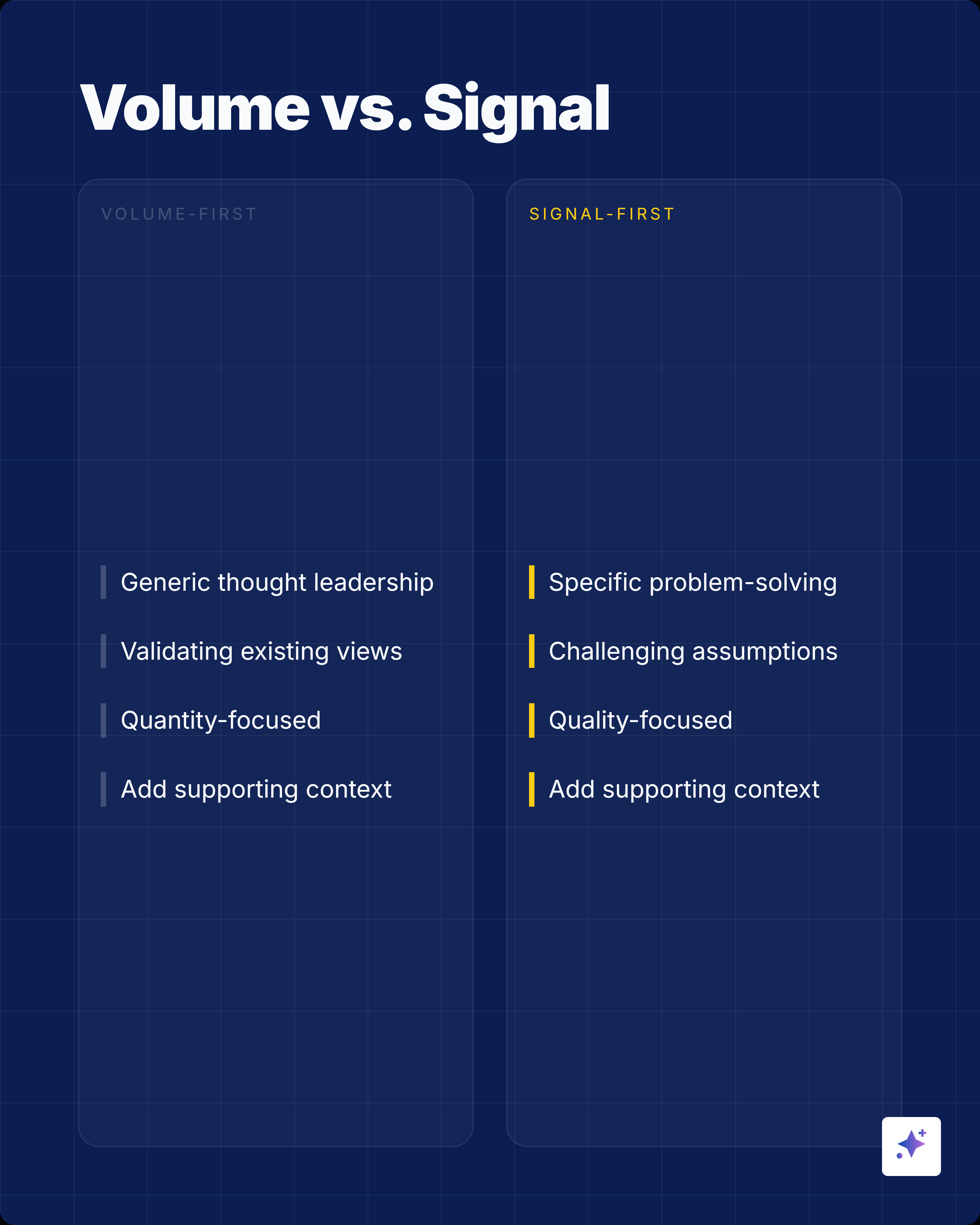
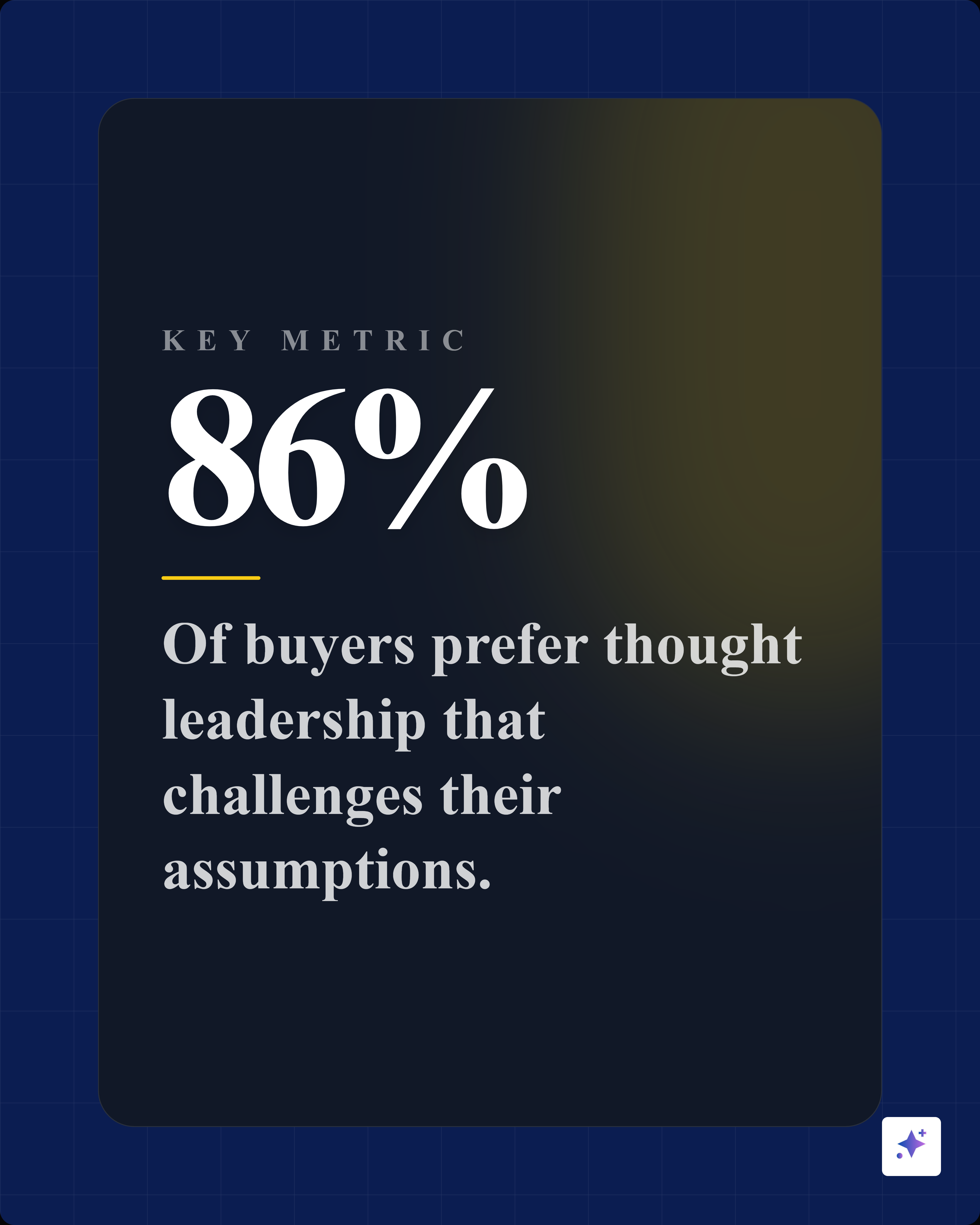

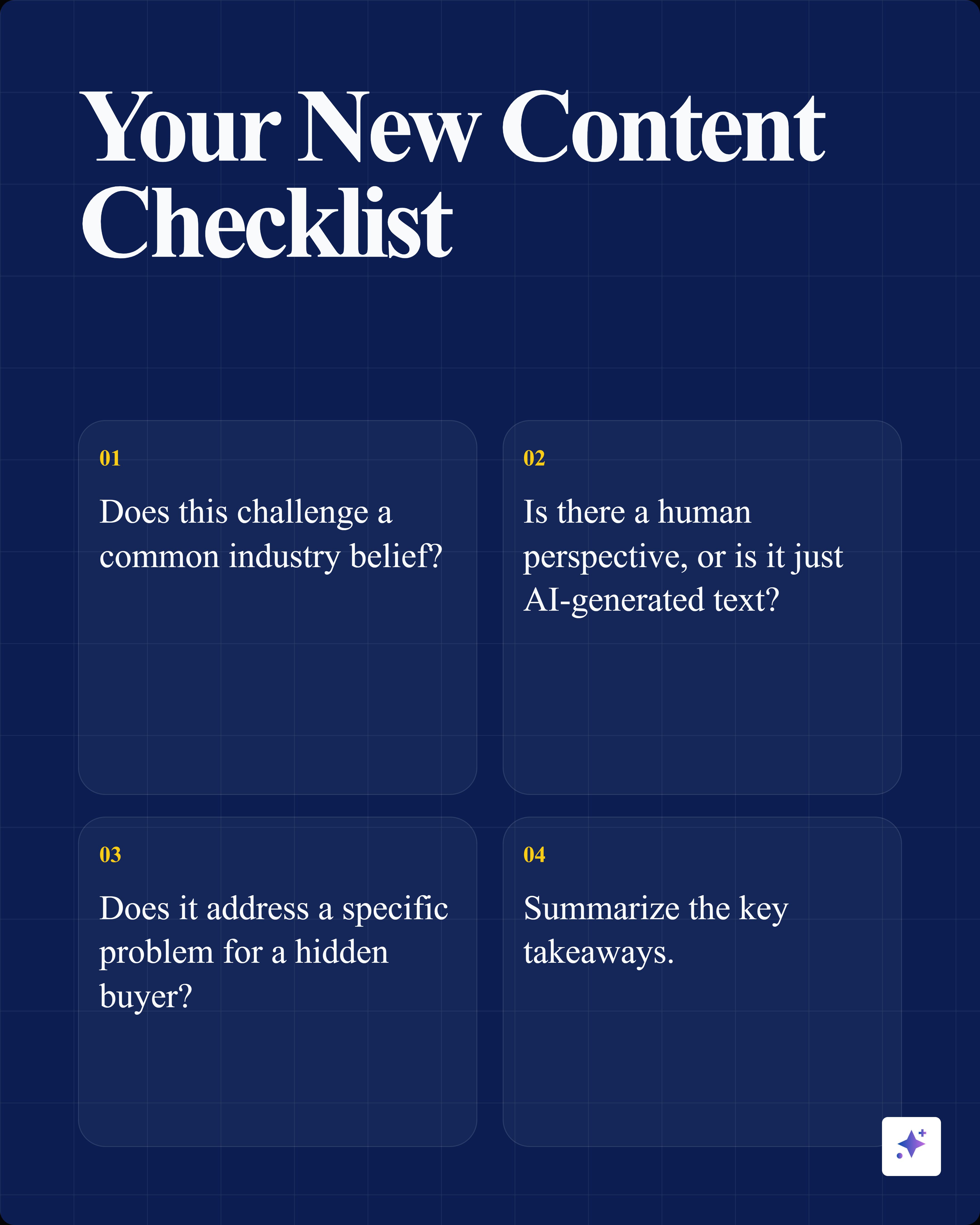



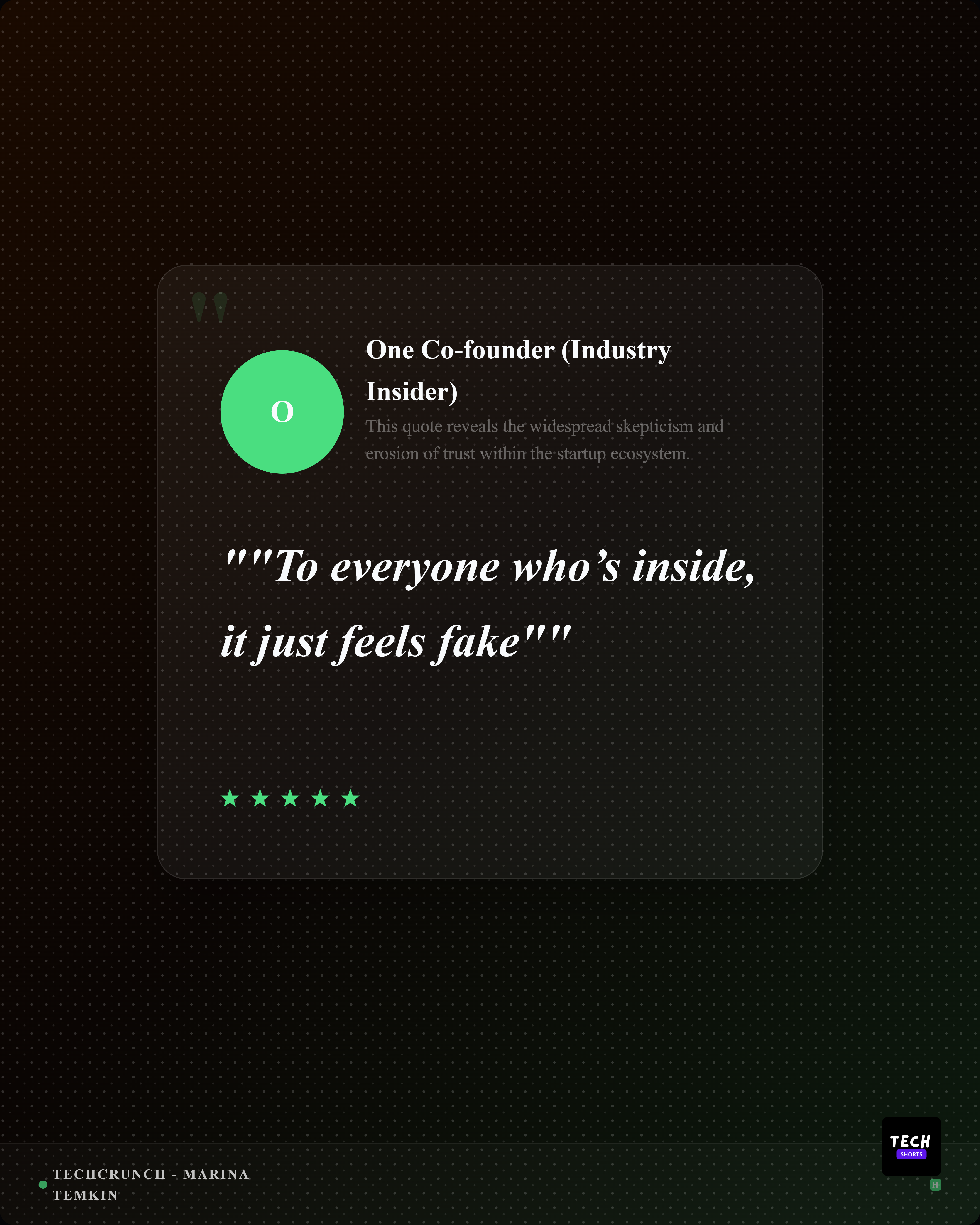
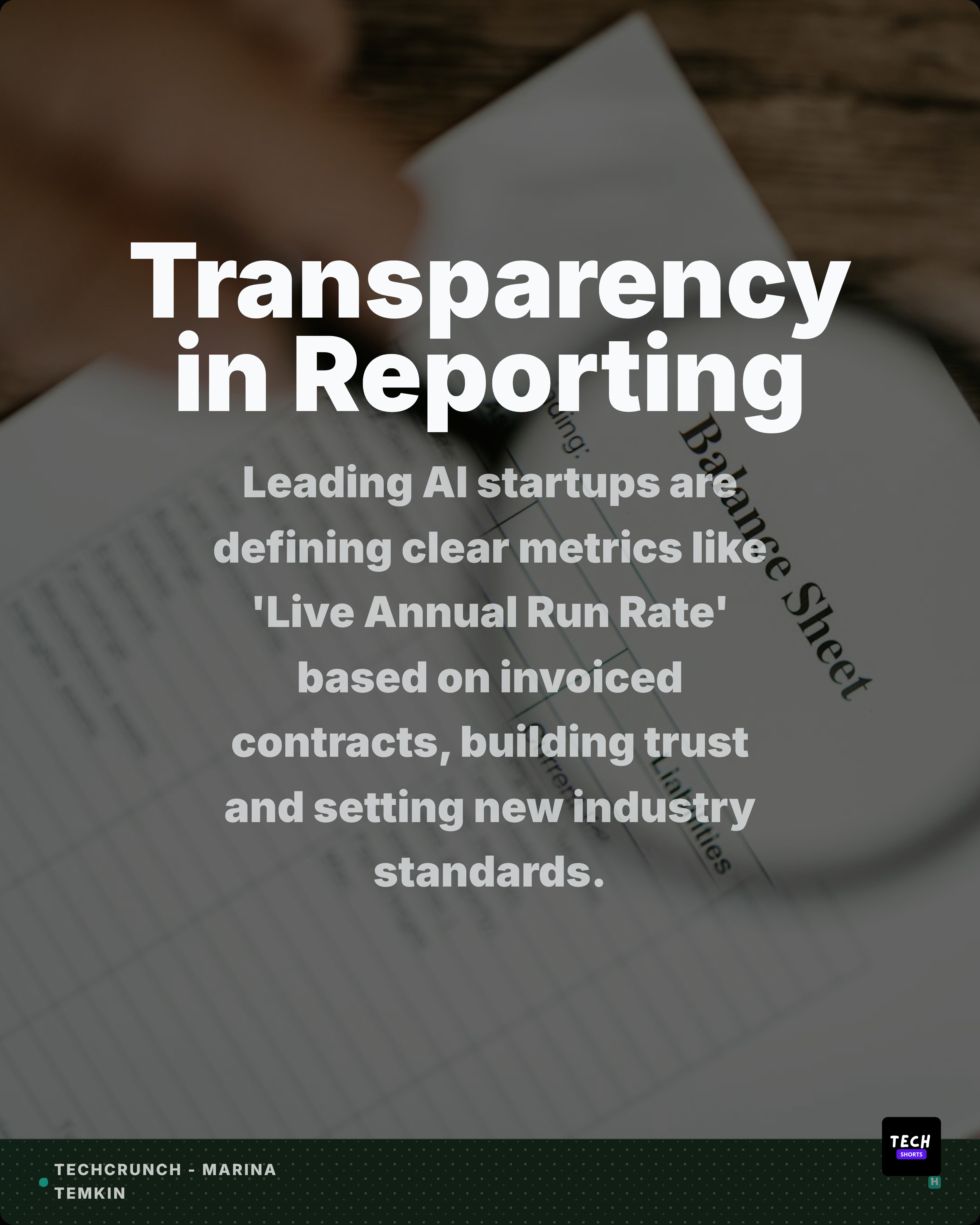
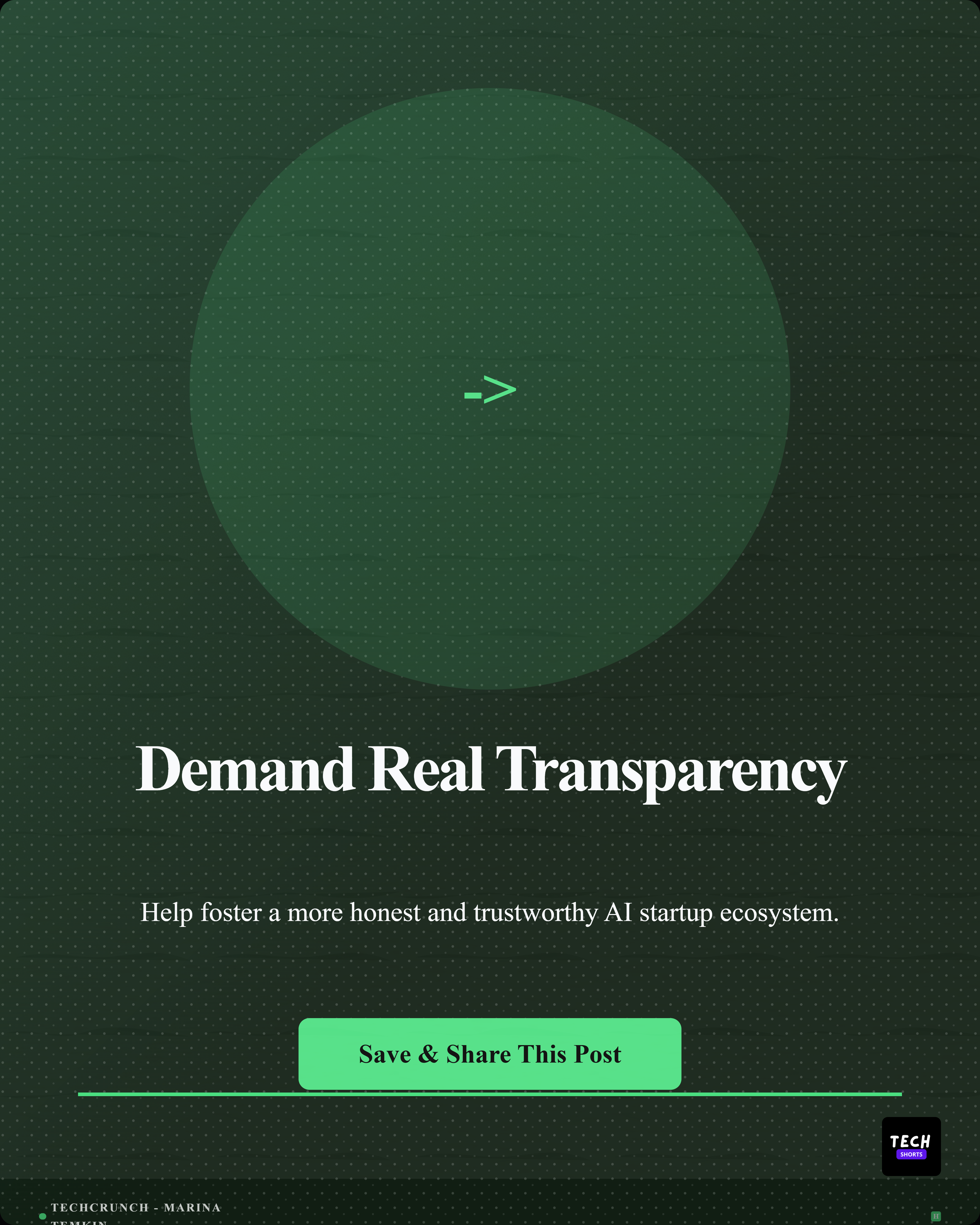


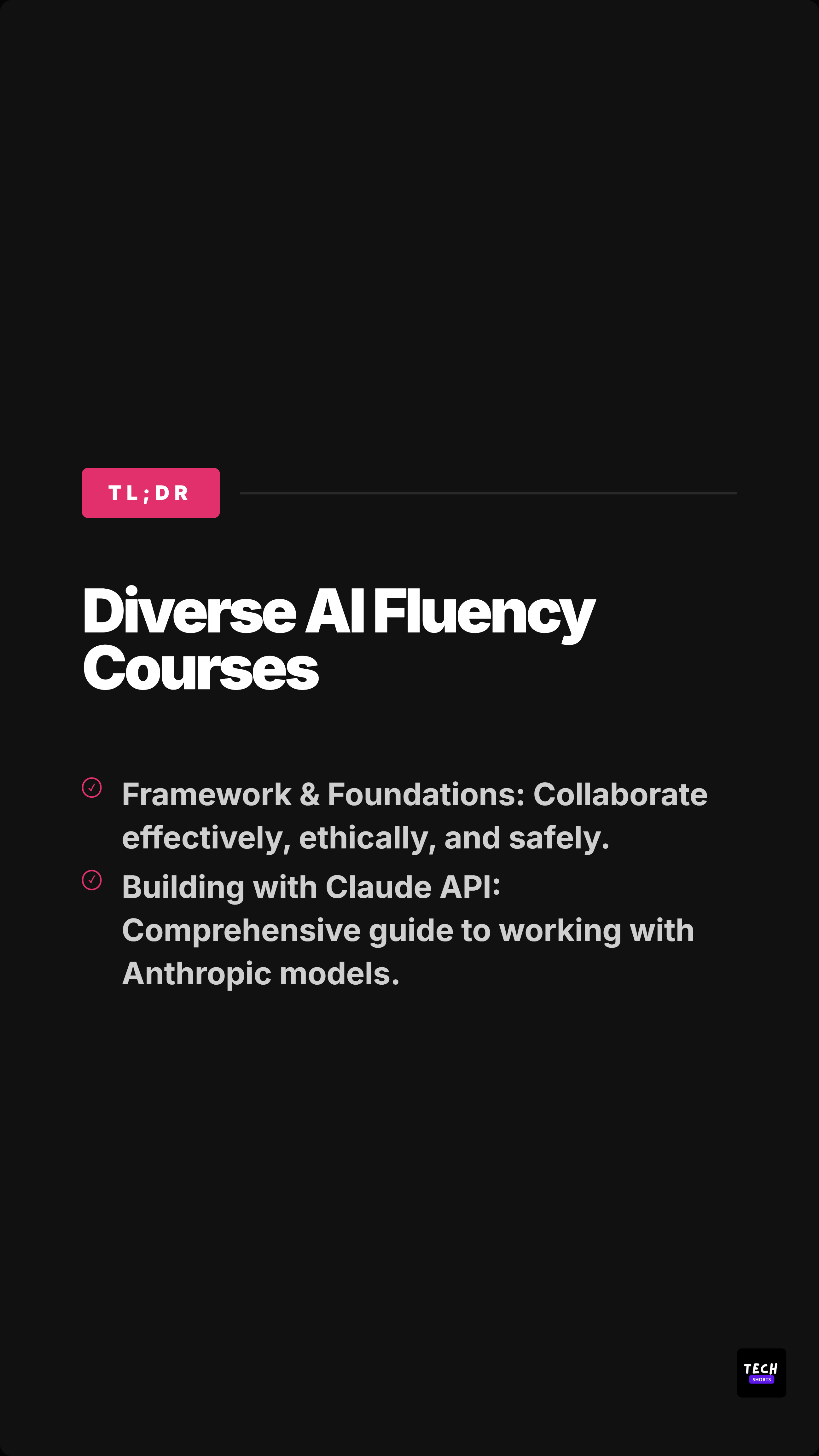
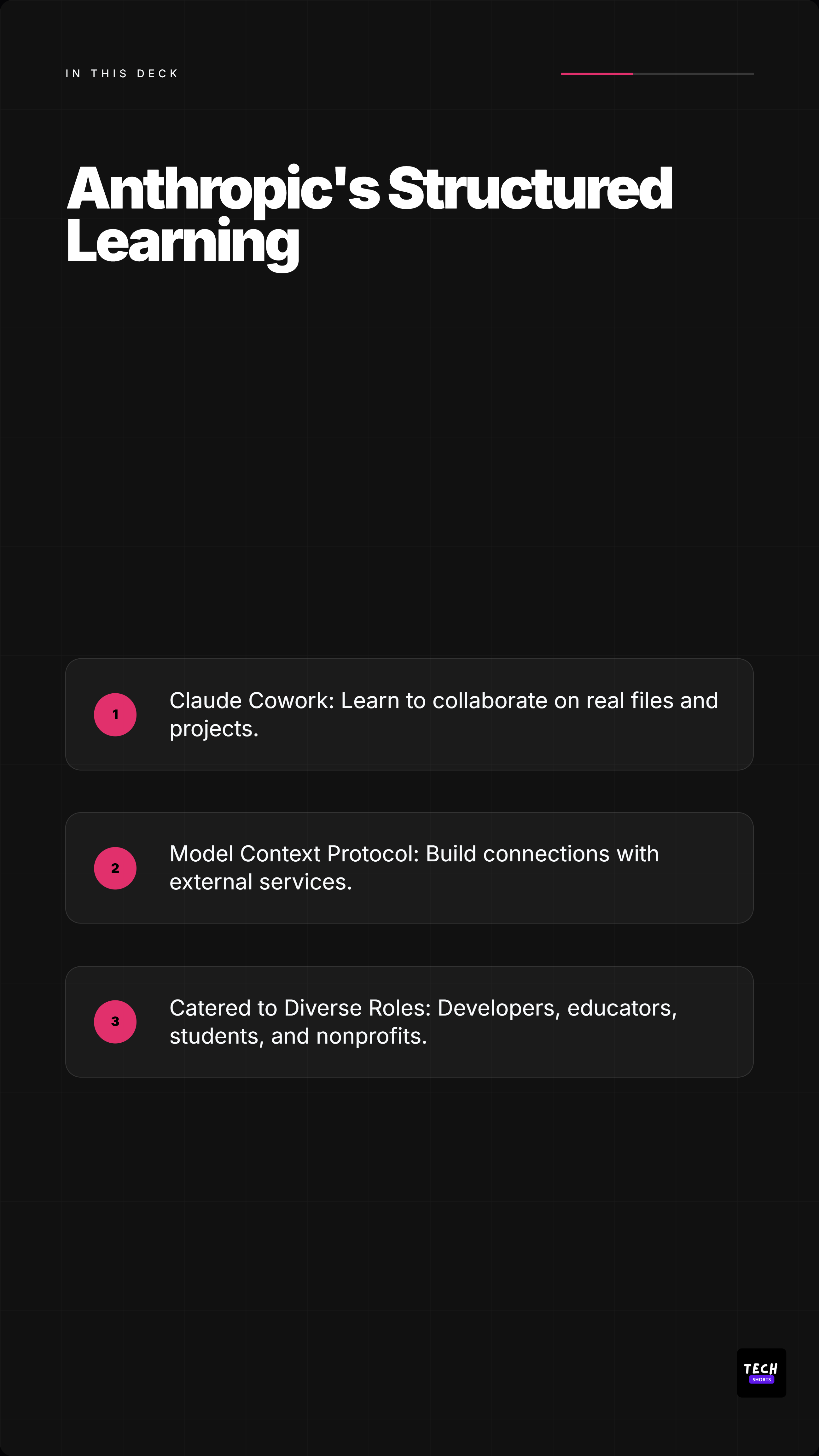

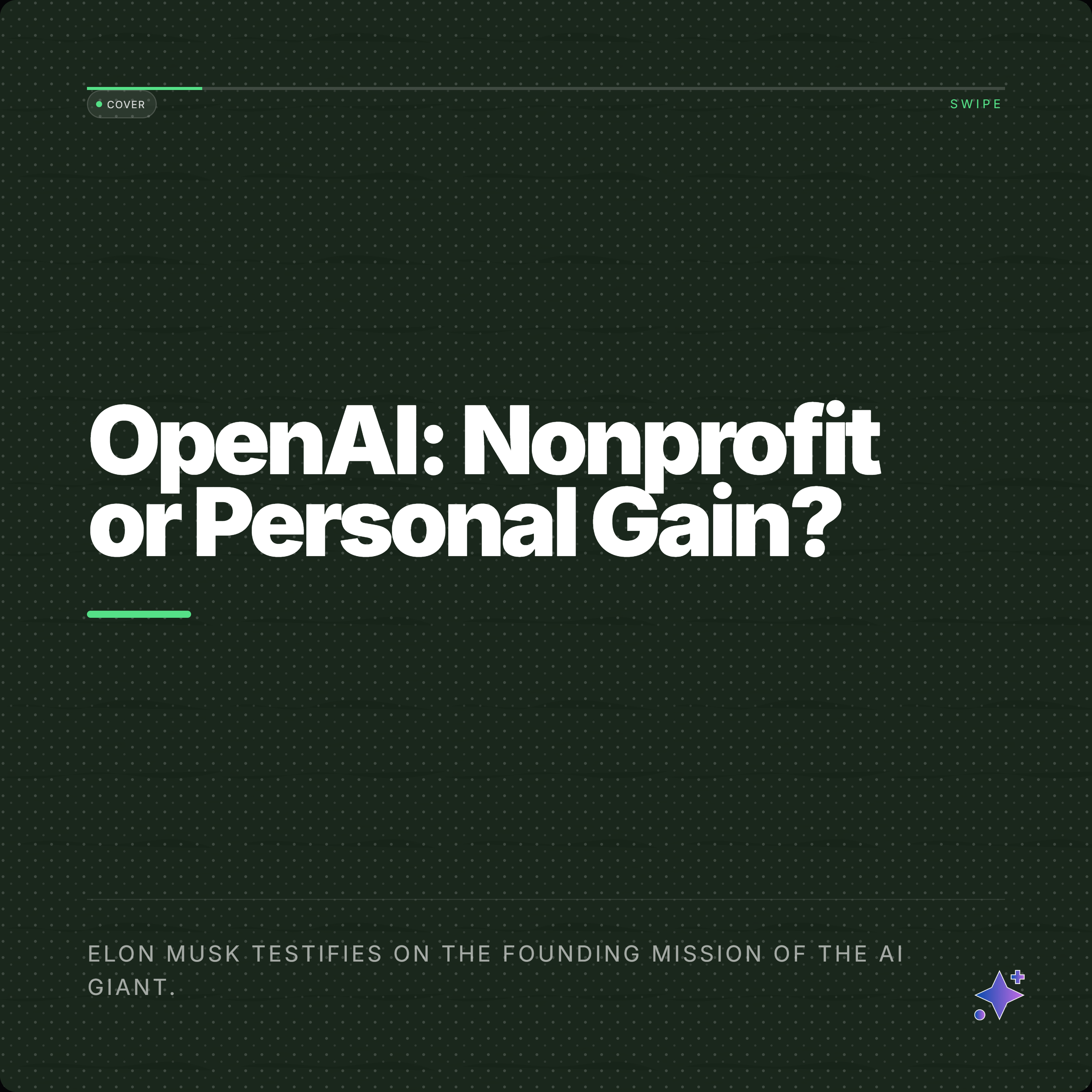
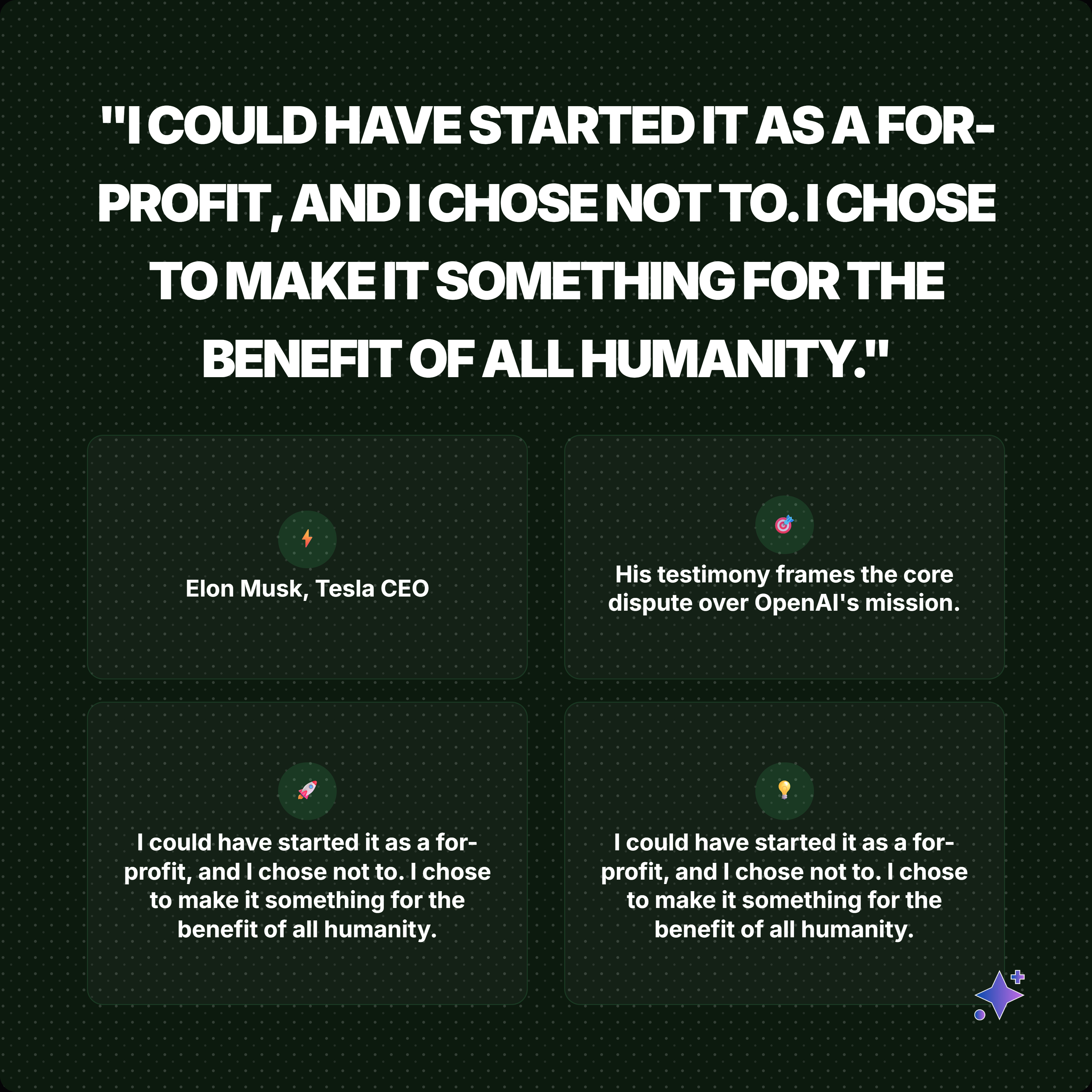
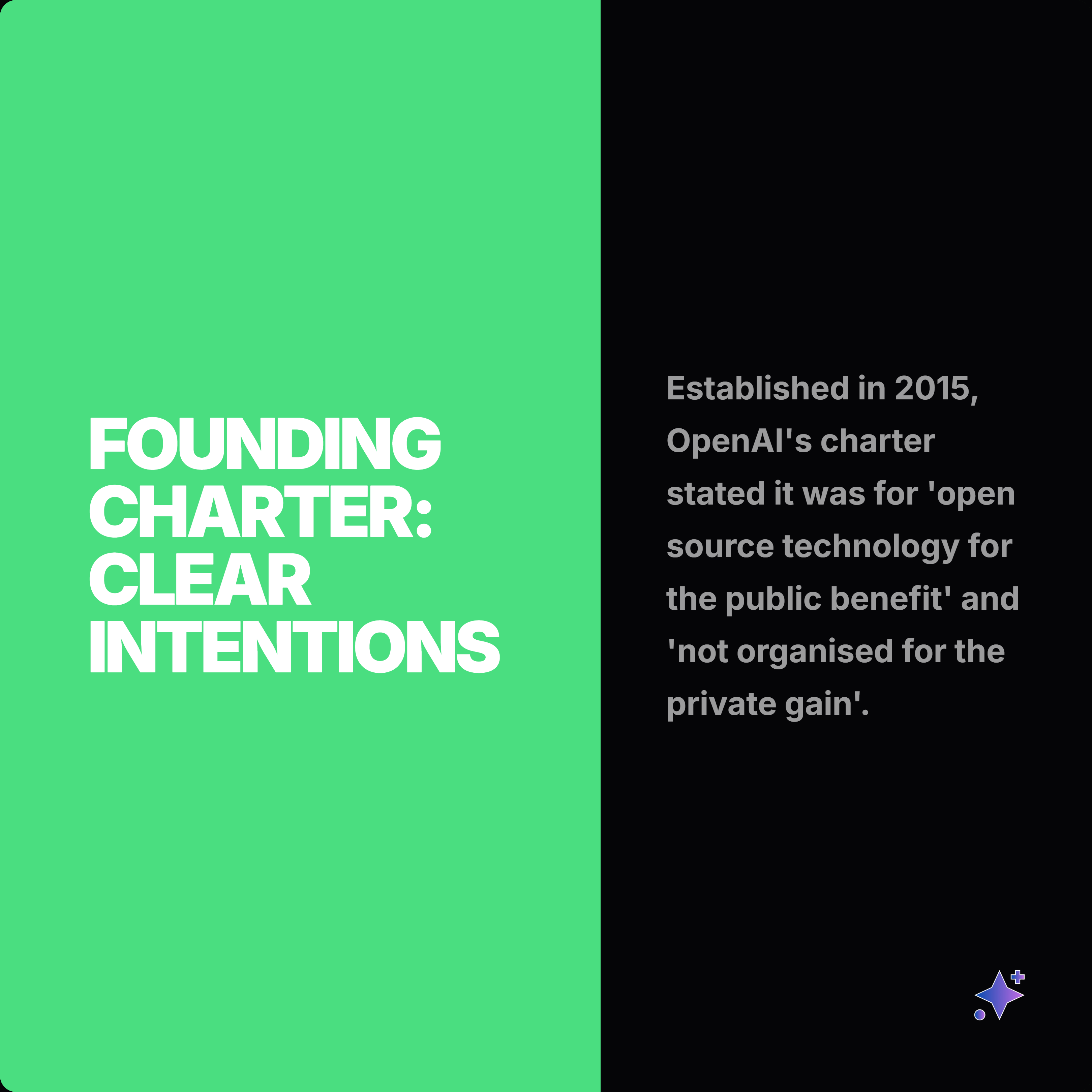
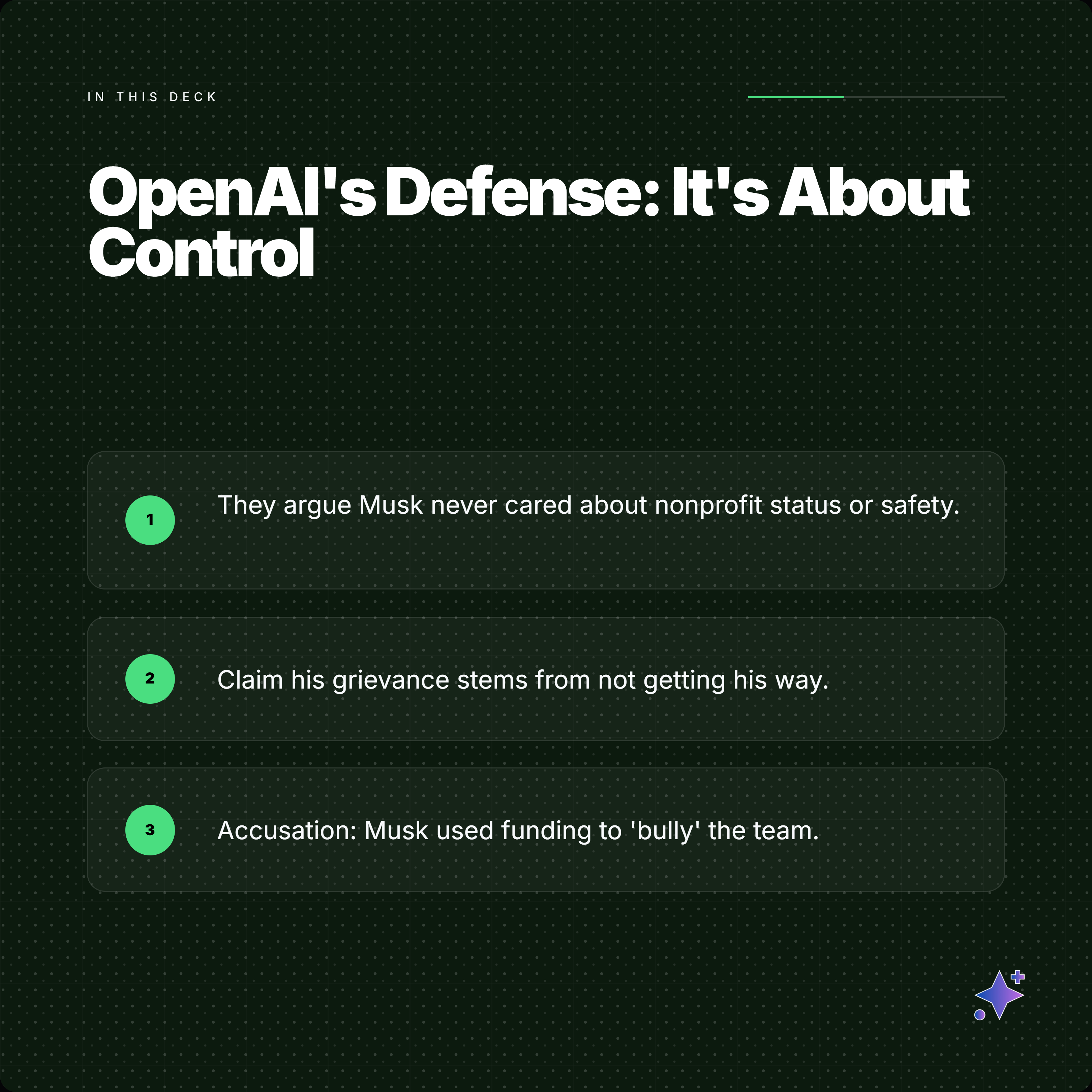
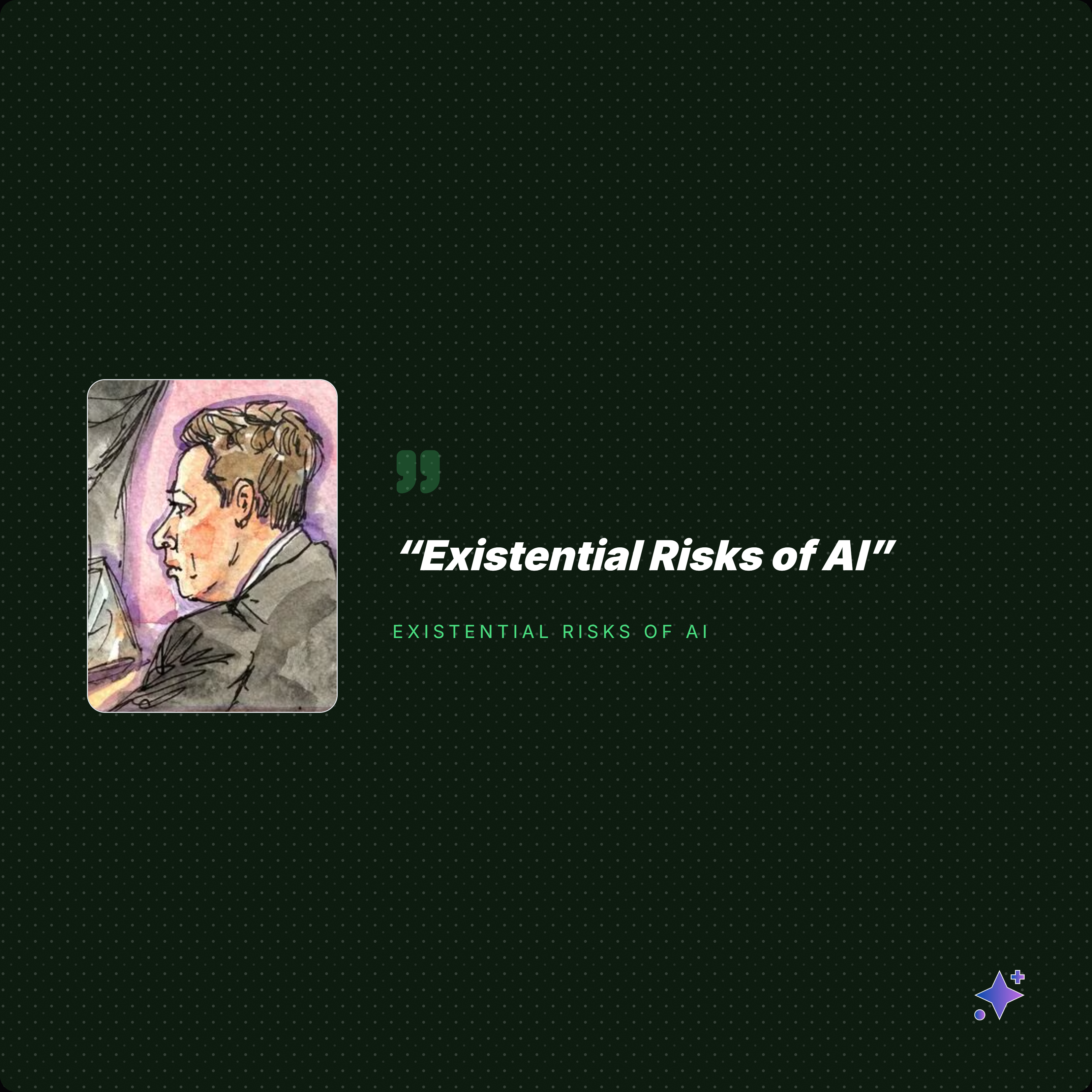


What gets extracted
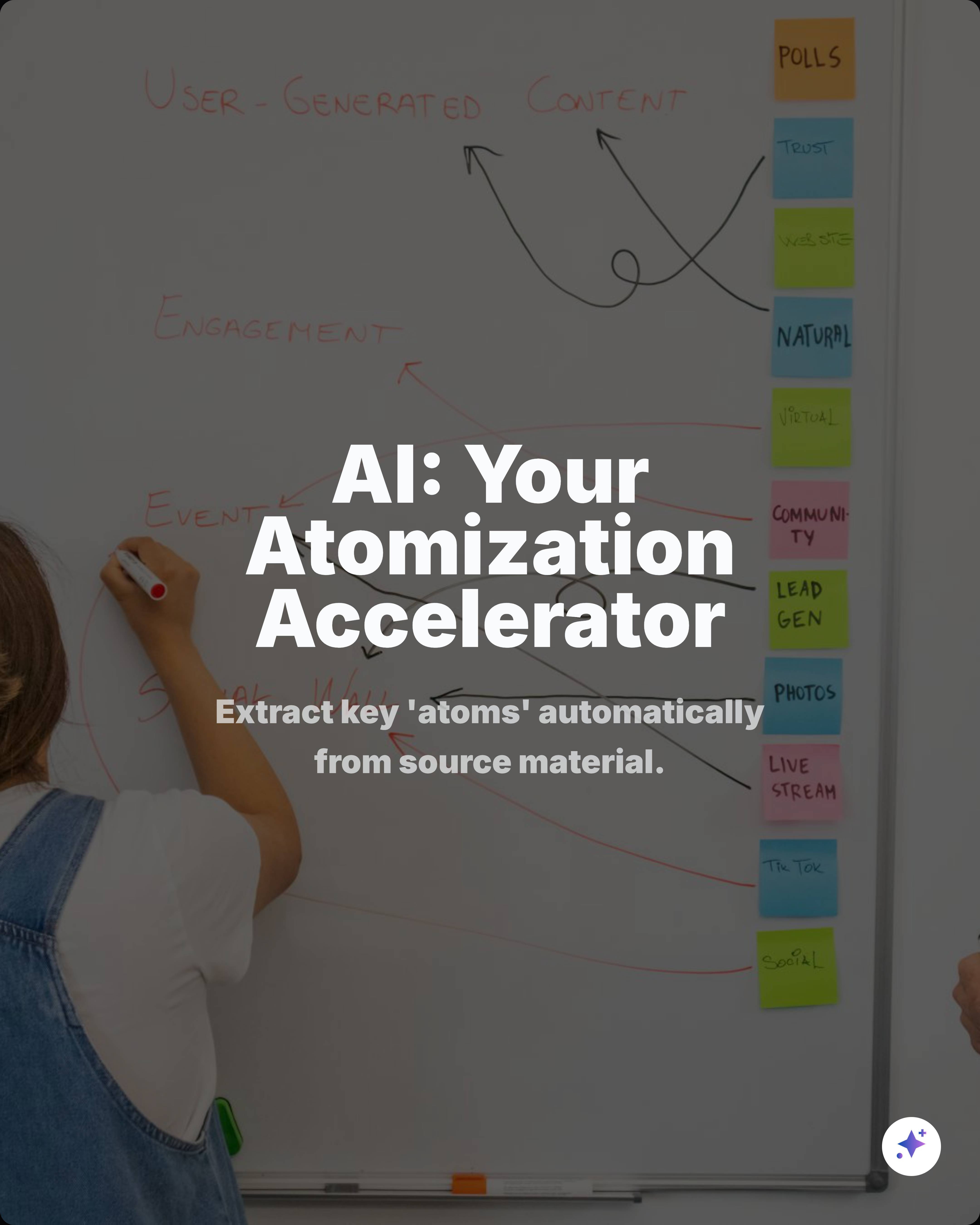
AI reads the full document.
Every PDF is different. The AI finds the content types that work best for carousels.
You choose what goes in the carousel. Not the AI.
How it works
Four steps. Five minutes.
Upload your PDF
Drop a PDF, DOCX, or PPTX. Max 15 MB. AI reads the full document.
AI extracts content
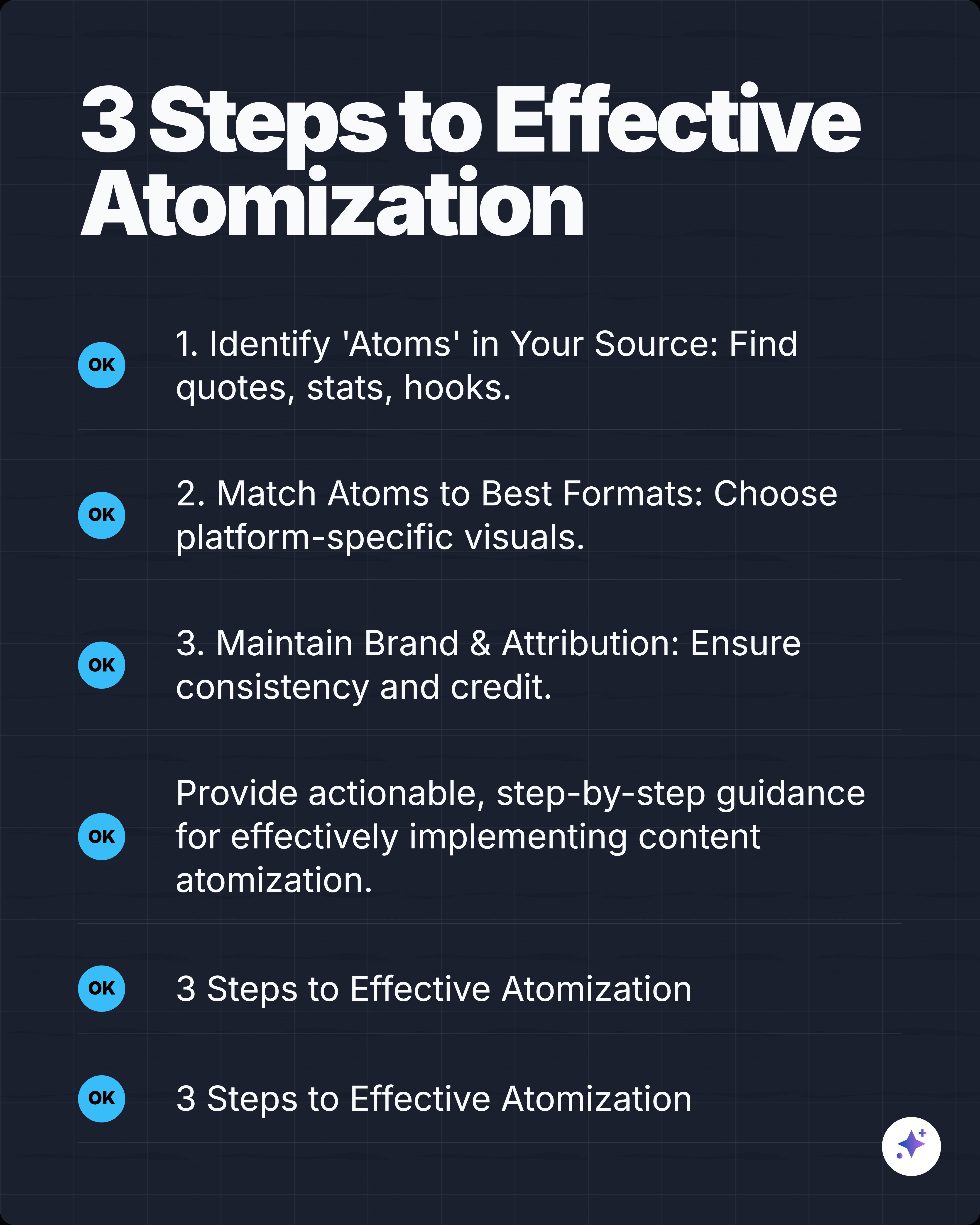
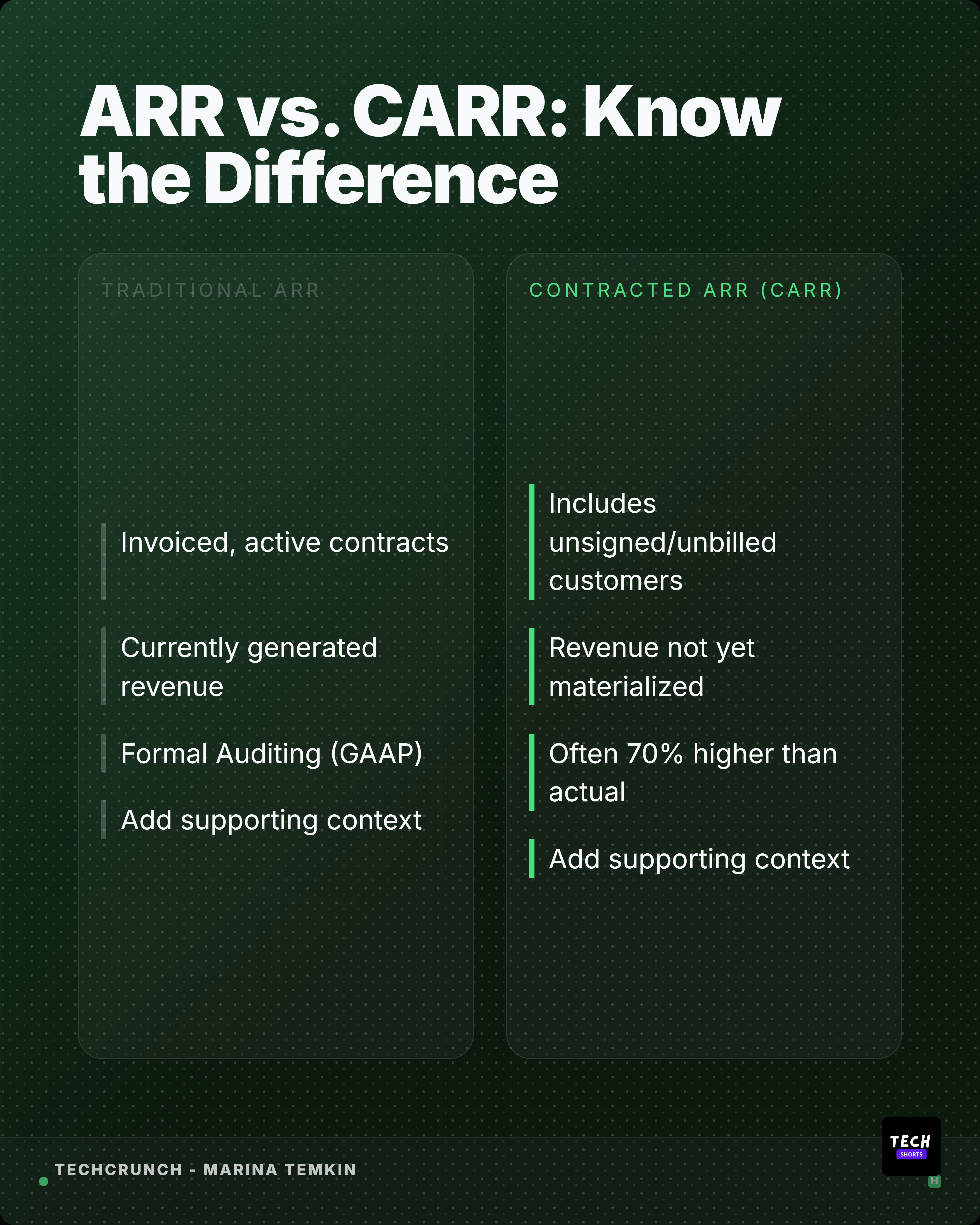
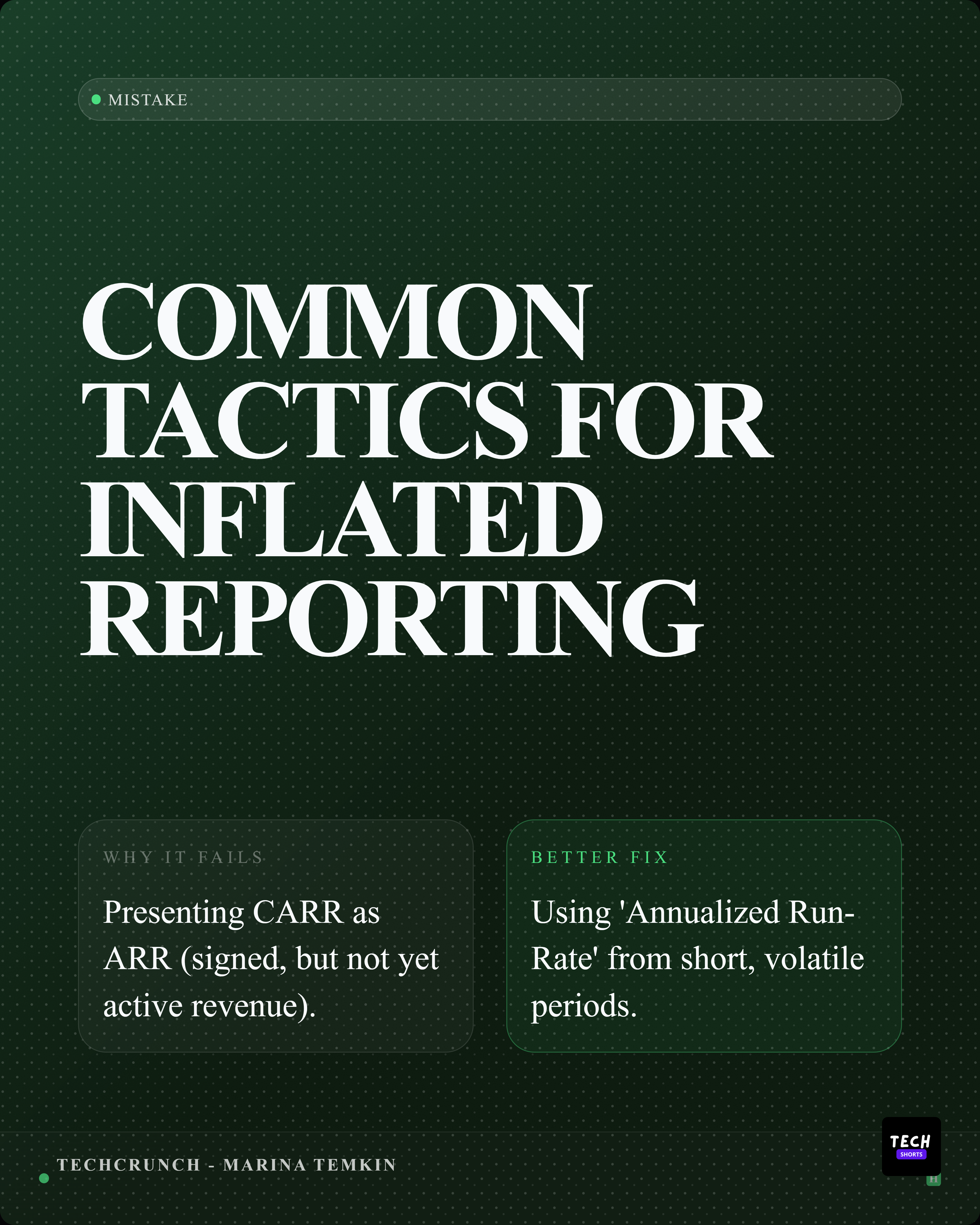
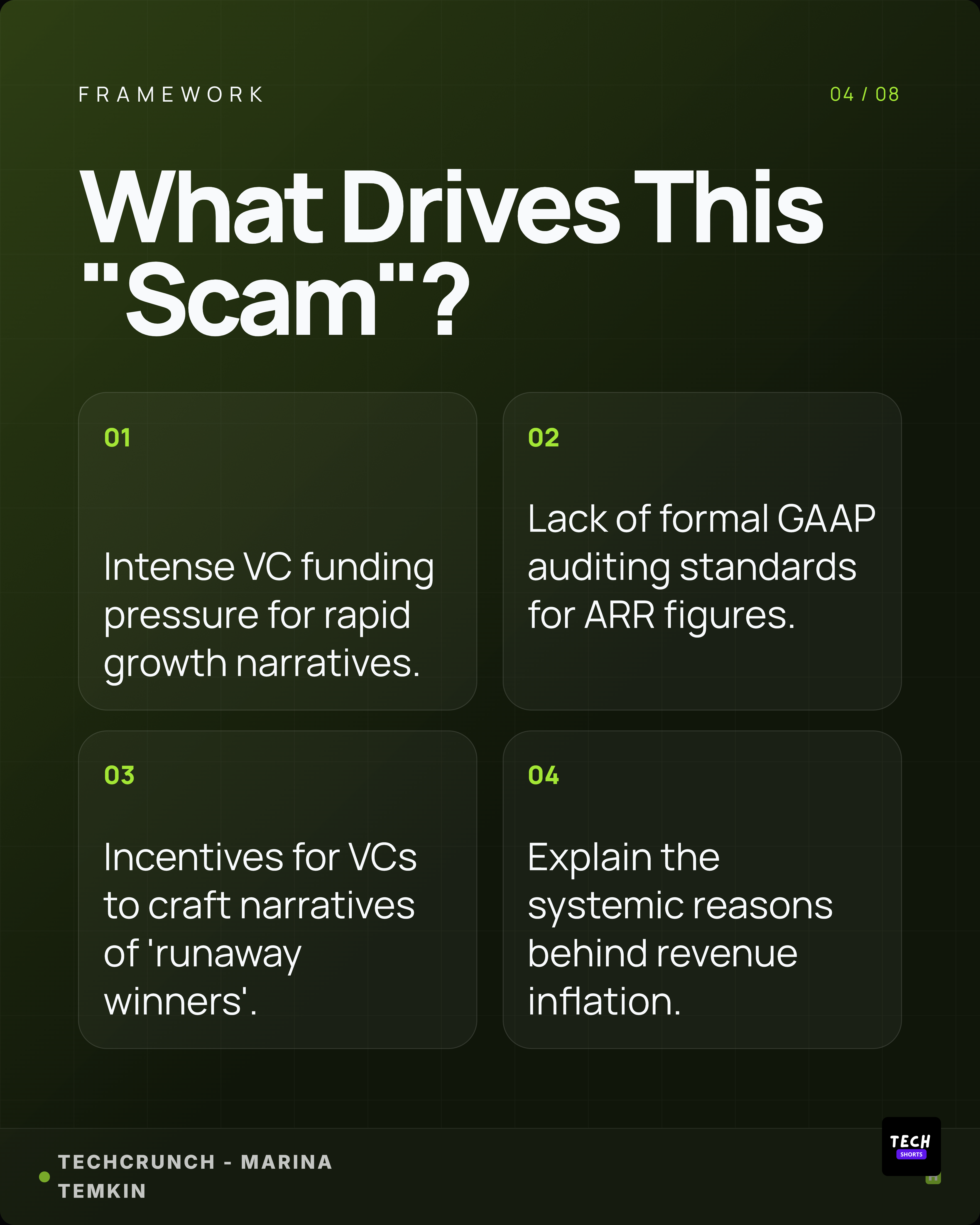
Statistics, quotes, key points, comparisons, and entities are identified.
Select your slides
Pick the strongest points. Reorder them. Edit the text if needed.
Download carousel
Choose a theme, apply your brand kit, and export a branded carousel.
Built for you
Who turns PDFs into carousels?
Consultants
Turn client reports into shareable LinkedIn content that generates leads.
Researchers
Distill research papers into visual summaries that reach a wider audience.
Product Marketers
Convert product docs and whitepapers into carousel posts that drive demos.
Agencies
Create branded carousel content from client PDFs in minutes, not hours.
FAQ
Common questions.
What file types are supported?
PDF, DOCX, and PPTX up to 15 MB. The AI reads the full document and extracts the most relevant content for carousel slides.
How many slides will the carousel have?
You control the number of slides. Select the extracted points you want and the tool generates a slide for each one.
Can I customize the design?
Yes. Choose from 22+ themes, adjust aspect ratios, and apply your brand kit with custom colors and fonts.
Does it work with scanned PDFs?
Text-based PDFs produce the best results. Scanned documents need an OCR text layer first. DOCX and PPTX files work natively.