Markdown to Image
Write markdown, preview it live, and export as a styled PNG image for social media, docs, or presentations.
Theme
Font Size
Output Size
Padding
60px3 free exports remaining today. No signup required.
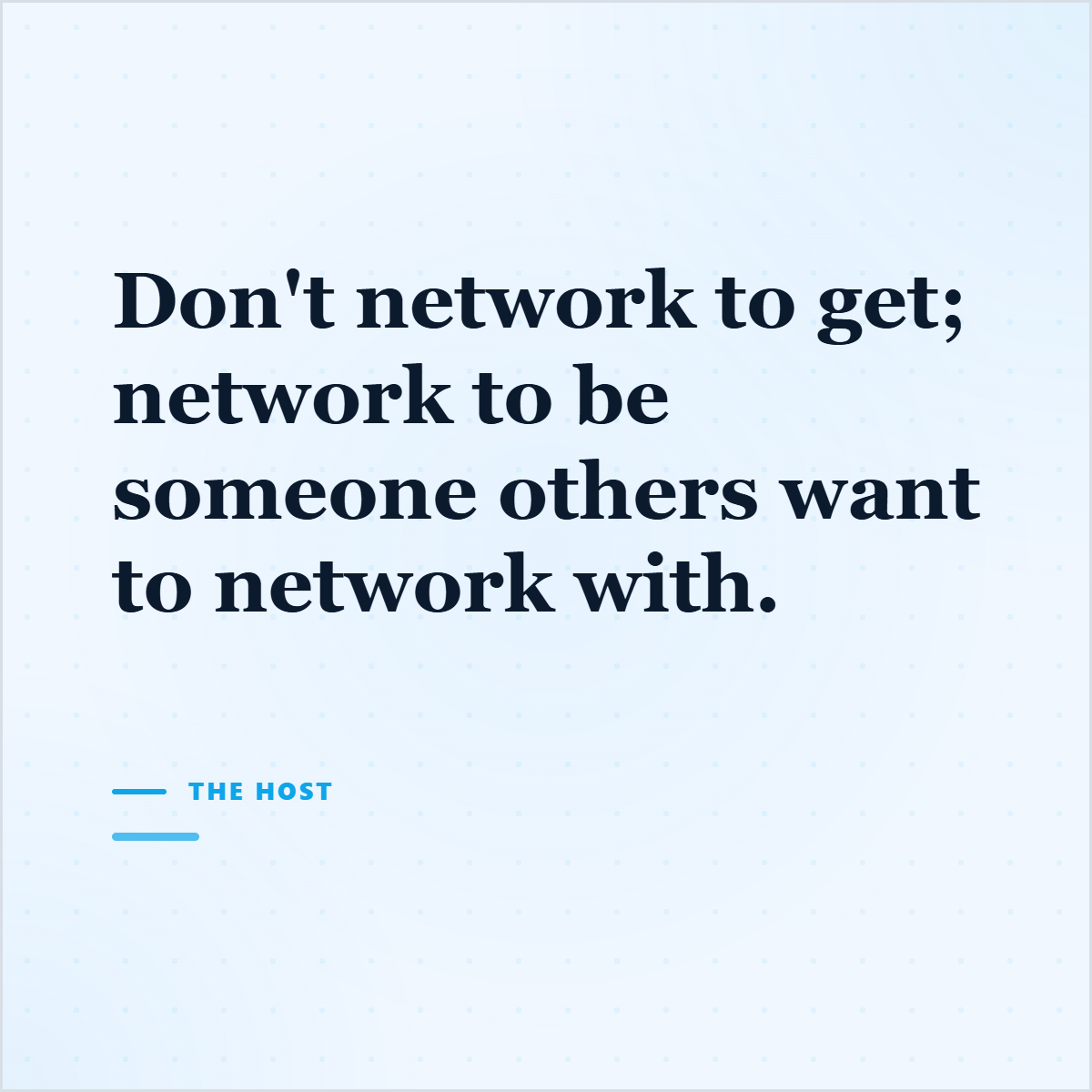
Write markdown, preview it live, and export as a styled PNG image for social media, docs, or presentations.
3 free exports remaining today. No signup required.
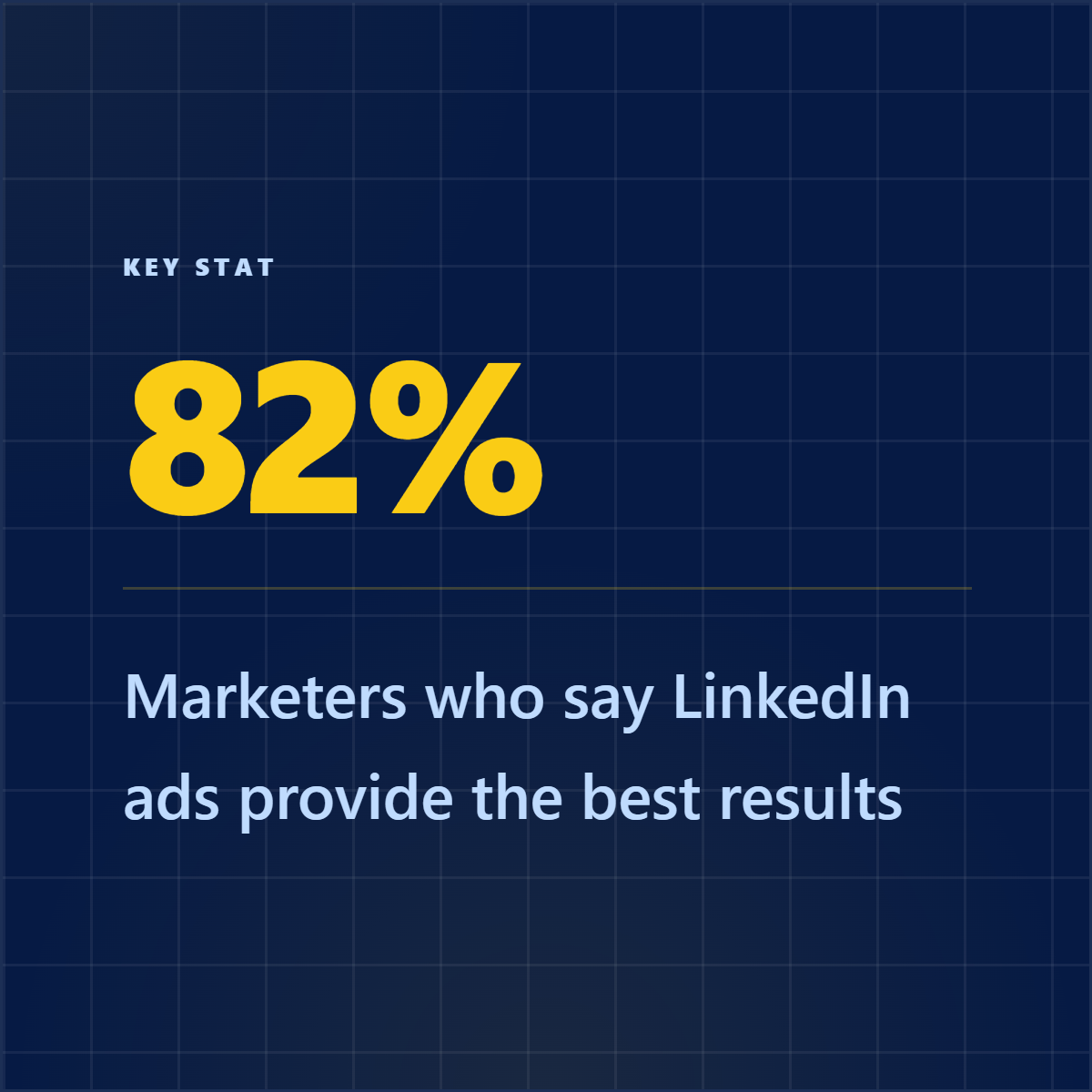
Highlightly reads any article and extracts content intelligence — hooks, quotes, stats — then turns them into branded social graphics, all in your brand kit.
Beyond markdown rendering
Highlightly reads any article and extracts content intelligence — hooks, quotes, stats — then turns them into branded social graphics, all in your brand kit.
Continue in Highlightly
This tool handles the immediate job. Highlightly is for the next step: extracting useful material from sources, applying your brand kit, and exporting assets you can publish.
Quote & Stat Cards
Extract proof from articles, then publish it as cards, carousels, and captions.
Quote & Stat Cards
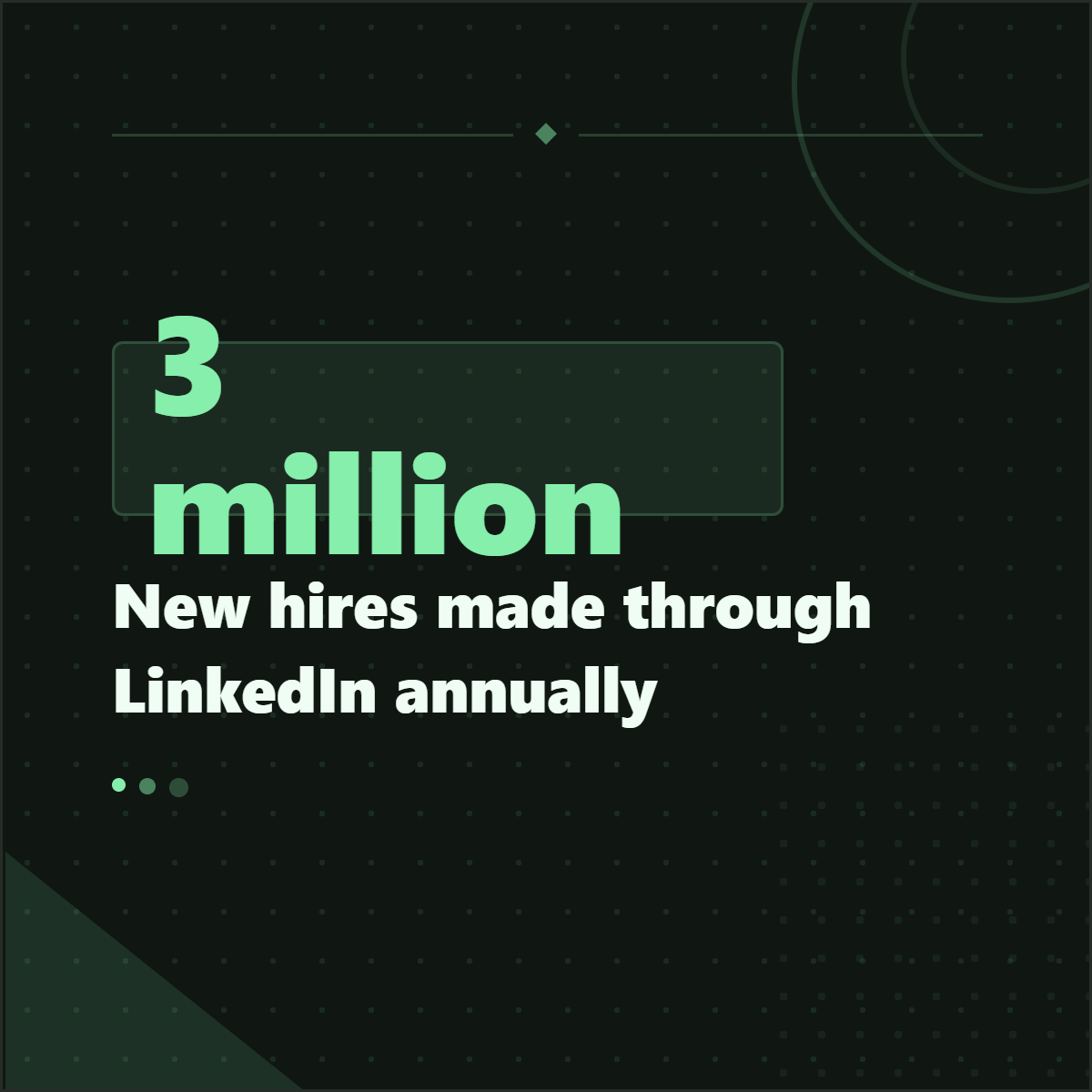
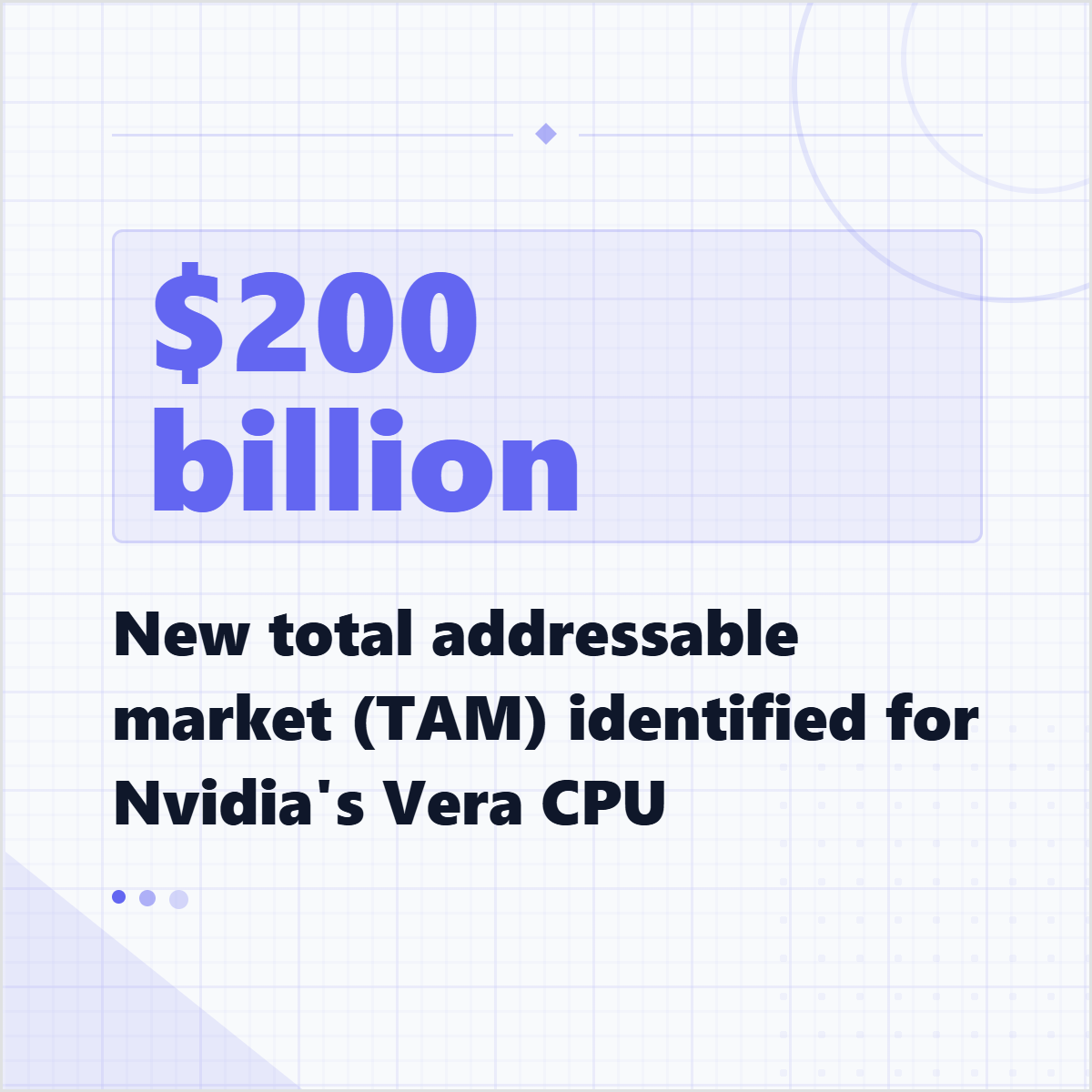
Turn report findings and credible numbers into branded stat graphics.
Quote & Stat Cards
Keep logo, colors, typography, and attribution consistent across every export.
From one card to a full source-backed set
Highlightly helps find the line, statistic, or claim inside a real source first, then turns it into branded cards, captions, and carousel slides with attribution available for review.
Useful for articles, reports, interviews, newsletters, and research notes.
Keeps source labels and editable text close to the visual before export.
Lets one source become a quote card, stat card, carousel, and caption set.
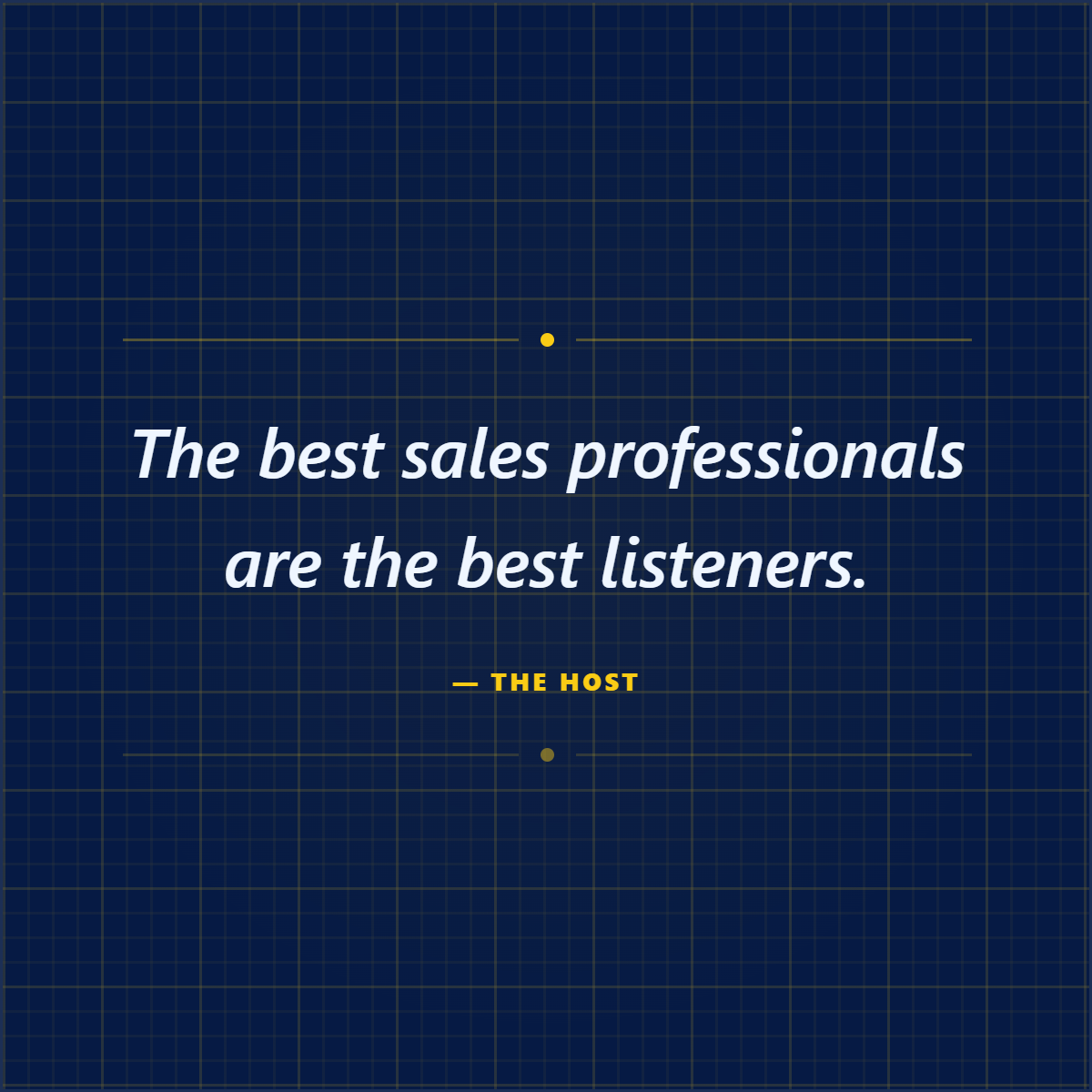
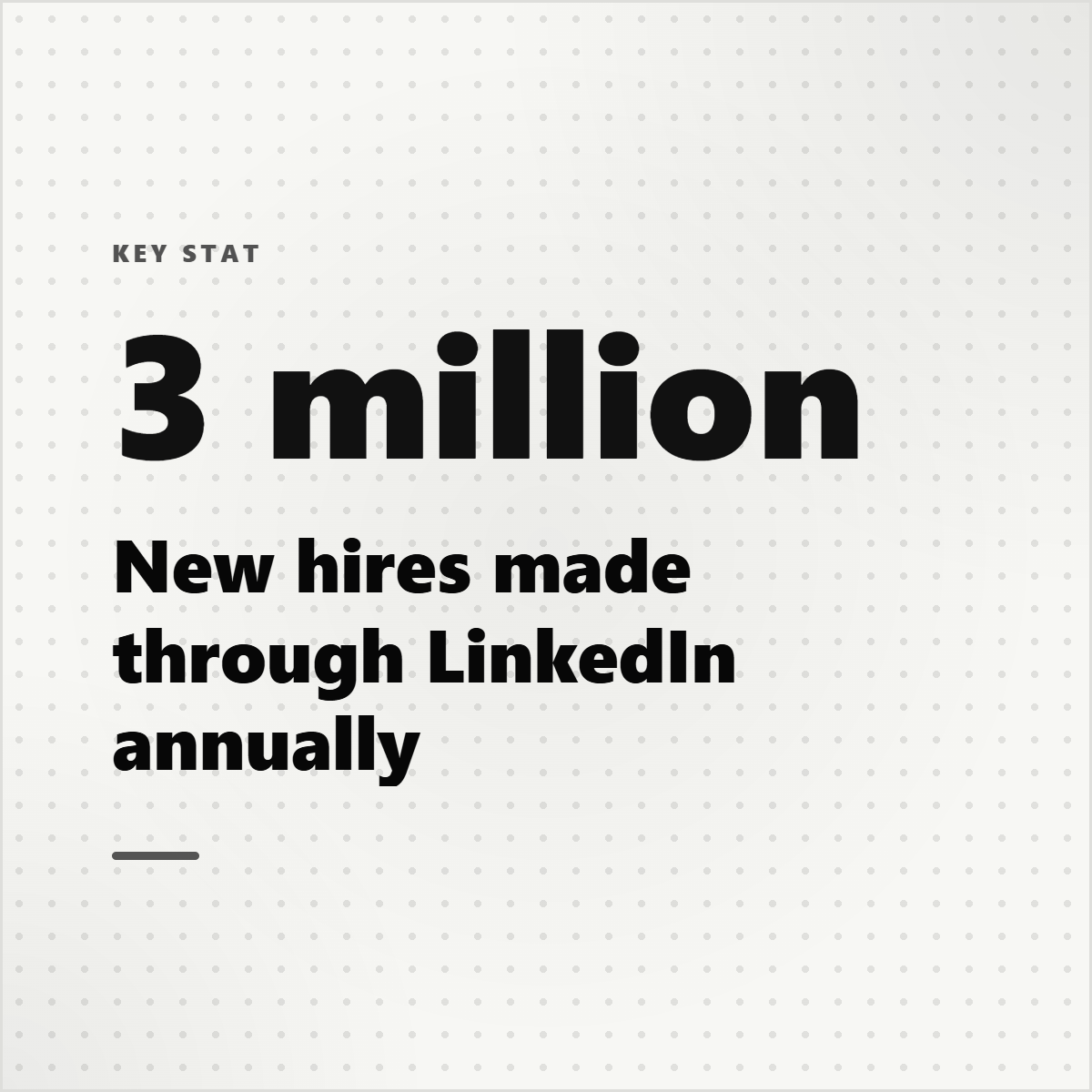
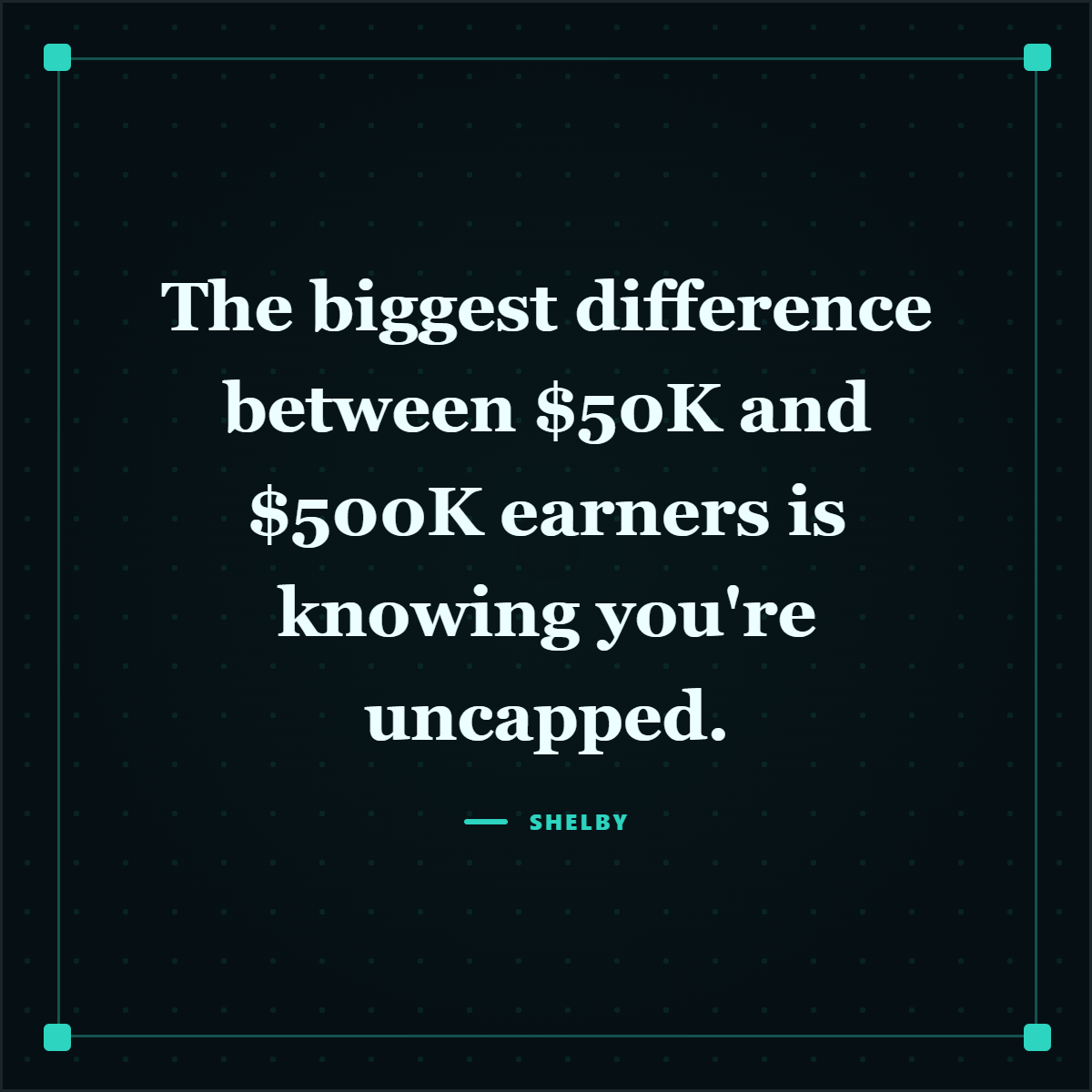
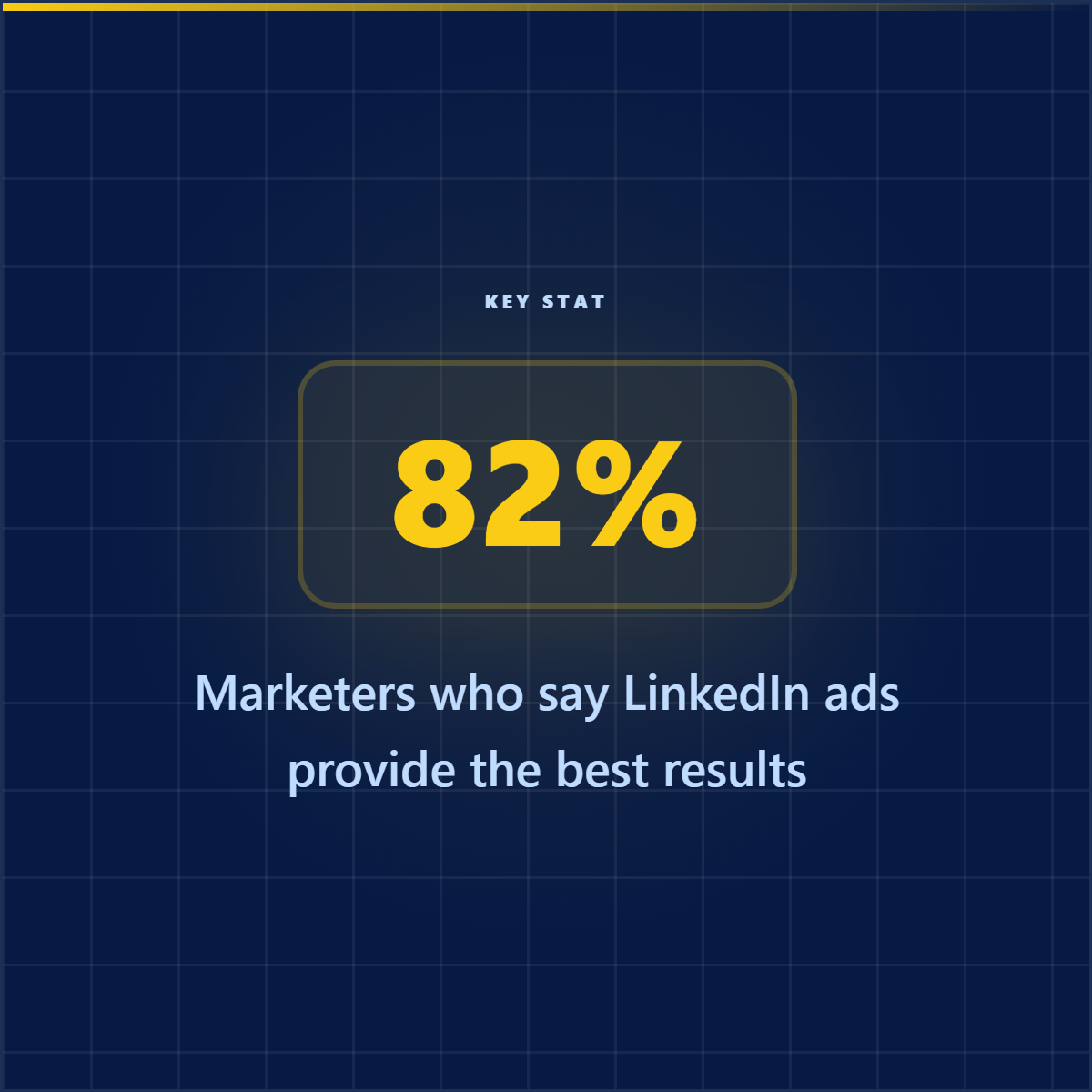
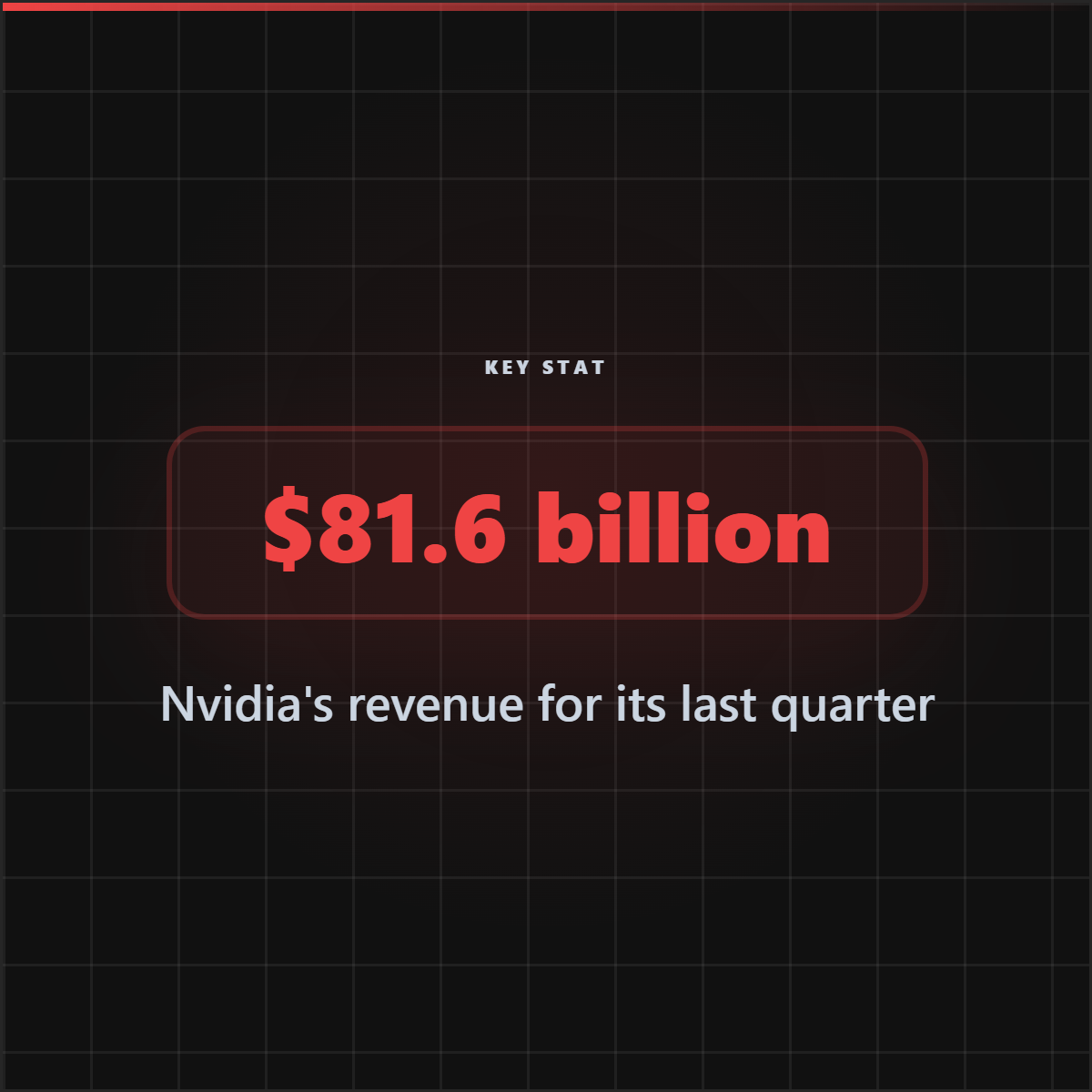
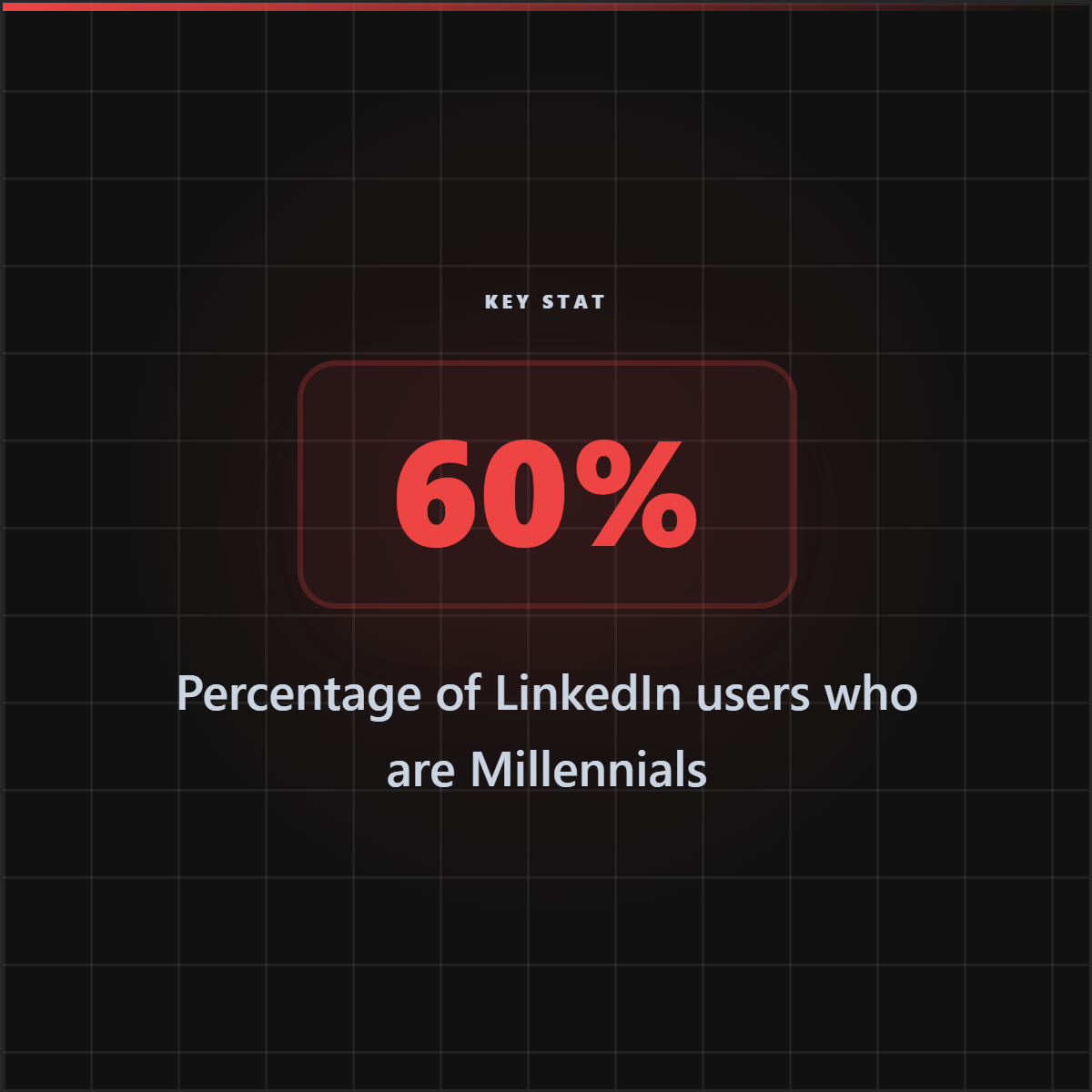
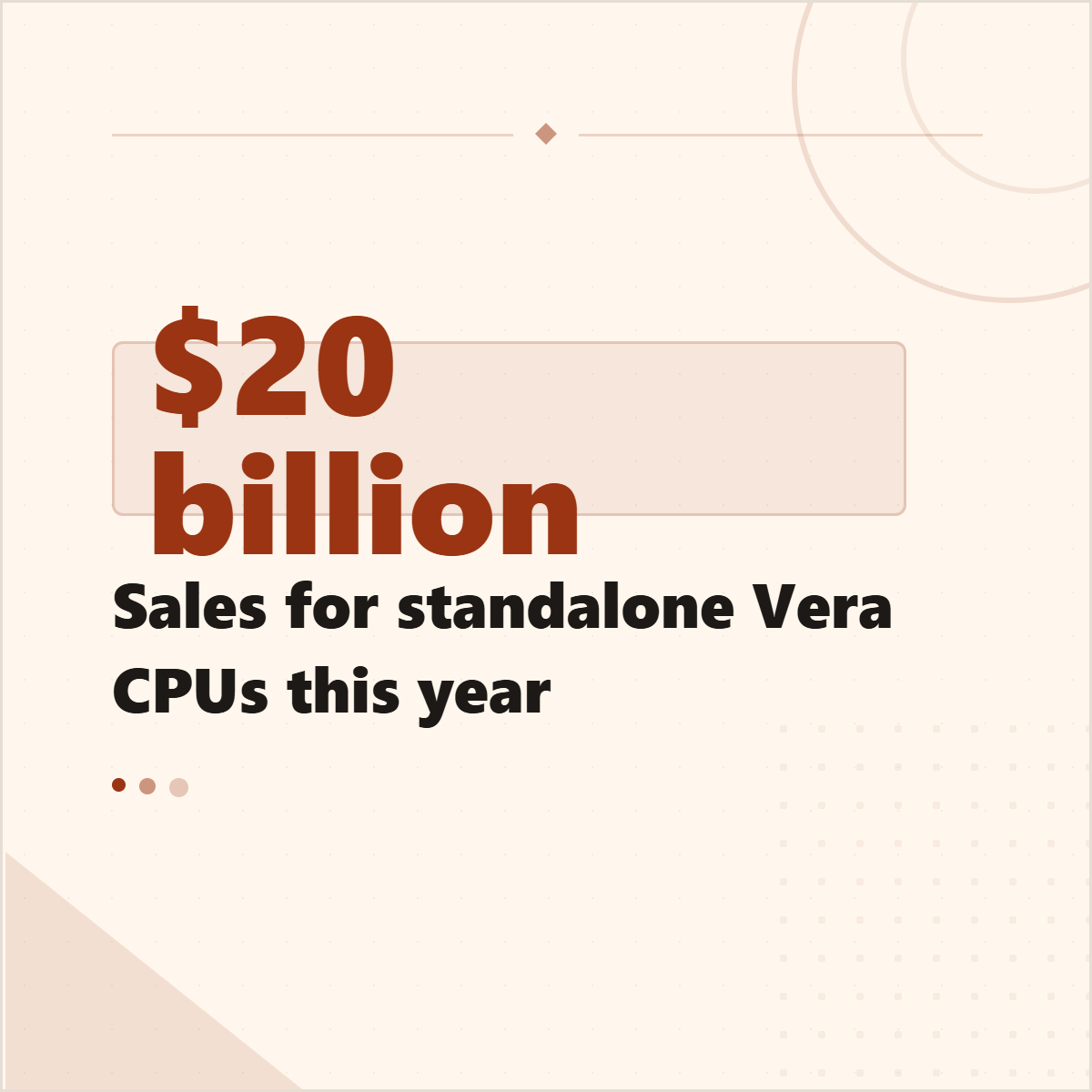
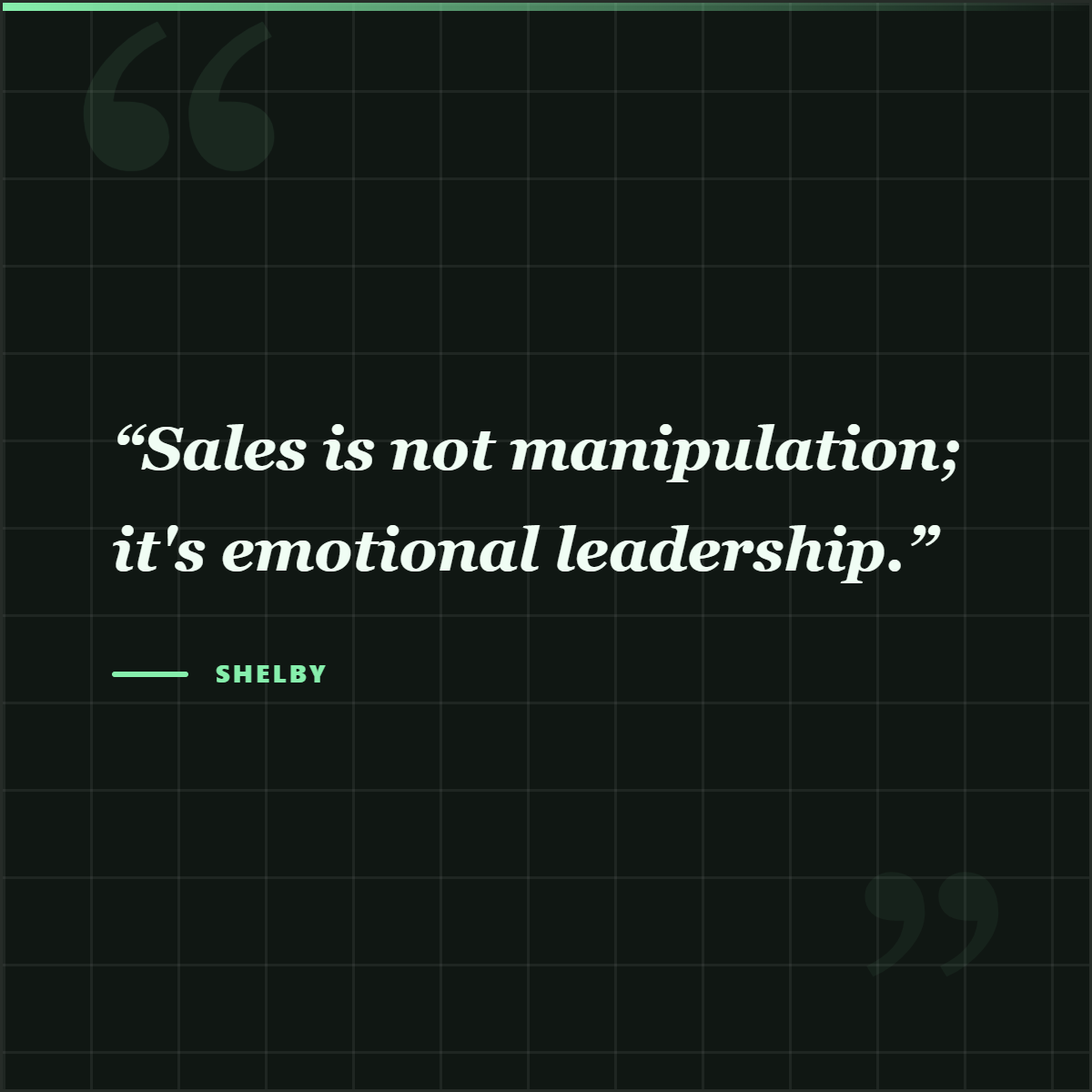
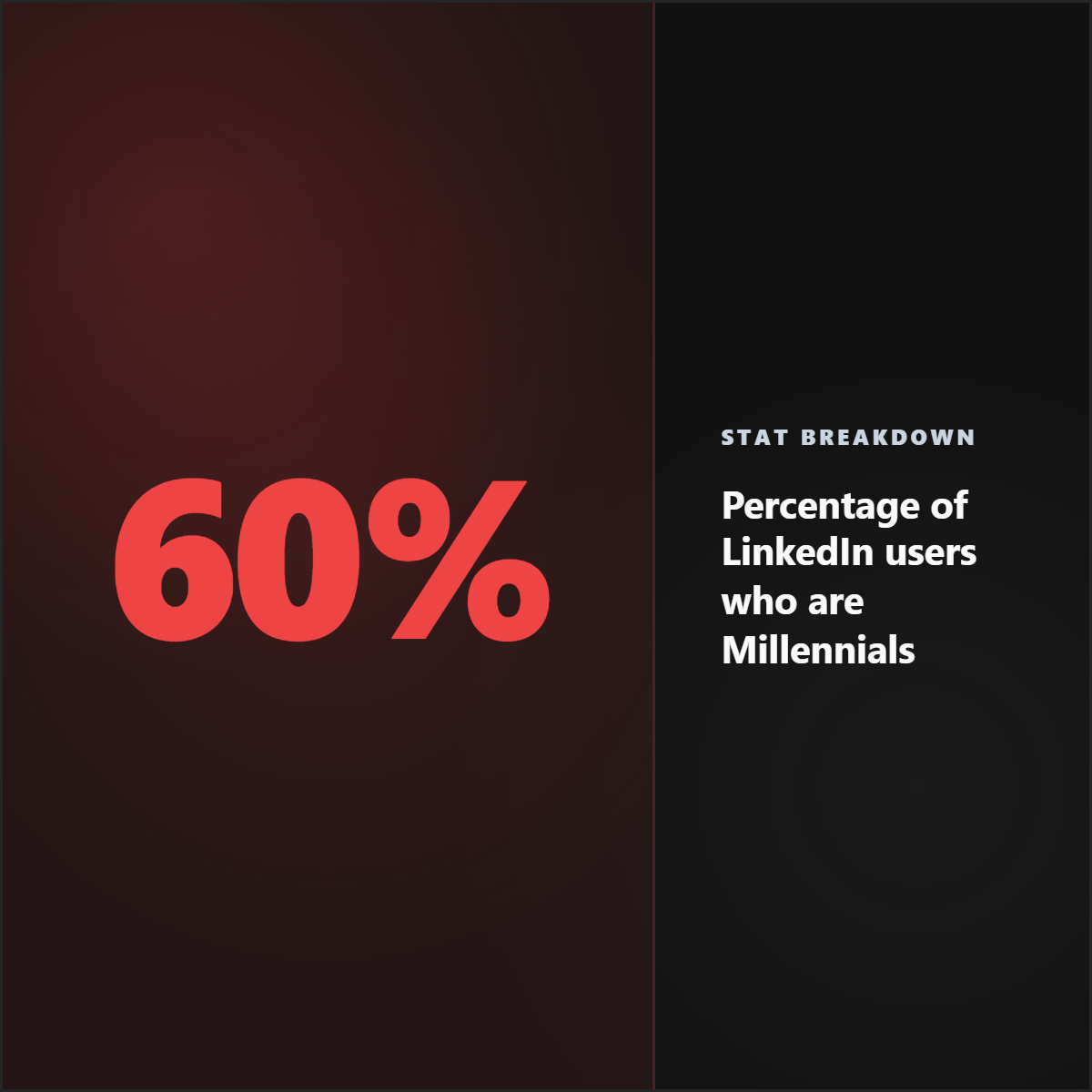
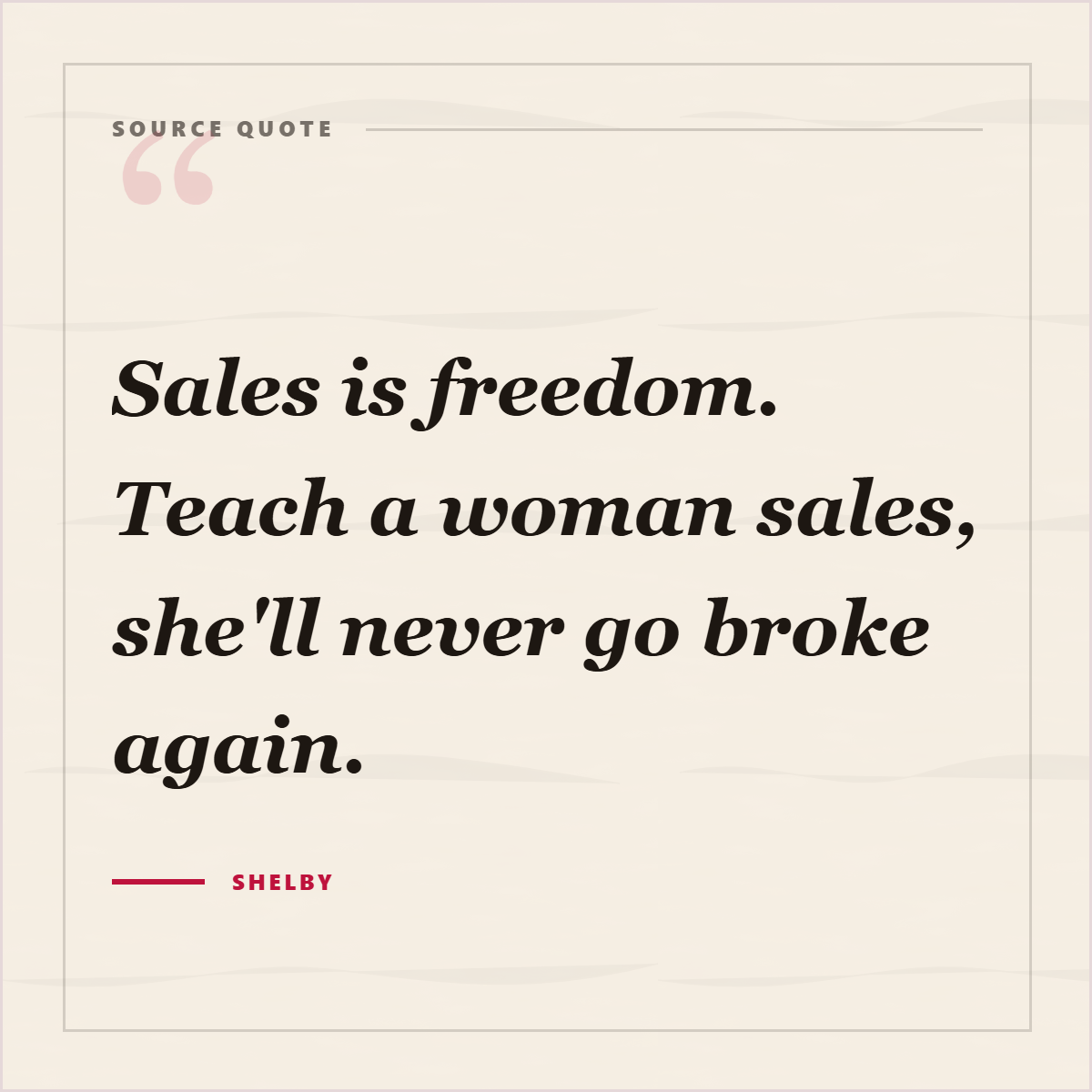
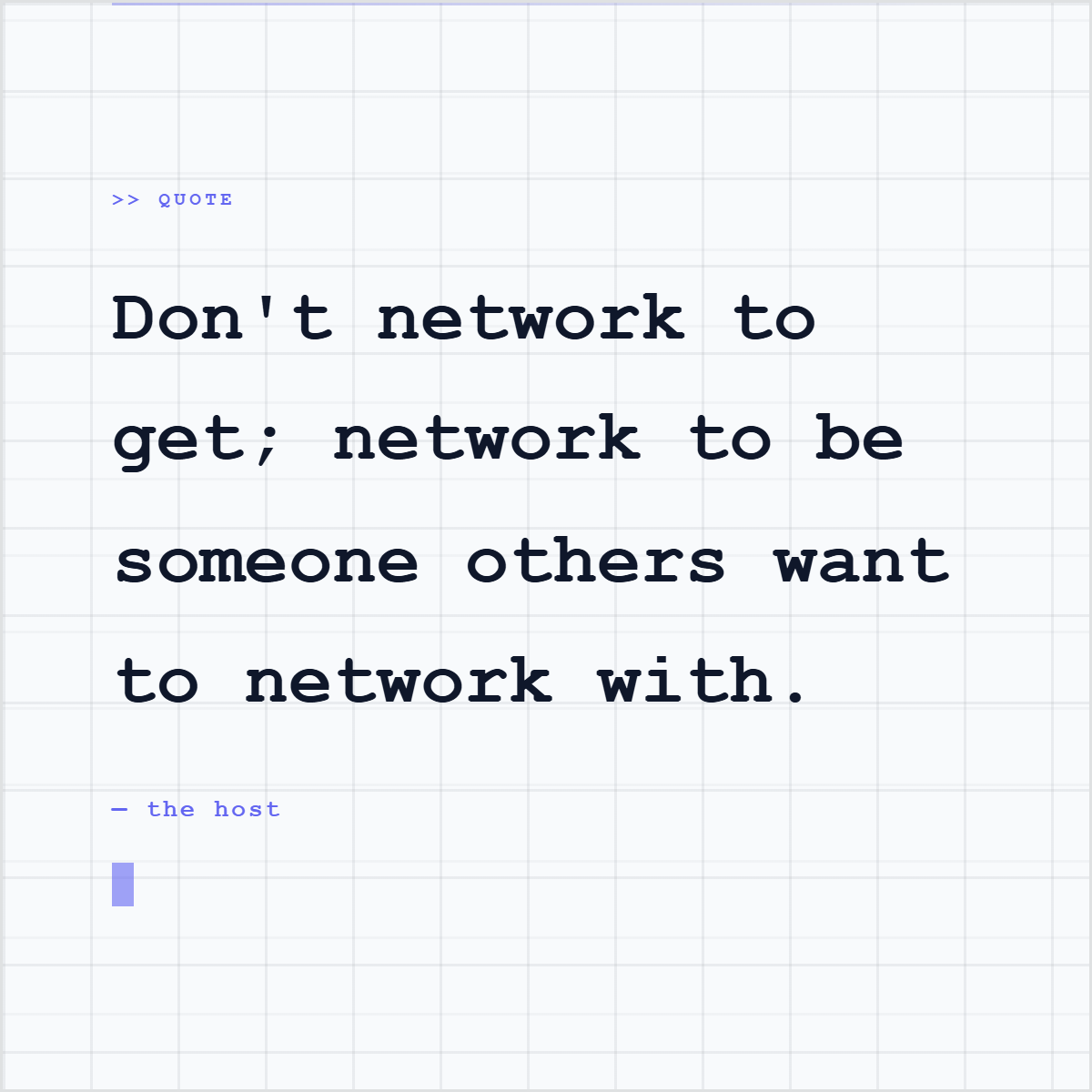
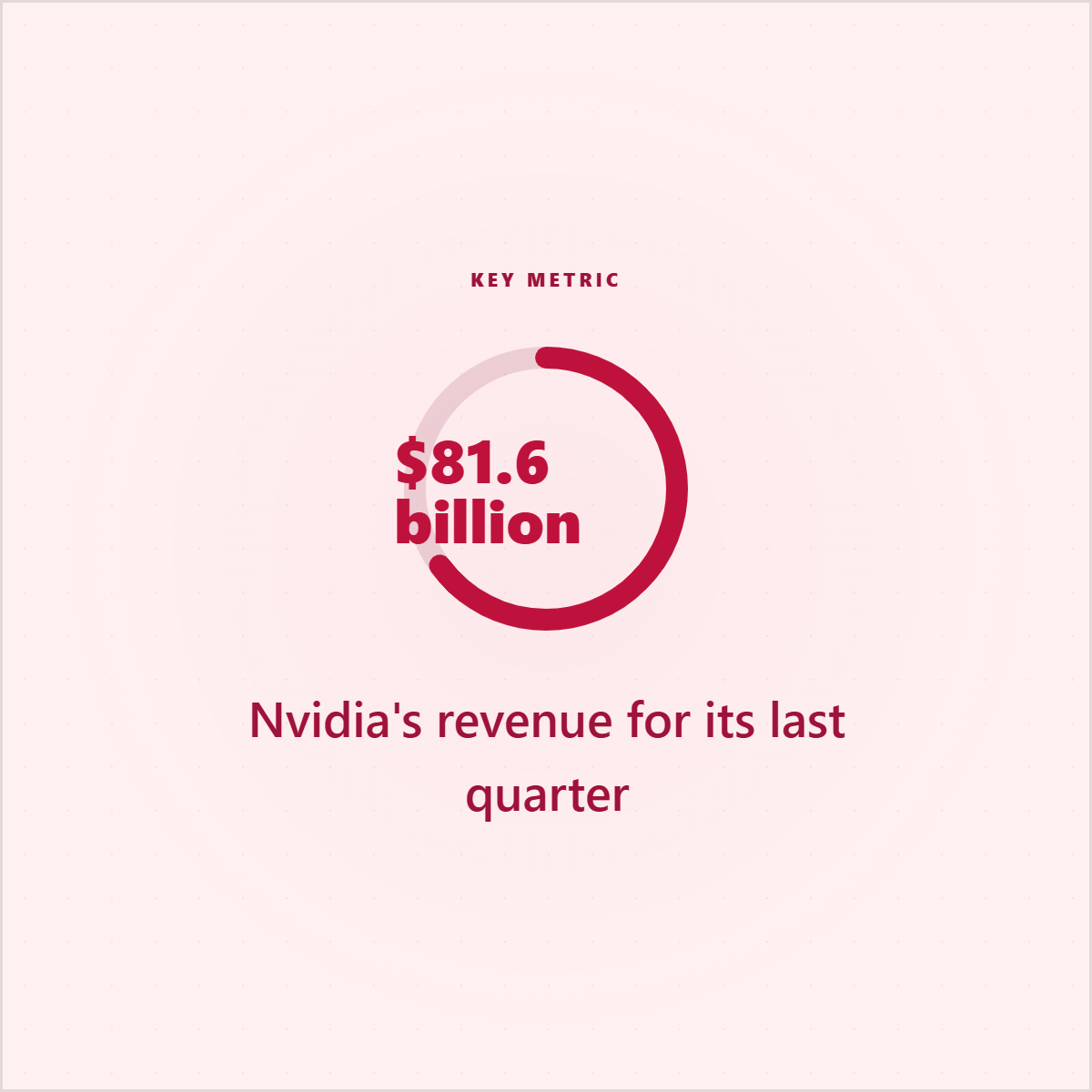
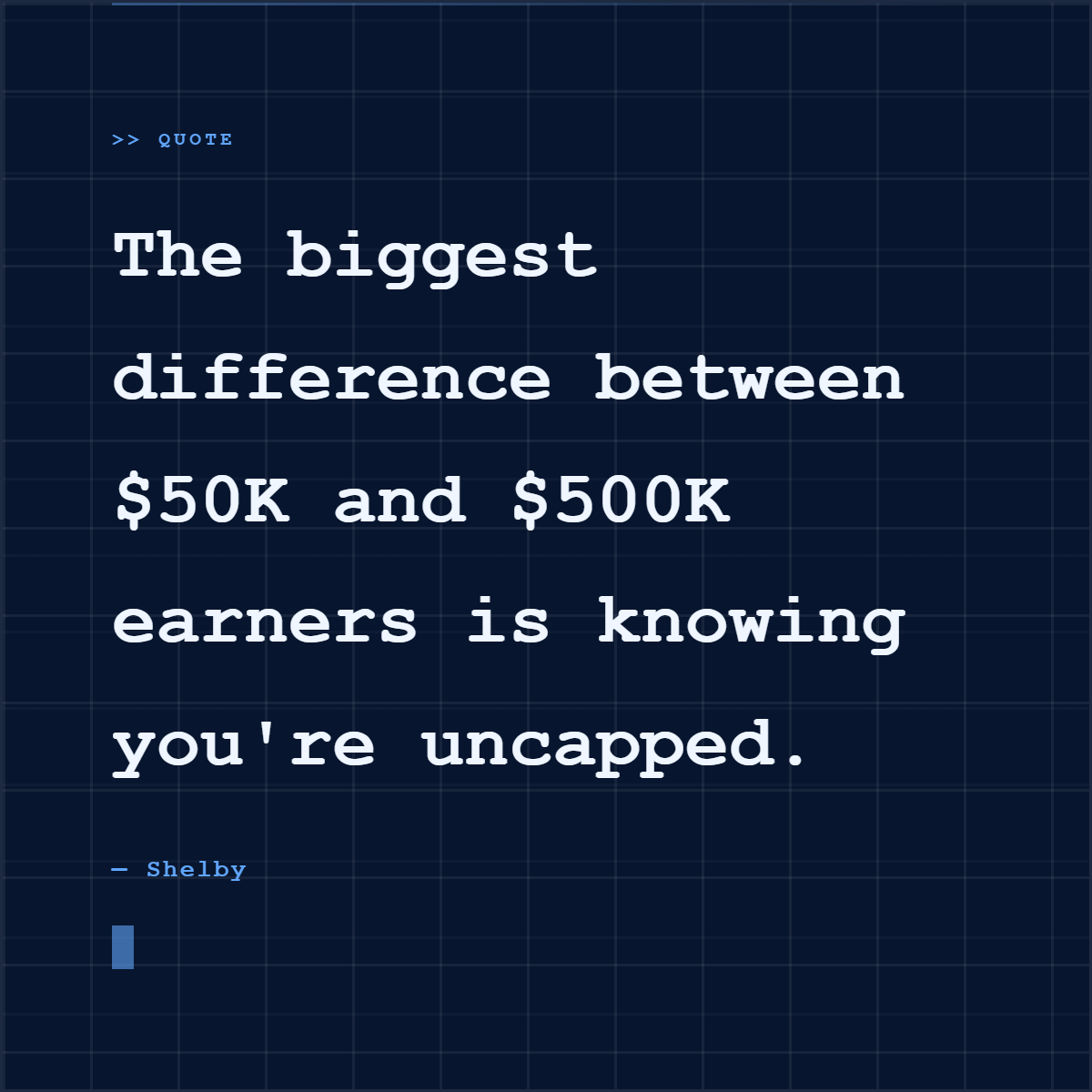
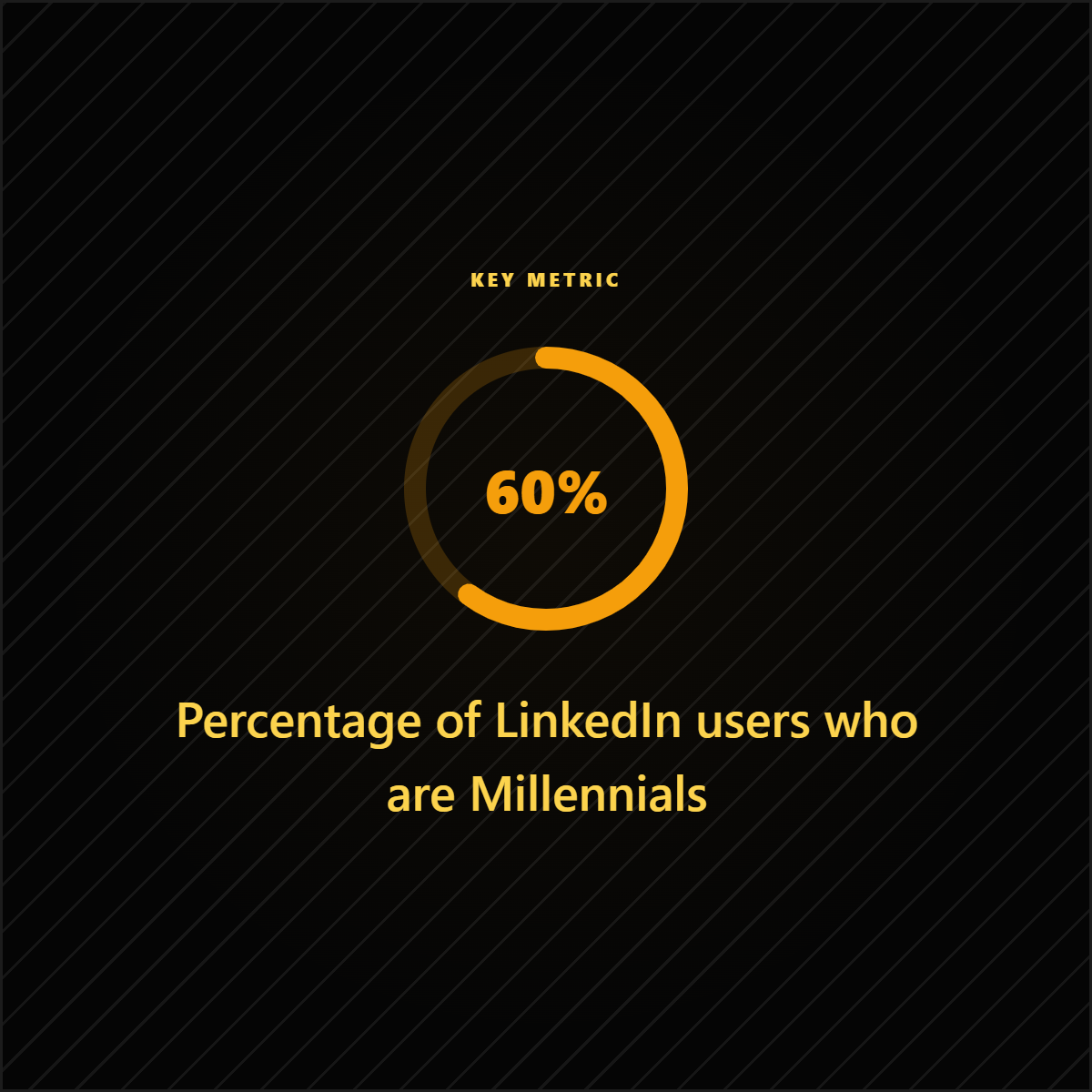
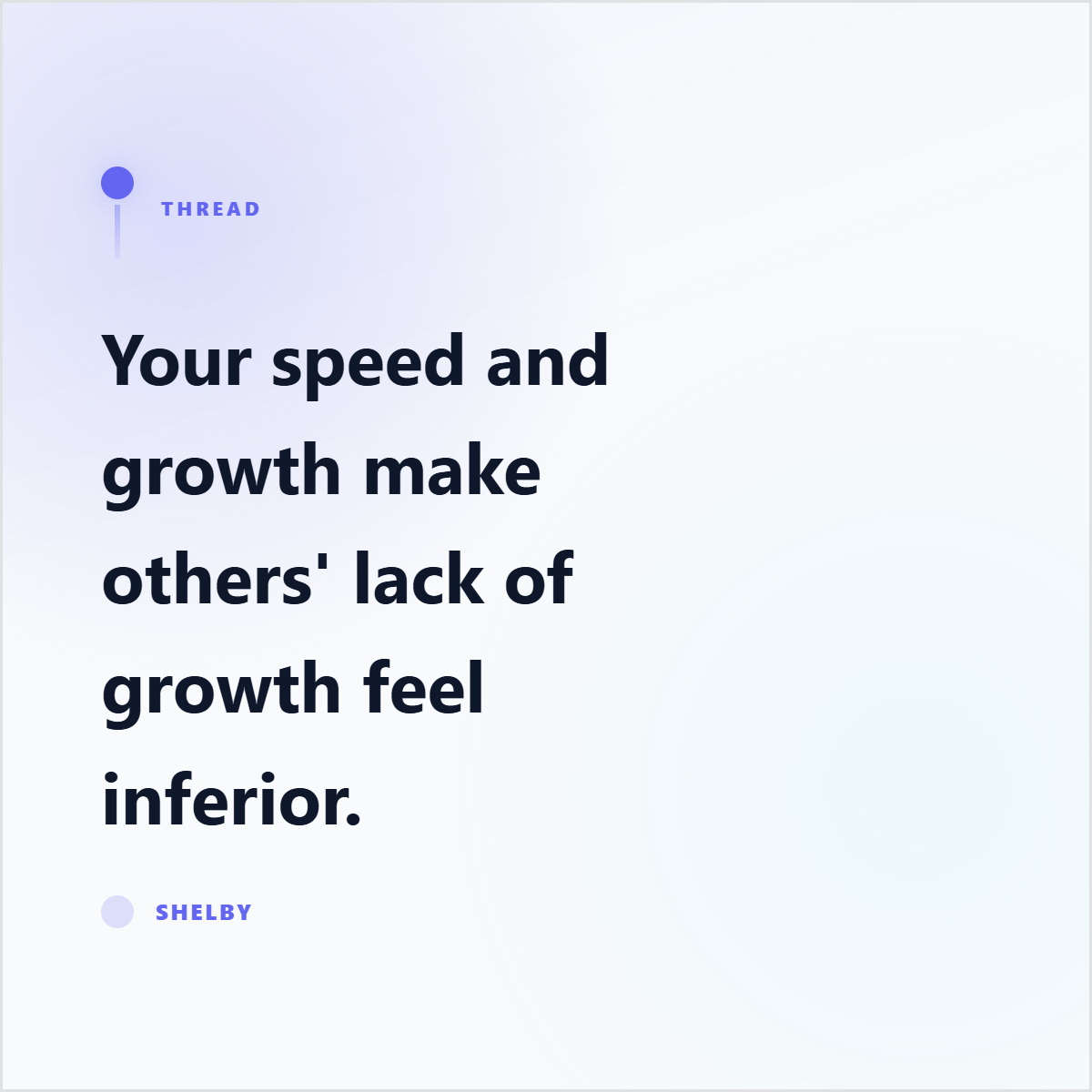
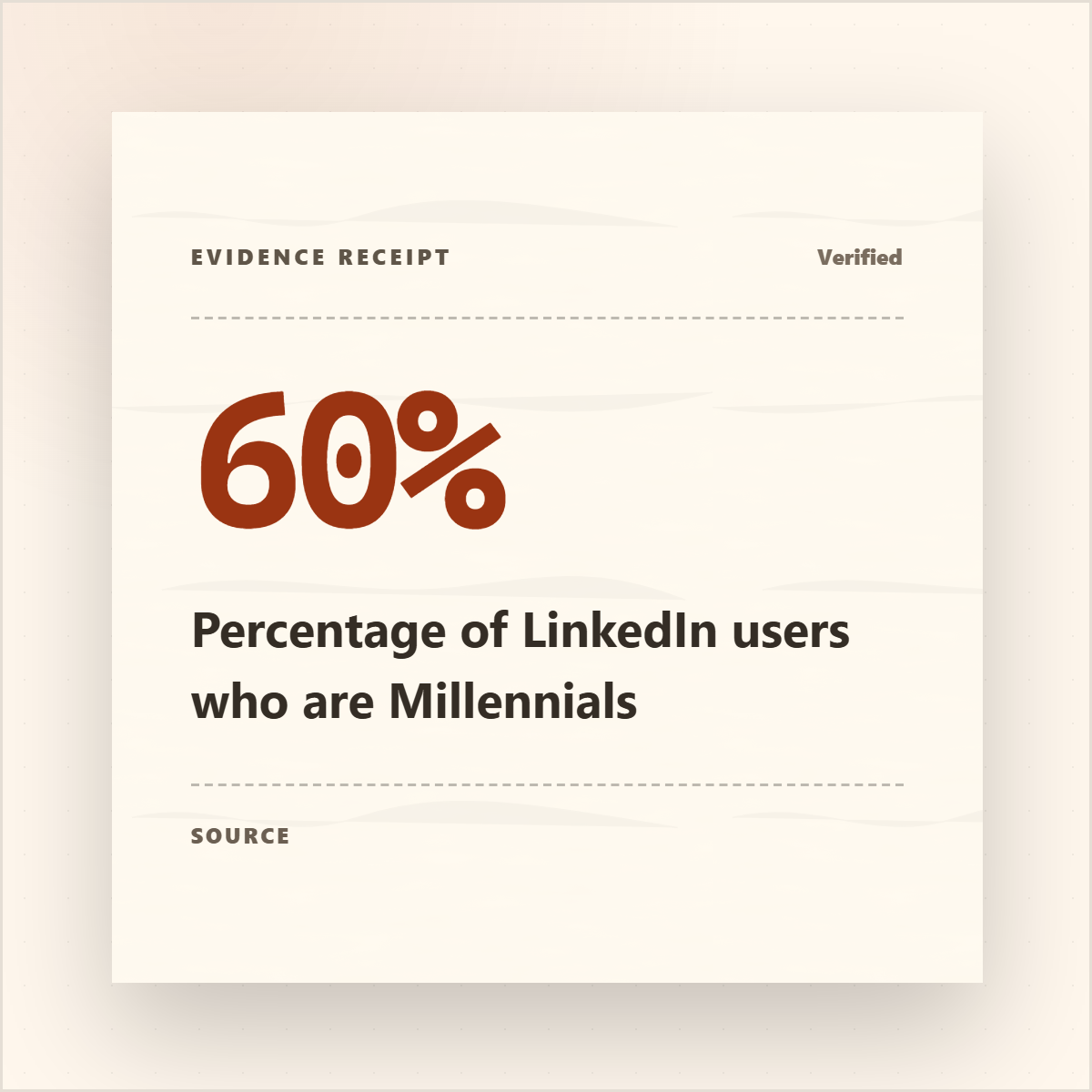
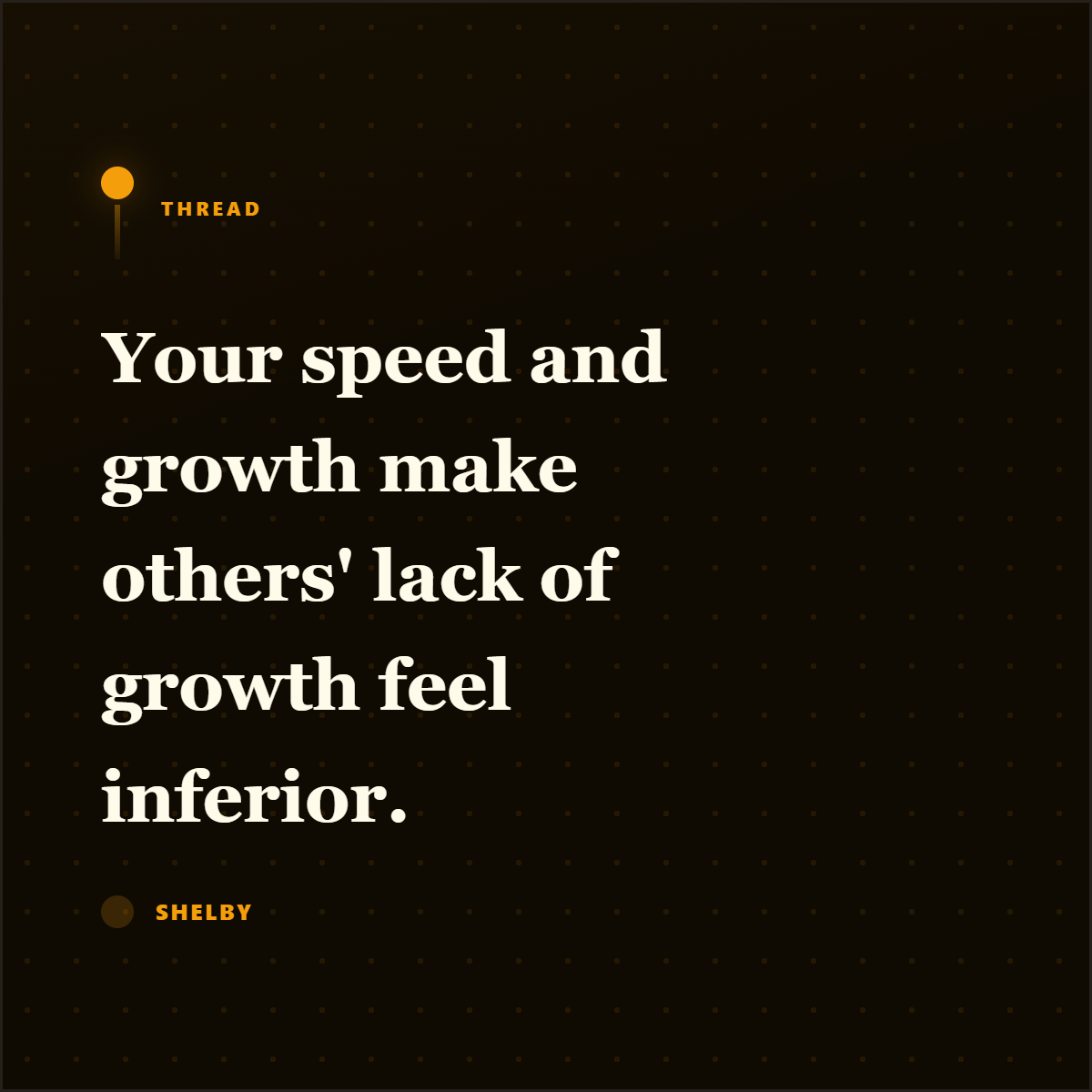
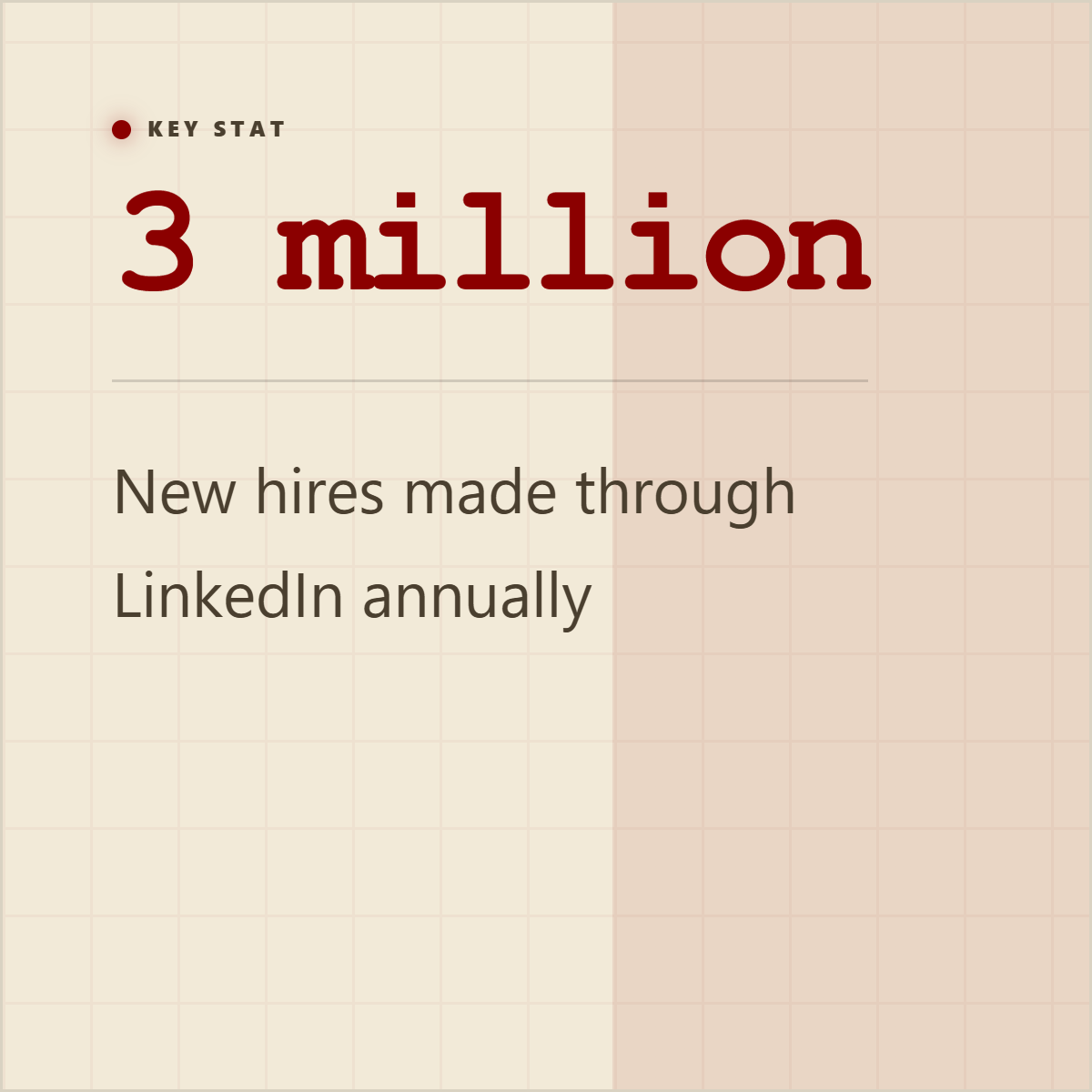
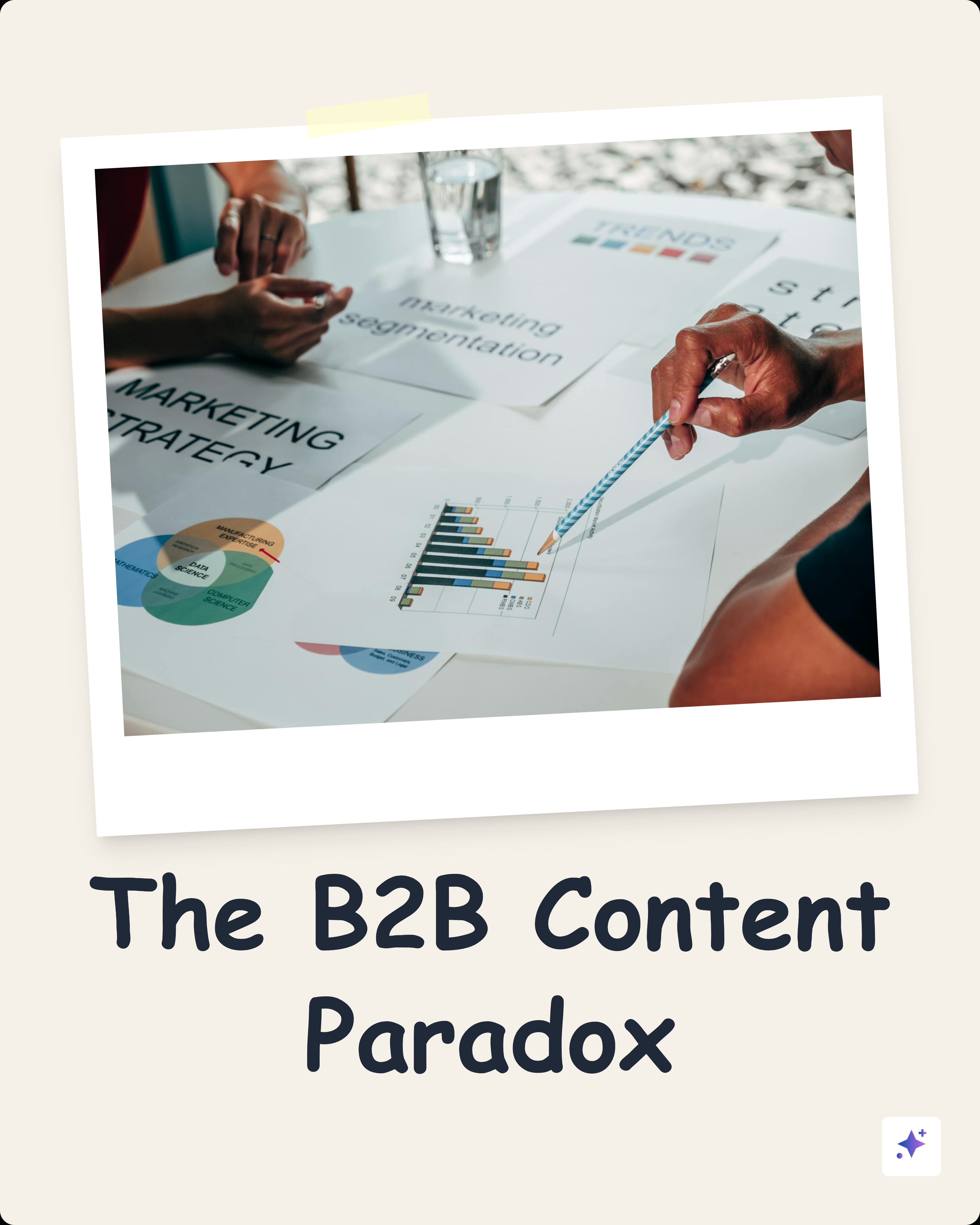
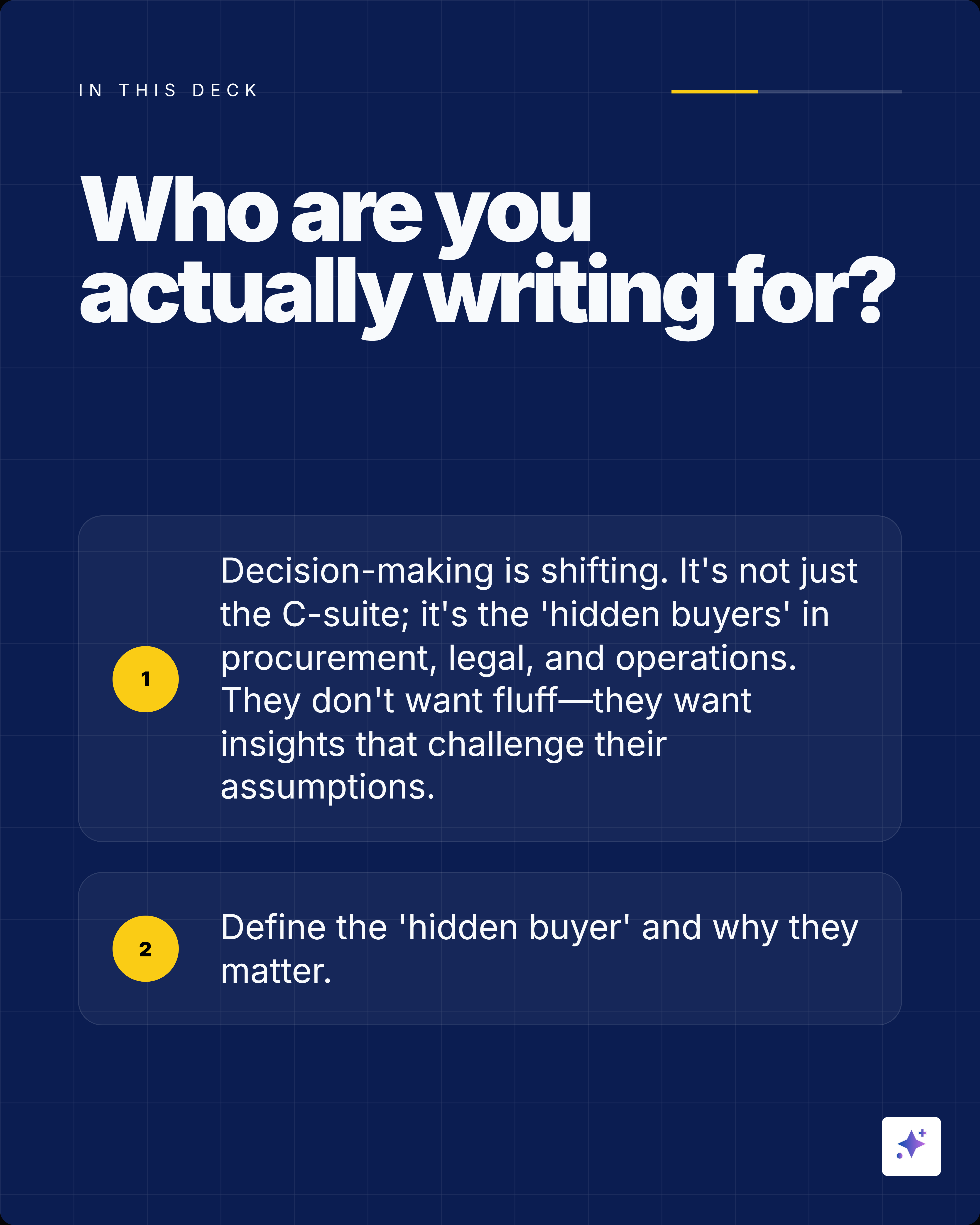
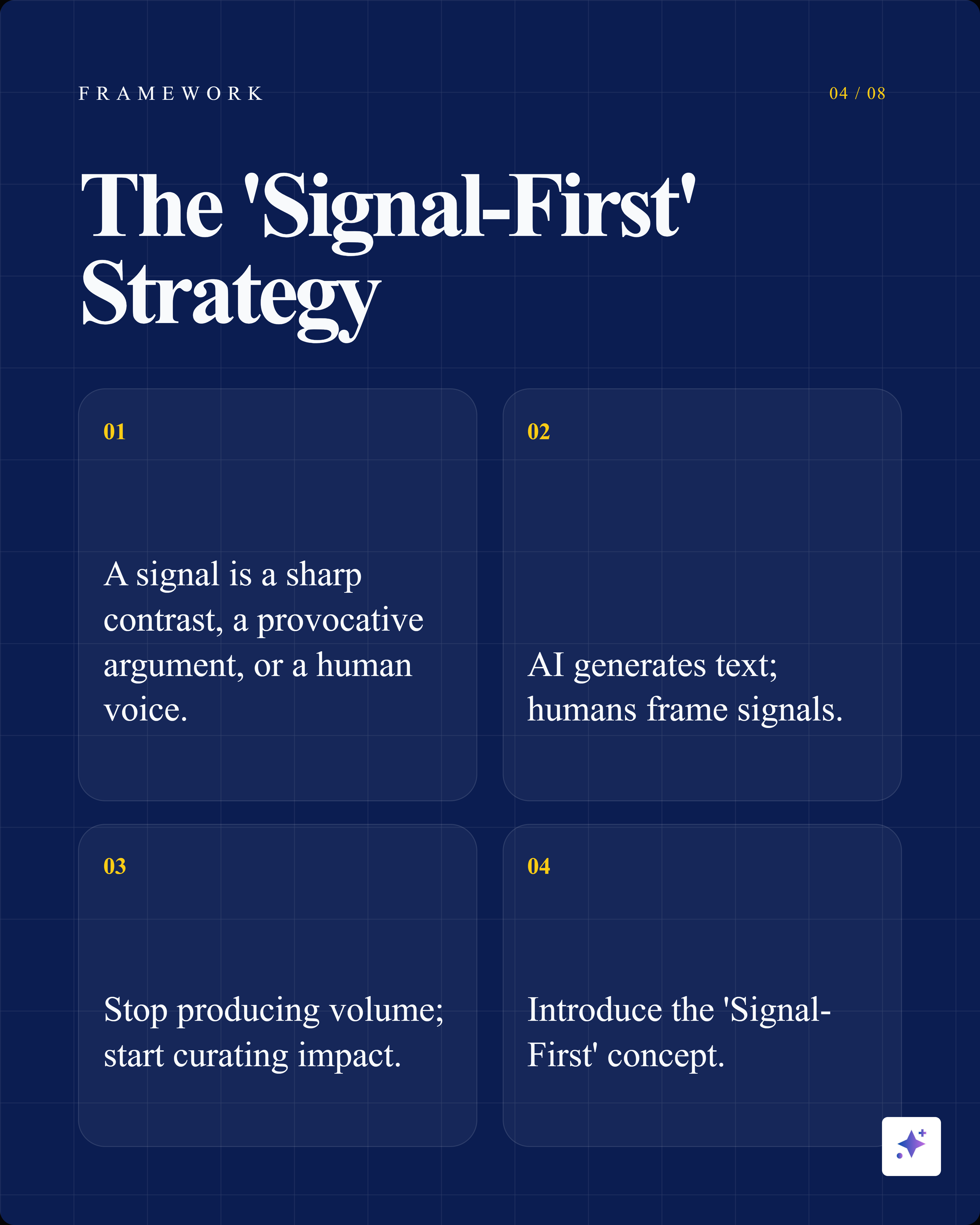
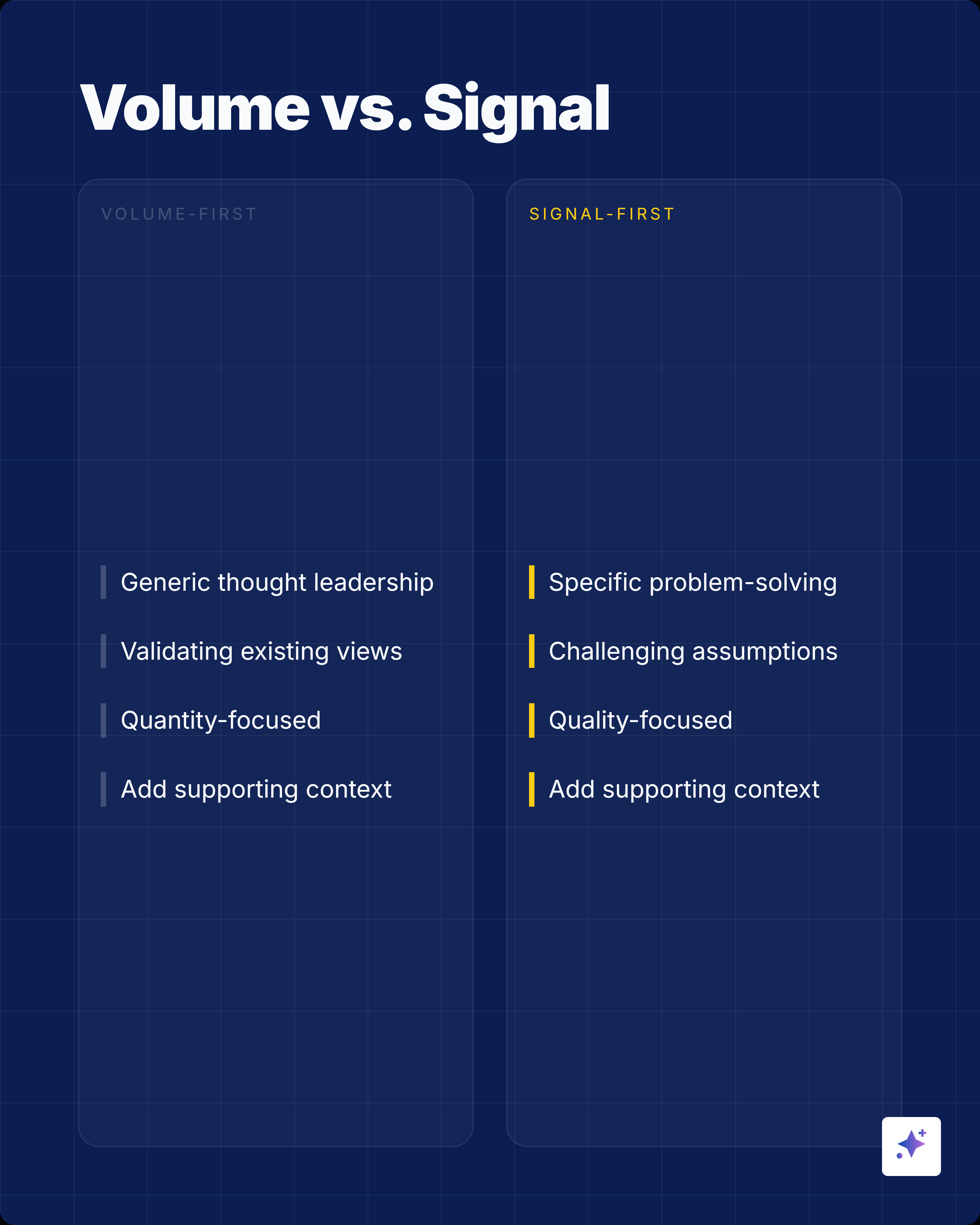
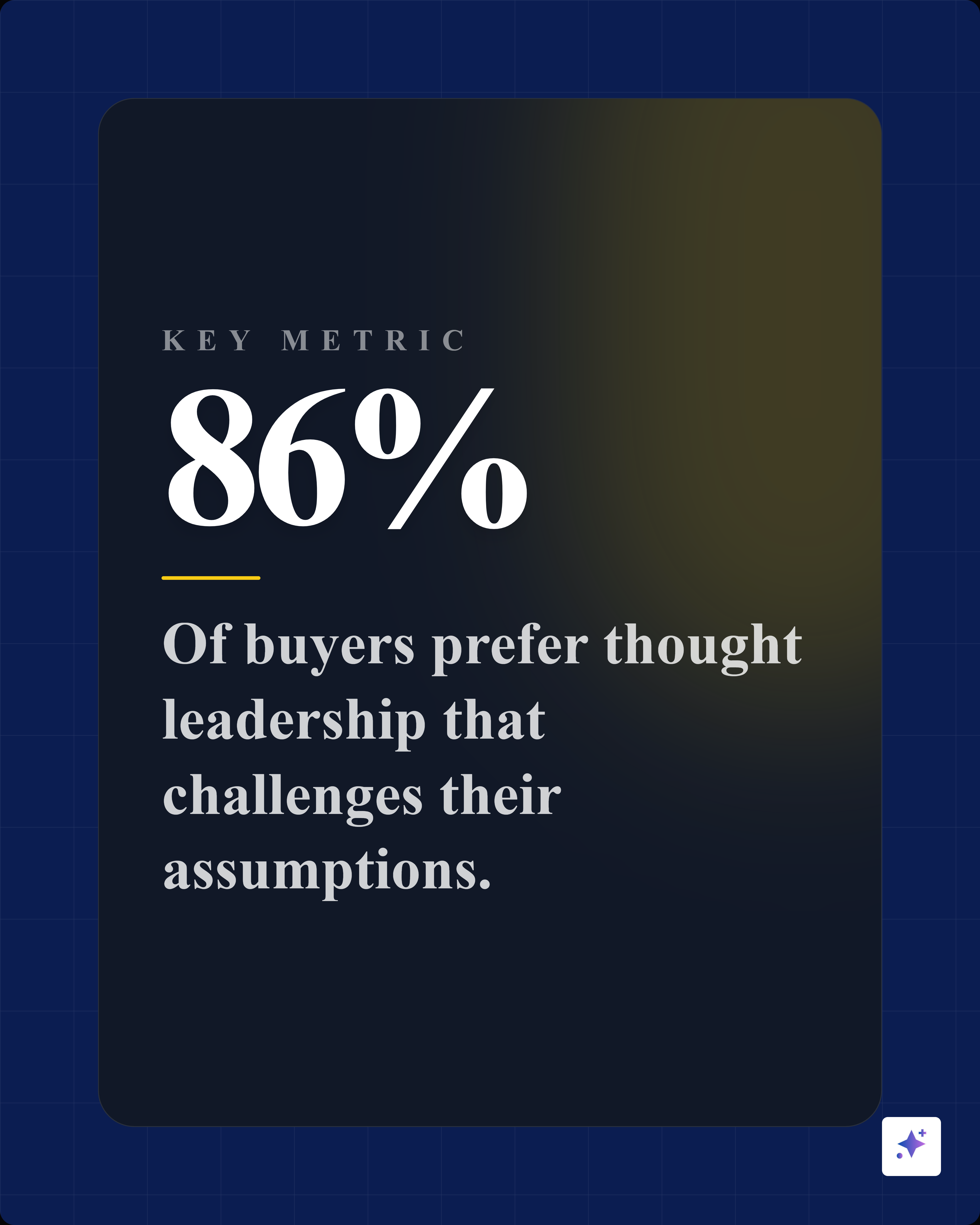
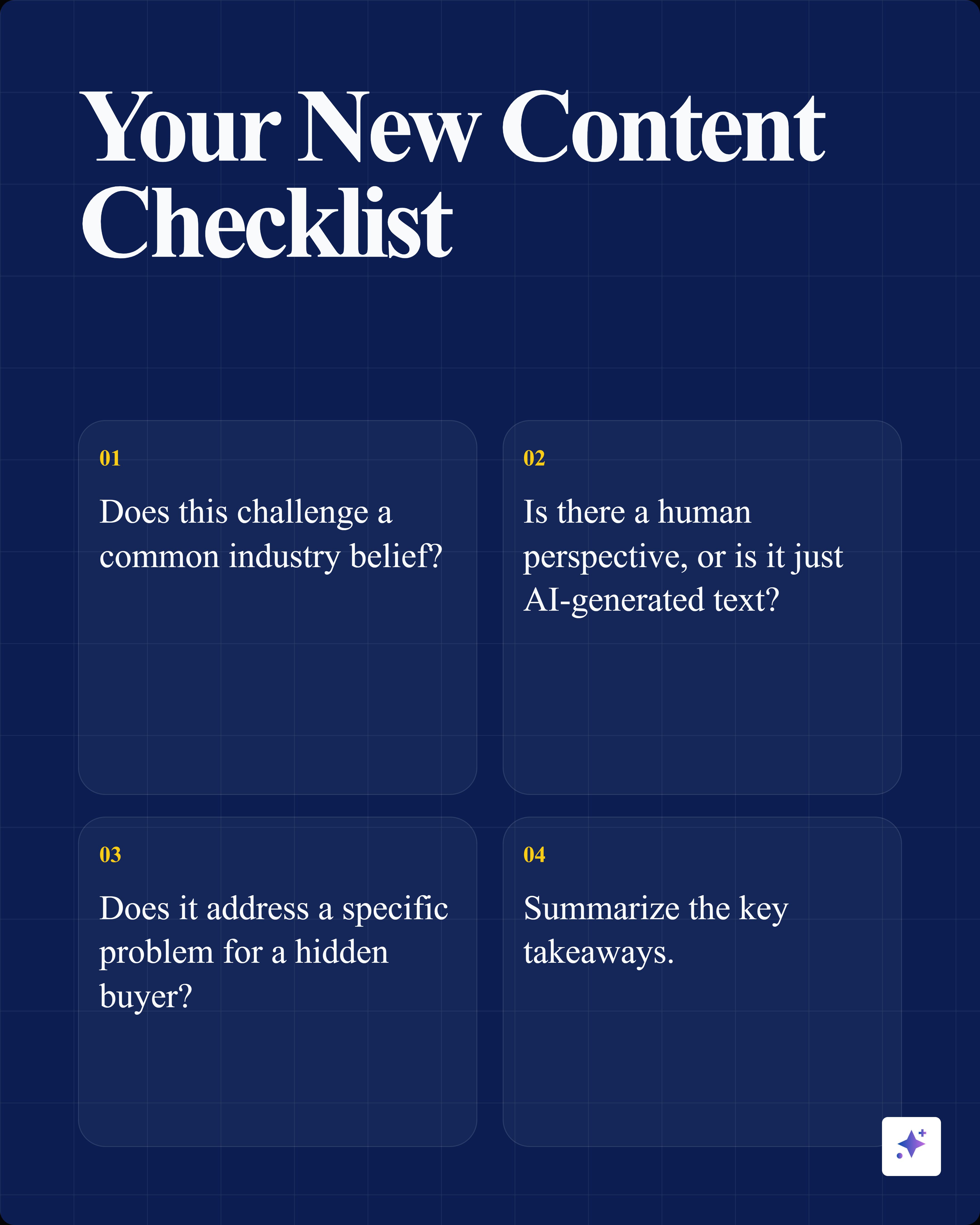
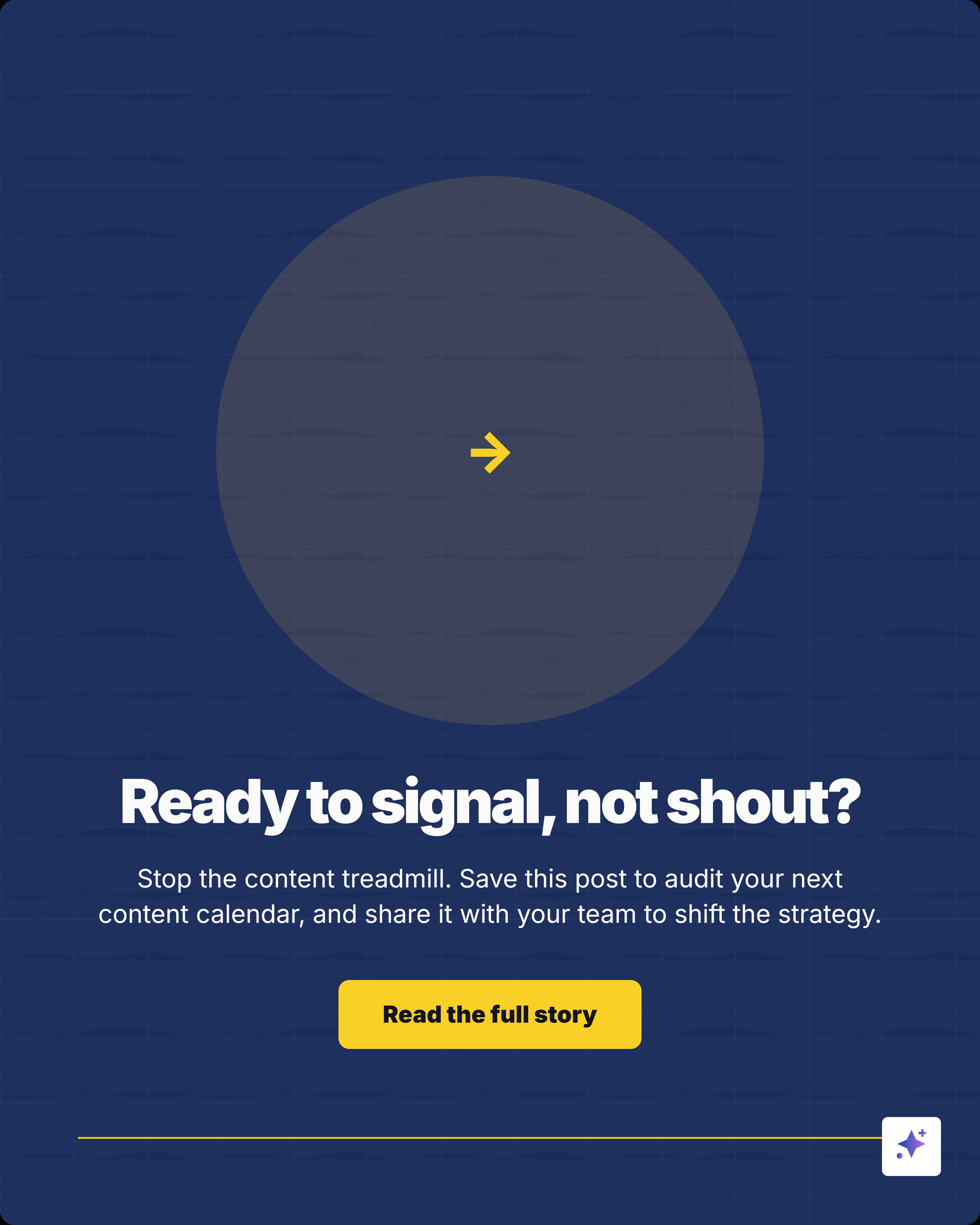
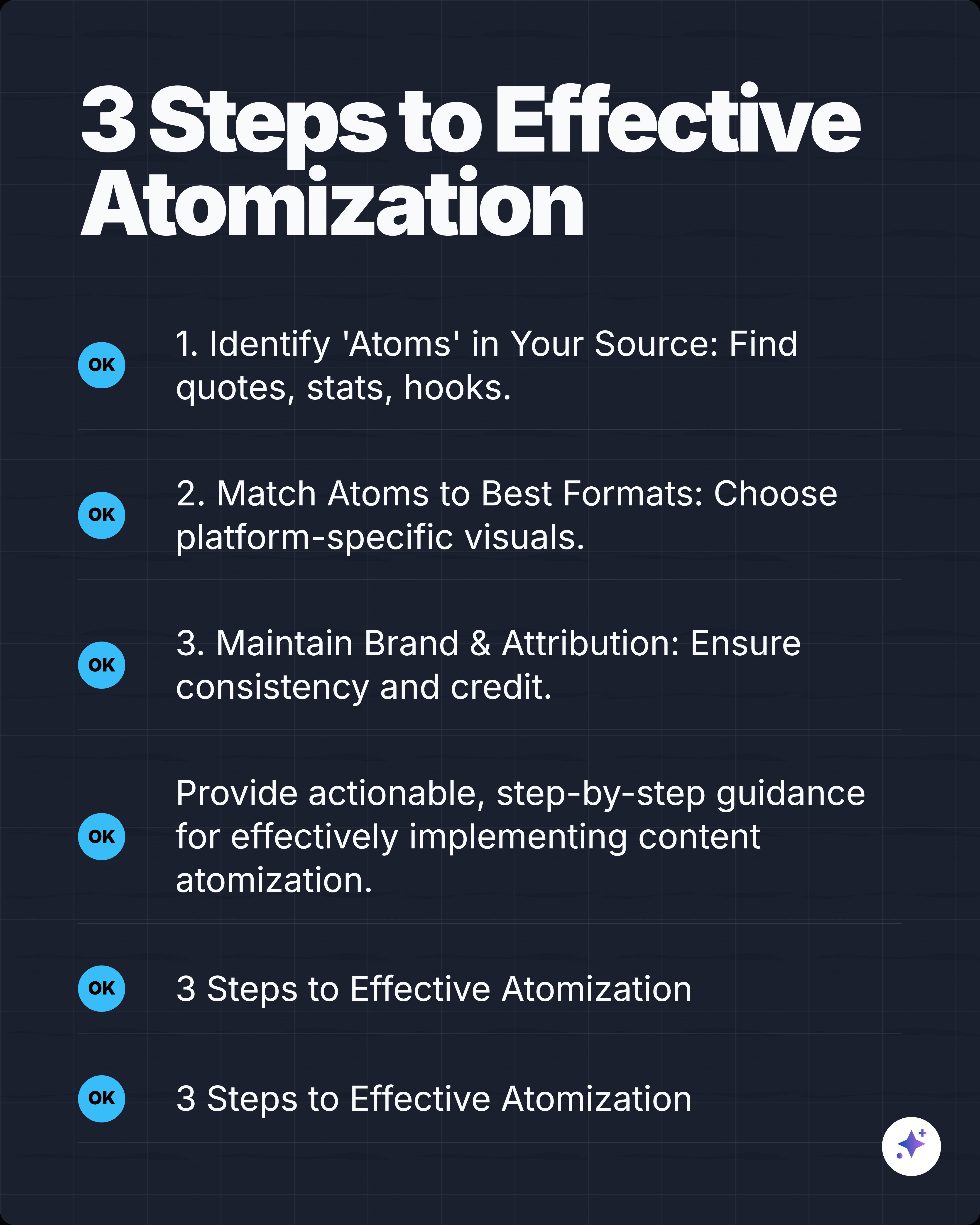
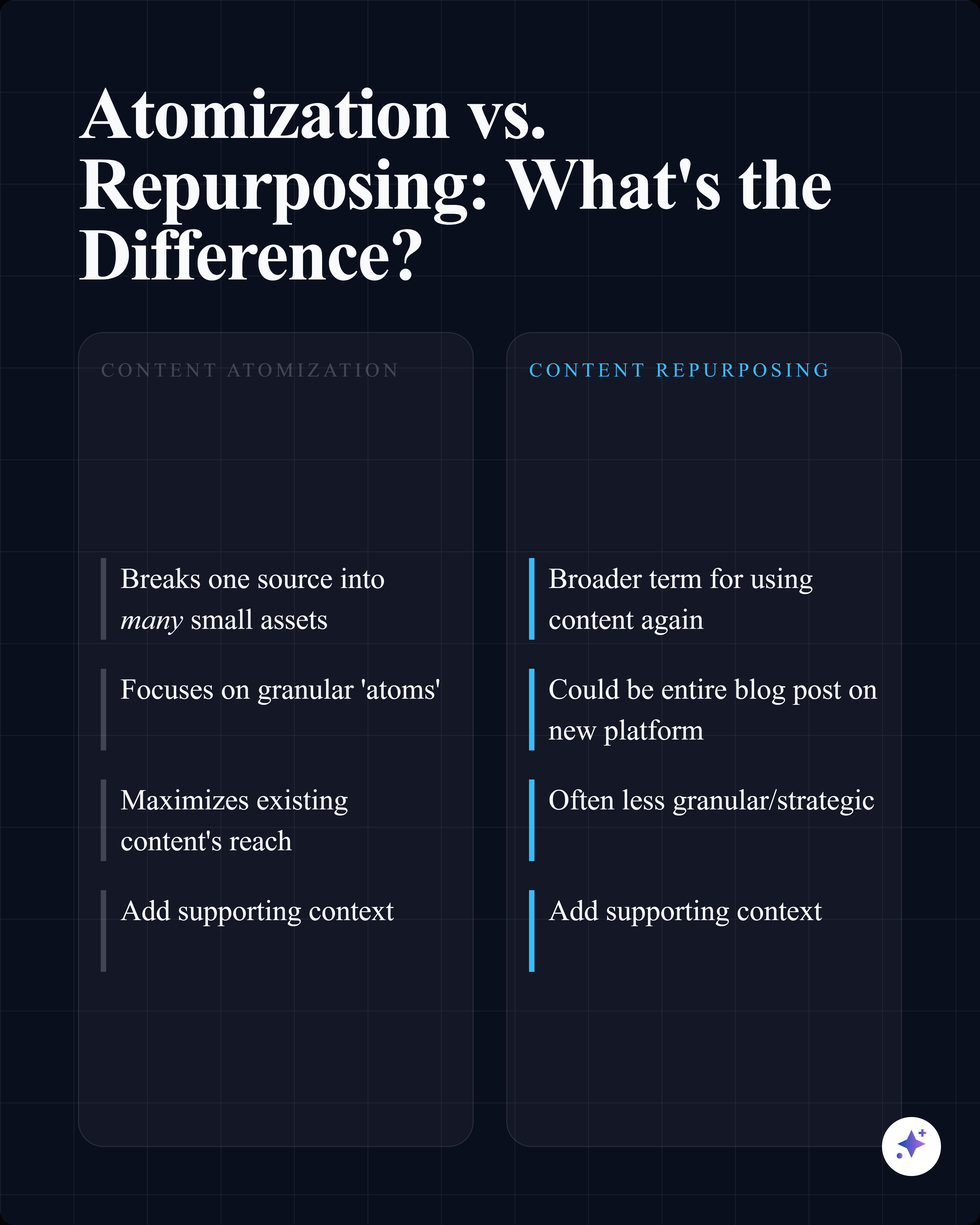
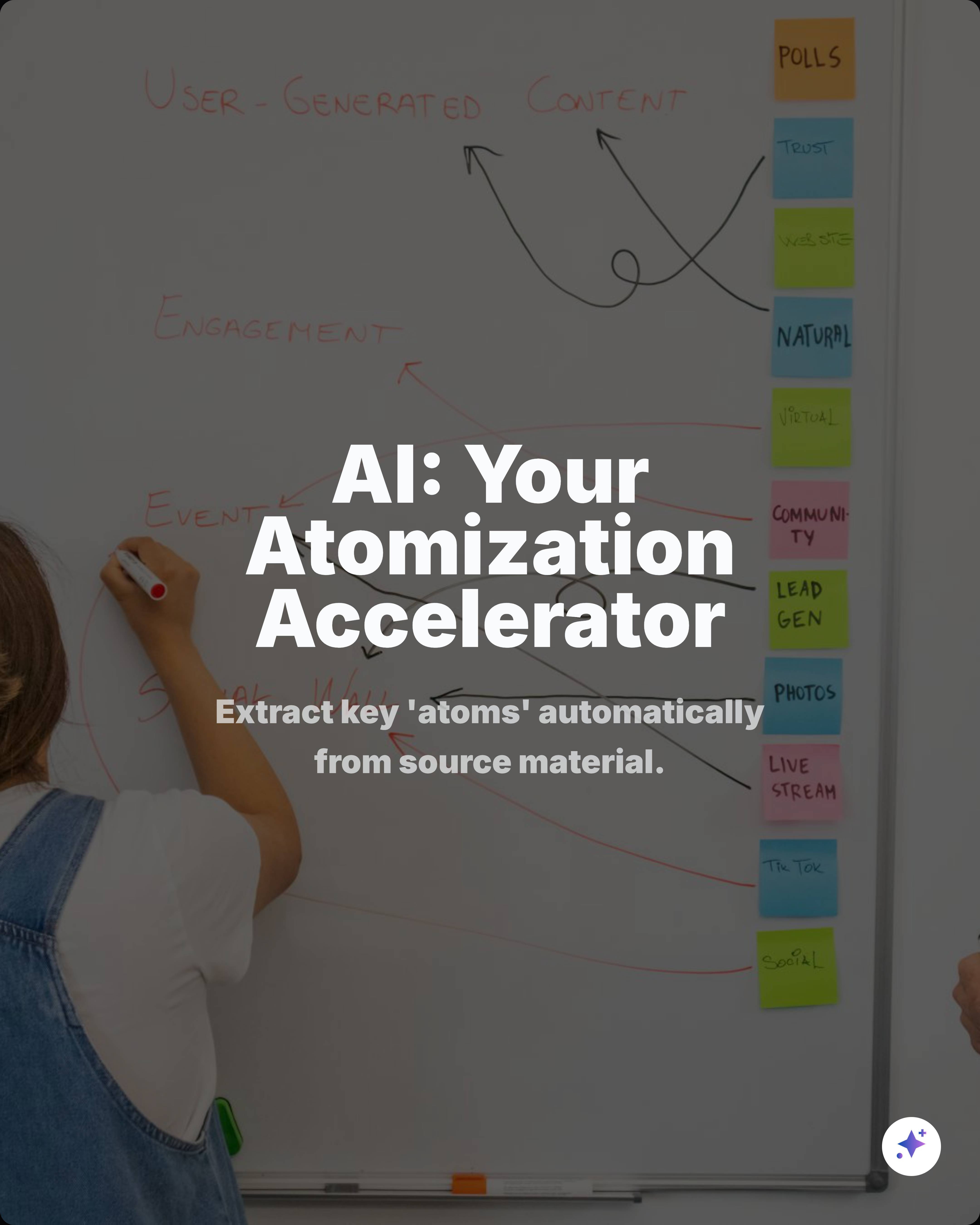
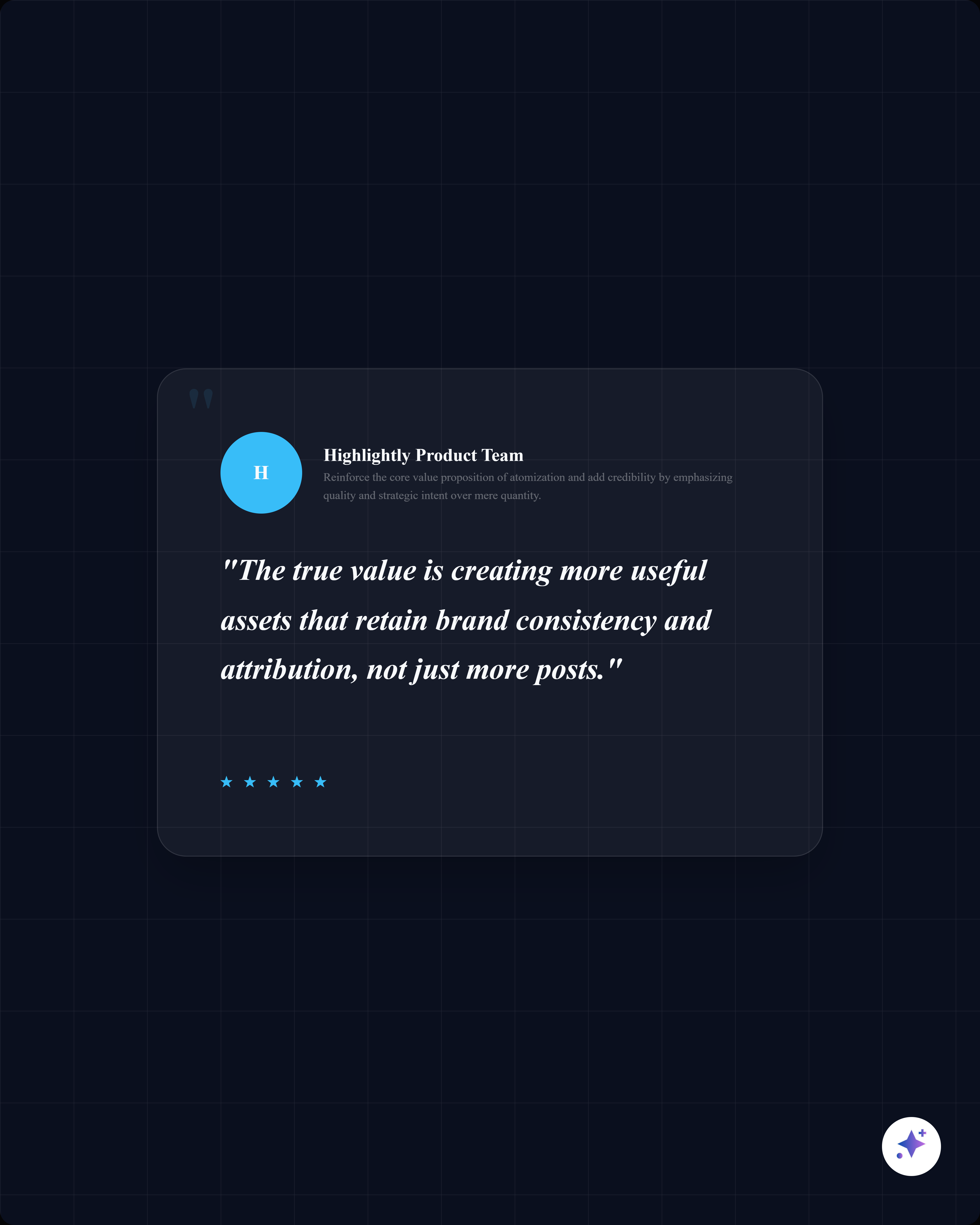
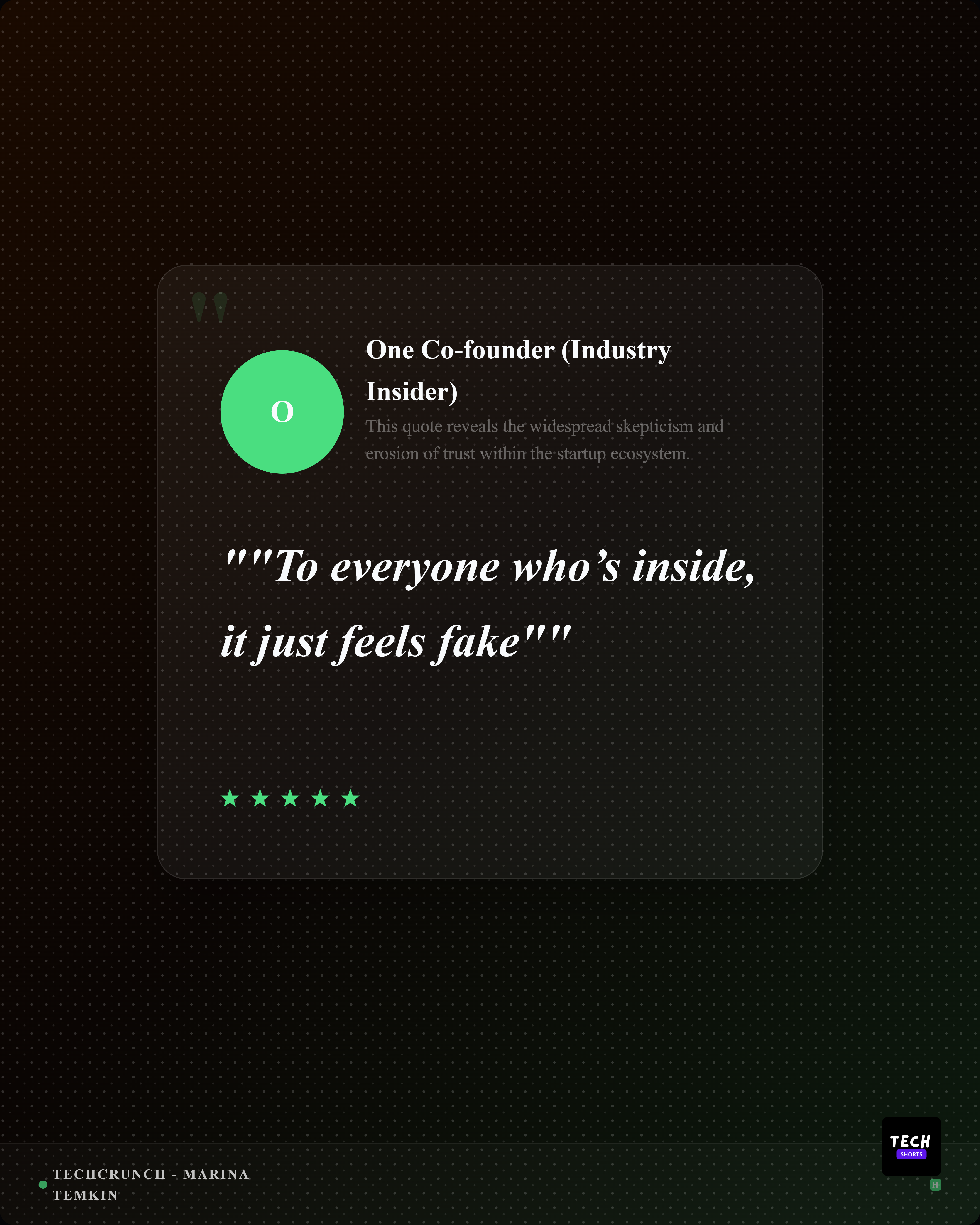
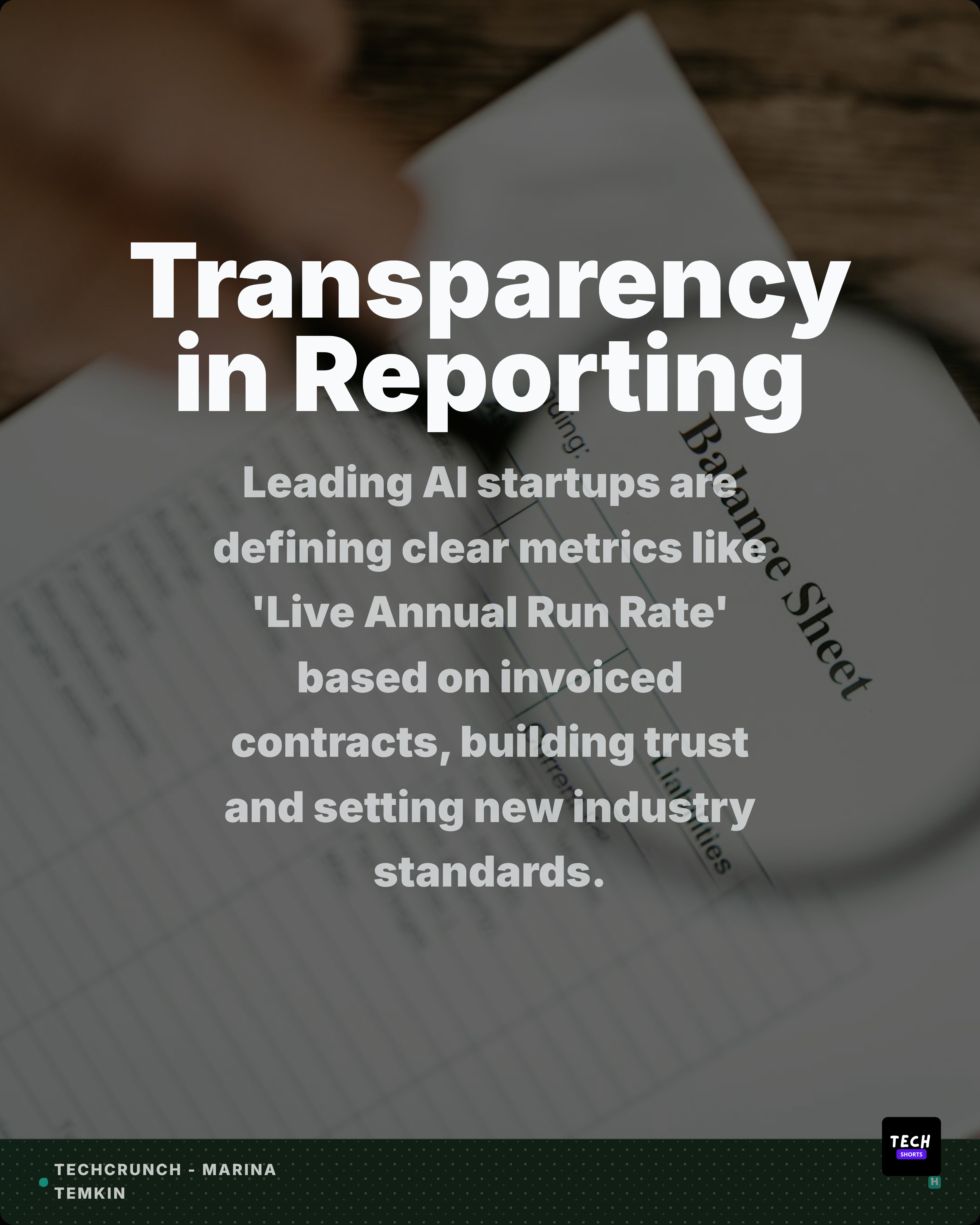
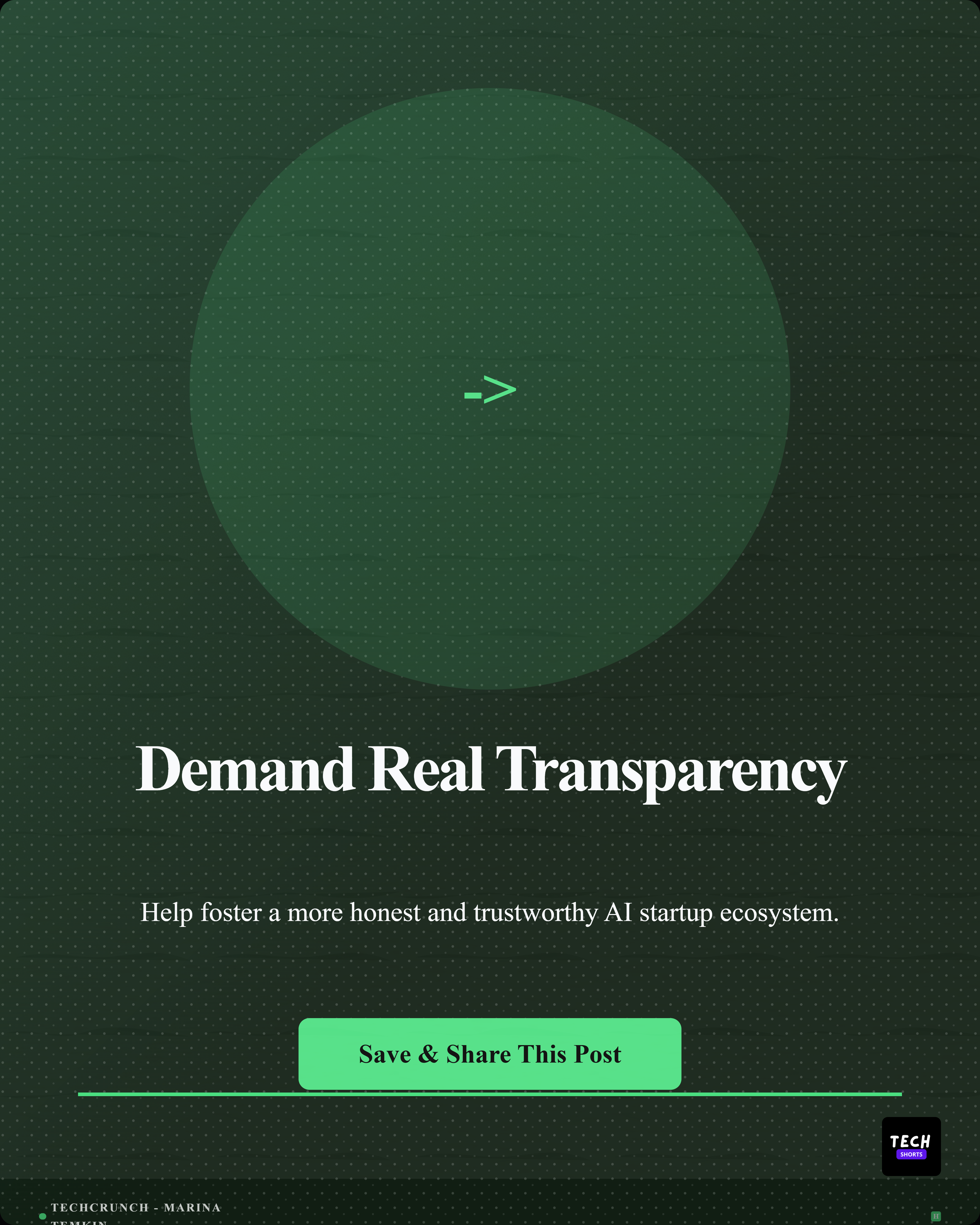
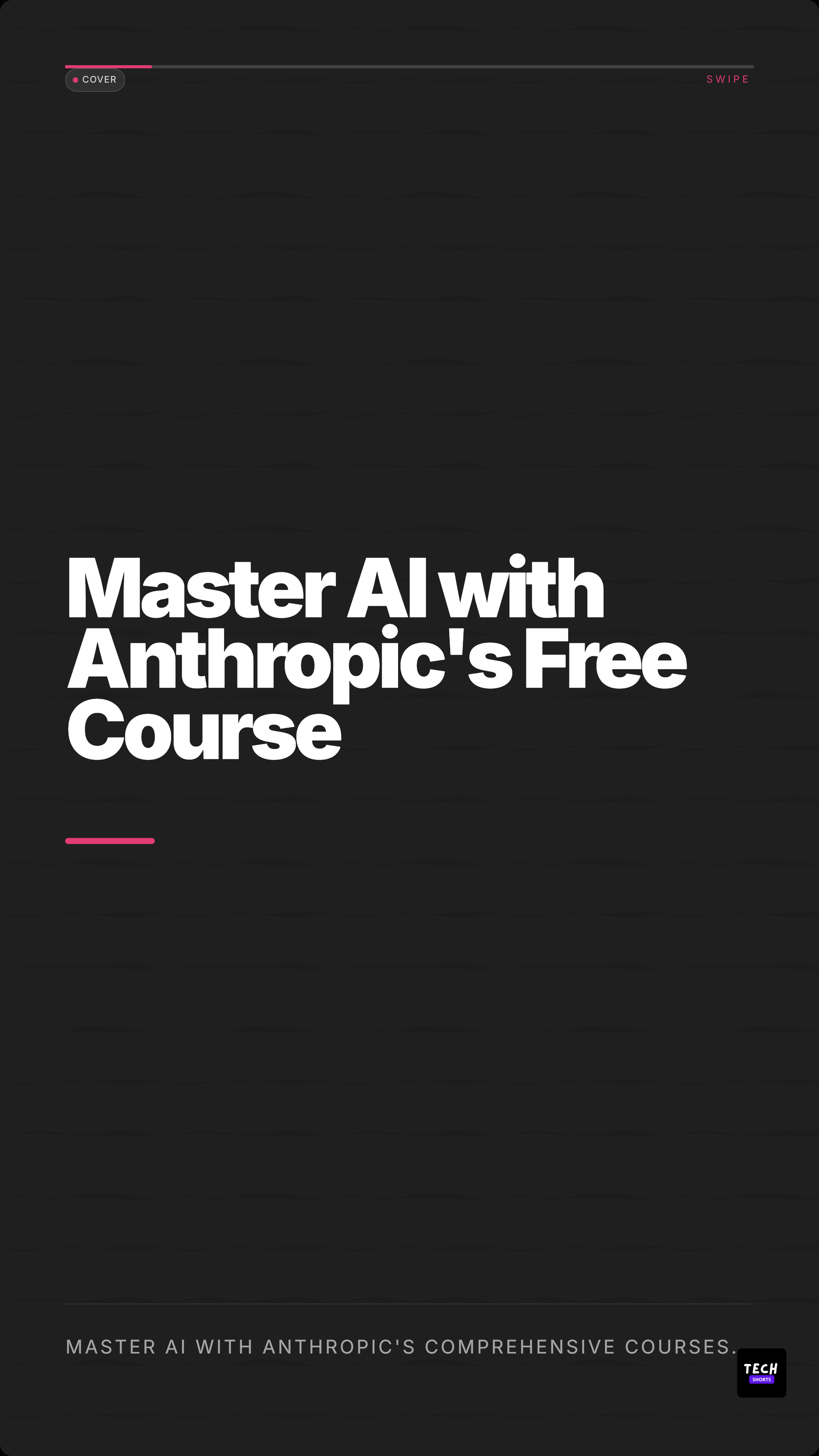
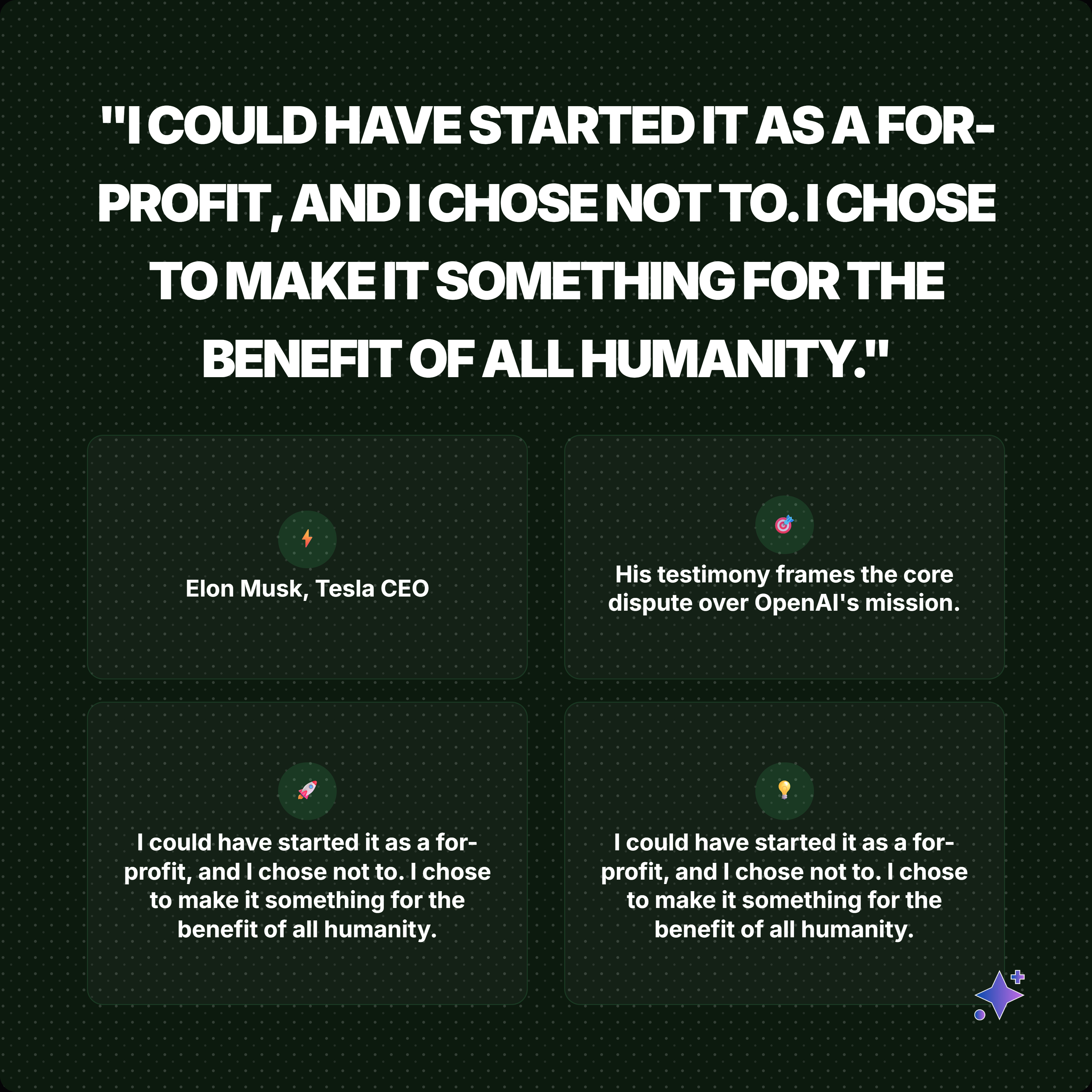
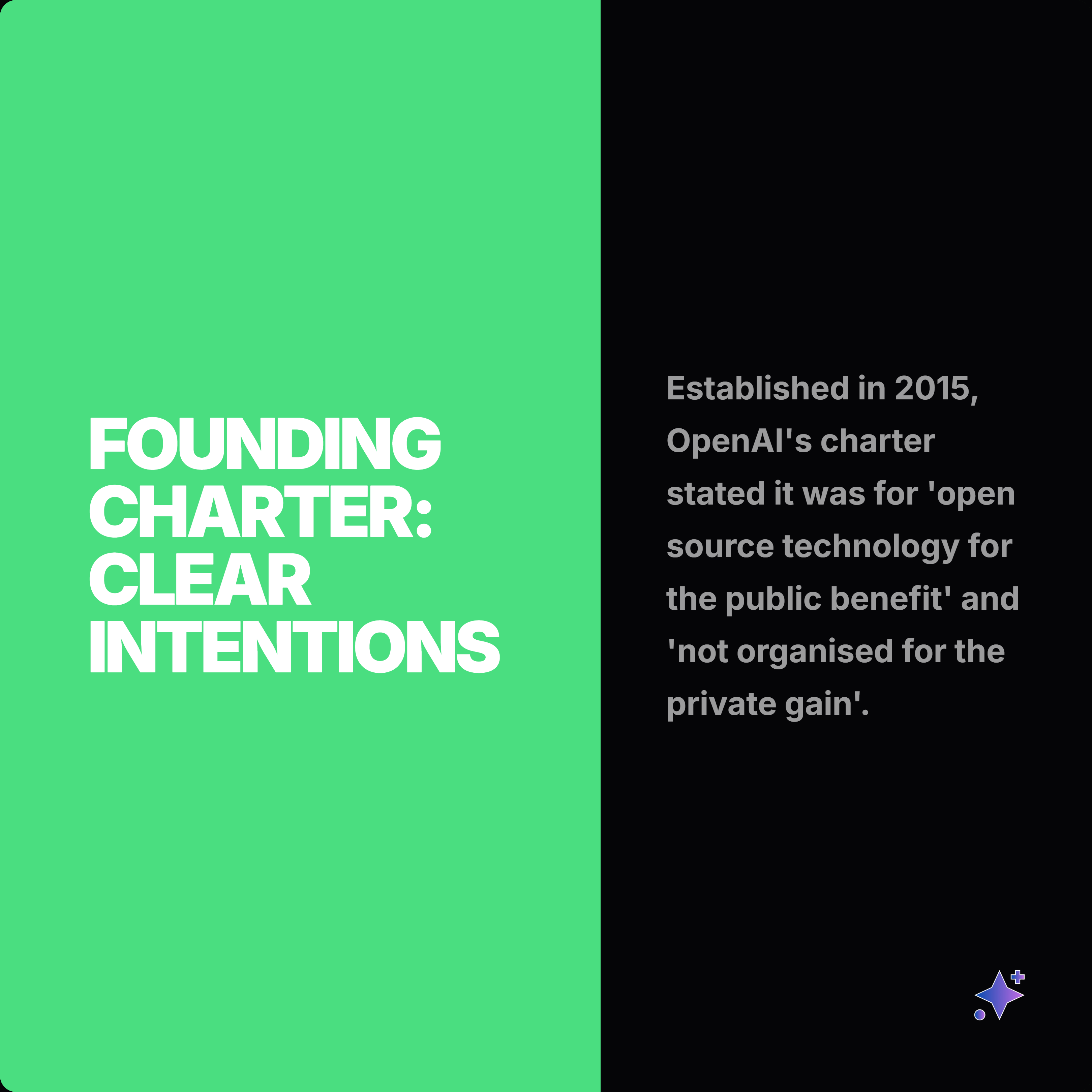
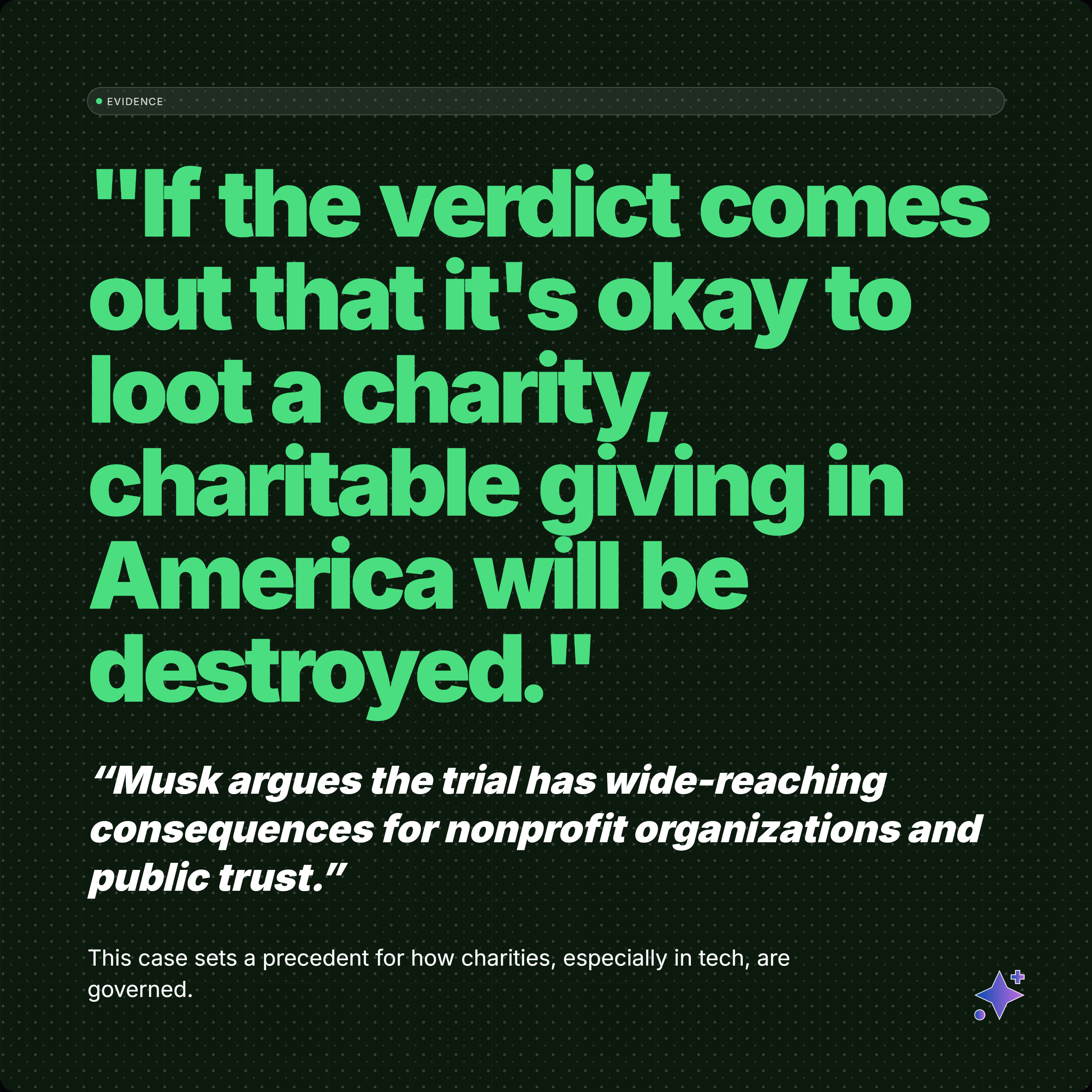
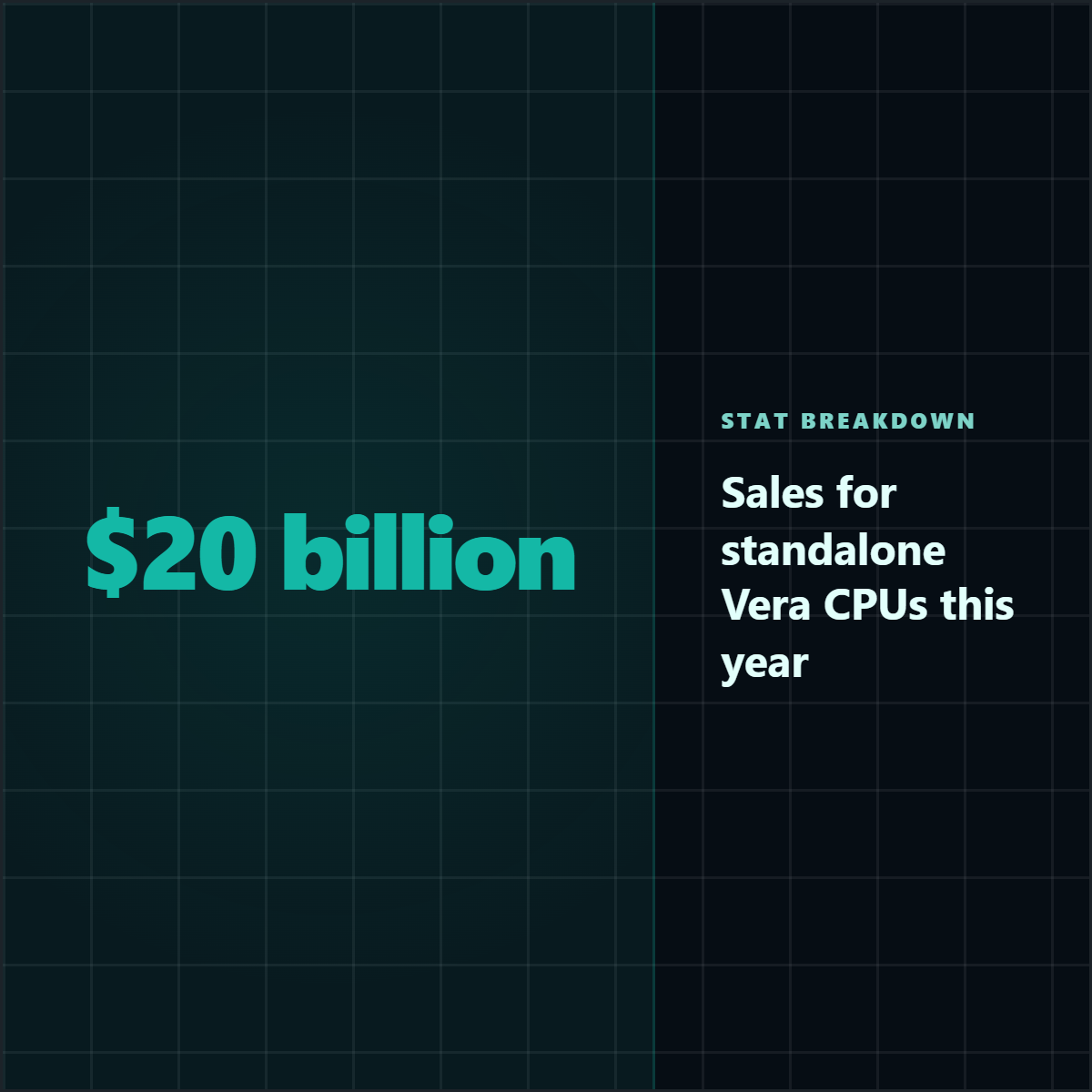
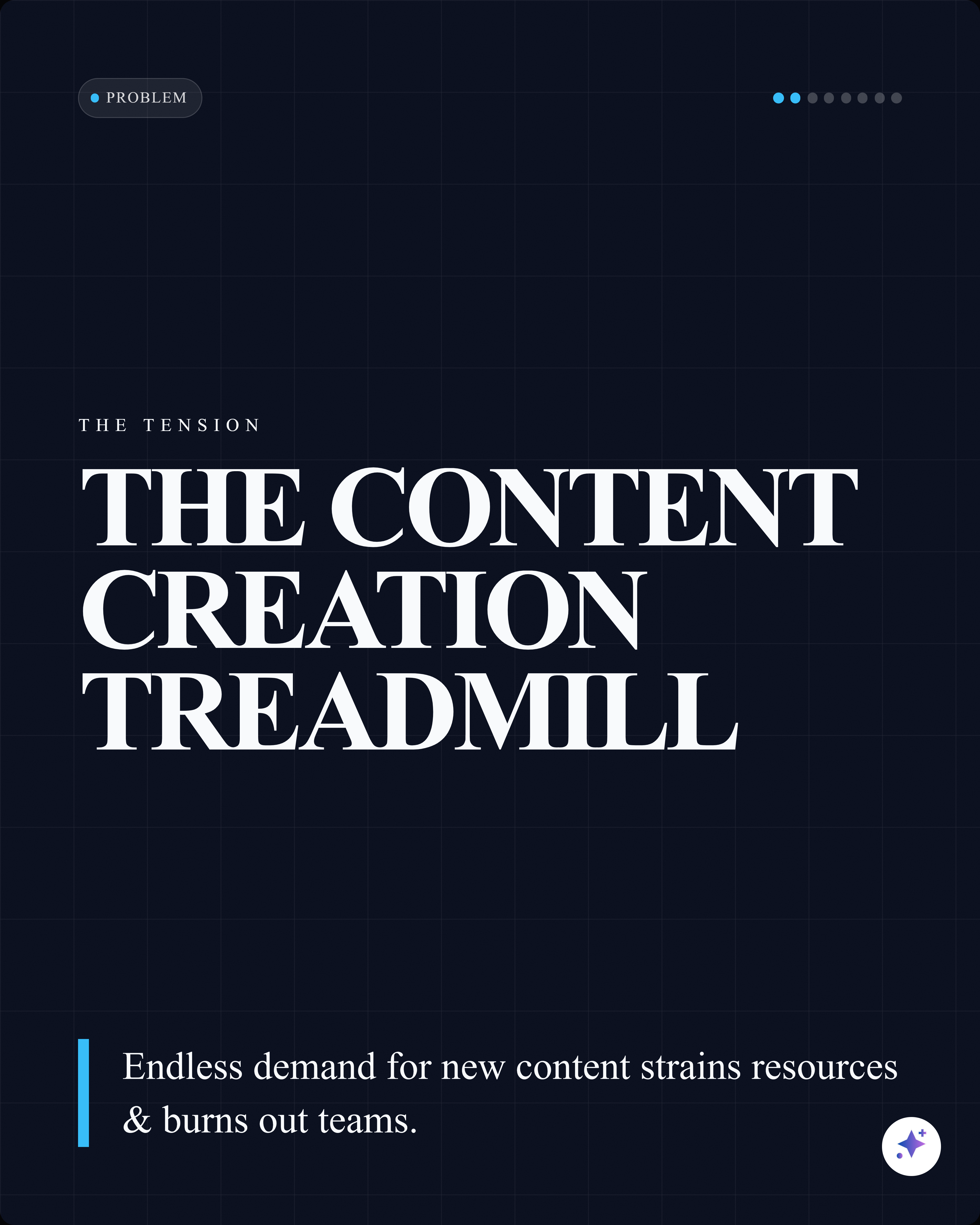
These Highlightly-generated exports show the output layer behind the source-to-assets workflow.


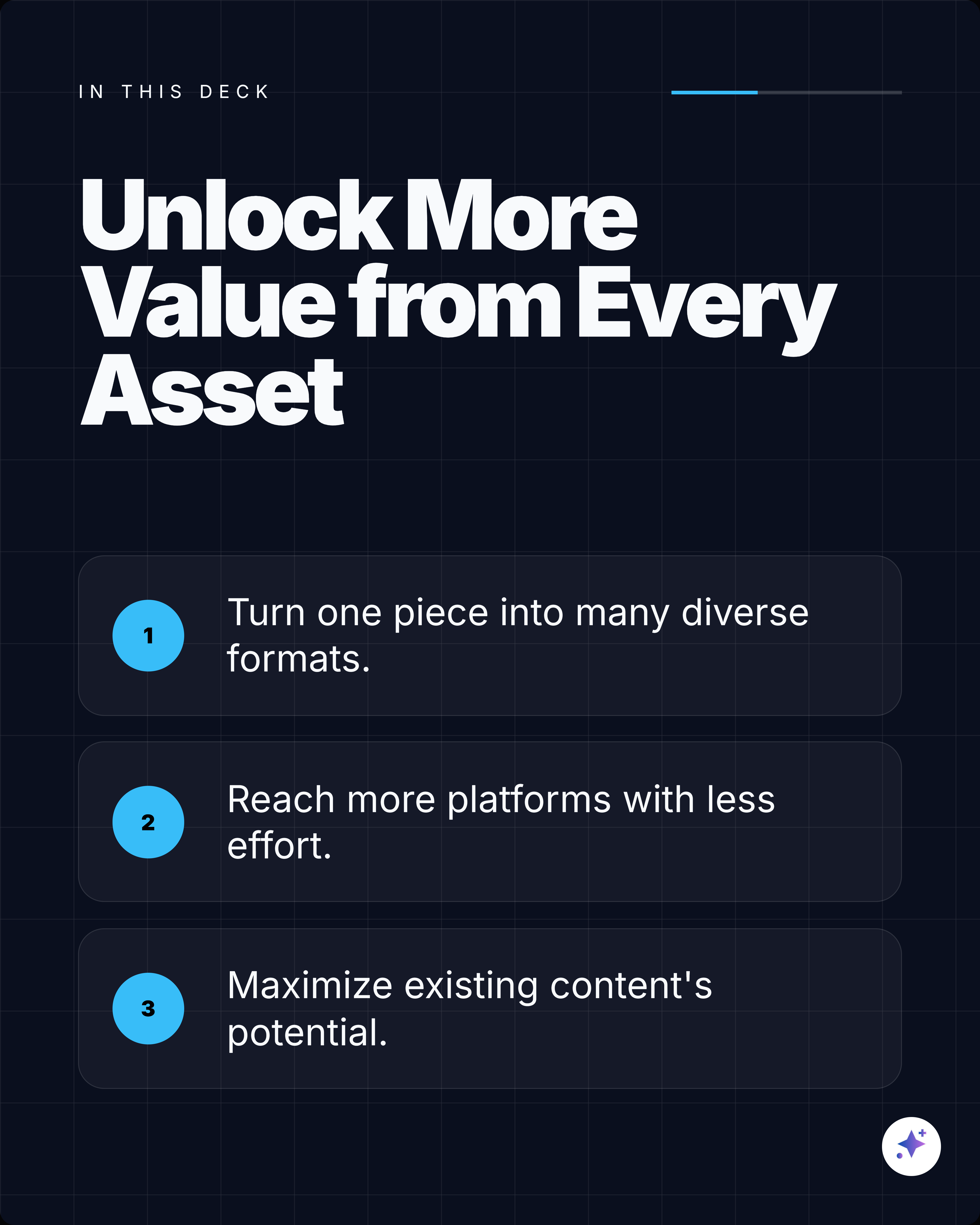
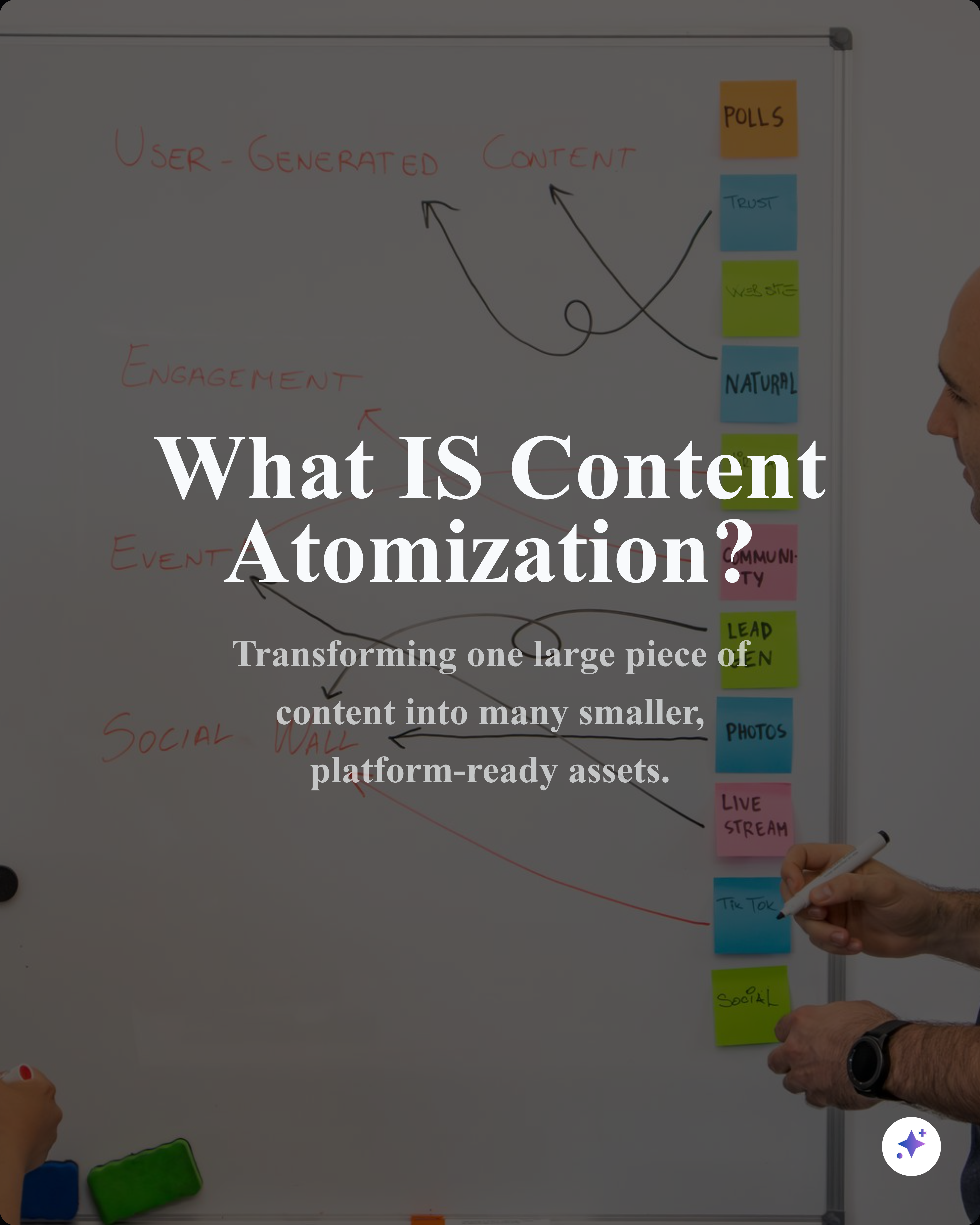
One source can become a complete carousel sequence, then split into smaller cards and captions for the rest of your content calendar.


FAQ
Yes. The public free tools are built for quick browser workflows. Some AI extraction and workspace flows ask you to sign in so credits, source processing, and saved work stay attached to your account.
It helps with one card format. Highlightly is the larger workflow for finding quotes and statistics inside articles, PDFs, documents, and pasted text, then turning them into branded assets with attribution.
Yes. Highlightly supports reusable brand settings for colors, typography, logo, watermark, attribution, and export styling so assets from the same source feel consistent.
If you still need a quick utility, use the related free tools on this page. If you want a full content workflow, start in Highlightly with an article, PDF, document, transcript, pasted text, or search result.
Quote & Stat Cards
No signup required. 3 free exports per day on each tool.
Type a quote, pick a theme, and download a high-res branded PNG.
Create polished stat cards with source attribution and theme picker.
Paste an article URL and extract quotes to turn into branded quote cards with attribution.
Generate 5 scroll-stopping hooks from any article URL — stat, contrarian, question, quote, and story styles.
Extract key points, quotes, statistics, hooks, insights, and more from any article URL. Organized in tabs.