Browser Window Mockup Generator
Place your screenshot inside a realistic browser window. Choose Chrome, Safari, or Firefox style with an editable URL bar.
Drop your screenshot here
Or click to browse from your computer
Place your screenshot inside a realistic browser window. Choose Chrome, Safari, or Firefox style with an editable URL bar.
Or click to browse from your computer
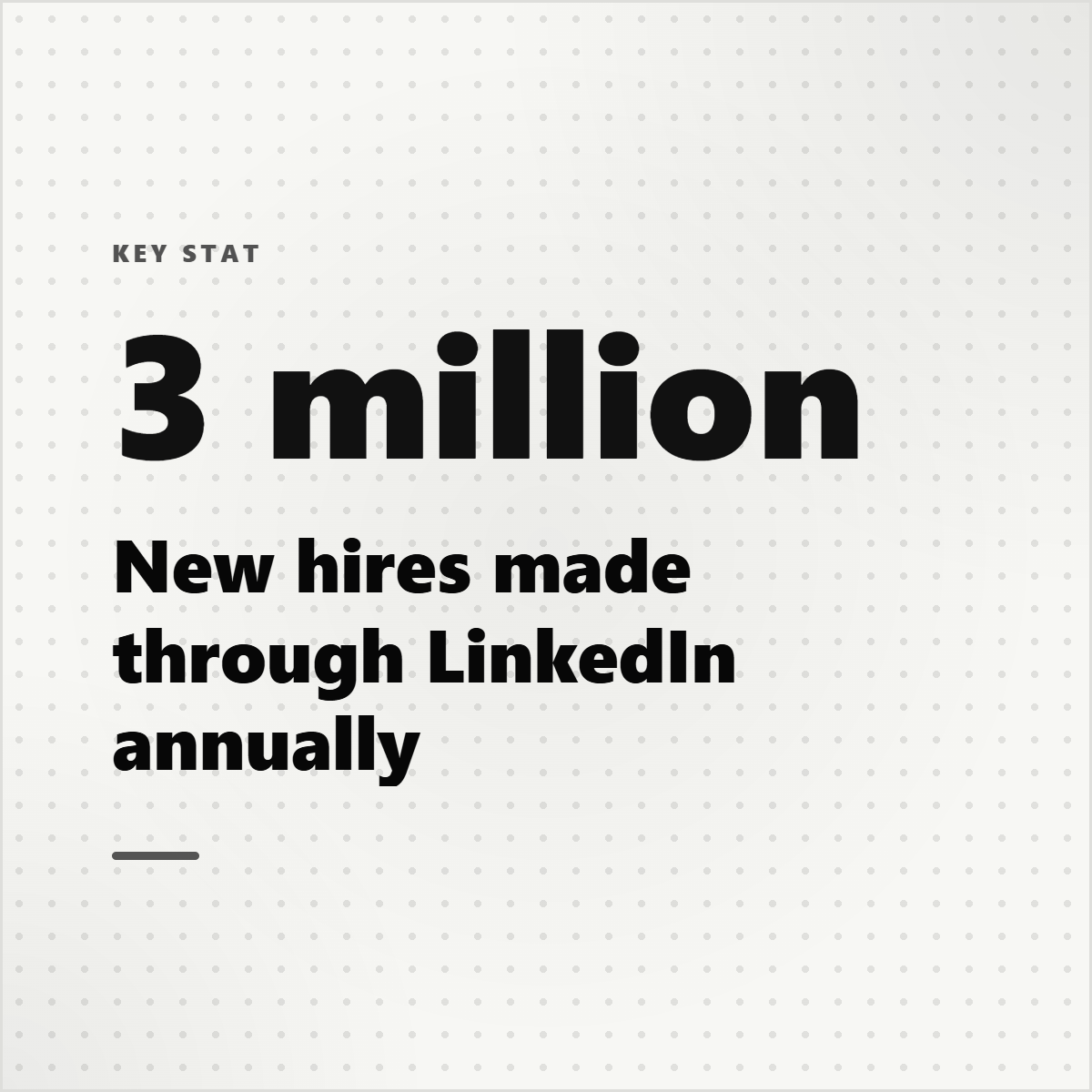
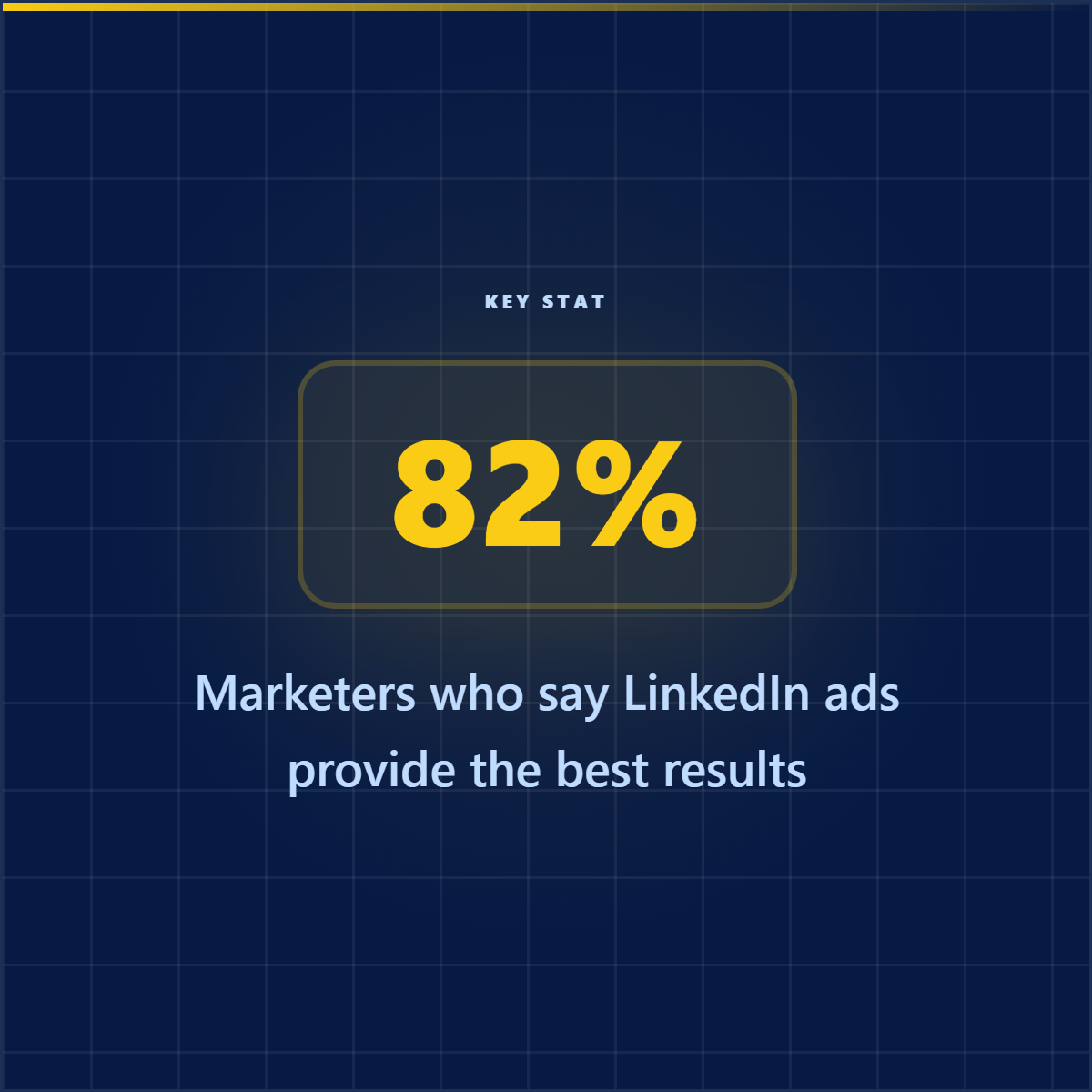
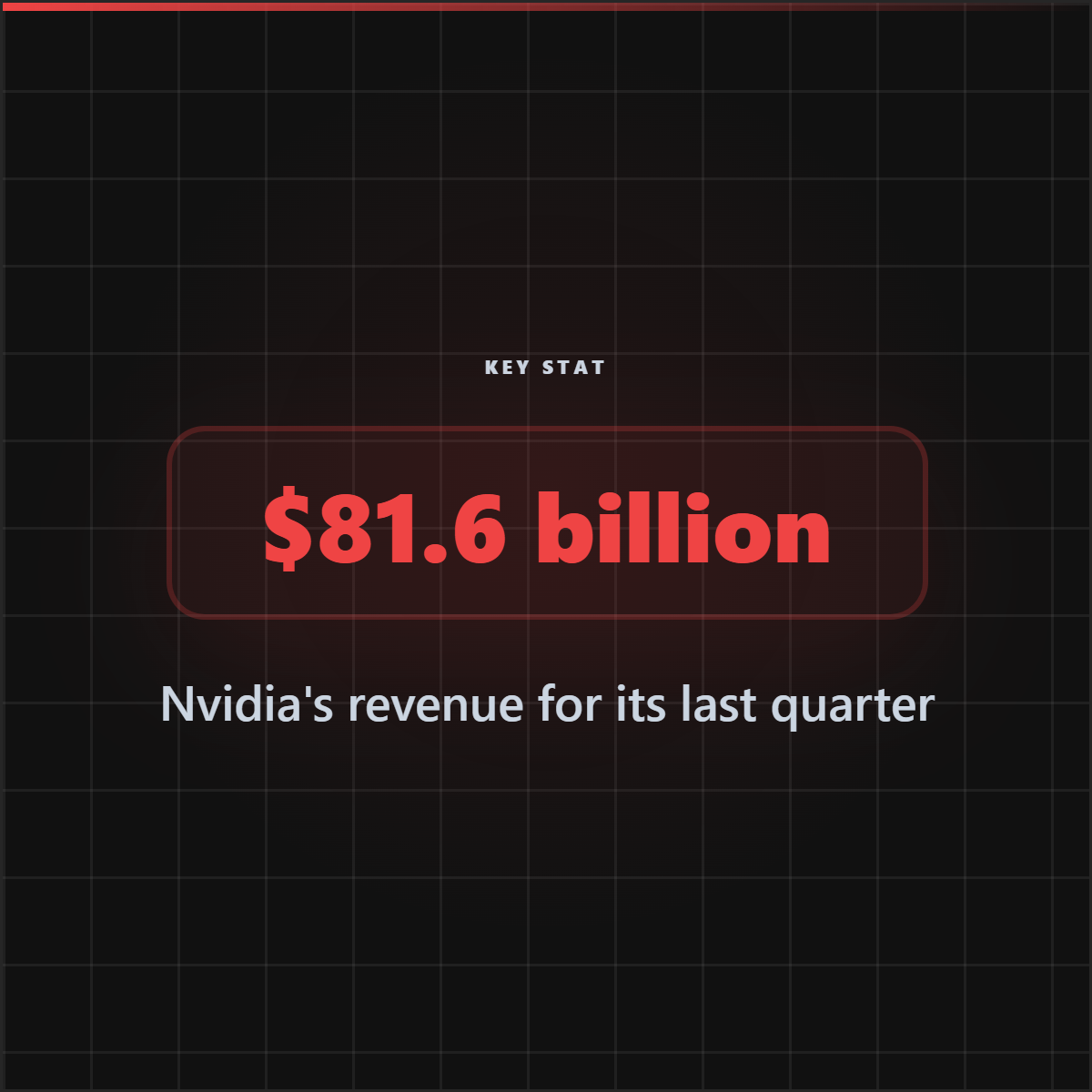
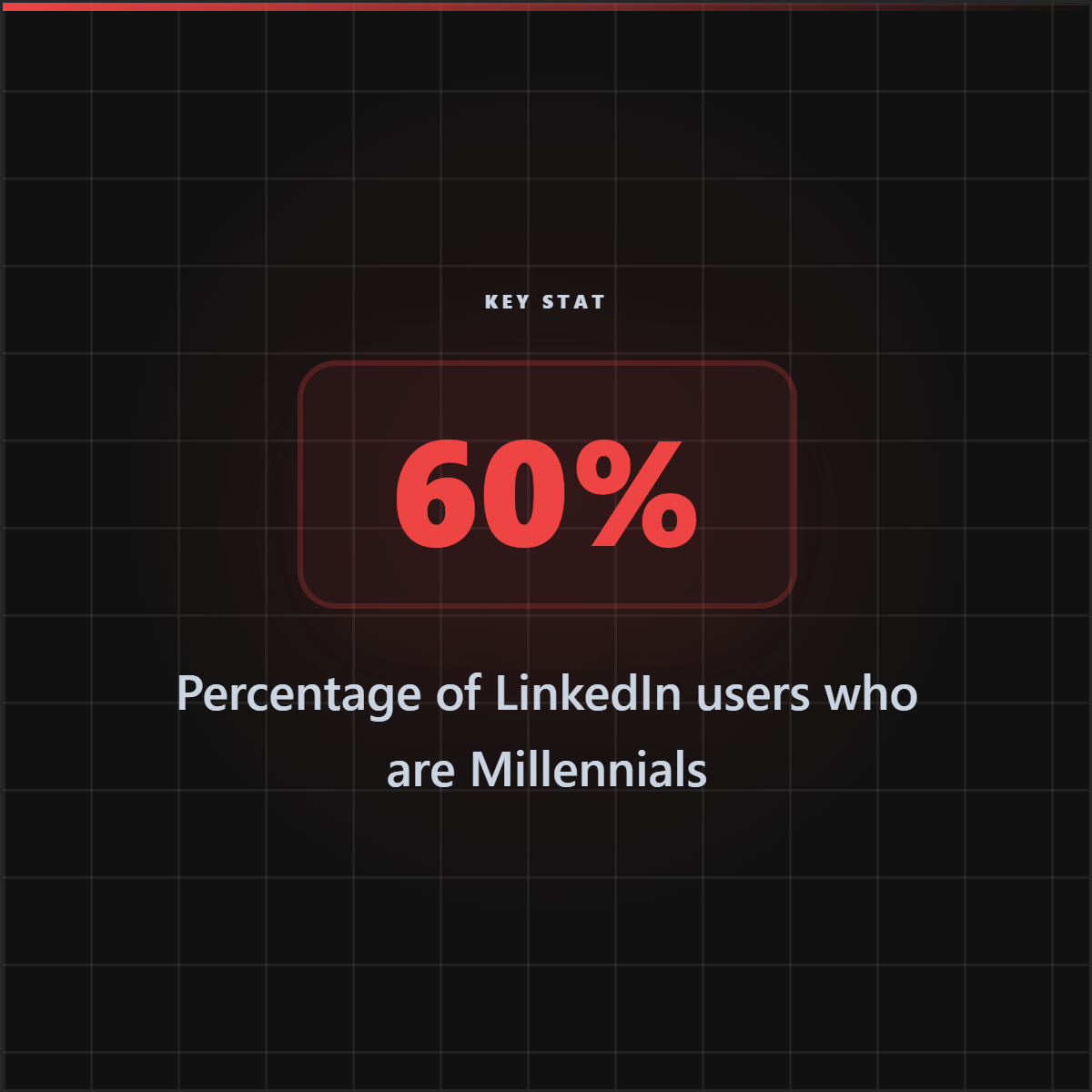
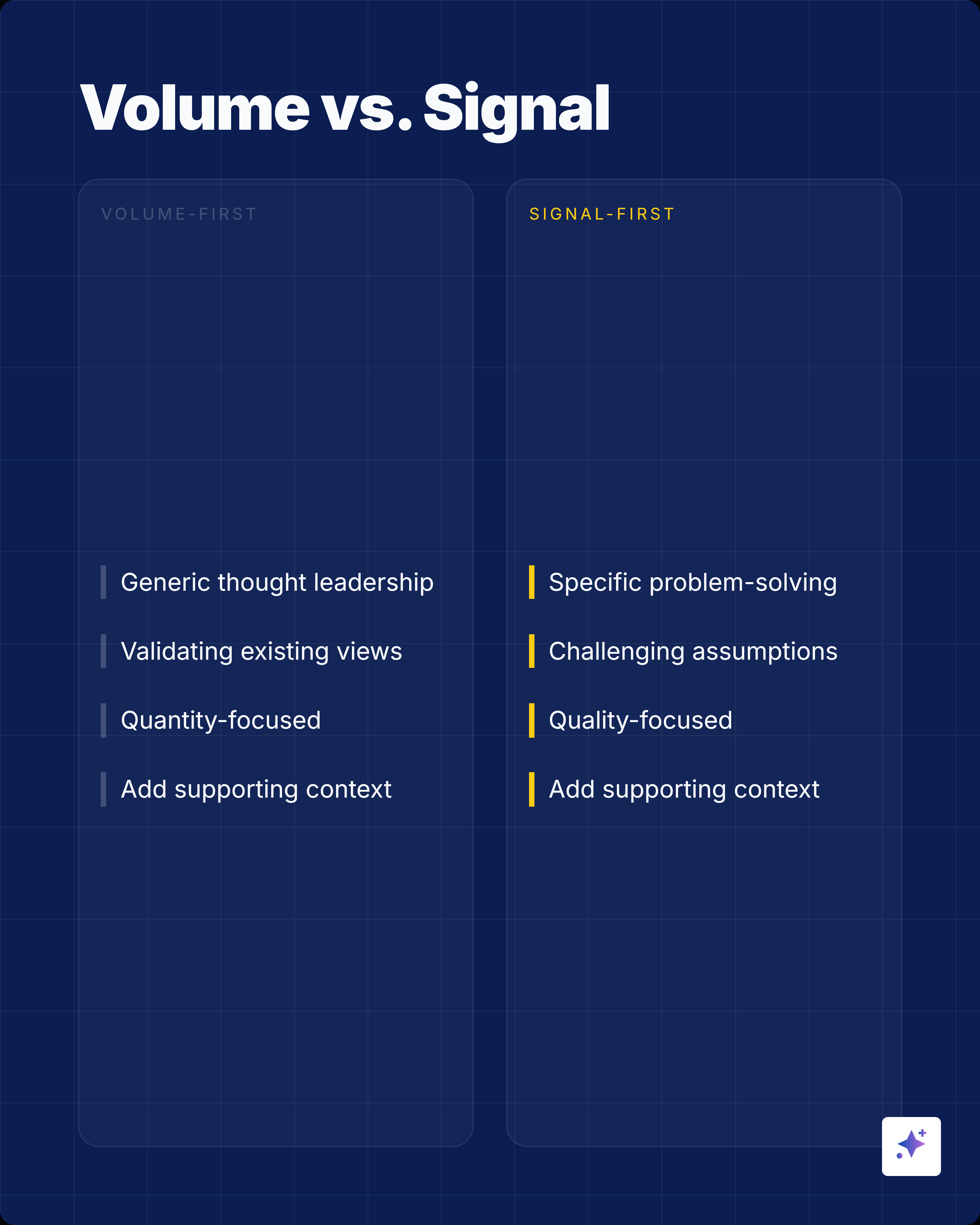
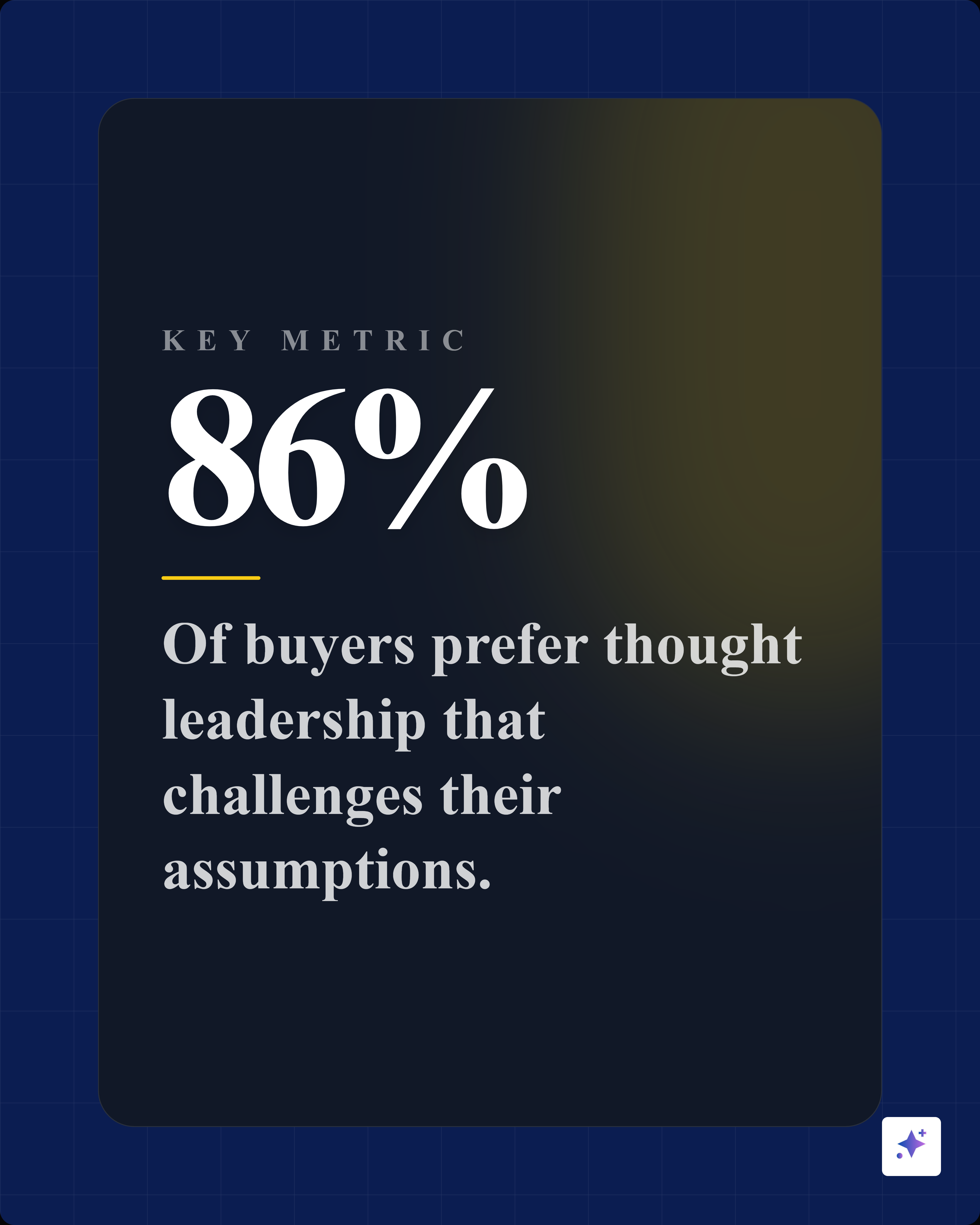
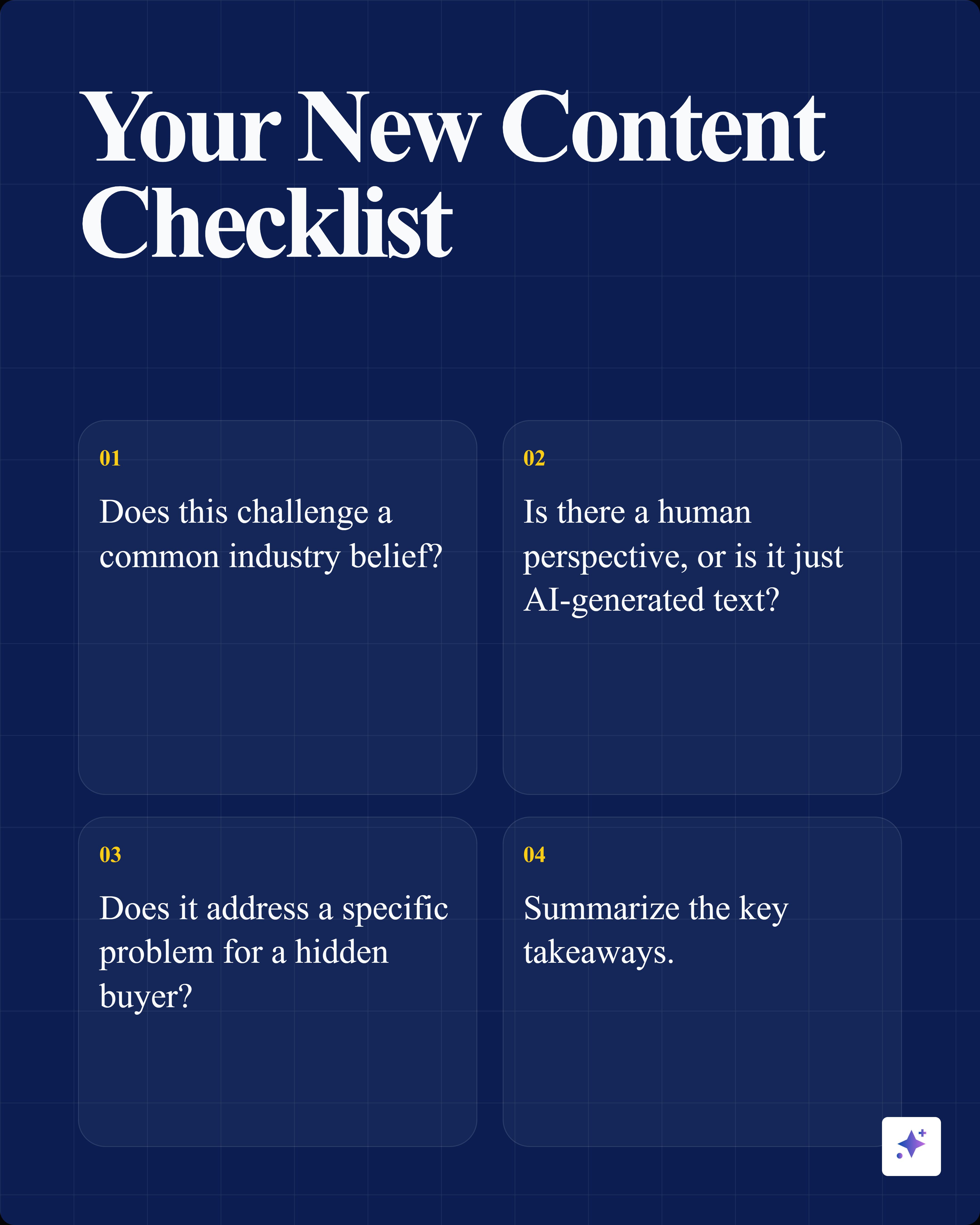
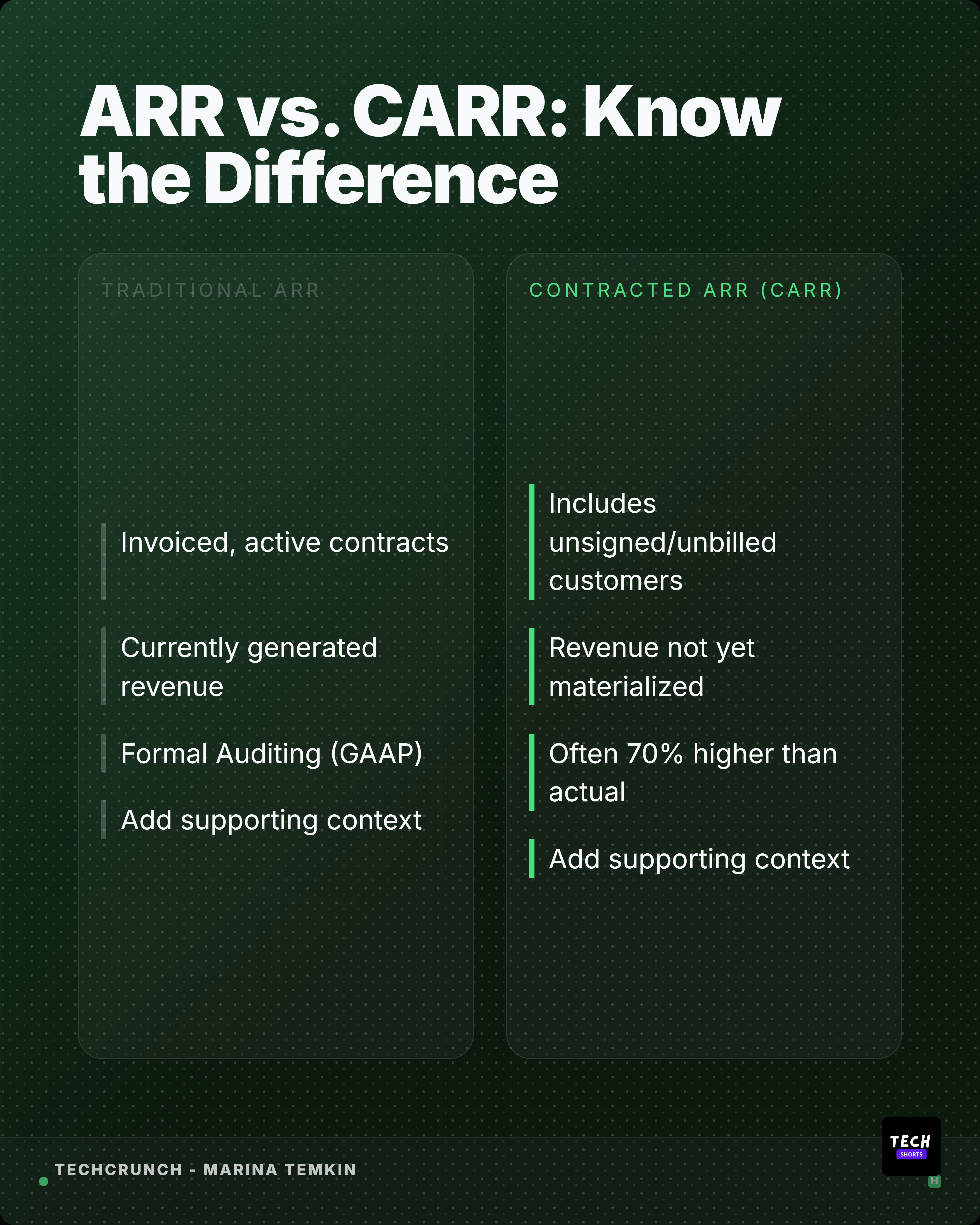
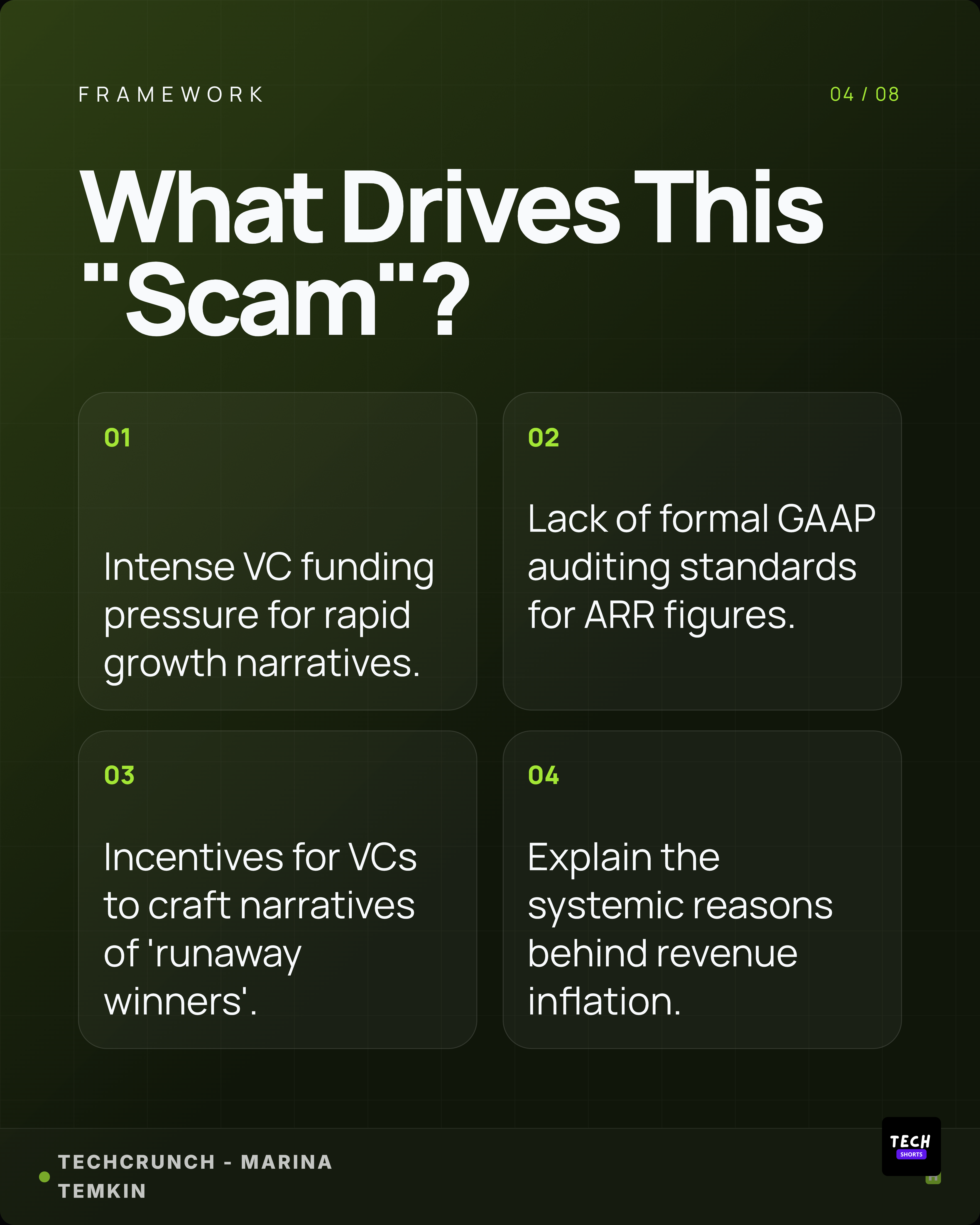
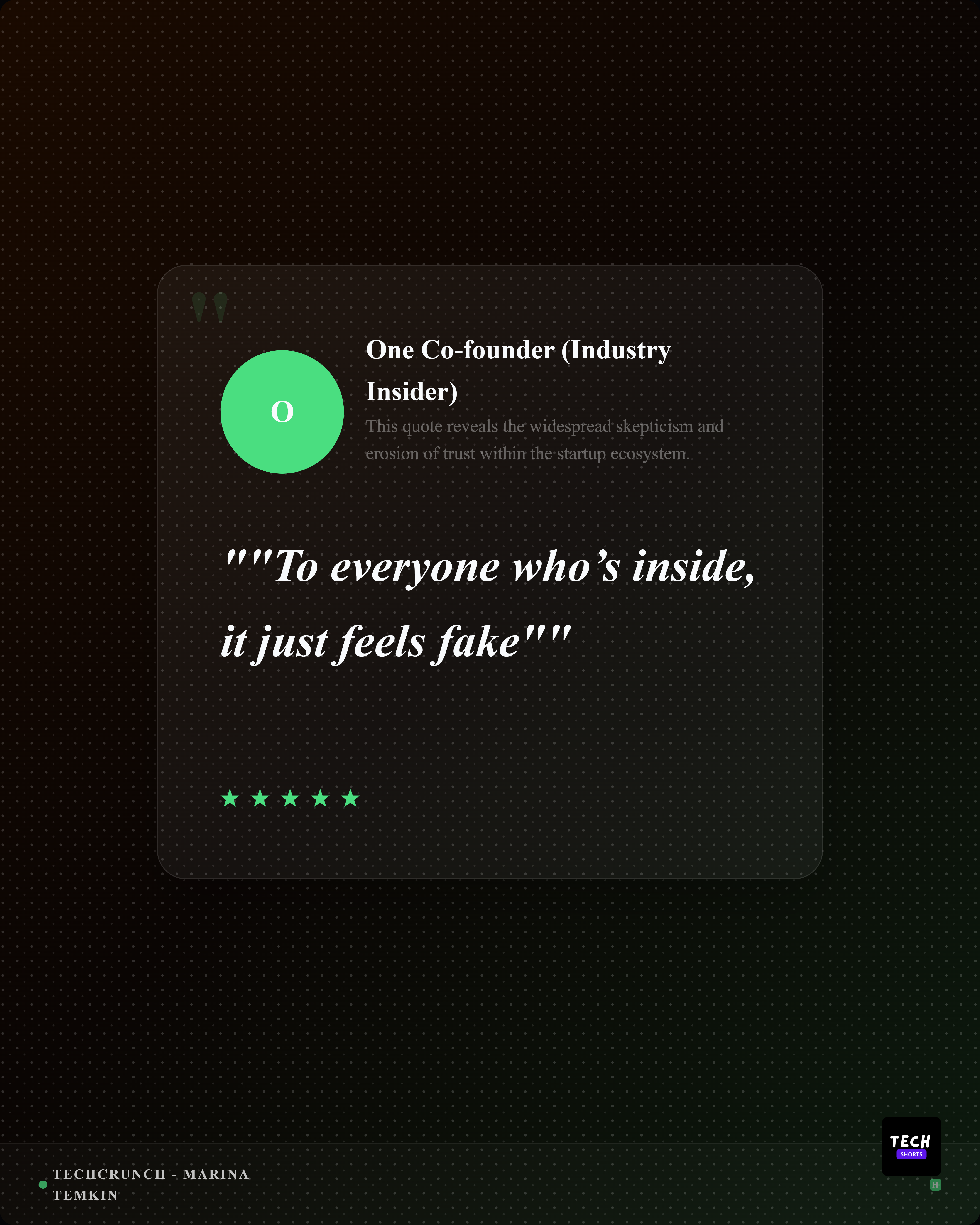
Highlightly captures screenshots in browser mockup frames AND extracts article content into branded quote cards, stat graphics, and platform captions.
Beyond browser mockups
Highlightly captures screenshots in browser mockup frames AND extracts article content into branded quote cards, stat graphics, and platform captions.
Mockup Generators
No signup required. 3 free exports per day on each tool.
Add gradients, mockups, and polish to your screenshots.
Place screenshots inside a realistic CSS MacBook frame with Silver, Space Gray, or Gold styles.
Paste a URL and capture a screenshot. Works for most sites — with Highlightly fallback for protected ones.
Preview how your link appears on Twitter/X, LinkedIn, and Facebook. Check OG tags before sharing.
Place screenshots inside a realistic CSS iPhone frame with Dynamic Island and multiple colors.