Free tool • No signup required
Open Graph PreviewSee How Your Link Looks When Shared
Paste a URL to preview how it appears on Twitter/X, LinkedIn, and Facebook. Check your OG tags before sharing.
Enter a URL above to preview its Open Graph tags
Paste a URL to preview how it appears on Twitter/X, LinkedIn, and Facebook. Check your OG tags before sharing.
Enter a URL above to preview its Open Graph tags
Highlightly previews OG tags AND extracts the article content — hooks, quotes, stats — then turns them into branded social graphics with platform captions.
Beyond OG preview
Highlightly previews OG tags AND extracts the article content — hooks, quotes, stats — then turns them into branded social graphics with platform captions.
Continue in Highlightly
This tool handles the immediate job. Highlightly is for the next step: extracting useful material from sources, applying your brand kit, and exporting assets you can publish.
Source-Backed Extraction
Turn one source into cards, captions, carousels, and reusable post ideas.
Source-Backed Extraction
Build editable carousel slides from extracted hooks, quotes, stats, and key points.
Source-Backed Extraction
Use a real article as the starting point for a full social content kit.
Source-backed content repurposing
These pages show one slice of Highlightly, but the product is built for the bigger job: read a source, expose the real extracted material, let you choose what matters, and export branded assets without inventing unsupported claims.
Useful when you need social assets from articles, PDFs, documents, pasted text, or searches.
Keeps quotes, statistics, hooks, and key points visible before they become graphics.
Turns one source into graphics, carousels, captions, screenshots, and reusable brand assets.
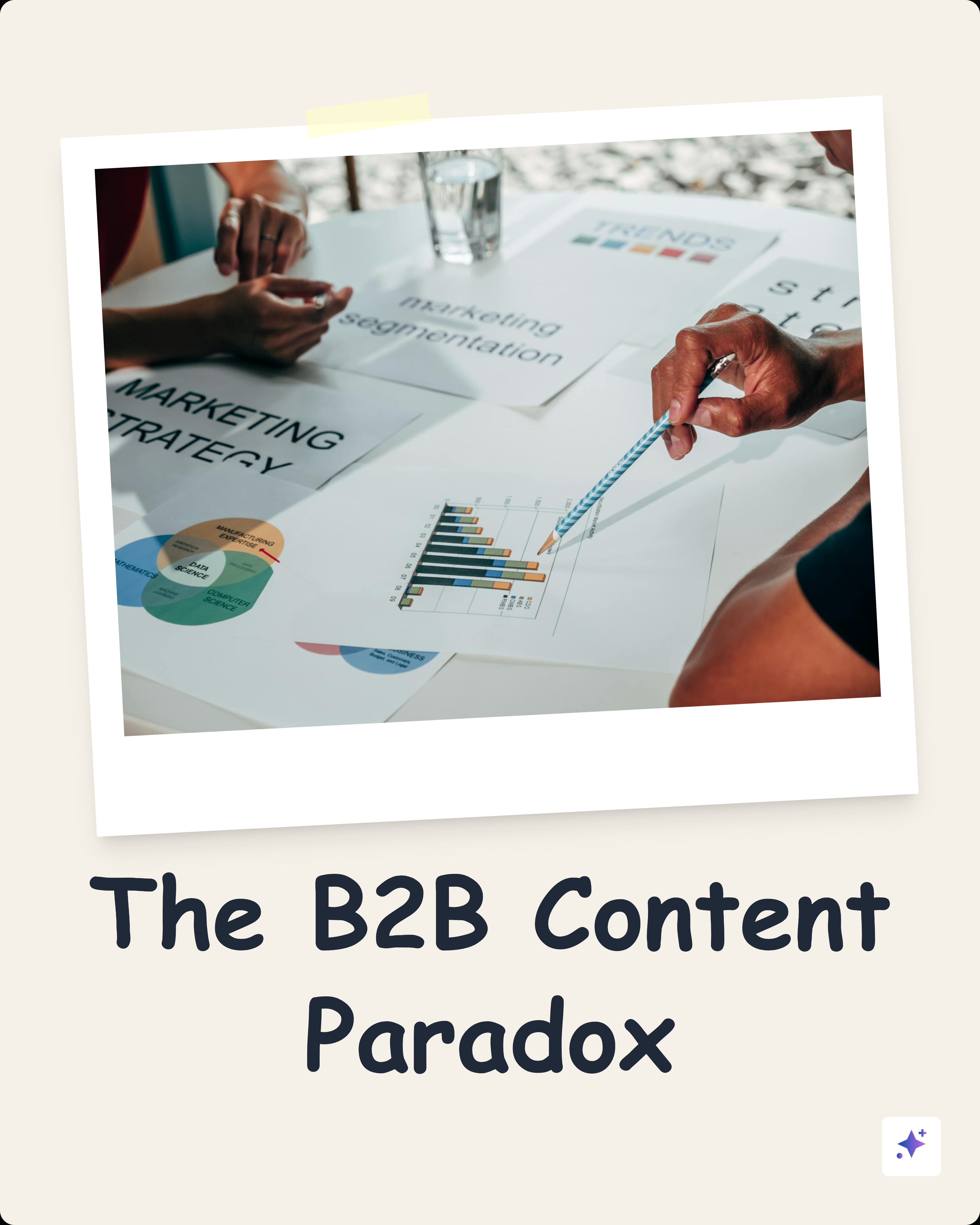
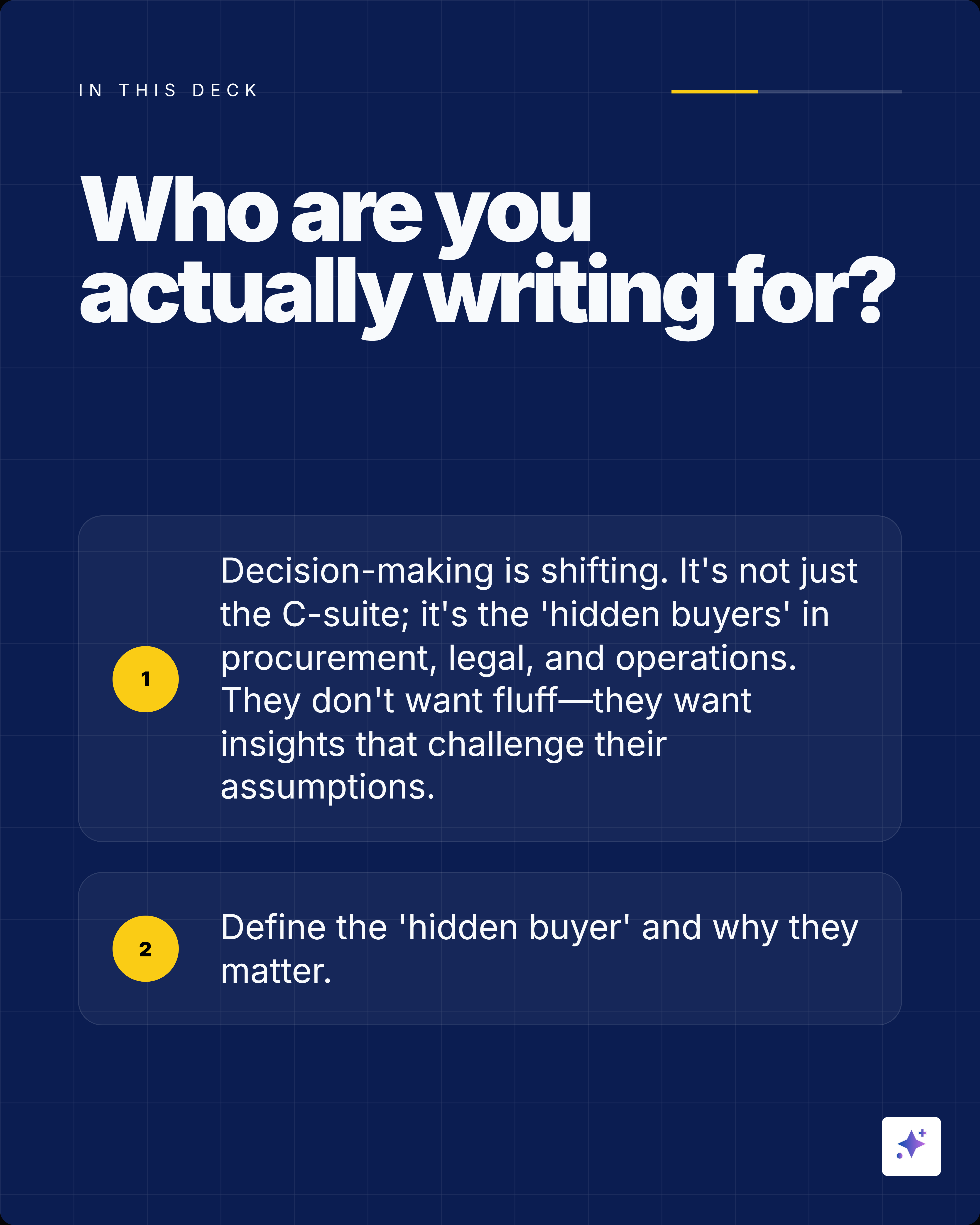
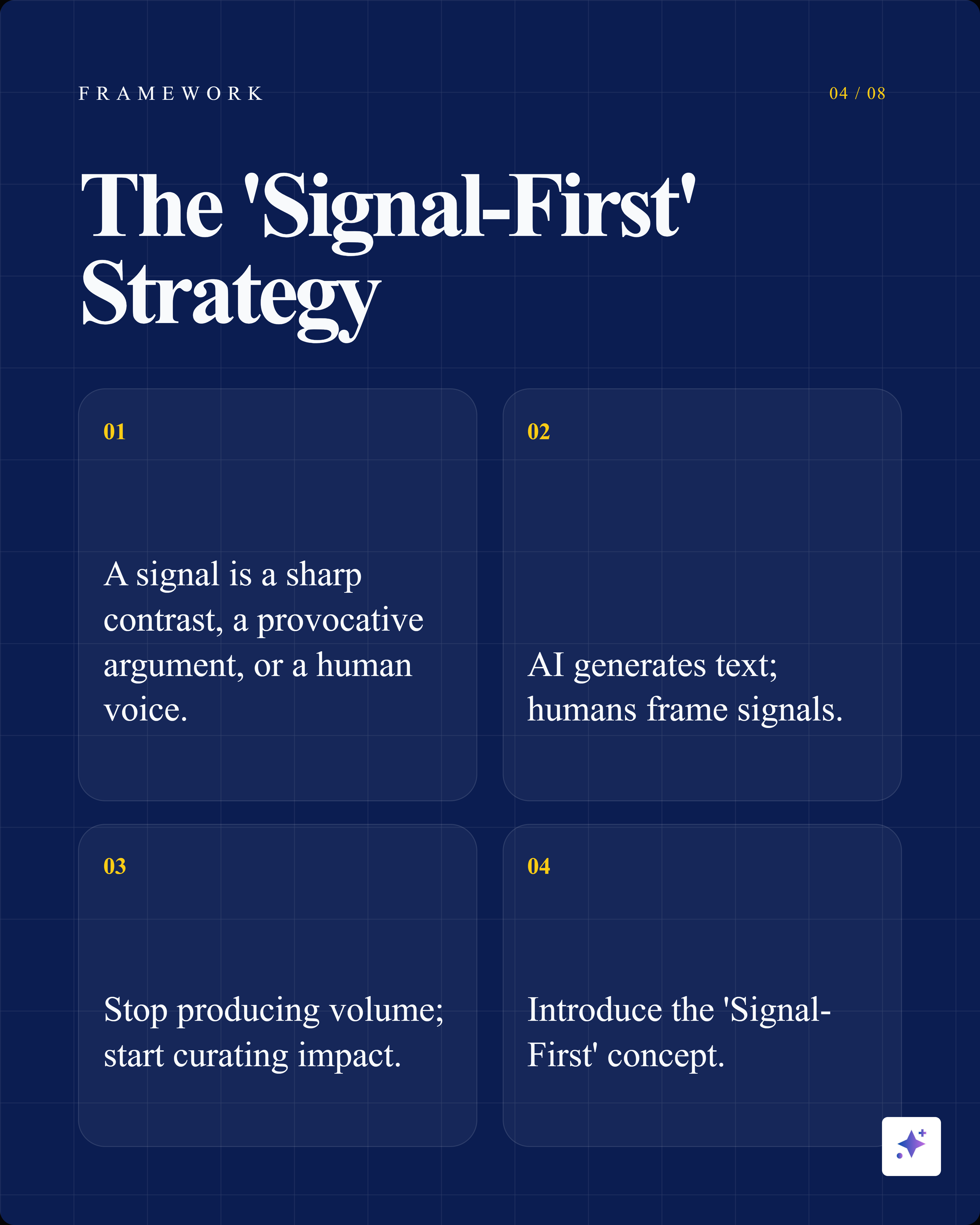
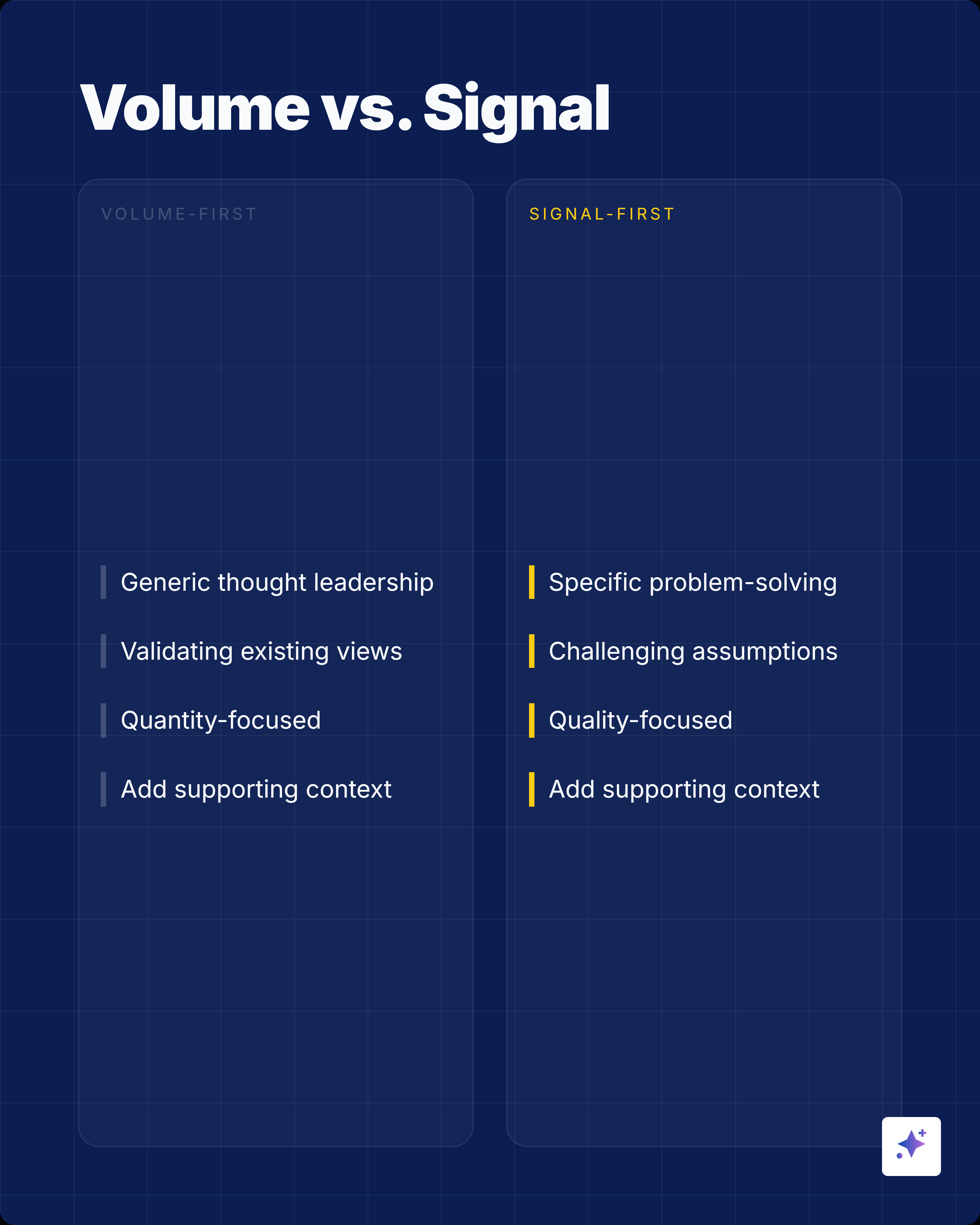
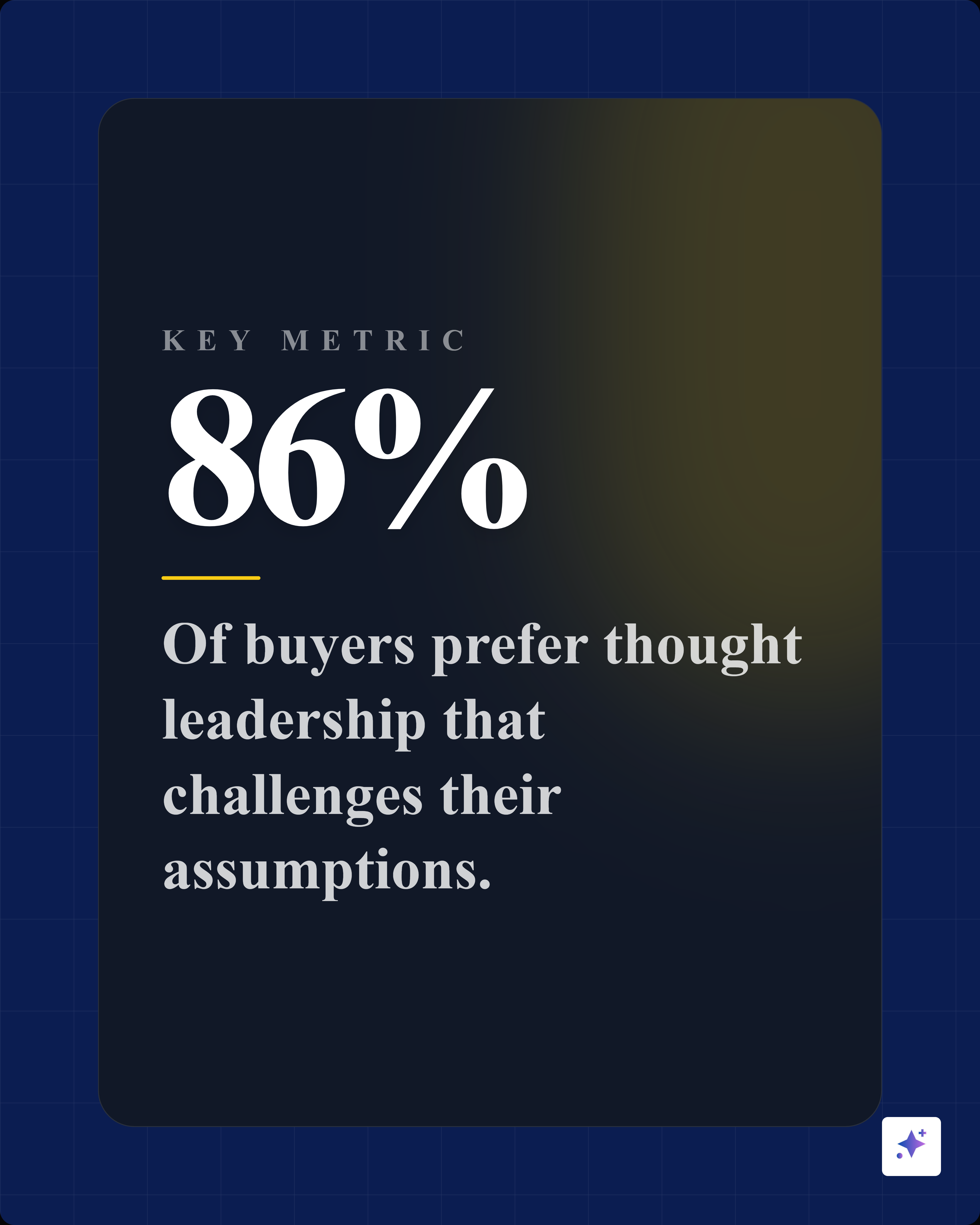
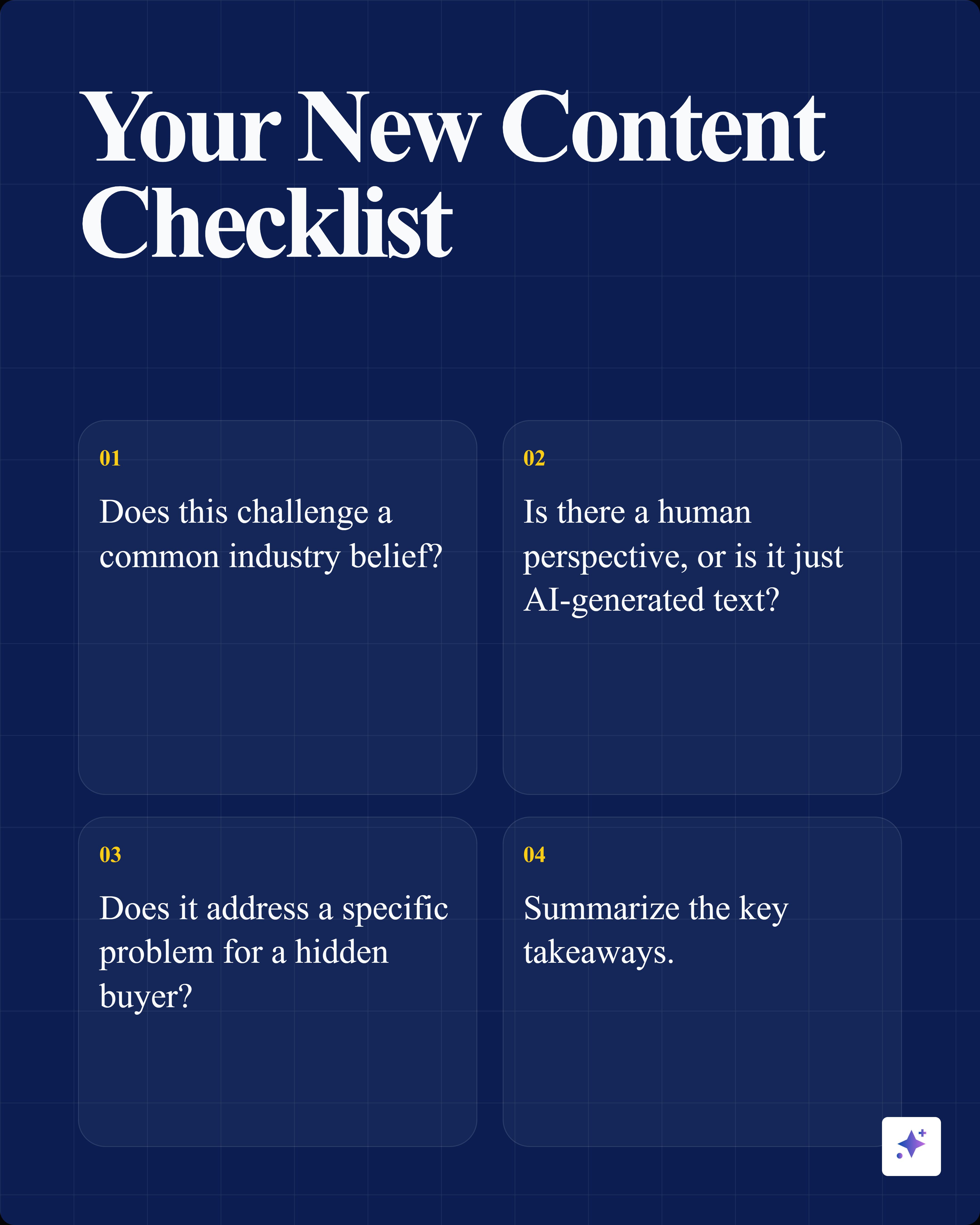
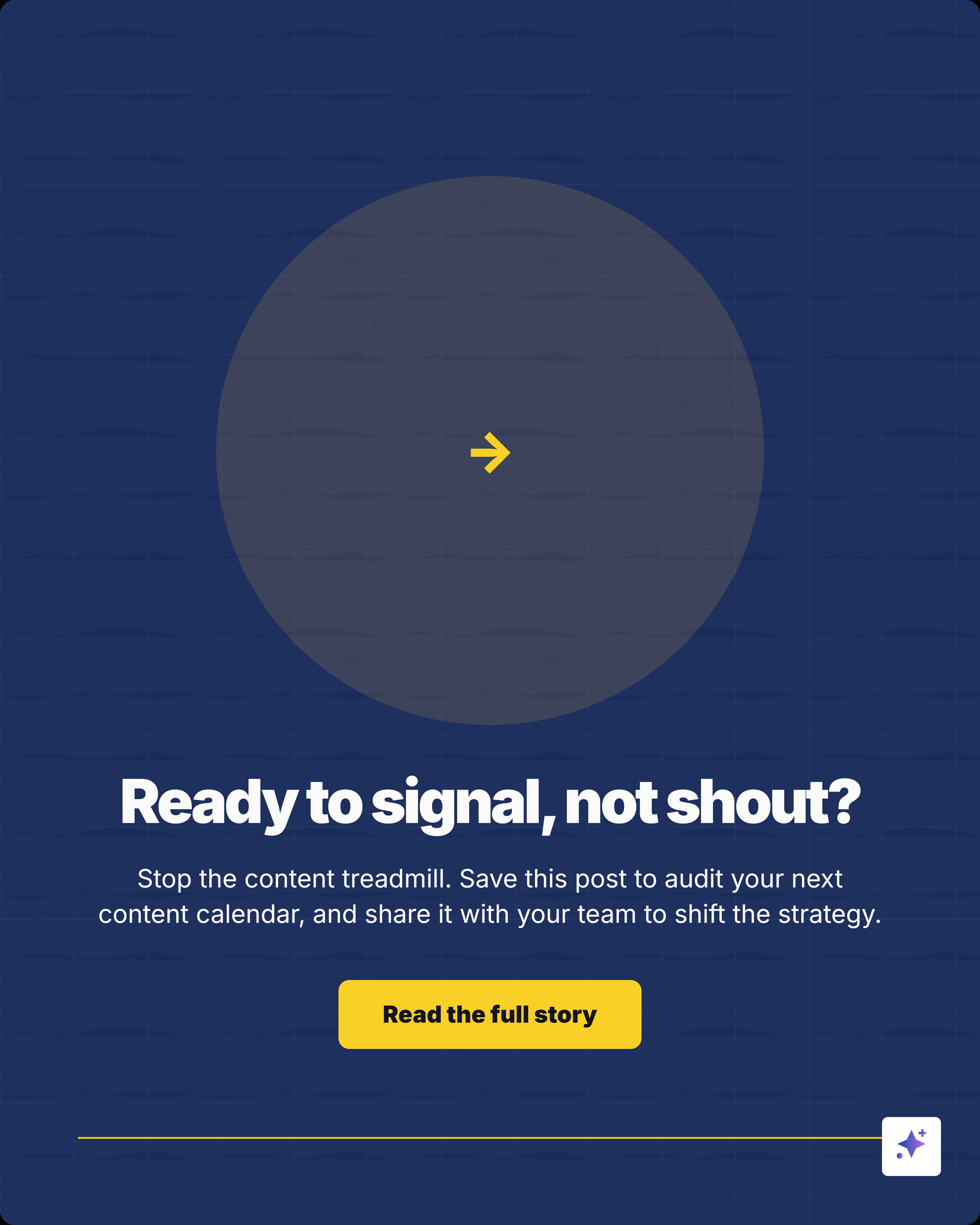
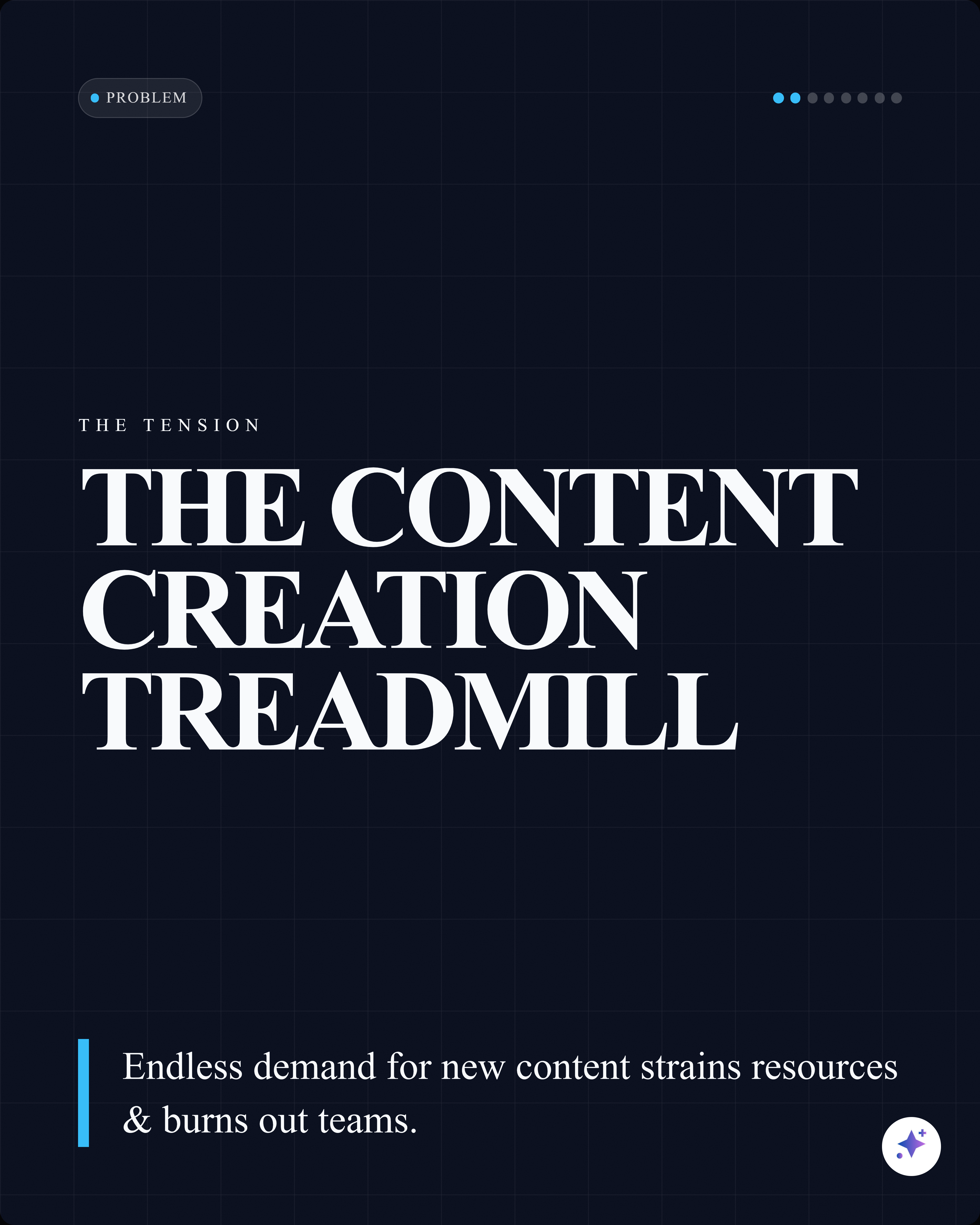
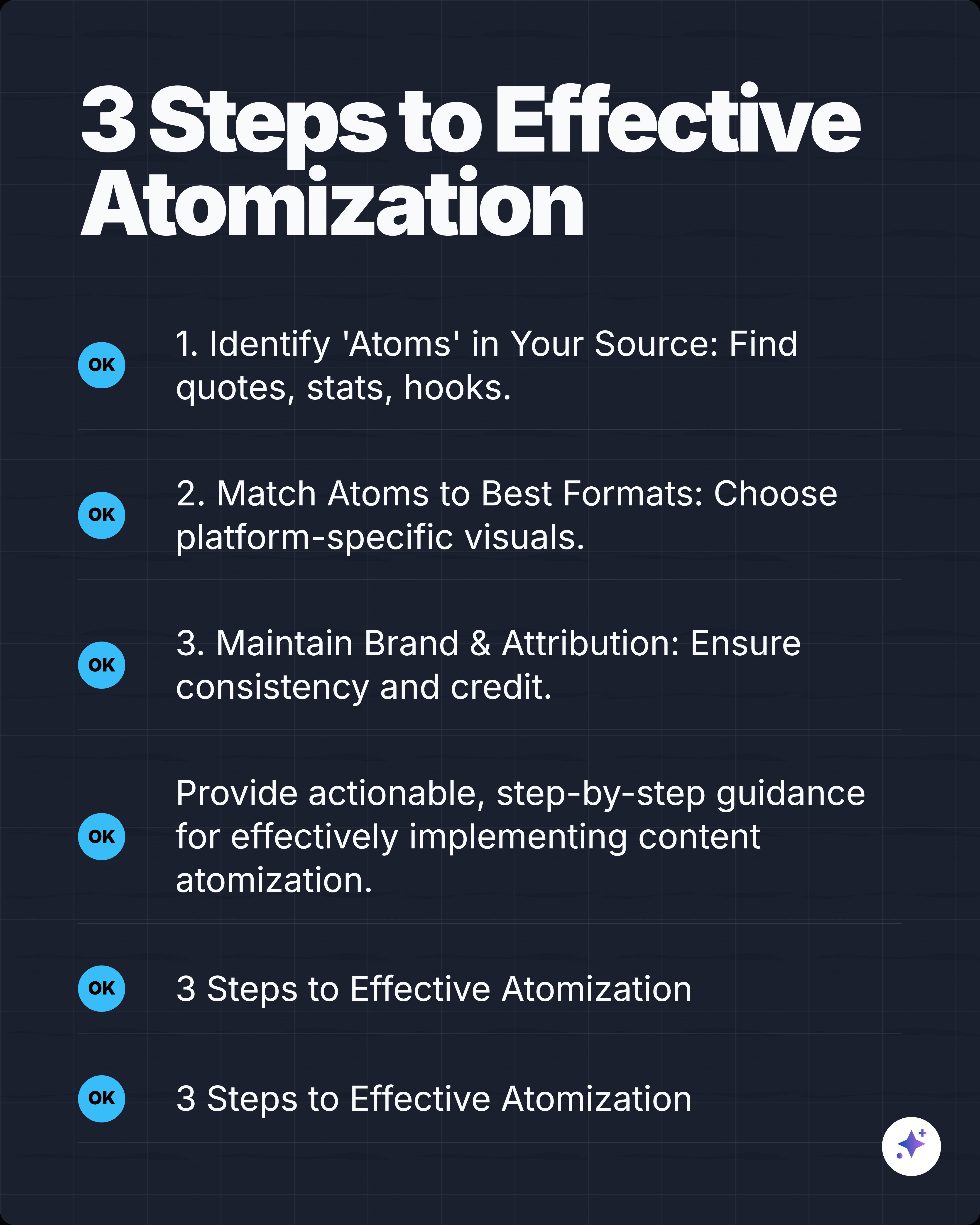
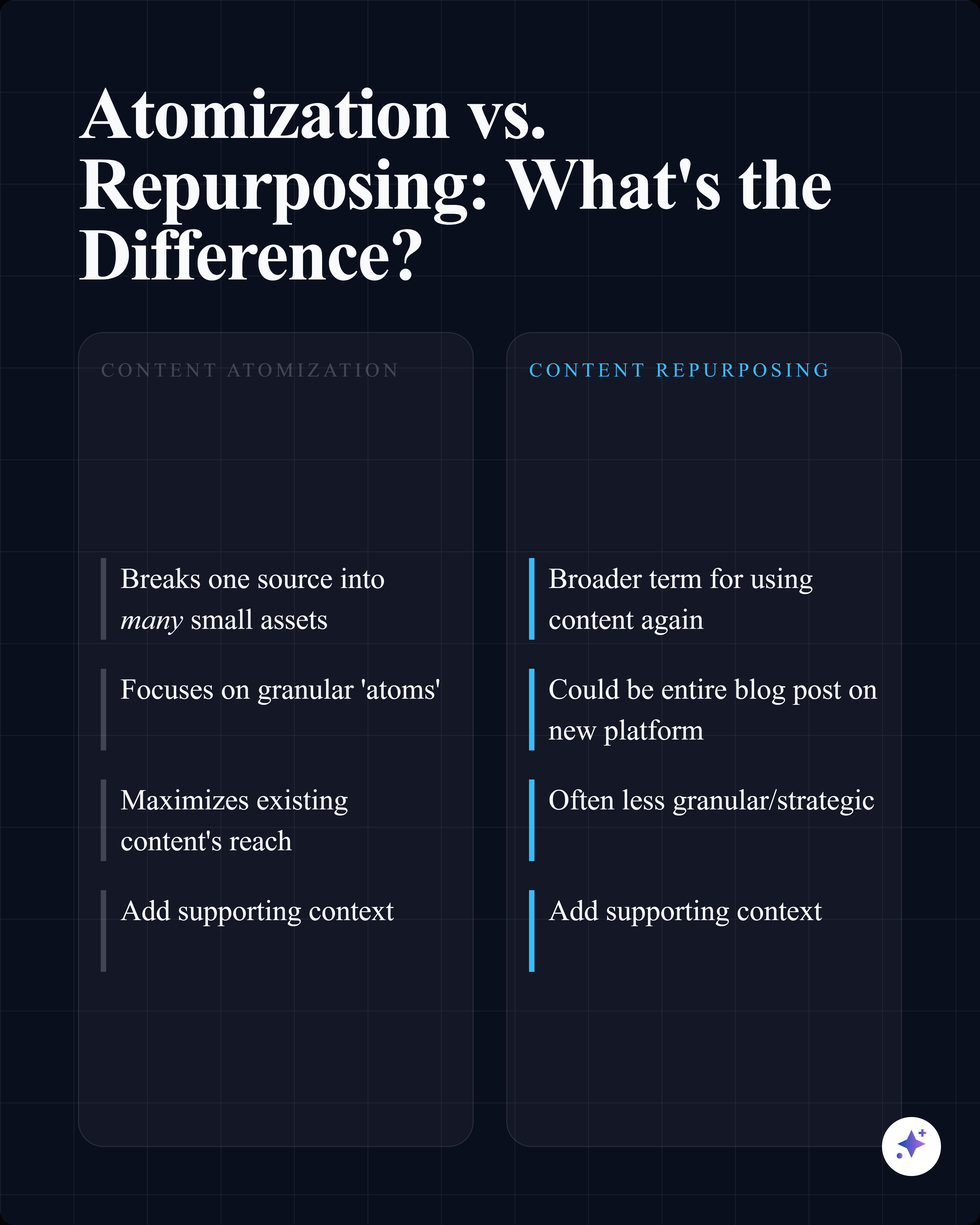
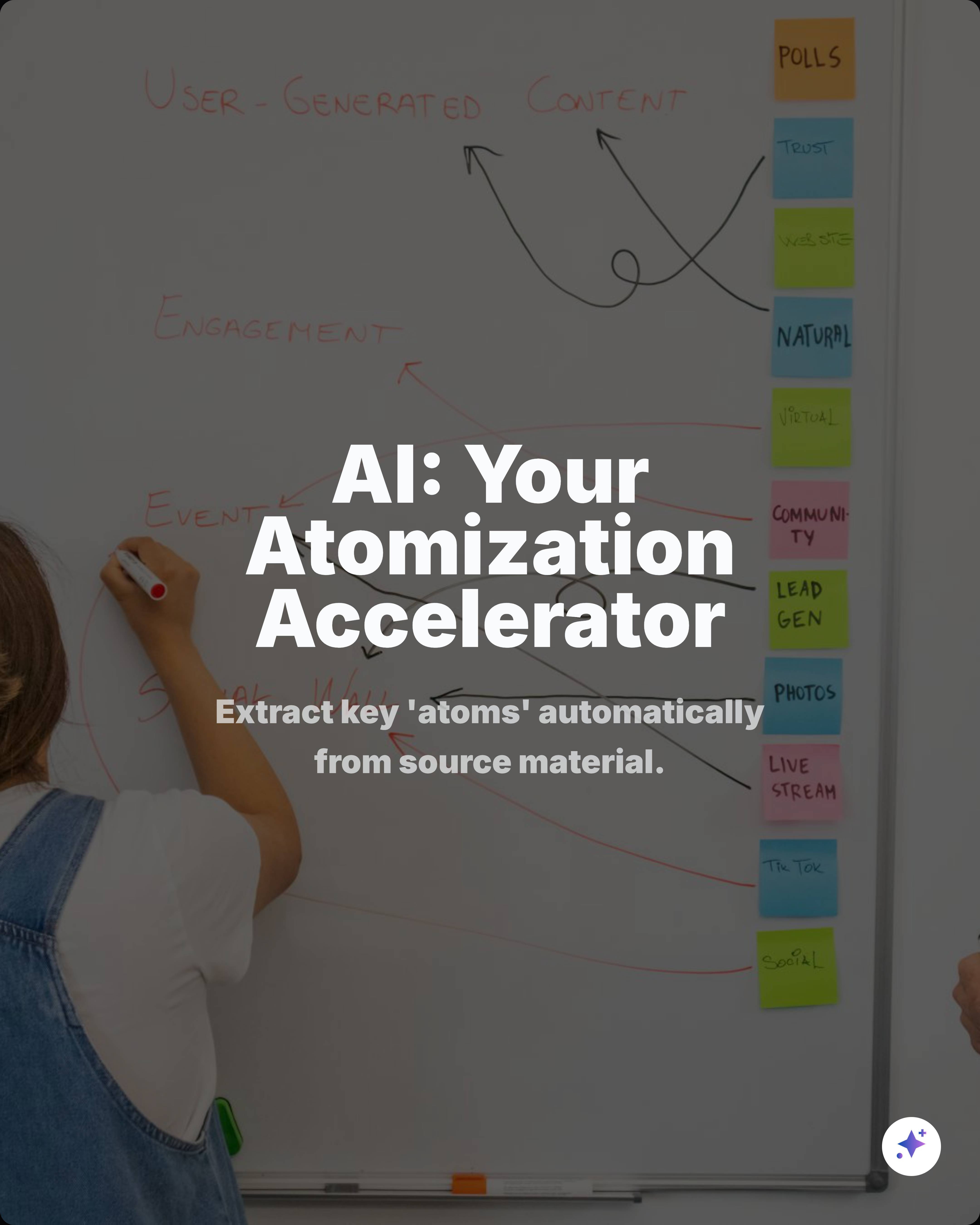
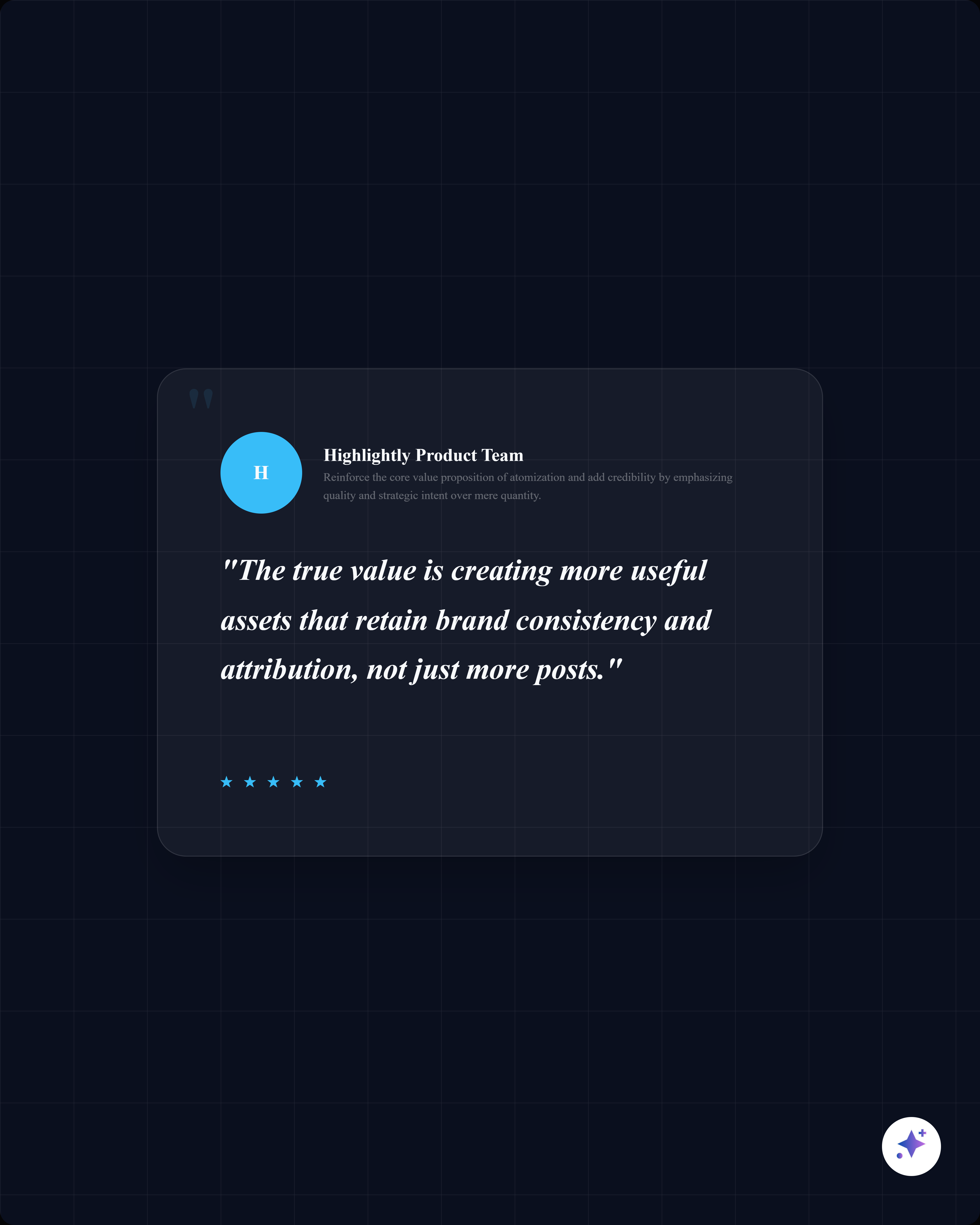
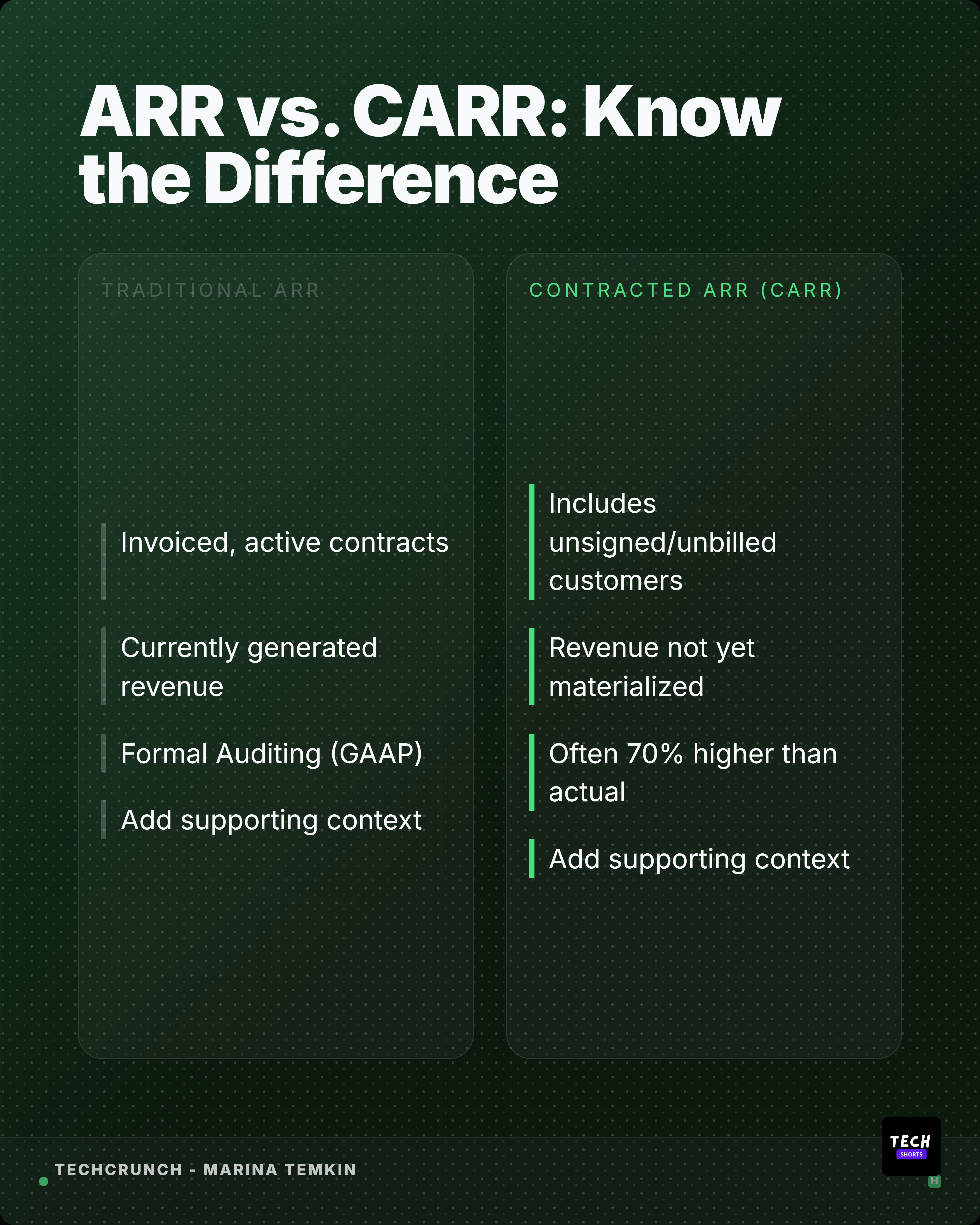
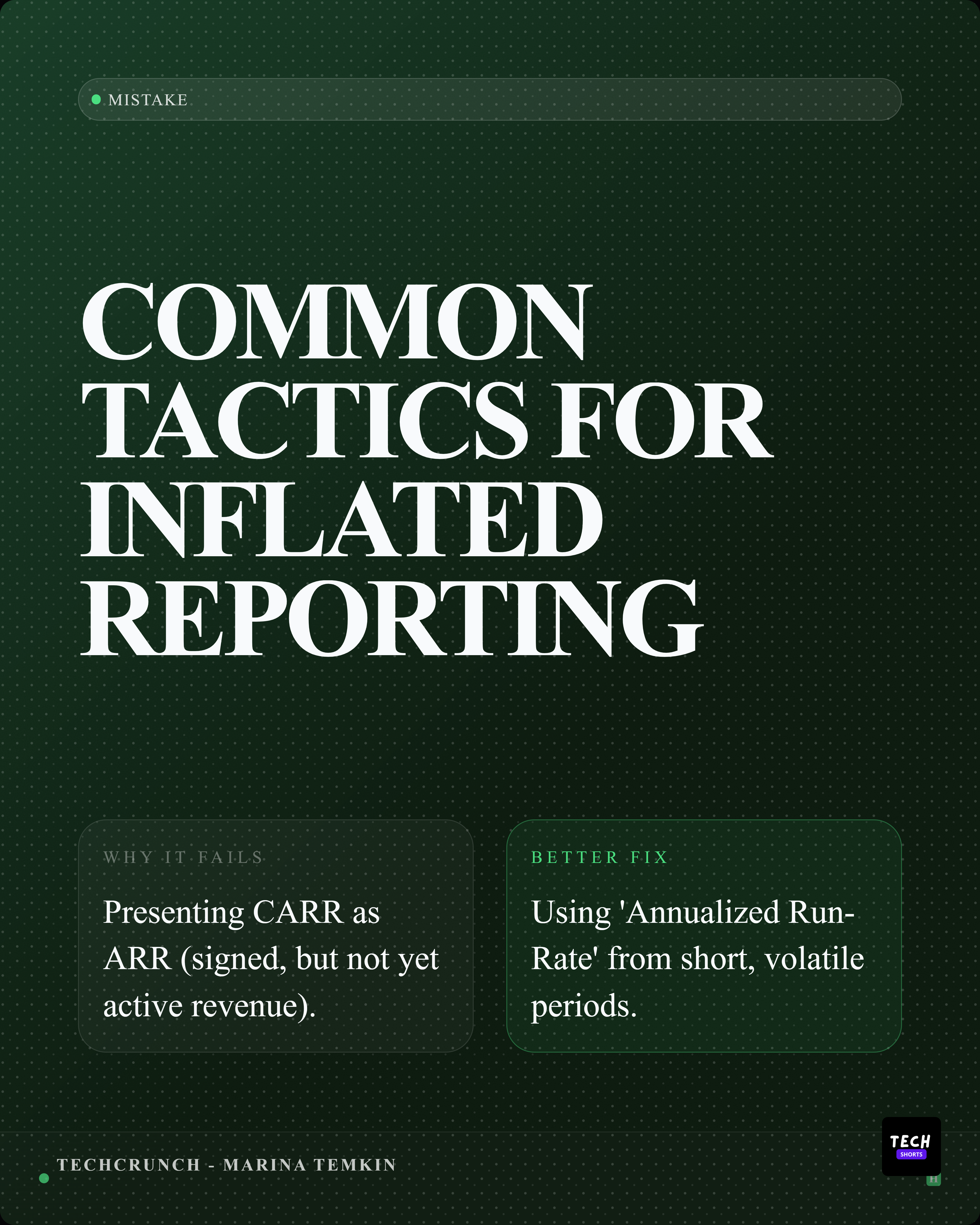
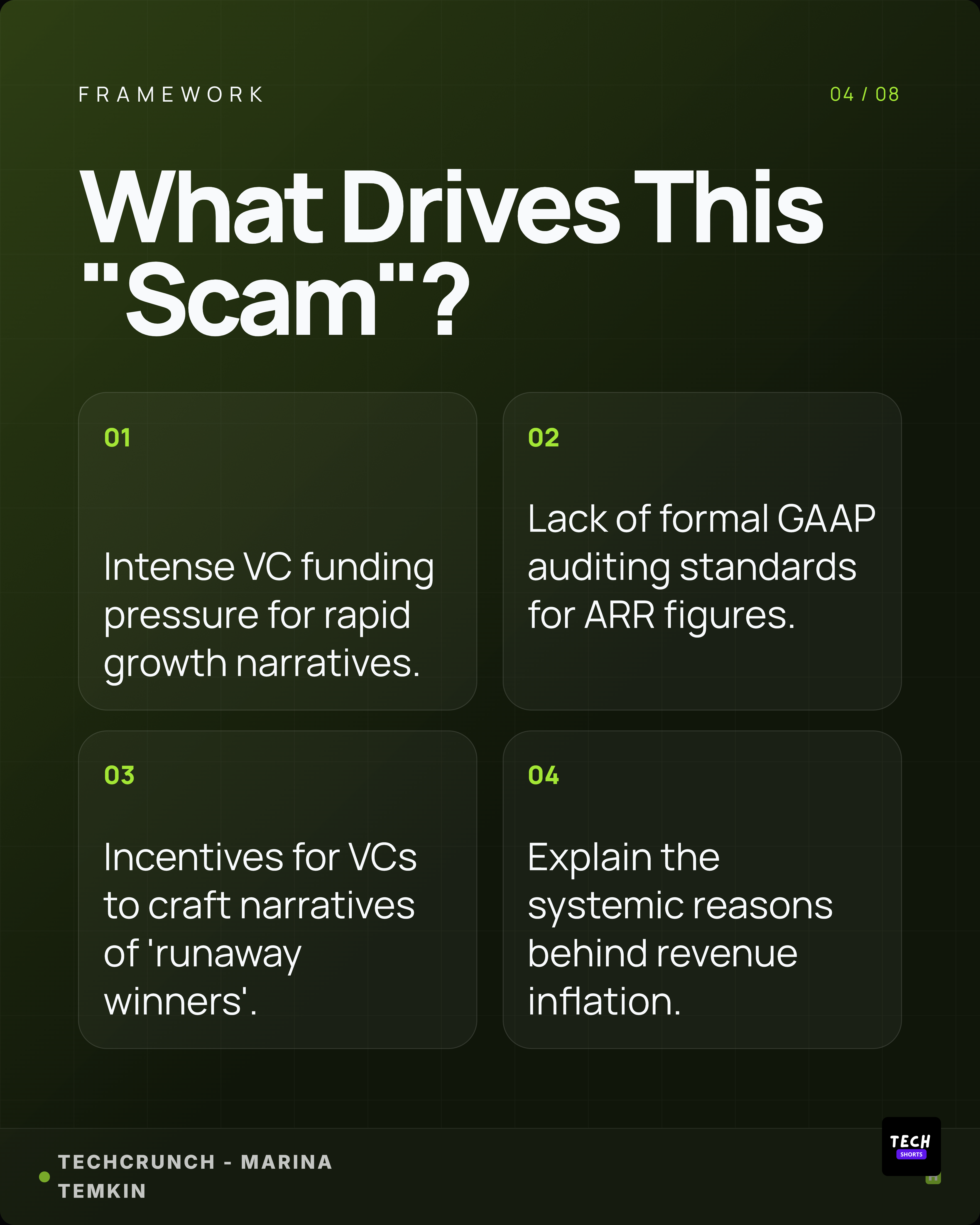
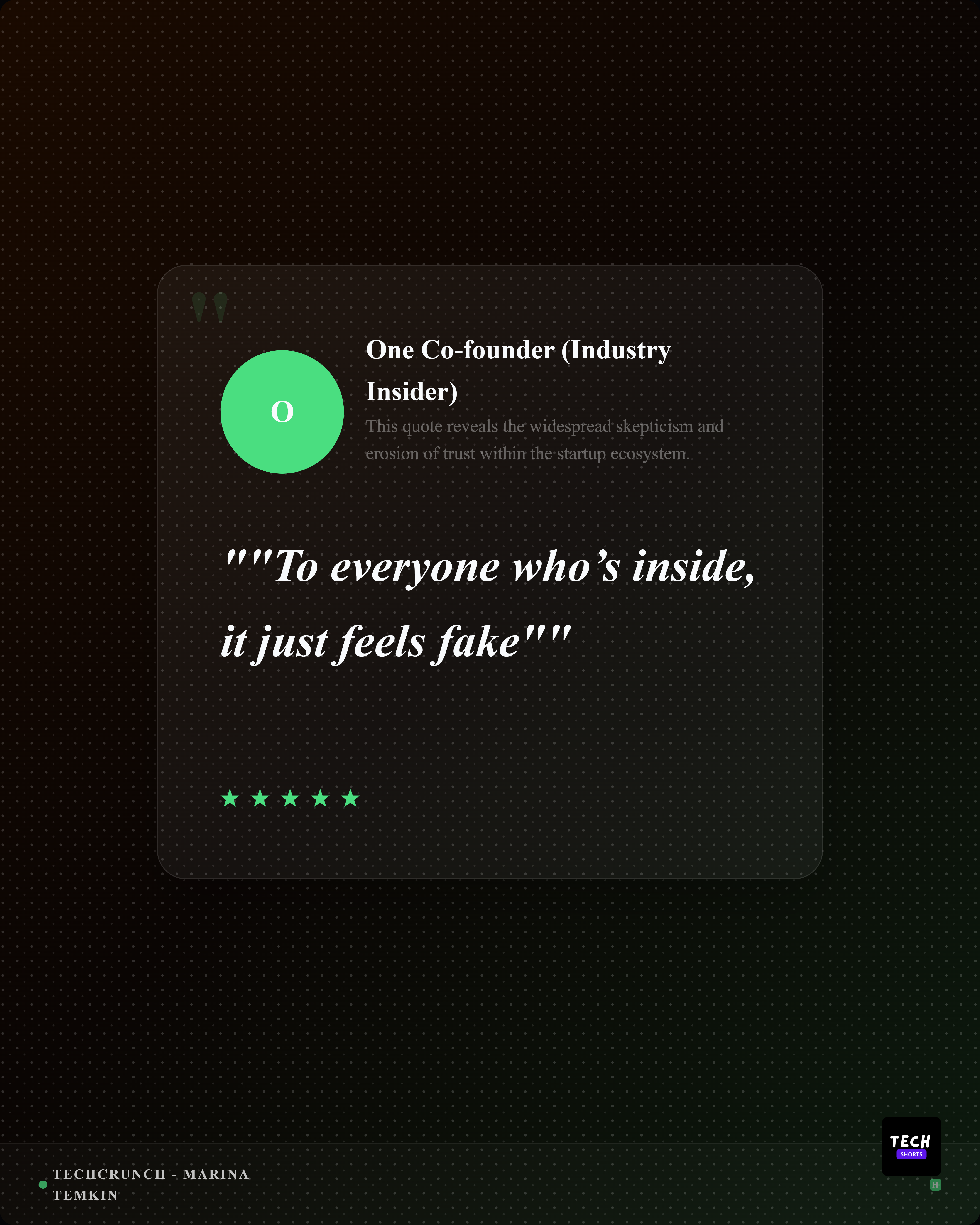
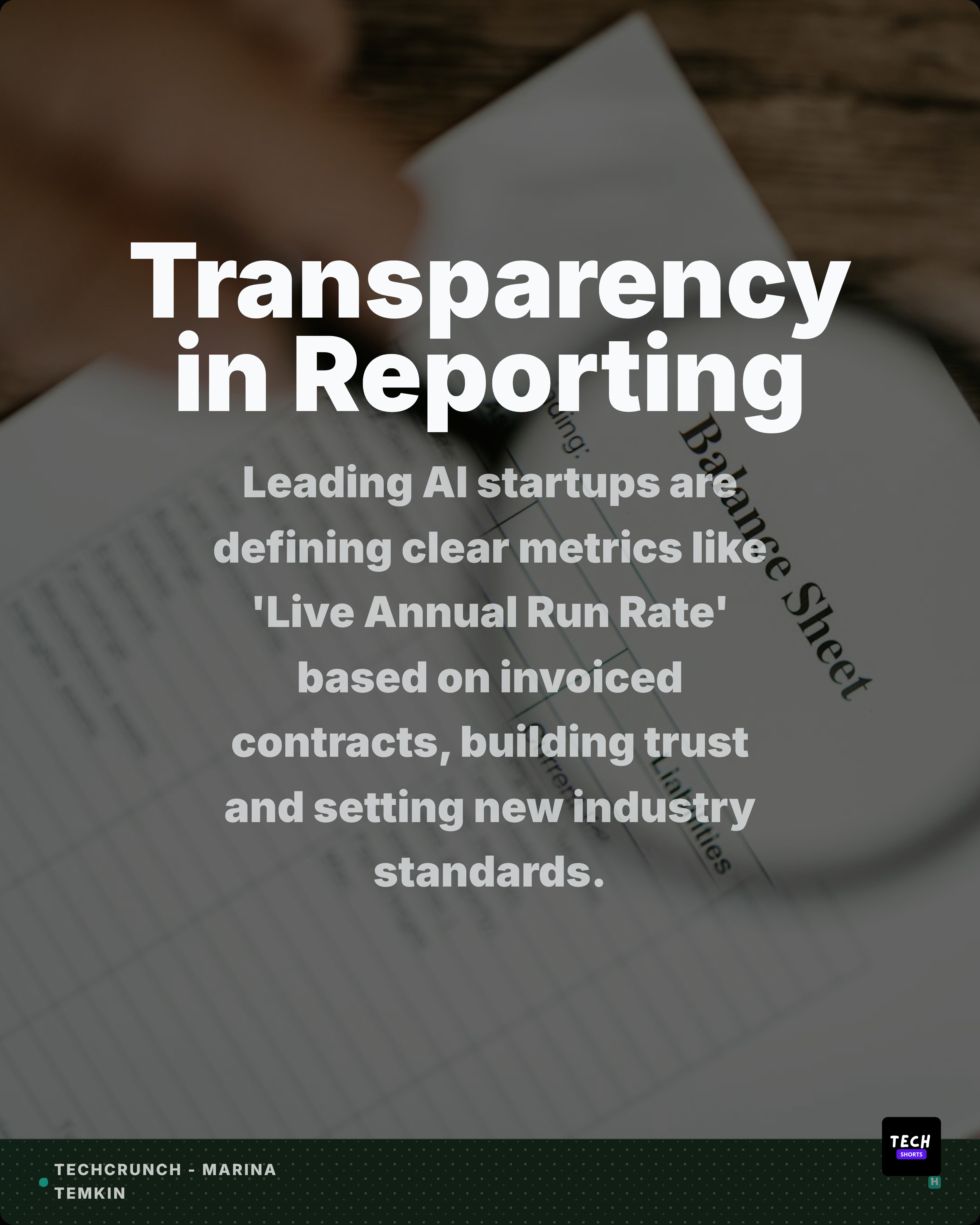
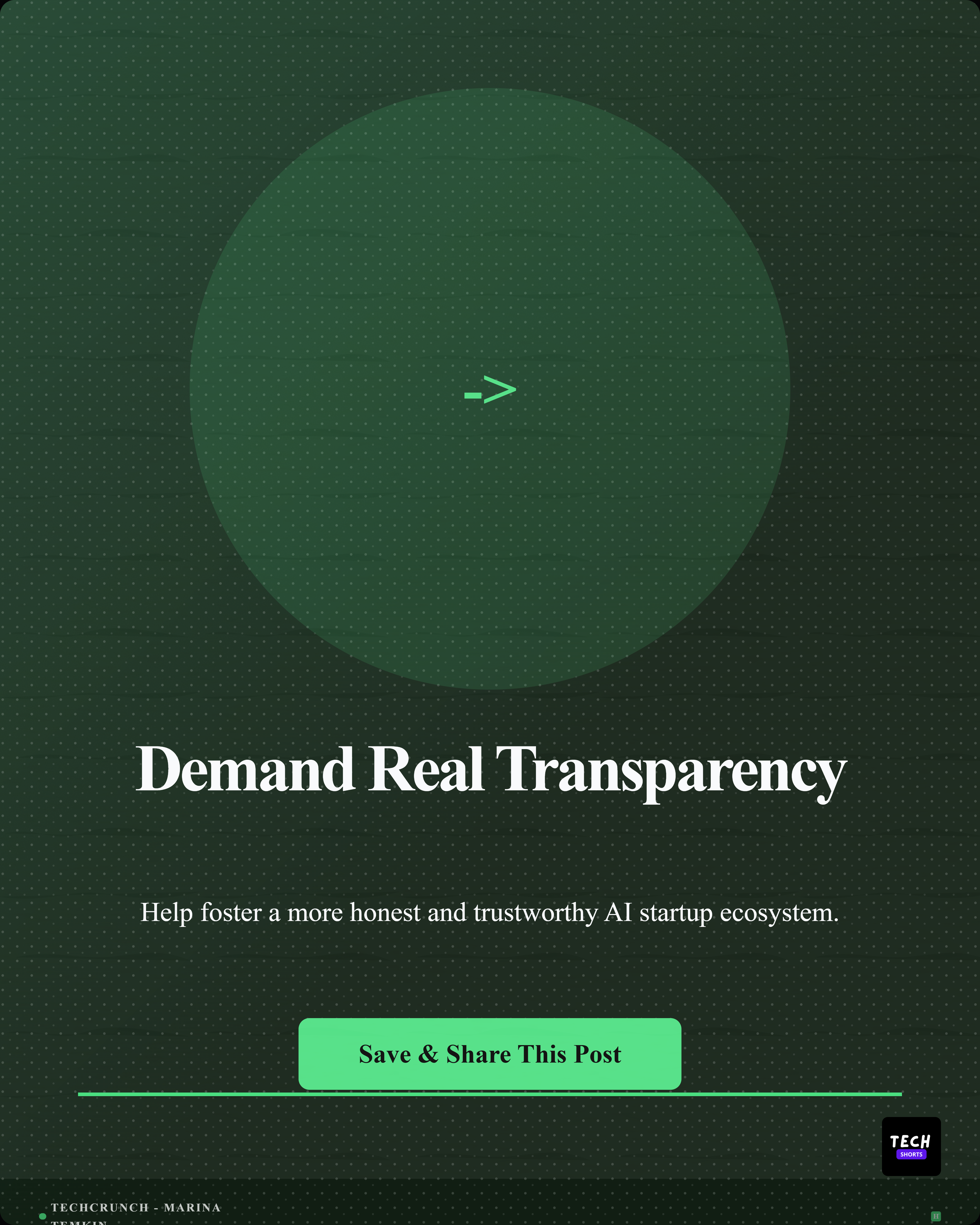
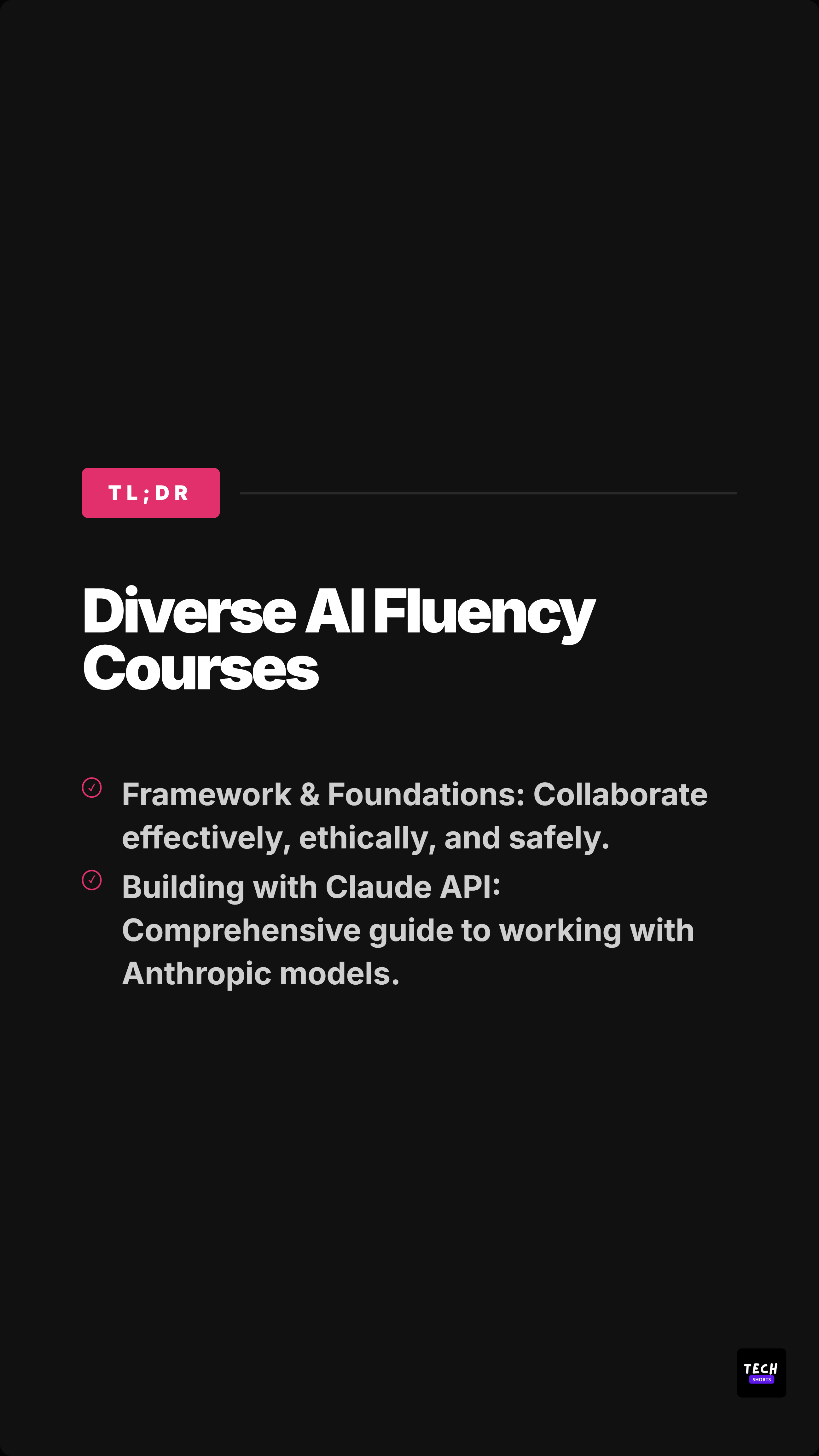
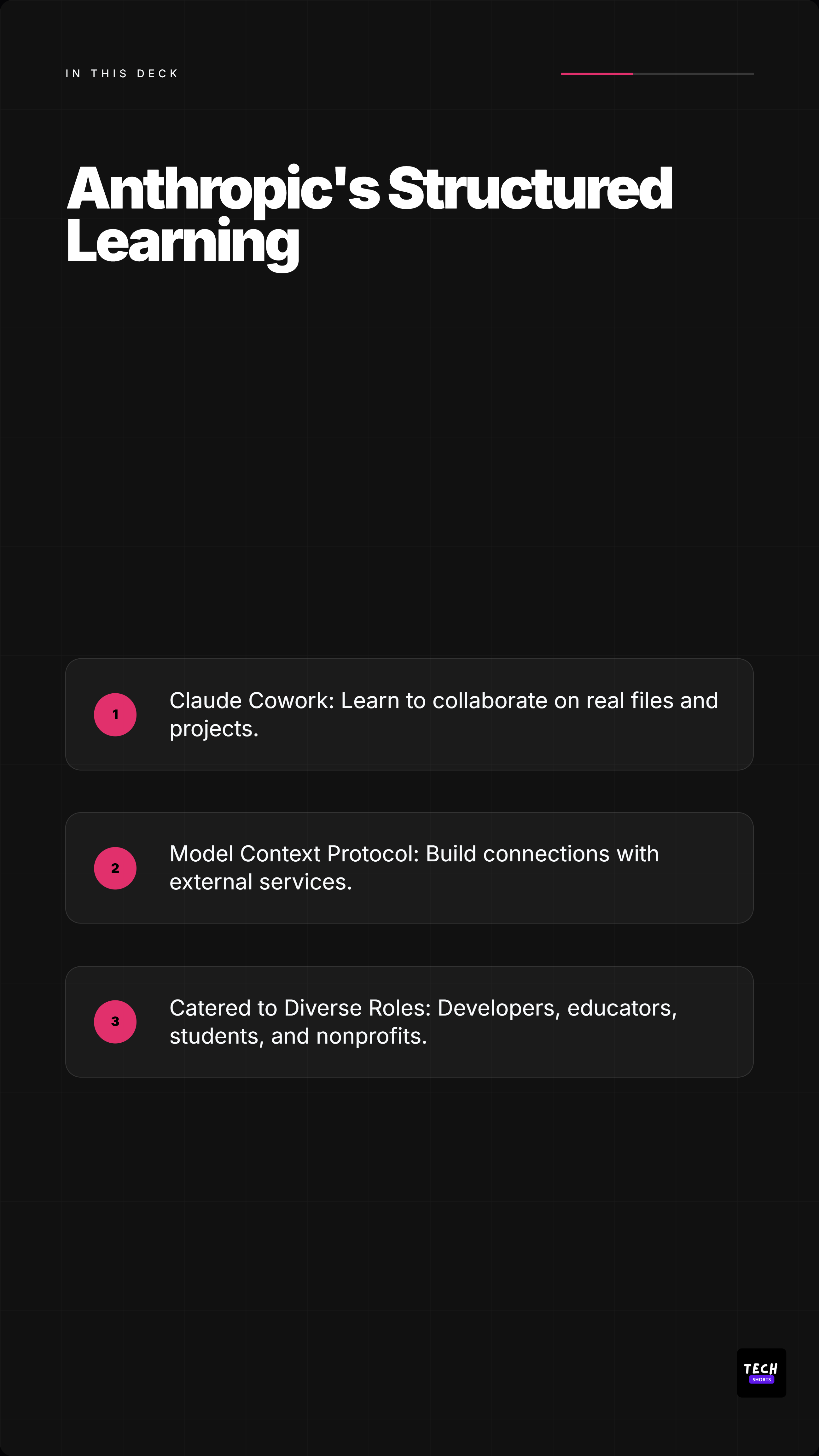
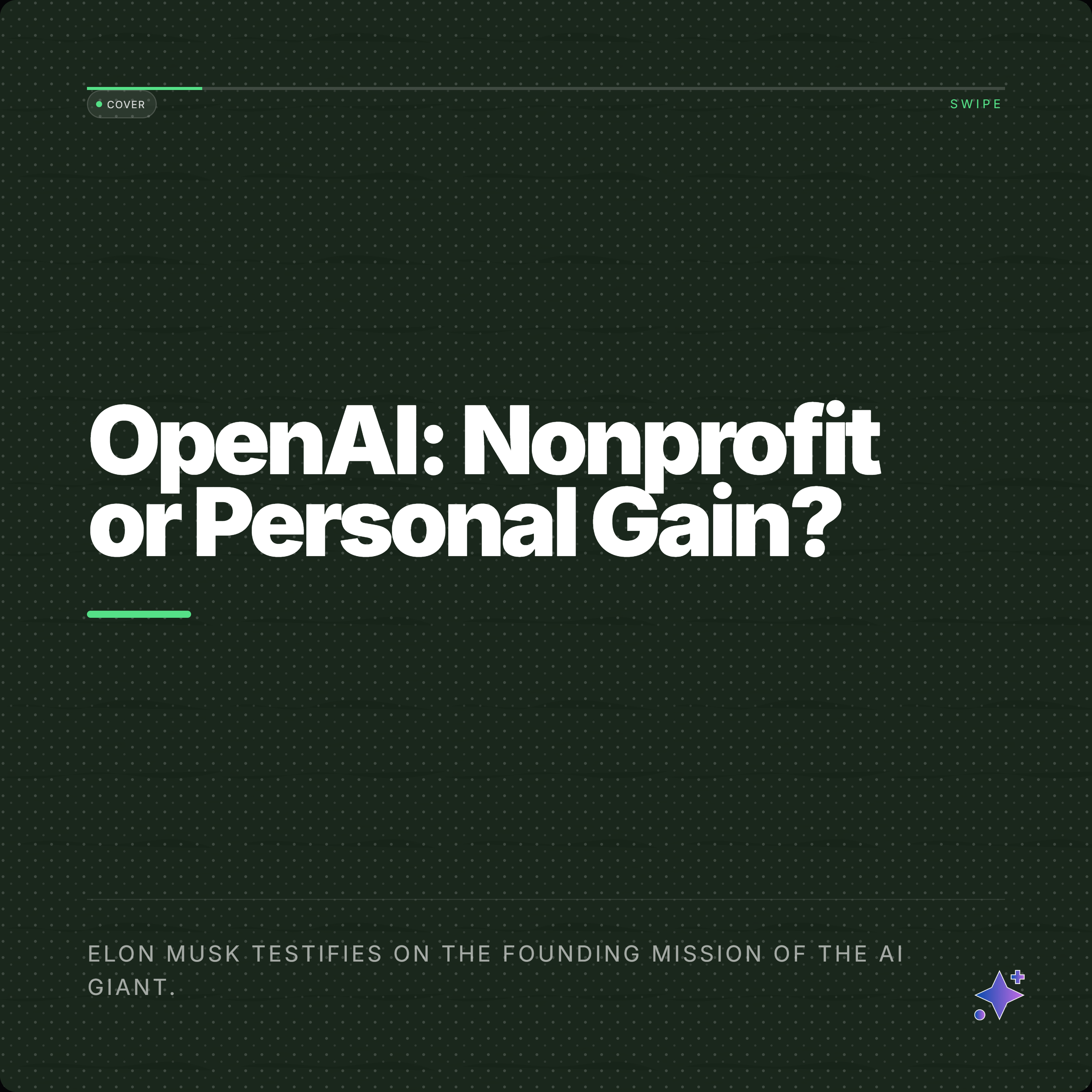
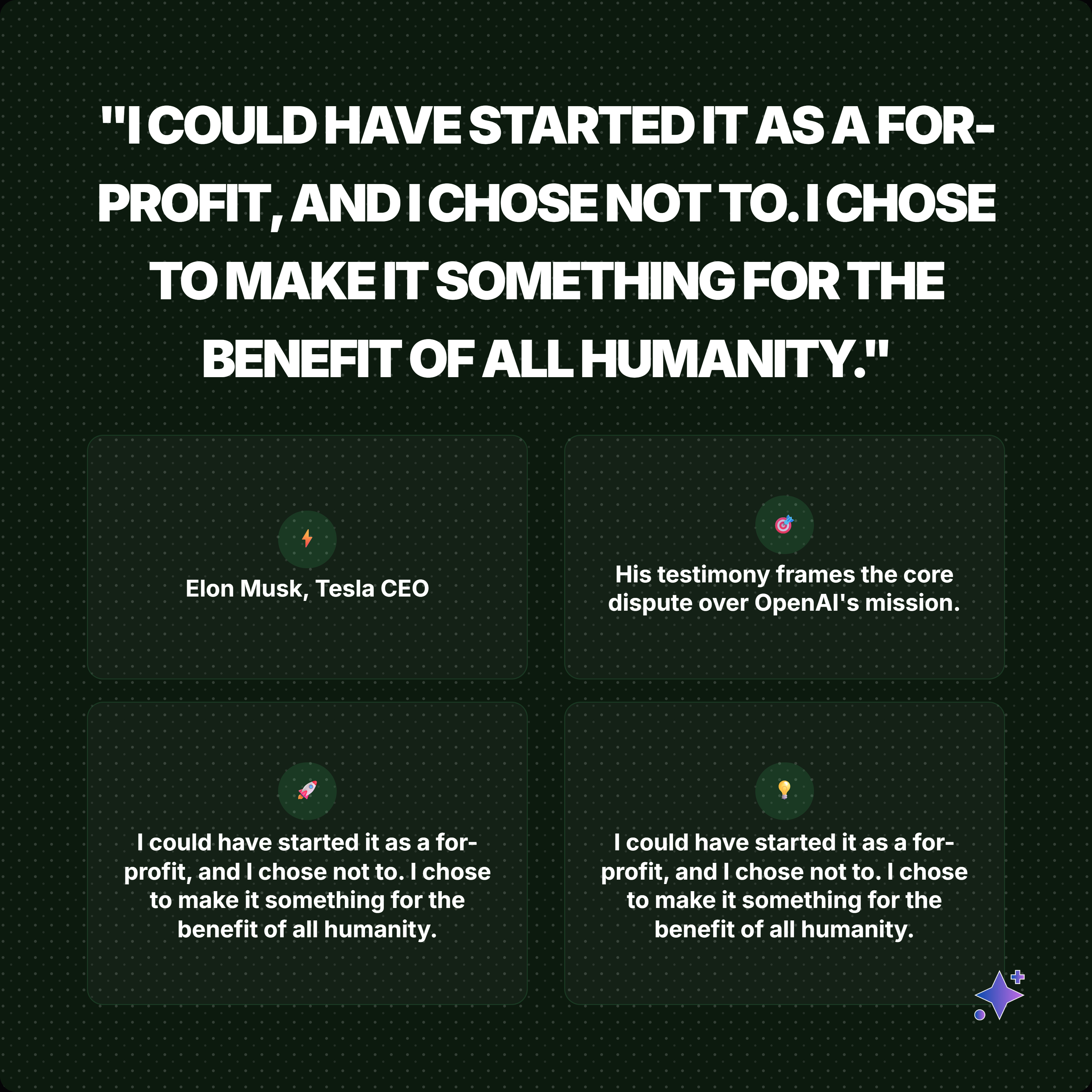
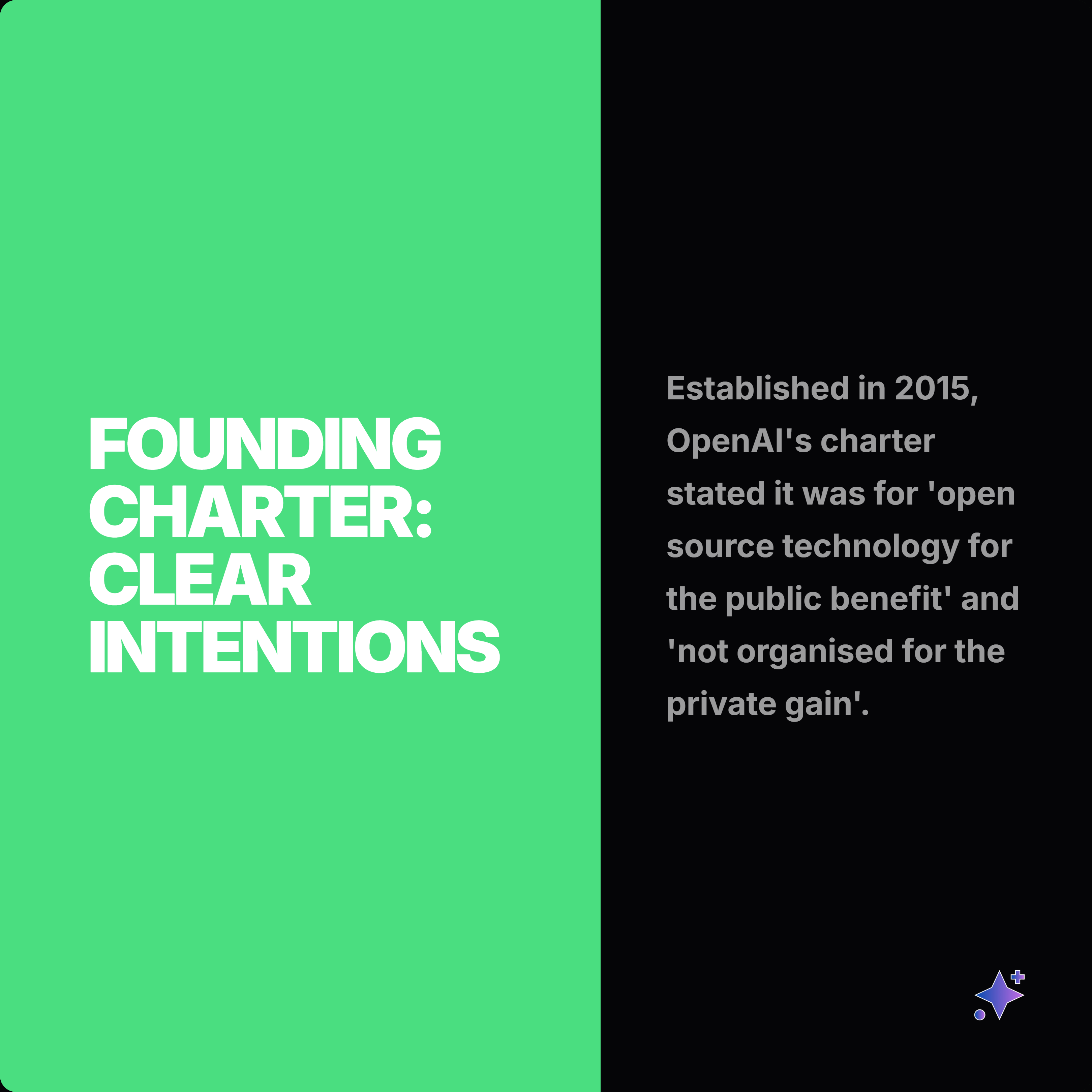
These Highlightly-generated exports show the output layer behind the source-to-assets workflow.
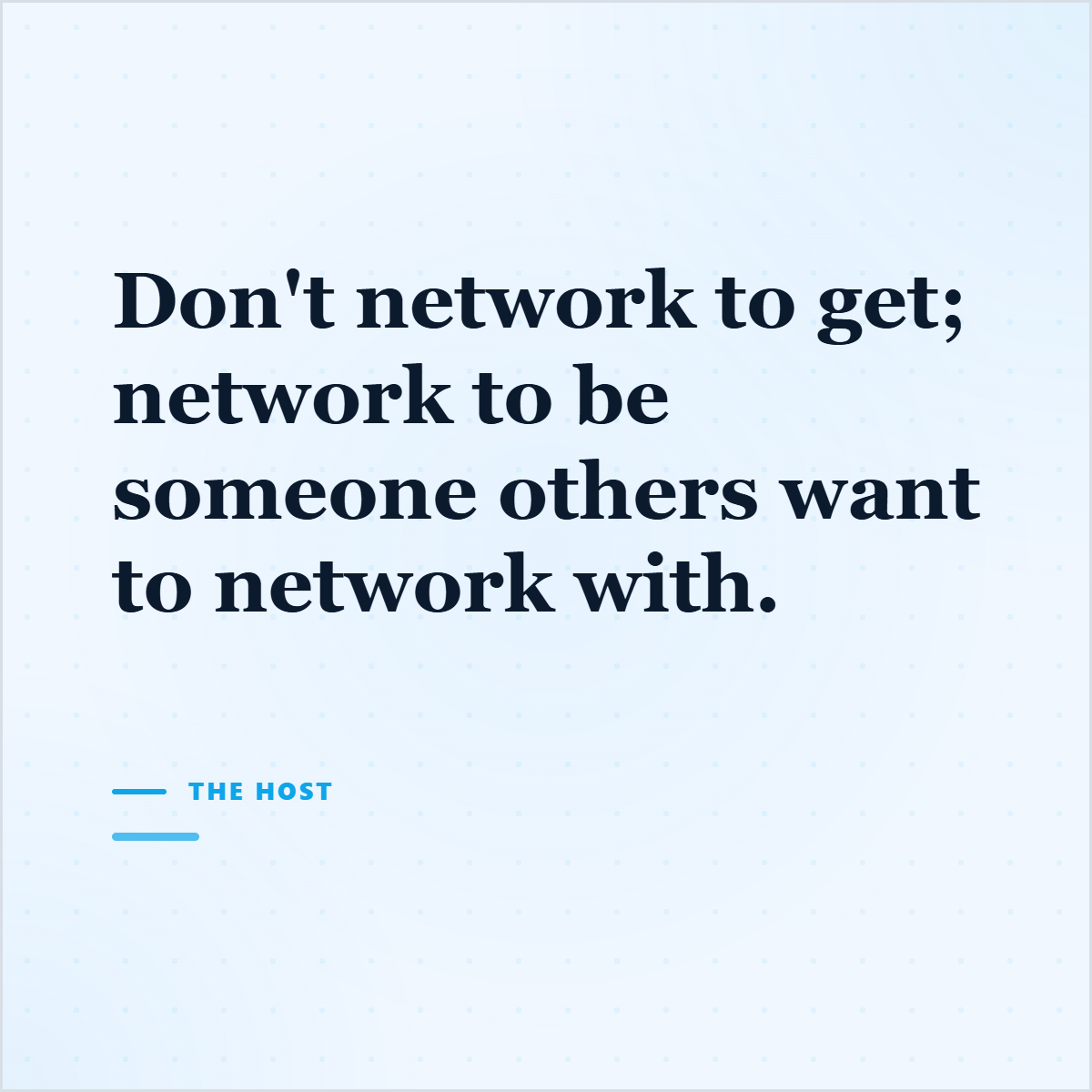
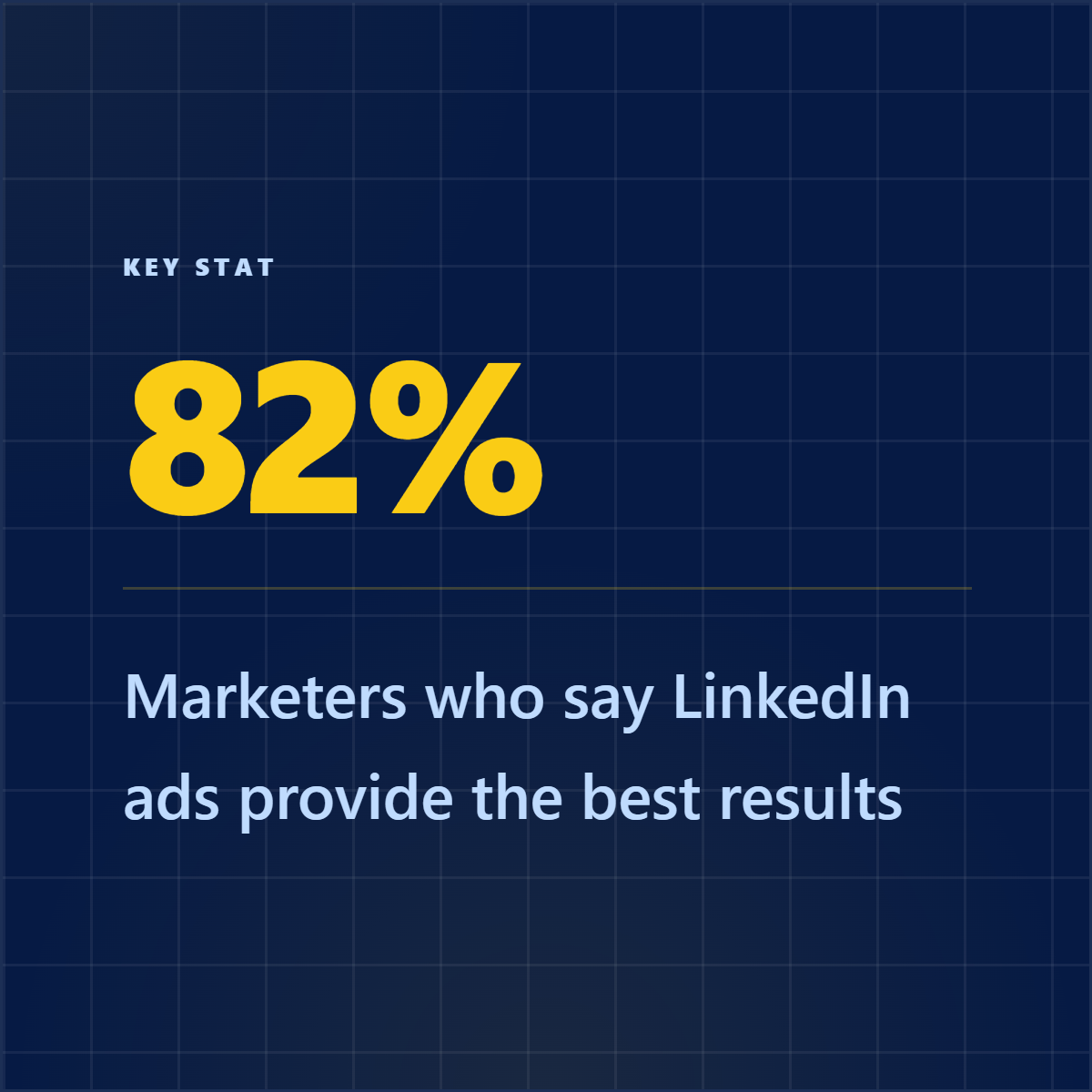
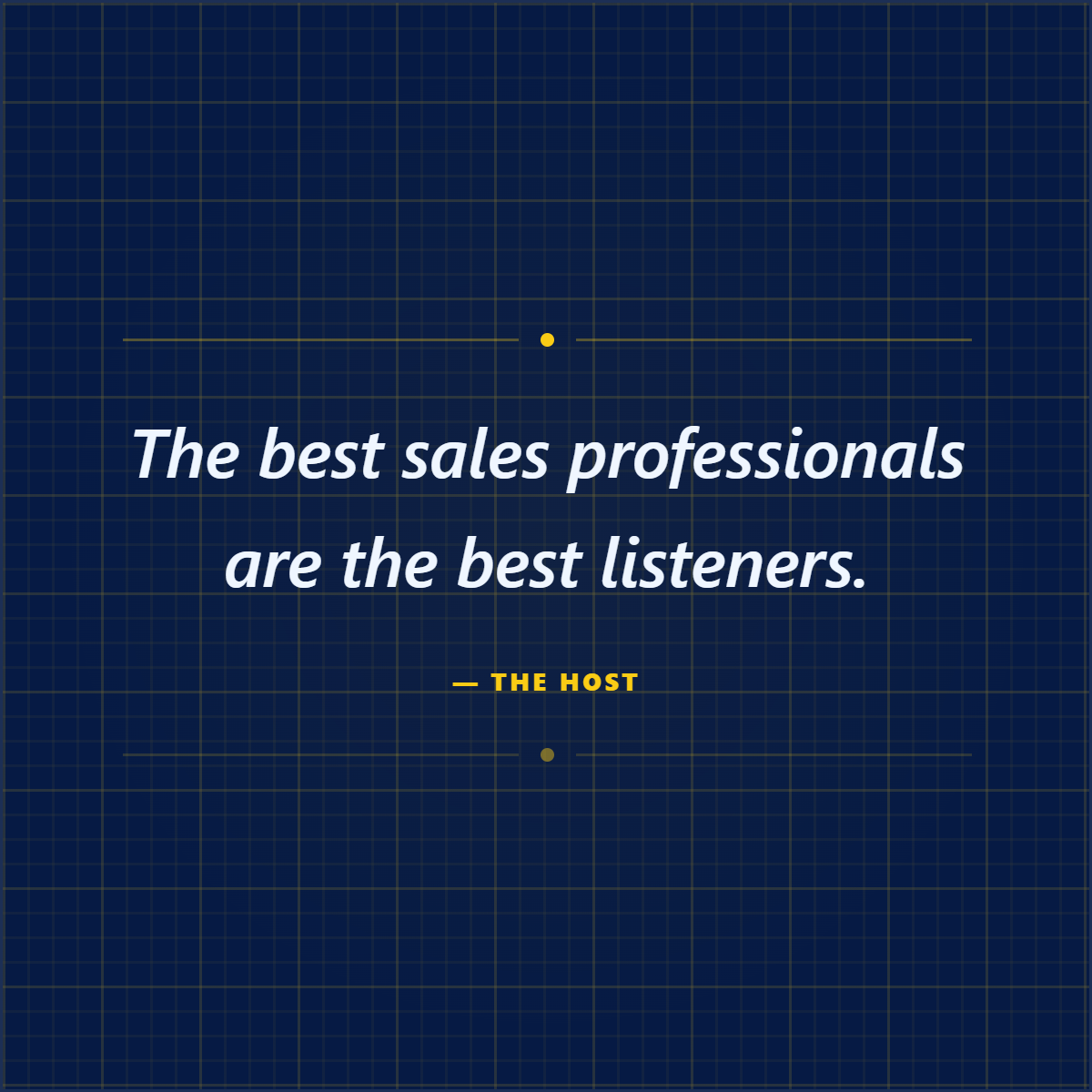
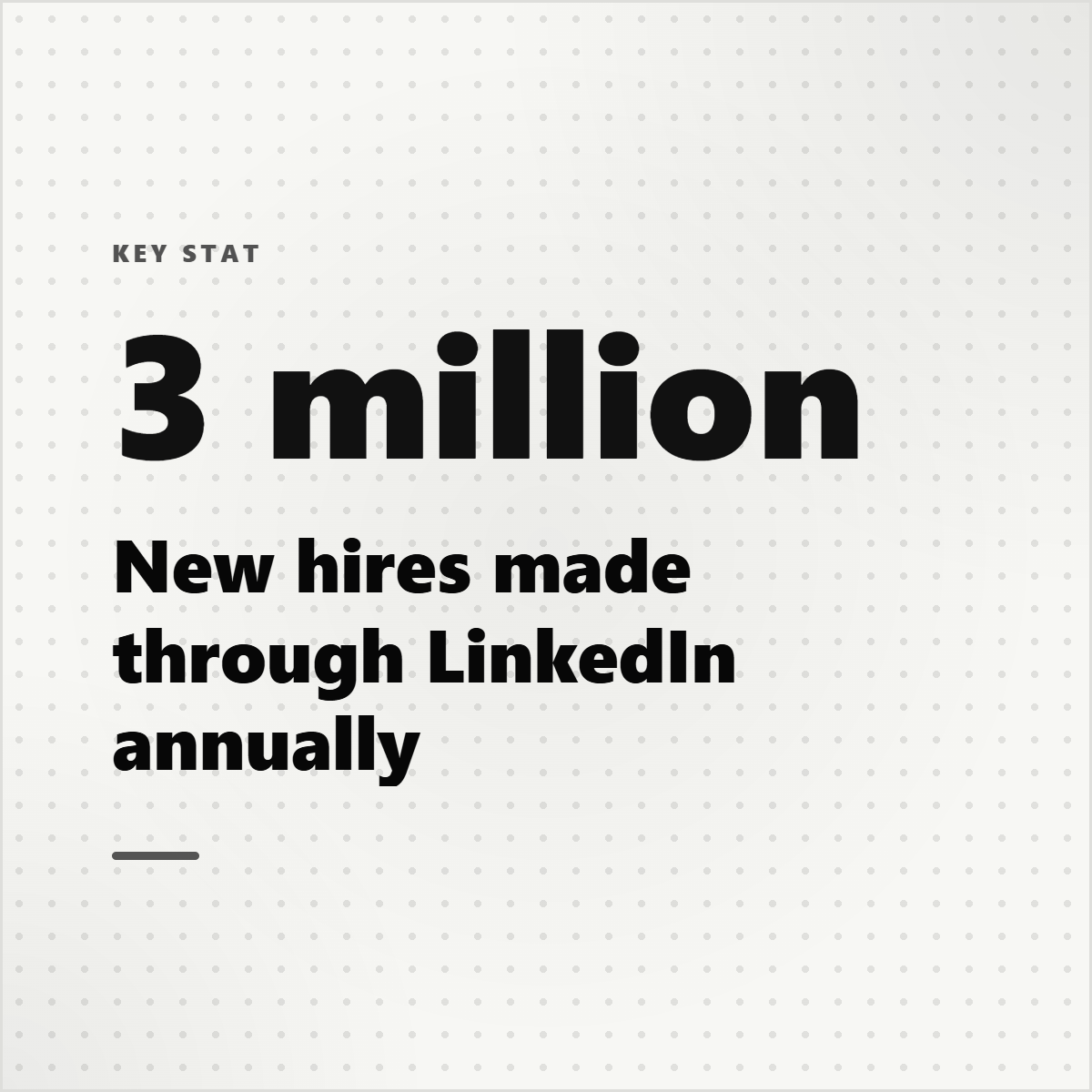
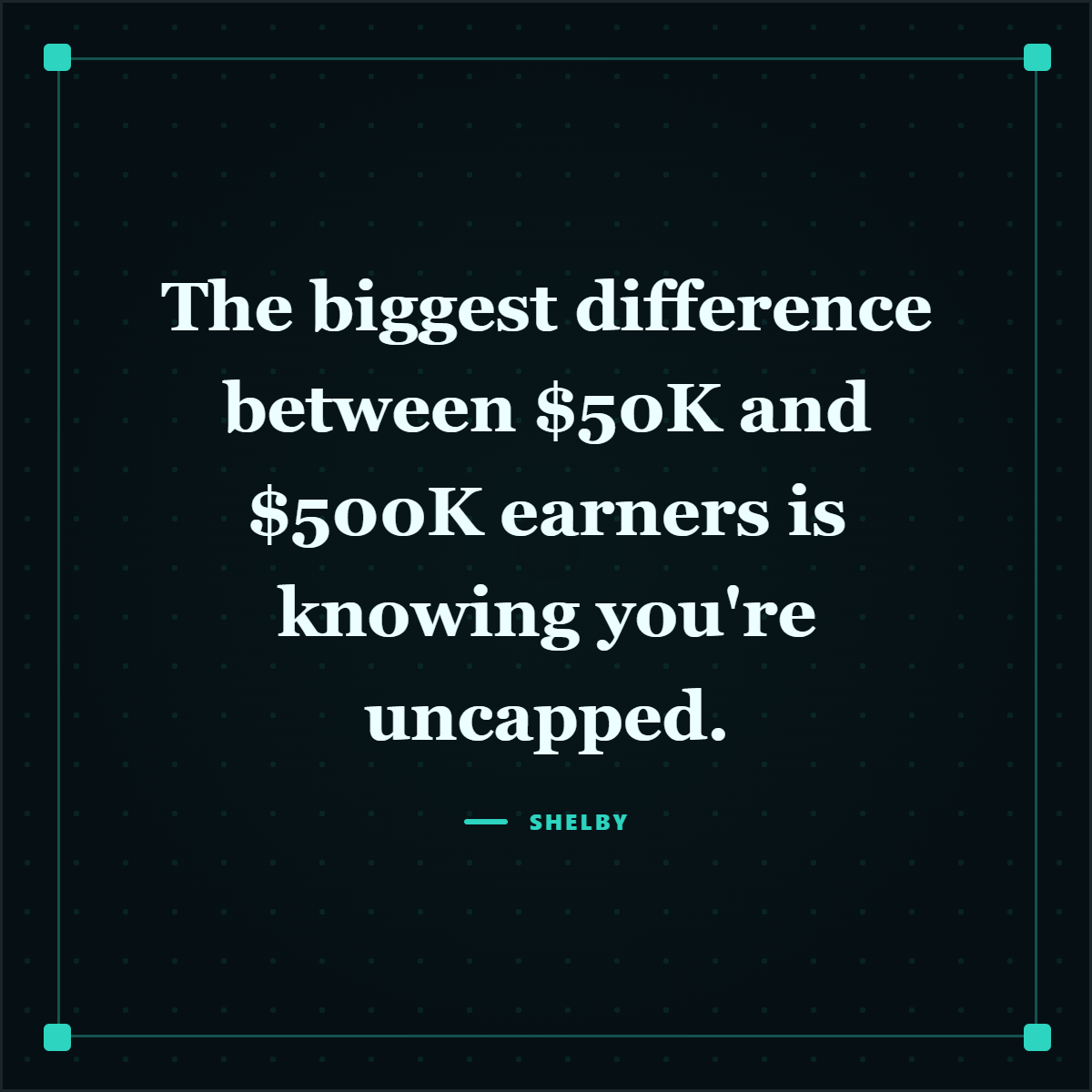
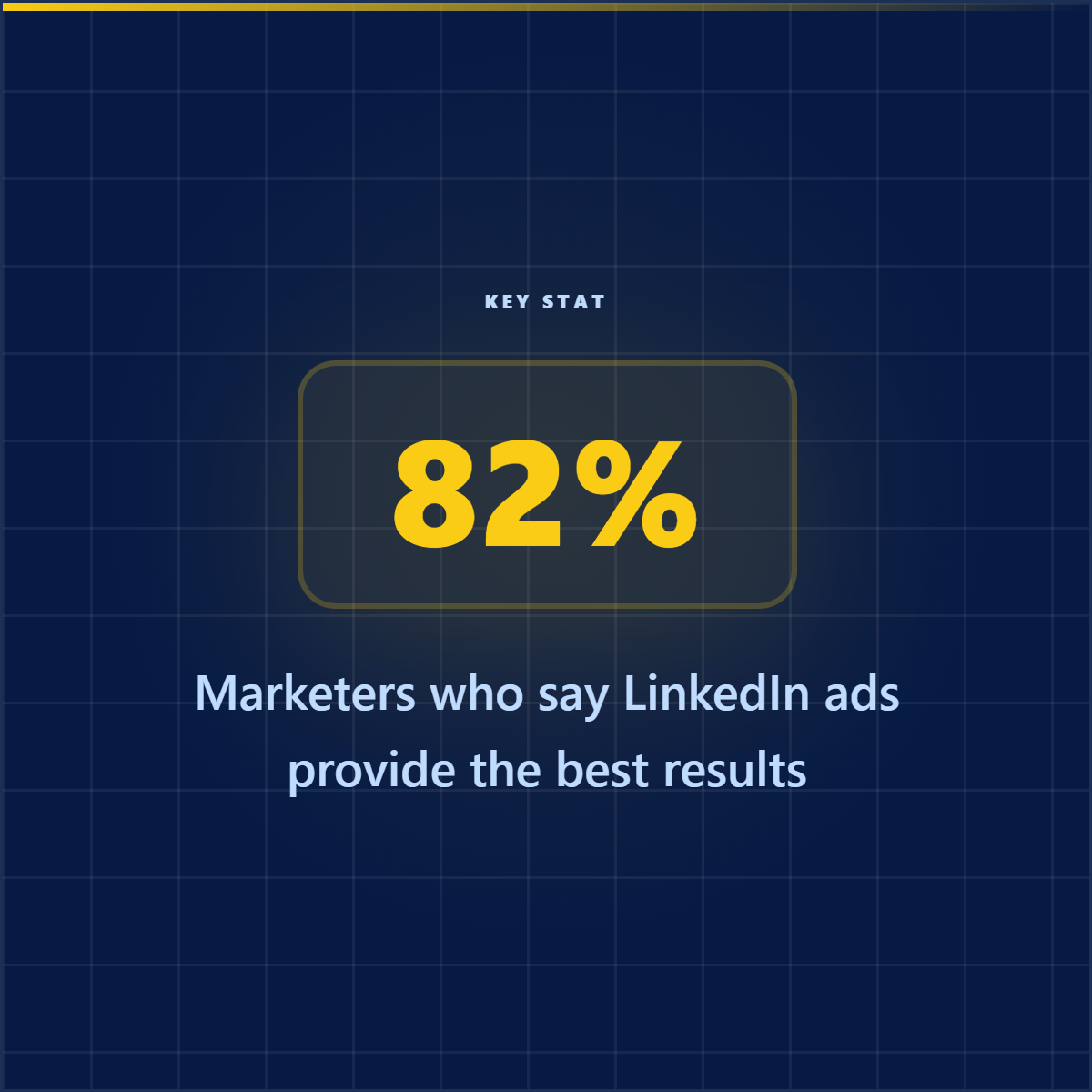

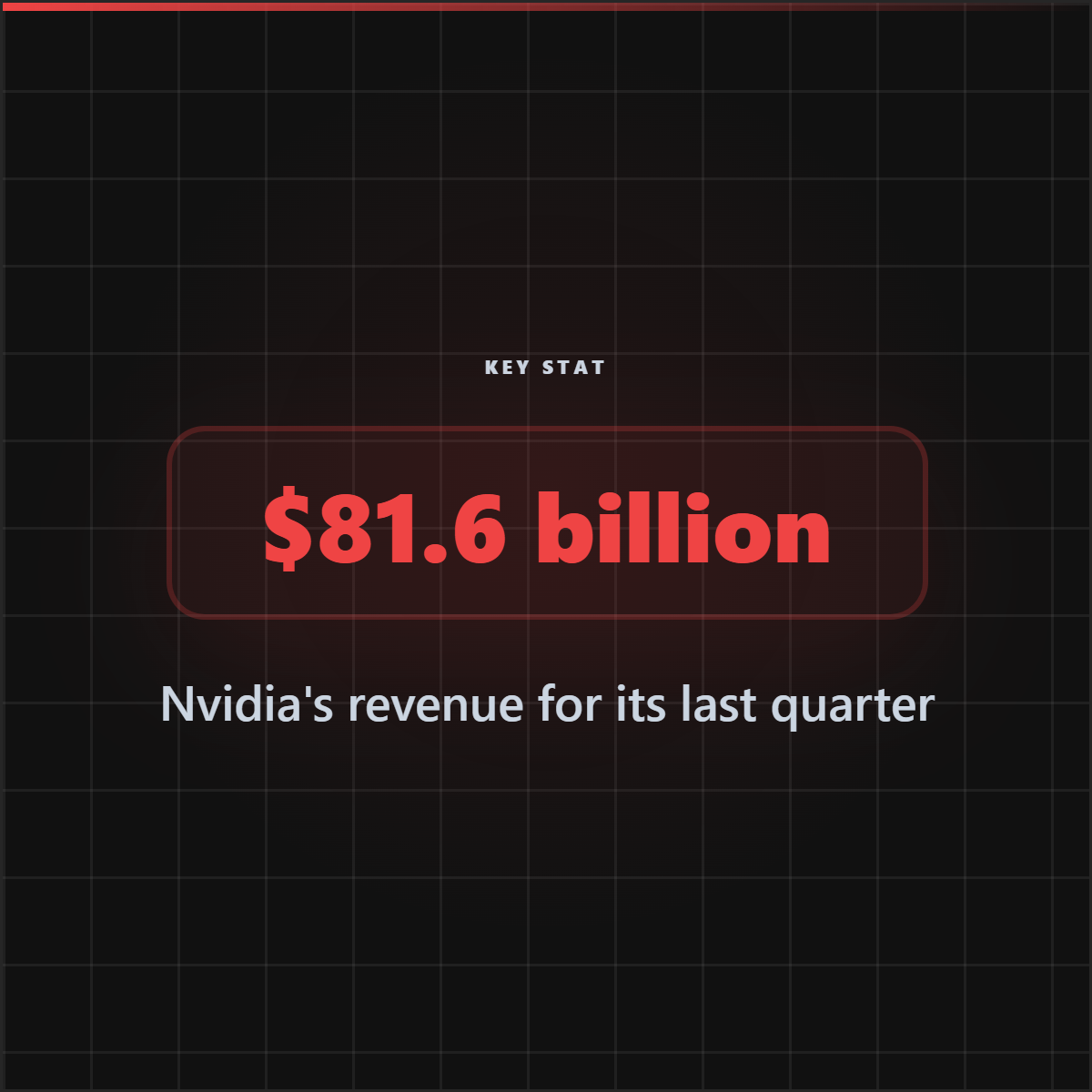
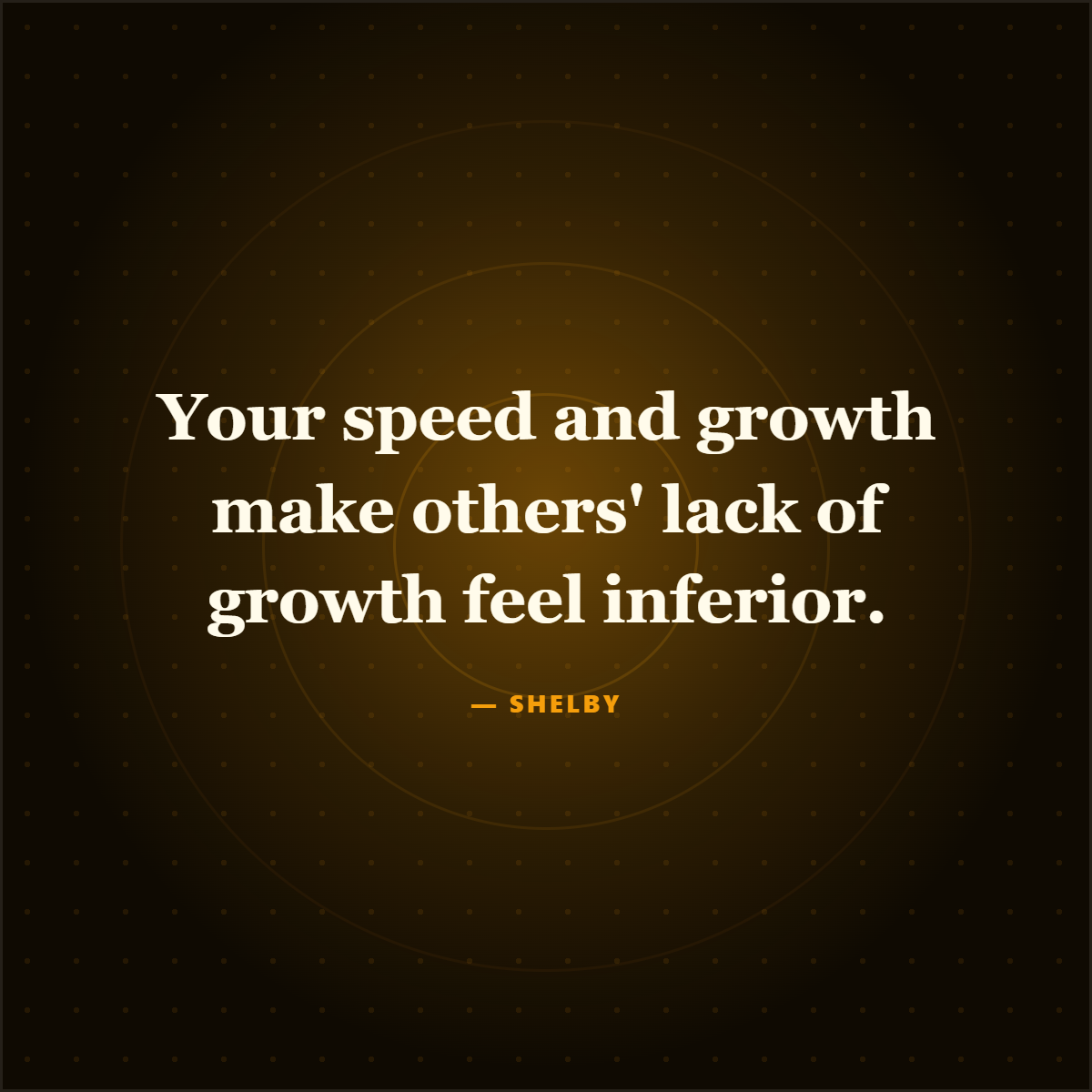
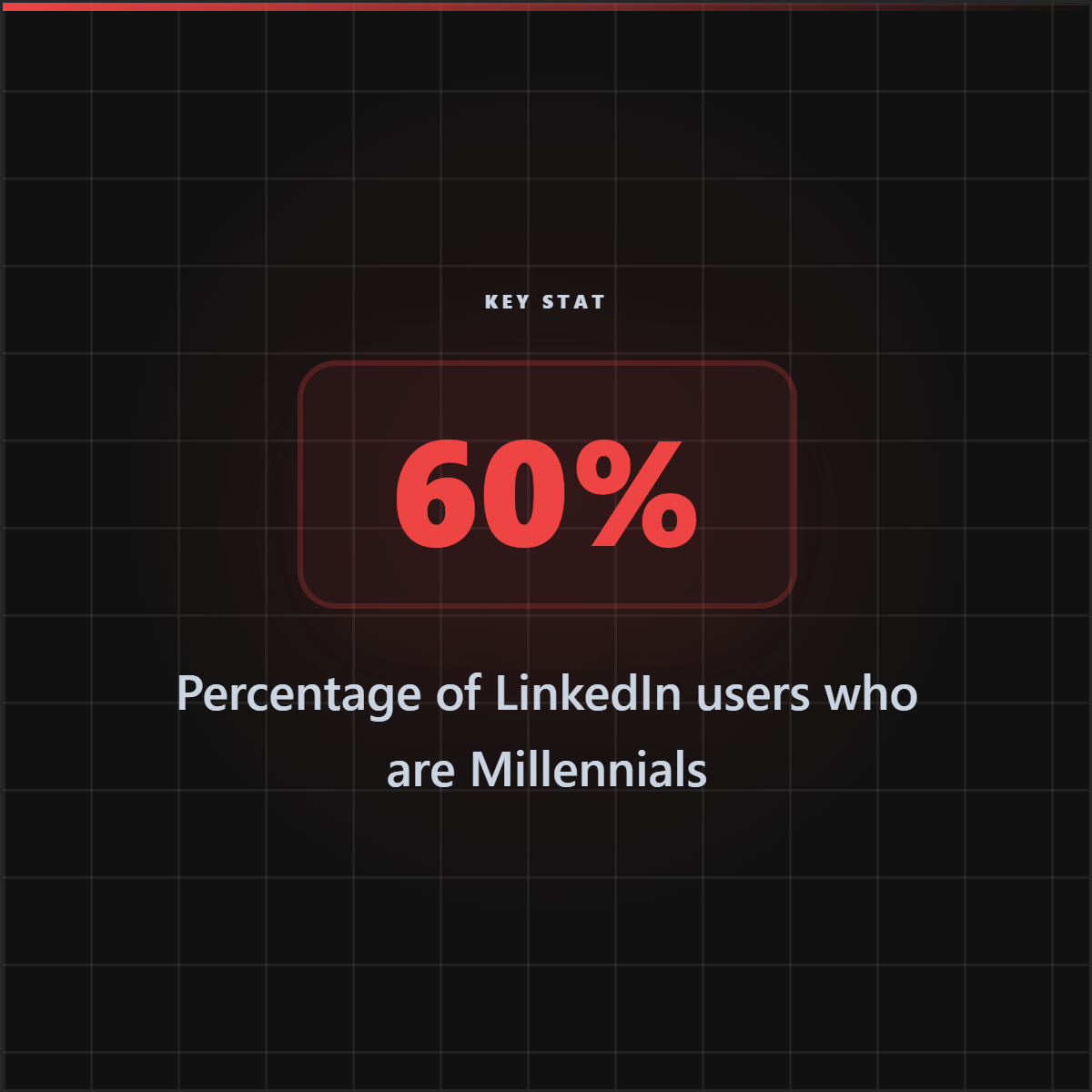
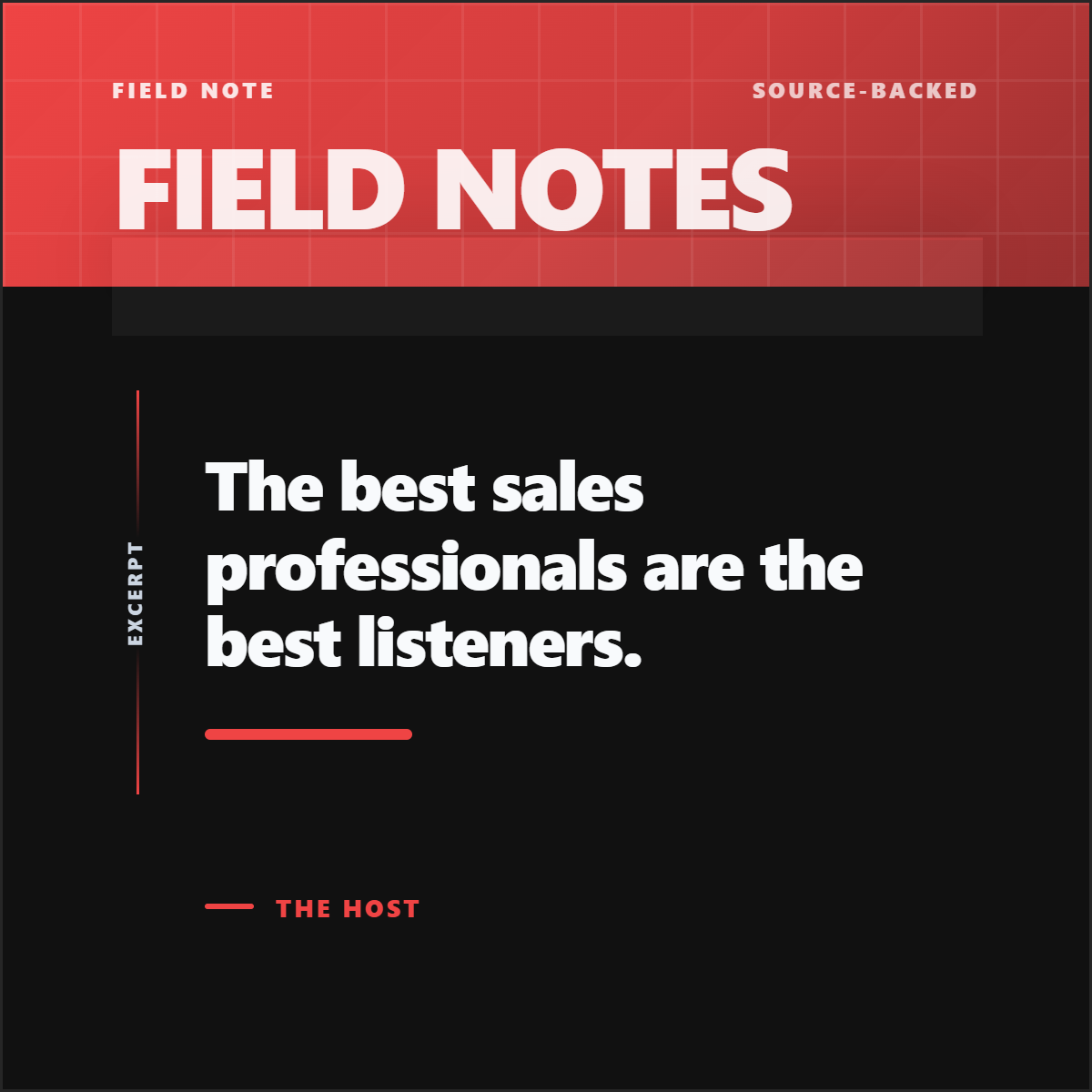
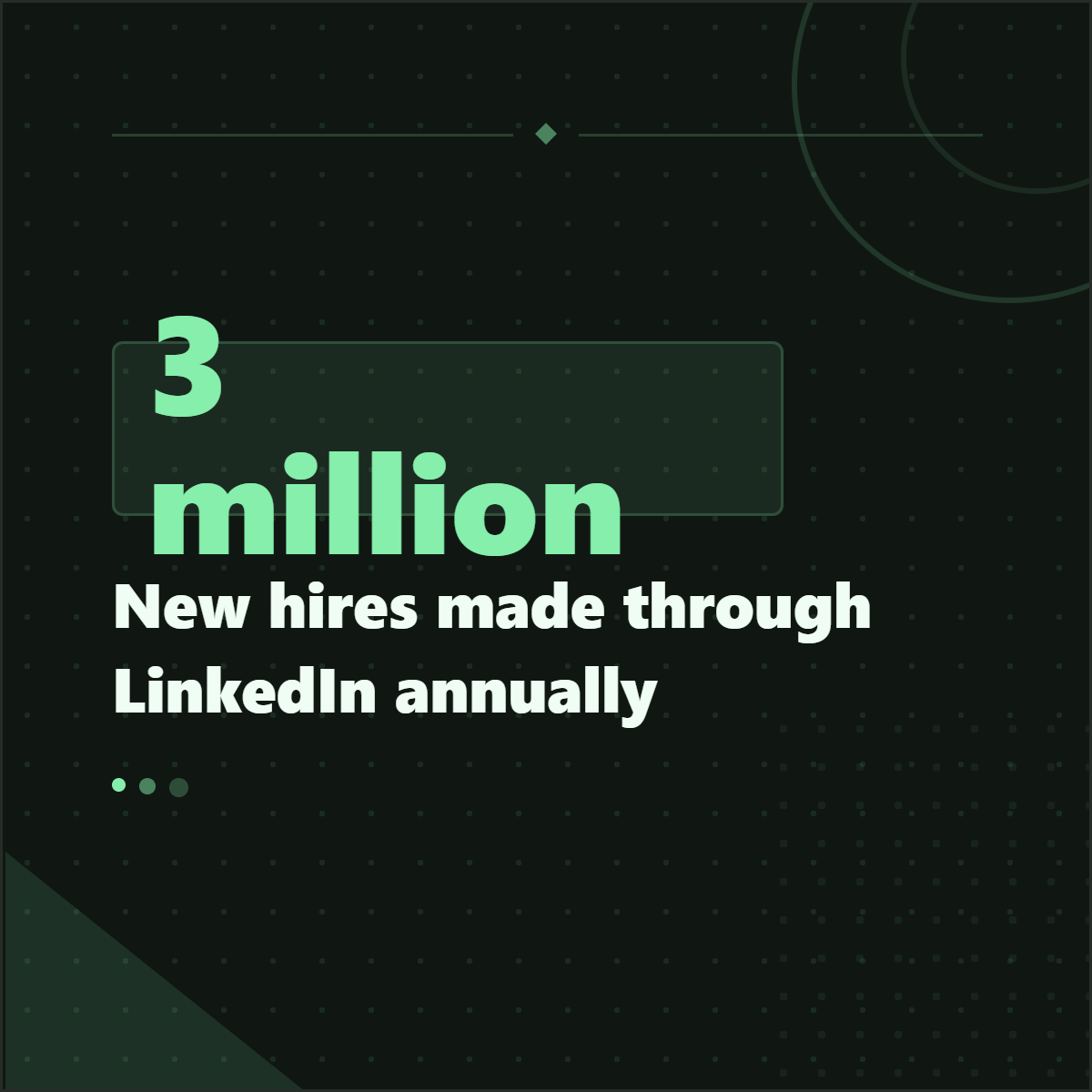
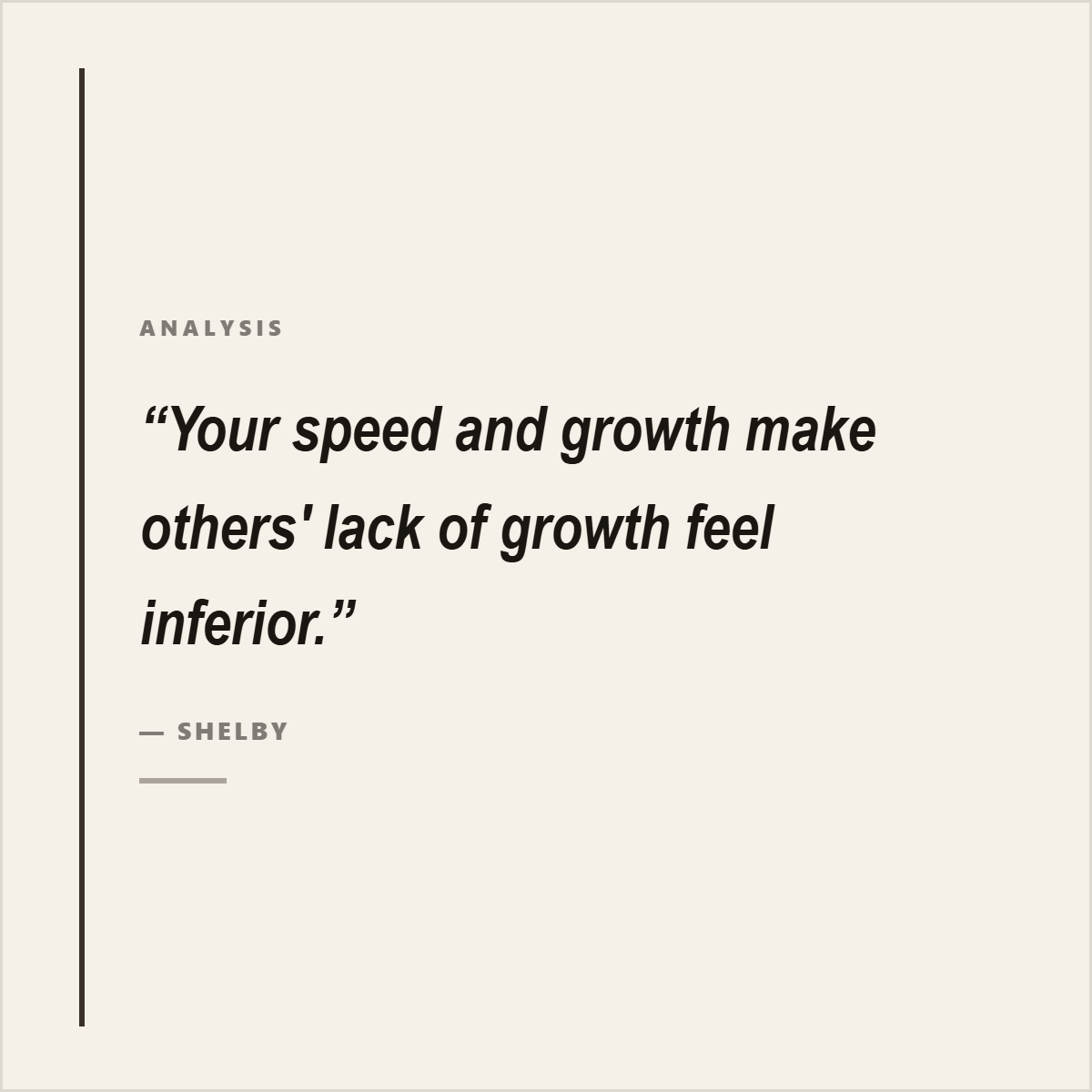

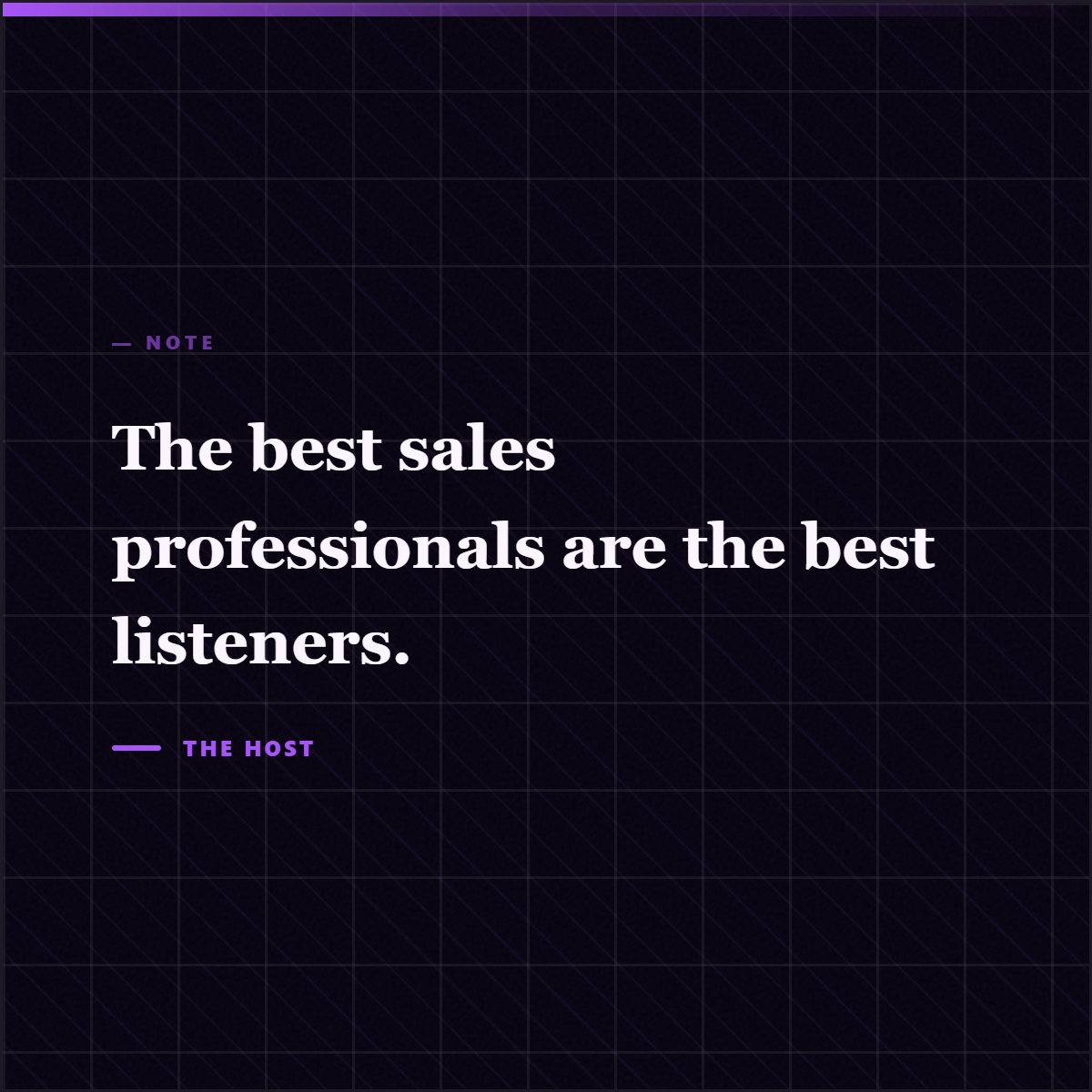

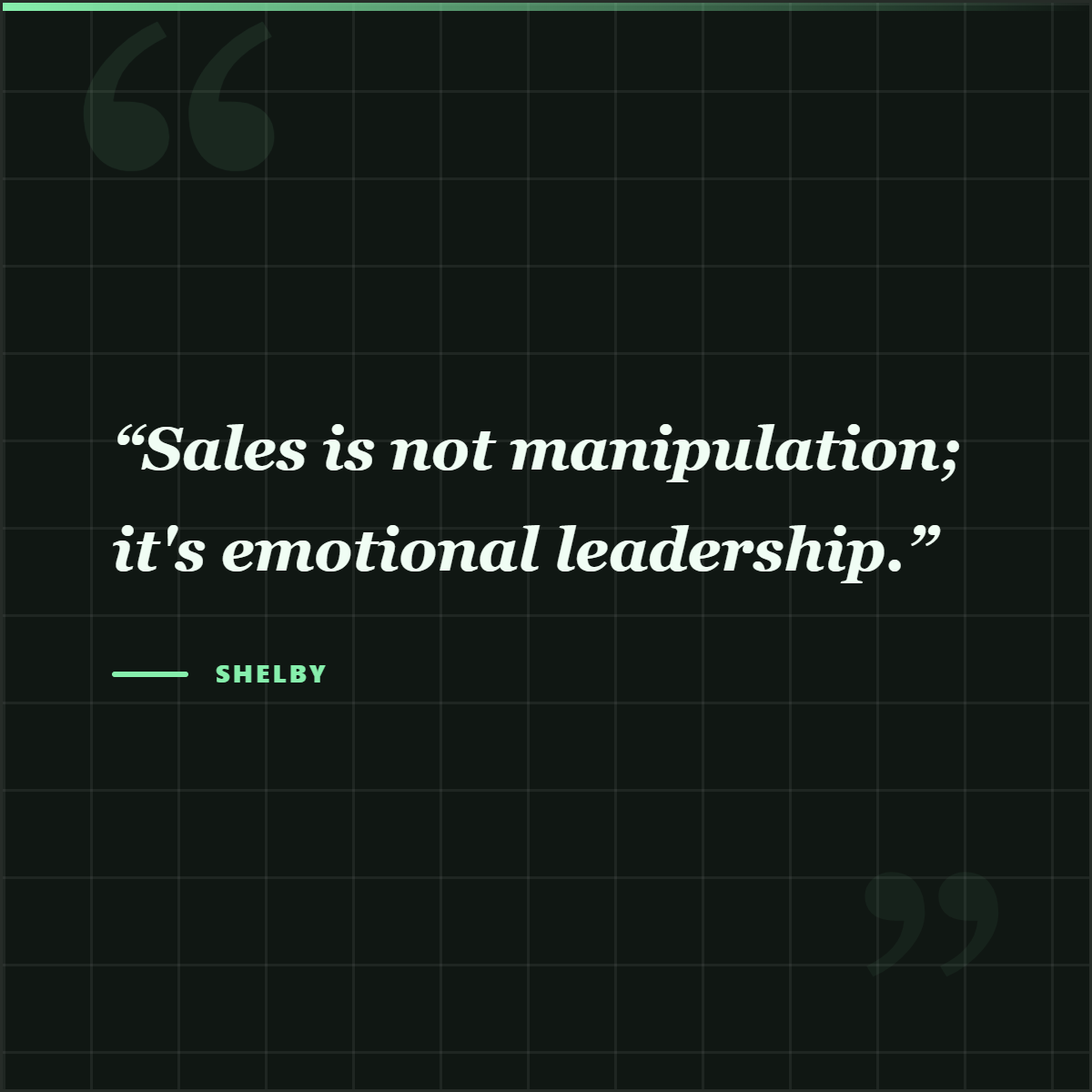
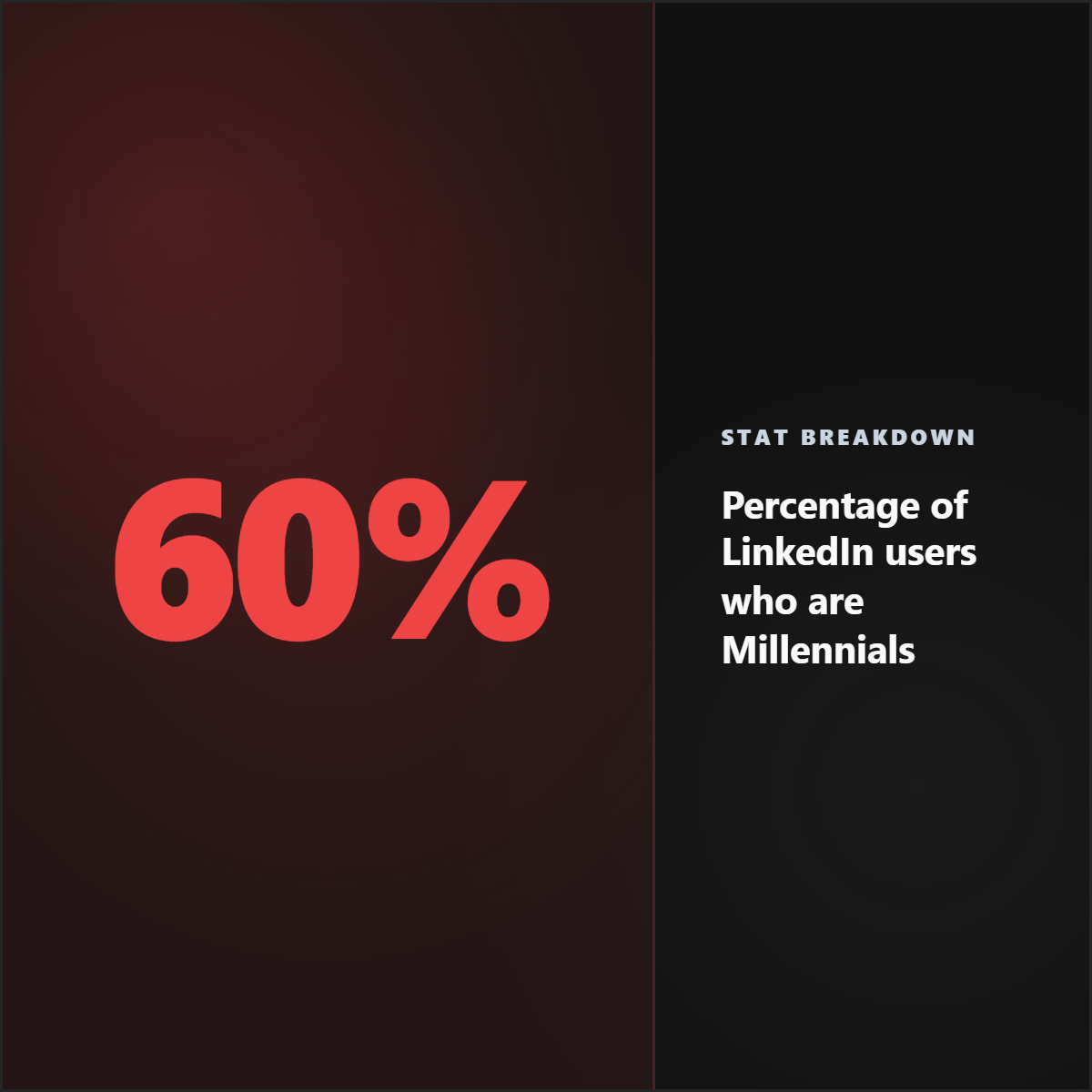

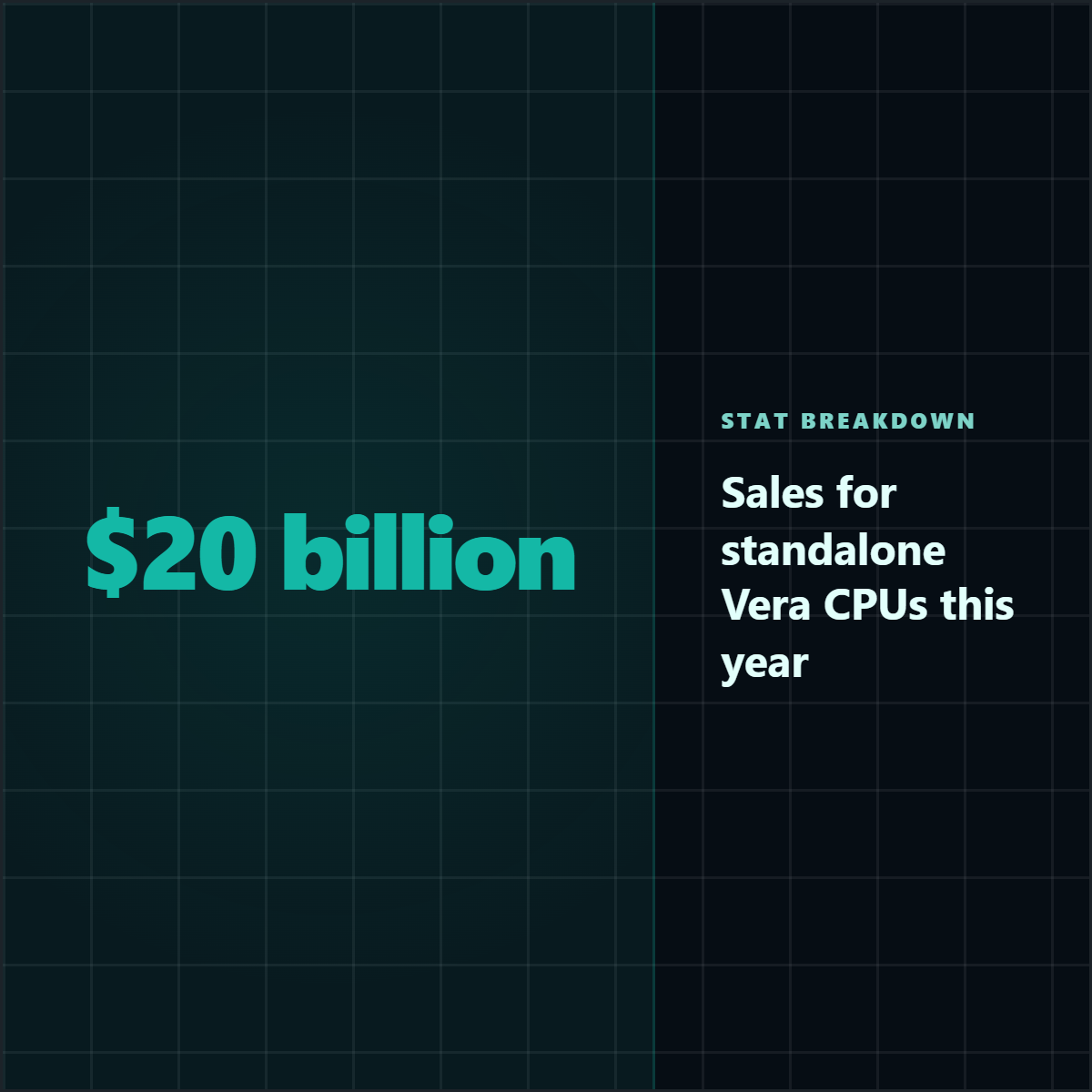
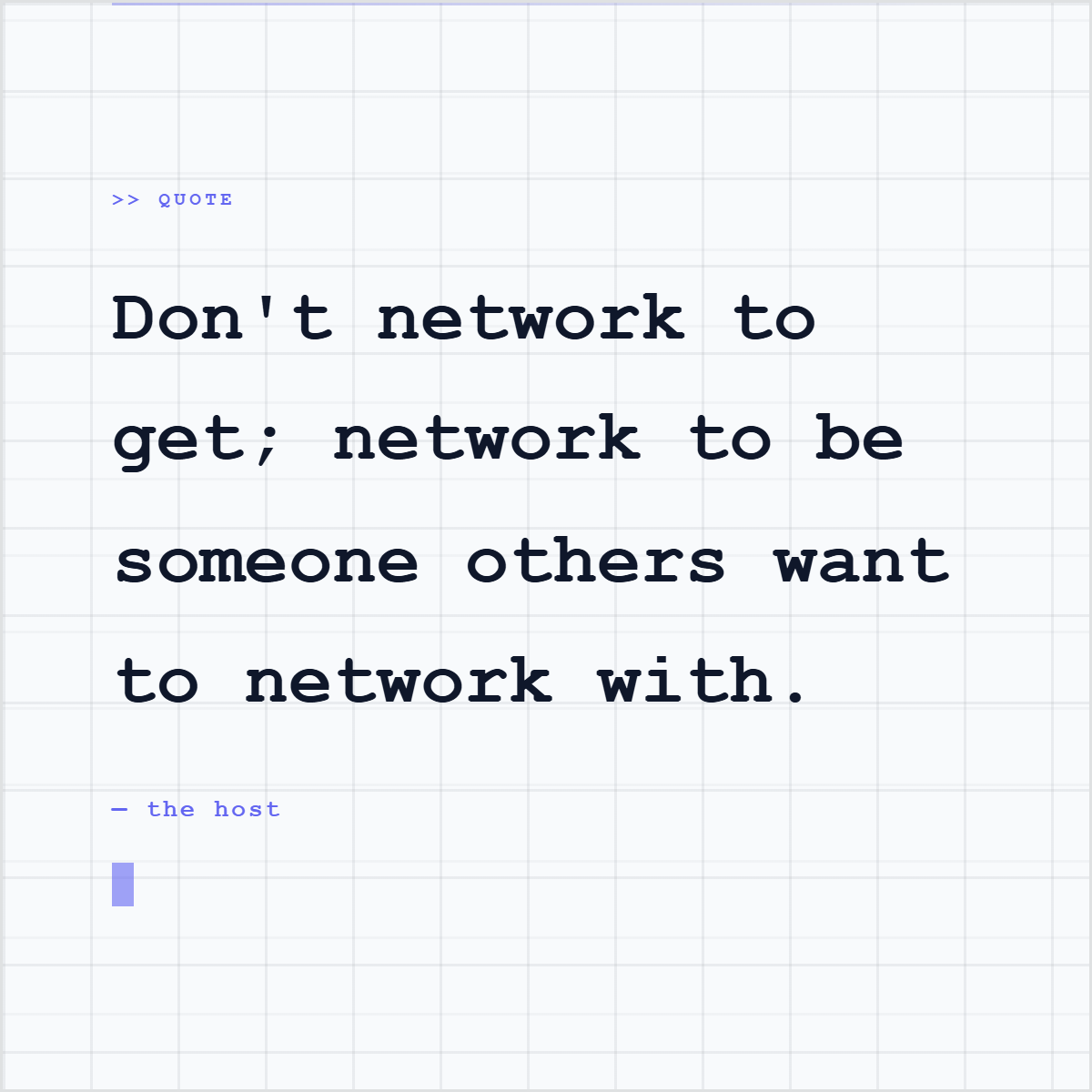
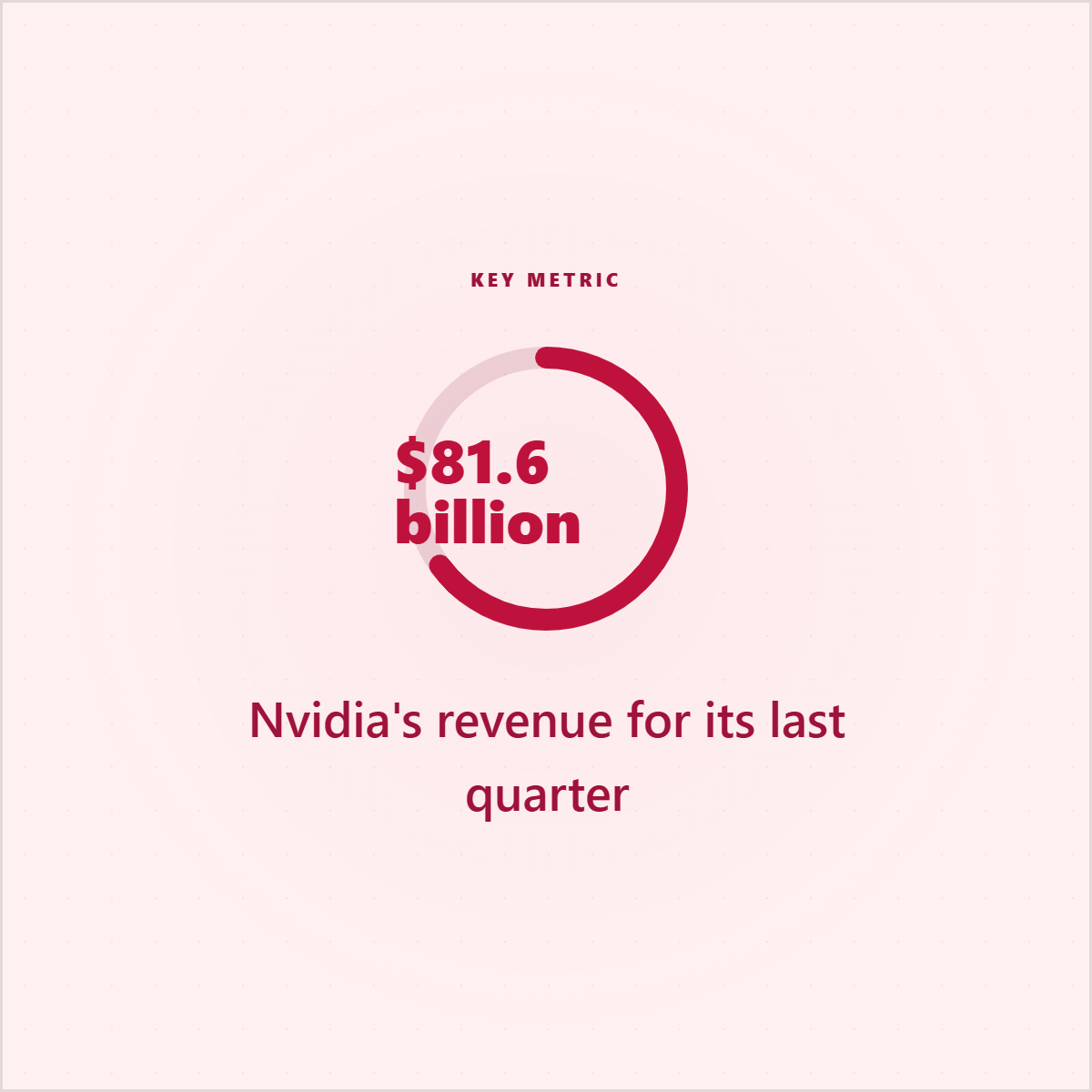
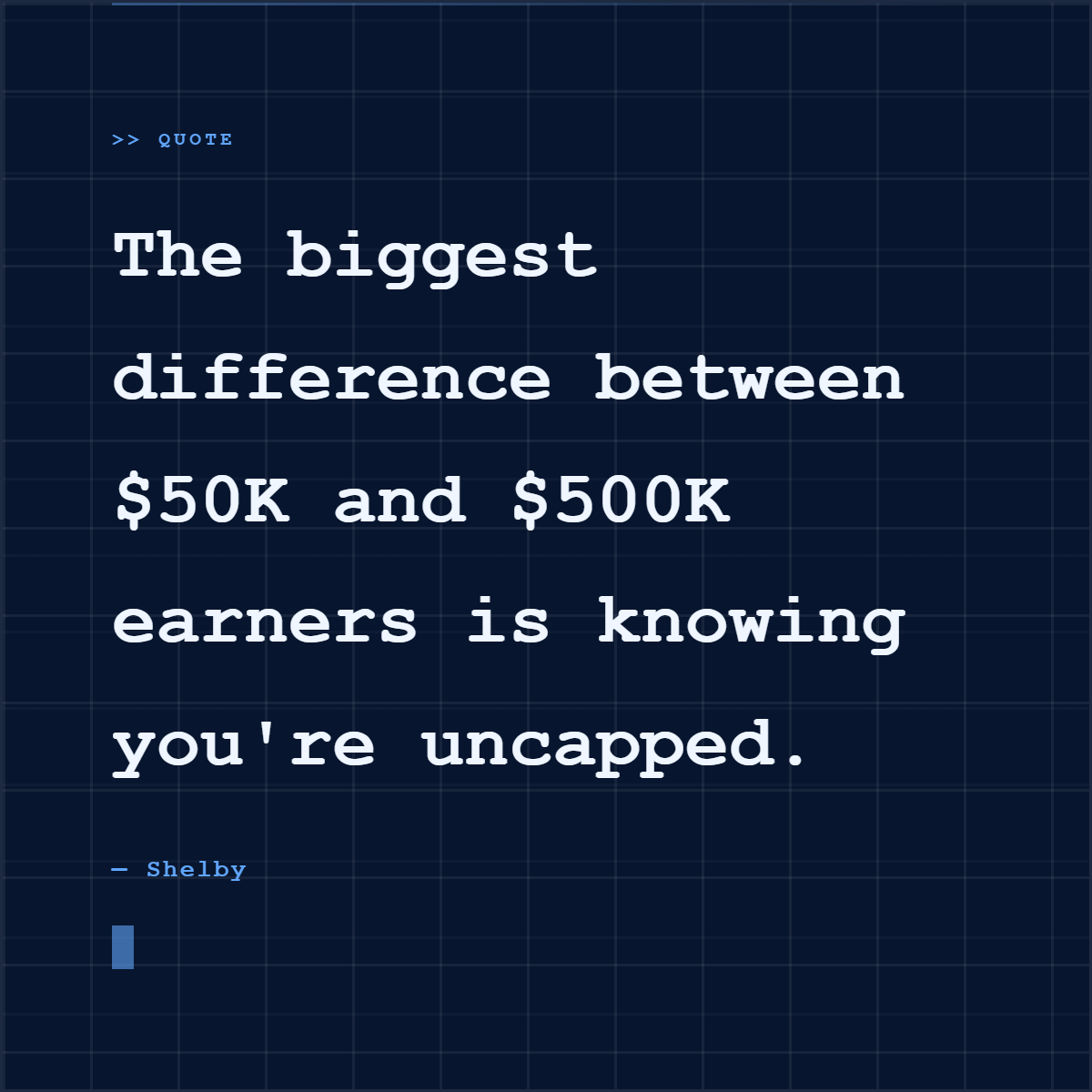
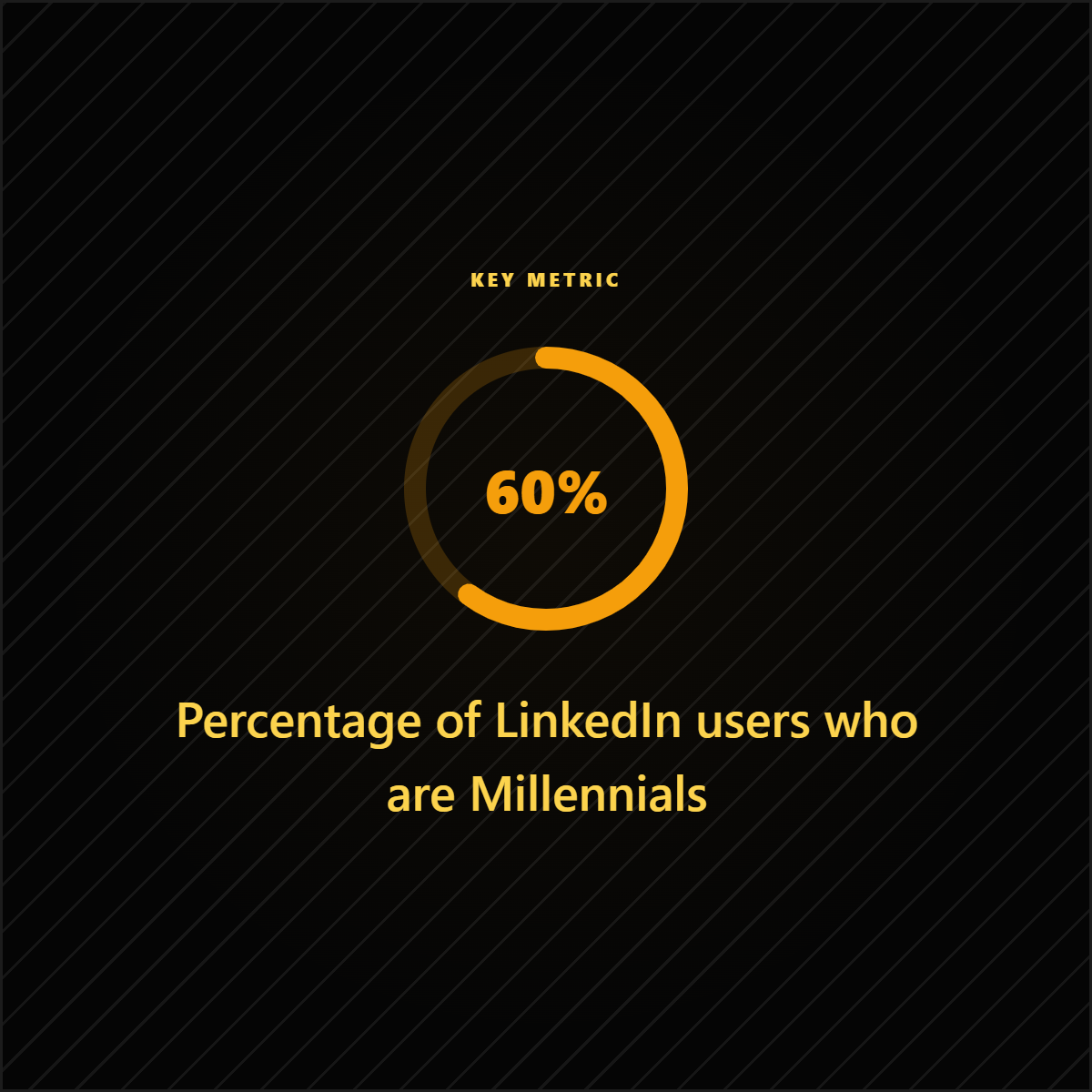
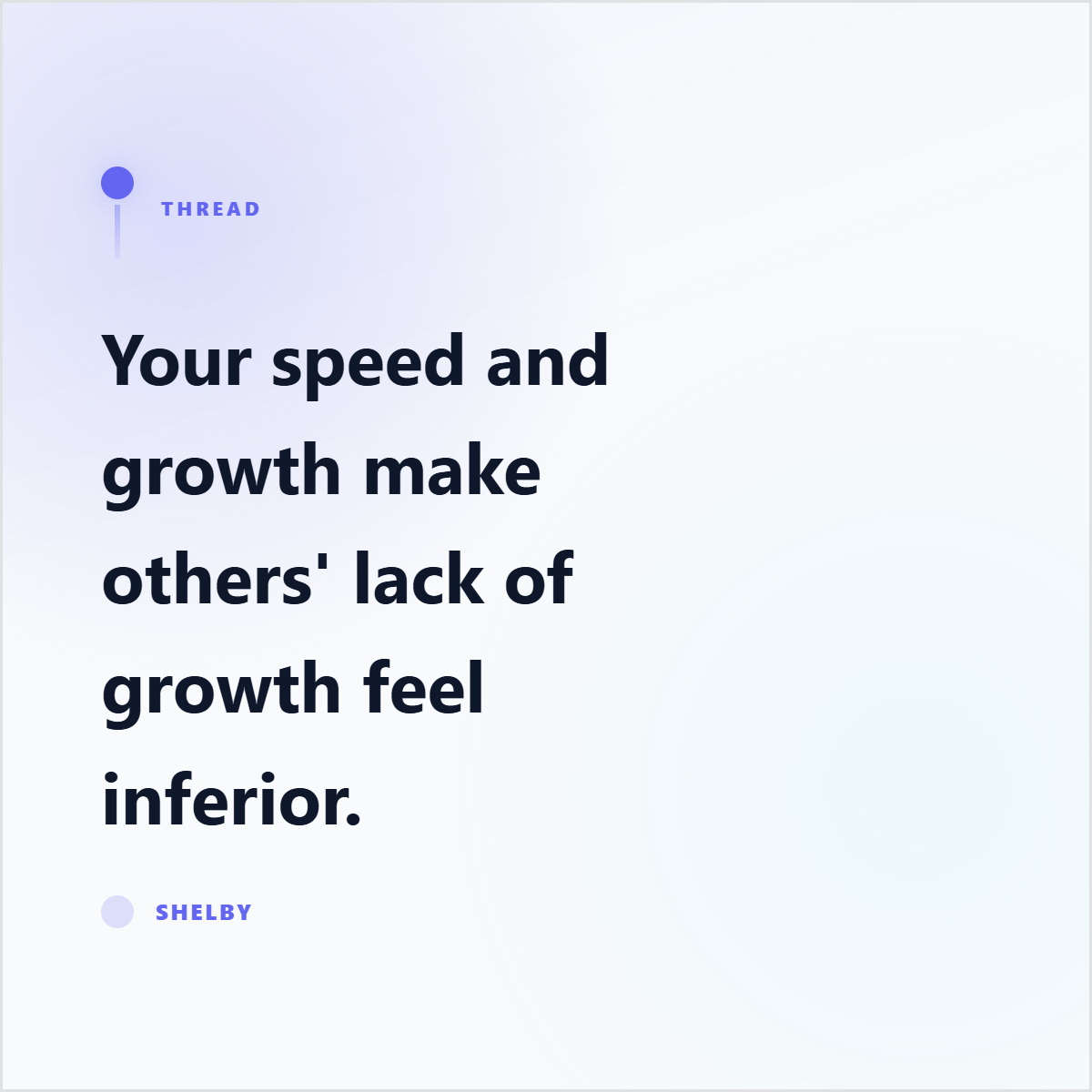
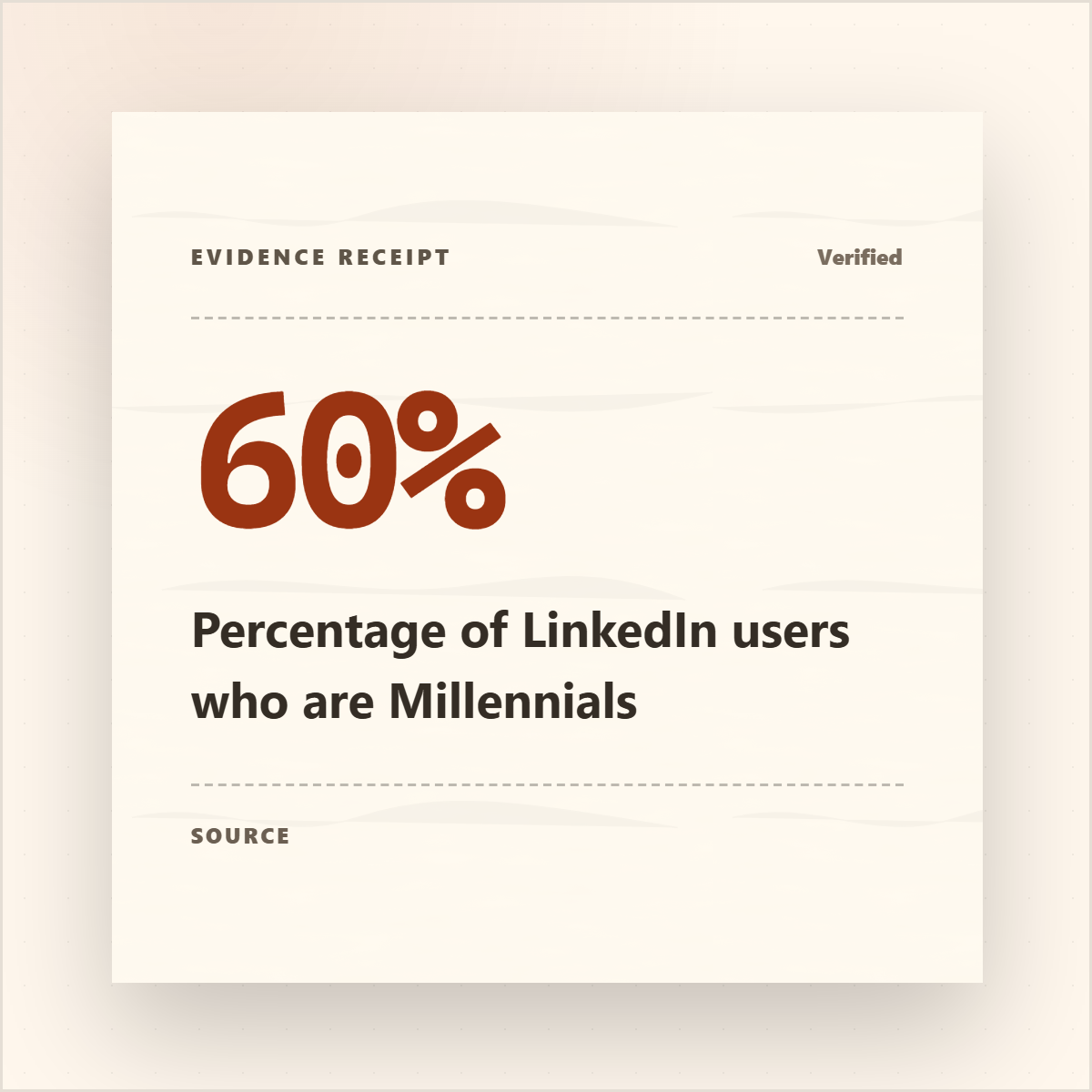
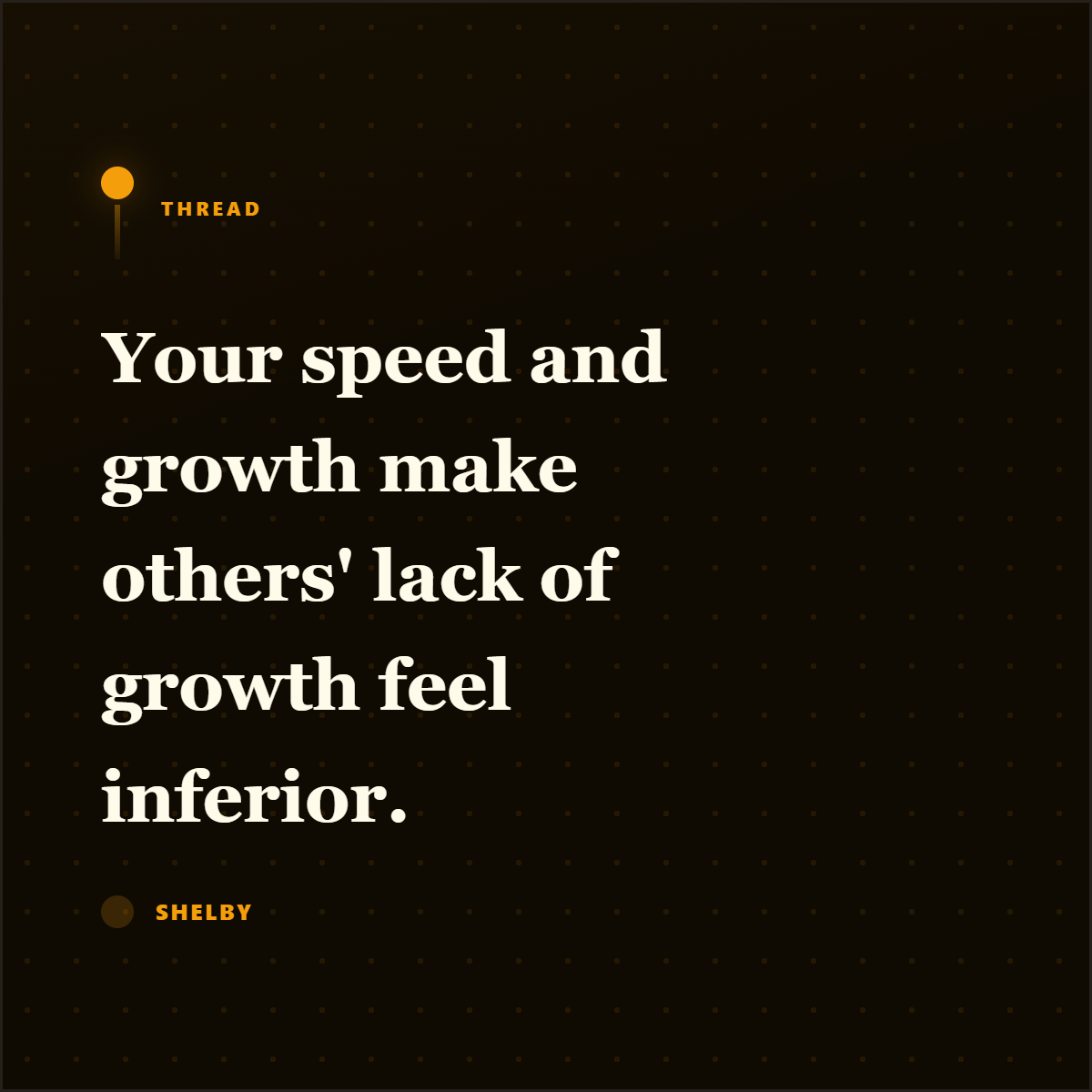
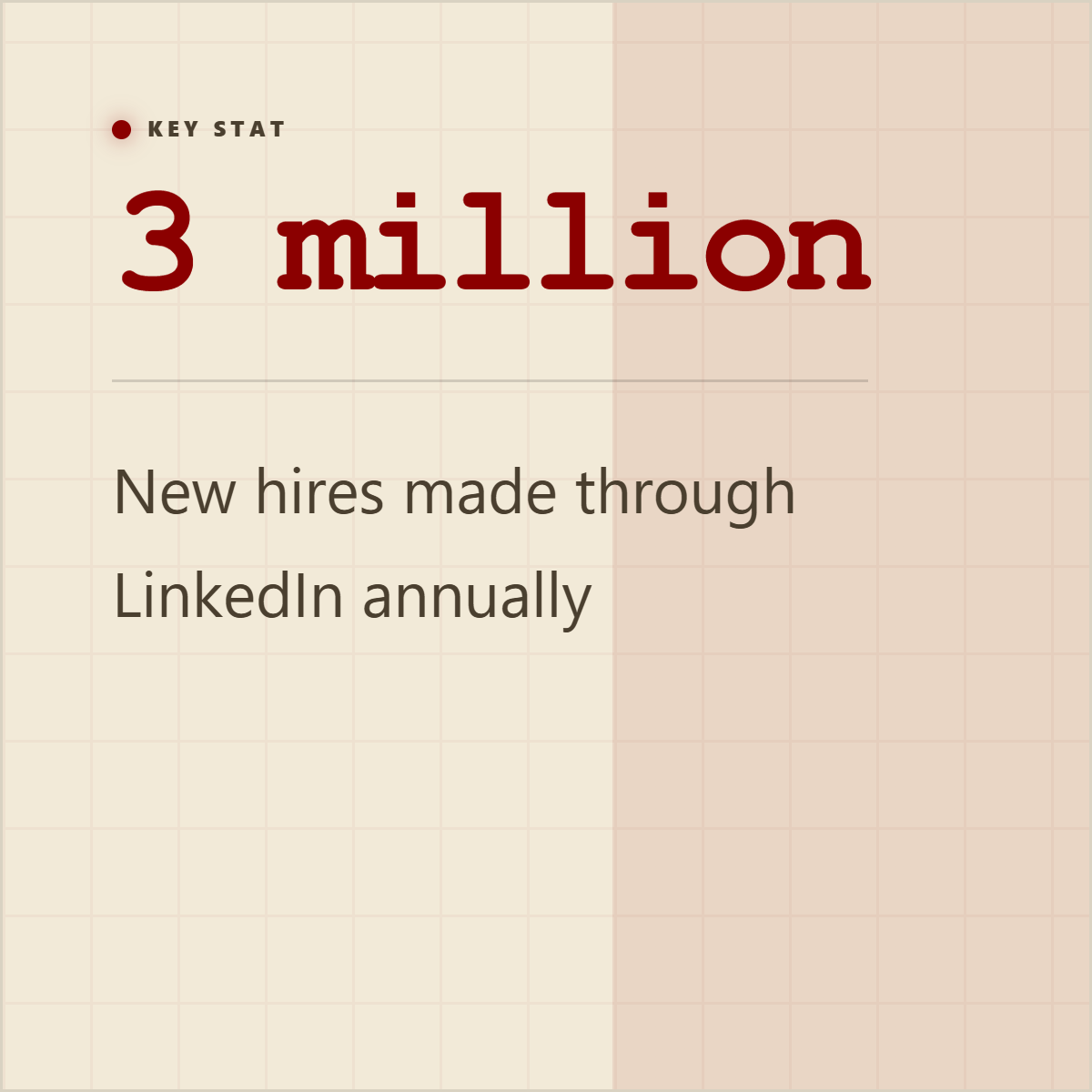
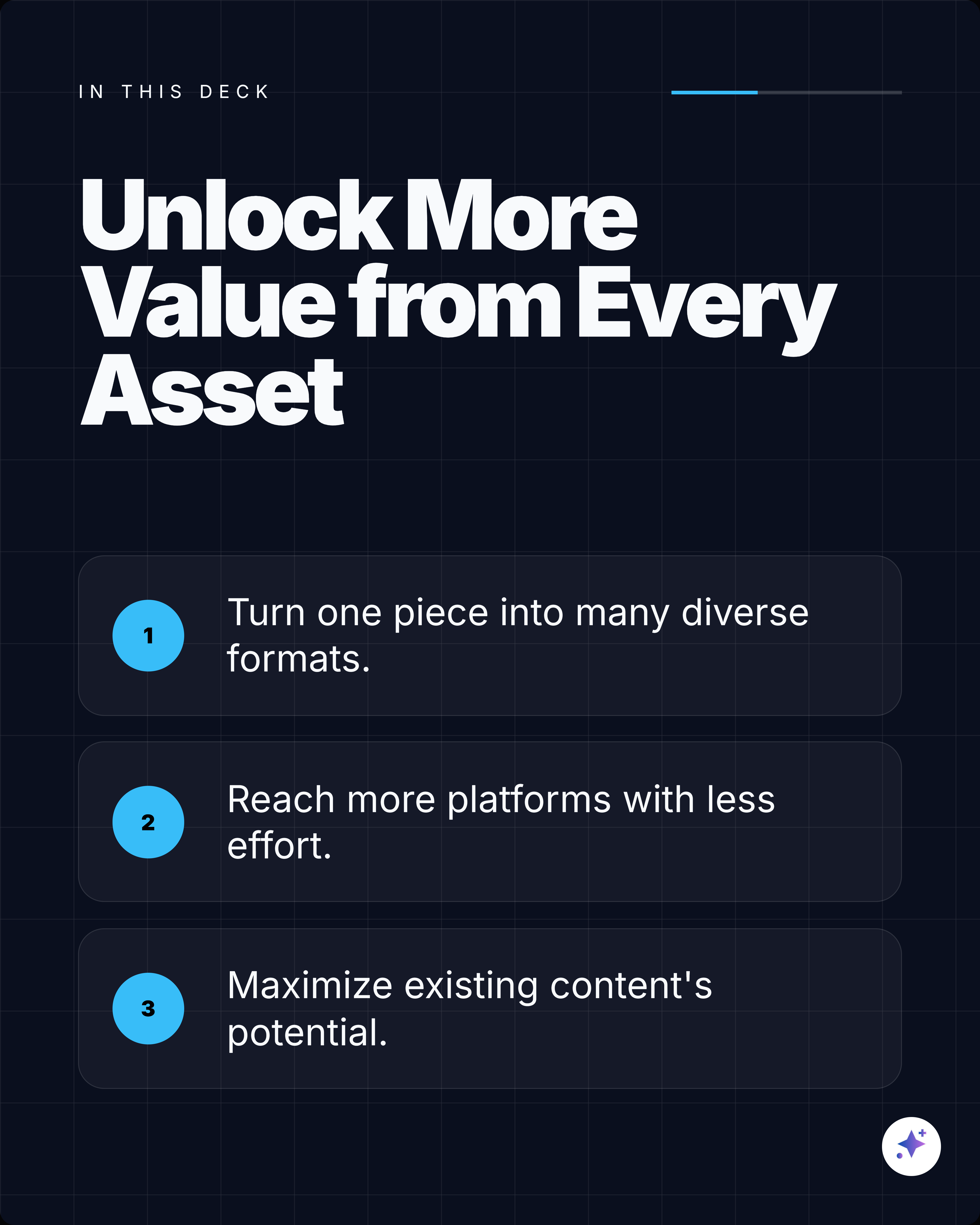
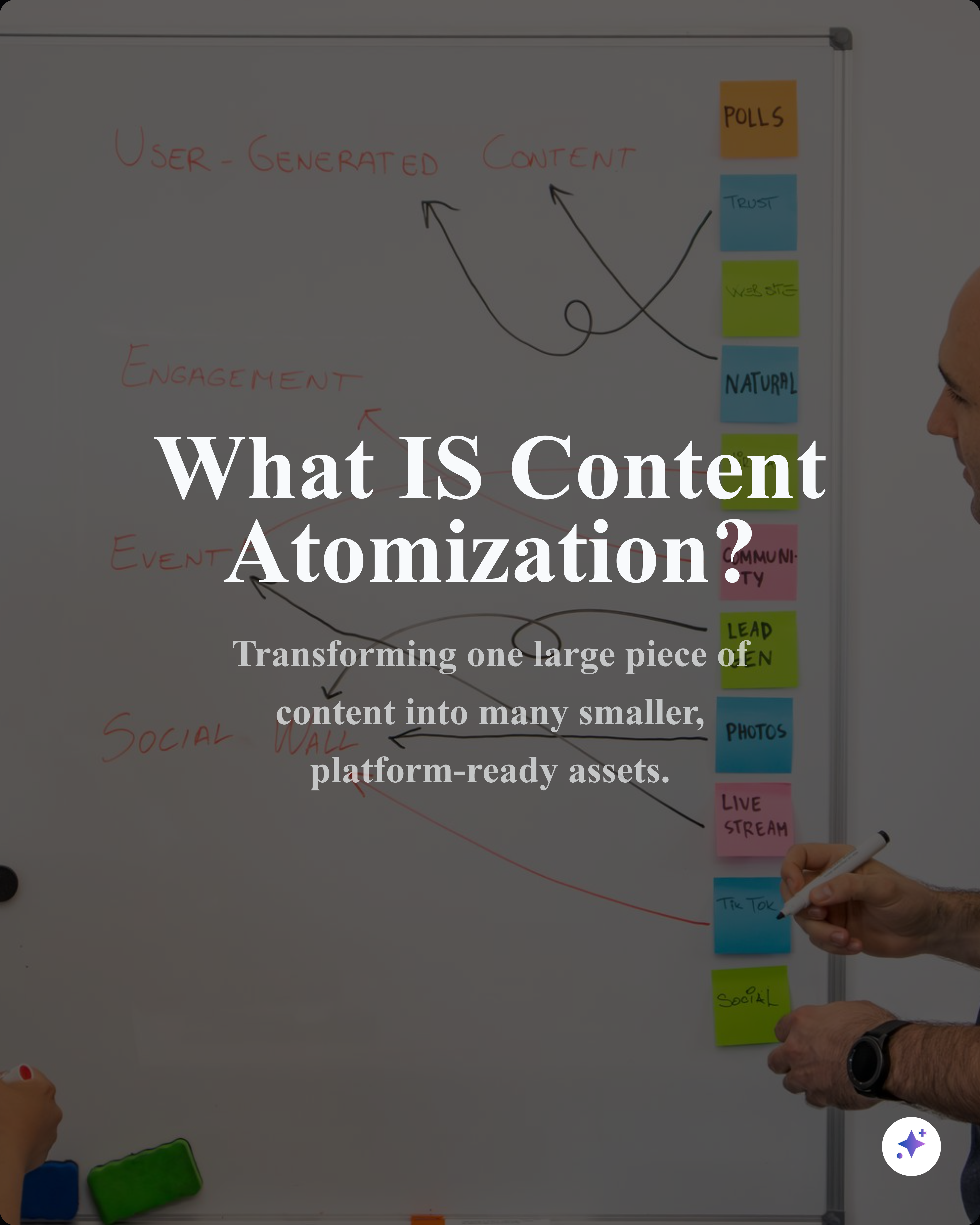
One source can become a complete carousel sequence, then split into smaller cards and captions for the rest of your content calendar.













FAQ
Yes. The public free tools are built for quick browser workflows. Some AI extraction and workspace flows ask you to sign in so credits, source processing, and saved work stay attached to your account.
It handles one source-backed task on the public tools page. In the Highlightly workspace, the same source can become editable quote cards, stat graphics, carousel slides, captions, and saved brand-ready exports.
Yes. Highlightly supports reusable brand settings for colors, typography, logo, watermark, attribution, and export styling so assets from the same source feel consistent.
If you still need a quick utility, use the related free tools on this page. If you want a full content workflow, start in Highlightly with an article, PDF, document, transcript, pasted text, or search result.
Source-Backed Extraction
No signup required. 3 free exports per day on each tool.
Paste a URL and capture a screenshot. Works for most sites — with Highlightly fallback for protected ones.
Create Open Graph and social preview sizes from one uploaded image.
Extract key points, quotes, statistics, hooks, insights, and more from any article URL. Organized in tabs.
Generate 5 scroll-stopping hooks from any article URL — stat, contrarian, question, quote, and story styles.
Add gradients, mockups, and polish to your screenshots.