Blog post
A long article becomes a framework carousel.
Contrarian hook
3 key points
1 quote
Closing takeaway
A LinkedIn document post that teaches one idea instead of summarizing every paragraph.
Turn articles, PDFs, transcripts, and pasted text into editable LinkedIn carousel slides. Highlightly extracts the real hooks, quotes, stats, and key points first, then helps you shape the swipe.
Source inputs
URL, PDF, text, transcript
Carousel formats
LinkedIn, Instagram, X, 9:16, 16:9
Human control
Review, edit, brand, export
Preparing carousel preview
Loading the PDF export from static assets.
Quick answer
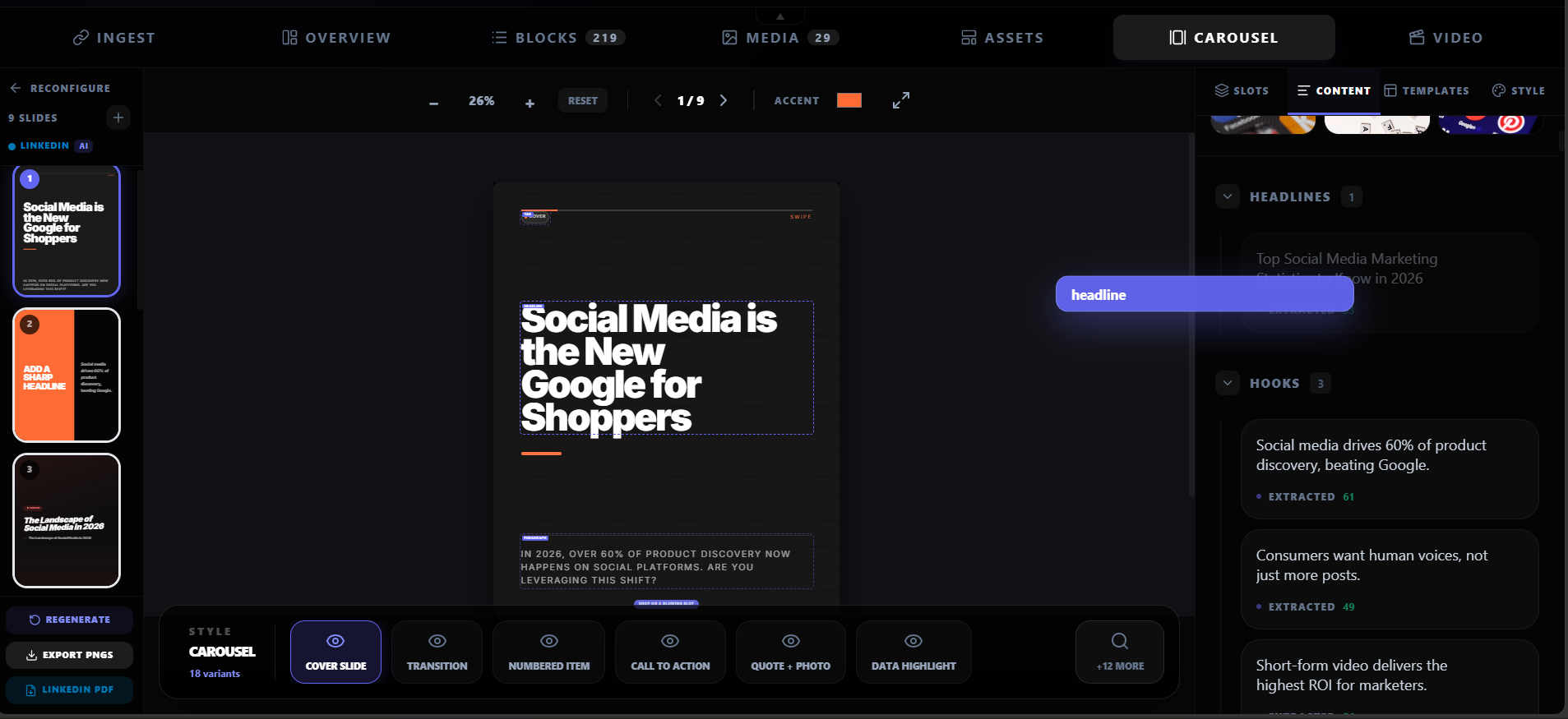
A LinkedIn carousel generator turns an idea or source document into a sequence of slides that can be uploaded as a LinkedIn document post. Highlightly is source-backed: it extracts hooks, quotes, statistics, and key points from articles, PDFs, transcripts, and text before creating editable carousel slides, captions, and branded exports.
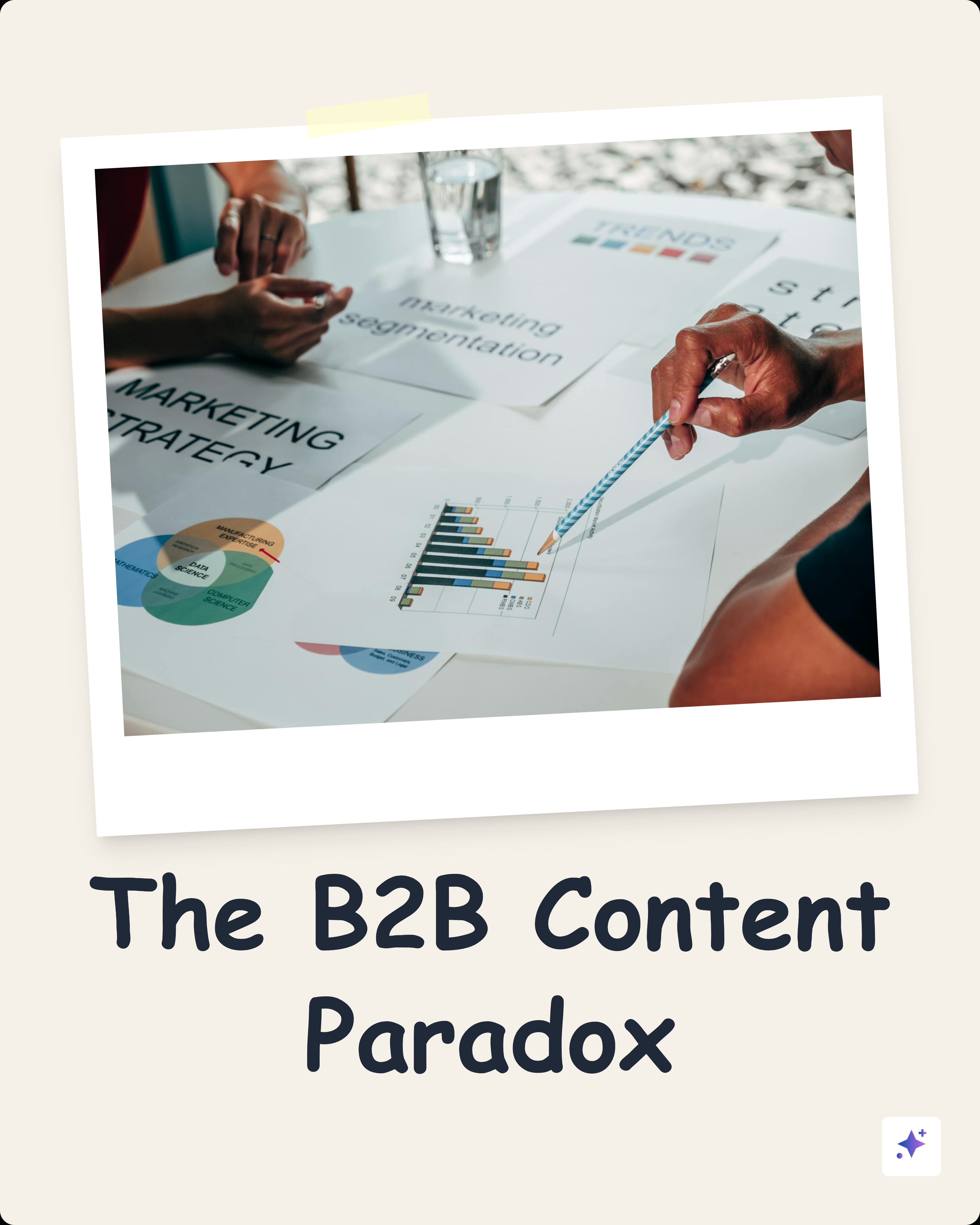
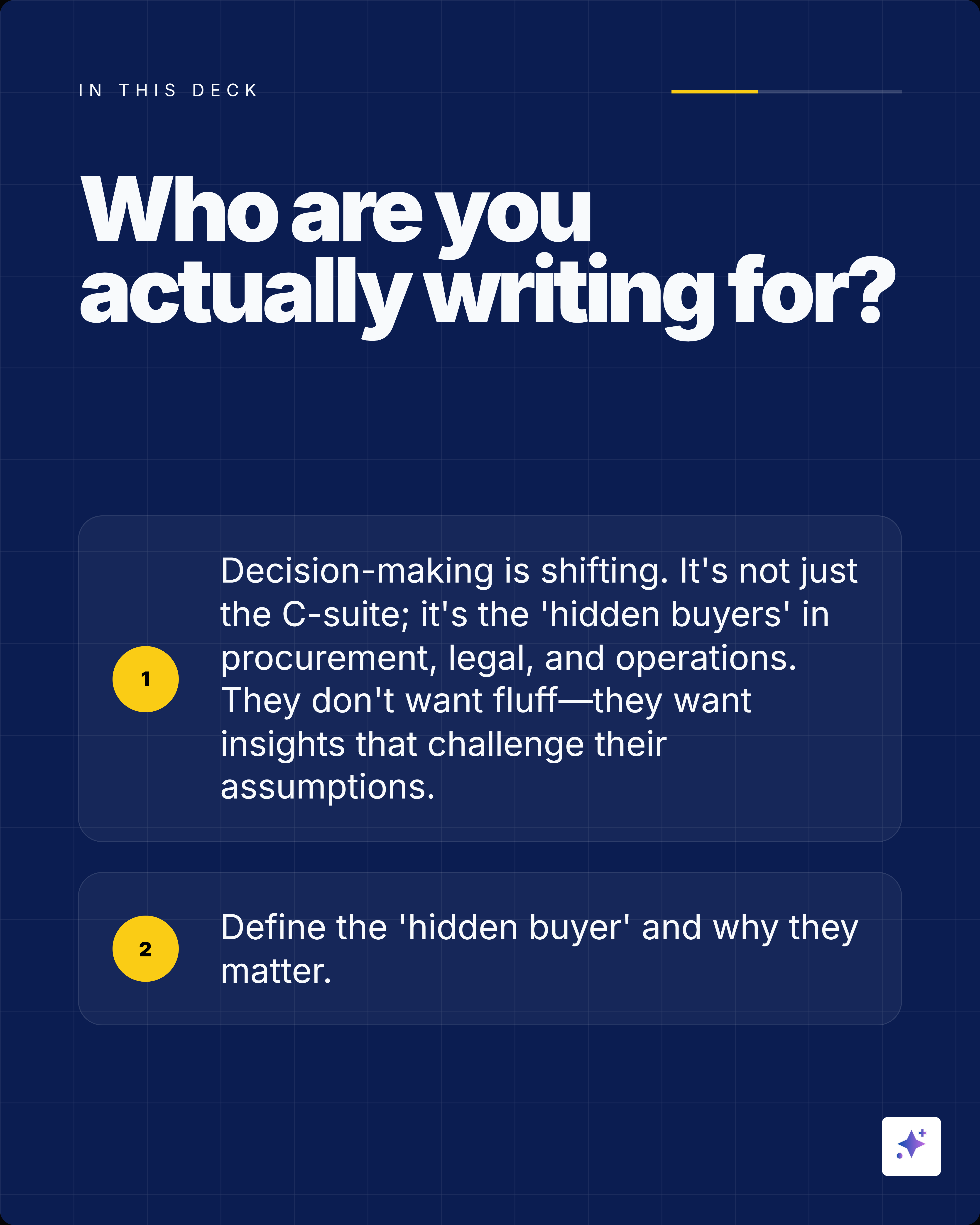
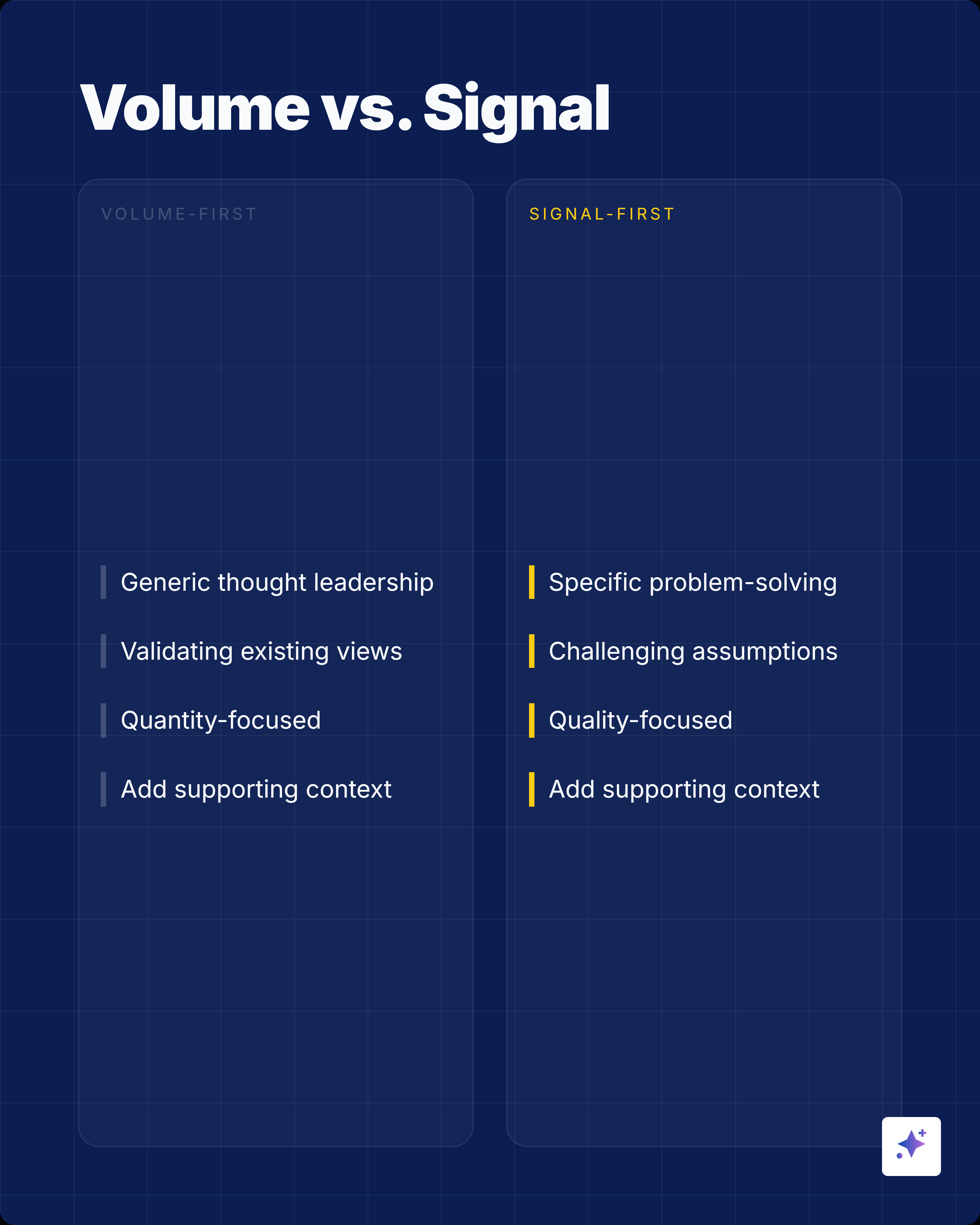
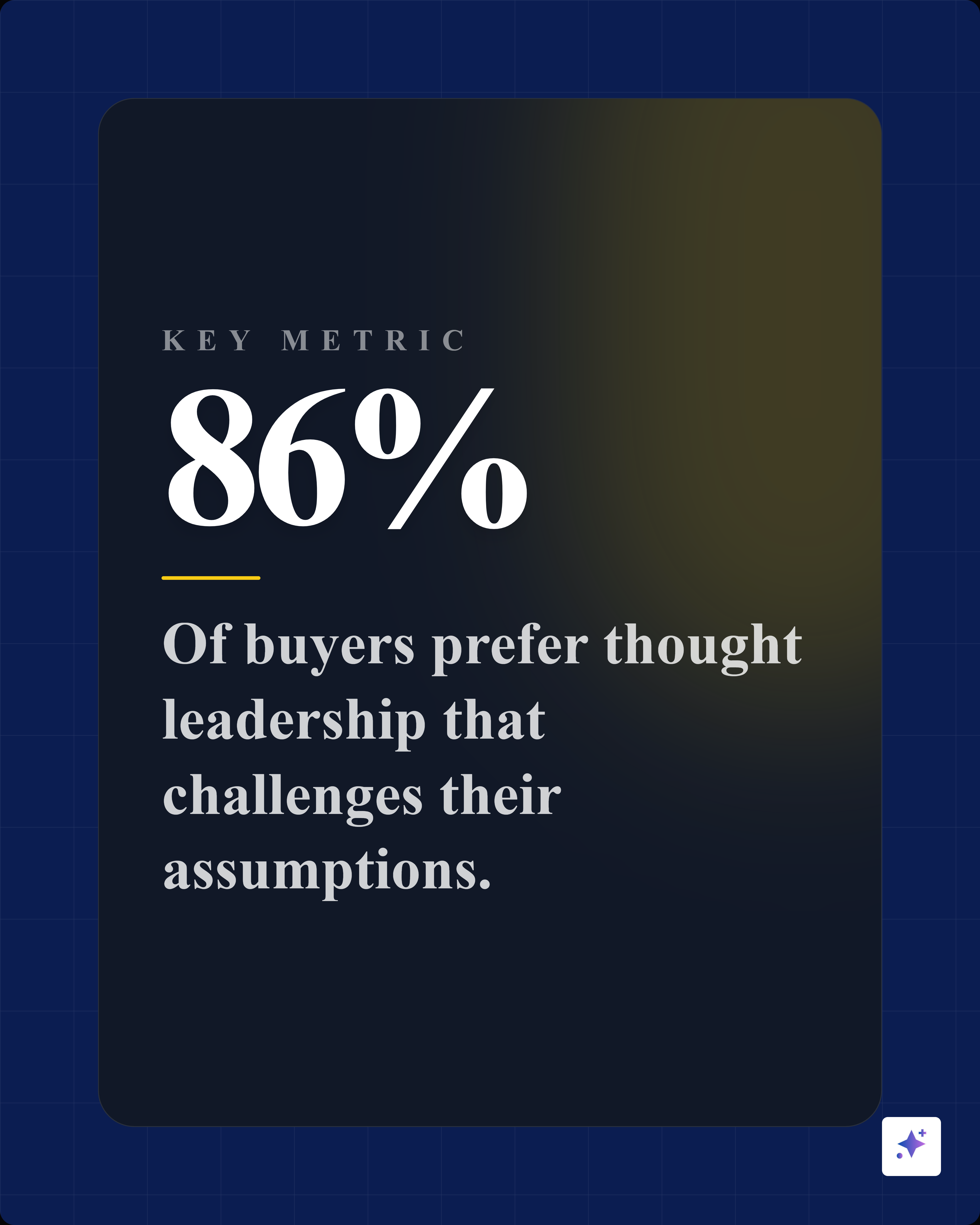
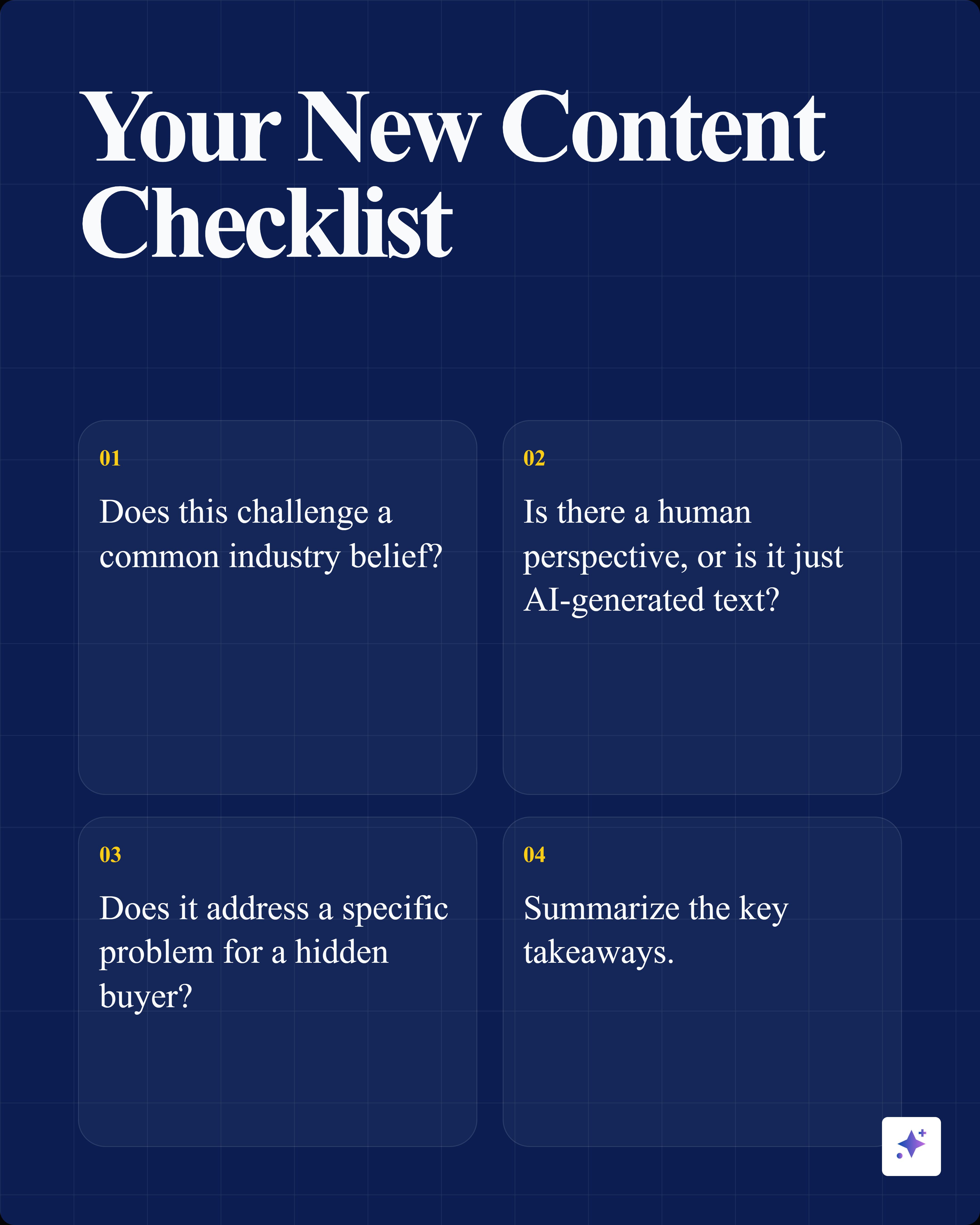
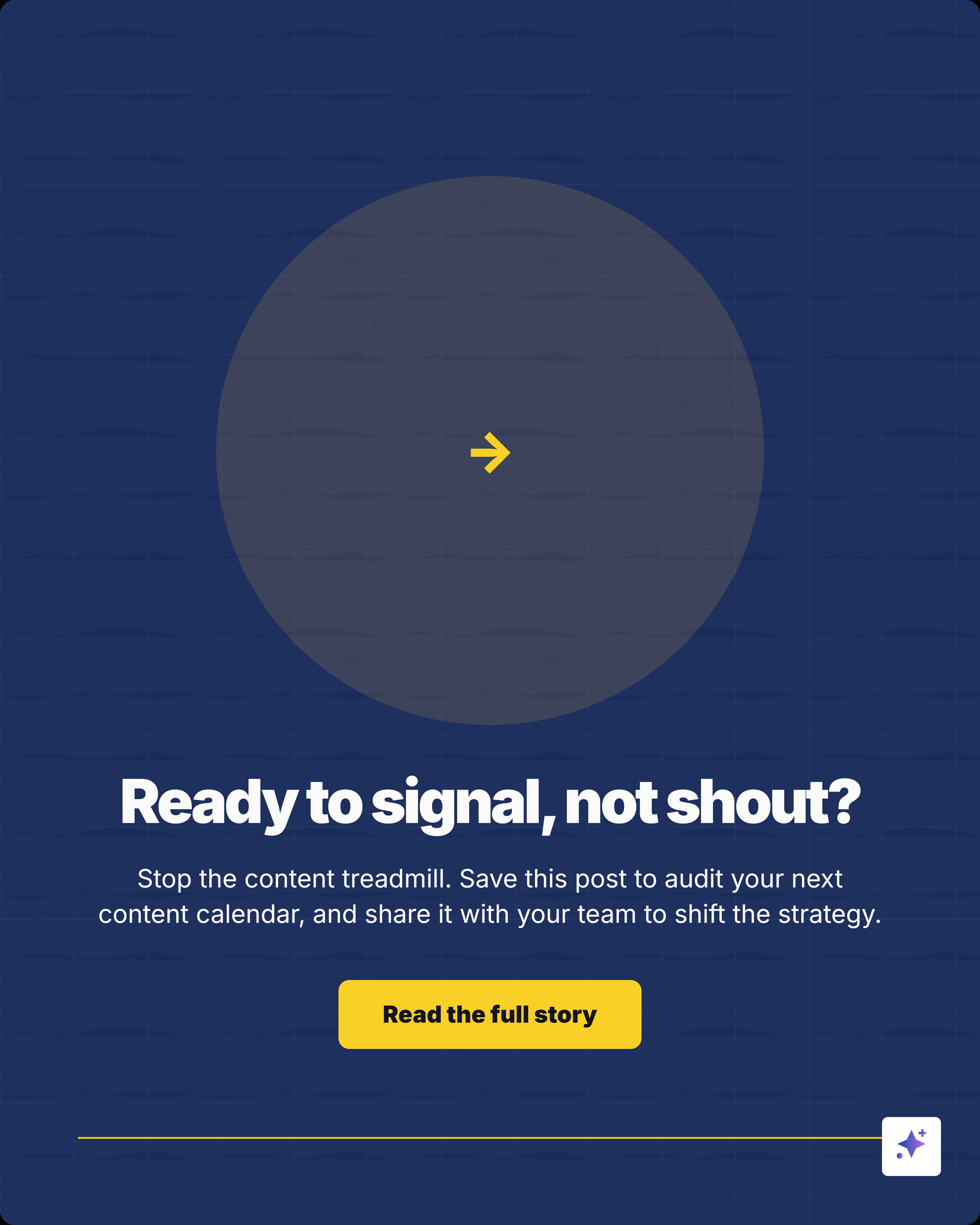
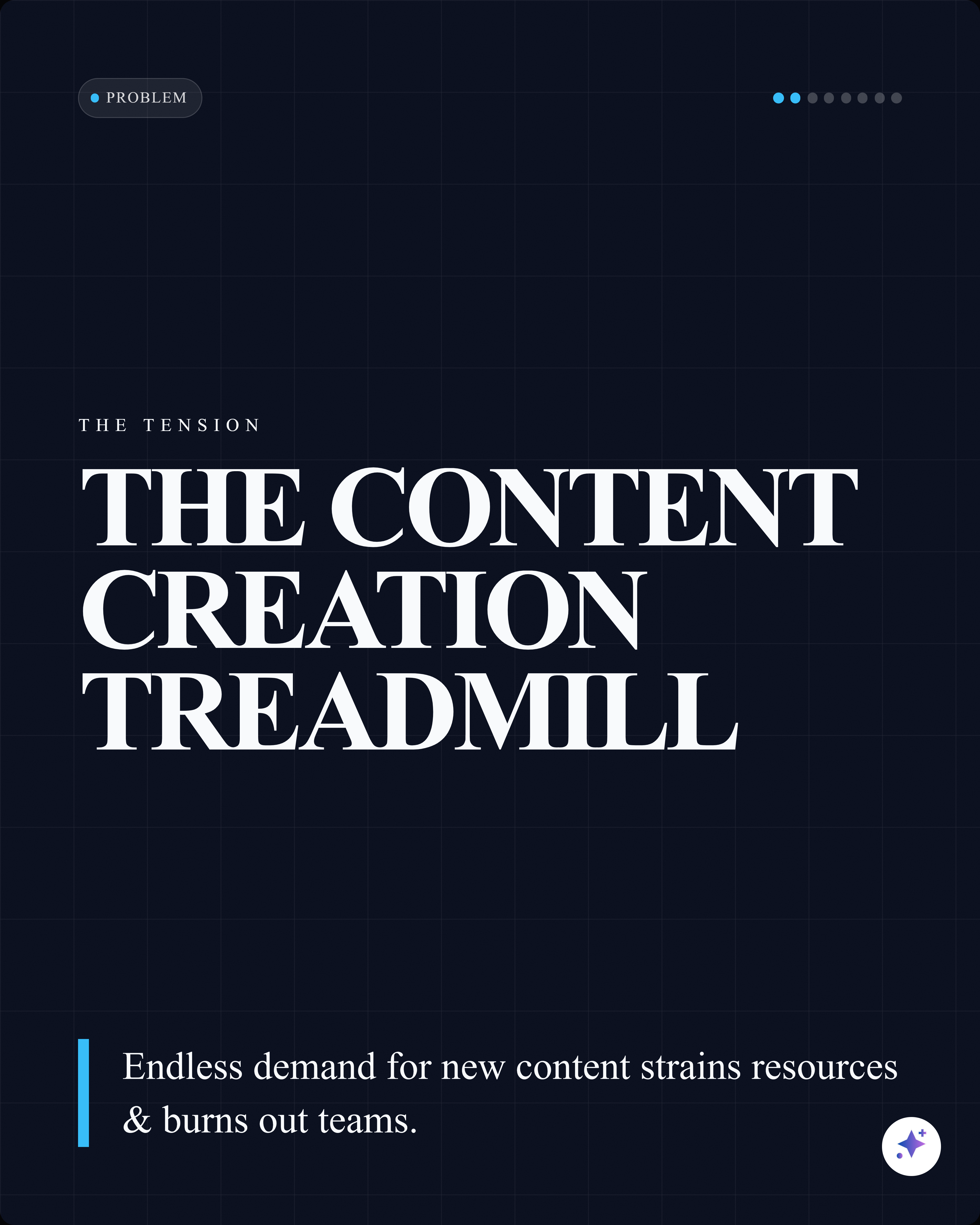
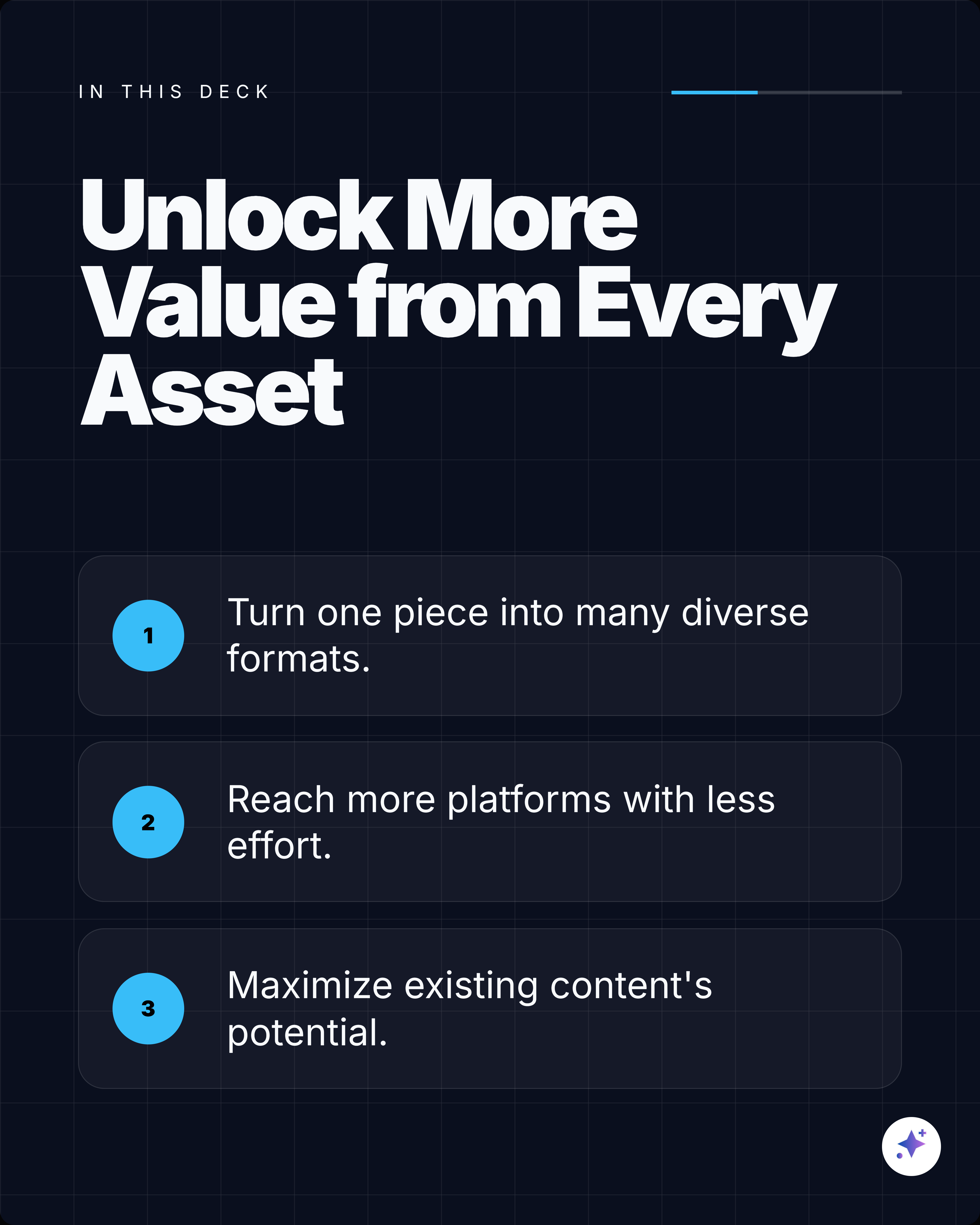
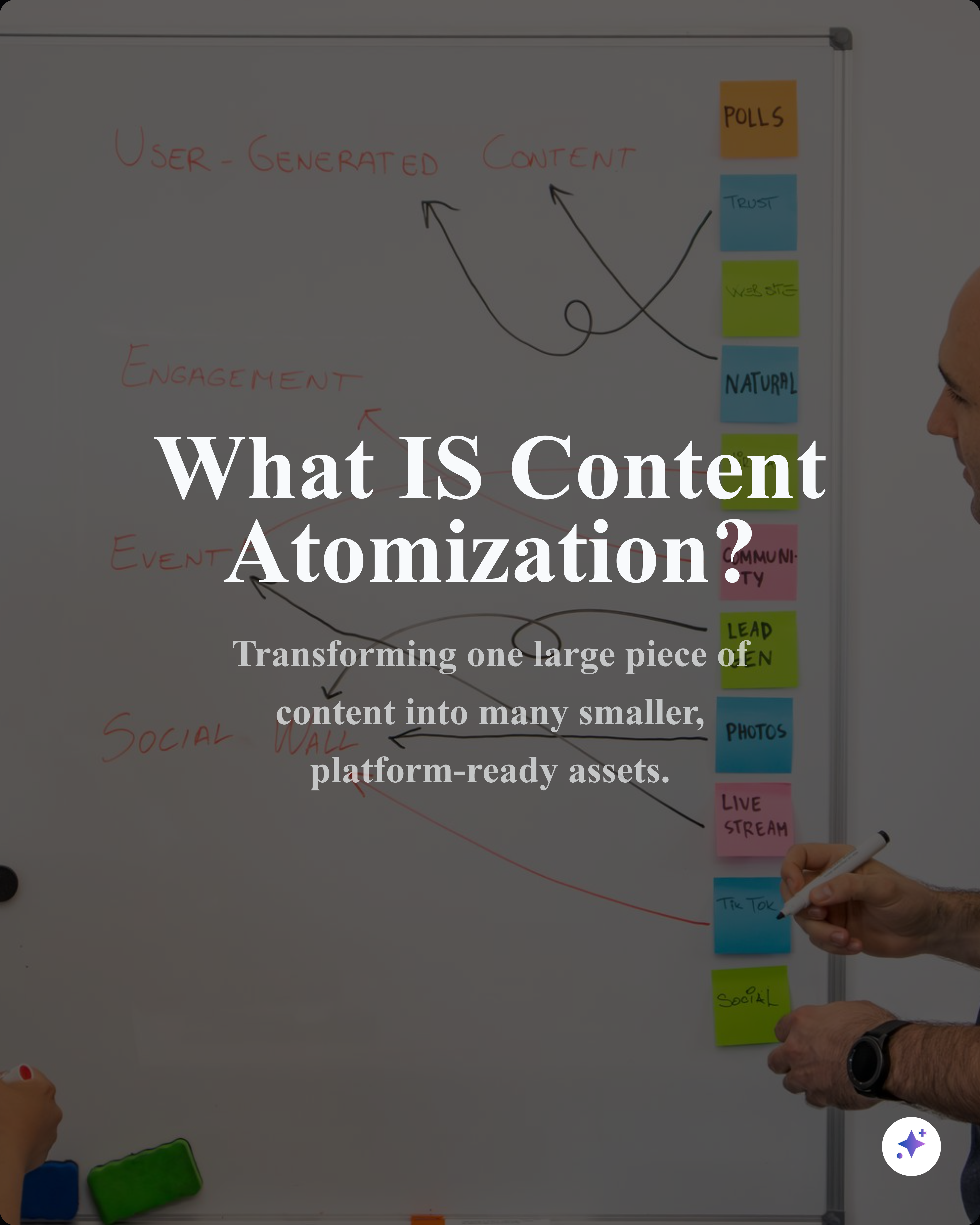
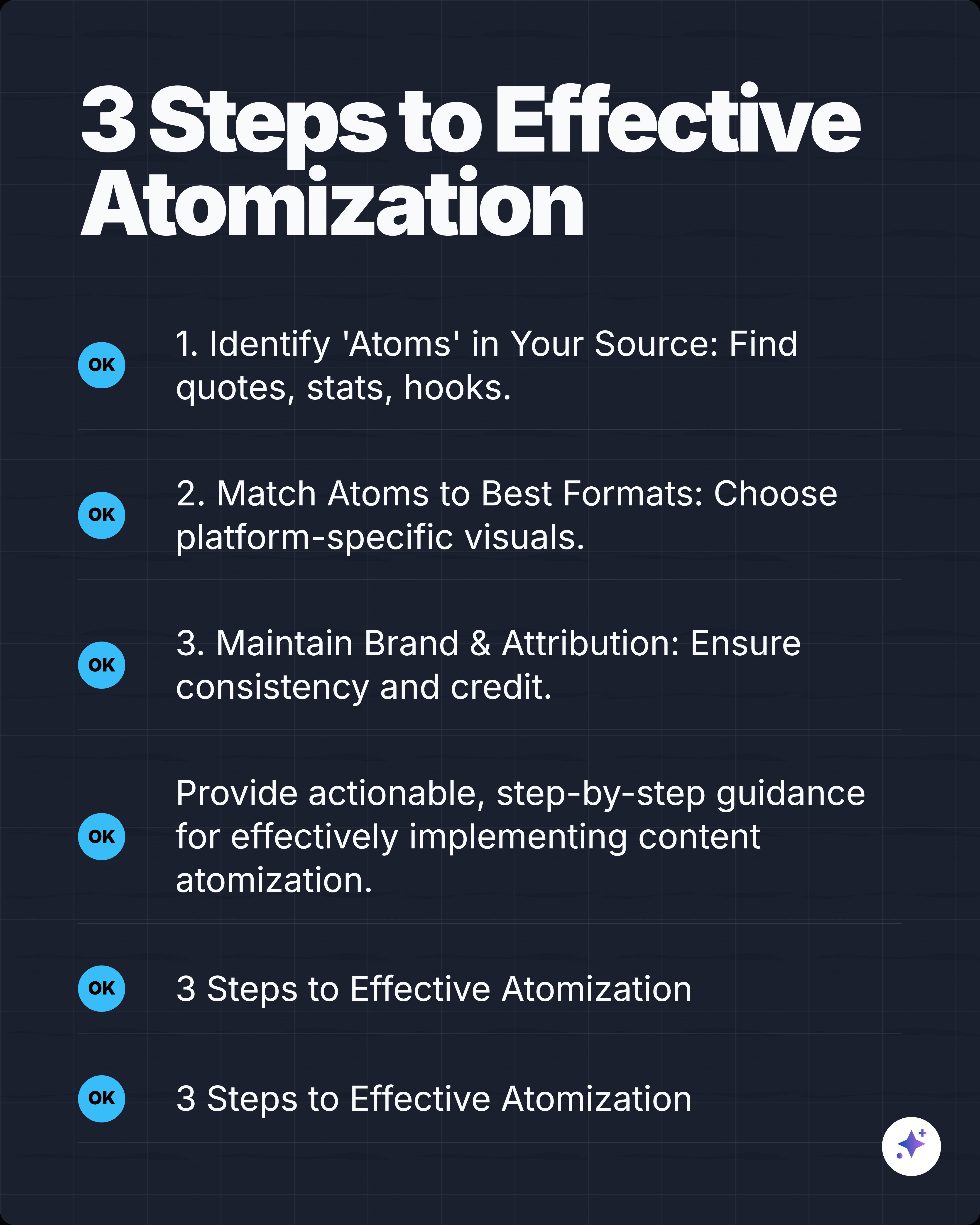
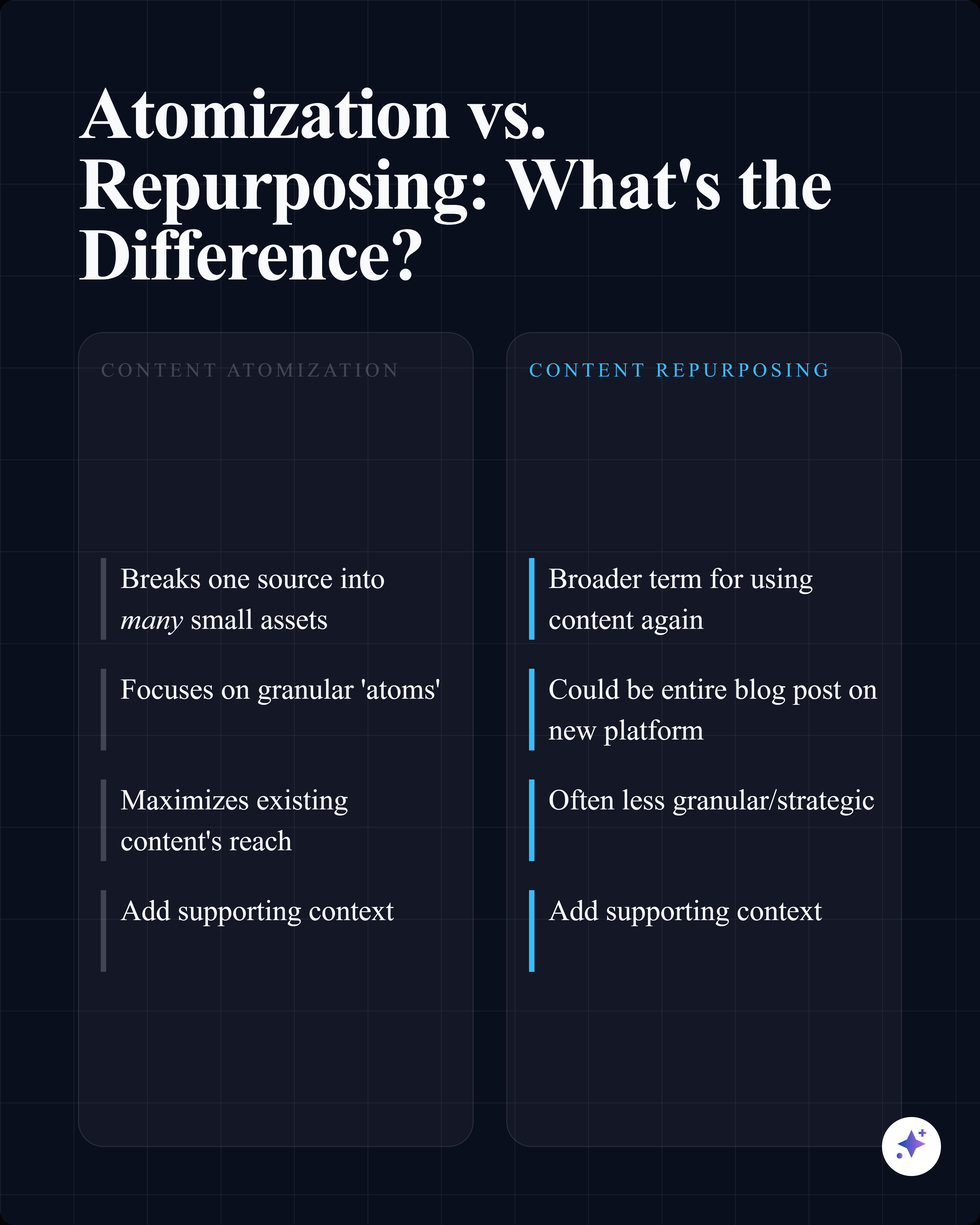
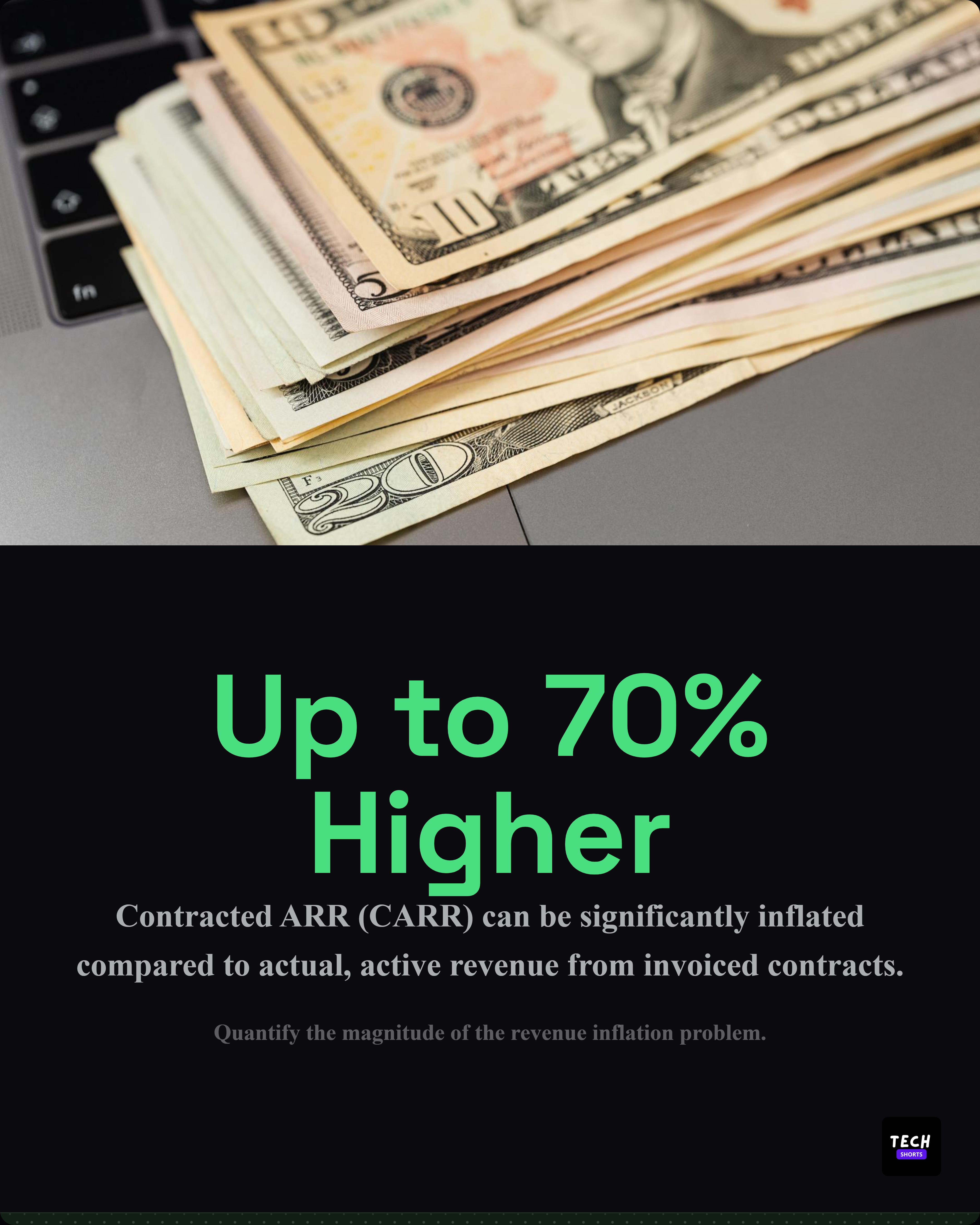
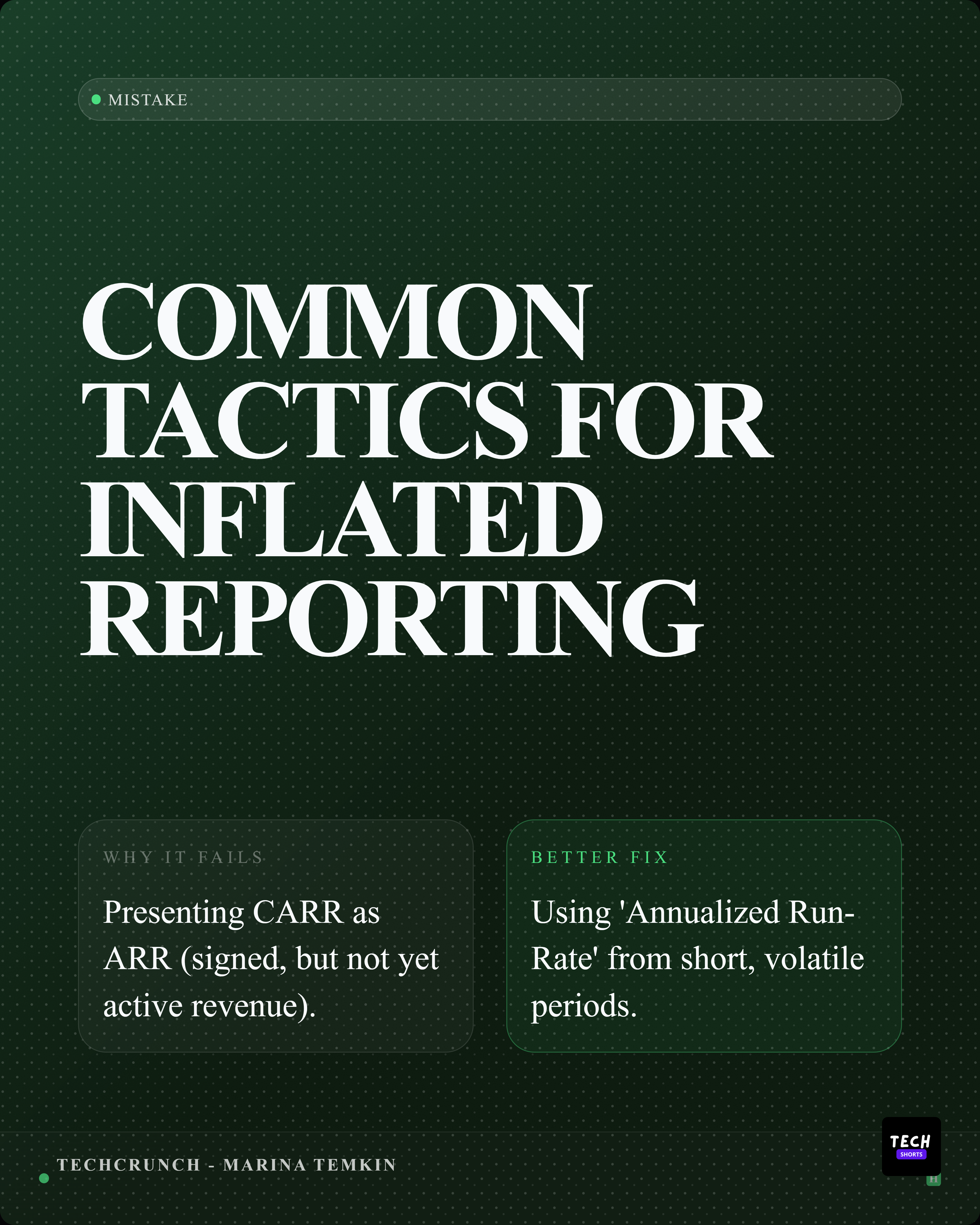
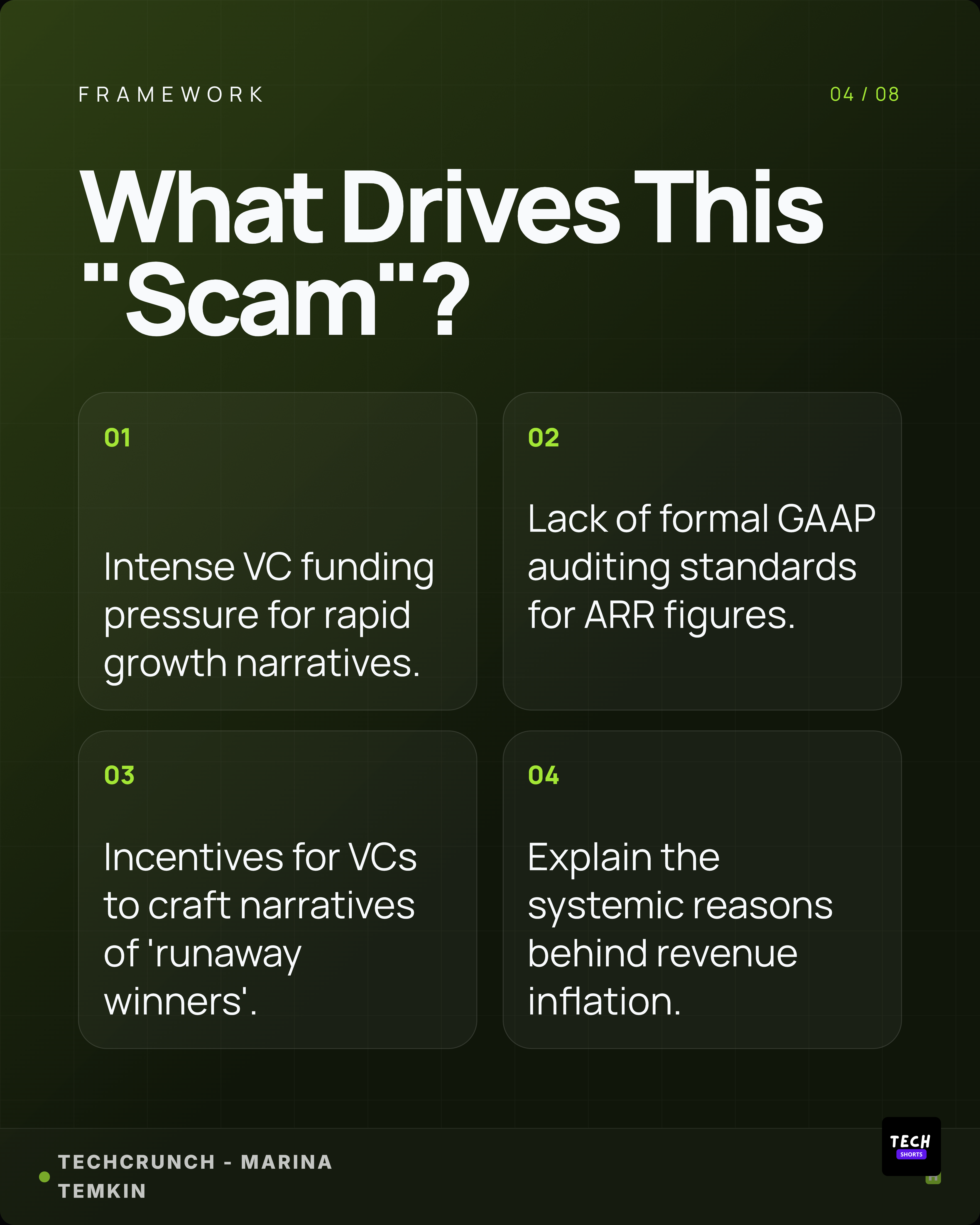
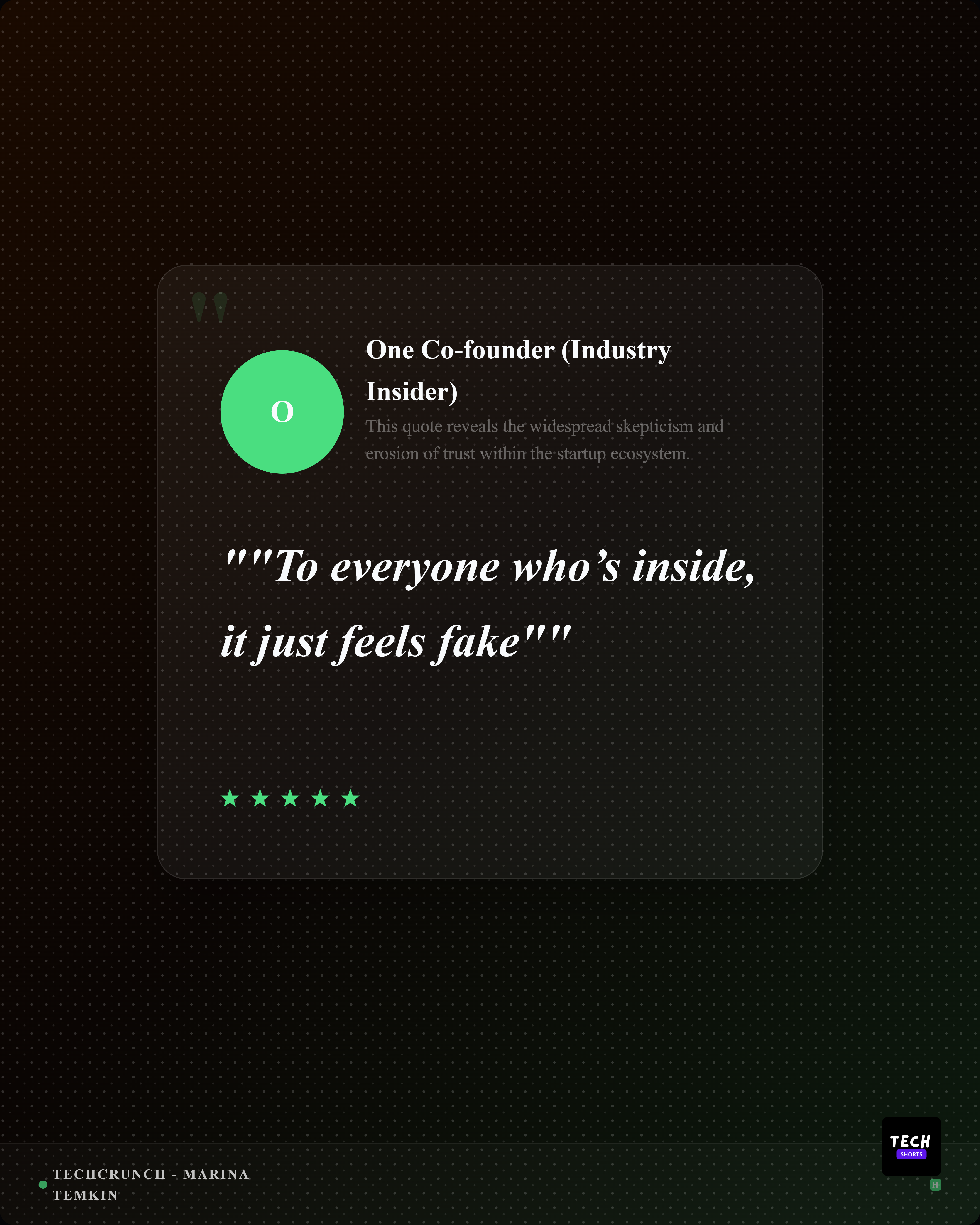
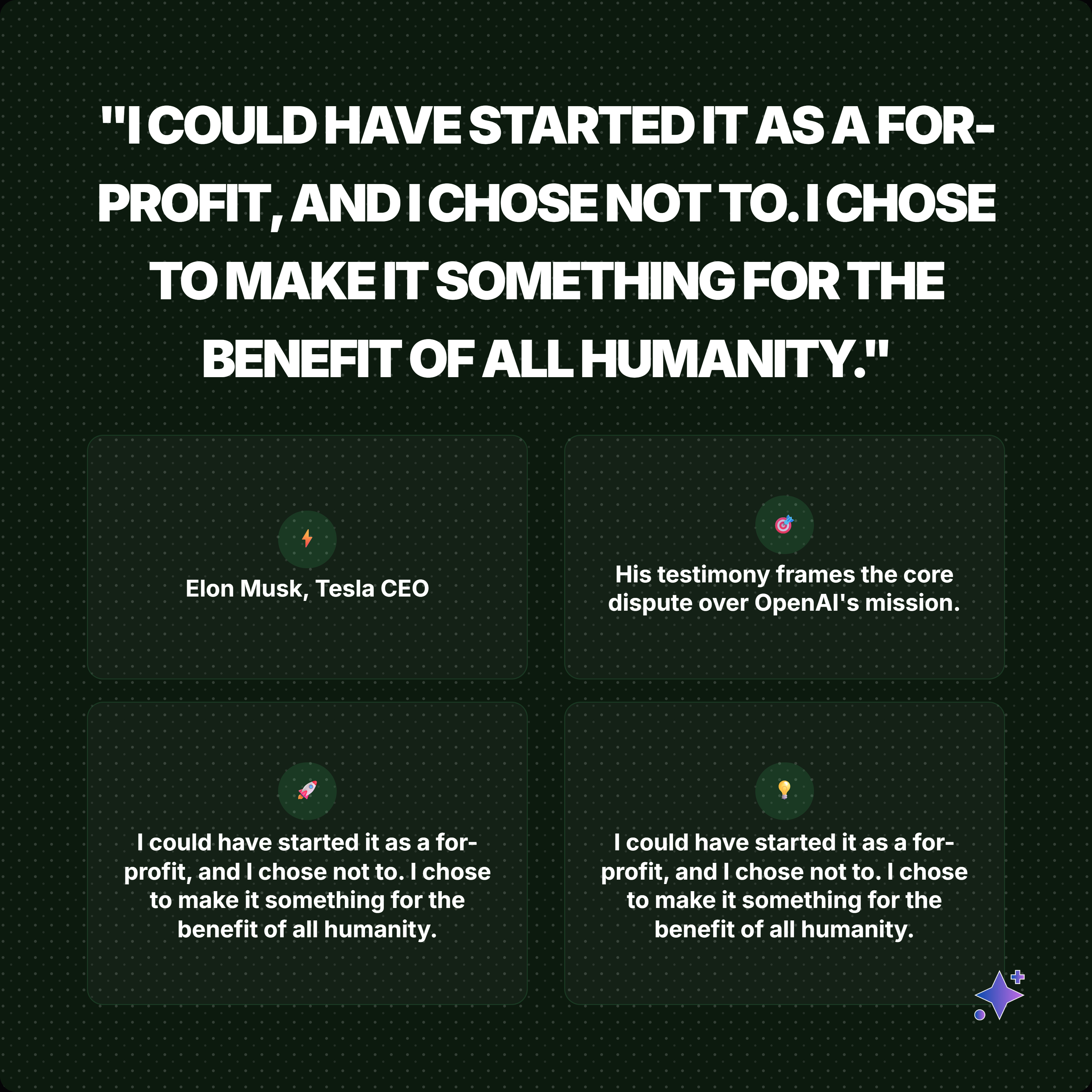
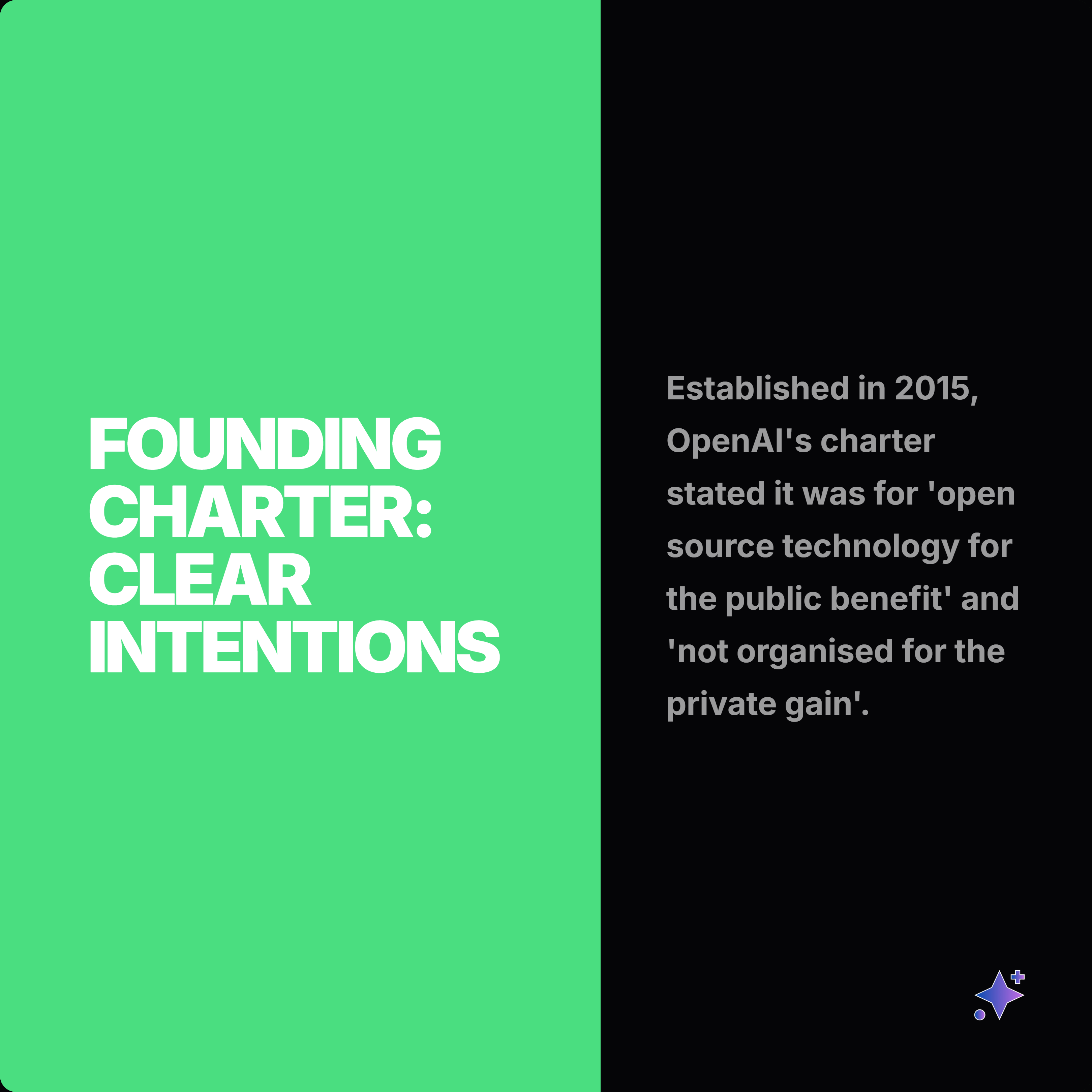
These generated carousel rails show how source material can become a complete swipe narrative across multiple styles and aspect ratios.



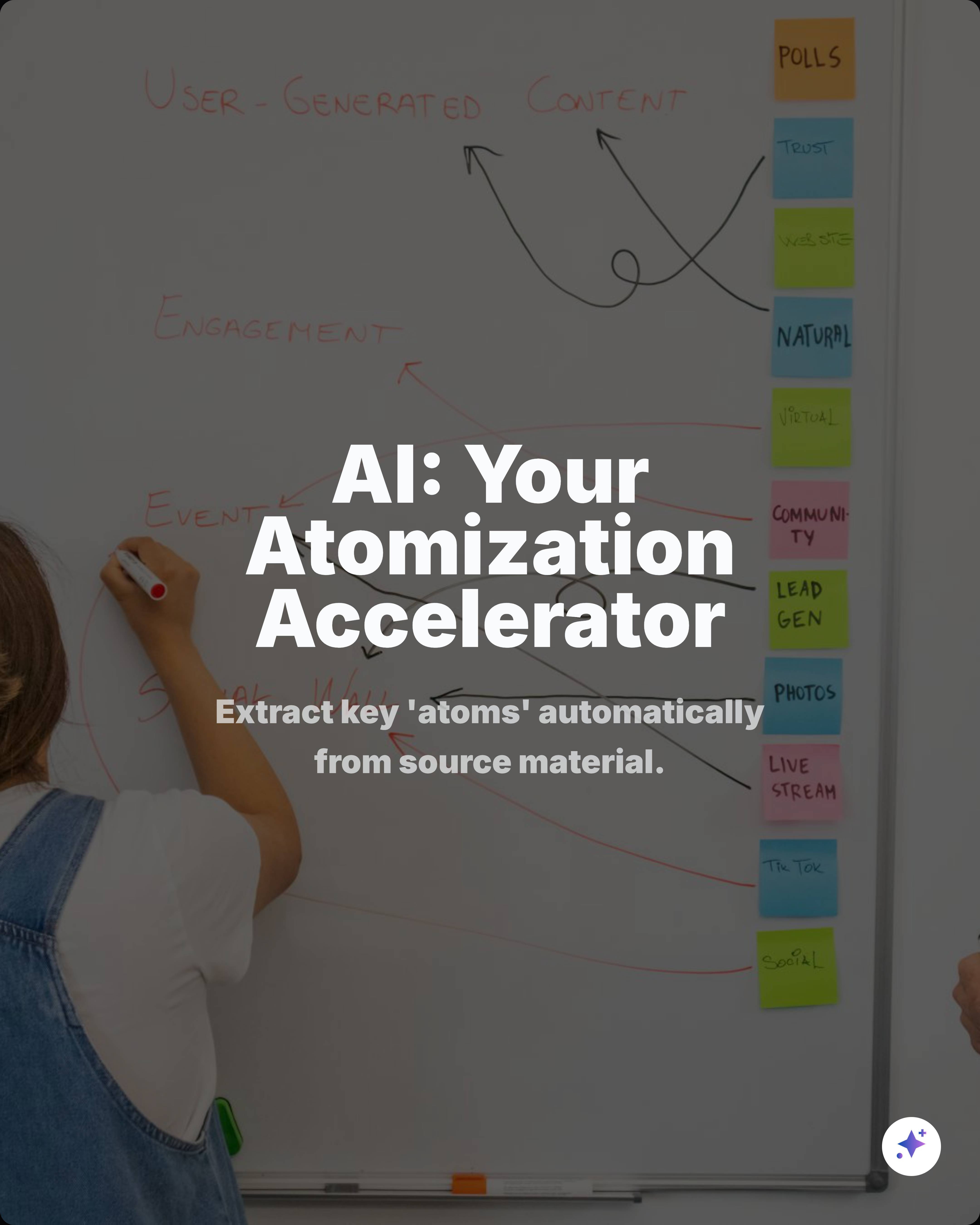
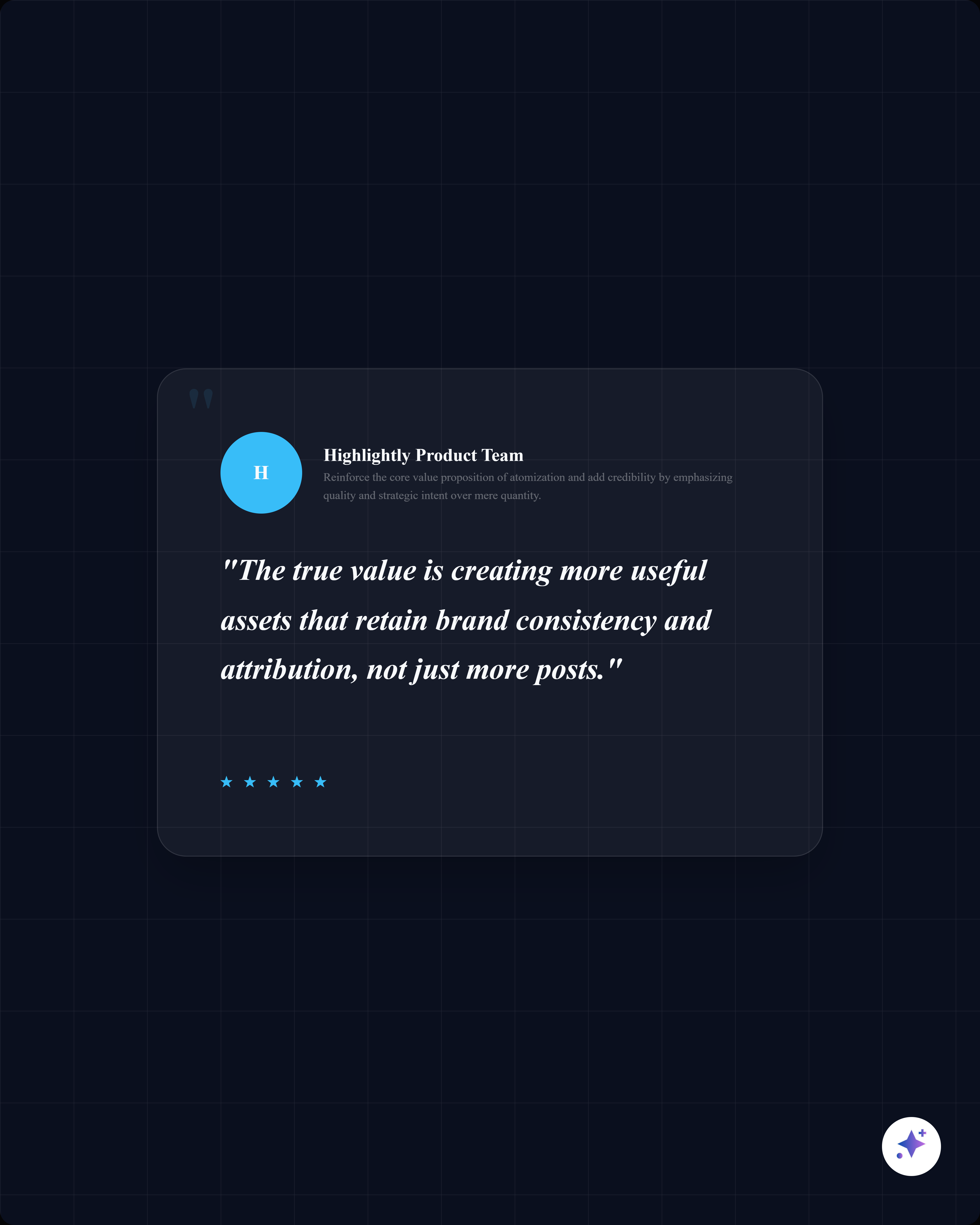


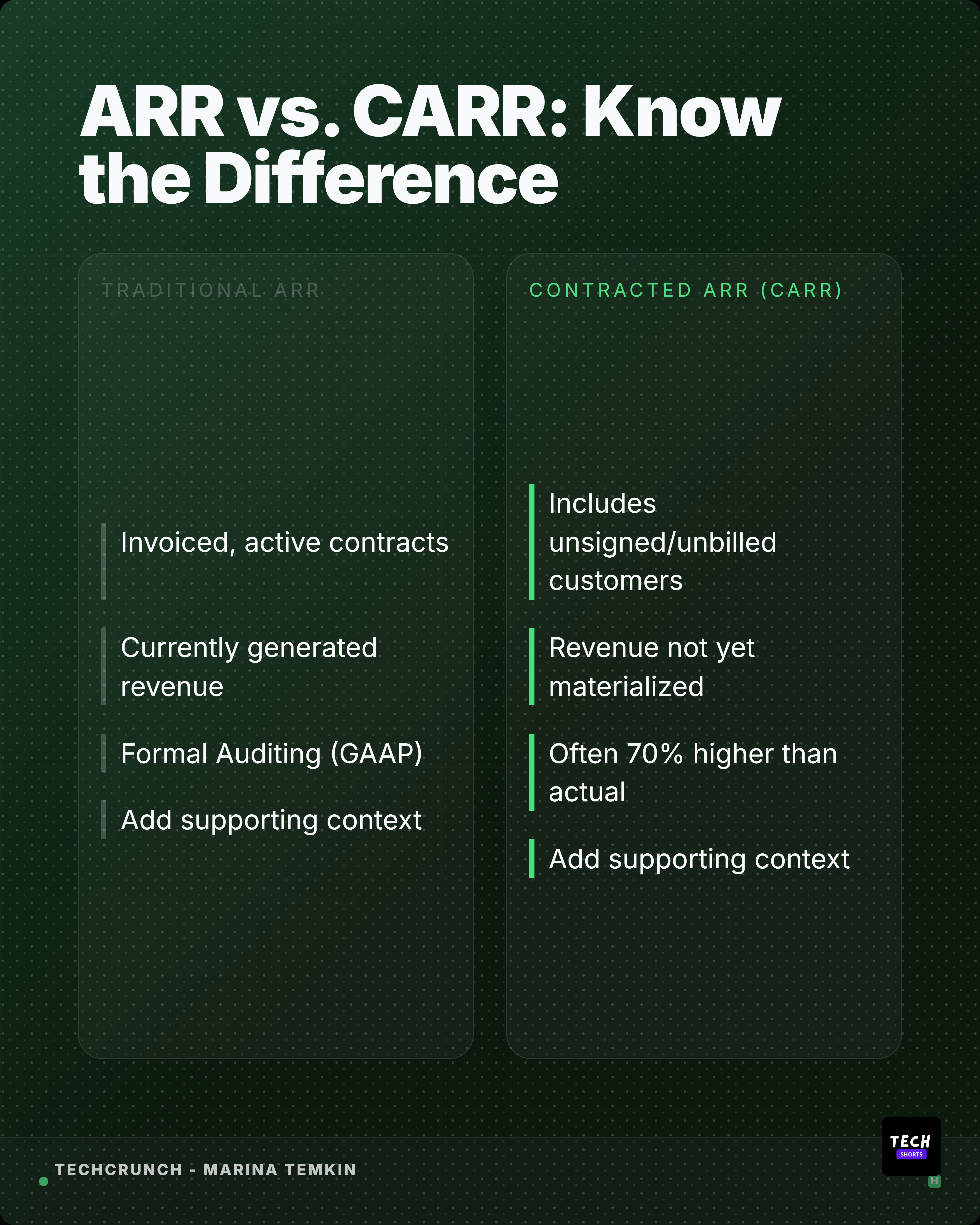
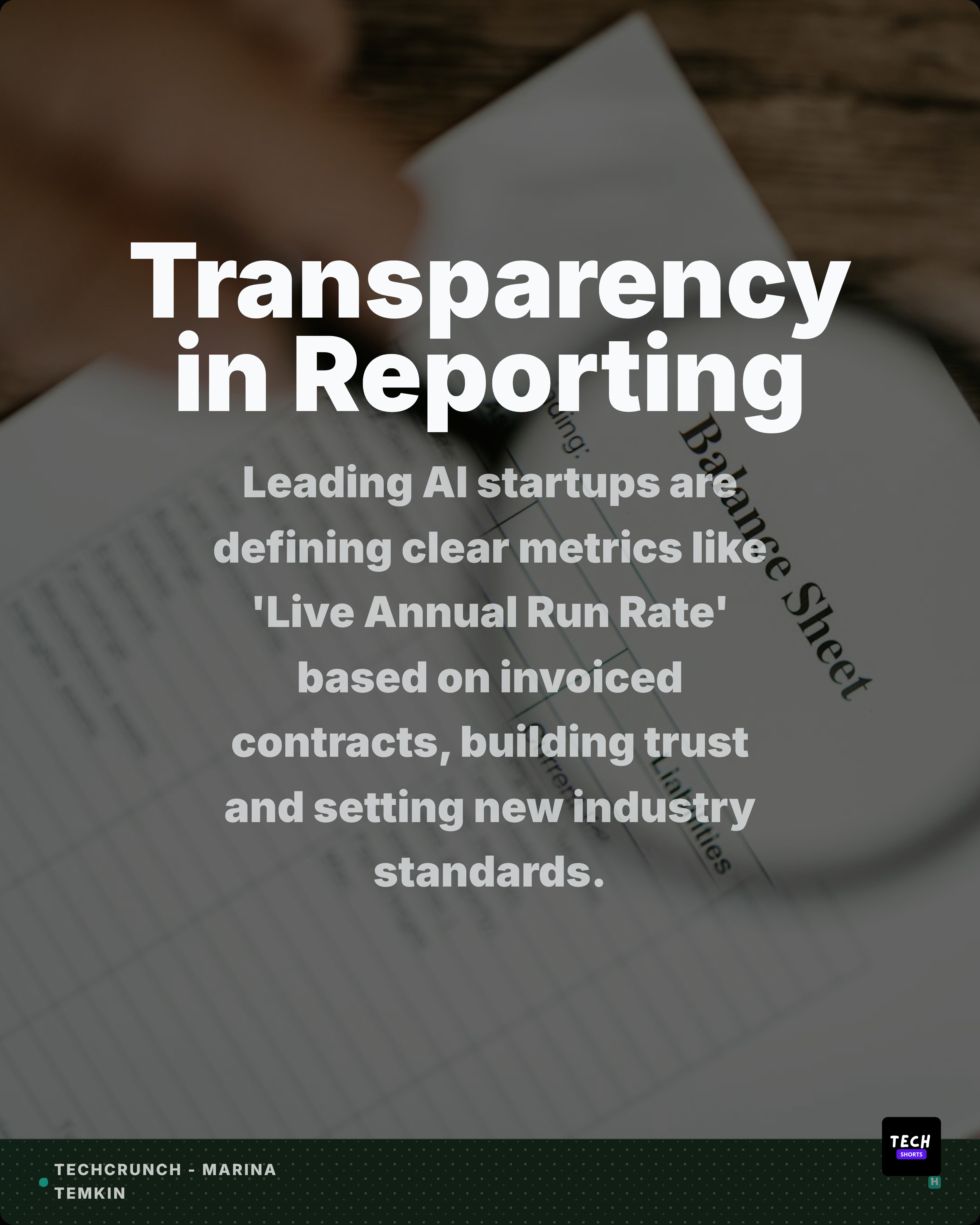



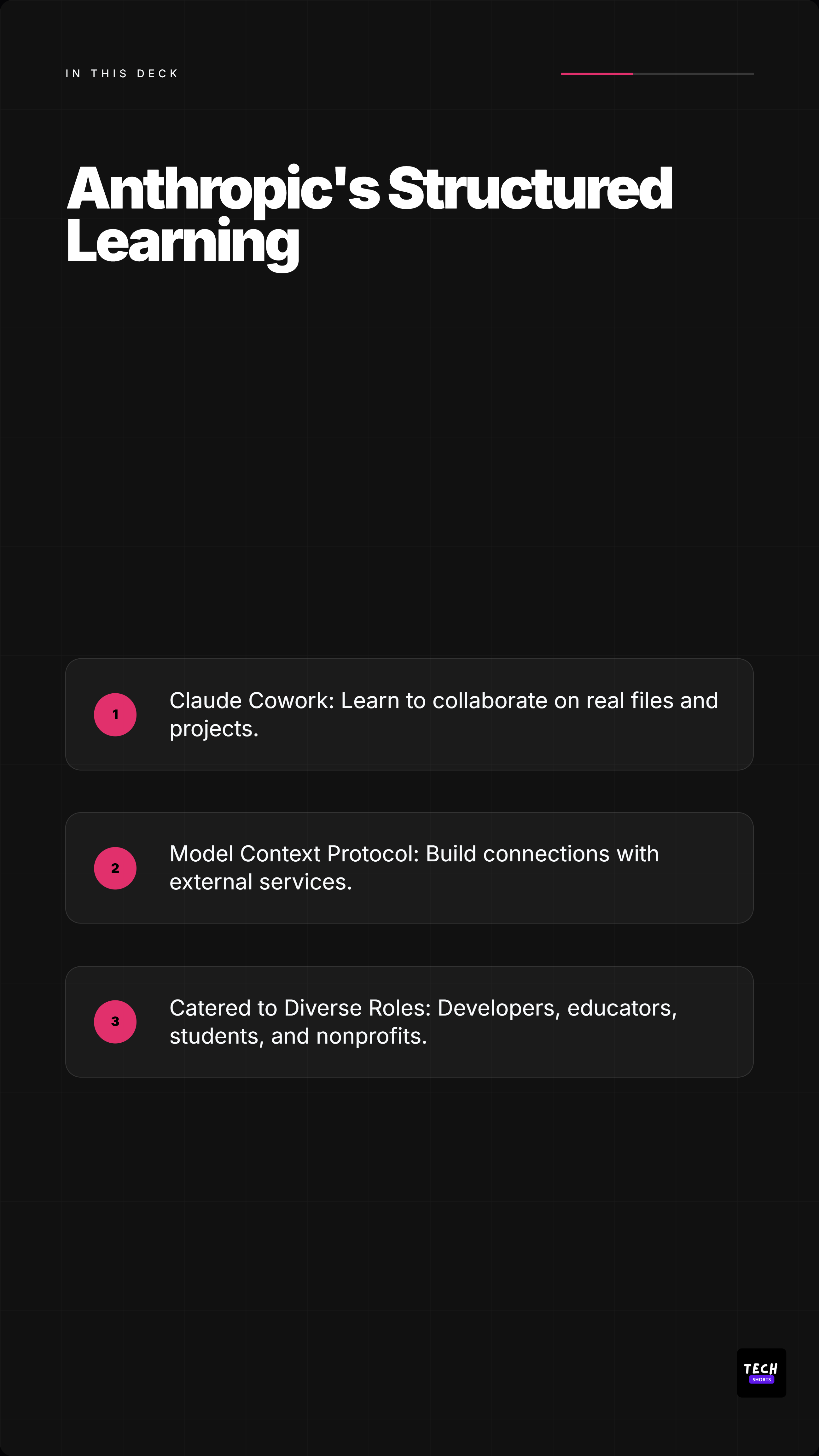






Source to slide
The page does not ask you to invent ten slides from memory. It starts by exposing the material that can actually support the carousel.
Blog post
A LinkedIn document post that teaches one idea instead of summarizing every paragraph.
PDF report
A data-first carousel that keeps the number and source context visible.
Transcript
A carousel for creators, podcasts, webinars, and interviews without rewatching the whole source.
Workflow
AI handles the repetitive extraction and first draft. You still decide the angle, slides, edit, source labels, and brand treatment.
Paste an article, upload a report, add transcript text, or start from a saved extraction. Highlightly starts from material you can inspect.
Hooks, key points, quotes, statistics, facts, entities, and comparisons are pulled into a reviewable workspace before slides are generated.
Build a clear arc: cover, context, evidence, quote, stat, key point, takeaway, source, and CTA slides.
Apply colors, logo, watermark, typography, attribution, and ratio controls before exporting the final carousel assets.
Features
Turn real quotes, numbers, hooks, and key points into slide candidates instead of asking AI to invent a carousel from a blank prompt.
Use carousel-native layouts for covers, proof slides, numbered lists, comparisons, case studies, recap slides, and source pages.
Generate platform captions around the same carousel angle for LinkedIn, X, Instagram, and Reddit.
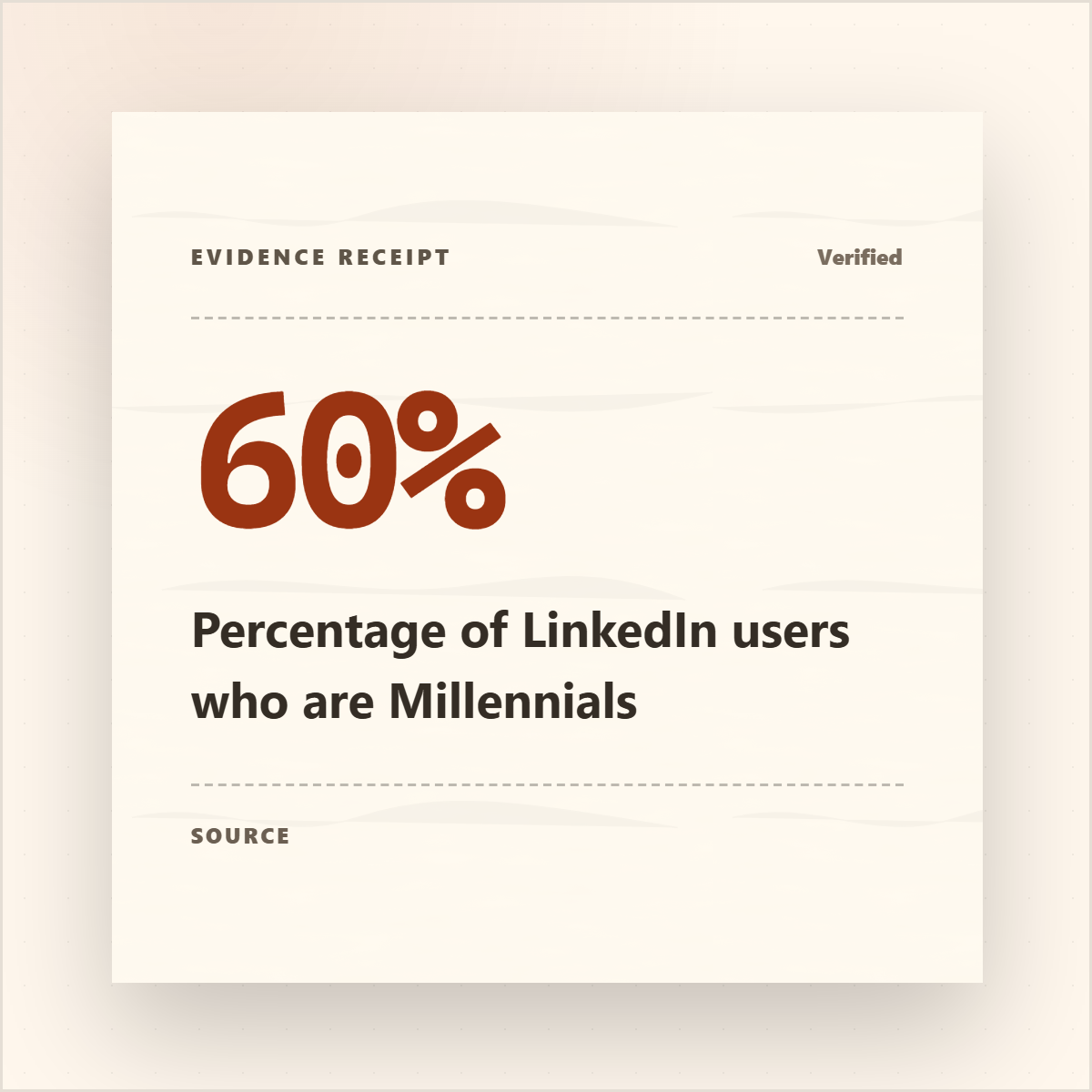
Keep publication, author, source URL, and source labels close to the claim so the carousel does not launder uncertainty.
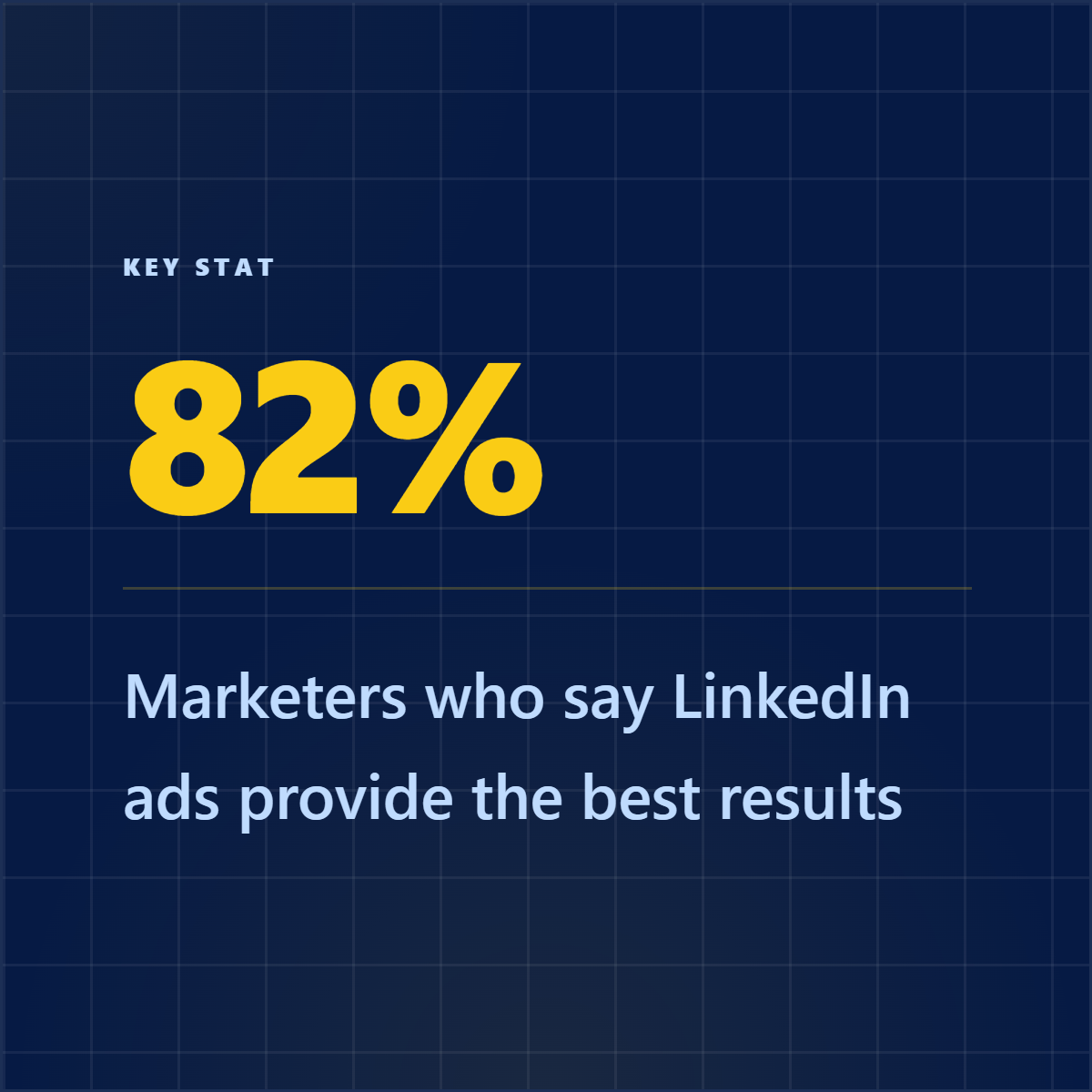
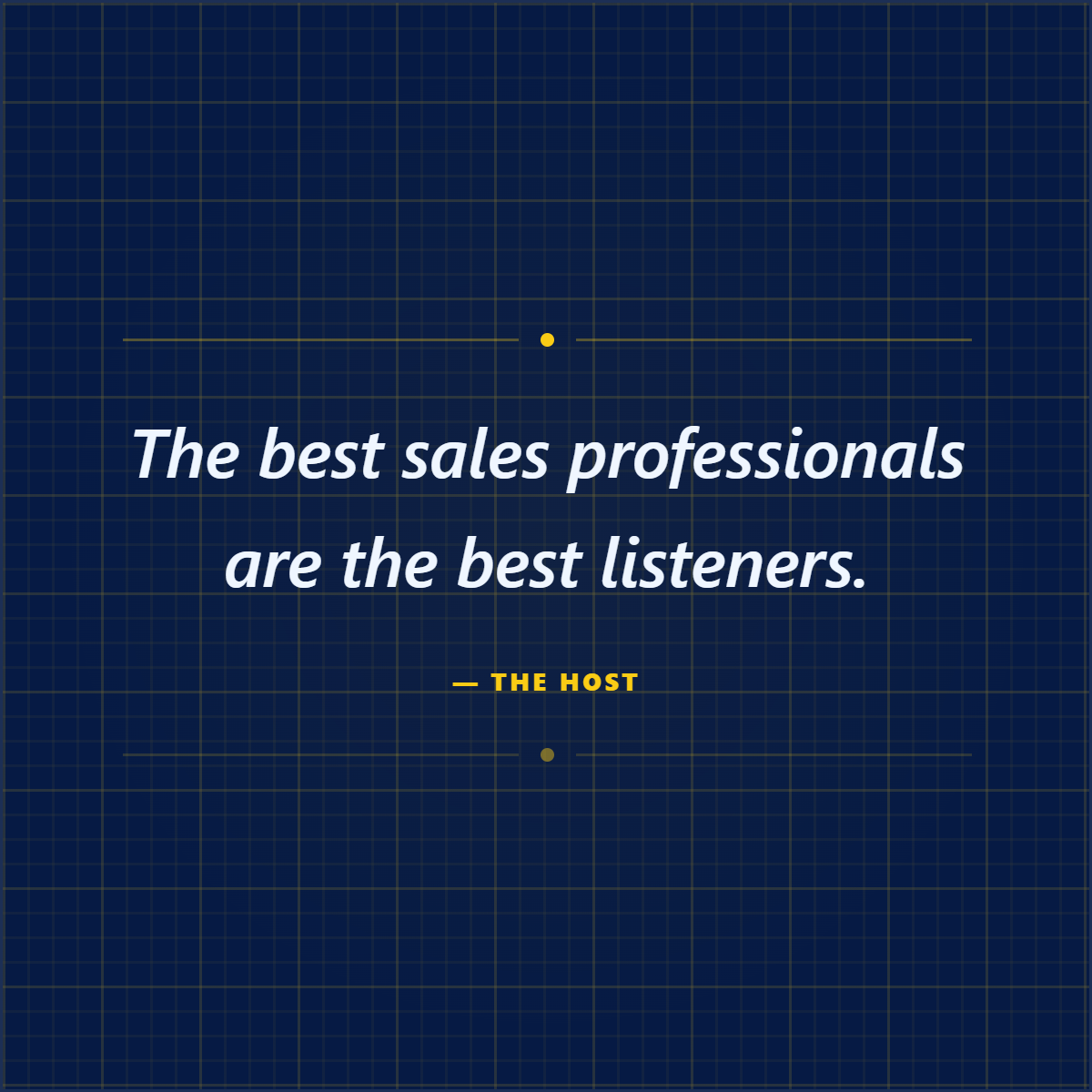
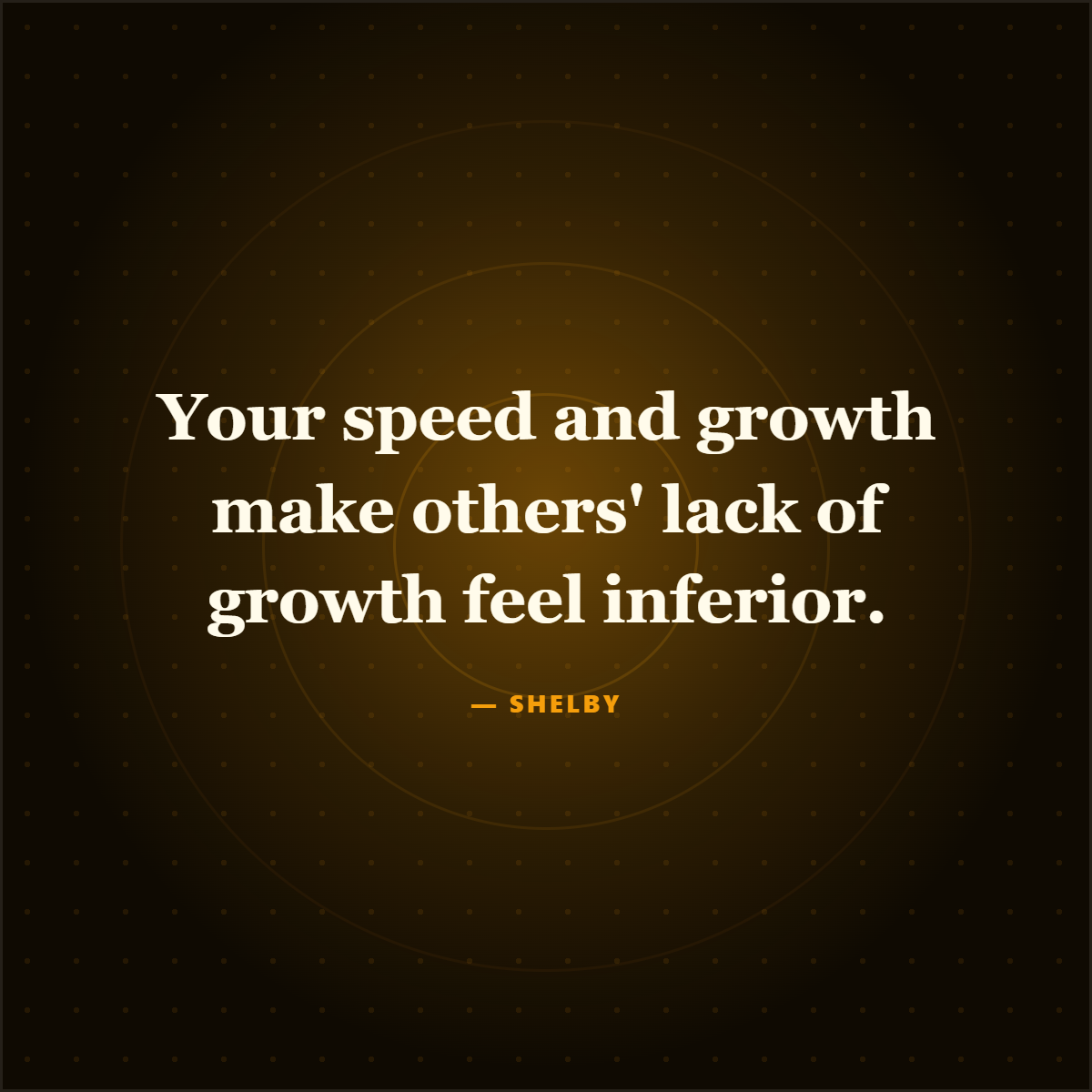
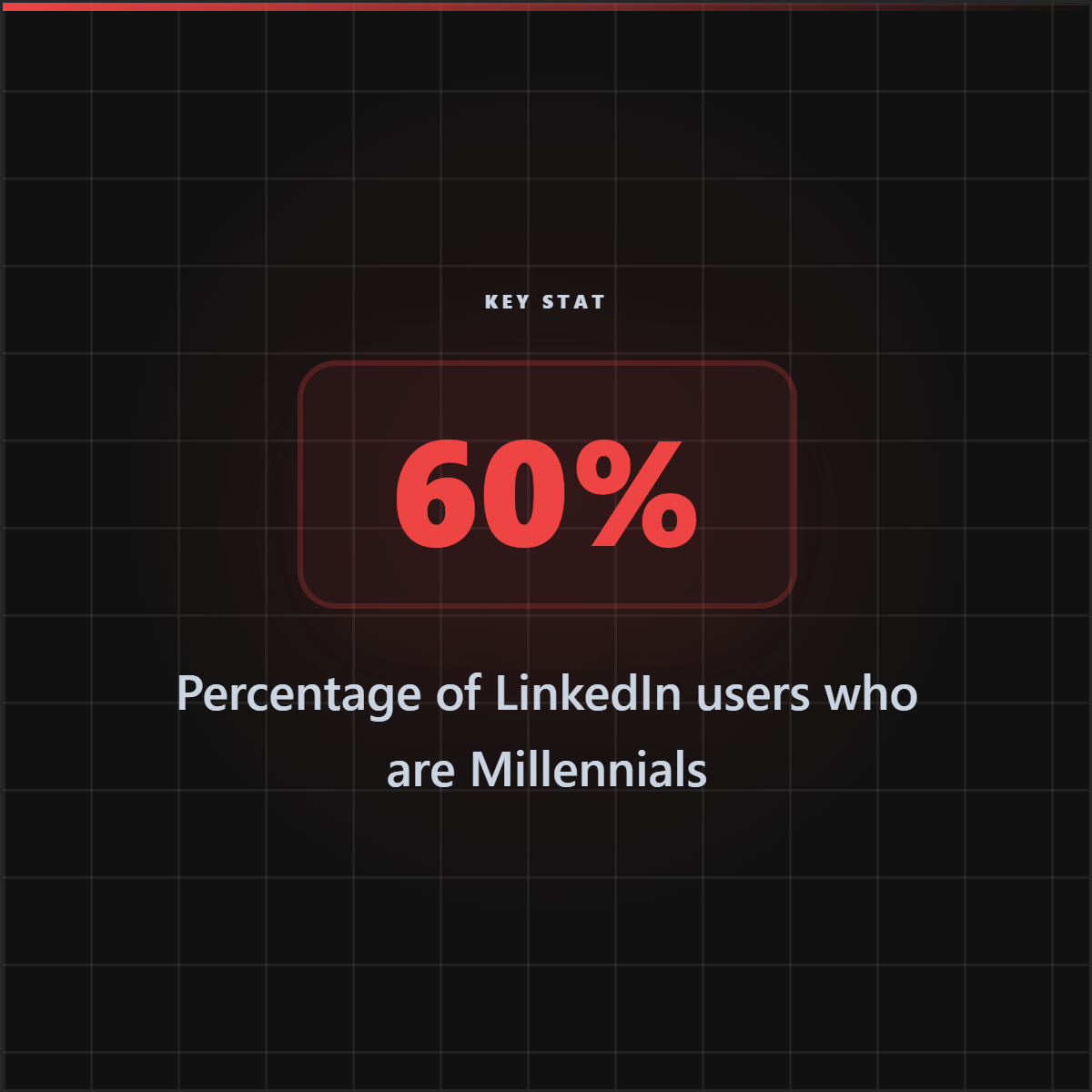
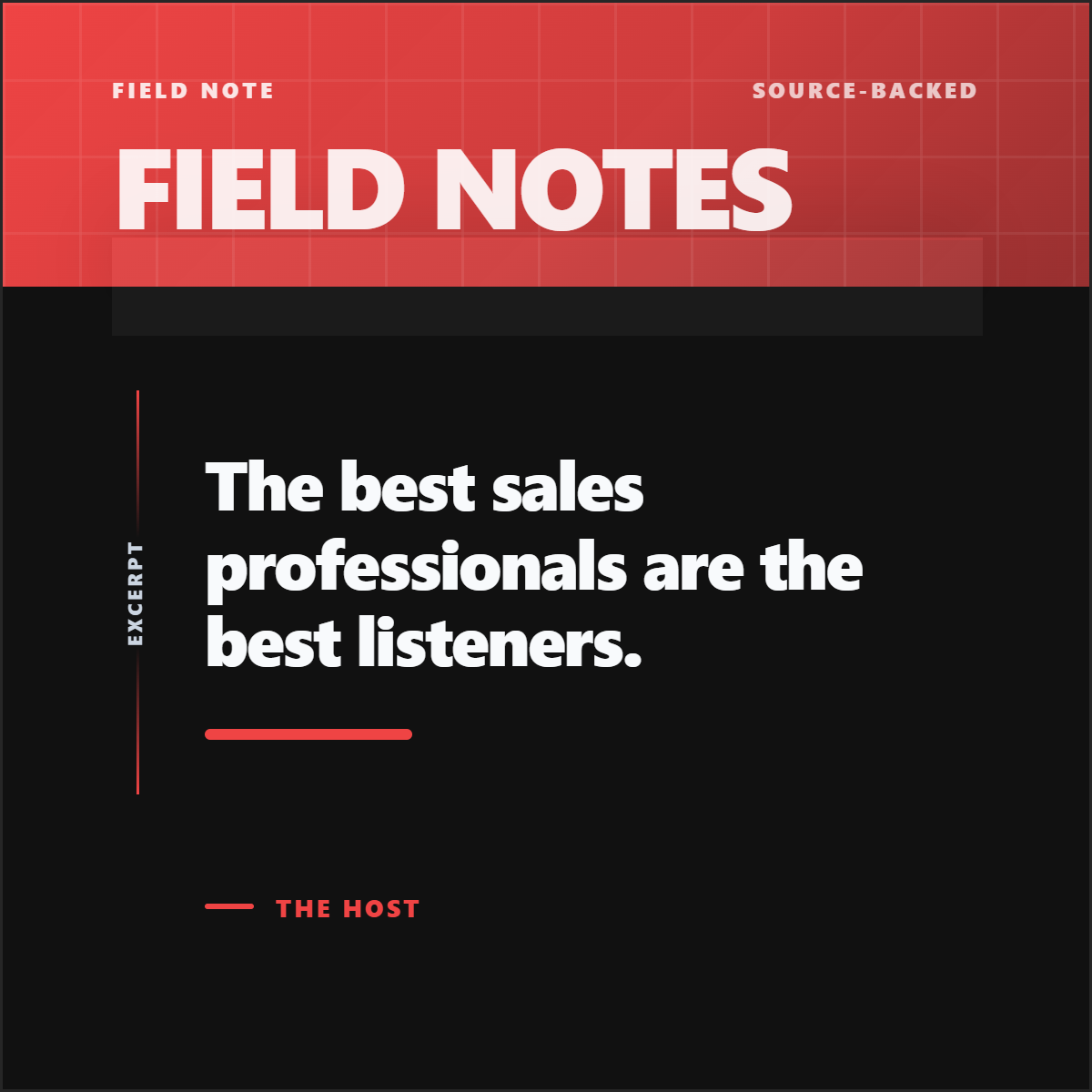
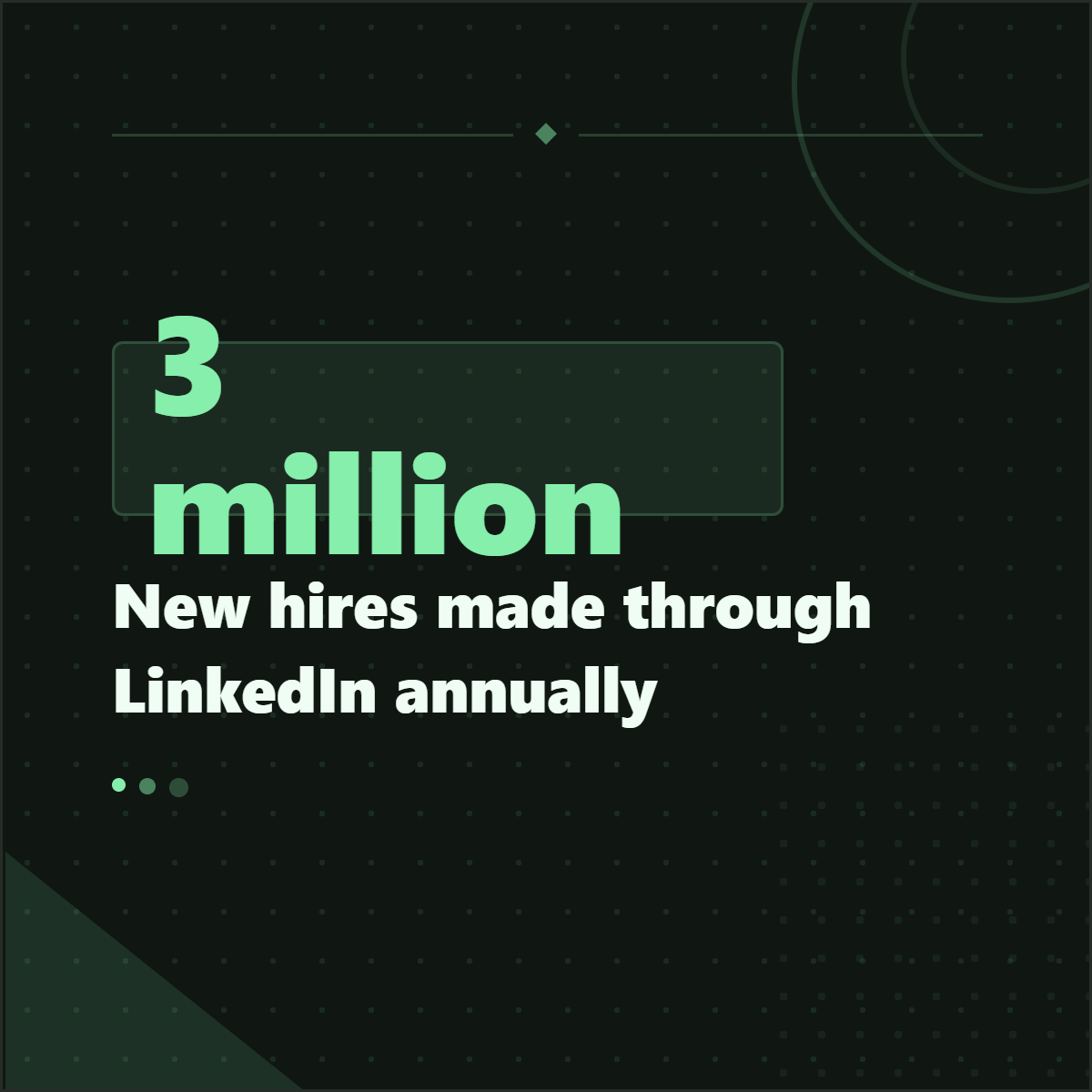
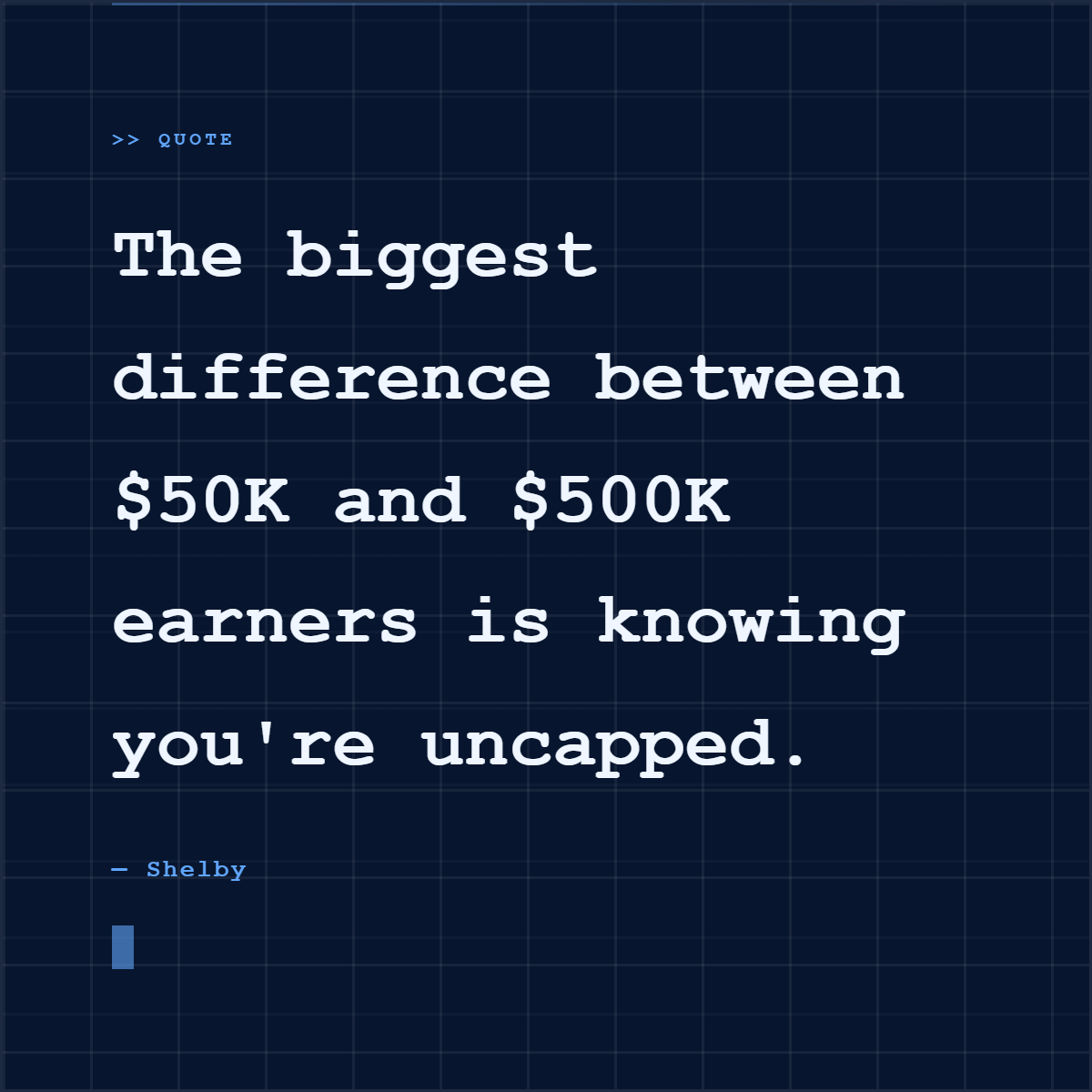
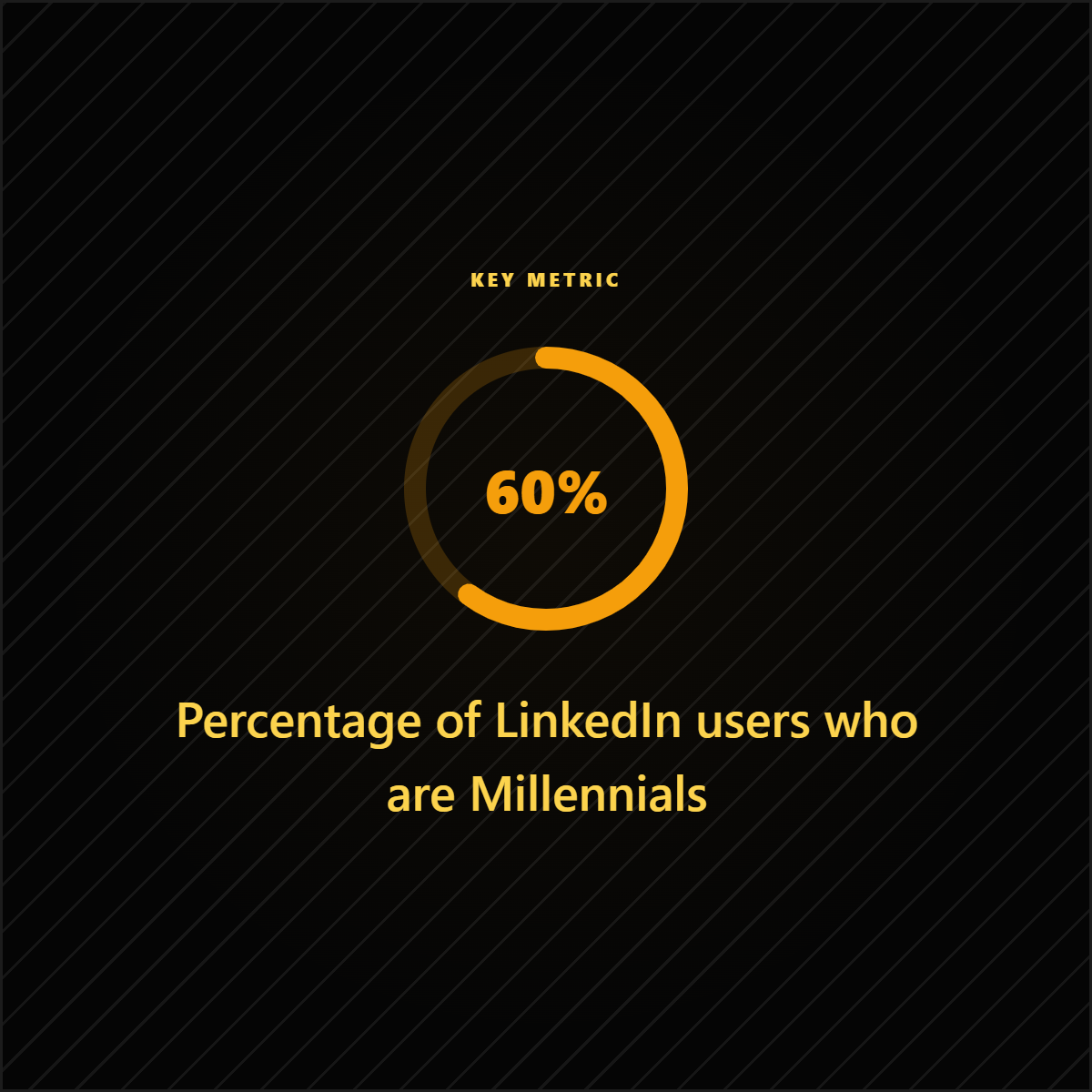
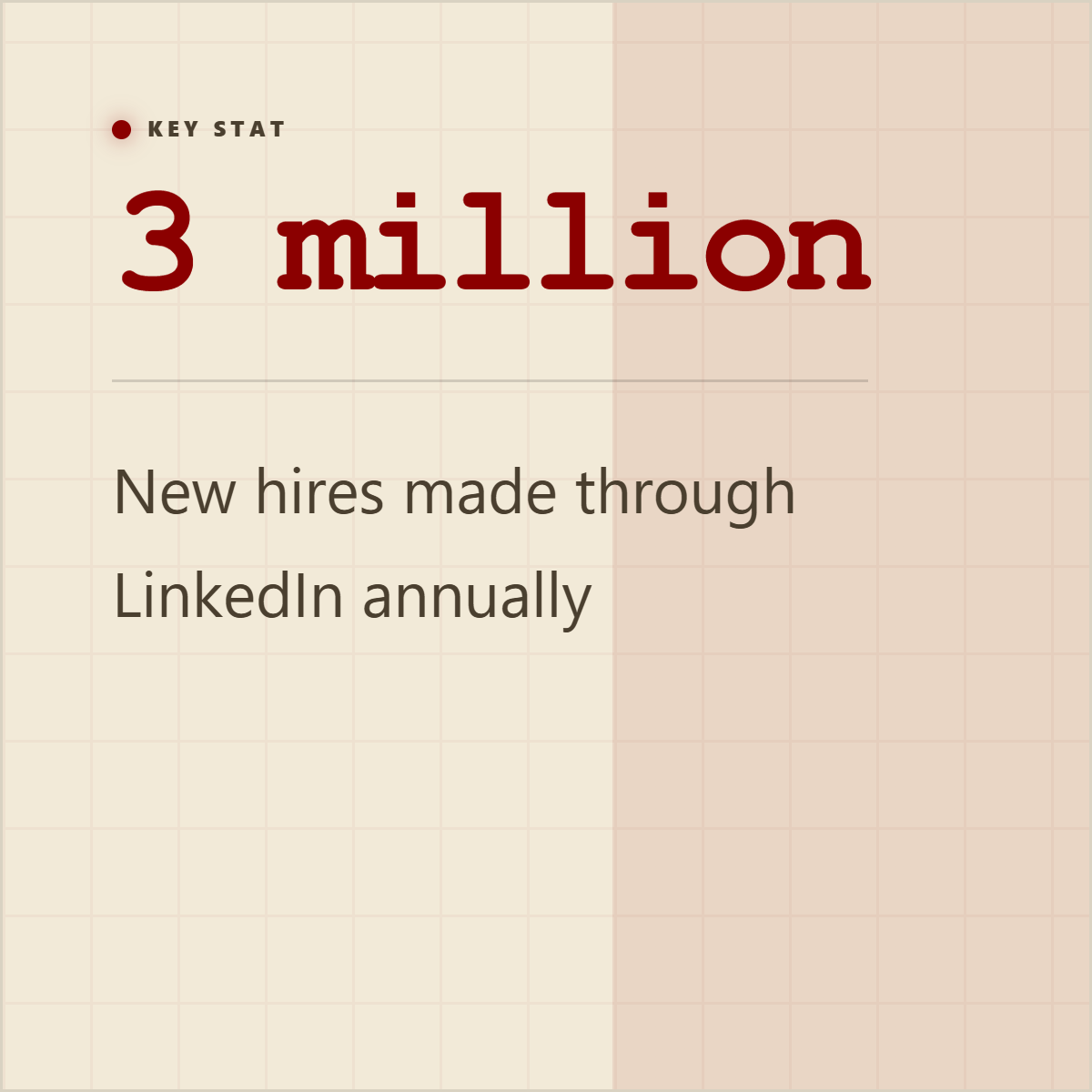
A carousel is usually part of a larger content set. Highlightly keeps the same source-backed material available for smaller social assets too.

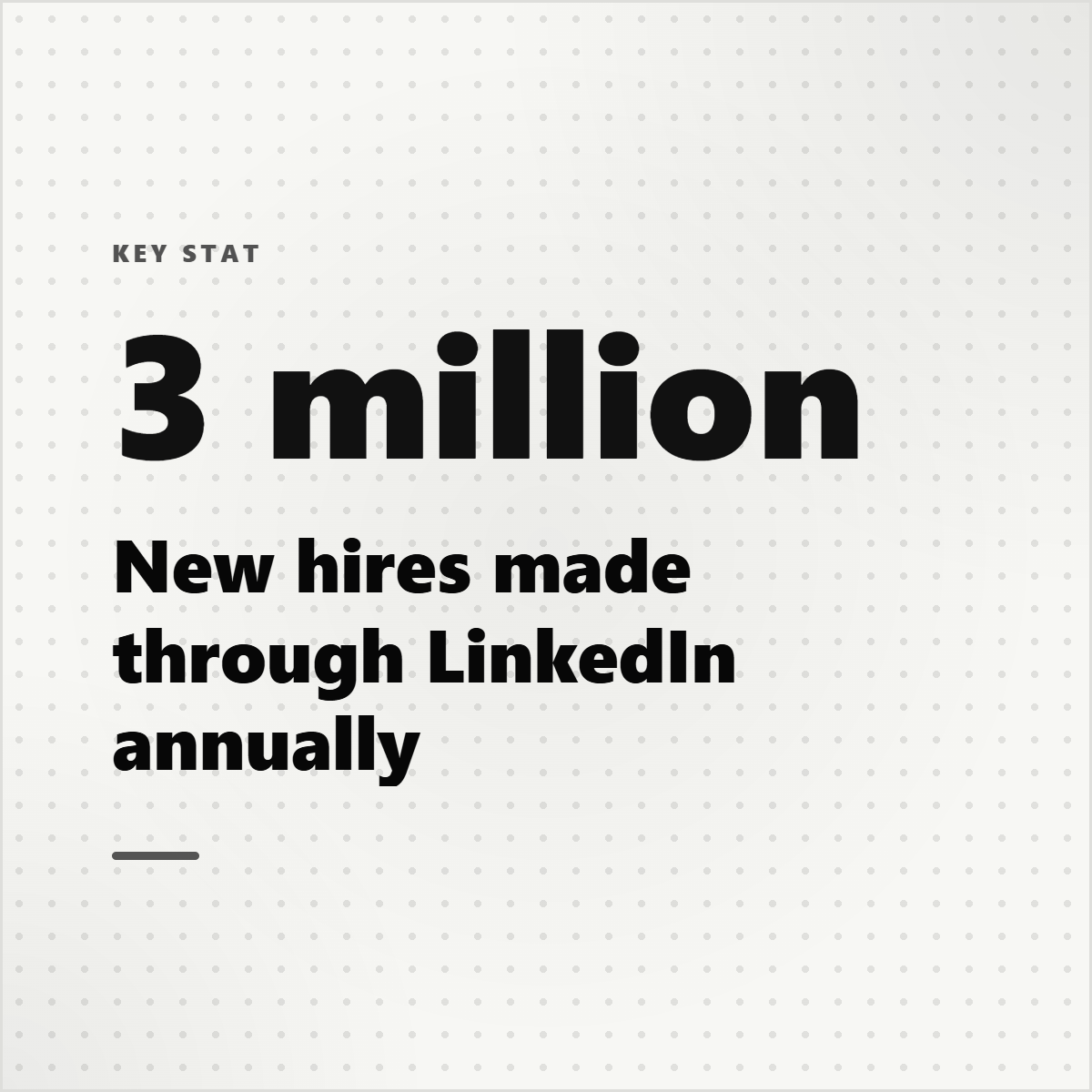
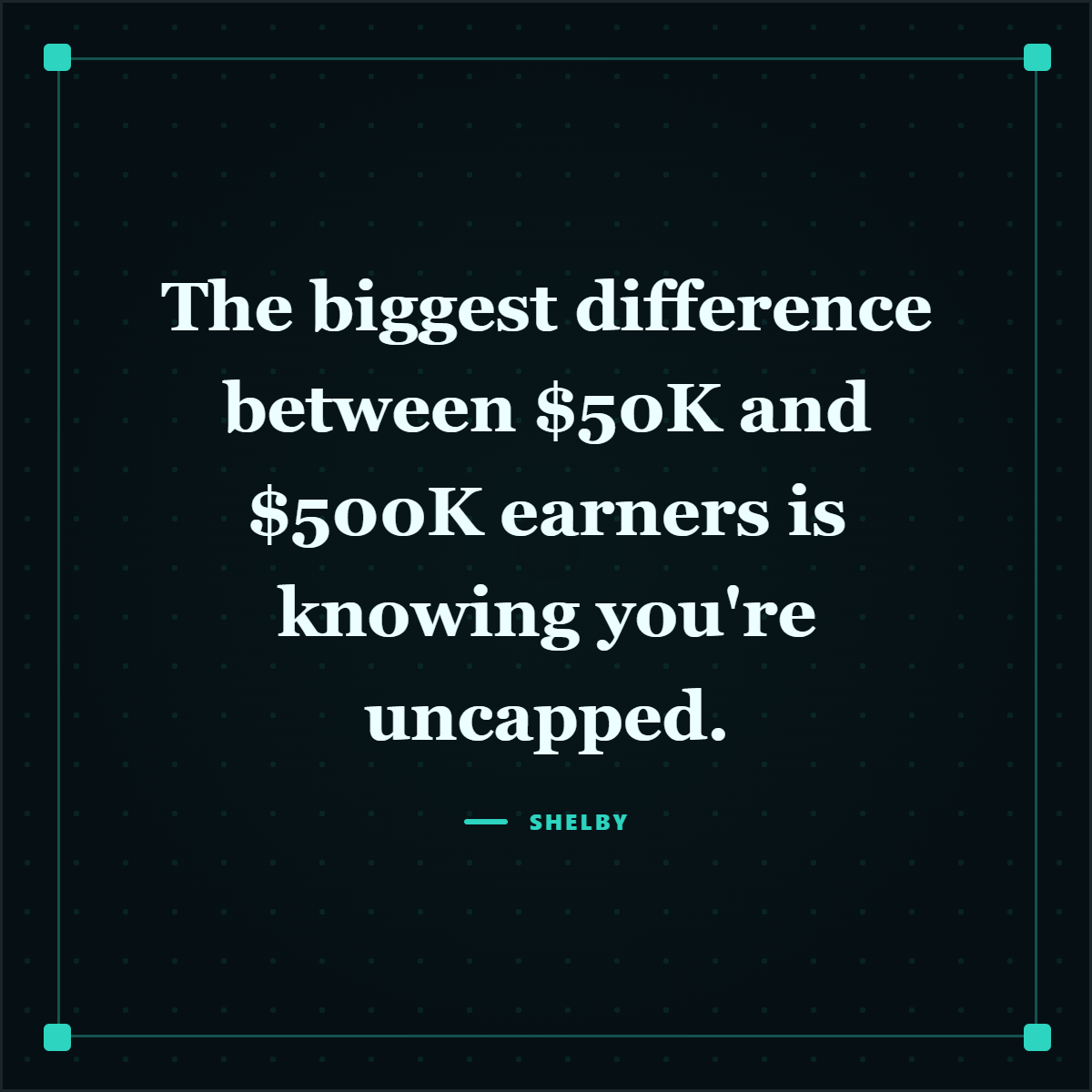
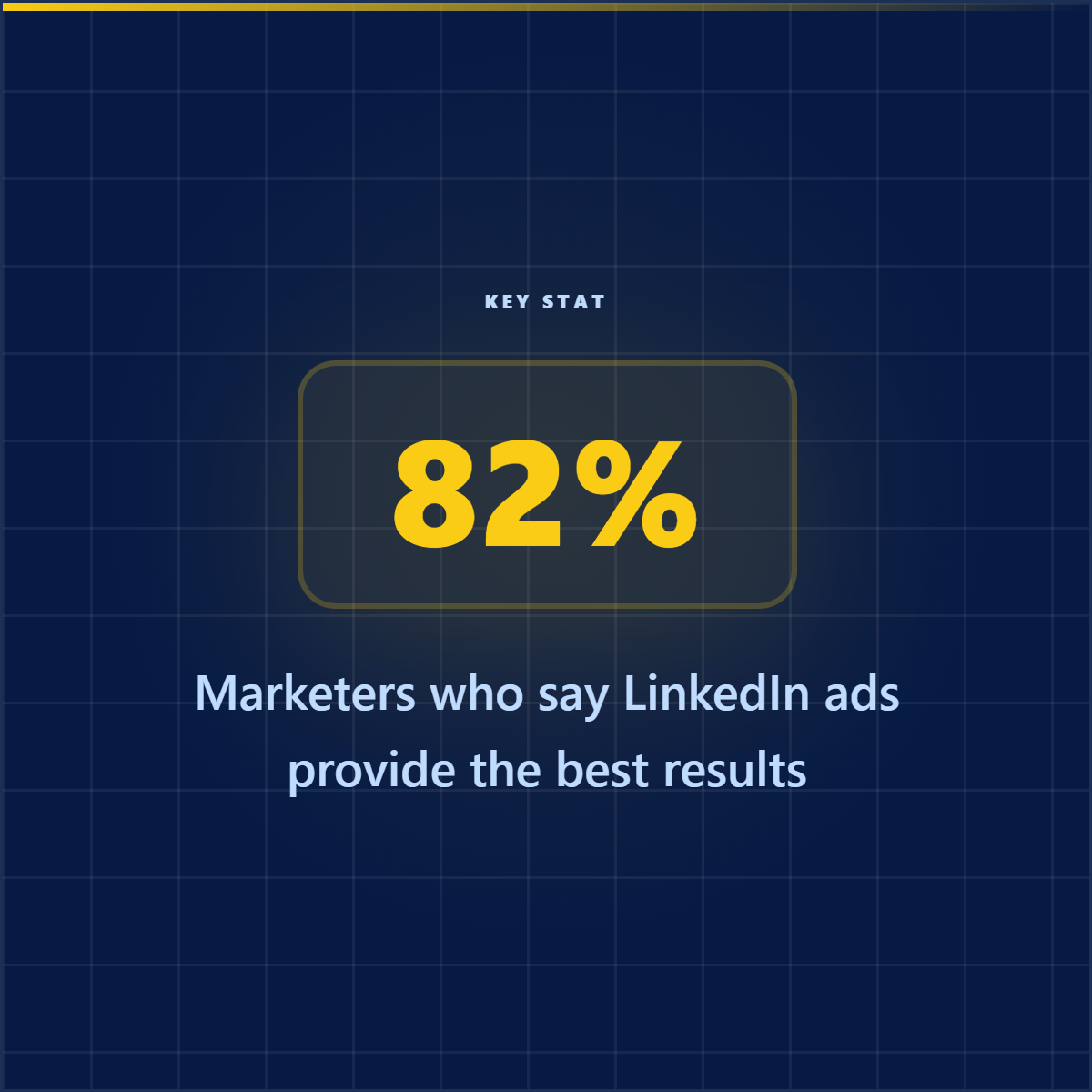

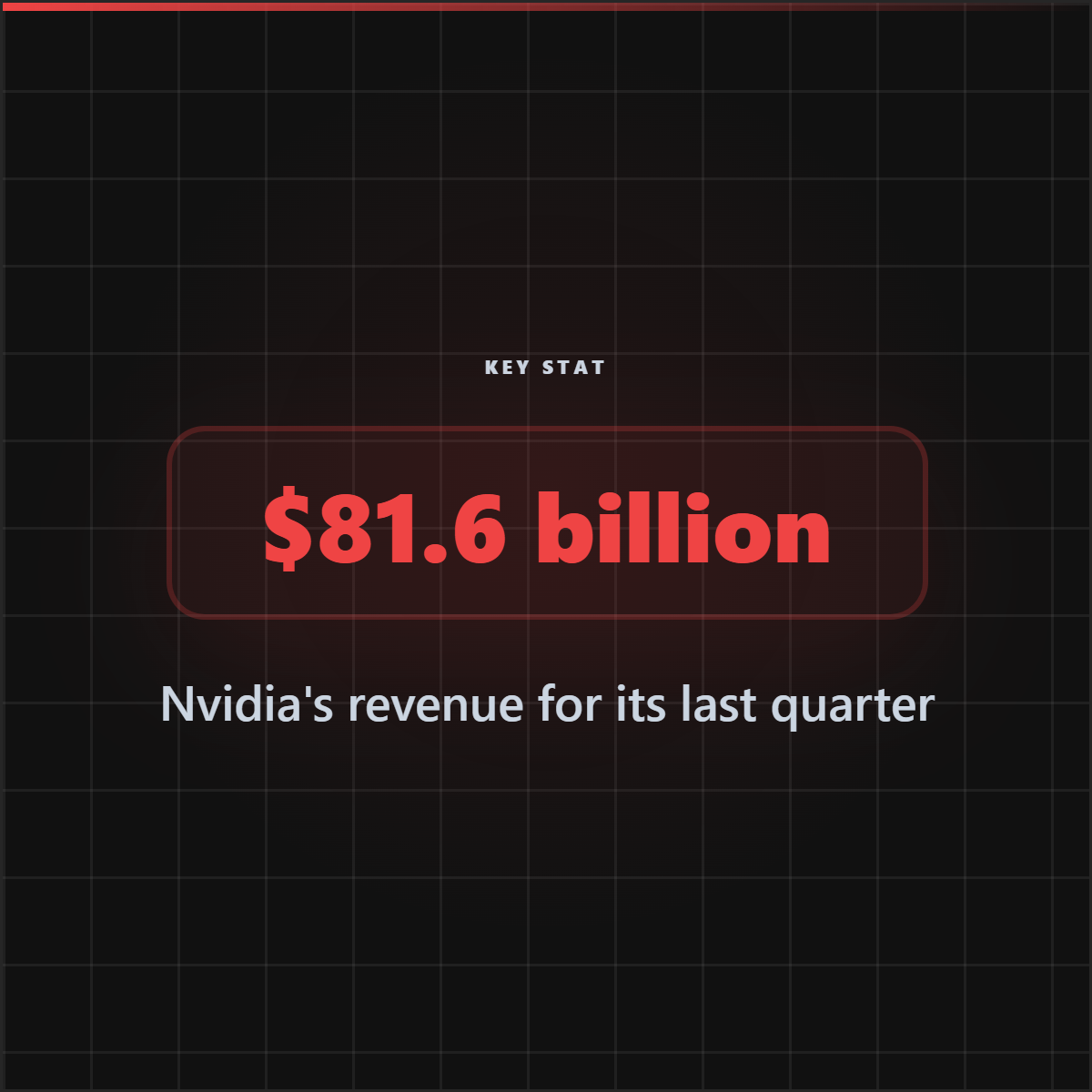
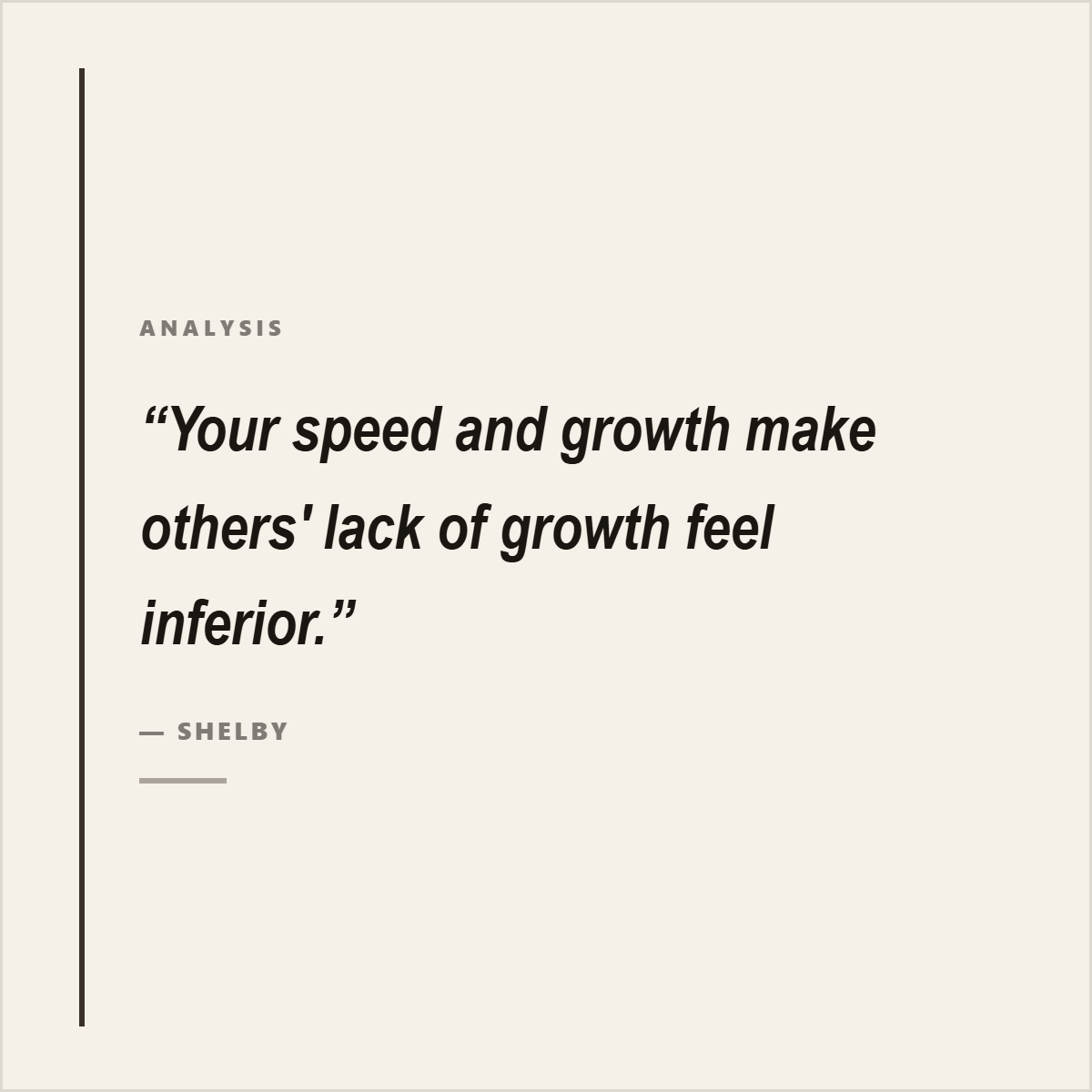



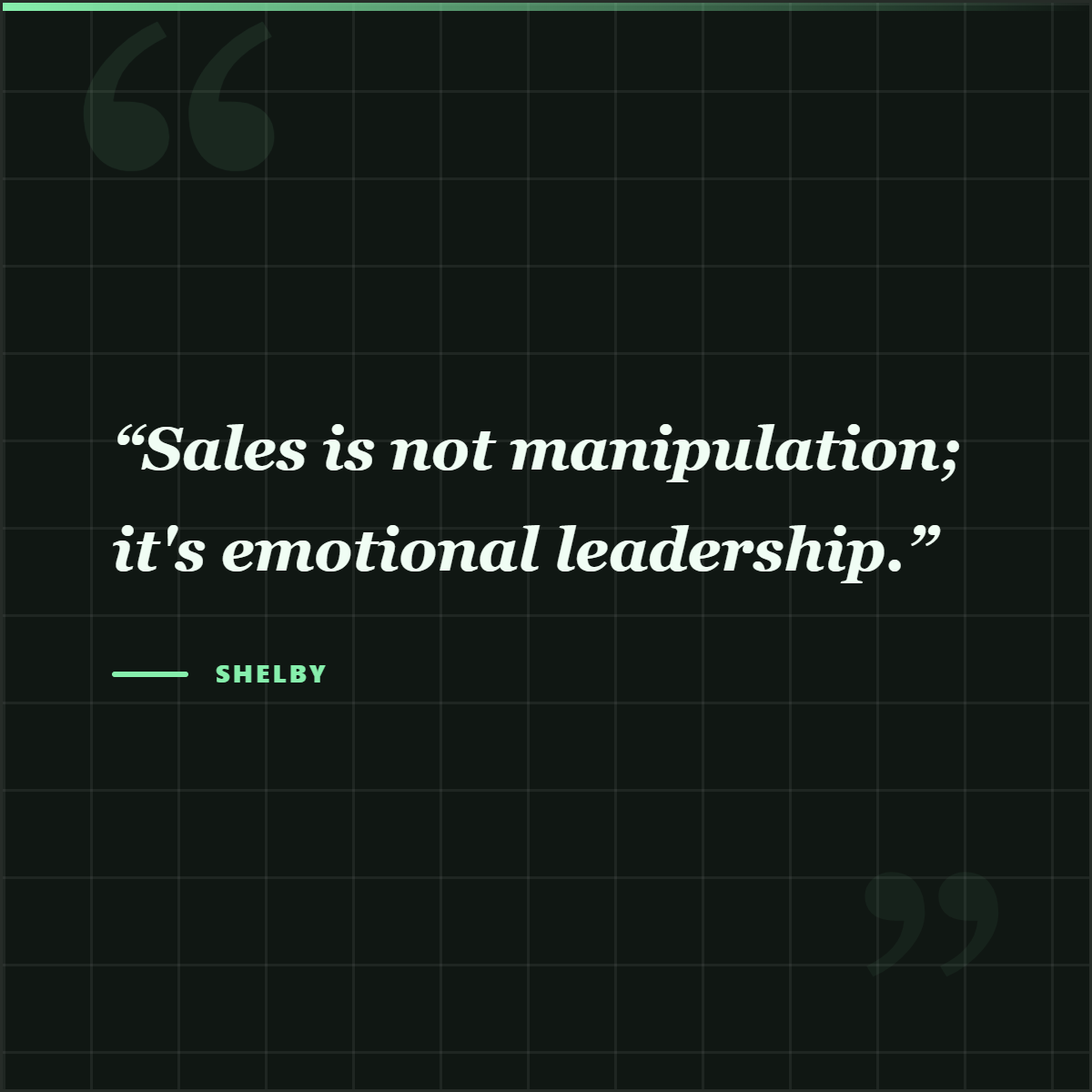
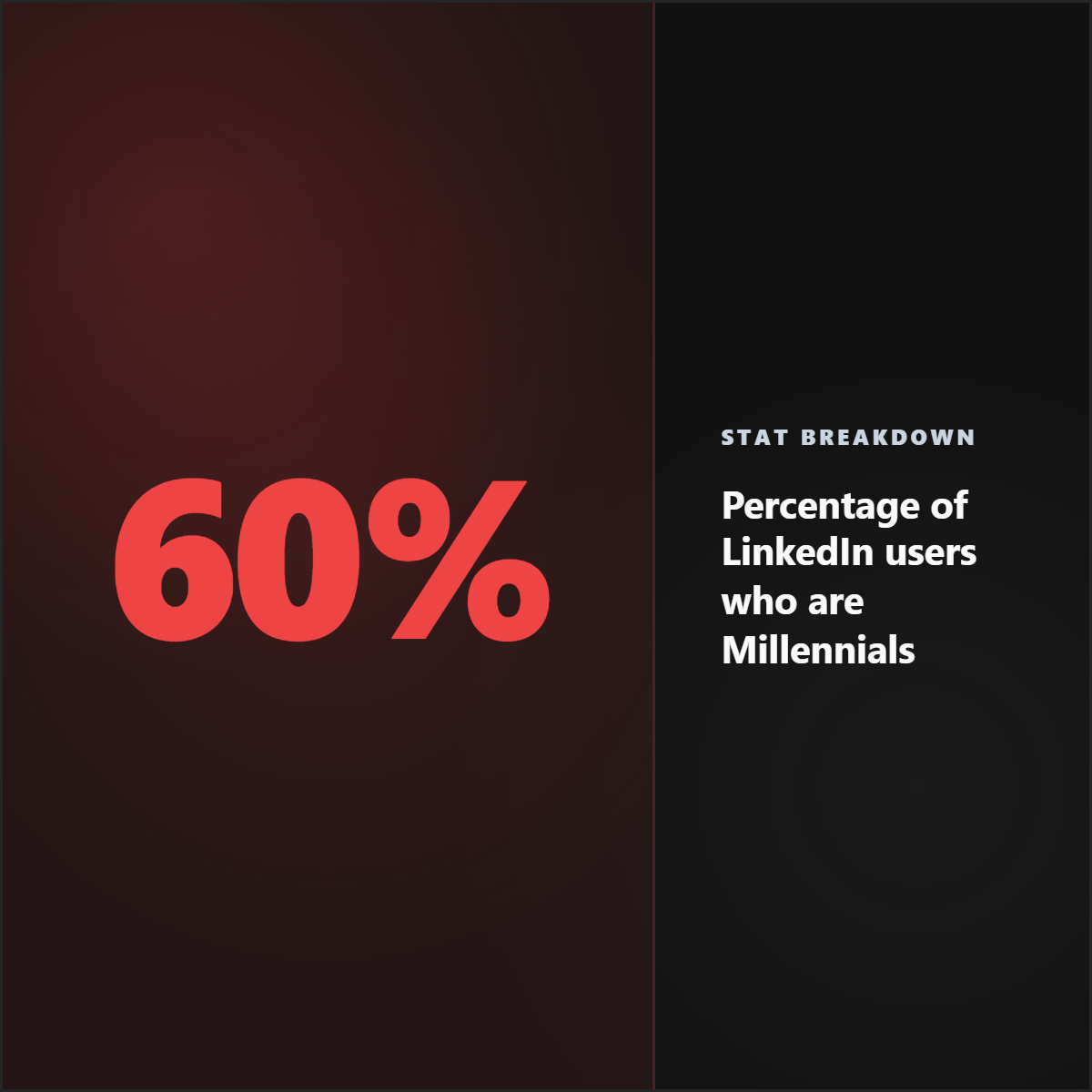


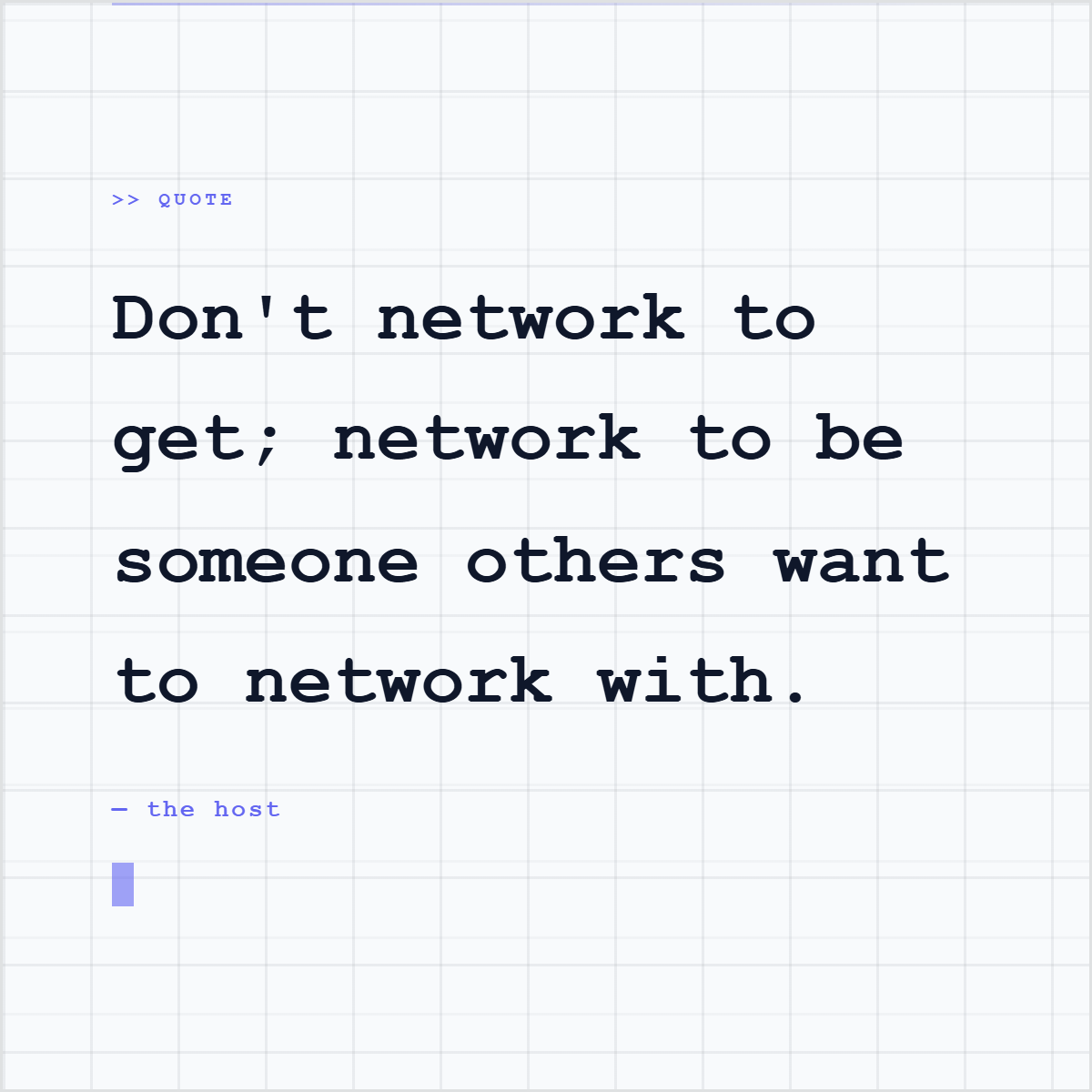



Carousel craft
The best carousel is rarely a chopped-up blog post. It is a focused argument with proof, pacing, and a clear next step.
Make one promise on the cover slide.
Use each slide to advance the argument.
Let quotes and stats carry proof, not decoration.
Keep mobile readability stricter than desktop readability.
End with a next step that follows naturally from the source.
Use cases
Turn blog posts, reports, case studies, and newsletters into carousel posts plus smaller cards from the same source.
Create client-ready carousel directions from source documents while keeping brand kit and attribution controls close.
Package market research, product essays, launch notes, and opinion pieces into readable thought-leadership sequences.
Convert findings into visual summaries without separating the claim from the document that supports it.
Create your account and continue into the workspace with carousel intent. No credit card required to get started.
FAQ
A LinkedIn carousel generator helps create a sequence of slides for a LinkedIn document post. Highlightly focuses on source-backed carousel generation: it extracts hooks, quotes, statistics, and key points from real material before building editable slides.
Yes. Use the article carousel workflow to paste a public URL, review extracted hooks, quotes, stats, and key points, then generate editable carousel slides from the selected material.
Yes. Highlightly supports PDF, DOCX, and PPTX document ingestion in the app and has a dedicated PDF to LinkedIn Carousel flow for turning reports into carousel-ready slide material.
Yes. The carousel workflow is human-in-the-loop. You can review the extracted source material, choose what belongs in the carousel, edit slide copy, switch templates, adjust styling, and apply your brand kit.
Yes. Highlightly has a free plan with 20 starter credits and no credit card required. You can choose the Free plan on pricing and continue into the app.
Highlightly is built around source-backed assets. Attribution fields, source labels, and source URLs stay available so a carousel can carry real context instead of unsupported claims.